Table of Contents
Introduction
The landscape of video creation is undergoing a revolutionary shift. Artificial intelligence is now capable of generating high-quality, stunning videos from simple text prompts or images, making professional-level video production accessible to everyone. For marketers, content creators, and businesses, this represents an unprecedented opportunity to create engaging content faster and more affordably than ever before.
The technology is advancing at a breakneck pace, with major improvements launching every few months, if not weeks. The tools we compared just a year ago have evolved into powerhouses capable of creating videos with realistic physics, consistent subjects, and precise creative control—areas that were major challenges not long ago.
To help you navigate this dynamic field, we’ve tested and compiled a detailed comparison of the top AI video generator in 2025.
The Top AI Video Generators of 2025
Here’s a detailed look at the leading tools, their unique strengths, and ideal use cases.
1. Runway: The Generative Powerhouse with Advanced Tools
Runway stands as one of the top AI video tools, offering a robust suite of features including text-to-video, image-to-video, and AI-powered editing. Its Gen-3 Alpha model delivers realistic and consistent results.
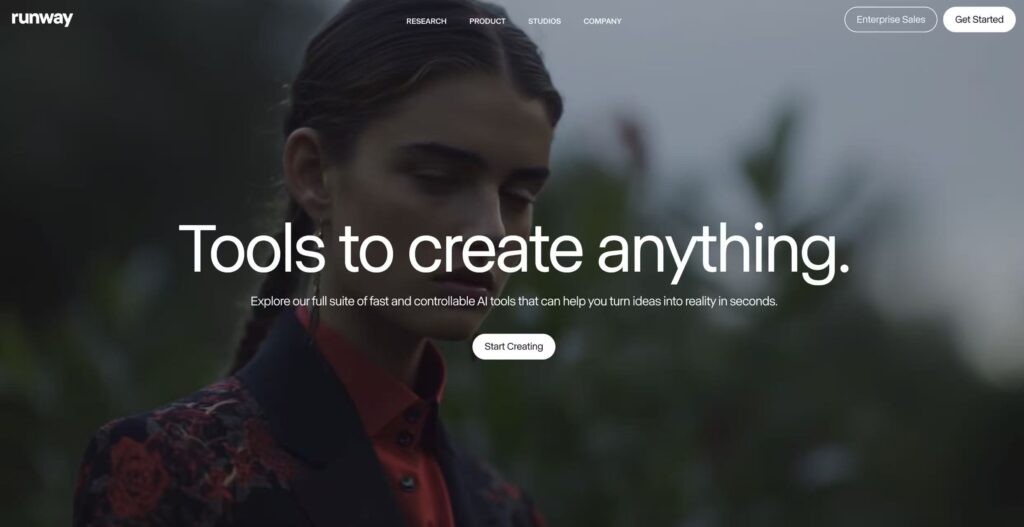
- Best for: Generative AI video with advanced editing tools.
- Standout Features: The Aleph model is a game-changer for editing, allowing you to transform existing videos by changing angles, weather, or props with a simple text prompt. It also features powerful motion brush tools for precise control.
- Considerations: It can have a steep learning curve as it’s hard to control the AI model perfectly, and the lip-sync feature can sometimes feel a bit off.
- Pricing: Offers a free plan with credits. Paid plans start at $12/month for more features and higher resolution exports (up to 1080p).
2. Google Veo: For End-to-End Video Creation
Google’s Veo 3, accessible via Gemini or the Flow editor, is designed to create complete, high-quality videos from start to finish. It’s known for its high-quality physics simulations and stunning motion consistency.
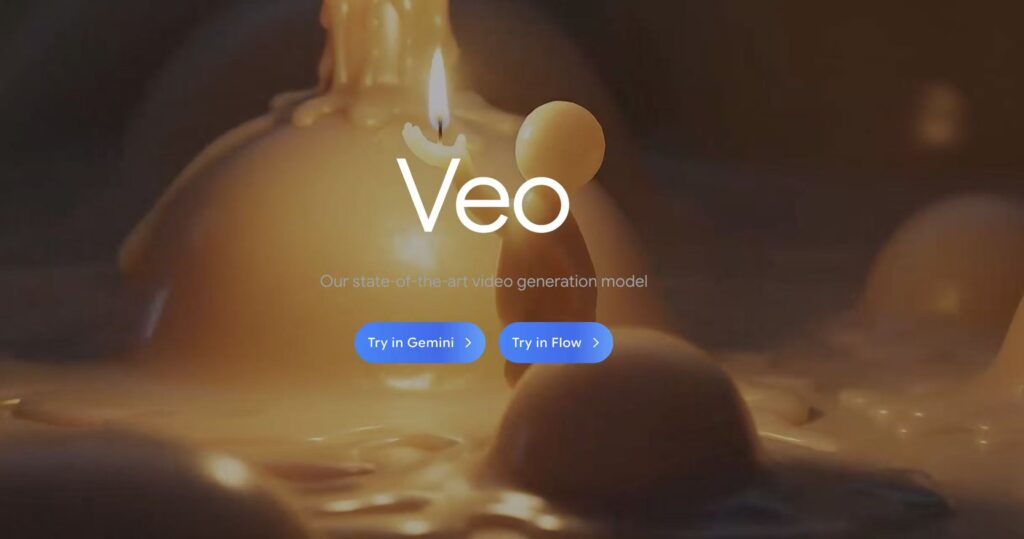
- Best for: End-to-end video creation.
- Standout Features: It features native audio and lip-synced character voice generation. You can write lines for each character, and the model generates the voice with nearly perfect lip sync. The editor, Flow, is intuitive and simple to use.
- Considerations: As of now, wider access is still rolling out, and it has been initially available mostly to users in the US.
- Pricing: Part of the Google AI Pro plan at $19.99/month. A more powerful Ultra plan is available at $249.99/month for higher quality and watermark-free output.
3. Kling AI: Unbeatable Value for Money
If you’re looking strictly at AI video generation, Kling AI offers perhaps the best value for the price. Its video quality rivals or even surpasses Runway’s, but at a much lower cost.
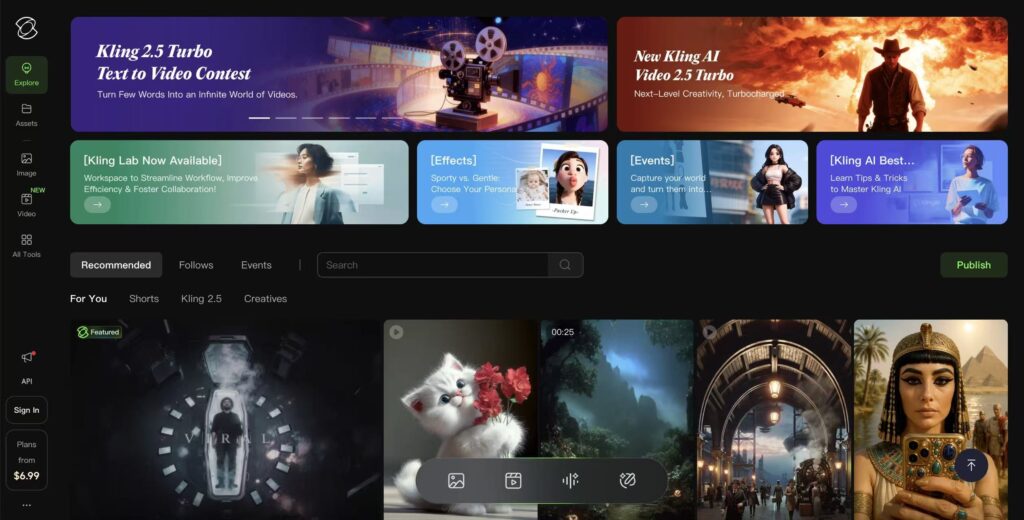
- Best for: Filmmaker-friendly AI video generation.
- Standout Features: Kling leads with features like accurate lip-sync (considered the most realistic among generative tools) and the ability to extend shots to create clips up to three minutes long. Its ‘Elements’ feature gives users greater control over the generated videos.
- Considerations: The main trade-off is speed; generating a video can take 5 to 30 minutes, significantly longer than many competitors.
- Pricing: A powerful paid account starts at around $10/month.
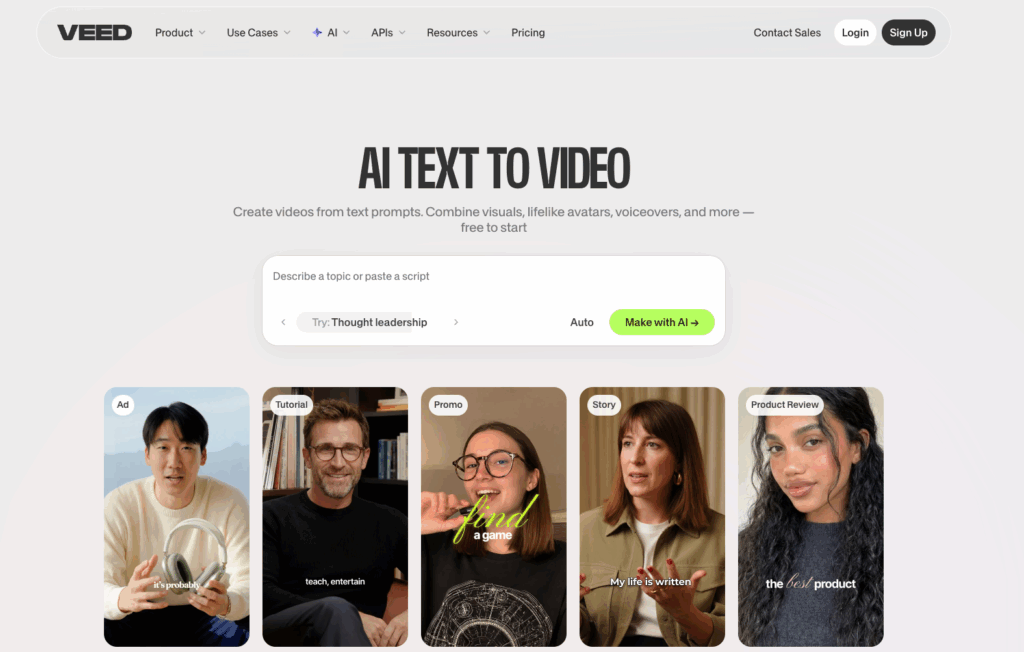
4. Veed: The Intuitive Hub for Social and Marketing Workflows
Veed stands out as a highly intuitive, browser-based content platform that beautifully bridges the gap between raw generative AI and post-production editing. Through its Gen-AI Studio, creators can tap into advanced automation to turn thoughts, prompts, and text into complete, polished video clips within minutes—all without downloading any bulky software.
- Best for: Social media managers, content marketers, and teams prioritizing automated transcription and rapid, feed-ready video creation.
- Standout Features: Its built-in text to video AI generator allows users to convert plain text concepts, scripts, or blog links into multi-scene video clips complete with context-matching visuals, voiceovers, and background music simultaneously. It also features an industry-leading auto-subtitle engine supporting over 100 languages, alongside advanced fixing utilities like AI Eye Contact Correction and instant background noise removal.
- Considerations: Because the entire editing timeline and rendering engine run completely in the cloud, performance is heavily dependent on having a strong, stable internet connection. Large 4K asset uploads can occasionally lag.
- Pricing: Offers a free, watermarked version with limited usage. Paid subscriptions start around $18–$20/month for basic watermark-free creation, while their Pro tier (unlocking full access to advanced AI tools and brand kits) sits at $30–$44/month depending on billing setup.
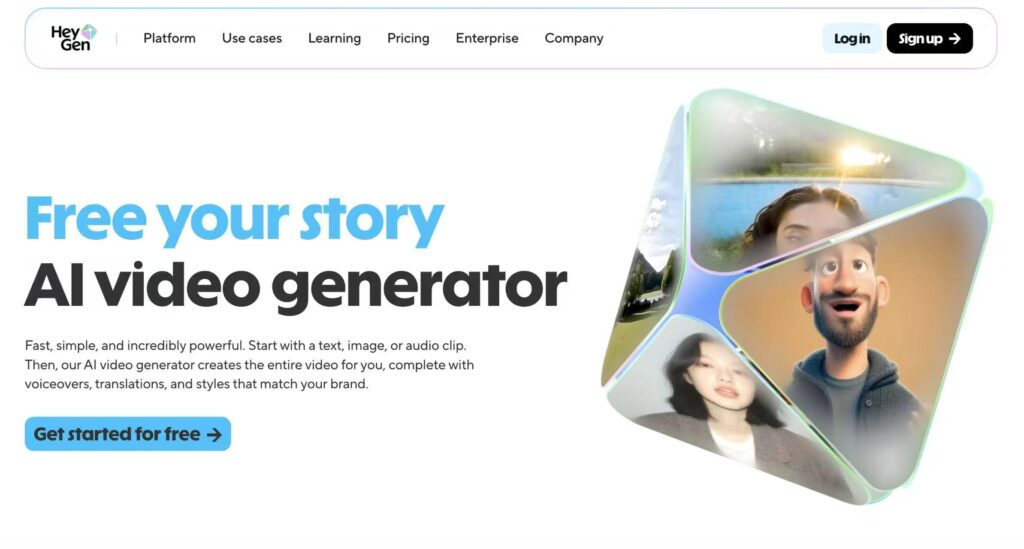
4. HeyGen: The Leader in AI Avatars
HeyGen is a powerful tool for generating lifelike AI avatars, making it ideal for creating AI UGC with perfect lip sync and natural expressions. It’s ideal for creating professional talking-head videos without a production crew.
- Best for: Interactive avatars and corporate videos.
- Standout Features: Creates realistic AI avatars from photos or its stock library. It offers excellent lip-sync accuracy in over 175 languages and a user-friendly, text-based editor called AI Studio.
- Considerations: It is on the more expensive side and its usage is primarily limited to AI avatar creation, not cinematic scenes.
- Pricing: Offers a free plan. Paid plans start at $29/month for the Creator plan.
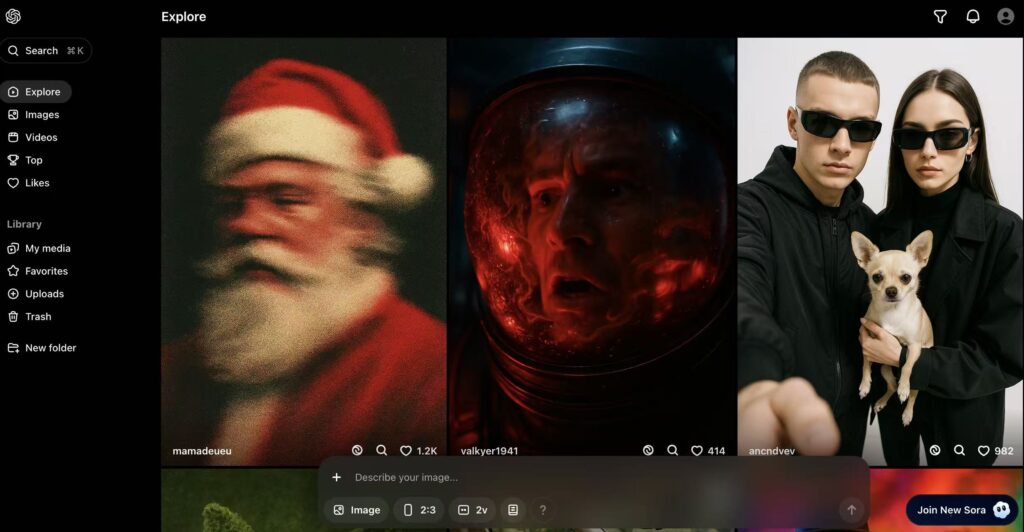
5. Sora by OpenAI: The Cinematic and Community Choice
OpenAI’s Sora is well-known for producing stunning, cinematic visuals. It integrates with ChatGPT and offers unique community-focused features.
- Best for: Community-driven inspiration and remixing.
- Standout Features: It offers storyboard and remixing tools, allowing you to reimagine others’ videos with your own prompts. It’s capable of highly detailed and customisable outputs.
- Considerations: It can take creative liberties if prompts are not specific enough, and it lacks built-in video editing tools.
- Pricing: Not available as a standalone product. Access is through ChatGPT Plus ($20/month) or the Pro plan.
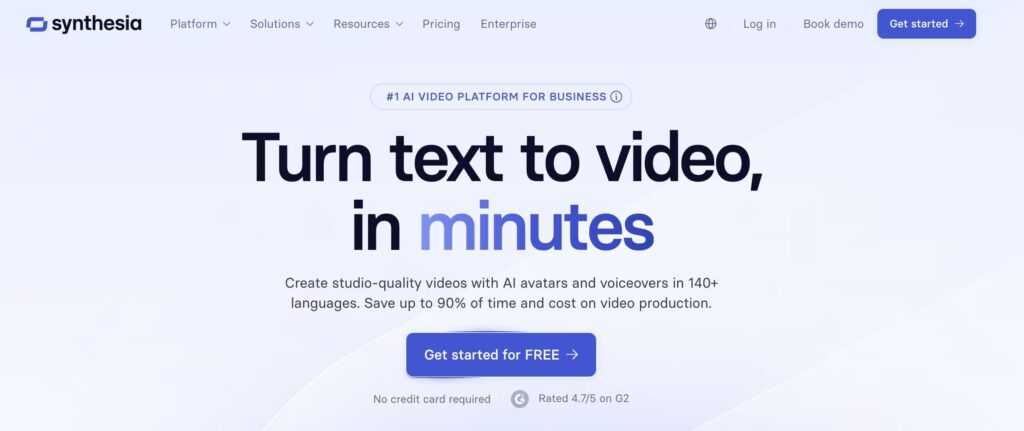
6. Synthesia: For Professional Training and Presentations
Synthesia is the leading AI video generator for creating professional videos with digital avatars, widely used for training and corporate communications.
- Best for: Using digital avatars for training and internal comms.
- Standout Features: Boasts a library of over 240 digital avatars and supports 140+ languages. It’s designed for speed and brand consistency, making it easy for teams to produce polished videos from a text script.
- Considerations: It is not designed for storytelling or cinematic visuals; it’s focused on professional talking-head videos.
- Pricing: Offers a free plan. Paid plans start at $29/month.
Comparison Table at a Glance
| Tool | Best For | Standout Feature | Starting Price (USD) |
|---|---|---|---|
| Runway | Advanced AI video generator Tools & Editing | Aleph model for in-depth video transforms | ~$12/month |
| Google Veo | End-to-End Creation | Native audio & lip-sync for characters | $19.99/month |
| Kling AI | Value & Filmmaker Tools | Accurate lip-sync & shot extension | ~$10/month |
| HeyGen | Realistic AI Avatars | Lifelike avatars & multi-language support | $29/month |
| OpenAI Sora | Cinematic Shots & Remixing | Storyboard and community remix tools | $20/month (via ChatGPT Plus) |
| Synthesia | Corporate Training & Avatars | Huge avatar library (240+) & multi-language (140+) | $29/month |
Key Factors to Consider When Choosing a Tool
Before you commit to an AI video generator, here are the key aspects to evaluate based on our testing:
- Output Quality: Look for high-resolution video (1080p at a minimum, with some tools like Veo offering 4K) and check for realism in physics, lighting, and object consistency.
- Control and Customization: Can you control the camera angles, edit the output, or use image to video for more iterative work? Tools like Runway and Kling AI offer significant control.
- Ease of Use: If you’re a beginner, look for intuitive interfaces like Google’s Veo Flow or HeyGen’s AI Studio.
- Unique Features: Identify what you need most: Is it lip-sync (Kling, HeyGen), audio generation (Veo), avatar creation (HeyGen, Synthesia), or advanced editing (Runway)?
- Cost and Speed: Balance your budget with processing times. Kling AI is affordable but slow, while other tools may be faster but more expensive.
The Verdict: Which AI Video Generator is Best for You?
The “best” tool is entirely dependent on your specific needs, budget, and technical comfort.
- If you prioritize efficiency and a full suite of editing tools, Runway is your best bet.
- If cost is your biggest factor and you don’t mind waiting for generation, Kling AI offers incredible quality for the price.
- If you need professional talking-head videos for business, training, or marketing, HeyGen or Synthesia are the leaders in the field.
- If you’re looking for the highest quality end-to-end generation with audio, Google Veo is impressively powerful, provided you have access.
Ultimately, AI video generator are not replacing human creativity but are powerful assistants that enhance it. They are pushing the industry forward, saving time, and automating repetitive tasks, allowing creators to focus on storytelling and artistic vision.
The future of video creation is here. Embrace these tools, experiment with them, and use them to bring your unique ideas to life.
Leave a Reply