You know that specific kind of heartbreak? You type a beautifully detailed prompt into Seedance 2.0, hit generate, and watch your main character morph into a melting wax figure halfway through the shot. Total chaos. I’ve been there—burning through credits and patience trying to get a usable clip from ByteDance’s new multimodal video model. It wasn’t until I stopped writing “descriptions” and started writing “instructions” that the game changed.
I’m Millie, and I’m going to save you the headache I went through. Instead of hoping for the best, I developed a Director-Style prompt structure that forces the AI to behave. If you’re tired of the “random lottery” vibe of AI video, this 4-block framework is exactly what you need.
Why Prompt Structure Matters More Than Prompt Length
Here’s the thing most people get wrong: they think longer = better. So they write 150-word prompts stuffed with adjectives and hope the model figures it out.
Seedance 2.0 doesn’t work like that.
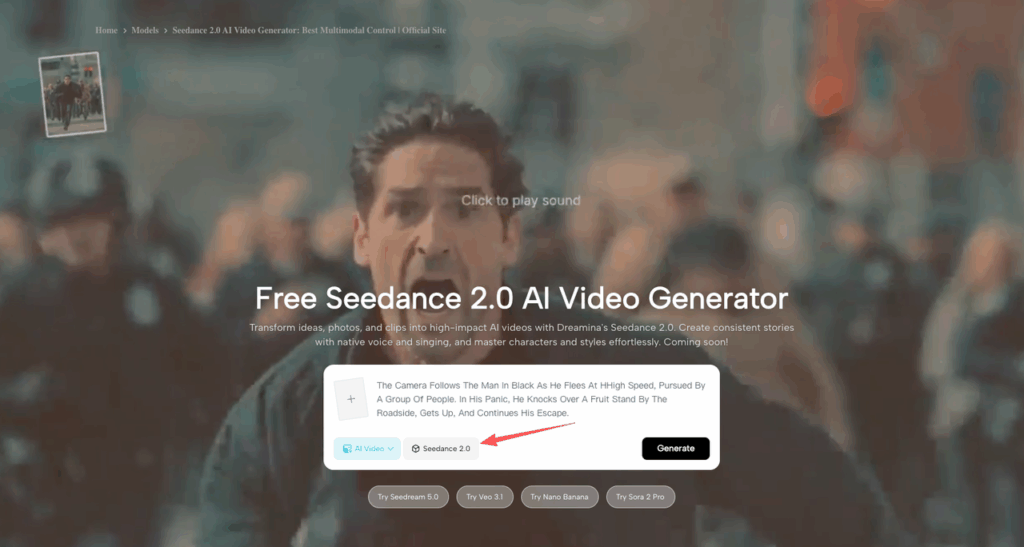
According to the official Seedance 2.0 prompt guide, the sweet spot is 30–100 words. Clean and ordered. Think of it less like writing a description and more like handing a shot list to a cinematographer.
Short, structured, ordered. That’s the move.
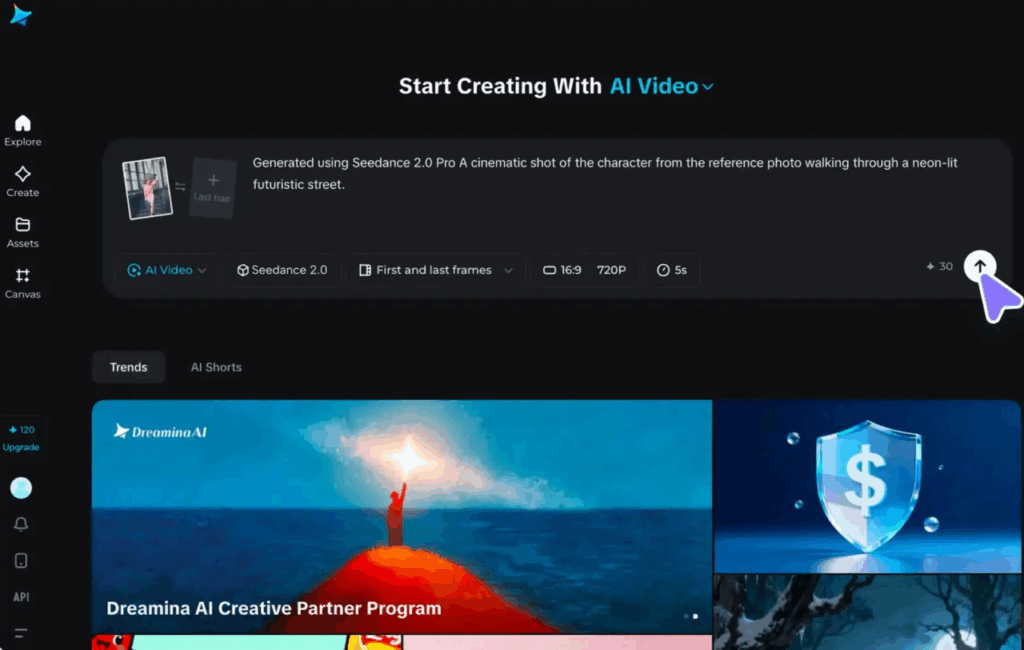
The 4-Block Prompt Framework
Think of each block like a layer of direction you’re handing to a film crew. Start with who and what, then how to shoot it, then lock the look and rules, then tell them what to cut.
Block 1 — Subject + Action Anchor
This is your first sentence. It answers: Who or what is in the scene, and what are they doing?
Be specific. “A woman” is useless. “A 30-something architect in a grey blazer, standing at a drafting table, reaching for her coffee” — that’s an anchor.
- Name the subject clearly
- Describe the setting in one phrase
- State one main action (not three)
Example:“A college student in a small apartment kitchen, pouring cereal into a bowl while glancing at her phone.”
That one sentence does a lot. The model knows what it’s drawing before it thinks about movement.
Block 2 — Camera + Motion Language
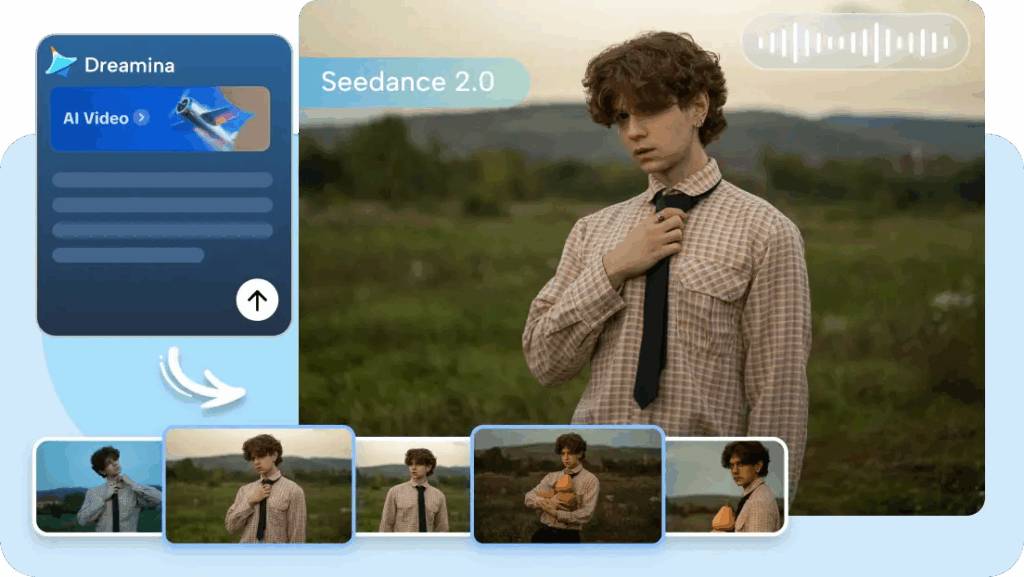
This is where most people go vague. “Nice camera movement” means nothing. Director terms do.
Tell Seedance 2.0 exactly how to shoot it:
- Shot size: wide establishing shot, medium shot, extreme close-up
- Movement: slow pan right, dolly in, tracking follow, static hold
- Transition (if multi-shot): cut to, then zoom out, then tilt up
Example:“Wide establishing shot. Camera slowly pans right across the kitchen, then dolly in to a medium close-up on her face.”
You’re not prompting a generator. You’re briefing a camera operator. Speak accordingly.
Block 3 — Style + Constraints
This block covers the visual rules of your scene — and it doubles as your “keep this consistent” instruction.
Cover these four things:
- Visual style: cinematic, documentary, clean commercial, film grain
- Lighting: soft natural light, dramatic side lighting, golden hour, neon backlight
- Pacing: slow and moody, fast-cut energy, steady mid-pace
- Keeps: “keep character identity consistent, no outfit changes”
Example:“Warm cinematic style, soft morning light through window, slow gentle pacing, 2K. Keep character consistent across shots, no morphing.”
That last part — “keep character consistent, no morphing” — is doing serious heavy lifting. Say it explicitly. Seedance 2.0 responds to it.
Block 4 — Negative / Exclusion Cues
Save this for last. End your prompt with what you don’t want. This closes the loop on drift.
Common ones I always include:
no extra people in backgroundno outfit changesno face morphingno motion blurno text overlays
Example:“Negative: no face morphing, no extra people, no shaky camera, no lens flare.”
Copy-Paste Template with 3 Genre Variations
Here’s the base template. Fill in the brackets and you’re ready to generate.
Base Template:
[Subject + main action + setting].
[Shot size], [camera movement], [transition if multi-shot].
[Visual style], [lighting], [pacing], [resolution]. Keep [consistency rule].
Negative: [exclusions].
🎯 Ad Variation(product-focused, clean, dynamic)
A sleek smartphone on a matte white desk, slowly rotating to reveal its side profile. Close-up orbiting shot, smooth 360-degree rotation, no cuts. Clean high-tech commercial style, bright even lighting, confident pacing, 2K. Keep product sharp and centered throughout. Negative: no people, no text overlays, no distortion, no shadows on lens.
🎬 Cinematic Variation(narrative, multi-shot, moody)
A lone detective in a rain-soaked neon city, walking under a broken streetlight. Shot 1: wide establishing shot, slow pan through rain; Shot 2: medium tracking follow from behind. Cinematic noir style, dramatic low-key lighting, film grain, slow moody pacing. Keep character consistent across shots. Negative: no bright colors, no modern signage, no face morphing, no jumpcuts.
📱 Vlog Variation(handheld, casual, energetic)
A young creator walking through a packed weekend market, talking directly to camera, gesturing at stalls. Handheld follow shot, slight natural shake, eye-level, quick cuts between stalls. Natural daylight vlog style, casual warm energy, fast-paced cuts. Keep subject in frame at all times. Negative: no professional lighting, no tripod-static feel, no motion blur, no crowd faces in close-up.
Quick Fixes When Outputs Drift
It happens. You run the prompt, and something’s still off. Here’s my personal triage list:
Character keeps changing mid-clip? → Add @Image1 as a character reference and say “keep character identity from @Image1” in Block 3. The official guide calls this the fastest single fix.
Camera movement looks random? → Your Block 2 is too vague. Replace “nice camera movement” with an actual term: slow dolly in, static wide, orbiting close-up.
Scene feels generic or mood is wrong? → You’re probably skipping lighting in Block 3. “Soft backlight” and “harsh overhead fluorescent” create completely different frames.
Prompt feels long and chaotic? → Cut it. If you’re over 100 words, trim Block 1 and Block 3 first. One action. One style descriptor.
Still drifting after all that? → Your negatives are too thin. Go back to Block 4 and add two more specific exclusions based on exactly what went wrong.
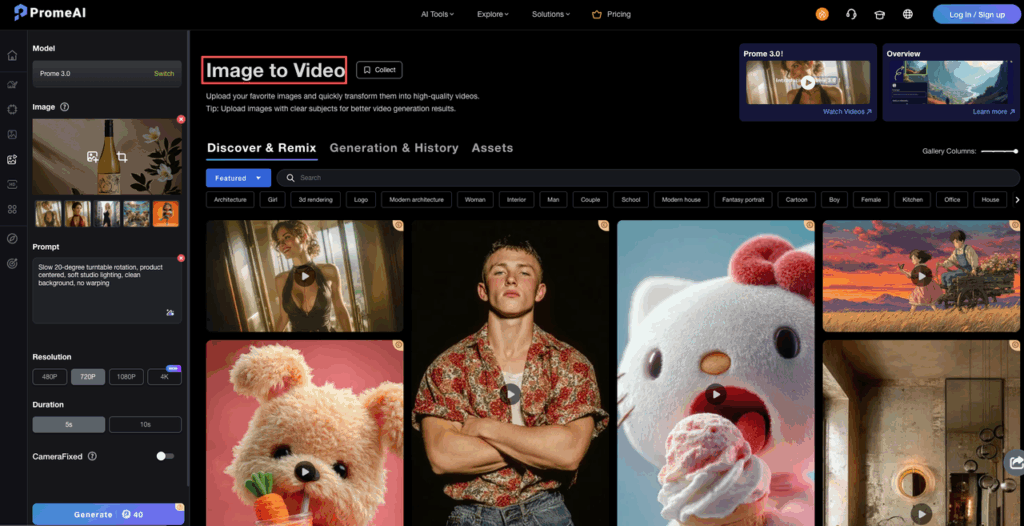
AI video generation isn’t magic, but structured prompting makes it a reliable tool. Test this framework on PromeAI to see if our platform aligns with your new “Director” workflow. Explore our video capabilities for free.
FAQ
How closely does Seedance 2.0 follow my prompt? Very closely — when the prompt is structured. The Dreamina guide describes strong adherence with clear, ordered prompts. Random keyword dumps? Not so much.
Can it handle multi-shot scenes? Yes, and it does this well. Label shots explicitly in Block 2: “Shot 1: … Shot 2: …” The model picks up on it and creates smooth narrative flow between them.
Do I always need negative cues? For any scene with a human character: yes, always. For product/object-only shots: you can skip them, but I still add no distortion as a baseline habit.
What’s the best prompt length? 30–100 words. The template guide and multiple community testers land on this range consistently. Clarity beats length every time.
Can I use @ references with this framework? Absolutely — and you should. Drop @Image1 or @Video1 into Block 2 or Block 3 for tighter control. “Reference @Video1 for camera movement” in Block 2 is where Seedance 2.0 really pulls ahead of text-only generators.
Prompting Seedance 2.0 is like seasoning food — a little structure goes a long way, and adding more of everything doesn’t make it better. Four blocks. Thirty to a hundred words. One clear action per shot.
That’s it. That’s the whole thing.
Try the vlog template first if you’re new — it’s the most forgiving. Then tell me: where in this workflow do you usually get stuck first? Drop it in the comments. I’m curious if Block 2 trips up as many people for you as it did for me.
Recommended Reads
Leave a Reply