



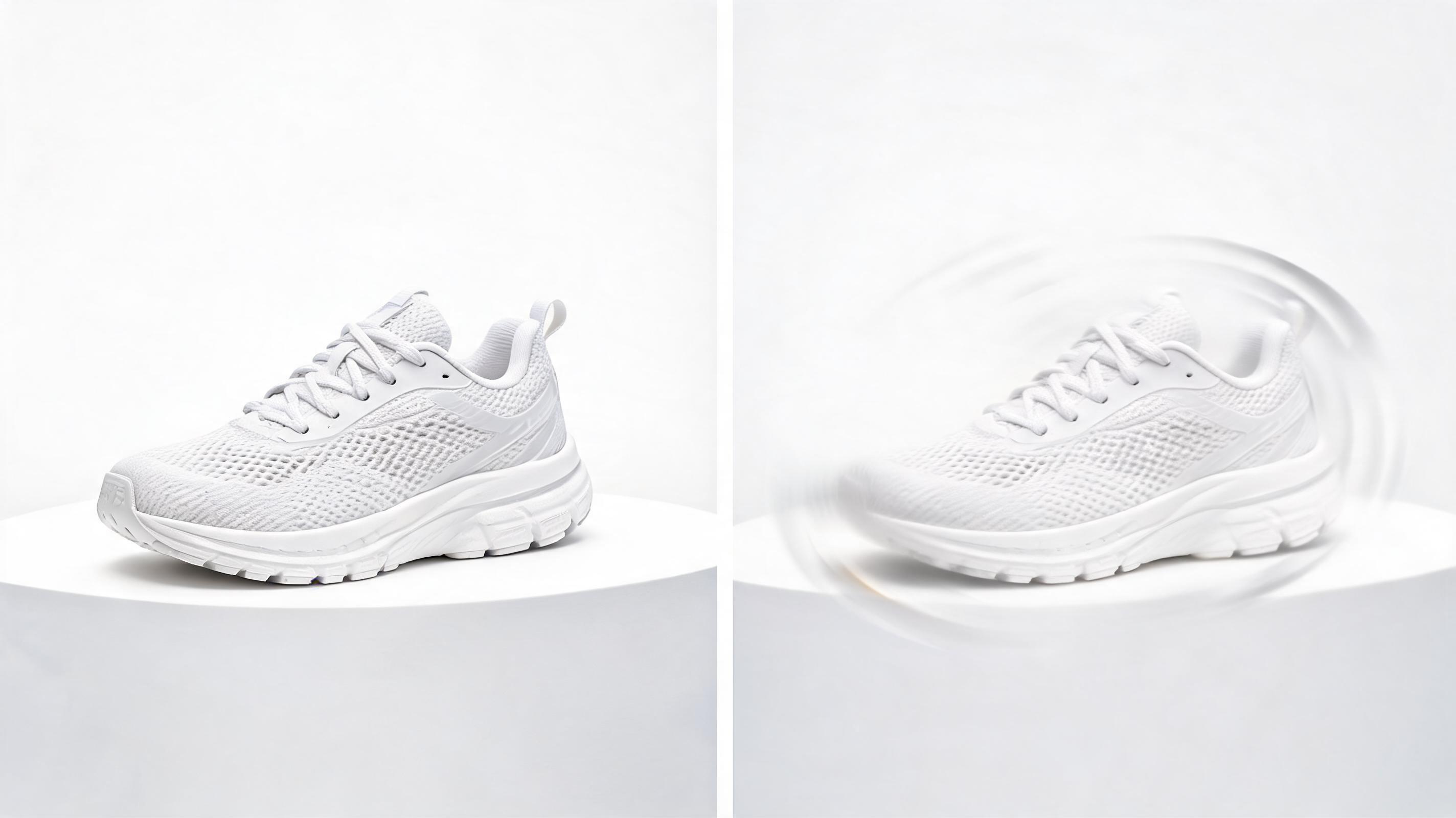
Ecommerce Sneaker Product Video
A static photo of a white running shoe converted into a 6-second video with a slow 360-degree pan to showcase all product details, optimized for Amazon listings.
किसी भी स्थिर इमेज से सेकंडों में लूप करने योग्य, चैनल के लिए अनुकूलित वीडियो बनाएं। अपनी रचनात्मक दृष्टि से पूरी तरह मेल खाने के लिए मोशन और कैमरा दिशा पर पूर्ण नियंत्रण प्राप्त करें।
हमारे टूल से एक ही स्थिर इमेज से आप क्या बना सकते हैं यह देखने के लिए सैंपल आउटपुट ब्राउज़ करें।
A static photo of a white running shoe converted into a 6-second video with a slow 360-degree pan to showcase all product details, optimized for Amazon listings.
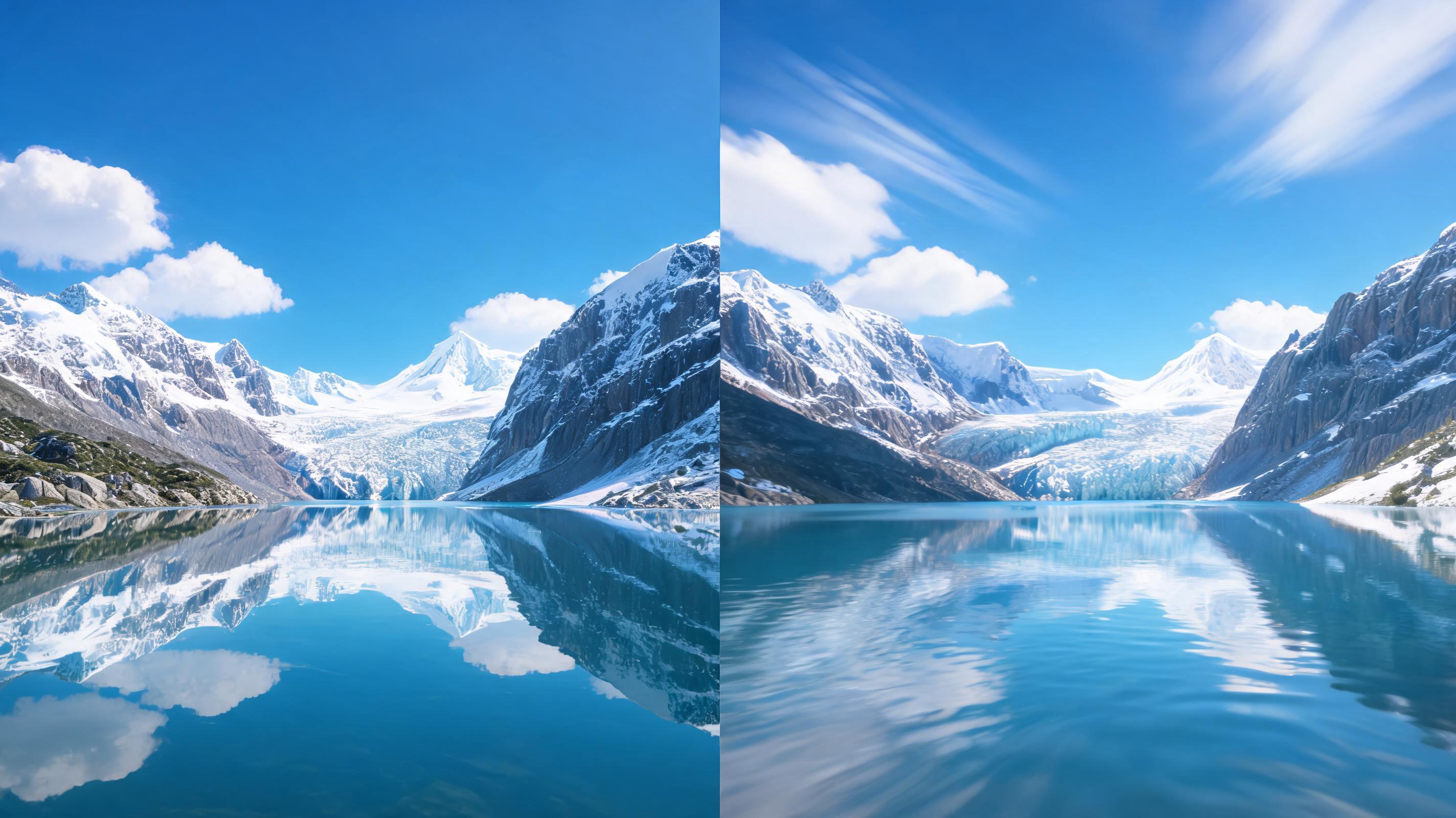
A still landscape photo of a mountain lake converted into a 10-second video with slow forward dolly motion and subtle cloud movement, ideal for travel content creators.
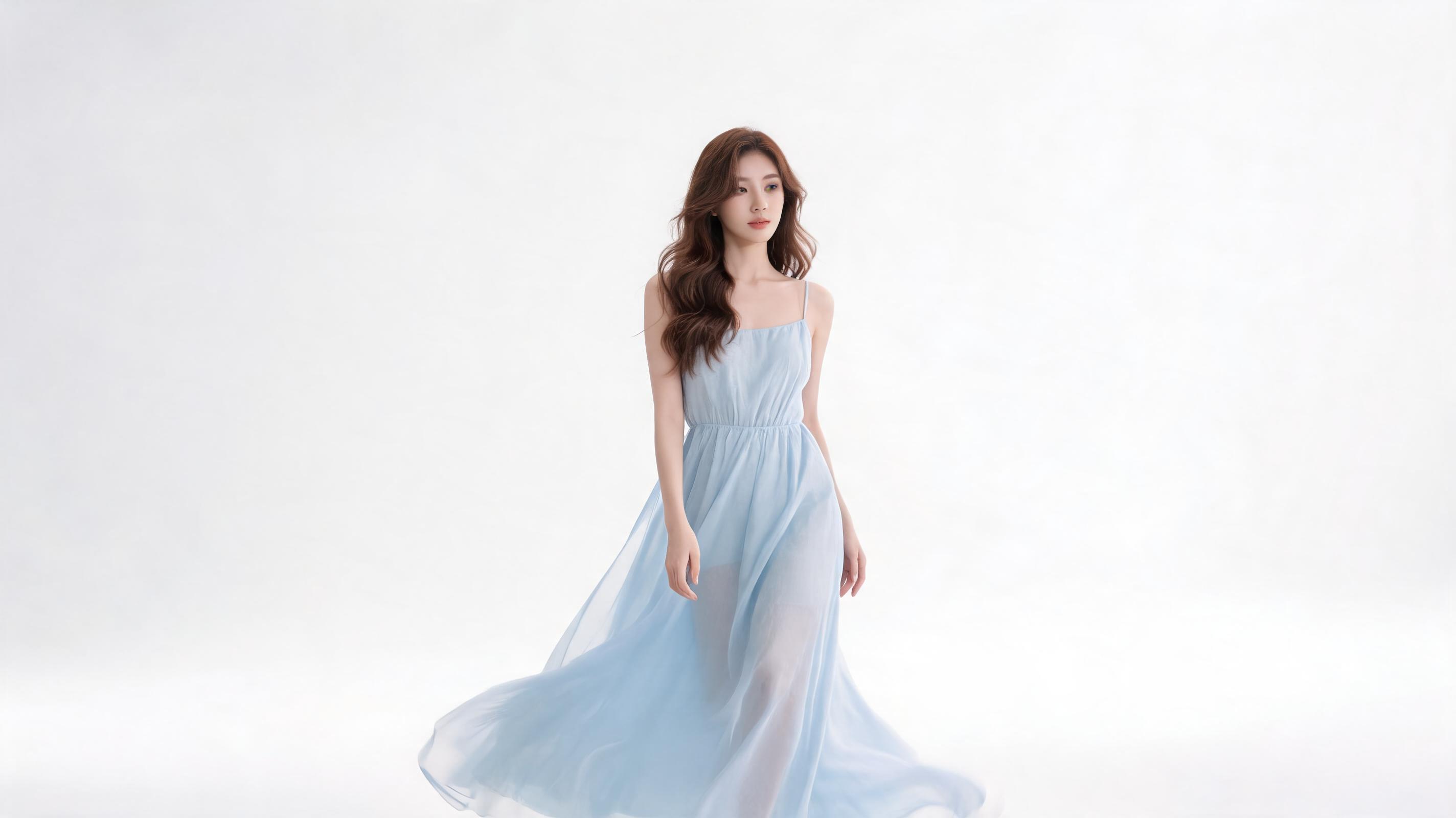
A static studio shot of a model in a summer dress converted into an 8-second loop with slow zoom and soft pan, perfect for Instagram Stories and email marketing.
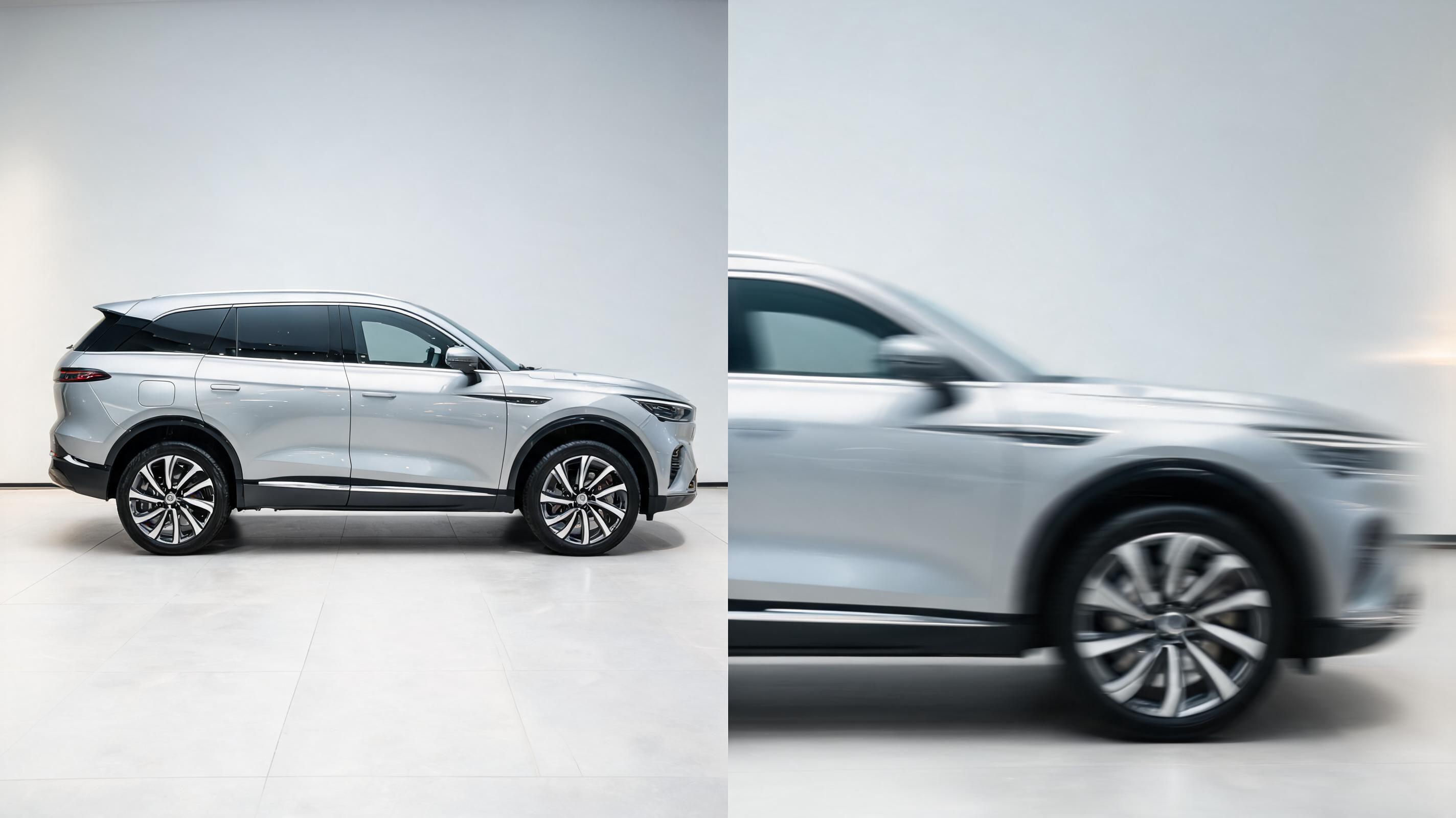
A still photo of a new SUV converted into a 12-second cinematic video with slow side pan and close-up zoom on the wheel rims, optimized for Facebook Marketplace listings.
अपनी इमेज से वीडियो रूपांतरण को तेज, उच्च गुणवत्ता वाला और अपने लक्ष्यों के अनुरूप बनाने के लिए डिज़ाइन किए गए इनबिल्ट फ़ीचर्स की खोज करें।
सामान्य पूर्व निर्धारित एनीमेशन के बजाय अपनी रचनात्मक दृष्टि के अनुरूप प्राकृतिक, सिनेमैटिक मोशन बनाने के लिए pan, zoom, tilt और dolly मूवमेंट पर पूर्ण नियंत्रण प्राप्त करें।
जनरेट किए गए वीडियो को MP4, GIF, WebM और MOV फॉर्मेट में एक्सपोर्ट करें, जिसमें 4K तक के रिजोल्यूशन विकल्प होते हैं, जो हर प्रमुख सोशल प्लेटफॉर्म, वेबसाइट और विज्ञापन चैनल के लिए अनुकूलित हैं।
Instagram Reels, TikTok, वेबसाइट हीरो सेक्शन और डिजिटल साइनेज के लिए आदर्श अंतहीन लूप करने योग्य क्लिप बनाने के लिए स्टार्ट और एंड फ्रेम को ऑटो-सिंक करें।
सहज, उपयोगकर्ता के अनुकूल इंटरफेस जो उच्च गुणवत्ता के परिणाम प्राप्त करने के लिए जटिल वीडियो एडिटिंग सॉफ्टवेयर या पेशेवर मोशन डिजाइन कौशल की आवश्यकता को समाप्त करता है।
अधिकांश 1080p क्लिप को 30 सेकंड से भी कम समय में जनरेट करें, ताकि आप कई मोशन वेरिएशन का परीक्षण कर सकें और लंबी प्रतीक्षा समय के बिना कंटेंट जल्दी पब्लिश कर सकें।
ईकॉमर्स, फैशन, ब्यूटी, ऑटोमोटिव और विज्ञापन क्रिएटिव उपयोग के मामलों के लिए तैयार पूर्व निर्मित मोशन प्रीसेट एक्सेस करें ताकि कस्टमाइजेशन समय कम हो।
देखें कि क्रिएटर, मार्केटर और ईकॉमर्स टीमें एंगेजमेंट बढ़ाने और समय बचाने के लिए इस टूल का कैसे उपयोग करती हैं।
स्थिर प्रोडक्ट फोटो को प्रोडक्ट पेज, Amazon लिस्टिंग और Shopify स्टोर के लिए आकर्षक शॉर्ट वीडियो में बदलें ताकि स्थिर इमेज की तुलना में रूपांतरण दर बढ़े।
ब्रांड शूट या व्यक्तिगत गैलरी के फोटो को स्क्रॉल रोकने वाले Reels, TikToks और Instagram Stories में बदलें ताकि नया फुटेज शूट किए बिना एंगेजमेंट और रीच बढ़े।
एक ही हीरो प्रोडक्ट इमेज से कई वीडियो विज्ञापन वेरिएशन जनरेट करें ताकि विभिन्न मोशन स्टाइल का A/B टेस्ट किया जा सके और Meta, Google और TikTok Ads पर विज्ञापन का प्रदर्शन बेहतर हो।
विज़िटर्स के लिए प्रीमियम पहला इम्प्रेशन बनाने के लिए स्थिर ब्रांड हीरो फोटो को अपनी वेबसाइट की लैंडिंग पेज के लिए सूक्ष्म, पेशेवर एनीमेटेड लूप में बदलें।
लुकबुक फोटो और प्रोडक्ट शॉट को सोशल मीडिया, ईमेल मार्केटिंग और स्टोर में प्रदर्शन के लिए गतिशील कैंपेन वीडियो में बदलें ताकि प्रोडक्ट को मोशन में दिखाया जा सके।
डीलरशिप लिस्टिंग, सोशल मीडिया और विज्ञापन कैंपेन के लिए स्थिर कार की फोटो को सिनेमैटिक, चलती हुई क्लिप में बदलें ताकि वाहन की विशेषताएं हाइलाइट हों और अधिक खरीदार आकर्षित हों।
सेकंडों में अपनी स्थिर इमेज से पॉलिश किया हुआ शॉर्ट वीडियो बनाने के लिए ये 3 सरल स्टेप्स फॉलो करें।
स्पष्ट विषय वाली कोई भी उच्च गुणवत्ता वाली स्थिर इमेज (JPG, PNG, अधिकतम 10MB) अपलोड करें, इष्टतम मोशन ट्रैकिंग परिणाम के लिए बहुत अधिक धुंधली या बाधित इमेज न अपलोड करें।
अपनी इच्छित कैमरा दिशा चुनें (pan, zoom, tilt, dolly), वीडियो की लंबाई सेट करें (3-15 सेकंड), अपने उपयोग के मामले के अनुसार मोशन की तीव्रता को समायोजित करें, या कोई पूर्व निर्मित उद्योग प्रीसेट चुनें।
1080p या 4K रिजोल्यूशन में वीडियो रेंडर करने के लिए जनरेट पर क्लिक करें, सोशल मीडिया, वेबसाइट या विज्ञापन प्लेटफॉर्म के लिए अनुकूलित MP4, GIF या WebM फॉर्मेट में एक्सपोर्ट करें।
Whether you're a content creator, marketer, or ecommerce brand, this guide will help you get the most out of PromeAI's Picture to Video AI, from choosing the right source images to optimizing your output for every channel.
Picture to Video AI is ideal when you have existing high-quality still images and need to turn them into short, engaging videos quickly, without shooting new footage or hiring a motion designer. It is the best choice for social media content, ecommerce product pages, ad creative, and website animations where you need a fast, low-cost solution. Avoid using this tool if you need long-form videos (over 15 seconds), complex character animation, or footage that requires new, original action not present in your source image—for those use cases, you will get better results from PromeAI's text-to-video generator or a professional video shoot. When comparing it to adjacent PromeAI tools, use the general Picture to Video AI if you need full customization over motion, or choose one of our niche presets (like ecommerce, fashion, or automotive video) if you want a pre-optimized workflow for your industry.
To get the highest quality output, start with a source image that is at least 1920x1080 resolution, well-lit, and has a clear main subject. Avoid images with heavy text overlays, extreme cropping, or blurry areas, as these will make motion tracking less accurate and result in choppy video. For product images, use shots that show the full product against a simple background to make 360-degree pan and zoom motions look natural. For landscape or brand photos, choose images with depth (foreground, midground, background) to make camera movements feel more immersive and cinematic.
Tailor your video settings to match the platform you plan to publish on: for Instagram Reels and TikTok, use a 9:16 aspect ratio, 8-10 second length, and medium motion intensity to keep viewers engaged. For ecommerce product pages, use a 1:1 or 16:9 aspect ratio, 3-6 second seamless loop, and slow, subtle motion to showcase product details without distracting from the product itself. For website hero sections, use a 16:9 aspect ratio, 5-7 second loop, and very low motion intensity to avoid distracting from your page copy and call to action. For ad creative, test multiple motion styles (slow zoom vs. panning) to see which performs best with your target audience.
Incorporate this tool into your existing content creation process to save time and reduce production costs: after your brand or product photoshoot, run all your best shots through the Picture to Video AI to generate extra content assets for social media, email marketing, and ad campaigns, without paying for extra video shoot time. For ecommerce teams, generate a video for every new product listing at the same time you add product photos, to boost conversion rates without extra work. For marketing teams, generate multiple video ad variations from a single hero image to A/B test faster and improve ad performance without hiring a video editor.
उद्योग के लिए अनुकूलित वीडियो एक क्लिक में बनाने के लिए पूर्व निर्मित यूज केस प्रीसेट ब्राउज़ करें।
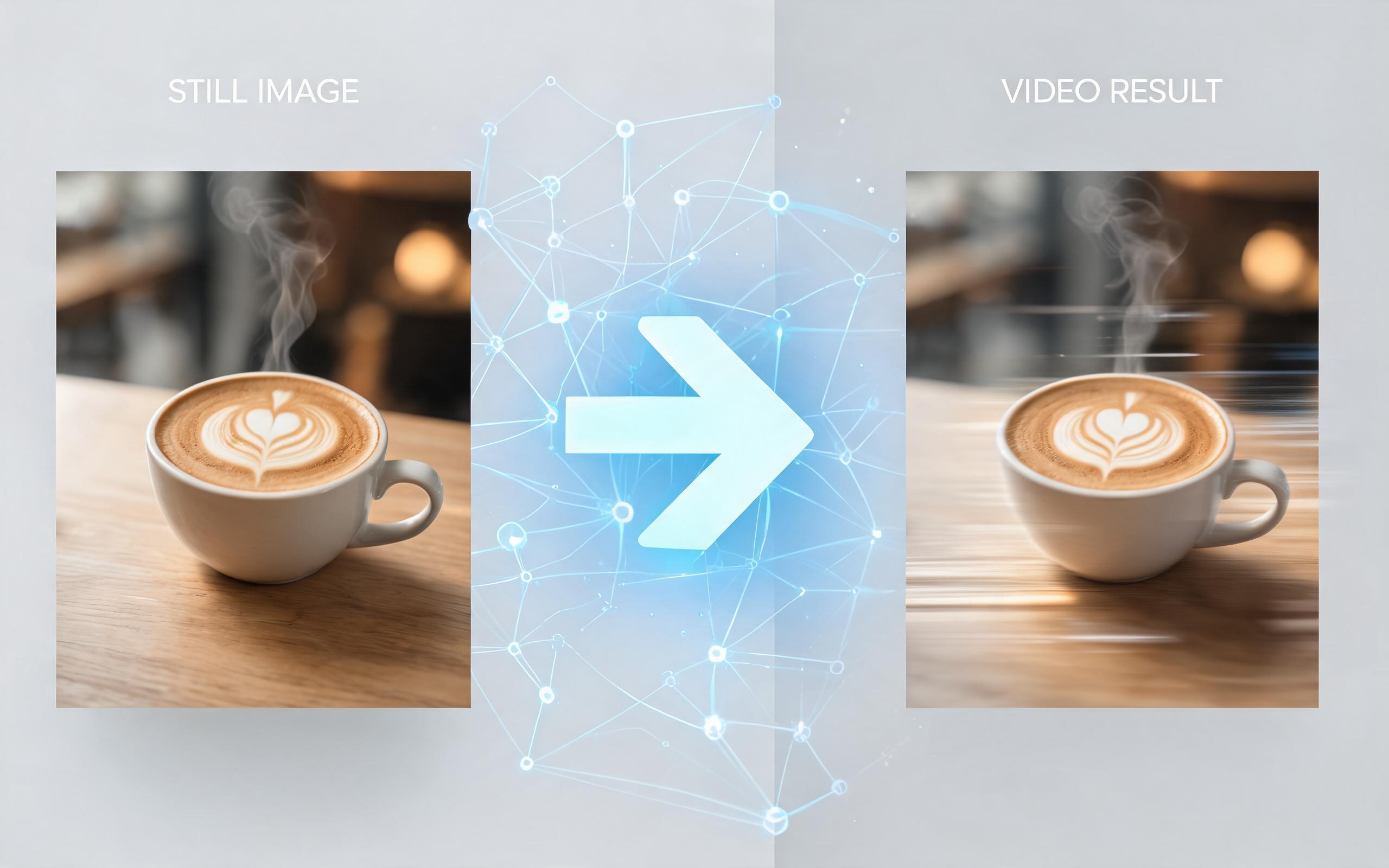
Use PromeAI image-to-video generation for ai ad creative video, adding motion, camera direction, and a short reusable video result from a still image.
Open page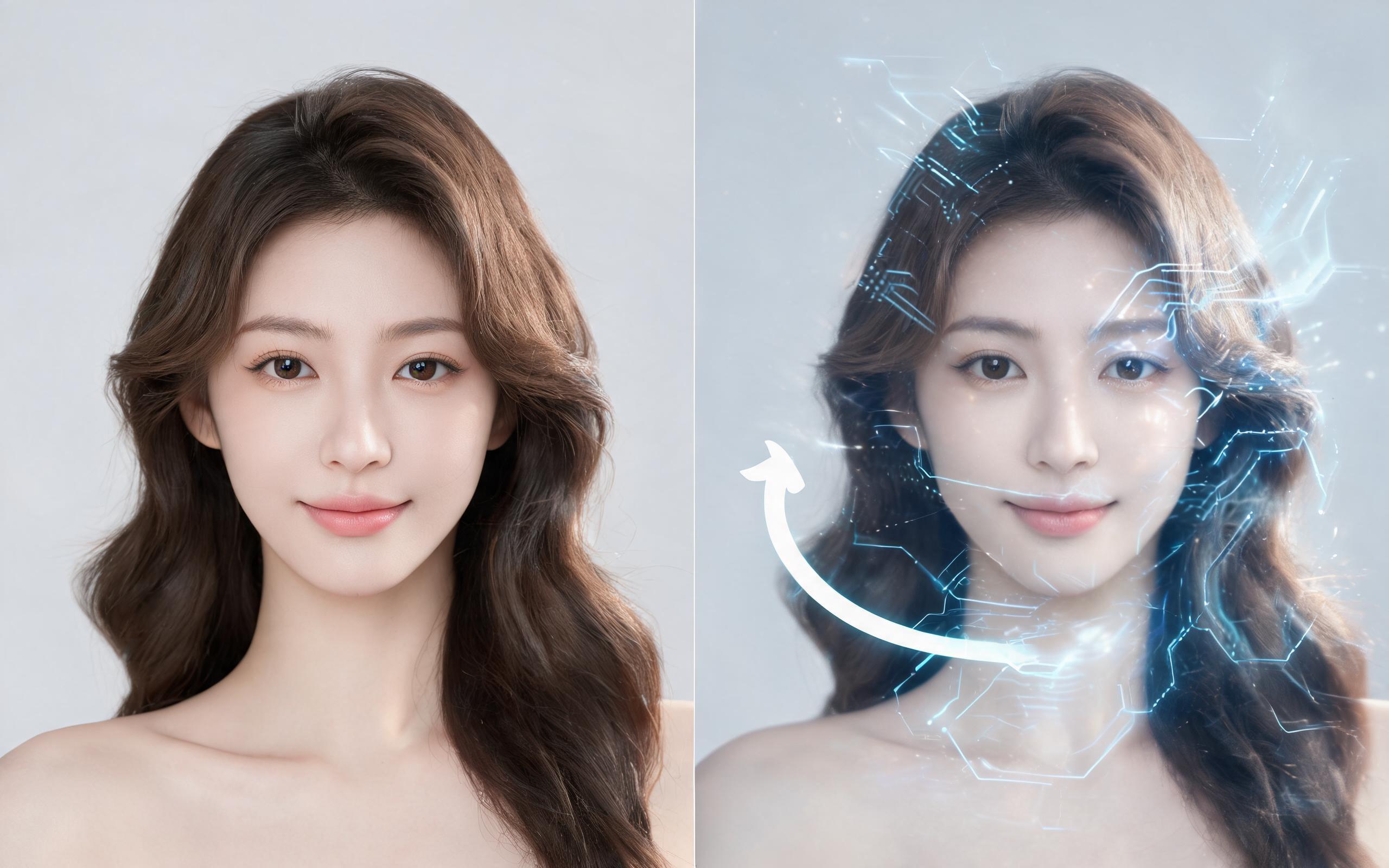
Use PromeAI image-to-video generation for beauty video from photos, adding motion, camera direction, and a short reusable video result from a still image.
Open page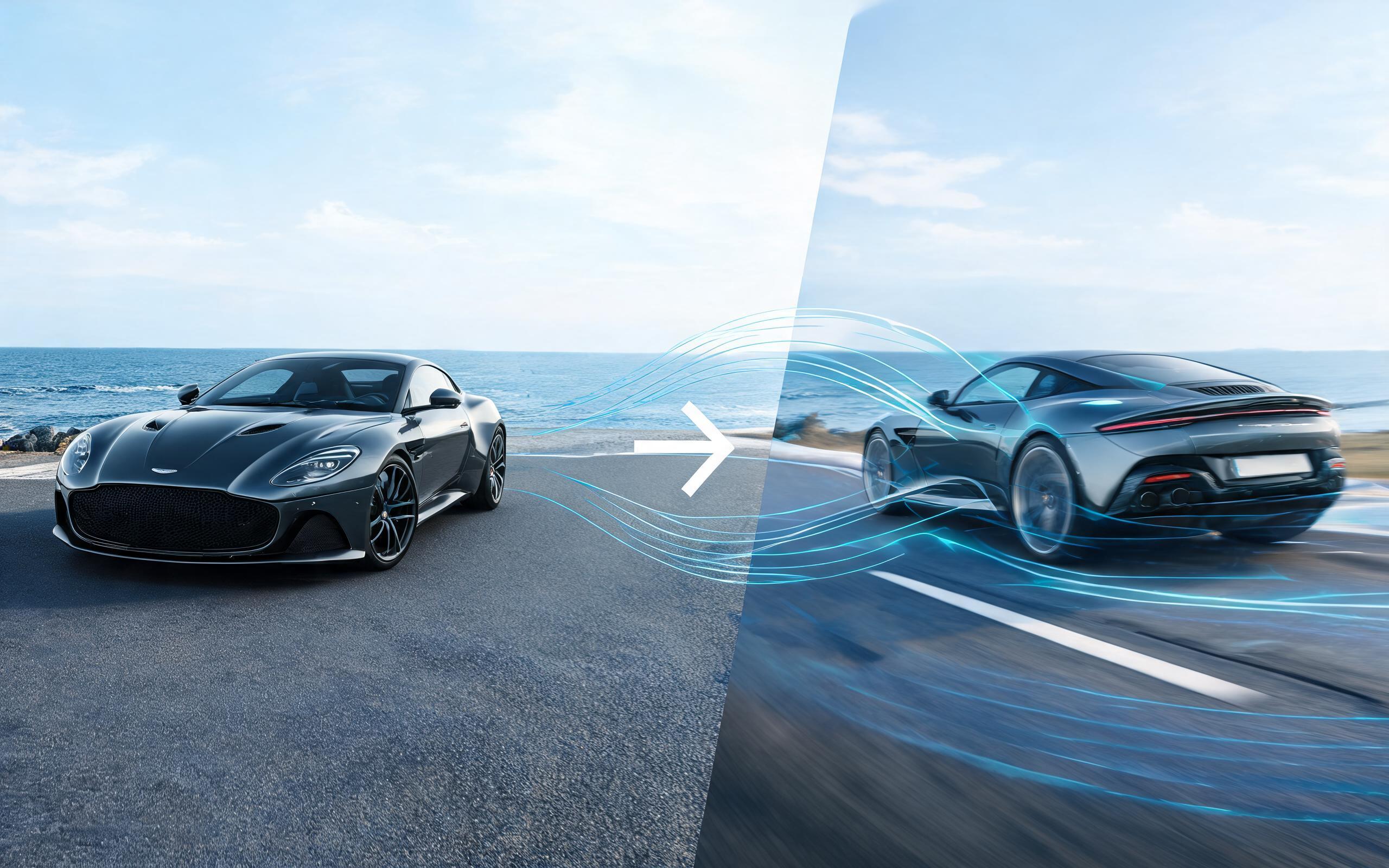
Use PromeAI image-to-video generation for car video from photo, adding motion, camera direction, and a short reusable video result from a still image.
Open page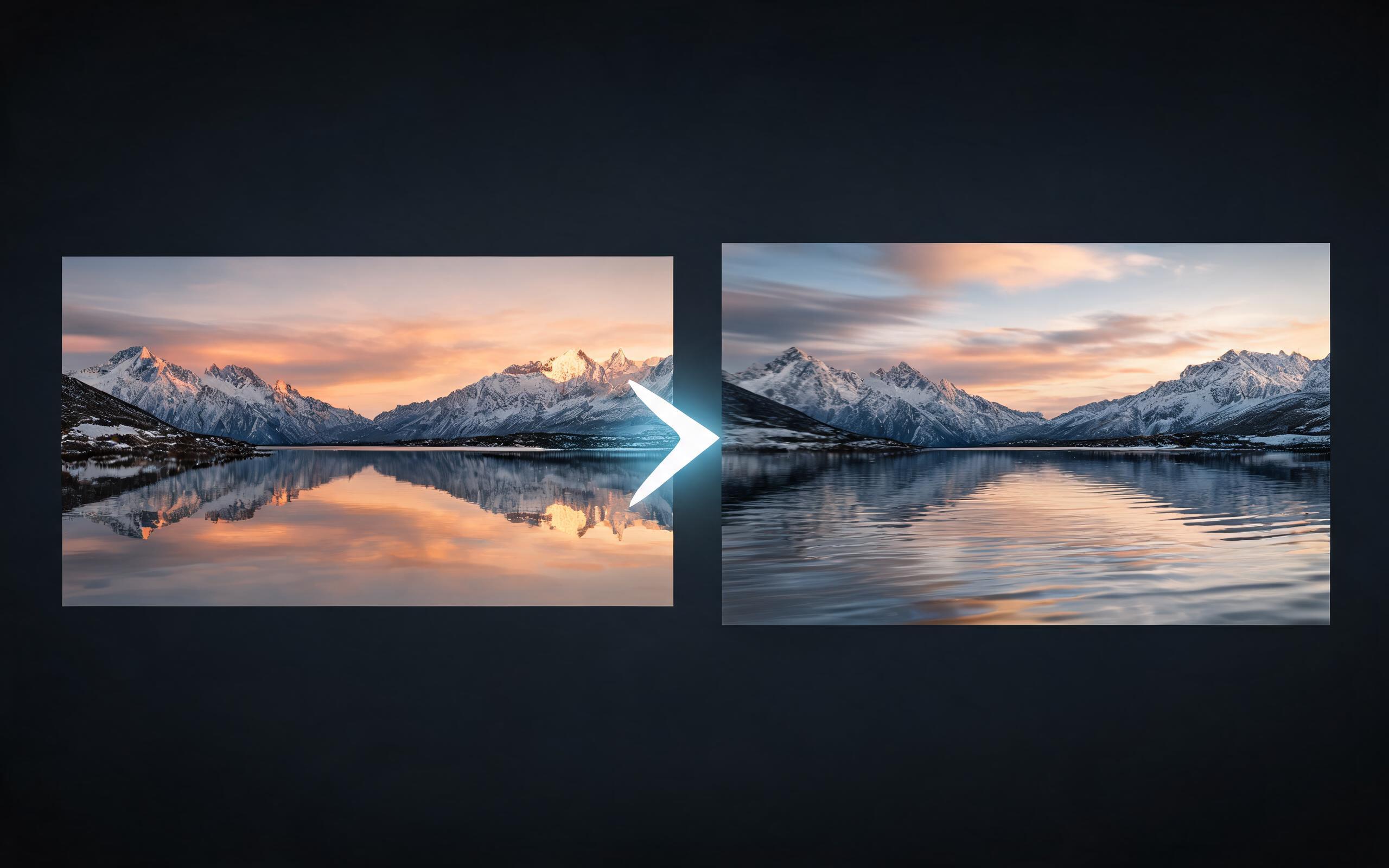
Use PromeAI image-to-video generation for cinematic ai video from image, adding motion, camera direction, and a short reusable video result from a still image.
Open page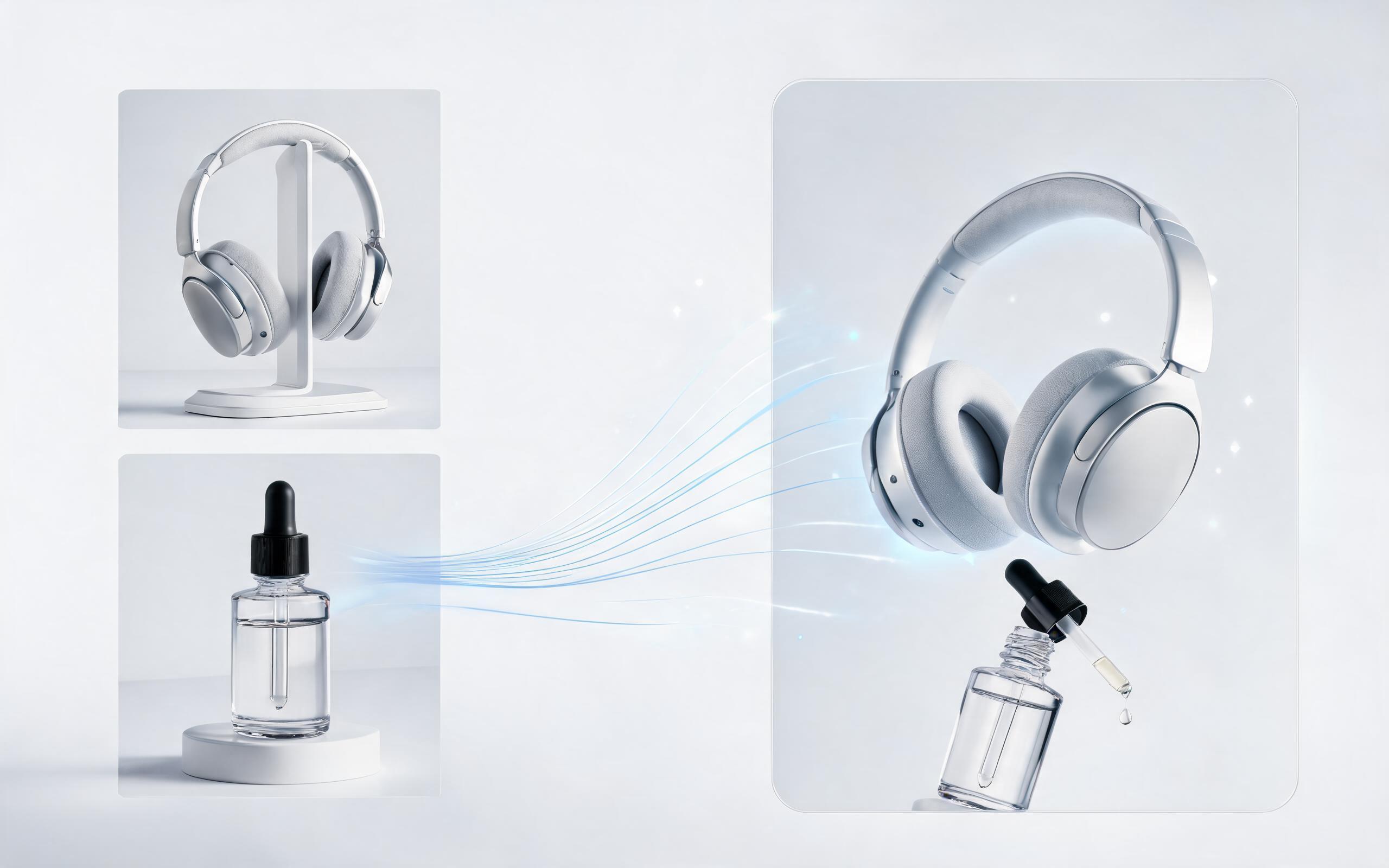
Use PromeAI image-to-video generation to create ai video for ecommerce product from existing images with clear product framing and channel-ready motion.
Open page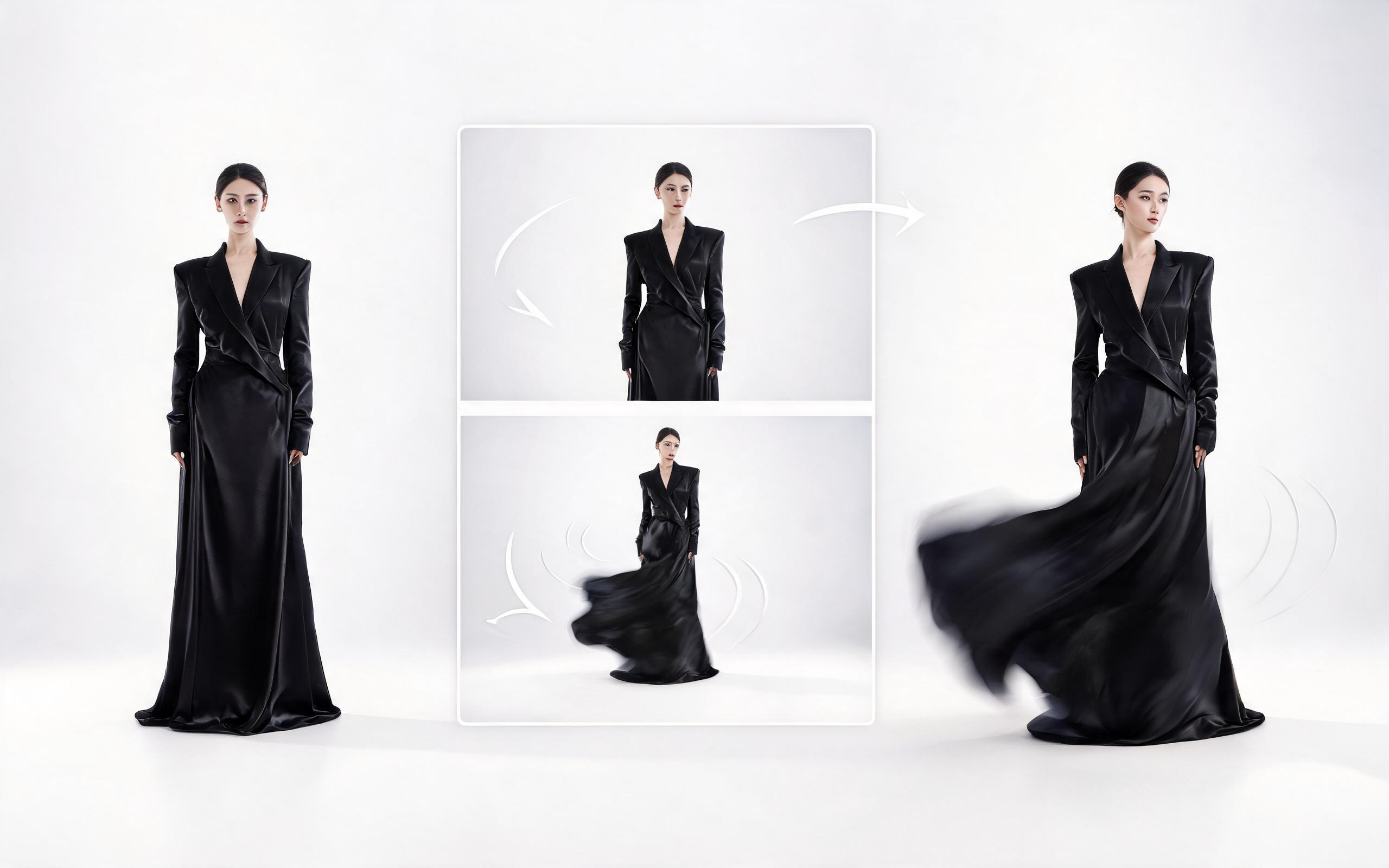
Use PromeAI image-to-video generation for ai fashion video from image, adding motion, camera direction, and a short reusable video result from a still image.
Open page
Skip the expensive video shoots and complex editing software. Generate high-quality, custom animated videos from any image in seconds with PromeAI's Picture to Video AI, no experience required.
Create Picture to Video AI
उपयोगकर्ता हमारे पिक्चर टू वीडियो AI के बारे में क्या कहते हैं
अपनी वीडियो जनरेशन आवश्यकताओं के लिए PromeAI का उपयोग करने वाले हजारों रचनात्मक पेशेवरों के रिव्यू और परिणाम देखें।
I turned all our product photos into short videos in an afternoon, and our Shopify conversion rate went up 22% in the first month.
This tool cut our social media content creation time in half. We no longer need to shoot video for every Reel we publish.
We can turn a single source image into several polished product video directions before committing budget to a full studio shoot.