Hi, I’m Millie.
I’ve been poking around Maket.ai for a few weeks now, and here’s my honest take (which echoes the consensus found in Maket.ai user reviews): it’s one of those tools where your first five minutes are genuinely exciting, and then reality sets in. Not in a bad way, necessarily. Just in a “okay, let me figure out where this actually fits in my workflow” way. So if you’re an architect or designer doing early research on AI space planning tools — this one’s for you.
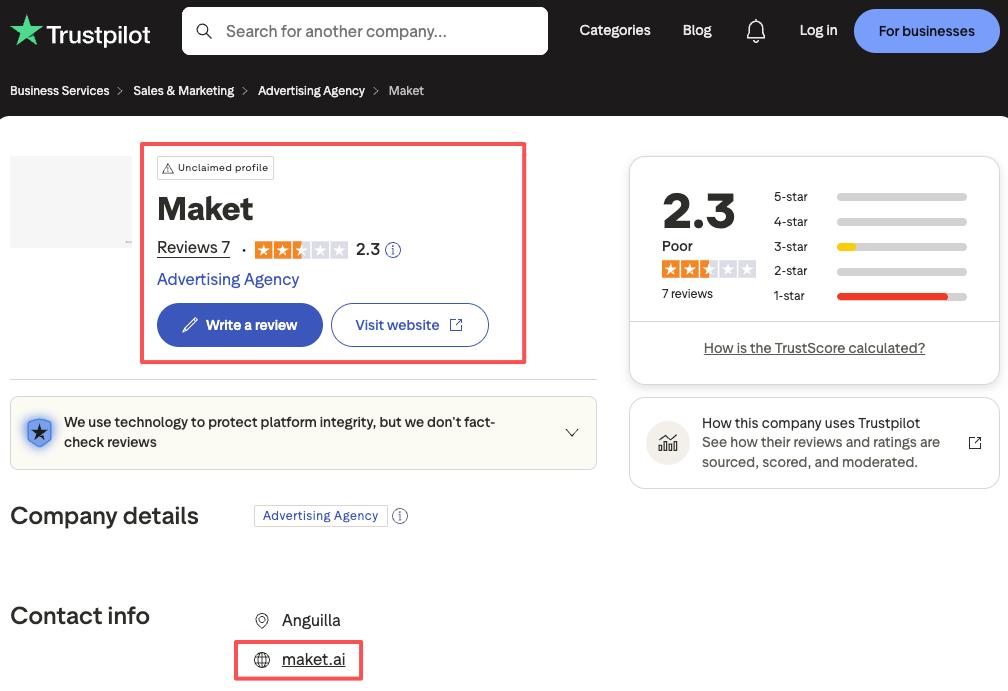
What Is Maket.ai?
Maket.ai is an AI-powered space planning tool built specifically for architects and designers. The pitch is simple: describe a project, set your parameters, and the platform generates floor plan options automatically.
No SketchUp. No AutoCAD. Just type what you need and get spatial layouts back in seconds.
Core Features
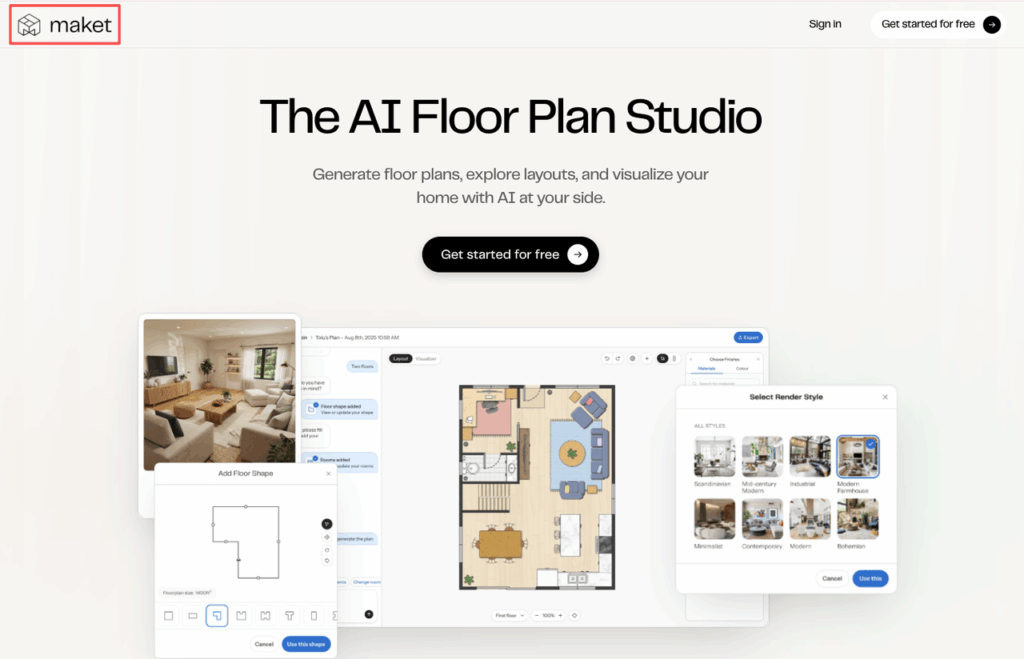
- Generative floor plan creation — input square footage, room types, and basic constraints, and the AI produces multiple layout variations
- Zoning and adjacency logic — it understands that a kitchen shouldn’t be sandwiched between two bedrooms
- Basic 2D and 3D views — toggle between plan view and a simple 3D massing to get a rough spatial read
- Code compliance hints — some prompts return suggestions flagged against local building code categories (though this needs verification per your jurisdiction)
- Collaboration features — share links, leave comments, work with a small team inside the platform
Who It’s Designed For
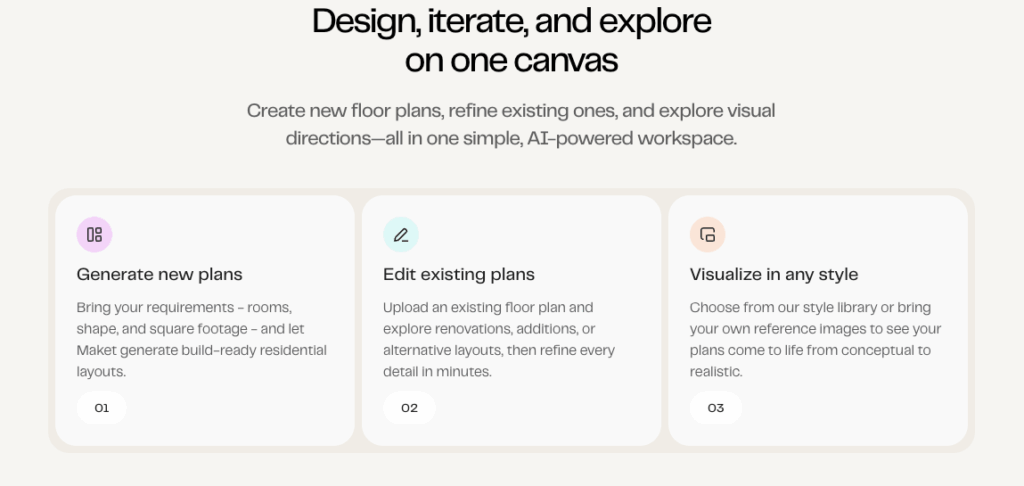
Honestly? Early-stage design and feasibility work. This isn’t a production tool. Think of it as the layer that happens before you open Revit or SketchUp — the “what if we tried this configuration?” phase.
What Maket.ai Does Well
Space Planning Workflow
The thing that actually impressed me is how fast you can generate a layout that makes spatial sense.
I tested it with a brief for a 1,200 sq ft residential unit — three bedrooms, open living area, two baths. Within about 45 seconds I had four floor plan options. Not pixel-perfect, not construction-ready, but spatially coherent. The circulation logic was surprisingly solid. Bedrooms clustered together, living areas flowing toward exterior walls.
For early schematic exploration? That’s legitimately useful.
Floor Plan Generation Speed
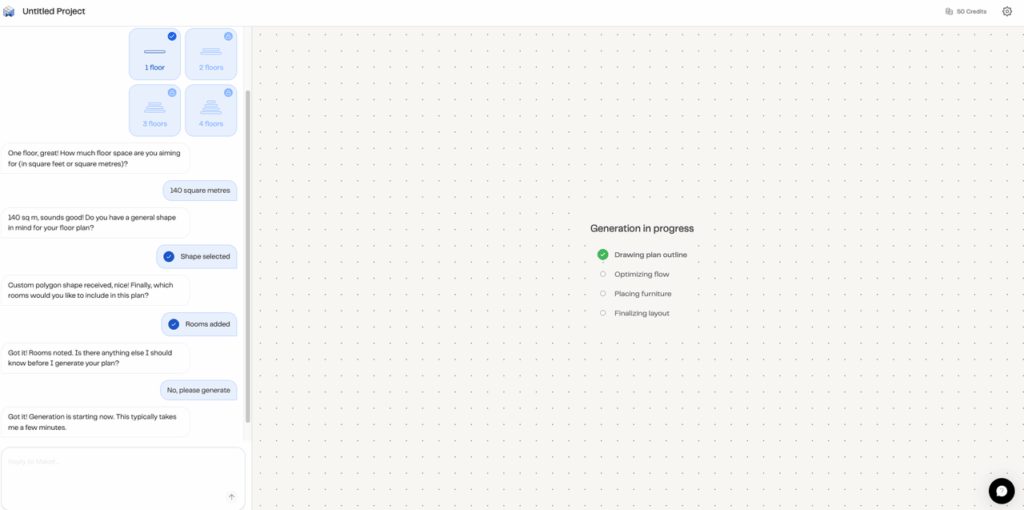
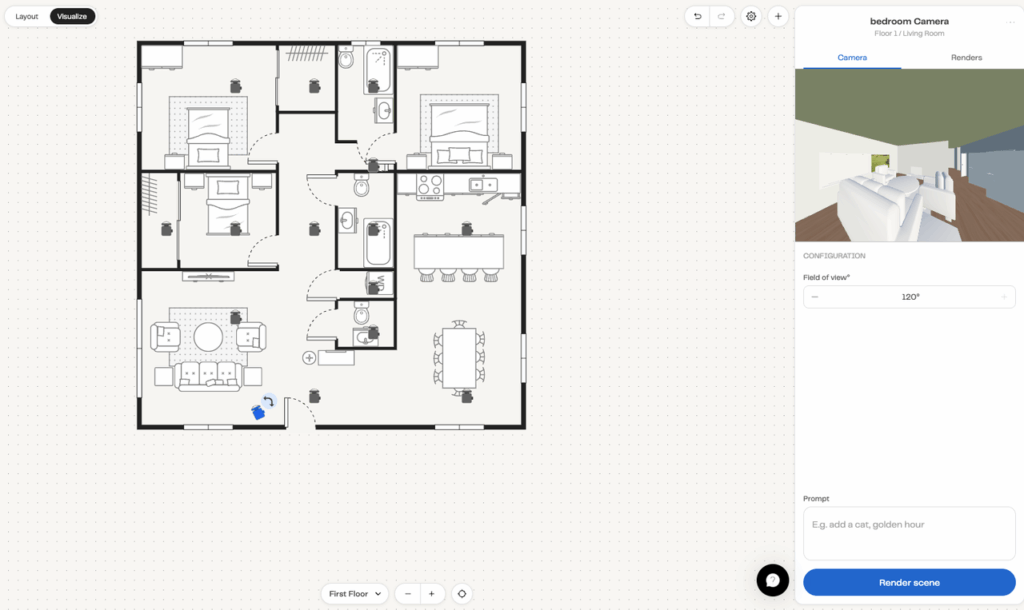
Speed is the real win here. When you’re in a feasibility conversation with a client and you want to show “here are three ways this could be organized” — Maket.ai cuts that down from a few hours to a few minutes.
That’s not nothing. Especially for smaller studios where every hour counts.
Limitations to Know Before You Commit
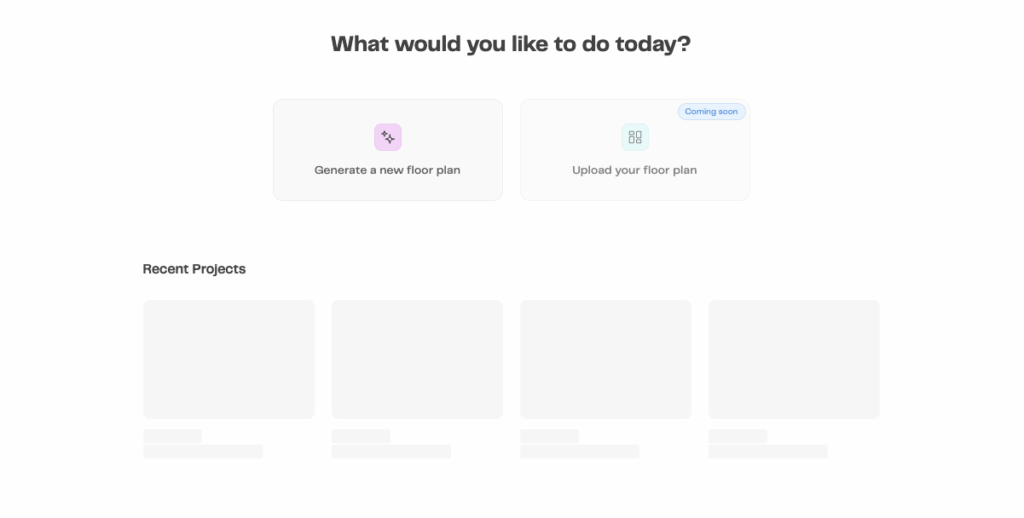
What It Can’t Do
Let me be direct: Maket.ai is not a rendering tool. It’s not a visualization tool. The outputs look like working diagrams, not presentation materials.
You can’t upload a hand sketch or a SketchUp white model and have it rendered into a photorealistic interior. You can’t do facade studies. You can’t do material explorations or lighting scenarios. If a client wants to feel the space — the warmth of the wood flooring, the way light hits the kitchen counter — Maket.ai won’t get you there.
It also won’t replace the judgment calls a good architect makes. The AI doesn’t know your specific site constraints unless you tell it. It doesn’t know your client’s lifestyle, or that the east-facing bedroom will get brutal morning sun in July.
Output Quality Ceiling
The 3D views are rough. Like, rough. They’re useful for your own orientation but not for showing clients. And the 2D floor plans, while spatially sensible, need a significant cleanup pass before they’re presentable in any professional context.
If you’re expecting to go from Maket.ai directly to a client presentation, you’ll be disappointed.
Pricing and Free Tier
Note: Pricing structures change frequently — verify current plans directly on maket.ai before making a decision.
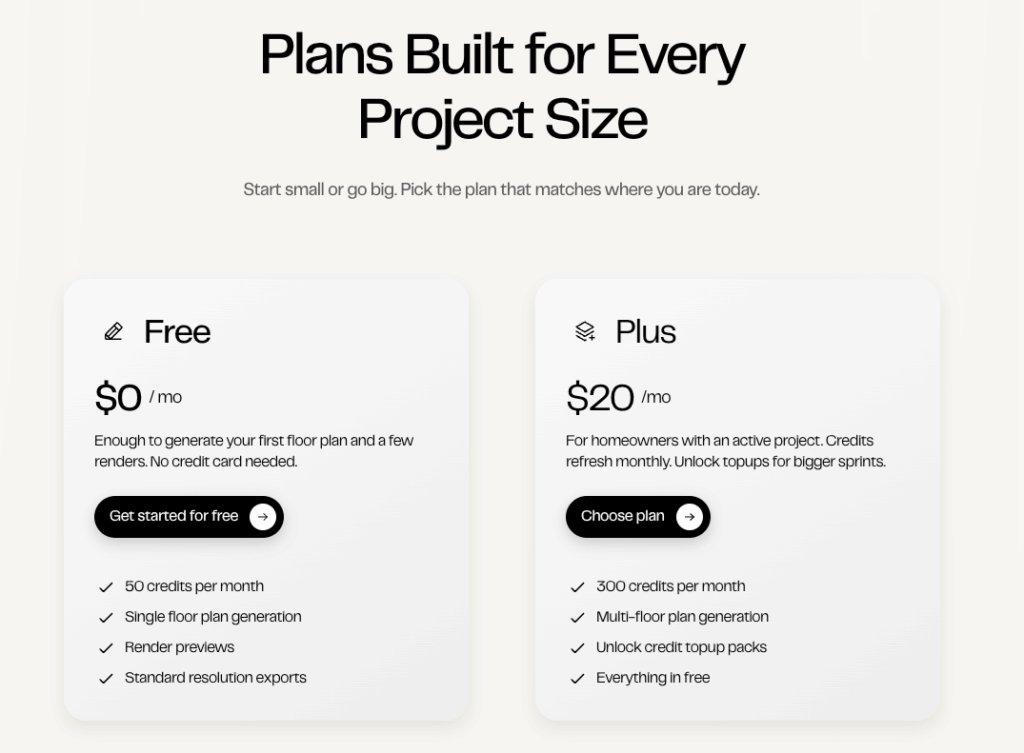
From what I’ve seen, Maket.ai offers a free tier that lets you generate a limited number of floor plans — enough to get a real feel for the tool before committing. Paid plans unlock higher generation limits, additional project storage, and team collaboration features.
The free tier is genuinely usable for evaluation purposes, which I appreciate. You don’t have to hand over a credit card just to find out if it works for your process.
Finding the right software stack takes time, so we designed a freemium model to let you experiment. Test how well PromeAI complements your space planning tools using our free daily credits. See for yourself and try PromeAI on a current project.
Who Should Use Maket.ai
Best Fit: Small Studios, Early-Stage Planning
If you’re a one- to three-person architecture studio doing residential or small commercial work, and you spend meaningful time in schematic design — Maket.ai can genuinely speed up your early exploration phase.
It’s also solid for architectural students learning to think through space planning logic. The generative outputs can be a useful foil: “here’s what the AI suggested, here’s why I’d do it differently.”
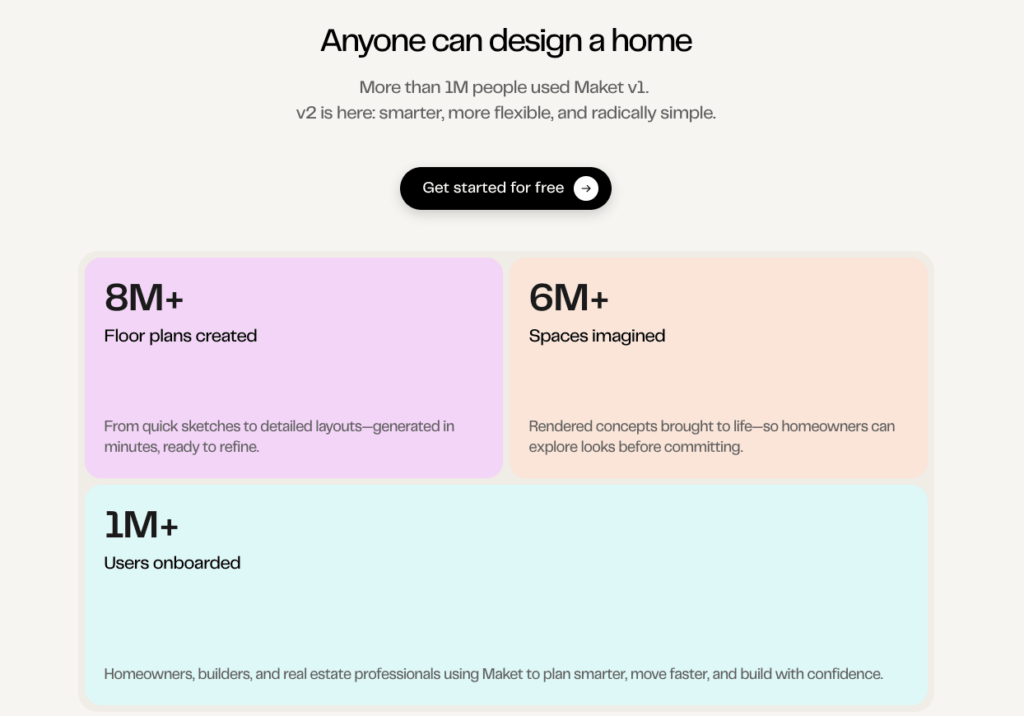
Not Ideal For: Detailed Rendering, Final Production
If your bottleneck is showing clients what the finished space will look and feel like — Maket.ai won’t solve that. You need a visualization tool for that layer of the workflow, not a space planning tool.
This is where something like PromeAI comes in as a complement. Where Maket.ai handles the “what’s the layout?” question, PromeAI handles the “what will it actually look like?” question — taking your rough floor plan or SketchUp screenshot and rendering it into a photorealistic interior image. Different tools for different phases, but they work well together for architects who need both schematic clarity and client-facing visuals.
Alternatives Worth Comparing
For space planning specifically:
- Planner 5D — stronger consumer-facing 3D, slightly less workflow-focused
- Archistar — better for urban feasibility and site analysis at scale
- Autodesk Forma — heavier tool, better for mid-to-large studio teams with BIM integration
For the rendering/visualization layer (a different job entirely):
- PromeAI — sketch-to-render, room photo to styled interior, fast iteration across multiple design directions. Strong for architects who need to go from rough concept to client-presentable visuals without a full 3D production pipeline.
- Lumion — if you’re already working in 3D and want high-quality final renders
- Veras (by EvolveLAB) — AI rendering inside Revit, great if you’re deep in BIM workflows
The point: don’t expect any single tool to do everything. Figure out where your actual bottleneck is, then pick accordingly.
FAQ
Q1: Is Maket.ai free to use? There is a free tier available, but it has generation limits. It’s enough to evaluate the tool before committing. Verify current plan details on the Maket.ai website directly.
Q2: Can Maket.ai generate floor plans automatically? Yes — that’s its core function. You input project parameters and it returns multiple floor plan options. Generation takes under a minute for most residential briefs.
Q3: Is Maket.ai good for professional architects? For early schematic exploration and feasibility work, yes. For production drawings, client presentations, or rendering — no. It’s a phase-specific tool, not an all-in-one platform.
Q4: How does Maket.ai compare to other AI architecture tools? Maket.ai is focused narrowly on space planning and floor plan generation. Tools like PromeAI handle visualization and rendering, Archistar handles site feasibility at scale, and Autodesk Forma integrates more deeply into BIM workflows. They’re solving different problems.
Q5: Can I export Maket.ai outputs to other software? Export options exist, but the formats and compatibility vary. Check their current documentation for DXF or other CAD-compatible exports — this is an area where the platform continues to evolve.
Bottom line: Maket.ai is a genuinely useful tool for one specific job — getting from a project brief to multiple spatial layout options, fast. If that’s your bottleneck, it’s worth the free trial. If you need visualization and client-ready renders, you’ll need something else in the stack alongside it.
Where do you usually get stuck in your early schematic phase — is it generating layout options quickly enough, or is it getting those layouts into something you can actually show?
Recommended Reads
Leave a Reply