

AI facade renovation concepts, from a single building photo
Upload a photo of the existing storefront or facade and generate renovation concepts in different materials, lighting and styles — then turn the direction you like into a consistent set of views to put in front of a client.
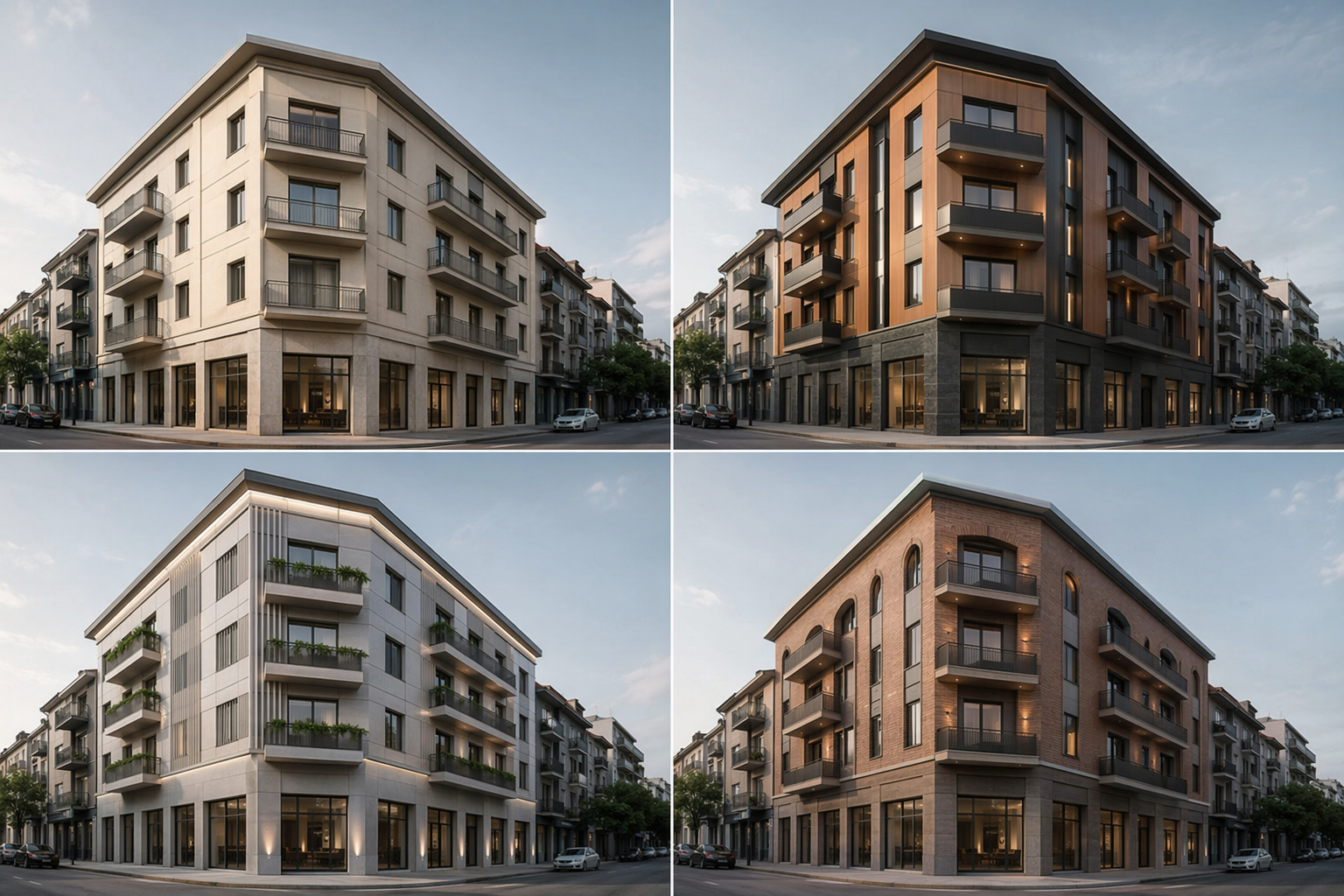
One photo in. A client-ready scheme out.
The whole point of this page — your existing building becomes explorable renovation directions, then a set you can present.
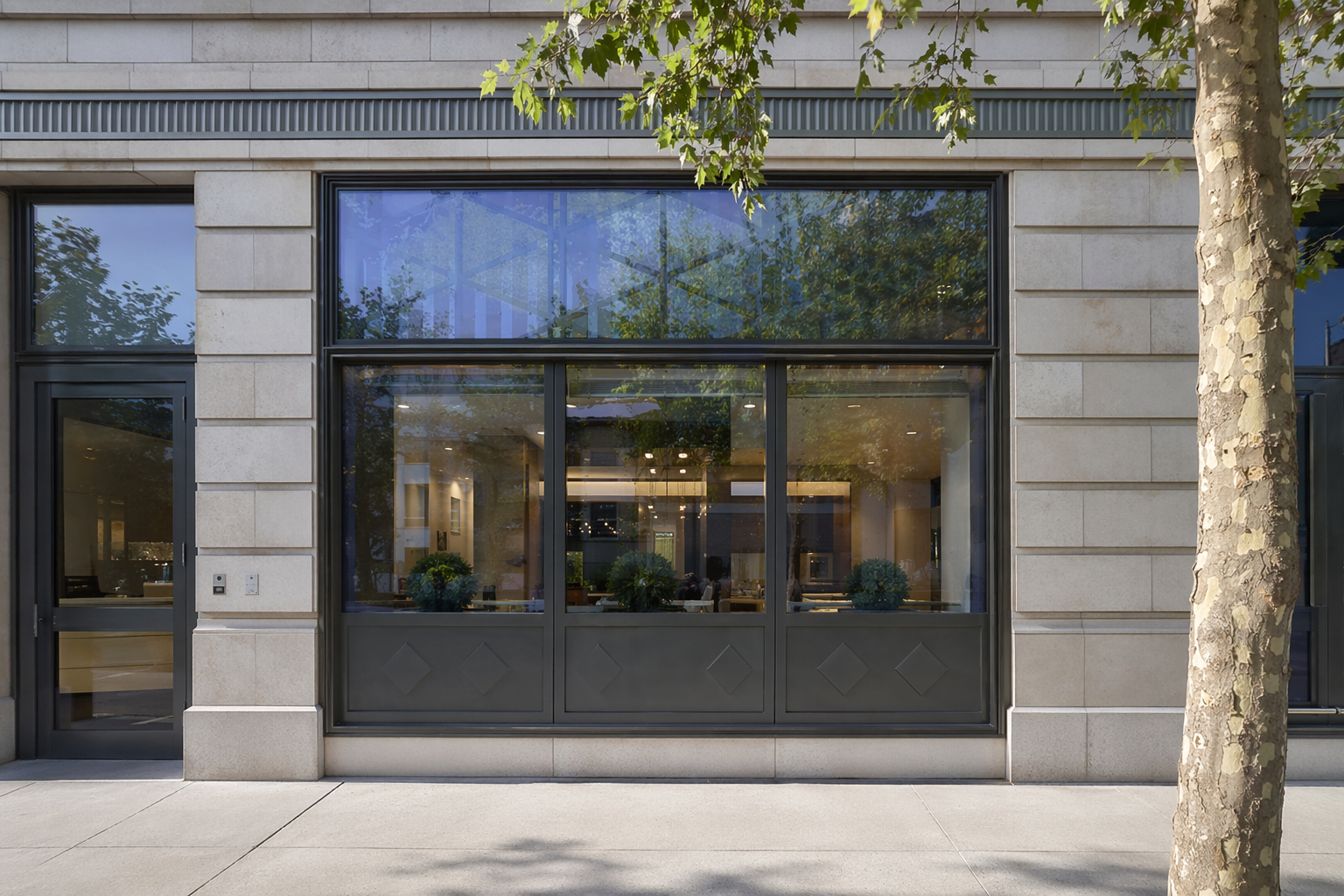
A phone photo of the existing storefront or facade.
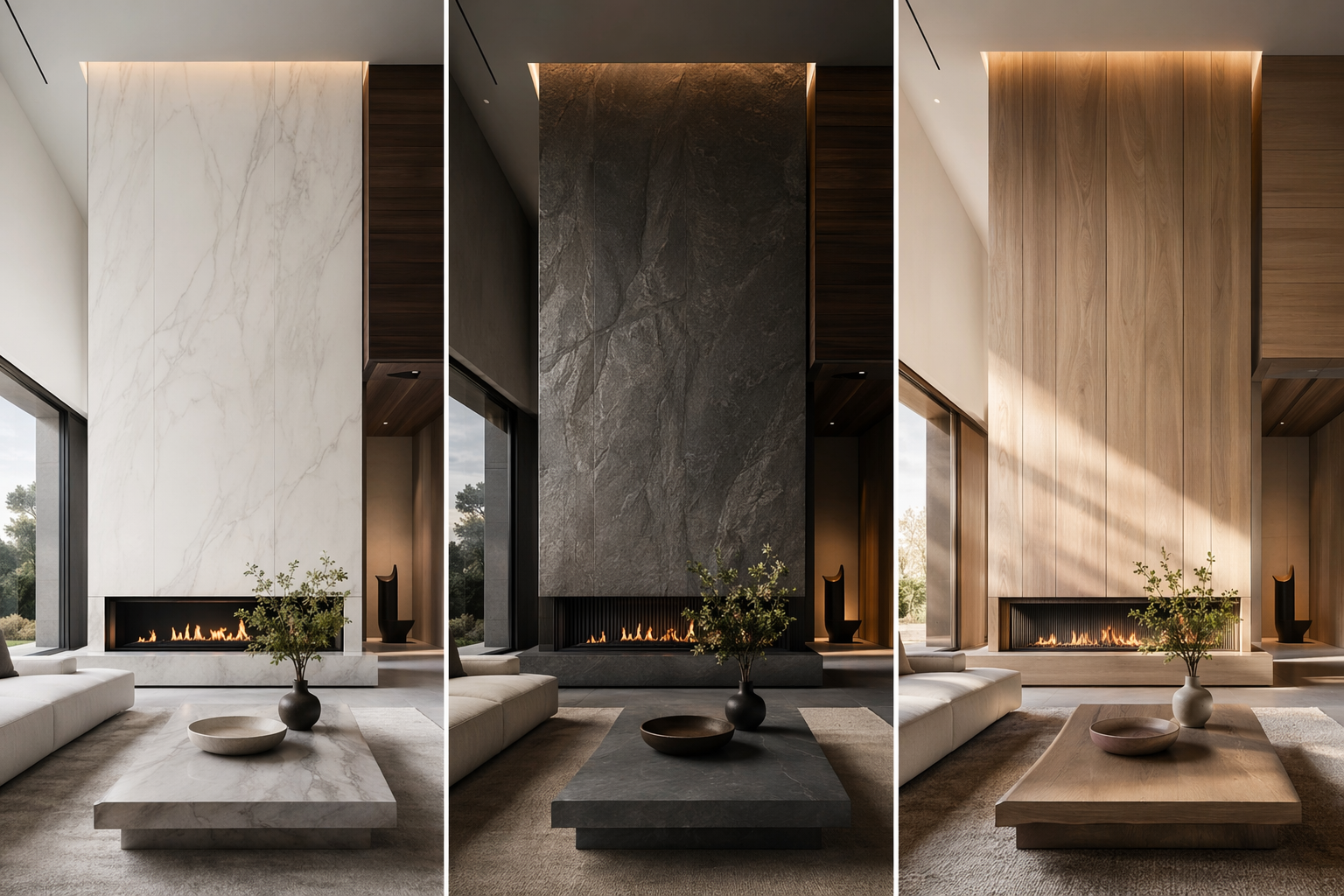
Generate options in different materials, lighting and styles.
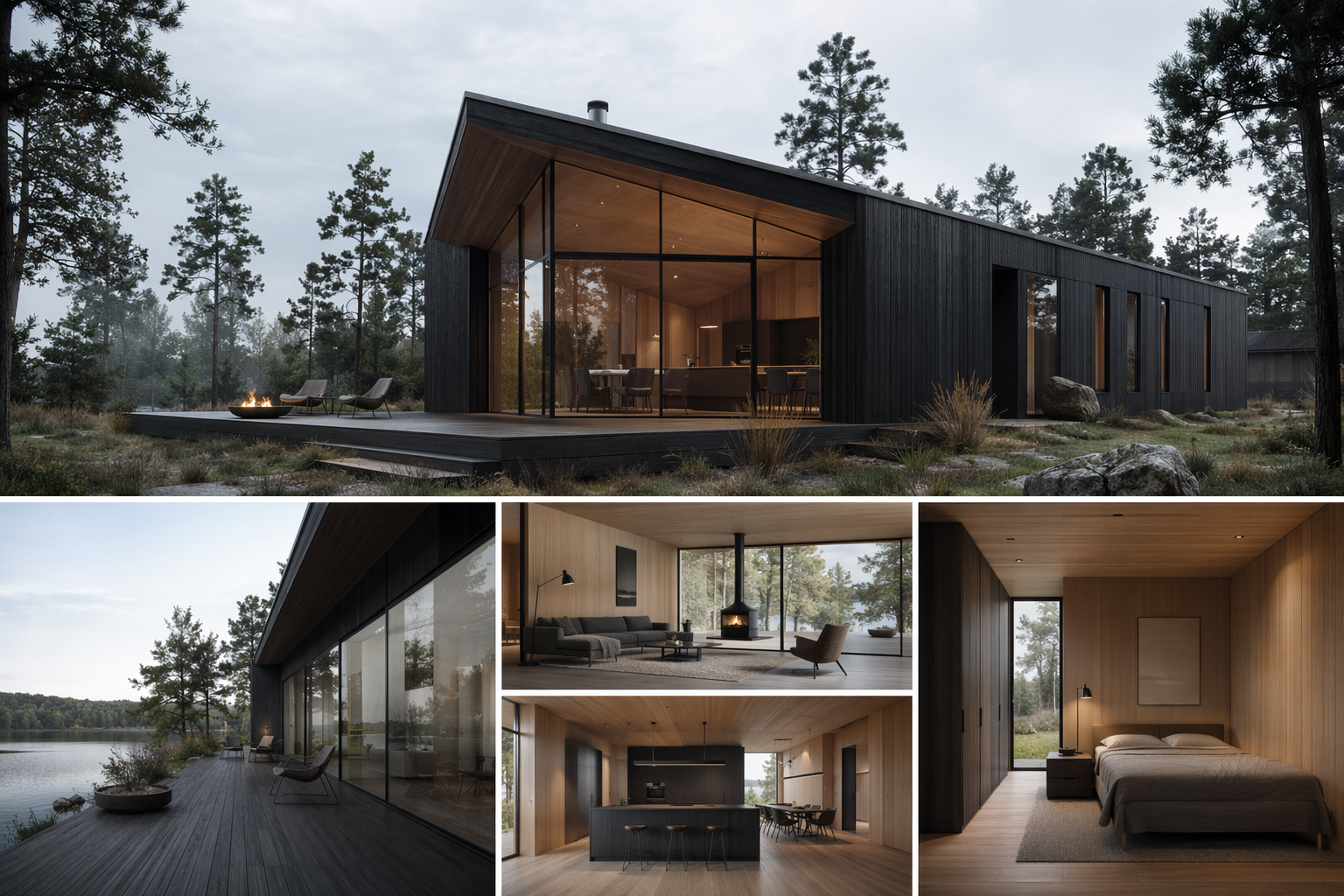
Expand the chosen direction into a consistent set of views.
See the Workflow Run
The workflow behind this solution — connected nodes you can run.
How it works
A controllable path from the existing building to a set of views you can show a client — built on PromeAI's exterior renovation, style transfer and scene-conversion.
Start from the existing building
Drop in a photo of the current storefront or facade — that photo is the reference PromeAI renovates from.
Explore renovation directions
Generate concepts in different materials, glazing, lighting and styles, so a client has real options to compare — not one fixed image.
Build the presentation set
Take the direction you like into a set of views — street, entrance, day and night — and assemble a board to present.
What you walk into the meeting with
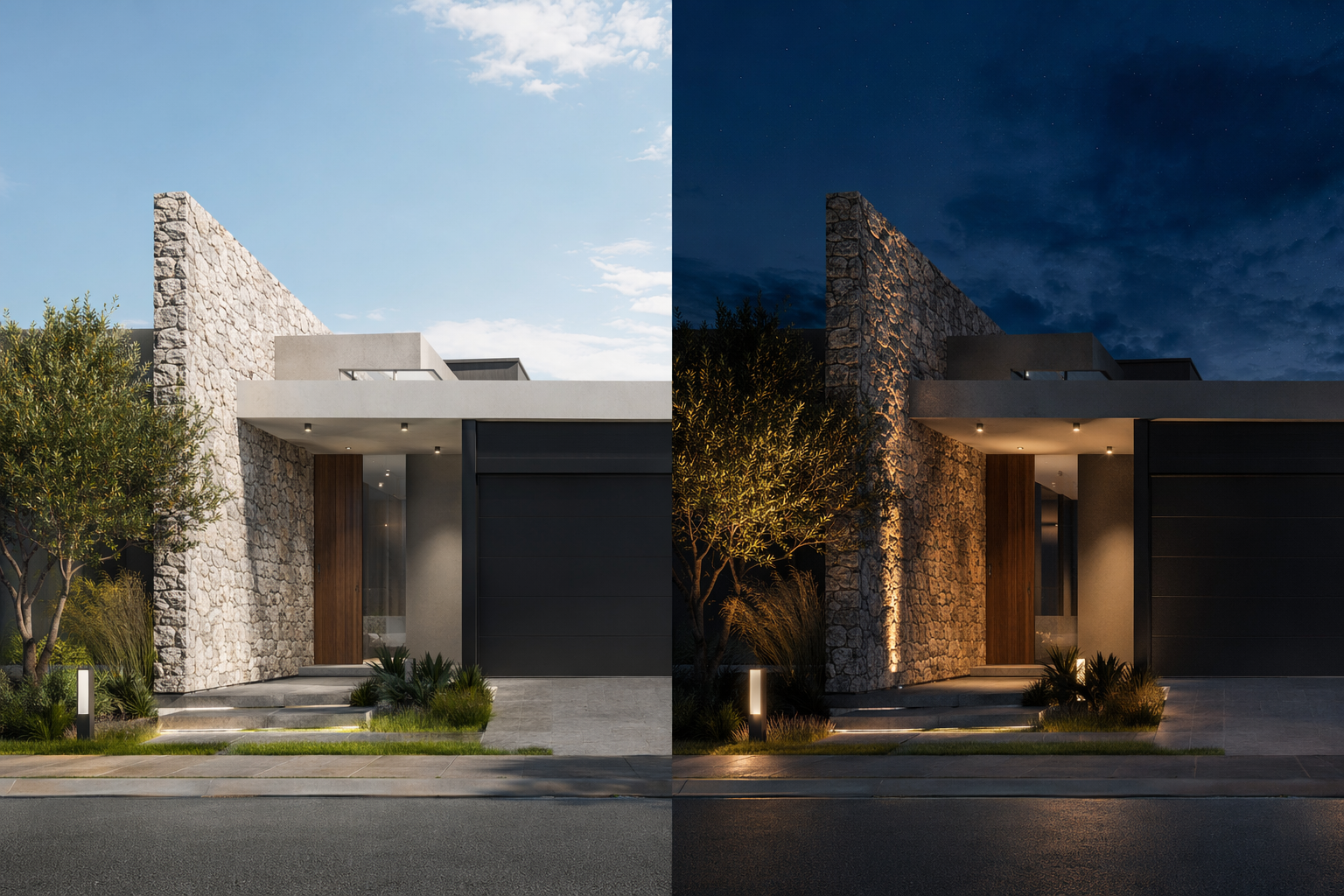
A set of views
Street, entrance, day and night — not a single lucky frame.
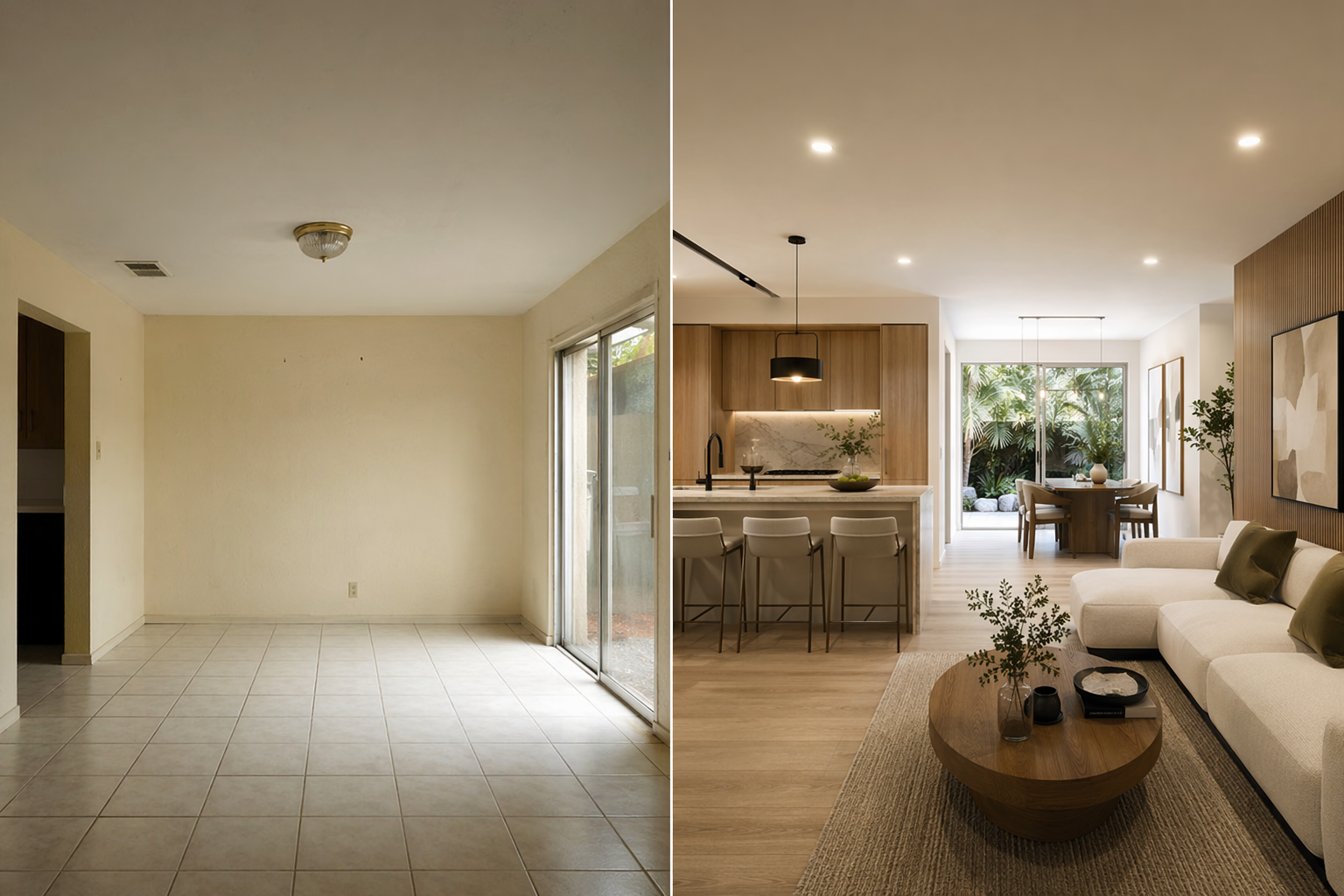
Before / after
The existing photo beside the proposed direction — the most persuasive slide in a renovation pitch.
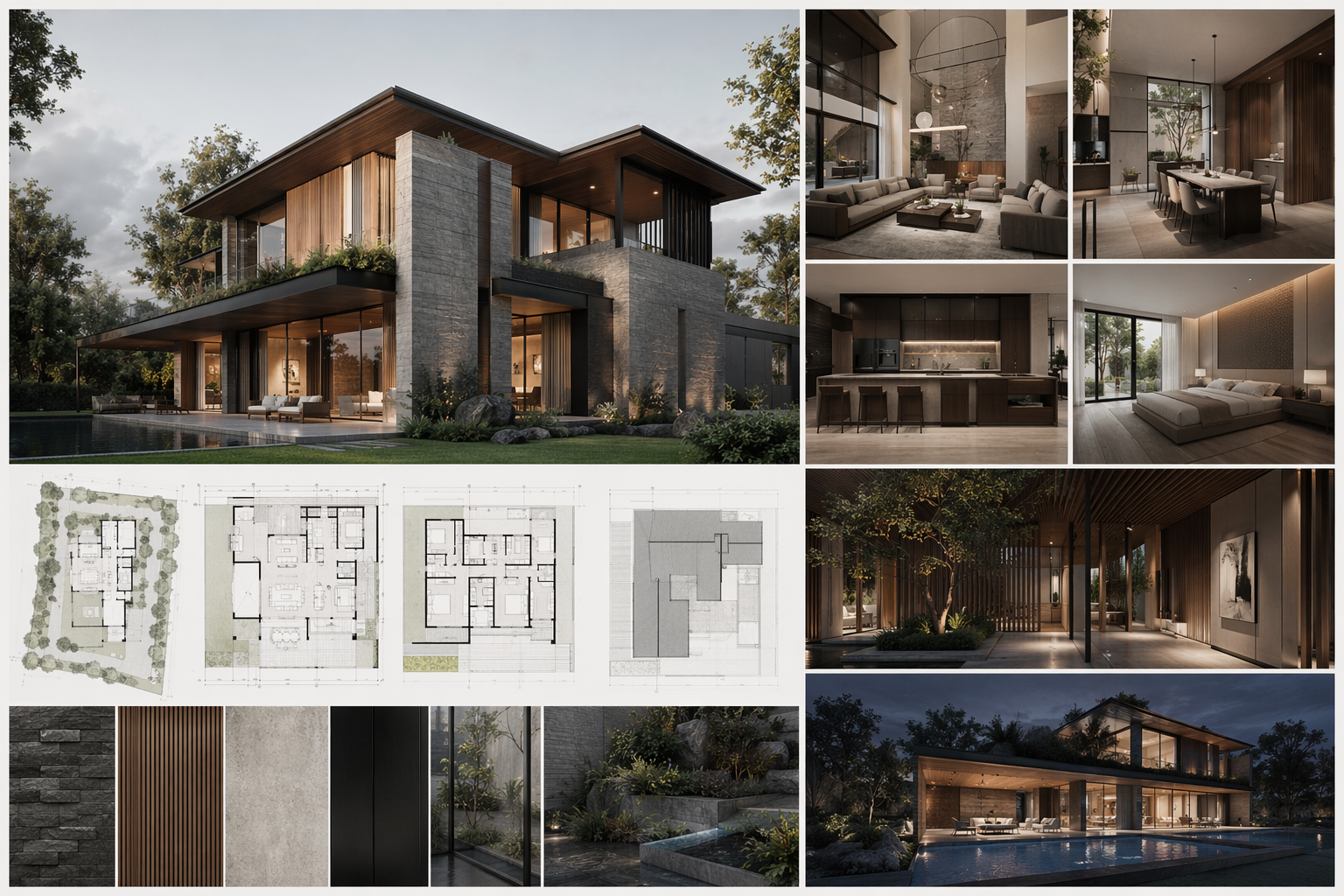
Board & short clip
A layout-ready board and an optional camera-pan clip to make it feel real on screen.
Who this is for
Small & mid-size firms
Show a convincing renovation direction fast, without burning a designer's week on the first pass.
Retail & hospitality designers
Boutique hotels, restaurants, cafes and storefronts where the facade is the brand.
Visualization teams
Produce a consistent set of views instead of one-off hero images.
Frequently asked questions
Try it on your next building photo
Generate renovation directions and walk into the client meeting with a set, not a single render.

Technical support: [email protected]
Business collaboration: [email protected]