
It is 4 PM. The client review is at 5 PM. You have a perfect rendering, but the client just emailed asking to ‘swap the flooring to light oak’ and ‘make the lighting moodier.’ In the past, this meant hours of manual Photoshop work. Today, you turn to AI—but can you trust it not to distort your furniture layout? Finding the Best AI Photo Editors for high-stakes scenarios isn’t about fun; it’s about reliability. I’ve run the gauntlet with tools specifically designed for architecture and commerce to see which ones can handle a ‘make it different, but keep it the same’ request without falling apart. Here is what actually works for professional workflows.
Why Designers Need More Than a Generic AI Photo Editor
Consumer editors are built for “make it look nice.” We’re usually asking for “make it different… but keep it the same where it counts.”
- Architects need the fenestration grid to stay put.
- Product designers need the silhouette to remain unchanged.
- Marketers need brand colors to stop drifting into random hues.
And yeah, most generic AI photo editors don’t care.
Limitations of consumer photo editors for professional design work
What typically breaks first:
- Structure drift: Doors slide, windows multiply, edges wobble. Great for vibes. Bad for approvals.
- Weak control knobs: You get “more/less” sliders instead of “keep the mullions, change the cladding.”
- Inconsistent styles across a set: One hero image looks awesome, the next looks like a different project.
- No production flow: Batch edits, versioning, and “make 12 options that match” aren’t first-class.
- Prompt amnesia: You can’t easily iterate: “same as v3 but less glossy, keep shadows.”
If our output has to survive a client meeting, permit review, PDP, or a product page, generic tools can feel like rolling dice.
What to Look for in a Design-Focused AI Photo Editor
Think of prompting like seasoning. If we can’t control the amount, we’re going to ruin the dish.
Here’s the shortlist we use when we’re hunting for the best AI photo editor for professional design work.
1) Structure preservation (non-negotiable)
We want edits that respect:
- perspective lines
- edges and silhouettes
- object placement
- repeating geometry (windows, panels, tiles)
If a tool can’t “lock” composition, it’s not a pro tool.
2) Style control (so it matches the brand / project)
Look for:
- material realism (wood grain, metal reflections)
- consistent lighting
- controllable stylization (photoreal vs. sketch vs. concept)
3) Batch capability (because we don’t have all day)
The difference between fun and useful is often:
- batch processing
- reusable presets
- consistent outputs across 10–50 images
4) Prompt editing + iterative workflows
We need the tool to support:
- quick prompt tweaks (“less contrast, keep texture”)
- variations without losing composition
- edit history or at least reproducible settings
If the tool hides settings or makes every run feel random, we can’t build a workflow around it.
Top AI Photo Editors for Professional Designers
We tested a bunch of these in real scenarios: exterior refresh concepts, product shots for listings, and “please fix this background by 5 PM” marketing requests. Below are the ones that consistently earned a spot.
PromeAI — Best for Architecture & Interior Rendering
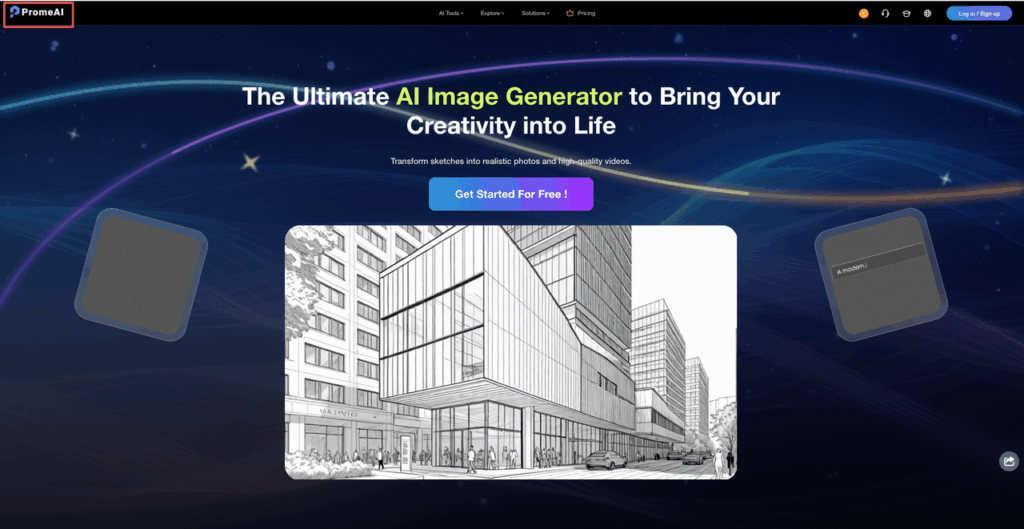
PromeAI is the one we keep coming back to when we need “design edits,” not just pretty filters.
Where it shines:
- Sketch rendering (quick concept-to-visual)
- Exterior renovation studies (façade/material swaps)
- Background diffusion for clean presentation images
It’s especially good when we want controlled transformations: same building, new design direction. Based on PromeAI user reviews on Product Hunt and verified ratings on G2, real designers consistently highlight its strength in keeping structural constraints intact across iterations.
Adobe Firefly — Best for Creative Professionals
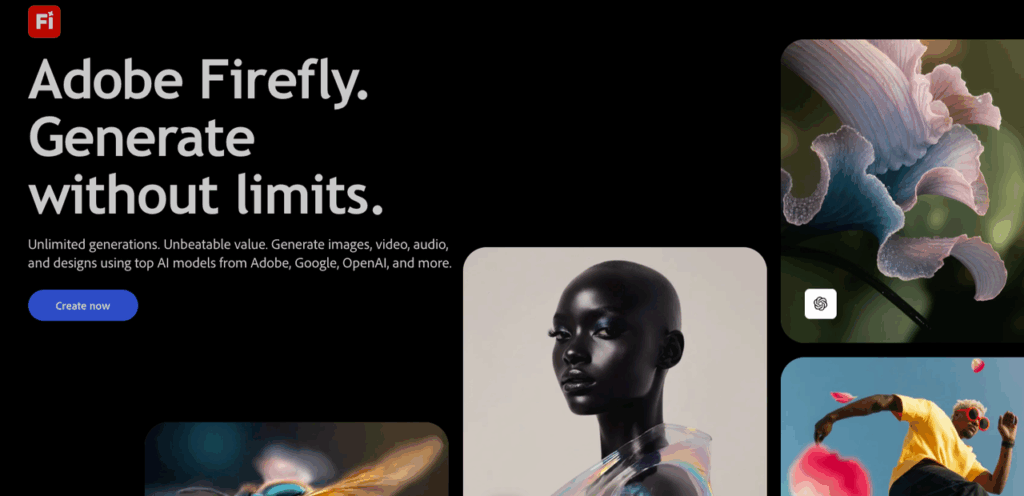
Firefly fits best if we already live in Adobe’s world and need text-to-image features inside a broader creative workflow.
It’s also one of the more “brand-safe” options. Adobe has published detailed guidance on Adobe’s responsible AI principles and maintains a dedicated Adobe Trusted AI & data policy framework, making it a strong choice for agencies and enterprises that need to manage IP exposure and content provenance.
Cutout.pro — Best for E-commerce Product Photos
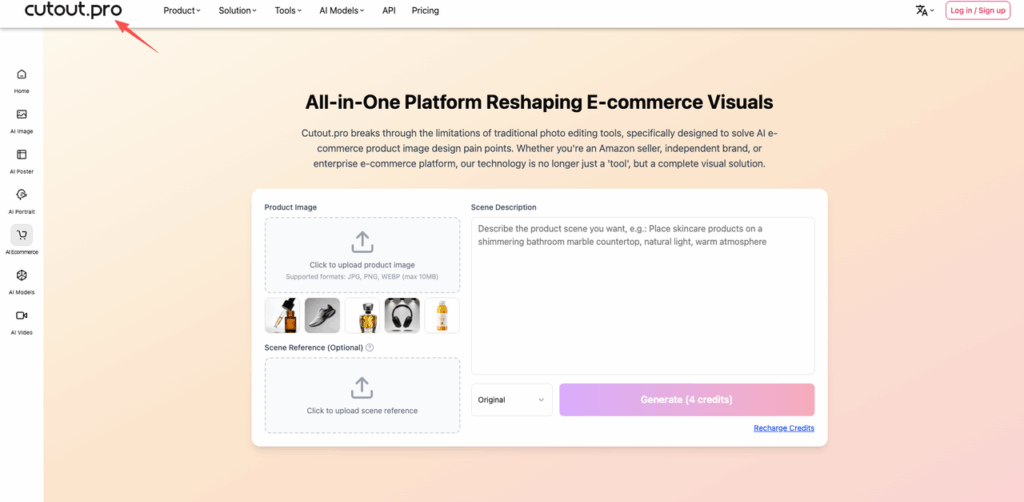
If we’re doing product images and need speed, Cutout.pro’s AI e-commerce photo generator is a workhorse:
- background removal
- quick cleanups
- simple composition fixes
It’s less about art direction and more about getting a clean, usable asset fast.
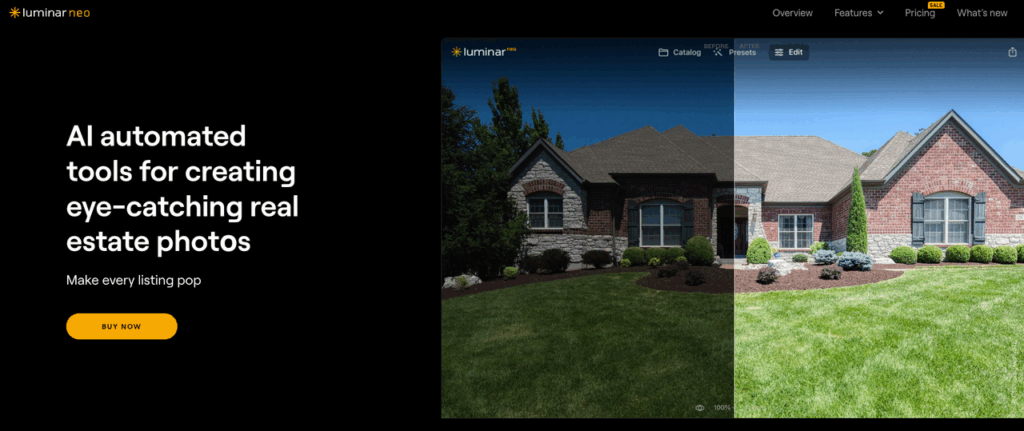
Luminar Neo — Best for Real Estate Photography
Luminar Neo for real estate photography is great when the source is already a photo and we want it to look better without rebuilding it. Think:
- sky replacement
- light balancing
- interior brightness fixes
It’s a solid “make this listing photo pop” tool, especially for real estate teams.
Vizcom — Best for Industrial Design
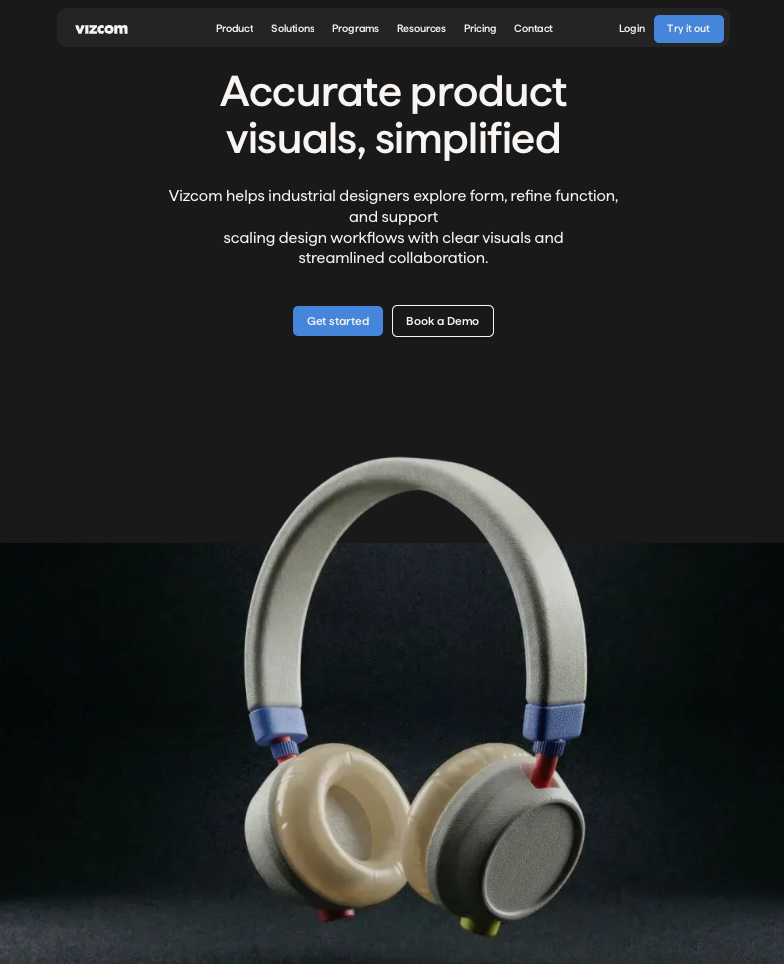
Vizcom for industrial design is a favorite when we’re moving fast from sketch to concept render. If we’re in industrial design mode — shapes, materials, quick iterations — Vizcom’s workflow feels natural.
How PromeAI’s Inspira Handles Design-Specific Photo Editing
We’ve been stress-testing PromeAI’s Inspira photo editing workflow for the stuff clients actually ask for: “same photo, different design direction” and “make it more premium but don’t change the product.”
And yes, it’s a very specific flavor of useful.
Prompt-based editing for architecture
A prompt that worked surprisingly well for an exterior refresh (keeping the massing stable):
- Model/Mode: Inspira (photo editing)
- Prompt: “Update façade with vertical cedar slats, matte black window frames, keep window positions and roofline, realistic daylight, high detail”
- Negative prompt (if available): “no extra windows, no warped geometry, no curved walls”
What we liked:
- It tended to keep the overall structure more consistent than general-purpose tools.
- Iterations felt closer to “design options” than “random generations.”
What we still had to watch:
- Fine edges around railings and thin mullions — sometimes they soften.
Material & style transfer
This is where Inspira gets fun (and actually practical). We can take one strong reference style — say, “warm Scandinavian minimal” — and apply it without rewriting the entire scene.
A material swap that’s money for interiors:
- Prompt: “Replace flooring with light oak planks, keep wall color, keep furniture layout, natural soft shadows”
Need to visualize ‘warm Scandinavian’ without losing your layout? Explore PromeAI to generate precise design variations that keep every window and mullion exactly where you placed them.
Tip from our own trial-and-error: call out what must not move (“keep furniture layout”) every time. It’s like reminding a very eager intern.
Background generation for product photos
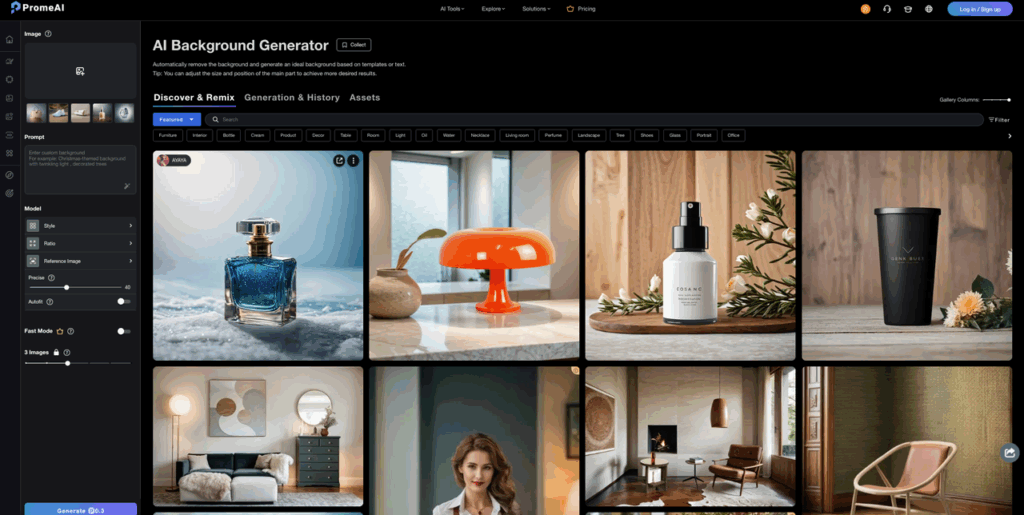
For product shots, we used a plain image and pushed background options fast.
A clean e-commerce setup prompt:
- Prompt: “Studio product photo background, soft gradient light gray, subtle shadow under product, keep product shape unchanged, high clarity”
This is the difference between “we need a reshoot” and “we can ship the listing today.”
One trust note: if we’re uploading client or unreleased product photos, we always check the platform’s data policy and permissions first. For enterprise-level AI governance context, reviewing Adobe’s responsible AI use guidelines is a useful benchmark, even when evaluating other platforms.
Choosing the Right Tool for Your Design Niche
We’re not going to pretend there’s one winner for everyone. The best AI photo editor depends on what we’re designing, and what “wrong” looks like in our world.
Quick Decision Matrix
| Use Case | Best Tool | Why |
| Architecture (exteriors, renovations, concepts) | PromeAI | Design-forward material swaps & façade options |
| Interior design (style + material explorations) | PromeAI or Adobe Firefly | Inspira prompt control vs. Adobe ecosystem |
| Fashion / brand creative (campaign visuals) | Adobe Firefly | Creative suite workflow & generative tools |
| E-commerce (lots of SKUs, fast cleanup) | Cutout.pro | Speed, background removal, production vibe |
| Real estate photography | Luminar Neo | Photo-first enhancement that stays grounded |
| Industrial design (sketch-to-render) | Vizcom | Concept visualization workflow |
If we’re building a small, reliable stack (instead of chasing every new tool), we’d start with one “design edit” tool (PromeAI) plus one “production cleanup” tool (Cutout.pro or Luminar Neo).
And now we want to know: where do you get stuck most in your photo editing flow — structure drifting, materials looking fake, or getting consistent results across a batch?
Best AI Photo Editor FAQs
What makes the best AI photo editor for professional design work?
The best AI photo editor for pros prioritizes structure preservation, not just “pretty” results. Look for tools that can lock composition (perspective, edges, repeating geometry), offer tight style/material control, support batch workflows, and allow iterative prompt edits so versions stay consistent and client-ready.
Why do generic AI photo editors move windows or warp building geometry?
Many consumer AI photo editors optimize for visual novelty, not constraints. Without composition locking, they “hallucinate” structure — windows multiply, edges wobble, rooflines shift — because the model treats the scene as flexible. For architecture or product work, that structure drift breaks approvals and real-world accuracy.
Which AI photo editor is best for architecture and exterior renovation concepts?
For architecture and façade studies, PromeAI is a strong pick because it’s geared toward design-forward edits like material swaps and controlled exterior refreshes. In testing, it was more likely to keep massing and layout stable while generating believable options, especially with clear “keep” constraints in prompts. Real-world feedback is also reflected in PromeAI reviews on G2.
What is the best AI photo editor for e-commerce product photos and fast cleanup?
For high-volume product work, Cutout.pro’s AI e-commerce generator is often the best choice when speed matters most. It’s built for production tasks like background removal, quick cleanups, and simple composition fixes — ideal for lots of SKUs where you need clean, usable assets rather than heavy art direction.
How do I stop an AI photo editor from changing the composition or adding extra objects?
Be explicit about constraints in every prompt: state what must not move (e.g., “keep window positions,” “keep product shape unchanged,” “keep furniture layout”). When available, add a negative prompt like “no extra windows, no warped geometry.” Iterating with small prompt tweaks helps maintain consistency across versions. PromeAI’s Inspira is particularly well-suited for this kind of controlled, iterative editing workflow.
Recommended Reads
Leave a Reply