Tag: Generative AI
-
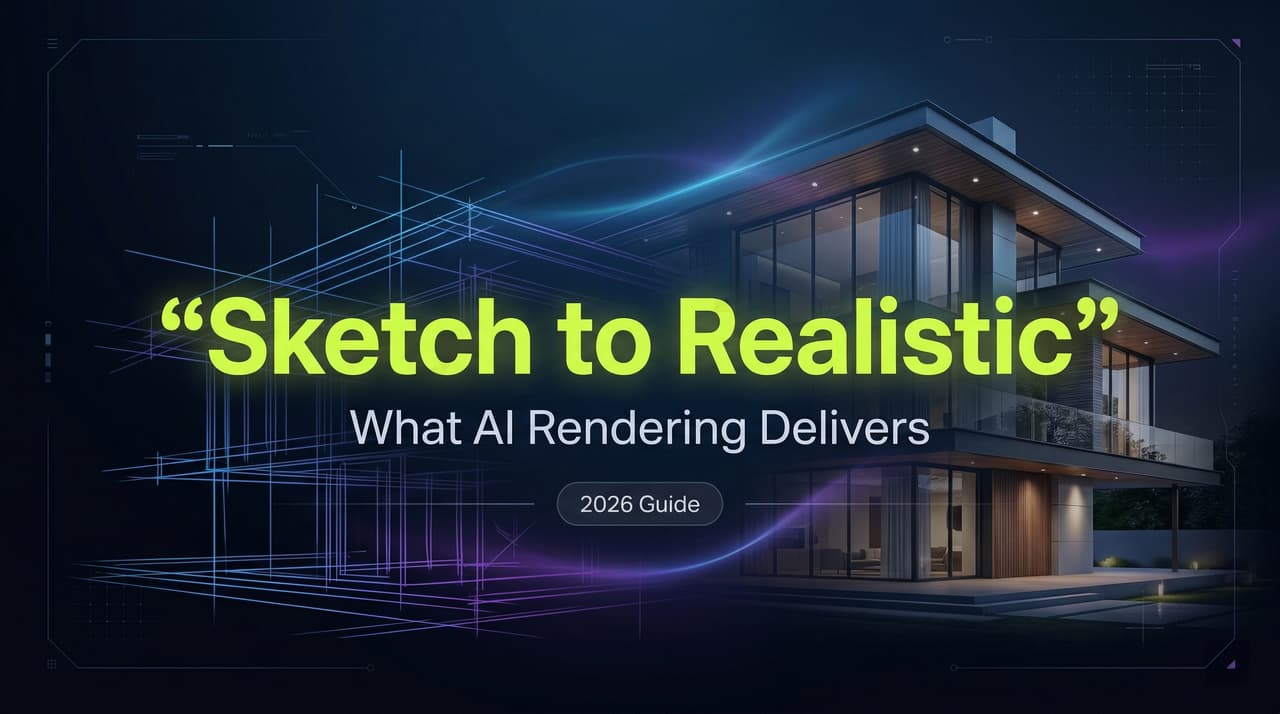
Realistic Drawings from Sketches: What AI Rendering Actually Delivers
Okay, I have to tell you what happened last Tuesday. I had a client walkthrough in three hours. My hand-drawn facade sketch was sitting on my desk — pencil lines, a few shaded areas, some squiggly trees I definitely can’t explain. I uploaded it to PromeAI’s sketch rendering tool basically out of desperation. The output?…
-
Line Drawing to Render: Hand-Sketched vs Digital Line Input Guide
Okay, I need to tell you about something that happened last Tuesday. I had two versions of the same floor plan — one I’d sketched with a 0.5mm Staedtler on tracing paper, and one I’d drawn in Procreate with a clean vector-ish brush. Same room. Same layout. I fed both into PromeAI’s sketch rendering mode…
-
Simple Drawings as Design Inputs: What AI Can Render in 2026
I had a napkin sketch sitting on my desk from a client call. Literally a napkin. Scribbled walls, a vague furniture arrangement, and an arrow pointing somewhere labeled “big window vibes.” I uploaded it to PromeAI’s sketch renderer. No cleanup, no Photoshop touch-up, no redrawing in SketchUp. The output? A warm, sun-drenched living room render…
-

Pencil Drawing to Render: AI Visualization for Architects
I have a confession. Last Tuesday, I was supposed to finalize a concept deck by 6 PM. Instead, I spent 40 minutes scanning hand sketches and feeding them into PromeAI just to see what would happen. What came out the other side? A render that looked like it had a proper visualization team behind it.…
-
Easy Sketches to Rendered Visuals: Interior Design Workflow
Okay, I need to tell you about what just happened. I had a rough pencil sketch of a living room — we’re talking 5-minute scribble energy, proportions slightly off, no textures, just vibes — and I uploaded it into PromeAI‘s Sketch Rendering tool. Thirty seconds later? A Japandi-style render with warm oak tones, soft diffused…
-

PromeAI Workflow SOP: Idea to Client Deliverables (60-Min Guide)
You don’t need another week to finalize a concept. You need one focused hour and a solid system. In this post, I’m handing over our internal PromeAI workflowSOP—the exact copy-pasteable guide we use to turn vague ideas into high-quality client deliverables in under 60 minutes. I’m Millie, and I believe AI isn’t just about magic…
-

PromeAI Export: Portfolio Web Quality & SEO Best Practices
Last night, I did the thing I always tell clients not to do. I took a batch of stunning “final” images directly from a project, dropped them into a portfolio page, and hit publish. The result? The page felt like it was wading through syrup. While the visuals looked gorgeous, Google Lighthouse was furious, and…
-
How to Edit Seedance 2.0 Videos: Extend, Replace & Repair Without Re-Generation
Stop trying to re-generate your way out of a bad frame. It’s a waste of time. The real power of AI video isn’t just in creation, but in knowing how to edit Seedance 2.0 videos to fix specific issues like a warped logo or a short clip. Through my recent tests with product launches and…
-

Vidu Q3 vs OpenAI Sora vs Veo vs Kling vs Runway: Which Model Fits Ads & Short Storytelling?
Scroll through social media, and you’d think generating flawless video ads and short storytelling sequences takes nothing but a single sentence. But load up Vidu Q3, OpenAI Sora, Veo, Kling, or Runway with a strict commercial brief, and that illusion shatters fast. The gap between viral tech demos and actual, production-ready rendering is absolutely massive.…
-
Vidu Q3 Troubleshooting: Prompt Not Followed, Flicker, Weird Motion, Audio Off-Sync (Fix Checklist)
Last Thursday night, 14 hours before a major campaign delivery, my entire AI video pipeline broke down. I was knee-deep in a Vidu Q3 troubleshooting nightmare: my Vidu Q3 prompt was not followed, my main character had three arms, and the audio sync was entirely off. Sound familiar? I’m Millie, an AI video strategist, and…