

One approved view into a consistent, client-ready scheme
Take a single approved design view and expand it into a coherent set of concept views — keeping materials, style and camera logic consistent — then assemble a board you can present the same day.
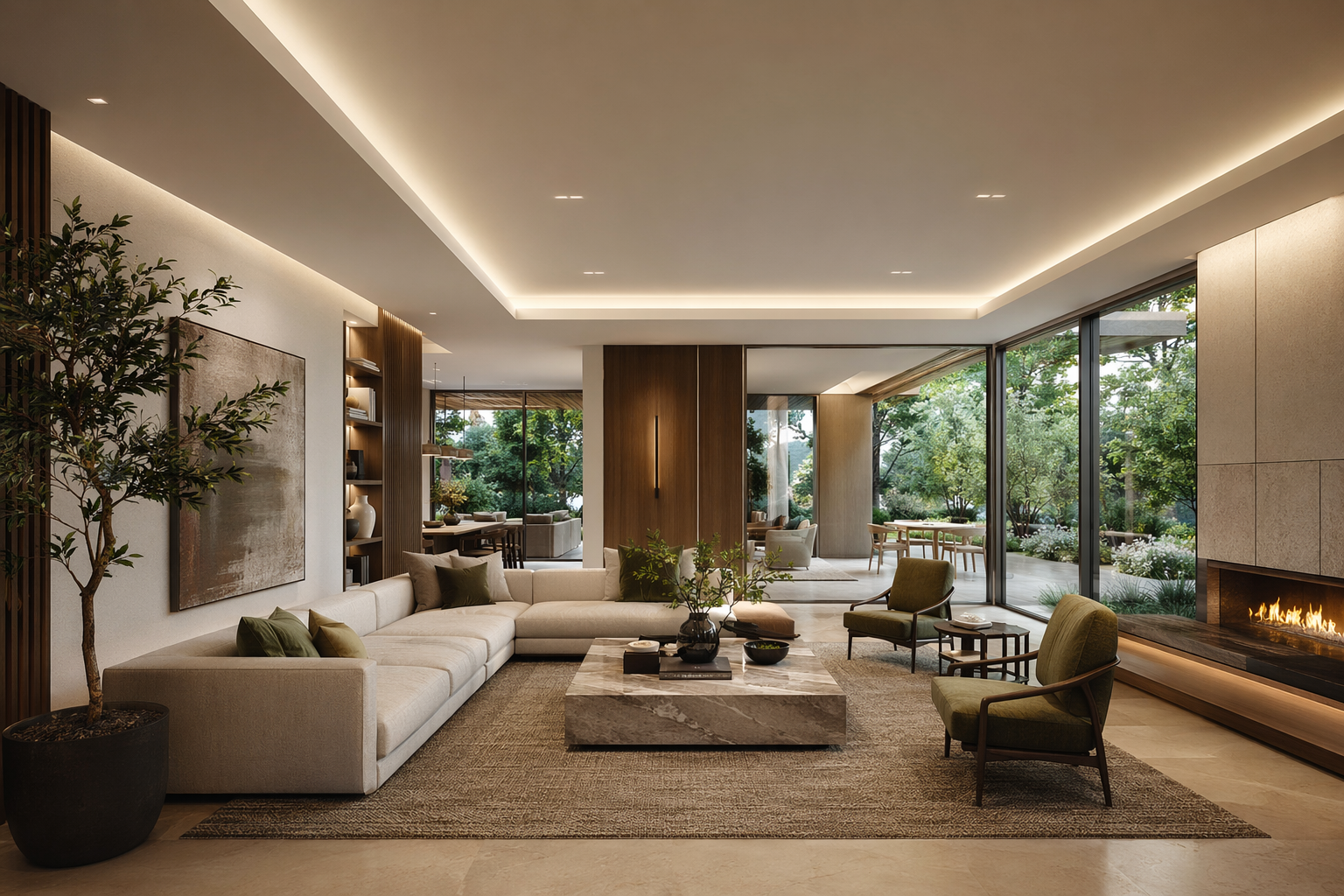
One view in. A full presentation set out.
The point of this page — your approved direction becomes a consistent multi-view set, then a package you can present.
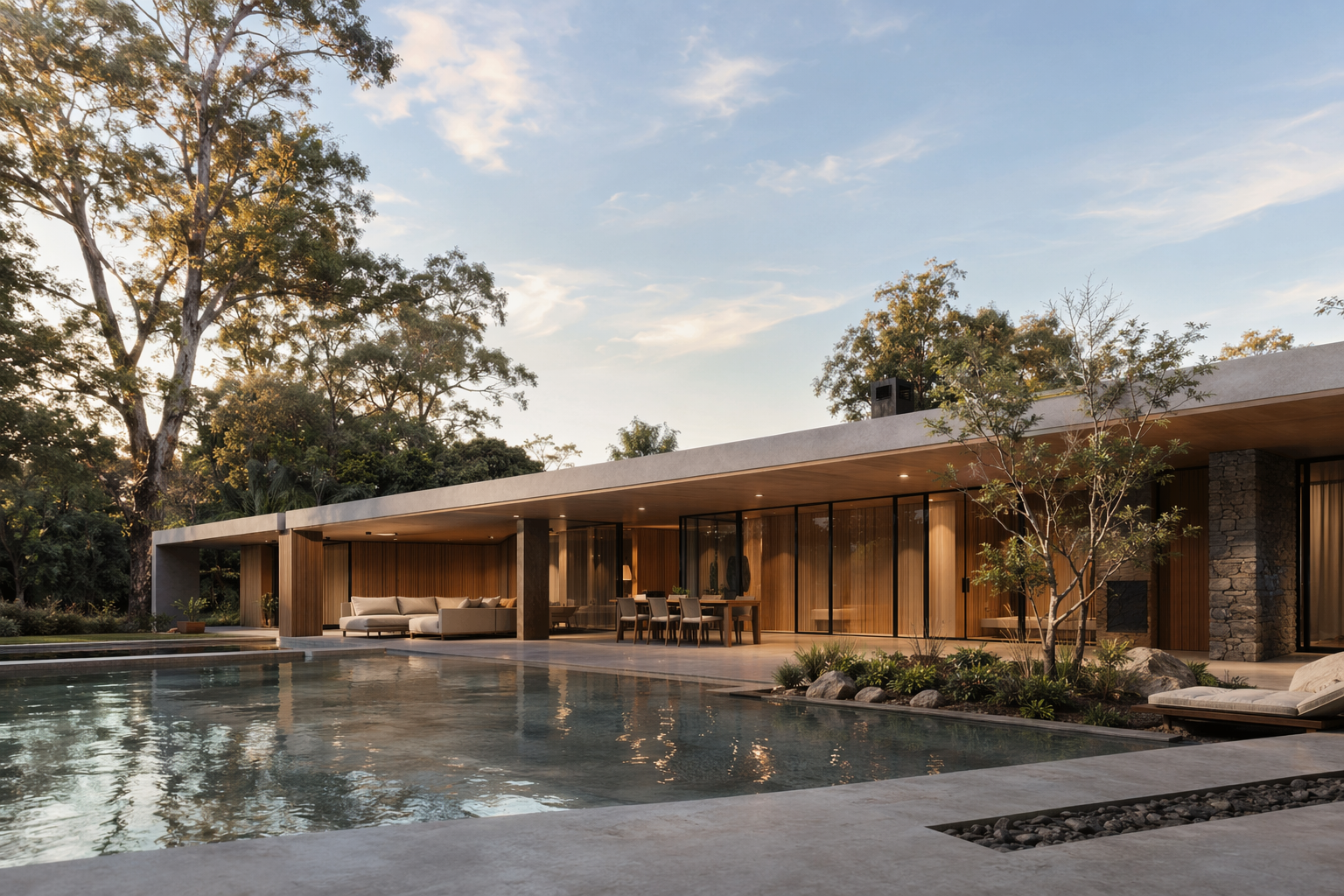
Your chosen concept image or model view.
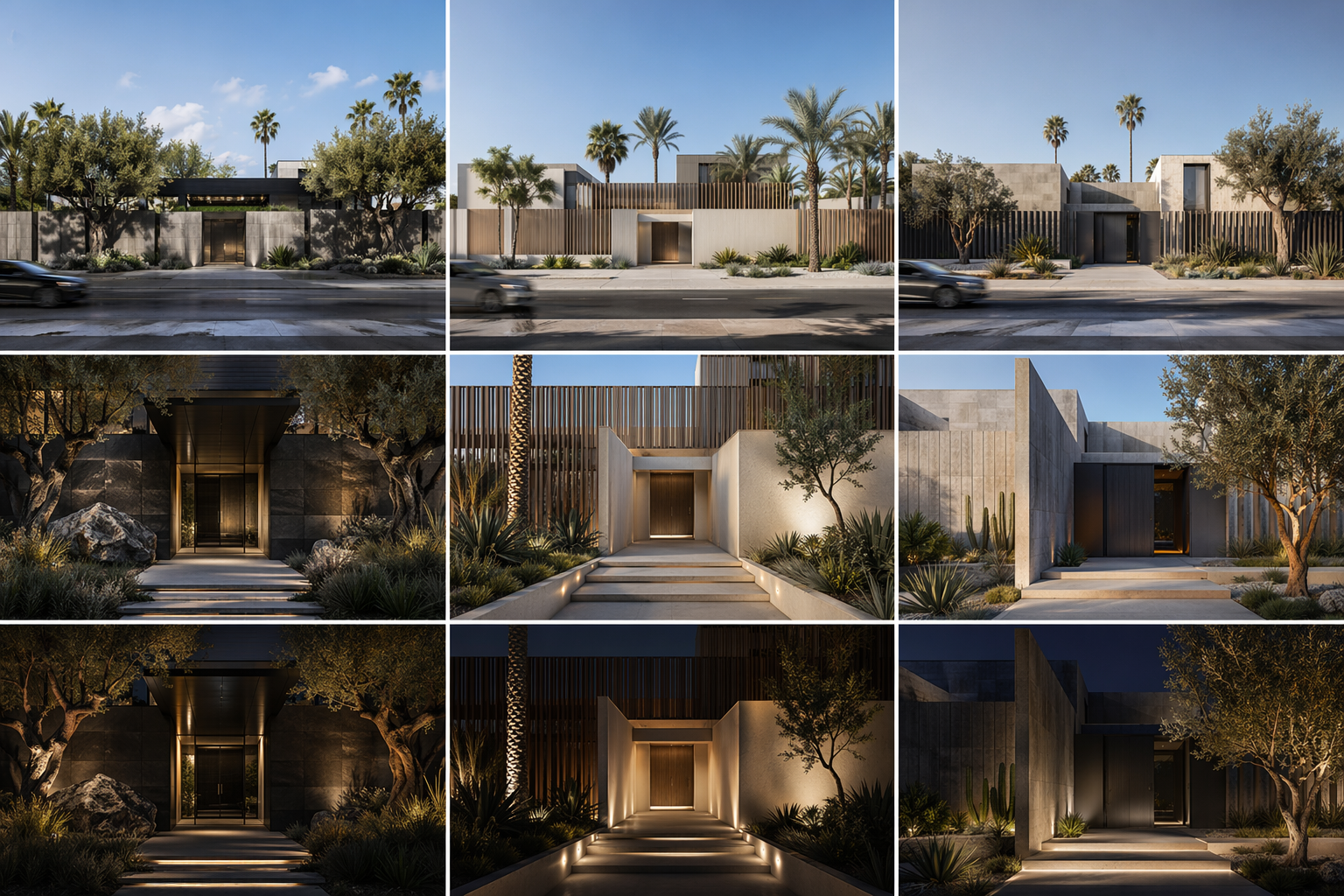
Expand to street, entrance, day and night — same design language.
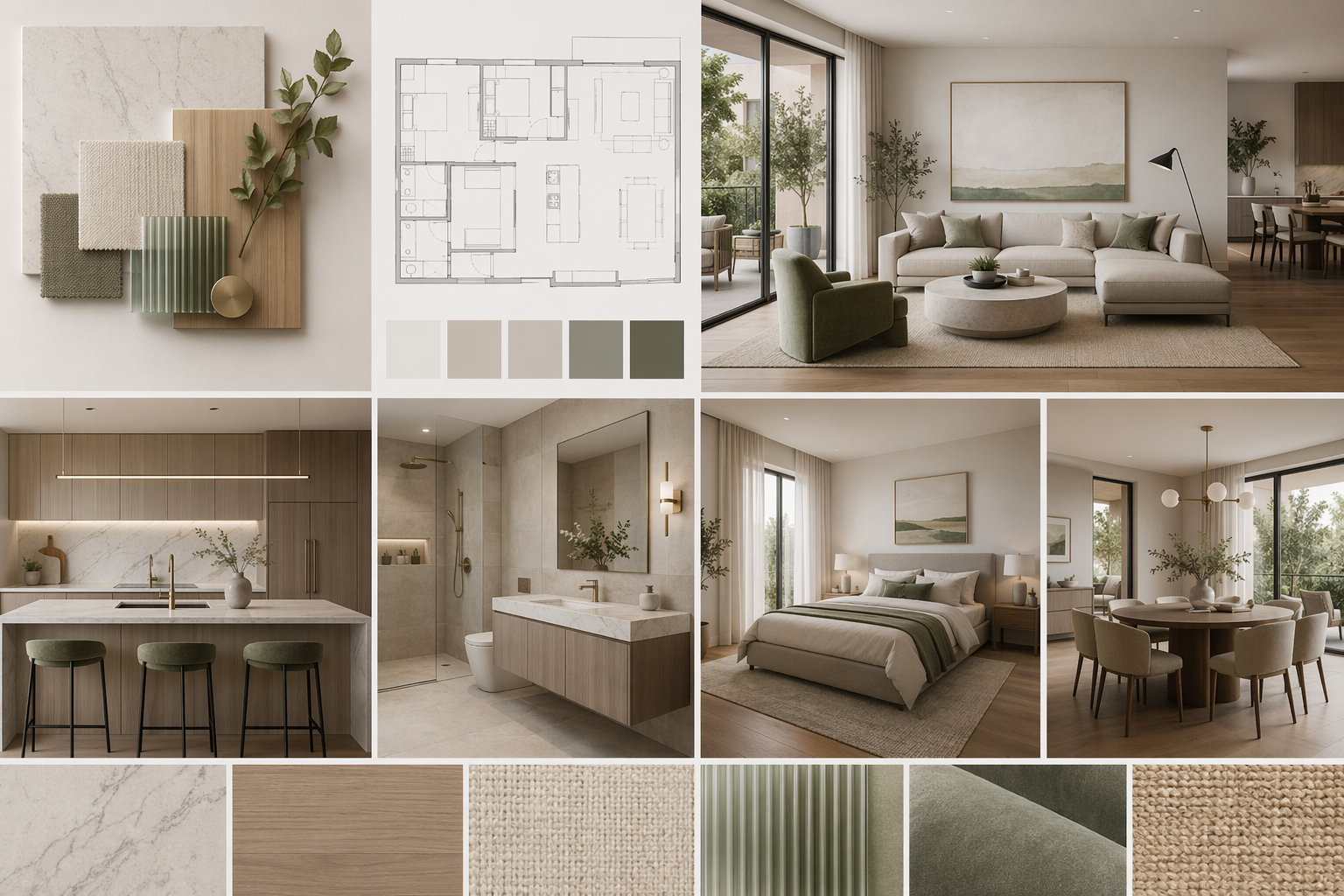
Assemble the set into a client-ready board.
See the Workflow Run
The workflow behind this solution — connected nodes you can run.
How it works
A controllable path from one approved view to a coherent presentation set — built on PromeAI's multi-view consistency, style transfer and scene-conversion.
Start from an approved view
Drop in the concept image or model screenshot you've already aligned on with the team.
Expand to a consistent set
Generate matching views — street, entrance, interior link, day and night — keeping materials and style coherent.
Assemble the package
Lay the views into a board with material callouts, ready to present or hand off.
What you walk into the meeting with
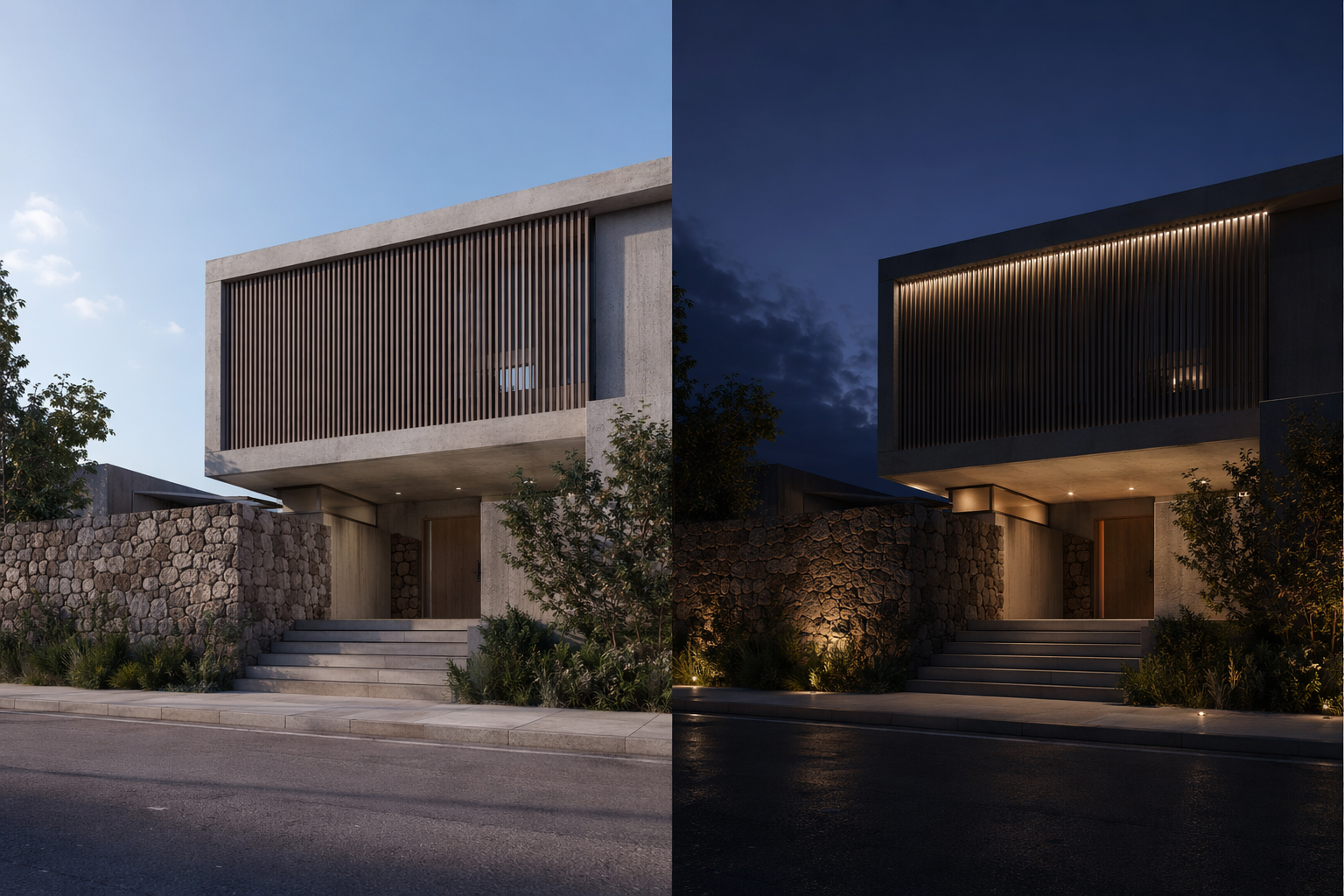
Consistent view set
Street, entrance, day and night — same building, same materials.
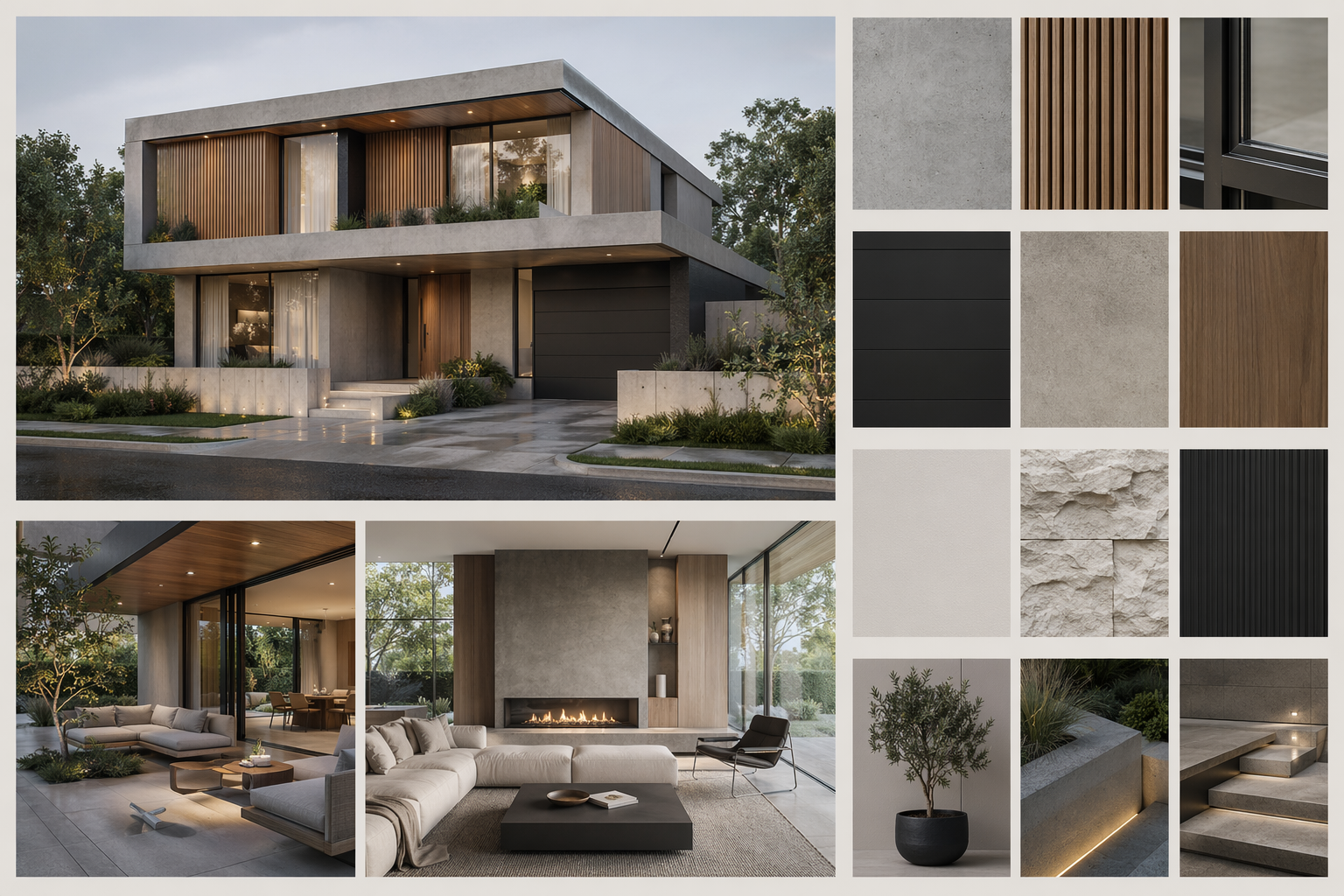
Presentation board
A layout-ready board with material callouts.
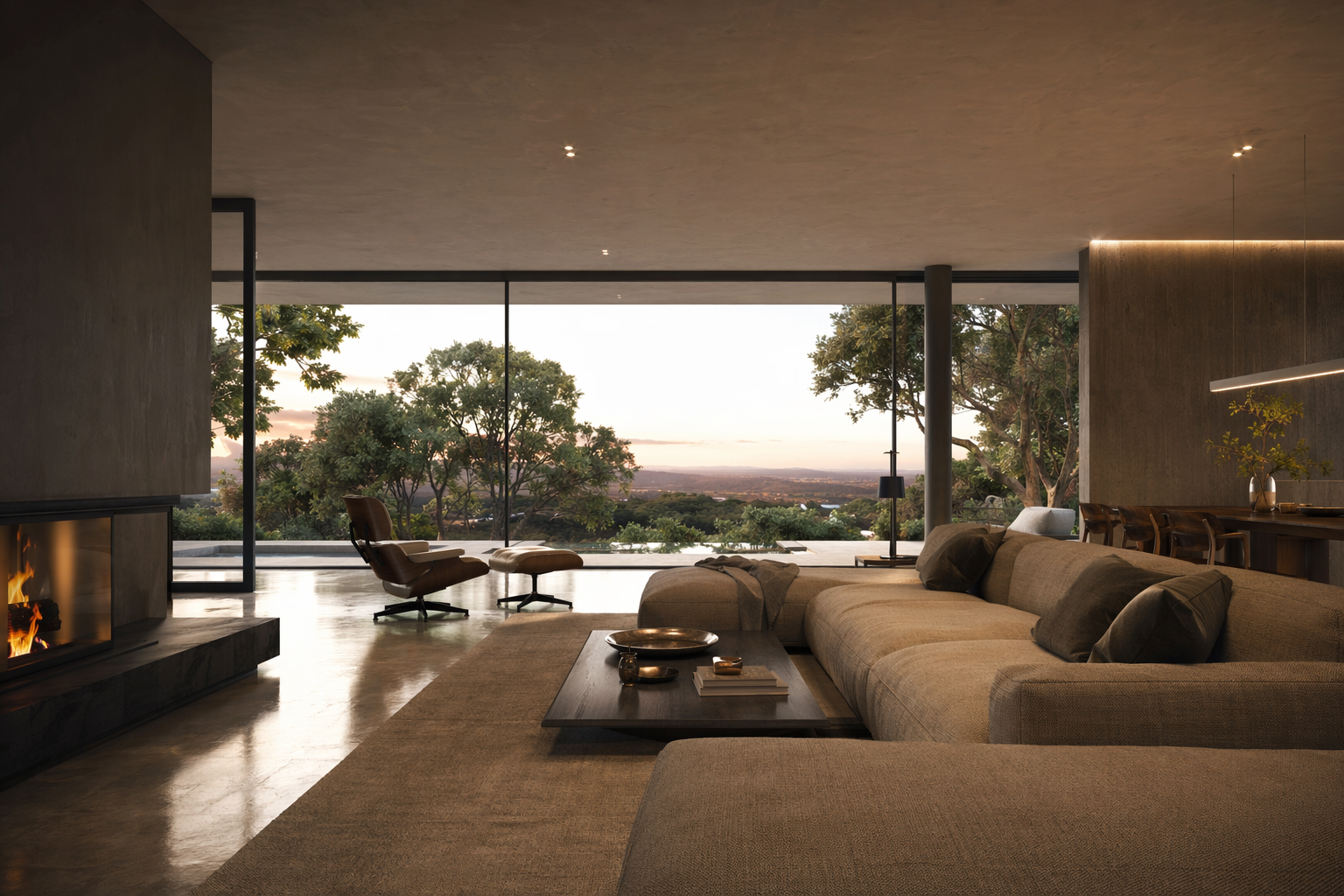
Optional walkthrough clip
A short camera-pan clip to make the concept feel real on screen.
Who this is for
Small & mid-size firms
Produce a full presentation set fast, without a designer's week of manual work.
Visualization teams
Keep every view on-model instead of one-off hero images.
Design leads
Walk a client through a coherent scheme, not a single render.
Frequently asked questions
Turn your approved view into a full package
Expand one view into a consistent set and walk into the meeting with a board, not a single render.

Technical support: [email protected]
Business collaboration: [email protected]