

Show owners how the grounds around the hotel could feel
Upload a photo of the site — the arrival court, pool deck or garden frontage — and explore landscape directions in different planting, paving, water and lighting. The building, terrain and setting from your photo stay in place, so owners and operators recognize their own property in every option.
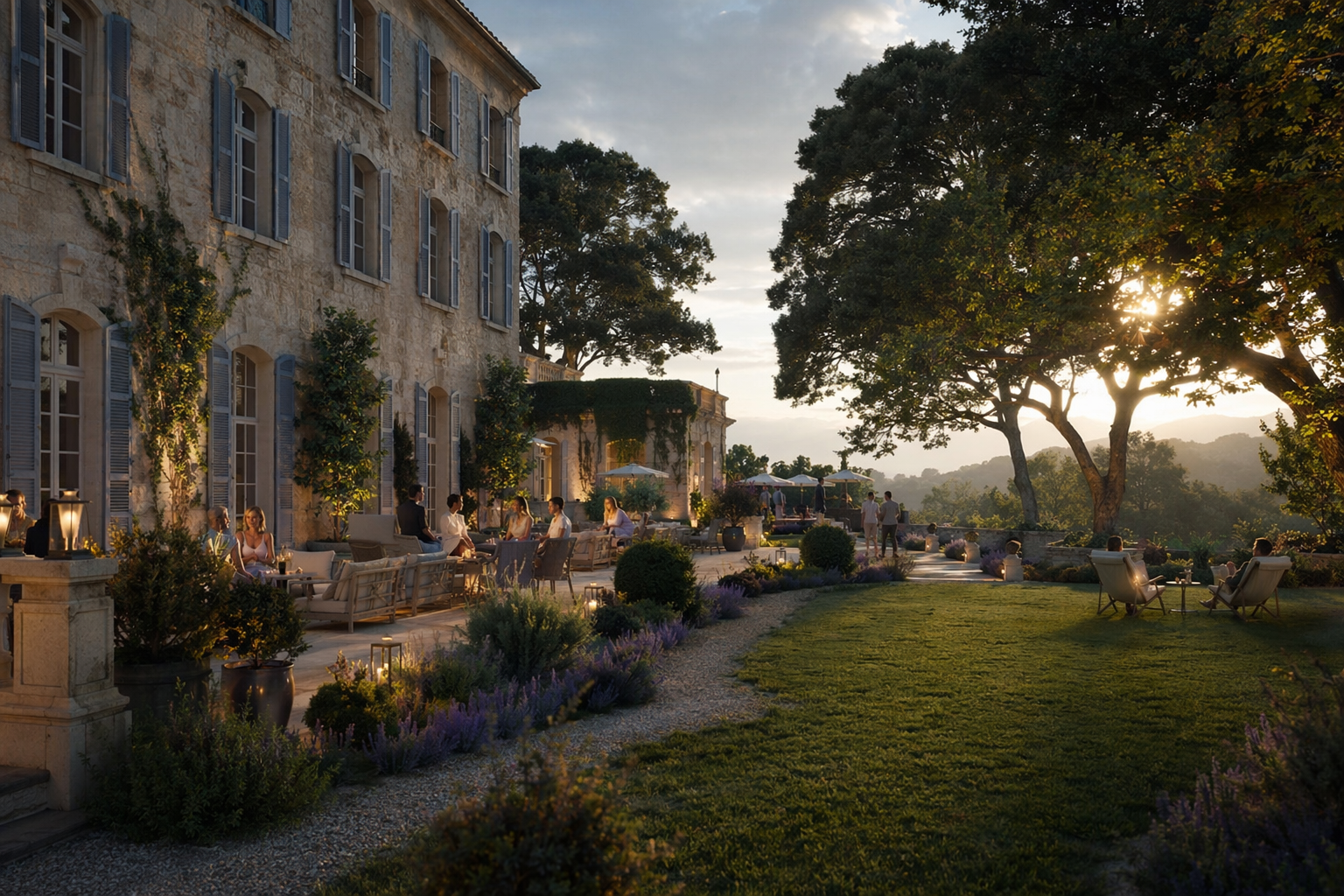
A site photo in. A landscape scheme out.
Your grounds or unfinished frontage become explorable design directions, then a set you can bring to an owner or investment review.
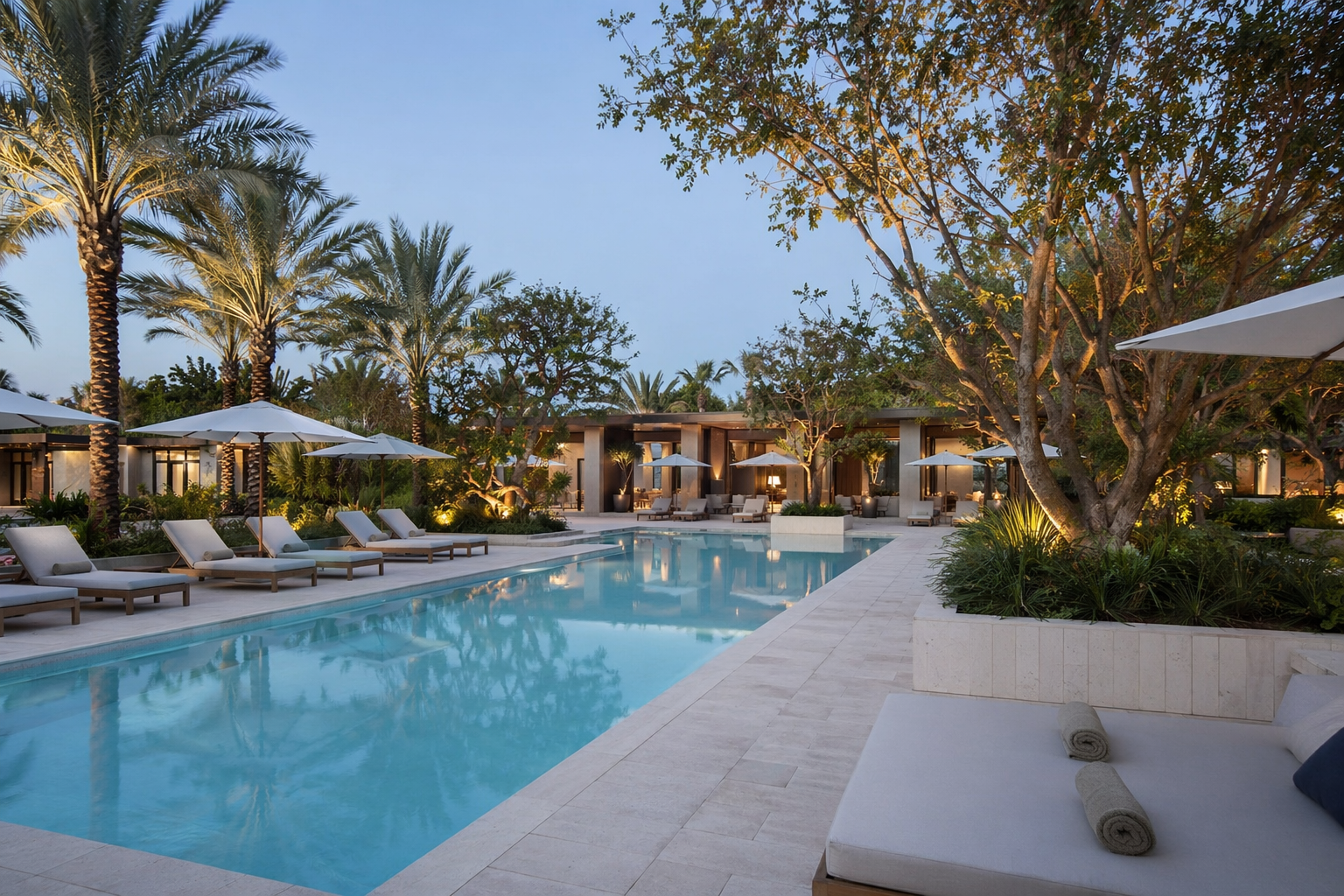
A photo of the resort grounds, arrival court or pool deck.
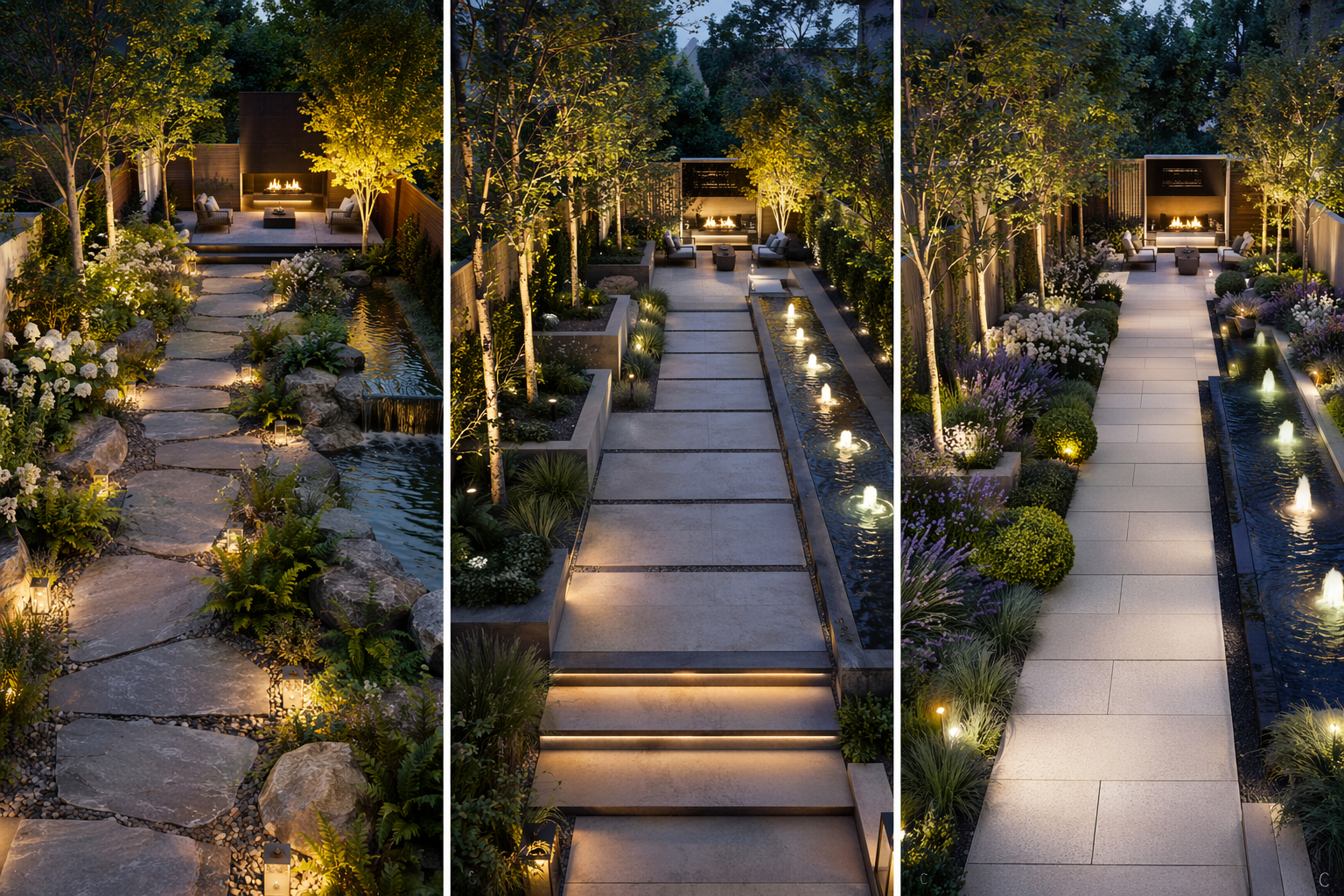
Generate options — planting, paving, water features and lighting.
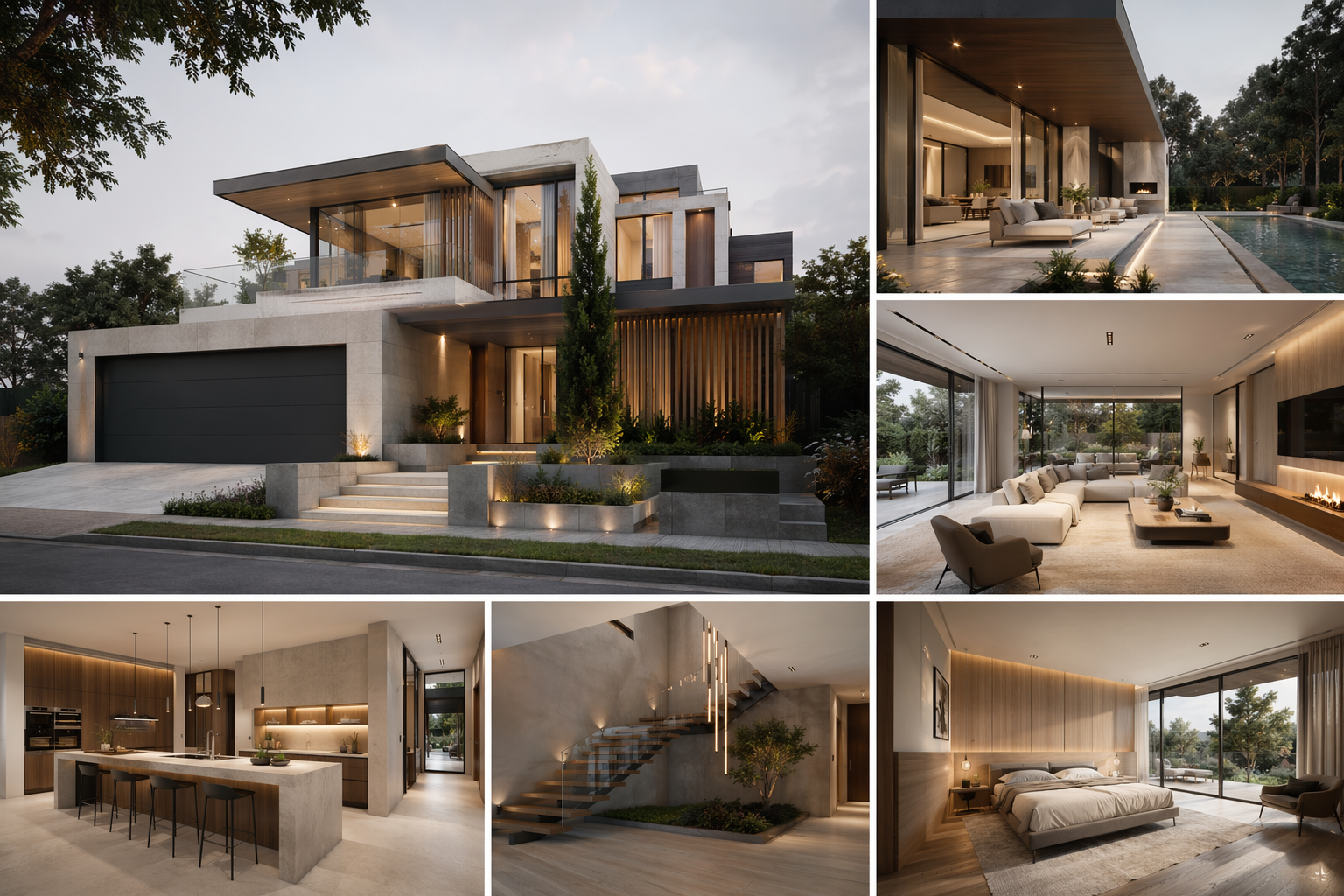
Expand the chosen direction into a consistent set of views to present.
See the Workflow Run
The workflow behind this solution — connected nodes you can run.
How it works
A controllable path from the existing grounds to a set of views an owner can react to — grounded in PromeAI's landscape and outdoor space design, creating or extending the resort landscape so the site feels complete, usable and visually consistent while keeping the buildings and terrain you already have.
Start from the existing site
Drop in a photo of the current grounds — arrival court, pool deck or garden frontage. That image is the reference every option is generated from, so the building and setting stay recognizable.
Explore landscape directions
Generate options with different planting palettes, paving and decks, water features and lighting moods, so an owner can compare real alternatives instead of reacting to one fixed picture.
Build the presentation set
Take the direction the owner responds to into a consistent set of views — day and evening — and assemble a before/after board for the review.
What you bring to the owner review
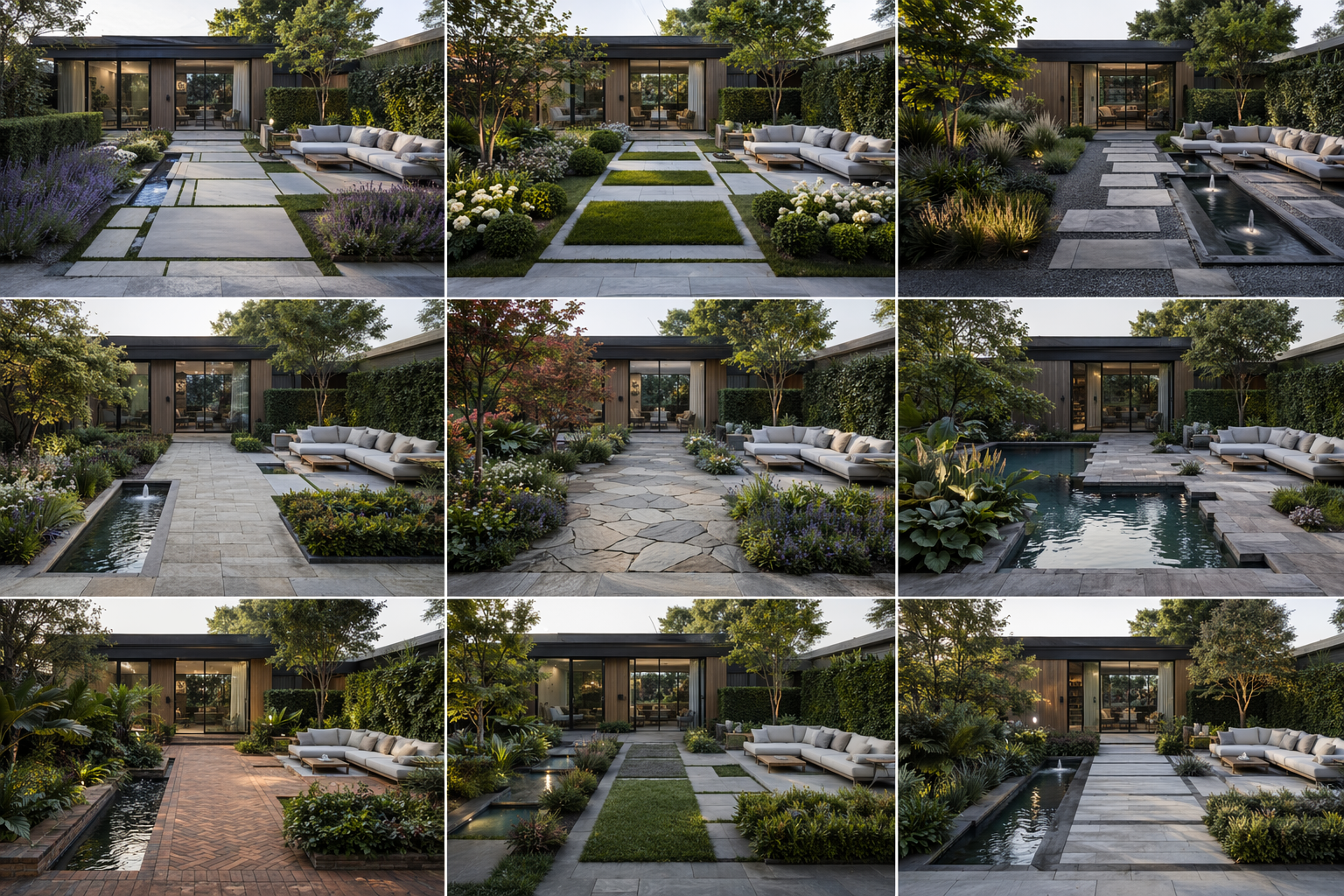
Landscape directions side by side
Several planting, paving and water directions on the same grounds, so an owner can compare and choose.
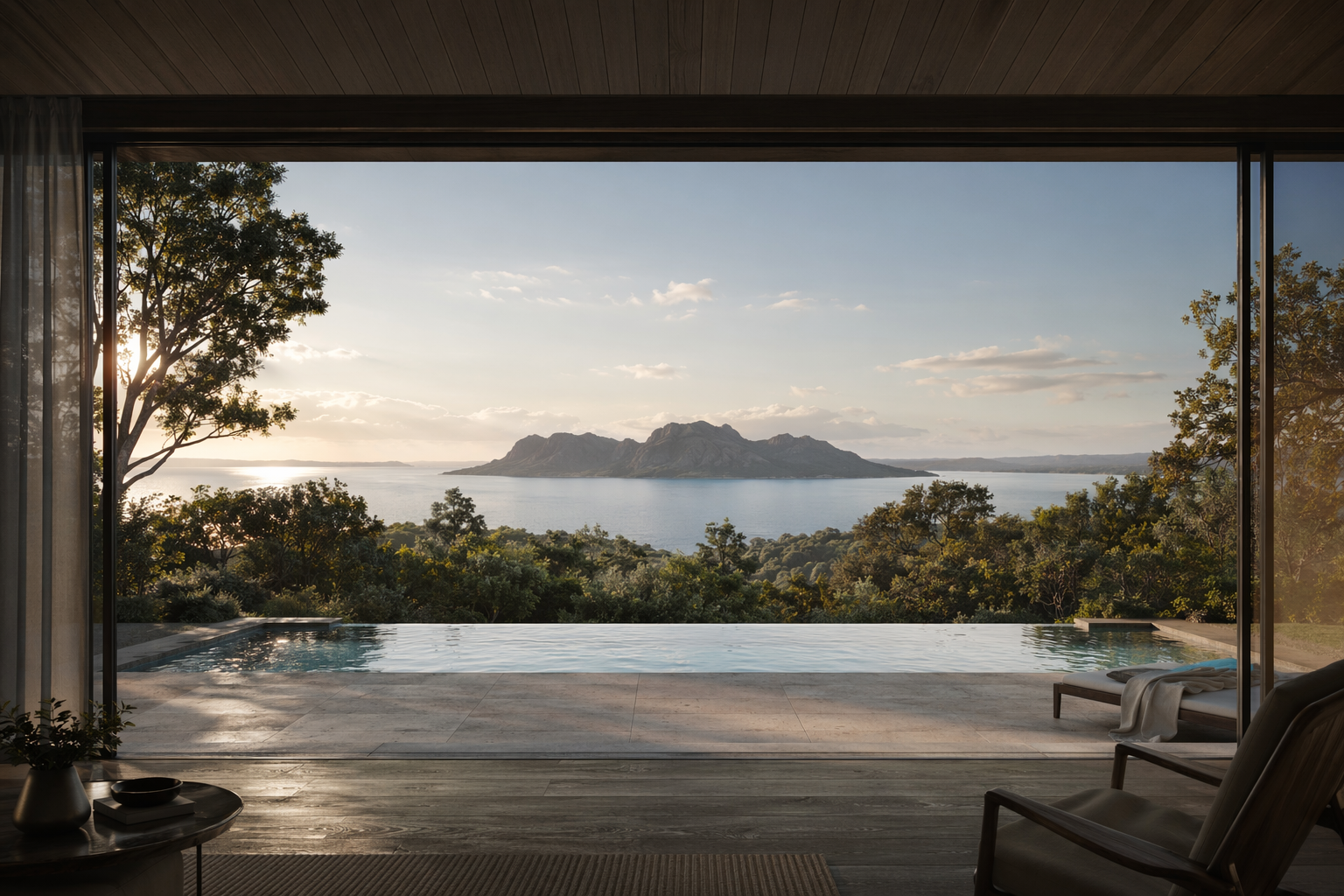
Before / after of the grounds
The existing photo beside the proposed landscape — the view that carries the guest-experience story.
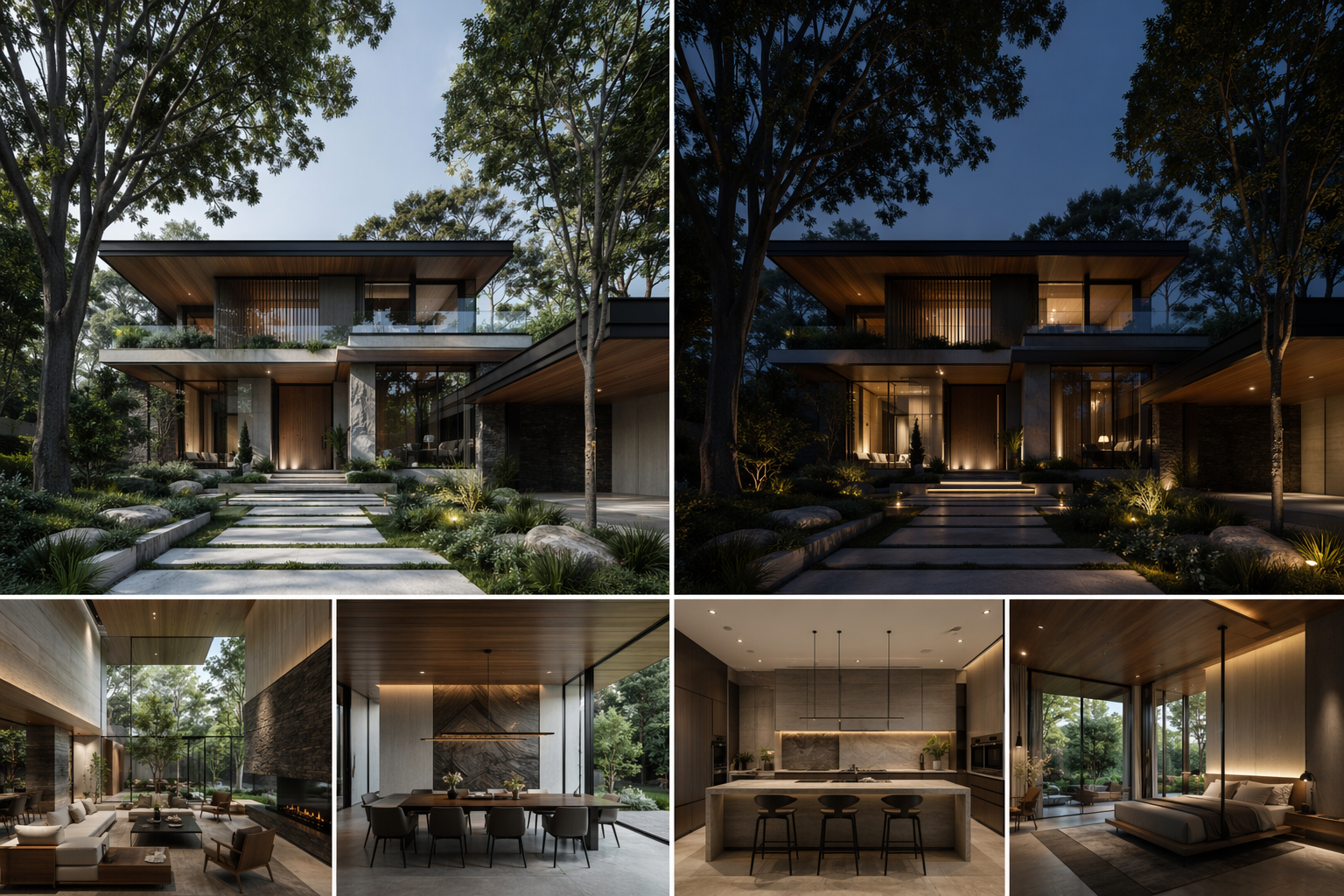
Presentation board
A layout-ready board pairing the chosen direction with day and evening ambience.
Who this is for
Hotel & resort owners
See recognizable options for the grounds before committing capital to a landscape upgrade.
Hospitality developers
Test how arrival, pool and garden experiences read on the real site, quickly.
Landscape architects
Explore resort landscape directions on the actual property without rendering each one by hand.
Frequently asked questions
Try it on your resort grounds photo
Generate landscape directions and walk into the owner review with options, not one fixed render.
Related solutions & workflows

Technical support: [email protected]
Business collaboration: [email protected]