

Swap a material once, apply it across every view
Update a finish on an approved view set — stone to plaster, timber to brick — and keep it consistent across all the images, without changing geometry or camera relationships.
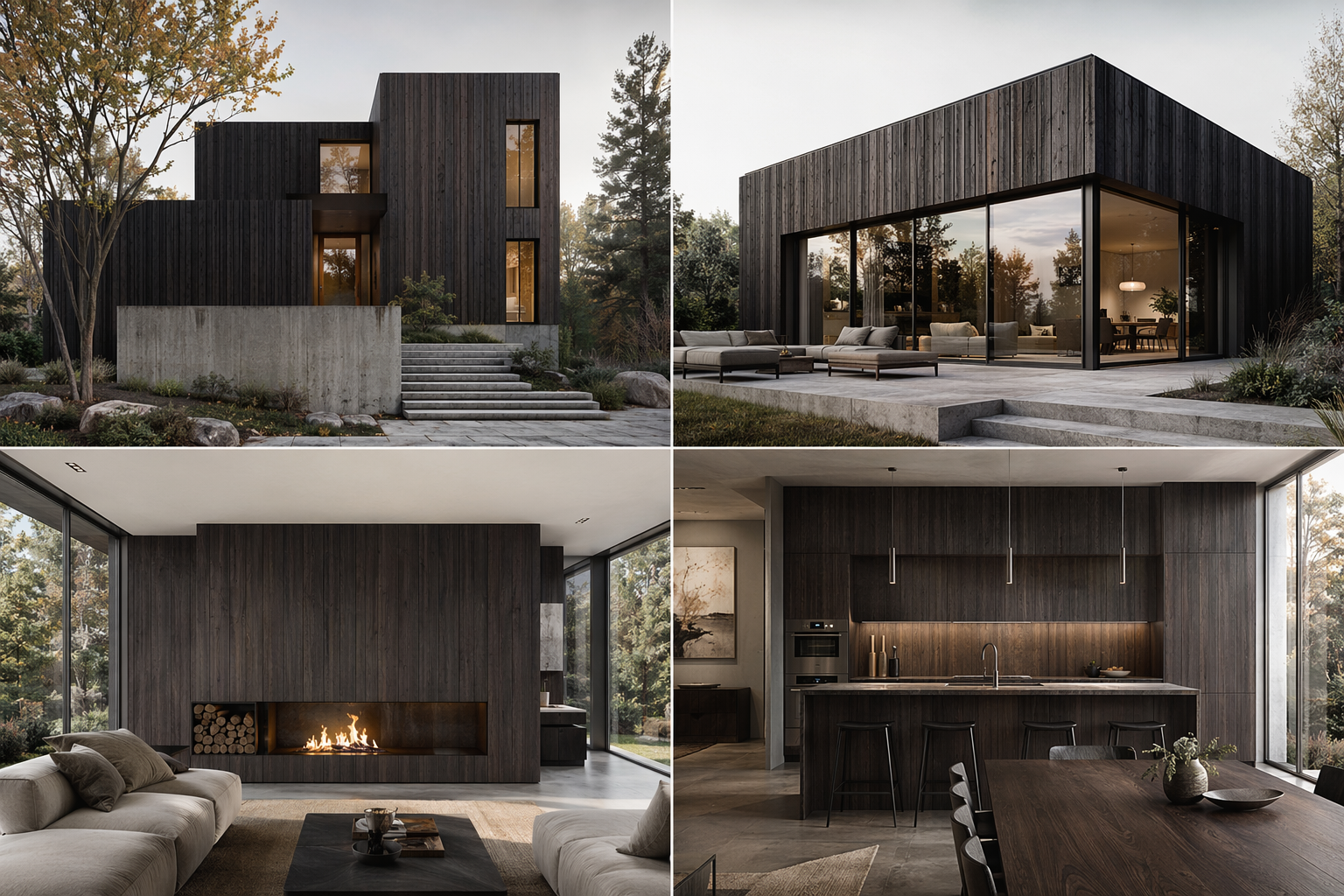
One material change. Every view updated.
The point of this page — a finish change on one image carries consistently across the whole approved set.
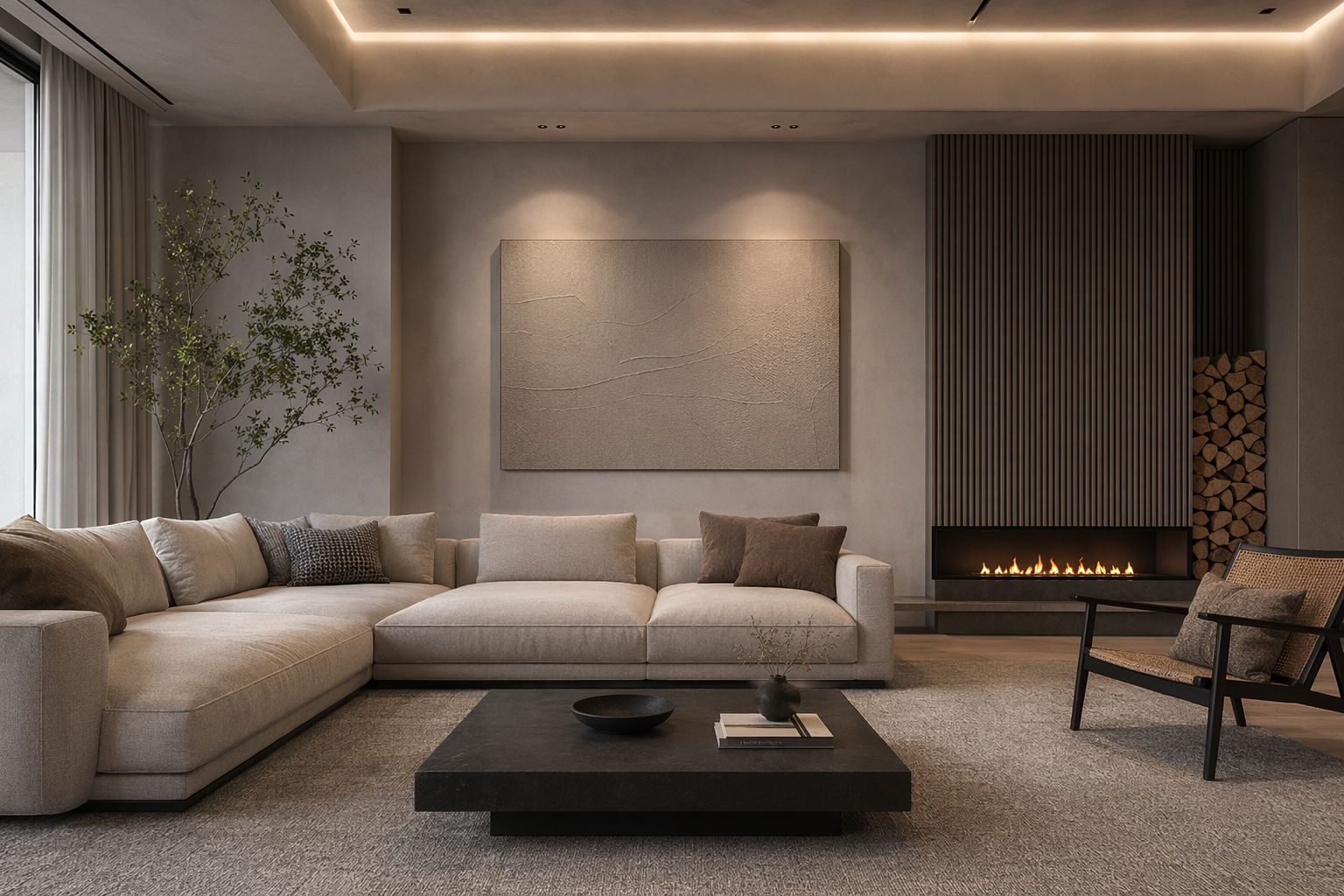
The images you've already aligned on.
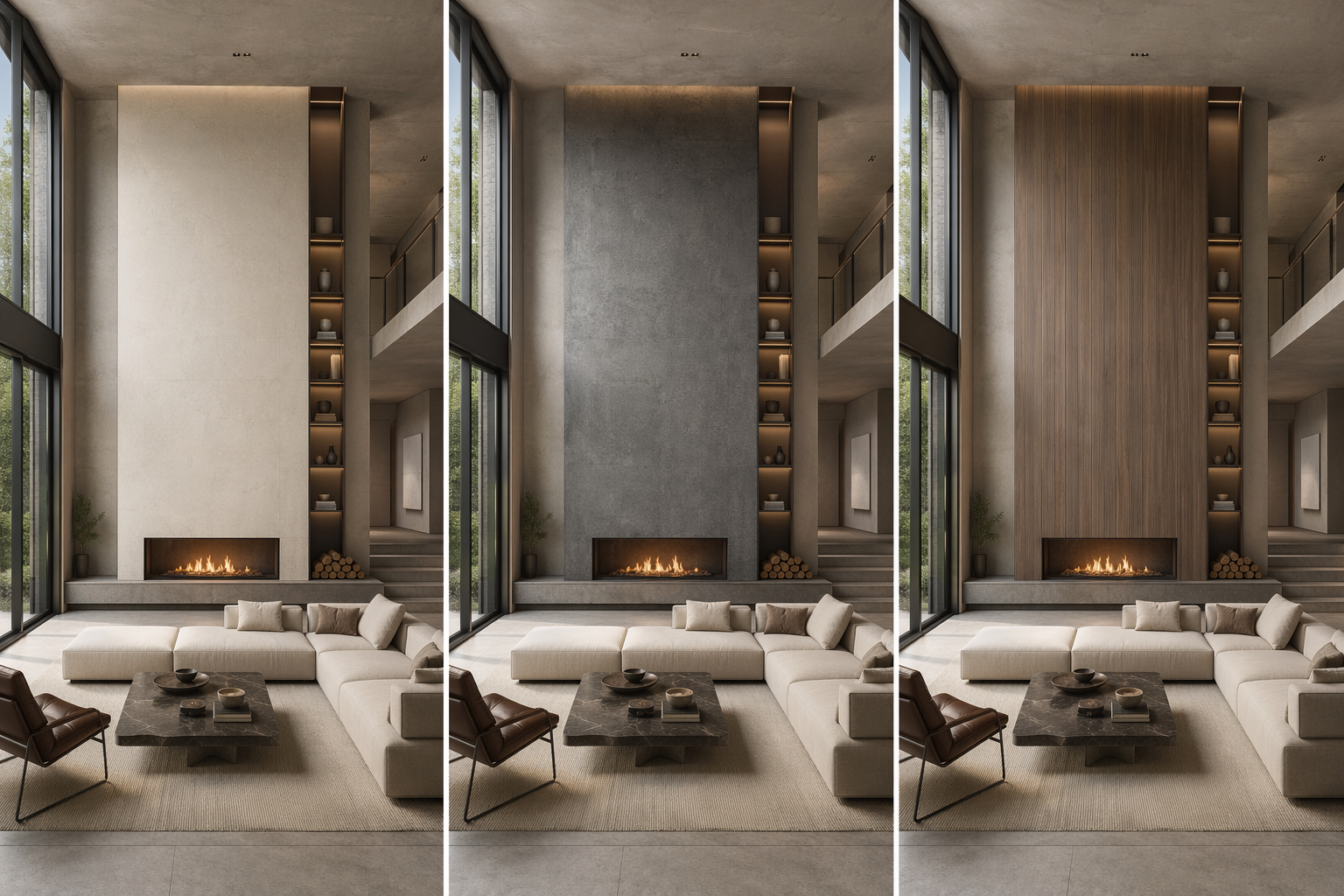
Pick the finish to apply — zones kept in place.
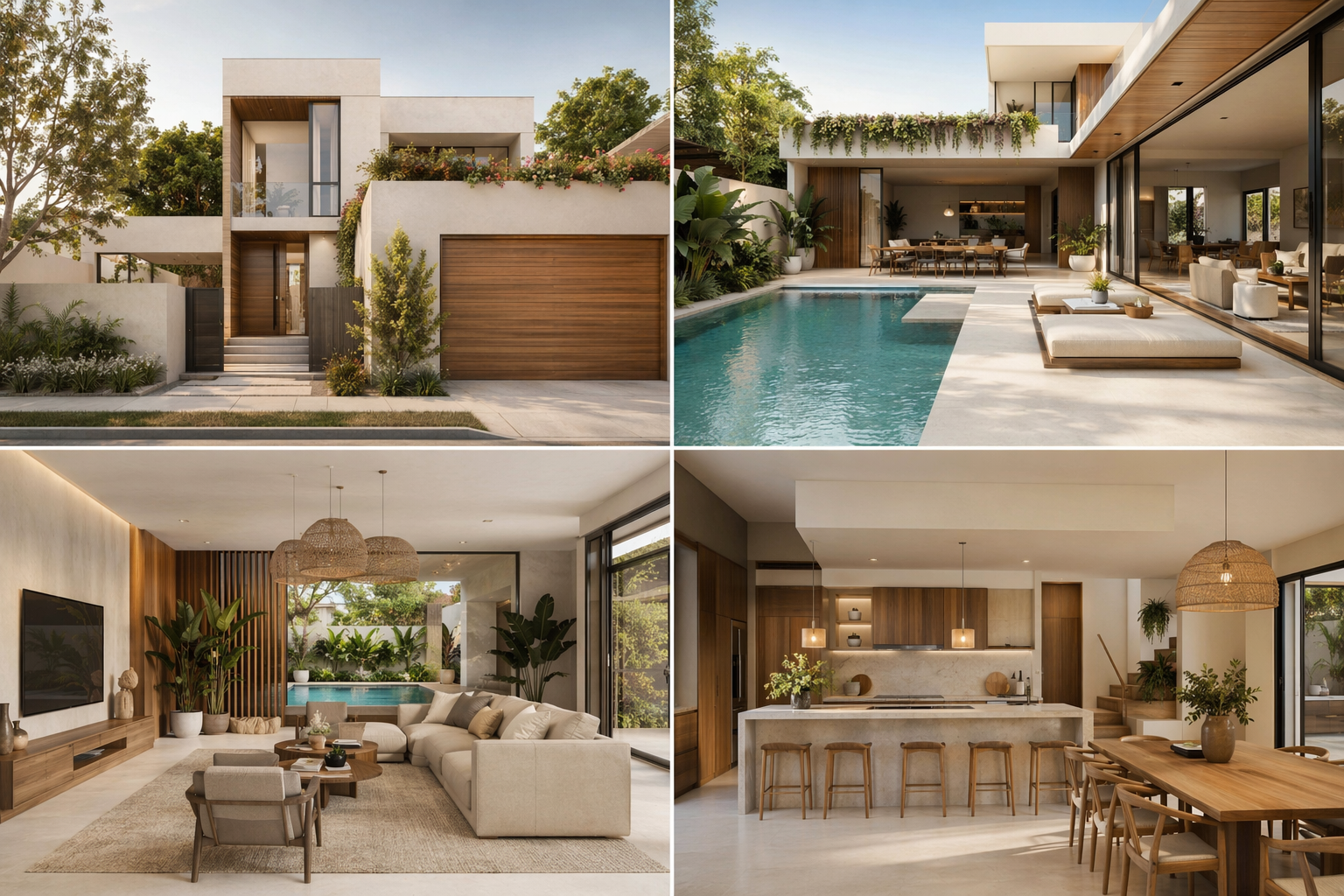
The change carried consistently across every view.
See the Workflow Run
The workflow behind this solution — connected nodes you can run.
How it works
A controllable path to consistent material updates — built on PromeAI's material lock and consistency, so finishes change without disturbing geometry or camera logic.
Start from an approved set
Bring in the view set you've already agreed on with the client or team.
Choose the new finish
Point to the material zones and the finish to apply.
Apply across the set
Generate the same change consistently across every view, keeping geometry and cameras intact.
What you get back
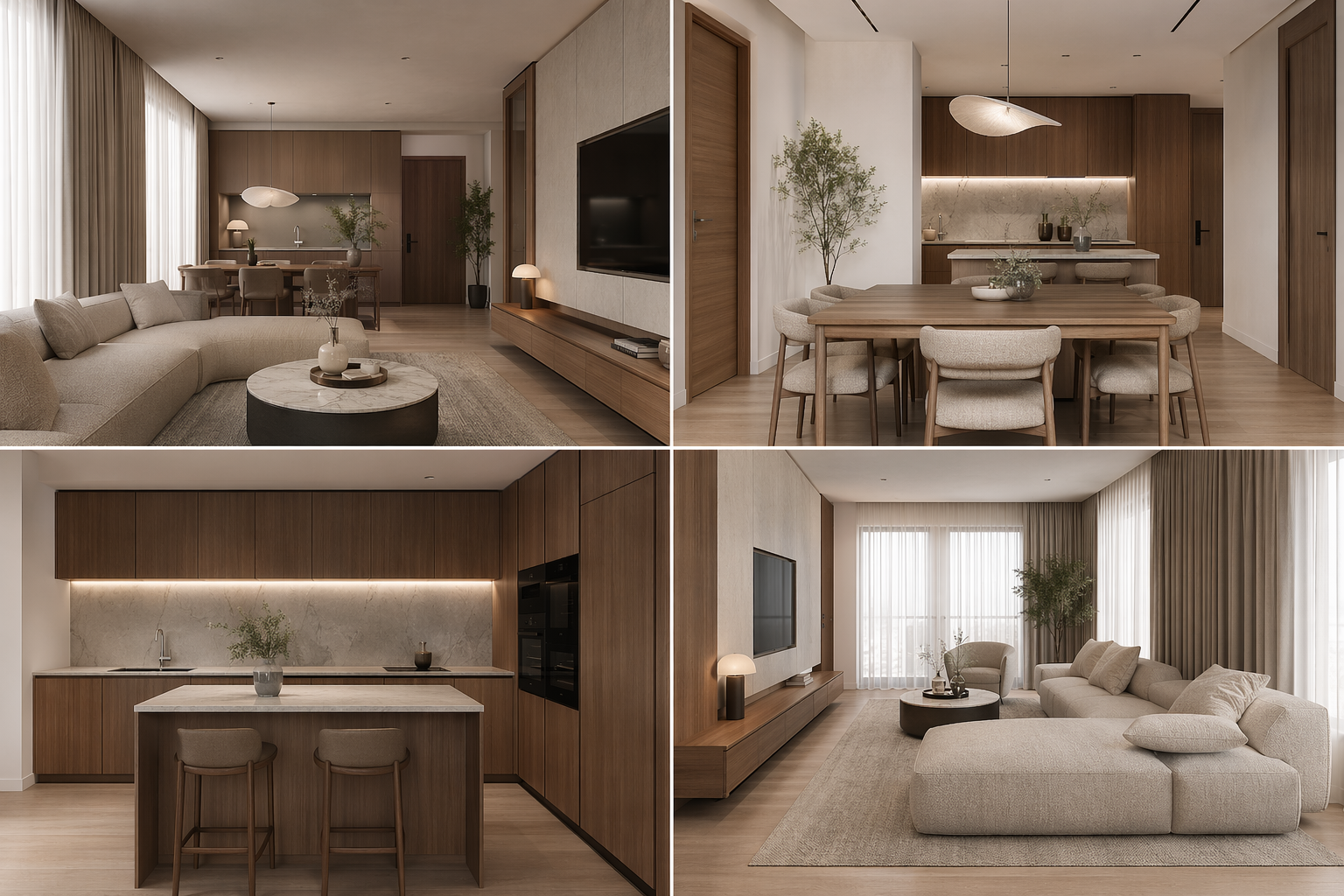
Synchronized view set
The finish updated consistently across all images.
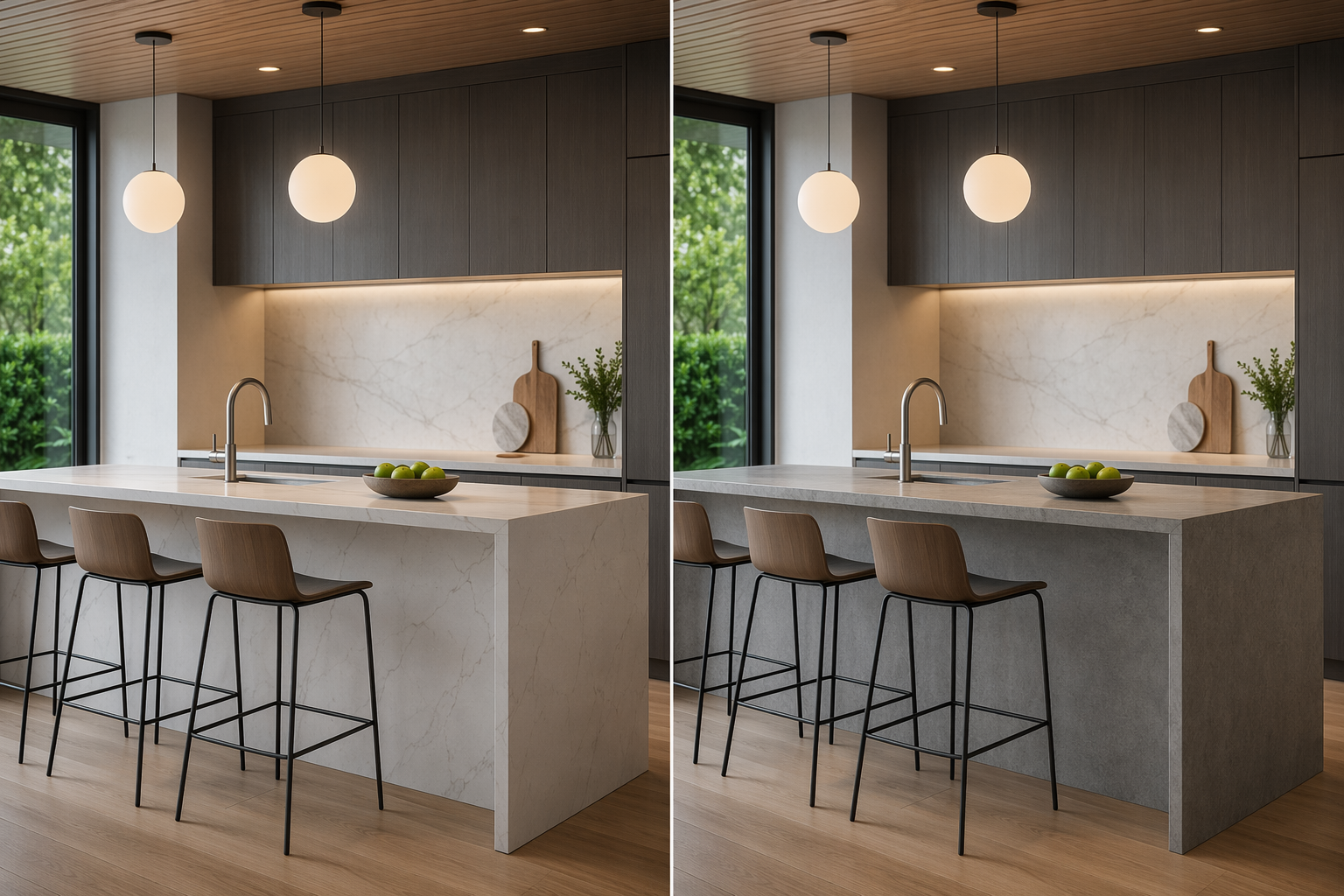
Before / after per view
Easy client comparison of the material change.
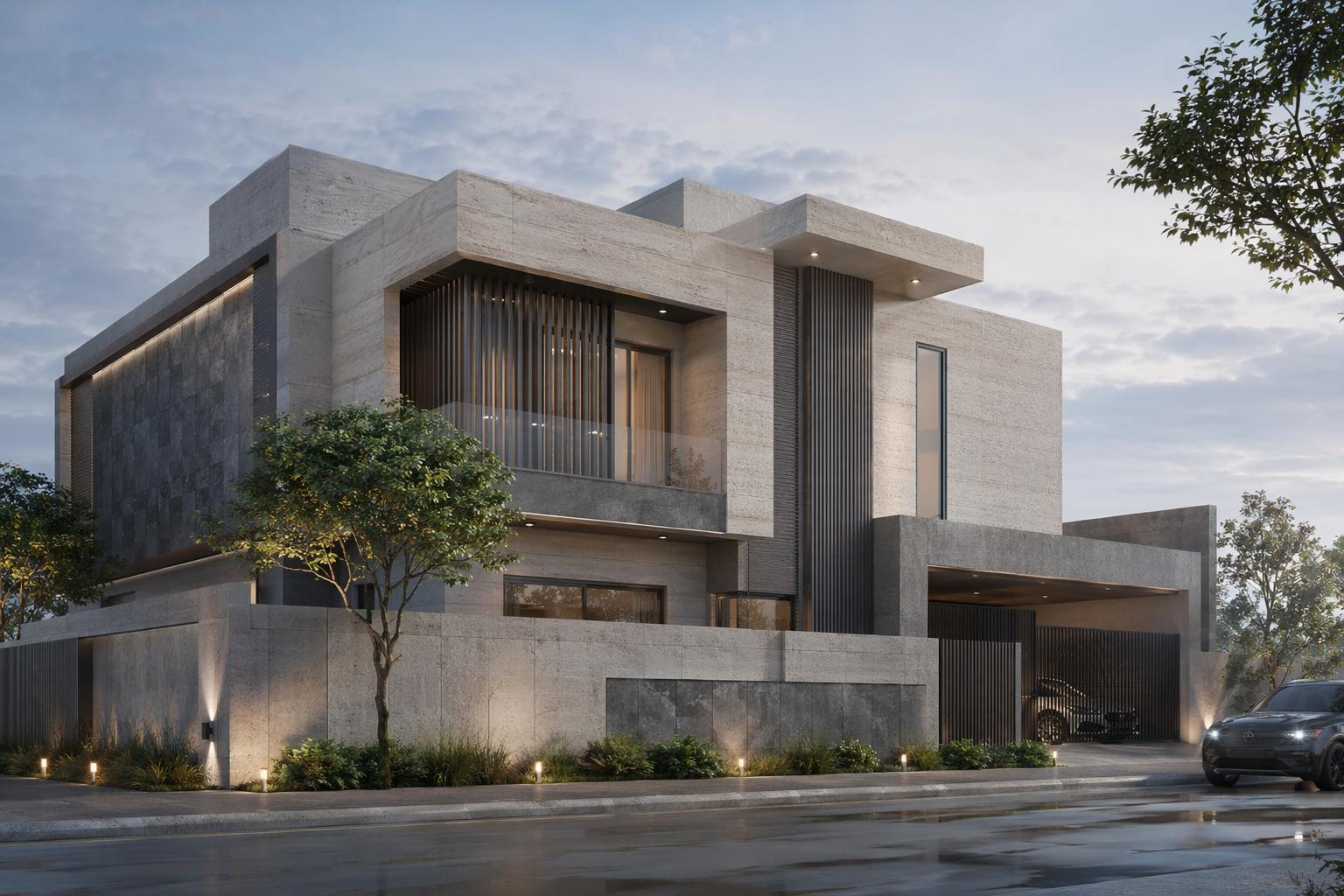
Unchanged geometry
Same building, same cameras — only the finish moved.
Who this is for
Visualization teams
Roll a finish change across a package in one pass.
Architectural designers
Explore material options without redrawing views.
Design leads
Show a clean before/after of a single material decision.
Frequently asked questions
Change one material across the whole set
Update a finish once and keep every view consistent.

Technical support: [email protected]
Business collaboration: [email protected]