

AI concept renderings, straight from a sketch
Turn a hand sketch or line drawing into concept renderings in different styles, materials and lighting — a fast way to show an idea before committing to a model.
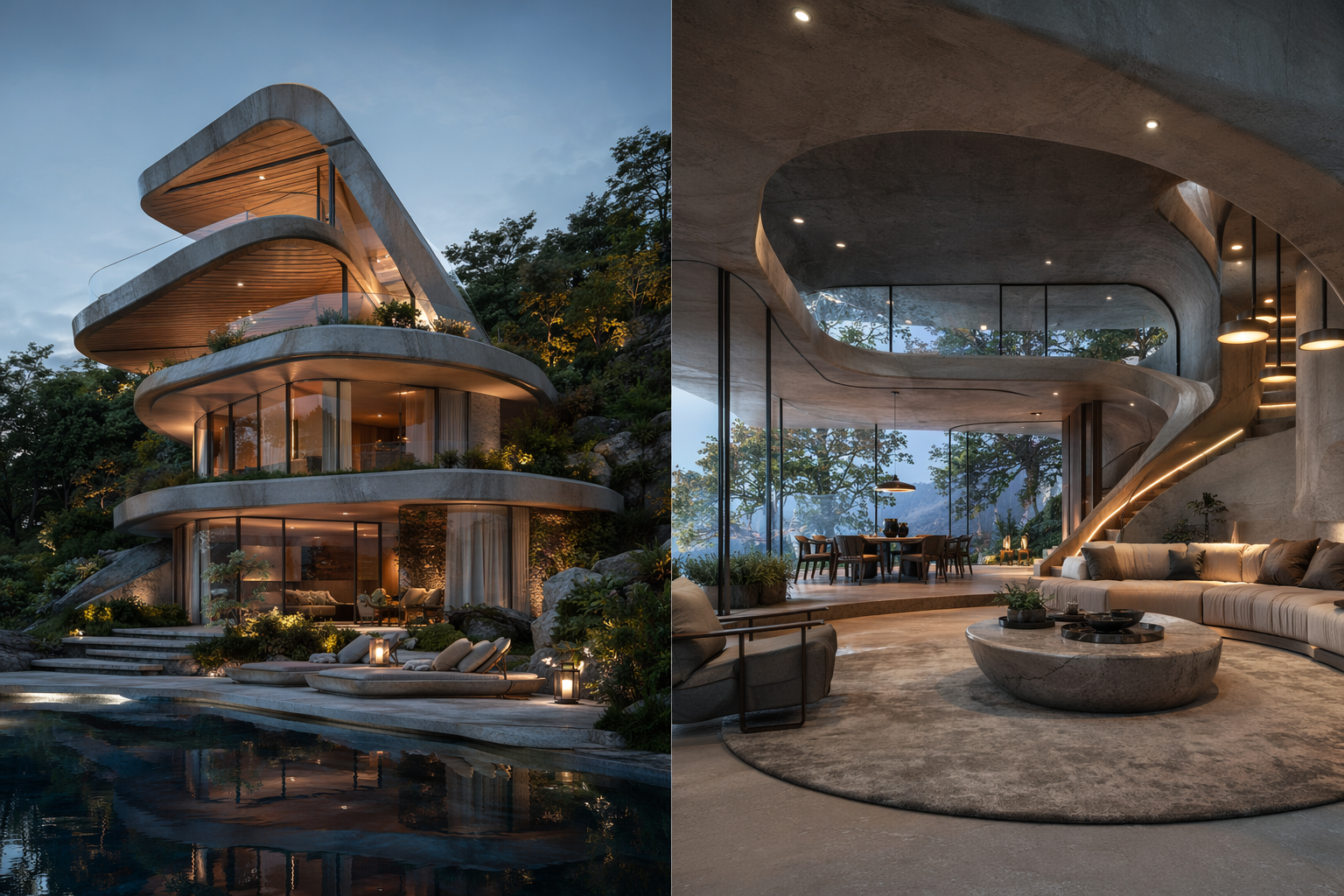
A sketch in. Concept renders out.
Your line drawing becomes explorable render directions, then a set you can present.
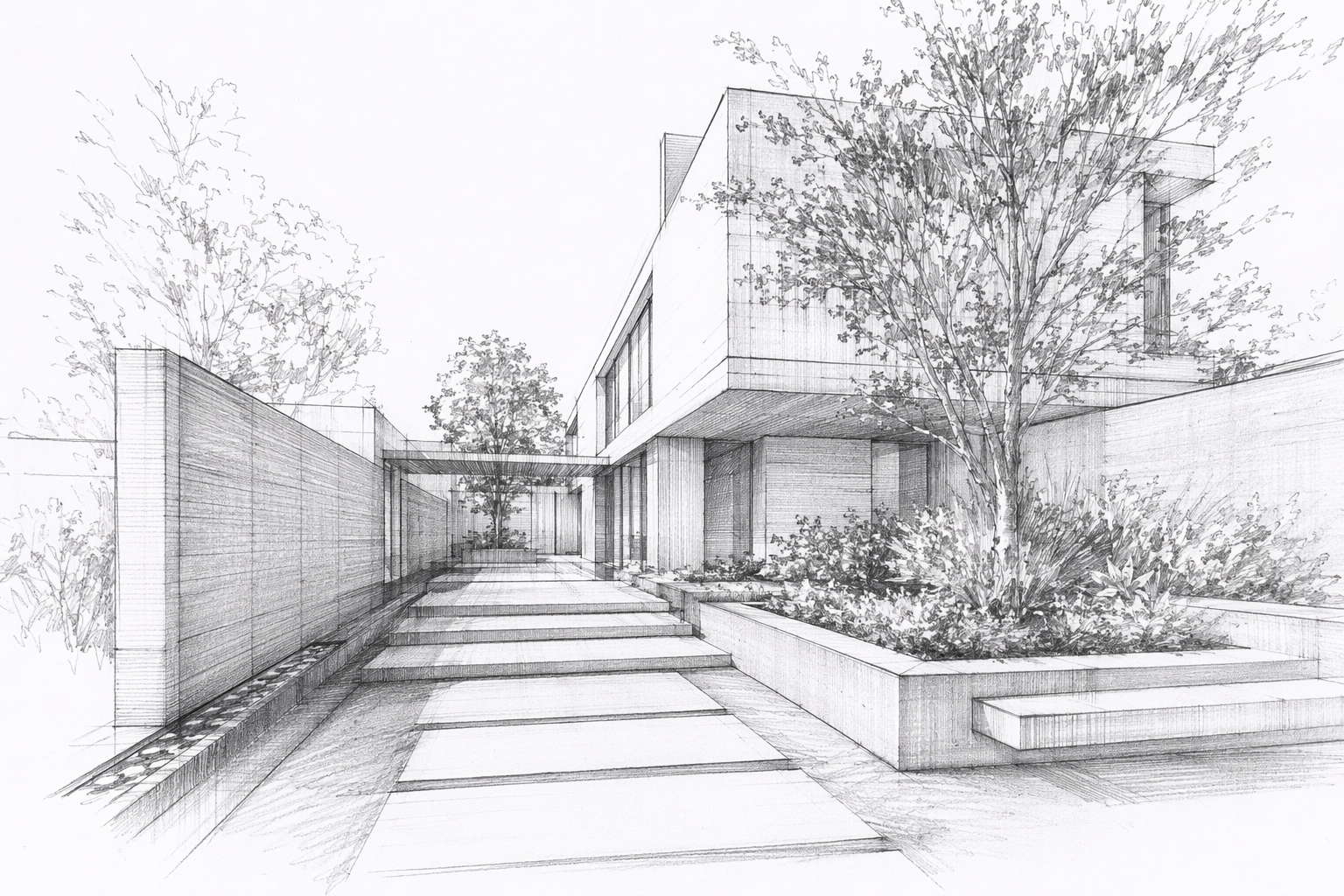
A hand sketch or line drawing.
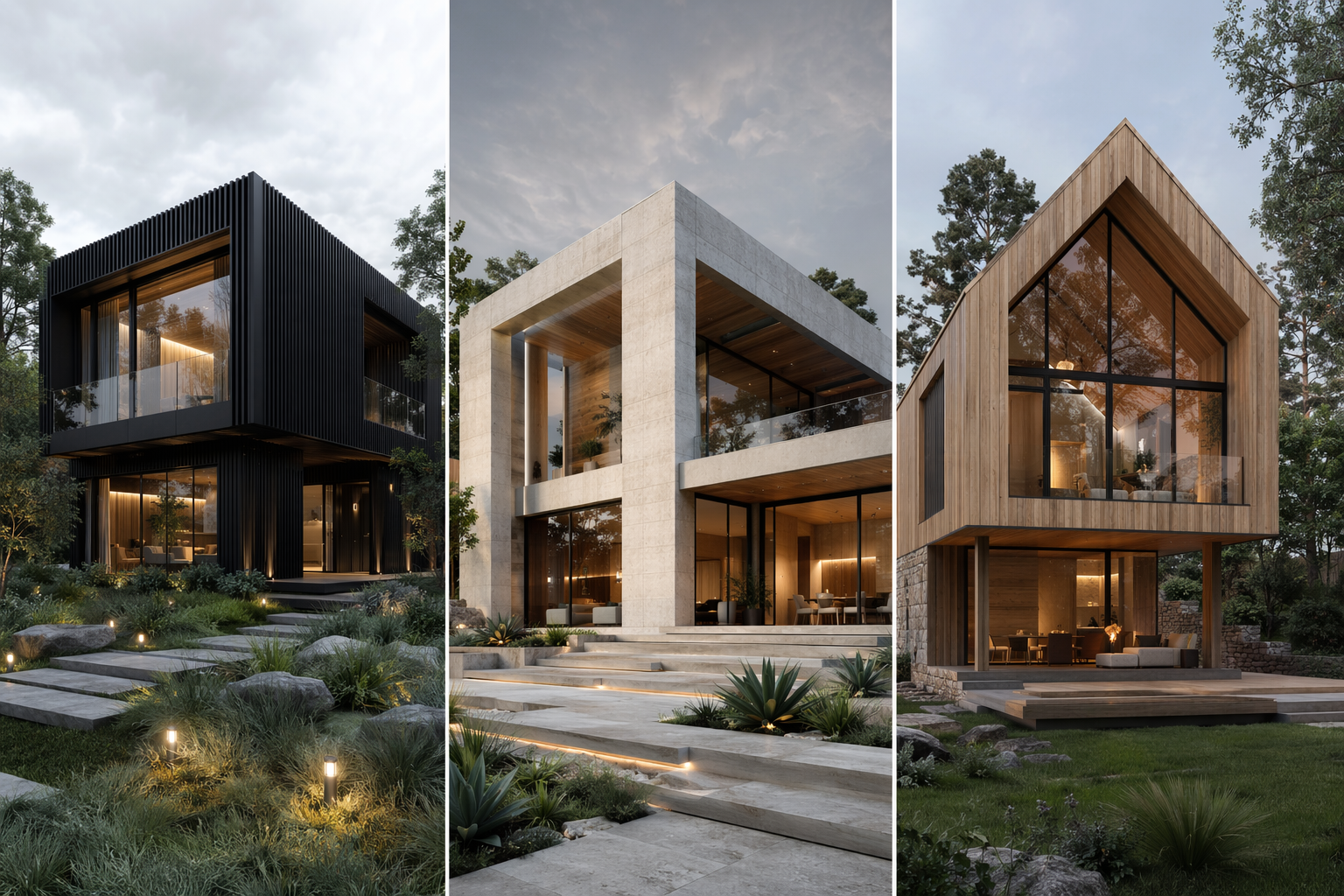
Generate concepts in different styles and materials.
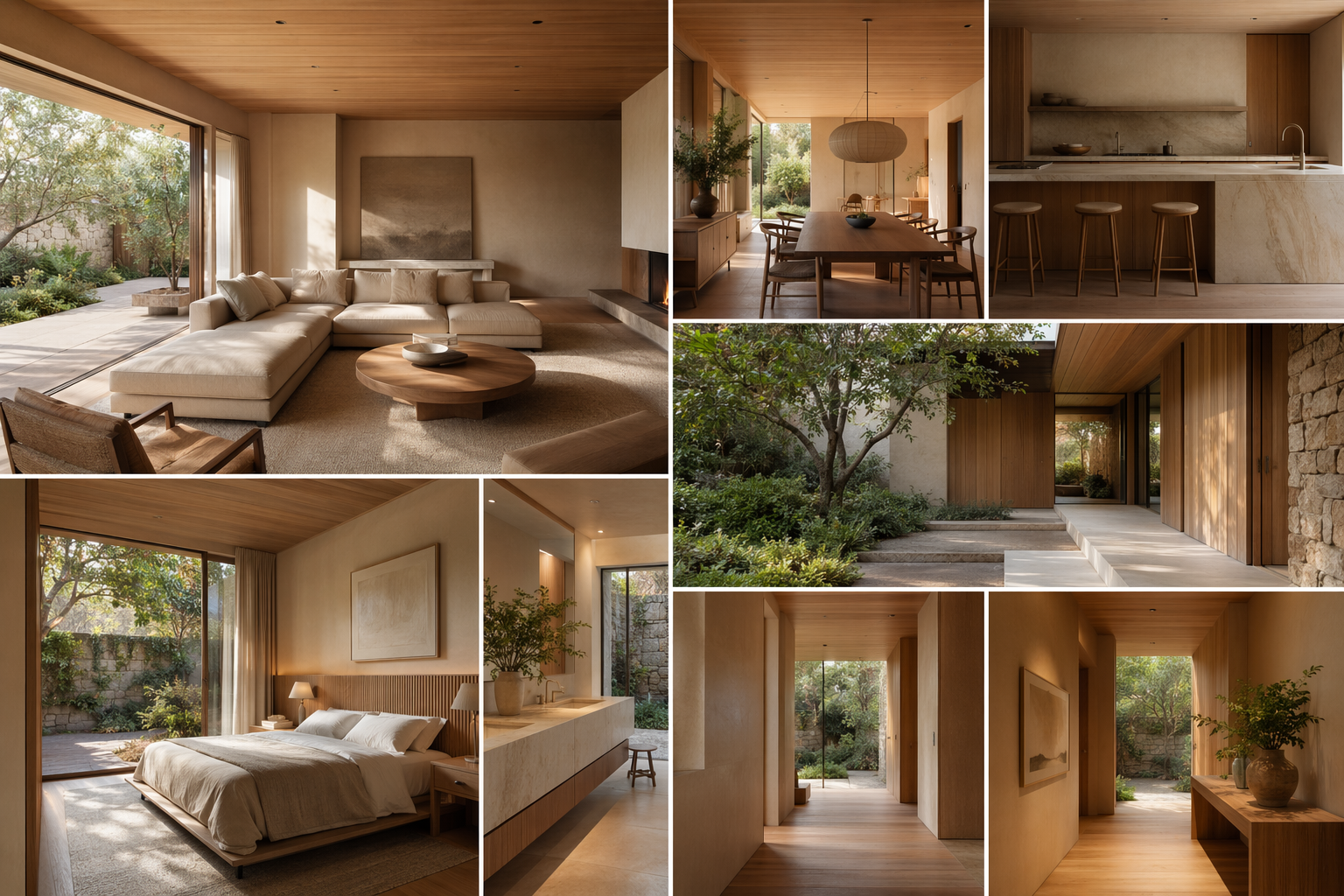
Expand the chosen direction into a consistent set.
See the Workflow Run
The workflow behind this solution — connected nodes you can run.
How it works
A controllable path from a sketch to a presentable concept — built on PromeAI's sketch rendering and style transfer, keeping your linework as the guide.
Start from your sketch
Drop in the hand sketch or line drawing you want to visualize.
Explore render directions
Generate concept renders in different styles, materials and lighting to compare.
Build a concept set
Take the direction you like into a consistent set of views to present.
What you can present

Concept renders
Your sketch, visualized in a chosen style.
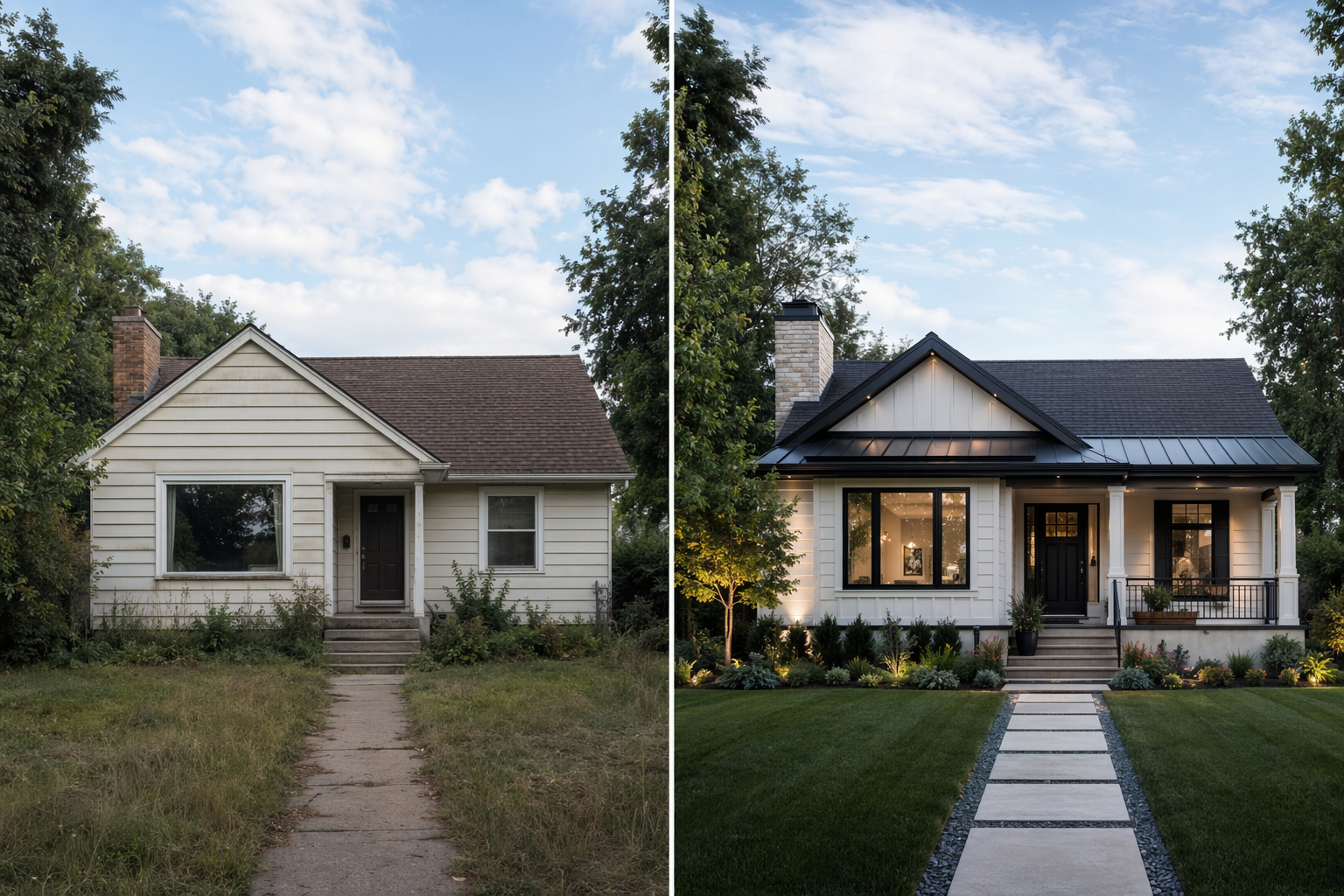
Style & material options
Directions to compare before you model.
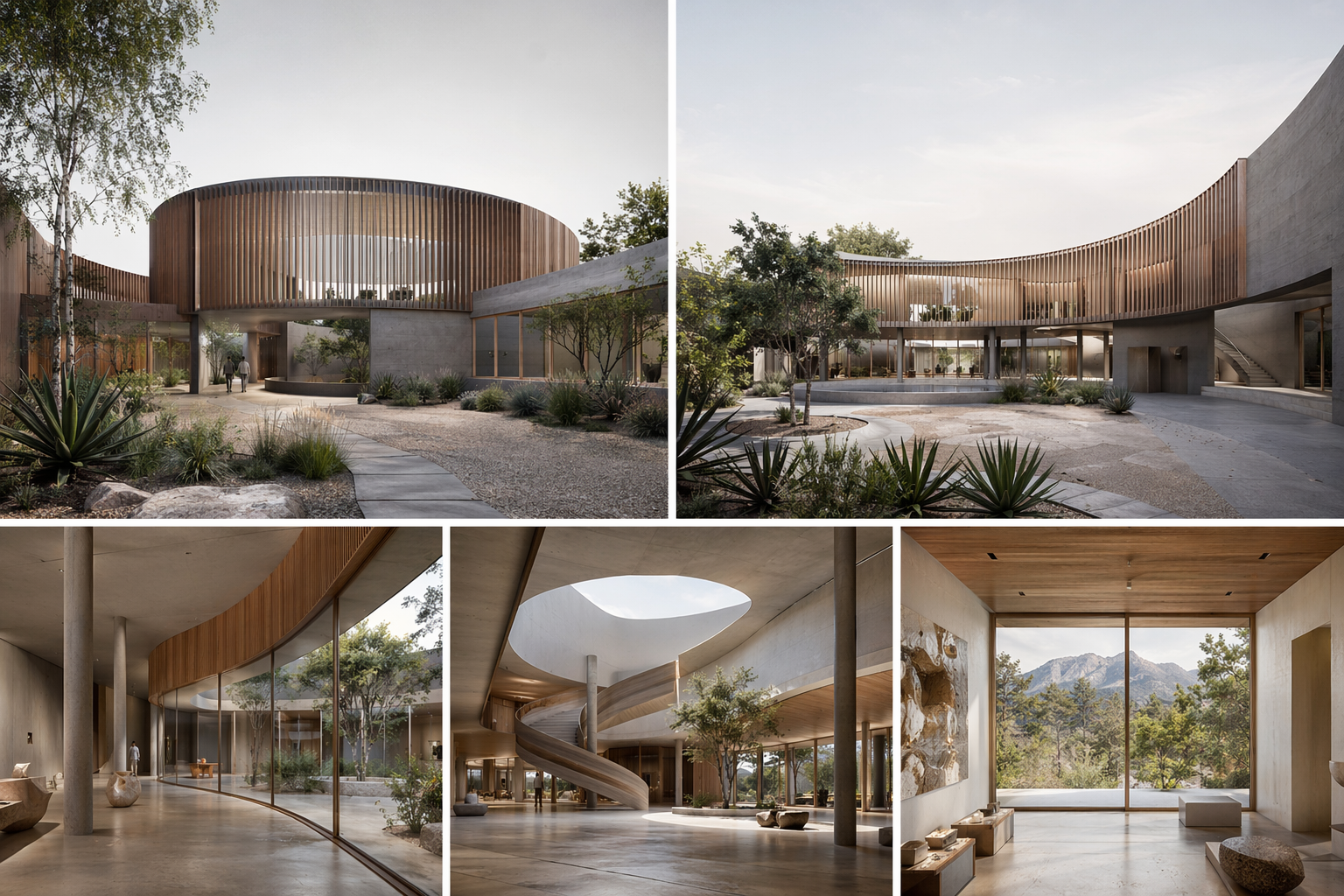
Consistent concept set
Matching views for a board or review.
Who this is for
Architects
Show an idea convincingly before investing in a model.
Design students
Turn studio sketches into presentable concepts.
Small & mid-size firms
Move from sketch to client-ready image fast.
Frequently asked questions
Turn your next sketch into a concept
Render a sketch and present a concept set, fast.

Technical support: [email protected]
Business collaboration: [email protected]