Here’s a hot take: stop arguing about which AI model has better ‘quality.’ Quality is subjective. In a professional workflow, consistency is king. A 4K clip is useless if the product teleports or the lighting glitches halfway through. That’s why I didn’t just look for pretty pixels in this showdown of Seedance 2.0 vs Kling vs Vidu. Instead, I stress-tested them on the boring stuff that pays the bills: prompt adherence, stable camera moves, and multi-shot continuity. Let’s see which platform is ready for real client work and which is just for show.
What to actually compare (not just “quality”)
“Quality” is a trap metric.
If we’re making ads, product explainers, or quick pitch visuals, we care about repeatability more than we care about one lucky hero clip.
Here’s what we’ve found is worth comparing across Seedance 2.0 vs Kling vs Vidu:
- Prompt adherence: Did it do what we asked, or did it freestyle?
- Camera control: Can we reliably get dolly-in, orbit, locked-off tripod, etc.?
- Multi-shot continuity: Can we cut Shot A → Shot B without the character morphing?
- Editing friendliness: Do we get clean motion (less shimmer) that won’t fight typography overlays?
- Workflow friction: How many retries before something usable appears?
- Speed + cost: Not “cheap vs expensive,” but cost per usable clip.
One quick note on fairness: these tools change fast. We’re writing this based on our hands-on testing right now (early 2026), and we expect the gap between them to shift.
If you’re comparing them yourself, keep one constant: use the same prompt, same reference image (if any), same duration, same aspect ratio. Otherwise you’re just comparing vibes.
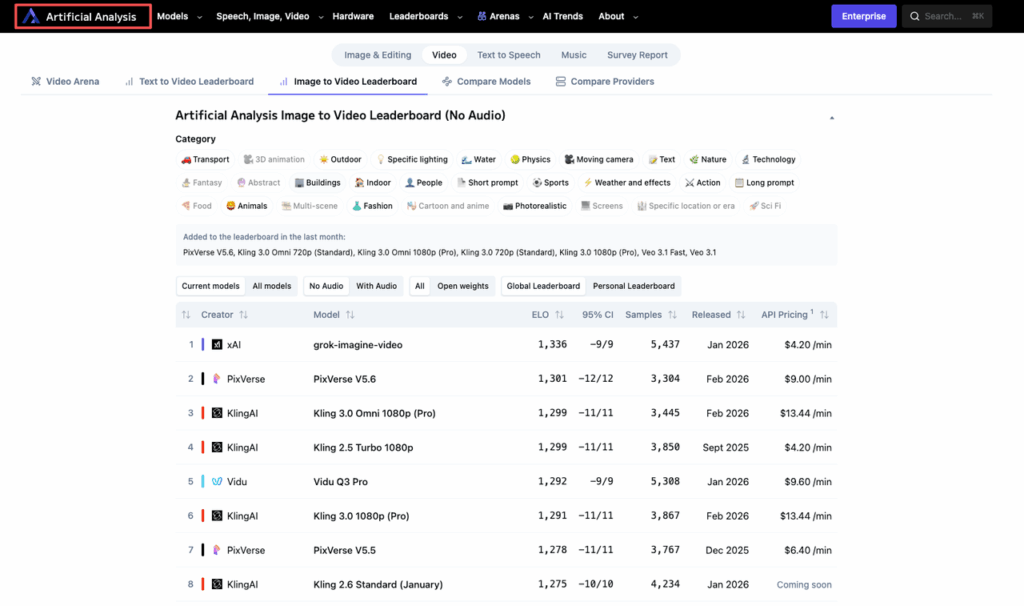
For a community-sourced performance benchmark across video models, AI video model arena rankings offer a useful sanity check even if you’re using other tools. For general background on how text-to-video systems interpret prompts and why control matters, OpenAI’s Sora prompting guide is a good anchor even if you’re using other models.
Prompt adherence + camera control
This is where most “looks amazing” demos quietly fall apart.
We used a prompt that forces the model to respect both subject and camera, with a simple art direction constraint.
Our test prompt (copy/paste):
- Prompt: “A minimalist studio product shot of a translucent sports water bottle on a concrete pedestal. Soft top light, subtle condensation droplets. Background is a smooth warm gray gradient. Camera: slow dolly-in from medium shot to close-up. Keep bottle centered. No text, no logos.”
- Aspect: 16:9
- Duration: 5–6 seconds
- Style guardrails: “clean, modern, no film grain, no handheld shake”
- Seed: 2219 (we used the same seed conceptually where the UI allowed it)
What we saw:
- Seedance 2.0: Strong at staying “product-shot clean.” The dolly-in tended to be the most believable (less random sway). When it missed, it usually missed by being too subtle rather than chaotic.
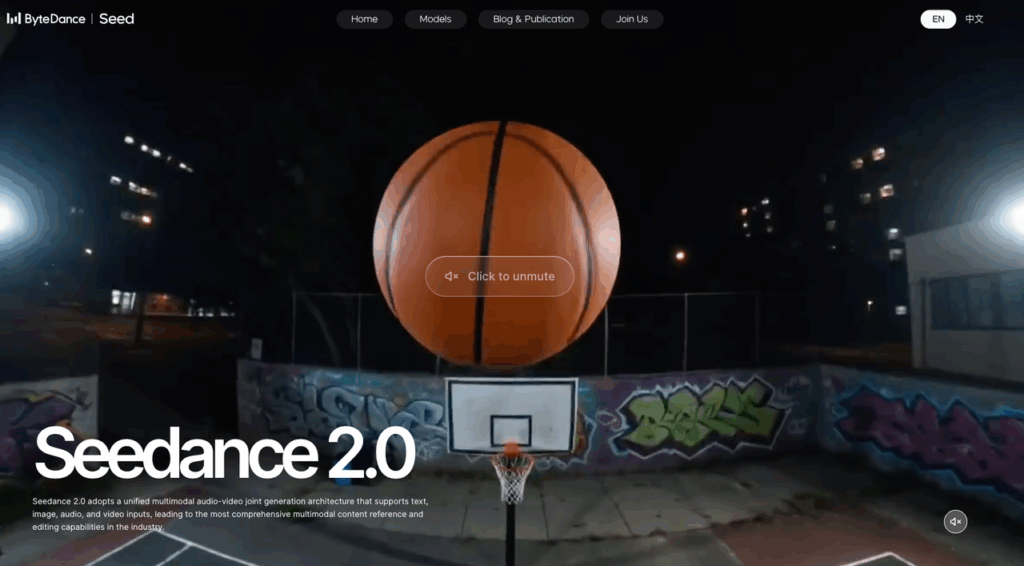
- Kling: Often nailed the “pretty” factor, but we got more surprise camera behavior, like a slight orbit when we asked for a straight push-in. Great when it hits. Slightly higher retry rate for strict camera direction.
- Vidu: Fast to iterate, and it’s surprisingly willing to follow the broad scene description. But camera instructions sometimes got interpreted as “some motion somewhere,” which is fine for mood clips, less fine for product accuracy.
Practical fix we kept using (works across all three):
- Put camera instructions on their own line and make them boring.
- Use “locked-off tripod” or “no camera shake” if you plan to add motion in editing.
Industry note: It’s also worth monitoring how platforms handle IP and training data. ByteDance recently received a cease-and-desist from the MPA over Seedance 2.0 — a reminder that the legal landscape around generative video is still actively evolving. Separately, Kling AI’s 3.0 model launch announcement outlines the latest capability improvements directly from the team.
Multi-shot continuity + character consistency
This is the real pain point for designers.
A single clip can look incredible, but if Shot 2 changes the character’s face, jacket, or proportions… you’re stuck.
For continuity, we tested a simple two-shot sequence that feels like an ad storyboard:
Shot A prompt:
- Prompt: “A friendly female barista, late 20s, short curly black hair, olive skin, wearing a forest-green apron over a cream t-shirt. She places a paper cup on the counter and smiles. Cozy modern café, morning light. Camera: medium shot, locked-off.”
- Seed: 8841
Shot B prompt:
- Prompt: “Same barista. She hands the paper cup to the customer across the counter. Camera: close-up on hands and cup, barista’s apron visible, background softly blurred.”
- Seed: 8841
What we saw:
- Seedance 2.0: Best odds of “same person energy” across shots, especially if we reuse a reference frame. Hair and apron color stayed stable more often.
- Kling: Can look the most cinematic, but consistency drift showed up in small ways, apron hue shifts, hair shape changing, face subtly different.
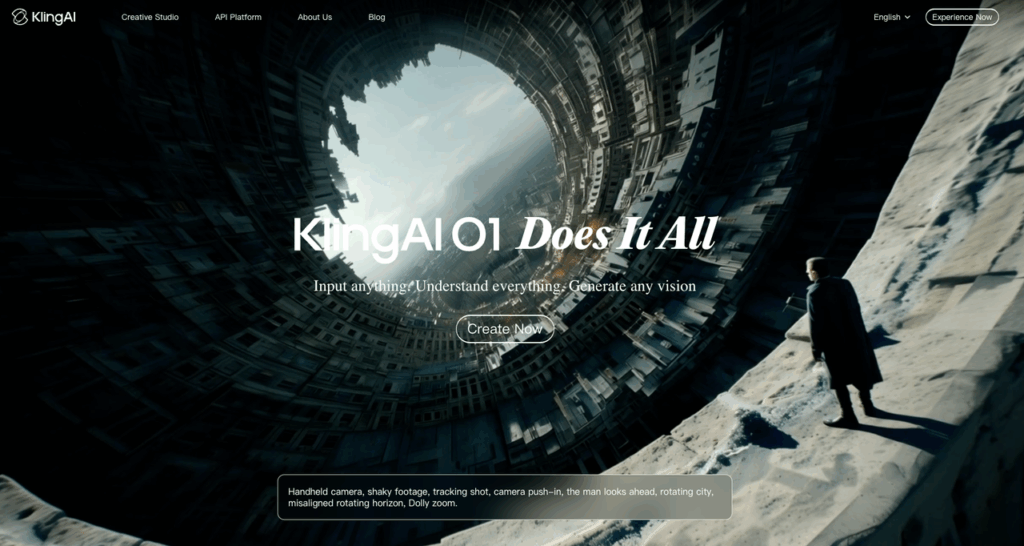
- Vidu: Most likely to “reinterpret” the person between shots unless we give it a strong reference. It’s fine for one-off moments, harder for a sequence.
Continuity stress test (same prompt, 3 models)
We ran the exact same single prompt three times per model and checked how often we’d actually cut it into a sequence.
Stress-test prompt:
- Prompt: “A product designer in a bright studio holds a matte black smartphone mockup. He turns it slightly to show the camera bump. Neutral wardrobe: gray hoodie. Background: white shelves with a few colorful geometric models. Camera: slow handheld micro-movement, but keep framing stable.”
- Duration: 6 seconds
- Seed: 3307
Our takeaways:
- Seedance 2.0 gave the highest editability: fewer weird finger moments, fewer background objects melting.
- Kling delivered the most “ad-like” lighting, but also the most variance between runs, great if we’re hunting for a lucky take.
- Vidu was the quickest to produce options, but the hands and object geometry were the first to wobble.
If multi-shot consistency is your job, plan for a workflow that includes:
- generating a strong “hero frame”
- using it as a reference
- keeping wardrobe + props described the same way every time (don’t rename the hoodie, seriously)
And yes, we still sometimes end up doing a little patchwork in post. That’s normal right now.
Tired of characters morphing between Shot A and Shot B? The secret to continuity is better reference inputs. Start using PromeAI to build the solid visual foundation your video AI needs to stay on track.
Speed, cost & workflow friction
Let’s talk about the unsexy stuff that decides what we’ll actually use on a Tuesday.
Speed
- Vidu felt the quickest for rough iteration loops. When we just needed “give us 10 vibes,” it got us there.
- Seedance 2.0 was steady, less whiplash between runs, which can save time even if render time isn’t the absolute fastest.
- Kling often took us longer because we’d do more “one more try” runs chasing that perfect cinematic output.
Cost (real-life version)
Instead of pretending we have a universal price table (these change constantly), we track:
- Retries per usable clip
- Time-to-first-usable
A model that’s slightly pricier but hits in 2 tries is cheaper than a “budget” model that needs 12.
Workflow friction checklist (the stuff we notice immediately):
- Can we reuse seeds or at least keep outputs consistent?
- Is reference image support smooth?
- Do we get clean downloads and predictable aspect ratios?
- How annoying is it to do a second shot that matches the first?
Privacy note (worth saying out loud): if you’re using client assets, check each platform’s terms for data retention and training use. Start with official docs and policies, not Twitter threads. For a regulatory baseline, the U.S. Copyright Office’s official AI policy guidance is the authoritative reference on what’s currently protected, what isn’t, and how generative content fits into existing law — essential reading before you hand client footage to any AI platform.
Recommendation matrix by use case (ads / story / music)
Here’s how we’d pick Seedance 2.0 vs Kling vs Vidu depending on the job.
| Use case | What we care about most | We’d reach for | Why |
| Ads / product spots | prompt adherence, clean motion, editability | Seedance 2.0 | More consistent “product truth,” fewer visual glitches that ruin typography overlays |
| Story / narrative scenes | mood, cinematic lighting, dramatic camera | Kling | When it hits, it looks like a real shot list, great for pitch sequences |
| Music / mood loops | fast iteration, lots of options, vibe-first | Vidu | Quick to explore styles and movement without overthinking exact continuity |
Two “designer reality” notes:
- If the deliverable needs multiple shots that cut together, we prioritize whichever model gives us the least identity drift.
- If the deliverable is a single hero clip for a landing page, we’re more willing to gamble on the model that produces the most striking frames, even if it takes more retries.
If you’re unsure, do this:
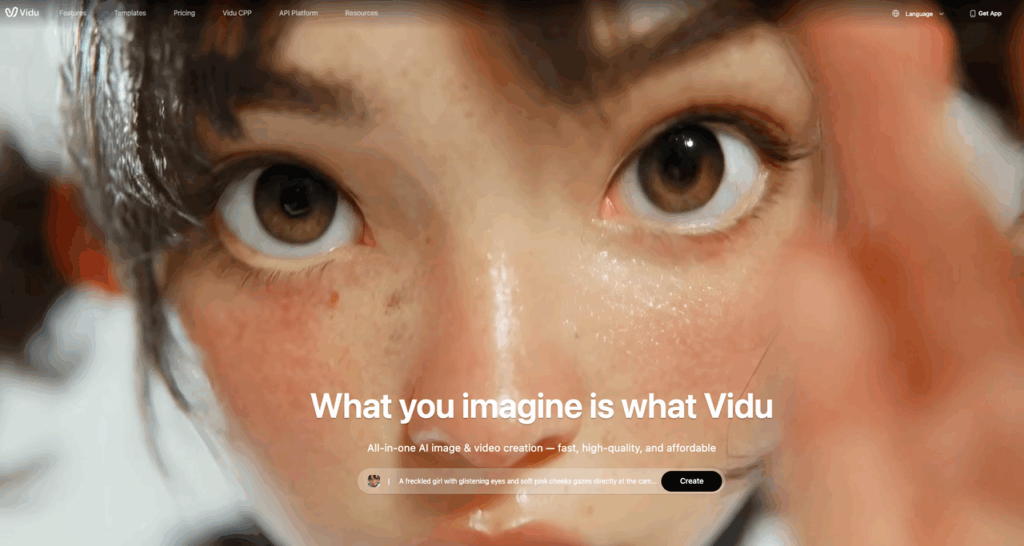
- Use Vidu to explore 10 directions fast.
- Use Kling to chase the cinematic version of the top 2.
- Use Seedance 2.0 to lock something reliable you can actually ship.
It sounds extra, but it can be faster than forcing one tool to do everything.
Where PromeAI adds value regardless of model choice
Even if we swap between Seedance 2.0, Kling, and Vidu, the bottleneck usually isn’t “the model.” It’s the messy middle: references, brand consistency, and getting from idea to usable asset without ten apps open.
That’s where PromeAI has been useful for us, more like a creative workbench than a single-model bet.
Where it helps (model-agnostic wins):
- Reference prep: turning rough comps into cleaner references we can feed into video tools (better inputs = fewer rerolls).
- Style consistency: keeping a look aligned across a campaign board, especially when multiple designers are generating variations.
- Fast concept iteration: we can try layout + scene ideas quickly, then push the strongest direction into whichever video model behaves best for that prompt.
A simple workflow we’ve used:
- Build a clean reference frame (product + background + lighting direction).
- Generate motion clips in Seedance/Kling/Vidu using the reference.
- Bring outputs back for polish assets (thumbnails, key visuals, storyboard frames).
Frequently Asked Questions (Seedance 2.0 vs Kling vs Vidu)
Seedance 2.0 vs Kling vs Vidu: what should I compare besides “quality” when choosing a text-to-video model?
“Quality” is subjective, so compare workflow metrics: prompt adherence, camera control (dolly/orbit/locked-off), multi-shot continuity, editing friendliness (clean motion for typography), workflow friction (retries), and speed + cost per usable clip. These factors decide whether you can ship reliably, not just get one lucky demo.
Which is better for prompt adherence and camera control: Seedance 2.0 vs Kling vs Vidu?
In hands-on tests, Seedance 2.0 stayed the most “product-shot clean” and produced the most believable straight dolly-ins. Kling often looked the prettiest but sometimes “freestyled” the camera (e.g., slight orbits), raising retries. Vidu iterated fast, yet camera directions could turn into generic motion instead of precise moves.
How do Seedance 2.0, Kling, and Vidu compare for multi-shot continuity and character consistency?
For two-shot sequences, Seedance 2.0 had the best odds of keeping “the same person energy,” especially when reusing a reference frame. Kling could drift subtly (apron hue, hair shape, face tweaks). Vidu was most likely to reinterpret the character between shots unless given a strong reference and tightly repeated wardrobe/prop details.
What’s the best workflow to test Seedance 2.0 vs Kling vs Vidu fairly?
Keep variables constant: same prompt, same reference image (if used), same duration, same aspect ratio, and reuse the same seed concept where the UI allows. Otherwise you’re comparing vibes. Track practical outcomes like retries per usable clip and time-to-first-usable, since pricing and speed shift quickly.
How can I get video models to follow camera moves more reliably (dolly-in, locked-off tripod, no shake)?
Make camera instructions explicit, boring, and separated—ideally on their own line. Use unambiguous phrasing like “locked-off tripod” and “no camera shake” if you plan to add motion in editing. This reduces interpretation errors across Seedance 2.0, Kling, and Vidu and usually cuts the retry count.
Recommended Reads
Leave a Reply