



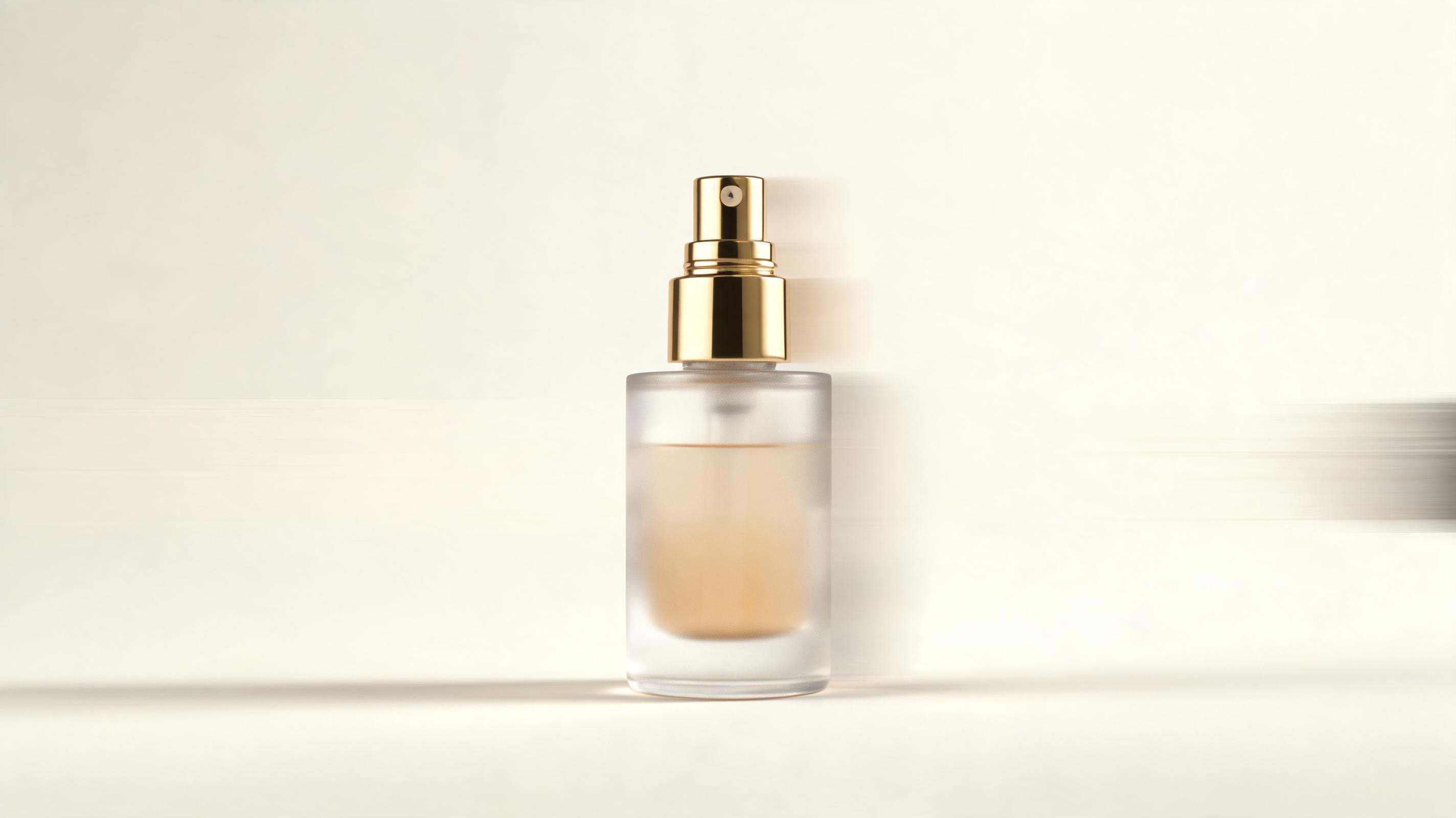
Skincare serum product video
Static close-up photo of a serum bottle turned into a 15-second slow pan video highlighting product packaging and key ingredient callouts, optimized for Instagram Reels.
Skip expensive video shoots. Generate polished product videos directly from your existing product photos, renders, or ecommerce listing images in minutes.
Browse sample clips across different product categories and use cases to inspire your next campaign.
Static close-up photo of a serum bottle turned into a 15-second slow pan video highlighting product packaging and key ingredient callouts, optimized for Instagram Reels.
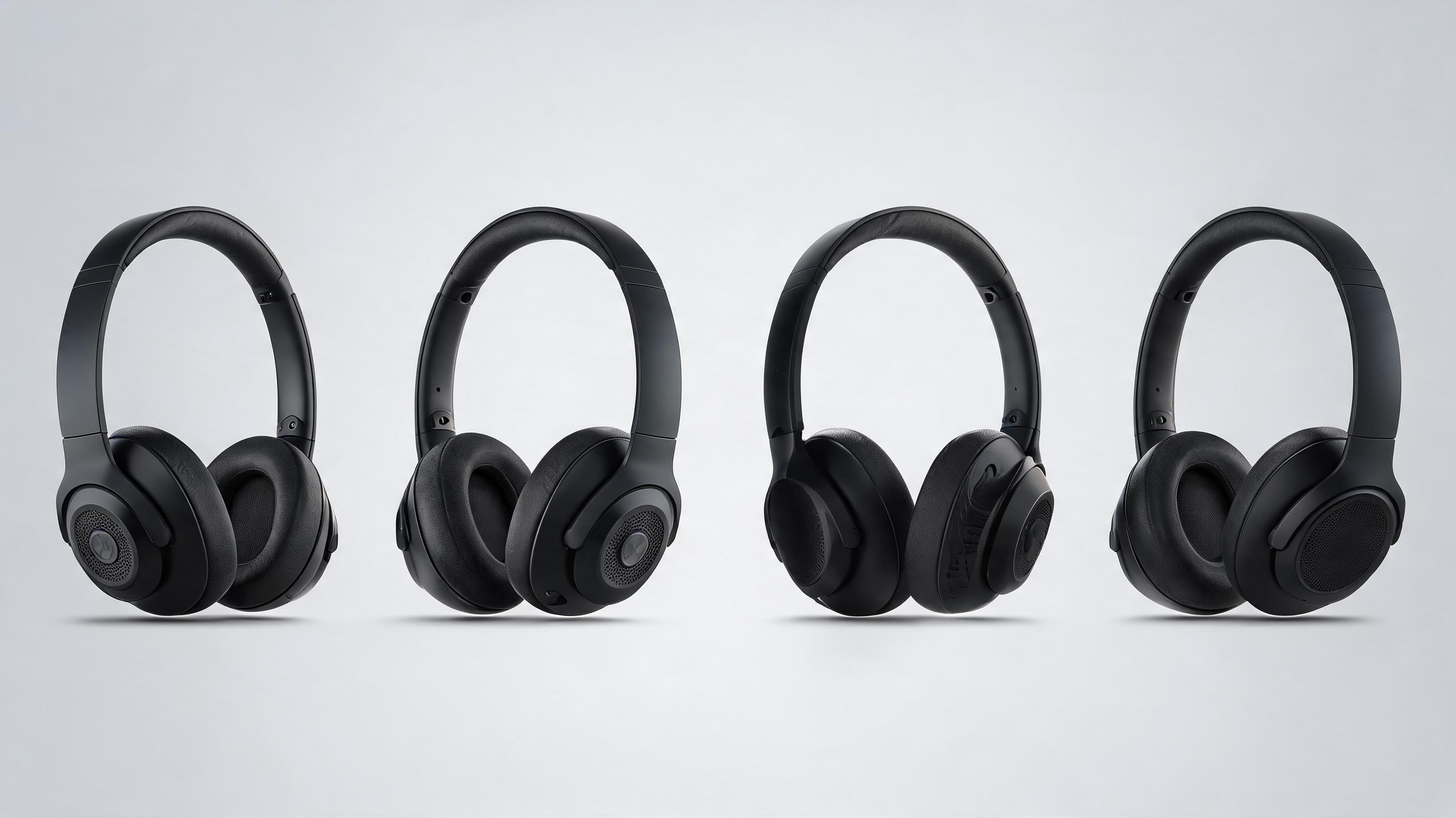
Static product render of over-ear headphones converted into a 20-second 360-degree spin video showing all design angles, used for an Amazon product page.

Static lifestyle photo of a throw pillow on a couch turned into a 10-second zoom video with text overlays highlighting fabric quality, used for TikTok ads.
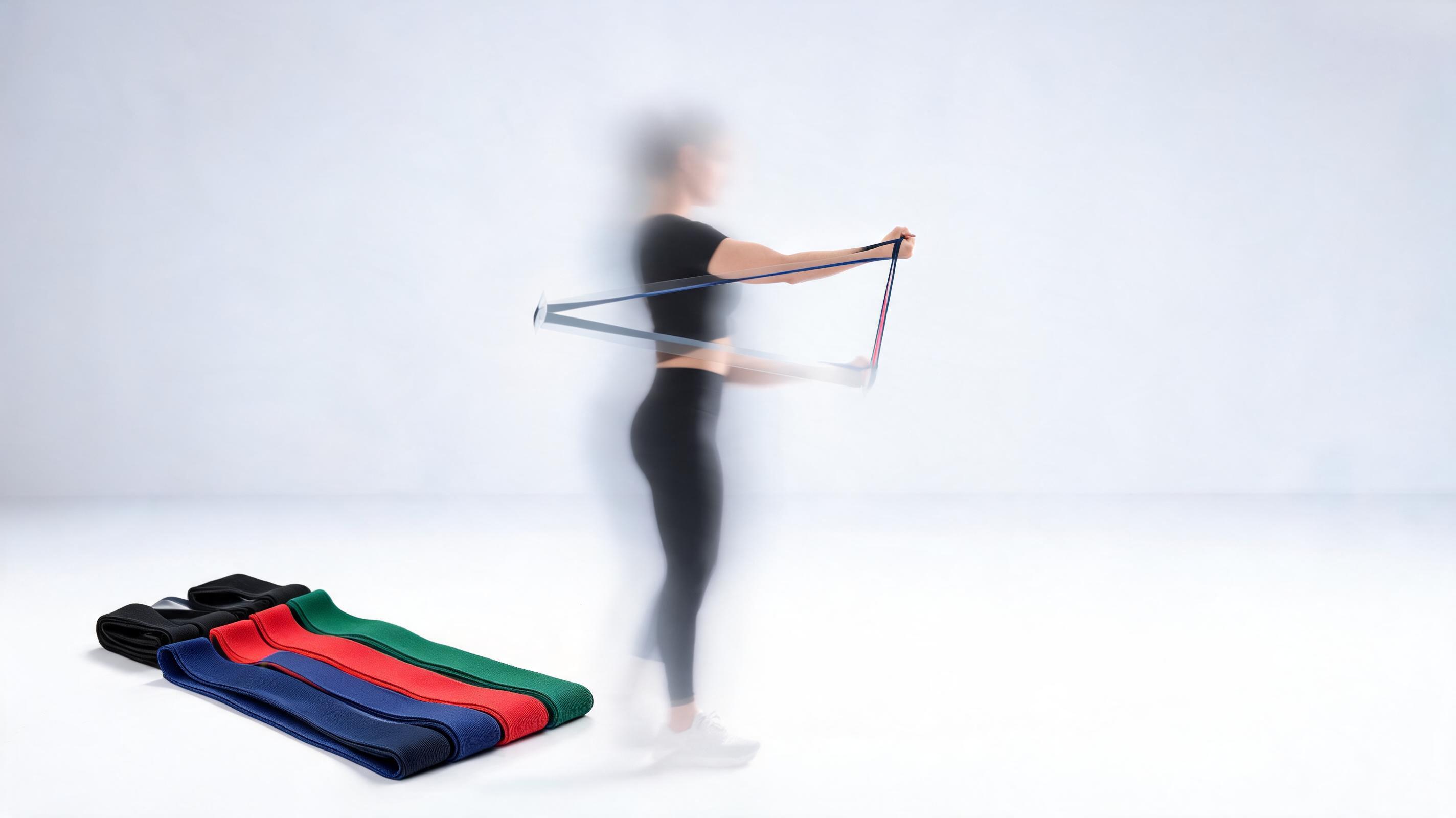
Static product photo of resistance bands converted into a 25-second video with animated usage overlays, used in a product launch email campaign.
Access built-in tools designed to create professional product videos without specialized editing skills.
Pre-built settings for product pages, Instagram Reels, TikTok ads, Amazon listings, and product launch campaigns to reduce editing time.
Adjust movement style, speed, and angle to highlight key product features without needing a physical video crew or studio setup.
Add your logo, brand colors, text overlays, and royalty-free background audio directly in the tool to match your brand guidelines.
Export videos in 1080p, 4K, or mobile-optimized sizes to fit every platform's requirements without quality loss.
Generate videos for up to 20 product images at once to streamline content creation for large catalogs or seasonal launches.
Download ready-to-publish videos free of PromeAI branding for all paid subscription tiers, suitable for commercial use.
See how ecommerce teams, marketers, and launch managers use this tool to drive higher engagement and sales.
Replace static product images with short dynamic videos to increase time on page and reduce return rates by giving shoppers a clearer view of product details.
Create scroll-stopping short video ads for Instagram, TikTok, and Facebook from existing product photos to test ad creatives fast without production costs.
Generate teaser and demo videos for new product drops using early render images, even before you have physical inventory to film.
Add dynamic product videos to your Amazon product listings to improve search ranking and increase conversion rates compared to static image-only listings.
Embed short product videos in promotional emails to boost click-through rates and drive more traffic to your online store or product pages.
Create professional product demo videos from product photos to share with retail buyers during pitch meetings without investing in costly video production.
Follow our simple 3-step workflow to turn any static product image into a ready-to-publish video clip.
Select a high-resolution static product photo, render, or ecommerce listing image with clear product framing and good lighting.
Choose your preferred clip length, camera movement style (slow pan, 360 spin, zoom), background audio, and call-to-action overlay to match your platform needs.
Let the AI process your image into a polished video, then download in multiple resolutions optimized for social media, product pages, or ad campaigns.
Creating high-quality product videos doesn't require a large production budget or professional filming crew anymore. This guide walks you through how to get the best results from PromeAI's AI product video from image tool, plus how to choose the right settings for your use case.
Start with a high-resolution image of at least 1080x1080 pixels, with the product centered and well-lit against a simple background. Avoid blurry images, heavy filters, or images where the product is partially obscured, as these will result in lower quality video output. If you are using a 3D render, make sure it is rendered at full resolution with realistic lighting to get the most natural-looking video possible. For lifestyle product images, ensure the focus is clearly on the product rather than background elements to keep the video's attention on your offering.
This tool is ideal for fast content creation for ad testing, product page upgrades, launch teasers, and catalog updates where you need high volumes of video content quickly at low cost. It is particularly well-suited for ecommerce teams that have large product catalogs, or marketing teams that need to test multiple ad creatives without investing in video shoots. However, it is not the best fit for complex demo videos that show the product being used in real-world scenarios with human actors, or for long-form brand story videos that require custom filming and narrative structure. For those use cases, you will get better results combining AI-generated footage with custom filmed content.
For social media platforms like TikTok and Instagram Reels, use 9:16 aspect ratio, 10-15 second length, and bold text overlays that are readable without audio. For Amazon product pages, use 16:9 aspect ratio, 20-30 second length, and focus on showing all product angles and key features. For email marketing, use 1:1 aspect ratio, 15-20 second length, and a clear call to action at the end of the clip. For wholesale pitches, use 16:9 or 4:3 aspect ratio, 30-60 second length, and include branding and key product specifications as text overlays.
Track metrics like conversion rate on product pages, click-through rate on ads and emails, time on page, and return rates to measure how well your AI-generated videos perform. For ad testing, run A/B tests between static image ads and AI video ads to see which drives more conversions, and adjust your video settings based on the results. For product pages, compare conversion rates before and after adding the video to calculate the lift in sales generated by the new content. Most teams see a 15-30% lift in conversion rates after adding AI-generated product videos to their listings, depending on the product category and audience.
Explore tailored workflows to match your specific product video use case and platform requirements.
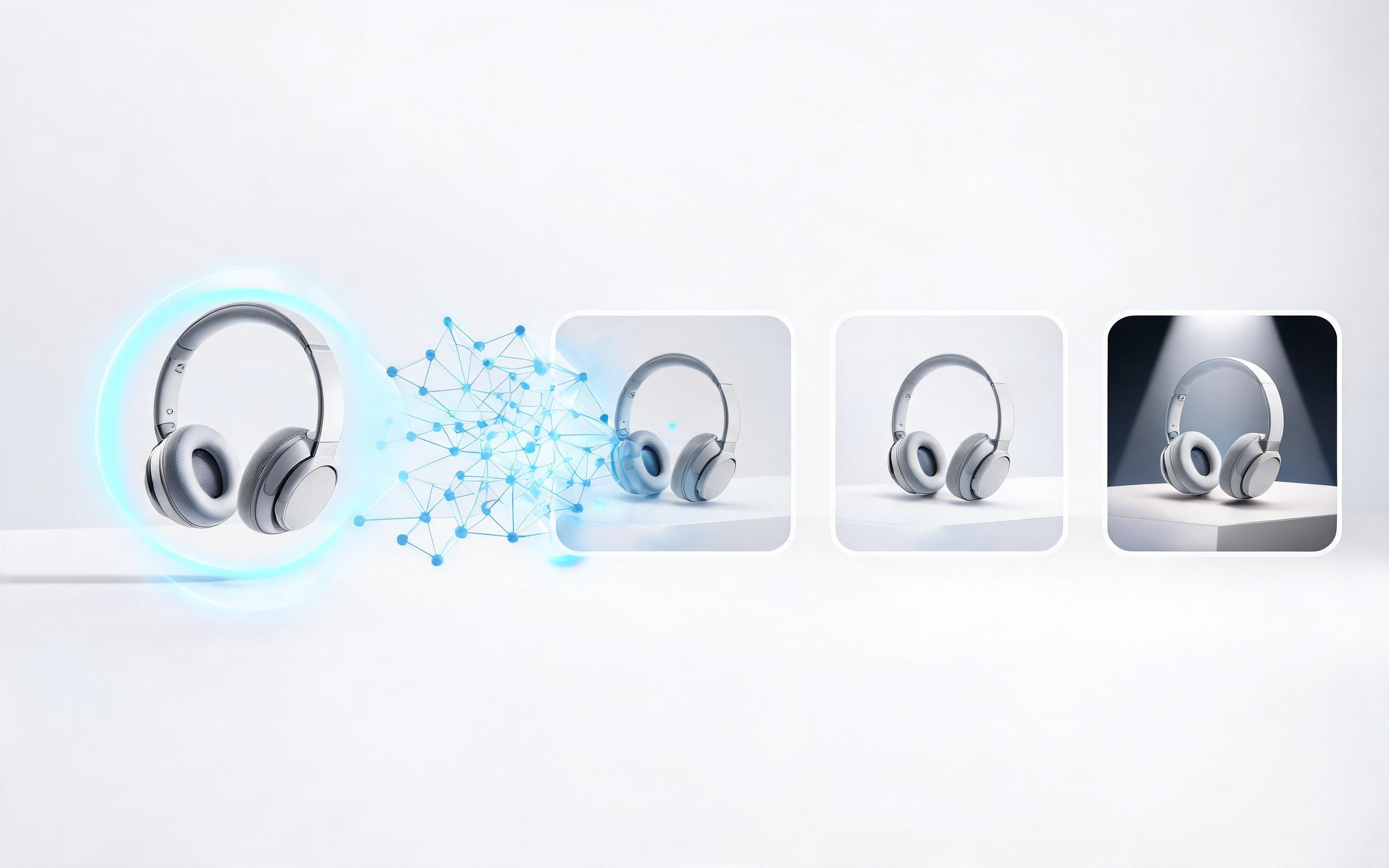
Generate ai product video generator free workflows from product photos, renders, or listing images for ecommerce, product launches, social ads, and campaign testing.
Open page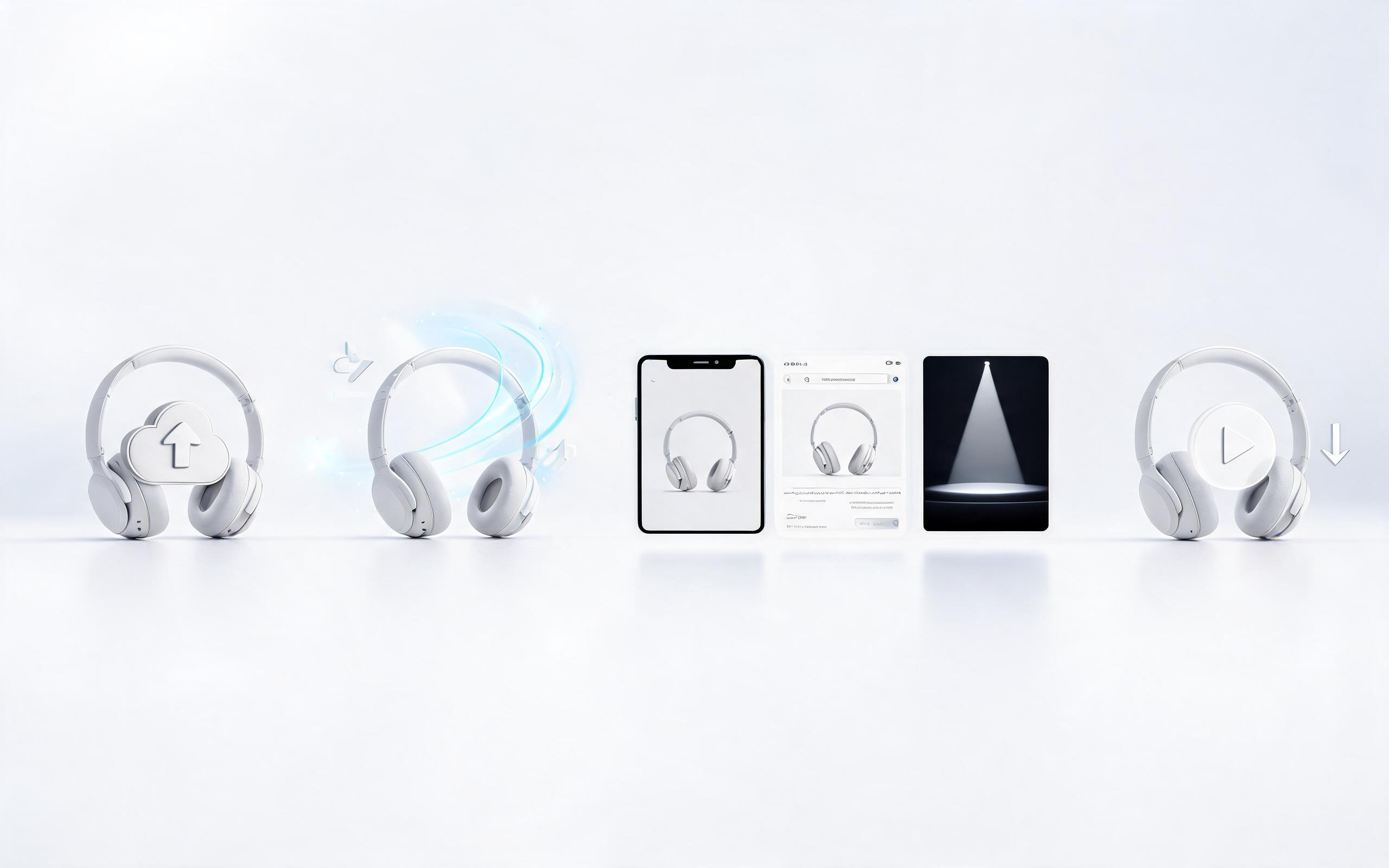
Generate product video from image workflows from product photos, renders, or listing images for ecommerce, product launches, social ads, and campaign testing.
Open page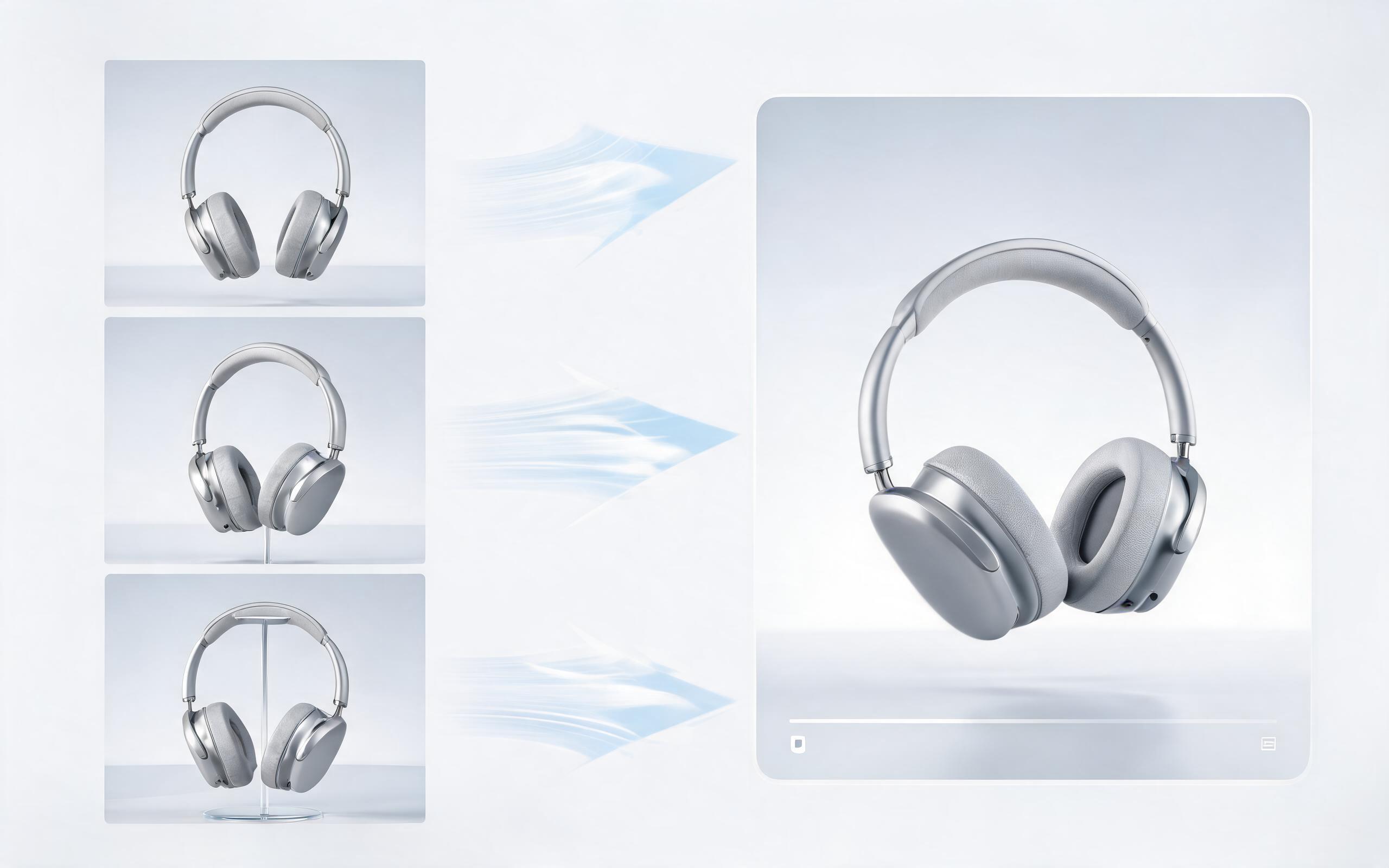
Generate product photo to video workflows from product photos, renders, or listing images for ecommerce, product launches, social ads, and campaign testing.
Open page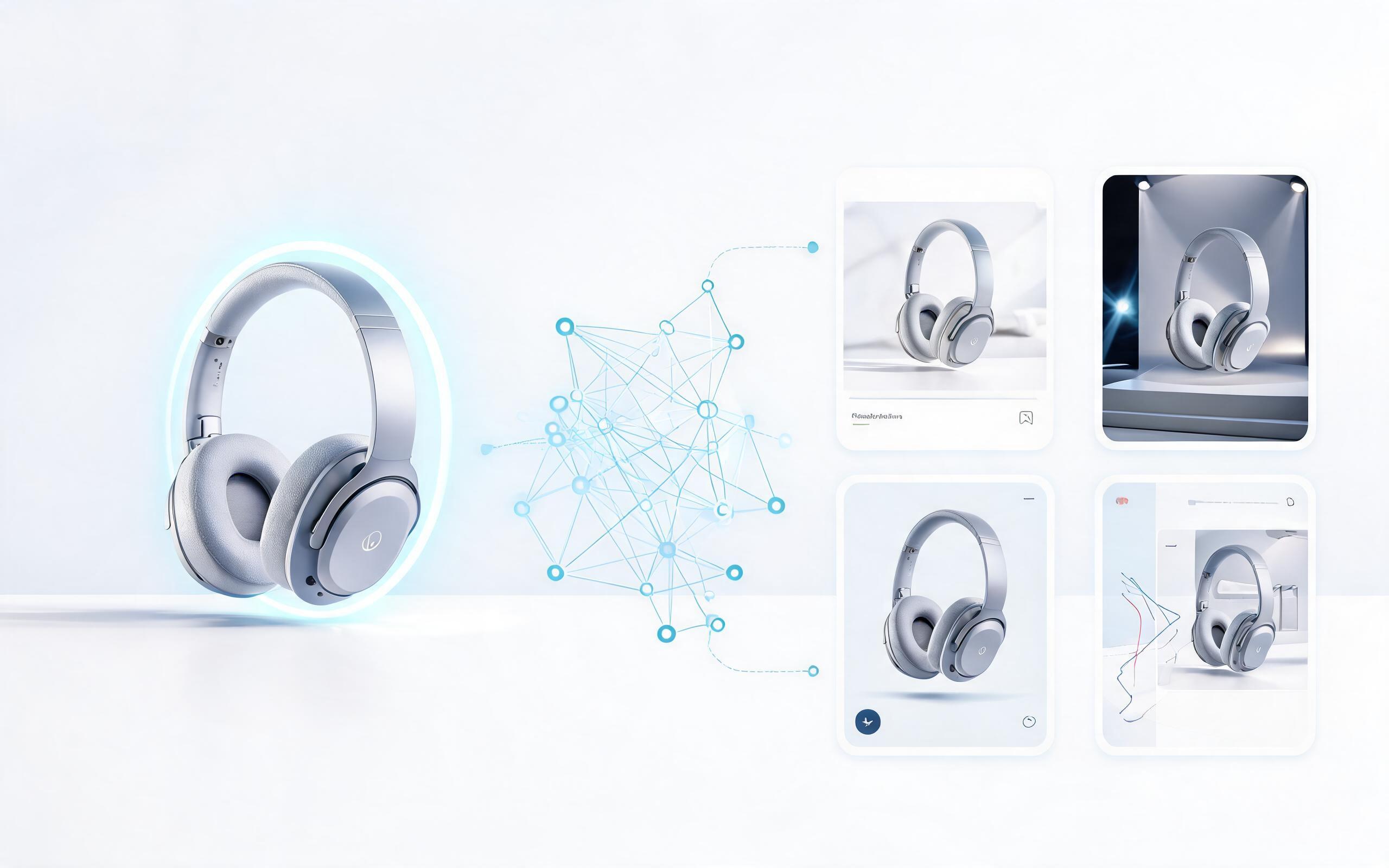
Generate product demo video ai workflows from product photos, renders, or listing images for ecommerce, product launches, social ads, and campaign testing.
Open page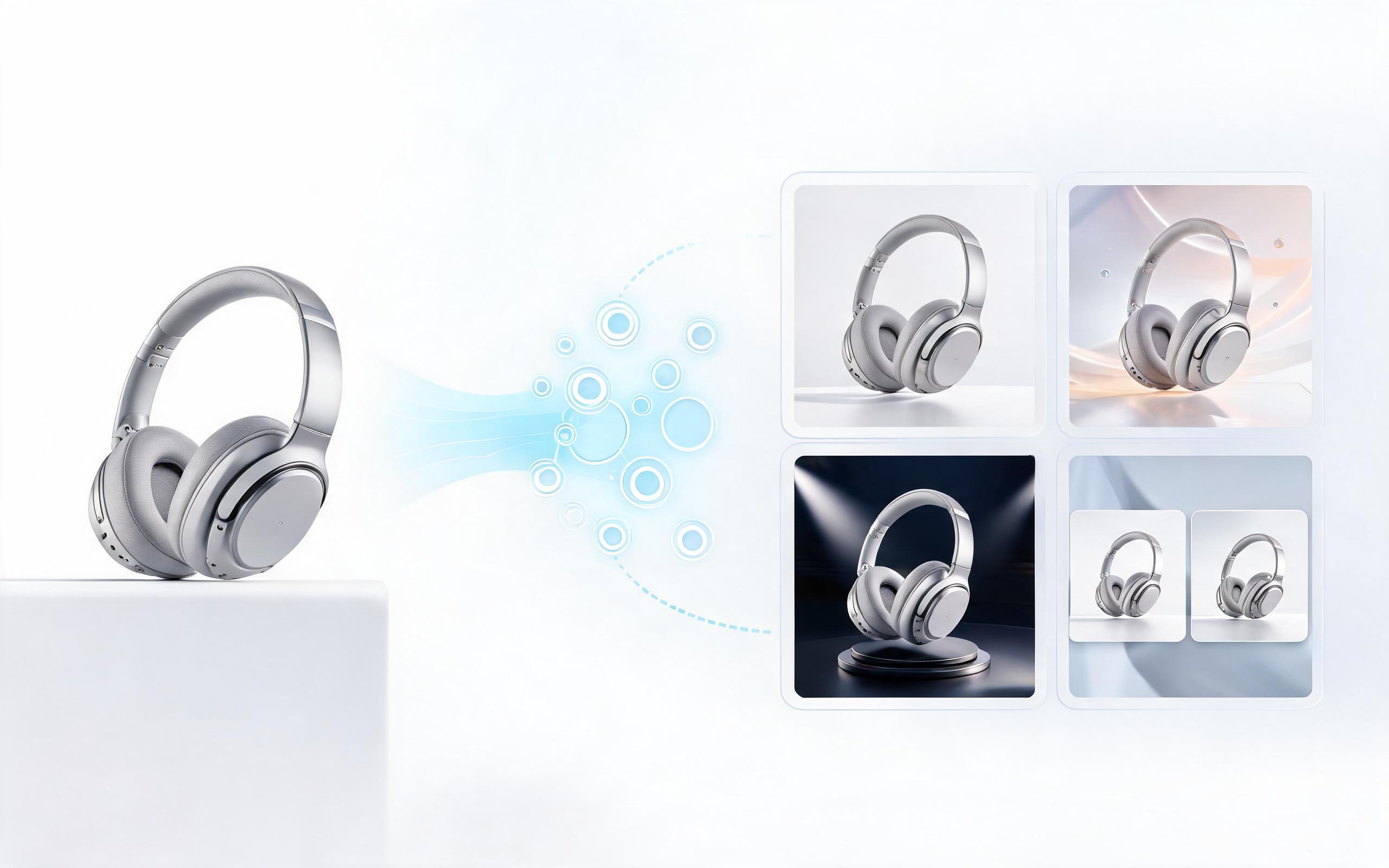
Generate product showcase video generator workflows from product photos, renders, or listing images for ecommerce, product launches, social ads, and campaign testing.
Open page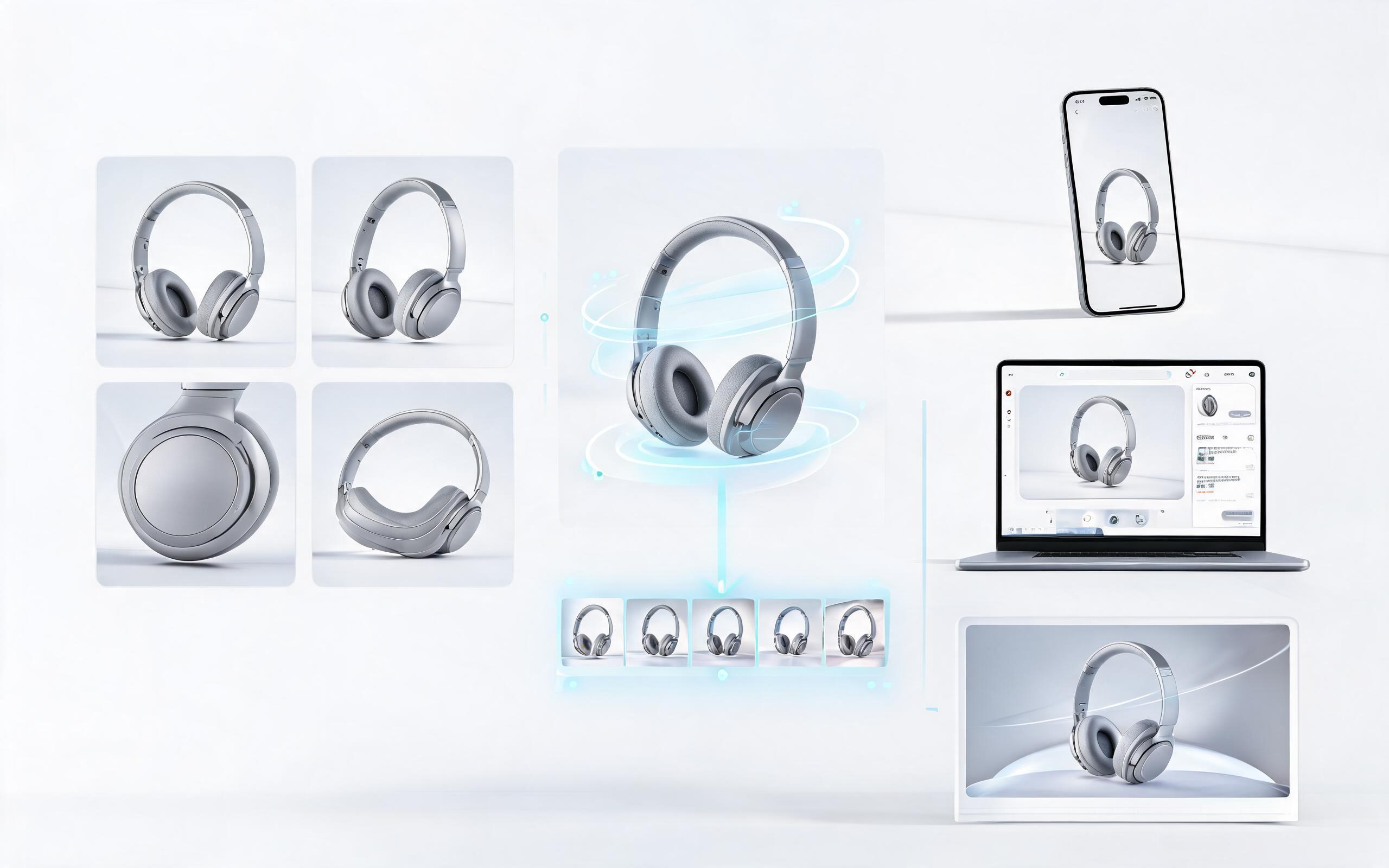
Generate product video maker workflows from product photos, renders, or listing images for ecommerce, product launches, social ads, and campaign testing.
Open page
Skip the expensive video shoots and long production timelines. Turn your existing static product images into high-converting video clips in minutes with PromeAI's image to video tool, no editing skills required.
Create AI Product Video From Image
Technical support: [email protected]
Business collaboration: [email protected]
Trusted by 3M+ Creators & Ecommerce Teams Worldwide
See why product marketers and online sellers choose PromeAI for their AI video generation needs.
We turned 50 of our product listing images into videos in one afternoon and saw a 22% lift in Amazon conversion rates within two weeks.
We used AI-generated videos from our product renders to test ad creatives for our launch before we even had physical inventory, saving us over $12k in production costs.
We can turn a single source image into several polished product video directions before committing budget to a full studio shoot.