

Wireless Earbud 360° Spin Demo
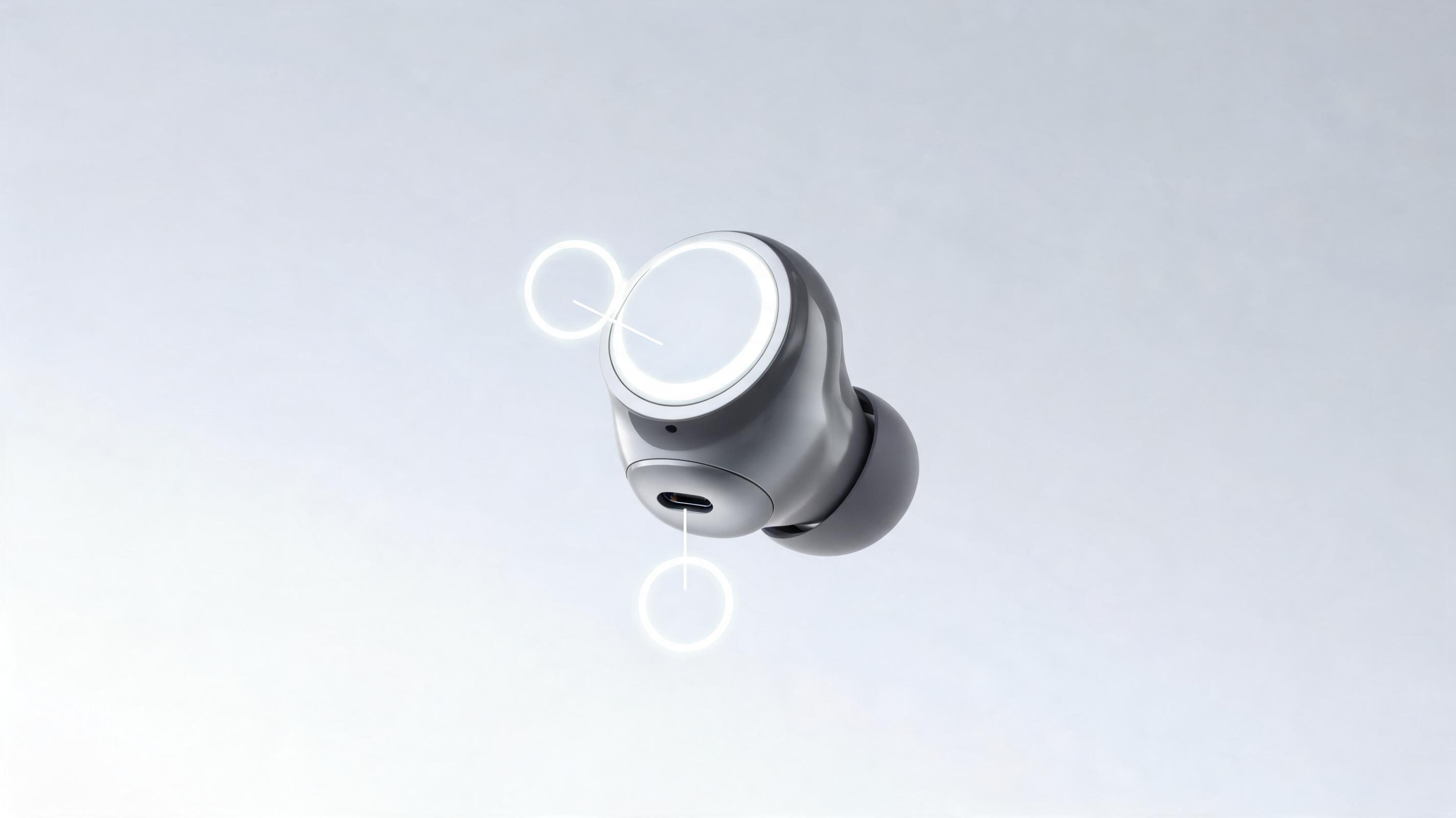
Generated from a single static product photo, this 15-second clip features a slow 360° spin with close-up callouts of charging port and touch control features, optimized for Amazon product pages.
Skip expensive video shoots and complex editing workflows. Upload a single product photo, render, or listing image to generate studio-quality demo videos optimized for ecommerce, social ads, and product launches. Built for product marketers, ecommerce sellers, and launch teams.
Browse clips generated from static product photos to see the quality and versatility of our AI video tool.
Generated from a single static product photo, this 15-second clip features a slow 360° spin with close-up callouts of charging port and touch control features, optimized for Amazon product pages.
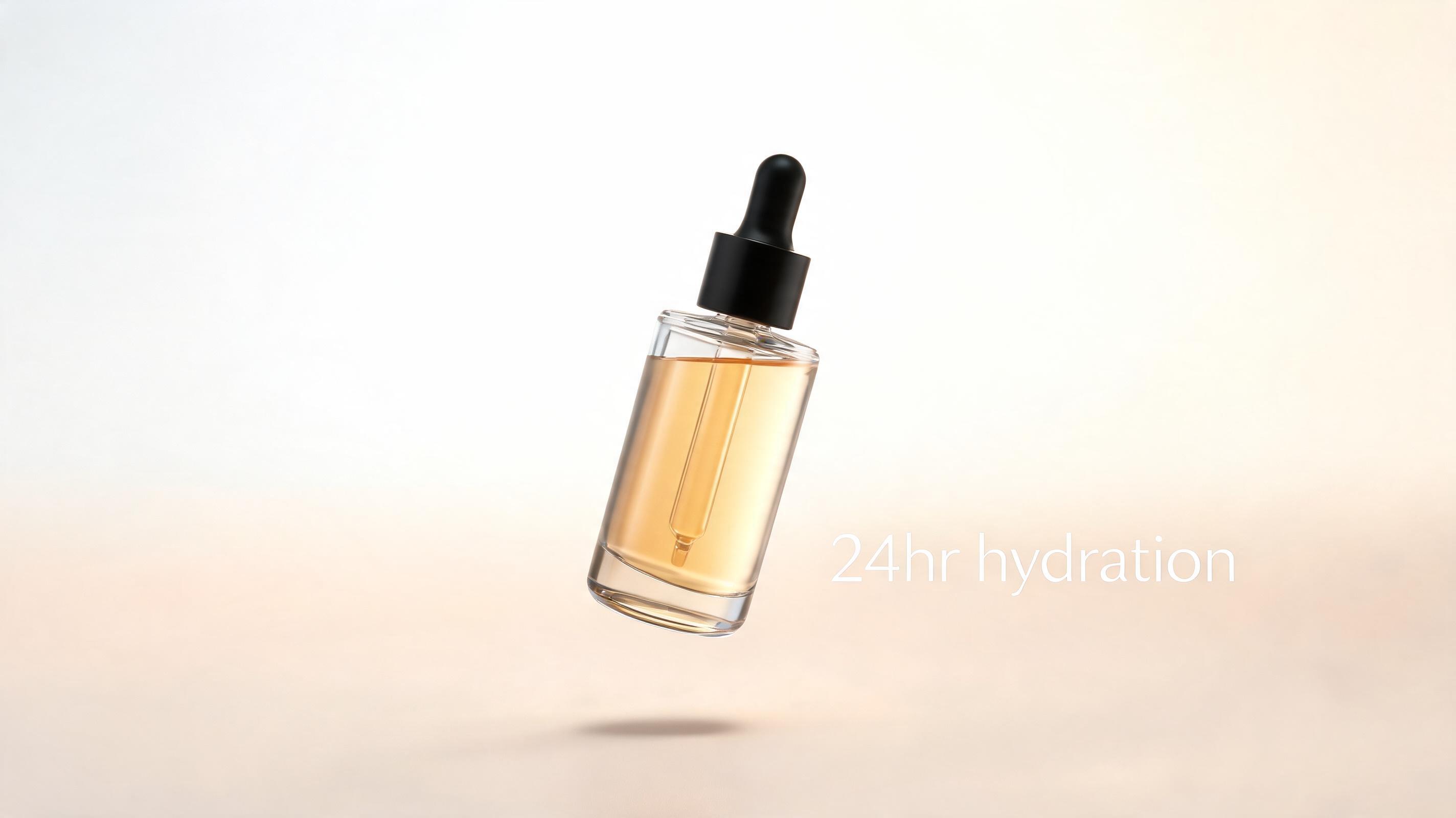
Created from a product render, this 10-second Reel-optimized clip shows the serum bottle floating with soft studio lighting and a "24hr hydration" text callout for Instagram ad campaigns.
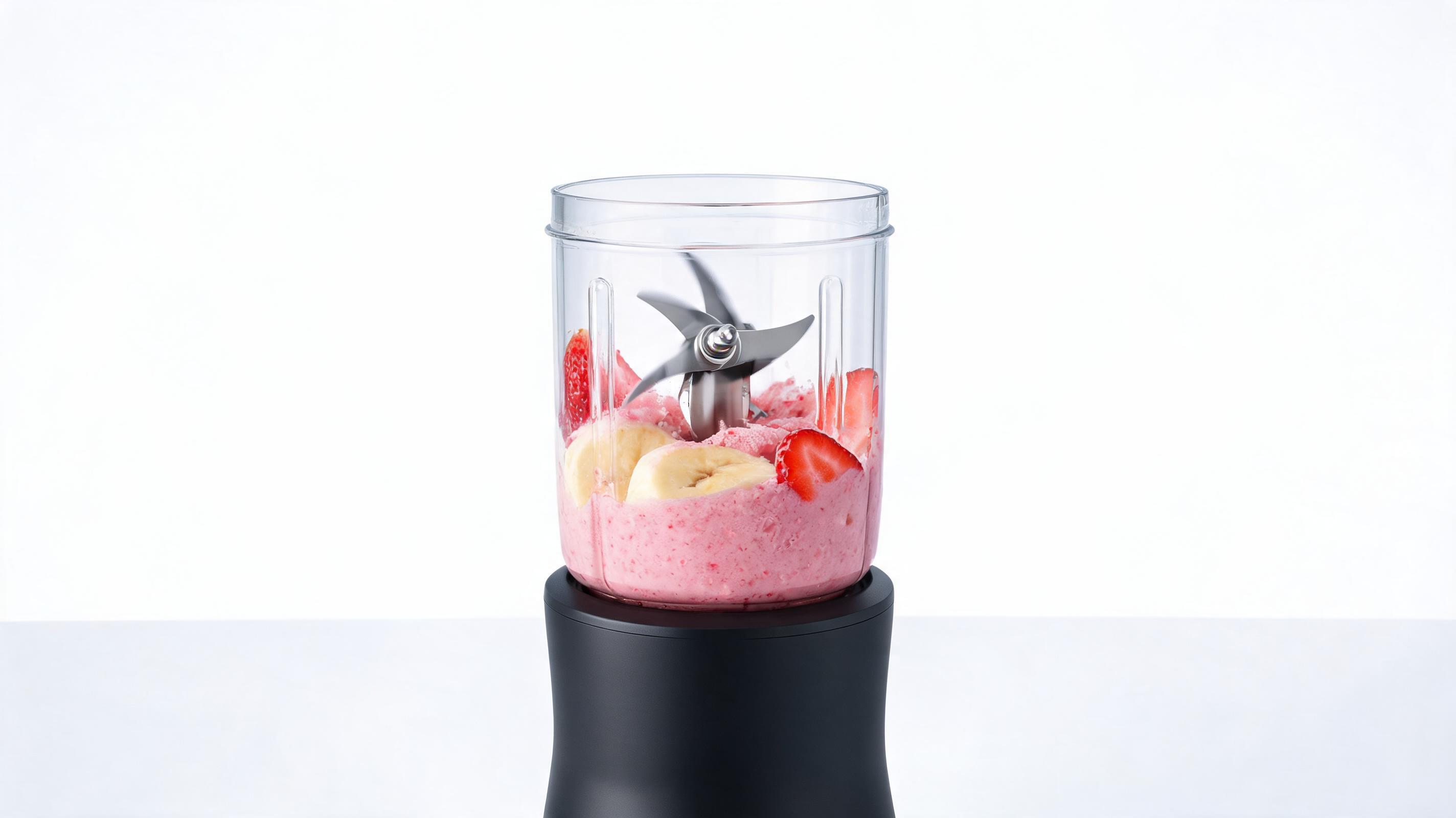
Generated from a listing photo, this 20-second clip simulates the blender in action with a zoom motion to highlight the stainless steel blades and BPA-free container, built for Shopify product pages.
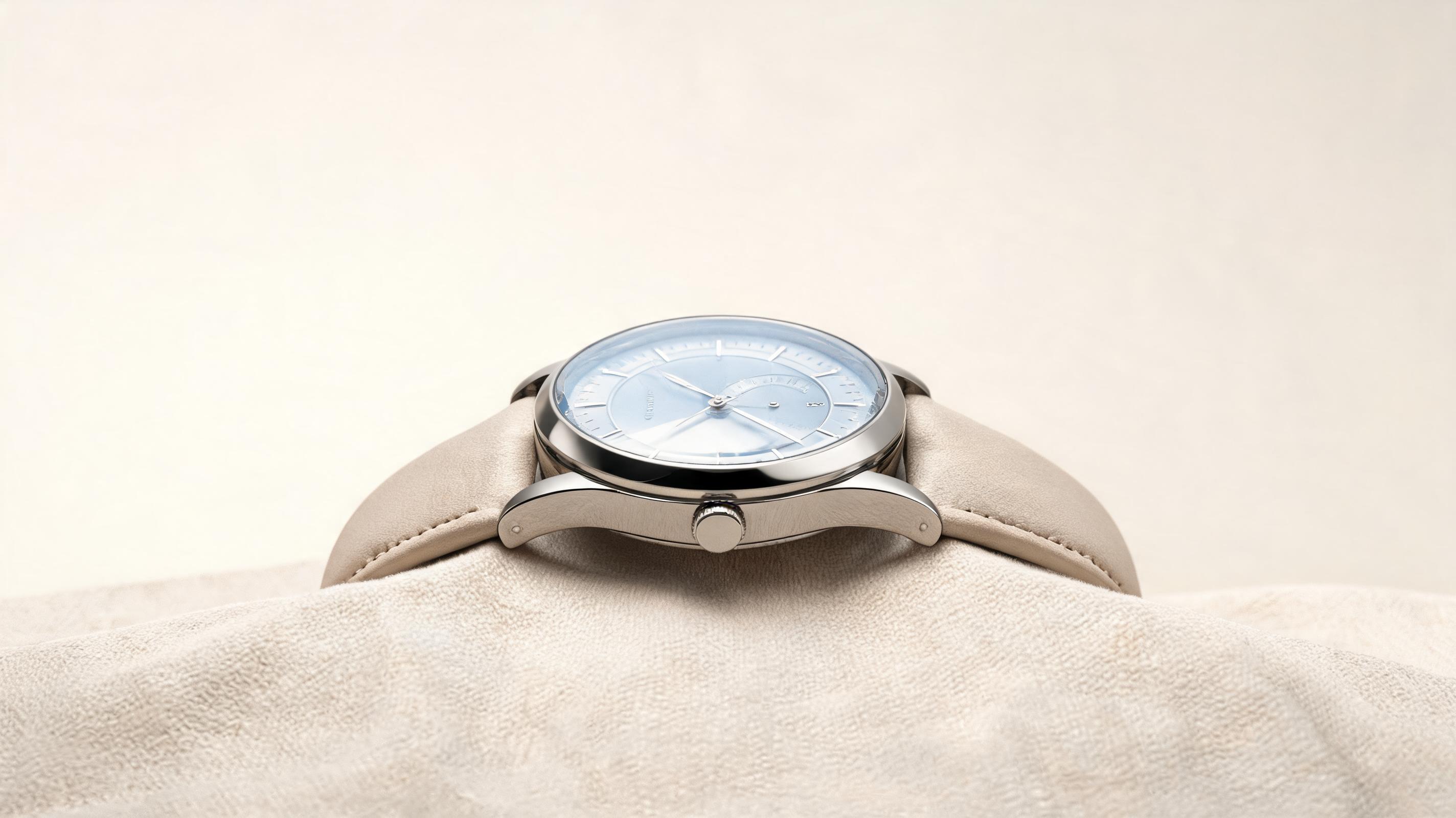
Created from a lifestyle product photo, this 12-second clip features a slow pan across the watch face to showcase the scratch-resistant sapphire glass and interchangeable strap, perfect for pre-launch landing pages.
Discover built-in features designed to create high-performing product videos without specialized editing skills or equipment.
Built-in studio lighting presets eliminate glare, highlight product details, and match professional production standards without manual editing.
Choose from slow pan, 360° spin, zoom, or floating motion styles to showcase key product features from every angle.
Pre-configured export sizes for TikTok, Instagram Reels, Amazon product pages, Shopify listings, and Facebook ads to avoid post-production resizing.
Generate up to 3 15-second demo videos per month for free with no mandatory watermarks for small business and testing use cases.
Add your logo, brand colors, and short text callouts directly in the tool to align videos with your brand identity without external editing software.
Generate demo videos for up to 10 product assets at once to cut production time for large ecommerce catalogs and full product line launches.
See how teams across ecommerce, marketing, and product launches use these videos to drive higher engagement and conversion rates.
Add dynamic demo videos to Shopify, Amazon, or WooCommerce product pages to reduce return rates and increase conversion by up to 30%.
Create short, engaging demo clips for TikTok, Instagram Reels, and Pinterest ads to test product messaging fast without expensive shoot costs.
Build polished demo content for pre-order and launch landing pages to showcase product functionality before you have physical inventory.
Include short demo clips in promotional email sequences to boost click-through rates and drive more traffic to your product listings.
Generate professional demo videos to include in B2B wholesale pitch decks to impress retail buyers and secure more distribution deals.
Quickly generate multiple demo video variations with different motion styles and callouts to test which performs best with your target audience.
Follow our straightforward workflow to turn any static product image into a professional demo video in minutes.
Upload a high-quality static product photo, 3D render, or existing listing image. Ensure the product is centered and well-lit for the best output results.
Select your preferred camera movement style, clip length, background setting, and callout options tailored to your target platform or use case.
Let the AI render your polished demo video in 1-2 minutes, then download in multiple resolutions optimized for your intended use case.
Learn how to get the most out of PromeAI's Product Demo Video AI, including best practices for source assets, choosing the right parameters for your use case, and optimizing clips for maximum conversion.
To get the highest quality demo videos, start with a source asset that shows your product clearly against a simple, uncluttered background. Avoid blurry photos, images with heavy shadows, or assets where the product is partially obscured. For best results, use high-resolution images (1080px or larger) with even, soft lighting that highlights key product features. If you don’t have professional product photos, 3D renders or digital mockups work equally well with the AI tool, making it ideal for pre-launch campaigns where physical inventory isn’t available yet.
The motion style you select directly impacts how well your video performs for its intended purpose. For ecommerce product pages, slow 360° spins or gentle panning motions work best, as they let customers view every angle of the product without distraction. For short-form social ads on TikTok or Instagram Reels, faster zoom or floating motions with bold text callouts capture attention within the first 3 seconds, which is critical for stopping scroll. For launch landing pages, longer clips that combine multiple motion styles to showcase all key product features will help build trust with early buyers.
AI-generated product demo videos are the best choice for teams looking to cut production time and costs, test creative assets fast, or generate content for large product catalogs. They are ideal for A/B testing ad creatives, populating new product pages quickly, and creating content for pre-launch campaigns where you don’t have physical inventory to film. However, they are not a replacement for high-end brand films that require real human models, complex functional demonstrations (such as showing a kitchen appliance in use cooking food), or highly customized narrative content. For those use cases, you’ll get better results combining AI-generated clips with traditional filmed content.
To maximize the performance of your AI-generated demo videos, align all elements with your target audience and platform. For ecommerce product pages, keep clips between 15 and 30 seconds long, focus on highlighting key product benefits rather than flashy effects, and avoid loud background music that distracts from the product. For social ads, add closed captions since 85% of social video is watched without sound, and include a clear call to action in the first 3 seconds of the clip. For launch pages, pair your demo video with customer testimonials or product spec lists to build additional trust with potential buyers.
Explore tailored preset options to speed up your video creation workflow for specific industry and platform use cases.
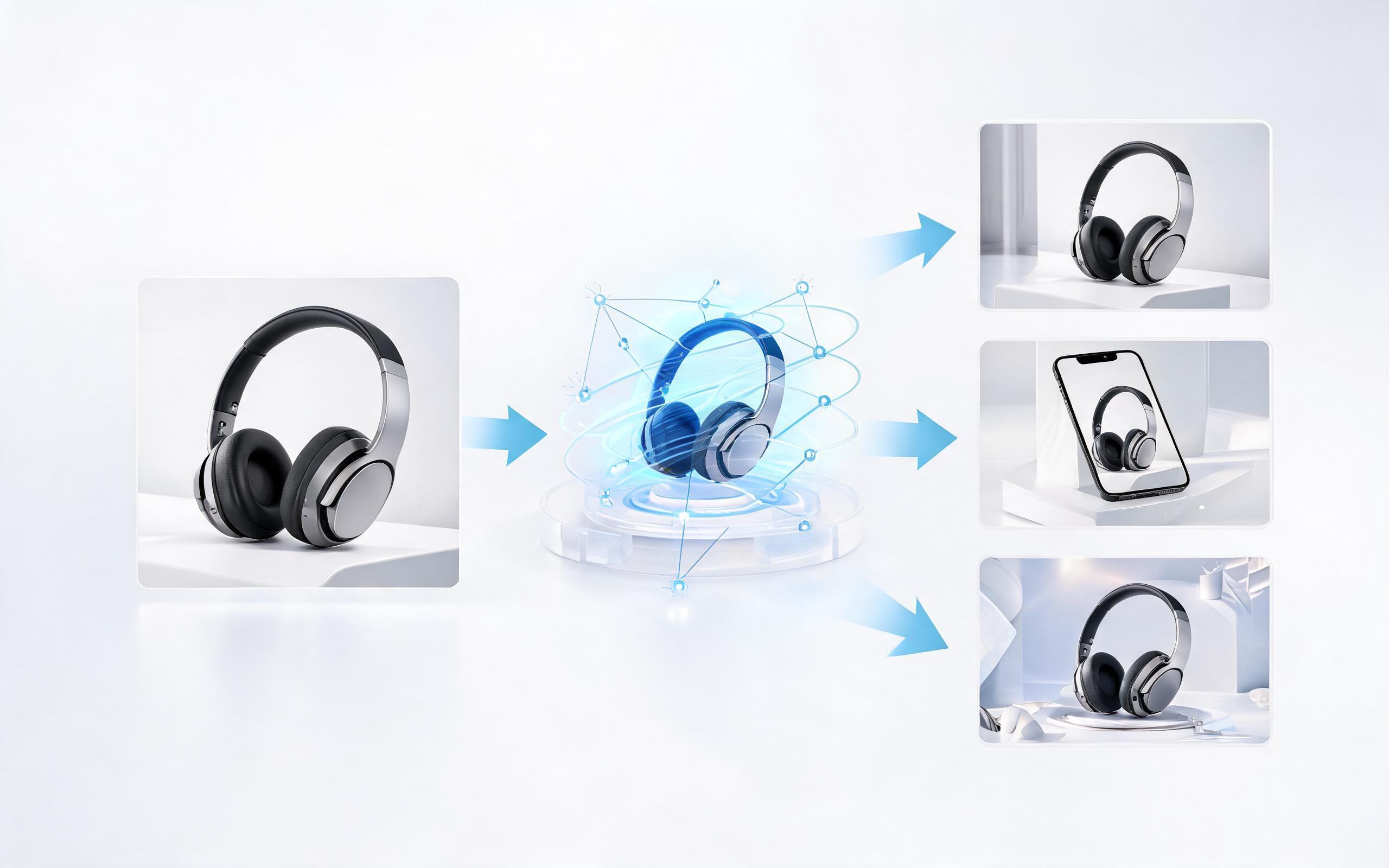
Generate ai product video generator free workflows from product photos, renders, or listing images for ecommerce, product launches, social ads, and campaign testing.
Open page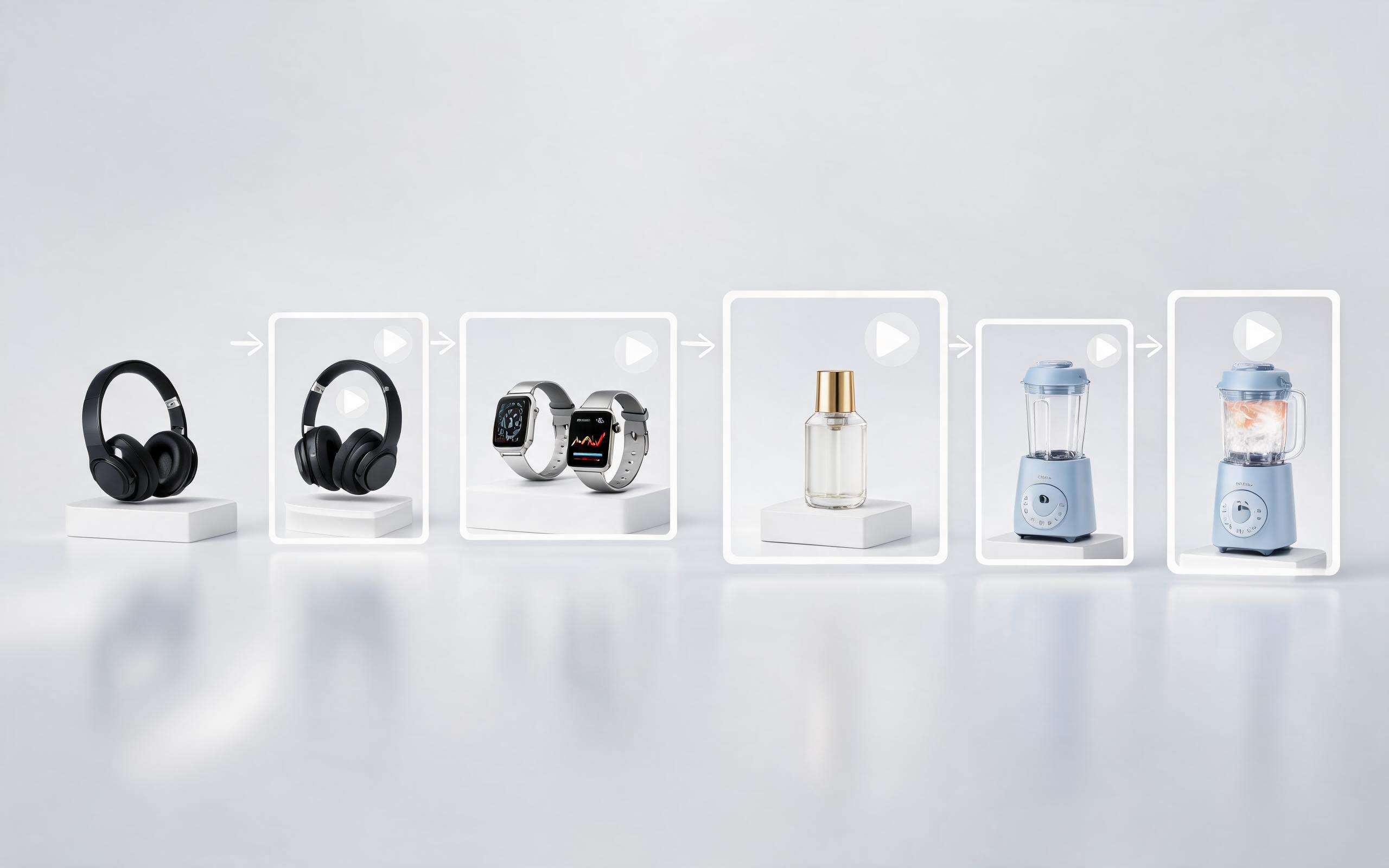
Generate product video from image workflows from product photos, renders, or listing images for ecommerce, product launches, social ads, and campaign testing.
Open page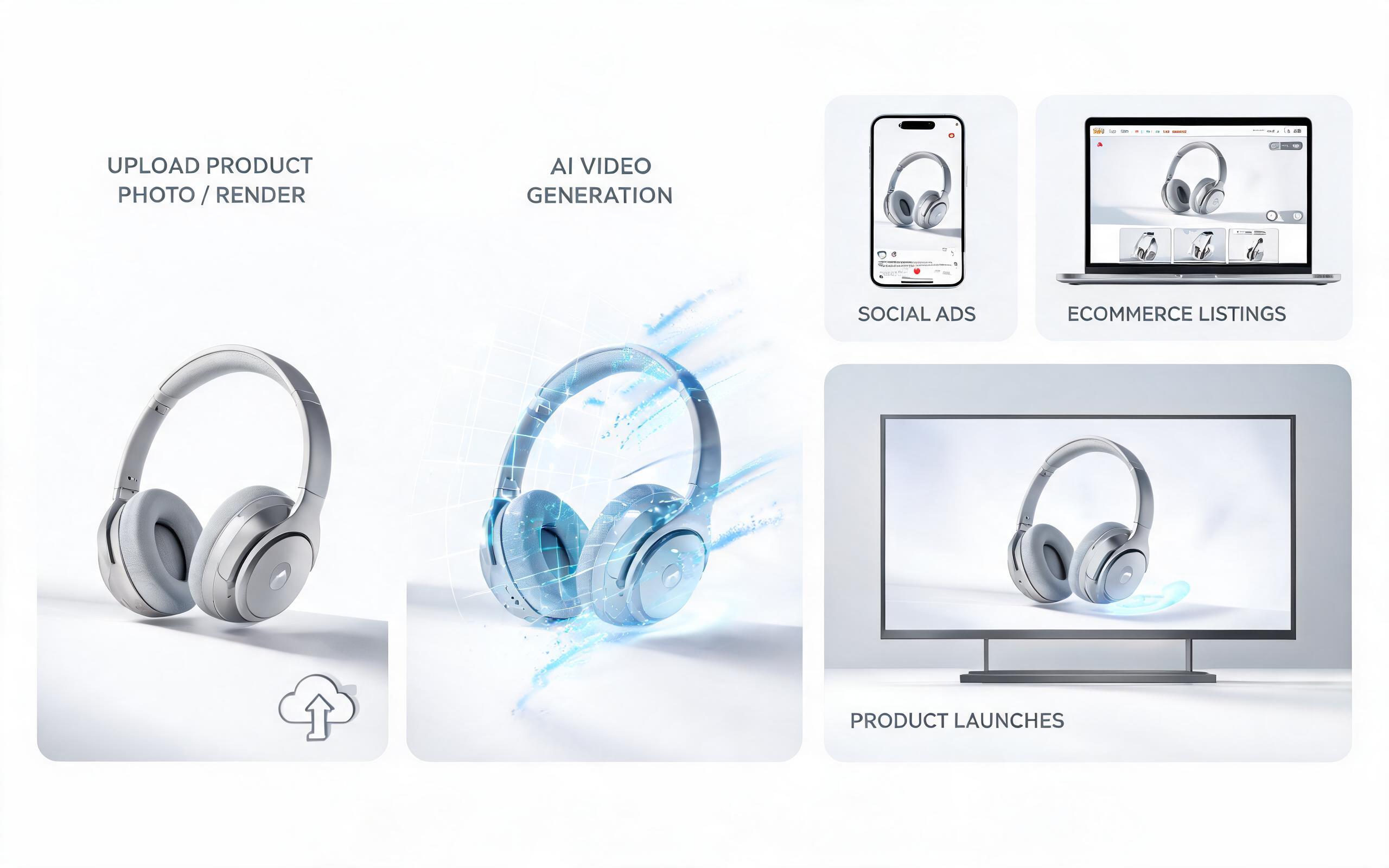
Generate ai product video from image workflows from product photos, renders, or listing images for ecommerce, product launches, social ads, and campaign testing.
Open page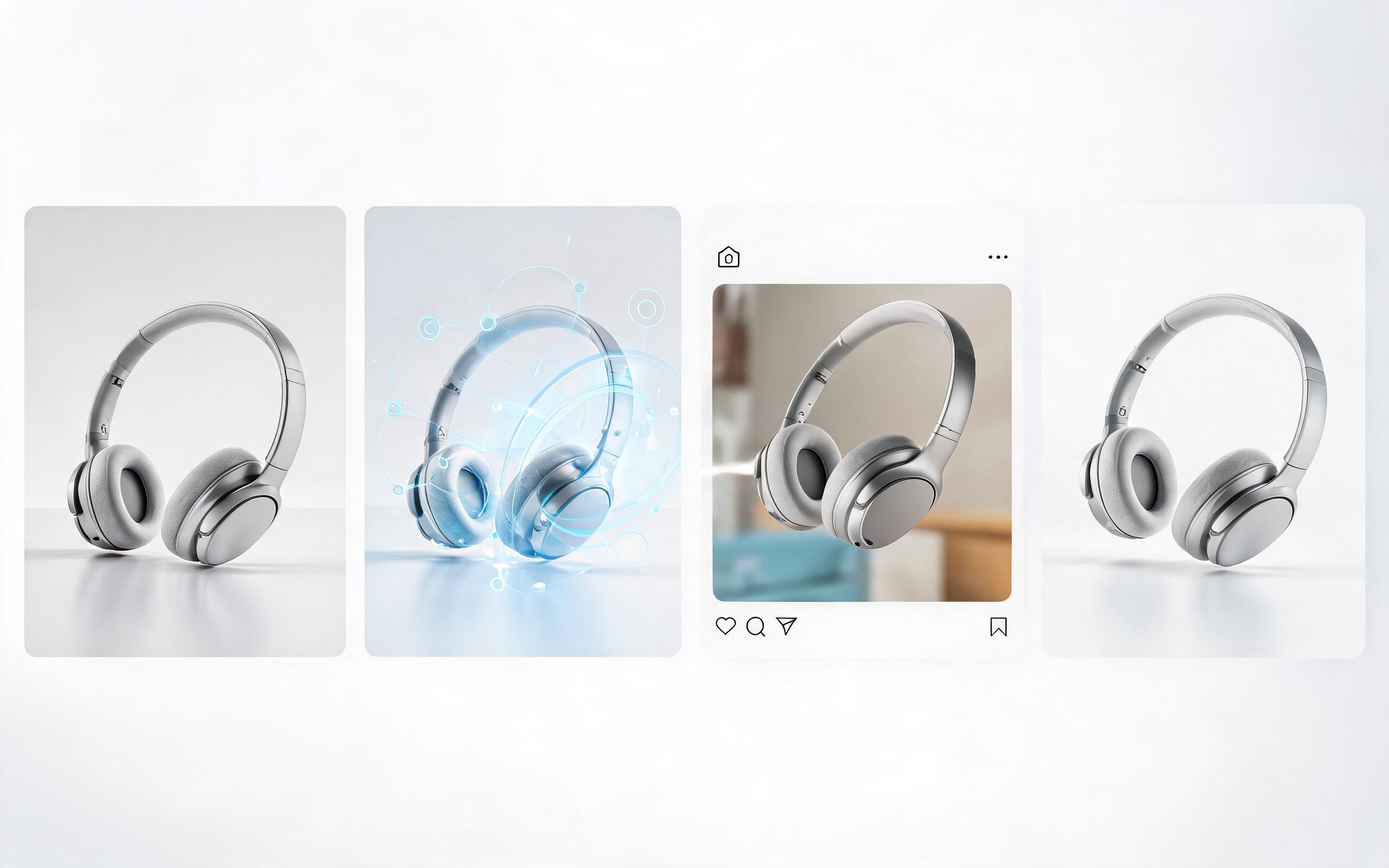
Generate product photo to video workflows from product photos, renders, or listing images for ecommerce, product launches, social ads, and campaign testing.
Open page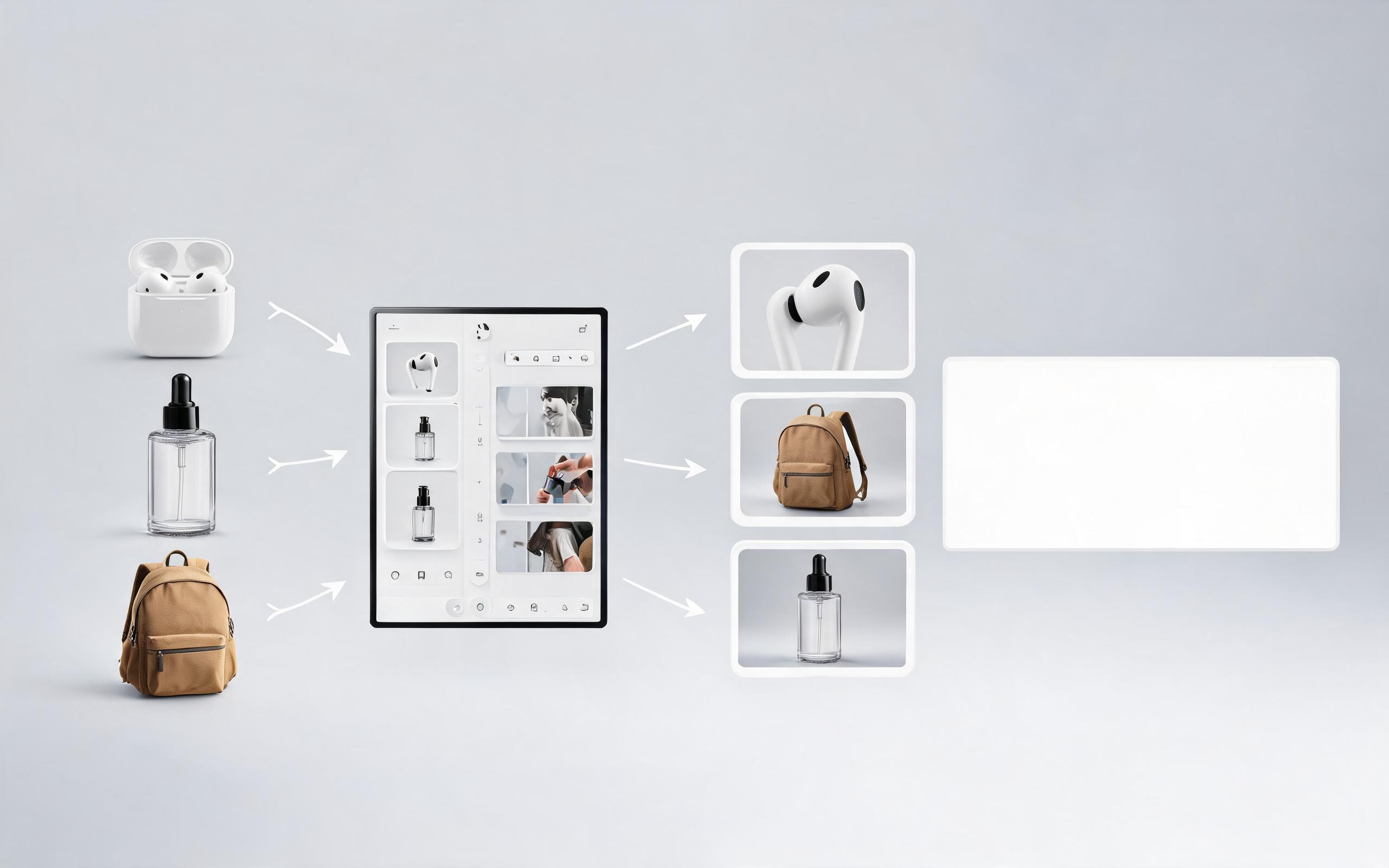
Generate product showcase video generator workflows from product photos, renders, or listing images for ecommerce, product launches, social ads, and campaign testing.
Open page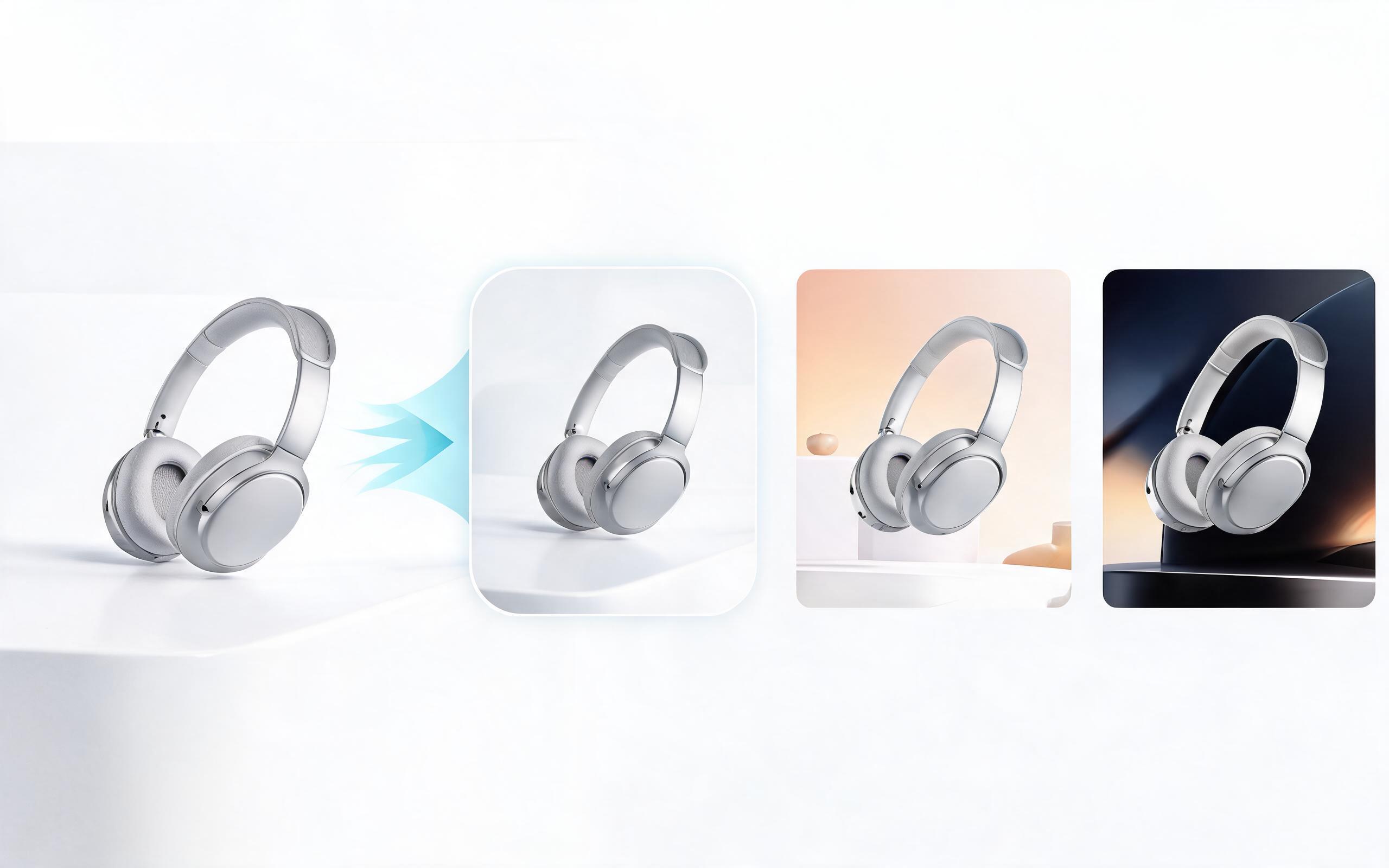
Generate product video maker workflows from product photos, renders, or listing images for ecommerce, product launches, social ads, and campaign testing.
Open page
Skip the expensive video shoots and long editing timelines. Upload a single product photo, render, or listing image to create a professional, high-converting demo video in minutes with PromeAI, no editing skills required.
Create Product Demo Video AI
Technical support: [email protected]
Business collaboration: [email protected]
Trusted by Ecommerce & Marketing Teams Worldwide
See how our users have cut video production time and costs while boosting ad performance with AI-generated demo videos.
PromeAI helps us turn static campaign images into motion concepts before we commit to a full shoot.
The short clips make it easier to test pacing, camera movement, and product hooks across launch pages and ads.
For stakeholder reviews, a quick AI video gives everyone a clearer sense of material, scale, and story.