

AI Product Video Maker: Turn Static Product Photos Into Engaging Short Videos

Create professional product videos for ecommerce listings, social ads, and launch campaigns without needing filming equipment or editing skills. Upload a single product photo, render, or listing image to generate polished, shareable video clips in minutes.

Upload a product image or describe the motion you want.

Prompt ideas Click any example to autofill

Real Product Video Maker Output Examples

Browse examples of product videos generated from static photos for different industries, product types, and marketing channels.

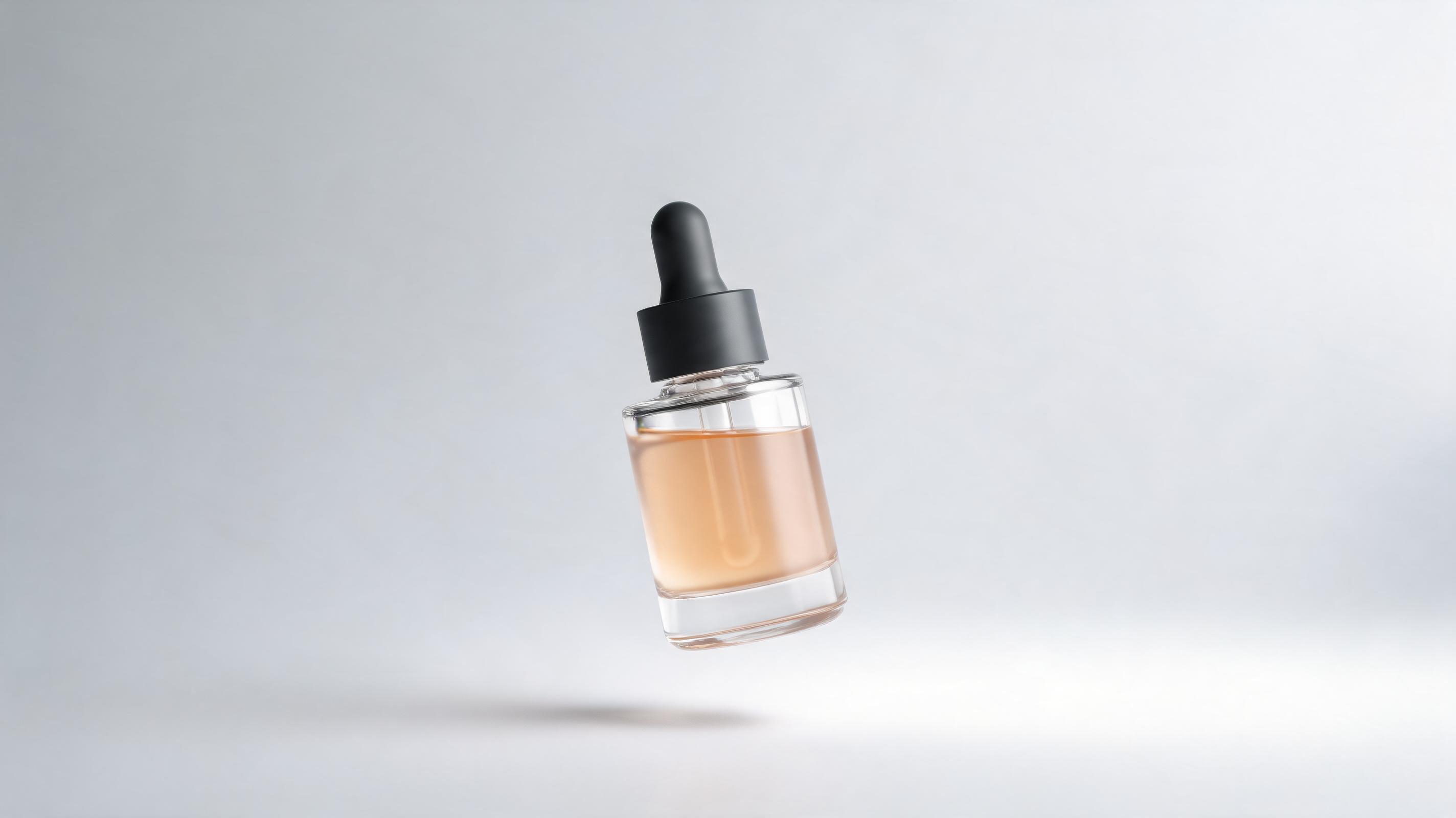
Skincare serum product page video

Skincare serum product page video

Generated from a single static bottle photo, this 15-second vertical video features a slow pan over the serum bottle, soft studio lighting, and subtle floating effect ideal for Shopify product pages and Instagram Reels.
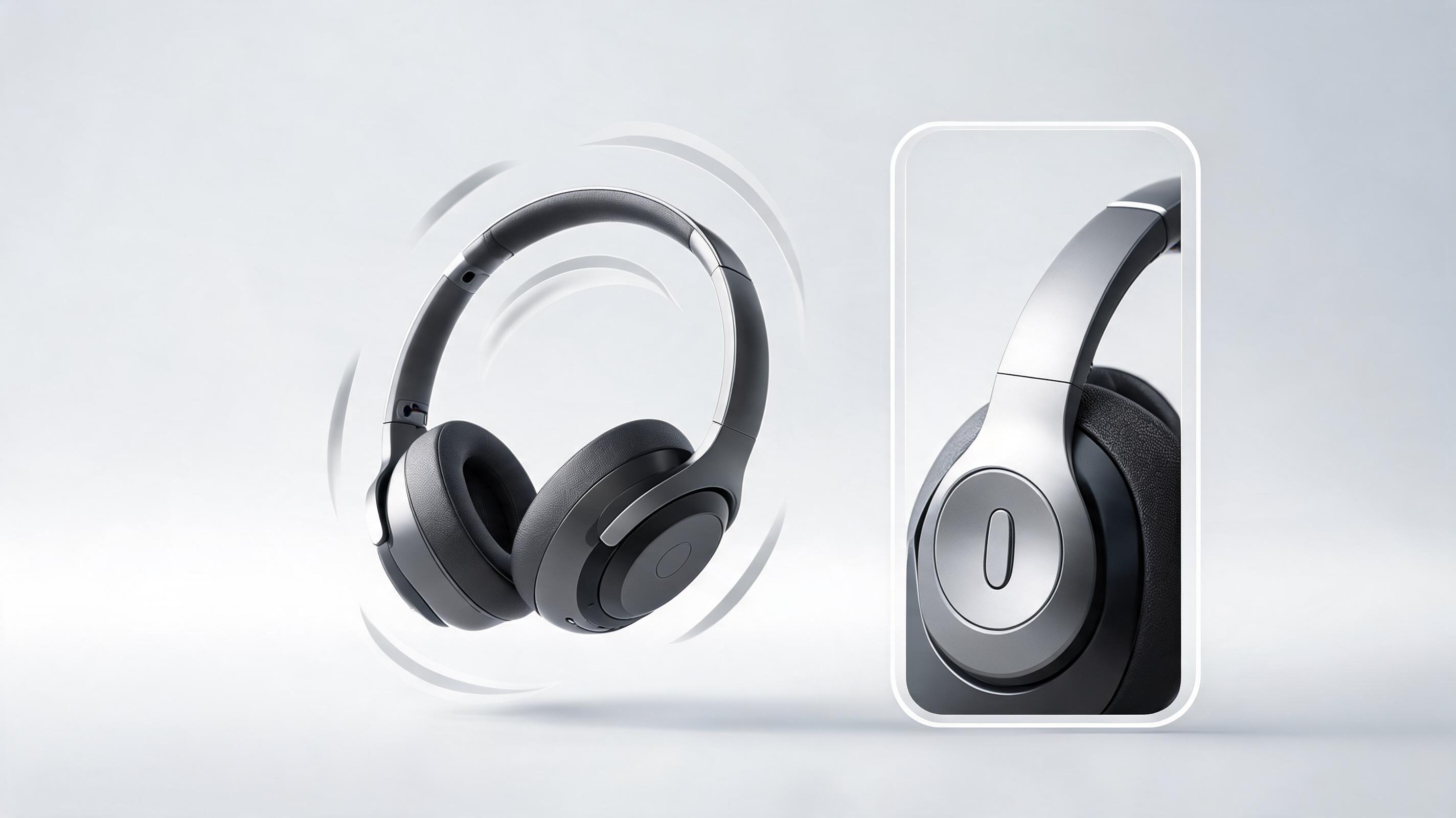

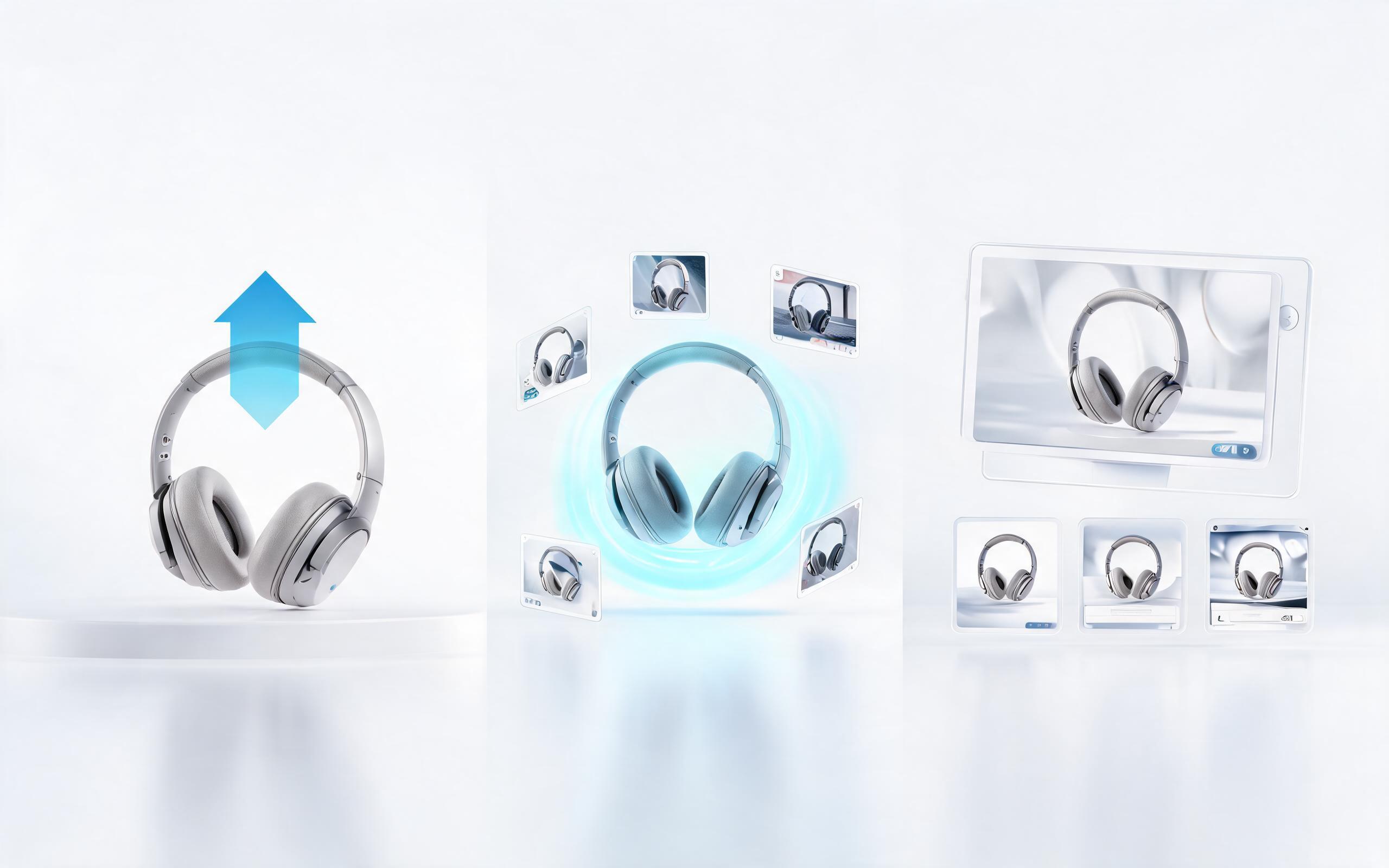
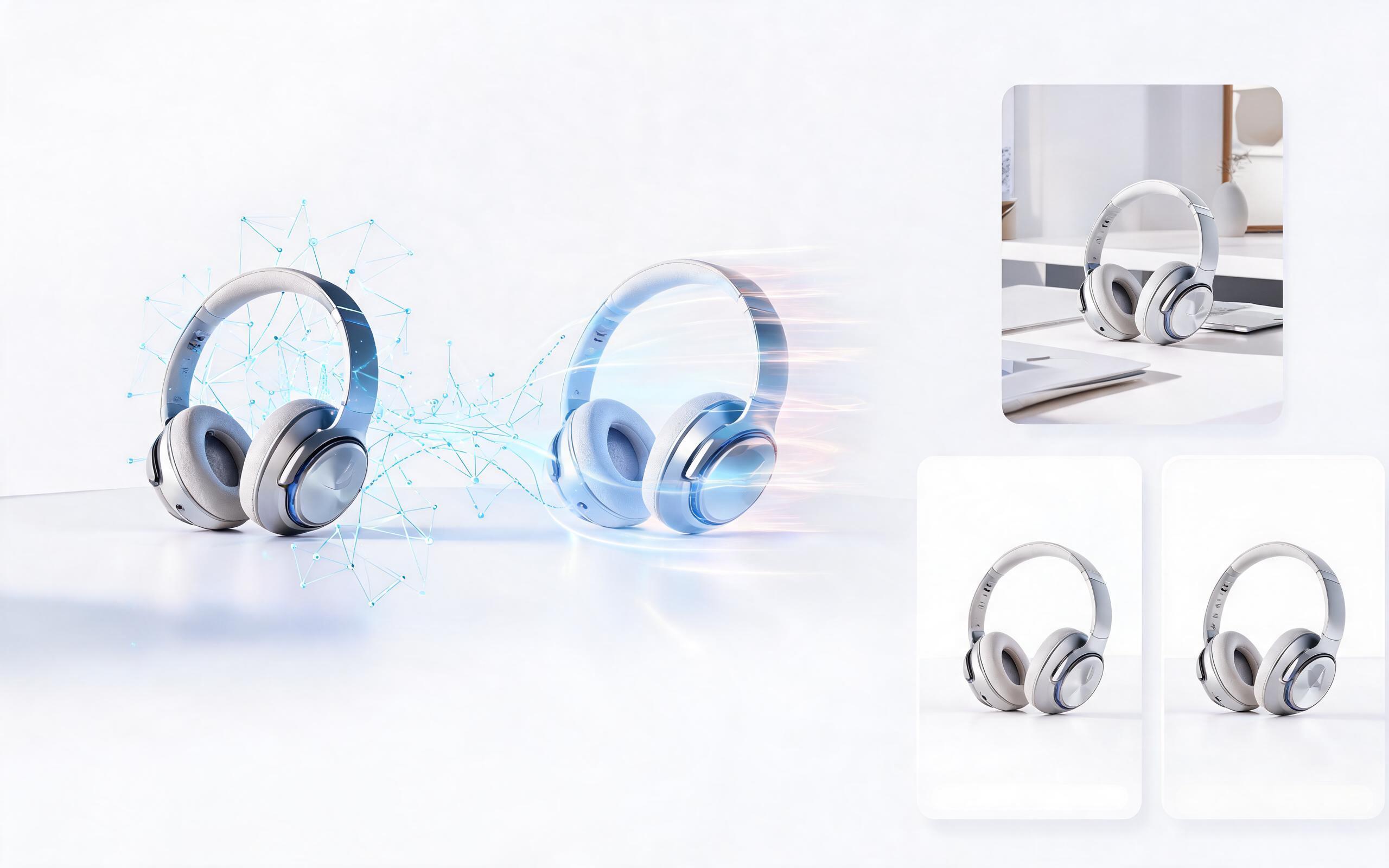
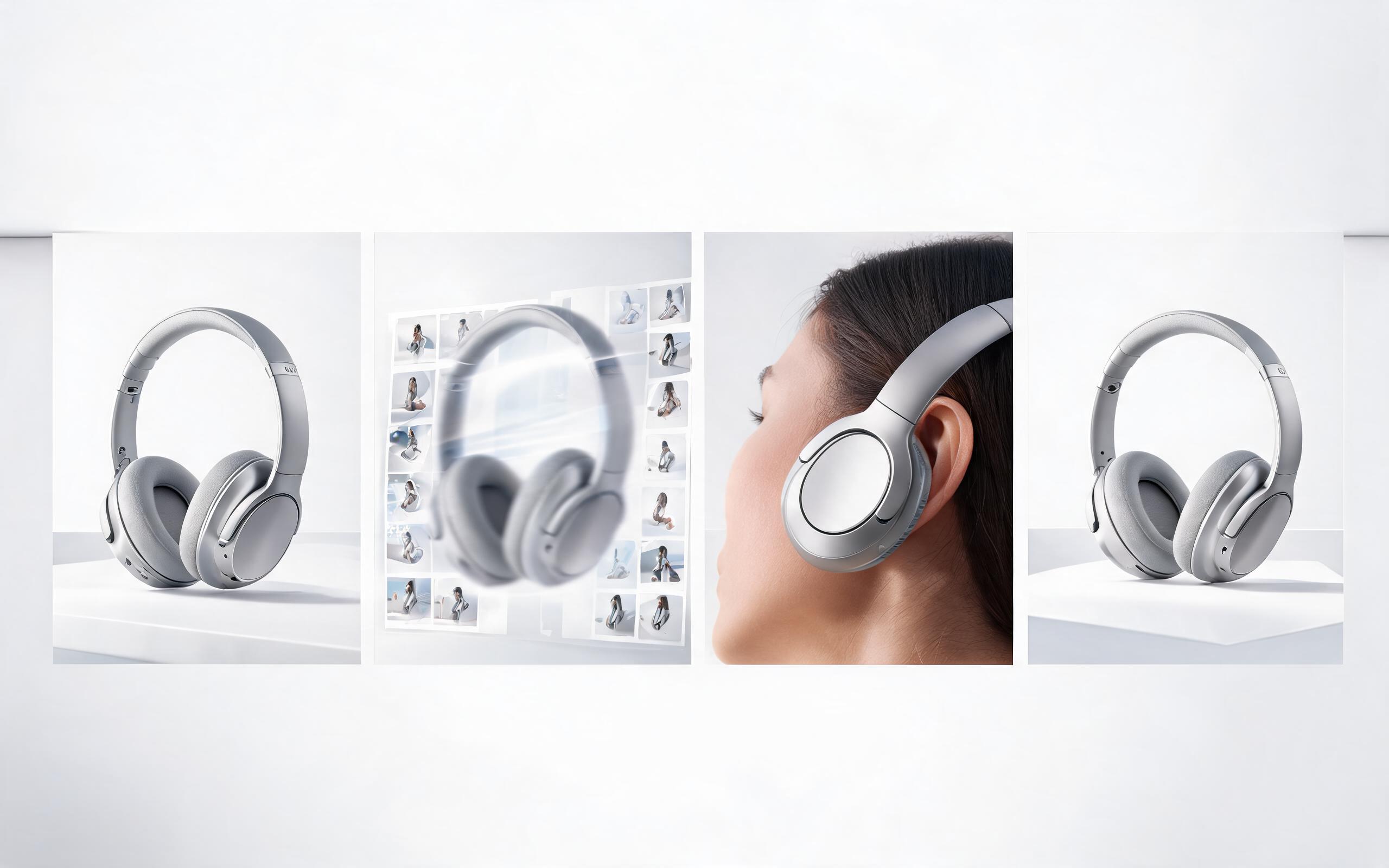
Wireless headphone TikTok ad video

Wireless headphone TikTok ad video

Made from a 3D render of the headphones, this 10-second fast-paced video includes a 360-degree spin, zoom on key features like noise cancellation buttons, and 9:16 aspect ratio optimized for TikTok ad performance.

Home decor Amazon listing video

Home decor Amazon listing video

Created from a photo of a ceramic vase on a shelf, this 30-second horizontal video uses slow zoom and panning to highlight the vase's texture and size, perfect for Amazon product listing requirements.

Athletic shoe launch reveal video

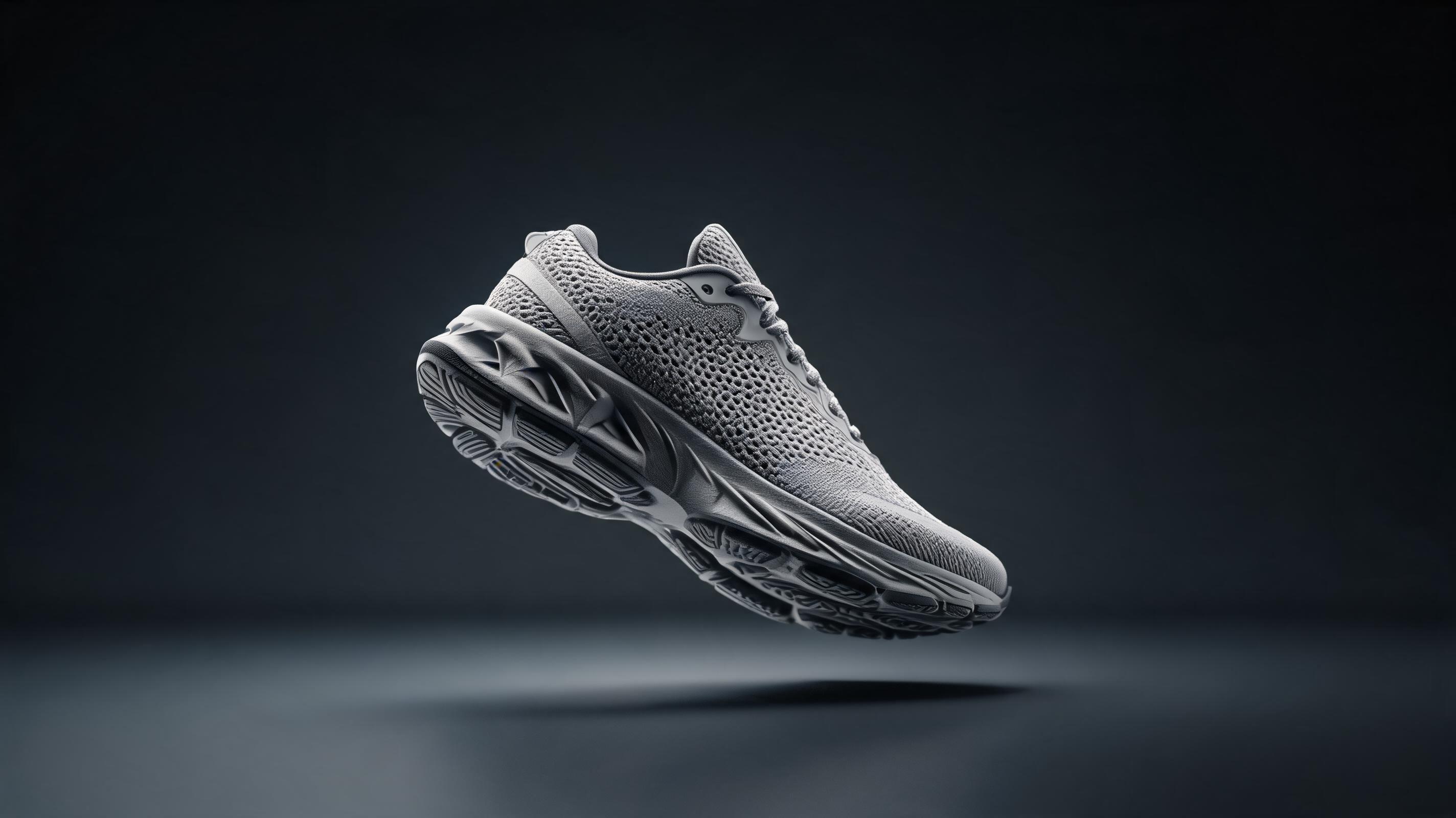
Athletic shoe launch reveal video

Generated from a hero product photo of a new running shoe, this 20-second video features dynamic floating movement, lighting shifts to highlight mesh upper and sole details, optimized for launch landing pages and email sequences.

Top Product Video Maker Features for Ecommerce Teams

Discover built-in tools designed to help you create high-performing product videos tailored to your specific business and marketing goals.

01

Single-image input support

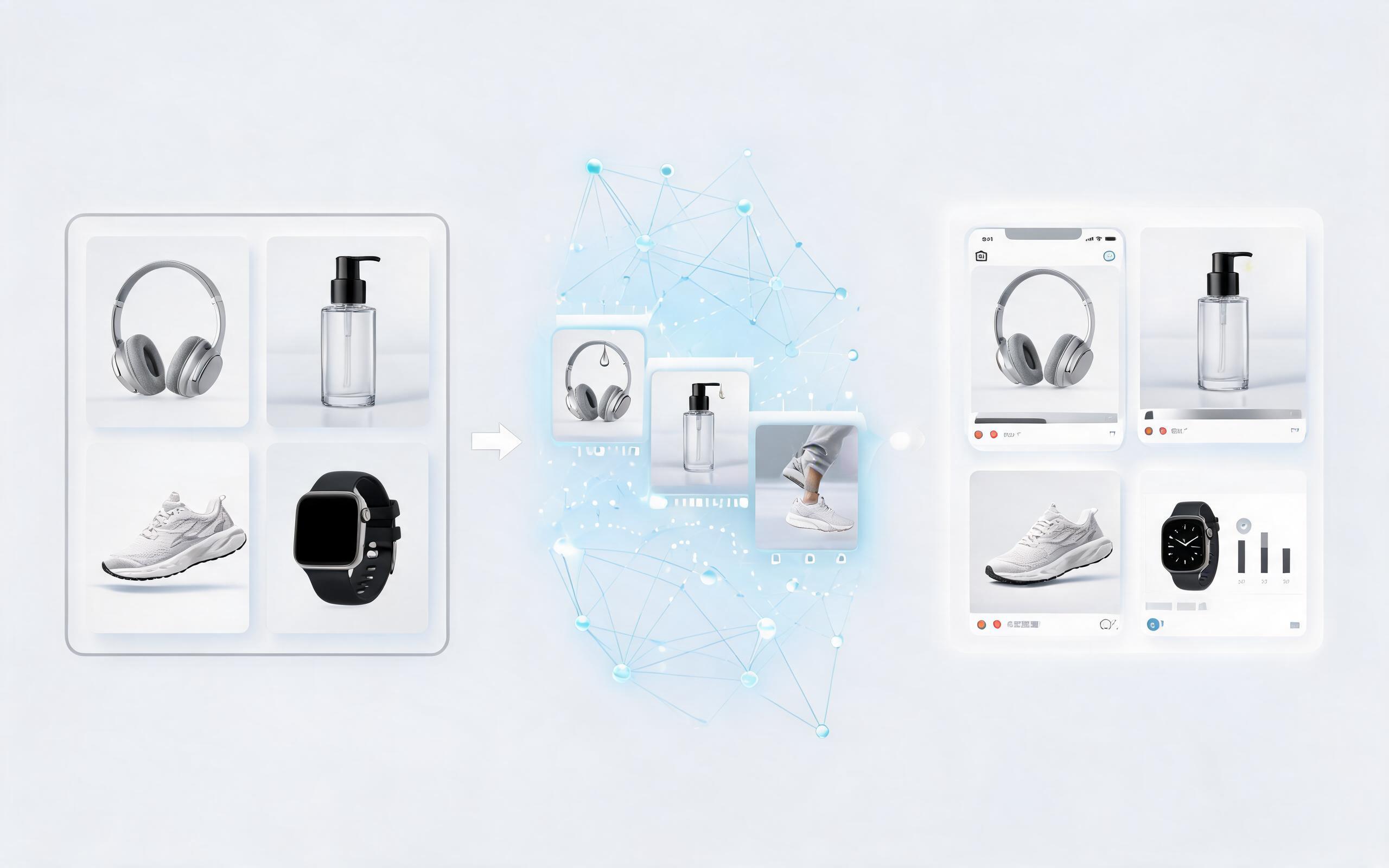
Generate full product videos from just one static photo or render, no need for multiple assets, B-roll, or filming equipment to build professional clips.

02

Channel-optimized presets

Pre-built settings for all major marketing channels (TikTok, Instagram Reels, Amazon product pages, Facebook ads) that auto-adjust aspect ratio, length, and pacing for maximum performance.

03

Customizable camera movement

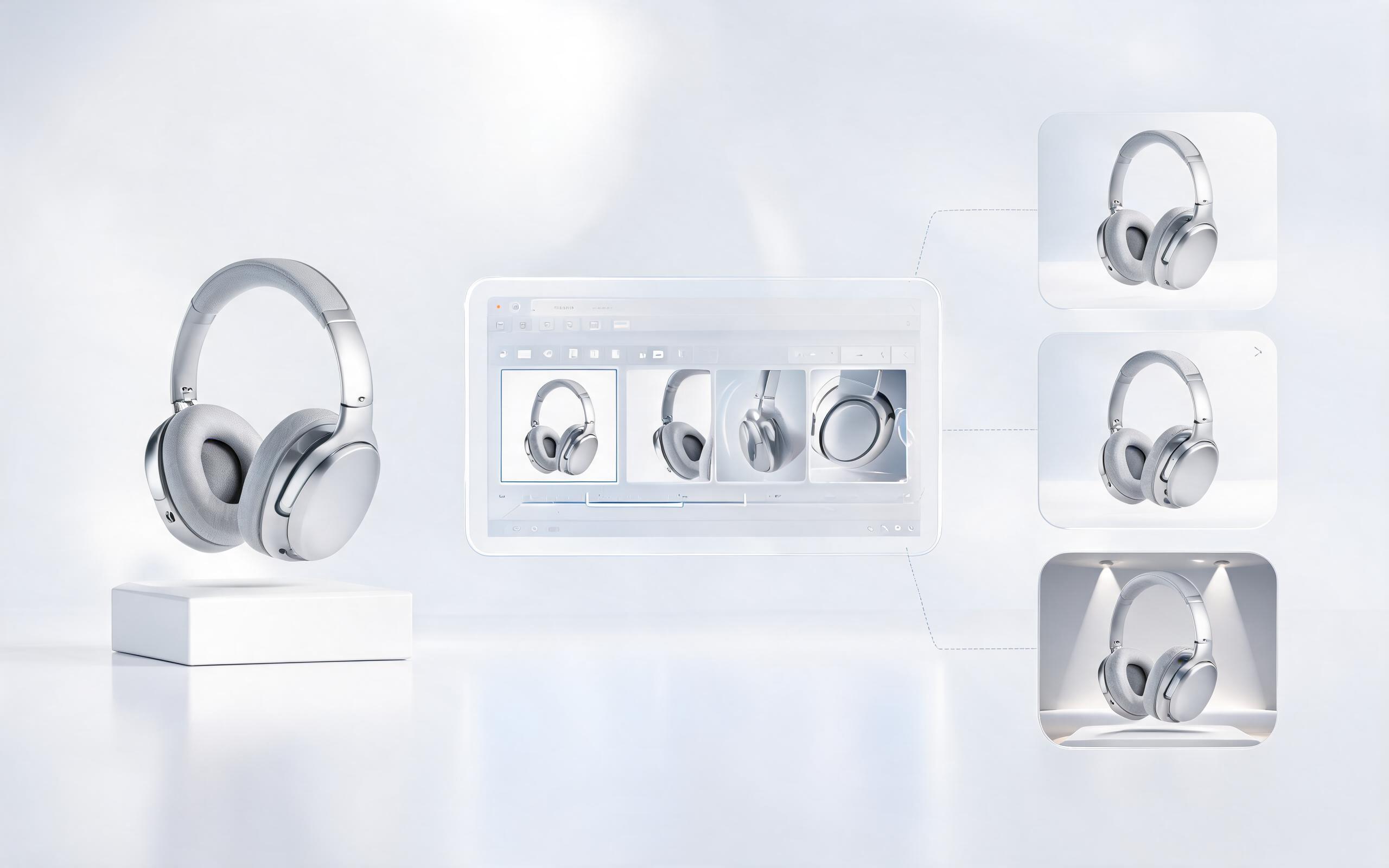
Choose from a library of natural camera paths including slow panning, 360-degree rotation, gradual zoom, and floating product effects to highlight key product features.

04

Studio lighting auto-correction

AI automatically enhances product lighting, removes harsh shadows, and adds consistent studio-quality illumination to make your product look premium in every frame.

05

Watermark-free exports

Export high-resolution, watermark-free product videos even on free tier plans, so you can use them directly in your marketing assets without extra editing.

06

Bulk generation support

Process up to 50 product images at once to create a full library of product videos for your entire ecommerce catalog in a single workflow.

Ideal Use Cases for AI Product Video Maker

See how ecommerce sellers, product marketers, and launch teams use this tool to drive higher engagement and sales conversions.

Ecommerce

Ecommerce product page videos

Add engaging product videos to your Shopify, Amazon, or WooCommerce listings to increase conversion rates by showcasing product details static photos can't capture.

Marketing

Social media ad creatives

Generate dozens of short, high-performing video ad variants for TikTok, Instagram Reels, and Facebook to test different messaging angles and improve ad ROI.

Launch

Product launch campaign assets

Create polished product reveal videos for pre-launch email sequences, landing pages, and social announcements without hiring a video production team.

Partnerships

Influencer collaboration content

Provide ready-to-use product videos to your influencer partners to ensure consistent brand messaging and reduce content creation turnaround time.

Advertising

Retargeting campaign creatives

Build dynamic product video retargeting ads that show users the exact items they viewed on your store to drive higher click-through and conversion rates.

Sales

Wholesale buyer pitch materials

Include professional product videos in your wholesale pitch decks and line sheets to showcase product quality and functionality to potential retail partners.

How to Create a Product Video From a Single Image

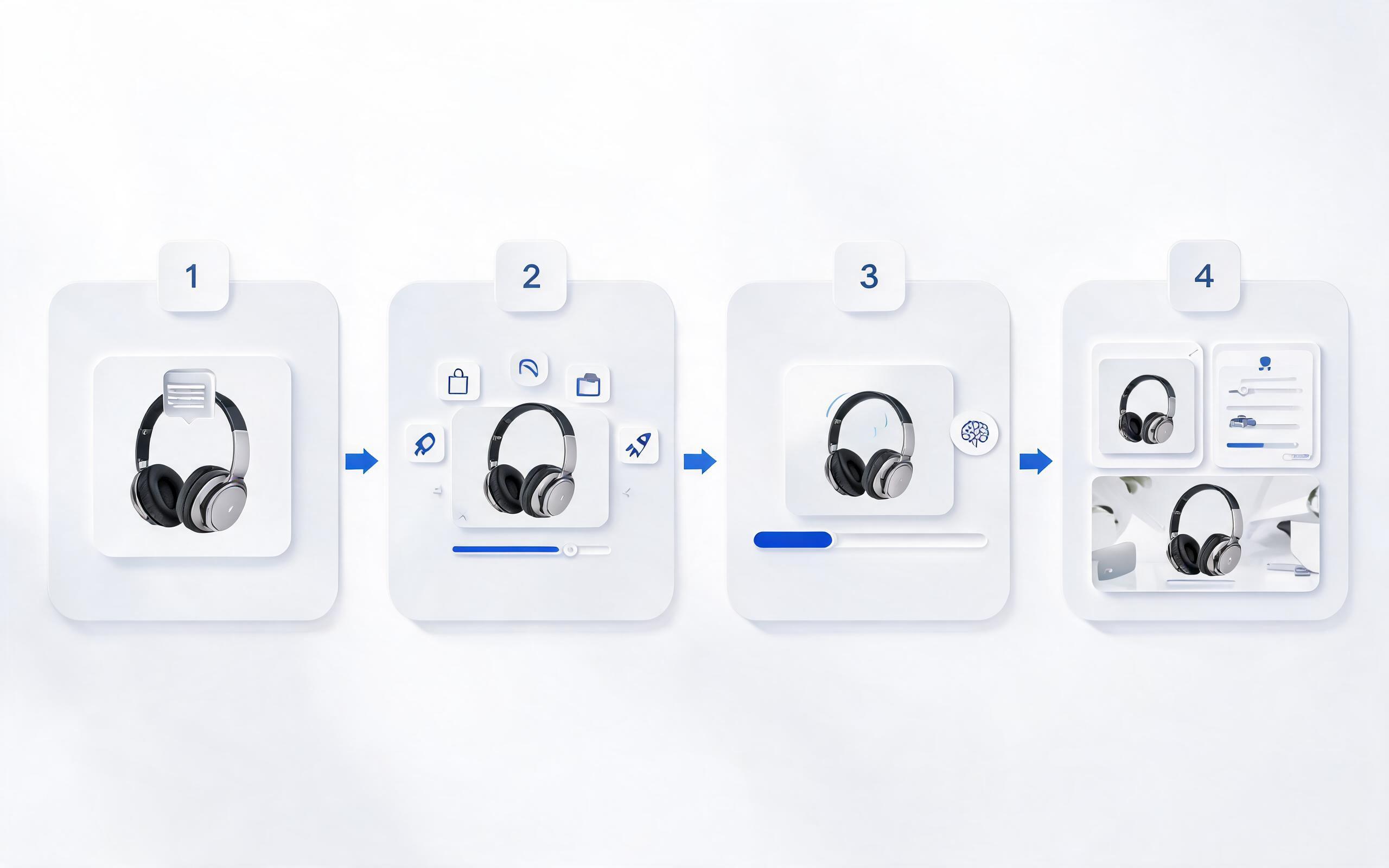
Follow our simple 3-step workflow to turn any static product photo into a professional, ready-to-use video clip in minutes.

1

Upload your product asset

Choose a high-quality static product photo, 3D render, or existing ecommerce listing image as your source. Ensure the product is clearly framed with no distracting background elements for best results.

2

Select your output parameters

Pick your video length (6-60 seconds), camera movement style (slow pan, 360 spin, zoom in/out), and intended channel (Instagram, TikTok, product page, Facebook ad) to auto-configure aspect ratio and pacing.

3

Generate and export your video

Let the AI process your image into a polished product video, make minor adjustments to speed or lighting if needed, then download the high-resolution file ready for immediate use.

Complete Guide to Using AI Product Video Maker for Ecommerce & Marketing

This guide walks you through how to get the most out of PromeAI's Product Video Maker, including best practices for source assets, use case fit, and how to compare this tool to other video creation options for your team.

Best Practices for Preparing Source Product Images

To get the highest quality product videos, start with a source image that is at least 1080px resolution, with the product centered and taking up 60-70% of the frame. Avoid images with heavy text overlays, distracting backgrounds, or blurry details, as these will carry over to your final video. If you don't have professional product photos, you can also use 3D renders of your product, which work equally well with the AI generator and are a great option for pre-launch products that haven't been manufactured yet. For best results, use images with even, soft lighting to avoid harsh shadows that the AI may struggle to correct.

When to Use This Product Video Maker vs. Other Video Creation Tools

This product video maker is ideal for teams that need to turn static product assets into short, high-performing marketing videos quickly and at low cost. Use this tool if you need to create videos for product pages, social ads, or launch campaigns, have limited access to filming equipment or video editing staff, or need to generate dozens of product videos for your full catalog in a short time frame. Avoid this tool if you need long-form product demo videos with voiceover, live-action footage of people using your product, or complex animated graphics, as these use cases are better suited for PromeAI's full video editing suite or a professional video production team. When compared to generic AI image to video tools, this product-focused version is pre-configured to prioritize clear product framing, studio-quality lighting, and channel-optimized pacing that drives higher conversion rates for ecommerce use cases.

Optimizing Your Product Videos for Higher Conversion Rates

Once you generate your product video, you can boost its performance by matching the length and style to your intended channel. For TikTok and Instagram Reels ads, use 6-15 second clips with fast camera movement and a clear call to action in the first 3 seconds. For Amazon product listings, use 20-30 second horizontal clips that showcase all key product features and use cases. For product pages on your own store, use 15-20 second slow-paced clips that highlight product quality and details to help customers feel confident in their purchase. You can also test multiple camera movement styles for the same product to see which variant drives the highest click-through and conversion rates for your audience.

Scaling Product Video Creation for Your Entire Catalog

If you have a large ecommerce catalog with dozens or hundreds of products, use the bulk generation feature to create consistent product videos for your entire inventory in one workflow. Standardize your settings (aspect ratio, video length, camera movement style) across all products to maintain a consistent brand aesthetic across all your listings and marketing assets. You can also export your generated videos directly to your ecommerce platform or social media scheduling tool to reduce manual upload time and streamline your content workflow. For teams with multiple users, you can share access to your generated video library so all team members can access and use the assets without duplicate work.

Frequently Asked Questions About AI Product Video Maker

Get answers to common questions about creating professional product videos from static images with PromeAI.

What Users Say About Our Product Video Tool

See feedback from ecommerce sellers, marketers, and creative teams using our AI to scale their product video content workflows.

Rated 4.7/5 by Ecommerce Marketers
4.7 out of 5
3.12M+ Users
Sarah M. (Generated persona)Mike T. (Generated persona)Maya Chen
United States United Kingdom Canada Australia Germany 160+ Countries
Sarah M. (Generated persona)
Sarah M. (Generated persona) Ecommerce Store Owner

I generated 27 product videos for my Shopify store in under an hour, and our conversion rate on those listings went up 22% in the first month.

Mike T. (Generated persona)
Mike T. (Generated persona) Product Marketing Manager

We used this tool to create ad creatives for our product launch, and we cut our video production cost by 80% compared to our previous agency.

Maya Chen
Maya Chen Ecommerce Creative Lead

We can turn a single source image into several polished product video directions before committing budget to a full studio shoot.

Turn Your Product Photos Into High-Converting Videos Today

Skip the cost and hassle of filming and editing product videos manually. Upload a single product photo to PromeAI's AI Product Video Maker and generate polished, ready-to-use video clips for your store, ads, and launch campaigns in minutes, no experience required.

Create Product Video Maker