


Wireless earbud product page video
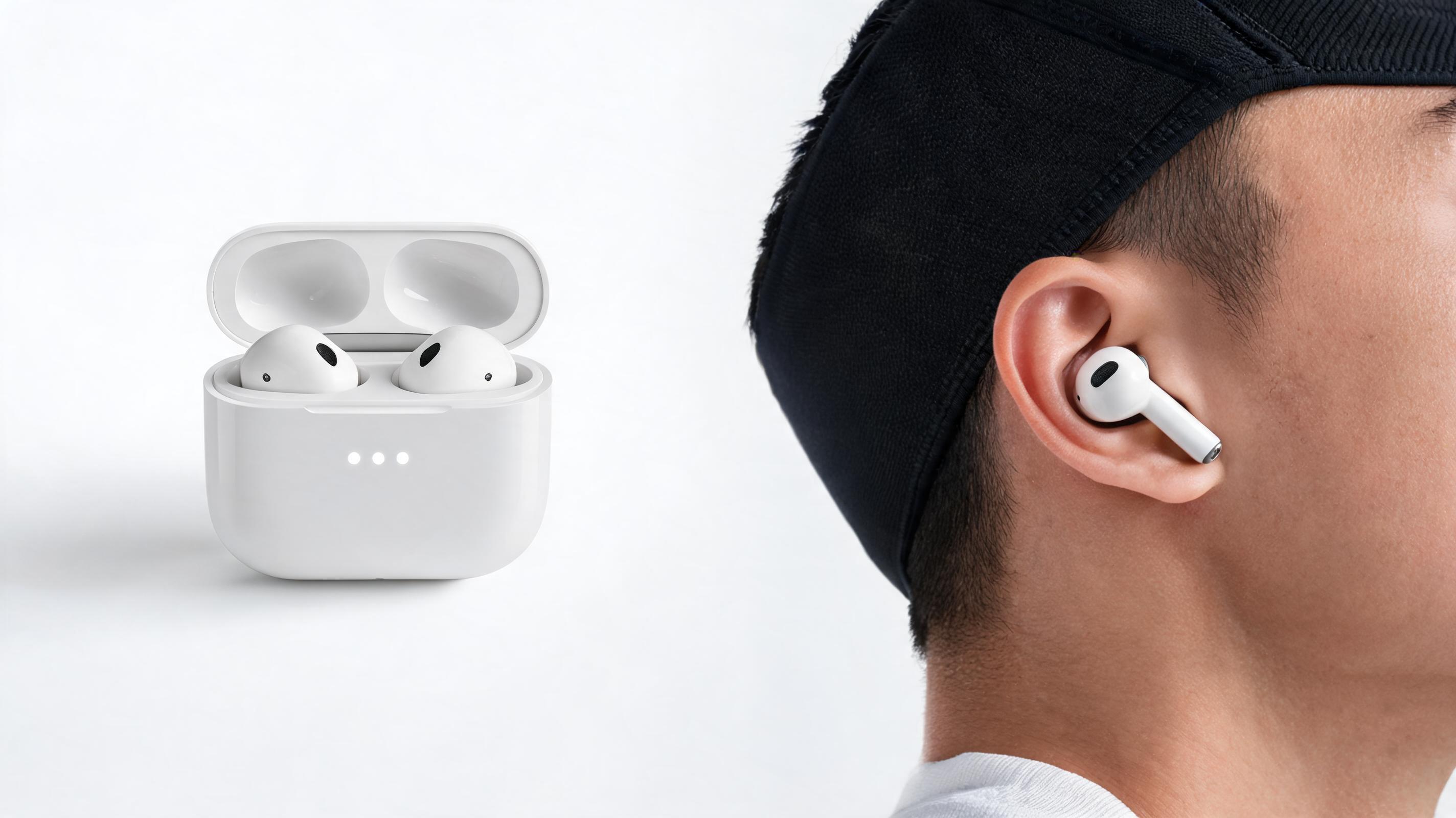
A static product photo of white wireless earbuds converted into a 15-second slow pan video highlighting the charging case, battery life indicator, and fit for active use, optimized for 16:9 product page display.
Turn your existing product photos, renders, or listing images into professional, ready-to-use videos for ecommerce pages, social ads, and product launches. No video editing skills required.
See real-world examples of static product images turned into high-converting video content.
A static product photo of white wireless earbuds converted into a 15-second slow pan video highlighting the charging case, battery life indicator, and fit for active use, optimized for 16:9 product page display.
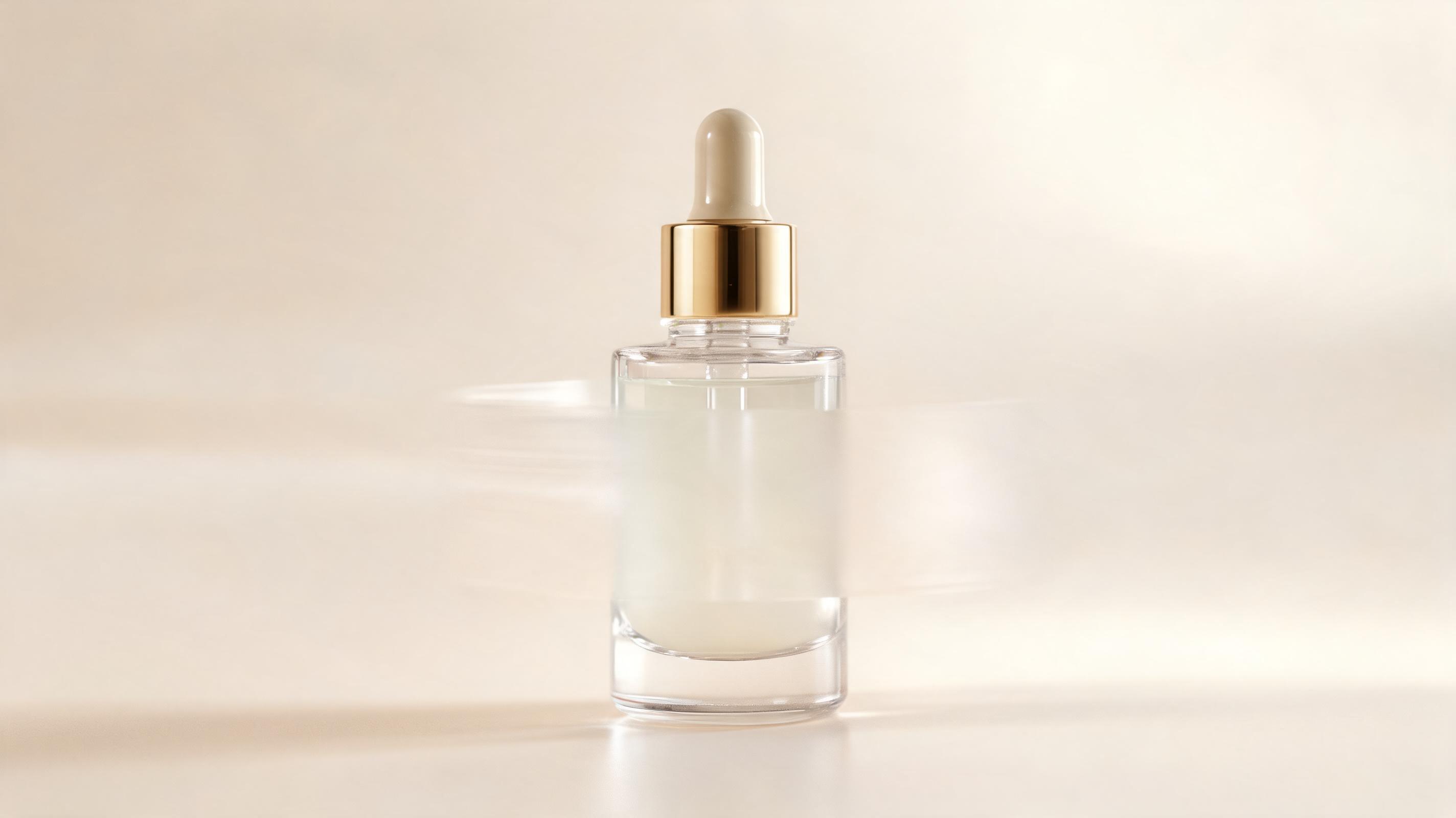
A close-up static photo of a glass serum bottle converted into a 10-second 9:16 video with a slow 360 spin, text overlay for '24hr Hydration', and soft background music optimized for TikTok feed performance.
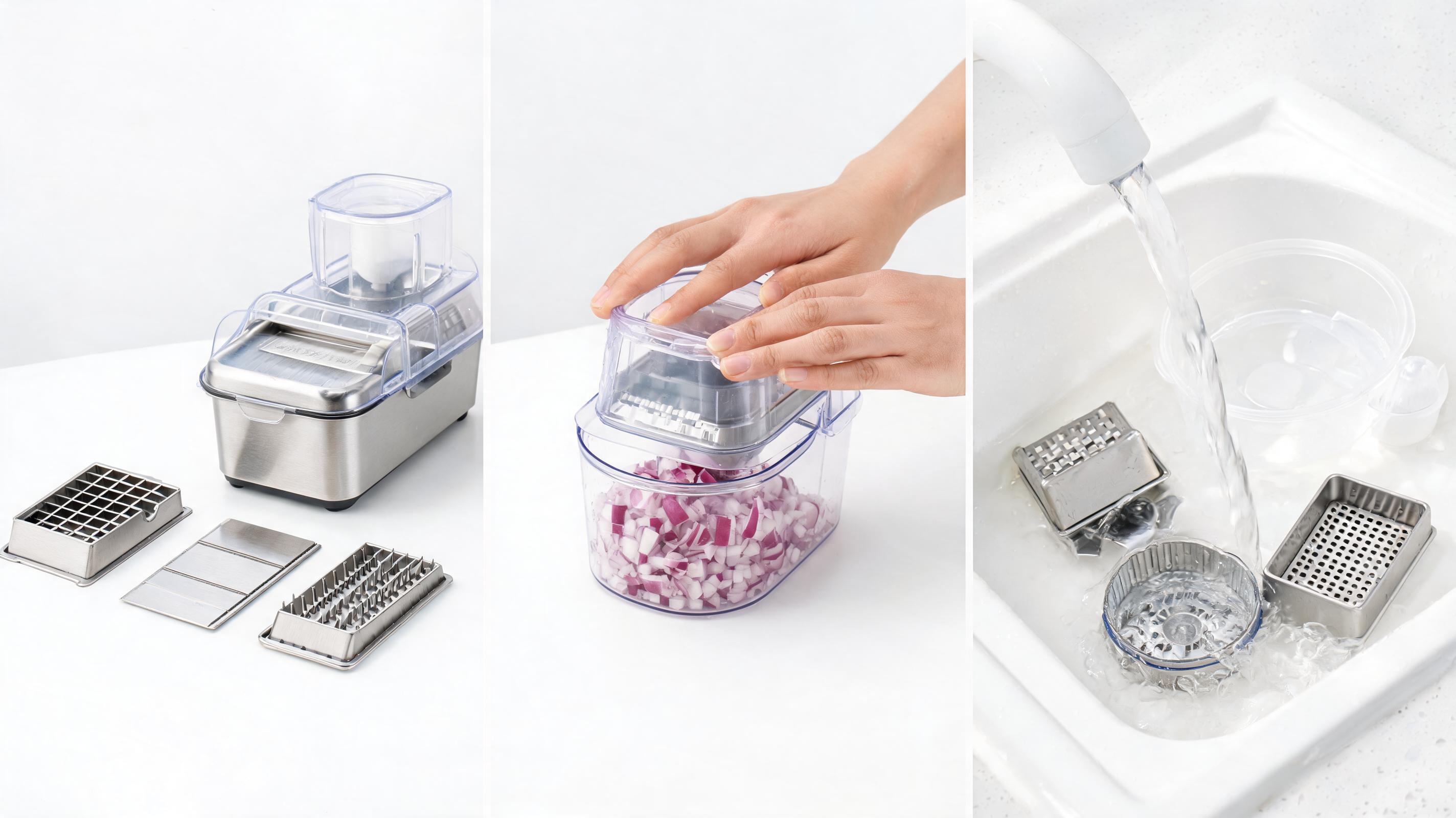
A static product render of a stainless steel vegetable chopper converted into a 20-second video showcasing different blade attachments, use case demos, and cleaning ease, compliant with Amazon's listing video guidelines.
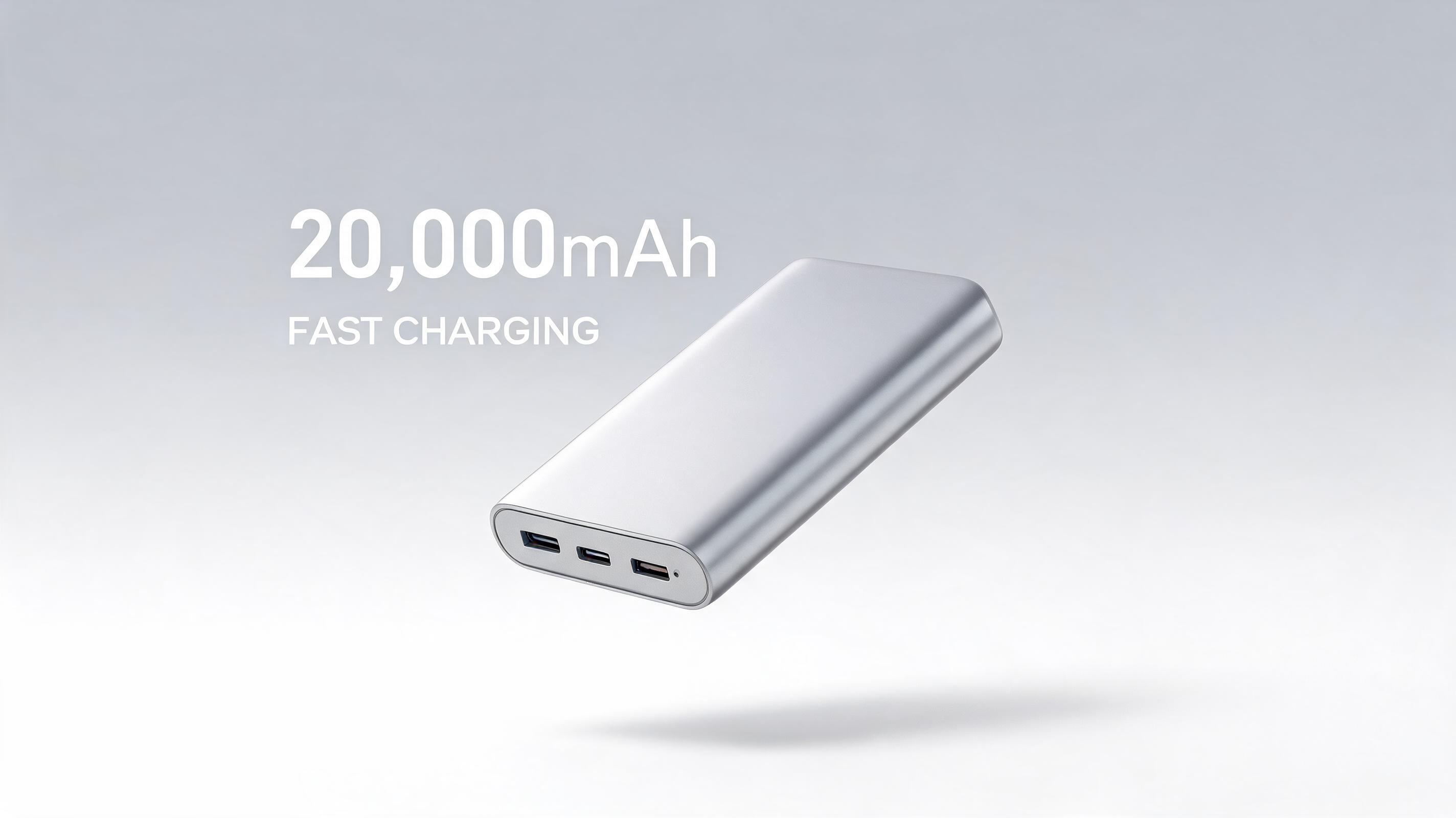
A 3D render of a slim portable power bank converted into a 30-second video with floating motion, text overlays for 20,000mAh capacity and fast charging, optimized for launch landing pages and email campaigns.
Access built-in tools designed to help you create high-performing product videos without professional editing experience.
Automatically adjust video dimensions to fit 1:1 for Instagram, 9:16 for TikTok/Reels, and 16:9 for product pages or YouTube ads without cropping key product details.
Choose from curated camera paths including 360 spin, slow pan, zoom-in on key features, and floating product motion to highlight your product without manual editing.
Add custom logos, brand colors, text callouts, and royalty-free background music directly in the tool to keep all output aligned with your brand guidelines.
Upload up to 20 product images at once to generate matching video assets for your entire product catalog in a single workflow, cutting production time by 90%.
Generate up to 3 15-second product videos per month for free with no embedded watermarks, perfect for small sellers testing video content.
Export videos in up to 4K resolution with smooth 60fps motion, suitable for high-traffic product pages, premium ad campaigns, and big-screen launch events.
Discover use cases tailored to ecommerce sellers, marketers, and product launch teams.
Turn static listing images into dynamic product videos to increase conversion rates by showcasing product features in motion.
Generate short, eye-catching product videos for TikTok, Instagram Reels, and Facebook ads in minutes to test multiple ad creatives without expensive production shoots.
Create consistent video assets for landing pages, email campaigns, and social announcements for new product drops using existing launch render assets.
Generate compliant product videos for Amazon product listings to improve search ranking and click-through rates without hiring a video production team.
Turn supplier-provided product photos into polished, unique video content to differentiate your dropshipping store from competitors selling the same products.
Generate multiple video versions with different motion paths and callouts to test which performs best for your ad campaigns, no extra production cost.
Follow our simple workflow to turn any static product image into a polished video in minutes.
Import any high-quality product photo, 3D render, or existing ecommerce listing image into the tool, no specific resolution or formatting required for standard outputs.
Choose from pre-built camera paths, add text overlays, logo watermarks, and background music aligned to your brand style and video use case.
Render your final video in multiple aspect ratios optimized for product pages, Instagram, TikTok, or ad platforms, then download and deploy immediately.
This guide walks you through how to leverage AI to turn your existing product assets into high-performing video content, including best practices for use cases, optimization, and choosing the right tool for your needs.
Start with a high-resolution source image that is at least 1080px wide, with the product centered and well-lit, with no distracting background elements if possible. If you have a transparent background PNG, the tool will automatically add a neutral or custom background of your choice, while JPGs with existing lifestyle backgrounds will retain the background during motion generation. Avoid blurry images, cropped product edges, or images with heavy text overlays, as these will reduce the quality of the final video output. For catalog batches, standardize your source image framing to ensure consistent motion across all your product videos.
Generating product videos from static images is ideal when you need fast, low-cost content for A/B testing, catalog updates, dropshipping stores, or quick launch campaigns, with production costs 90% lower than custom video shoots and turnaround time cut from days to minutes. It is not the best option if you need to show complex product use cases that require real human interaction, such as fitness equipment demos or food preparation videos, where custom footage will perform better. If you already have high-quality product photos or renders, the AI-generated video option will deliver high-performing content at a fraction of the cost; if you have no existing product assets, you may want to combine a simple photoshoot with AI video generation for the most cost-effective workflow.
Each platform requires different aspect ratios and video lengths to perform best: for product pages, use 16:9 15-30 second videos that highlight all key product features, with no sound required since most users will watch without audio. For TikTok and Reels, use 9:16 10-15 second videos with a hook in the first 3 seconds, text overlays, and trending background music to drive engagement. For Amazon listings, use 15-60 second 16:9 videos that focus on product benefits and use cases, compliant with Amazon's content guidelines which prohibit overly salesy language or external links. For email campaigns, use 1:1 10-second videos with a clear call to action, optimized for fast loading on mobile devices.
Track key metrics to determine the effectiveness of your product videos: for product pages, monitor conversion rate lift, time on page, and add-to-cart rate compared to pages with static images only. For ad campaigns, track click-through rate, cost per acquisition, and return on ad spend for different video variations to identify which motion paths and callouts perform best for your audience. For social media, track views, engagement rate, and share rate to refine your video content strategy. Most teams see a 20-50% lift in conversion rates when adding AI-generated product videos to their product pages, with even higher lifts for ad creative compared to static image ads.
Browse pre-configured presets to create tailored product videos for your specific use case in one click.
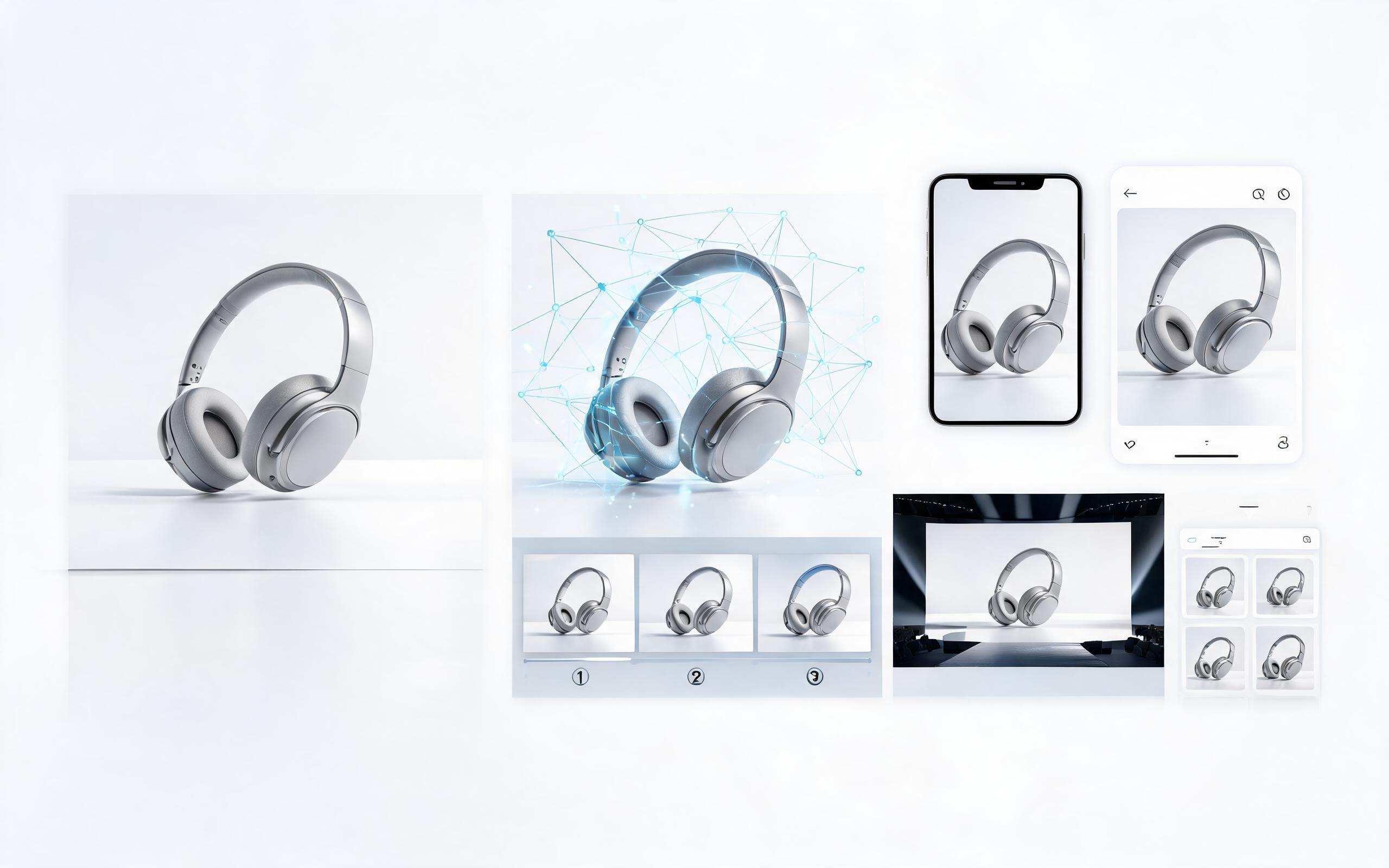
Generate ai product video generator free workflows from product photos, renders, or listing images for ecommerce, product launches, social ads, and campaign testing.
Open page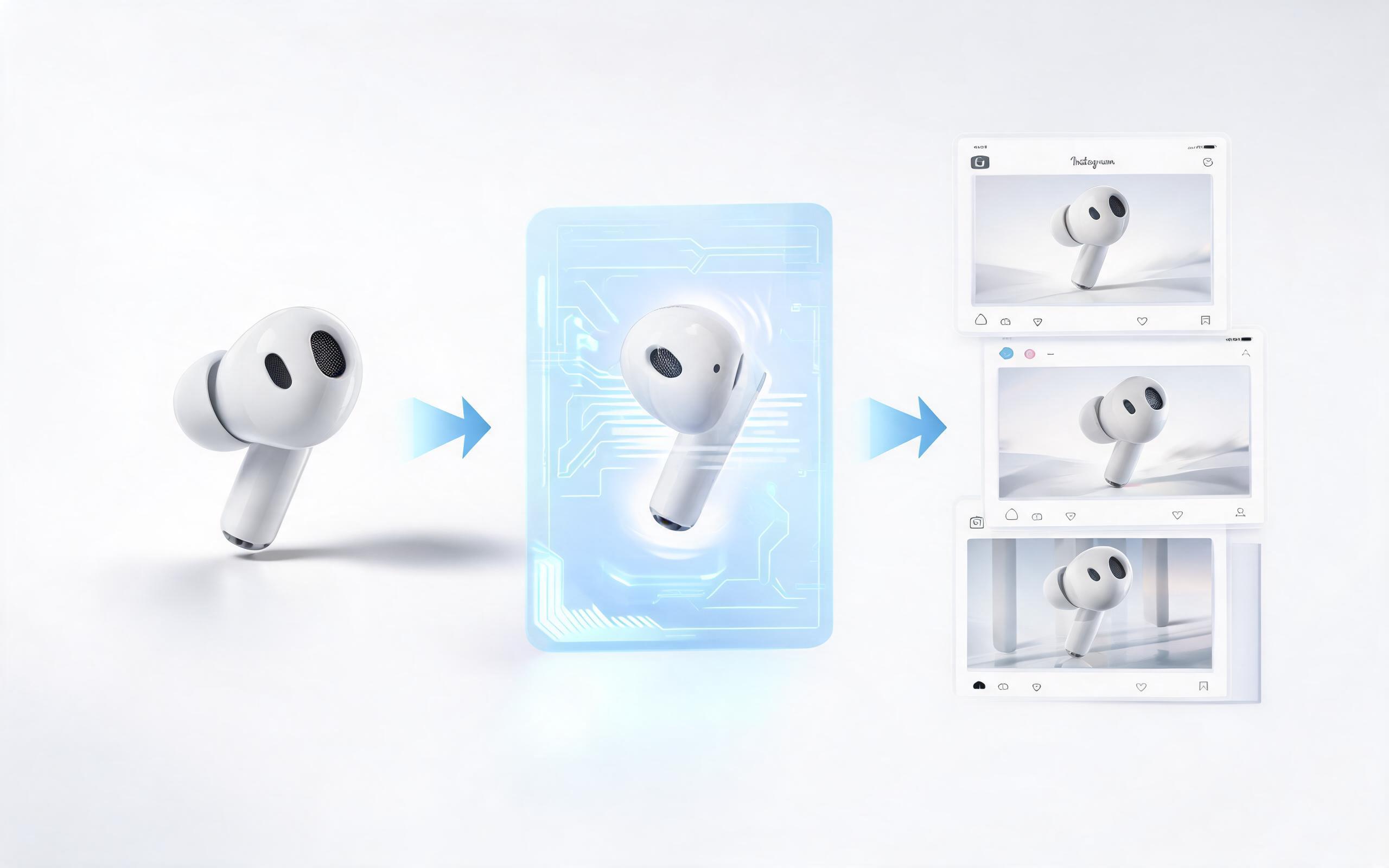
Generate ai product video from image workflows from product photos, renders, or listing images for ecommerce, product launches, social ads, and campaign testing.
Open page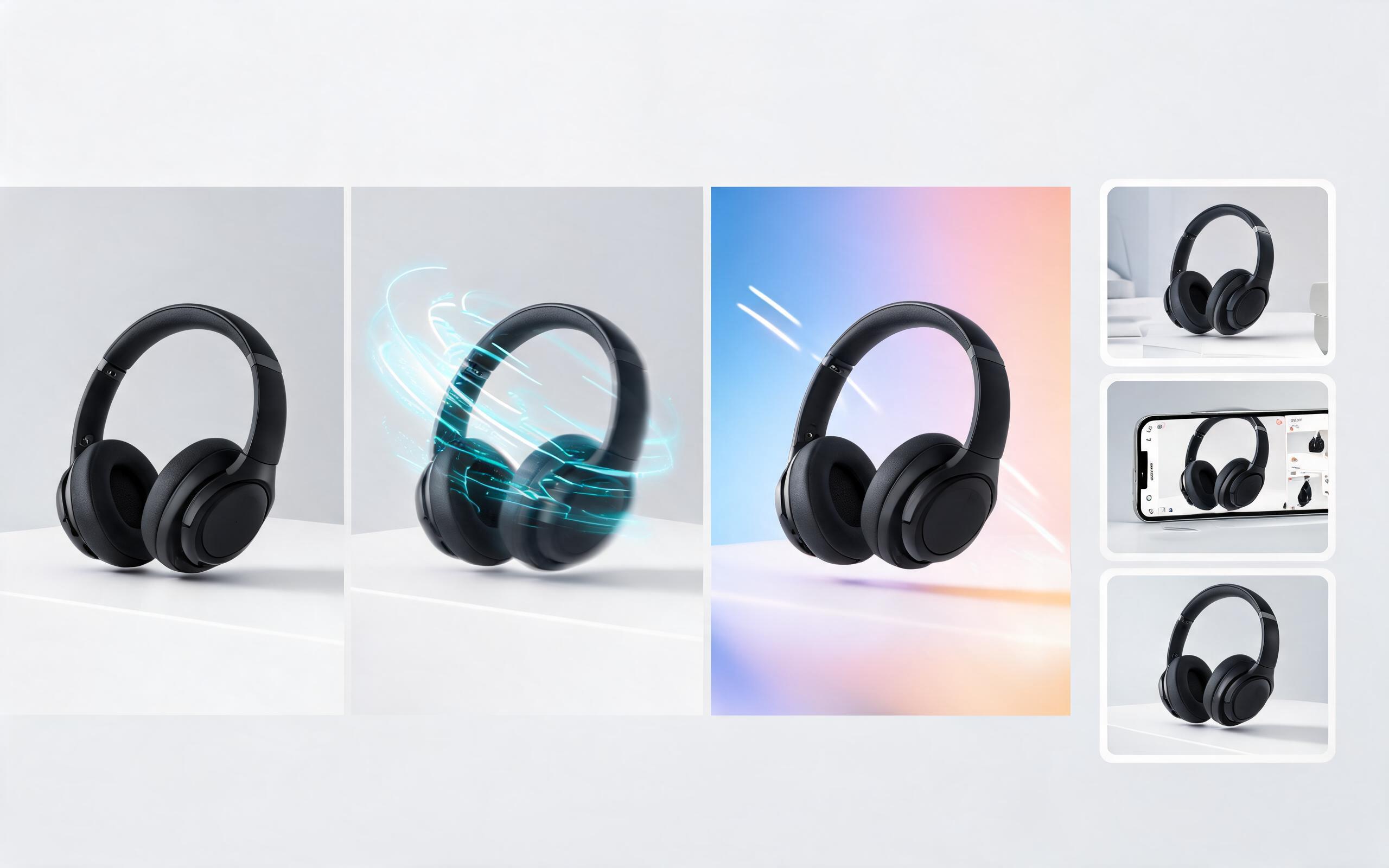
Generate product photo to video workflows from product photos, renders, or listing images for ecommerce, product launches, social ads, and campaign testing.
Open page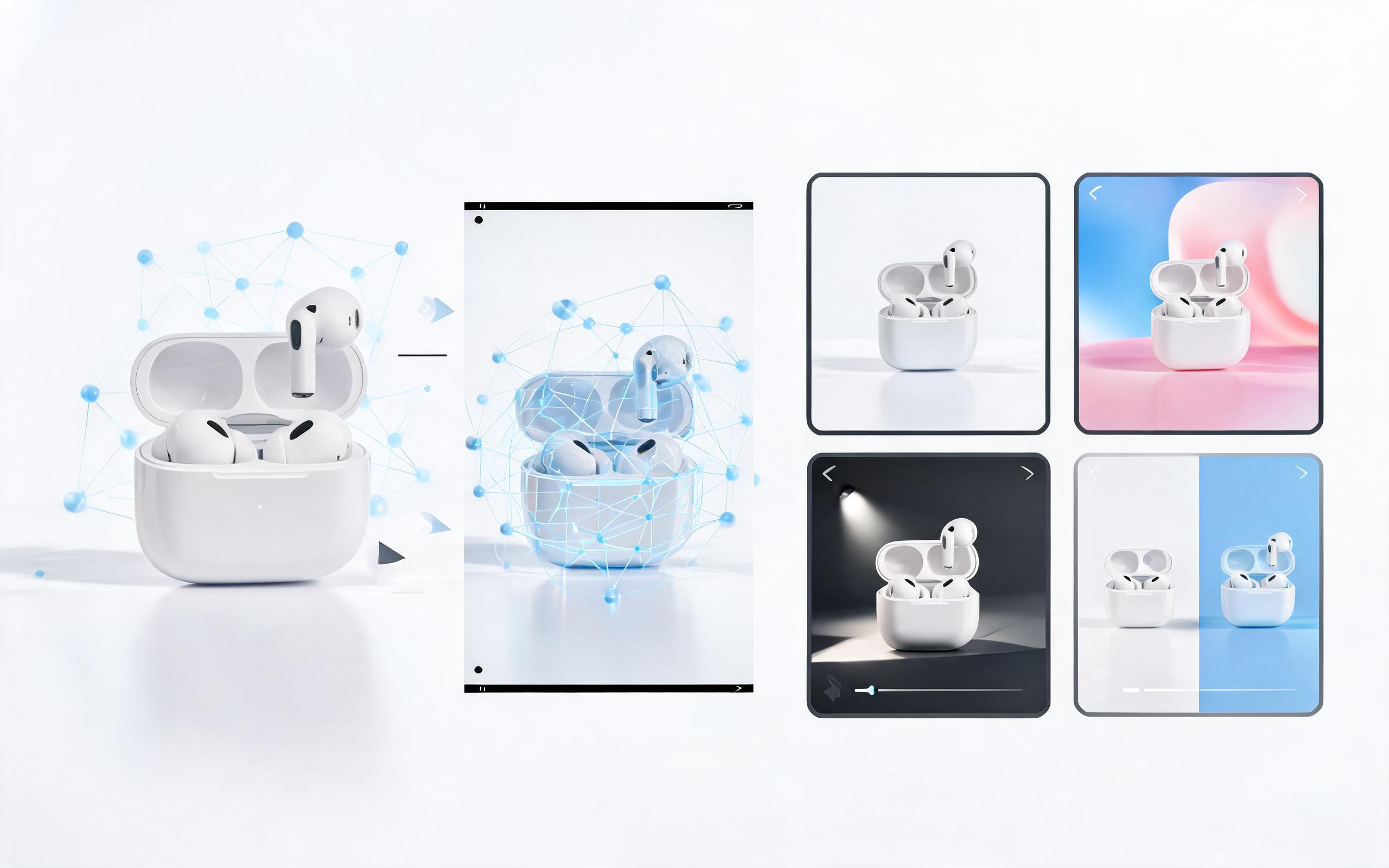
Generate product demo video ai workflows from product photos, renders, or listing images for ecommerce, product launches, social ads, and campaign testing.
Open page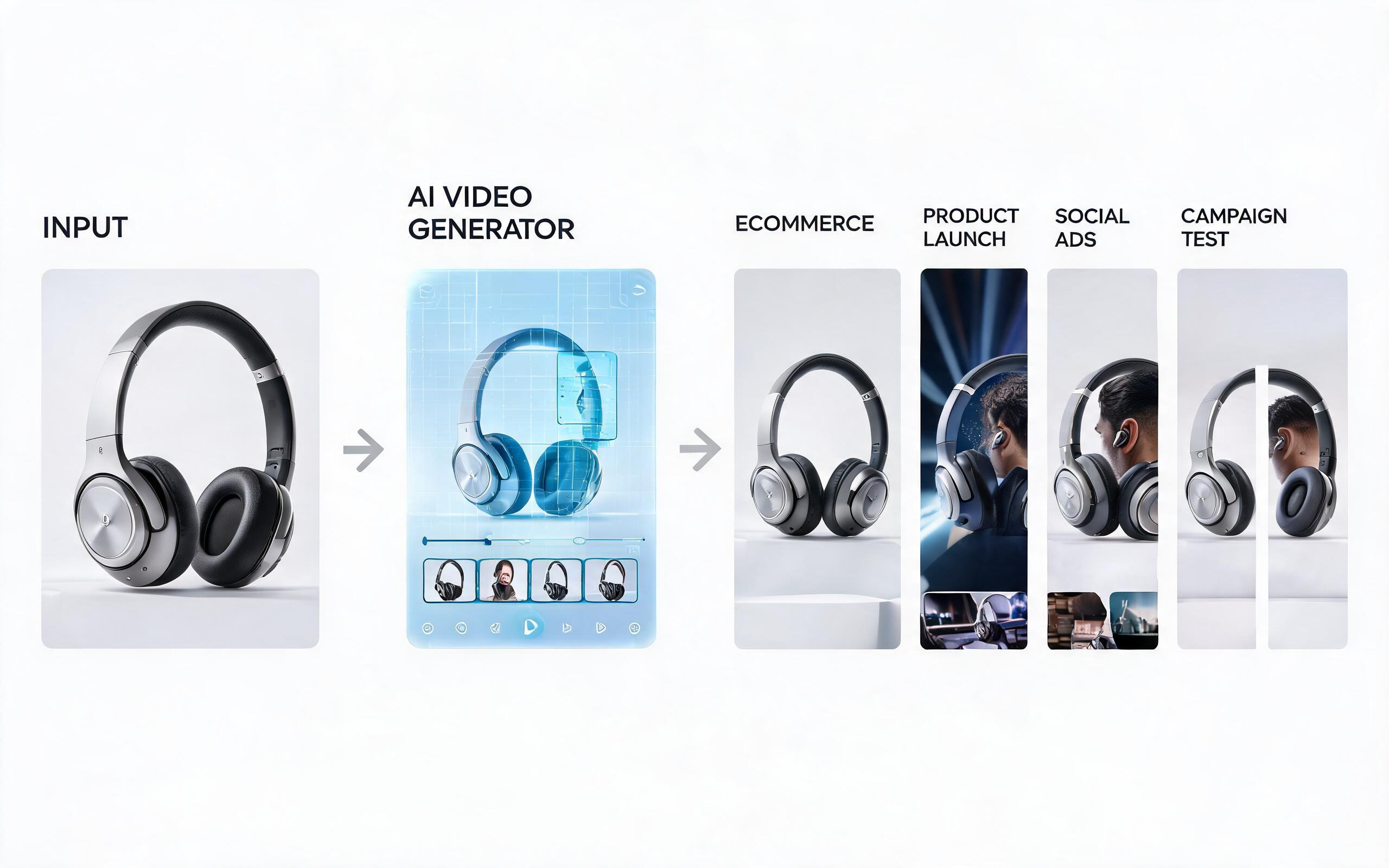
Generate product showcase video generator workflows from product photos, renders, or listing images for ecommerce, product launches, social ads, and campaign testing.
Open page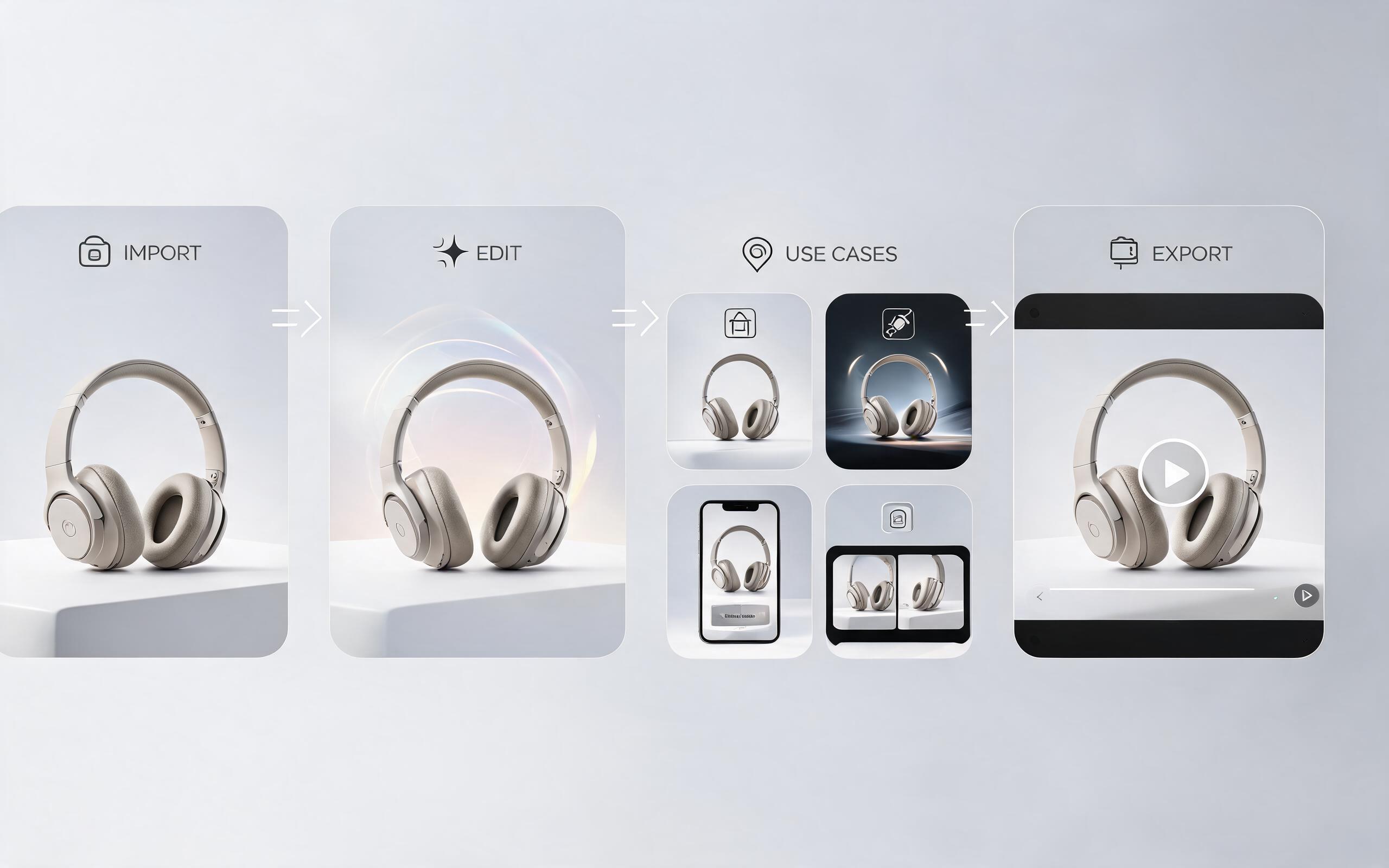
Generate product video maker workflows from product photos, renders, or listing images for ecommerce, product launches, social ads, and campaign testing.
Open pageGet answers to common questions about generating product videos from static images with AI.

Turn your existing product photos into high-converting video content in minutes, no editing skills required. Try PromeAI's AI image to video tool for free today.
Create Product Video From Image
Technical support: [email protected]
Business collaboration: [email protected]
Trusted by 3M+ Creative & Ecommerce Professionals
See why teams around the world use PromeAI to create their product video content.
We turned 50 product photos into videos in under an hour, and saw a 32% lift in product page conversions immediately.
This tool cut our ad creative production cost by 85% and let us test 10x more creative variations than we could before.
We can turn a single source image into several polished product video directions before committing budget to a full studio shoot.