



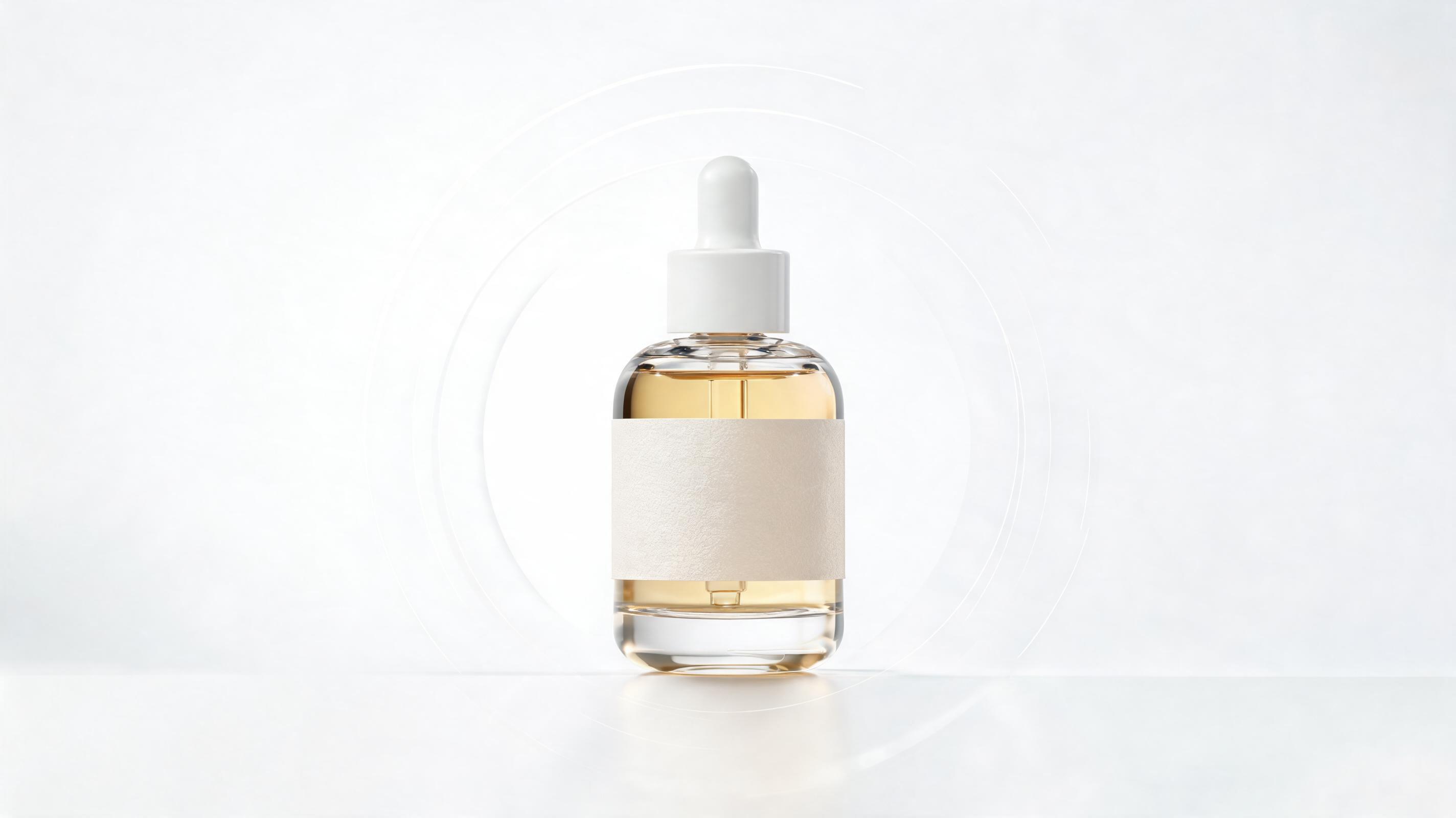
Minimalist Skincare Bottle Video
Static product photo of a glass serum bottle converted to a 15-second slow zoom video highlighting ingredient labels and packaging texture, optimized for Instagram Reels.
No video editing experience required. Upload your existing product photo, render, or ecommerce listing image to generate polished, ready-to-use video clips in seconds. Perfect for product pages, social ads, and launch campaigns.
View side-by-side examples of static product photos converted to polished, high-converting video clips.
Static product photo of a glass serum bottle converted to a 15-second slow zoom video highlighting ingredient labels and packaging texture, optimized for Instagram Reels.
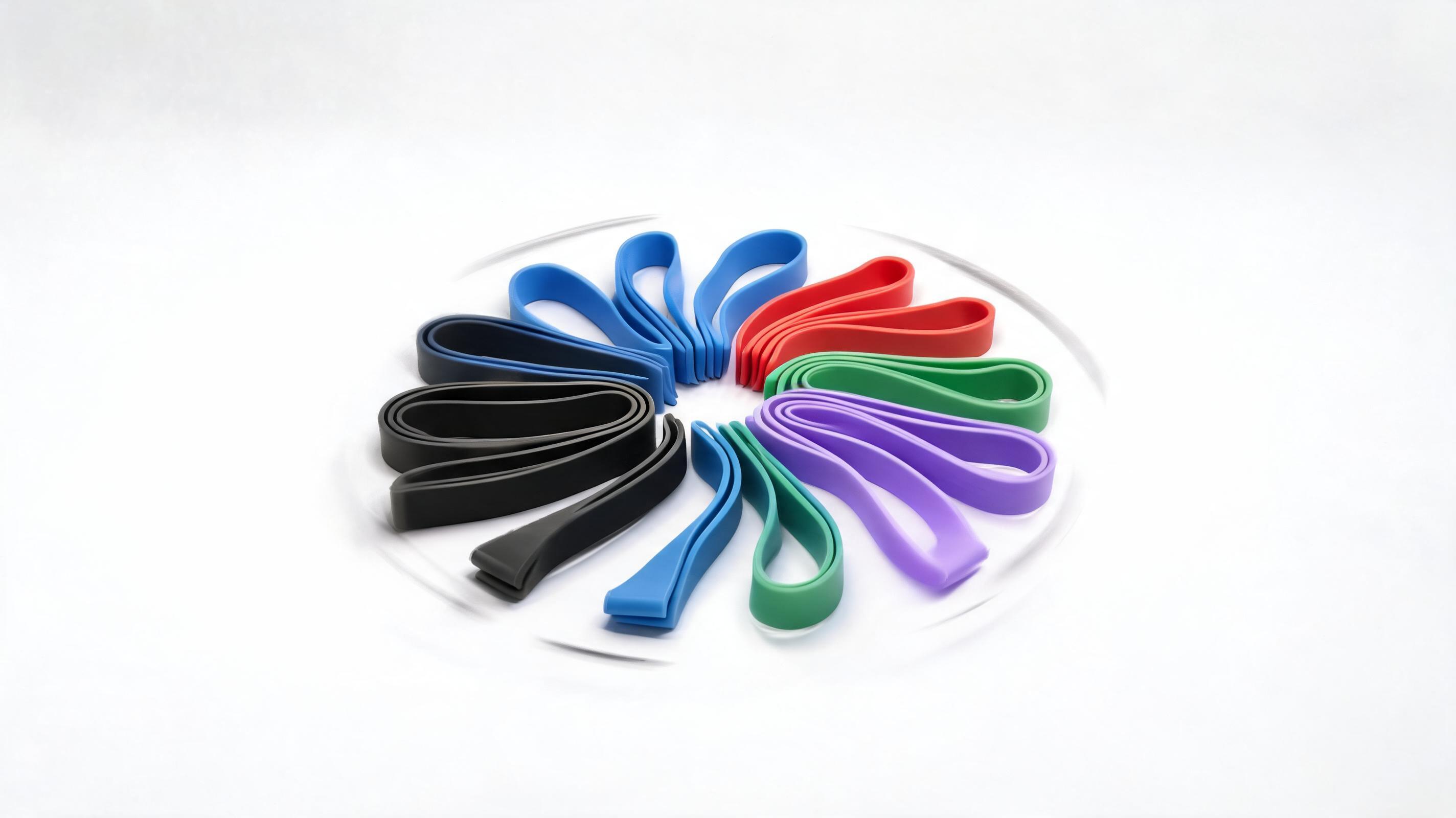
Flat lay product photo of resistance bands converted to a 10-second 360 spin video showing all color variants and size details, used on a Shopify product page.

Lifestyle product photo of a printed coffee mug converted to a 20-second panning video with warm background music, used as a Facebook ad creative that delivered 32% higher CTR than static images.
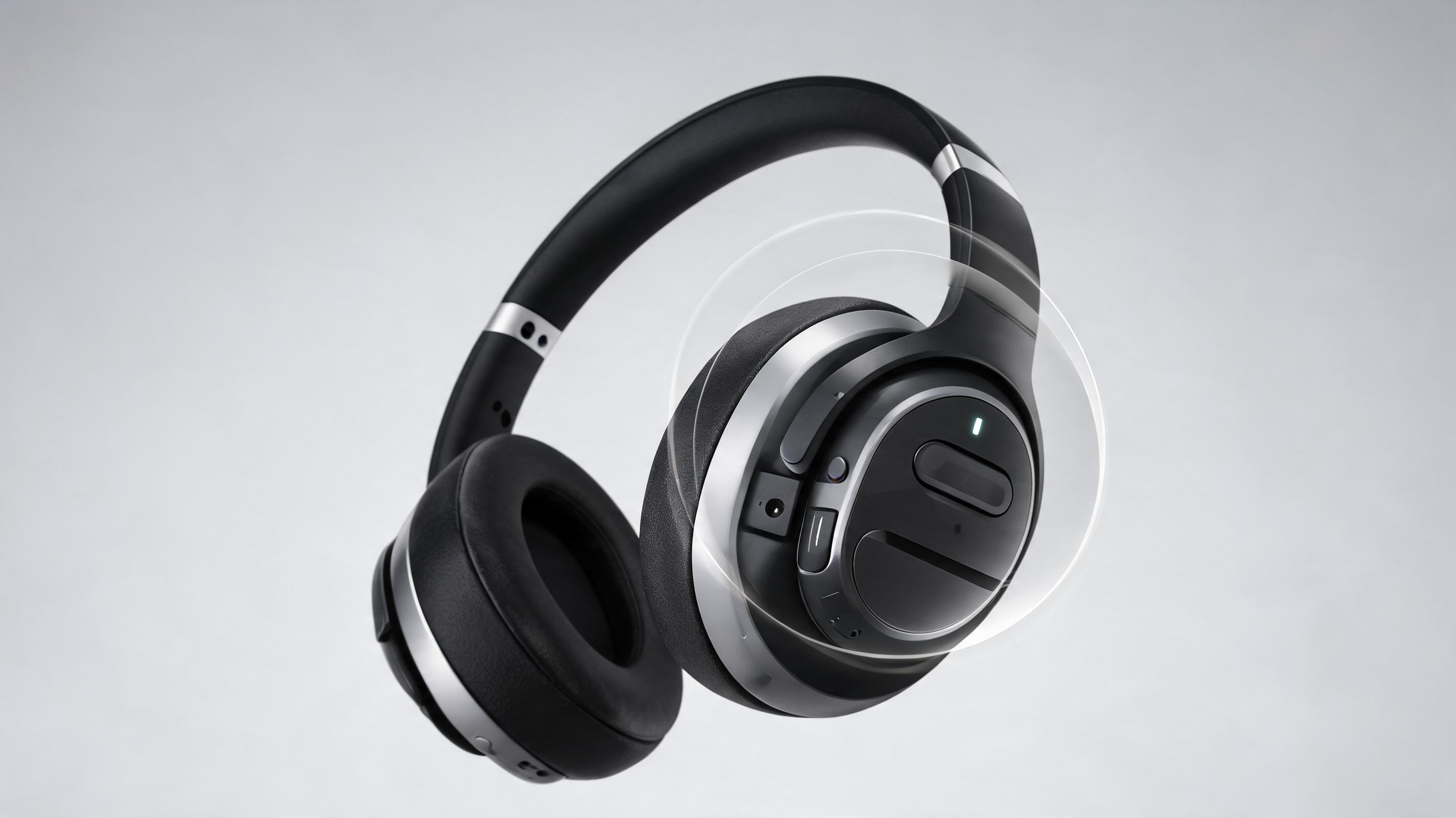
Studio product photo of noise-canceling headphones converted to a 12-second video zooming in on control buttons and battery life display, added to an Amazon listing to boost conversions by 27%.
Explore built-in features designed to help you create high-performing product videos with minimal time and effort.
AI automatically keeps your product centered and in focus across all motion sequences, eliminating manual editing adjustments.
Generate videos in 1:1, 9:16, 16:9, and 4:5 sizes to fit every social platform, product page, and ad placement in one click.
Choose from pre-vetted motion paths including slow 360 spin, gentle zoom, pan across product details, and lifestyle context overlay to match your brand.
Add custom logos, color filters, text overlays, and royalty-free background music to align videos with your brand guidelines instantly.
Export videos up to 4K resolution with crisp, studio-quality lighting that matches the original product photo's aesthetic.
Upload up to 20 product photos at once to generate matching video assets for your entire product catalog in a single workflow.
See how ecommerce sellers, marketers, and launch teams use this tool to drive higher engagement and sales.
Replace static product photos with short looping videos to increase time on page and reduce return rates by showcasing product details clearly.
Generate high-performing short video ads for TikTok, Instagram Reels, and Facebook in minutes without hiring a video production team.
Create cohesive video assets for pre-launch teasers, launch day social posts, and email campaigns to drive higher pre-order rates.
Embed short product videos in promotional emails to boost click-through rates and drive more traffic to your product pages.
Add video content to your Amazon, Shopify, or Etsy listings to stand out from competitors and improve conversion rates.
Generate multiple video variants from the same product photo to test different motion paths and messaging for ad performance.
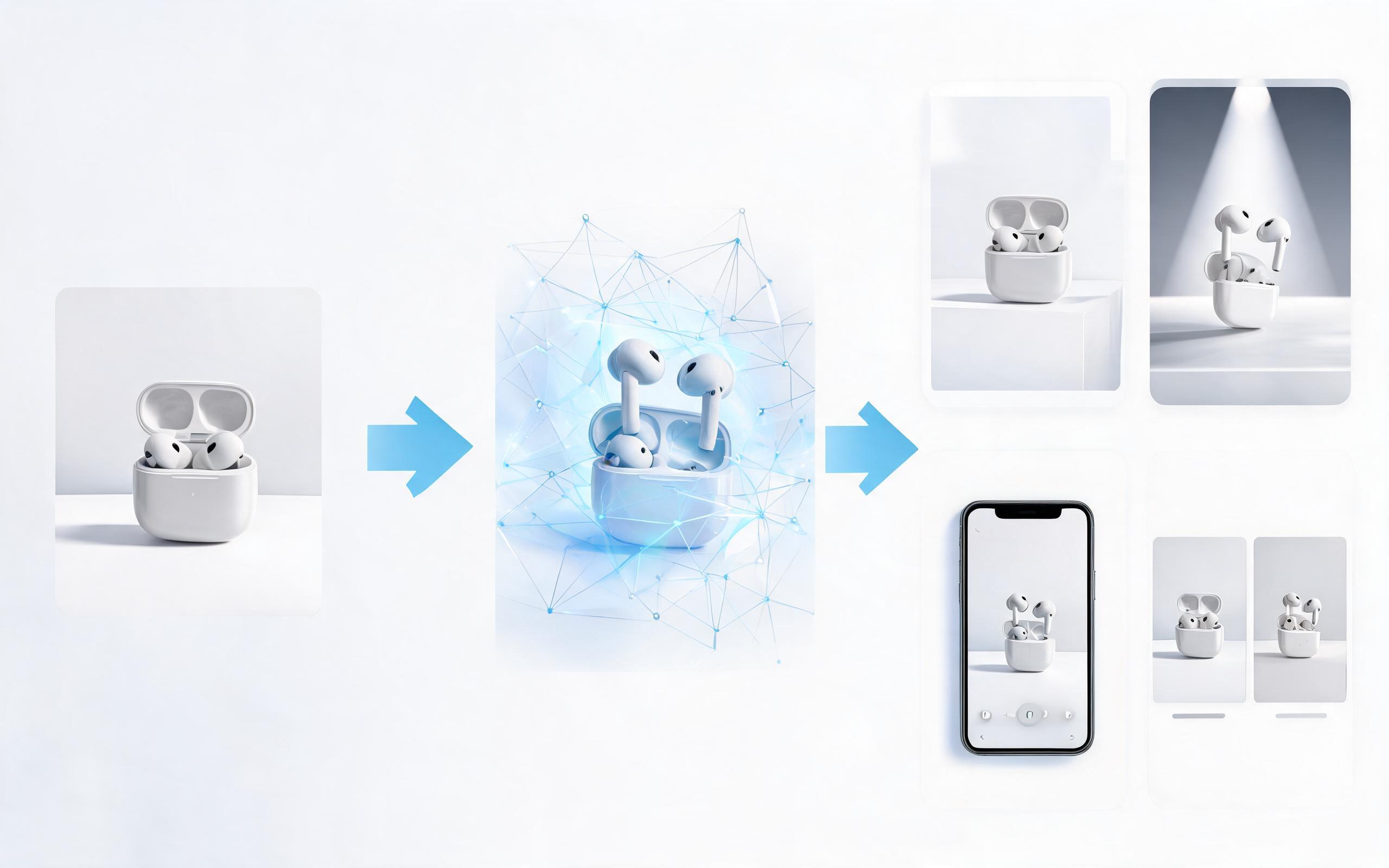
Follow 3 simple steps to generate your professional product video from any static image in minutes.
Upload any high-quality product photo, 3D render, or existing ecommerce listing image. The tool automatically optimizes framing and lighting for video output.
Select camera path (slow pan, 360 spin, zoom), add brand overlays, or pick a pre-built style preset aligned with your campaign goals.
Download your finished video in multiple aspect ratios optimized for product pages, Instagram, TikTok, Facebook ads, or email campaigns in under a minute.
Turning static product photos into video is one of the highest-ROI content updates you can make for your ecommerce store or marketing campaigns, with industry data showing video content can lift conversion rates by up to 80% on product pages. This guide walks you through best practices, use cases, and how to decide if this tool is right for your needs.
The standard workflow for using this tool starts with selecting your highest-performing product photos: prioritize images that already drive high conversion rates as static assets, as these will typically perform even better as video. Upload your photo, select a motion path that aligns with your product type: 360 spins work best for physical goods where customers want to see all angles, while slow zooms are ideal for highlighting details like fabric texture or ingredient labels on beauty products. Add your branding elements, select your desired export aspect ratios, and download your finished videos ready for publication. This entire process takes less than two minutes per product, compared to traditional video production which can take days or weeks and cost hundreds of dollars per video.
This tool is ideal for teams that need high-quality product video content quickly and on a budget: if you are an ecommerce seller looking to optimize your listings, a marketer running short-form social ad campaigns, or a launch team needing fast assets for an upcoming product drop, this tool will deliver the highest ROI. It is also perfect for teams that don’t have in-house video editing resources or the budget to hire a production team. You should avoid this tool if you need highly complex video content with live actors, custom animation sequences, or detailed product demos showing the product in use: for those use cases, you will get better results from a custom video production or our AI product demo video generator tool that supports action sequences and lifestyle context.
To get the highest performance from your product videos, align the motion path and length with the channel you are publishing to: for product pages, use 10-15 second looping videos with no sound that clearly showcase the product’s key features. For TikTok and Instagram Reels, use 15-30 second videos with upbeat background music and text overlays highlighting key benefits or promotions. For ad campaigns, test multiple variants with different motion paths to see which delivers the highest click-through and conversion rates: many teams see 20-40% higher performance from video creatives compared to static images. Make sure to add closed captions for social media videos, as 85% of social video is watched without sound.
Compared to traditional video production, which costs an average of $500-$2,000 per product video and takes 3-7 days to deliver, our product photo to video tool costs a fraction of the price and delivers assets in under two minutes. Compared to other AI video generators that require you to write text prompts or edit multiple clips, this tool is purpose-built for product use cases, so you don’t need any editing or prompt engineering experience to get professional results. If you need more advanced features like custom voiceovers, live actor footage, or interactive demo sequences, you can upgrade to our full AI product video generator tool, while if you only need simple showcase videos for your listings, this product photo to video tool is the most efficient and cost-effective option.
Choose from pre-built style presets to tailor your product video output to your brand aesthetic and campaign goals.
Generate ai product video generator free workflows from product photos, renders, or listing images for ecommerce, product launches, social ads, and campaign testing.
Open page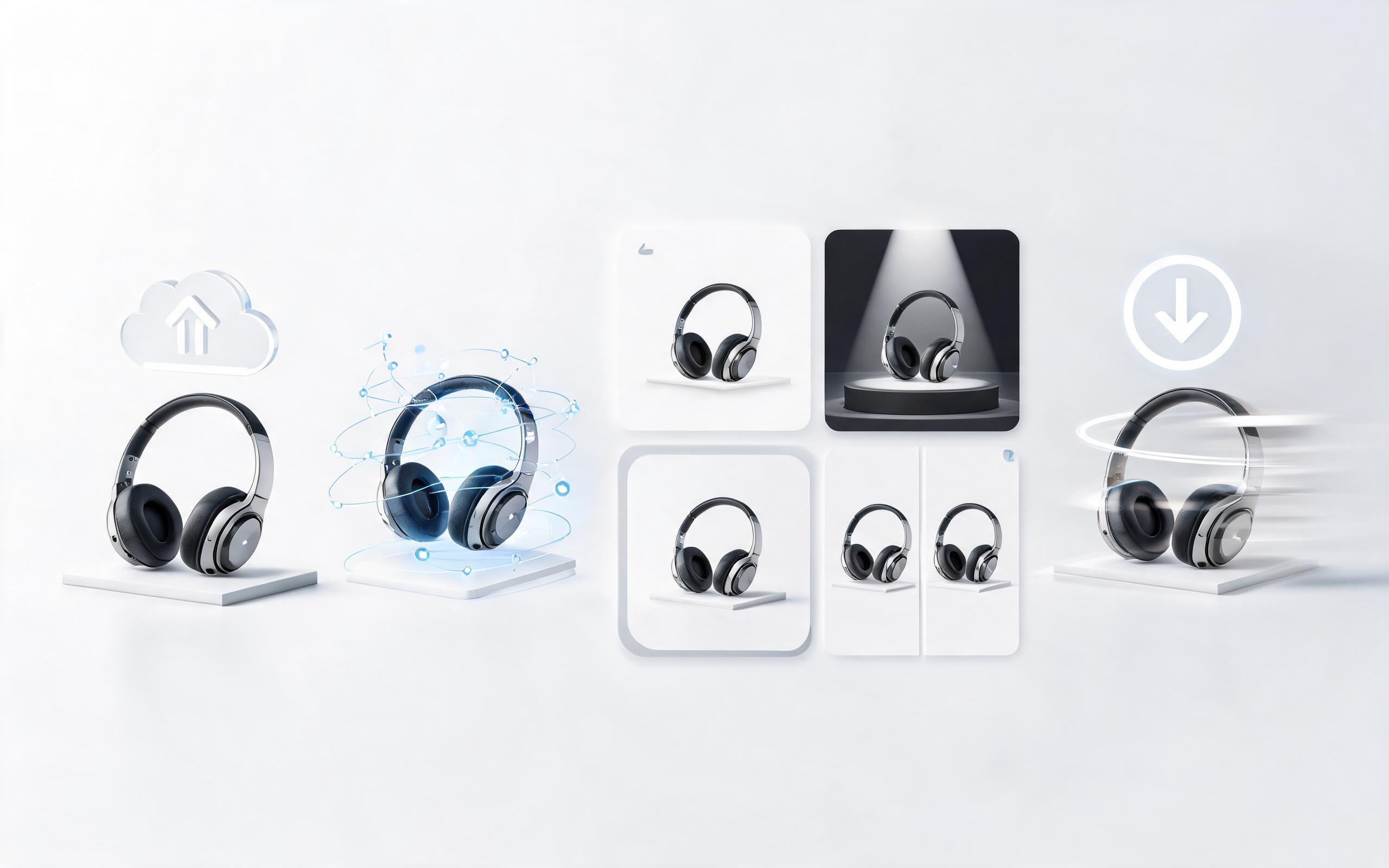
Generate product video from image workflows from product photos, renders, or listing images for ecommerce, product launches, social ads, and campaign testing.
Open page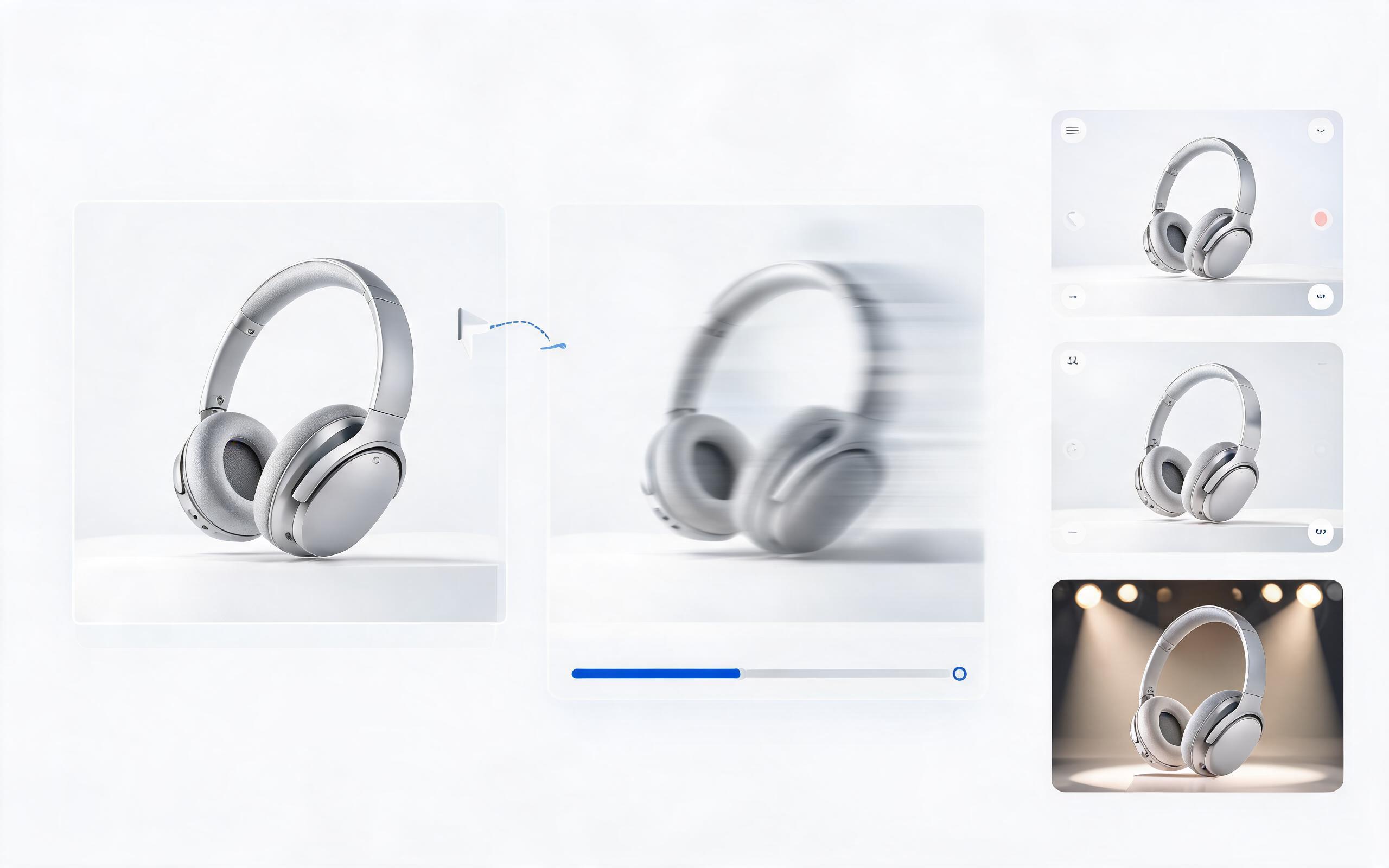
Generate ai product video from image workflows from product photos, renders, or listing images for ecommerce, product launches, social ads, and campaign testing.
Open page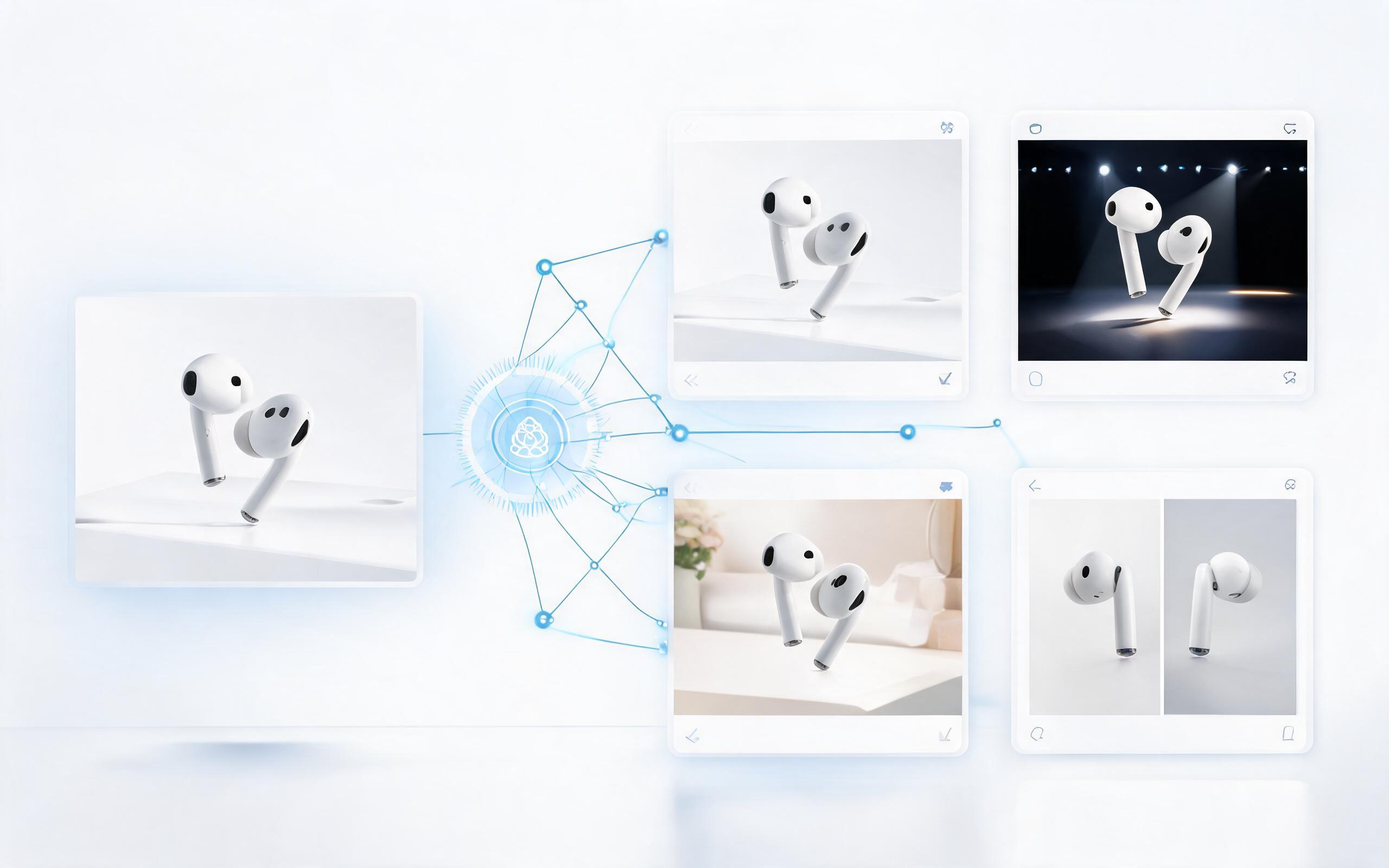
Generate product demo video ai workflows from product photos, renders, or listing images for ecommerce, product launches, social ads, and campaign testing.
Open page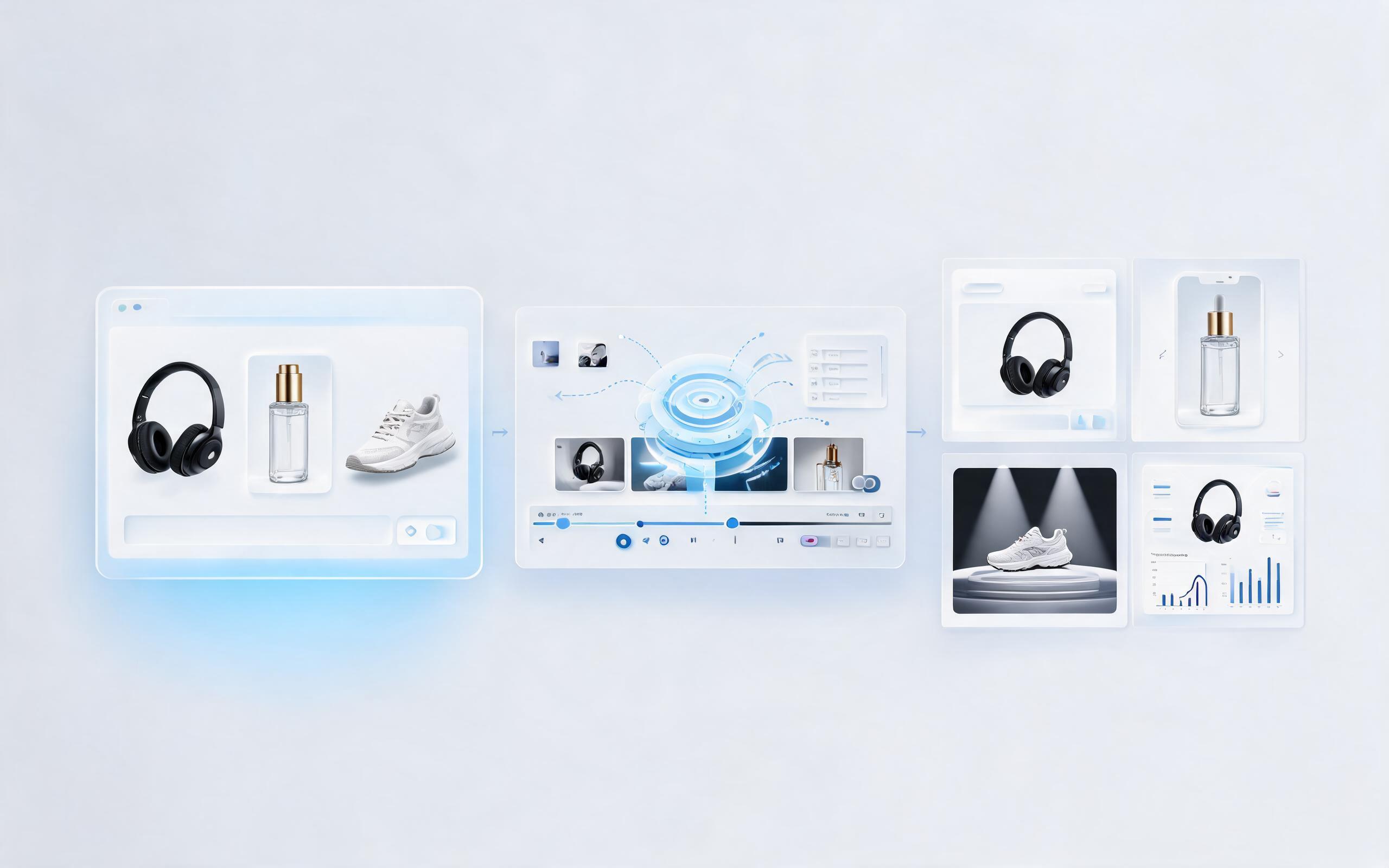
Generate product showcase video generator workflows from product photos, renders, or listing images for ecommerce, product launches, social ads, and campaign testing.
Open page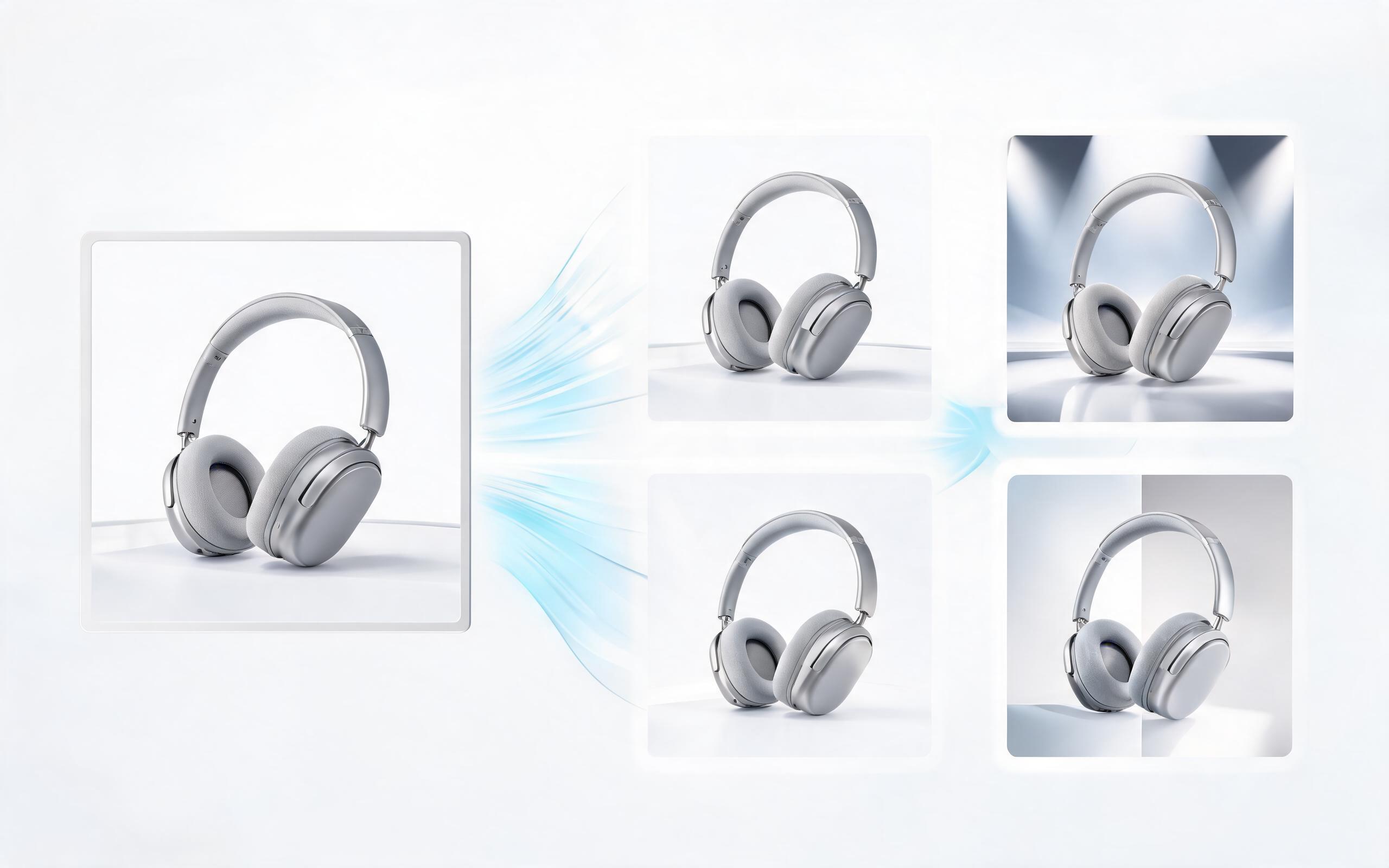
Generate product video maker workflows from product photos, renders, or listing images for ecommerce, product launches, social ads, and campaign testing.
Open page
No credit card required to get started. Upload your product photo now to create polished, high-converting video assets for your ecommerce store, social ads, and launch campaigns in minutes.
Create Product Photo To Video
Technical support: [email protected]
Business collaboration: [email protected]
What Users Say About Our Product Video Tool
See feedback from ecommerce professionals and marketers who use PromeAI to create product video content at scale.
I used to spend $800 per product video for my Shopify store, now I generate 10 videos in 30 minutes for a fraction of the cost, and my conversion rates are up 28%.
We needed 15 product videos for a last-minute launch campaign, and this tool delivered all of them in under an hour. The ads performed 32% better than our usual static creatives.
As someone with zero video editing experience, this tool is a game-changer. I now add video to all my Amazon listings, and my sales are up 41% in the last quarter.