



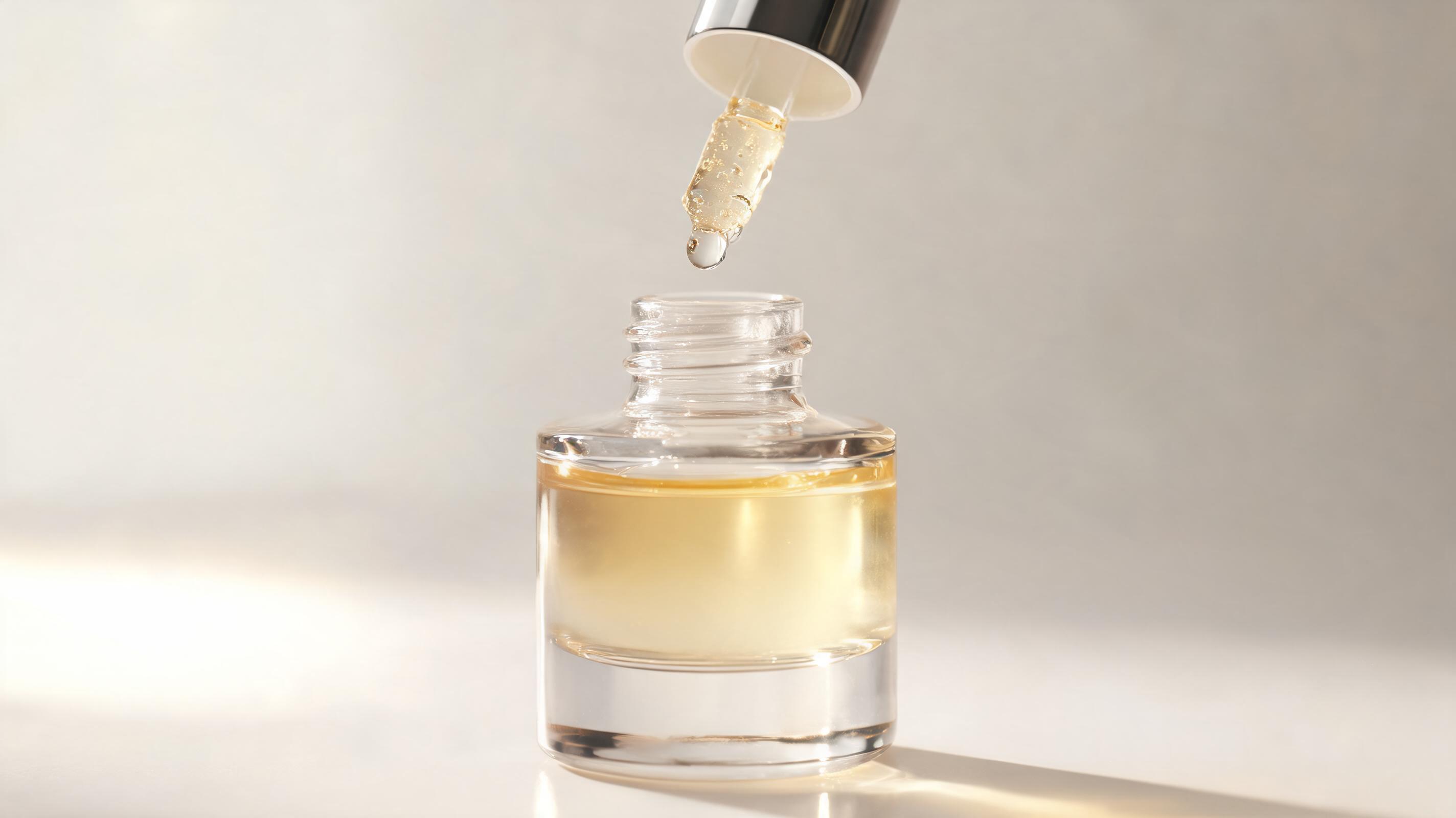
Hydrating Serum Product Video
A 6-second slow-pan video of a glass serum bottle, highlighting its dropper and dewy texture, optimized for Instagram Reels.
Skip expensive video shoots for your beauty, skincare, or makeup campaigns. Convert existing high-quality photos into polished, loop-friendly, channel-ready motion videos in minutes with PromeAI.
Browse sample outputs to visualize what you can create with our image-to-video tool for beauty assets.
A 6-second slow-pan video of a glass serum bottle, highlighting its dropper and dewy texture, optimized for Instagram Reels.
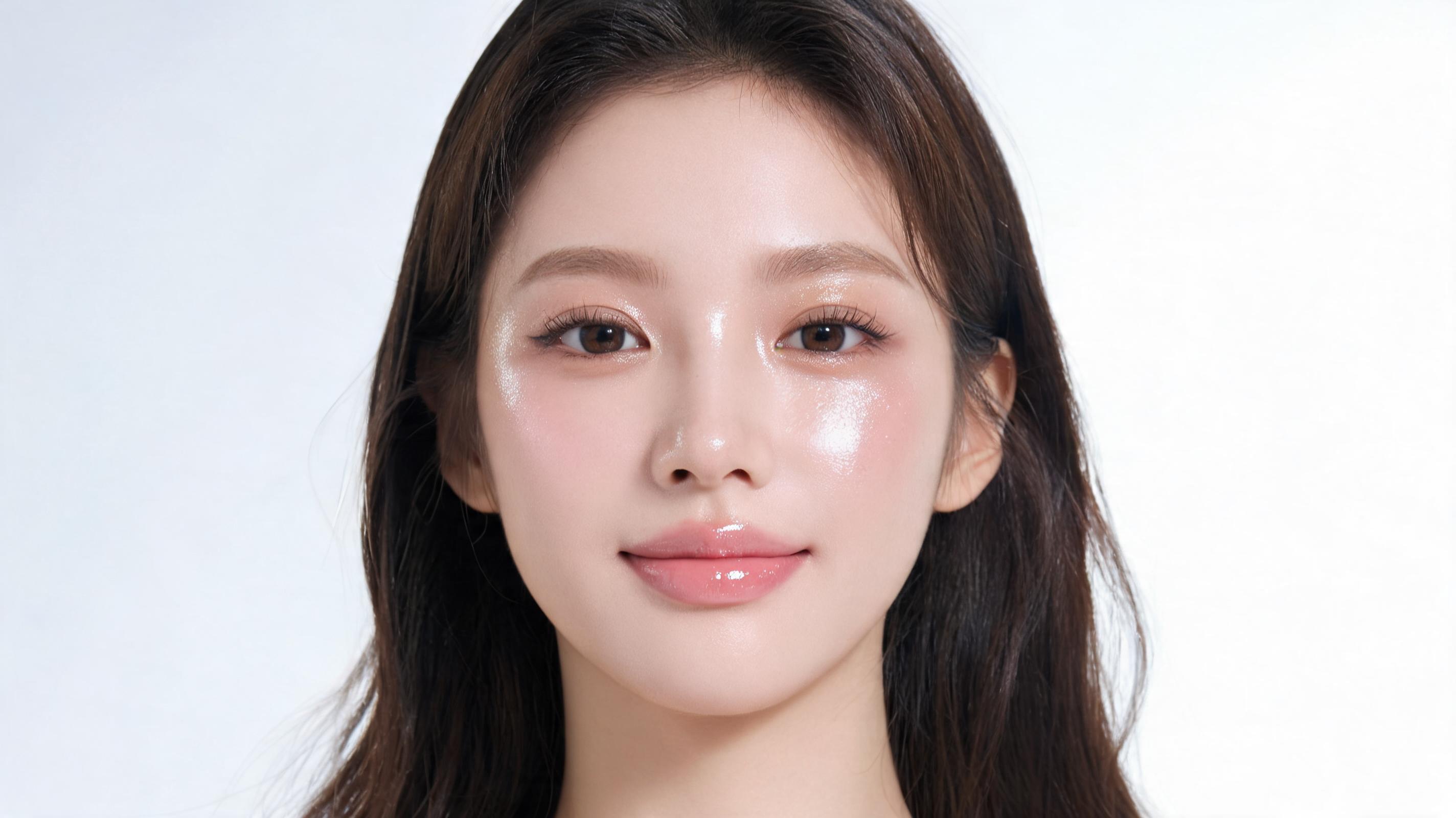
An 8-second soft zoom video of a full-face dewy makeup look, focusing on highlighter and lip gloss finish, for a TikTok tutorial teaser.
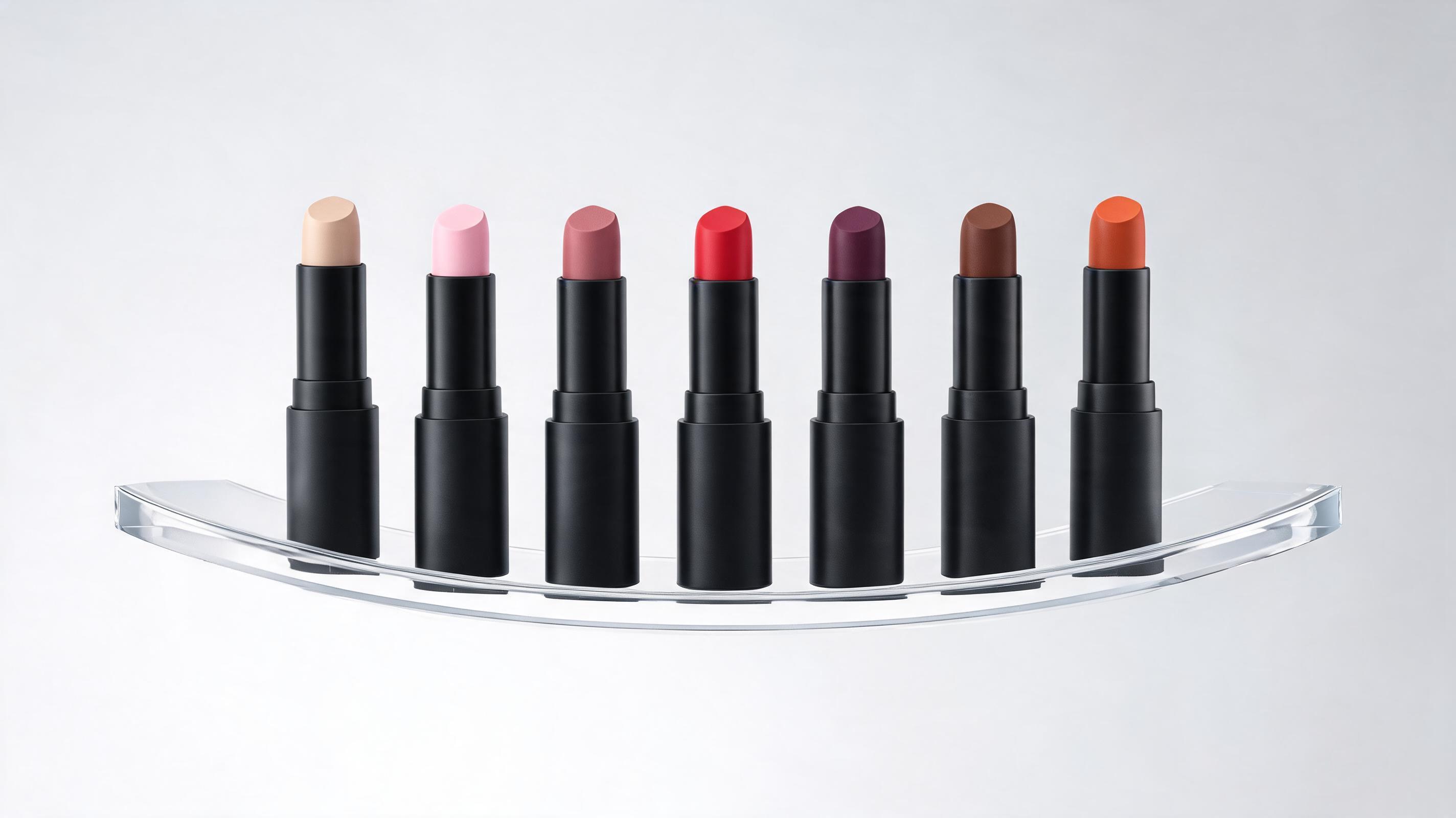
A 5-second gentle rotation video showing a full line of matte lipstick shades, optimized for a carousel ad on Facebook.
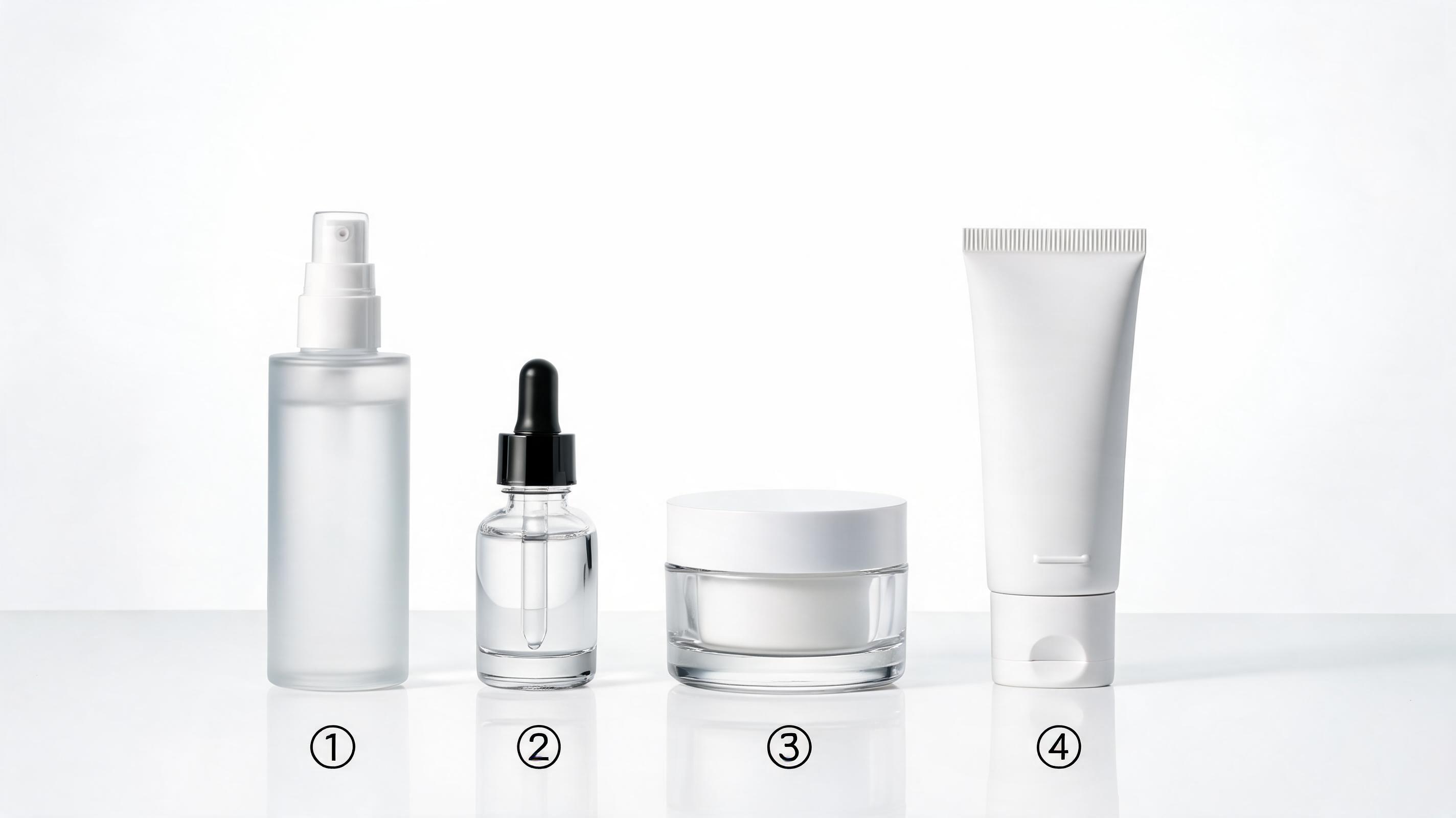
A 7-second slow pan across a 4-step skincare routine set, highlighting packaging and product labels for an ecommerce product page.
Discover built-in tools designed specifically for creating high-performing beauty marketing videos.
Pre-built camera motion options designed to highlight skincare texture, makeup pigment, and product packaging without distracting from your core beauty subject.
One-click export for TikTok, Instagram Reels, YouTube Shorts, and display ads, with correct aspect ratios and file sizes pre-configured.
Automatically creates repeatable 3-10 second videos ideal for social media carousels, profile headers, and in-feed ad placements.
Preserve original product colors, skin tones, and branding elements from your source photo to ensure alignment with your brand guidelines.
Convert up to 10 beauty product or campaign photos to videos in a single batch to speed up your content production workflow.
Download all your generated beauty videos without embedded watermarks for professional, ready-to-publish use on paid plans.
See how teams across the beauty industry use AI-generated videos to drive engagement and sales.
Turn product photos of new serums, moisturizers, or masks into engaging short reels demonstrating texture and benefits for pre-launch hype.
Convert still photos of finished makeup looks into short teaser videos to drive clicks to full YouTube or TikTok tutorials.
Generate high-performing ad videos from existing product photos to test ad creatives without expensive video shoot costs.
Add dynamic motion videos of beauty products to your ecommerce product pages to boost conversion rates.
Turn still photos from influencer beauty collaborations into shareable short videos to extend campaign reach across partner channels.
Embed short, looped beauty product videos in your marketing emails to increase open rates and click-through rates for promotional campaigns.
Follow 3 simple steps to generate high-quality beauty motion videos from your existing still images.
Upload a clear, well-lit still image of your beauty product, makeup look, or skincare model, with the subject as the central focus for the best motion results.
Choose from pre-built beauty-focused motion presets like slow pan, soft zoom, or gentle product rotation, or enter a custom text prompt for tailored camera movement.
Let the AI process your image in under a minute, then download your short, loop-ready beauty video optimized for your target social media or ad platform.
This guide covers everything you need to know to create high-performing beauty videos from existing still assets, including best practices, use case fit, and how to choose the right motion settings for your campaign goals.
Start by auditing your existing photo asset library to identify high-performing stills that have already resonated with your audience, such as top-performing Instagram posts or best-selling product photos. Upload your selected image to the PromeAI image-to-video tool, then select a motion setting that aligns with your goal: slow pans for highlighting texture, gentle zooms for focusing on key product features, or rotation for showcasing full product lines. Export your video in the correct aspect ratio for your target channel, then test it alongside your existing static creatives to measure performance gains. This entire workflow takes less than 5 minutes per video, making it ideal for fast campaign iterations and last-minute content needs.
AI beauty video generation is the best choice when you need fast, low-cost content for testing ad creatives, filling gaps in your content calendar, or repurposing existing high-performing photo assets. It is also ideal for small beauty brands or independent creators who do not have the budget for a full video production team or studio shoot. However, it is not the right fit if you need complex narrative content, talent movement, or special effects that cannot be achieved with simple camera motion over a still image. For full product demos or tutorial content that requires active movement, a traditional video shoot will still deliver better results. Use AI generation for 80% of your short-form social and ad content to cut production costs, and reserve traditional shoots for your highest-investment core campaign assets.
To maximize engagement and conversion rates from your AI-generated beauty videos, keep clips between 3 and 10 seconds long for social media and ad placements, as shorter clips have higher completion rates. Use seamless loop settings for any content that will be placed in headers, carousels, or email campaigns, so the video plays continuously without jarring cuts. Always preserve the original color grading and skin tones from your source photo to maintain brand consistency and avoid misleading customers about product performance or shade ranges. Add text overlays or audio tracks in your preferred simple editing tool after export to align the video with your campaign messaging.
Unlike generic image-to-video tools that produce random, often distracting motion, PromeAI's beauty video feature is optimized specifically for beauty, skincare, and makeup use cases, with presets designed to highlight product benefits without pulling focus from your subject. It also includes pre-built export settings for all major beauty marketing channels, so you do not have to spend time adjusting file sizes or aspect ratios after generation. The tool also preserves original skin tones and product colors far more accurately than generic alternatives, which often alter color grading during the motion generation process, making it a better fit for brand-conscious beauty teams.
Explore tailored presets to refine your beauty video output for specific use cases and platforms.
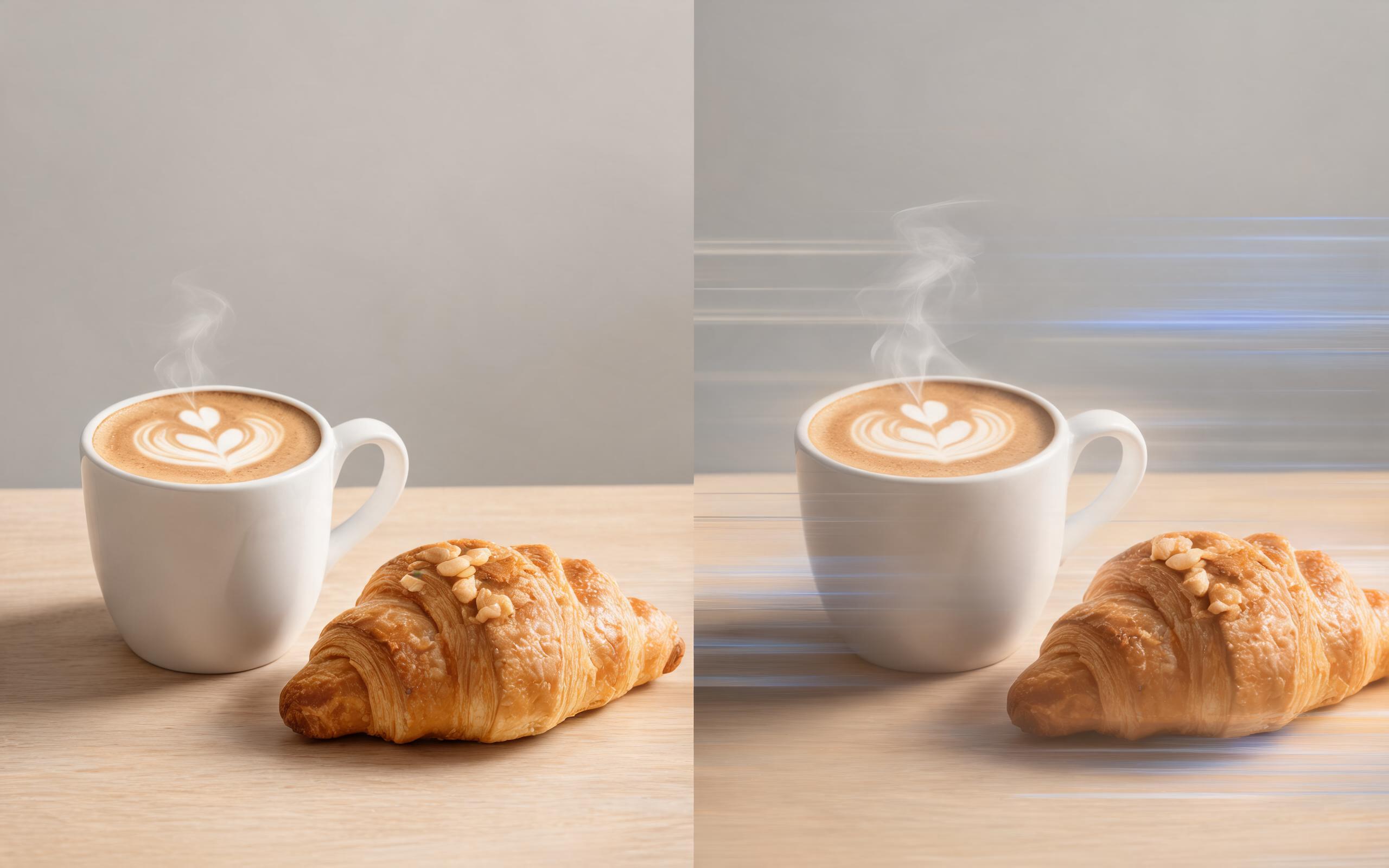
Use PromeAI image-to-video generation for ai ad creative video, adding motion, camera direction, and a short reusable video result from a still image.
Open page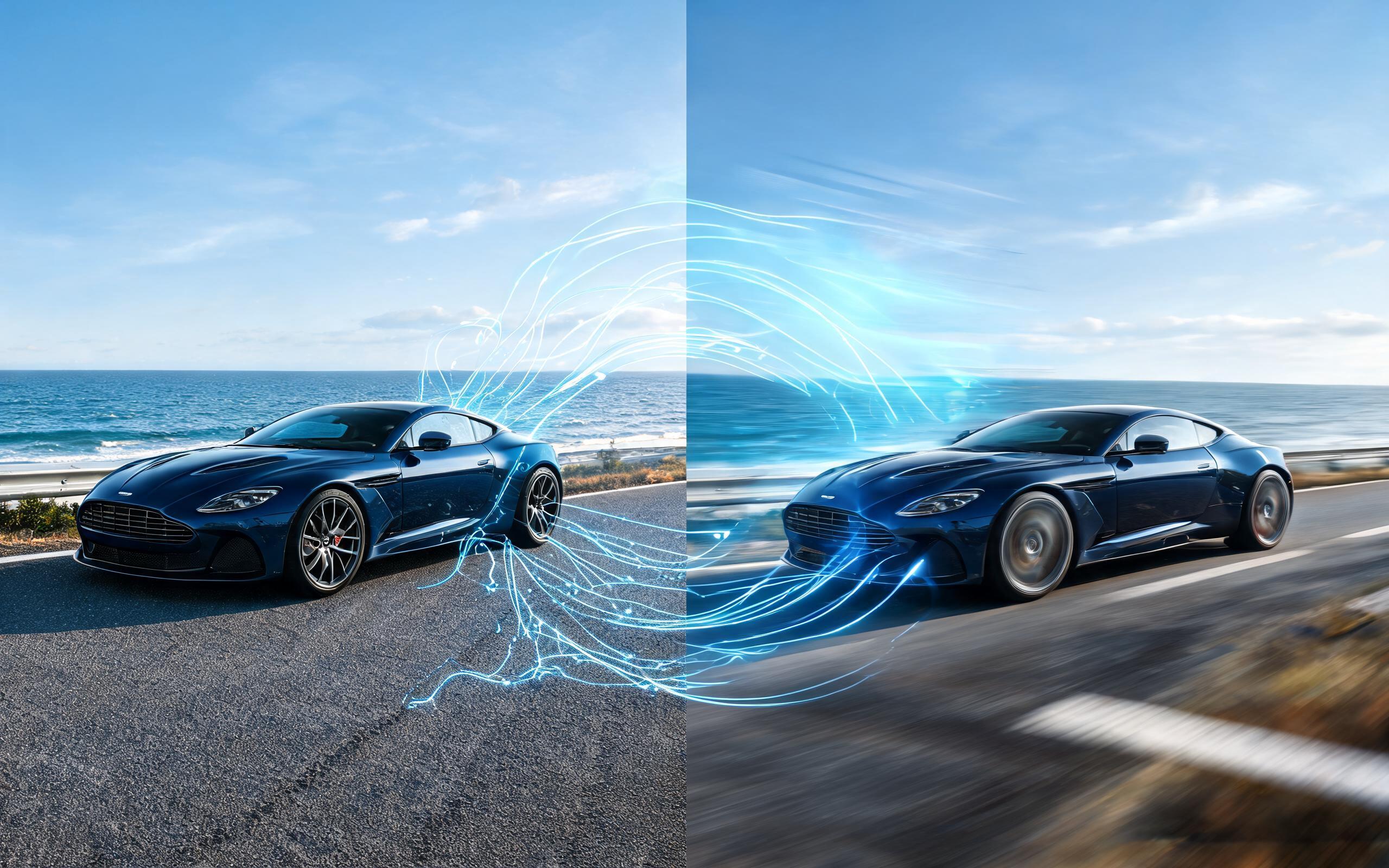
Use PromeAI image-to-video generation for car video from photo, adding motion, camera direction, and a short reusable video result from a still image.
Open page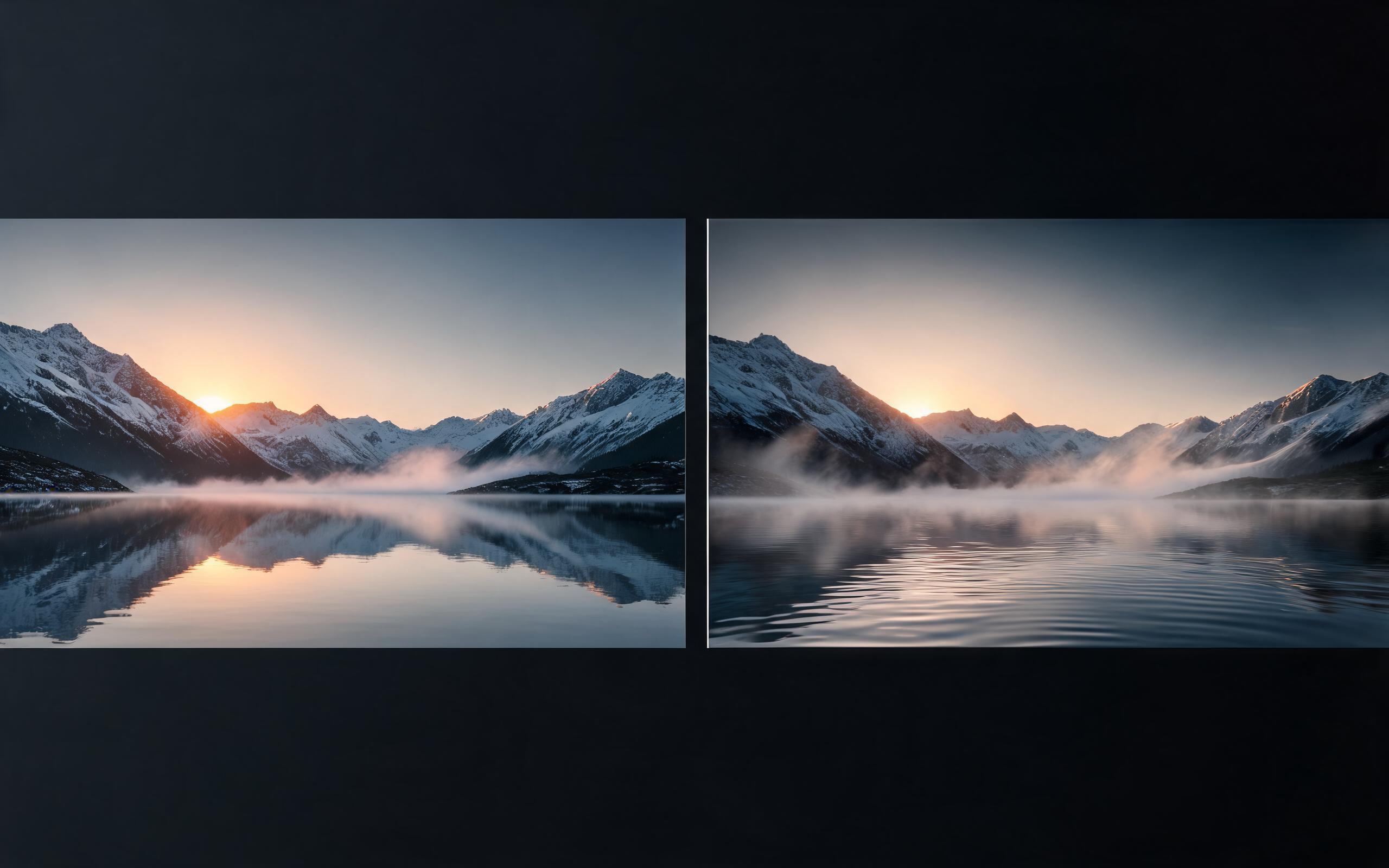
Use PromeAI image-to-video generation for cinematic ai video from image, adding motion, camera direction, and a short reusable video result from a still image.
Open page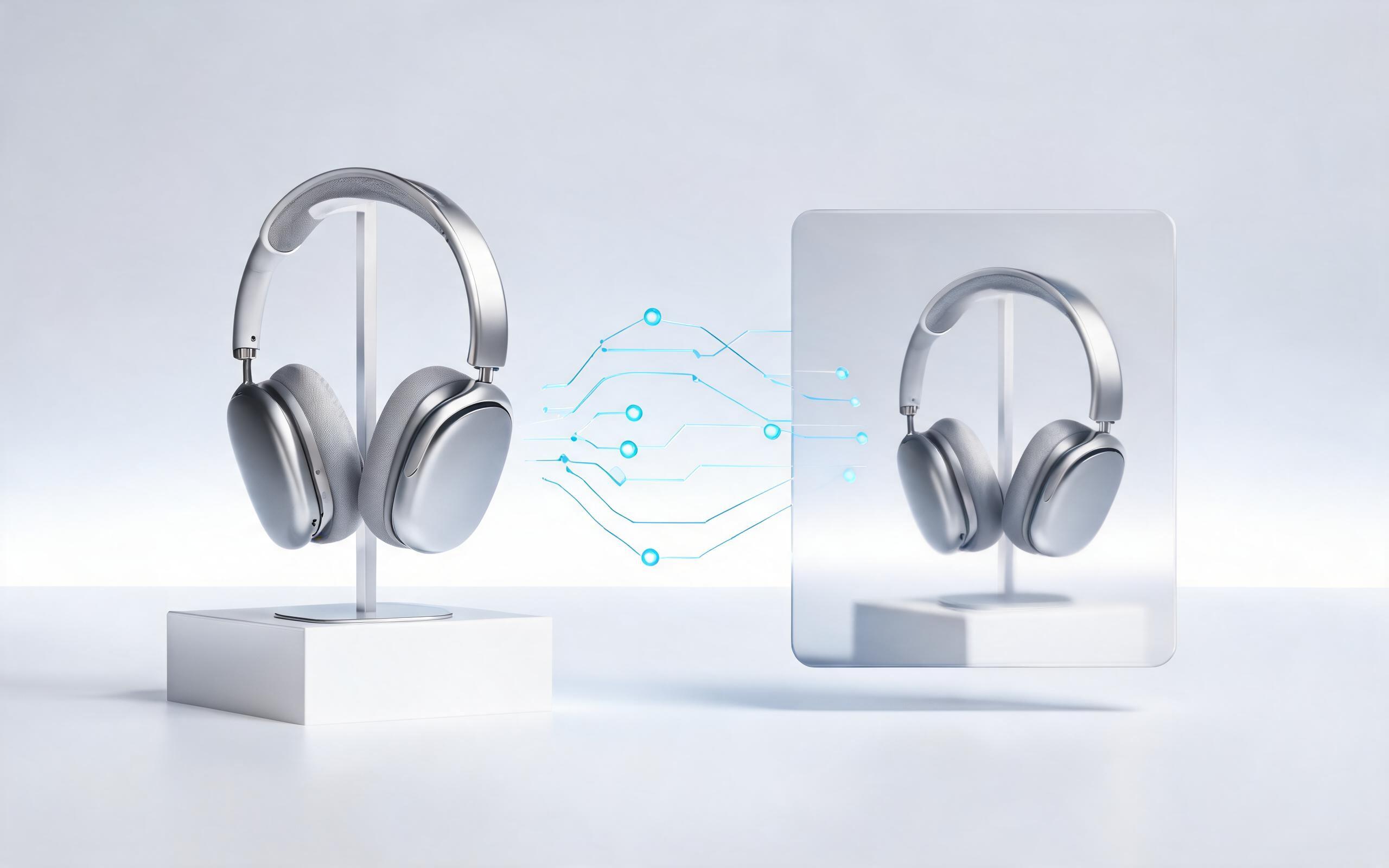
Use PromeAI image-to-video generation to create ai video for ecommerce product from existing images with clear product framing and channel-ready motion.
Open page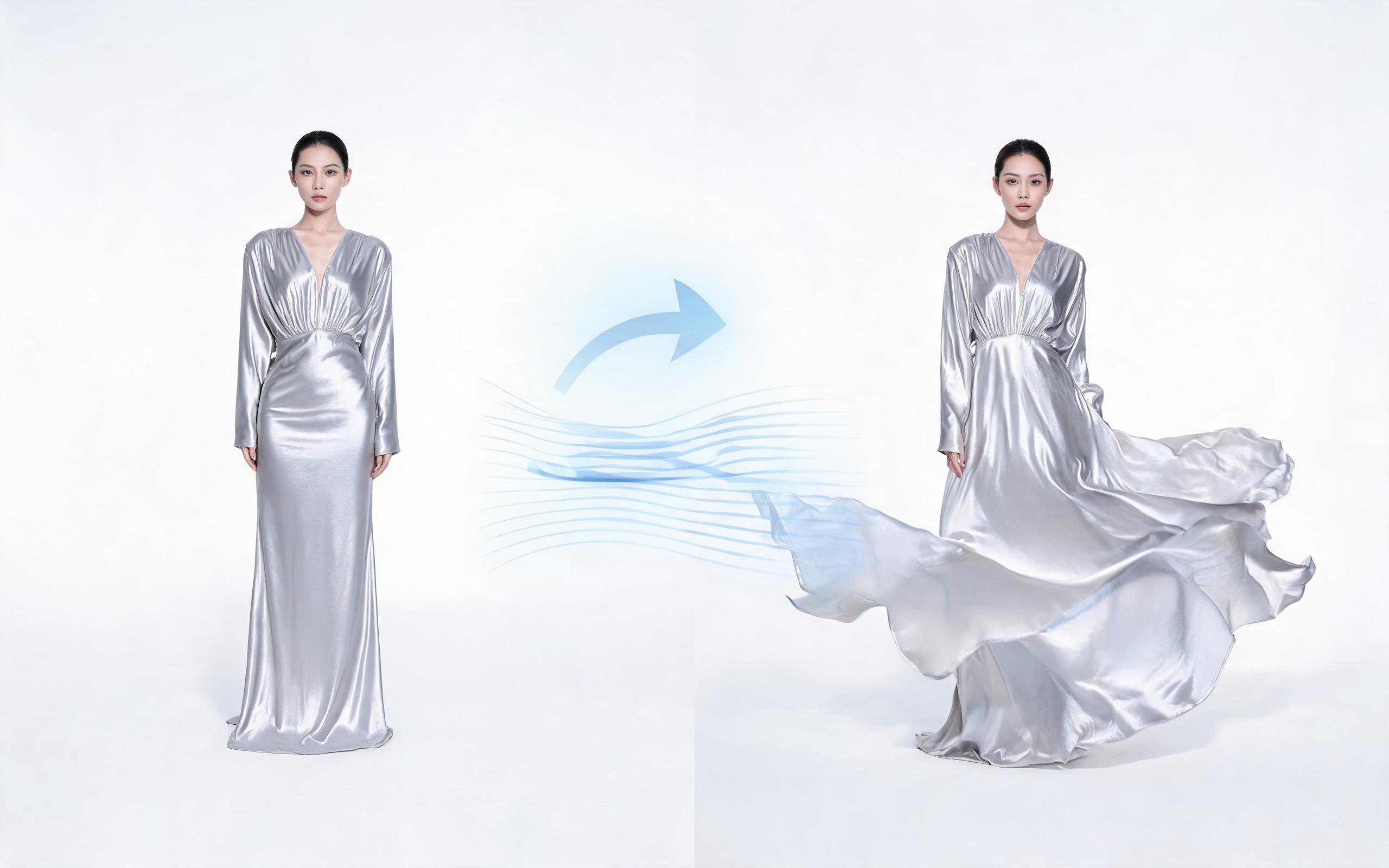
Use PromeAI image-to-video generation for ai fashion video from image, adding motion, camera direction, and a short reusable video result from a still image.
Open page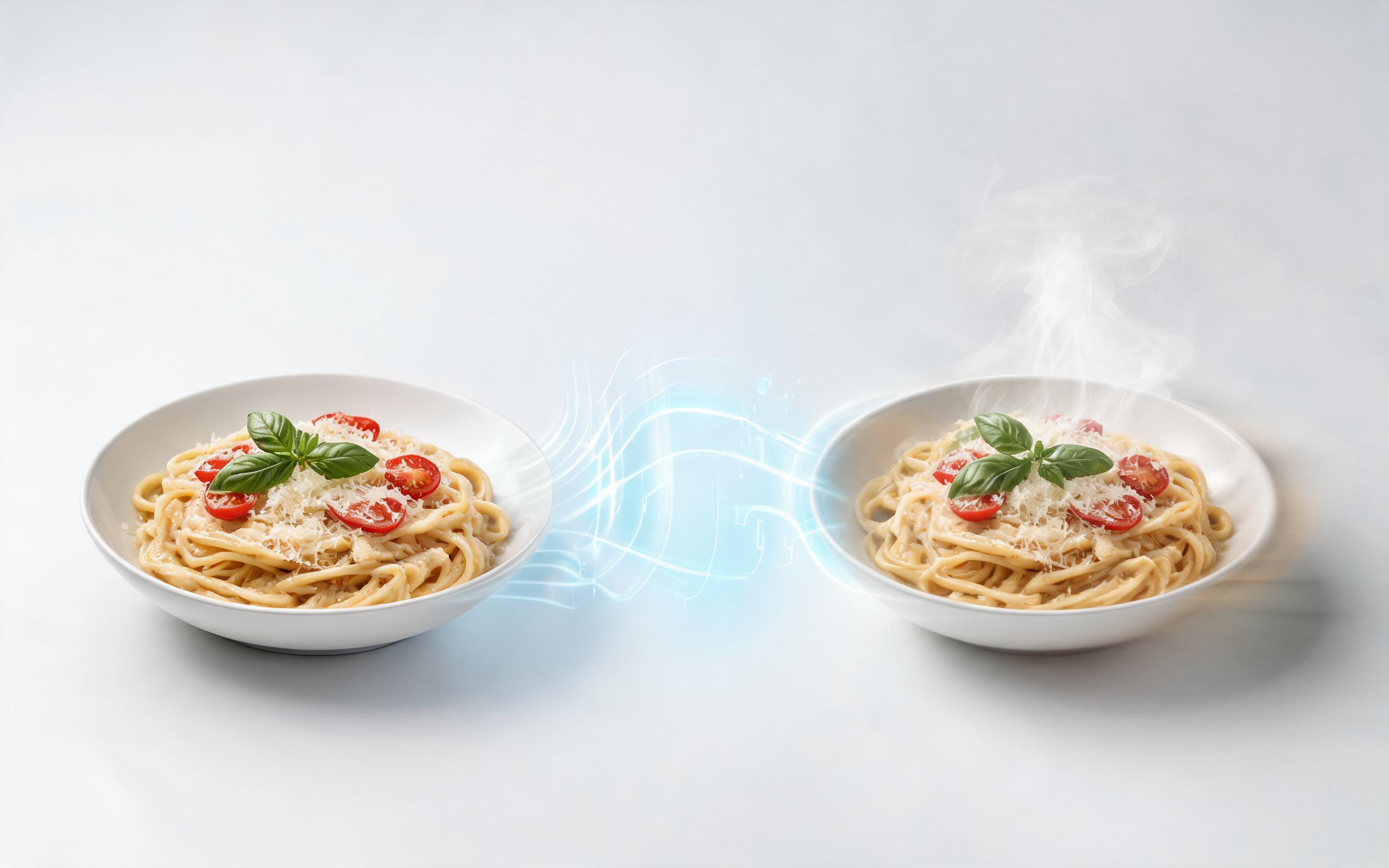
Use PromeAI image-to-video generation for ai food video from photo, adding motion, camera direction, and a short reusable video result from a still image.
Open page
Turn your existing beauty photo assets into polished, high-performing short videos in minutes. No credit card required, no video editing experience needed.
Create AI Beauty Video from Photos
Technical support: [email protected]
Business collaboration: [email protected]
Trusted by Beauty Brands & Content Creators
See what professionals in the beauty and marketing industries say about PromeAI's image-to-video tool.
PromeAI helps us turn static campaign images into motion concepts before we commit to a full shoot.
The short clips make it easier to test pacing, camera movement, and product hooks across launch pages and ads.
For stakeholder reviews, a quick AI video gives everyone a clearer sense of material, scale, and story.