



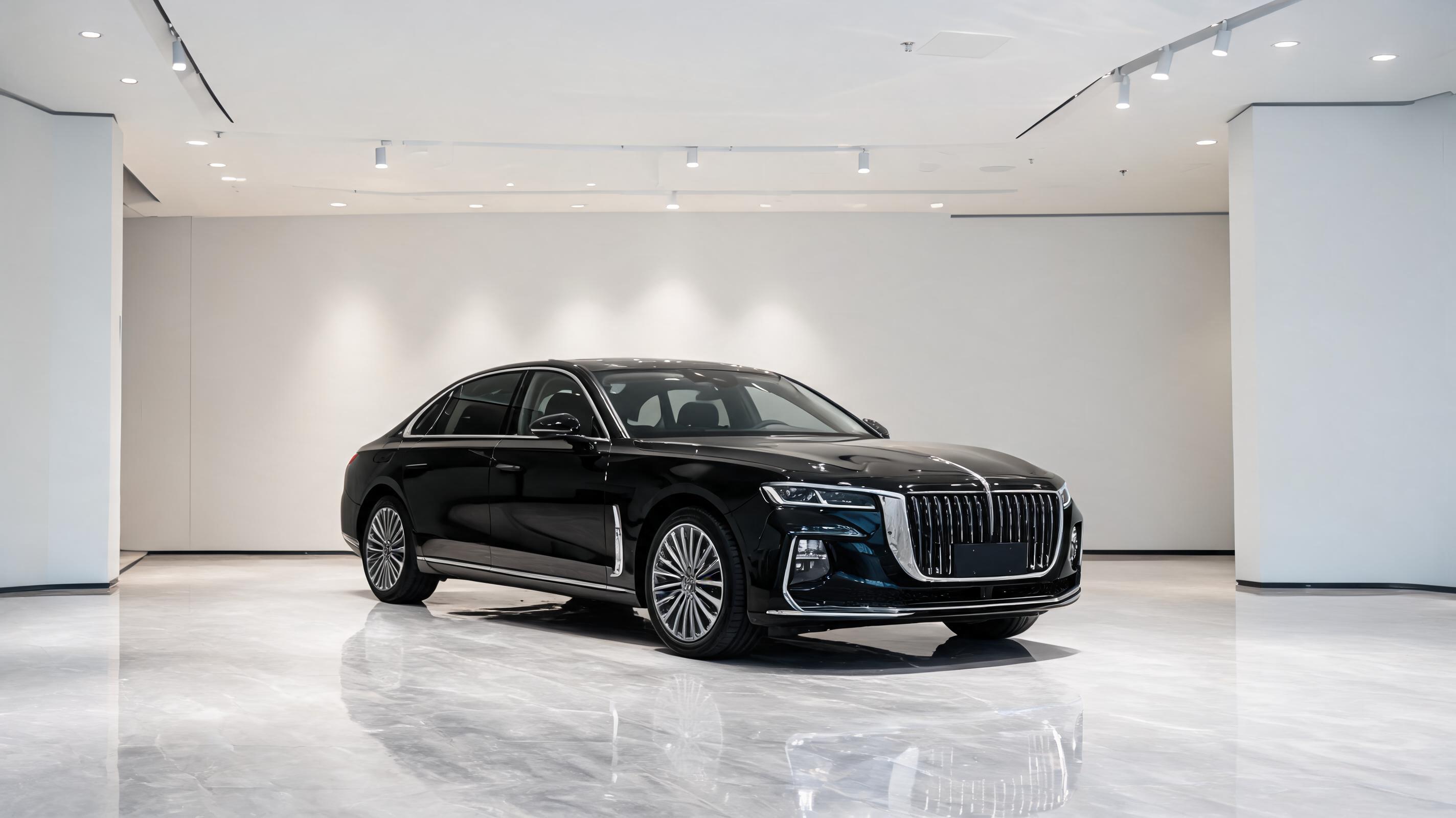
Luxury Sedan Showroom Pan
10-second slow 360 pan around a static photo of a black luxury sedan in a showroom, with subtle lighting adjustments to highlight exterior details.
Generate polished, loop-friendly car videos from any still car photo in minutes. Perfect for automotive marketing, social media campaigns, and e-commerce product listings.
View sample videos created from static car photos to see the quality and range of results you can achieve.
10-second slow 360 pan around a static photo of a black luxury sedan in a showroom, with subtle lighting adjustments to highlight exterior details.
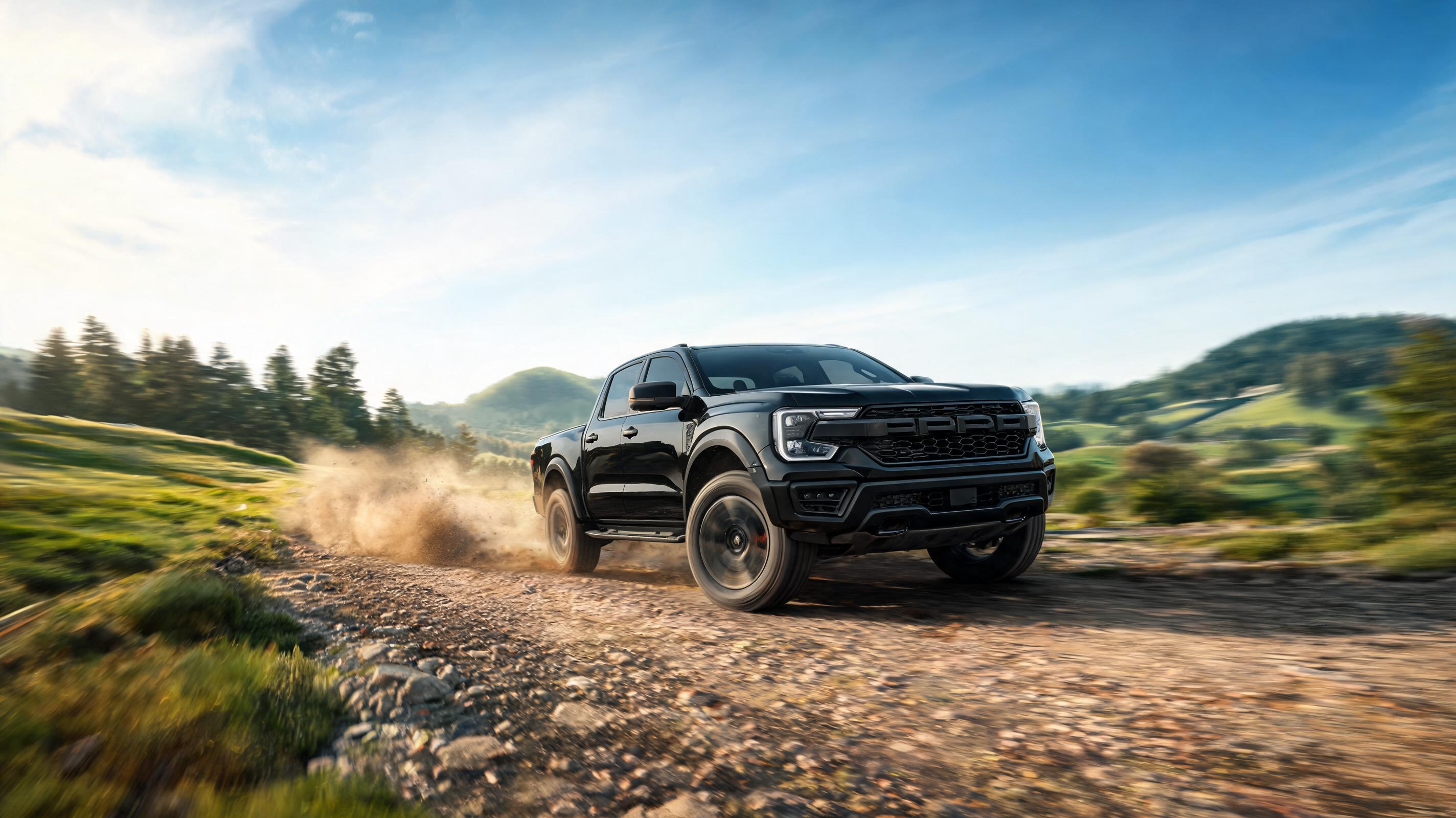
15-second video of a static truck photo edited to look like it's driving over a dirt trail, with realistic motion blur and background movement.
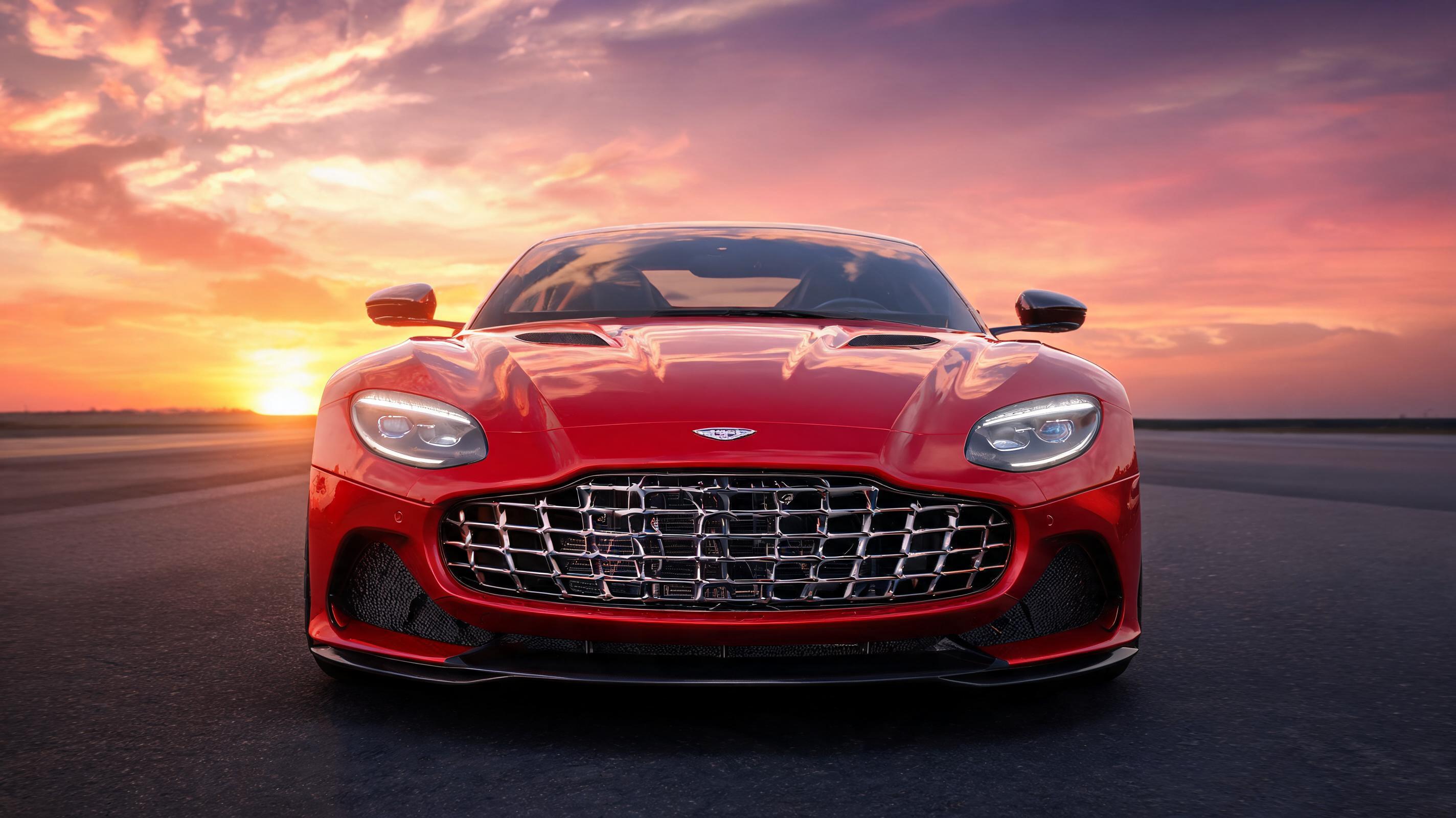
6-second loopable vertical clip of a red sports car, with a slow zoom on the front grille and dynamic sunset background, optimized for Instagram Reels.
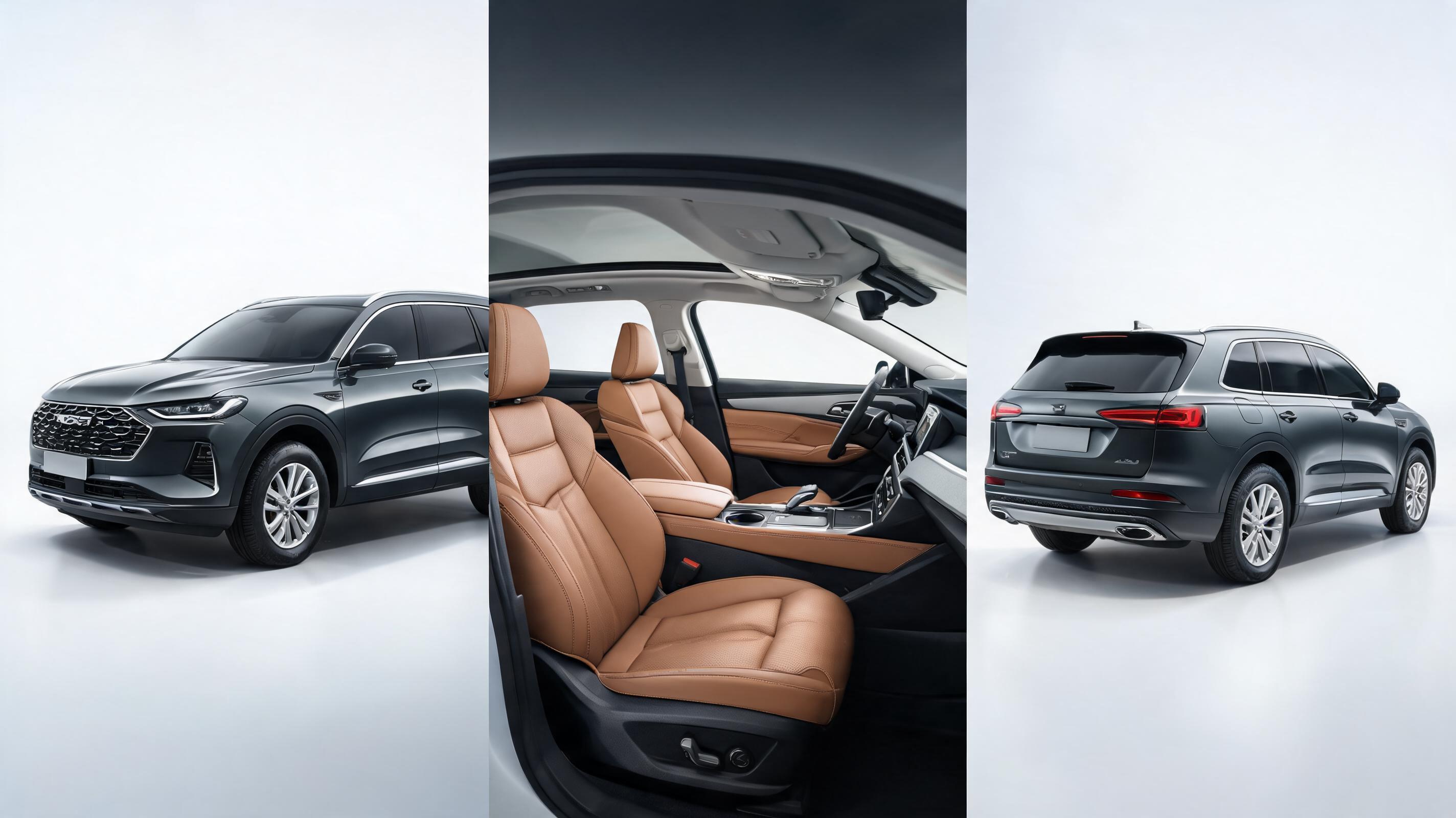
20-second video panning through interior and exterior shots of a used SUV, generated from 3 static listing photos with overlaid key spec text.
Explore the core features that make creating high-quality automotive videos fast and accessible for all users.
Pre-built camera movements tailored for car content, including 360 exterior spins, interior feature zooms, and realistic drive simulations.
All videos are optimized to loop without jarring cuts, perfect for social media reels, product listings, and in-dealership digital displays.
Create clips from 3 to 30 seconds in vertical, square, or horizontal aspect ratios to fit every social media, ad, and e-commerce platform requirement.
Export videos in 720p, 1080p, or 4K resolution to meet the quality standards of any channel, from mobile social feeds to 4K showroom screens.
Swap or enhance static backgrounds to add scenic roads, showroom lighting, or dynamic environments without altering the car itself.
Intuitive, no-code interface lets anyone generate professional car videos in minutes, no prior video editing skills or software needed.
See how creators, marketers, and automotive businesses use this tool to boost audience engagement and sales.
Turn static used or new car inventory photos into engaging videos to boost listing views, reduce buyer questions, and speed up sales cycles.
Create fast, eye-catching reels and shorts for dealerships, car influencers, and aftermarket brands to grow follower engagement and reach.
Generate dozens of video variants from a single car photo to test performance across Facebook, Google, and TikTok ad campaigns.
Create loopable video content for in-dealership screens and virtual showrooms to highlight vehicle features without filming custom B-roll.
Turn photos of cars with custom parts (wheels, wraps, accessories) into short videos to showcase upgrades for auto parts brands.
Convert photos of personal vehicles into dynamic videos for social media posts, private sale listings, or personal keepsakes.
Follow our simple 3-step process to generate professional car videos from static images in minutes.
Upload a high-resolution, well-lit photo of your car with no obstructions to the body or key features for the best output quality.
Choose from automotive-optimized motion presets (slow pan, drive simulation, 360 spin) and set your desired video length and aspect ratio.
Generate your video in 1-3 minutes, preview to adjust settings if needed, then export in your preferred resolution for your target channel.
This guide walks you through best practices, use case matching, and decision-making to get the most out of PromeAI's AI car video generator for your specific needs.
Start with high-resolution images shot in natural light if possible, with the car centered in the frame and no distracting elements in the background. For e-commerce listing videos, capture separate shots of the exterior front, side, rear, interior cockpit, and key features like infotainment systems or upgraded wheels. Avoid photos with heavy shadows, reflections that obscure the car's paint, or clutter around the vehicle. If you're creating content for social media, consider using photos with bold, eye-catching colors or unique angles to make your final video stand out in crowded feeds.
Select motion settings that align with where you'll publish your video. For e-commerce listings, use slow, steady pans that highlight every part of the car without distracting movement, to give buyers a clear view of the vehicle's condition. For social media reels and shorts, use faster motion, dynamic background changes, or simulated driving to grab attention within the first 3 seconds. For showroom displays, choose loopable slow pans or 360 spins that run continuously without jarring cuts. For ad creatives, test 2-3 different motion styles to see which performs best with your target audience, as audiences in different regions or niches may respond better to different pacing.
This AI car video generator is ideal for fast, low-cost content creation when you don't have the time, budget, or access to film a real car. It's perfect for used car dealerships that add 10+ new inventory listings a day, social media creators who need to post multiple times a week, or brands that need to generate dozens of ad variants quickly. However, it is not the best choice if you need highly customized footage of a car in a specific location, or if you need to capture dynamic real-world performance like acceleration or off-roading. For those use cases, traditional filming will still deliver more accurate, realistic results. This tool works best as a complement to filming, not a full replacement for high-budget custom video projects.
Adjust your export settings to fit the requirements of your target platform. For TikTok and Instagram Reels, export in 9:16 vertical aspect ratio, 1080p resolution, and 6-15 second length for best performance. For YouTube Shorts, use the same vertical aspect ratio but you can go up to 60 seconds if needed. For e-commerce product pages on desktop, export in 16:9 horizontal aspect ratio, 1080p or 4K resolution, and 20-30 second length that highlights all key vehicle features. For Facebook and Google ads, test both square 1:1 and vertical 9:16 formats, as both perform well across feed placements. Always export without a watermark for commercial use to maintain a professional brand appearance.
Browse pre-configured motion and style presets to speed up your automotive video creation workflow.
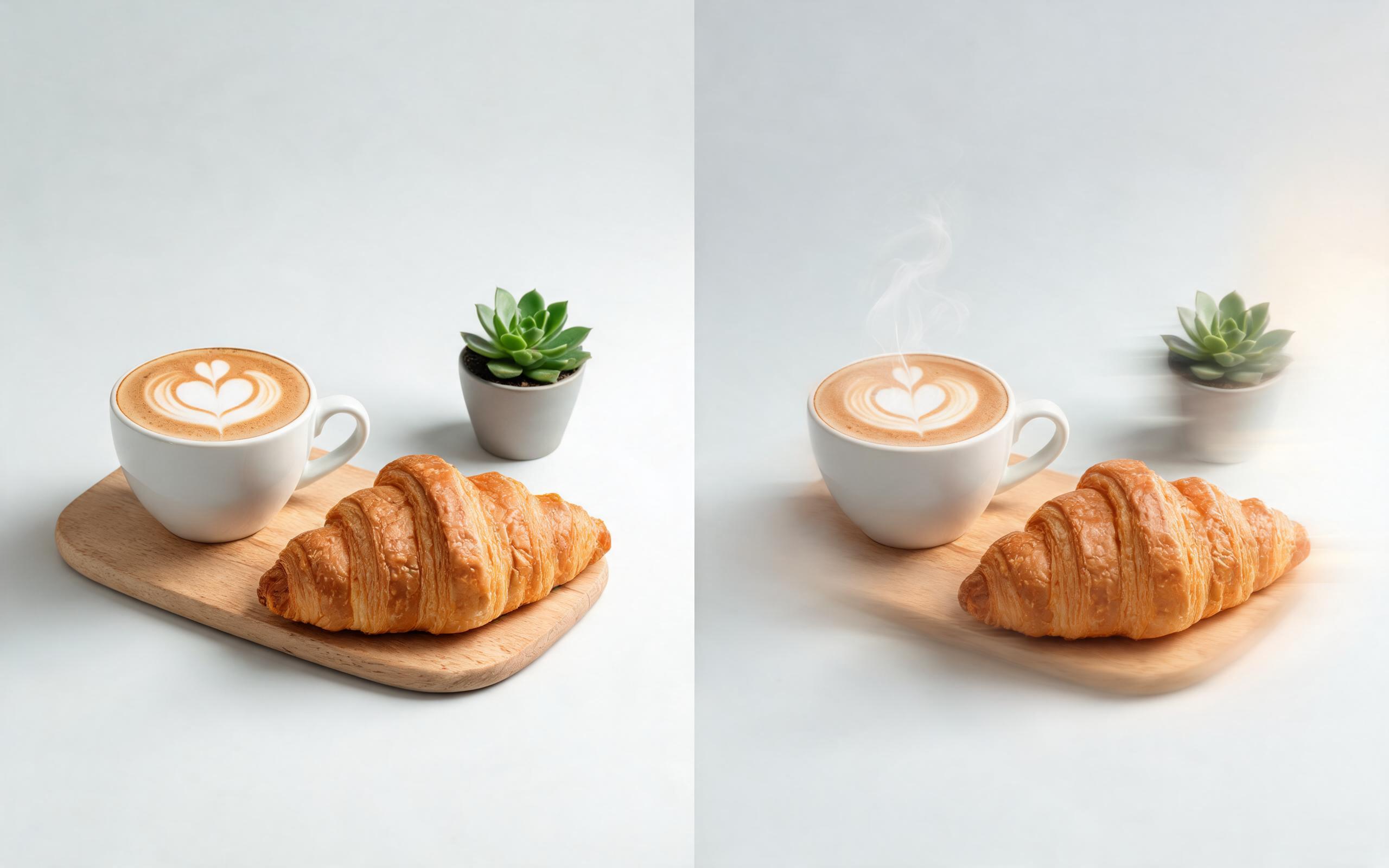
Use PromeAI image-to-video generation for ai ad creative video, adding motion, camera direction, and a short reusable video result from a still image.
Open page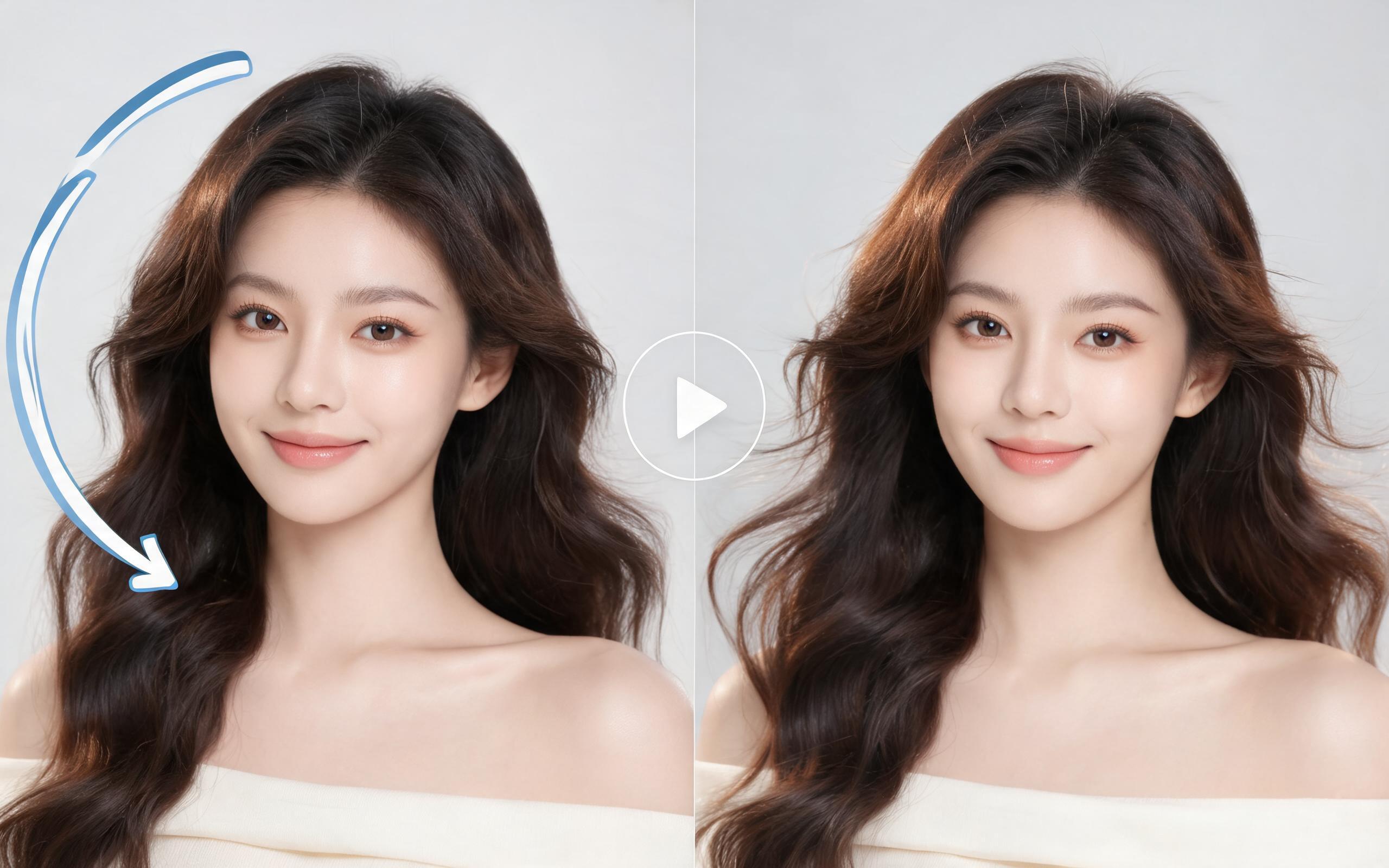
Use PromeAI image-to-video generation for beauty video from photos, adding motion, camera direction, and a short reusable video result from a still image.
Open page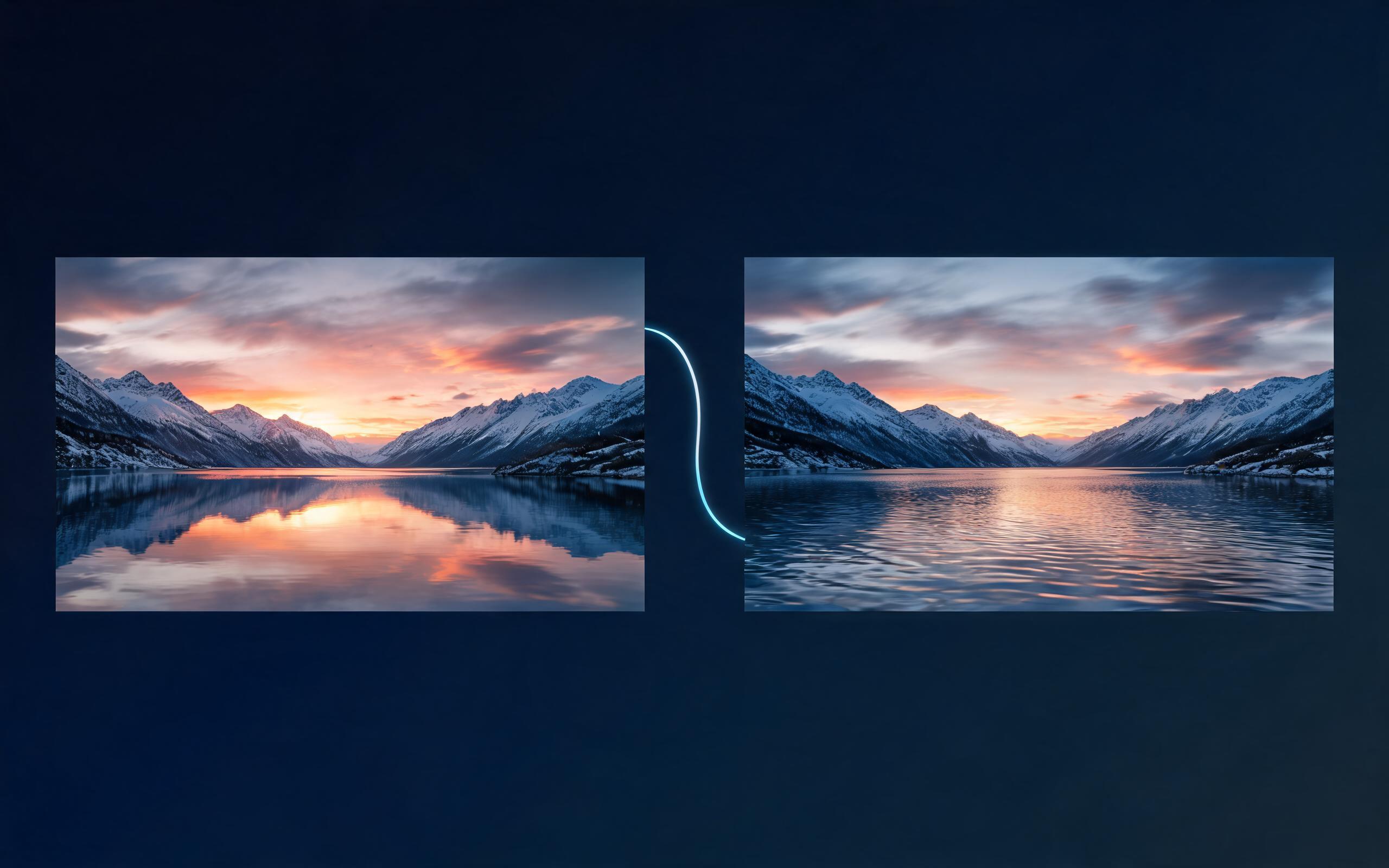
Use PromeAI image-to-video generation for cinematic ai video from image, adding motion, camera direction, and a short reusable video result from a still image.
Open page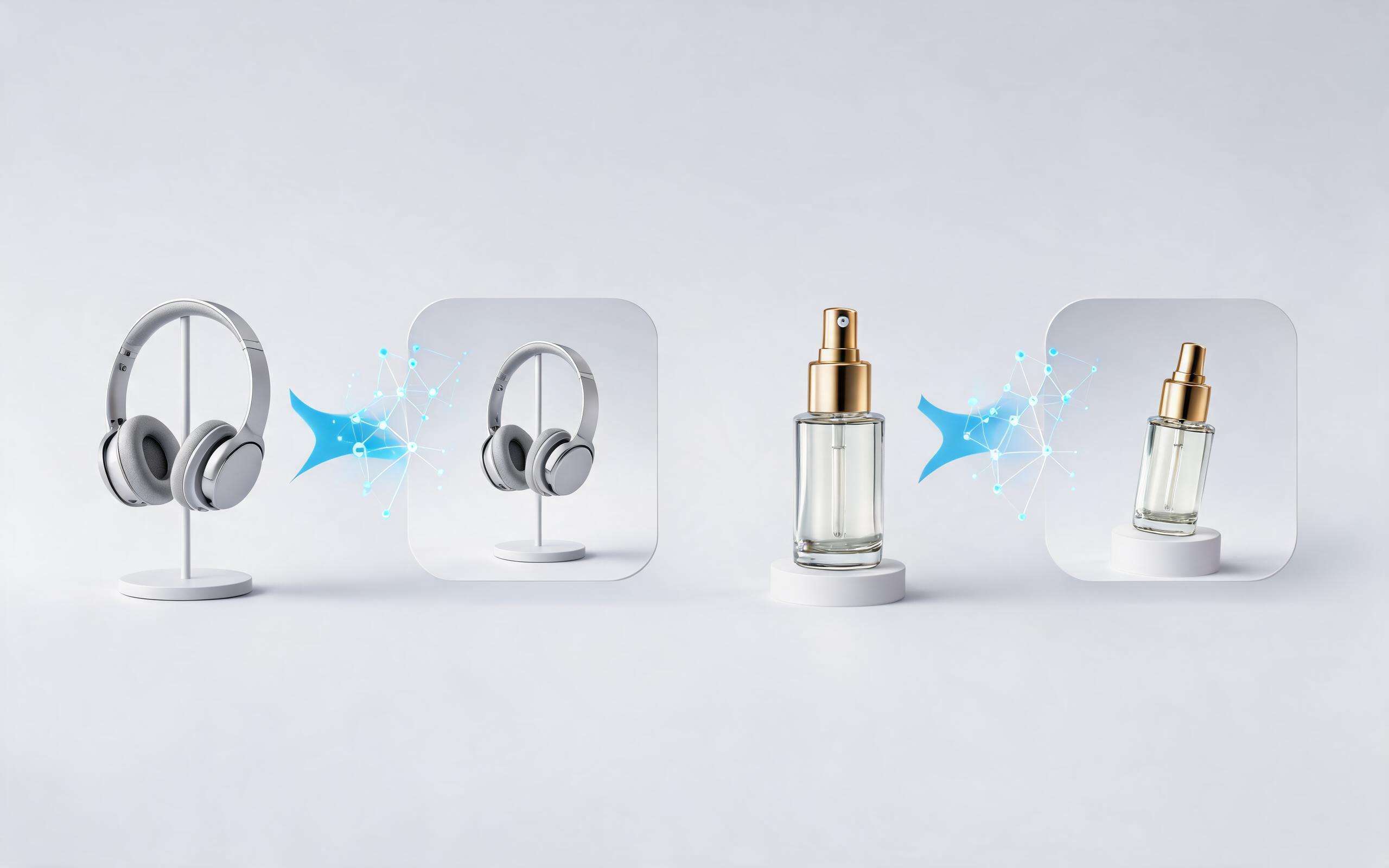
Use PromeAI image-to-video generation to create ai video for ecommerce product from existing images with clear product framing and channel-ready motion.
Open page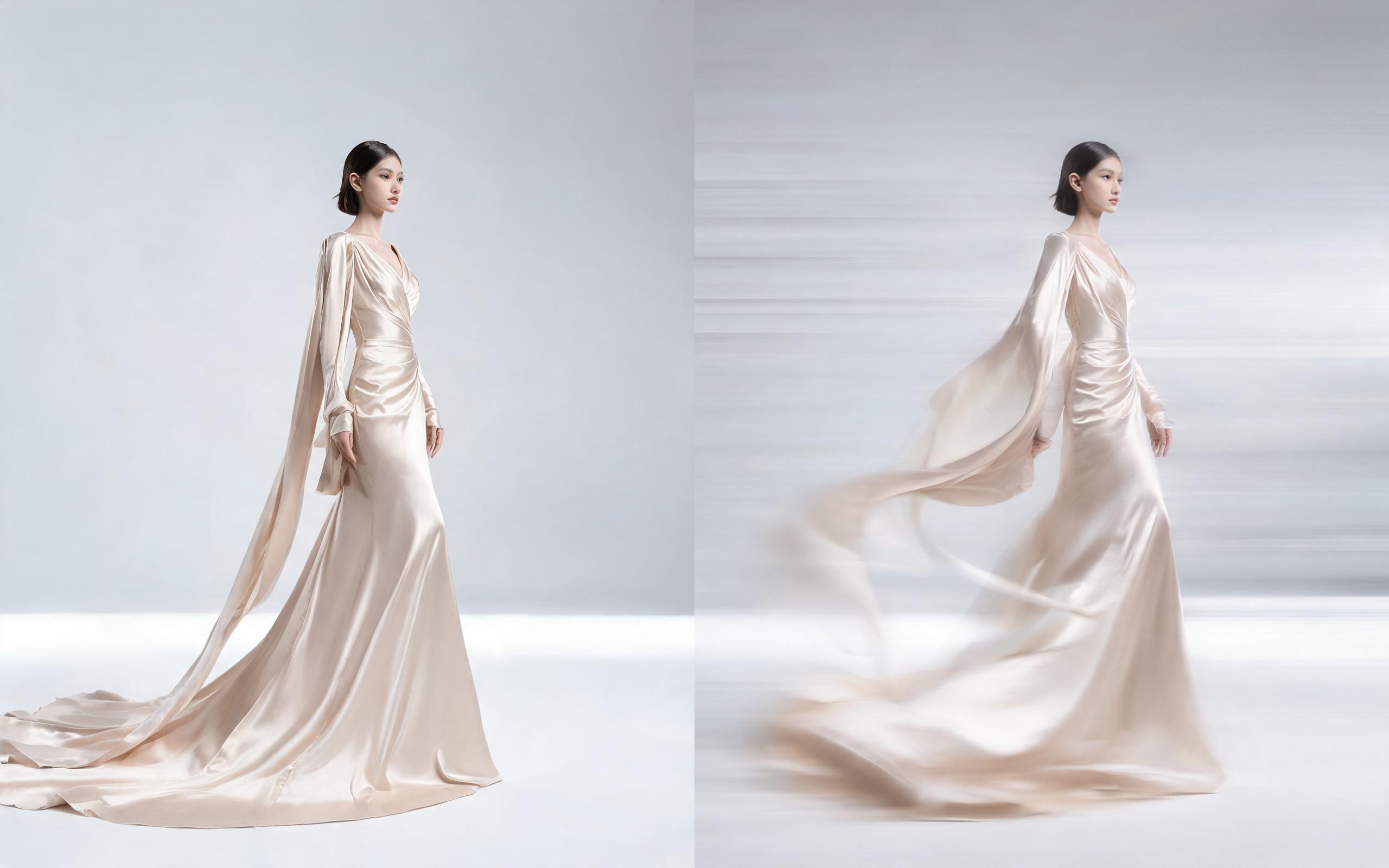
Use PromeAI image-to-video generation for ai fashion video from image, adding motion, camera direction, and a short reusable video result from a still image.
Open page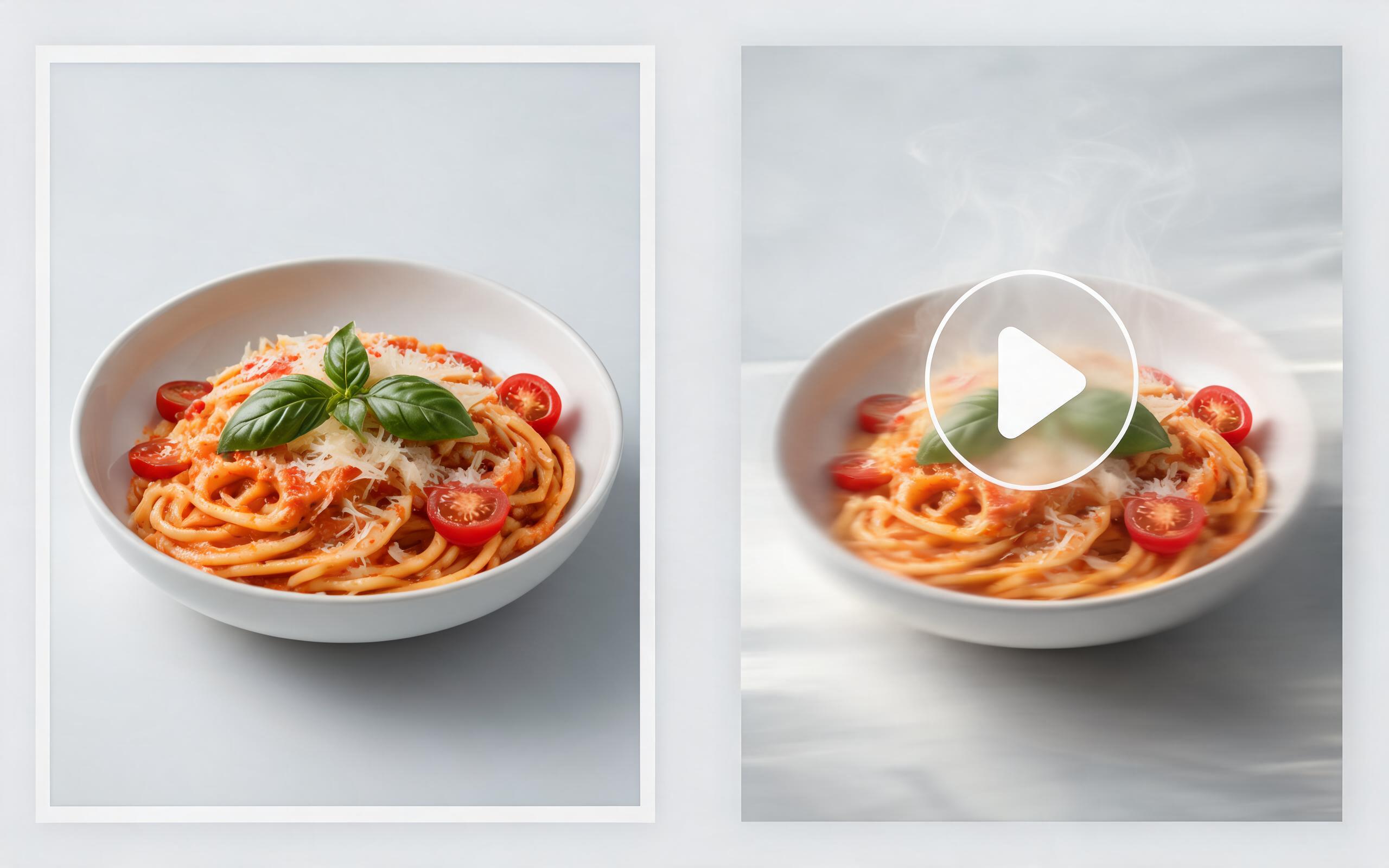
Use PromeAI image-to-video generation for ai food video from photo, adding motion, camera direction, and a short reusable video result from a still image.
Open page
Turn any static car photo into a polished, engaging video in minutes with PromeAI's free image to video tool. No editing experience required to create professional automotive content for marketing, social media, or e-commerce.
Create AI Car Video from Photos
Technical support: [email protected]
Business collaboration: [email protected]
Trusted by 3M+ Creators for AI Video Generation
See why automotive marketers, content creators, and e-commerce teams rely on PromeAI for their video production needs.
This tool cut our car listing video production time from 2 hours per car to 5 minutes, and we've seen a 28% lift in listing inquiries since we started using it.
I create car content for TikTok and Instagram, and this tool lets me turn my existing photo library into new reels without needing to film new B-roll every week.
We can turn a single source image into several polished product video directions before committing budget to a full studio shoot.