



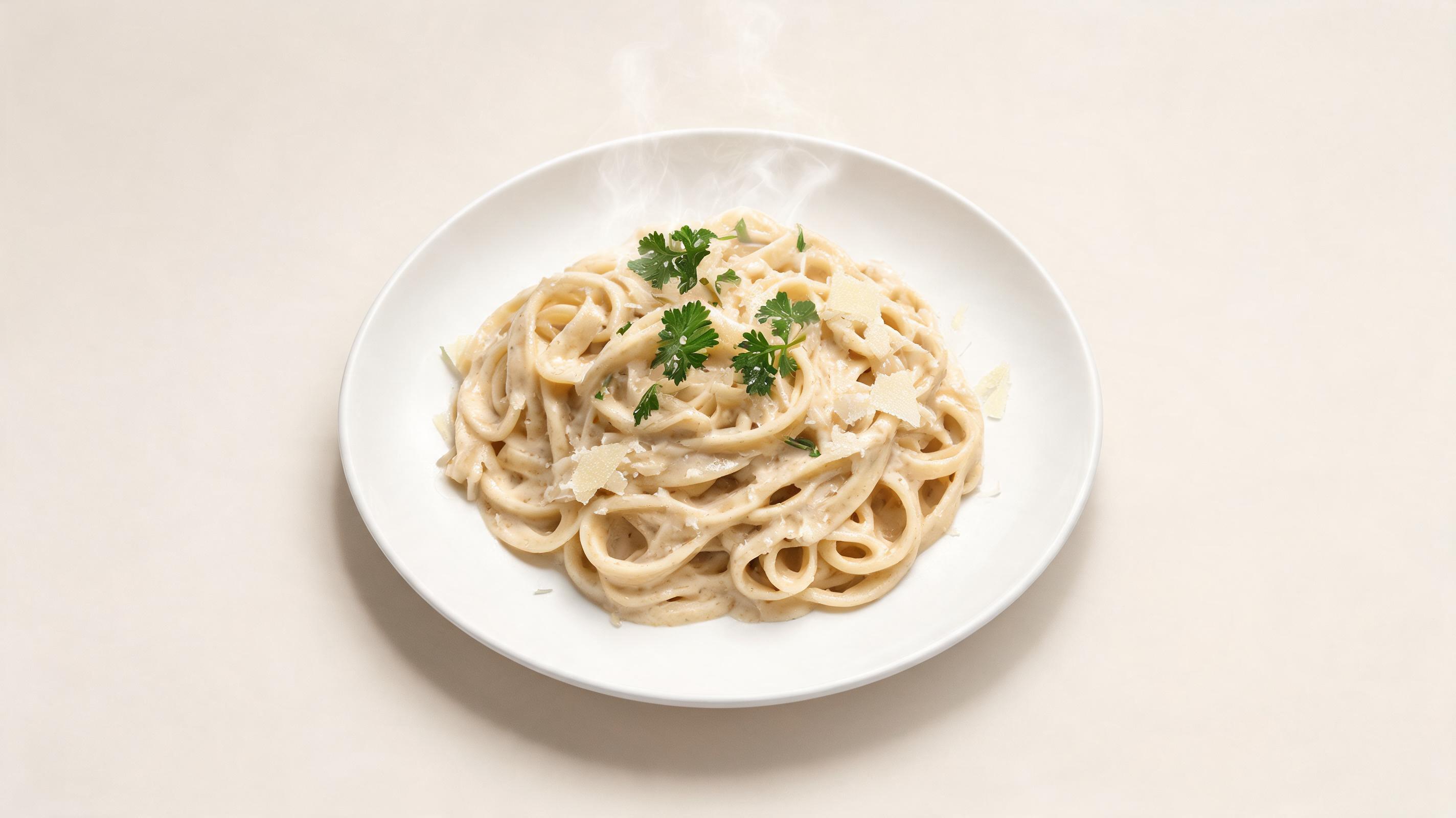
Plated Pasta Dish Motion Clip
Static overhead photo of a creamy pasta dish turned into a 6-second slow pan video with subtle steam animation, optimized for Instagram Reels, generated in 18 seconds.
Generate short, loop-friendly, high-quality food videos from any still photo in seconds, no video editing skills required. Perfect for social media, restaurant menus, and food marketing campaigns.
Browse sample videos generated from static food photos to see the quality and versatility of our tool.
Static overhead photo of a creamy pasta dish turned into a 6-second slow pan video with subtle steam animation, optimized for Instagram Reels, generated in 18 seconds.
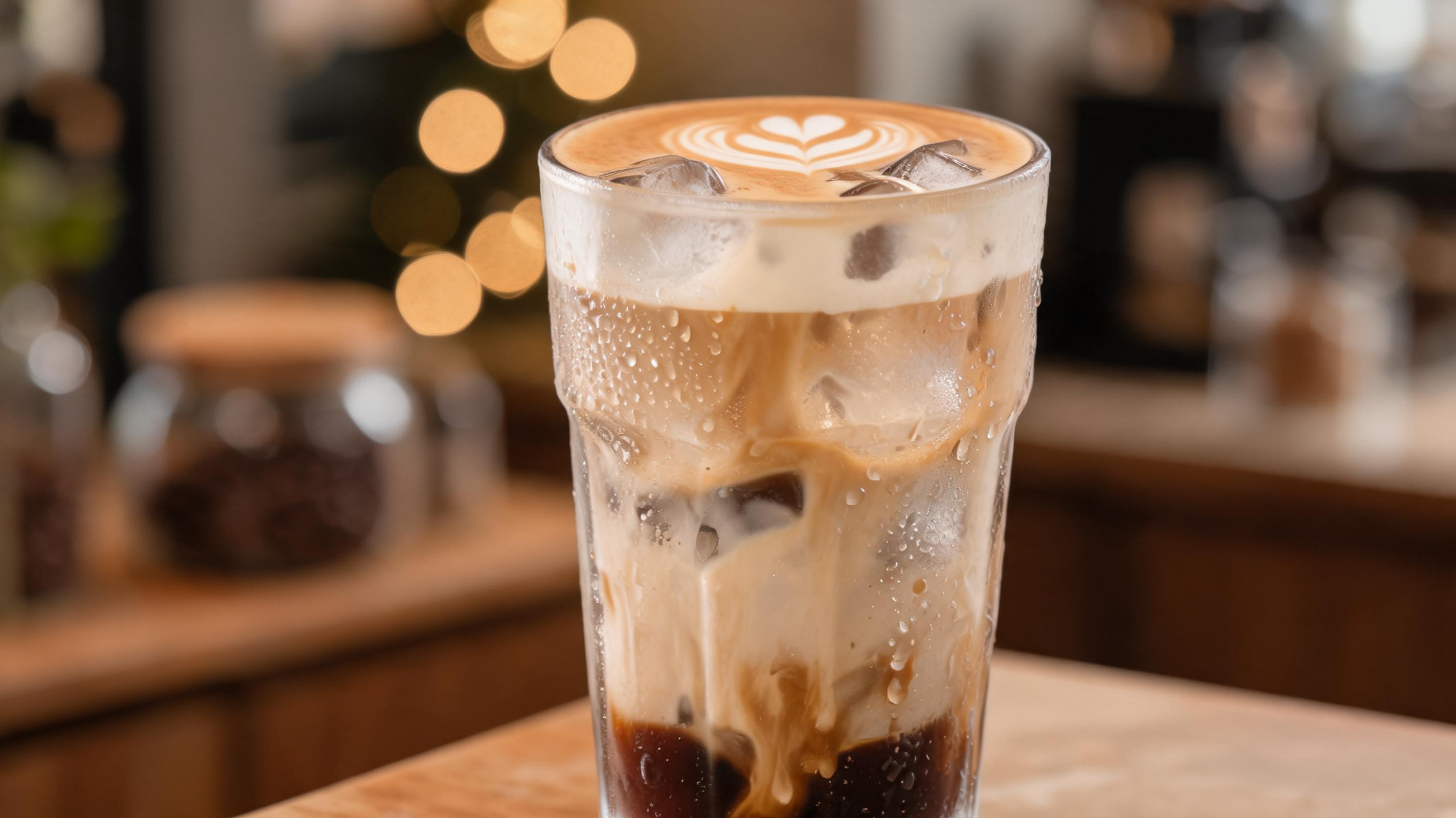
Close-up photo of an iced latte with latte art converted into a gentle zoom video with subtle ice movement, formatted for vertical TikTok content, ideal for promoting seasonal drinks.
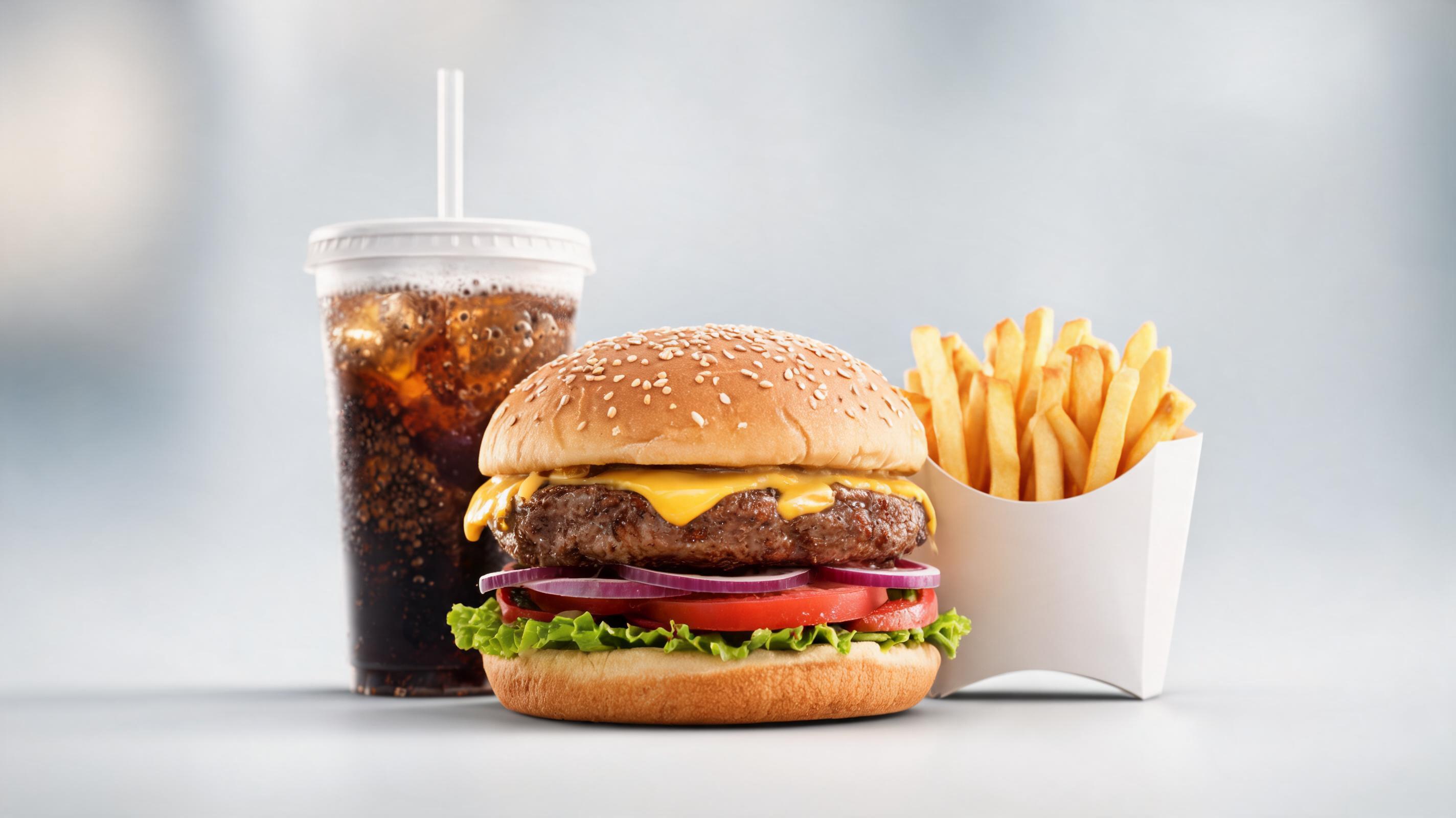
Photo of a burger combo turned into a loopable 4-second horizontal video for digital drive-thru menu boards, highlighting juicy patty and fresh toppings with slow zoom.
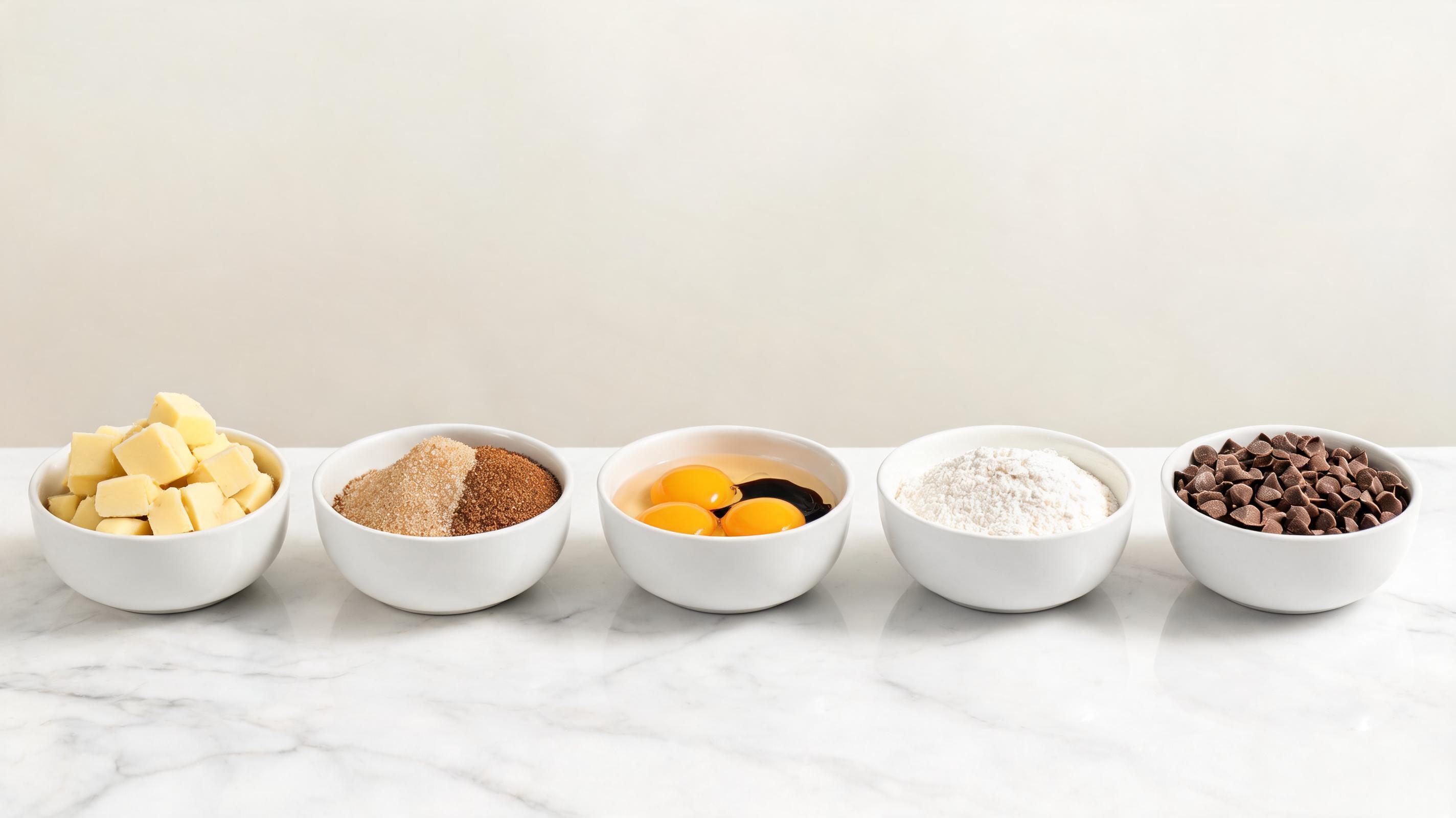
Static photo of assembled cookie dough ingredients converted into a slow pan video showing each component, used as a step clip in a food blogger's cookie recipe YouTube Short.
Discover built-in tools and settings designed specifically to make high-performing food video creation fast and easy.
Pre-built motion settings tailored for food content, including slow pans across ingredient spreads, gentle zooms on plated dishes, realistic steam animation, and subtle pour effects that highlight food appeal without distraction.
Intuitive interface that eliminates the need for professional video editing software or experience, so anyone can create high-quality food videos in minutes without a steep learning curve.
All generated clips are automatically formatted to loop seamlessly, making them ideal for Instagram Reels, TikTok, digital menu boards, website hero sections, and in-store display content.
Export videos in standard sizes and resolutions for every popular channel, including square (1:1) for Instagram, vertical (9:16) for TikTok/Reels, and horizontal (16:9) for YouTube or website banners.
AI-powered processing generates your full food video in 10-30 seconds, so you can test multiple motion styles and publish content the same day you shoot your still photos.
Generate videos up to 4K resolution with crisp, true-to-life color reproduction that preserves the quality of your original food photo, so your dishes look as appetizing on video as they do in real life.
See how creators, restaurants, and food brands use this tool to drive engagement and sales across channels.
Create weekly Reels and TikTok clips of new menu items, daily specials, and signature dishes from existing food photos to drive foot traffic and social engagement.
Turn recipe step photos and finished dish shots into engaging video content for your blog, Instagram, and YouTube Shorts without filming new footage.
Generate loopable motion clips of menu items for in-restaurant digital menu boards, drive-thru screens, and food court displays to highlight high-margin dishes and boost order value.
Create promotional video content for snack brands, grocery products, and meal kits from product photos to use in paid social ads, email marketing, and website landing pages.
Turn photos of past catering events and sample menus into short videos to share on your website and social media to attract new corporate and private event clients.
Generate video previews of each week's meal options from recipe photos to include in customer emails, app notifications, and social media to increase order retention.
Follow our simple 3-step process to create professional food motion videos from any still image in minutes.
Choose a clear, well-lit static image of your dish, ingredient spread, or food product as your video base, no pre-editing required before upload.
Pick from food-optimized motion presets (slow pan, gentle zoom, steam animation, pour effect) or customize camera direction, speed, and clip length to match your content goals.
Let the AI render your clip in seconds, then download the high-resolution, loop-ready file optimized for social media, digital menus, or marketing channels.
This guide covers everything you need to know to create high-performing food videos from static photos, including best practices, use case fit, and how to get the best results from PromeAI's tool.
To get the highest quality AI food videos, start with a well-lit, high-resolution source photo that clearly shows your dish or food product. Avoid blurry images, cluttered backgrounds, or harsh shadows, as these will be preserved in the final video. If you want to highlight specific details, like a garnish or texture, frame your photo to emphasize those elements before uploading, as the AI will follow the composition of your original image. For best results, use photos with natural lighting that accurately represents the true colors of your food, as the AI will not adjust color grading unless you explicitly request custom adjustments.
Match your motion style to your channel and goal: slow, gentle zooms are ideal for digital menu boards and in-store displays where viewers have limited time to process content, while dynamic pans or steam animations work better for social media Reels and TikTok to stop scrollers. If you are creating content for paid ads, use subtle movement that draws attention to your product's key selling point, like a melty cheese pull or crispy crust, without distracting from your call to action. Avoid over-the-top motion effects for formal restaurant content, as these can look unprofessional and take focus away from your food. This tool is best for fast, low-effort content creation when you don't have time to film custom video footage, but it is not a replacement for high-production video shoots for large brand campaigns or TV ads. When comparing this tool to general image to video generators, choose this food-specific feature for pre-optimized motion presets that are designed to highlight food appeal, rather than generic motion that may not fit food content aesthetics.
Each channel has different requirements for food video content, so use the built-in export presets to match your output to your target platform. For TikTok and Instagram Reels, use the 9:16 vertical aspect ratio and 6-10 second clip length, with a fast, engaging motion style to capture attention within the first 3 seconds. For digital menu boards and in-store displays, use the 16:9 horizontal aspect ratio and 3-5 second loopable clip, with slow, steady motion that is easy to process from a distance. For website landing pages and email marketing, you can use either square 1:1 or horizontal 16:9 ratios, with longer 10-15 second clips that show more details of your food product or menu items.
You can streamline your content workflow by generating multiple video variations from a single food photo, so you can test different motion styles and aspect ratios for different channels without shooting new footage. For example, one photo of a new menu item can be turned into a vertical Reel for TikTok, a square clip for Instagram feed, and a horizontal loop for your digital menu board, all in under 5 minutes. This reduces the time and cost of content creation, especially for small restaurants and food brands that don't have a dedicated video production team. You can also batch generate videos for all your menu items or weekly meal kit options in one session, so you have a library of content ready to publish for weeks ahead.
Explore pre-configured motion settings tailored for different food content types to speed up your video creation workflow.
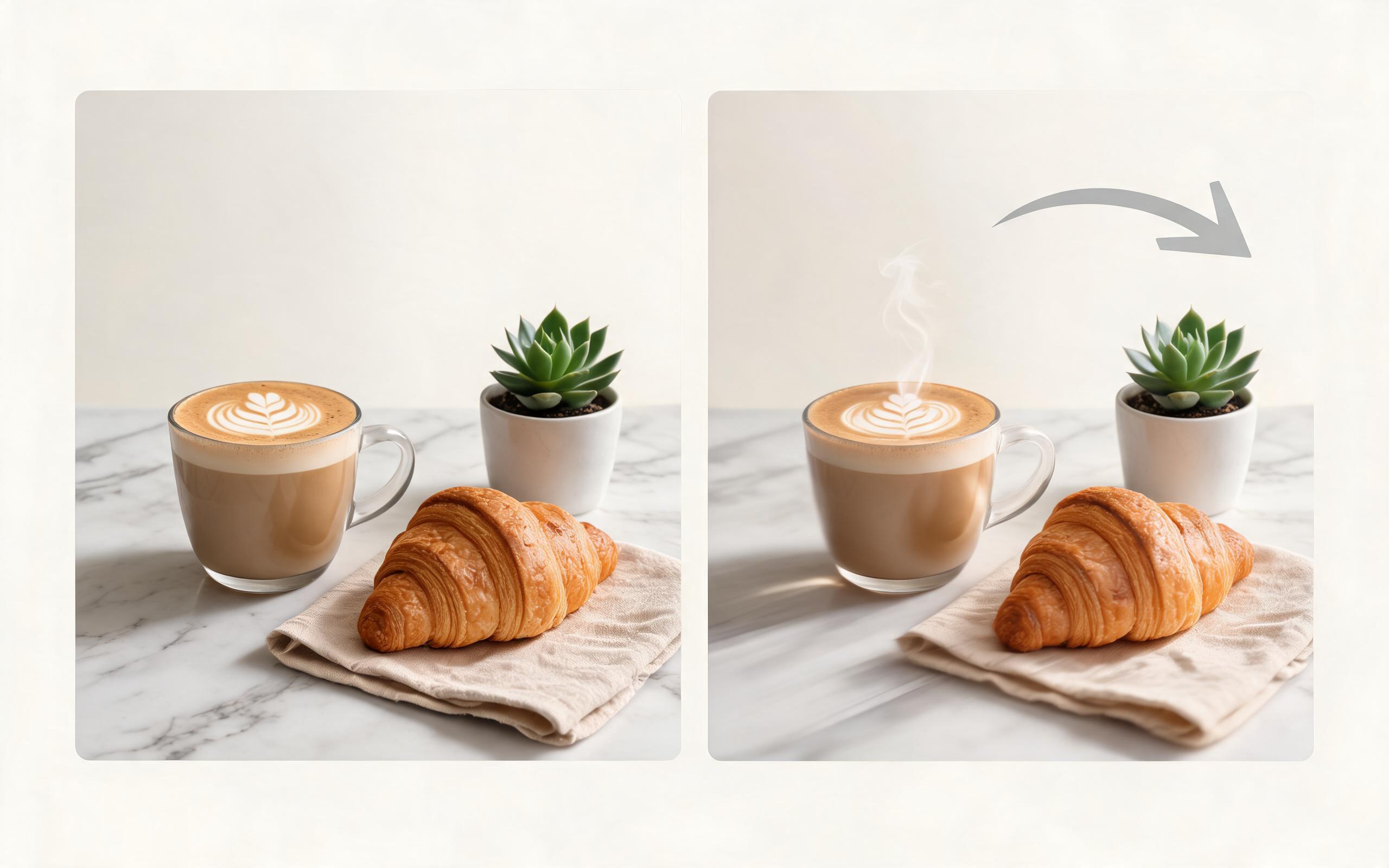
Use PromeAI image-to-video generation for ai ad creative video, adding motion, camera direction, and a short reusable video result from a still image.
Open page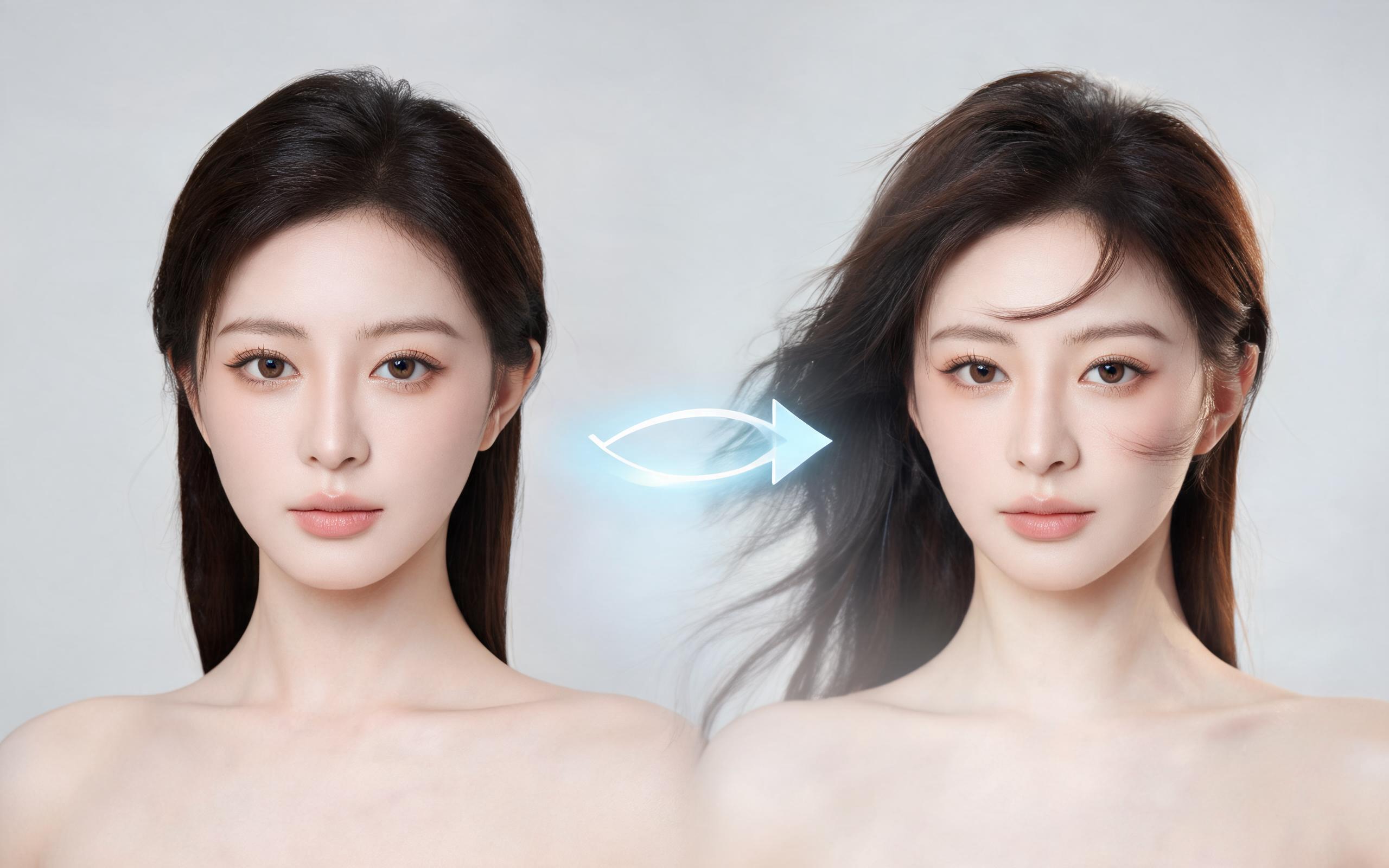
Use PromeAI image-to-video generation for beauty video from photos, adding motion, camera direction, and a short reusable video result from a still image.
Open page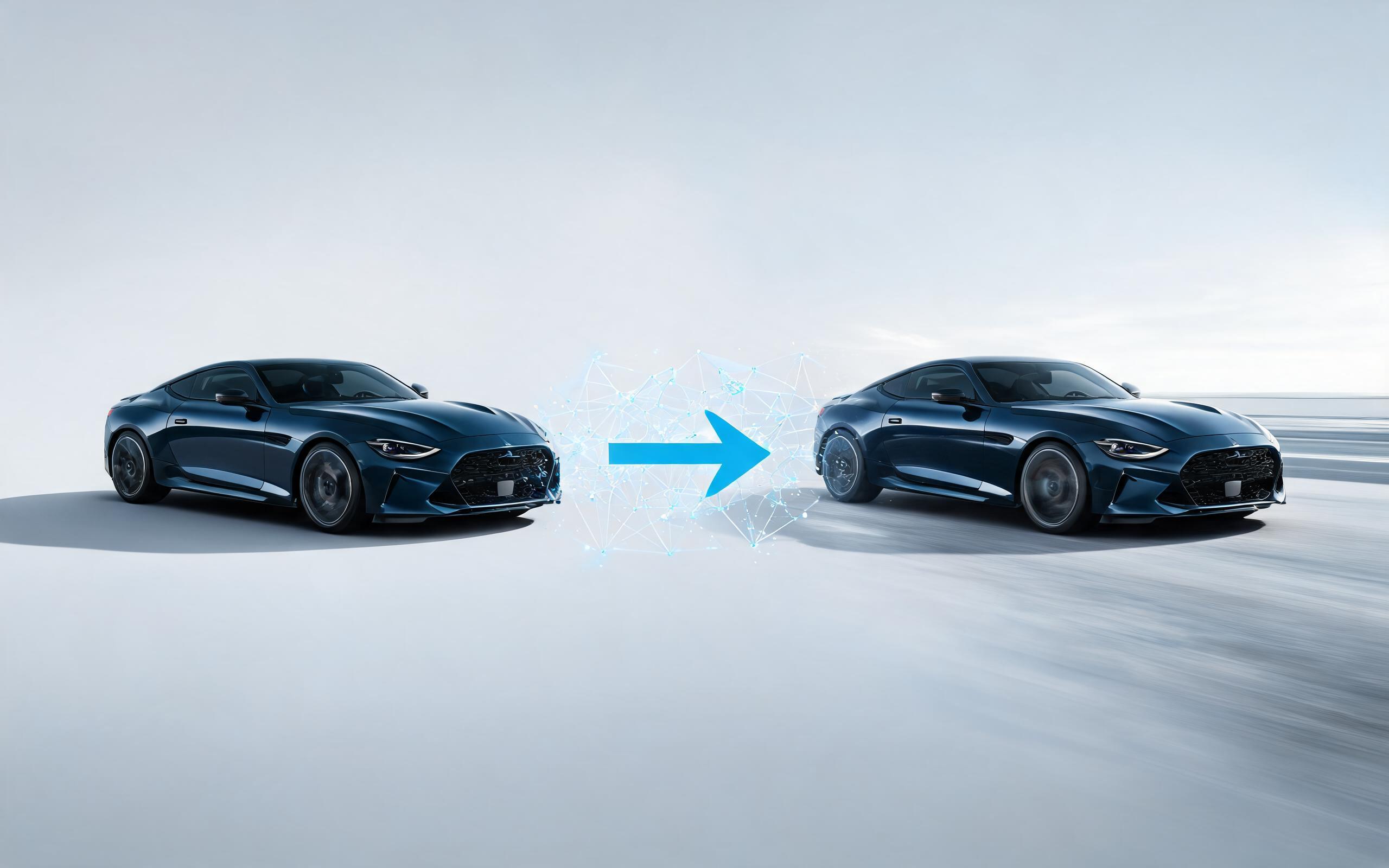
Use PromeAI image-to-video generation for car video from photo, adding motion, camera direction, and a short reusable video result from a still image.
Open page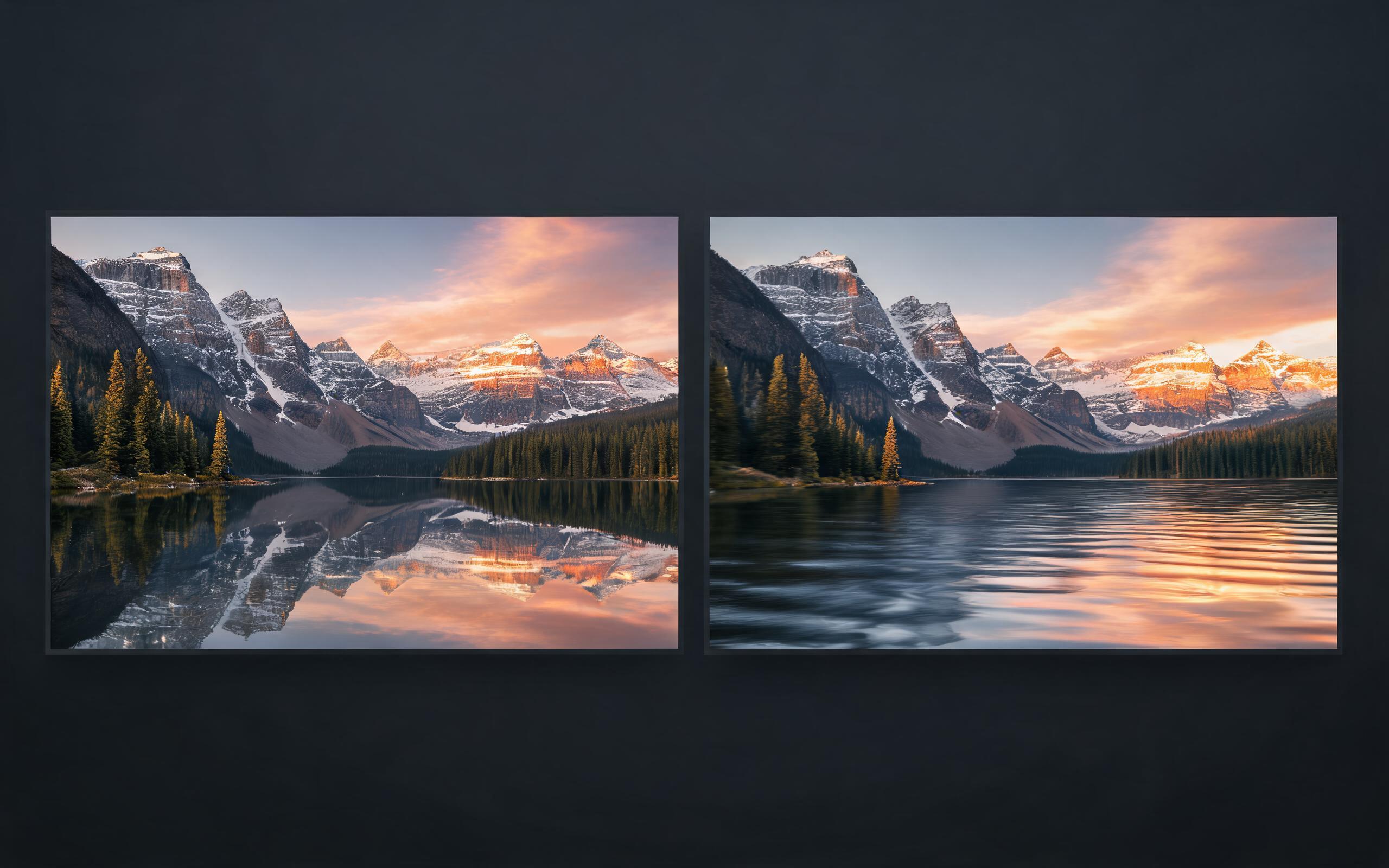
Use PromeAI image-to-video generation for cinematic ai video from image, adding motion, camera direction, and a short reusable video result from a still image.
Open page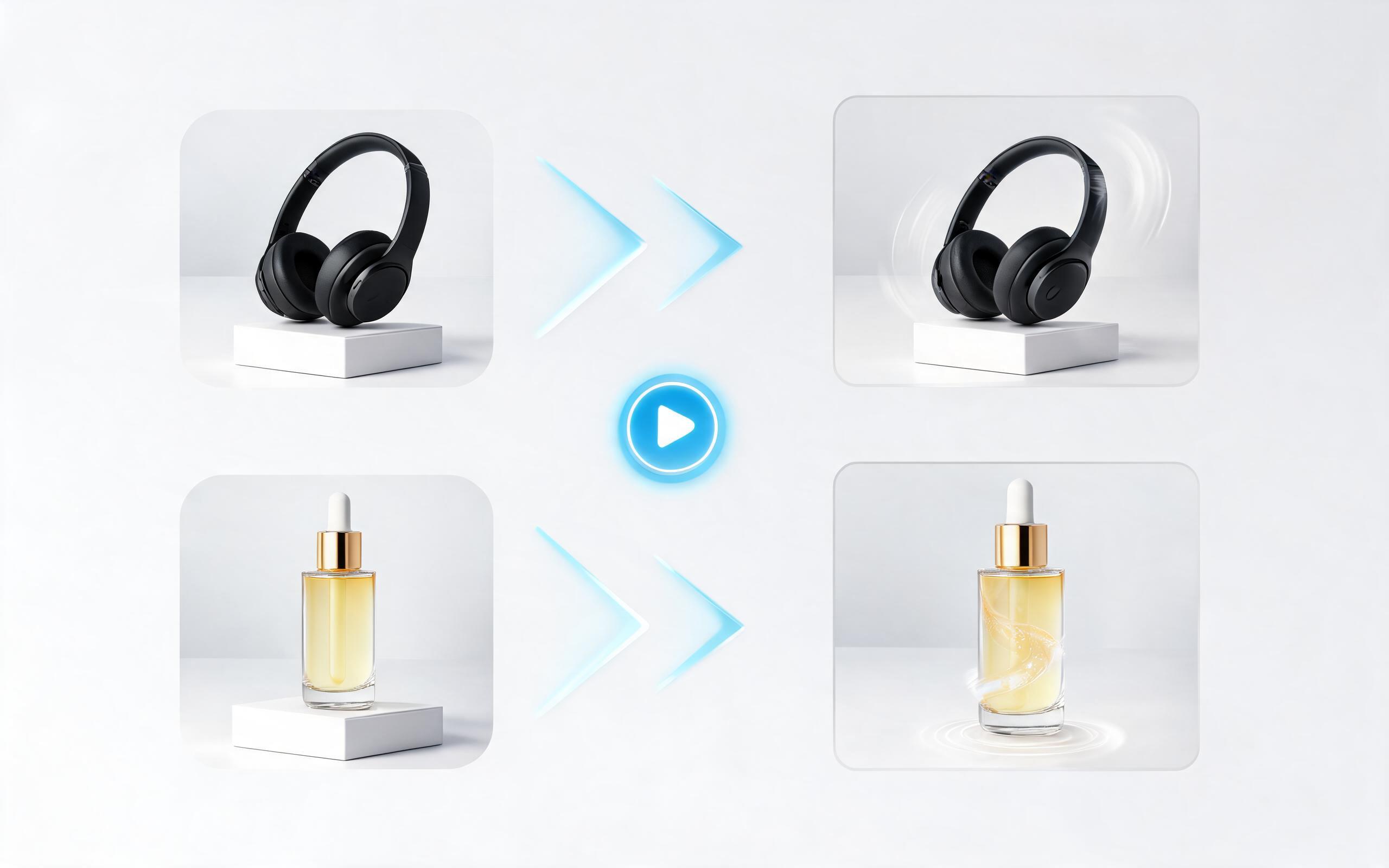
Use PromeAI image-to-video generation to create ai video for ecommerce product from existing images with clear product framing and channel-ready motion.
Open page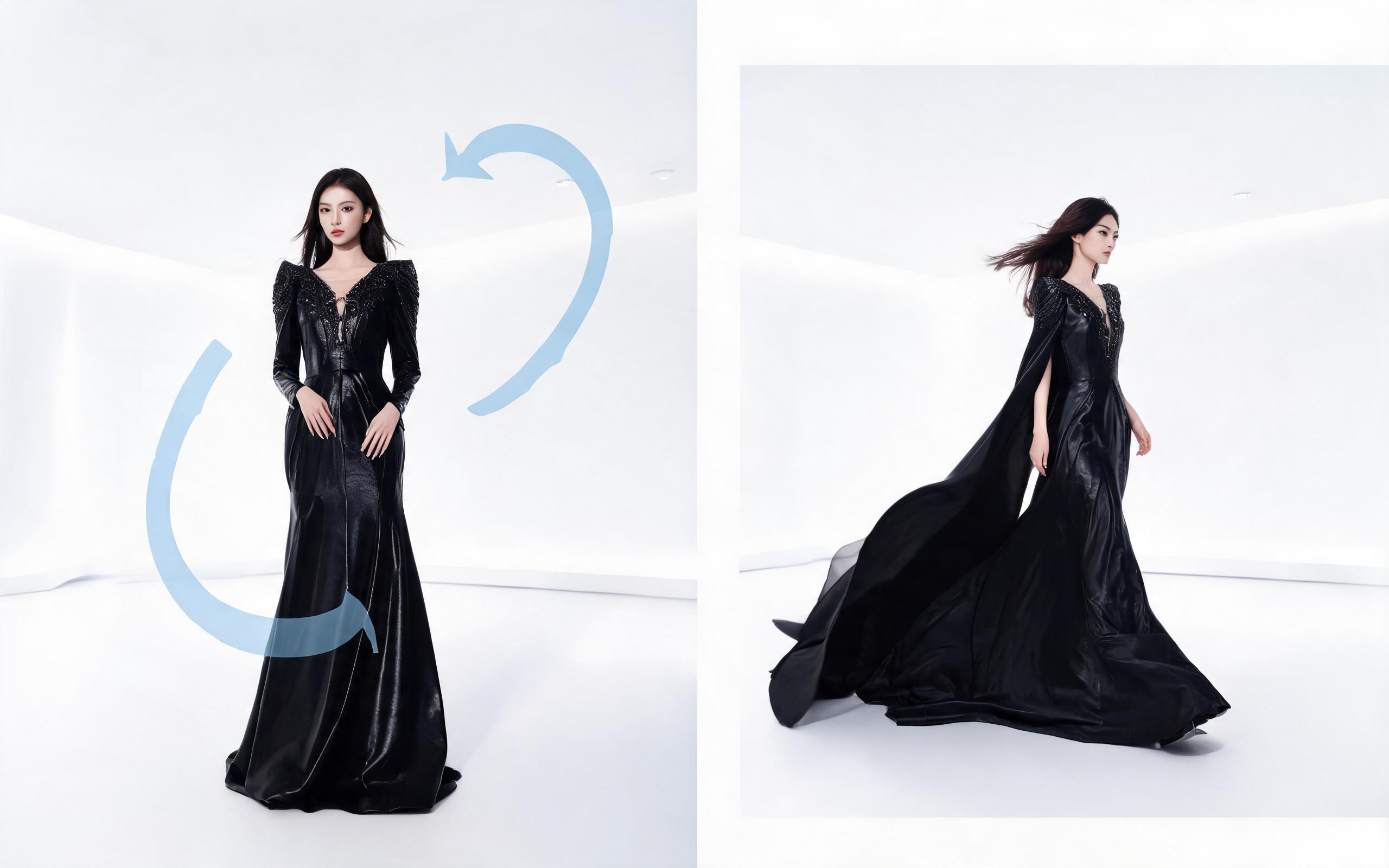
Use PromeAI image-to-video generation for ai fashion video from image, adding motion, camera direction, and a short reusable video result from a still image.
Open pageGet answers to common questions about creating food videos from photos with PromeAI.

Skip the time and cost of custom video shoots, and create professional, high-performing food motion clips from your existing still photos in seconds with PromeAI's AI image to video tool.
Create AI Food Video from Photo
Technical support: [email protected]
Business collaboration: [email protected]
What Creators & Food Brands Say About Our Tool
Read reviews and success stories from users who have streamlined their food content workflow with PromeAI.
PromeAI helps us turn static campaign images into motion concepts before we commit to a full shoot.
The short clips make it easier to test pacing, camera movement, and product hooks across launch pages and ads.
For stakeholder reviews, a quick AI video gives everyone a clearer sense of material, scale, and story.