

High-Waisted Denim Product Video
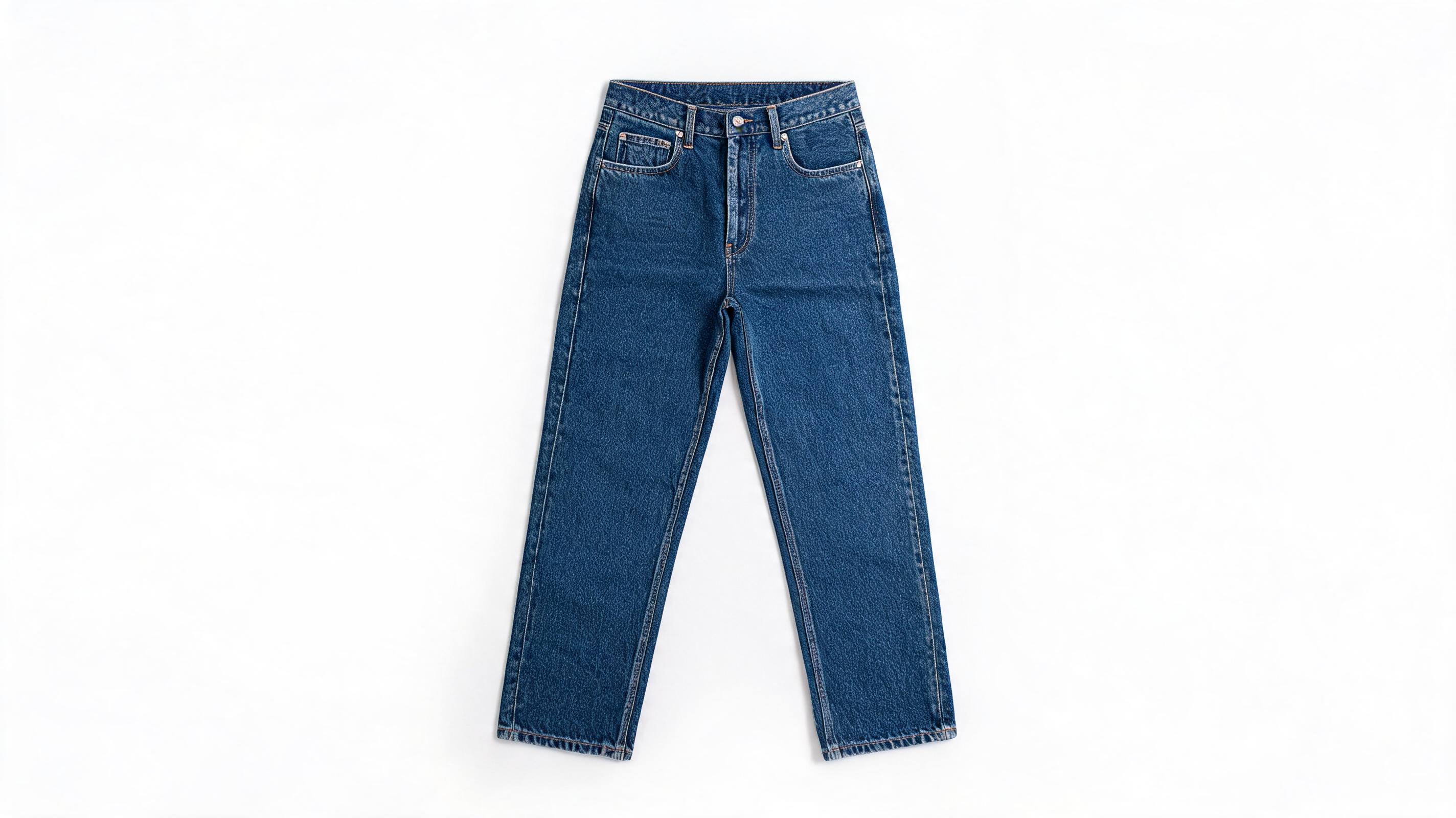
Static flat lay of raw denim jeans converted into 12-second slow pan video highlighting fabric texture and stitching, optimized for Shopify listings.
Turn your existing fashion product photos into polished, motion-driven videos perfect for social media, ads, and e-commerce listings. No filming, no complex editing software required.
View real-world samples of static fashion photos transformed into dynamic videos.
Static flat lay of raw denim jeans converted into 12-second slow pan video highlighting fabric texture and stitching, optimized for Shopify listings.
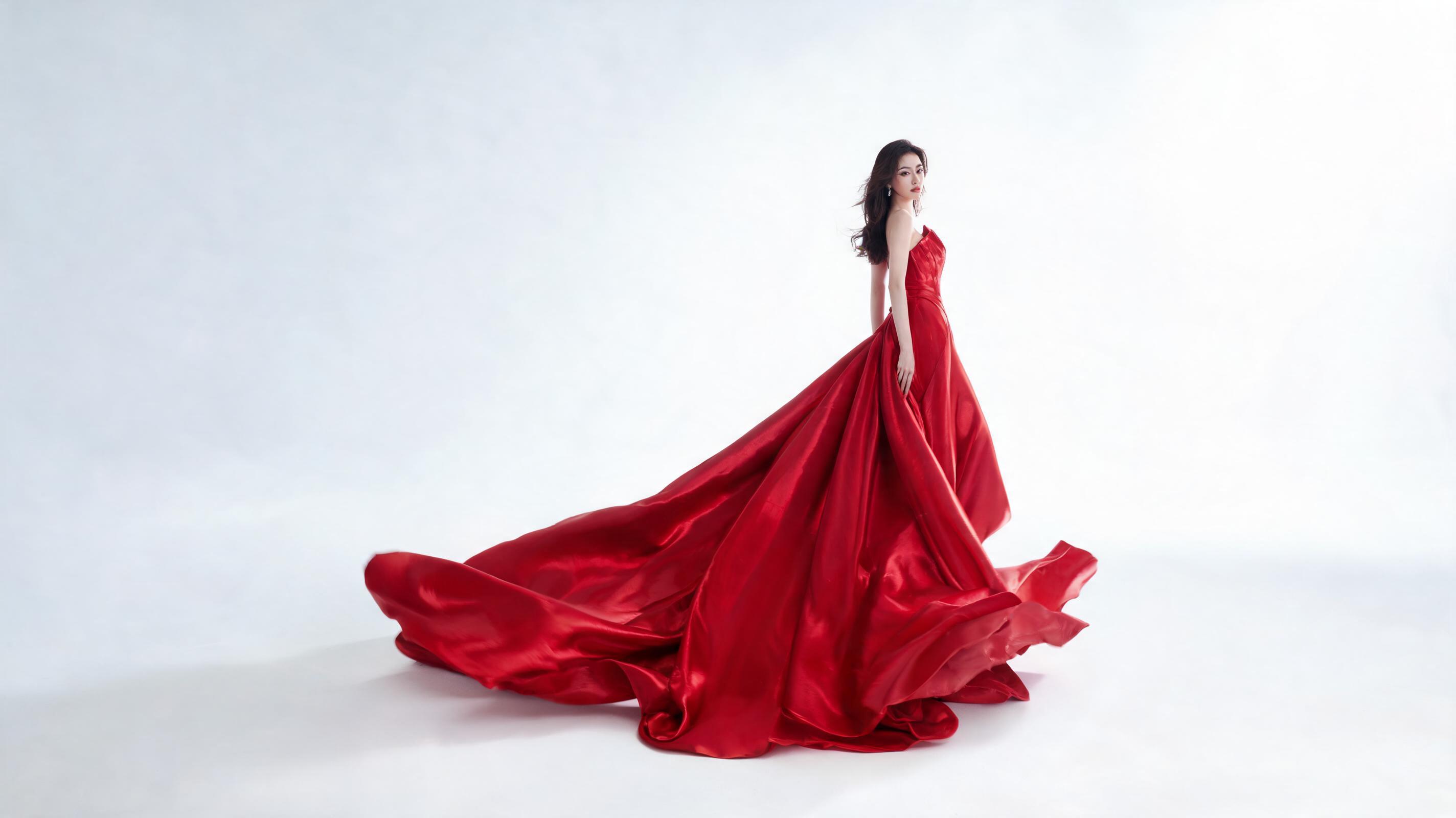
Static studio shot of a red silk gown turned into 15-second vertical reel with slow, flowing fabric movement, perfect for luxury fashion brand social feeds.
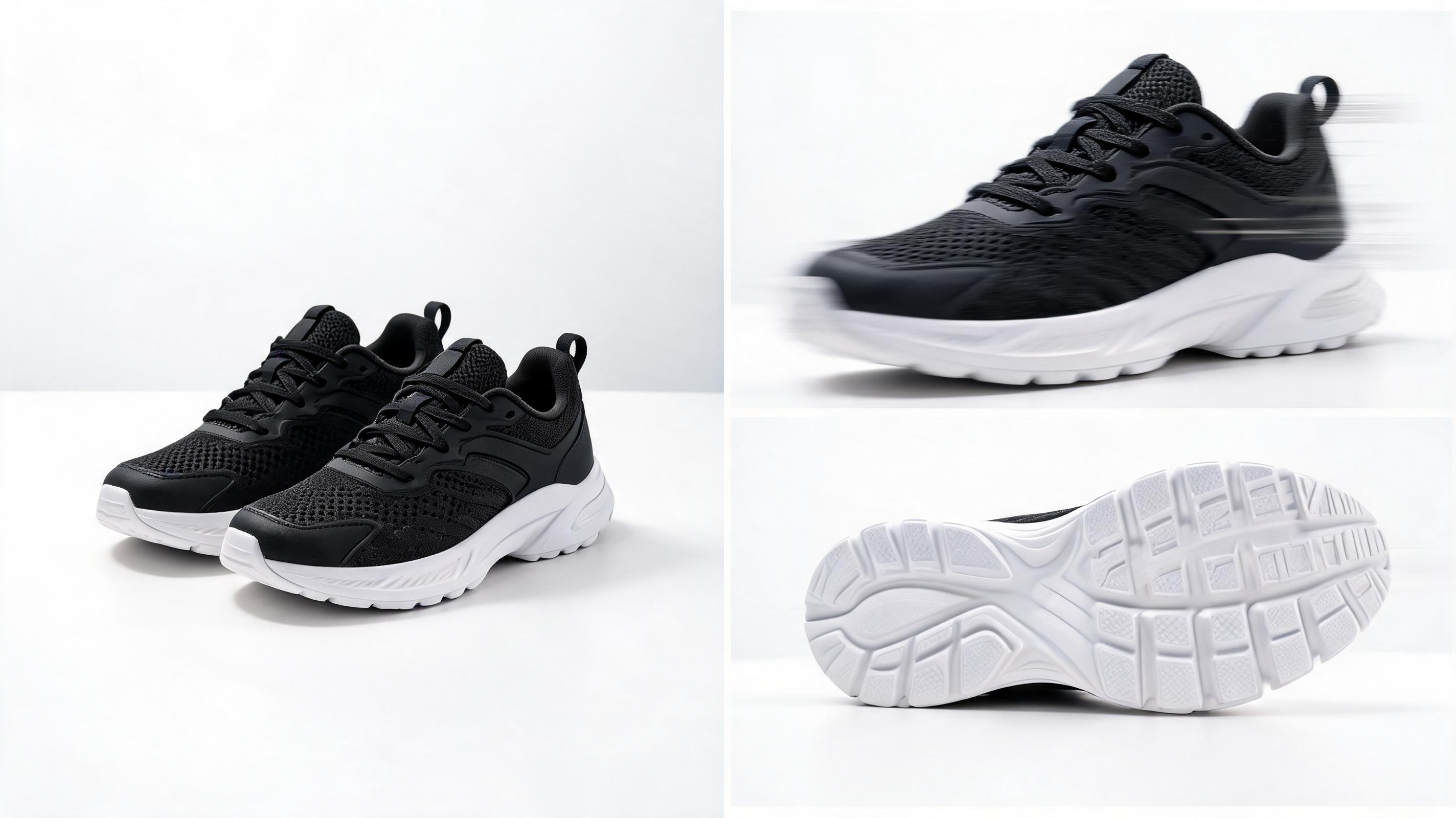
Static product shot of new athletic sneakers converted into dynamic 20-second video with panning close-ups of logo and sole details, built for TikTok ad campaigns.
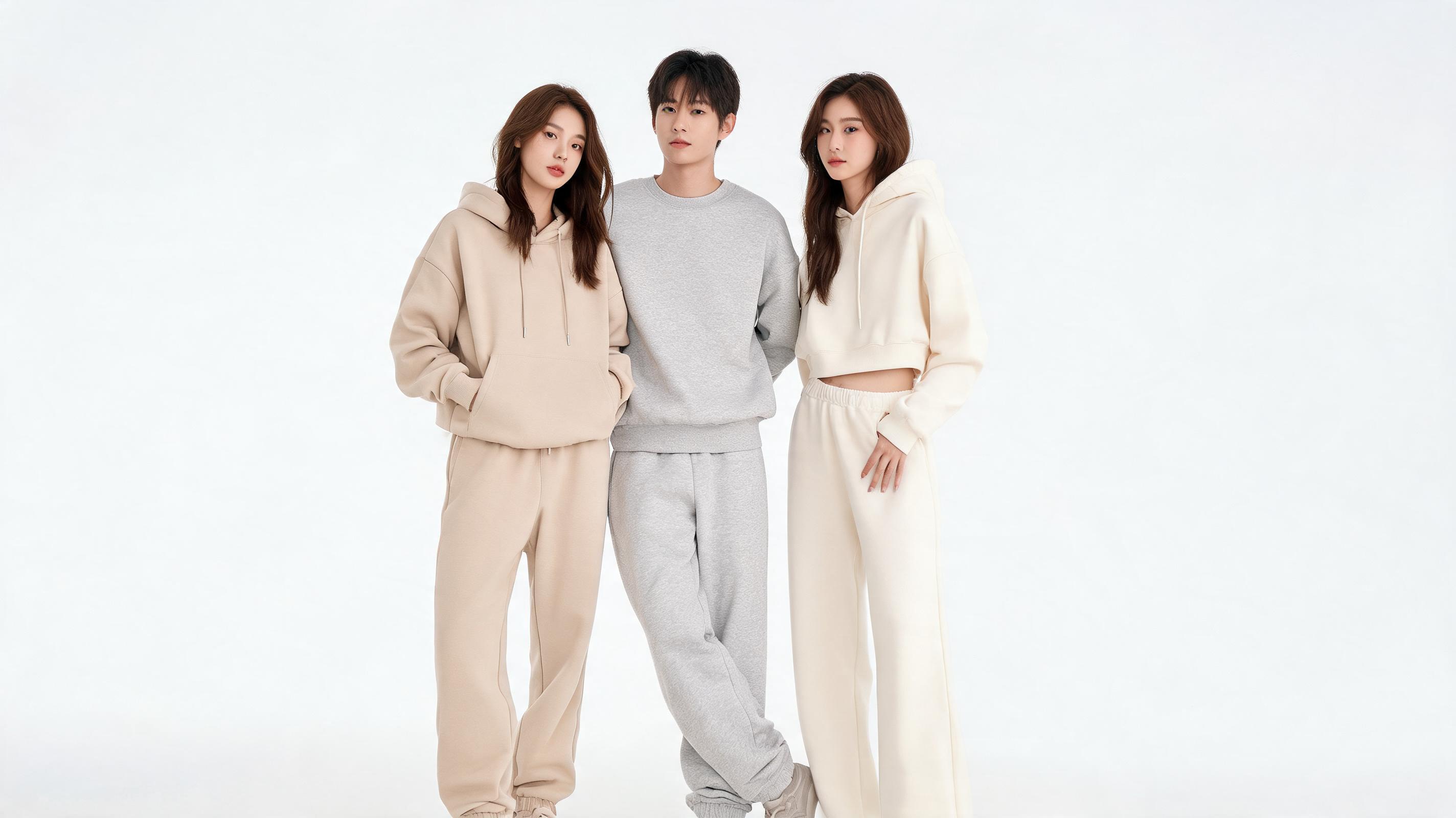
Static group shot of neutral loungewear sets turned into seamless 10-second loop video with gentle zoom, for brand homepage hero banner use.
Explore built-in tools designed to simplify high-quality fashion video creation.
Generates natural, realistic movement for all fashion fabric types including silk, denim, lace, and knitwear, avoiding generic, unnatural motion effects.
Pre-configured export sizes and formats for Instagram Reels, TikTok, Shopify listings, YouTube Shorts, website banners, and email marketing.
Adds realistic, low-distortion movement to model photos including hair flips, posture shifts, and slow turns, without altering clothing fit or design details.
Auto-adjusts clip start and end points to create smooth, infinite loops ideal for social media carousels, website hero sections, and in-store displays.
Apply custom color grading, add subtle logo overlays, and save preferred motion presets to ensure all generated videos match your brand identity.
Produces 1080p or 4K fashion videos in 1-2 minutes, even for high-detail shots with complex fabric textures or multiple products.
See how fashion brands and creators use this tool to drive engagement and sales.
Turn existing product photos into weekly Reels and TikTok content to showcase new collections without scheduling new photoshoots.
Add dynamic product videos to Shopify, Amazon, or brand website listings to increase conversion rates by highlighting fabric quality and fit.
Generate multiple motion variants of fashion product videos fast to test which performs best for paid social and search ad campaigns.
Create loop-friendly fashion videos for homepage and category page banners to add visual interest without slowing down page load times.
Send pre-generated fashion video clips to brand partners for fast, consistent content posting across their social channels.
Embed short, lightweight fashion videos in promotional emails to boost click-through rates and showcase new collection drops.
Follow our simple 3-step process to turn still photos into engaging fashion content.
Import a high-resolution, well-lit fashion photo of your product or model, with clear framing and minimal background clutter for best results.
Select your preferred motion style (e.g. slow fabric pan, subtle model movement, dynamic product zoom), choose clip length, and pick your target channel export preset.
Preview the generated video, make small adjustments to motion if needed, then export in your desired format for immediate use across marketing channels.
This guide walks you through how to get the best results from PromeAI's AI fashion video tool, when to use it versus other video creation methods, and how to optimize your content for different marketing channels.
To get the most natural, high-quality motion results, start with high-resolution images that are at least 1080px on the shortest edge. Ensure your product or model is centered with minimal background clutter, and avoid images with heavy text overlays or filters that can distort motion generation. For product shots, flat lays or well-lit studio shots work best, while for model shots, full-body or waist-up framing with neutral poses produce the most realistic movement. You can also remove backgrounds from your source images first using PromeAI's background remover tool for a cleaner, more focused video result.
AI-generated fashion videos from images are ideal when you need fast, low-cost content for routine marketing use cases: think weekly social reels, product listing updates, ad testing variants, or quick email marketing visuals. They are a great choice when you don't have the budget, time, or team to film original content, or when you want to repurpose existing high-performing photo assets into video format. However, AI-generated videos are not a replacement for original filmed content for high-budget brand campaigns, complex storytelling projects, or content that requires specific real-world action like model runway walks or dynamic product demos with multiple moving parts. For those use cases, filming original content will deliver a more authentic result. If you're testing ad creative, start with AI-generated videos first to validate which products and messaging resonate before investing in full production.
Different platforms require different video specs and motion styles to perform best. For TikTok and Instagram Reels, use 9:16 vertical format, 15-30 second length, and slightly more dynamic motion to catch scrollers' attention. For e-commerce product listings on Shopify or Amazon, use 1:1 square format, 10-15 second length, and slow, clear pans that highlight product details and fabric quality. For website hero banners, use 16:9 horizontal format, seamless loop enabled, and subtle motion that doesn't distract from other page content. For email marketing, use short 5-10 second clips, lower file sizes to avoid slow load times, and clear product framing so the video displays well even on mobile inboxes.
To keep all your generated fashion content aligned with your brand identity, use the built-in brand consistency tools to apply your brand's color grading preset to every video, add subtle watermarks or logos in a consistent position, and stick to 1-2 motion styles that match your brand aesthetic (e.g. slow, elegant pans for luxury fashion brands, fast, energetic cuts for streetwear brands). You can also save your preferred settings as custom presets to reuse across all your video generation projects, so every output matches your brand guidelines without extra manual adjustment each time.
Browse pre-configured settings to create tailored fashion videos faster.
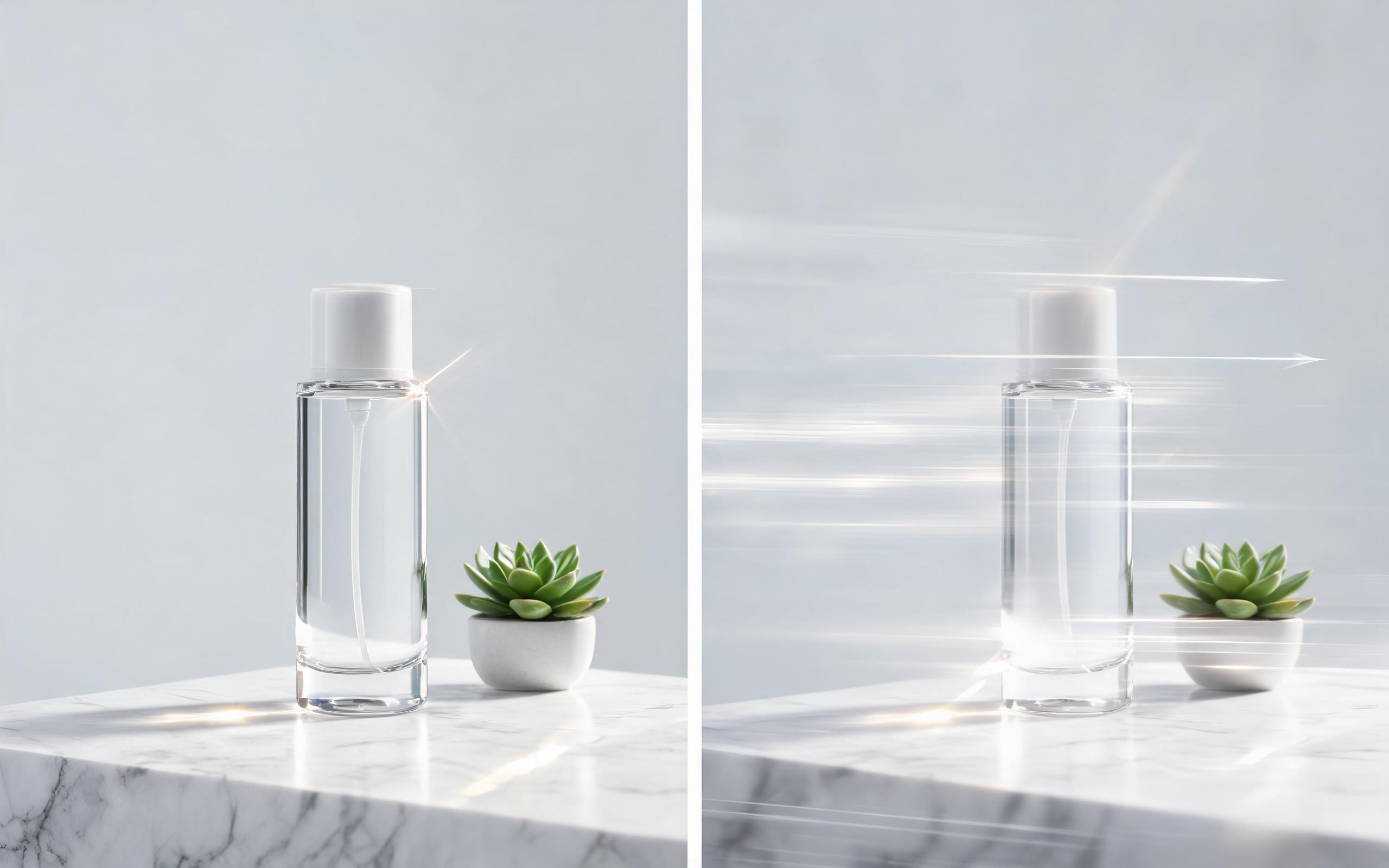
Use PromeAI image-to-video generation for ai ad creative video, adding motion, camera direction, and a short reusable video result from a still image.
Open page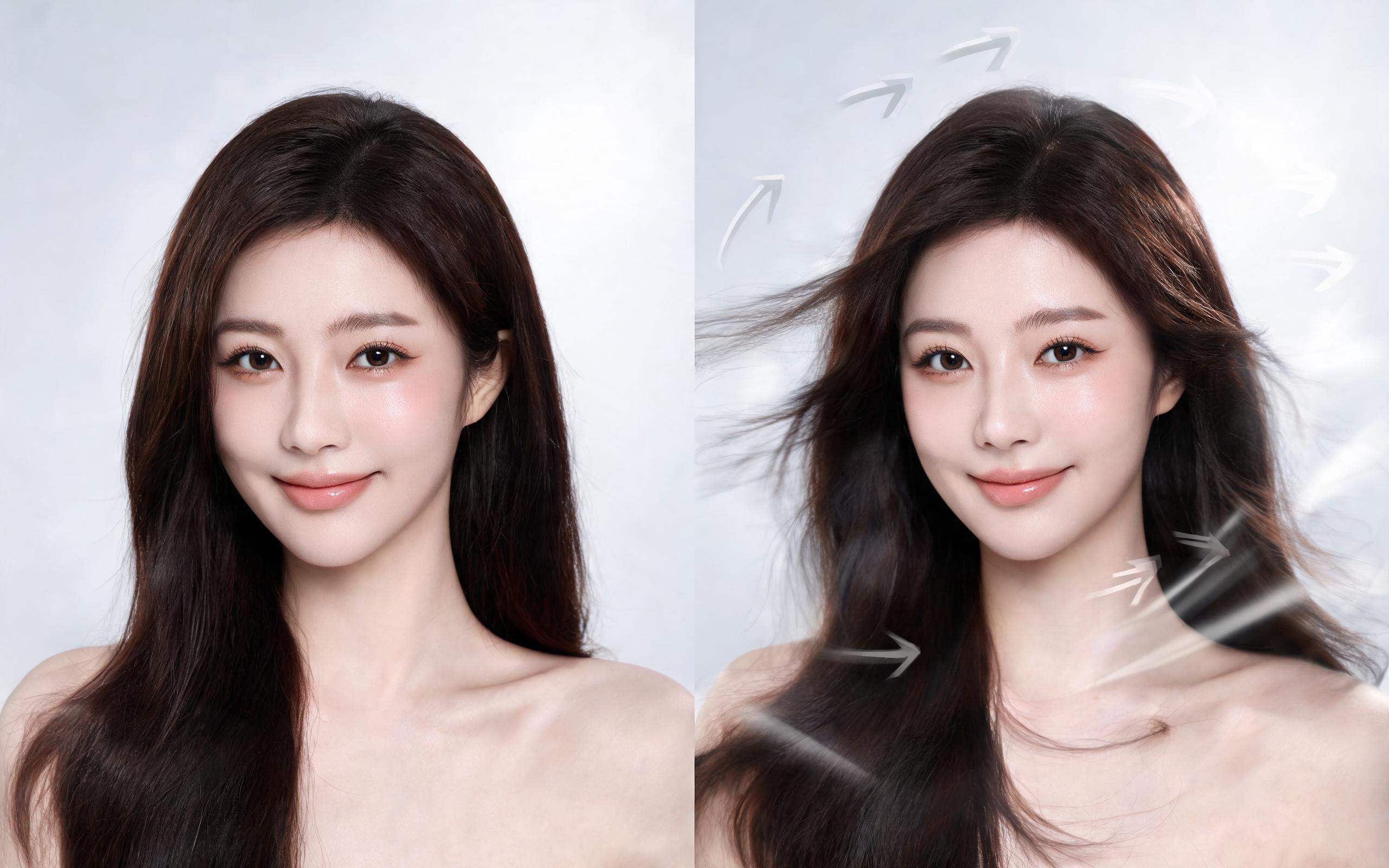
Use PromeAI image-to-video generation for beauty video from photos, adding motion, camera direction, and a short reusable video result from a still image.
Open page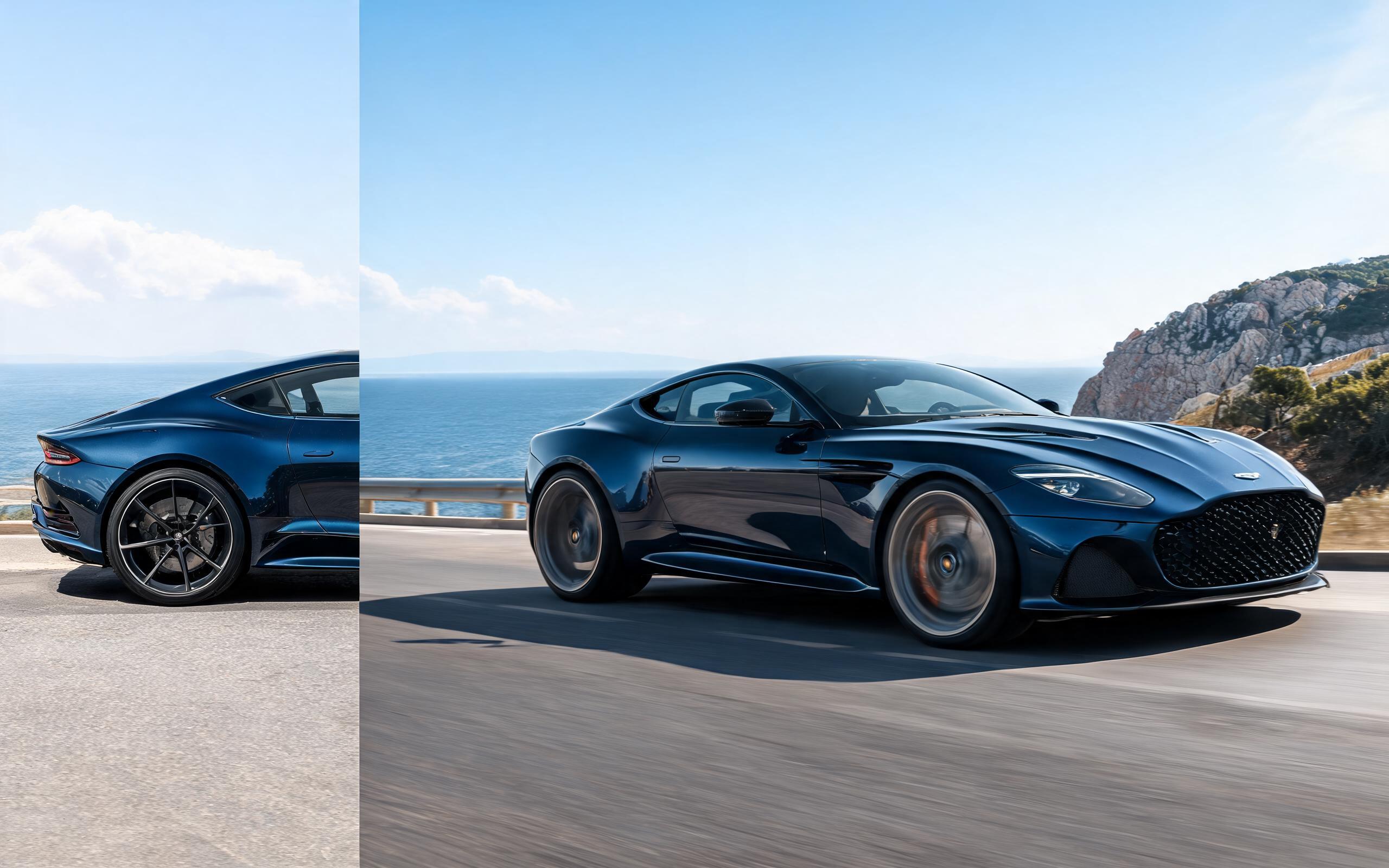
Use PromeAI image-to-video generation for car video from photo, adding motion, camera direction, and a short reusable video result from a still image.
Open page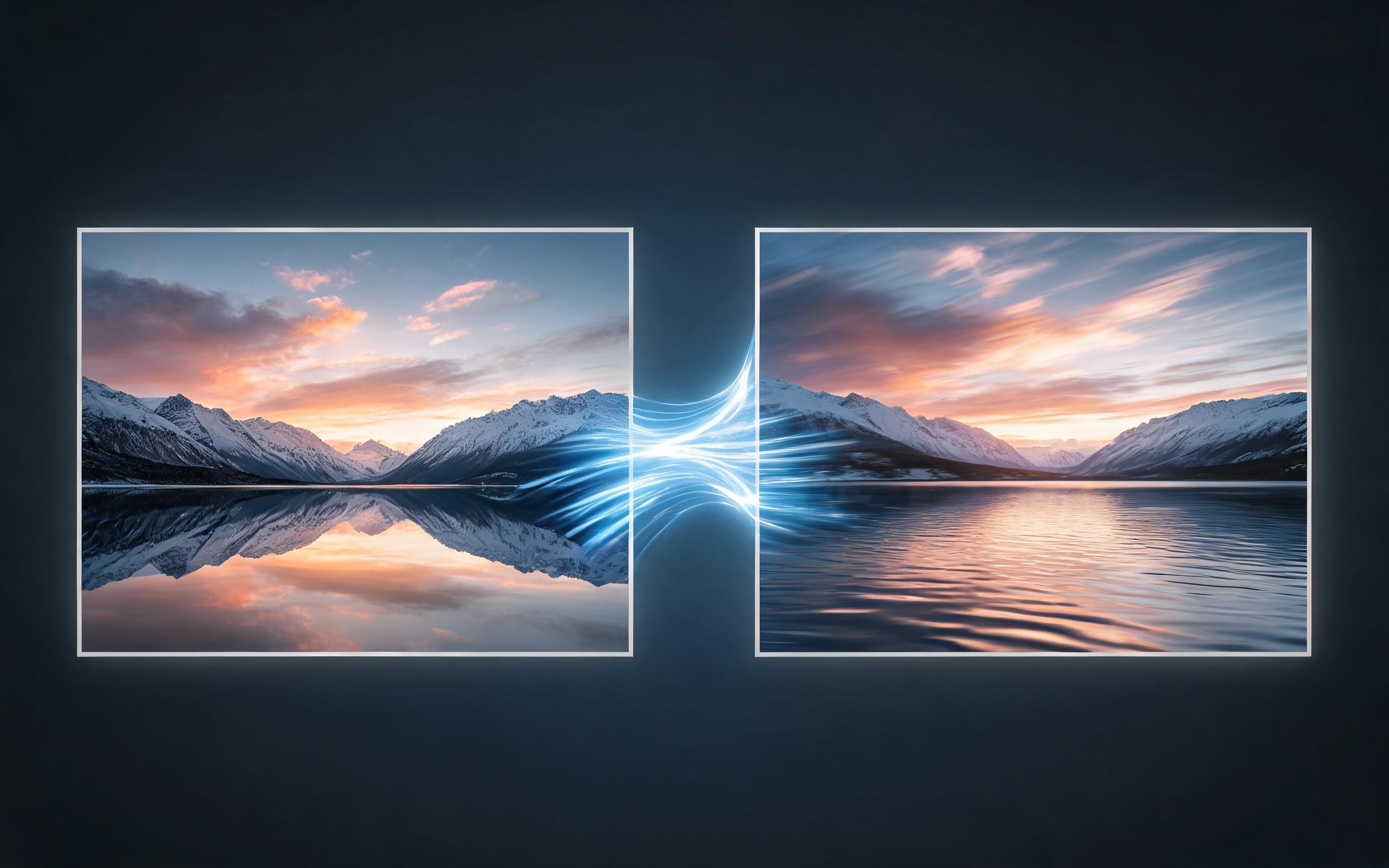
Use PromeAI image-to-video generation for cinematic ai video from image, adding motion, camera direction, and a short reusable video result from a still image.
Open page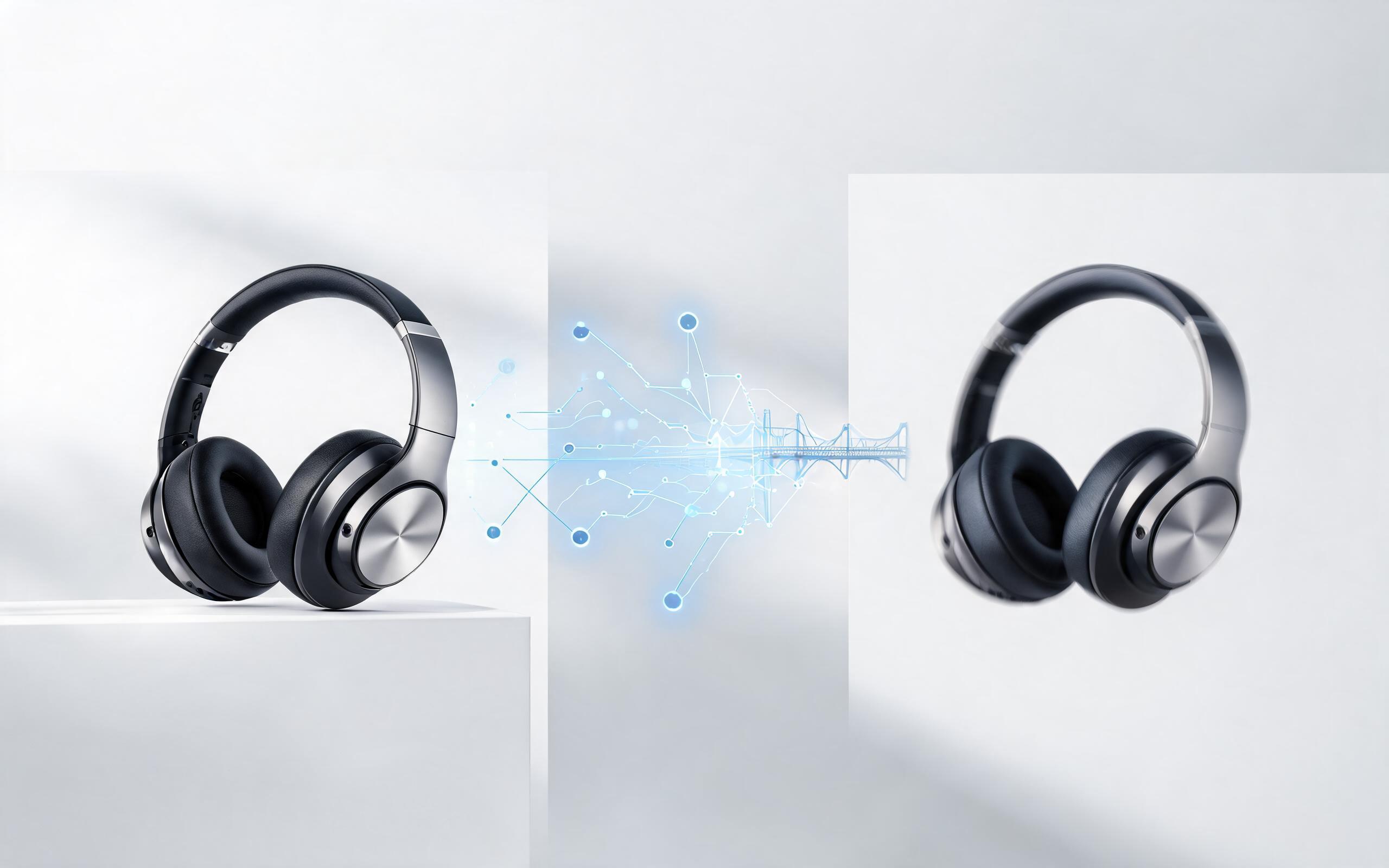
Use PromeAI image-to-video generation to create ai video for ecommerce product from existing images with clear product framing and channel-ready motion.
Open page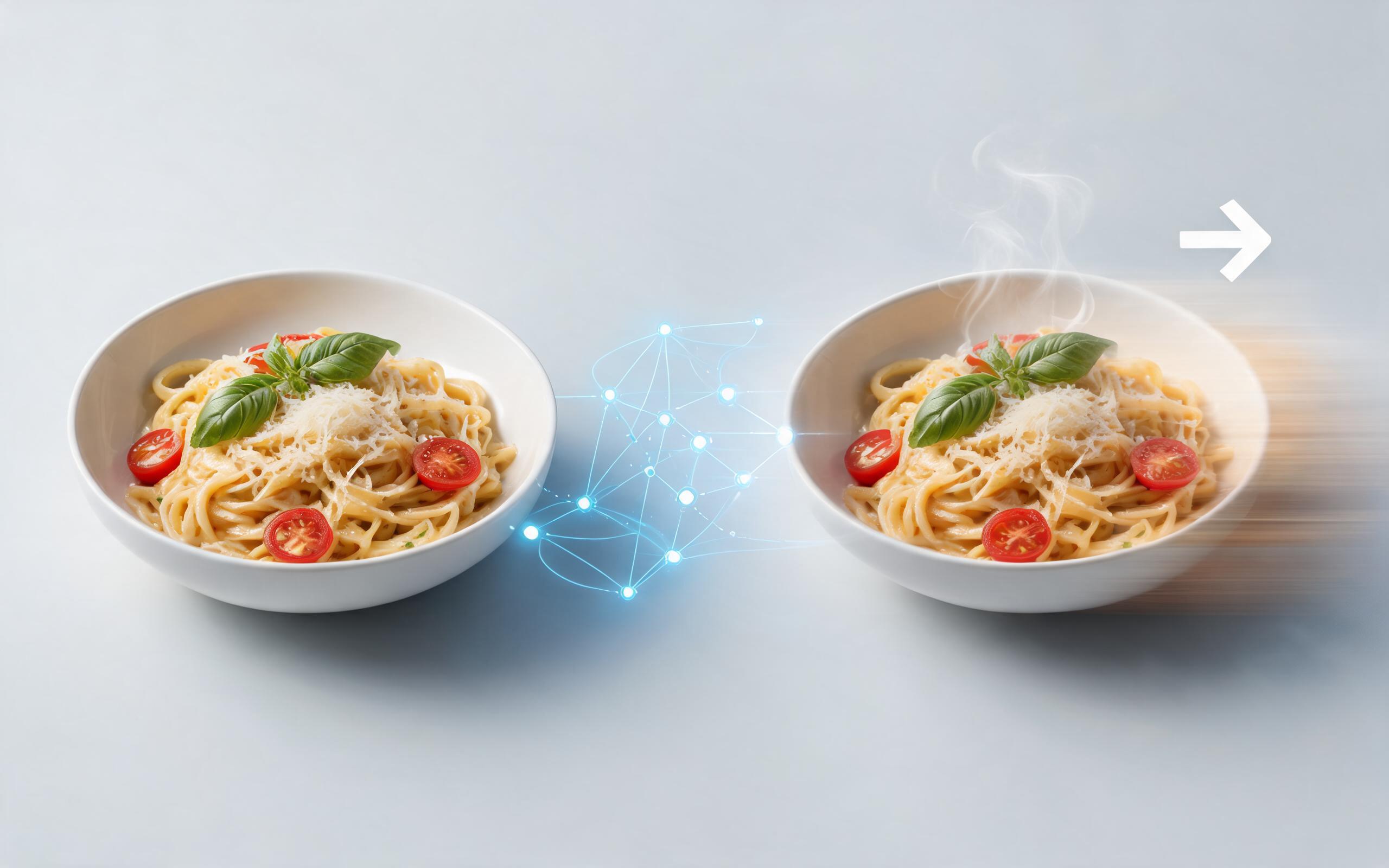
Use PromeAI image-to-video generation for ai food video from photo, adding motion, camera direction, and a short reusable video result from a still image.
Open pageGet answers to common questions about generating fashion videos from images.

Skip expensive film shoots and complex editing workflows. Generate professional, channel-ready fashion videos from your existing static images in minutes with PromeAI's AI image to video tool.
Create AI Fashion Video from Image
Technical support: [email protected]
Business collaboration: [email protected]
Trusted by Fashion Creators & Brands
See why thousands of content creators rely on PromeAI for their fashion video needs.
PromeAI helps us turn static campaign images into motion concepts before we commit to a full shoot.
The short clips make it easier to test pacing, camera movement, and product hooks across launch pages and ads.
For stakeholder reviews, a quick AI video gives everyone a clearer sense of material, scale, and story.