



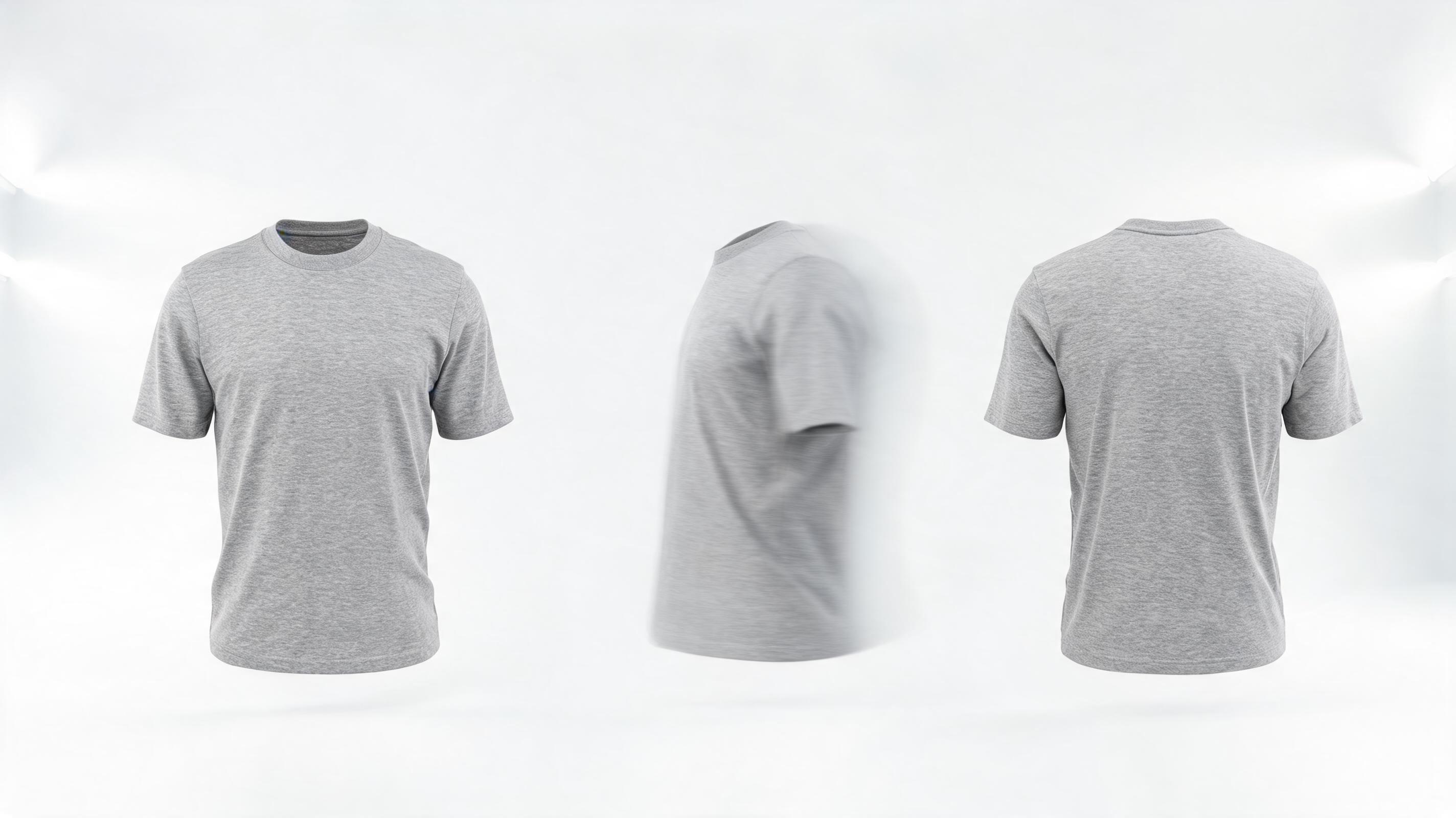
Apparel Product 360 Spin Video
A 10-second looping video of a cotton t-shirt, generated from a single front-facing product image, with slow 360-degree spin motion to show fit and fabric from all angles, optimized for 1:1 Instagram feed posts.
Create professional, channel-ready product videos in minutes without filming or editing expertise. Perfect for product pages, social media reels, TikTok, and paid ad campaigns to boost click-through rates and sales.
Browse real examples of product videos generated from static images to get inspiration for your next marketing campaign.
A 10-second looping video of a cotton t-shirt, generated from a single front-facing product image, with slow 360-degree spin motion to show fit and fabric from all angles, optimized for 1:1 Instagram feed posts.
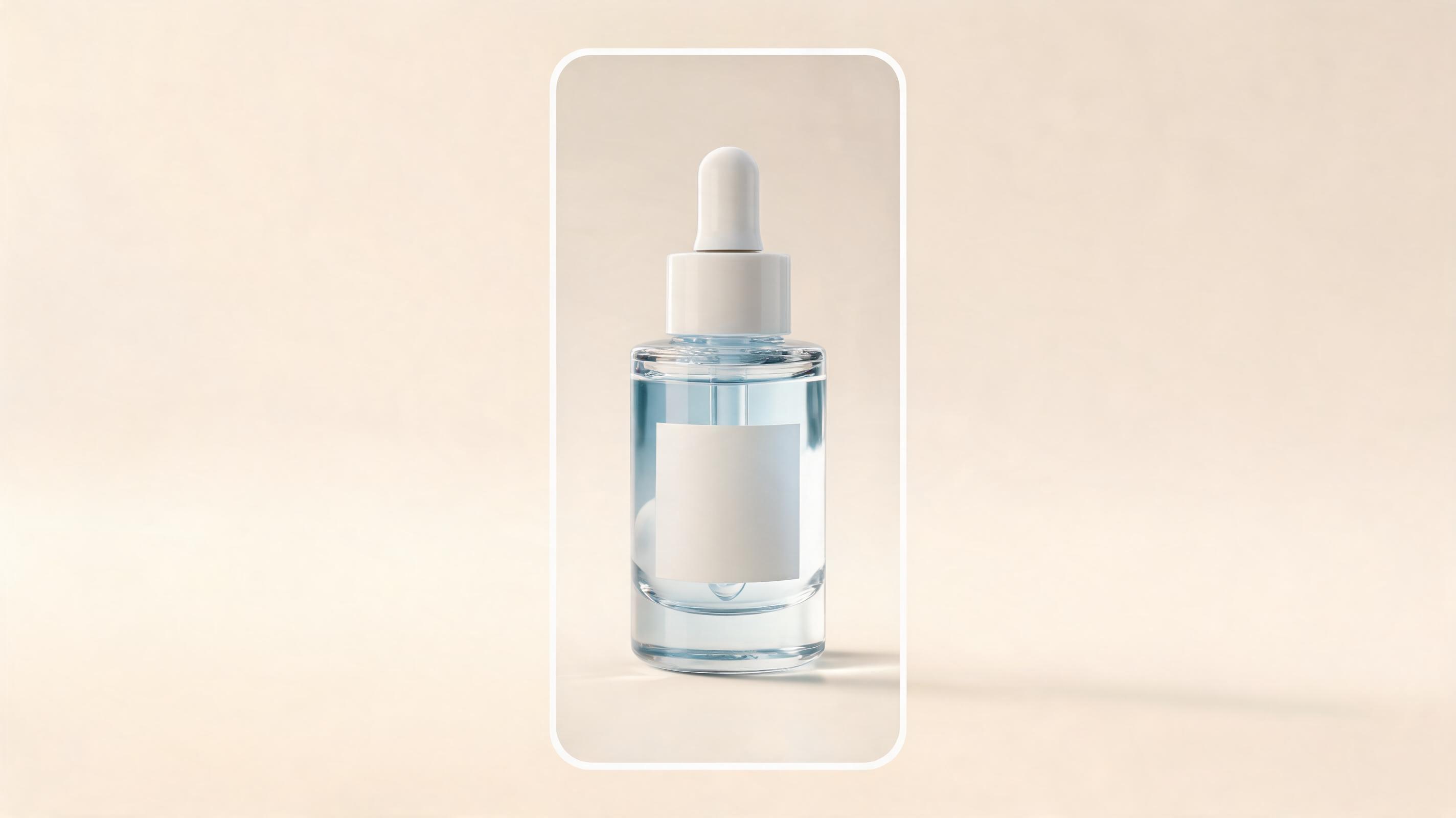
An 8-second video for a hyaluronic acid serum, zooming slowly in on the ingredient list and bottle texture from a static product photo, formatted in 9:16 for TikTok and Reels ads.
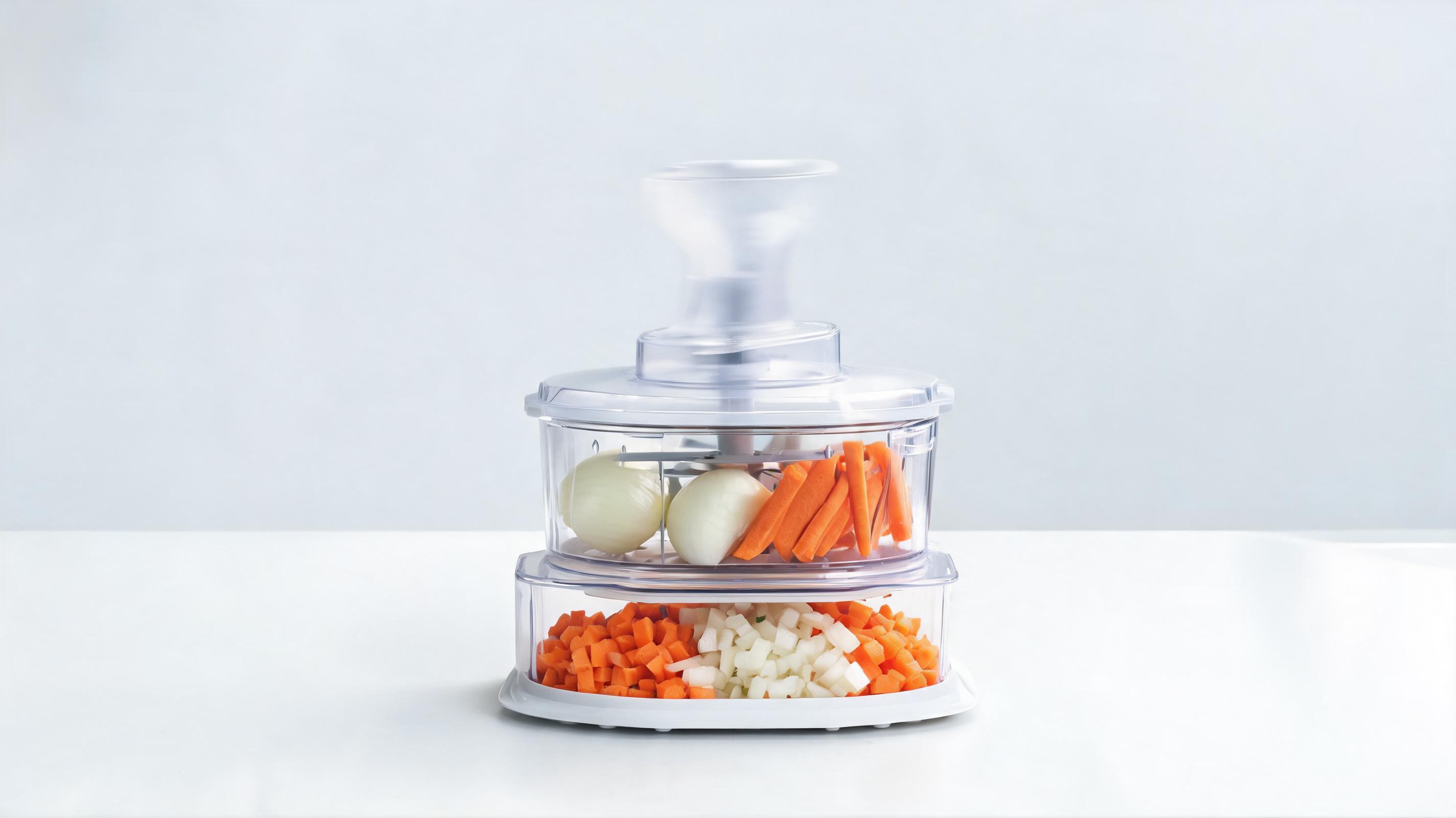
A 12-second video for a vegetable chopper, adding subtle motion to show the chopping mechanism in action from a static product shot, optimized for 16:9 product page placement.
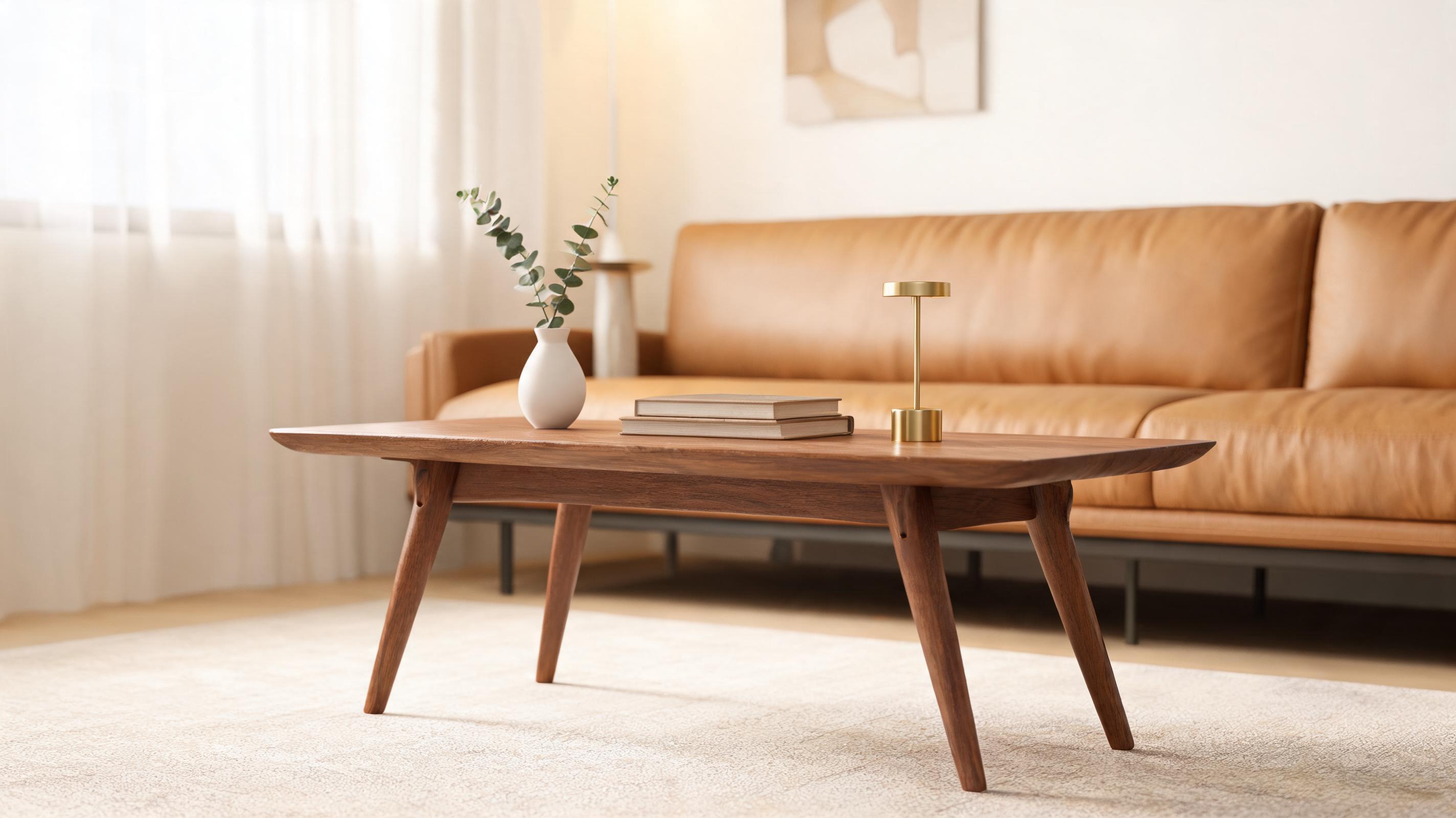
A 15-second looping video for a mid-century modern coffee table, panning slowly across the table surface and leg details from a single room shot, formatted for Amazon listing videos.
Explore built-in tools designed to make high-converting product video creation fast and accessible for all ecommerce teams.
Pre-built aspect ratio, length, and motion settings tailored for product pages, TikTok, Instagram Reels, Facebook ads, and Amazon listing videos to avoid post-editing adjustments.
AI automatically prioritizes keeping your product centered in every frame, with motion options that highlight key features rather than distracting generic camera movement.
Upload up to 50 product images at once to generate matching videos for your entire product catalog in a single batch, saving hours of manual work.
All generated videos come with full commercial usage rights for your ecommerce store and marketing campaigns, no hidden fees or attribution required.
Generated videos are optimized to loop seamlessly, perfect for autoplay placements on product pages and social media feeds that capture user attention without sound.
Add your brand logo, color accents, and custom call-to-action text overlays directly in the tool to keep all your product videos consistent with your brand guidelines.
See how leading brands use these short videos across marketing channels to drive engagement and increase conversion rates.
Add short looping videos to your product listing pages to show product details and functionality, increasing conversion rates compared to static images only.
Generate scroll-stopping short product videos for your social media accounts to test organic performance without investing in expensive film shoots.
Create multiple video variants from the same product image to test different motion styles and CTAs in your Facebook, Instagram, and Google ad campaigns.
Produce compliant, high-quality videos for Amazon, Etsy, and Walmart marketplace listings to improve search ranking and outperform competitors with only image assets.
Embed short product videos in your promotional email campaigns to increase click-through rates and drive more traffic to your store from your subscriber list.
Turn existing product images into time-sensitive promotional videos in minutes to support flash sales, holiday discounts, and limited inventory announcements.
Follow our simple 3-step workflow to turn any product photo into a polished, ready-to-publish video in minutes.
Select a clear, well-lit static photo of your product with a clean background, either your existing listing photo or a custom shot you already have saved.
Pick an ecommerce-optimized motion style (slow pan, 360 spin, zoom on key features) and select the aspect ratio matching your target channel (1:1 for Instagram, 9:16 for TikTok/Reels, 16:9 for product pages).
Run the AI generation in seconds, preview the final clip to adjust speed or motion if needed, then export a watermark-free, high-resolution video ready to publish immediately.
Learn how to leverage AI to scale your ecommerce video content production without the cost and complexity of traditional film shoots, plus how to choose the right video styles for your marketing goals.
Start by auditing your existing product image library to identify high-performing static photos that already drive clicks and conversions. Upload these images to the AI generator in batches, grouping them by product category and target channel to apply consistent preset settings. For example, all apparel products can use the 360 spin preset optimized for Instagram Reels, while all home goods products can use the slow pan preset for product pages. Once generated, test 2-3 video variants for each product to identify which motion style drives the highest engagement before rolling out across all your channels. This workflow allows you to create 100+ product videos in a single afternoon, compared to weeks of planning and filming with a traditional production team.
AI-generated product videos are ideal for fast, low-cost content for organic social media, ad creative testing, product page enhancements, and marketplace listings, especially when you need to scale content for a large catalog quickly. They are also perfect for time-sensitive promotions like flash sales or holiday launches where you don't have time to arrange a film shoot. However, they are not the best fit for high-budget brand storytelling campaigns that require complex narratives, real people, or custom location shoots. For these use cases, you can use AI-generated videos as a complement to your professionally filmed content, not a replacement, to fill gaps in your content calendar and test new campaign ideas before investing in large production budgets.
Different product categories perform best with different motion settings. For apparel and accessories, use a 360-degree spin or slow rotation to show fit, fabric, and details from all angles. For skincare and beauty products, use a slow zoom on key features like ingredient labels, texture, or packaging details to highlight selling points. For furniture and home decor, use a slow pan across the product or a gentle zoom out to show how the item fits in a room context. For tech gadgets and kitchen tools, use subtle motion that demonstrates the product's core functionality, even if you only have a static image of the item. Always align the motion style with the main selling point of your product to maximize engagement and conversion.
Track key metrics for each video to optimize your content strategy over time. For product page videos, track conversion rate lift, time on page, and add to cart rate compared to pages with only static images. For social media videos, track view count, engagement rate, click-through rate to your store, and cost per acquisition for paid ads. For marketplace listing videos, track search ranking improvement, click-through rate from search results, and conversion rate compared to listings without video. Use these metrics to refine your motion settings and output formats for each product category and channel, so you can continuously improve the performance of your AI-generated video content.
Browse tailored motion presets optimized for different ecommerce product types and marketing channels.
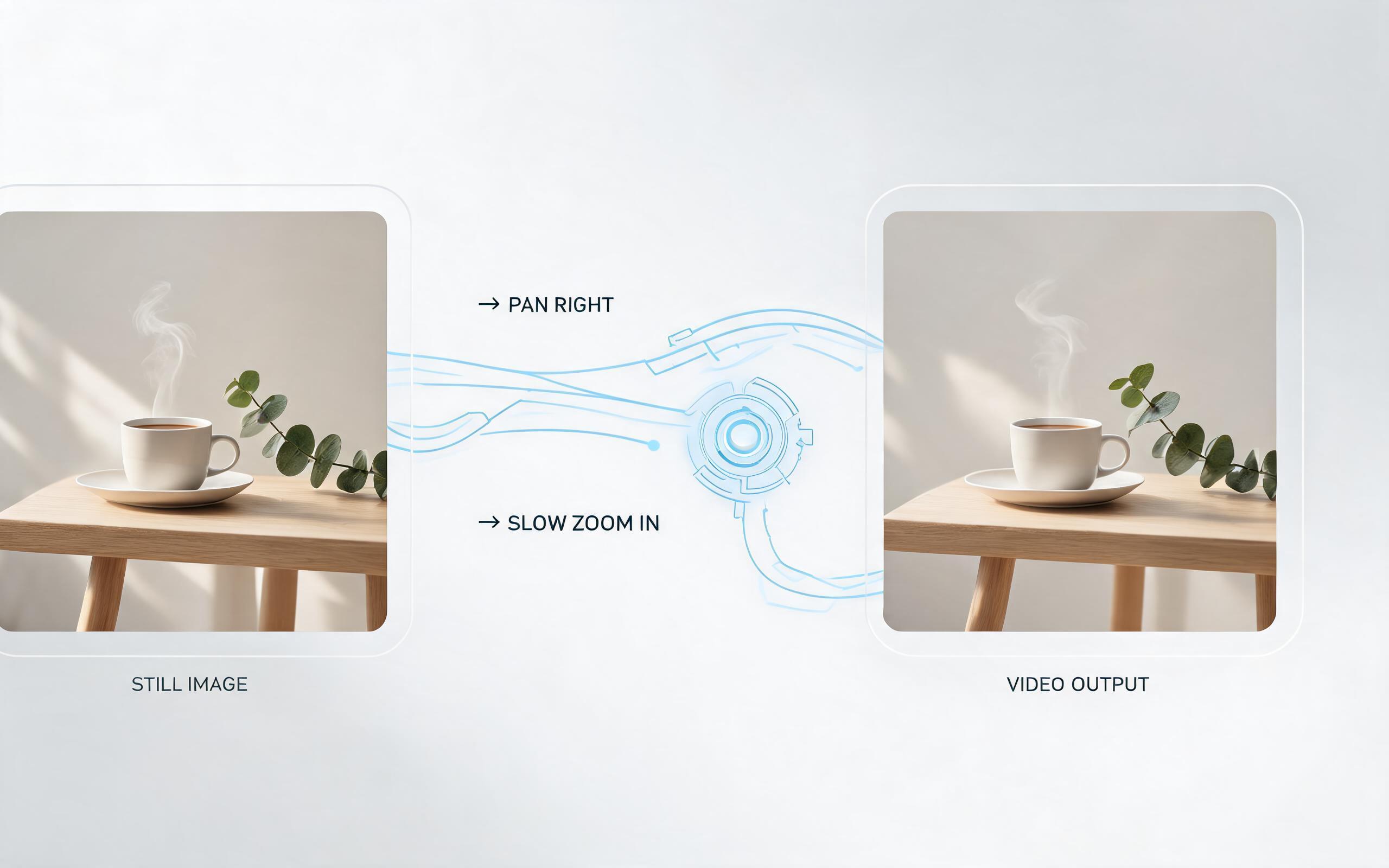
Use PromeAI image-to-video generation for ai ad creative video, adding motion, camera direction, and a short reusable video result from a still image.
Open page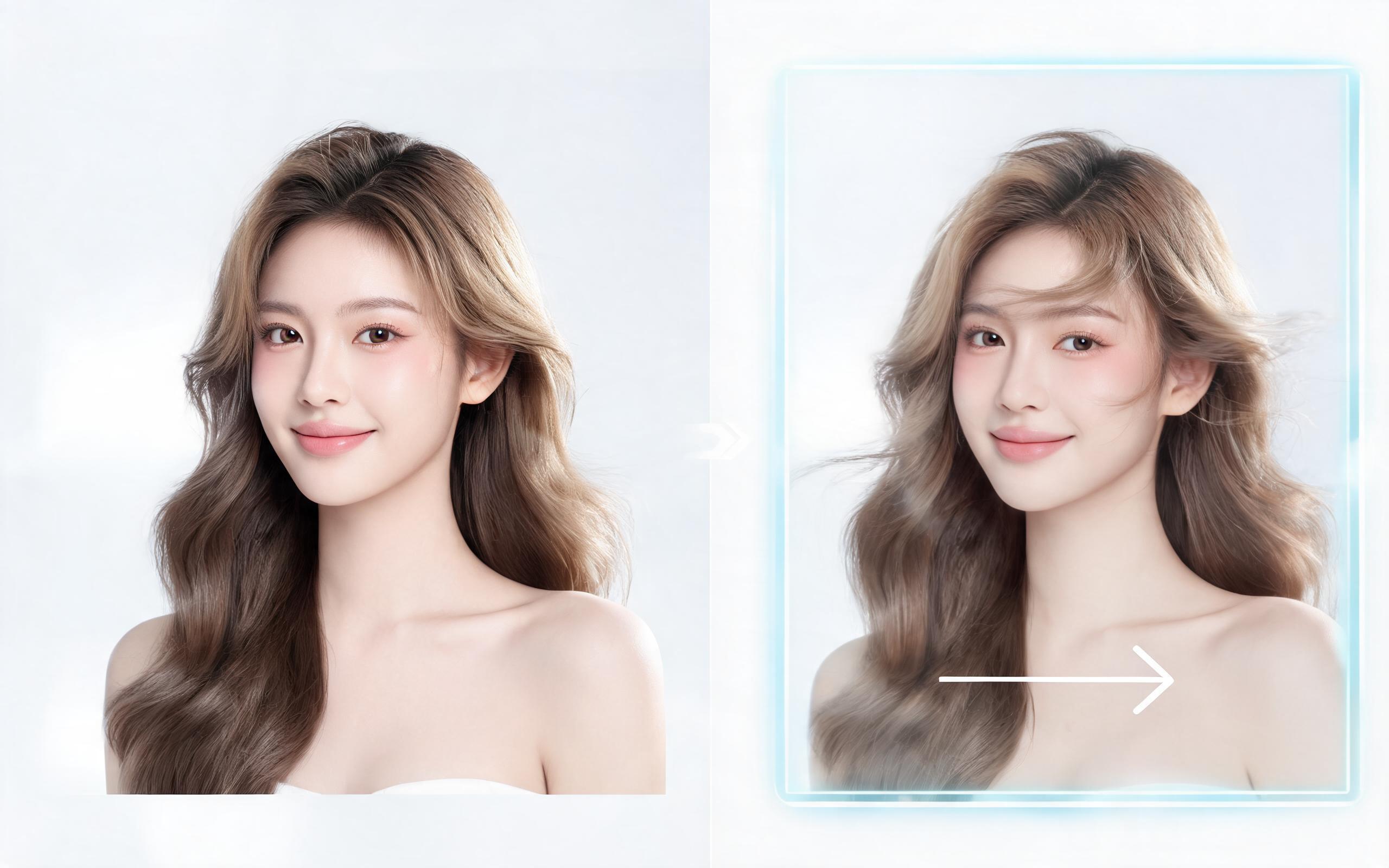
Use PromeAI image-to-video generation for beauty video from photos, adding motion, camera direction, and a short reusable video result from a still image.
Open page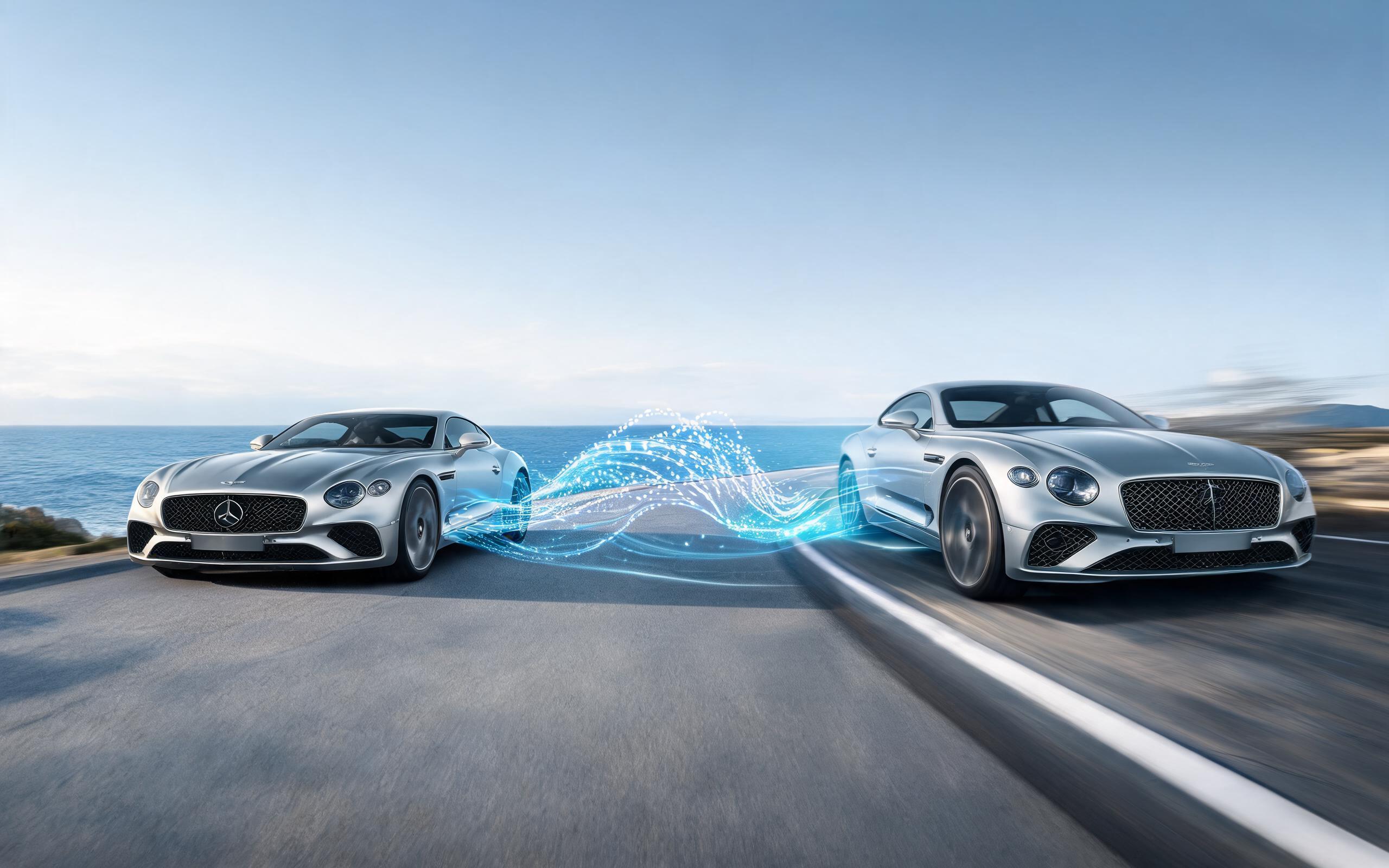
Use PromeAI image-to-video generation for car video from photo, adding motion, camera direction, and a short reusable video result from a still image.
Open page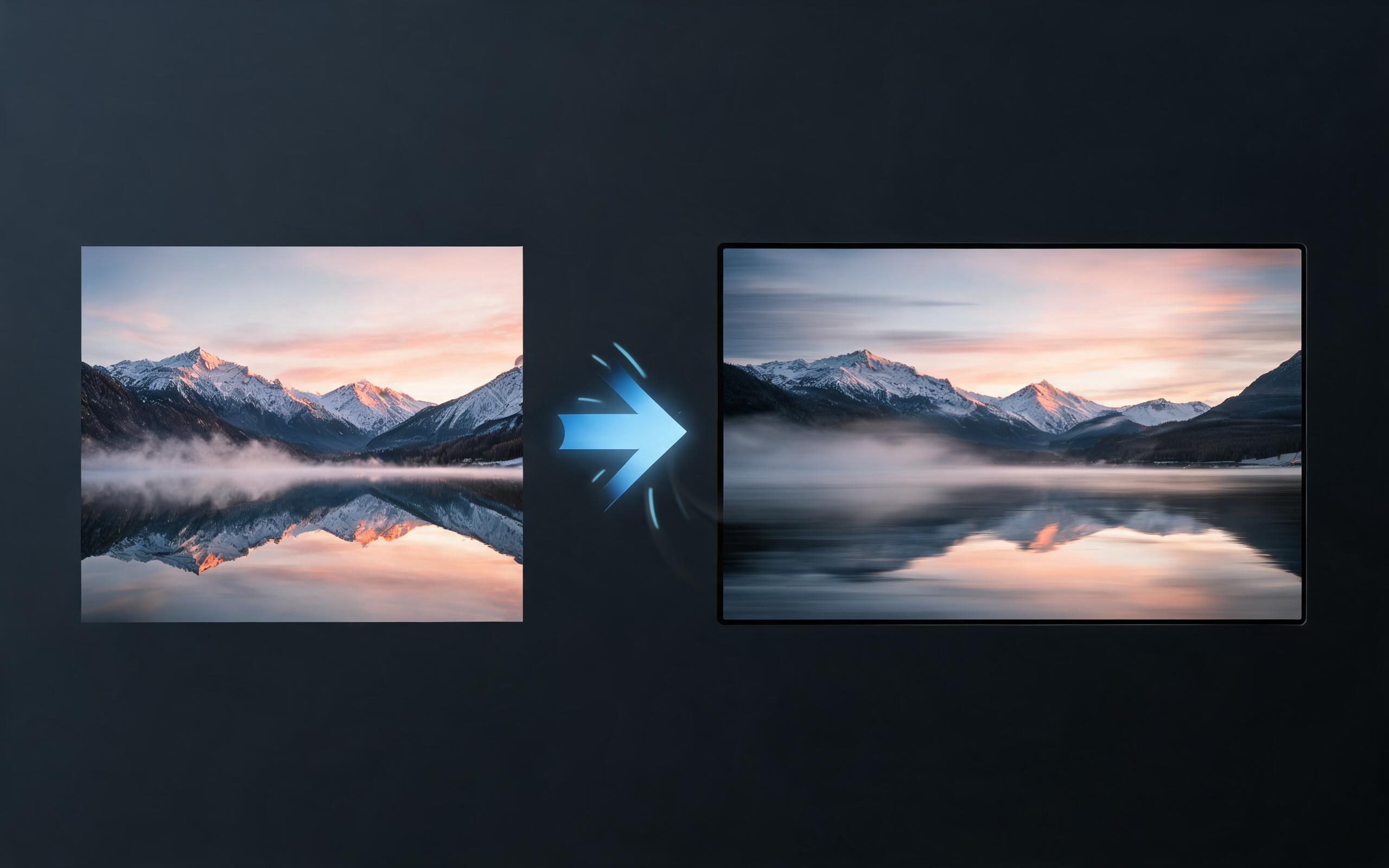
Use PromeAI image-to-video generation for cinematic ai video from image, adding motion, camera direction, and a short reusable video result from a still image.
Open page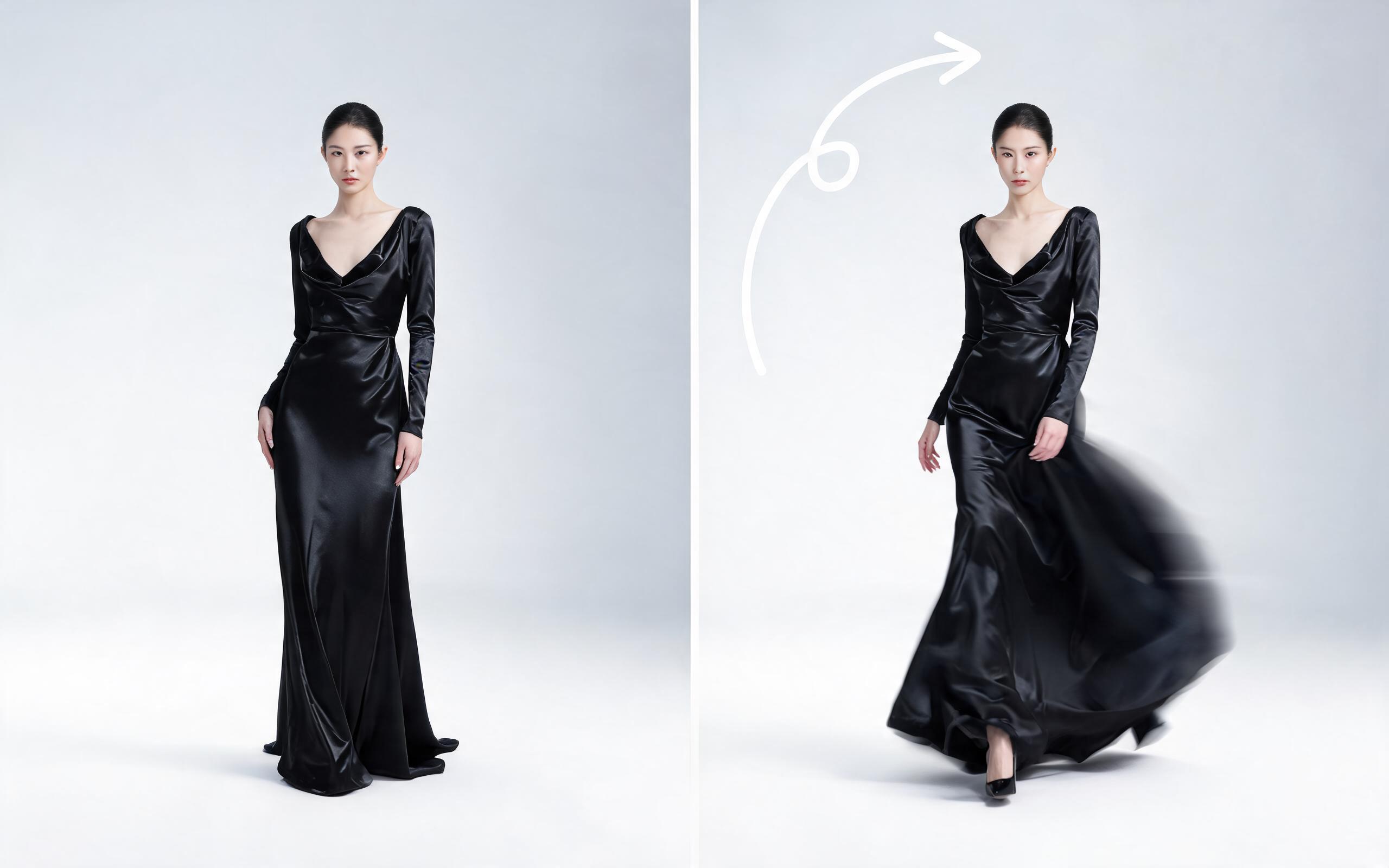
Use PromeAI image-to-video generation for ai fashion video from image, adding motion, camera direction, and a short reusable video result from a still image.
Open page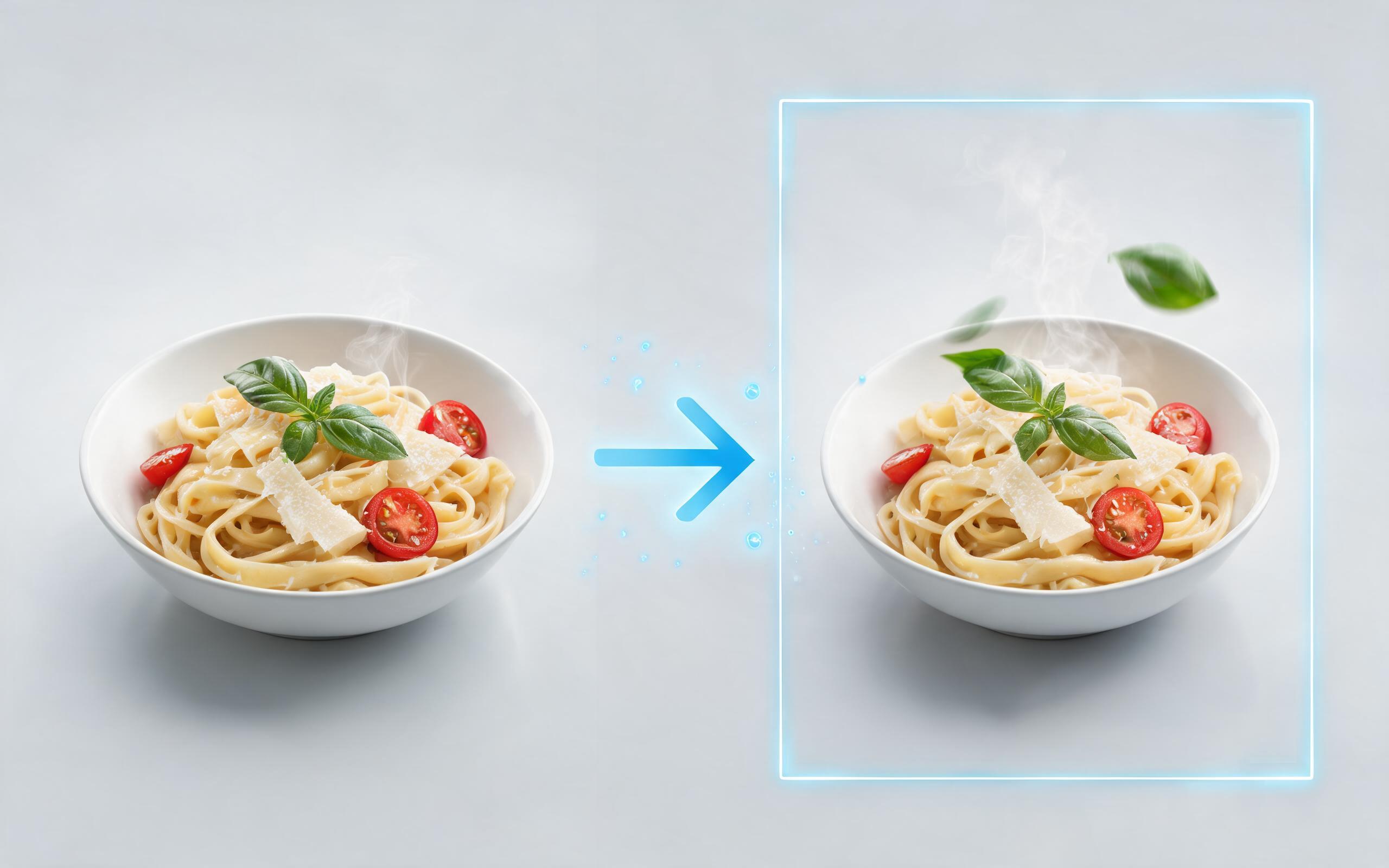
Use PromeAI image-to-video generation for ai food video from photo, adding motion, camera direction, and a short reusable video result from a still image.
Open page
Turn your static product images into high-converting, channel-ready videos in minutes. No filming, editing experience, or credit card required to get started.
Create AI Ecommerce Video Generator
Technical support: [email protected]
Business collaboration: [email protected]
What Ecommerce Brands Say About Our AI Video Generator
See feedback from marketers and store owners who use our tool to scale their video content production efficiently.
I generated 20 product videos for our Shopify store in under an hour, and our conversion rate on those products went up 32% in the first month. We didn't have to film anything, which saved us thousands of dollars in production costs.
We use this tool to test ad creative for our Amazon listings fast. We can generate 4 different video variants from the same product image and run A/B tests in the same week, which has cut our ad testing timeline in half.
We can turn a single source image into several polished product video directions before committing budget to a full studio shoot.