



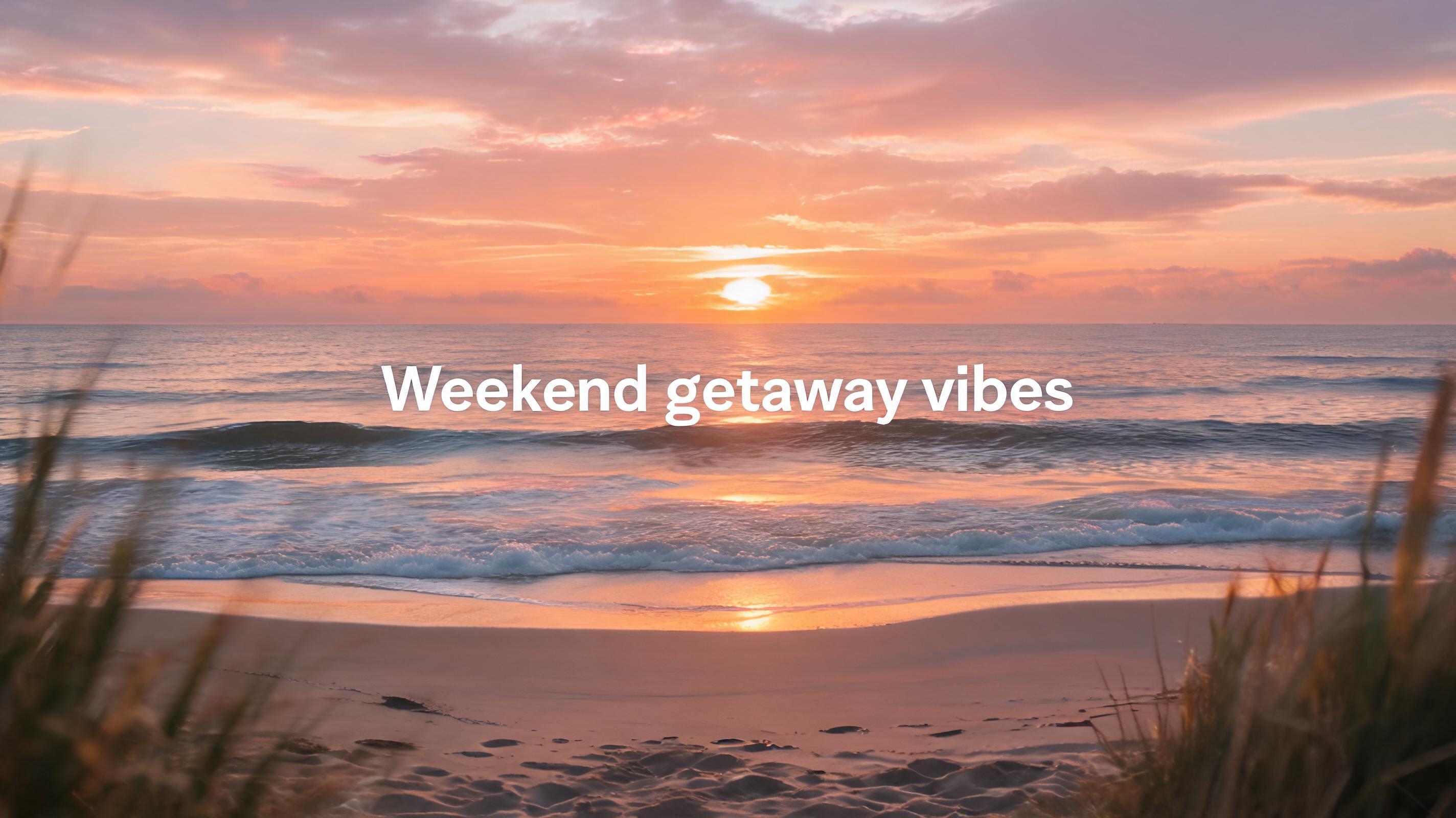
Coastal Travel Reel
Static photo of a sunset beach view converted into a 15-second Reel with slow panning motion, text overlay reading 'Weekend getaway vibes', and loopable end frames.
Turn your existing photos into high-performing, loop-friendly short-form video content for Instagram feeds and Reels in seconds. No professional video editing experience required.
Browse real examples of static images converted into engaging, short-form Reel content for Instagram.
Static photo of a sunset beach view converted into a 15-second Reel with slow panning motion, text overlay reading 'Weekend getaway vibes', and loopable end frames.
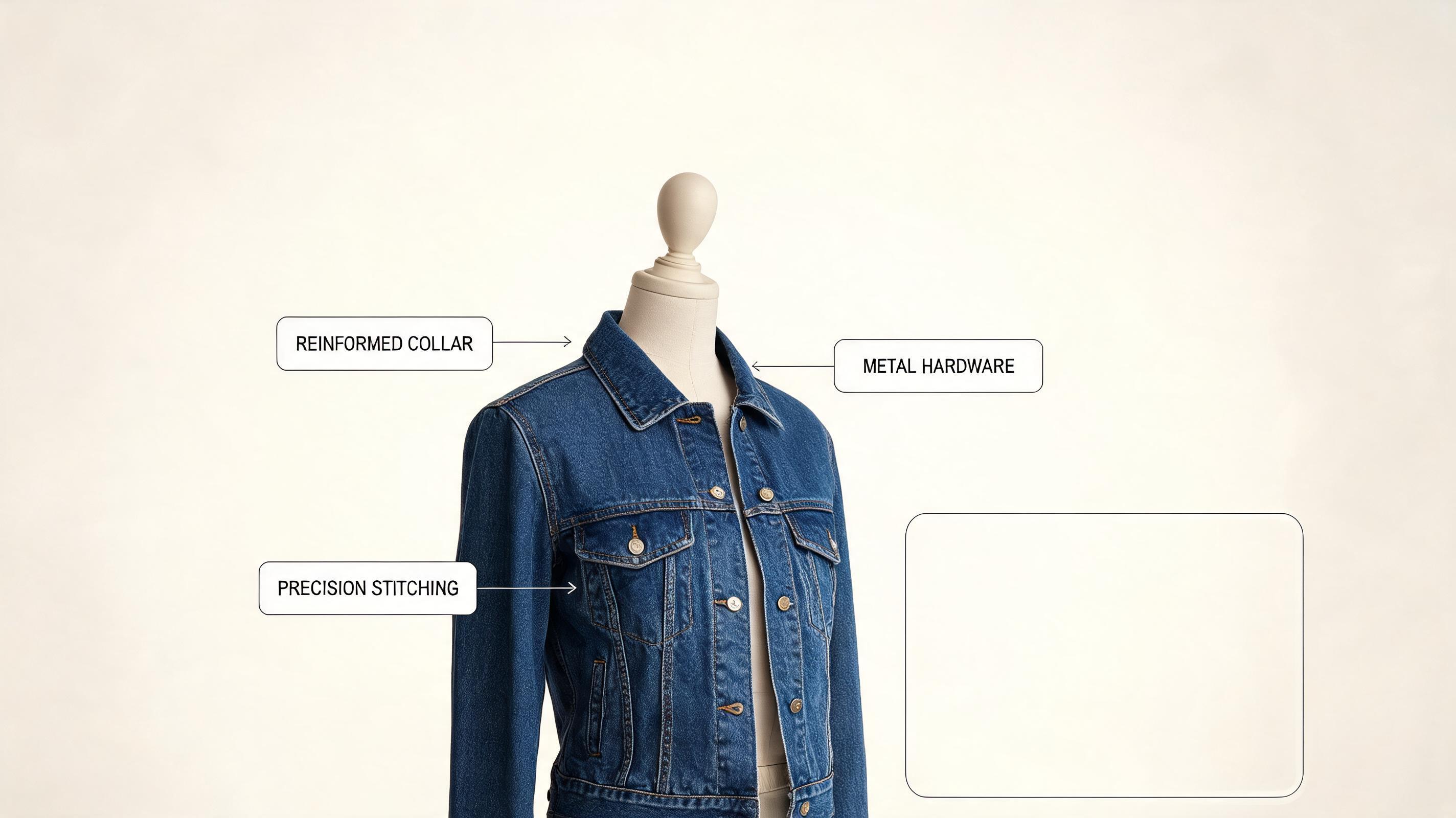
Static photo of a new denim jacket converted into a 20-second Reel with slow zoom motion, text callouts for key product features, and empty space for a shoppable link sticker.
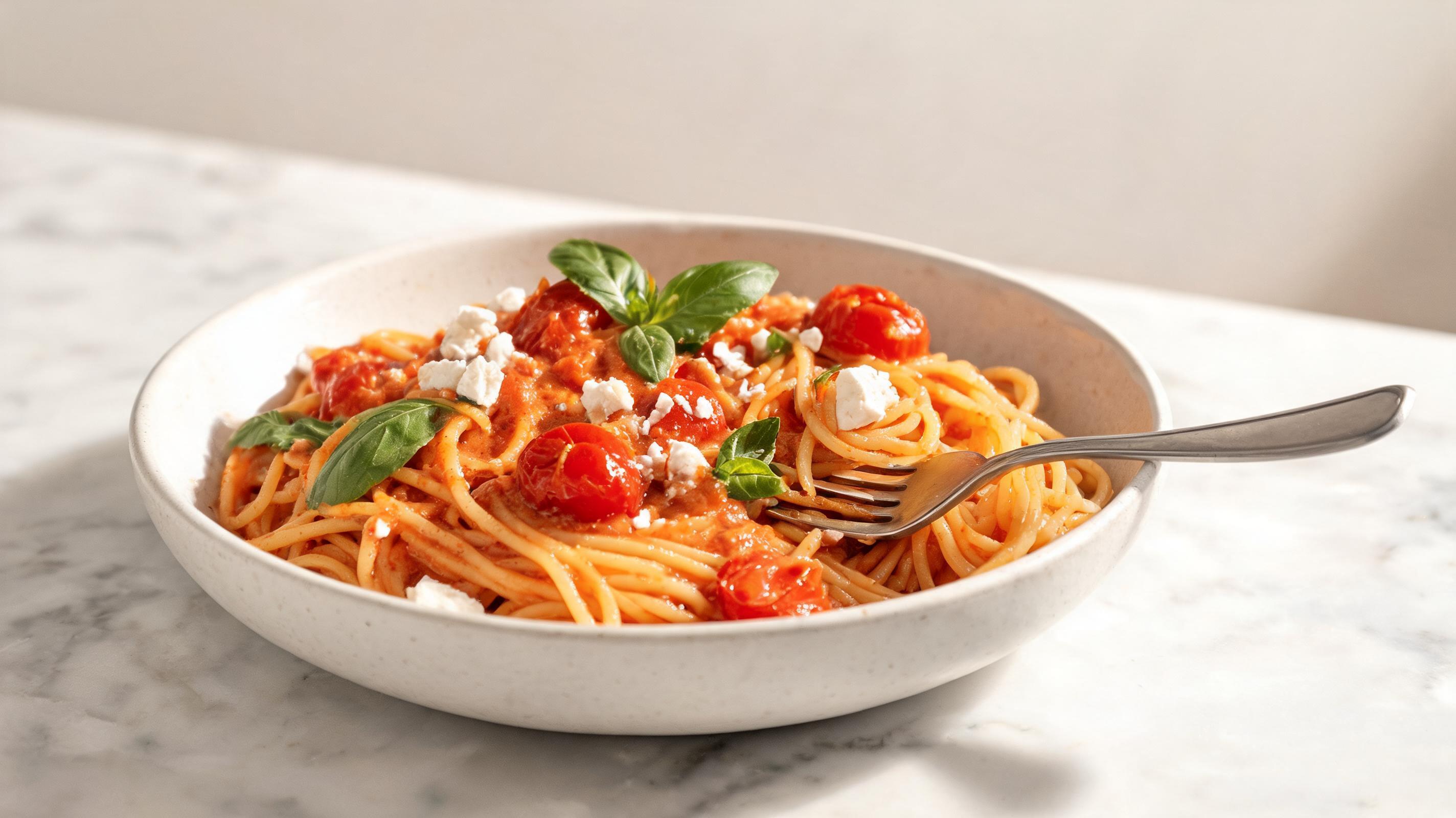
Static photo of a homemade pasta dish converted into a 15-second looped Reel with slow zoom, text overlay of the recipe name, and optimized for trending audio attachment.
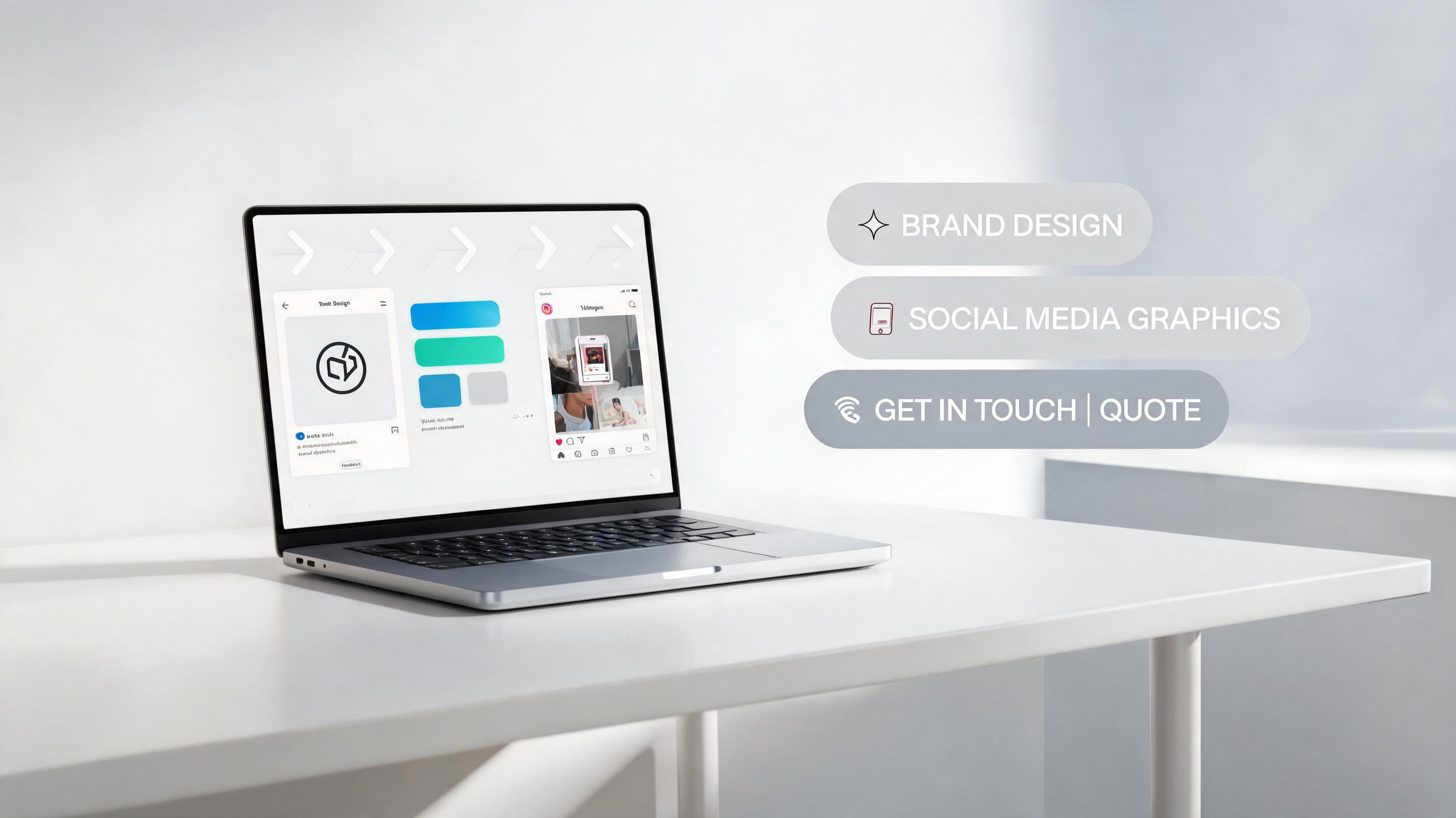
Static photo of a graphic designer's portfolio piece converted into a 30-second Reel with panning motion, text explaining service offerings, and a contact callout.
Discover built-in tools designed to help you create high-performing, platform-optimized Reel content from photos.
Auto-renders clips in 9:16 vertical aspect ratio and 15-60 second lengths aligned with Instagram Reel platform requirements.
Choose from pre-built motion styles or input custom camera direction prompts to match your brand or content aesthetic.
Automatically adjusts end frames to create seamless, infinitely loopable clips that drive higher Reel engagement.
Add on-brand callouts, captions, or hashtags during generation to skip extra post-editing steps.
Generates full, high-quality Reel clips in 30 seconds to 2 minutes depending on motion complexity.
Download your final Reels free of PromeAI branding for both personal and commercial use.
See how creators, marketers, and brands use this tool to streamline their Instagram content workflows.
Turn travel, food, or lifestyle photos into engaging Reels to grow your follower base without filming new footage.
Convert static product photos into shoppable Reels to drive sales and engagement on your brand Instagram page.
Repurpose existing brand imagery into short-form Reels for organic content calendars and paid ad campaigns.
Generate weeks of Reel content from a single photoshoot to save time on filming and editing workflows.
Turn event photos into highlight Reels to share with attendees and extend event reach after the date.
Convert still photos into trend-aligned Reels fast to jump on viral trends without filming new content.
Follow 3 simple steps to convert any static image into a polished, ready-to-post Reel for your Instagram account.
Select a high-resolution, clear photo with a distinct central subject that aligns with your Reel's core message.
Choose your preferred 15-60 second length, select a motion style (slow pan, zoom, subject animation), and add optional text overlays optimized for Instagram.
Wait for the AI to render your clip, preview and adjust as needed, then export in 9:16 vertical aspect ratio ready to post to Instagram.
This guide walks you through how to get the best results from PromeAI's AI Reel generator, plus how to decide if this tool is the right fit for your Instagram content workflow.
To get the highest quality AI Reel output, start with a high-resolution photo that has a clear central subject, minimal clutter, and aligns with the message you want your Reel to communicate. Avoid blurry, low-light, or heavily edited photos, as these can lead to distorted motion or lower video quality. Vertical photos work best for 9:16 Reel output, but square or horizontal photos can also be cropped automatically during generation to fit the Reel aspect ratio. If you plan to add text overlays, leave empty space in the top or bottom third of your source photo to avoid covering important elements.
The motion style you select will heavily impact how your Reel performs with your audience. For product Reels, use slow, steady zoom motion to highlight key product features. For lifestyle or travel Reels, gentle panning motion creates a cinematic, immersive feel that encourages viewers to watch through the full clip. For trend-aligned Reels, faster zoom or dynamic movement works better to match the fast pace of trending content. Avoid overcomplicating motion, as excessive movement can distract from your core message or make viewers scroll away.
This tool is ideal for when you need to create high volumes of Reel content fast, repurpose existing photos from photoshoots or events, or jump on viral trends without time to film new footage. It is also a great option if you have no video editing experience or limited budget for video production. However, you should avoid using this tool for content that requires complex storytelling, live action footage, or multiple scene changes, as the AI only generates video from a single static image. For those use cases, you will get better results filming original footage or using a multi-scene video generator.
After generating your Reel, export it and upload it directly to Instagram to add trending audio, closed captions, hashtags, and interactive stickers such as link stickers or poll stickers to boost engagement. Make sure to add a descriptive caption that includes relevant keywords for your niche, and tag relevant accounts if applicable. For even better performance, test 2-3 different motion styles for the same photo to see which one performs best with your audience, then double down on the style that gets the most views, likes, and shares.
Explore optional presets to fine-tune motion, length, and style for your AI-generated Instagram Reel videos.
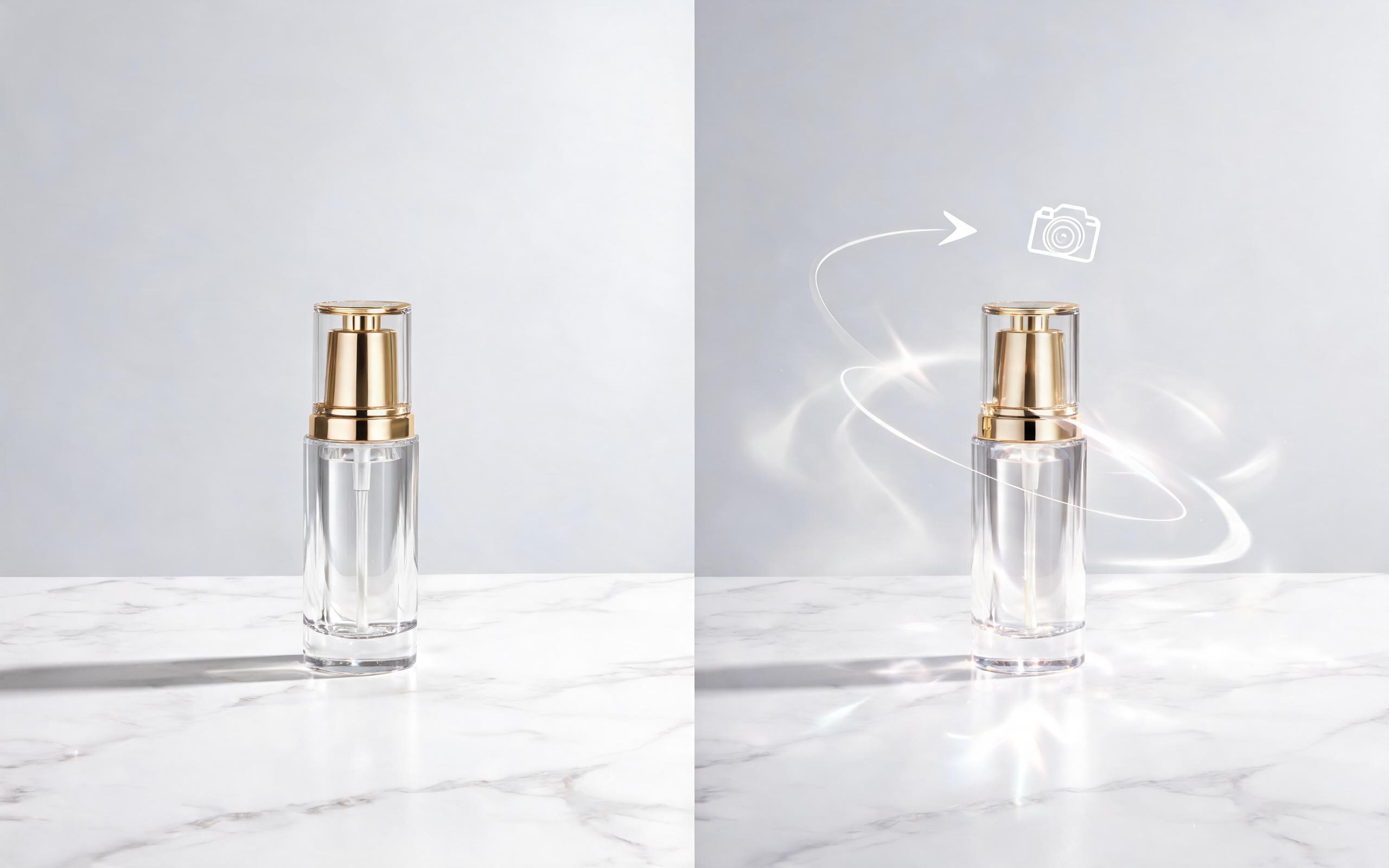
Use PromeAI image-to-video generation for ai ad creative video, adding motion, camera direction, and a short reusable video result from a still image.
Open page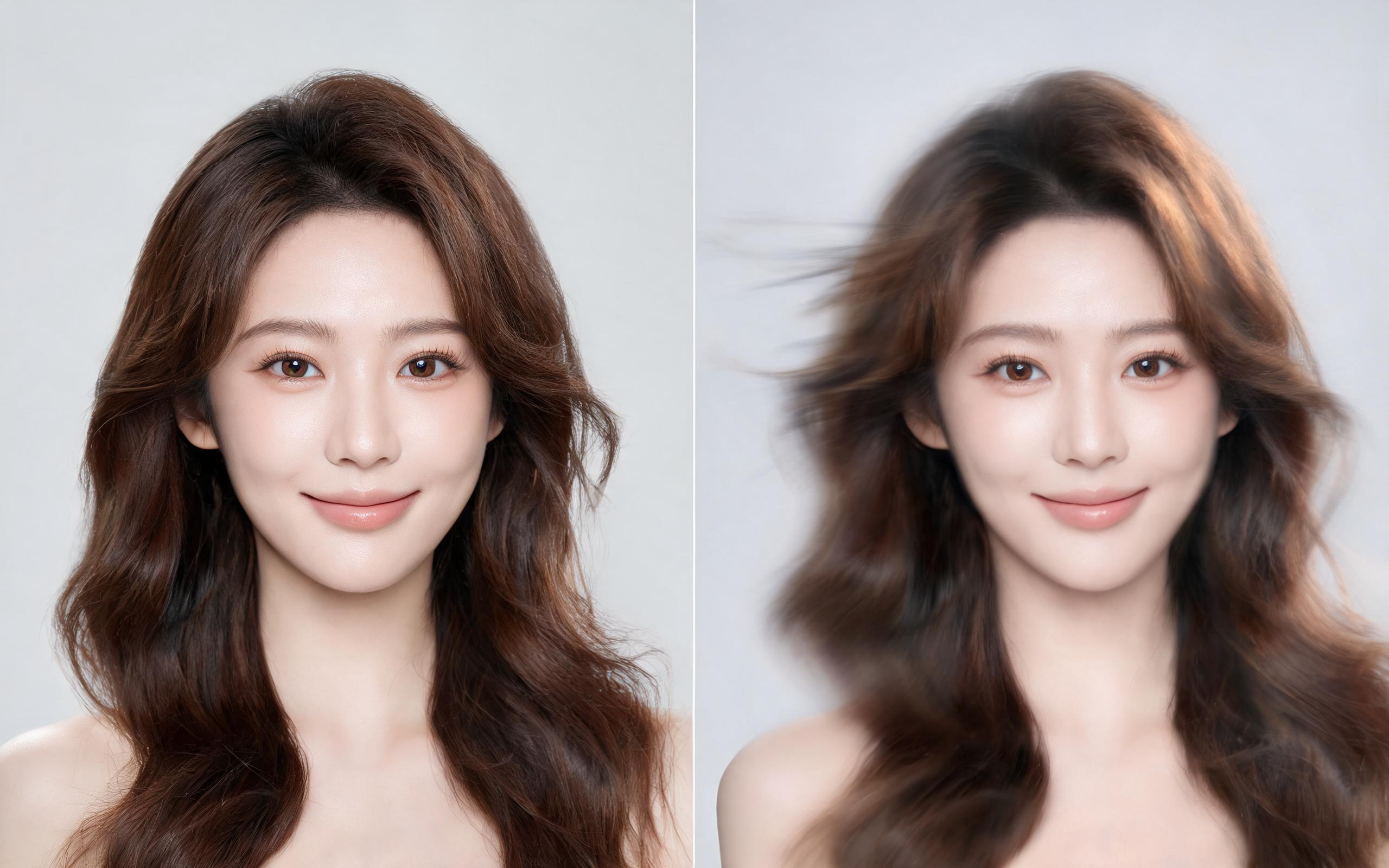
Use PromeAI image-to-video generation for beauty video from photos, adding motion, camera direction, and a short reusable video result from a still image.
Open page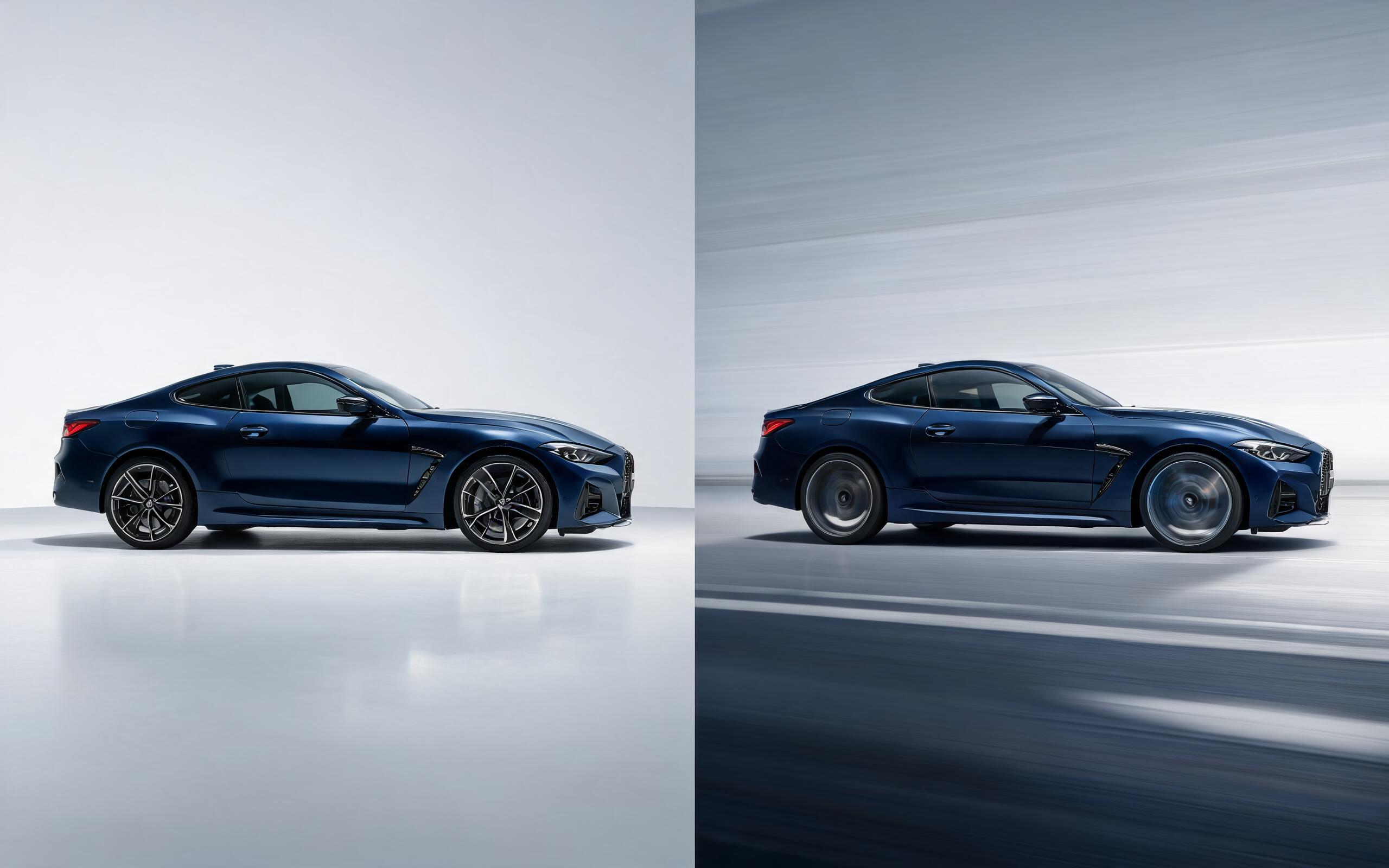
Use PromeAI image-to-video generation for car video from photo, adding motion, camera direction, and a short reusable video result from a still image.
Open page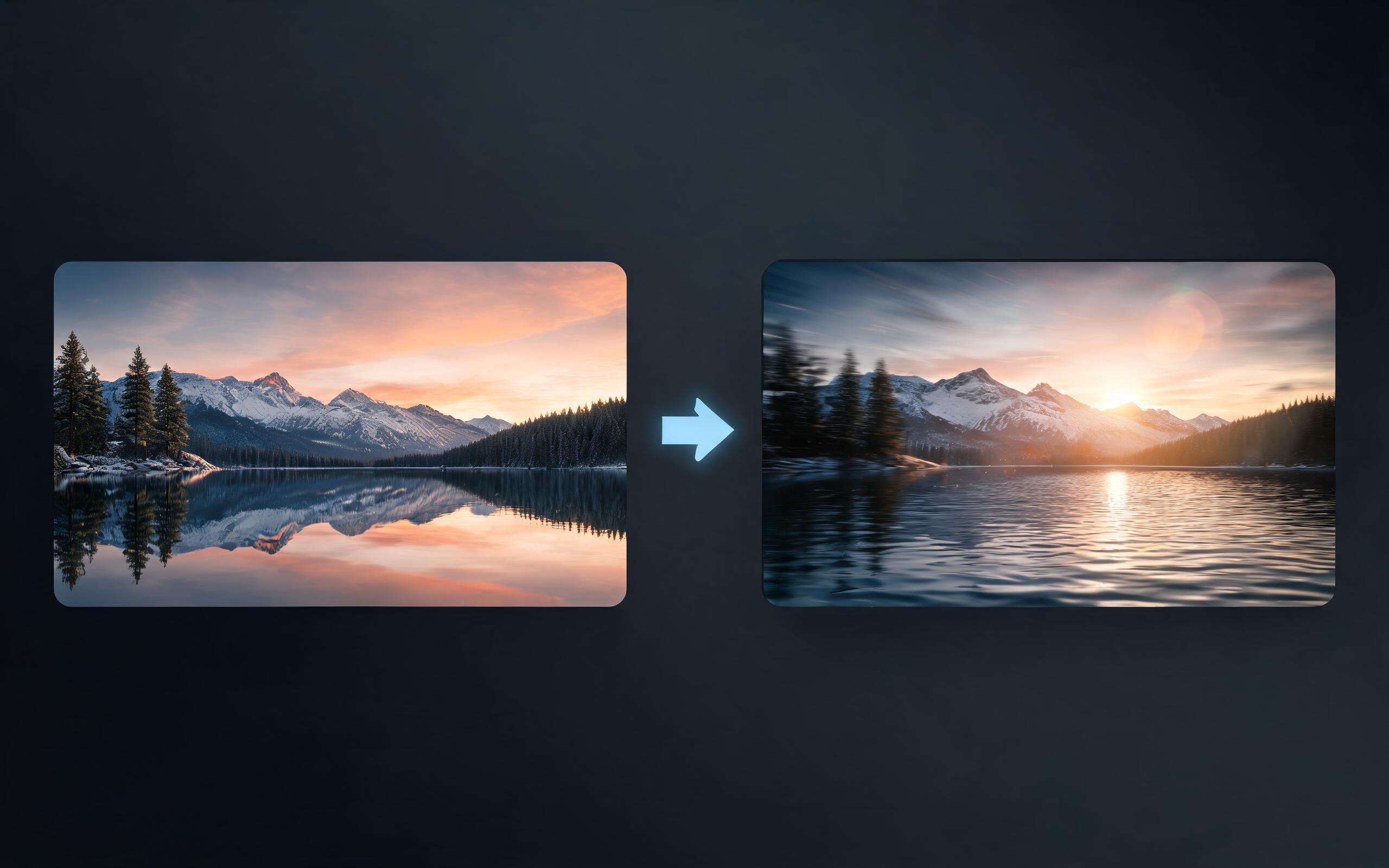
Use PromeAI image-to-video generation for cinematic ai video from image, adding motion, camera direction, and a short reusable video result from a still image.
Open page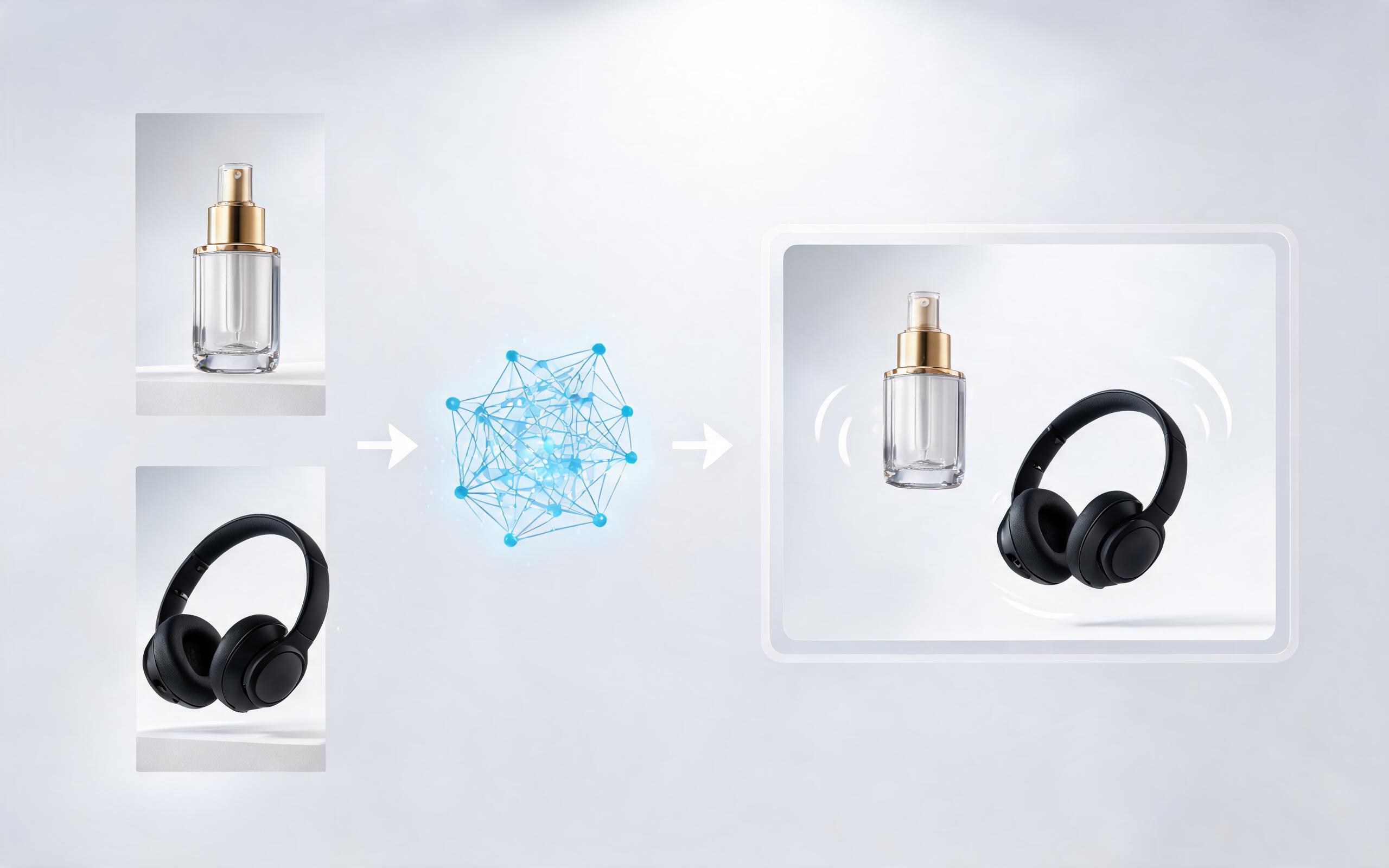
Use PromeAI image-to-video generation to create ai video for ecommerce product from existing images with clear product framing and channel-ready motion.
Open page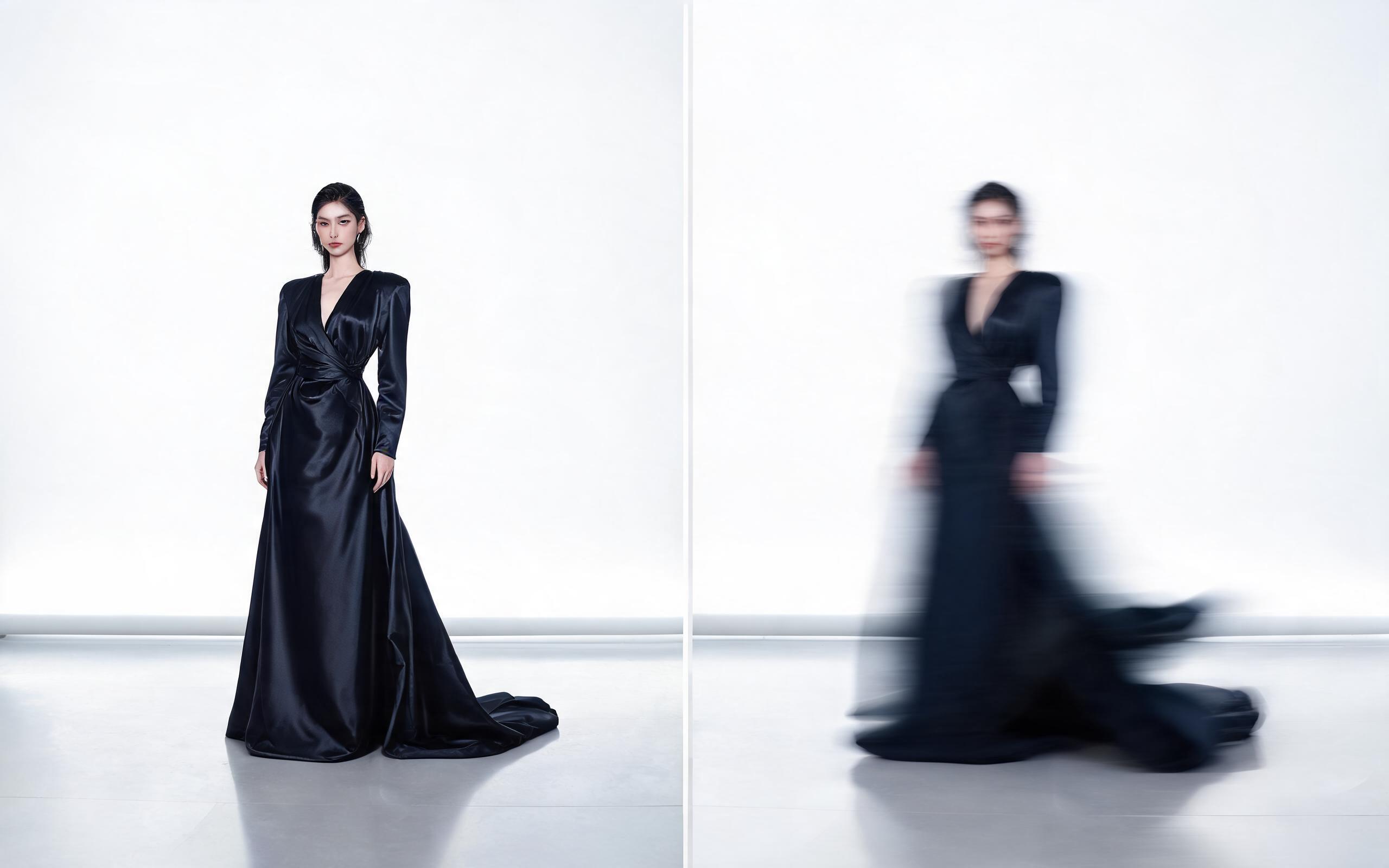
Use PromeAI image-to-video generation for ai fashion video from image, adding motion, camera direction, and a short reusable video result from a still image.
Open page
Skip the time-consuming filming and editing process. Generate high-performing, ready-to-post AI Instagram Reels from your existing photos in minutes with PromeAI's free image to video tool.
Create AI Instagram Reels from Photo
Technical support: [email protected]
Business collaboration: [email protected]
What Creators Say About Our AI Image to Video Tool
See real feedback from Instagram creators, marketers, and brands using PromeAI to create Reel content faster.
I cut my Reel creation time in half by using old photoshoot images to generate content for my brand page. It's so easy to use!
As a micro-influencer, I don't have time to film new Reels every week. This tool lets me create weeks of content from one day of photos.
We can turn a single source image into several polished product video directions before committing budget to a full studio shoot.