



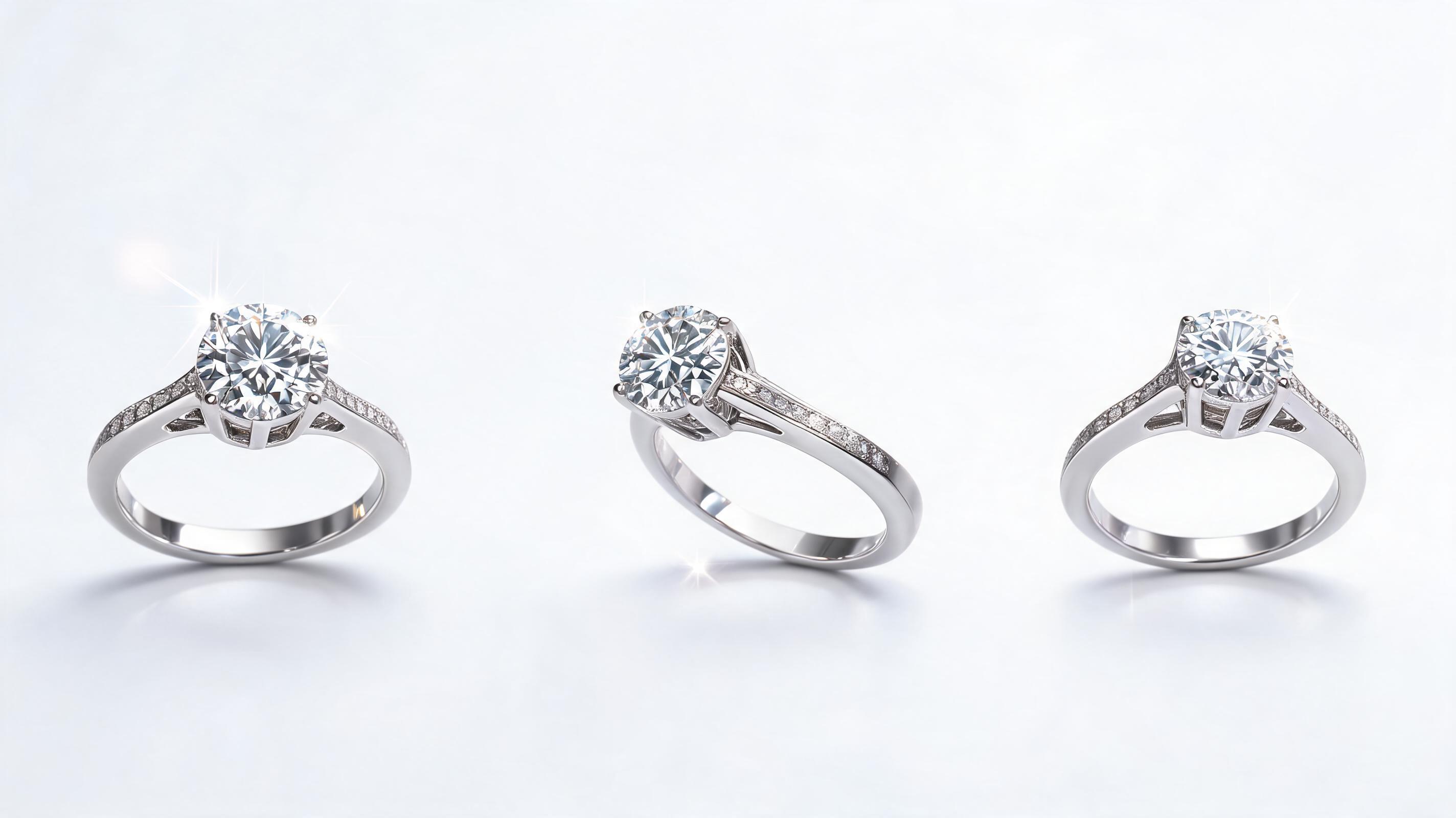
Solitaire Diamond Ring
A static product photo of a 1ct solitaire engagement ring turned into a 6-second slow rotation video, highlighting the diamond's sparkle and band detailing, optimized for Amazon product listings.
Skip expensive video shoots and complex editing workflows. Upload a single clear jewelry photo, add custom motion controls, and generate professional, reusable jewelry videos optimized for social media, product listings, and ad campaigns.
Browse real-world examples of rings, necklaces, earrings, and more transformed from static photos into dynamic video clips.
A static product photo of a 1ct solitaire engagement ring turned into a 6-second slow rotation video, highlighting the diamond's sparkle and band detailing, optimized for Amazon product listings.
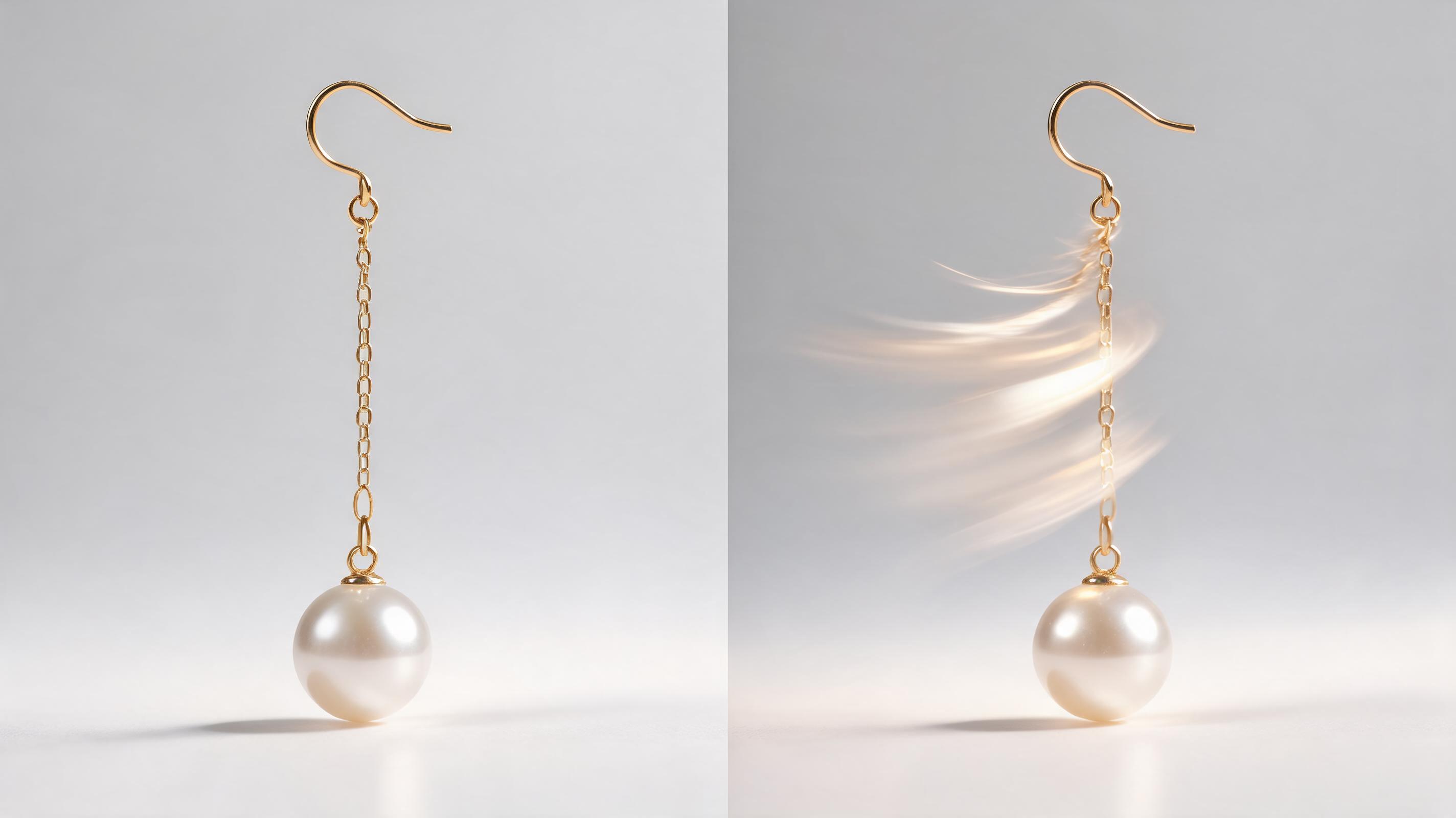
A still photo of pearl and gold dangle earrings converted into a gentle sway motion video, showing how the earrings move when worn, ideal for Instagram Reels.
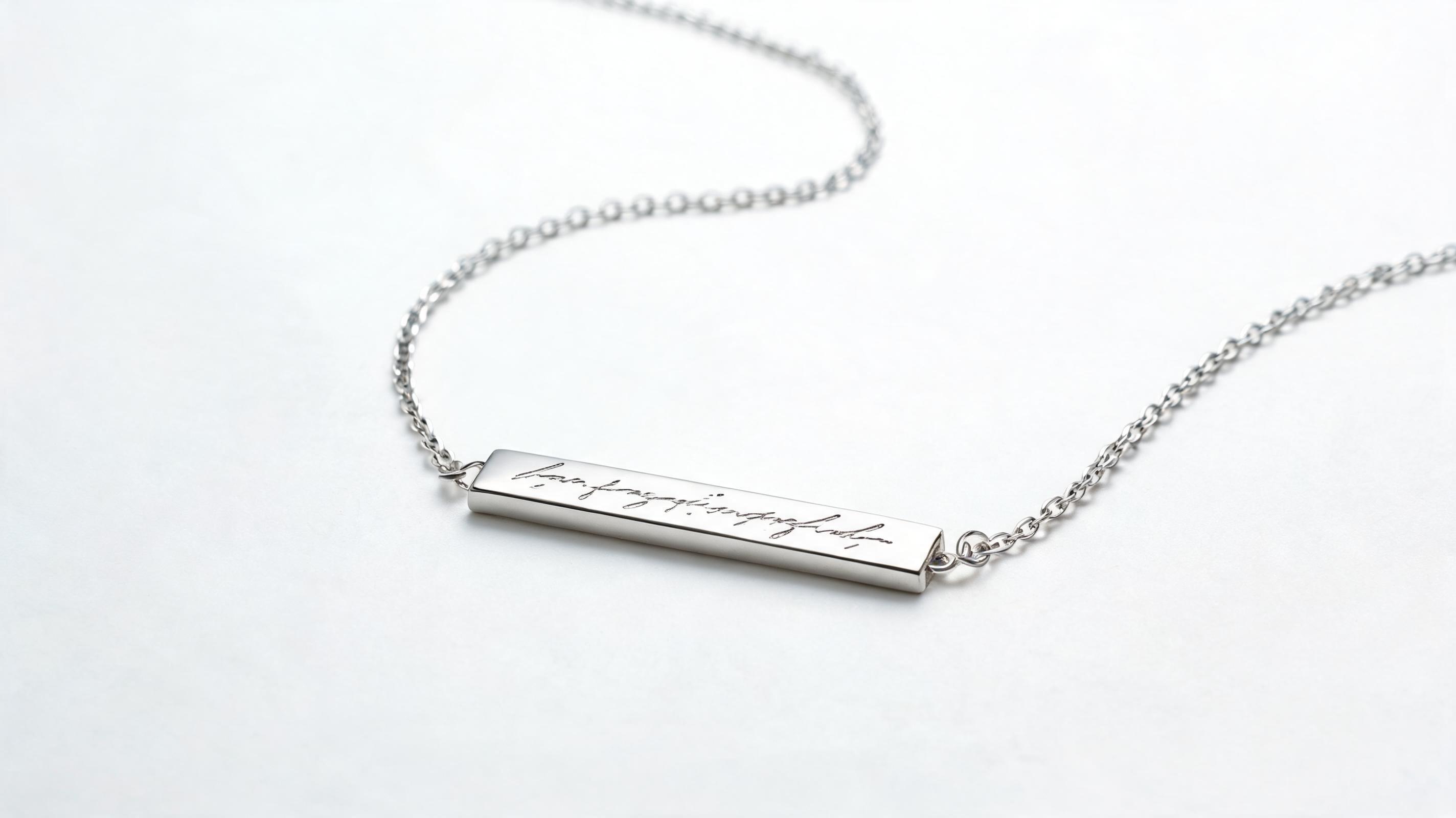
A flat lay photo of a custom engraved silver necklace turned into a slow zoom video, focusing on the handwritten engraving detail, perfect for personalized jewelry gift campaigns.
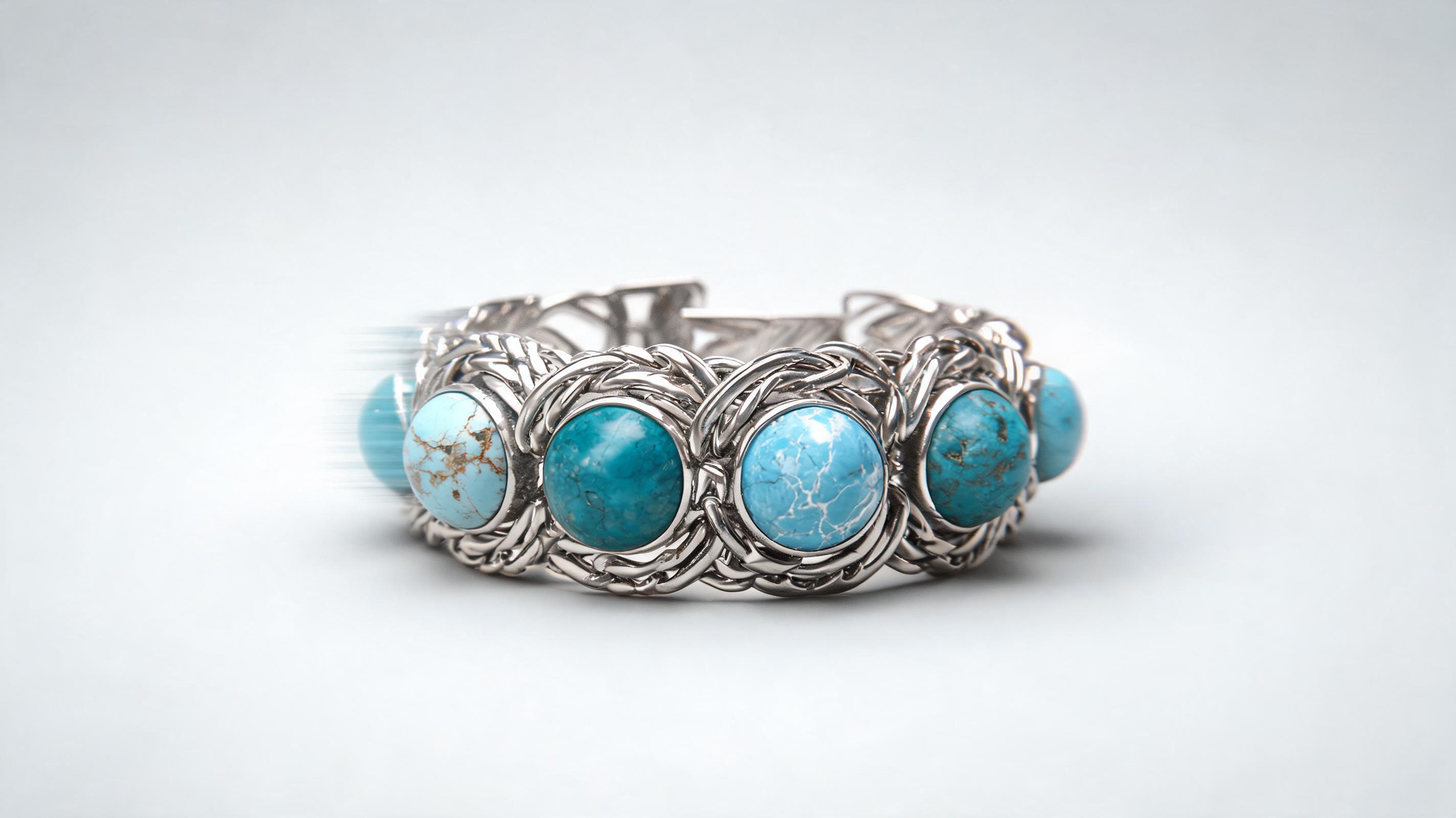
A studio photo of a multi-stone turquoise bracelet converted into a slow pan video, highlighting each unique gemstone's color and the bracelet's woven metal design, for use in paid Facebook ads.
Discover built-in tools designed specifically to highlight the sparkle, detail, and craftsmanship of your jewelry pieces in every video.
Built-in AI filter that amplifies natural gemstone and precious metal refraction, adding realistic light glints that make diamonds, gemstones, and silver/gold pieces pop on screen without looking over-edited.
Pre-built motion options tailored for small, detailed pieces: slow 360 rotation, close-up zoom on engraving or stone settings, gentle sway for dangling earrings or necklaces, no jarring camera movements that obscure product details.
Keep your original branded product background intact, or swap it for a neutral, channel-aligned background (soft velvet, marble, minimalist white) without distorting the jewelry piece itself.
All generated videos are automatically formatted for seamless looping, ideal for Instagram Reels, TikTok, product page carousels, and in-store display screens where continuous play is needed.
Upload up to 20 jewelry photos at once, apply consistent motion and styling settings across all clips, and generate a full set of product videos for your entire catalog in one batch.
All AI-generated jewelry videos come with full commercial licensing, so you can use them in paid ads, social media, product listings, and marketing campaigns without copyright concerns.
See how ecommerce brands, marketers, and jewelry designers use these videos to boost engagement and drive sales across channels.
Add dynamic videos to Shopify, Etsy, or Amazon product pages to show jewelry from multiple angles, reducing return rates by giving shoppers a clear view of fit, size, and detail.
Create short, engaging Reels, TikToks, and Pinterest Pins showcasing new jewelry collections, limited edition pieces, or gift guides to boost organic engagement and click-through rates.
Generate high-converting video ad creatives for Meta, Google, and Instagram ads that highlight jewelry sparkle and craftsmanship, outperforming static photo ads for many jewelry brands.
Embed short jewelry videos in promotional emails, abandoned cart sequences, and new collection announcements to increase open rates and drive more traffic to your store.
Create loop-ready videos to play on in-store digital screens or trade show booth displays, showcasing your full jewelry catalog even when physical inventory is limited.
Send pre-made, polished jewelry videos to influencers for promotion, ensuring consistent brand messaging and product presentation across all partner content.
Follow our simple 3-step workflow to turn any still jewelry photo into a polished, ready-to-publish video in minutes.
Upload a high-res, well-lit still of your jewelry piece, crop to focus on key details like gemstone sparkle or metal craftsmanship, and remove any distracting background clutter if needed.
Choose from jewelry-specific motion presets (slow pan, gentle rotation, sparkle accent animation), set clip length (3-15 seconds for social/listing use), and adjust lighting to enhance gemstone refraction.
Run the AI generation, preview the clip to confirm motion and detail clarity, and export in channel-optimized resolutions (1080p for Instagram, 4K for product pages) as a loop-ready MP4.
Learn how to leverage AI-generated jewelry videos to boost your marketing performance, reduce content creation costs, and showcase your products in the best possible light across every channel.
Start by curating your highest-quality product photos: prioritize well-lit, high-res shots that show your jewelry piece against a clean background, with no blurriness or distortion. For most brands, you’ll want to create 3-5 variants per product: a 6-second rotation clip for product listings, a 15-second vertical clip for social media, a 10-second loop for in-store displays, and a 30-second clip for paid ads. Use the bulk generation feature to apply consistent motion and styling settings across your entire catalog, ensuring all your content matches your brand aesthetic without spending hours on manual editing. Once generated, test 2-3 motion variants for your top-selling products to see which drives the highest click-through and conversion rates.
AI-generated jewelry videos are the best choice for most routine marketing use cases: product listing content, social media posts, paid ad creatives, email assets, and bulk catalog content. They are particularly cost-effective for small to mid-sized jewelry brands that can’t afford to hire a video production team for every new collection, or for brands with large catalogs of SKUs that would be too expensive to shoot individually. You should opt for a professional video shoot only for high-budget brand campaigns, super high-end luxury jewelry pieces where custom production value is a core part of your brand identity, or for videos that require showing the jewelry being worn by a model in a complex scene. For 90% of standard product marketing use cases, AI-generated videos will perform just as well or better than professionally shot content at a fraction of the cost and turnaround time.
For product listings on Amazon, Etsy, or Shopify, use short 3-6 second rotation clips in 1:1 square aspect ratio, focused on showing the product from all angles to help shoppers make a purchase decision. For Instagram Reels and TikTok, use 9-15 second vertical clips with fast, engaging motion (like a slow zoom on a sparkling diamond) and text overlays highlighting key selling points like free shipping or custom engraving options. For paid Meta and Google ads, test both 6-second and 15-second clips, leading with the most eye-catching sparkle detail in the first 3 seconds to stop scrollers. For email marketing, embed 3-5 second looping clips in the top of your email to increase open rates and drive clicks to your store.
To make your jewelry pieces stand out, use the built-in sparkle enhancement feature to amplify natural gemstone and metal glints without overdoing it—subtle, realistic light reflections perform better than overly flashy edits that look fake. For pieces with custom details like engravings or handcrafted settings, use the slow zoom motion preset to focus on those unique selling points, as customers are willing to pay more for pieces with visible craftsmanship details. Avoid fast or jarring camera movements that make it hard for viewers to see the product clearly: slow, steady motion works best for small, detailed jewelry pieces. If you’re selling wedding or engagement jewelry, opt for soft, warm lighting settings to match the romantic tone of your brand and product use case.
Explore tailored motion and style presets to match your jewelry brand’s aesthetic and marketing channel requirements.
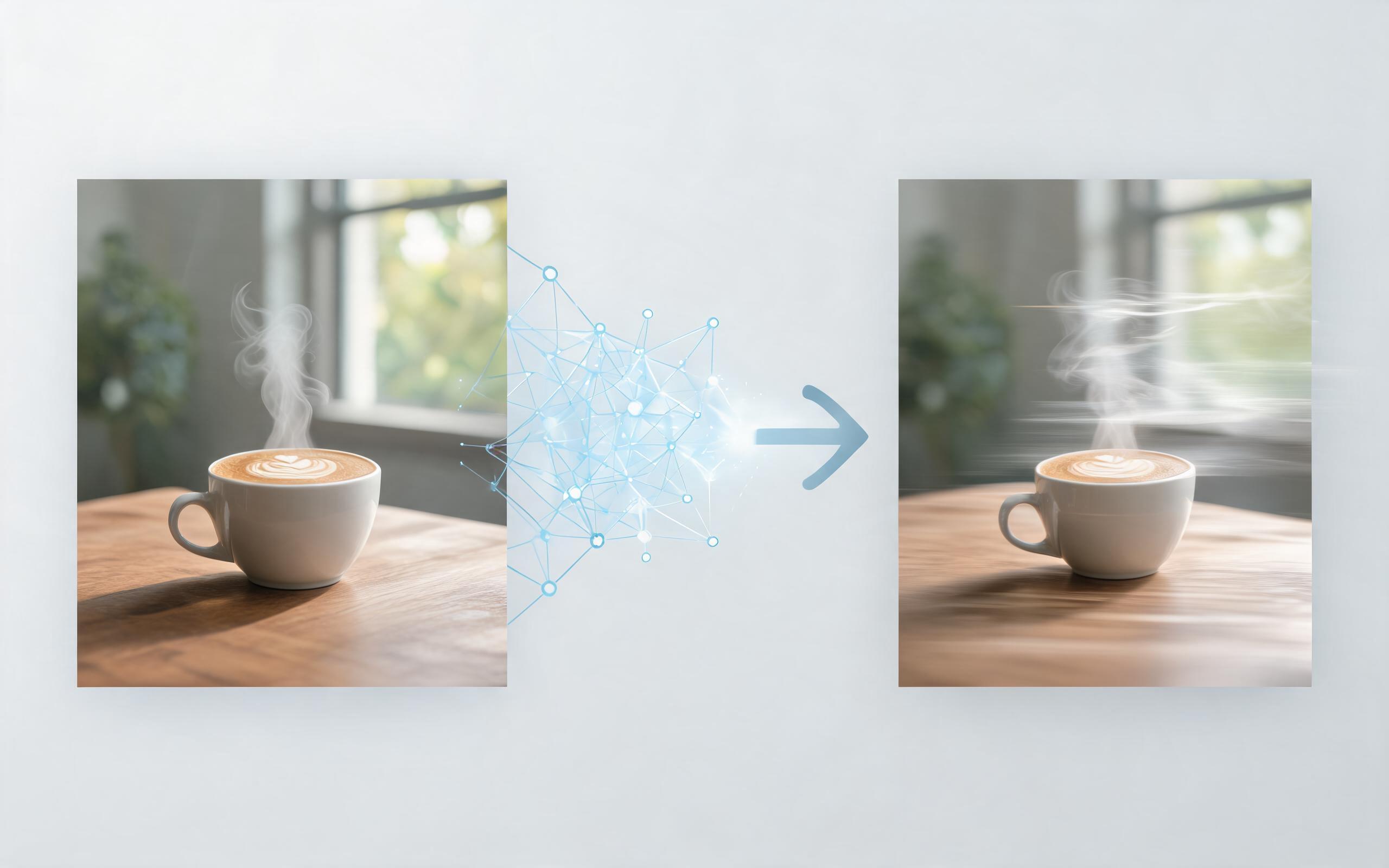
Use PromeAI image-to-video generation for ai ad creative video, adding motion, camera direction, and a short reusable video result from a still image.
Open page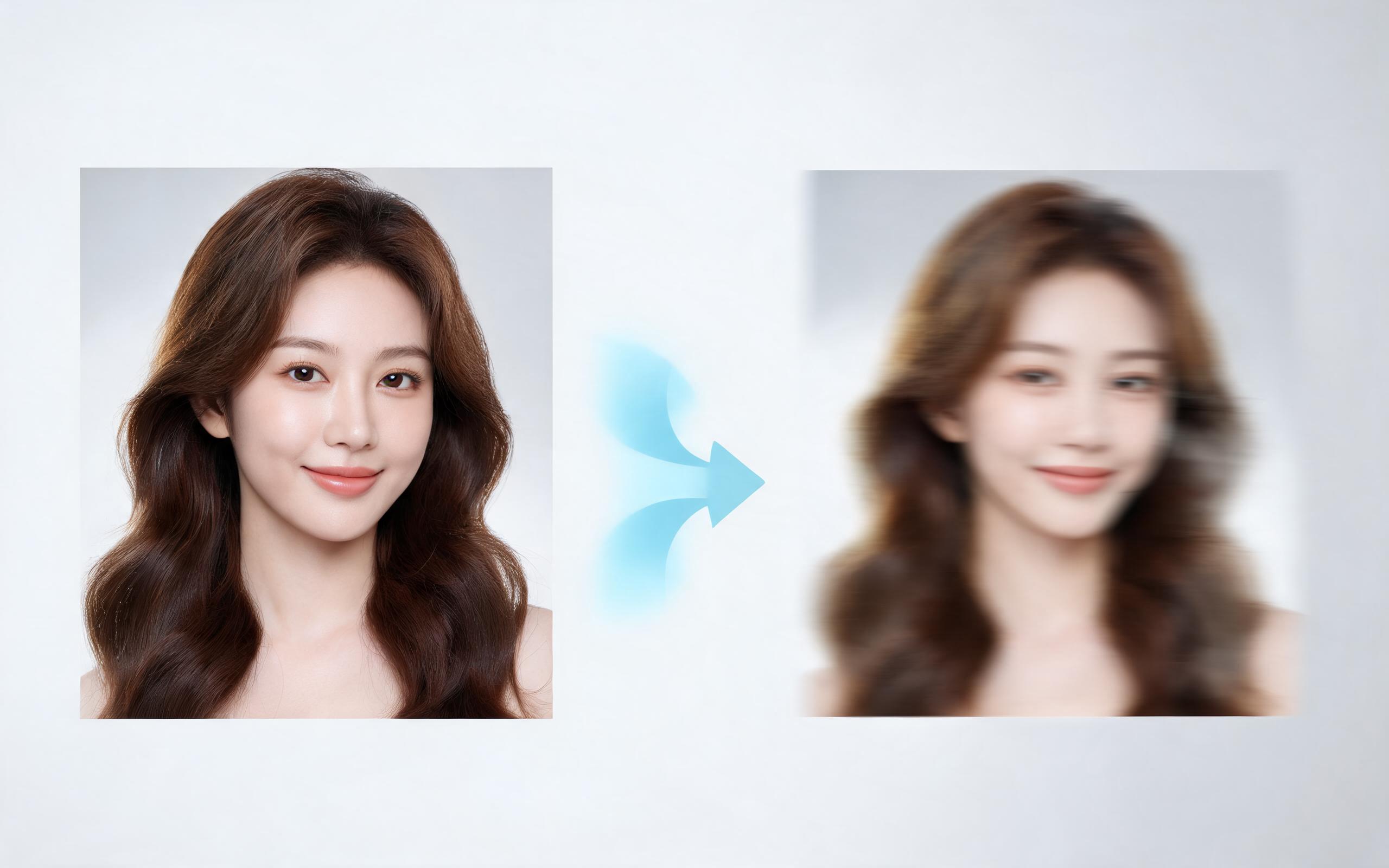
Use PromeAI image-to-video generation for beauty video from photos, adding motion, camera direction, and a short reusable video result from a still image.
Open page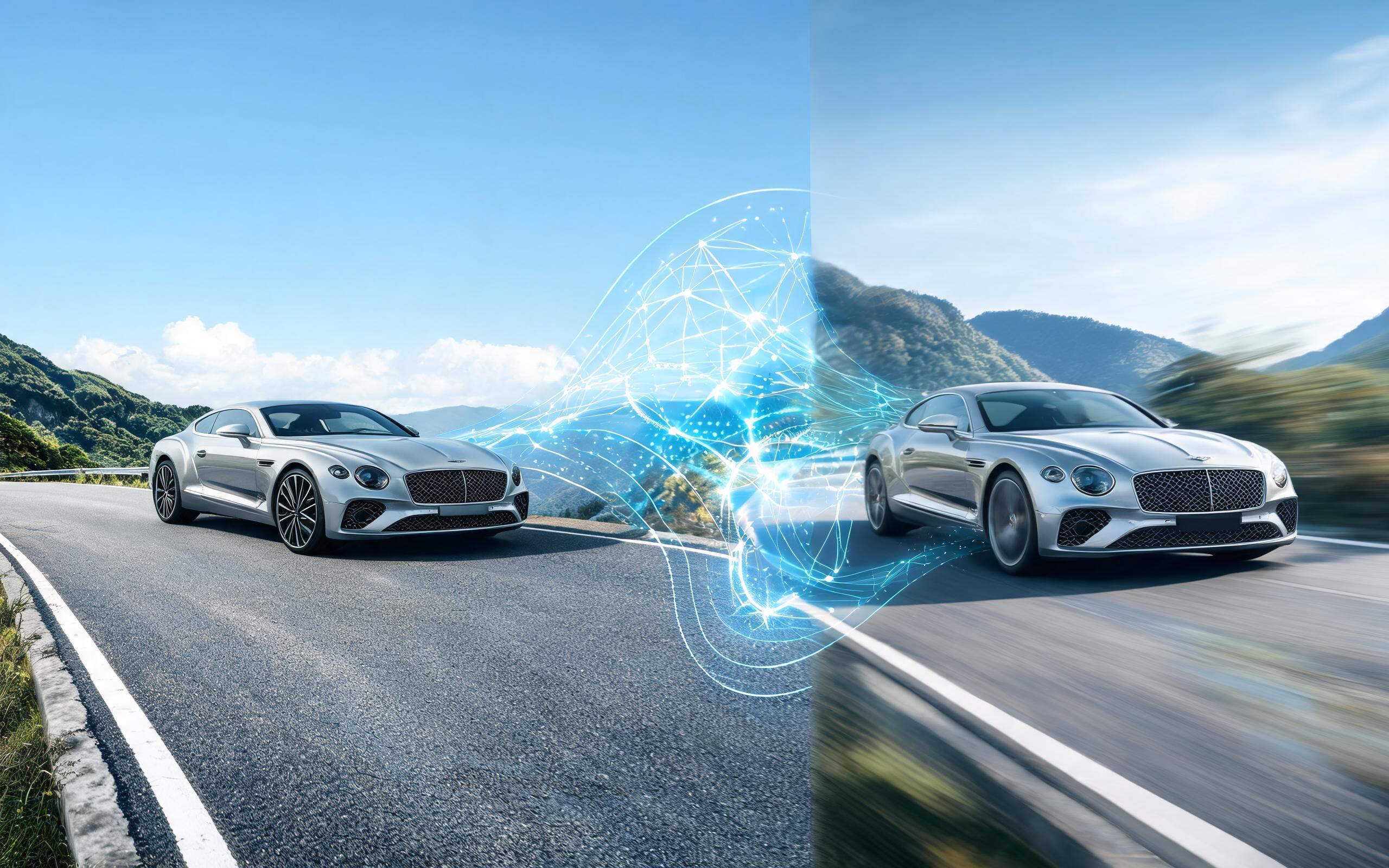
Use PromeAI image-to-video generation for car video from photo, adding motion, camera direction, and a short reusable video result from a still image.
Open page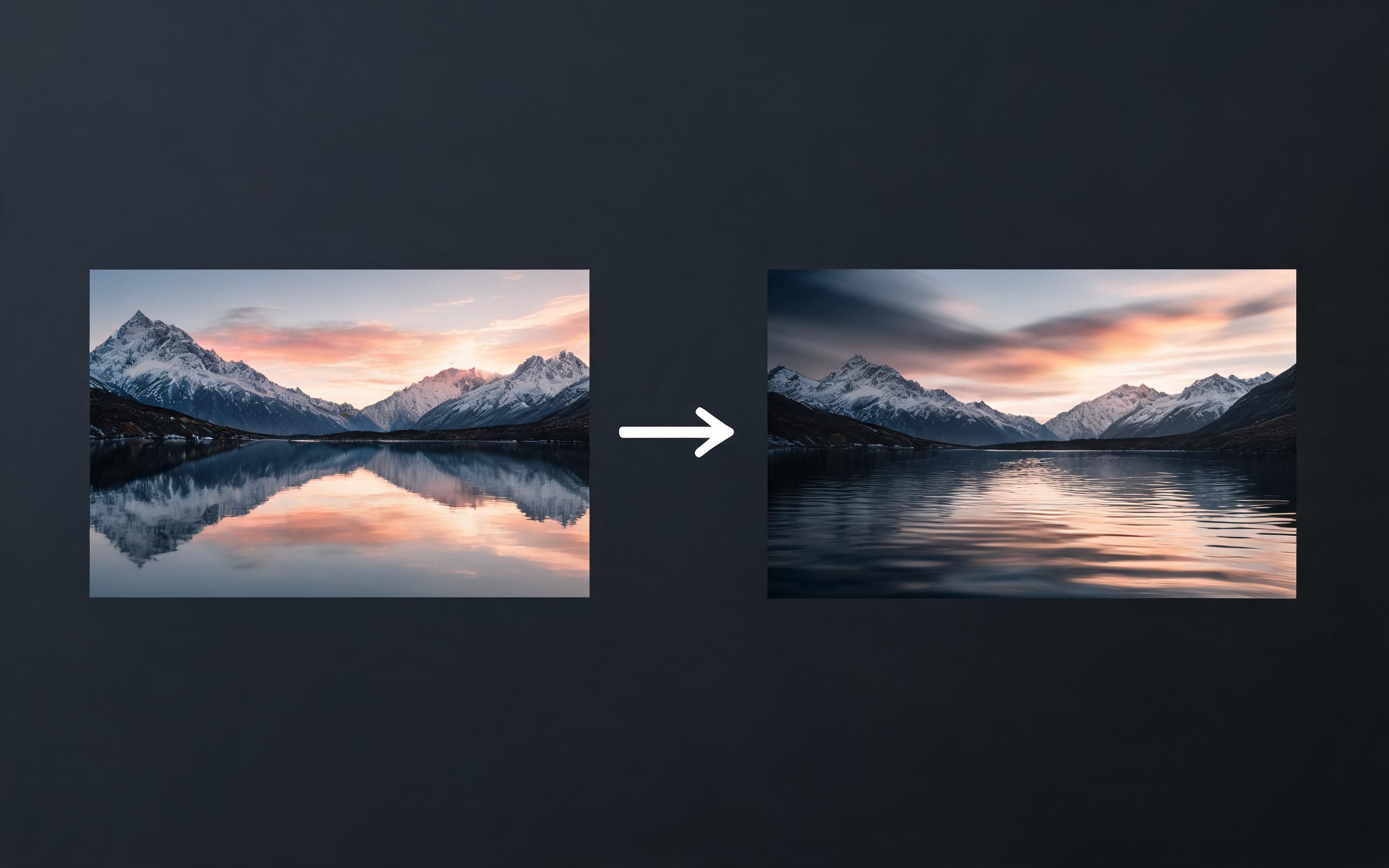
Use PromeAI image-to-video generation for cinematic ai video from image, adding motion, camera direction, and a short reusable video result from a still image.
Open page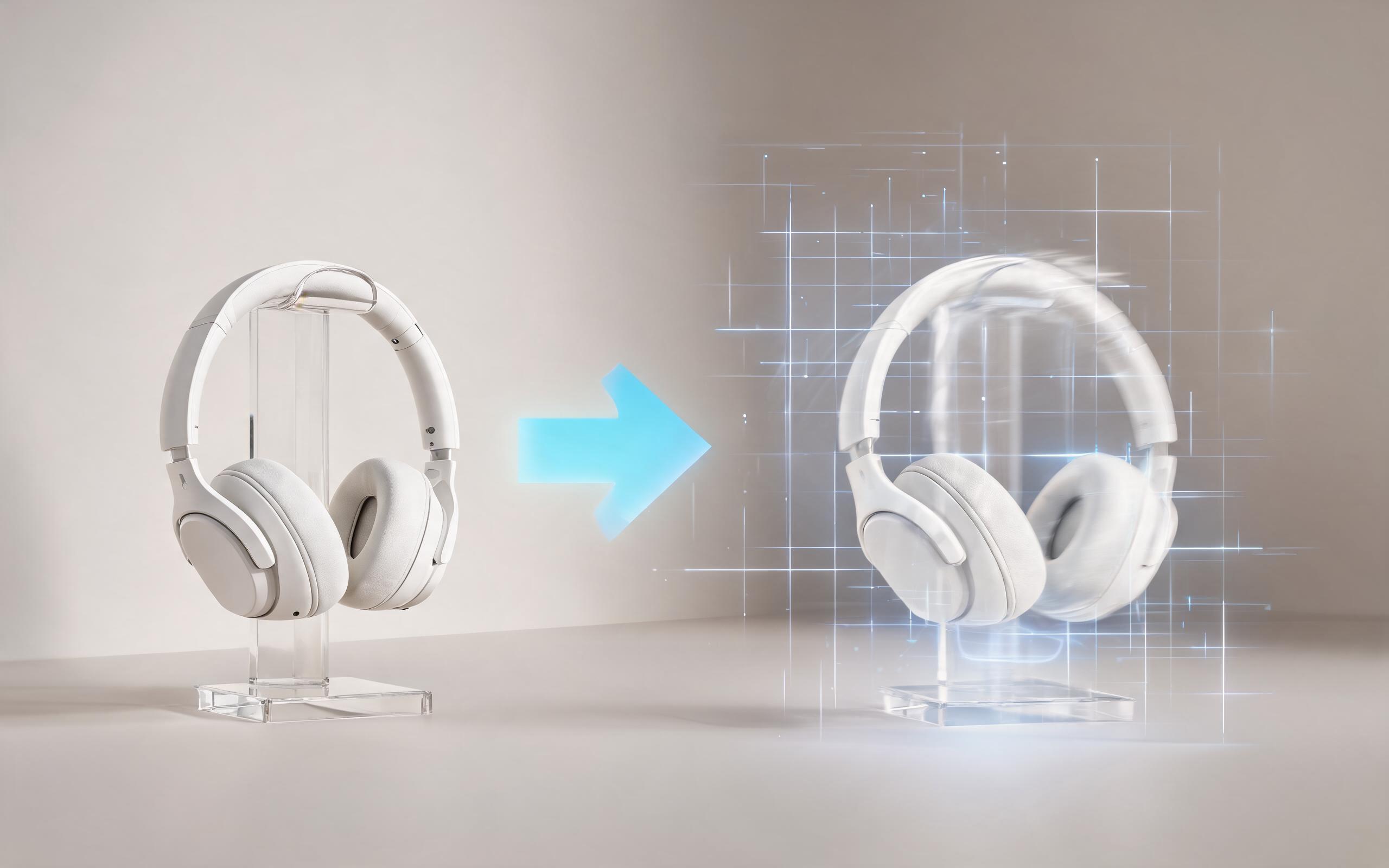
Use PromeAI image-to-video generation to create ai video for ecommerce product from existing images with clear product framing and channel-ready motion.
Open page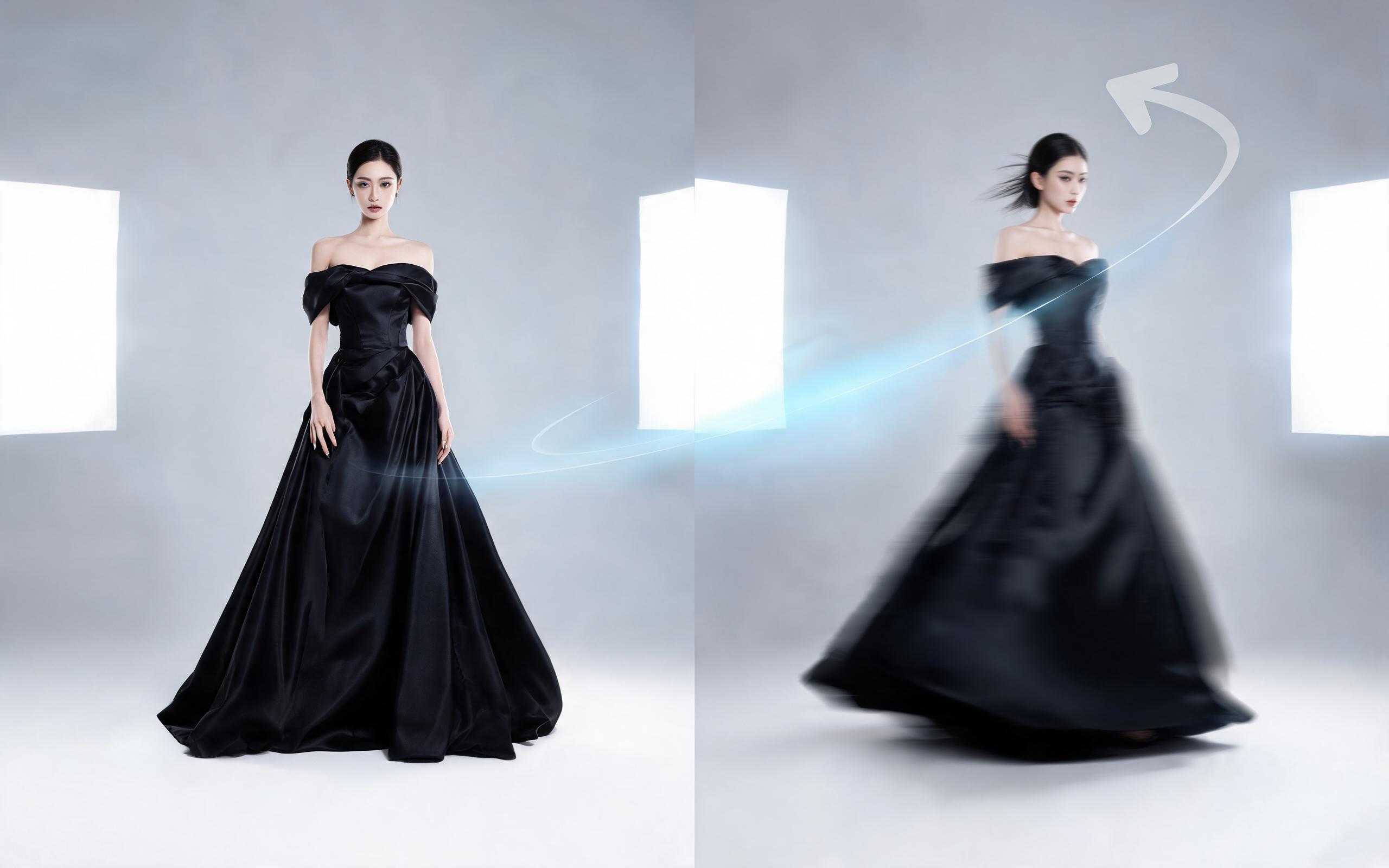
Use PromeAI image-to-video generation for ai fashion video from image, adding motion, camera direction, and a short reusable video result from a still image.
Open pageGet answers to common questions about generating, editing, and using AI-created jewelry videos for your business.

Skip expensive video shoots and complex editing workflows. Upload your jewelry photo to PromeAI now to generate a polished, high-converting video clip in minutes, no technical skills required.
Create AI Jewelry Video from Photos
Technical support: [email protected]
Business collaboration: [email protected]
Trusted by Jewelry Brands & Creative Professionals
See why thousands of ecommerce sellers and marketing teams rely on PromeAI to create high-performing jewelry video content.
PromeAI helps us turn static campaign images into motion concepts before we commit to a full shoot.
The short clips make it easier to test pacing, camera movement, and product hooks across launch pages and ads.
For stakeholder reviews, a quick AI video gives everyone a clearer sense of material, scale, and story.