


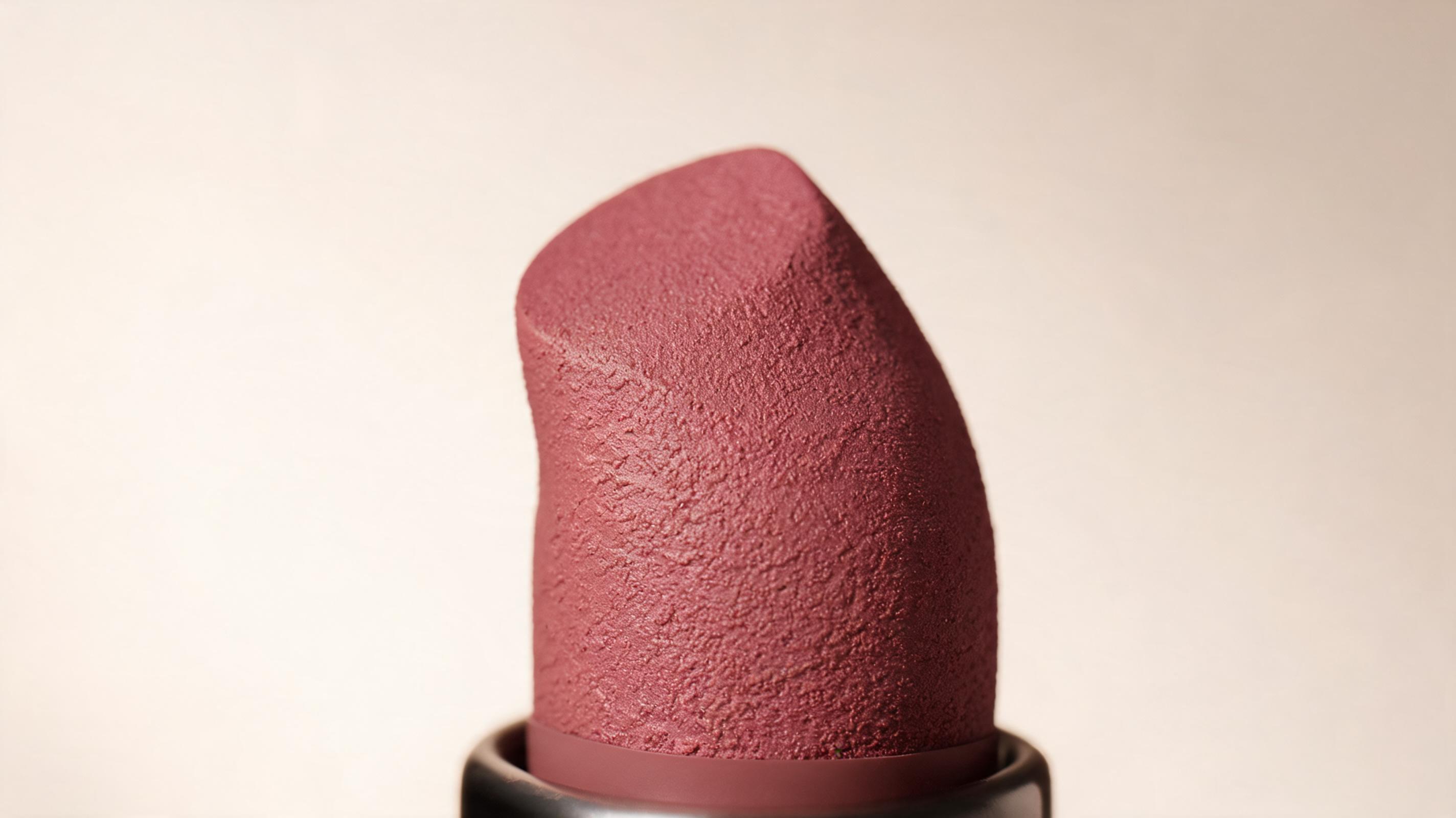
Matte Lipstick Macro Video
Slow zoom-in motion clip showcasing the soft, highly pigmented texture of a matte lipstick, optimized for Instagram beauty ad campaigns.
Create high-quality, motion-rich macro product videos from a single static product image. No editing skills required, output optimized for product pages, social ads, and marketplace listings.
Browse real-world examples of macro product videos created for different product categories and campaign types.
Slow zoom-in motion clip showcasing the soft, highly pigmented texture of a matte lipstick, optimized for Instagram beauty ad campaigns.
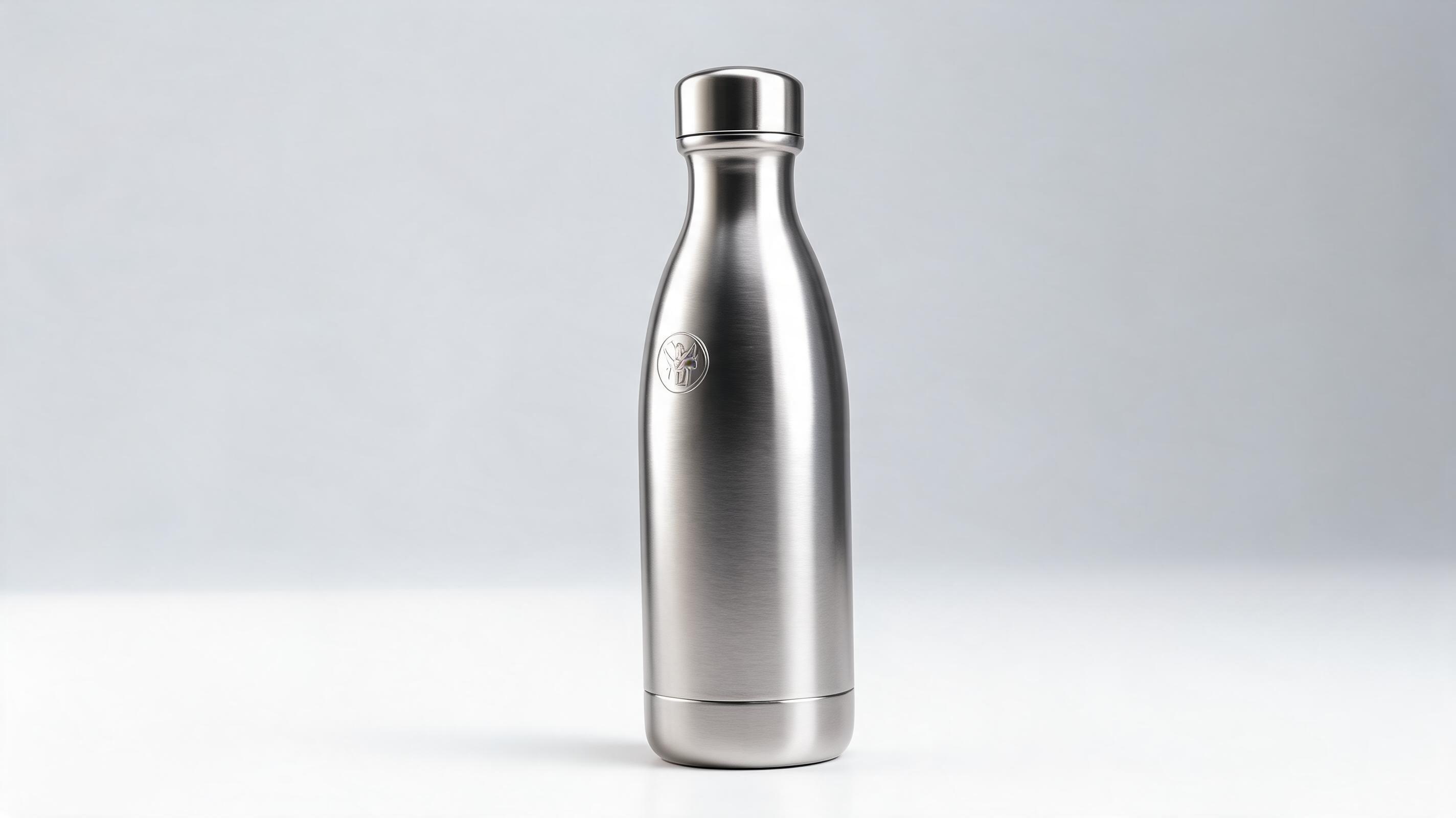
Subtle 360-degree rotation clip highlighting the scratch-resistant finish and engraved logo of a reusable water bottle for Shopify product pages.
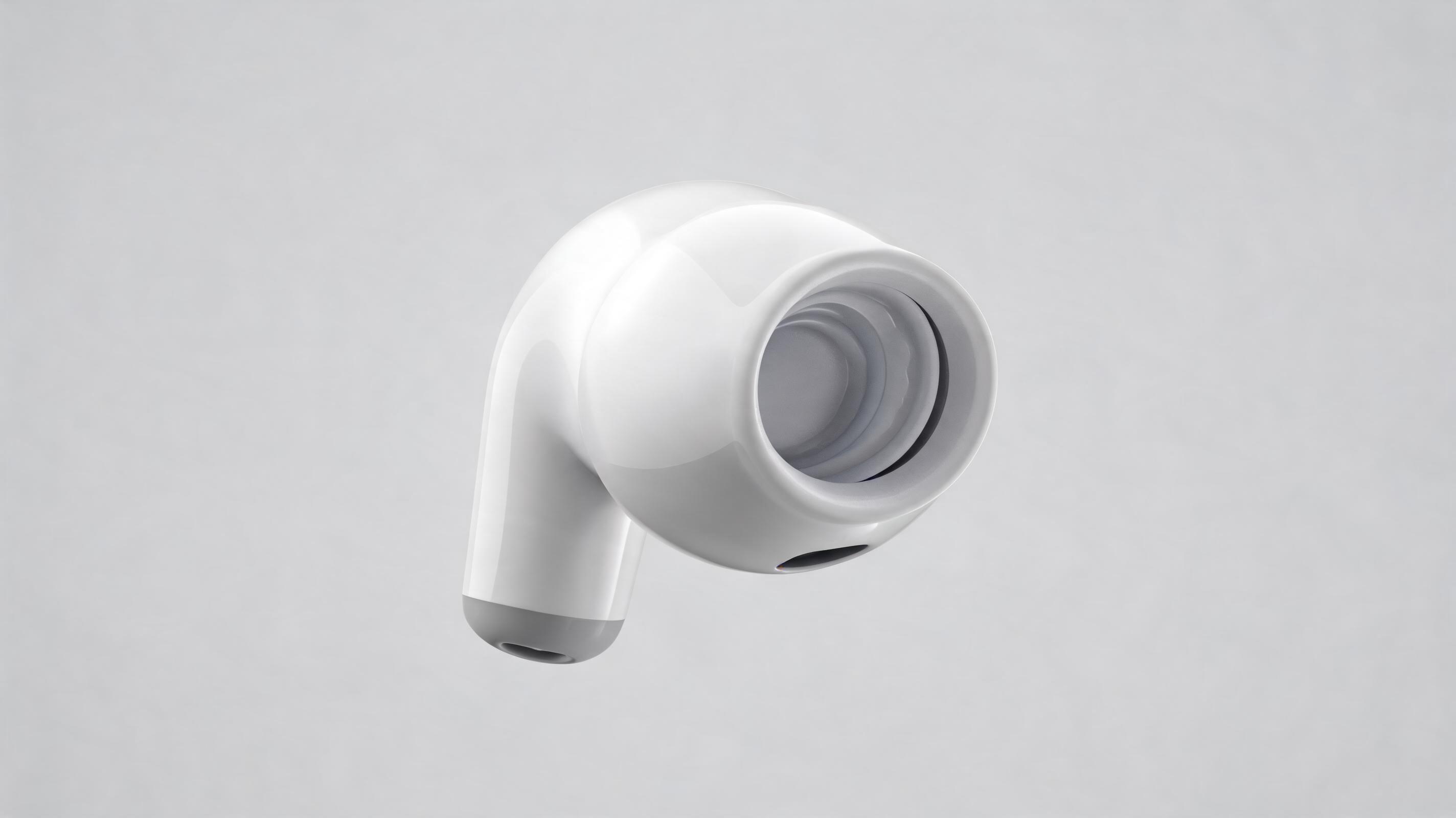
Slow side pan clip showcasing the water-resistant seal and ergonomic fit of wireless earbuds for Amazon A+ content sections.
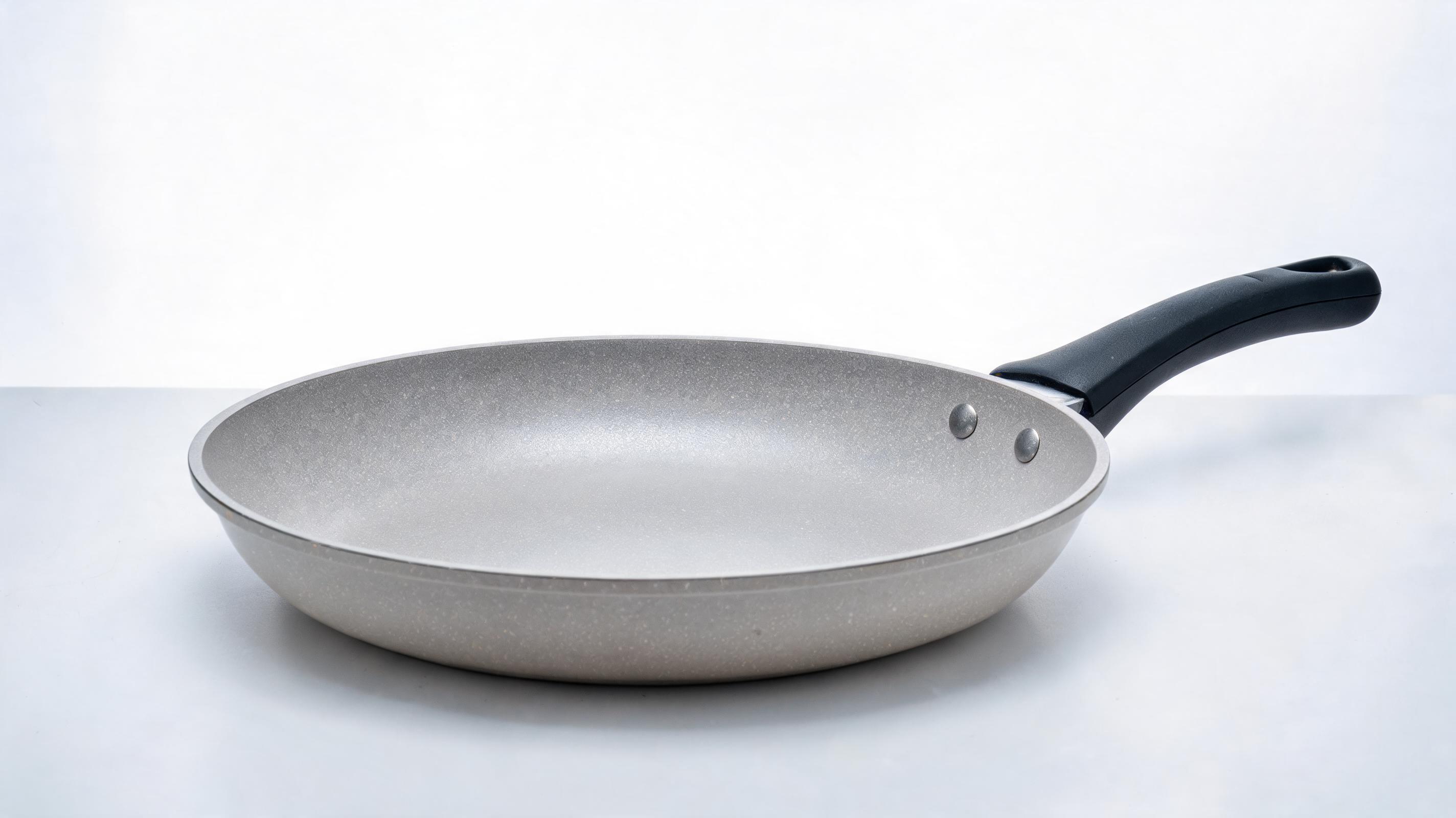
Slow zoom-out clip highlighting the non-stick coating and heat-resistant handle of a ceramic frying pan for TikTok food product ads.
Access built-in tools designed to make your macro product videos clear, engaging, and optimized for commercial performance.
No need for multiple photos or expensive video shoots; turn one high-quality static product image into a polished macro video in minutes, no editing experience required.
AI automatically prioritizes keeping your product’s form, scale, and material details sharp throughout the entire motion sequence, eliminating blurring or unwanted distortion.
Choose from 3-15 second loop lengths optimized for short-form social media, product page carousels, and repeating ad slots that drive higher viewer engagement.
Export videos in pre-configured aspect ratios and resolutions for Amazon, Shopify, Instagram Reels, TikTok, and Facebook Ads out of the box, no manual resizing needed.
Generate up to 3 macro product videos per month for free with no embedded watermarks, perfect for small sellers testing content before scaling.
Add your logo, product pricing, or promotional text overlays directly in the tool before exporting, eliminating the need for extra editing software.
See how product teams, ad creators, and marketplace sellers use macro product videos to boost engagement and drive sales.
Add looping macro product videos to your product pages to showcase material texture, fine details, and functionality, lifting conversion rates for high-ticket or detail-focused products.
Create eye-catching short macro product video clips for social ad campaigns that stop scrollers and highlight what makes your product stand out from competitors.
Upload macro product videos to your Amazon A+ content sections to outperform competing listings and give shoppers a transparent look at product quality.
Embed short macro product videos in launch email sequences to build hype and give subscribers a detailed preview of new product features or craftsmanship.
Use short looping macro videos as the first frame of your paid social carousels to boost engagement and click-through rates to your product pages.
Include ready-to-use macro product videos in your influencer freebie packs to cut down on content creation time for your partner creators and ensure brand consistency.
Generate professional macro product videos in minutes with no prior editing experience, using just one clear product image.
Start with a high-res, well-lit static product image with visible material details and clean edges, cropped to center the product for optimal AI rendering results.
Choose your desired macro camera motion direction (slow pan, zoom, subtle 360 rotation) and loop length, with pre-configured options aligned to your target publishing platform.
Let the AI render your macro product video in 10-30 seconds, then export in your required resolution and aspect ratio for product pages, social ads, or marketplace listings.
Macro product videos are one of the most underused high-impact content assets for e-commerce brands and independent sellers. This guide covers how to create effective videos, when to use them, and how to choose the right motion and settings for your business goals.
Start with a high-res, well-lit product shot taken against a neutral background, with the product centered and no distracting elements in the frame. Avoid blurry, low-light, or cropped images that cut off product edges, as the AI will rely entirely on the details in your input image to generate the video. For best results, use images that clearly show key product details you want to highlight, such as texture, engraved logos, or functional features like a water-resistant seal or adjustable clasp.
The motion you select for your macro video will directly impact its performance. Slow zoom-in motion works best for highlighting small, detailed products like jewelry, cosmetics, or electronics accessories, as it draws the viewer’s eye to fine details that drive purchase decisions. Subtle 360-degree rotation is ideal for household goods, apparel, and outdoor products where shoppers want to see the full form of the item before buying. Side pan motion works well for longer products like skincare bottles, cookware, or small furniture pieces. Avoid fast, jerky motion options for commercial use cases, as they can distract from the product and make it hard for shoppers to evaluate quality.
Macro product videos are the best choice when you want to highlight specific product details, texture, or craftsmanship to justify a higher price point, stand out from competing listings, or boost engagement on short-form social platforms. They are ideal for small, high-detail products, or for campaigns where you want to emphasize quality over use context. You should avoid using macro product videos if your primary goal is to show the product in use in a real-world setting, or if you need to demonstrate full product functionality that requires showing the entire item in context, such as a piece of furniture in a living room or a jacket worn by a model. For those use cases, PromeAI’s standard product video from image tool is a more appropriate fit.
Adjust the length and aspect ratio of your macro video to match the platform you are posting to for the best performance. For Shopify and Amazon product pages, use a 1:1 aspect ratio and 6-10 second loop that plays automatically when a shopper lands on the page, no sound required. For Instagram Reels and TikTok, use a 9:16 aspect ratio and 3-5 second clip with a hook in the first second to stop scrollers, paired with trending audio if you are posting to organic feeds. For Facebook and Instagram feed ads, use a 4:5 or 1:1 aspect ratio and 5-7 second loop with clear text overlays highlighting key product benefits for viewers who watch without sound.
Pick from tailored motion options to customize your macro product video to match your brand voice and campaign goals.
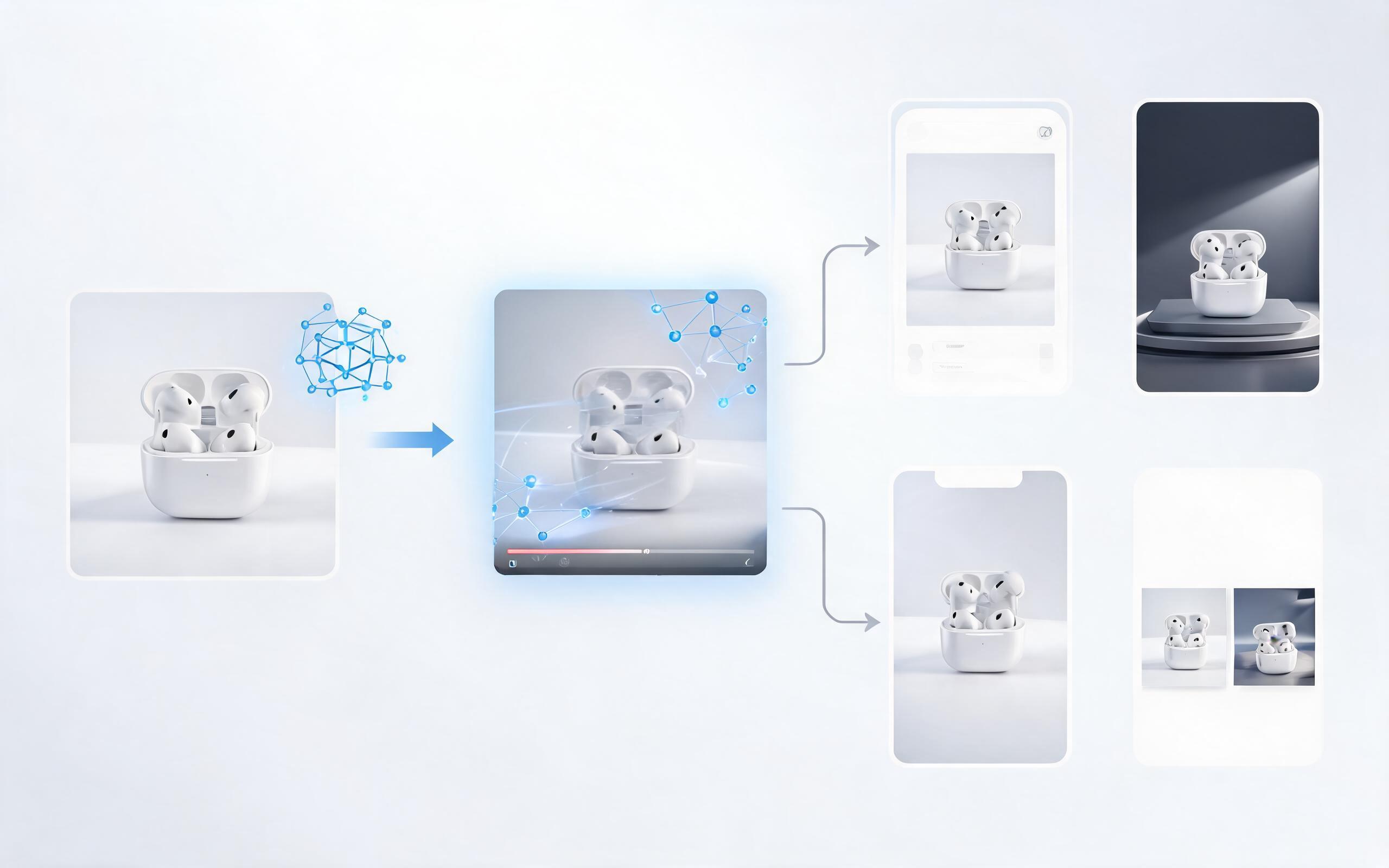
Generate ai product video generator free workflows from product photos, renders, or listing images for ecommerce, product launches, social ads, and campaign testing.
Open page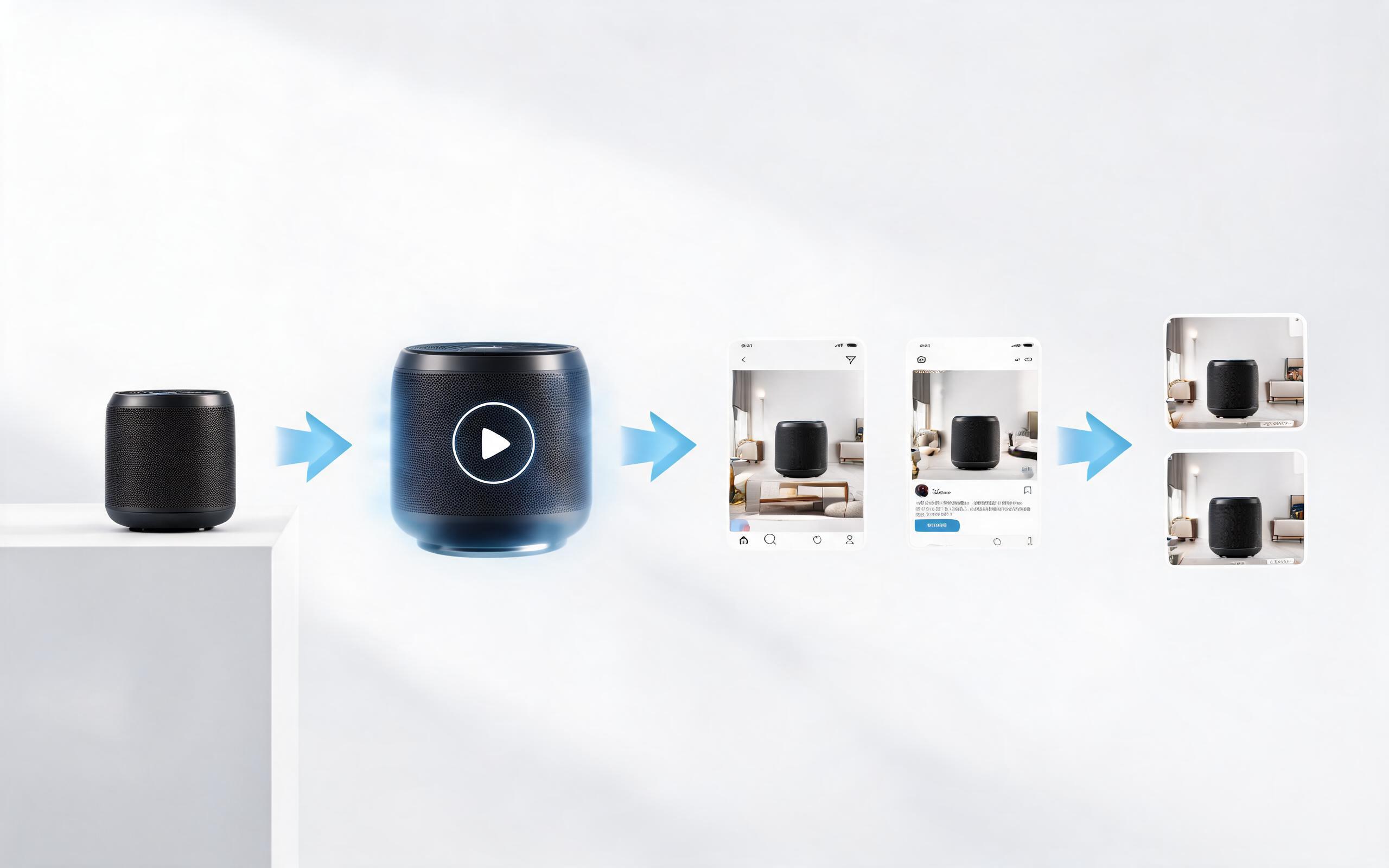
Generate product video from image workflows from product photos, renders, or listing images for ecommerce, product launches, social ads, and campaign testing.
Open page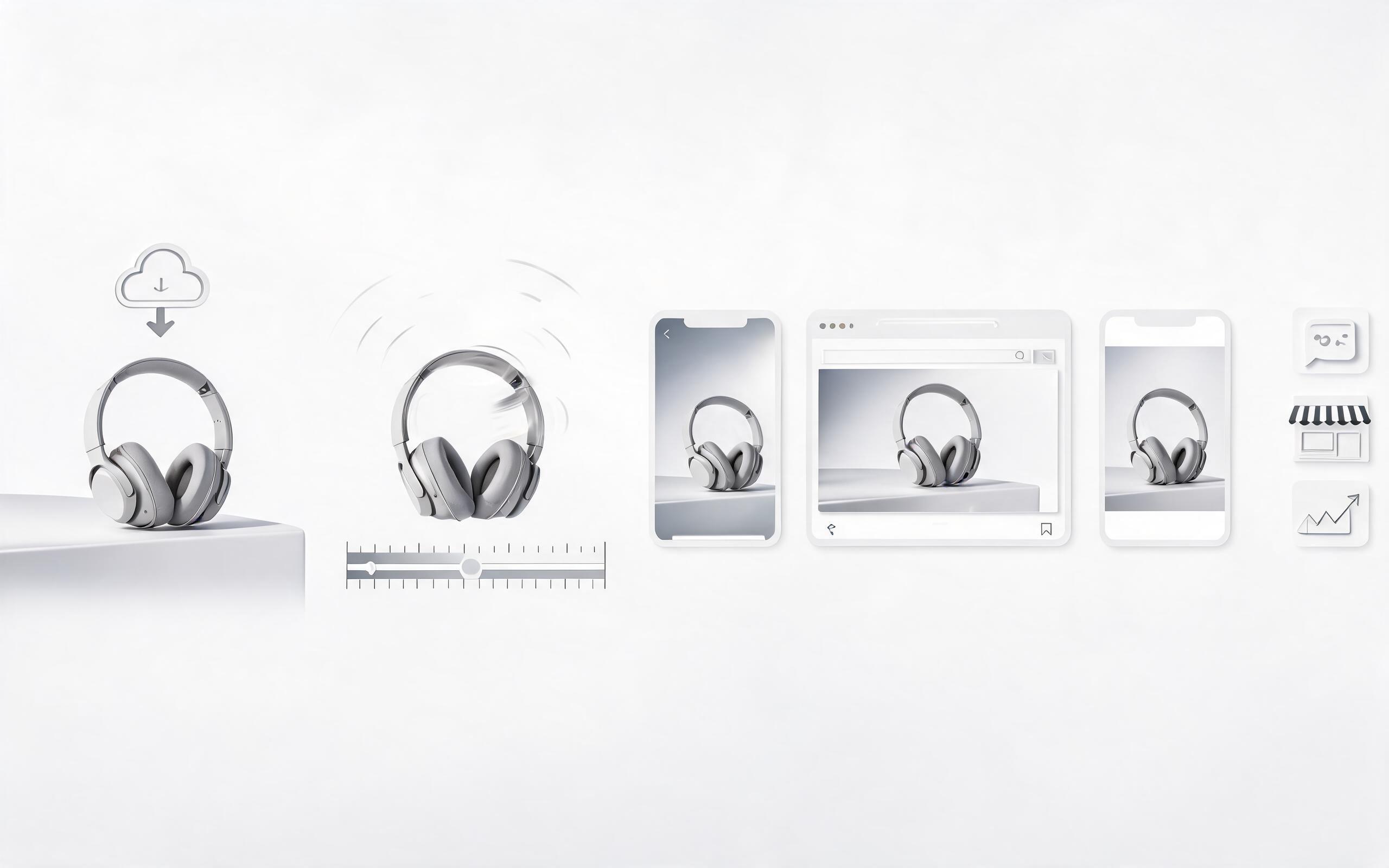
Generate ai product video from image workflows from product photos, renders, or listing images for ecommerce, product launches, social ads, and campaign testing.
Open page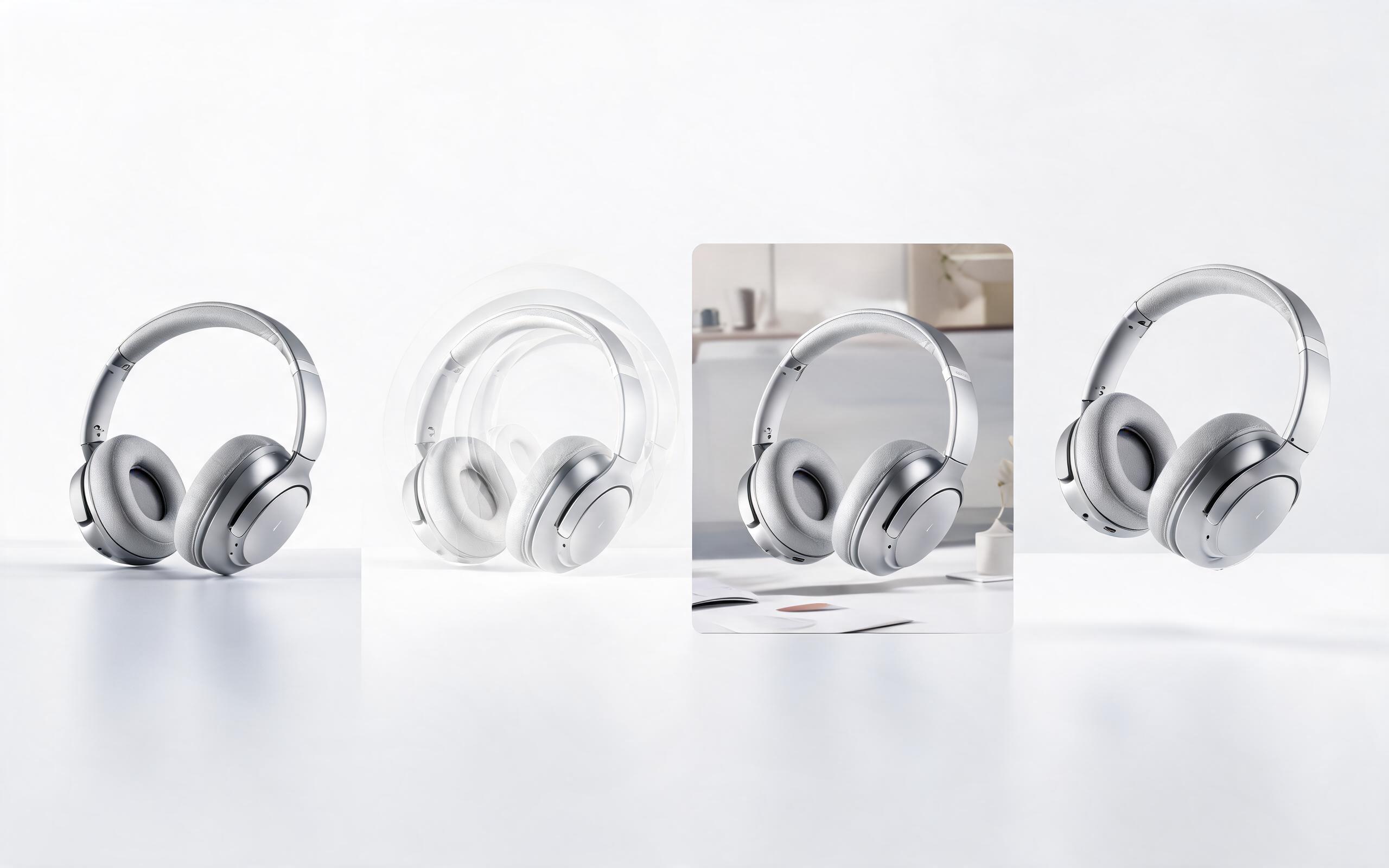
Generate product photo to video workflows from product photos, renders, or listing images for ecommerce, product launches, social ads, and campaign testing.
Open page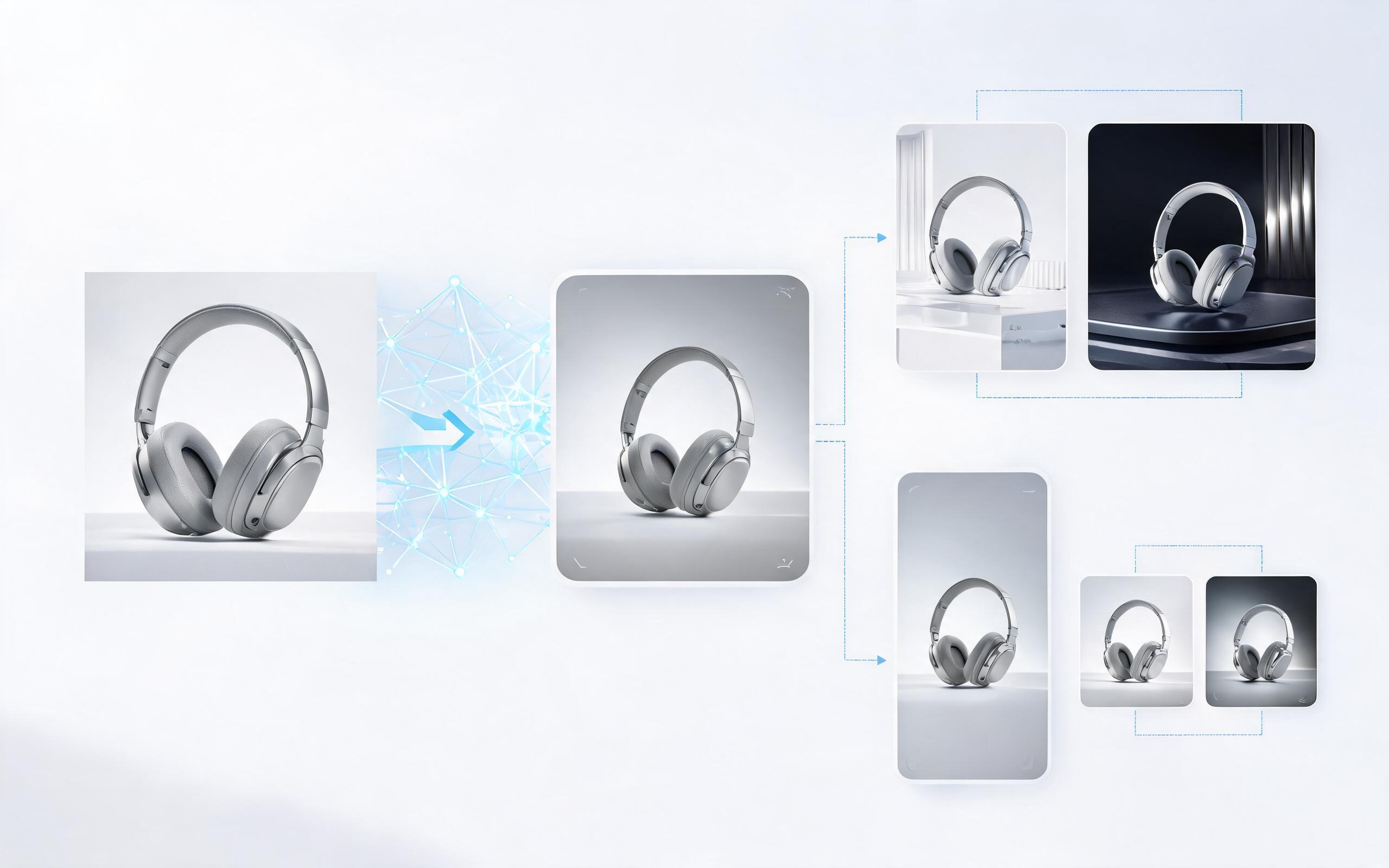
Generate product demo video ai workflows from product photos, renders, or listing images for ecommerce, product launches, social ads, and campaign testing.
Open page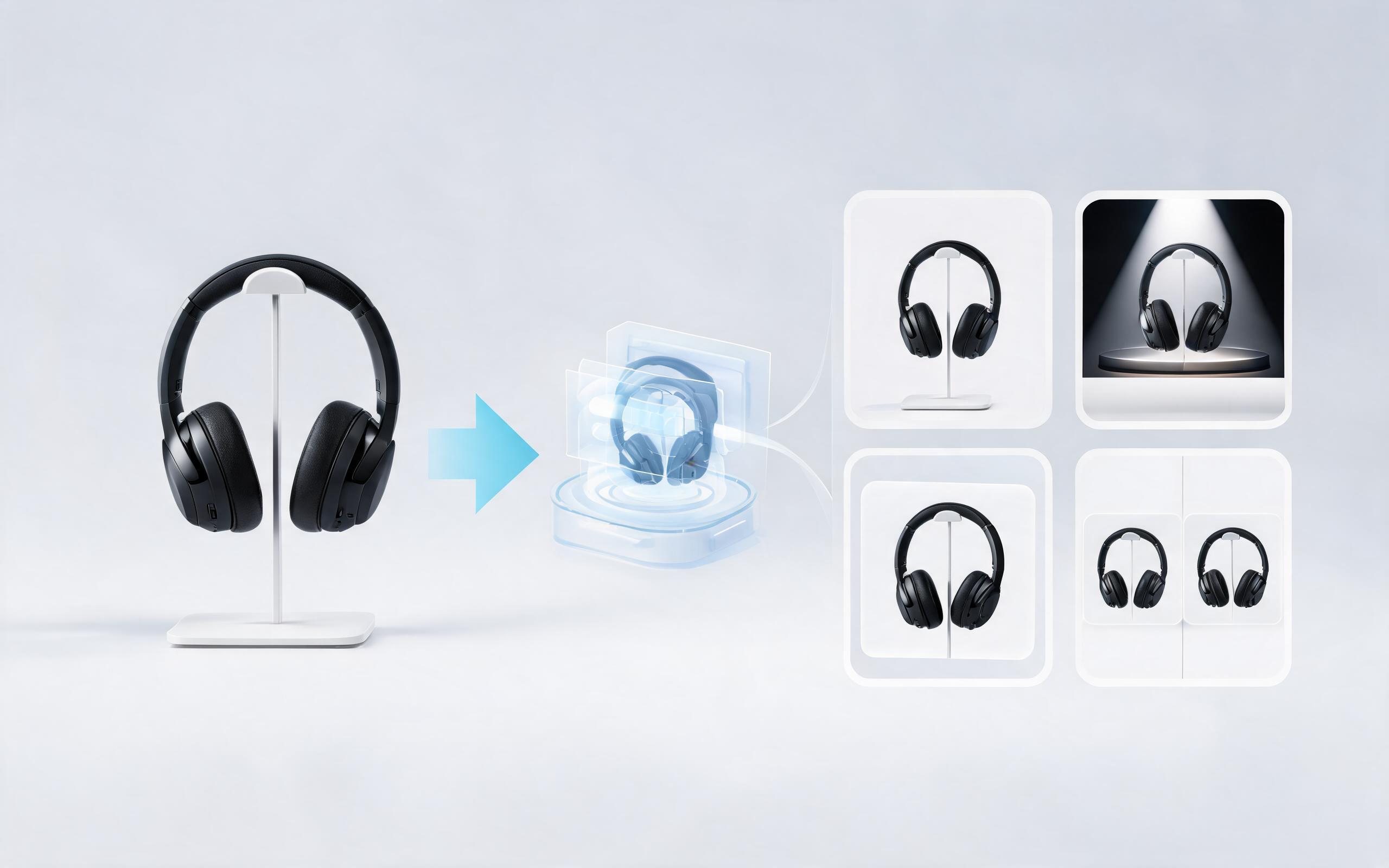
Generate product showcase video generator workflows from product photos, renders, or listing images for ecommerce, product launches, social ads, and campaign testing.
Open pageGet answers to common questions about creating, customizing, and using macro product videos for your business.

Turn your static product images into high-converting macro product videos in minutes, no editing skills required. Try PromeAI’s macro product video tool for free to create content that boosts engagement and drives sales across your product pages, ads, and marketplace listings.
Create Macro Product Video
Technical support: [email protected]
Business collaboration: [email protected]
What Creators Say About PromeAI's Video Tools
See why thousands of product teams and marketers trust PromeAI to create high-converting product video content at scale.
PromeAI helps us turn static campaign images into motion concepts before we commit to a full shoot.
The short clips make it easier to test pacing, camera movement, and product hooks across launch pages and ads.
For stakeholder reviews, a quick AI video gives everyone a clearer sense of material, scale, and story.