



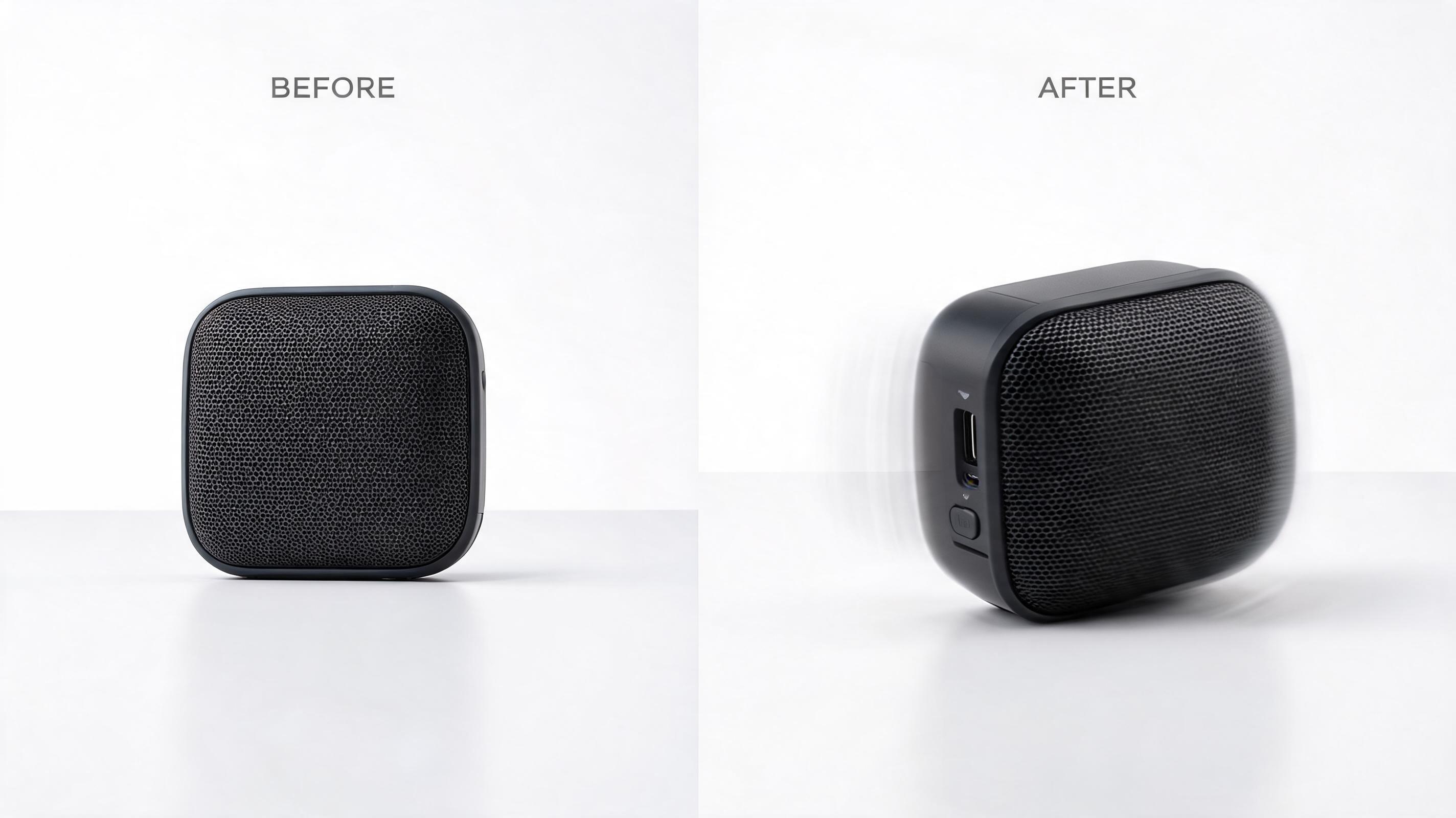
Ecommerce Product Video
A static photo of a portable wireless speaker converted into a 10-second looped clip with slow zoom and subtle 360 rotation to highlight build quality and design details, optimized for Instagram Reels.
Instantly add natural motion, custom camera movement, and professional flair to any still photo. Create short, loop-friendly video clips perfect for marketing, social media, and creative projects in seconds, no editing experience required.
Browse real examples of static images converted into dynamic, professional video clips for different industries and use cases.
A static photo of a portable wireless speaker converted into a 10-second looped clip with slow zoom and subtle 360 rotation to highlight build quality and design details, optimized for Instagram Reels.
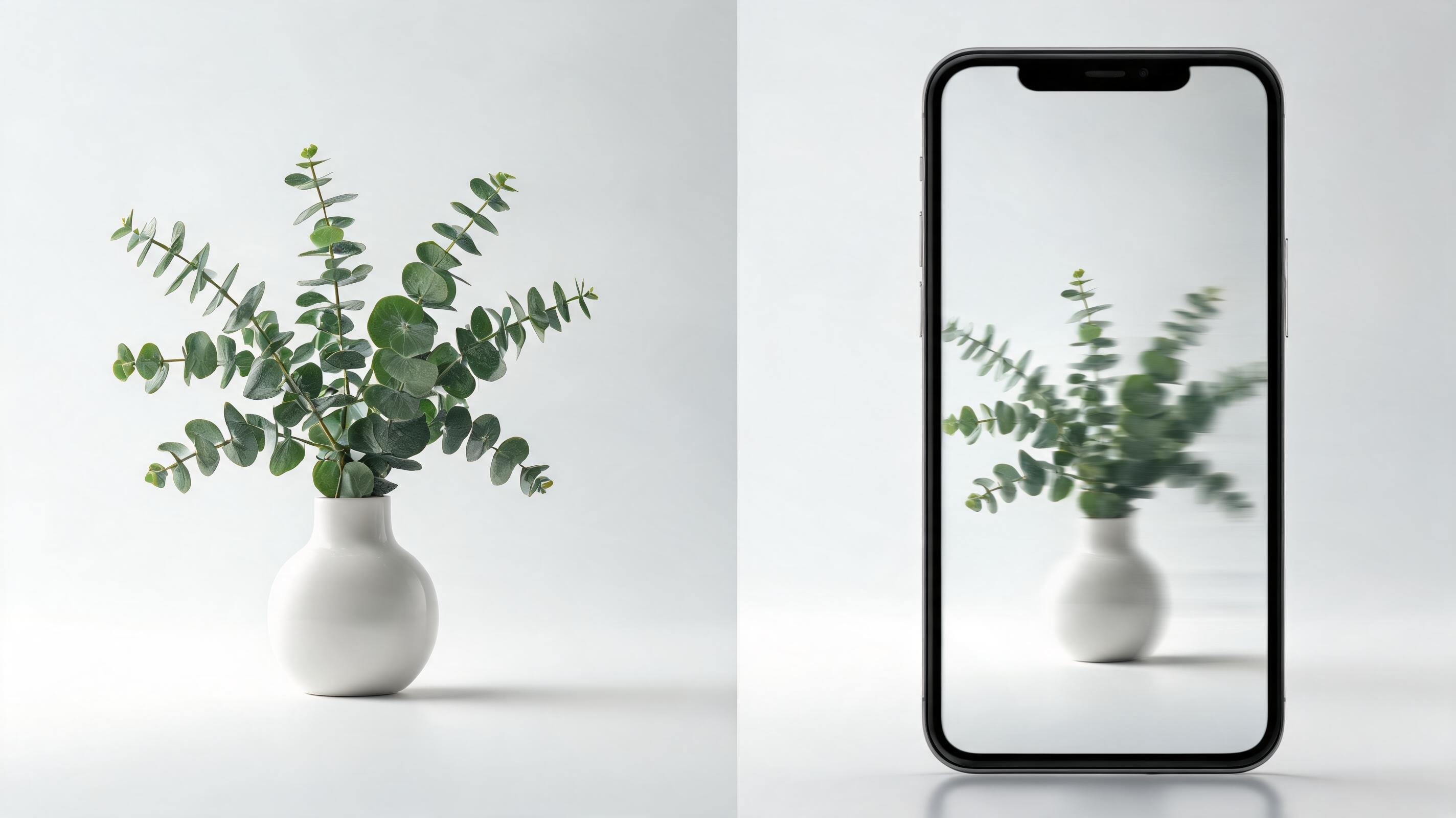
A static brand promotional photo converted into an 8-second clip with gentle pan across the product and text overlay animation, designed for Facebook and Instagram ad feeds with a 9:16 aspect ratio.
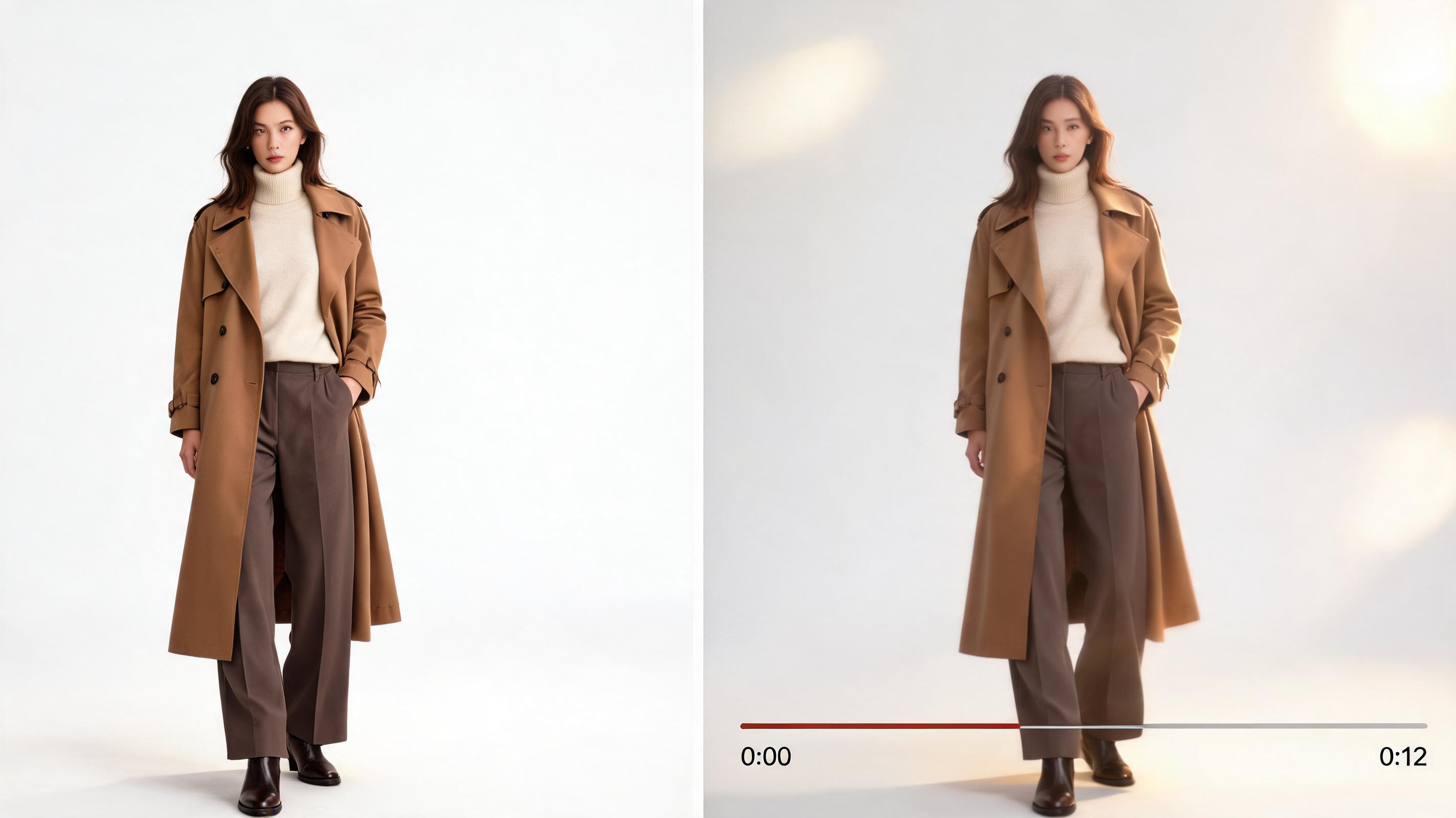
A static editorial photo of a model wearing a fall collection outfit converted into a 12-second cinematic clip with slow dolly in and soft light movement, perfect for TikTok and Pinterest fashion content.
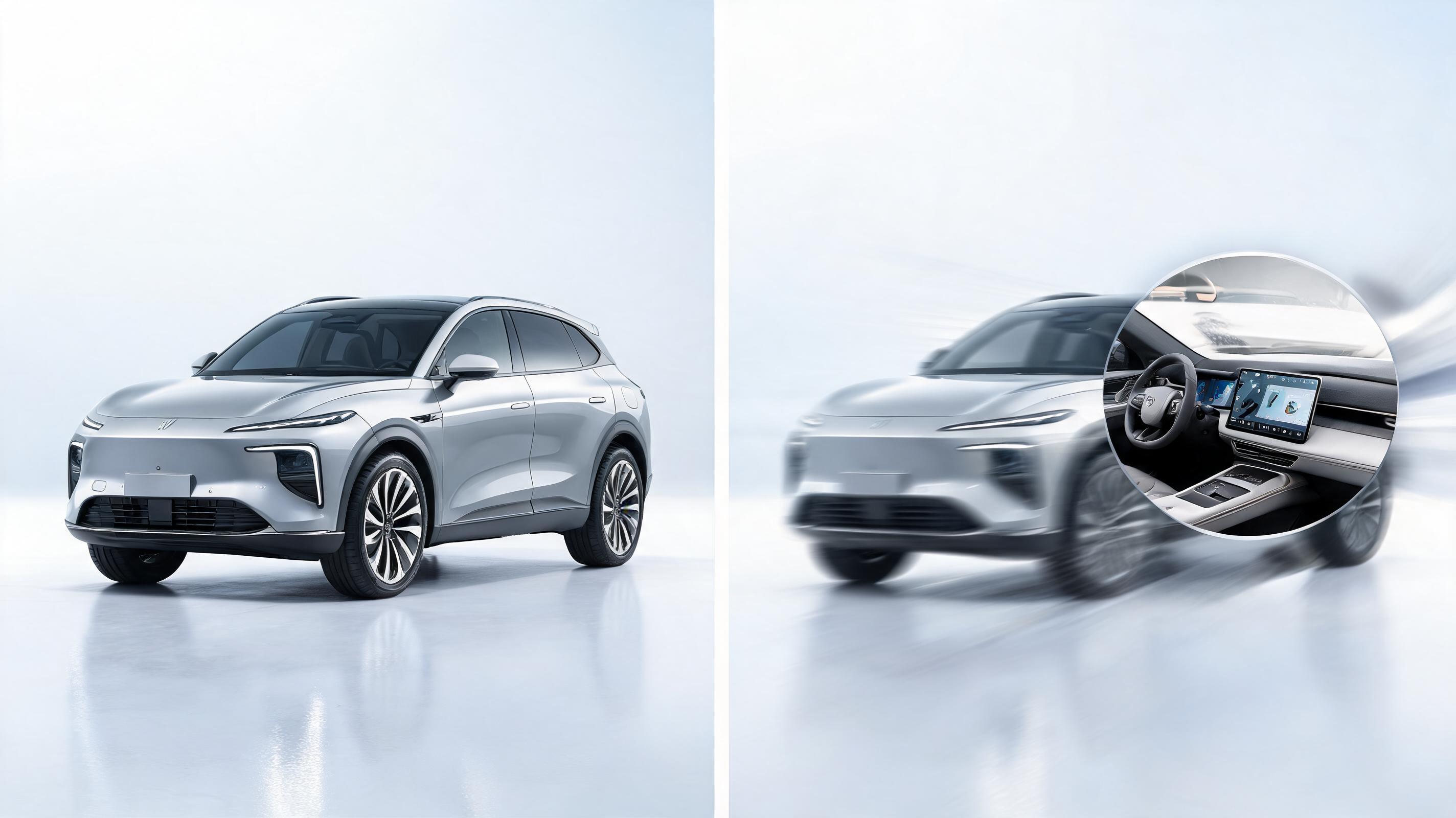
A static photo of a new electric SUV converted into a 15-second clip with slow pan across the exterior and zoom in on the dashboard, optimized for used car listing sites and YouTube Shorts.
Discover the core features that make our tool the easiest way to create high-quality videos from static photos.
Adjust camera pan, zoom, tilt, and dolly effects to create natural, intentional movement that aligns with your content's tone and end use case.
Generate short, seamlessly looping clips designed for social media feeds, ad creatives, and website banners that play continuously without jarring cuts.
Export videos in resolutions from 720p for social media up to 4K for high-end marketing assets, with aspect ratio presets for all major platforms.
Intuitive, user-friendly interface eliminates the need for professional video editing software or technical skills to get polished, professional results.
Process most photo to video conversions in under 30 seconds, so you can iterate quickly, test multiple variants, and publish content faster.
Access pre-configured settings for ad creatives, ecommerce products, fashion, automotive, beauty, and cinematic content to cut down on customization time.
See how creators, marketers, and professionals use our tool to streamline content production and boost engagement.
Turn static product photos, brand assets, or user-generated content into engaging Reels, TikToks, and Stories to boost reach and audience engagement.
Convert still product shots into short, dynamic clips that showcase features, angles, and use cases to increase conversion rates on product pages and ad campaigns.
Scale ad creative output by turning existing static ad assets into multiple video variants for A/B testing without requiring new photoshoots.
Bring static lookbook photos, makeup swatches, and product shots to life with subtle motion to highlight texture, fit, and application for social and ad campaigns.
Add dynamic camera movement to static car photos to showcase exterior design, interior features, and performance cues for dealership listings and ad campaigns.
Convert still reference photos into short, cinematic motion clips to fill gaps in video projects, storyboards, and pitch decks without needing new filming.
Follow our simple 3-step workflow to convert any still image into a professional, motion-ready video clip in seconds.
Select a high-quality static image with a clear subject, no blurriness, and ample negative space to accommodate motion effects for the best output.
Choose from pre-built motion presets or define custom camera direction (pan, zoom, dolly) and speed to match your specific content goal.
Run the AI generator, preview the output, tweak settings if needed, then export your short, loop-ready video in your desired resolution and aspect ratio.
This guide walks you through how to get the most out of PromeAI's Photo to Video AI tool, including best practices for source images, use case fit, and how to choose between general and specialized tools for your projects.
To get the highest quality output, start with a high-resolution photo that is at least 1920px on the shortest edge, well-lit, and has a clearly defined main subject. Avoid blurry images, photos with heavy text overlays, or images where the subject is cut off at the edges, as these can lead to distorted motion effects. If you plan to add text or graphics to your final video, leave empty space in your source image to accommodate these elements without covering key details. For product-focused videos, make sure your product is centered in the frame with a neutral background to keep the focus on your offering.
The general Photo to Video AI tool is ideal for quick, one-off projects, testing motion concepts, or creating content for generic use cases. It offers full control over motion settings so you can customize output exactly to your needs. For industry-specific projects, however, specialized presets (like ad creative, ecommerce, fashion, or automotive) will give you faster, more polished results, as they are pre-configured with motion settings, aspect ratios, and export settings tailored to those use cases. Use the general tool when you need full creative control, and use specialized presets when you want to cut down on editing time and ensure your output is optimized for your specific industry or channel. Avoid using the general tool for high-volume industry-specific content production, as you will spend more time adjusting settings than if you use a purpose-built preset.
Different platforms require different video specifications to perform well. For TikTok, Instagram Reels, and YouTube Shorts, export your video in 9:16 aspect ratio with a length between 7 and 15 seconds, and use faster, more dynamic motion to grab attention within the first 3 seconds. For Facebook and Instagram feed ads, use 1:1 or 16:9 aspect ratio, with slower, more subtle motion that focuses on your product or message. For website banners and landing pages, create seamlessly looping 16:9 clips between 5 and 10 seconds long, with very gentle motion that doesn't distract from other page content. For product pages, use 1:1 or 4:5 clips that highlight key product features from multiple angles, with a length of 10 to 20 seconds.
To maximize efficiency, integrate Photo to Video AI into your existing content production workflow after your photoshoot and before your final editing step. First, select your best static assets from your photoshoot, then run them through the tool to generate multiple motion variants for different channels. You can then add text overlays, music, and branding in your preferred video editing tool, or export the clips directly for use if you don't need additional edits. This approach cuts down on filming time, reduces the need for expensive video production, and lets you scale your content output without increasing your team size or budget.
Choose from specialized presets tailored to specific use cases to get polished, ready-to-publish video clips faster.
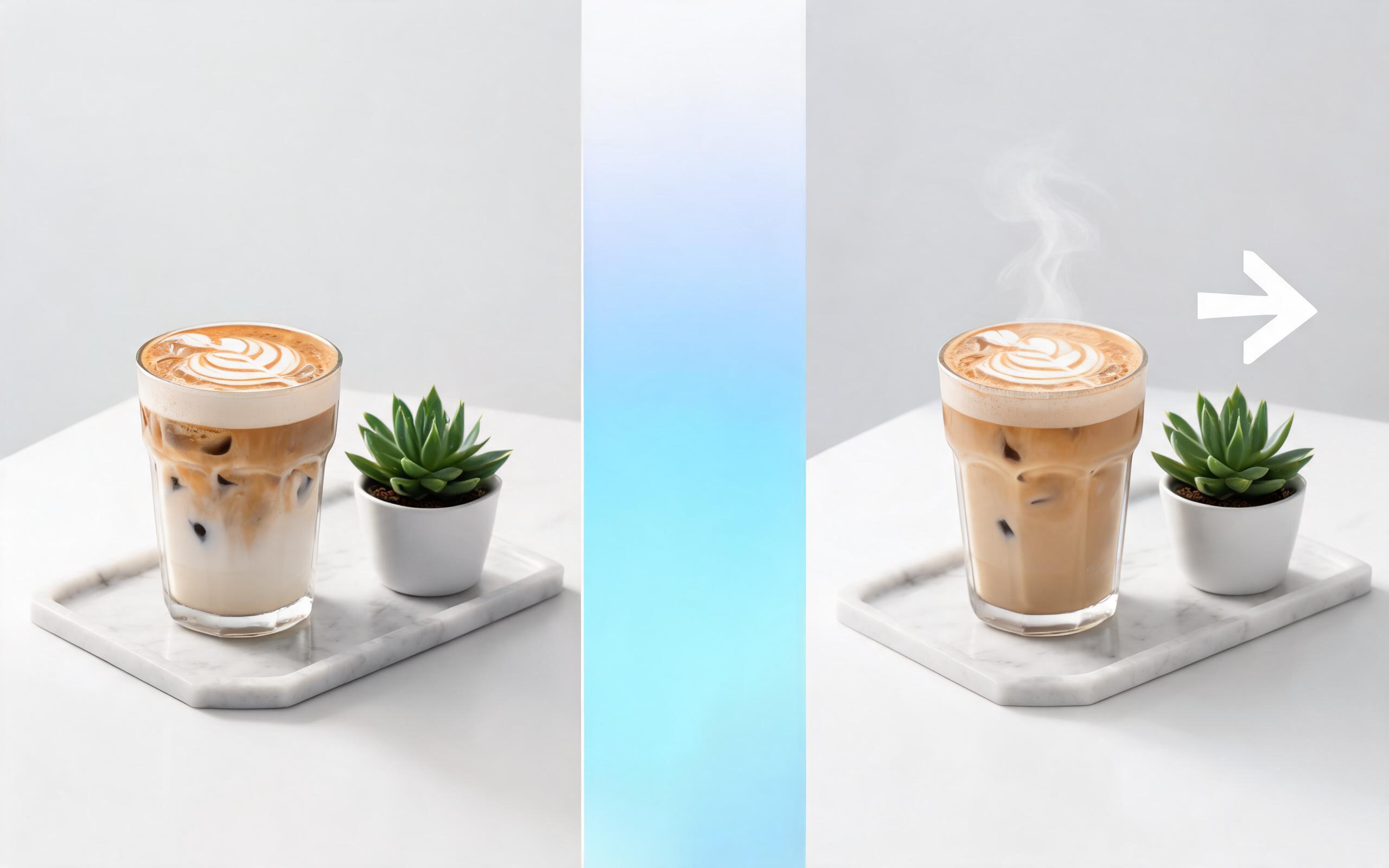
Use PromeAI image-to-video generation for ai ad creative video, adding motion, camera direction, and a short reusable video result from a still image.
Open page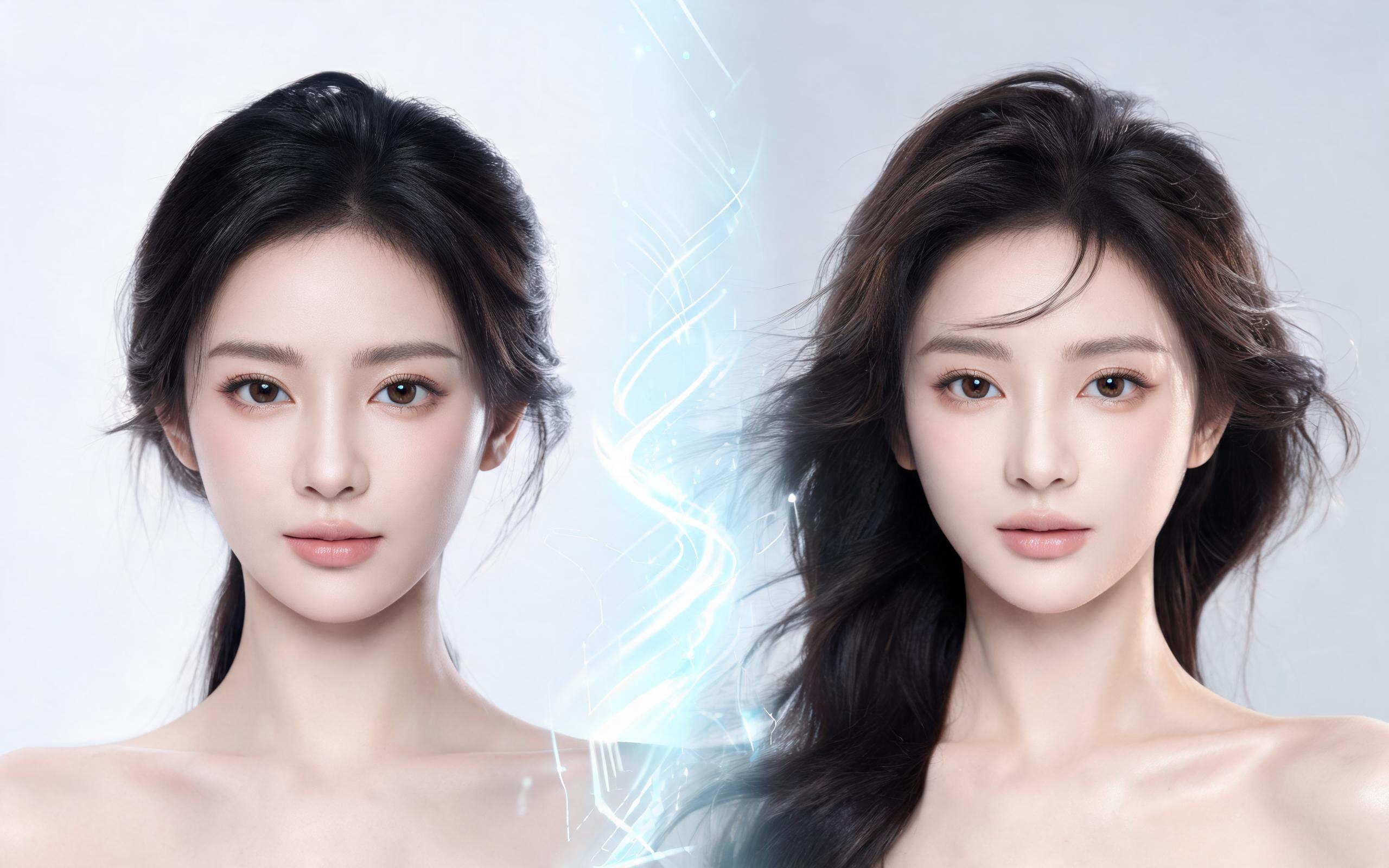
Use PromeAI image-to-video generation for beauty video from photos, adding motion, camera direction, and a short reusable video result from a still image.
Open page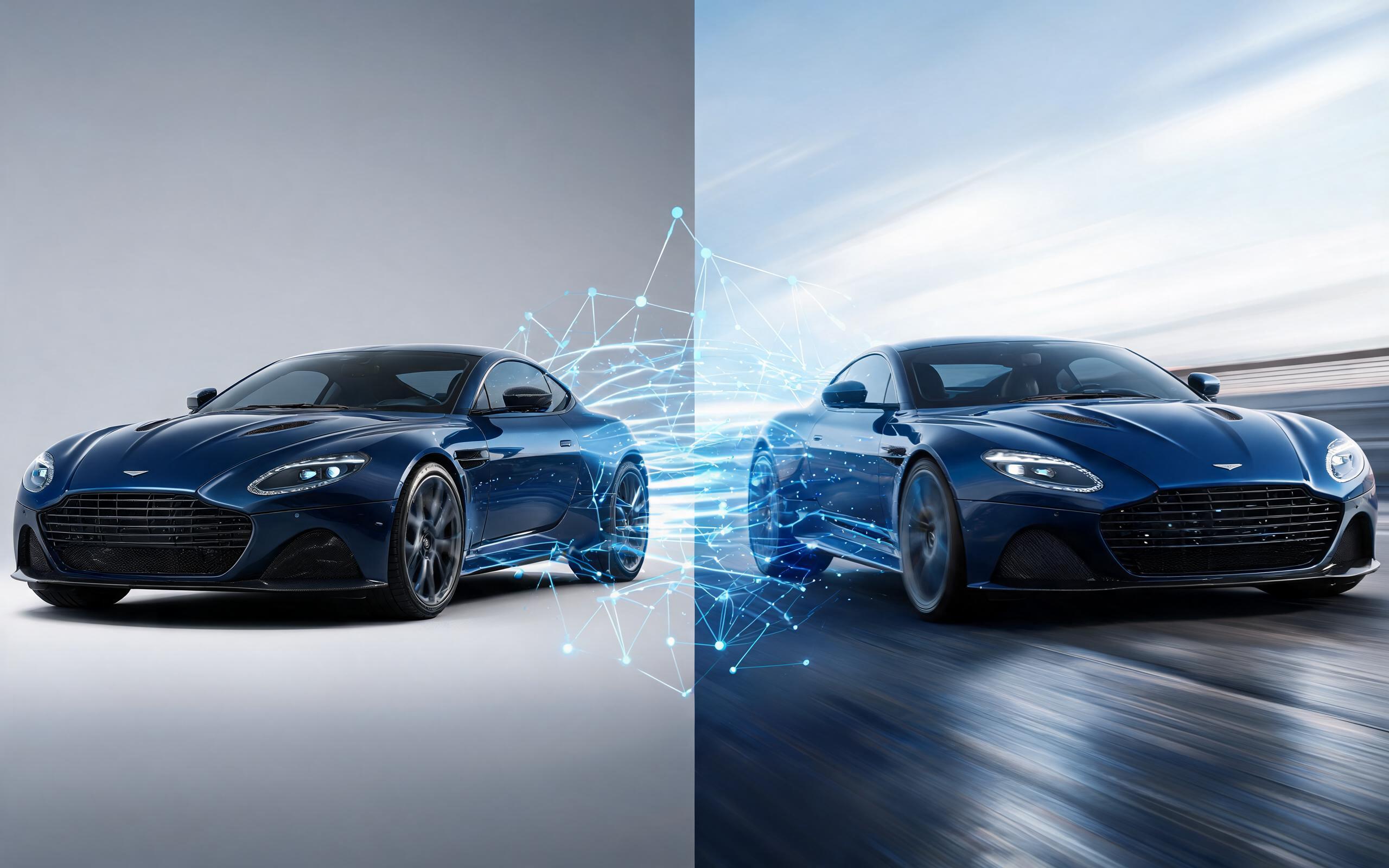
Use PromeAI image-to-video generation for car video from photo, adding motion, camera direction, and a short reusable video result from a still image.
Open page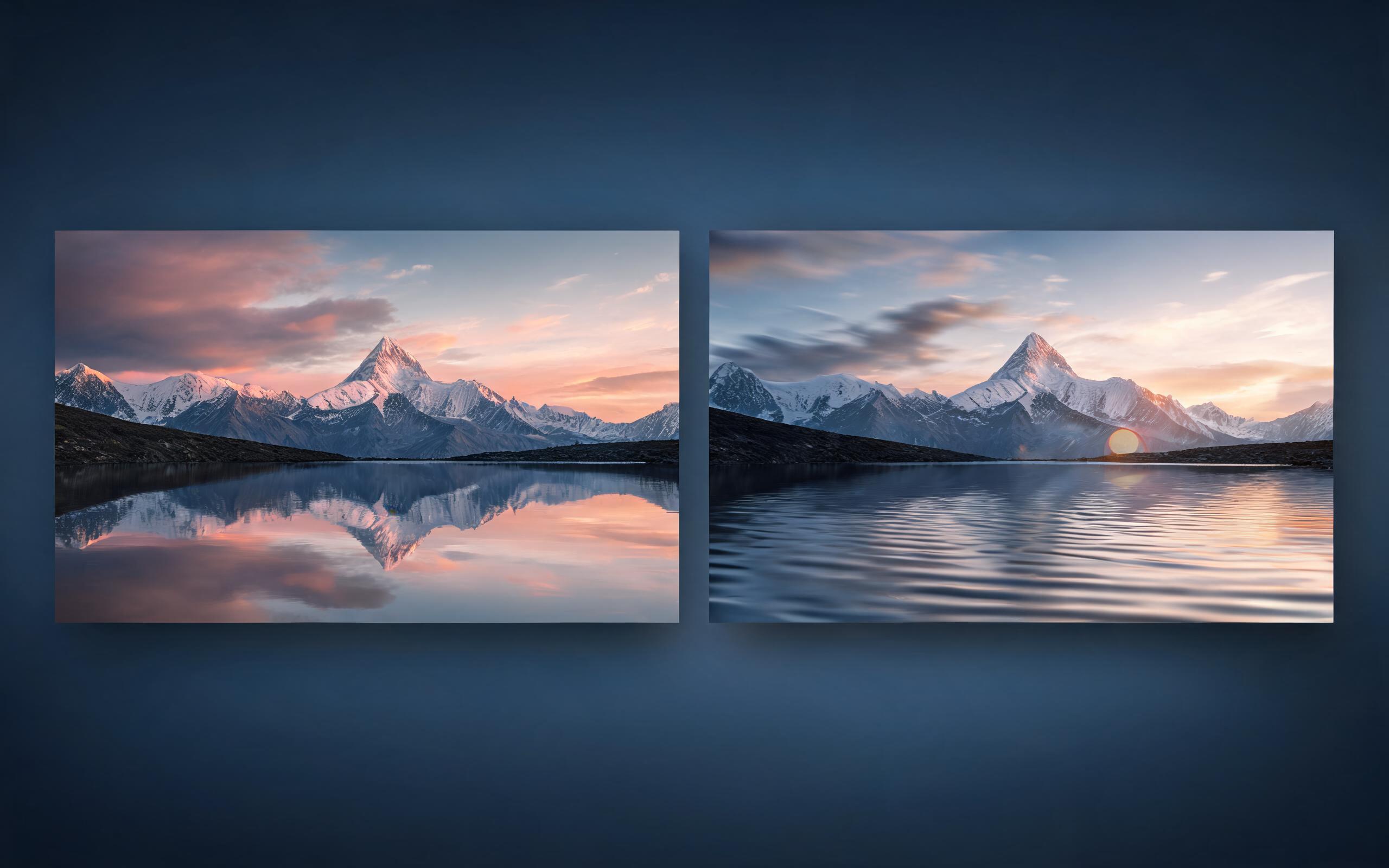
Use PromeAI image-to-video generation for cinematic ai video from image, adding motion, camera direction, and a short reusable video result from a still image.
Open page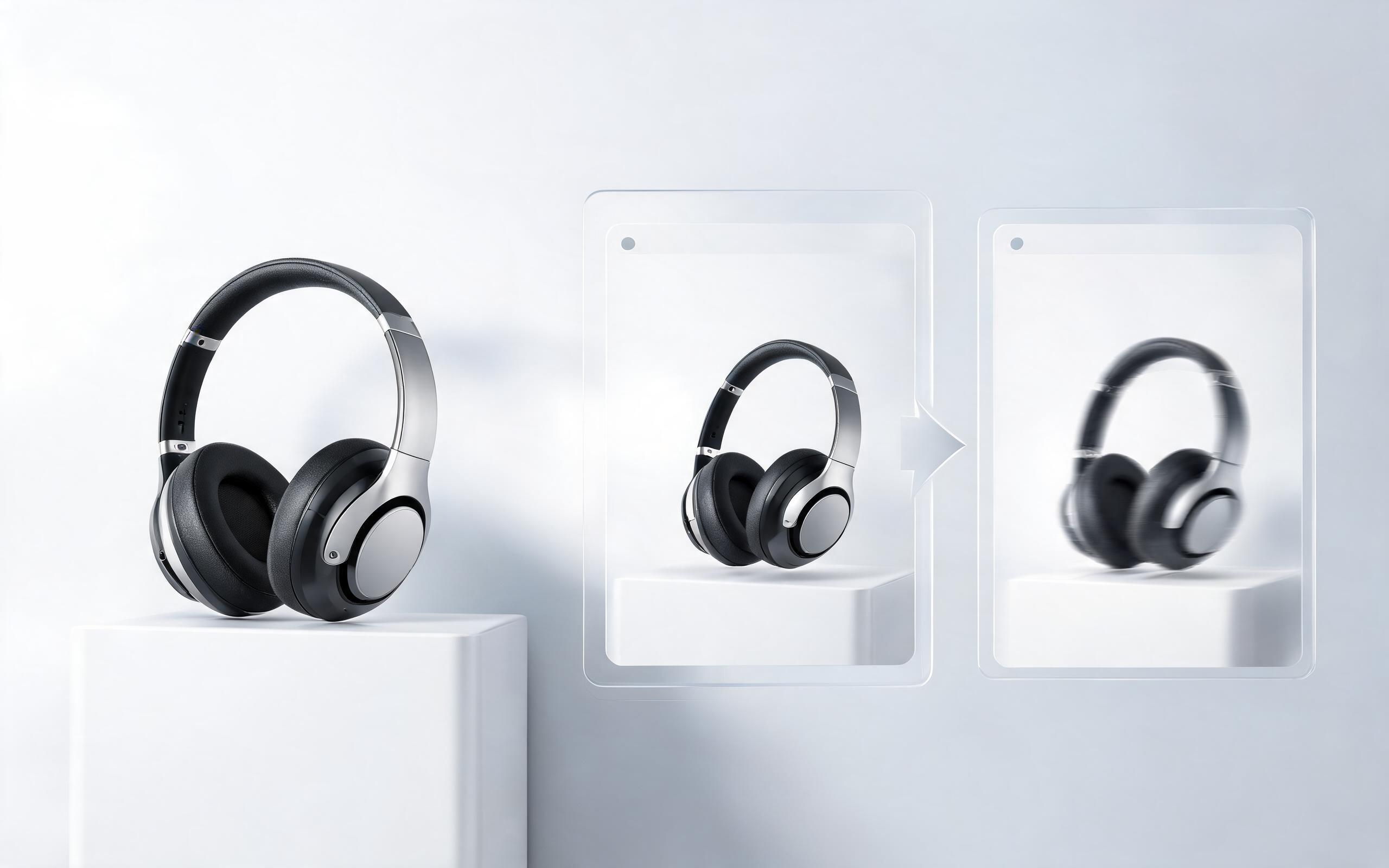
Use PromeAI image-to-video generation to create ai video for ecommerce product from existing images with clear product framing and channel-ready motion.
Open page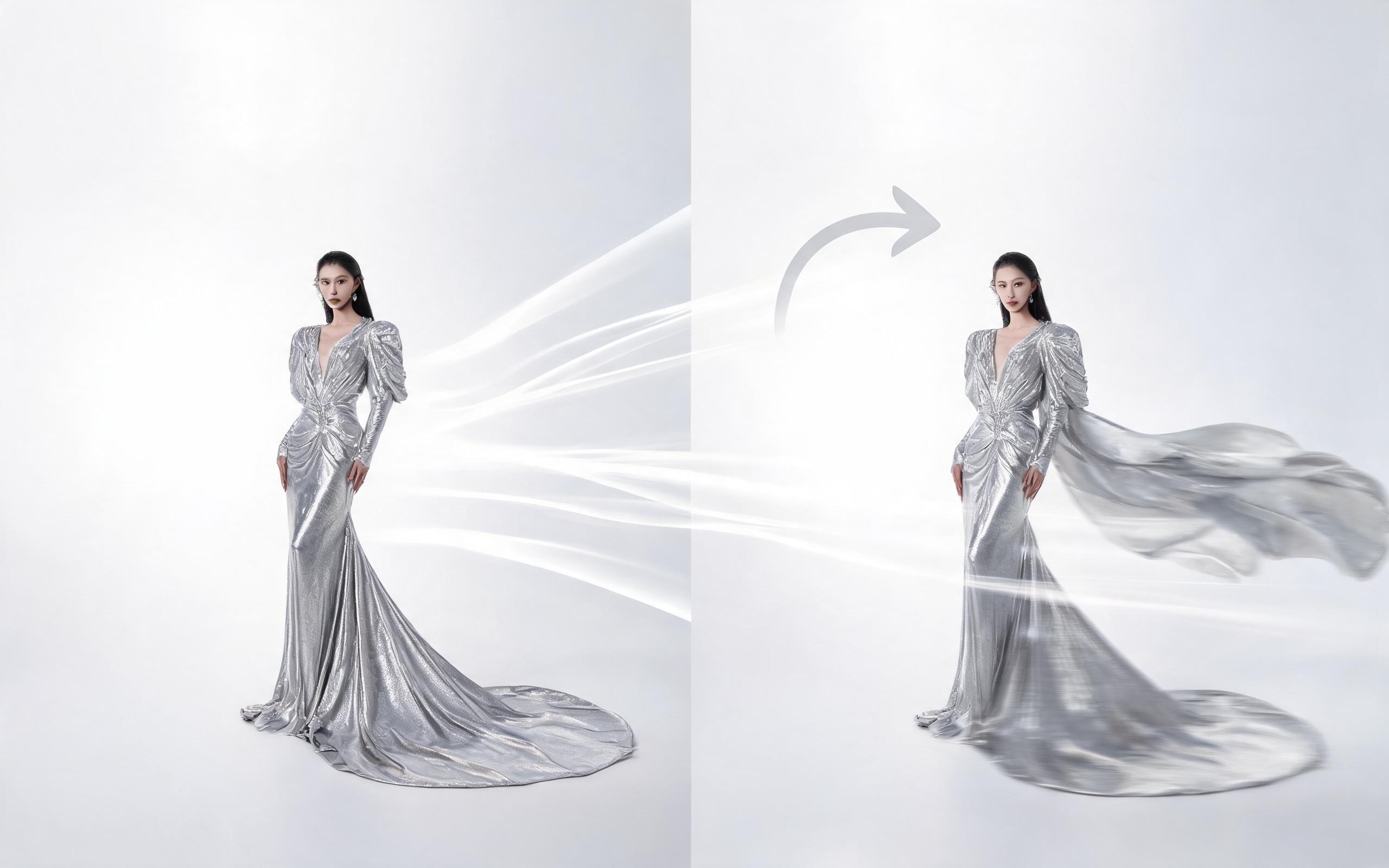
Use PromeAI image-to-video generation for ai fashion video from image, adding motion, camera direction, and a short reusable video result from a still image.
Open page
Skip the expensive video shoots and complicated editing software. Use PromeAI's Photo to Video AI to create professional, engaging short clips in seconds, perfect for all your marketing, social media, and creative project needs.
Create Photo to Video AI
Technical support: [email protected]
Business collaboration: [email protected]
Trusted by 3M+ Creators Worldwide
See why thousands of creative professionals rely on PromeAI for their image to video generation needs.
This tool cut our content production time in half. We turn all our product photos into short Reels in seconds, no editing team needed.
I use this for client social media content all the time. The custom motion controls let me get exactly the look my clients want without filming new content.
We can turn a single source image into several polished product video directions before committing budget to a full studio shoot.