

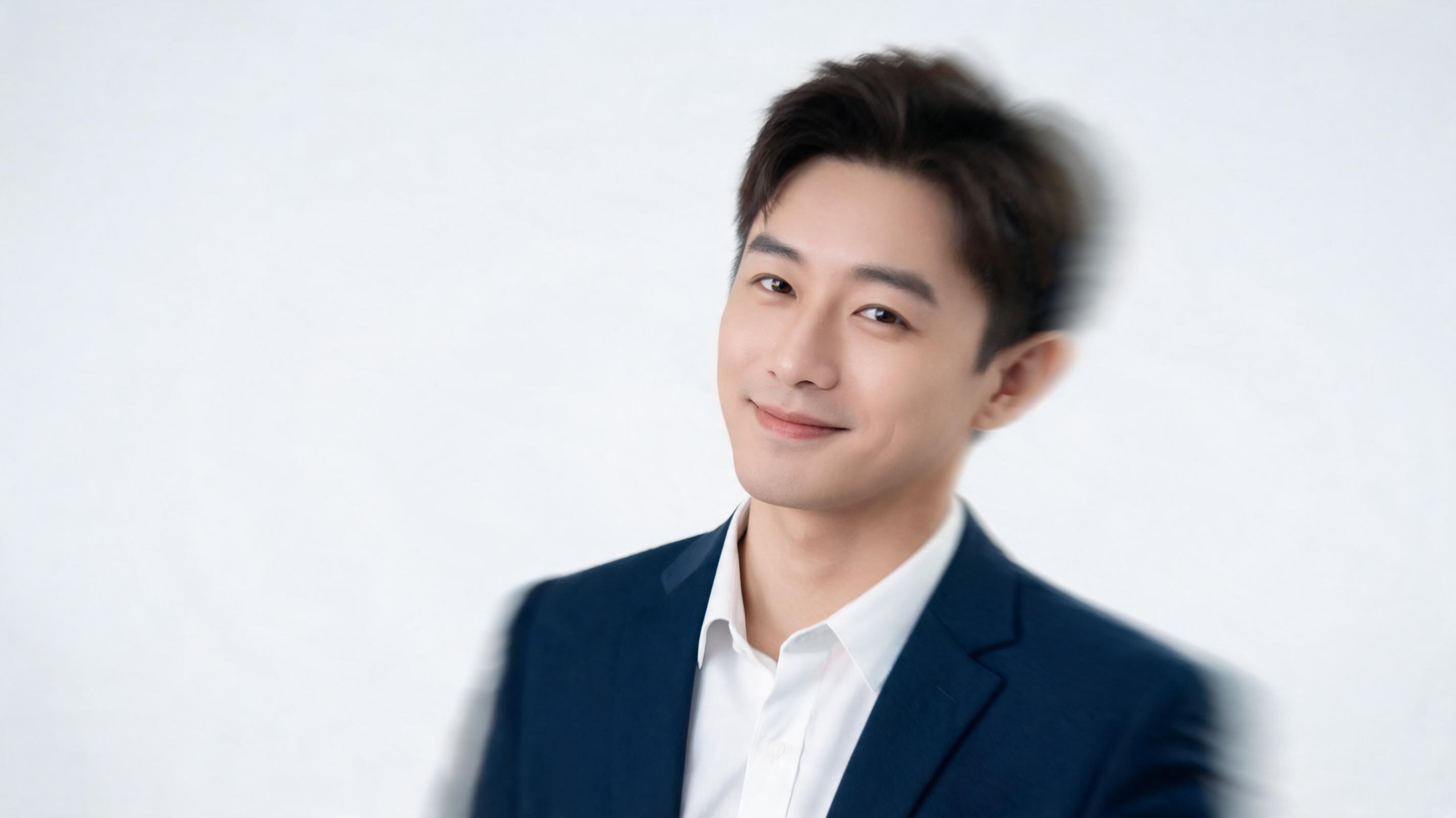
Professional LinkedIn Profile Animation
A subtle animated corporate headshot with slow head tilt, soft smile, and gentle zoom, optimized for LinkedIn profile cover or profile video.
Bring static headshots, character art, and portrait photos to life with PromeAI's image-to-video animation tool. Add custom motion, camera direction, and smooth transitions to create reusable, channel-ready clips in minutes.
Browse real examples of animated portraits created with PromeAI, from social media profile clips to marketing campaign assets.
A subtle animated corporate headshot with slow head tilt, soft smile, and gentle zoom, optimized for LinkedIn profile cover or profile video.
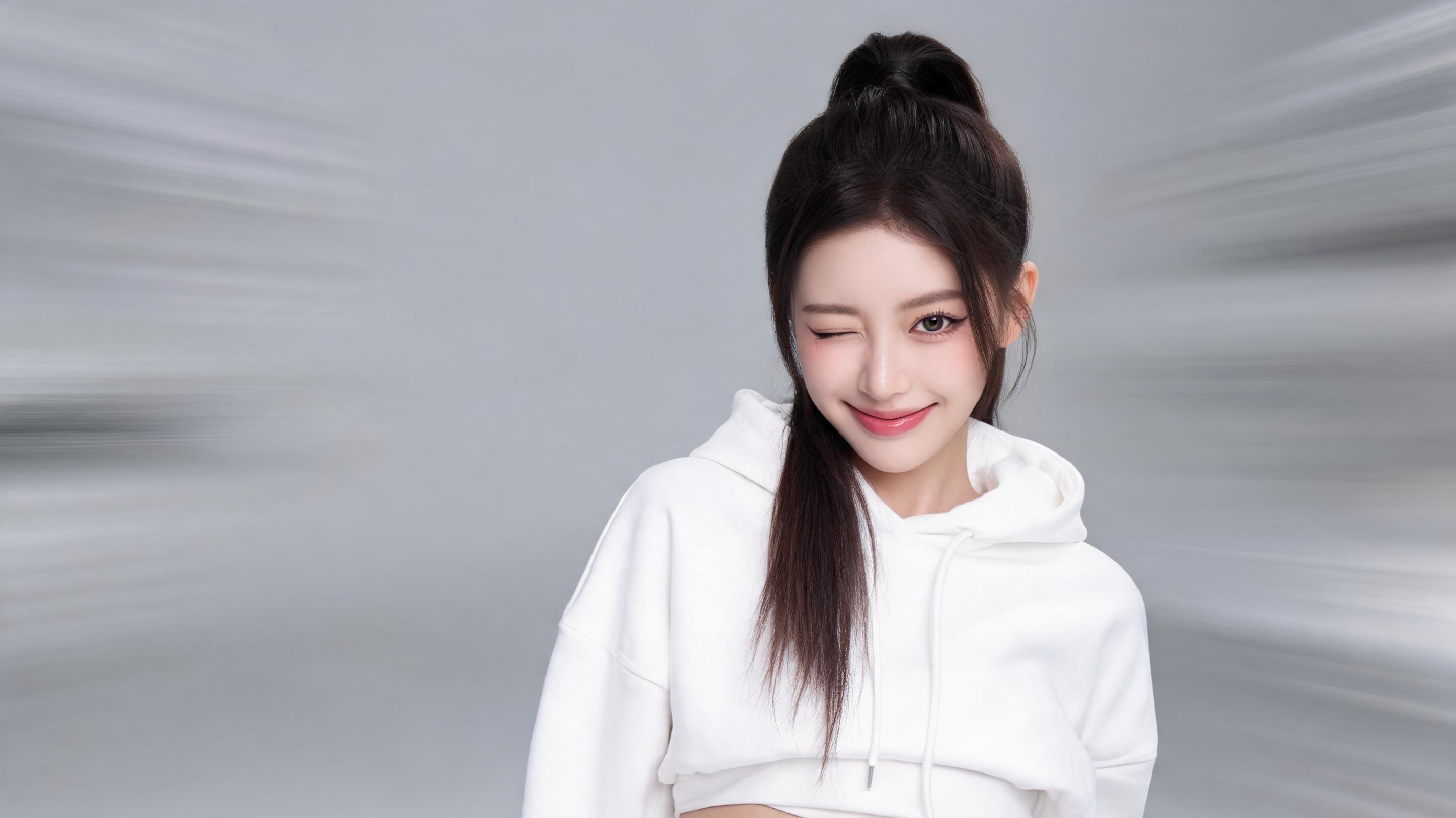
A high-energy animated influencer portrait with quick eye blink, head nod, and dynamic camera pan, formatted for TikTok and Reels hook clips.
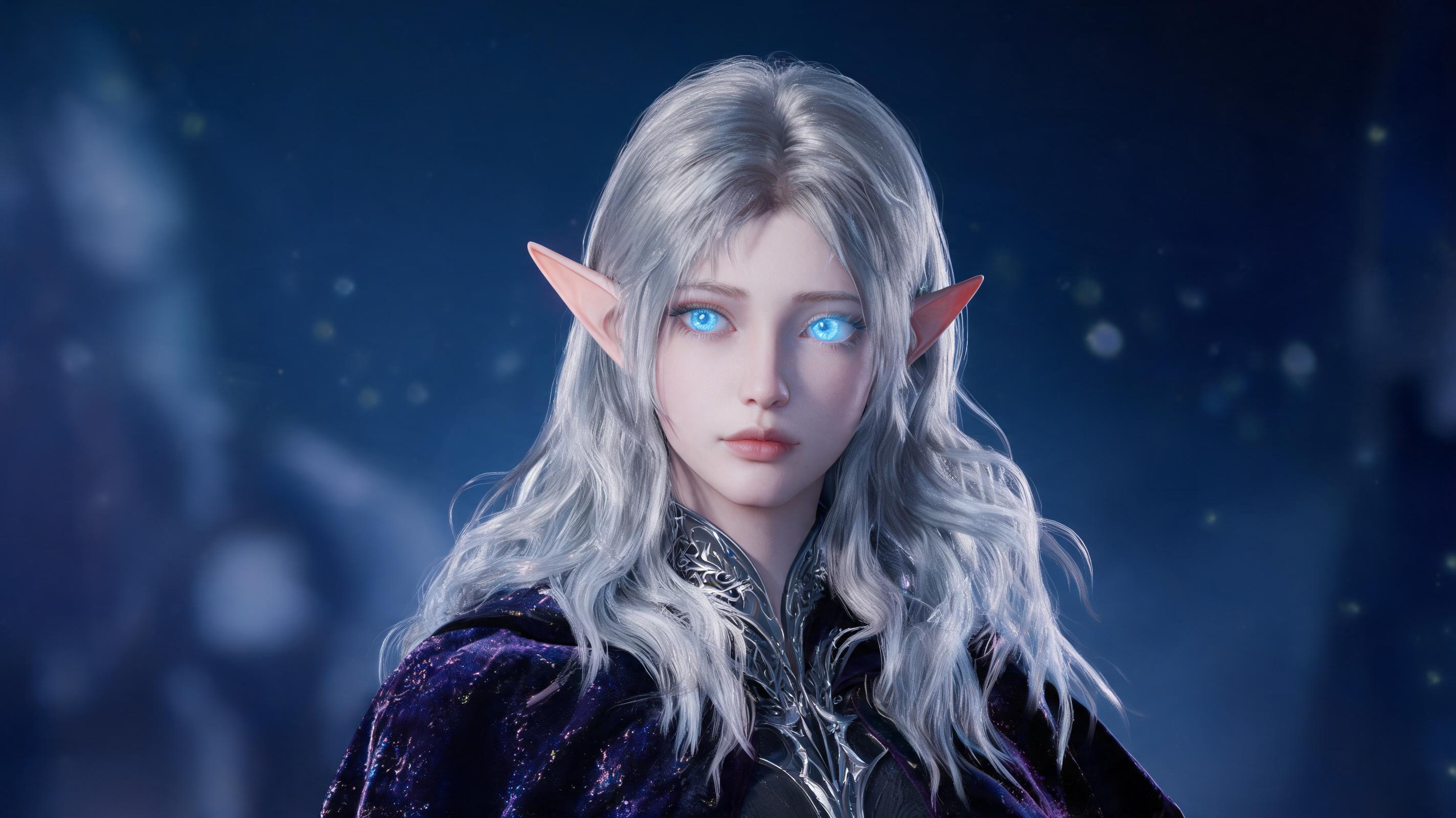
An animated digital fantasy character portrait with subtle ear twitch, eye glow effect, and slow camera dolly, used for a game teaser social post.
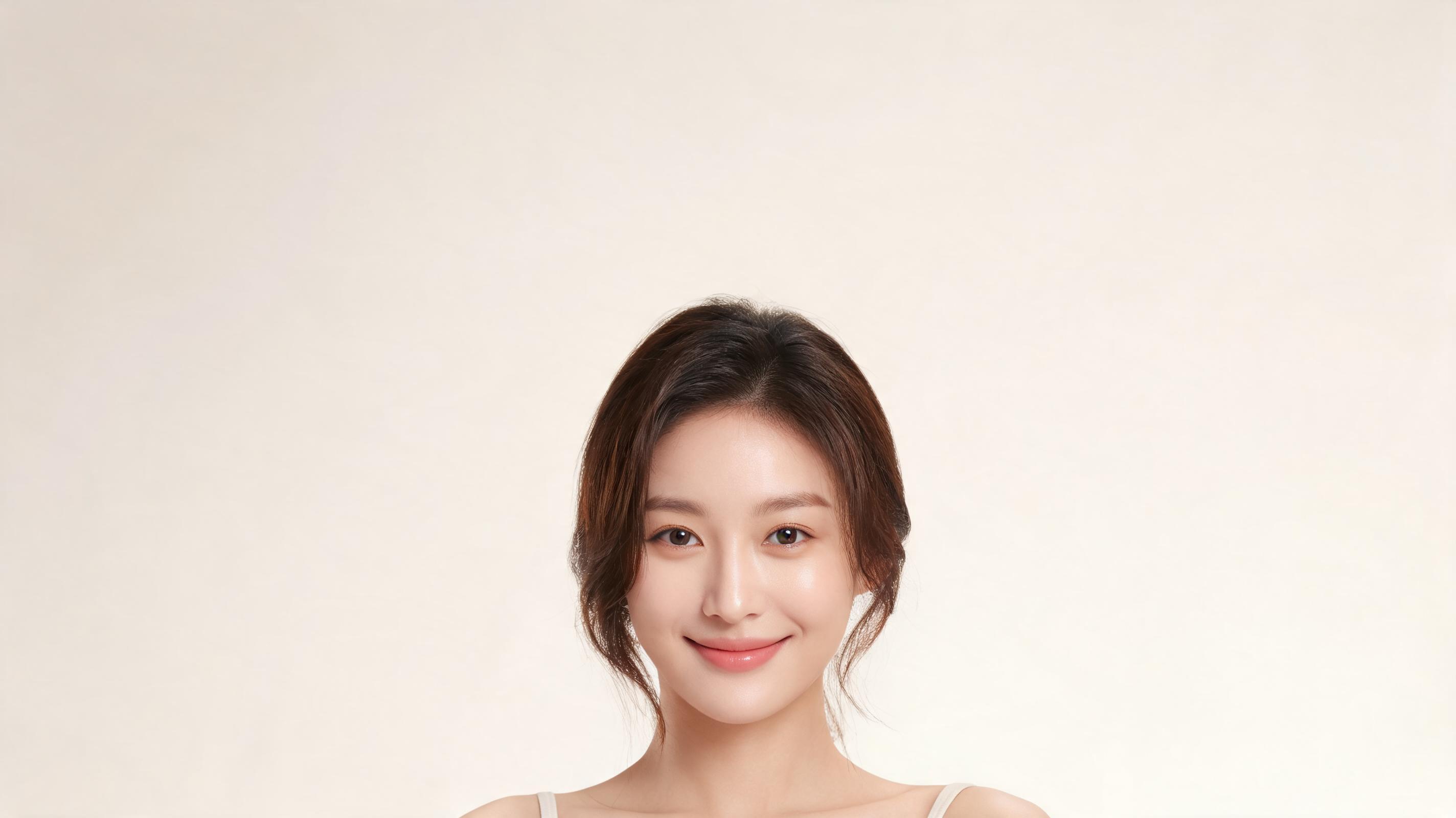
An animated customer headshot with gentle smile and slow zoom, used in a 6-second Facebook ad for a DTC skincare brand.
Discover built-in features designed to make creating high-quality animated portrait videos fast, intuitive, and tailored to your use case.
Adjust everything from subtle facial movements (blinking, smiling, head tilts) to camera pans, zooms, and dolly effects to match your desired vibe.
Generate full animated portrait clips in under 2 minutes, no long render waits or complex editing timelines required.
All clips are optimized for seamless looping, ideal for social media profiles, ad creatives, and digital display assets.
Export videos in 720p, 1080p, or 4K resolution to fit the requirements of any platform, from Instagram Reels to large digital signage.
Free plans include a small PromeAI watermark, while paid tiers deliver fully clean, brand-ready animated videos you can use commercially.
The AI preserves the original portrait's art style, color grading, and subject details so your animated clip matches your existing brand or creative vision.
See how creators, marketers, and artists use animated portrait videos to boost engagement across social media, marketing campaigns, and personal projects.
Turn static headshots into eye-catching animated profile videos for LinkedIn, Instagram, TikTok, and YouTube to boost engagement and memorability.
Animate customer testimonial headshots, influencer portraits, or brand mascot art for short-form video ads that perform better than static image ads.
Bring digital character portraits, OC art, and game character headshots to life for teaser clips, social media promotions, or in-game assets.
Animate family photos, graduation portraits, or holiday photos to create custom short greeting videos for friends and loved ones.
Create animated headshots for company team pages, job postings, and employer branding content to make your brand feel more approachable.
Animate author portraits, podcast guest headshots, or course instructor photos for content previews that drive higher click-through rates.
Follow our straightforward workflow to turn any still portrait into a polished animated video in minutes, no advanced editing skills required.
Upload a high-resolution still portrait photo, headshot, or character art that clearly shows the subject's face and upper body for the best animation results.
Choose from pre-built movement styles (subtle head turn, eye blink, slow zoom) or input custom prompts to control camera direction, motion speed, and transition effects.
Process your animation in 60-120 seconds, then export the loop-friendly short clip in your desired resolution for social media, marketing, or personal use.
Learn how to get the most out of PromeAI's AI Portrait Animation tool, from selecting the right source image to choosing the best motion settings for your project, plus guidance on when this tool fits your workflow and when to use other PromeAI image-to-video features.
Start with a high-resolution image that is at least 1080px wide, with even lighting and no heavy obstructions to the subject's face. Avoid heavily filtered or low-light photos, as these can lead to distorted animation results. If you are animating digital art, ensure the portrait has clear lines and defined facial features for the most accurate motion mapping. For brand use cases, match the source image to your existing brand color palette so the final animated clip aligns with your other marketing assets. This prep step cuts down on edit time and ensures you get a polished final result on your first generation attempt.
For professional use cases like LinkedIn profiles or employer branding, opt for subtle motion settings: slow head tilts, soft blinks, and gentle zooms to avoid looking unprofessional. For social media clips on TikTok or Reels, choose faster, more dynamic motion including quick head nods, camera pans, and subtle expression changes to grab viewer attention in the first 3 seconds. For character art animation, you can experiment with more creative motion settings including custom effects like glowing eyes, ear twitches, or slow background movement to match the character's vibe. Always preview your motion settings before full generation to ensure they align with your project goals.
Use AI Portrait Animation specifically when you are working with a portrait, headshot, or character art focused on a single subject's face and upper body. This tool is optimized for facial motion mapping and portrait-specific effects, so it will deliver better results for these use cases than generic image-to-video tools. If you are working with full-body fashion shots, product photos, car imagery, or landscape shots, use PromeAI's dedicated fashion video, ecommerce video, car video, or cinematic image-to-video features instead, as they are optimized for those subject types. Avoid using this portrait animation tool for non-portrait imagery, as the motion mapping will not work correctly and you will get lower quality results.
For Instagram Reels and TikTok, export your clip in 9:16 aspect ratio with 1080p resolution, and use a motion hook in the first second to stop scrollers. For LinkedIn profiles and employer branding content, export in 1:1 or 16:9 aspect ratio with subtle motion to look professional. For ad creatives on Facebook or Instagram, keep the clip 3-6 seconds long, loop-friendly, and add text overlays after export to boost performance without audio. For digital signage or large display use cases, export in 4K resolution to ensure the clip stays crisp even on large screens. These small optimizations will help your animated portrait perform better on every platform you use it on.
Explore pre-configured animation presets to speed up your portrait video creation workflow, with more options coming soon.
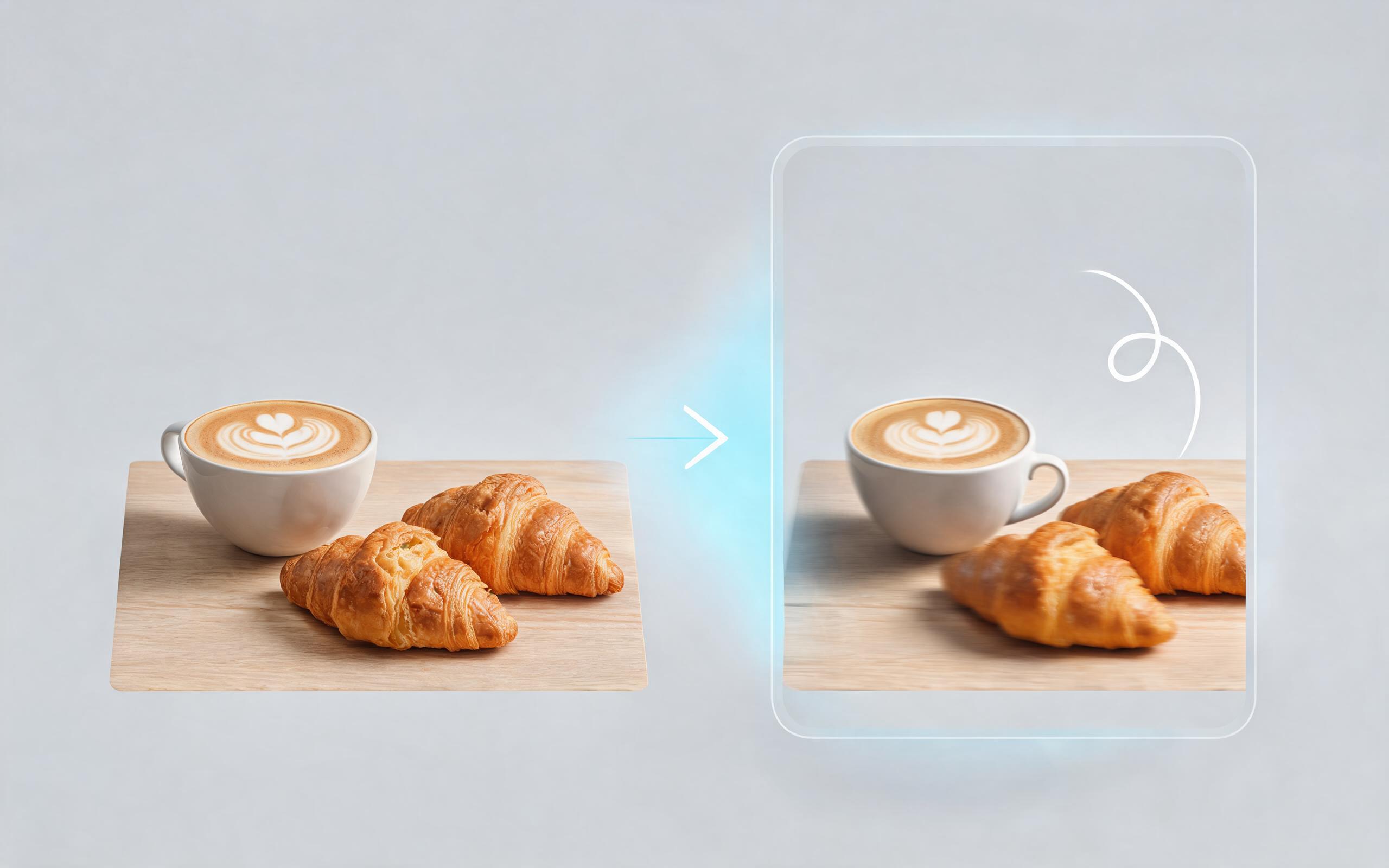
Use PromeAI image-to-video generation for ai ad creative video, adding motion, camera direction, and a short reusable video result from a still image.
Open page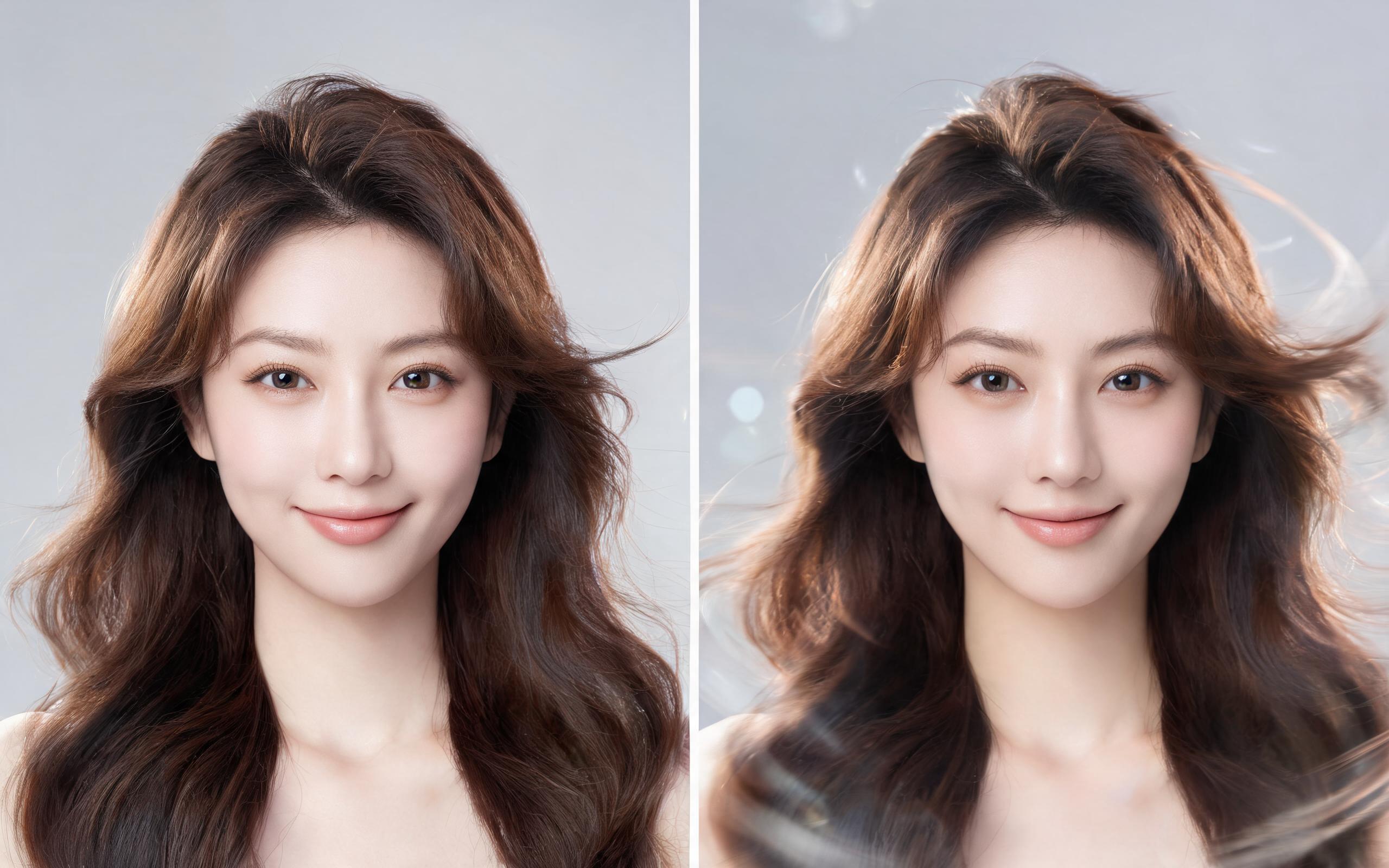
Use PromeAI image-to-video generation for beauty video from photos, adding motion, camera direction, and a short reusable video result from a still image.
Open page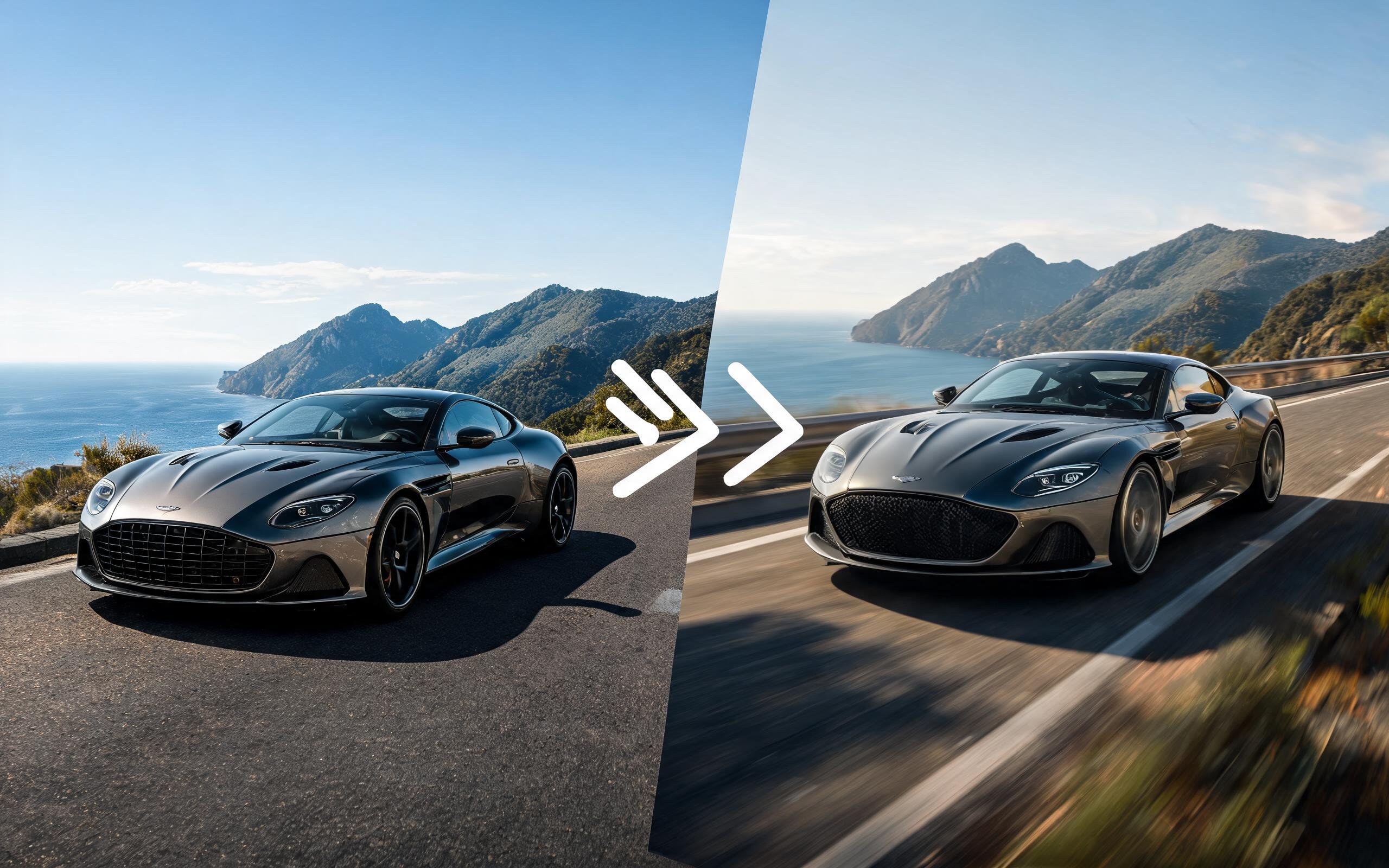
Use PromeAI image-to-video generation for car video from photo, adding motion, camera direction, and a short reusable video result from a still image.
Open page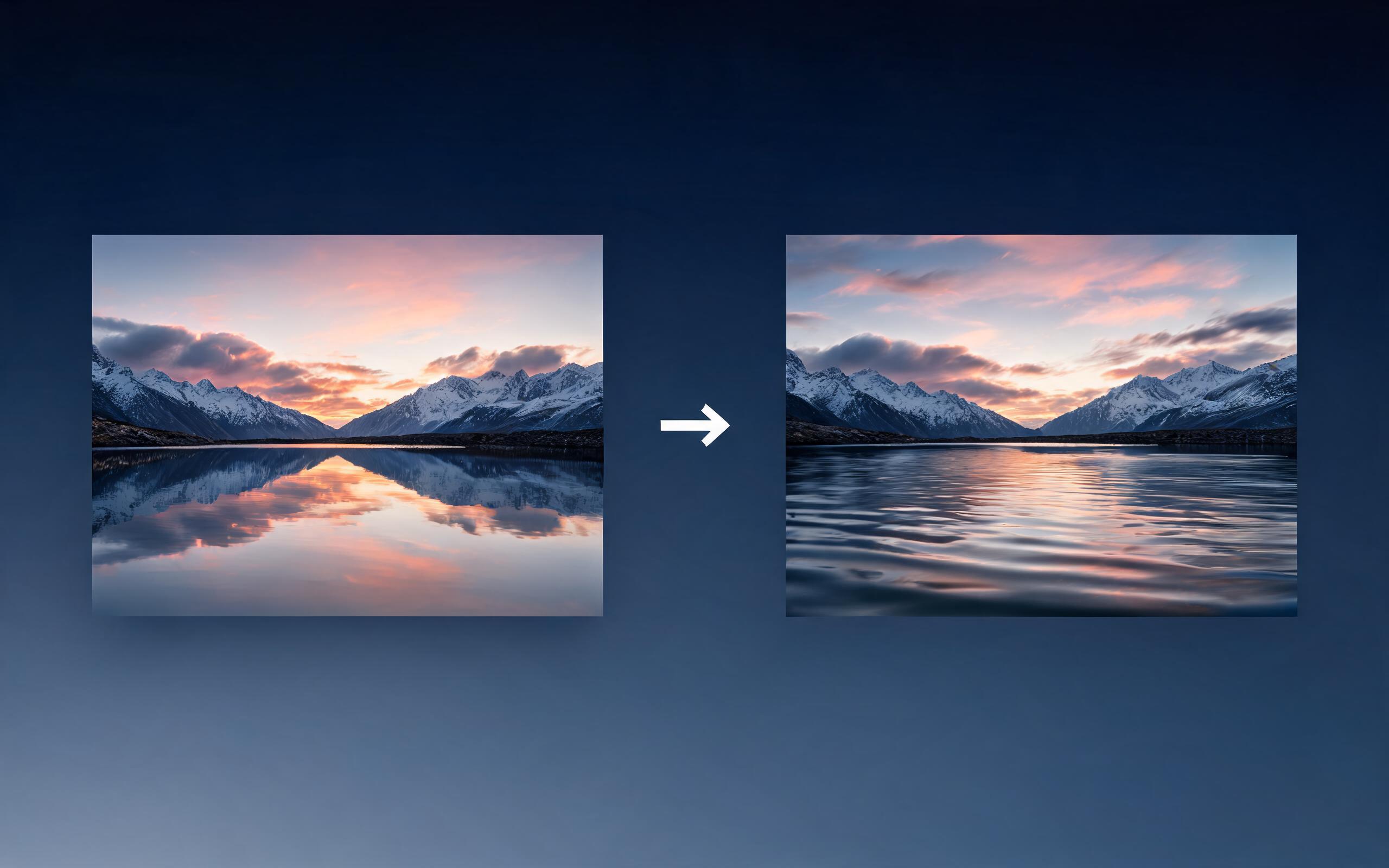
Use PromeAI image-to-video generation for cinematic ai video from image, adding motion, camera direction, and a short reusable video result from a still image.
Open page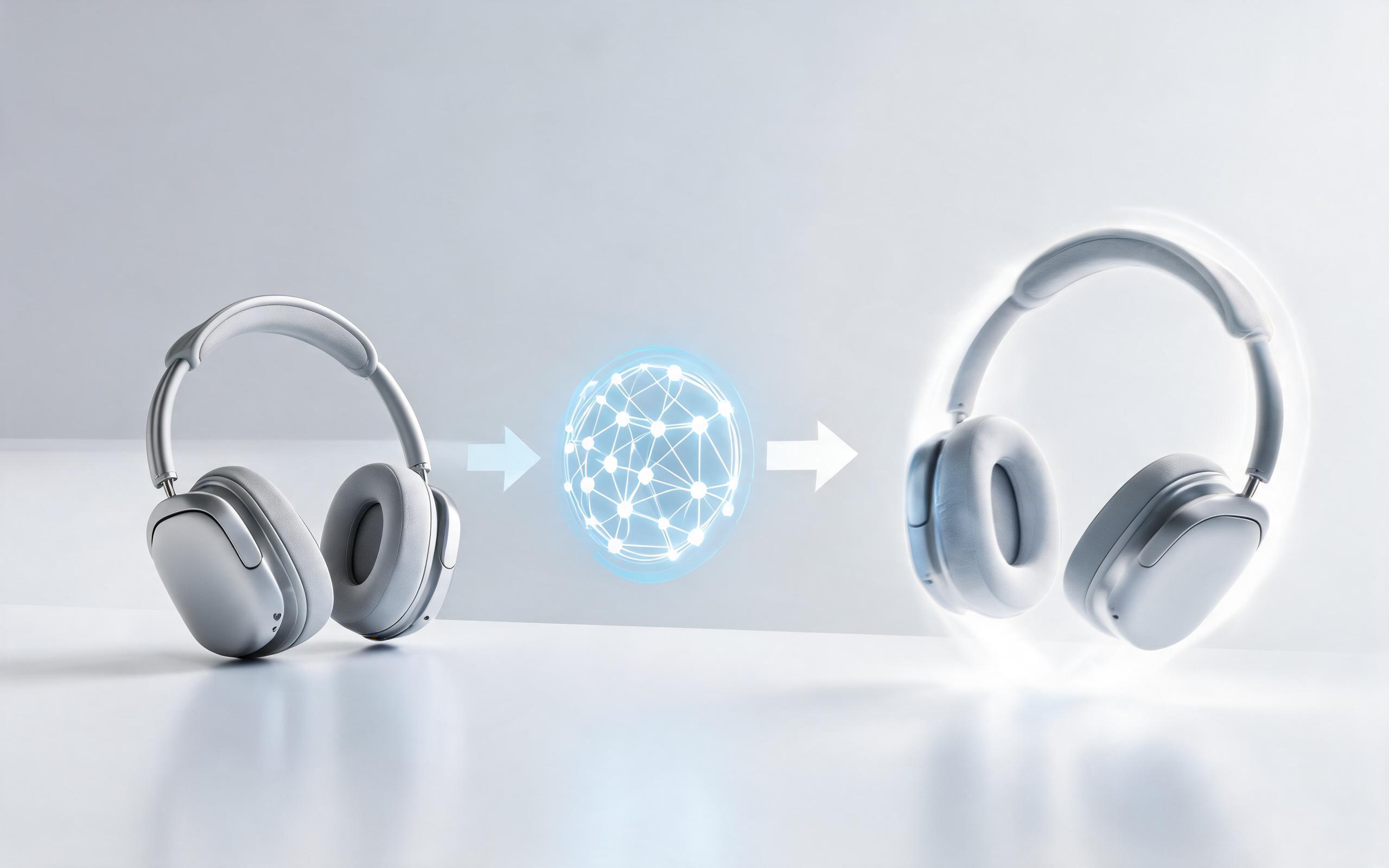
Use PromeAI image-to-video generation to create ai video for ecommerce product from existing images with clear product framing and channel-ready motion.
Open page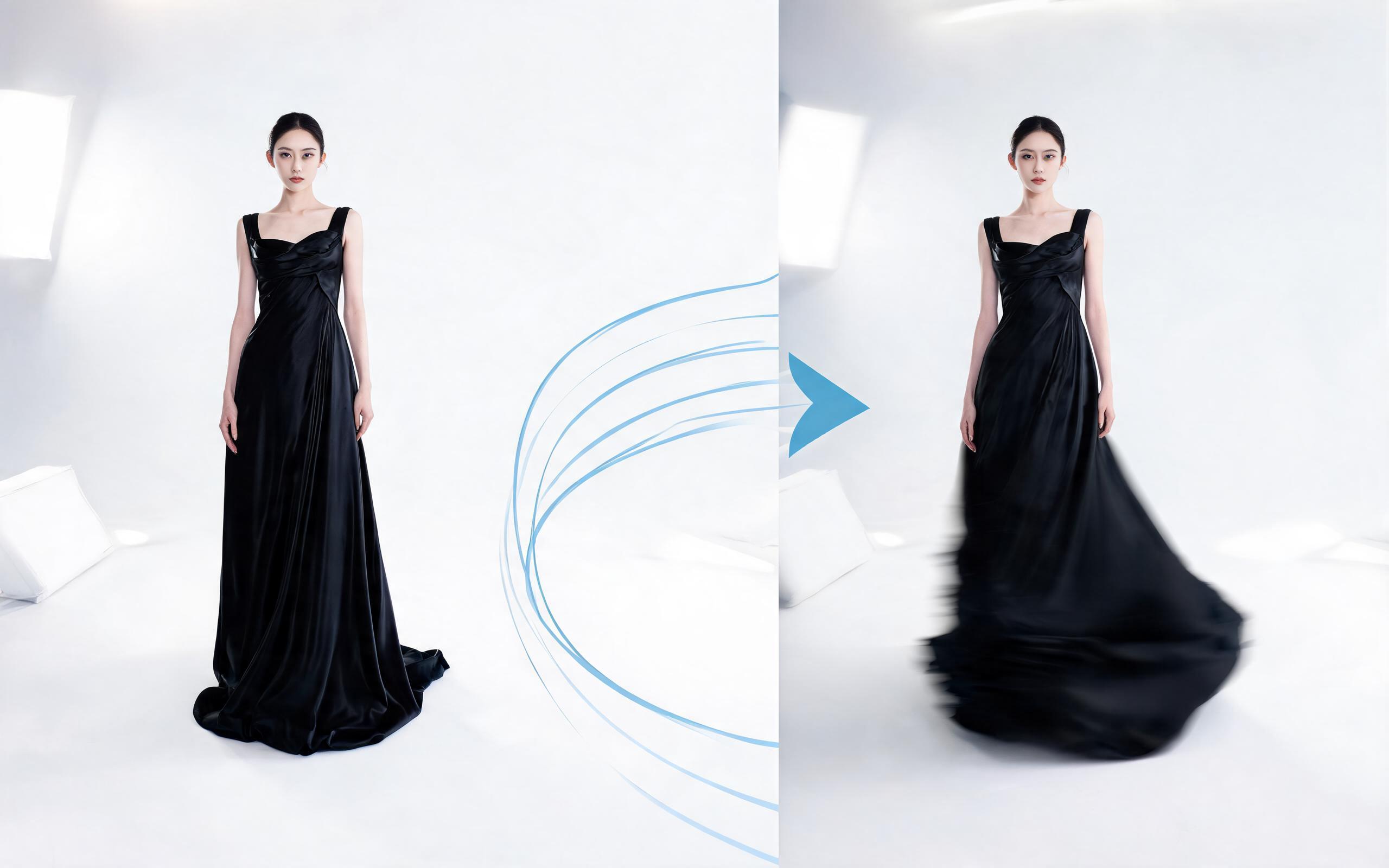
Use PromeAI image-to-video generation for ai fashion video from image, adding motion, camera direction, and a short reusable video result from a still image.
Open page
Turn static headshots, character art, and portrait photos into dynamic, reusable short videos in minutes with PromeAI's AI Portrait Animation tool. No editing skills required, start for free today.
Create AI Portrait Animation
Technical support: [email protected]
Business collaboration: [email protected]
What Users Say About PromeAI's Animation Tools
Read feedback from creators, marketers, and design professionals who use our image-to-video tools for their animation projects.
This tool saved me hours of video editing work for my client's LinkedIn profile campaign. The animated headshots looked polished and professional, and I generated them in 2 minutes each.
I use the portrait animation tool to bring my OC character art to life for social media posts. My engagement jumped 40% when I started posting animated clips instead of static art.
We can turn a single source image into several polished product video directions before committing budget to a full studio shoot.