



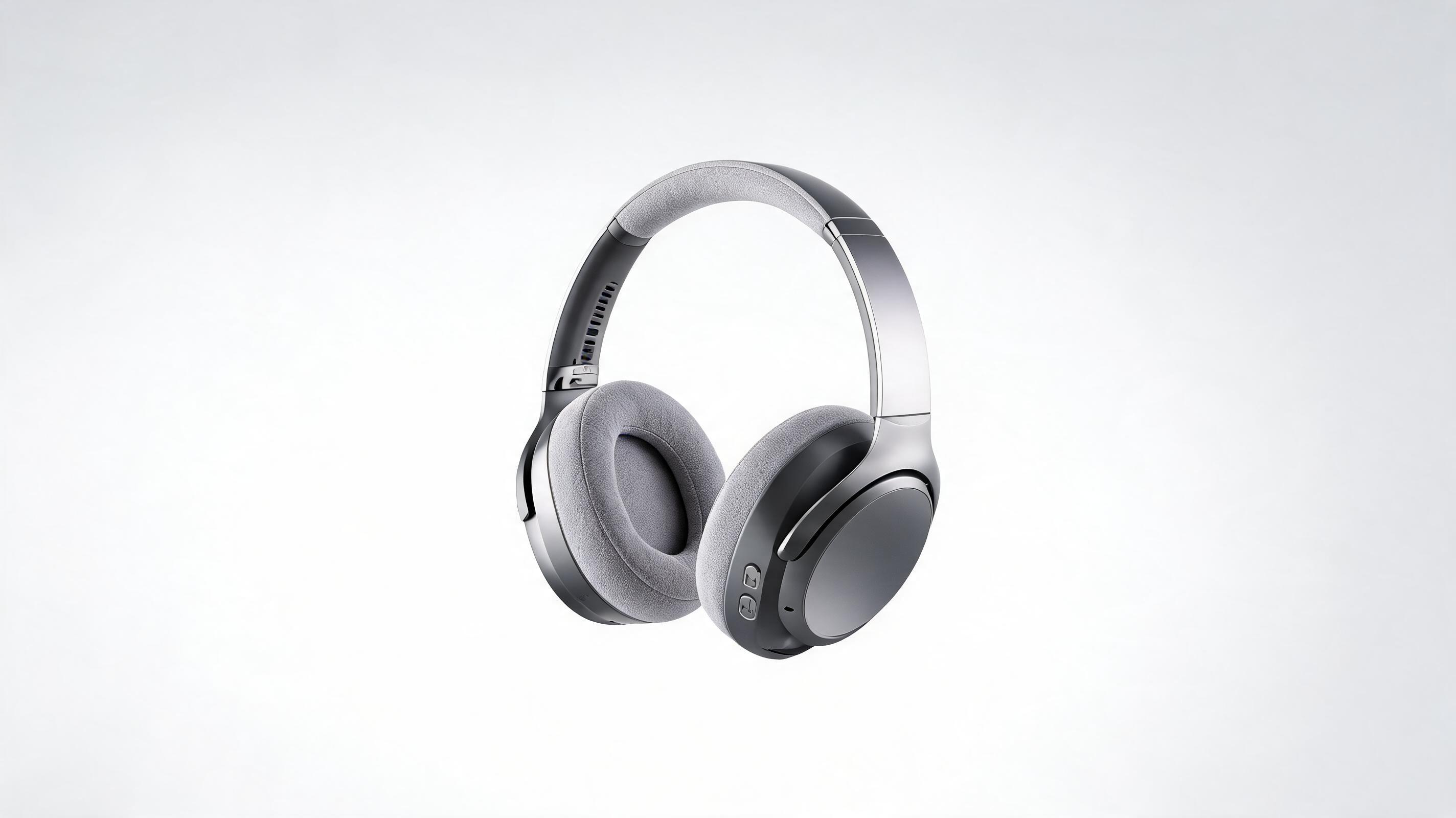
Wireless headphone 360 rotation animation
A slow 360-degree spin animation of premium wireless headphones, highlighting the adjustable headband, ear cup padding, and control buttons for a Shopify product page.
Turn flat product photos into eye-catching, loop-ready animation clips in minutes. No video editing experience required, perfect for ecommerce listings, ad campaigns, and product launches.
Browse samples of animations created for different product categories and marketing channels.
A slow 360-degree spin animation of premium wireless headphones, highlighting the adjustable headband, ear cup padding, and control buttons for a Shopify product page.
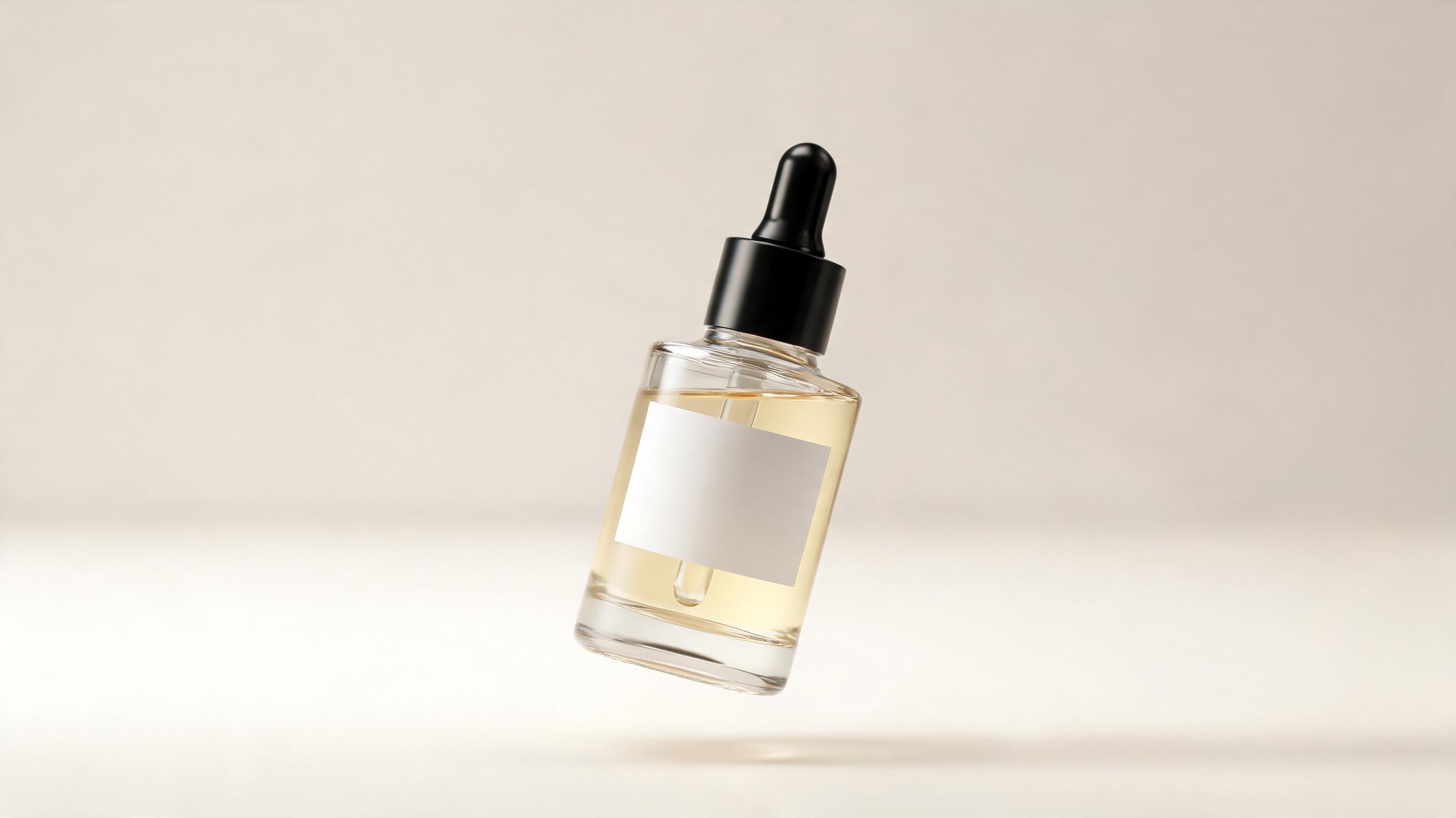
A gentle floating and zoom-in animation of a hydrating serum bottle, focusing on the ingredient label and glass bottle finish for an Instagram ad campaign.
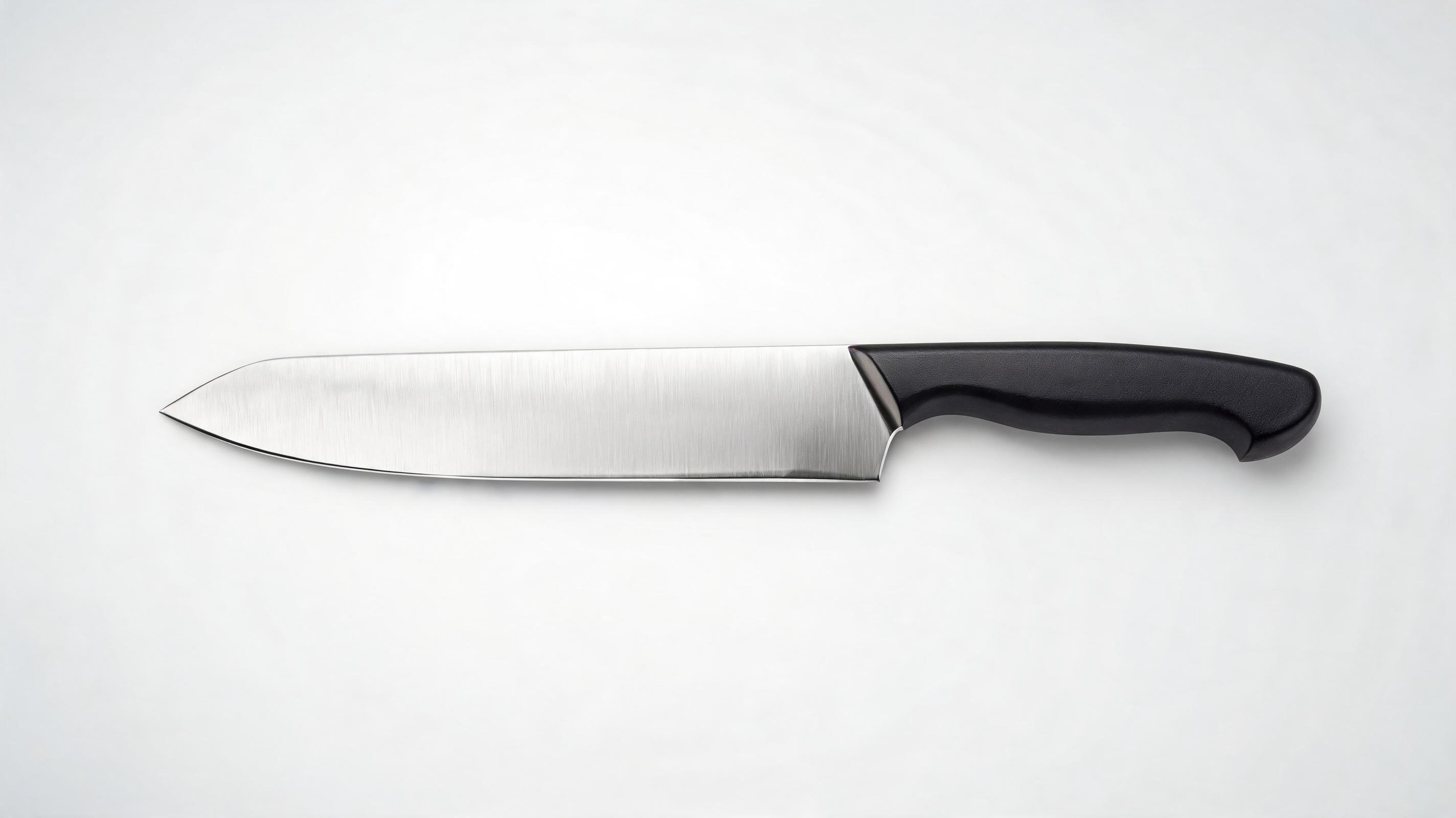
A horizontal slow pan animation of a professional chef's knife, showcasing the stainless steel blade finish and ergonomic handle for an Amazon listing.
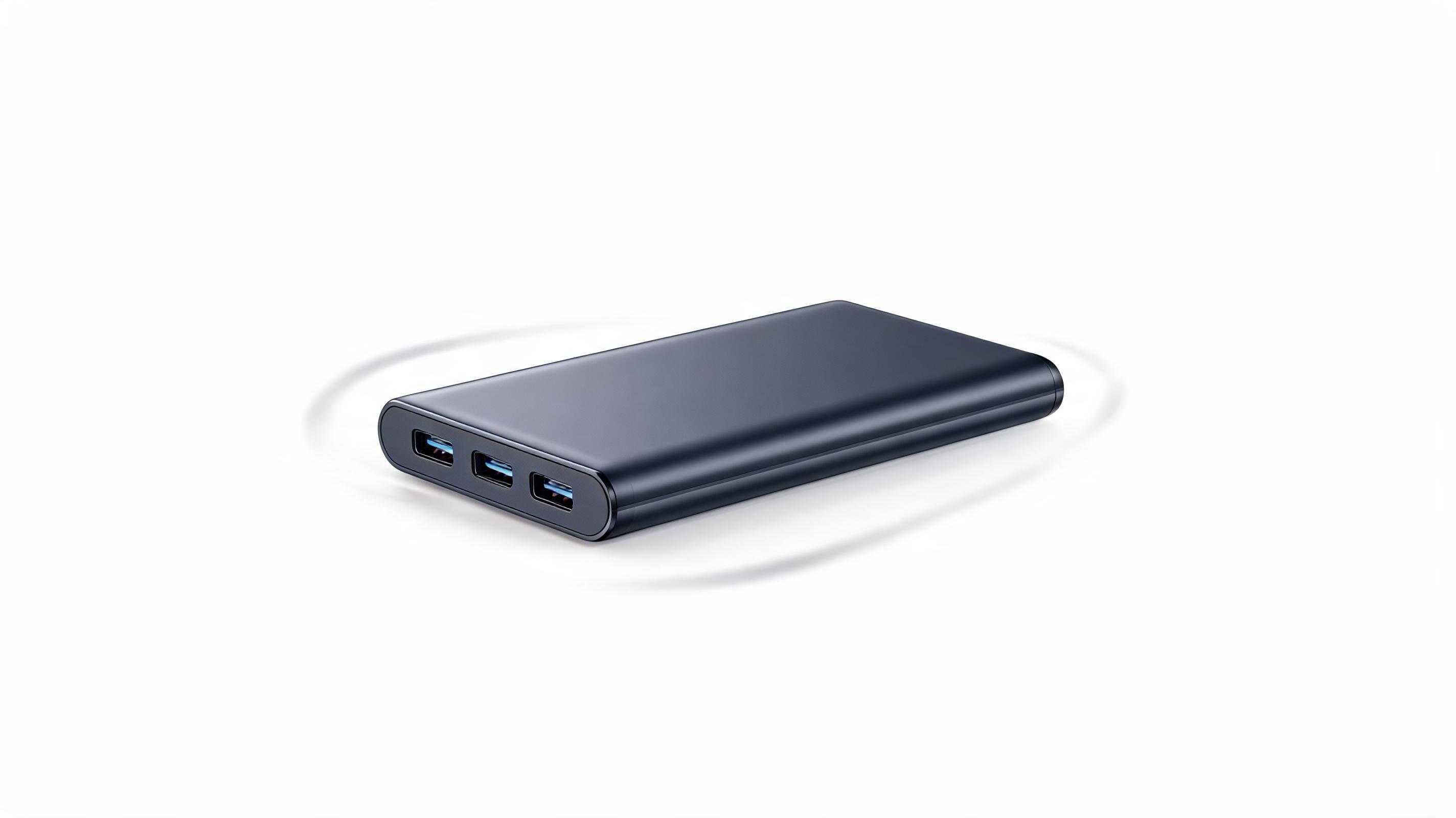
A gradual zoom-in and out animation of a compact portable charger, highlighting its slim profile and multiple charging ports for a TikTok product review clip.
Built for commercial use, our tool delivers crisp, brand-aligned product animations without extra editing work.
No need for multiple product photos, 3D renders, or raw footage; generate a polished animation from one static high-res product image.
AI preserves product details, material finishes, and color accuracy throughout the motion, so shoppers can clearly evaluate your product's quality.
All animations are automatically optimized for seamless looping, ideal for product page carousels, TikTok/Reels clips, and digital display ads.
Export clips in standard sizes and formats for Amazon listings, Shopify product pages, Instagram, Facebook Ads, and YouTube Shorts with one click.
Adjust motion speed, direction, and range of movement to avoid distracting viewers from your product's key selling points.
Export high-resolution, watermark-free animations that you own full commercial usage rights to for all your marketing campaigns.
See how teams across ecommerce, marketing, and retail use these clips to boost engagement and sales.
Add looping animation clips to product pages to showcase features from multiple angles, reducing return rates by giving shoppers a full view of the item.
Create eye-catching TikTok, Instagram Reels, and YouTube Shorts clips in minutes to test ad creatives without hiring a video production team.
Boost Amazon, Etsy, and Walmart listing performance by adding animation clips that stand out from competing static listings, increasing click-through rates.
Generate teaser and launch clips for new product drops to share on social media, email newsletters, and landing pages without expensive production shoots.
Create short, attention-grabbing animation clips for Google Ads, banner ads, and in-app promotions that stop scrollers and highlight your product's unique value.
Share pre-made product animation clips with influencers to ensure consistent brand representation across all sponsored content, no product shipping required.
Follow our simple workflow to turn any static product photo into a professional animation clip fast.
Start with a clear, well-lit static product photo with minimal background clutter, centered in the frame to ensure the animation keeps the product as the main focus.
Choose from pre-built motion presets (slow pan, 360 rotation, zoom in/out, or floating effect) tailored for commercial product use, or customize direction and speed to match your brand.
Let the AI render your clip in 30-90 seconds, then export in MP4 or GIF format optimized for your target channel (product page, social media, ads) without extra editing.
Learn how to leverage AI-generated product animation videos to boost engagement, reduce production costs, and drive more sales across all your marketing channels, no video experience required.
PromeAI's image to video model analyzes your static product image to identify its shape, edges, and key features, then applies your selected motion style while preserving full product clarity. Unlike traditional animation tools that require manual keyframing or 3D assets, the AI automatically handles perspective shifts, lighting consistency, and motion pacing to create a natural-looking clip that keeps your product as the focal point. This eliminates the need for costly video shoots, 3D modeling, or specialized editing skills, making professional animation accessible to small business owners, marketplace sellers, and marketing teams of all sizes.
AI product animation is ideal when you need fast, low-cost clips for standard use cases: listing optimizations, ad creative testing, social media content, or quick launch assets. It’s the best choice if you don’t have access to a video production team, need to generate multiple clips for different product SKUs fast, or want to test ad creative without investing in a full shoot. You should avoid AI product animation if you need to show the product in use with real people, demonstrate complex functional features like how a folding chair operates, or require highly customized motion that doesn’t fit standard presets. For those use cases, a traditional video shoot or 3D animation project will deliver better results.
To get the highest performance from your product animations, adjust your settings to match the target channel. For product page carousels, use slow, seamless looping animations with minimal movement to avoid distracting shoppers from product details, and export as a GIF for fast load times. For short-form social media like TikTok and Reels, use slightly faster motion and a 9:16 aspect ratio to fit mobile screens, and add a text overlay highlighting your product's key benefit. For marketplace listings like Amazon, use 360-degree rotation animations that show every angle of the product, and keep clips under 15 seconds to meet platform requirements. For paid display ads, use bold, attention-grabbing motion that stops scrollers in the first 2 seconds, with the product taking up at least 70% of the frame.
Track key performance metrics to understand how your animations are driving results. For product pages, monitor changes in add-to-cart rate, time spent on page, and return rate after adding animation clips. For ad campaigns, compare click-through rate, conversion rate, and cost per acquisition between static image ads and animation ads to find the highest performing creative. For marketplace listings, track changes in search ranking, click-through rate from search results, and total sales after updating your listing with animation content. Many teams see a 20-40% lift in conversion rates after adding product animations to their listings and ad creatives, making it a high-ROI investment for most commercial use cases.
Explore custom motion options to match your product's style and marketing use case.
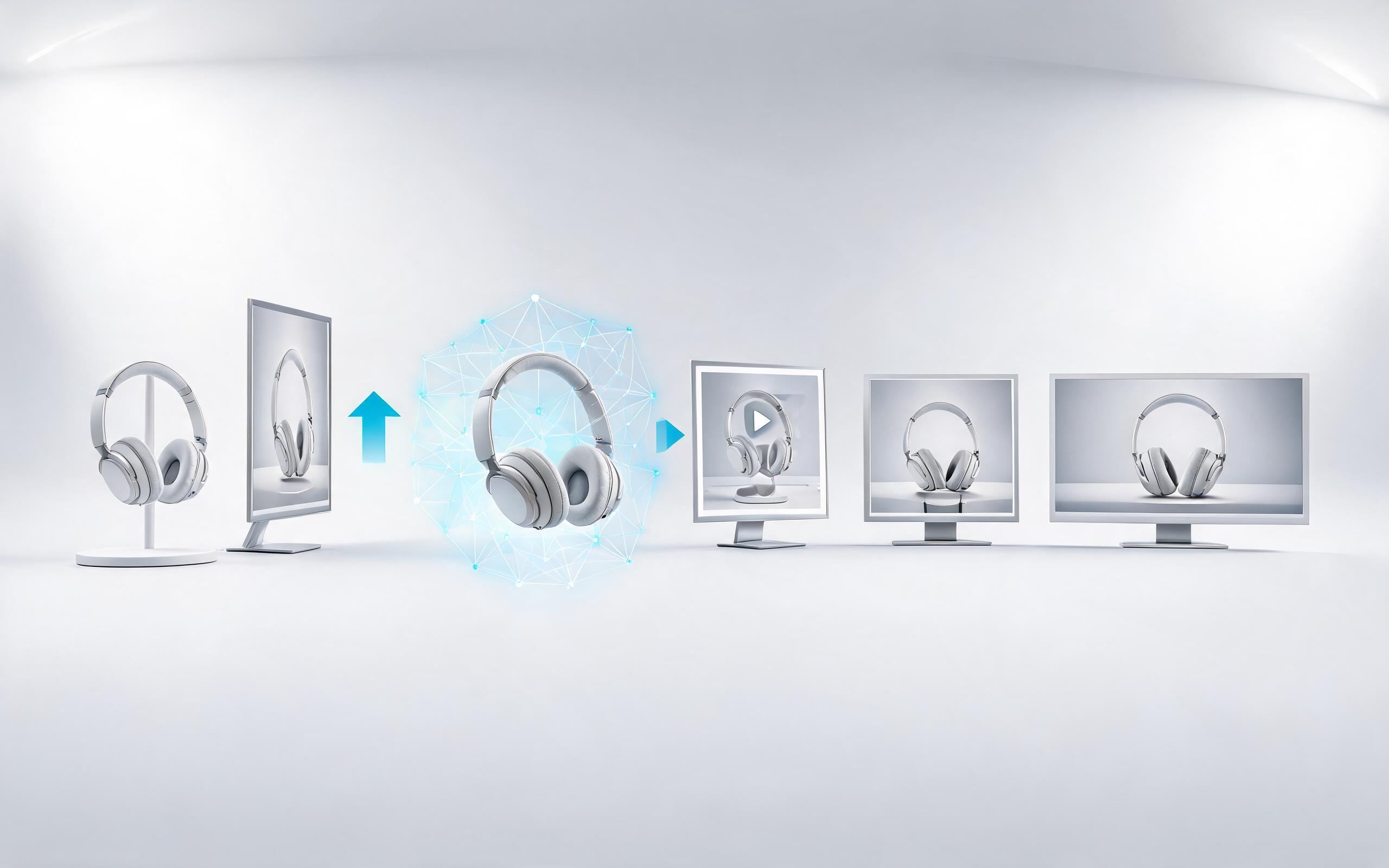
Generate ai product video generator free workflows from product photos, renders, or listing images for ecommerce, product launches, social ads, and campaign testing.
Open page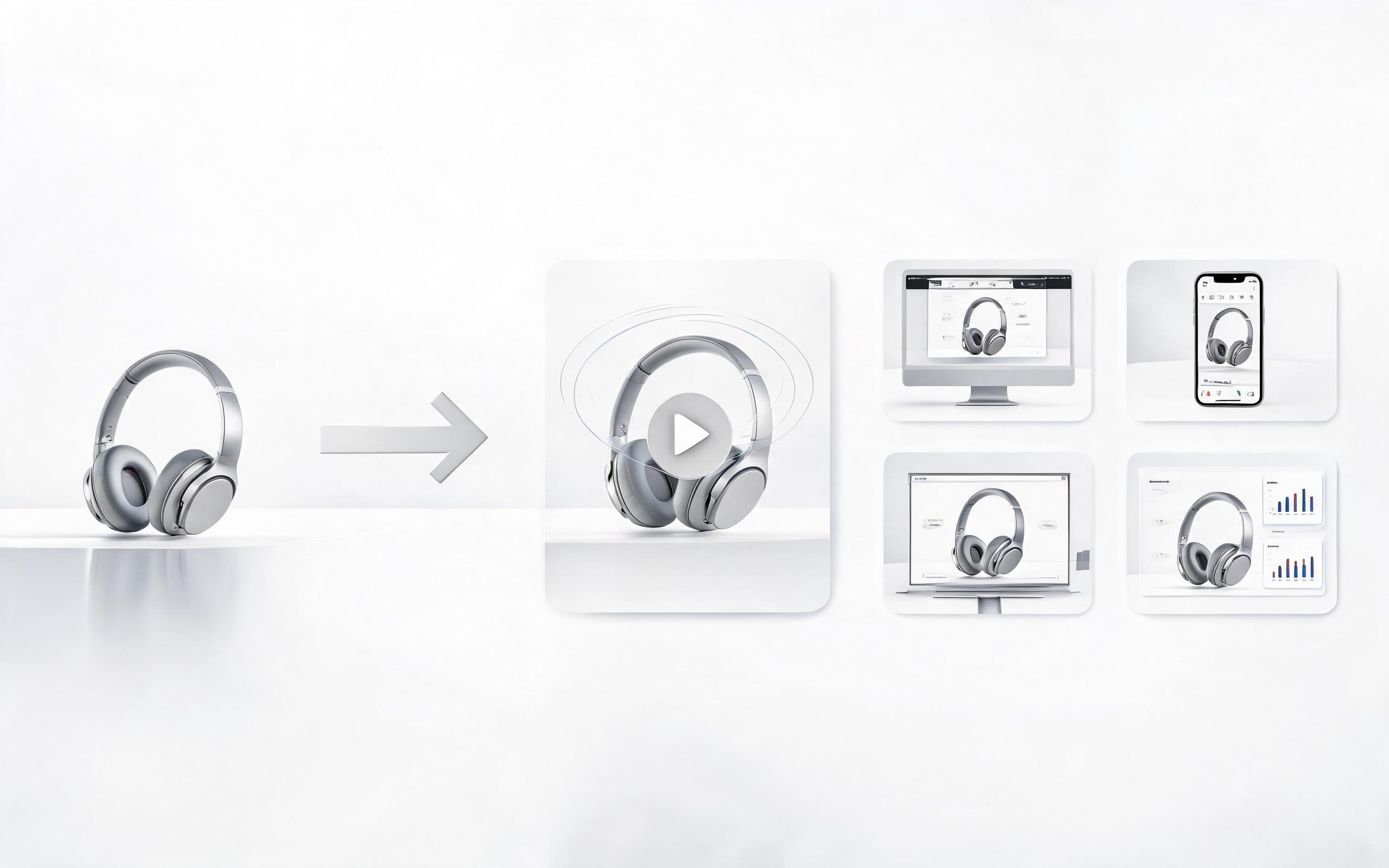
Generate product video from image workflows from product photos, renders, or listing images for ecommerce, product launches, social ads, and campaign testing.
Open page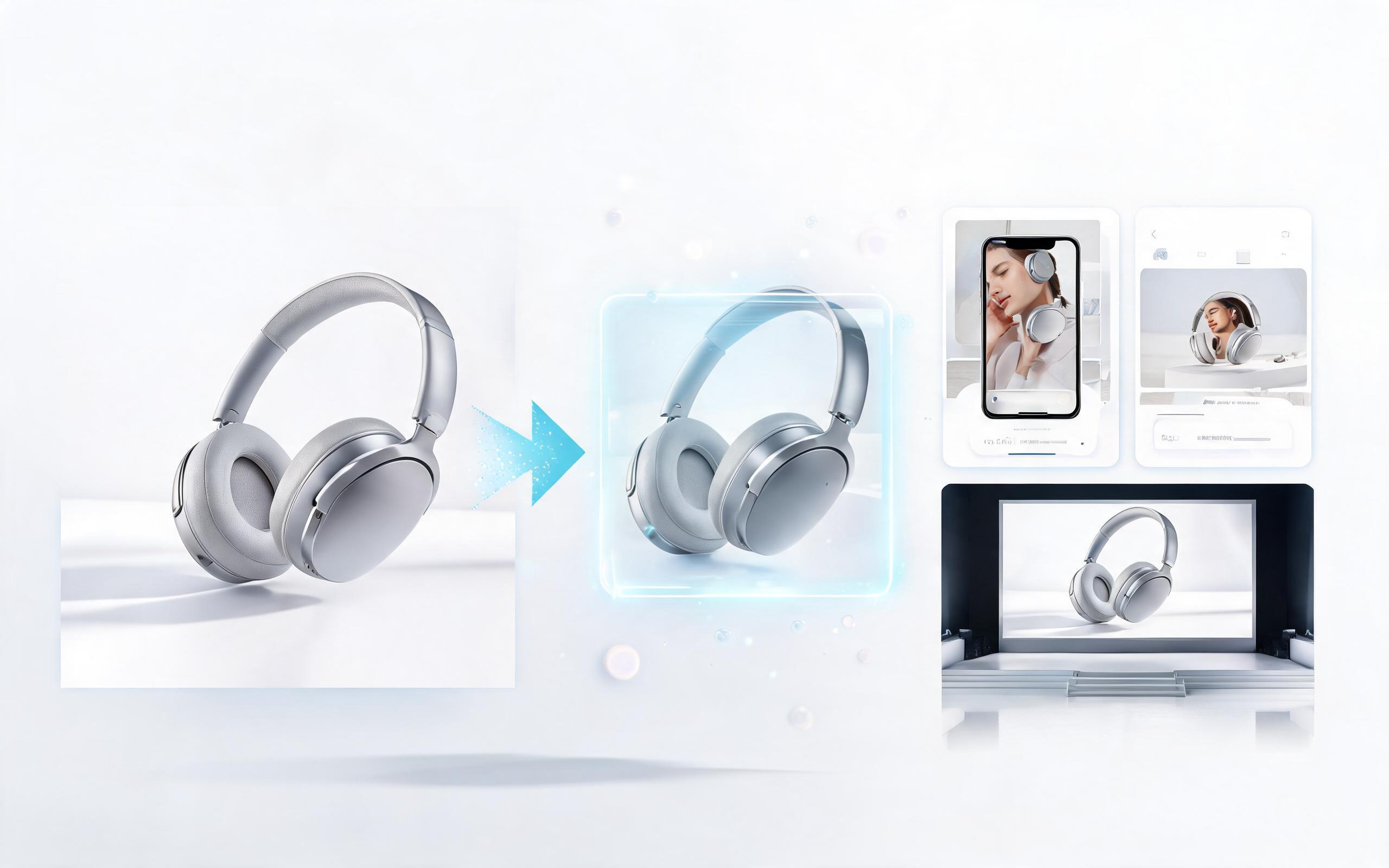
Generate ai product video from image workflows from product photos, renders, or listing images for ecommerce, product launches, social ads, and campaign testing.
Open page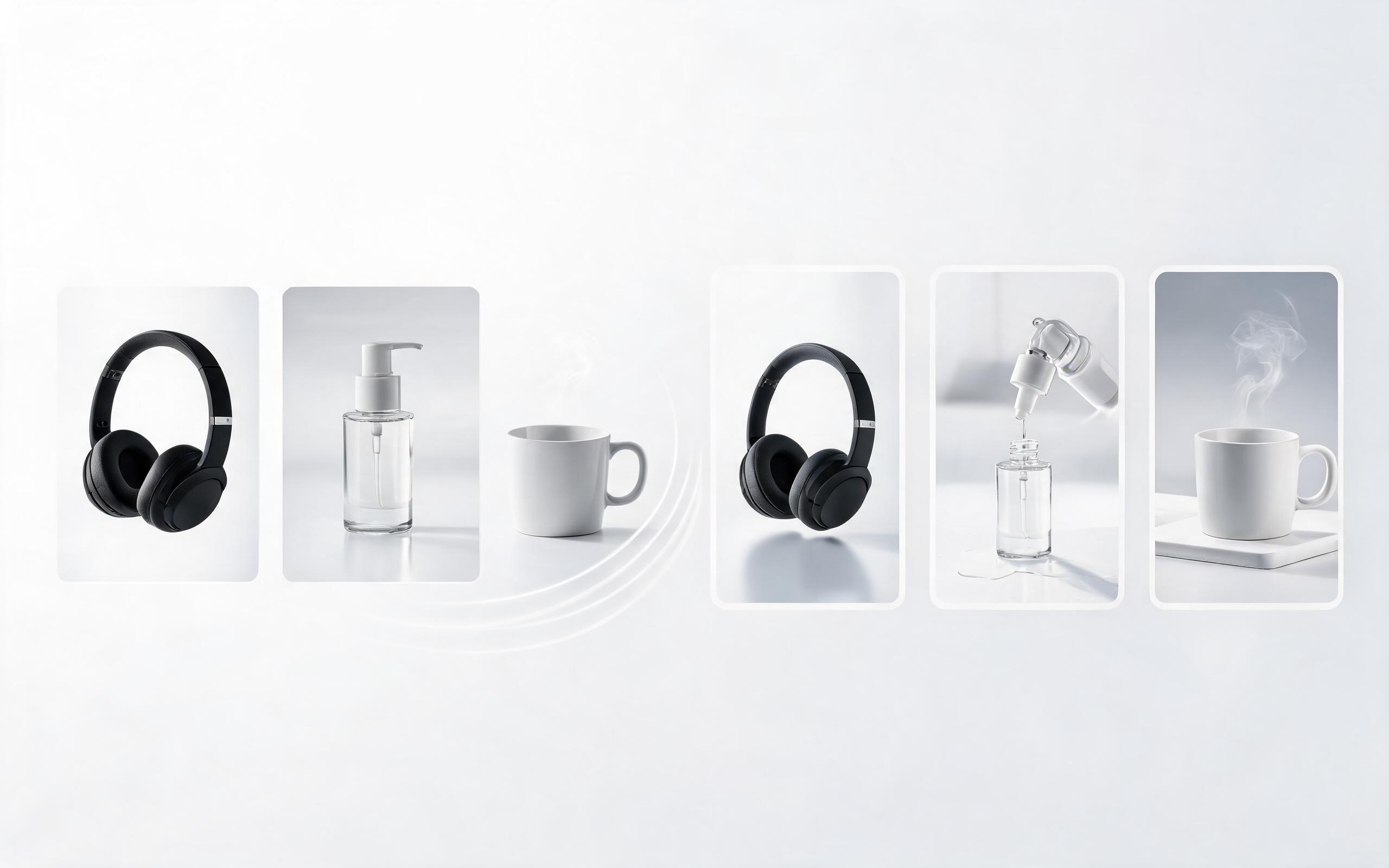
Generate product photo to video workflows from product photos, renders, or listing images for ecommerce, product launches, social ads, and campaign testing.
Open page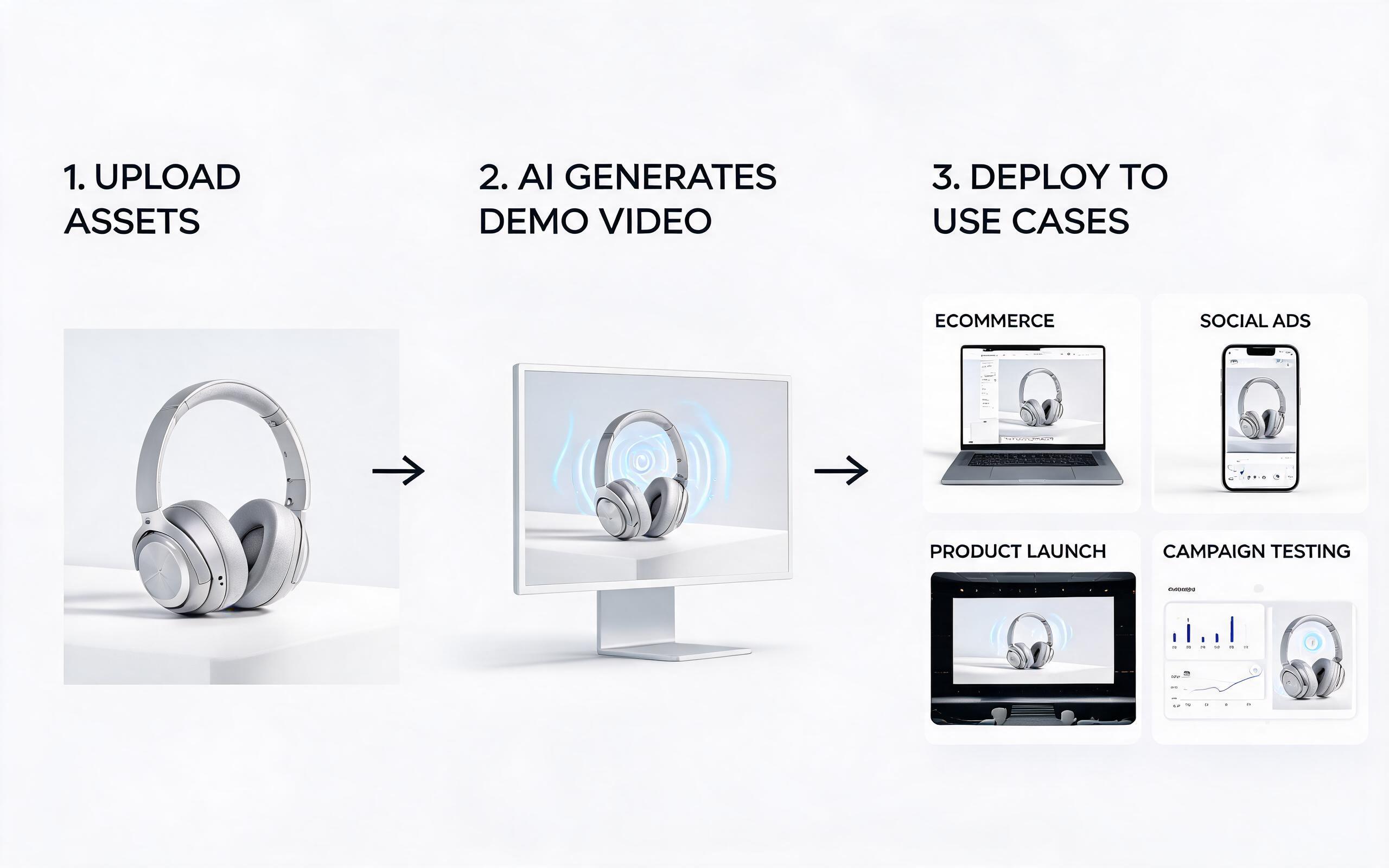
Generate product demo video ai workflows from product photos, renders, or listing images for ecommerce, product launches, social ads, and campaign testing.
Open page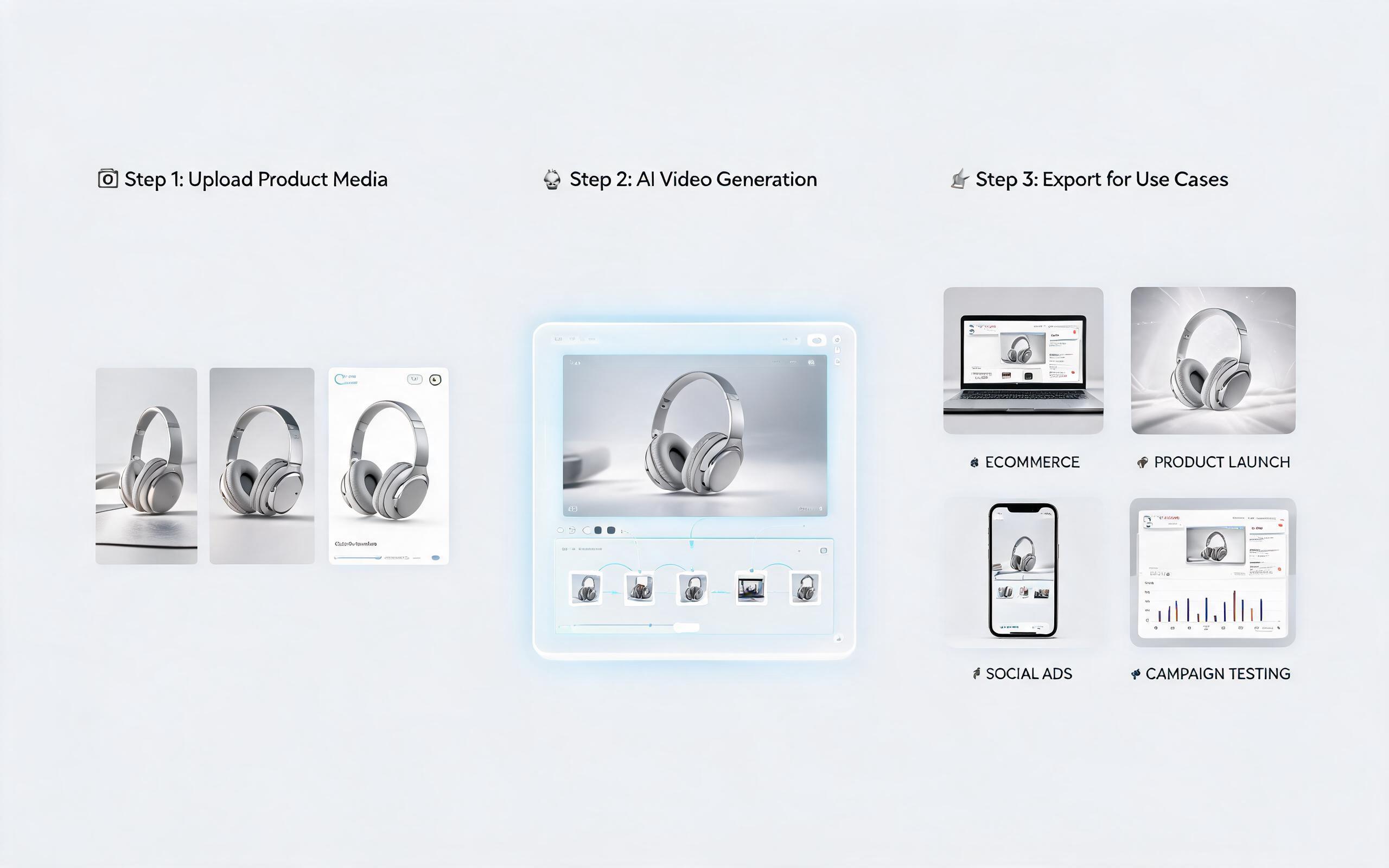
Generate product showcase video generator workflows from product photos, renders, or listing images for ecommerce, product launches, social ads, and campaign testing.
Open page
Turn your static product photos into professional, high-converting animation clips in minutes with PromeAI's AI image to video tool. No editing experience required, start for free today.
Create Product Animation Video
Technical support: [email protected]
Business collaboration: [email protected]
Trusted by 3M+ Creators for Commercial Video Assets
See why product teams, marketers, and sellers rely on PromeAI for high-performing animation content.
We replaced our monthly product video shoots with PromeAI animations and cut production costs by 75% while seeing a 28% lift in Amazon listing conversion rates.
I generate 10+ product animations a week for my client's Shopify stores in minutes, no editing skills needed. The clips are always high-quality and brand-aligned.
We can turn a single source image into several polished product video directions before committing budget to a full studio shoot.