


Skincare Serum Before-After Video
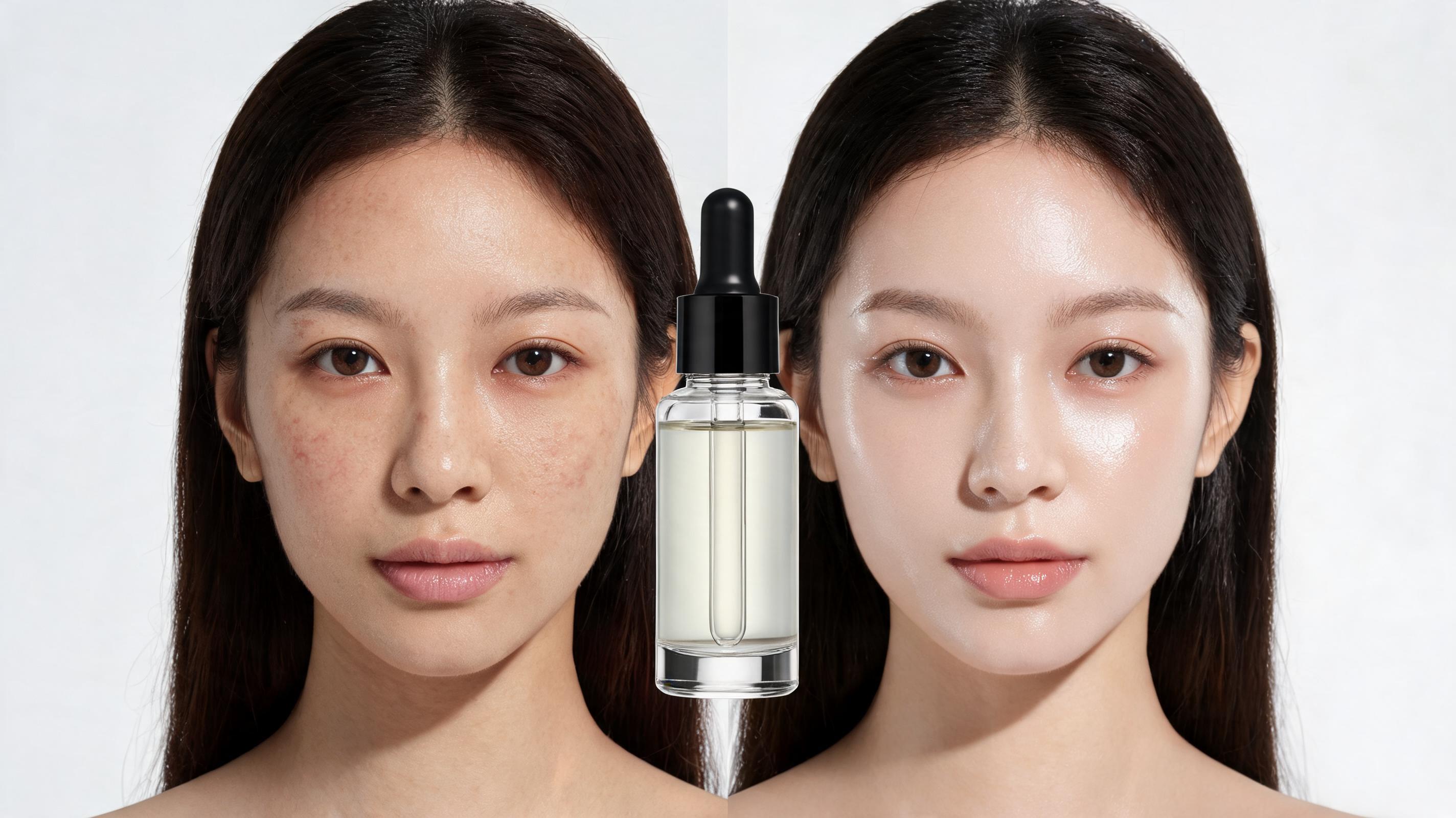
Shows dull, uneven skin transitioning to glowing, smooth skin after serum application, with a slow pan motion that keeps the product bottle centered in the frame throughout.
Turn a single product photo into polished, high-engagement before after videos for your ecommerce listings, social ads, and launch campaigns in minutes. No professional video editing skills required.
View sample videos across different product categories to get inspiration for your next marketing campaign.
Shows dull, uneven skin transitioning to glowing, smooth skin after serum application, with a slow pan motion that keeps the product bottle centered in the frame throughout.
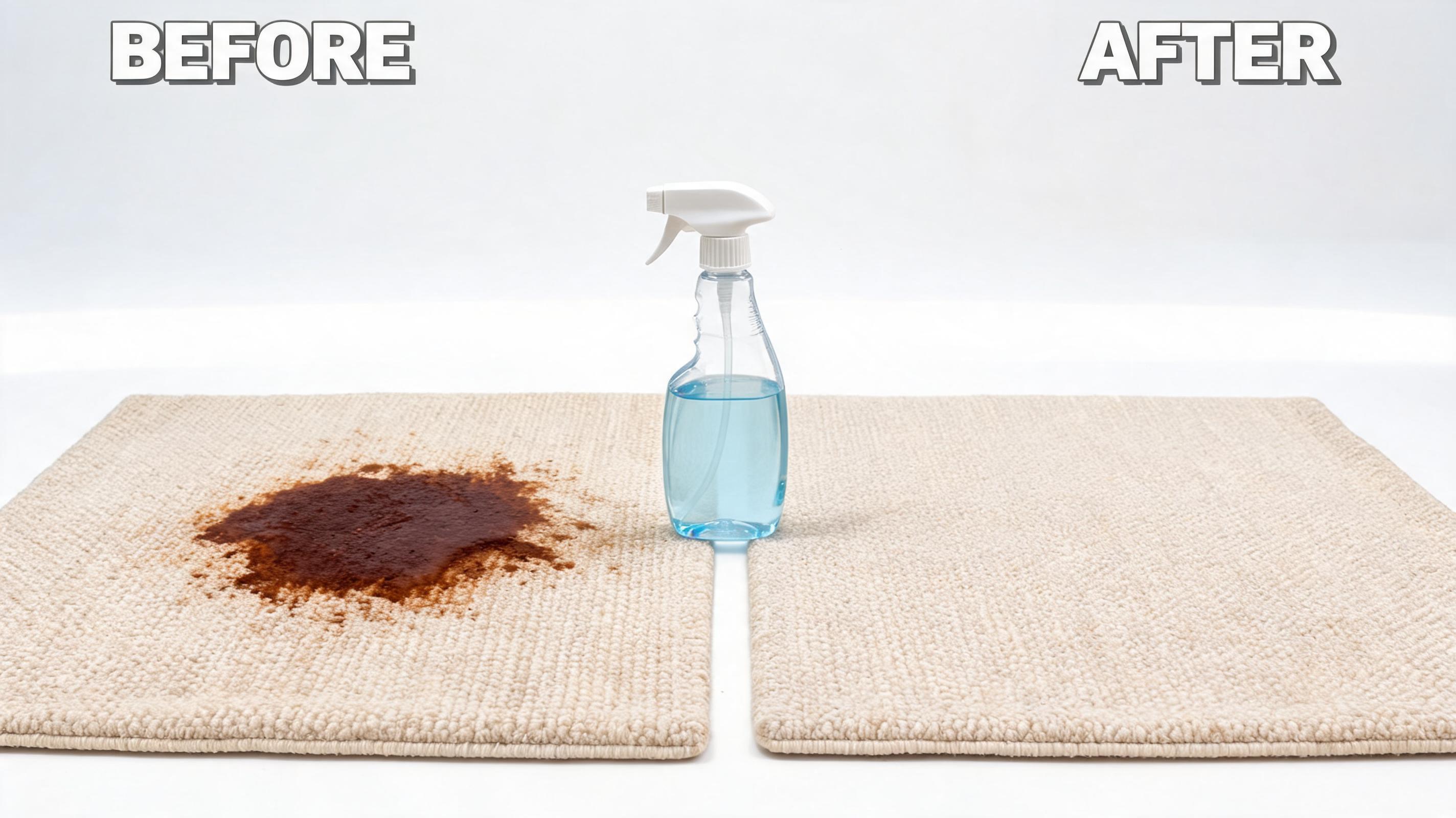
Features a heavily stained fabric rug spot fading completely after applying the stain remover, with static product placement for unobstructed visibility of the item.
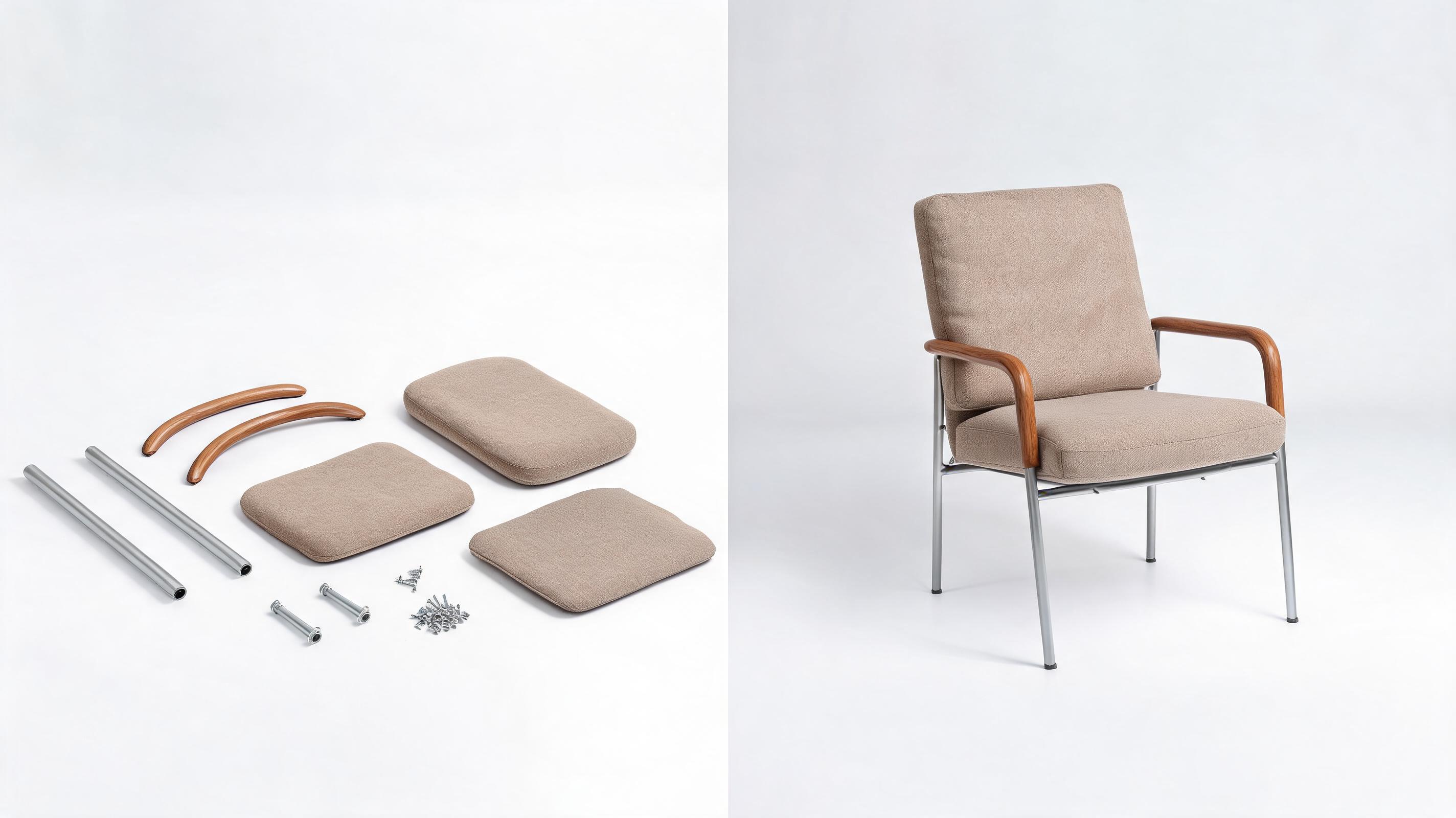
Displays unassembled furniture parts transforming into a fully built accent chair, with a slow zoom motion that highlights build quality and material finish.
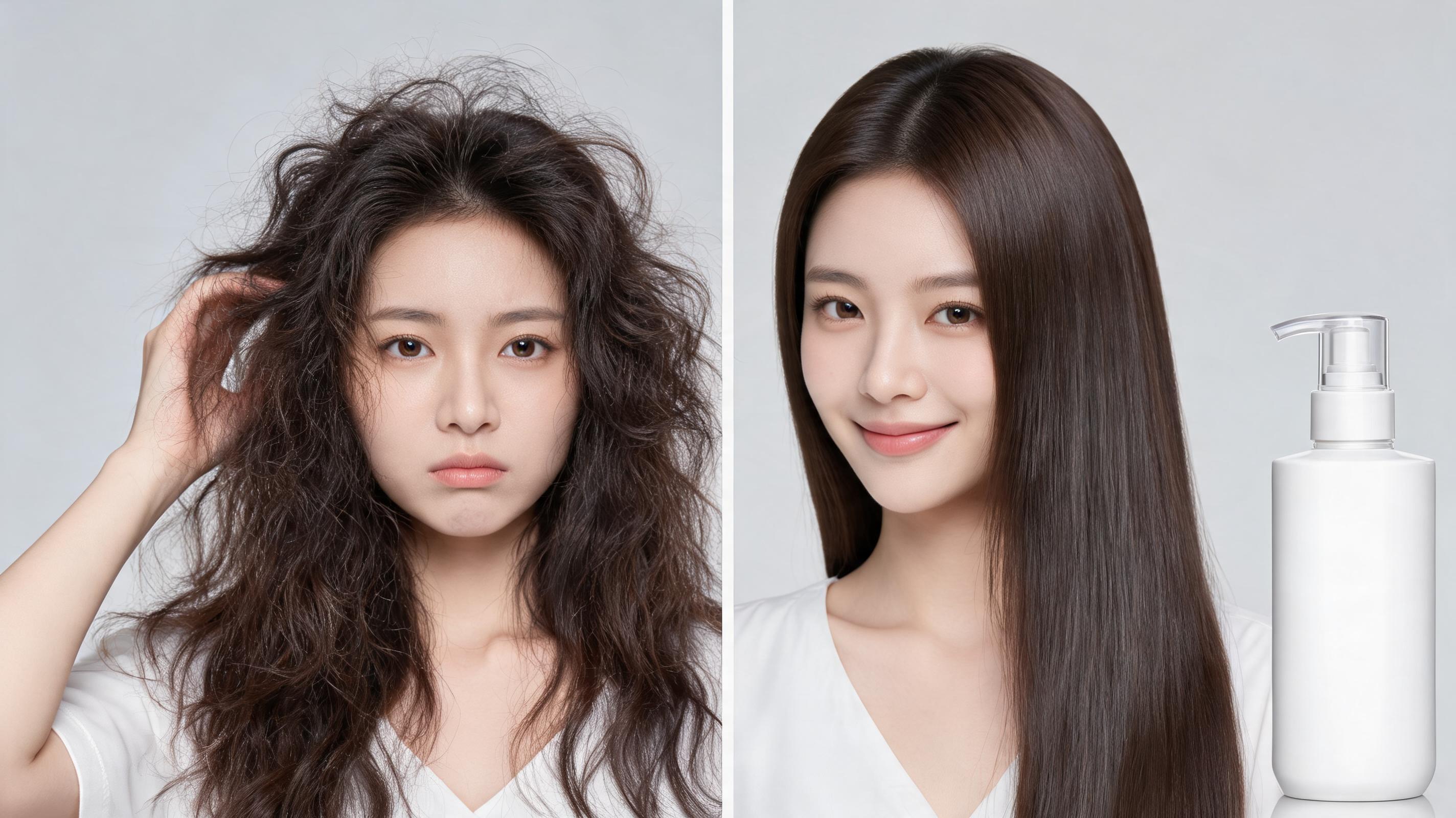
Shows frizzy, unmanageable hair transitioning to smooth, styled hair, with the hair product bottle anchored to the side of the frame for consistent brand visibility.
Explore built-in features designed to keep your product front and center while creating professional, high-converting video assets.
Generate a complete before-after video from just one static product photo, no multiple footage clips or raw video assets required.
Purpose-built for ecommerce use cases, our algorithm keeps your product in sharp, clear focus throughout the entire transition with no blurring or distortion.
Adjust before-to-after transition speed from 2 seconds for short social ads up to 10 seconds for detailed product demos to match your messaging needs.
Export videos in 1080p landscape for product pages, 9:16 vertical for Reels/TikTok, 1:1 square for Instagram, and 4:5 for Pinterest, all optimized for fast loading.
Generate seamless, short loops perfect for autoplay sections on product pages, social feeds, and marketplace listings to keep viewers engaged.
All videos generated with paid plans come with full commercial usage rights for product pages, ad campaigns, and marketplace listings with no extra fees.
See how ecommerce teams, ad creators, and marketplace sellers use these videos to boost conversion rates and engagement.
Add autoplay before-after videos to product listing pages to demonstrate tangible product benefits and lift conversion rates by up to 30% compared to static images.
Use snappy before-after clips in Instagram Reels and TikTok ads to stop scrollers quickly and highlight product value to drive higher click-through rates.
Add before-after videos to Amazon, Etsy, or Shopify listings to stand out from competitors, set clear product expectations, and reduce return rates.
Share short before-after previews on email lists and social channels to build hype and drive pre-orders ahead of a new product drop.
Pair before-after product videos with user reviews to add credibility to your website, ad campaigns, and customer testimonial sections.
Send pre-generated before-after videos to influencer partners to ensure consistent, on-brand product messaging across all sponsored content.
Follow our streamlined workflow to turn a single product image into a ready-to-use before after video in minutes.
Upload a single high-quality, well-lit static product image, centered in the frame with no distracting background elements for best results.
Select your preferred motion style, adjust transition timing to match your campaign goals, and add optional text overlays to highlight key benefits.
Preview your final video, make any needed adjustments, then export in the resolution optimized for your publishing channel (product page, social, or marketplace).
Product before after videos are one of the highest-performing ecommerce assets for demonstrating value, reducing purchase doubt, and boosting conversion rates. This guide covers everything you need to know to create and deploy these videos effectively.
Start by selecting a high-quality product image with clear lighting, no distracting background elements, and the product centered in the frame. Next, choose a motion style that aligns with your product category: slow zoom for skincare products, static focus for cleaning products, and slow pan for furniture or home goods. Adjust the transition timing to match your use case: 2-3 seconds for social ads where you need to grab attention fast, 5-7 seconds for product pages where shoppers are looking for detailed information. Finally, export in the resolution optimized for your publishing channel, and test load times before publishing to ensure a smooth user experience.
Use product before after videos when your product delivers a clear, visual transformation: this includes skincare, cleaning products, home improvement tools, weight loss supplements, and hair care goods. They are ideal for reducing purchase doubt by showing shoppers exactly what results they can expect, and outperform static before after image carousels by 67% for social ad engagement. Avoid using before after videos for products that do not deliver a visible transformation, such as electronics, apparel basics, or office supplies, where a standard 360-degree product demo video will perform better. If your product’s main benefit is functional rather than visual, prioritize demo videos that show the product in use instead of a before after transition.
For product pages, use 1080p landscape videos with a 5-7 second transition, set to autoplay on mute with captions if you include text overlays. Keep the product front and center so shoppers can easily identify the item they are considering purchasing. For TikTok and Instagram Reels, use 9:16 vertical videos with a 2-3 second fast transition, paired with a text overlay that highlights the core benefit within the first 3 seconds to stop scrollers. For marketplace listings like Amazon or Etsy, use 1:1 square videos with clear lighting and no background noise, to meet platform requirements and stand out from competing listings that only use static images.
Track key metrics to understand how your videos are performing: for product pages, measure add-to-cart rate and conversion rate for pages with the video vs. pages without. For social ads, track click-through rate, cost per acquisition, and video completion rate. For marketplace listings, track click-through rate from search results and return rate, as before after videos often reduce returns by setting clear expectations for product performance. A well-optimized before after video can lift product page conversion rates by up to 30% compared to static images alone, making it one of the highest ROI asset types for ecommerce teams.
Choose from tailored motion presets to highlight key product benefits and transformations in your final video.
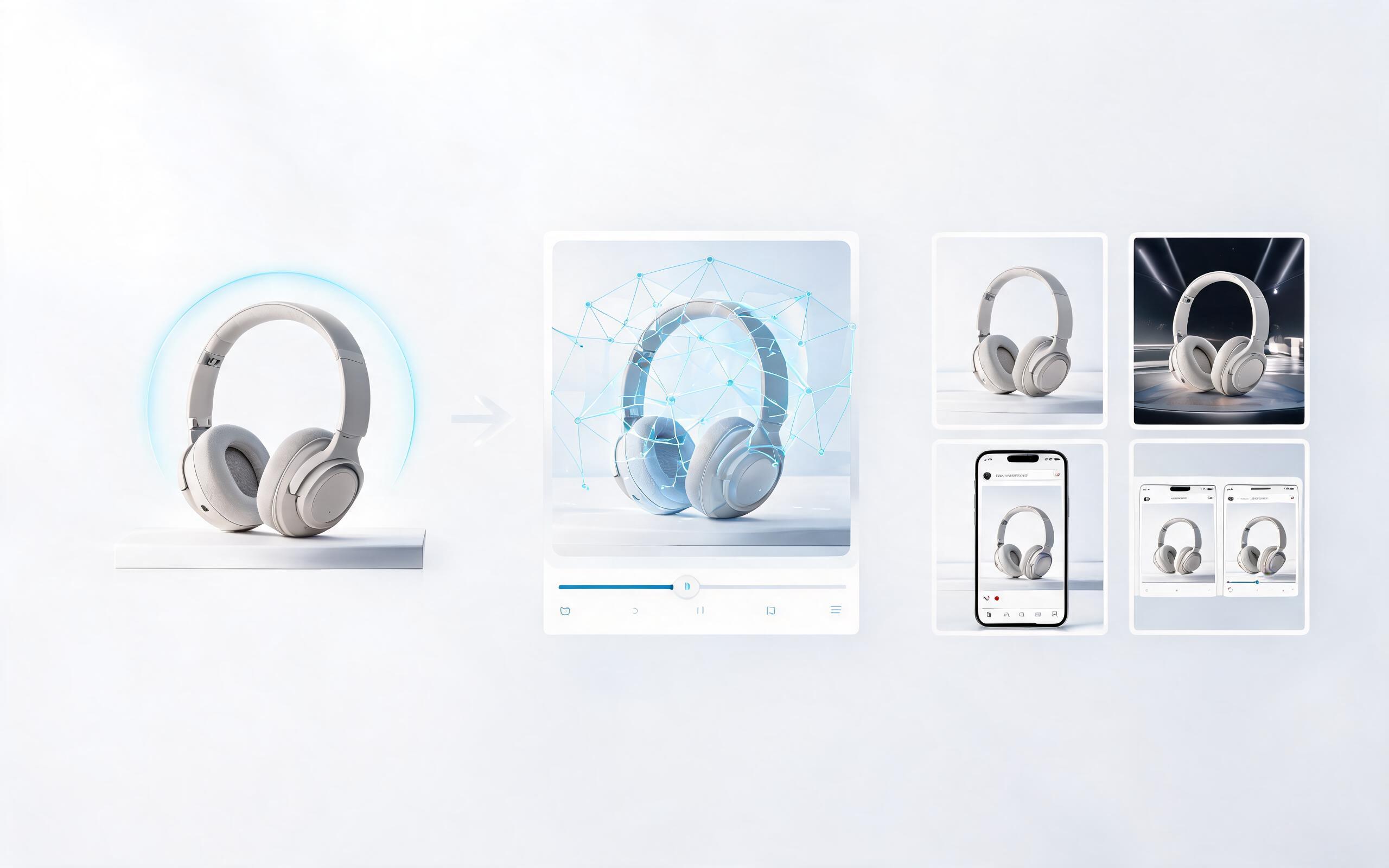
Generate ai product video generator free workflows from product photos, renders, or listing images for ecommerce, product launches, social ads, and campaign testing.
Open page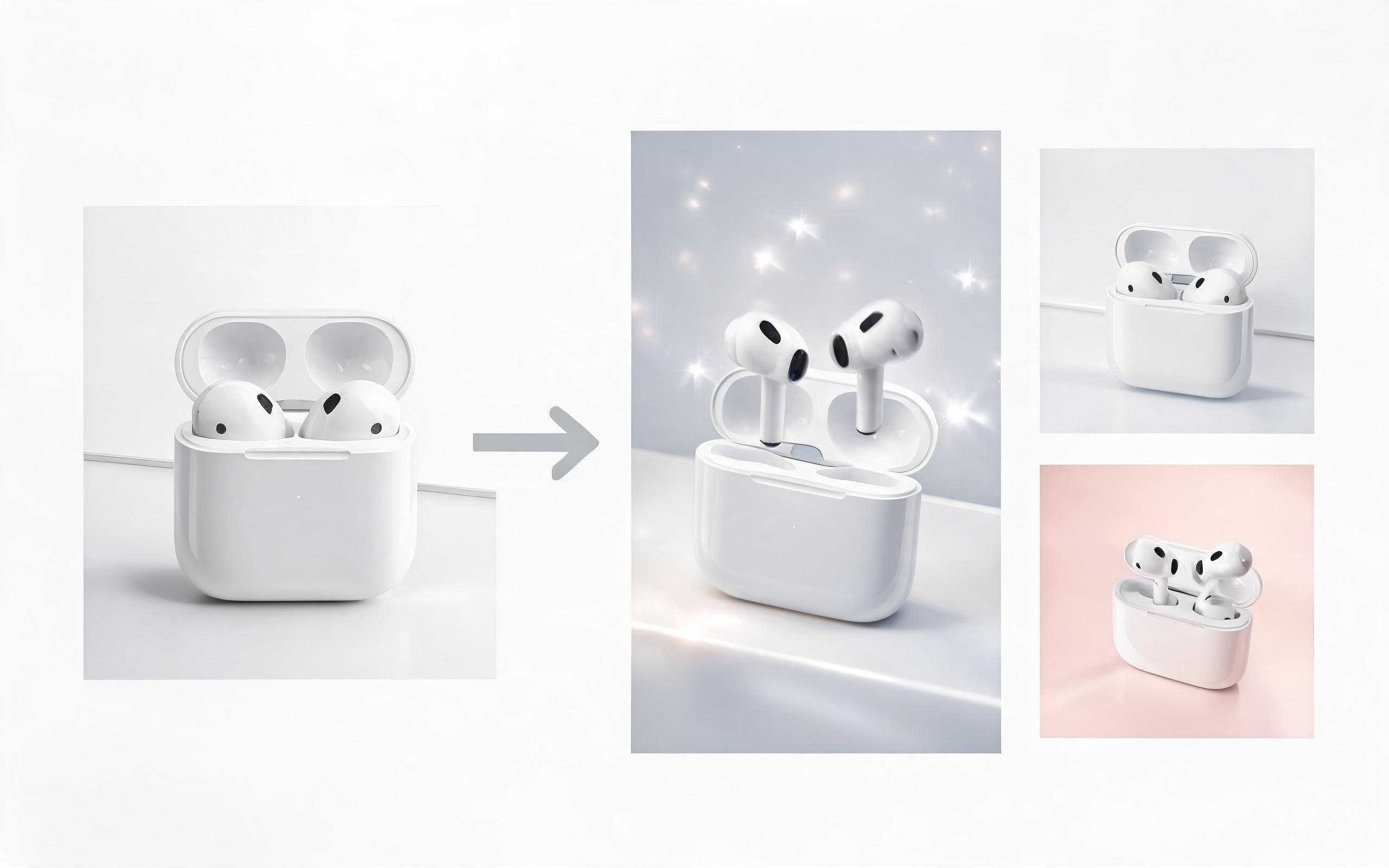
Generate product video from image workflows from product photos, renders, or listing images for ecommerce, product launches, social ads, and campaign testing.
Open page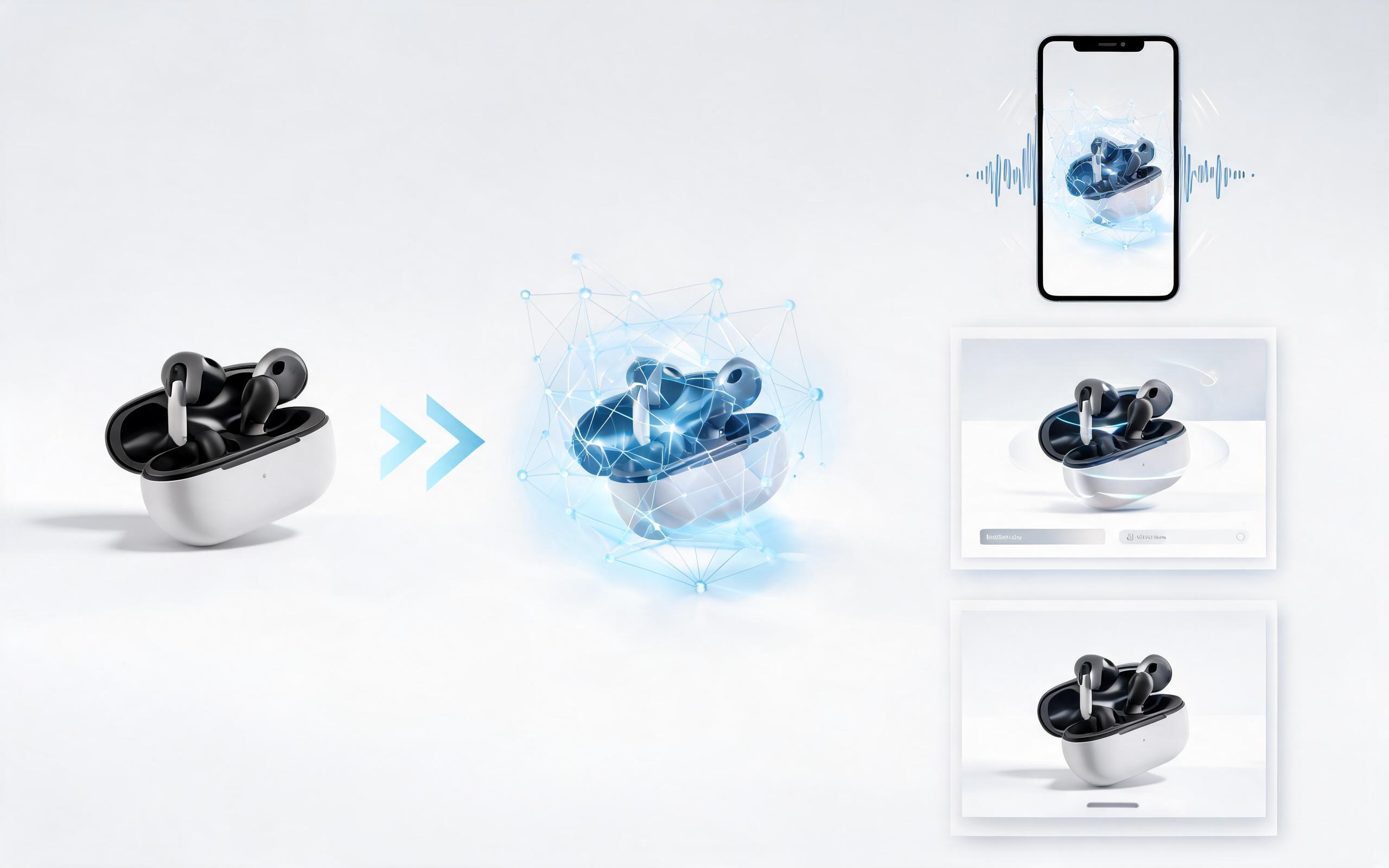
Generate ai product video from image workflows from product photos, renders, or listing images for ecommerce, product launches, social ads, and campaign testing.
Open page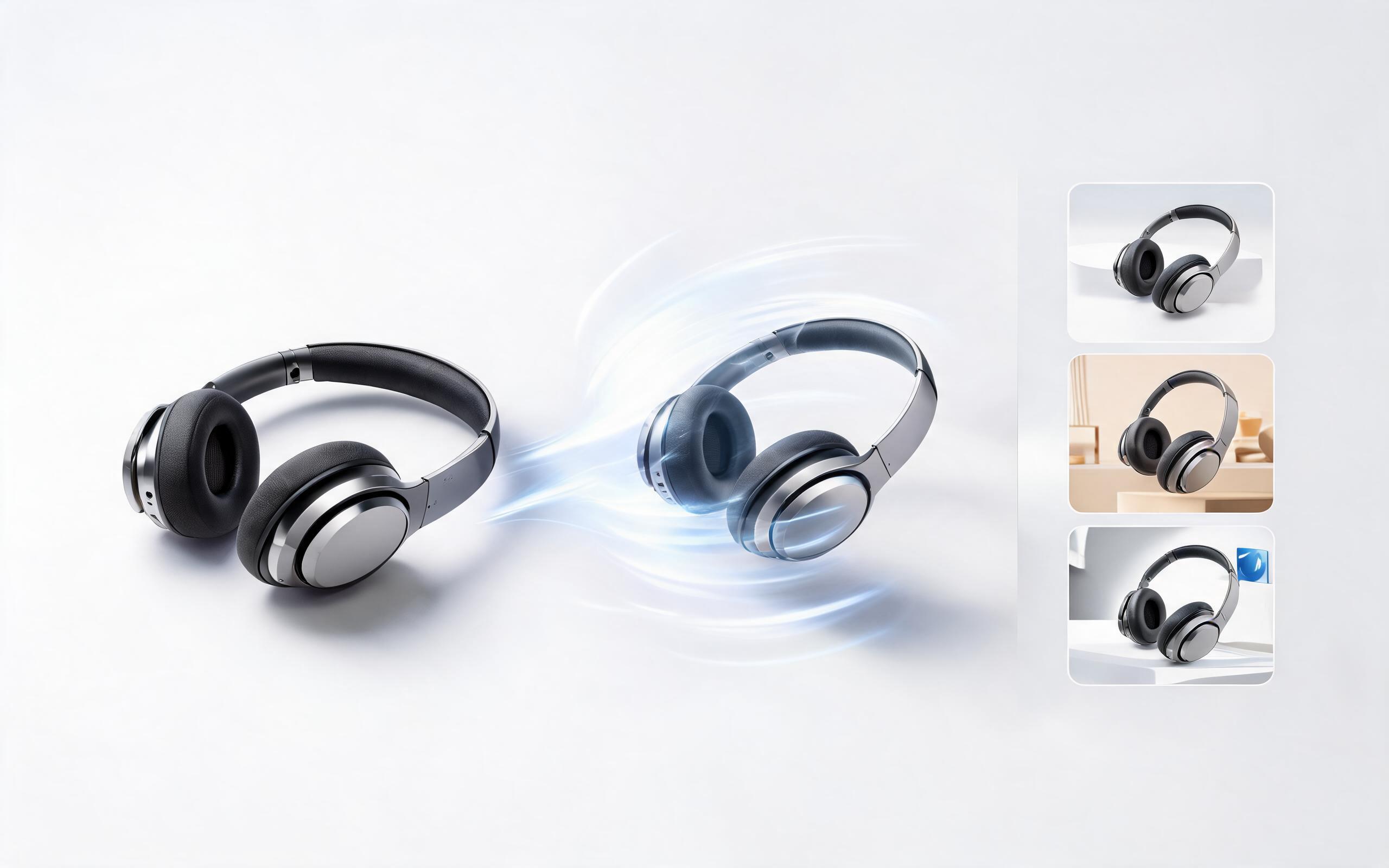
Generate product photo to video workflows from product photos, renders, or listing images for ecommerce, product launches, social ads, and campaign testing.
Open page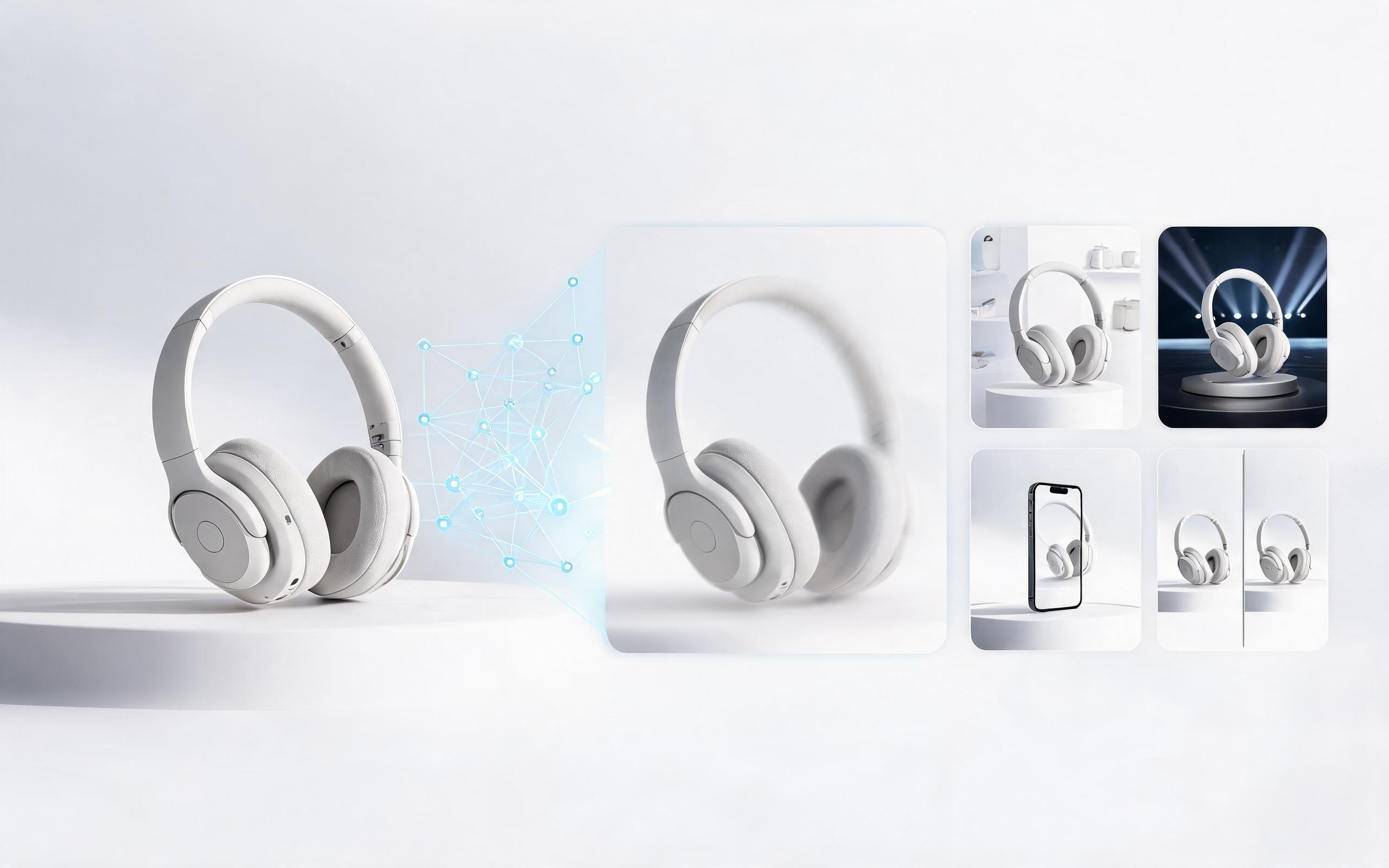
Generate product demo video ai workflows from product photos, renders, or listing images for ecommerce, product launches, social ads, and campaign testing.
Open page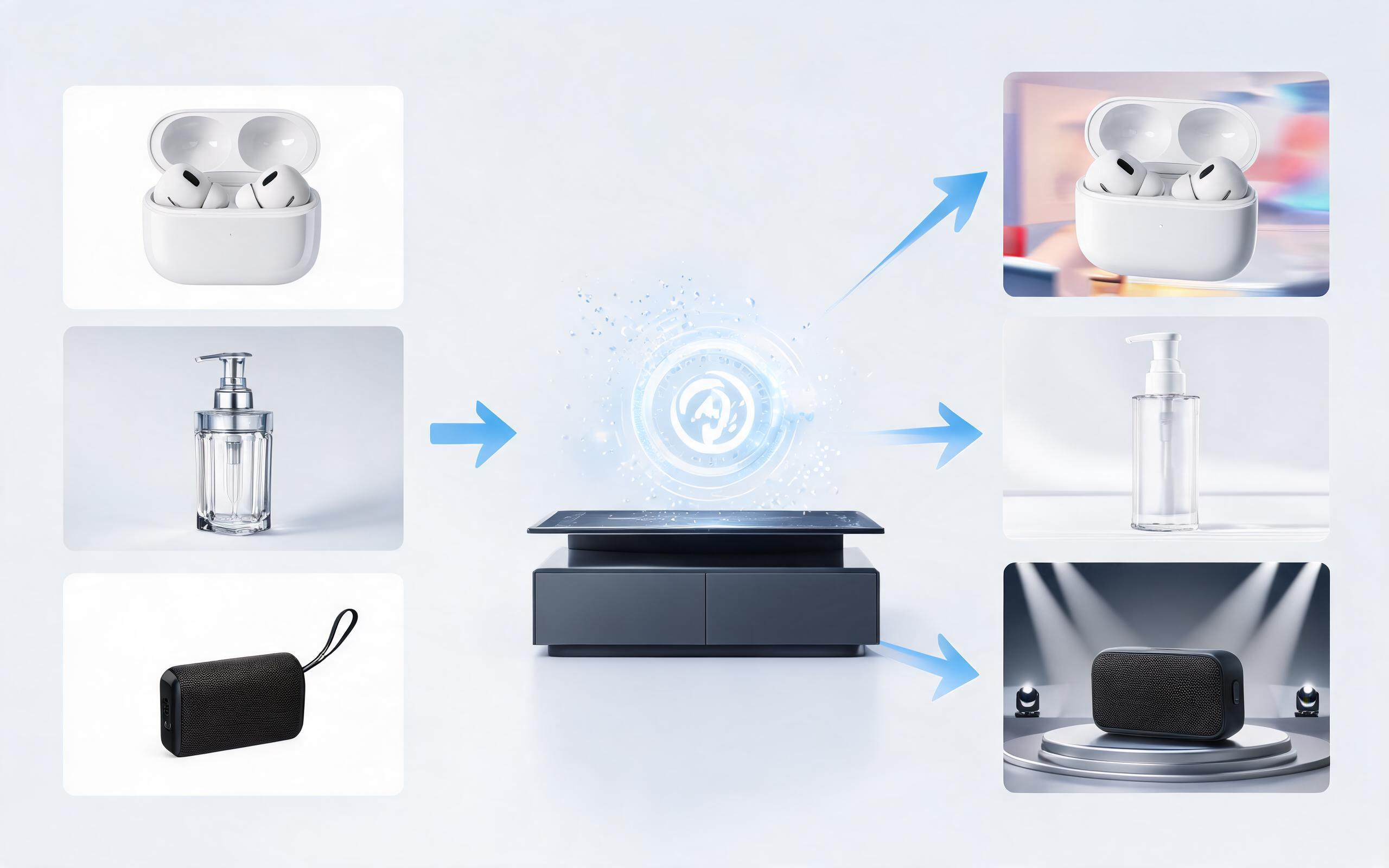
Generate product showcase video generator workflows from product photos, renders, or listing images for ecommerce, product launches, social ads, and campaign testing.
Open pageGet answers to common questions about creating, editing, and using AI-generated product before after videos for your brand.

Turn a single static product image into a high-converting before after video in minutes, no professional editing skills required. Start for free to test the tool, or upgrade to a paid plan for unlimited commercial exports and access to all motion presets.
Create Product Before After Video
Technical support: [email protected]
Business collaboration: [email protected]
Trusted by 3M+ Creative & Ecommerce Teams Globally
See how thousands of product creators use PromeAI to build high-performing video assets faster and at lower cost.
This tool cut our product video production time from 3 days per asset to 10 minutes, and our product page conversion rate went up 22% after we added before after videos.
We used these before after videos in our TikTok ad campaigns and saw a 40% lower cost per purchase than our old static image ad sets.
We can turn a single source image into several polished product video directions before committing budget to a full studio shoot.