



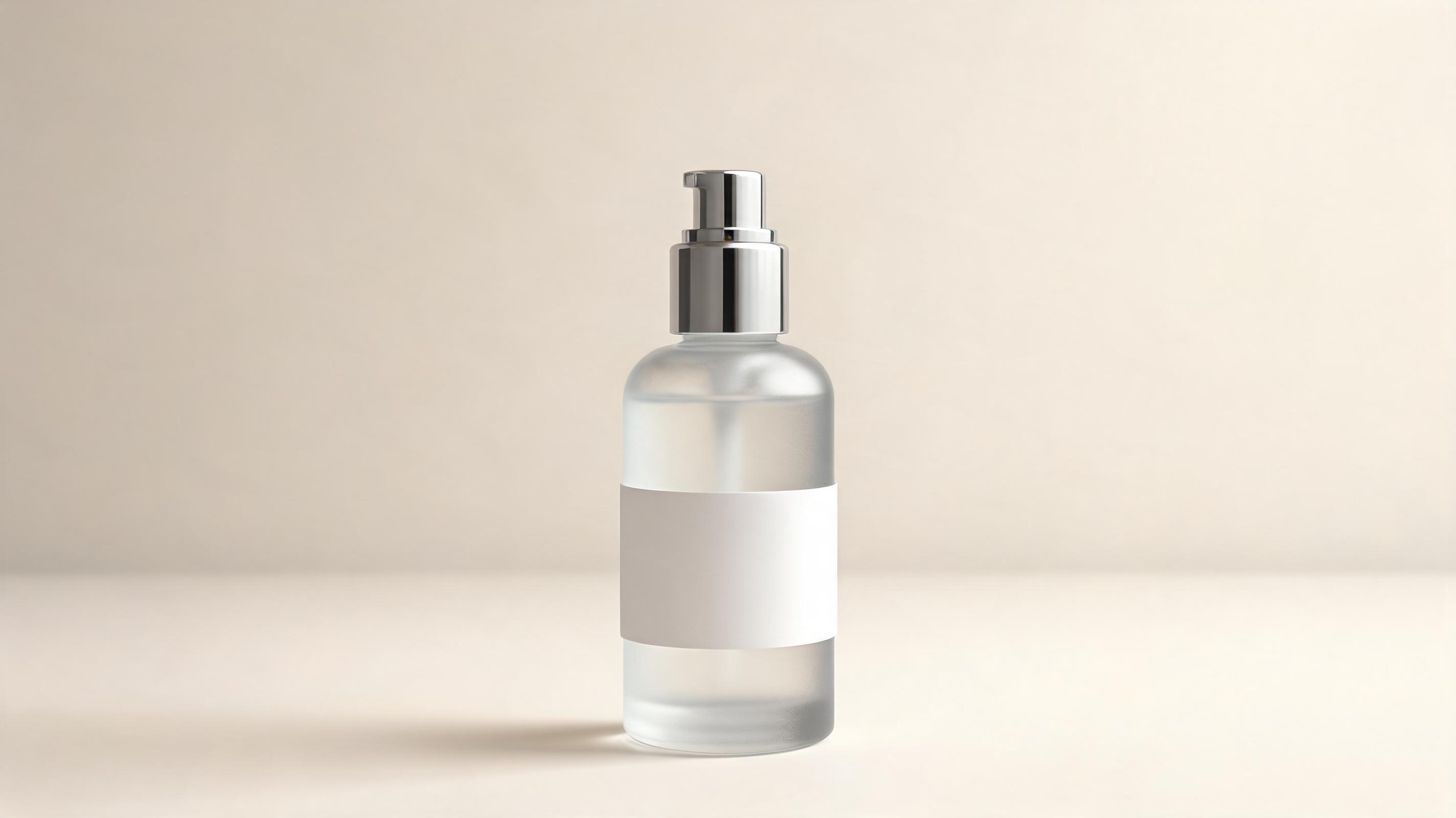
Minimalist Skincare Bottle Video
Slow 360-degree spin that highlights frosted glass finish, ingredient label, and sleek packaging for a DTC skincare brand product page.
Create professional, motion-rich product videos optimized for product pages, social ads, and launch campaigns. No expensive production teams or filming equipment required.
Browse real-world examples of generated videos for different product categories and campaign goals.
Slow 360-degree spin that highlights frosted glass finish, ingredient label, and sleek packaging for a DTC skincare brand product page.
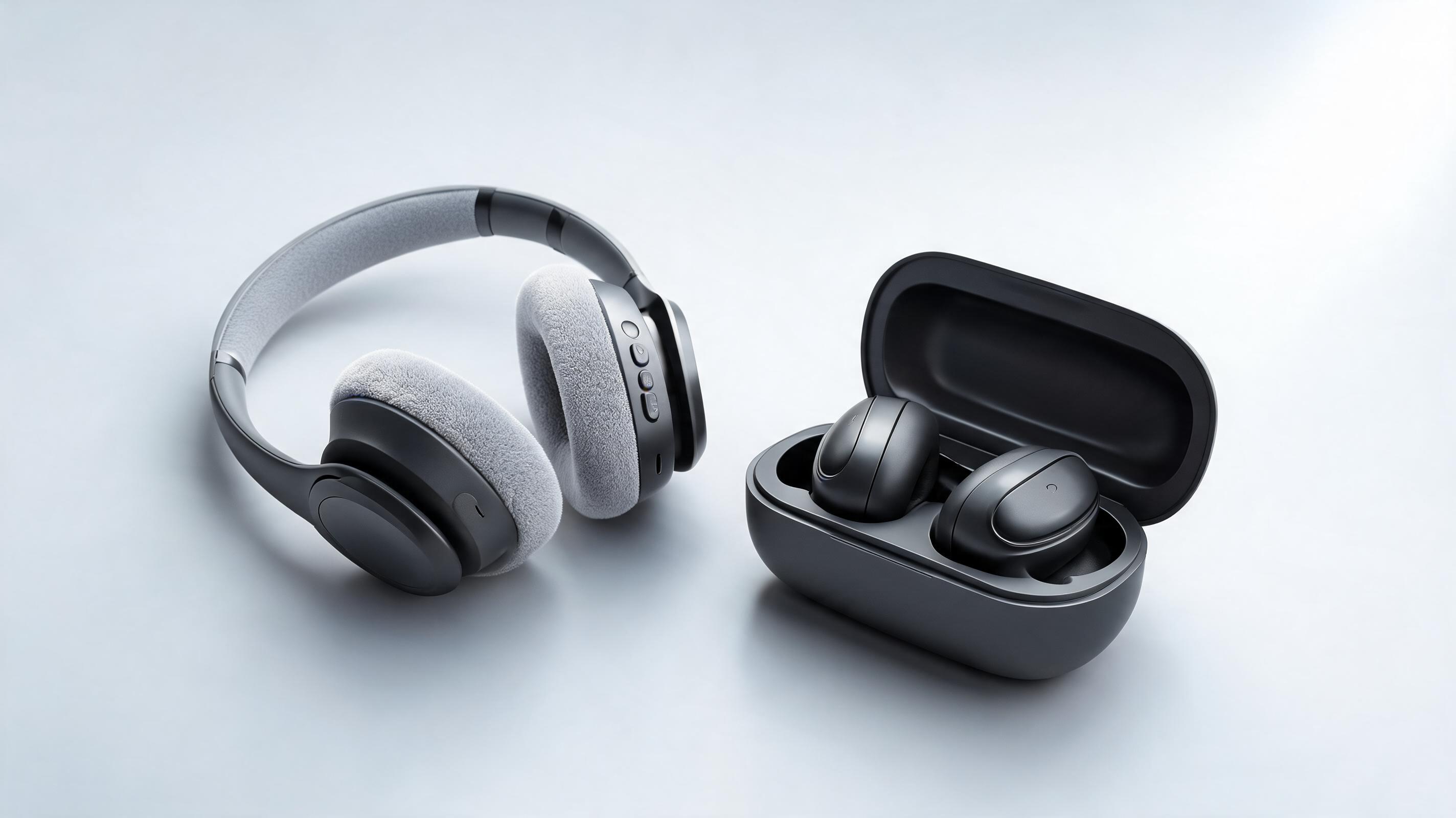
Dynamic zoom reveal that showcases ear cup cushioning, control buttons, and charging case for a high-performing TikTok ad.
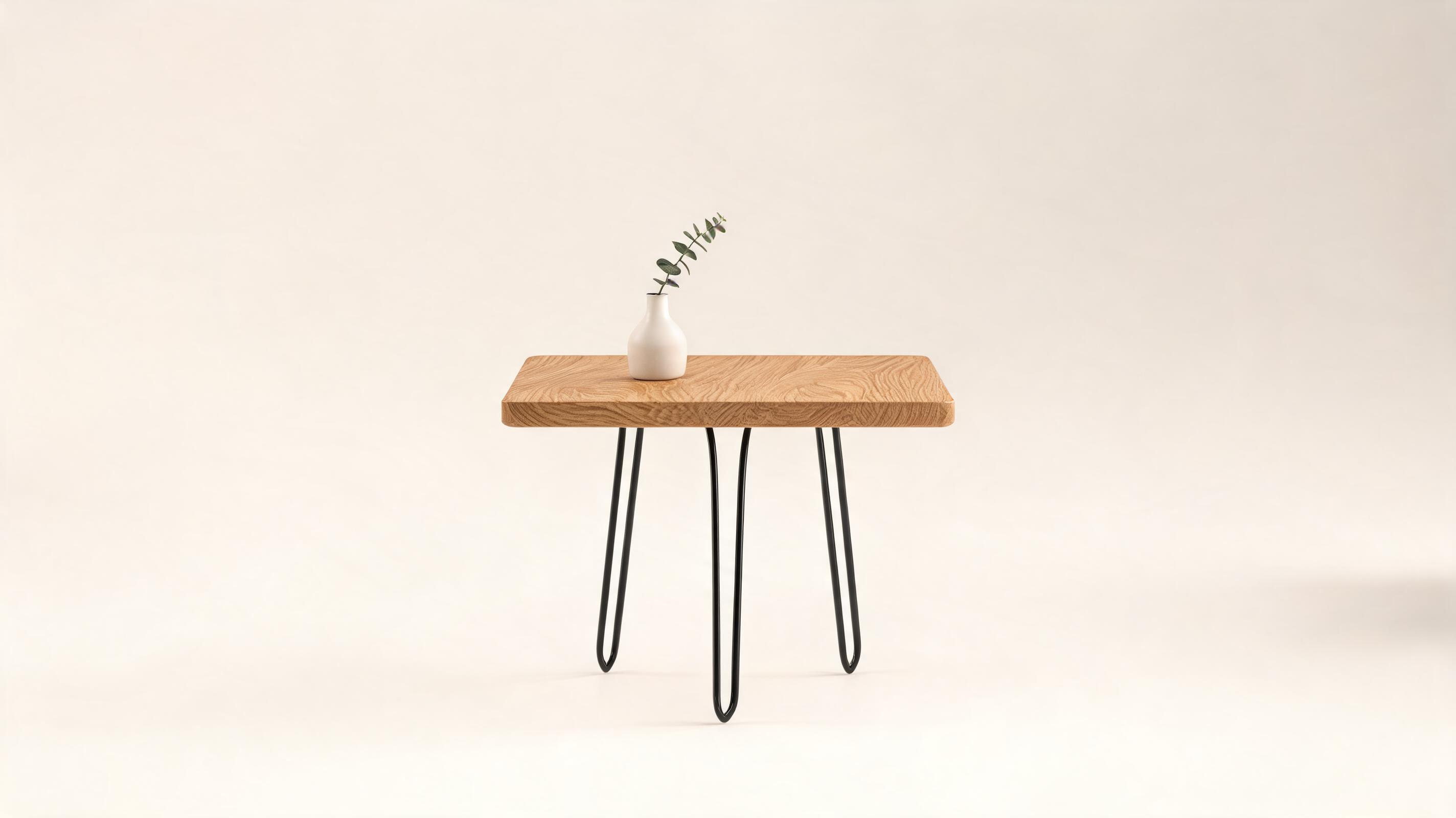
Slow push-in pan that highlights natural wood grain and sleek metal leg design for an Instagram home decor brand carousel.
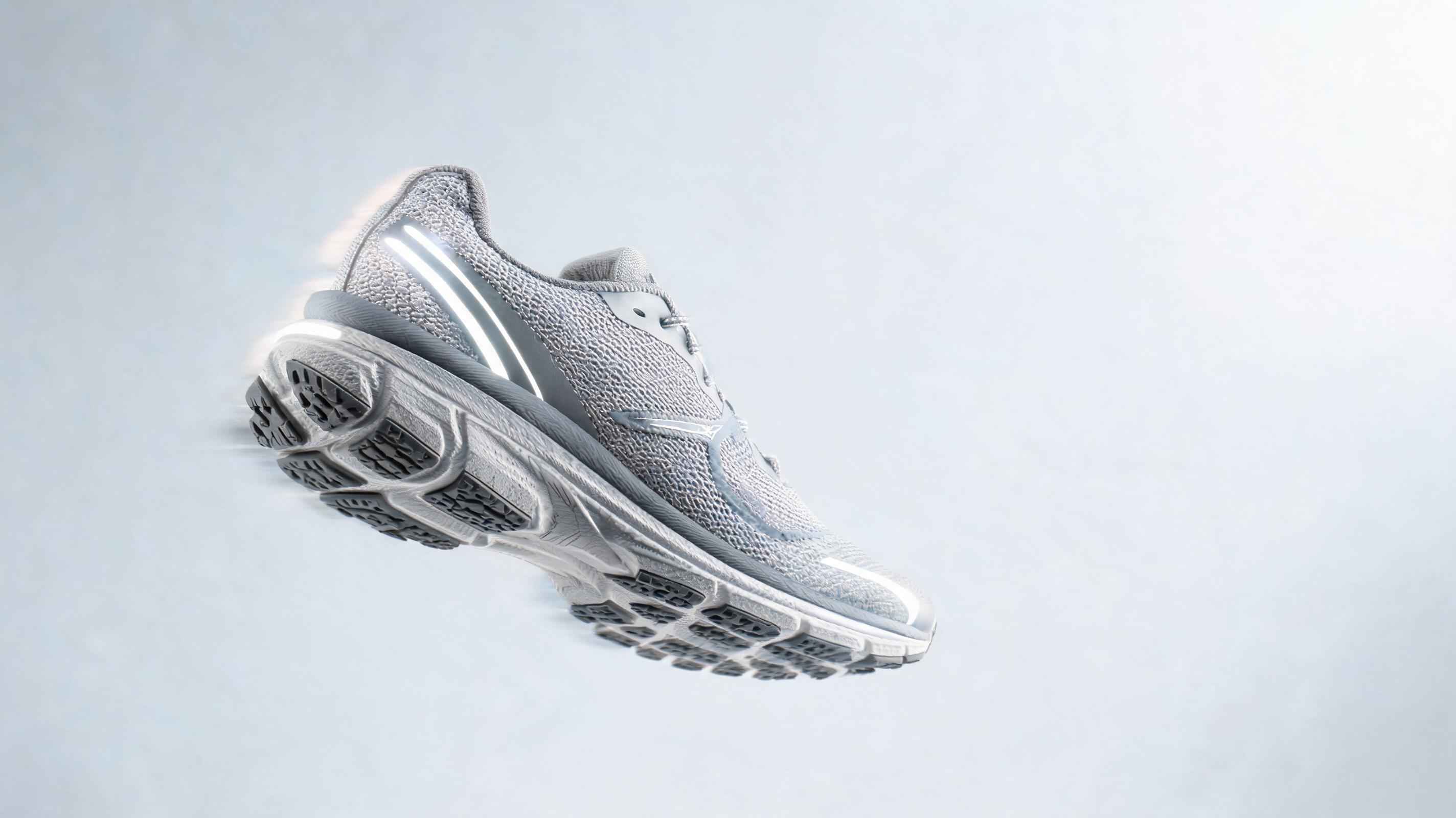
Sweeping arc motion that shows sole grip, mesh upper, and reflective details for a Facebook athletic wear retargeting ad.
Discover built-in features designed to produce high-conversion, brand-aligned product videos at scale.
AI ensures your product stays fully in focus and uncropped through all movement, so viewers can clearly see design, material, and functional details.
Adjust video length from 6 to 60 seconds to fit short-form social feeds, product pages, Amazon listings, or longer ad campaigns.
Add custom color grading, logo overlays, and royalty-free background music to match your brand guidelines and existing marketing assets.
Export videos in 1:1, 9:16, and 16:9 aspect ratios in MP4, MOV, or GIF formats up to 4K resolution for every channel.
Generate endlessly looping videos perfect for product page carousels, continuous social feeds, and in-store display content.
All generated videos are free of watermarks and fully licensed for commercial use across all sales and marketing channels.
See how ecommerce and creative teams use these videos to boost engagement and sales across channels.
Boost product page conversion rates by up to 30% by adding dynamic cinematic videos that show details static photos miss.
Create scroll-stopping TikTok, Instagram Reels, and YouTube Shorts ads for product launches, awareness campaigns, and retargeting.
Stand out from competitors and improve ranking signals on Amazon, Etsy, and Walmart with high-quality cinematic listing videos.
Generate fast, polished teaser and product highlight videos for Kickstarter and Indiegogo campaigns to drive early backer interest.
Share consistent, brand-aligned cinematic product videos with influencer partners to ensure uniform messaging across all collaborations.
Serve dynamic product videos to users who viewed your product but did not purchase to drive higher click-through and conversion rates.
Follow our simple workflow to turn any static product photo into a polished video in minutes.
Use a well-lit, high-resolution product photo with a clean background, centered in the frame, with all key features visible for the best output results.
Select your desired cinematic motion preset (slow pan, 360 spin, zoom reveal) and adjust video length to match your specific channel and campaign requirements.
Export your finished video in your preferred resolution and aspect ratio, ready to use immediately on product pages, social ads, or marketplace listings.
Learn how to get the most out of PromeAI's cinematic product video tool, choose the right motion for your use case, and avoid common mistakes that reduce video performance.
Start by selecting a high-quality product image with even lighting, no background clutter, and all key product features fully visible. Next, pick a motion preset that aligns with your channel: slow 360 spins work best for product pages, while fast zoom reveals and dynamic pans perform better for short-form social ads. Adjust the video length to match platform requirements: 6-15 seconds for TikTok and Reels, 30-60 seconds for product pages and Amazon listings. Add brand assets like color grading, logo overlays, and royalty-free background music to ensure consistency with your existing marketing content before exporting.
Cinematic product videos are ideal for when you want to highlight the aesthetic, material quality, and design details of your product without focusing on functional demos. Use them for product pages, brand awareness ads, and launch campaigns where you want to build desire and stand out from competitors with polished, high-quality visuals. Avoid using this format if you need to show step-by-step product usage, customer testimonials, or behind-the-scenes content: for those use cases, our AI product demo video tool is a better fit. If you're on a tight budget and testing multiple ad creatives, our free AI product video generator is a great option to create low-cost test assets before investing in higher-production cinematic videos.
For TikTok and Instagram Reels, export in 9:16 aspect ratio, keep the video under 15 seconds, and use fast, dynamic motion to stop scrollers within the first 3 seconds. For product pages and Amazon listings, use 16:9 or 1:1 aspect ratio, 30-60 second length, and slow, steady motion that lets shoppers examine all product details clearly. For Facebook and Instagram feed ads, use 1:1 aspect ratio, 15-30 second length, and a clear call to action at the end of the video to drive clicks to your product page. For email marketing campaigns, export in 16:9 aspect ratio, keep the video under 30 seconds, and use a seamless loop that plays automatically when the email is opened.
One of the most common mistakes is using low-quality input images: blurry, dark, or cropped images will result in low-quality videos that don't showcase your product well. Another mistake is choosing motion that is too fast or extreme, which can make it hard for viewers to see key product details and reduce conversion rates. Avoid overcrowding your video with too many text overlays or graphic elements, which can distract from the product itself. Finally, make sure you export in the correct aspect ratio for each channel: using the wrong aspect ratio will result in cropped or letterboxed videos that look unprofessional.
Explore tailored motion presets to customize the look and pacing of your generated product videos.
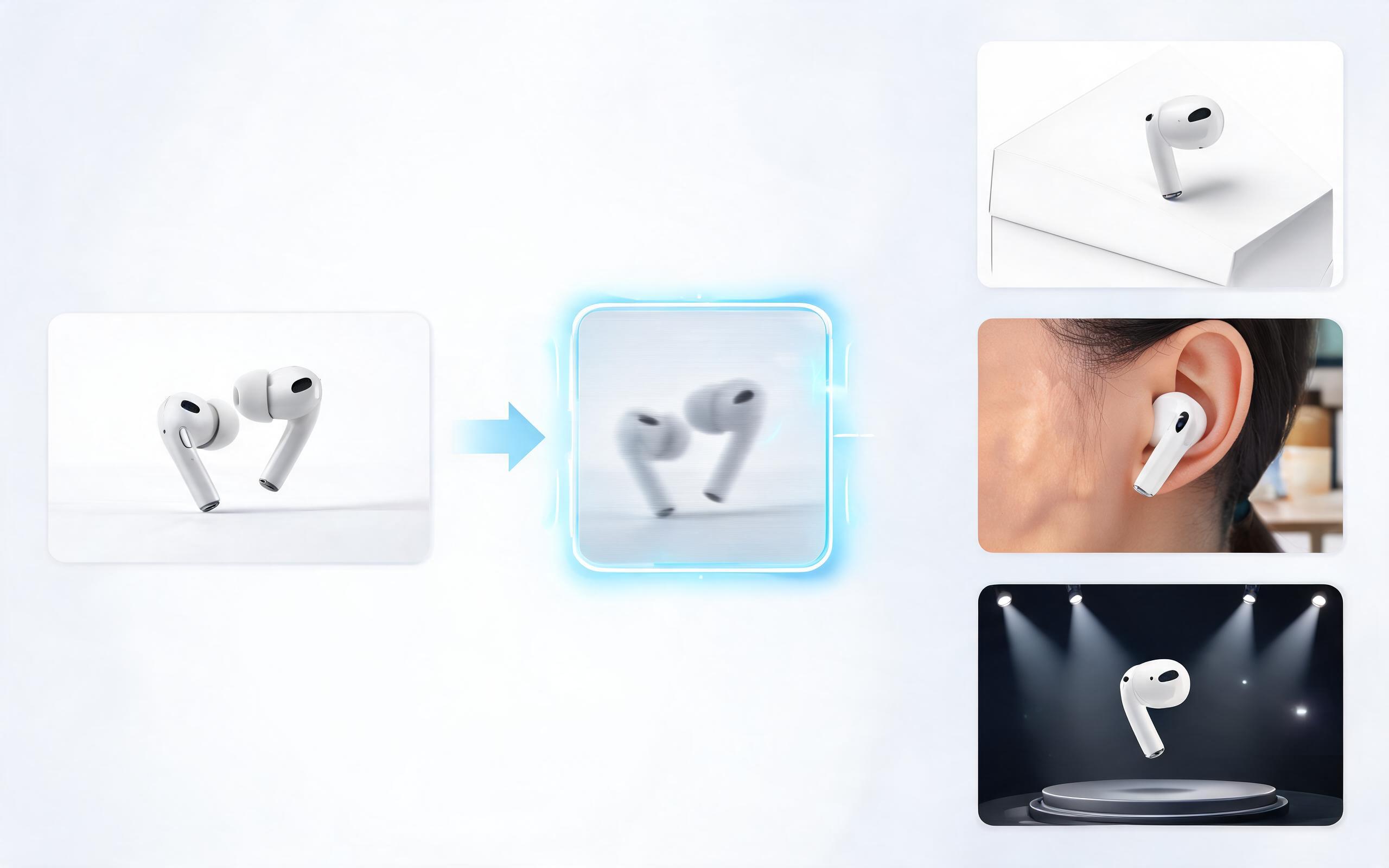
Generate ai product video generator free workflows from product photos, renders, or listing images for ecommerce, product launches, social ads, and campaign testing.
Open page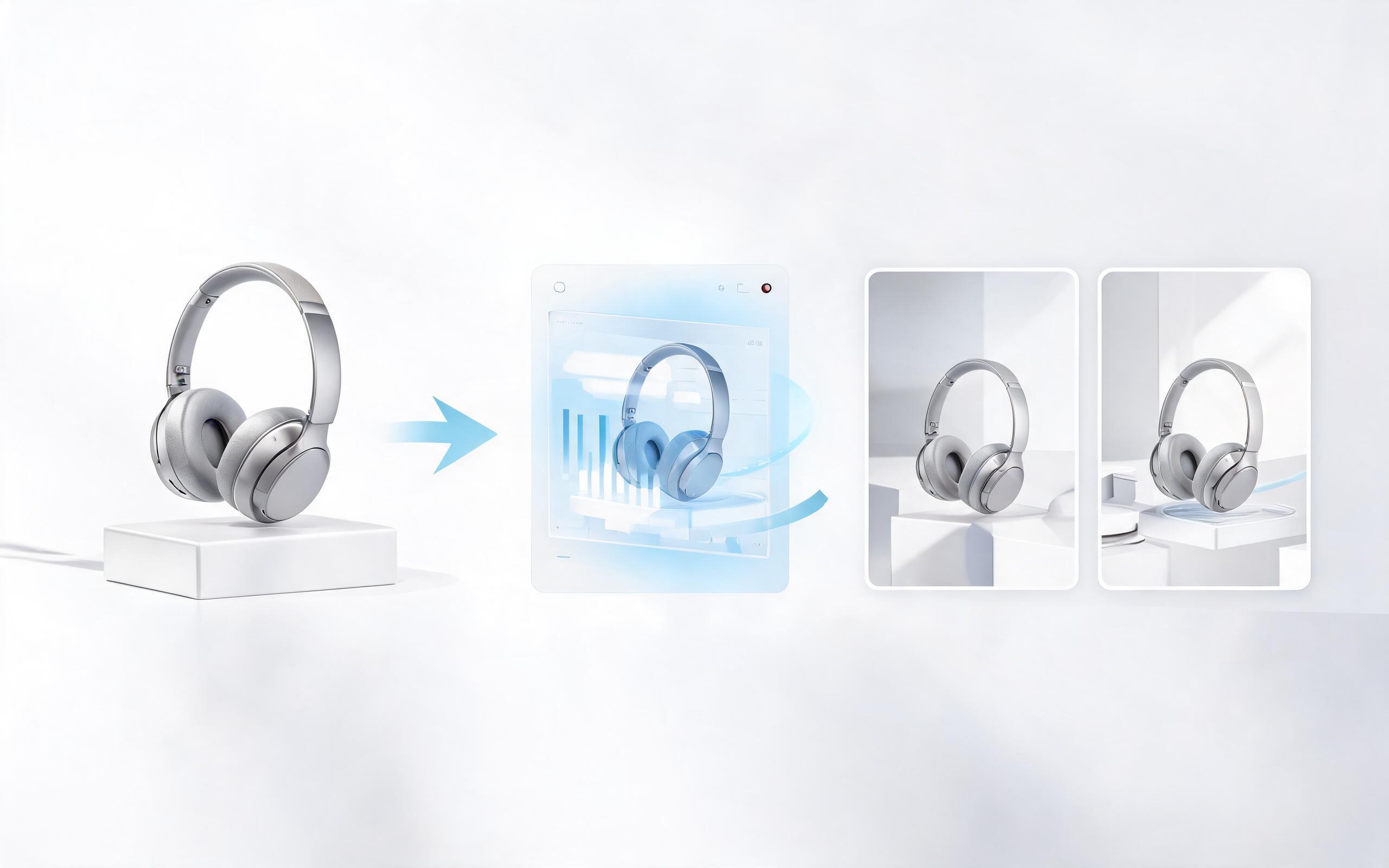
Generate product video from image workflows from product photos, renders, or listing images for ecommerce, product launches, social ads, and campaign testing.
Open page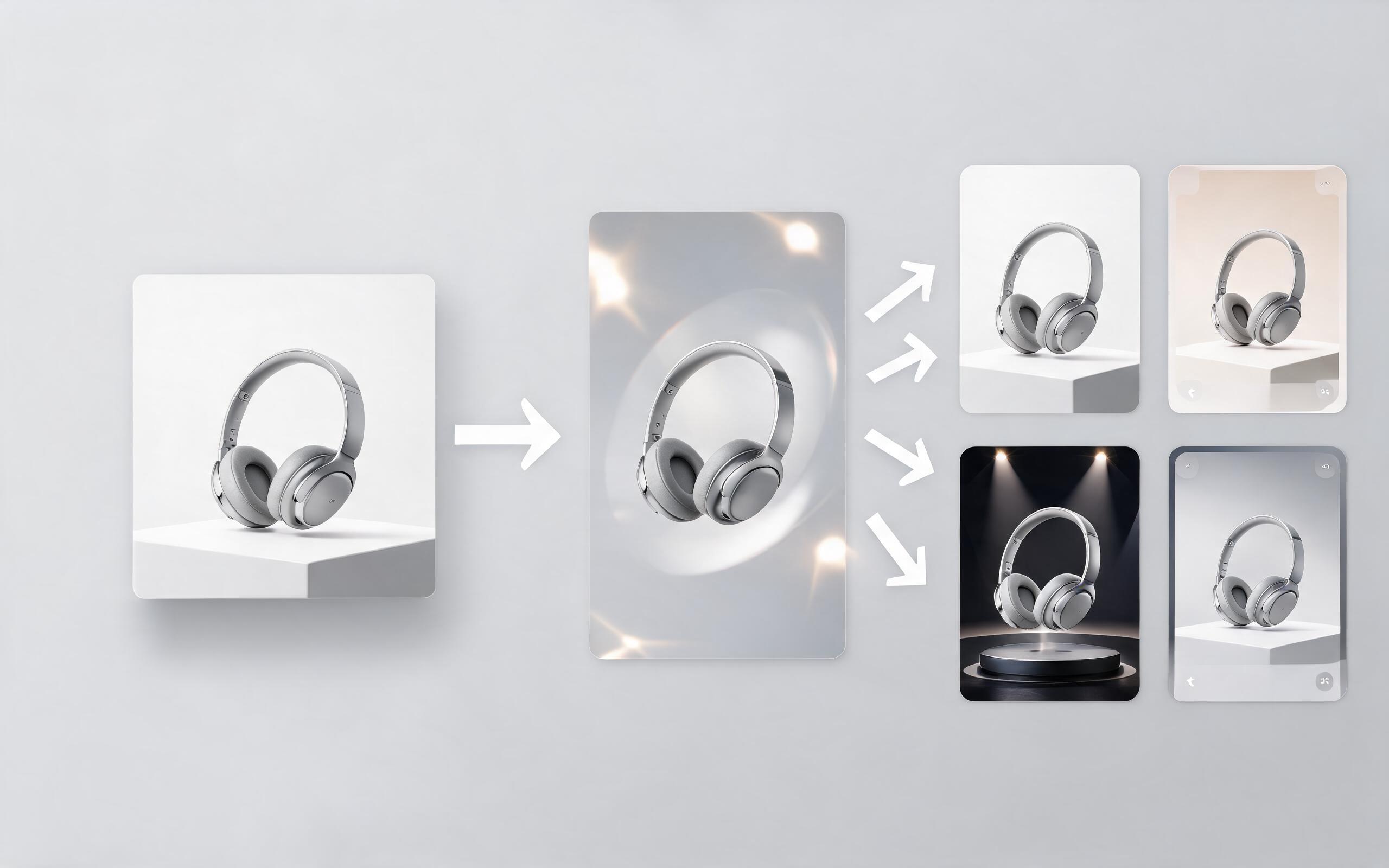
Generate ai product video from image workflows from product photos, renders, or listing images for ecommerce, product launches, social ads, and campaign testing.
Open page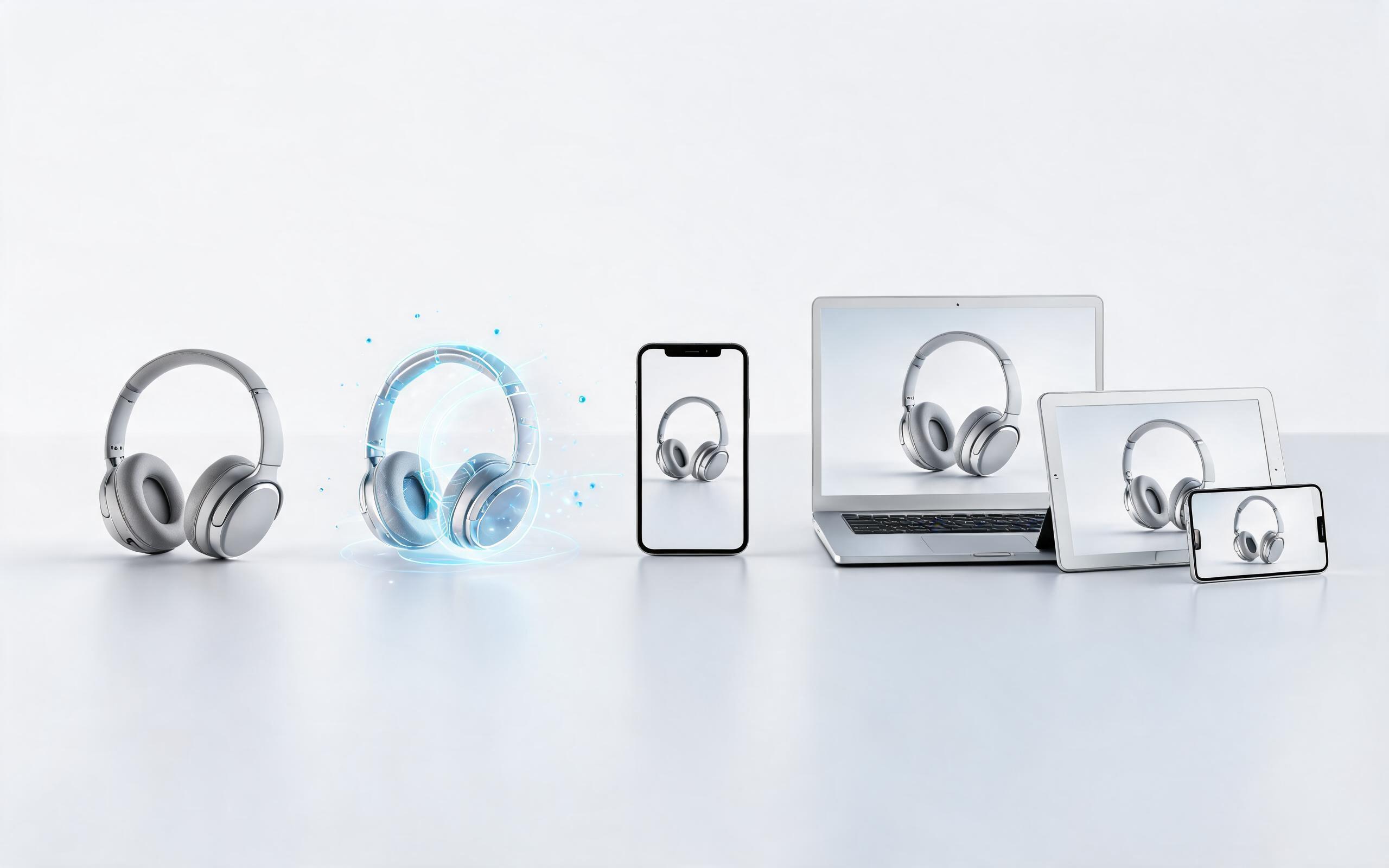
Generate product photo to video workflows from product photos, renders, or listing images for ecommerce, product launches, social ads, and campaign testing.
Open page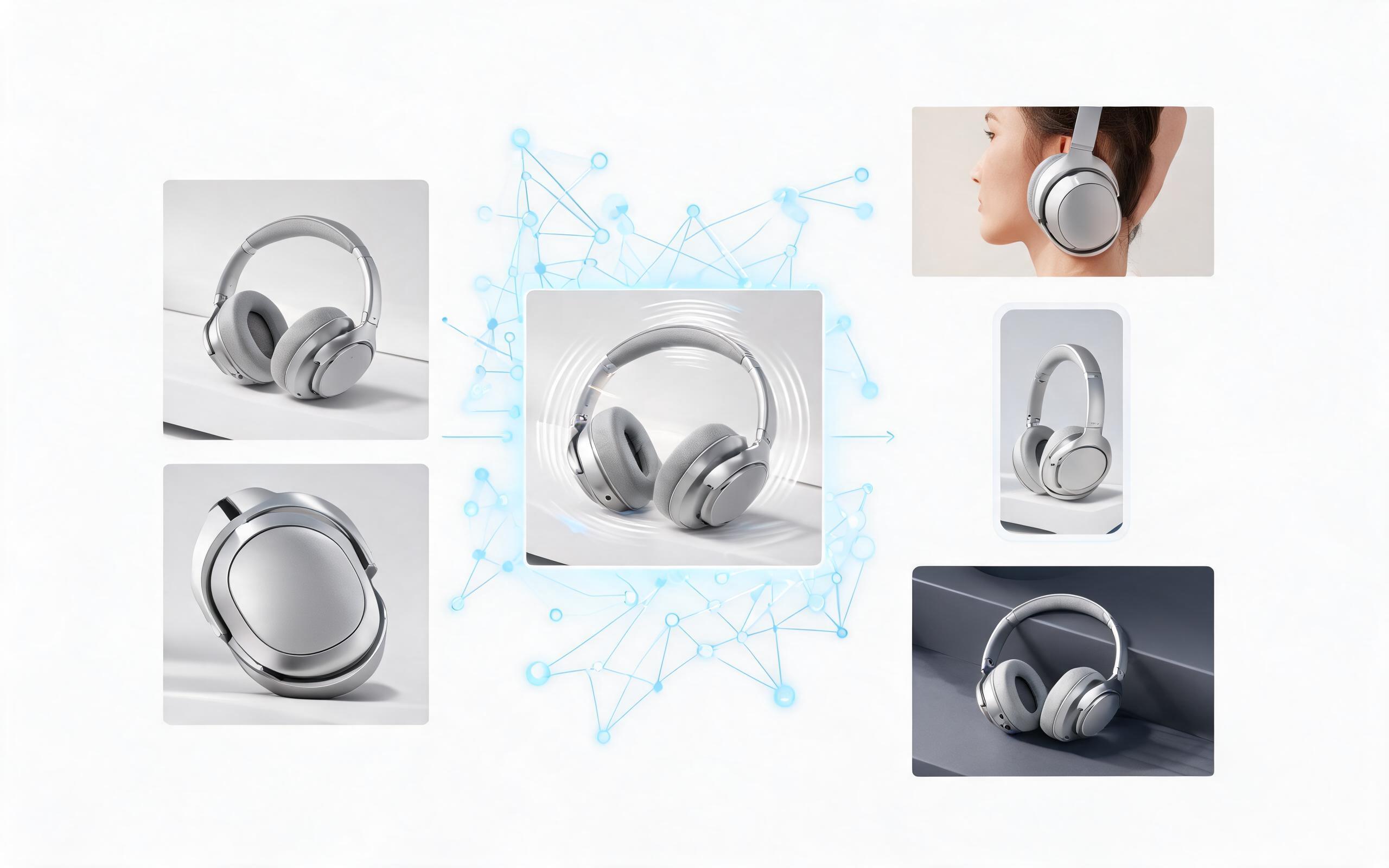
Generate product demo video ai workflows from product photos, renders, or listing images for ecommerce, product launches, social ads, and campaign testing.
Open page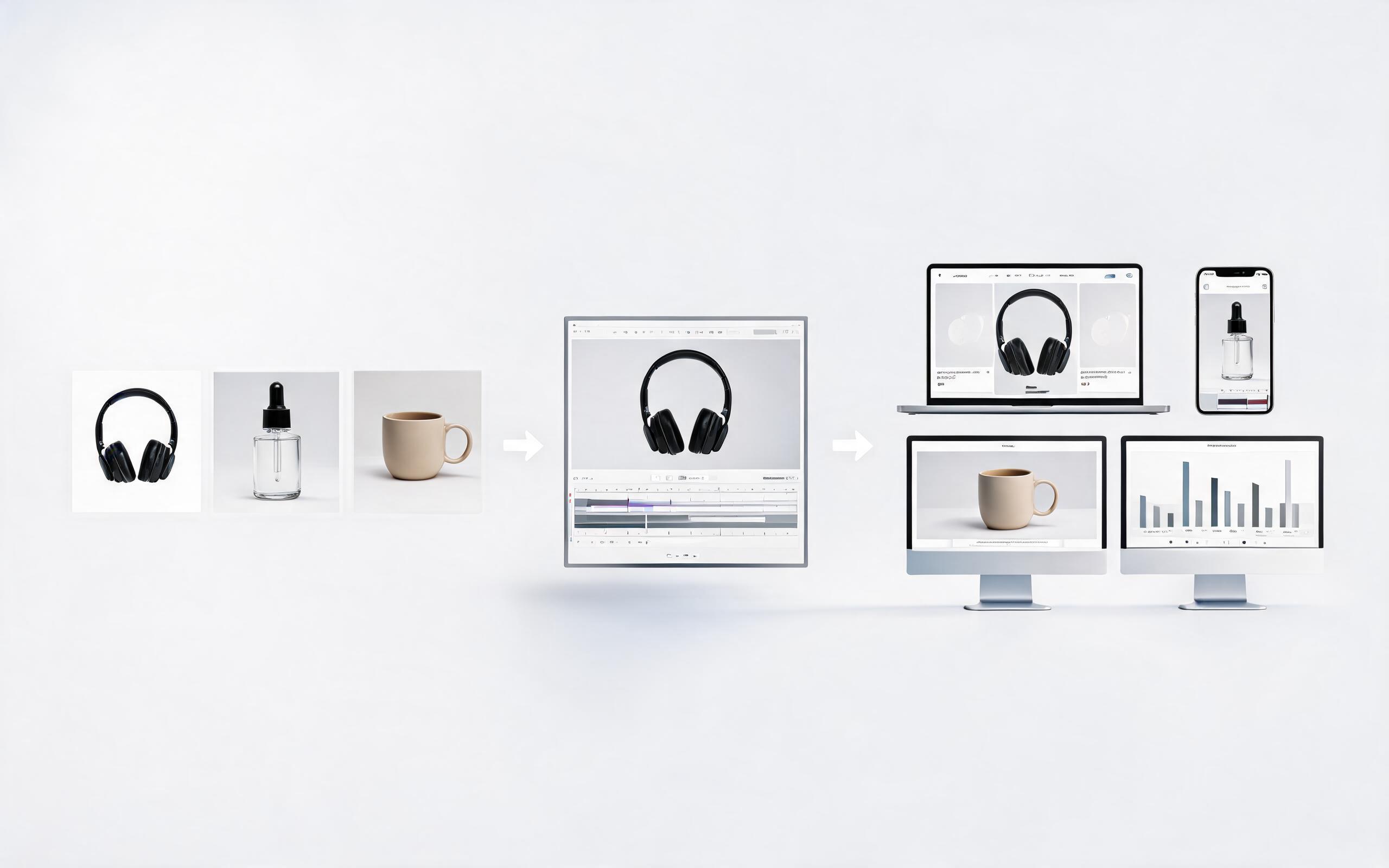
Generate product showcase video generator workflows from product photos, renders, or listing images for ecommerce, product launches, social ads, and campaign testing.
Open page
Turn any static product image into a high-conversion cinematic video in minutes, no filming or production team required. Start for free to see how PromeAI can streamline your product content workflow.
Create Product Cinematic Video
Technical support: [email protected]
Business collaboration: [email protected]
Trusted by Ecommerce & Creative Teams Worldwide
See what users are saying about PromeAI's AI image to video product content tools.
I used to spend $500+ per product on video production, now I generate cinematic videos in 2 minutes for a fraction of the cost, and our conversion rates are up 18%.
We tested these AI-generated cinematic videos against our professionally filmed ads, and the AI videos performed 22% better in our Facebook retargeting campaigns. We've switched 80% of our product video production to PromeAI now.
We can turn a single source image into several polished product video directions before committing budget to a full studio shoot.