



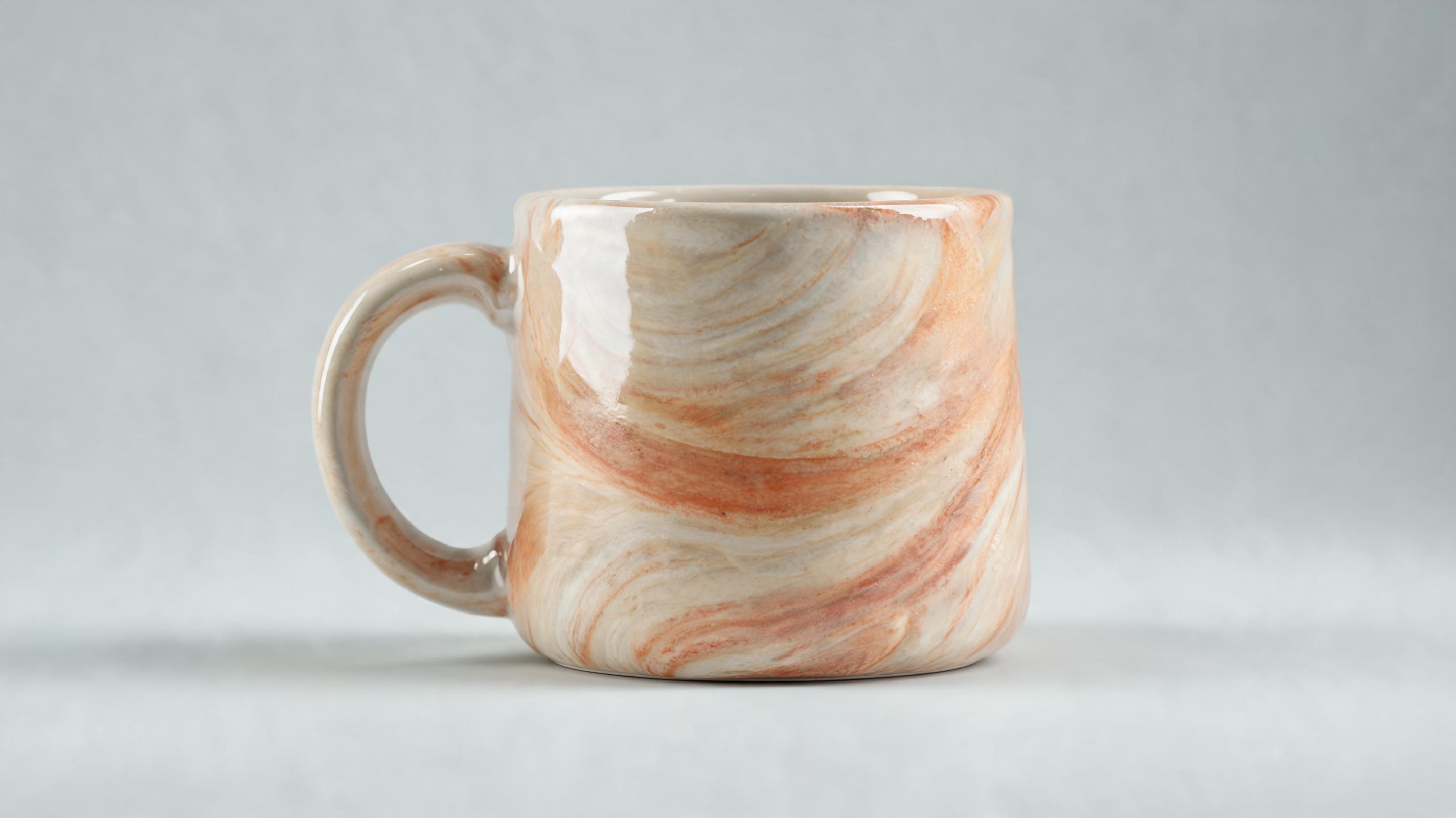
Ceramic coffee mug close up
Slow 360-degree orbit clip showing hand-painted glaze finish and ergonomic handle design, optimized for Shopify product page loops.
Create professional, motion-driven product close up clips from a single image, no video editing skills required. Perfect for ecommerce listings, social ads, and product launch campaigns.
Browse sample clips for different product categories to get inspiration for your next ad, listing refresh, or launch campaign.
Slow 360-degree orbit clip showing hand-painted glaze finish and ergonomic handle design, optimized for Shopify product page loops.
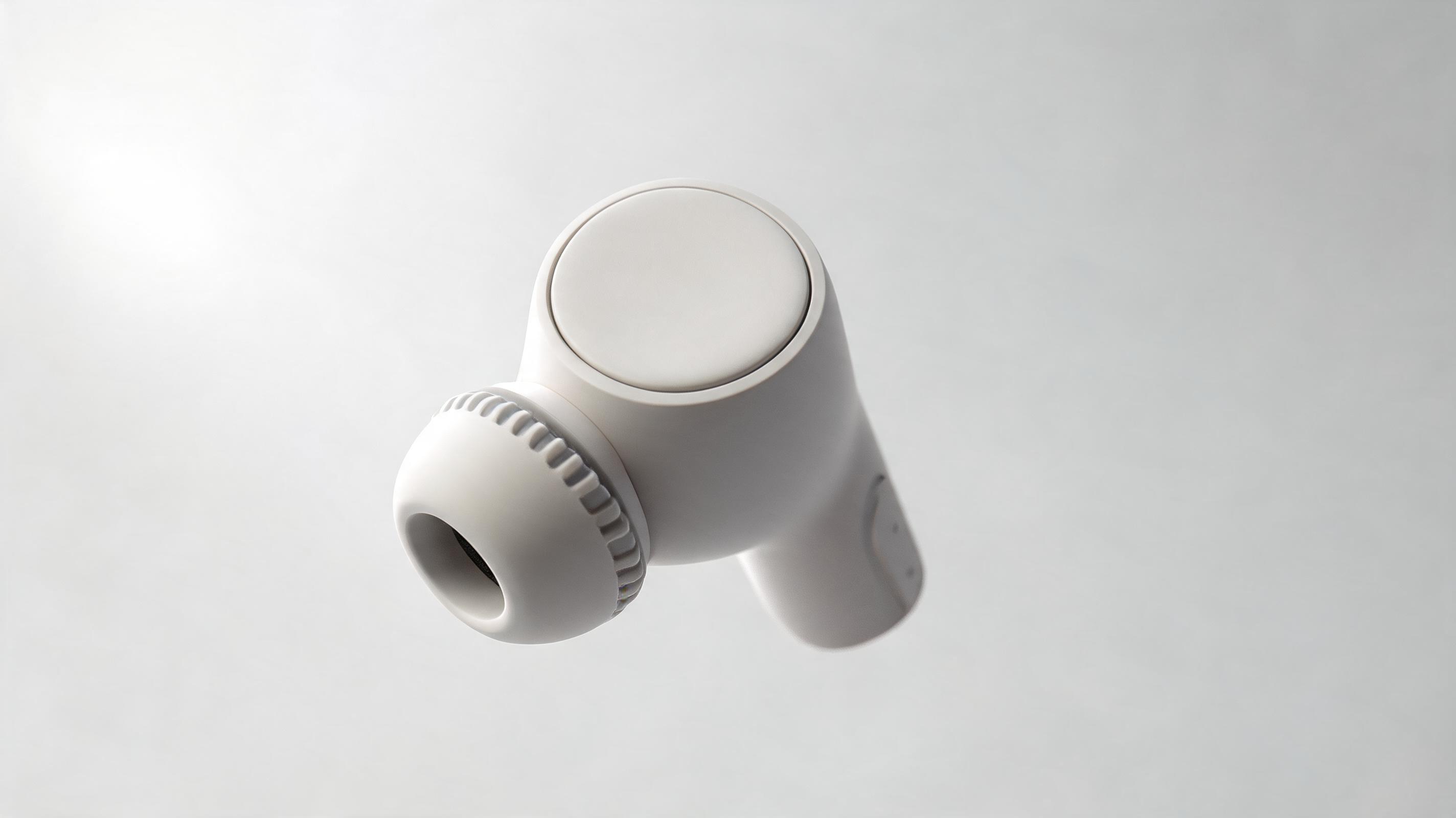
Gentle zoom-in clip highlighting water-resistant seal and touch control surface, perfect for 9:16 TikTok and Instagram Reels ads.
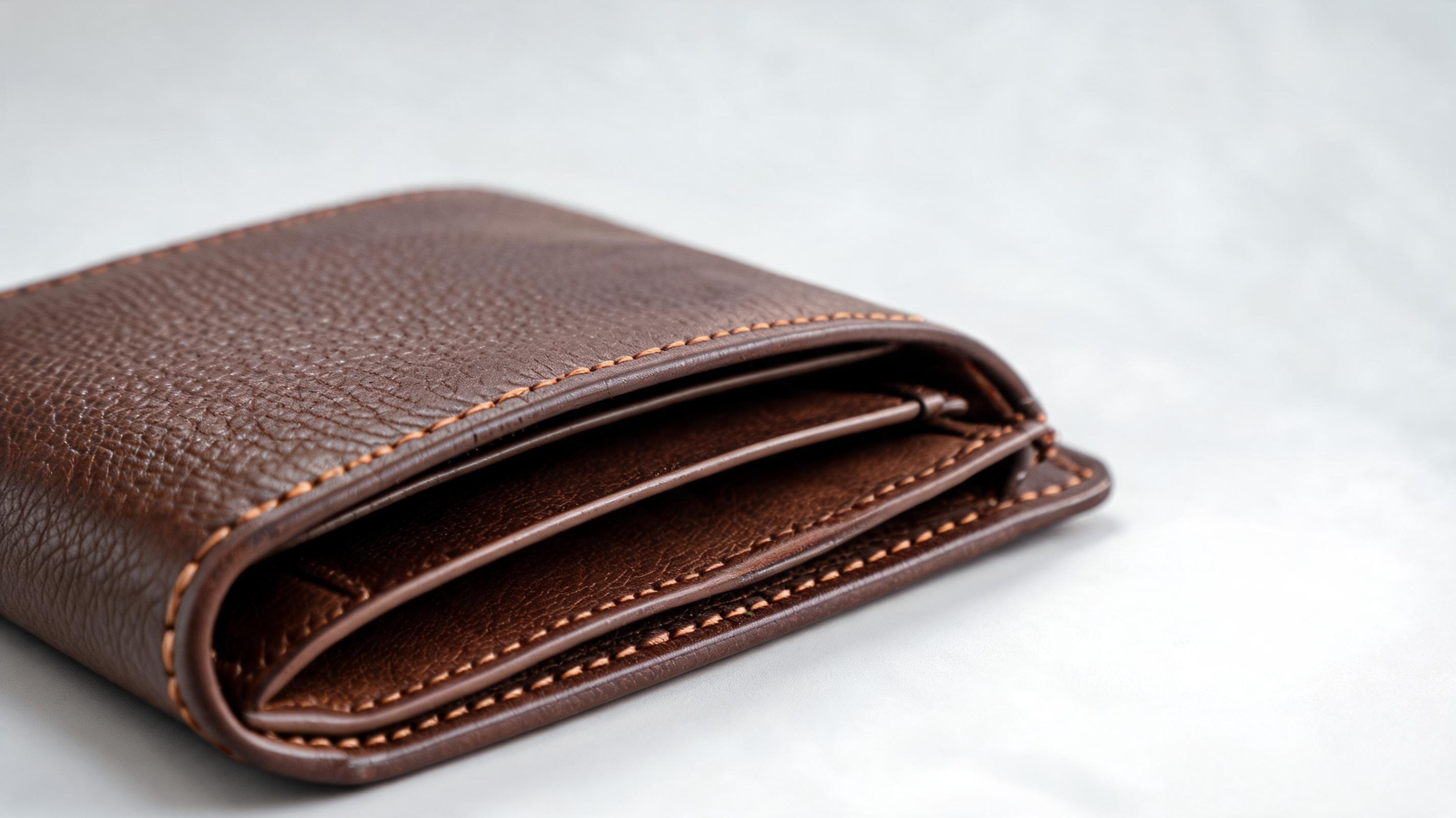
Slow horizontal pan showing precision stitching, hidden card slots, and slim profile for Amazon A+ content listings.
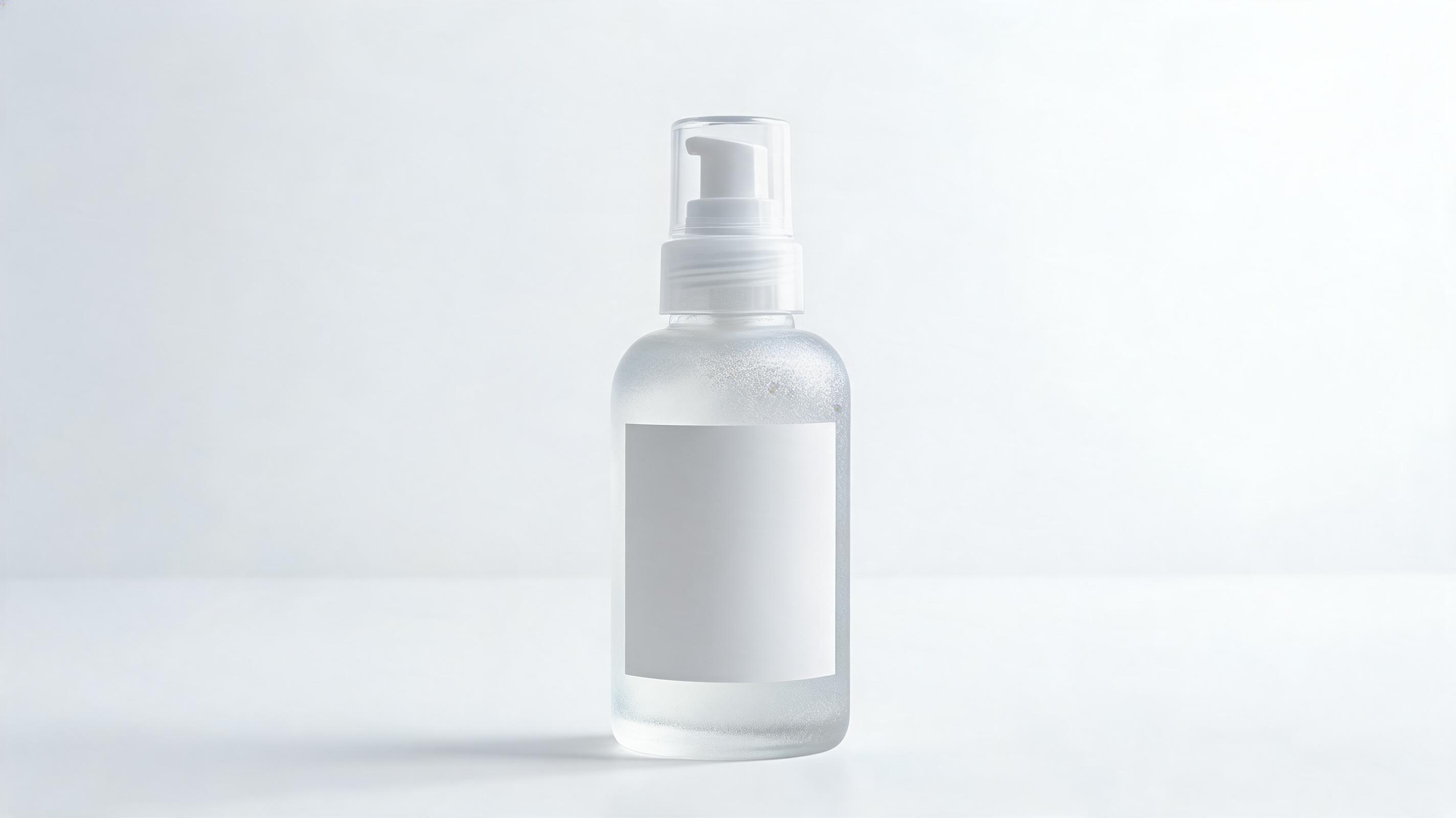
Slow zoom-out clip showing frosted bottle texture, ingredient label, and mess-free pump dispenser for Instagram feed and story content.
Access built-in features designed to help you create professional product clips without expensive production teams or editing software.
Generate professional close up videos from just one static product photo, no raw video footage or expensive production shoots required.
Access pre-tested slow pans, zooms, and orbit motions designed to keep product clarity front and center for ecommerce and advertising use cases.
Generate short, smooth looping clips perfect for auto-play product pages, social feeds, and ad creatives that grab and hold viewer attention.
Export clips in pre-set sizes for Shopify product pages, Amazon A+ content, Instagram Reels, TikTok, YouTube Shorts, and email marketing campaigns.
All generated clips come with unlimited commercial usage rights, so you can use them across all your marketing channels with no extra fees.
Create close up videos for your entire product catalog in one batch, cutting content production time from weeks to hours.
See how ecommerce teams, ad creators, and marketplace sellers use these clips to boost engagement and drive higher conversion rates.
Replace static product images with motion close ups to show material details and reduce return rates by giving shoppers a clearer view of products.
Generate snappy close up clips that highlight unique product benefits in the first 2 seconds to stop scrollers and boost ad click-through rates.
Add motion close ups to your A+ content to stand out from competing listings and improve conversion rates for your marketplace products.
Share snippets of close up product videos on social media to build hype and generate audience interest before new product drops.
Embed short close up clips in product newsletters and promotional emails to increase click-through rates compared to static image-only emails.
Send pre-made consistent brand close up clips to influencers to ensure uniform messaging across all your partnership campaigns.
Follow our no-fuss workflow to turn any high-quality product photo into a high-performing motion clip in minutes.
Use a centered, high-resolution product photo with clear visible details and no distracting background elements for the best output quality.
Choose from pre-built commercial motion presets (slow zoom, pan, orbit) and adjust playback speed to match your brand aesthetic and platform needs.
Select your desired aspect ratio, export your watermark-free video, and upload it directly to your product pages, ads, or marketplace listings.
Product close up videos are one of the highest-ROI content assets for ecommerce brands, but traditional production can cost hundreds of dollars per clip. This guide walks you through how to use AI to create high-performing clips at scale, plus best practices for different use cases.
Start with a high-resolution image of your product centered in the frame, with even lighting and no distracting background elements if possible. Avoid blurry, low-res, or cropped images, as these will lead to lower quality output. If you use a cutout product image with a transparent background, you can even add a custom background color or texture during the generation process to match your brand identity. For products with small details like stitching, engravings, or technical features, make sure those details are clearly visible in your source image so they translate well in the final motion clip.
Product close up videos are ideal for highlighting specific product features, materials, or small details that static images can't capture, such as the texture of a fabric, the shine of a metal finish, or the functionality of a small mechanical part. They work best for product pages, short social ads, and listing content where you want to grab attention quickly. You should opt for a full product demo video instead if you need to show the product in use, demonstrate a multi-step functionality, or show the product's scale relative to a person or environment. Close up videos are not the best fit for use cases that require context about how the product works in real life, so use them as part of a broader content strategy rather than a replacement for full demos.
Adjust the aspect ratio and pacing of your clip to match the platform you're publishing on. For product pages on Shopify or Amazon, use a 4:5 or 1:1 aspect ratio with a slow, 5-10 second seamless loop that plays automatically when a user lands on the page. For TikTok and Instagram Reels, use a 9:16 aspect ratio with a slightly faster 3-7 second clip that highlights your product's most unique feature in the first 2 seconds to stop scrollers. For email marketing, use a short 4-6 second 1:1 clip embedded near your CTA button to boost click-through rates by up to 30% compared to static images.
If you have dozens or hundreds of SKUs, use PromeAI's bulk generation feature to create close up videos for your entire catalog in one batch. Simply upload all your product images, select your preferred motion preset and aspect ratio, and export all clips at once. This cuts down content production time from weeks to hours, and costs a fraction of traditional video production. You can also save your brand's preferred motion settings as a custom preset to ensure consistent styling across all your product videos, no matter who on your team creates them.
Explore adjustable motion options to create the perfect product close up clip aligned with your brand's aesthetic and campaign goals.
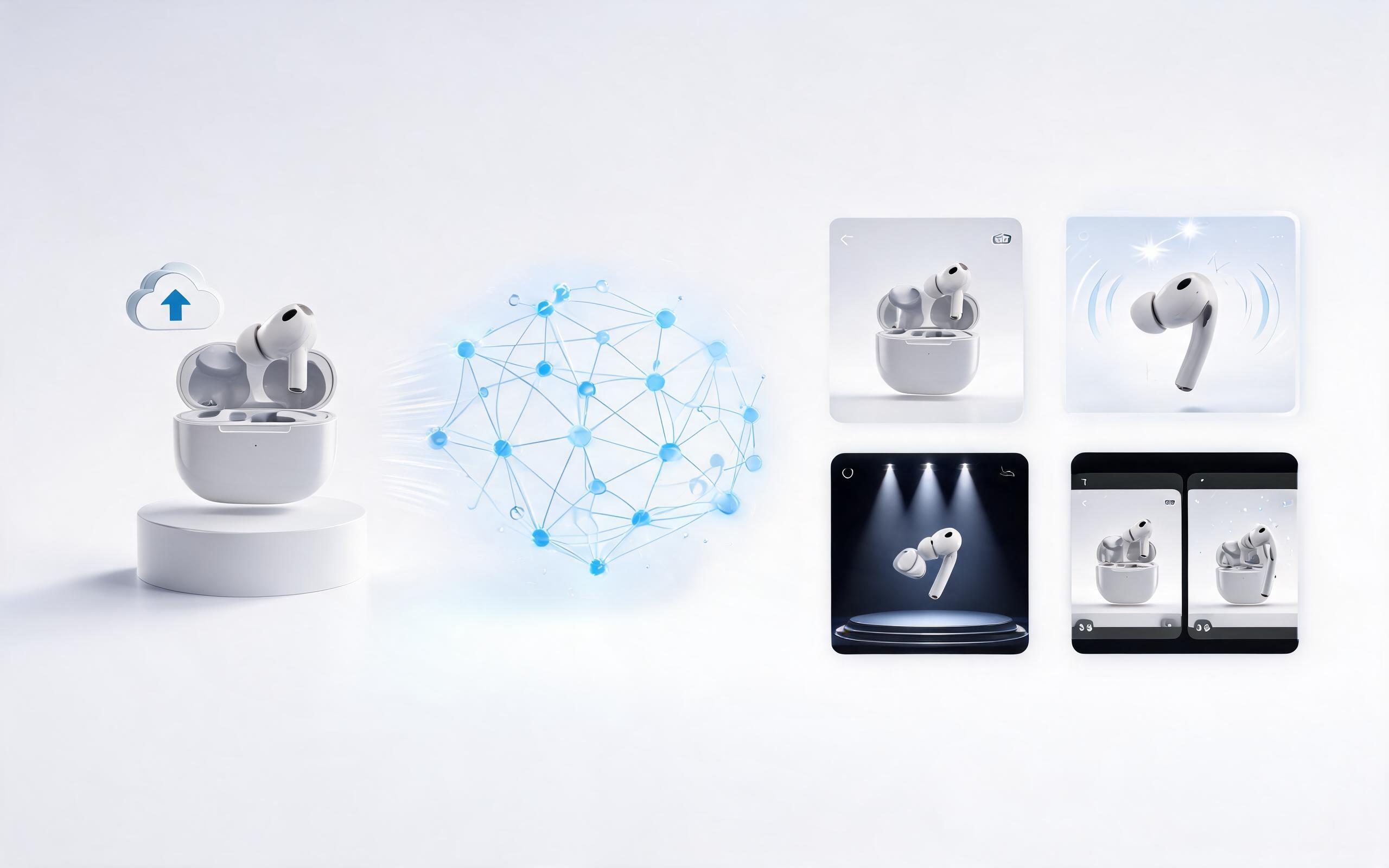
Generate ai product video generator free workflows from product photos, renders, or listing images for ecommerce, product launches, social ads, and campaign testing.
Open page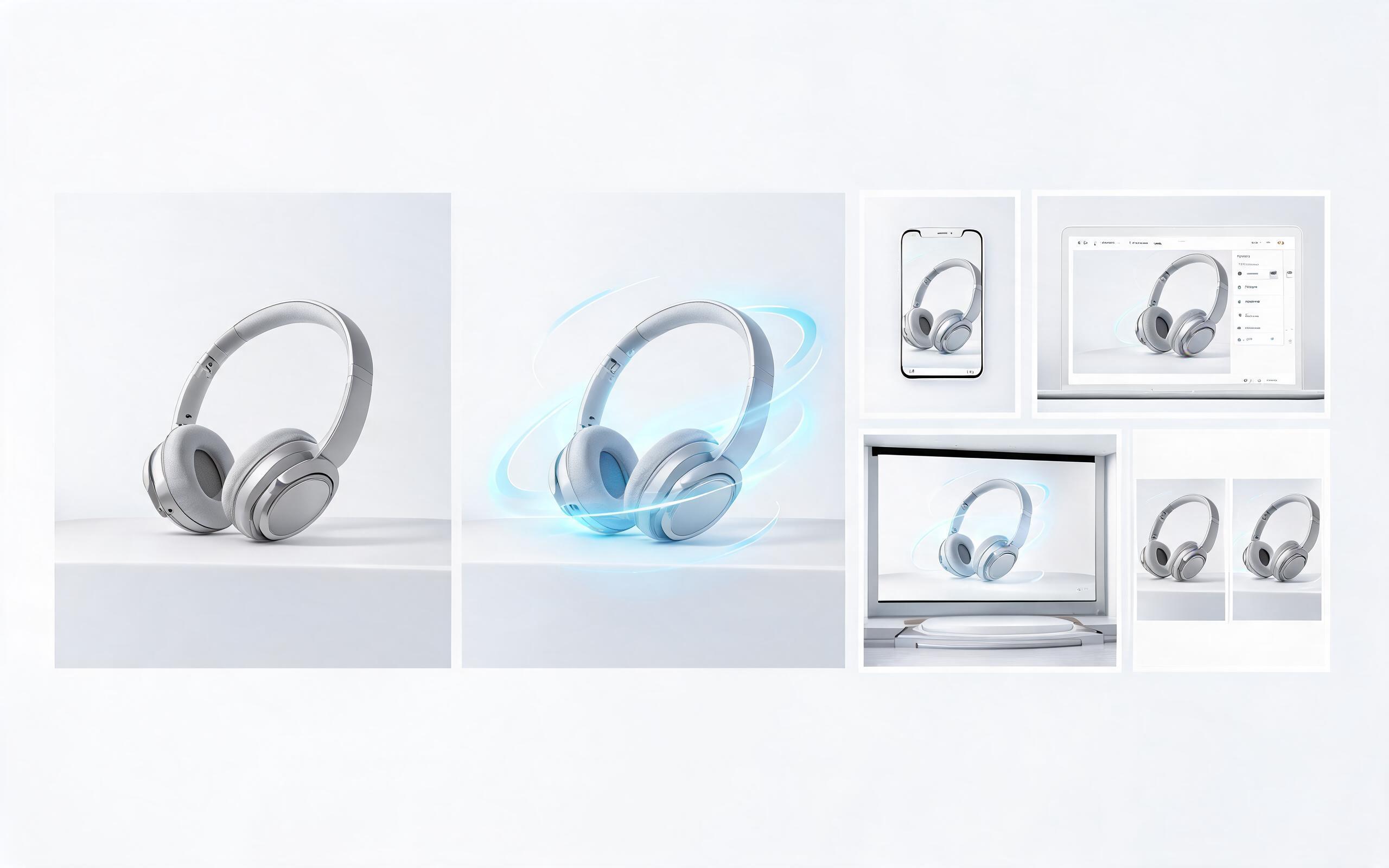
Generate product video from image workflows from product photos, renders, or listing images for ecommerce, product launches, social ads, and campaign testing.
Open page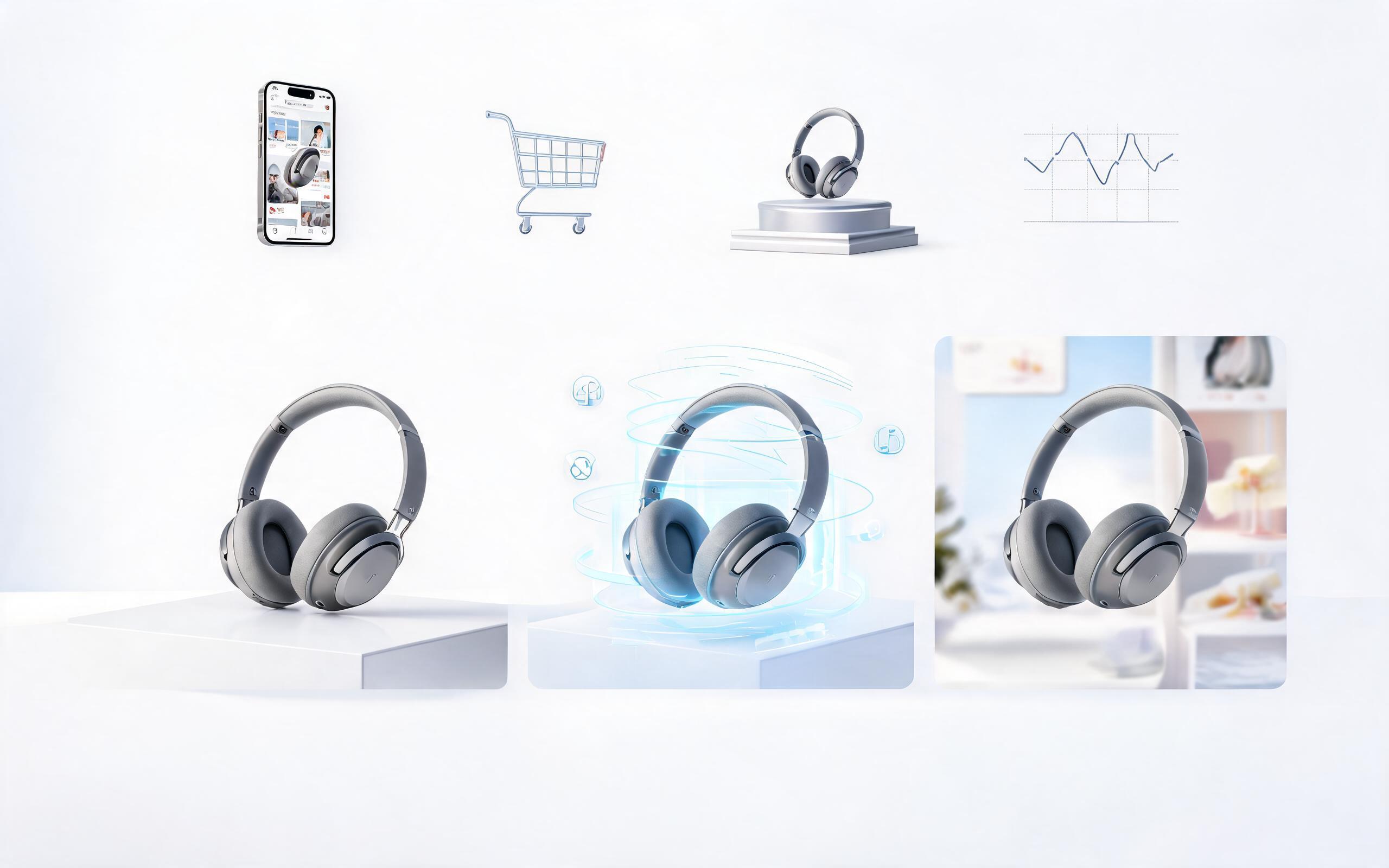
Generate ai product video from image workflows from product photos, renders, or listing images for ecommerce, product launches, social ads, and campaign testing.
Open page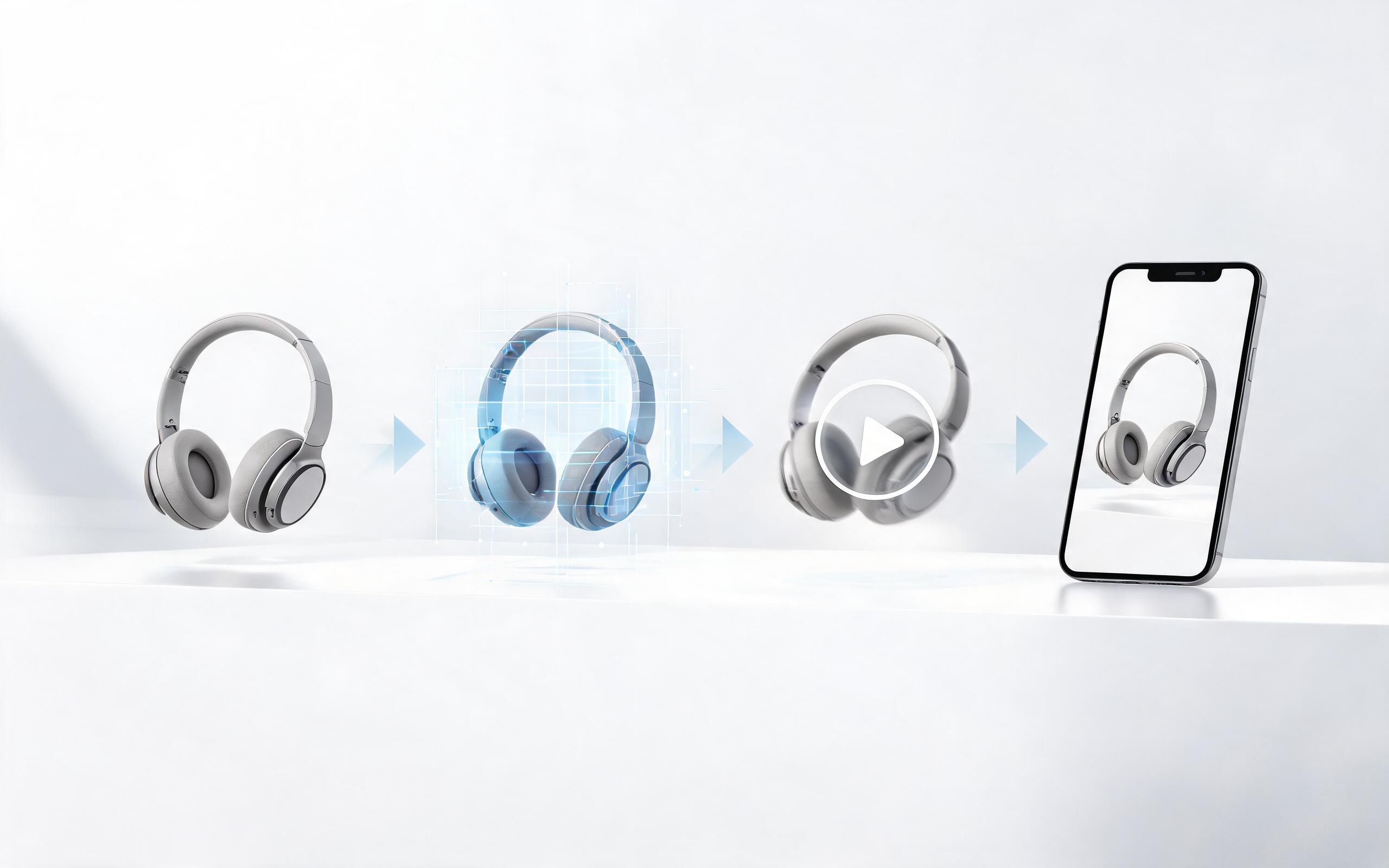
Generate product photo to video workflows from product photos, renders, or listing images for ecommerce, product launches, social ads, and campaign testing.
Open page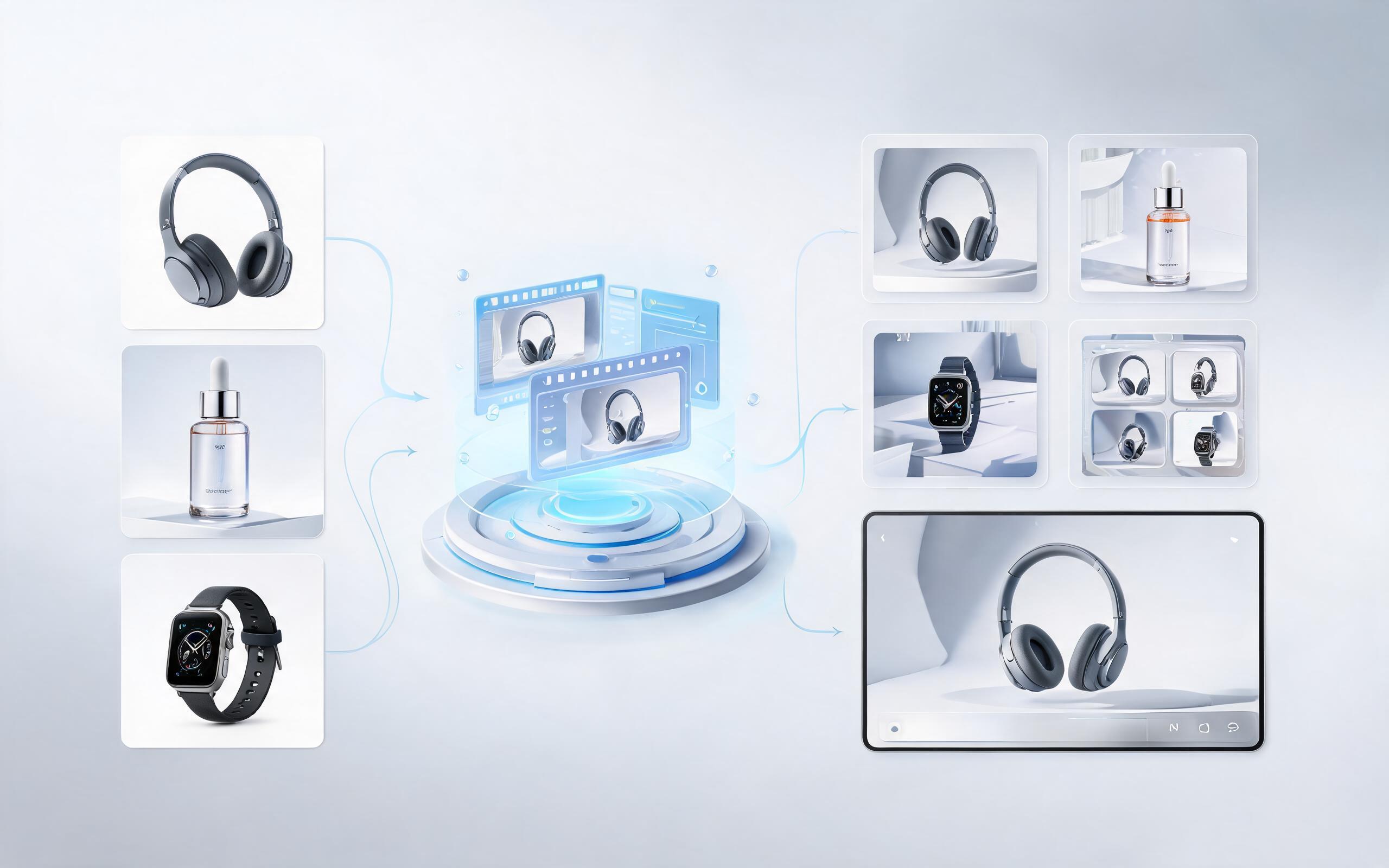
Generate product demo video ai workflows from product photos, renders, or listing images for ecommerce, product launches, social ads, and campaign testing.
Open page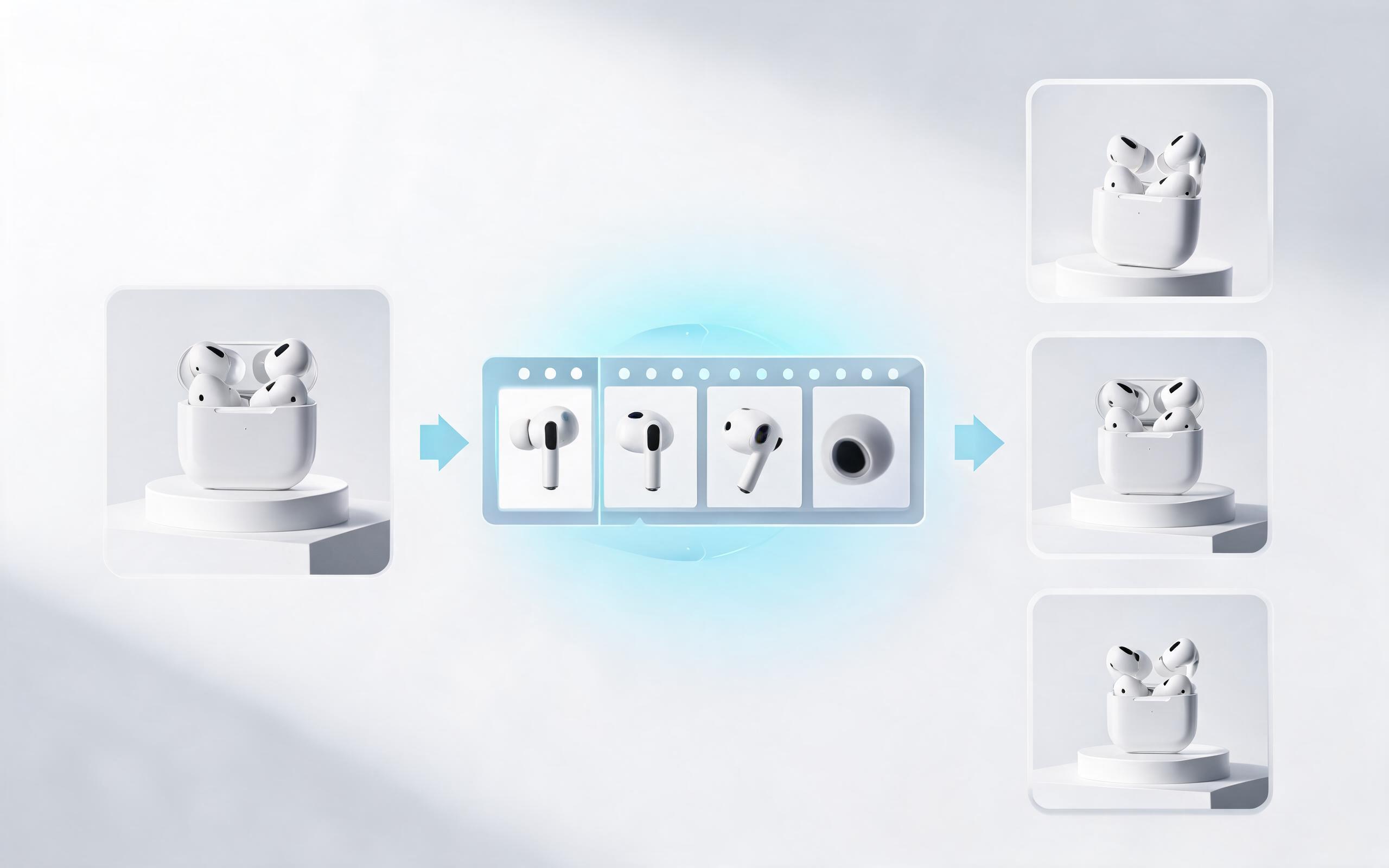
Generate product showcase video generator workflows from product photos, renders, or listing images for ecommerce, product launches, social ads, and campaign testing.
Open page
No credit card required. Upload your product image, pick your motion style, and get a professional, brand-ready close up video in seconds to use on your listings, ads, and product pages.
Create Product Close Up Video
Technical support: [email protected]
Business collaboration: [email protected]
Trusted By 3M+ Creative & Ecommerce Professionals
See why teams around the world rely on PromeAI to create high-performing product video content at scale.
We cut our product video production costs by 80% after switching to PromeAI for our close up clips, and our Shopify conversion rate went up 12% in the first month.
I create 20+ product close up videos a week for my Amazon seller clients in under an hour, which used to take me days with traditional editing tools.
We can turn a single source image into several polished product video directions before committing budget to a full studio shoot.