




Skincare serum bottle parallax video
Slow upward tilt motion highlighting the bottle's premium packaging and ingredient callouts, optimized for Instagram Reels ad creatives.
Create polished, loop-ready parallax product videos from one image in seconds. No video editing skills required, perfect for e-commerce teams, ad creators, and marketplace sellers.
View real-world examples of parallax videos for different product categories and marketing channels.
Slow upward tilt motion highlighting the bottle's premium packaging and ingredient callouts, optimized for Instagram Reels ad creatives.
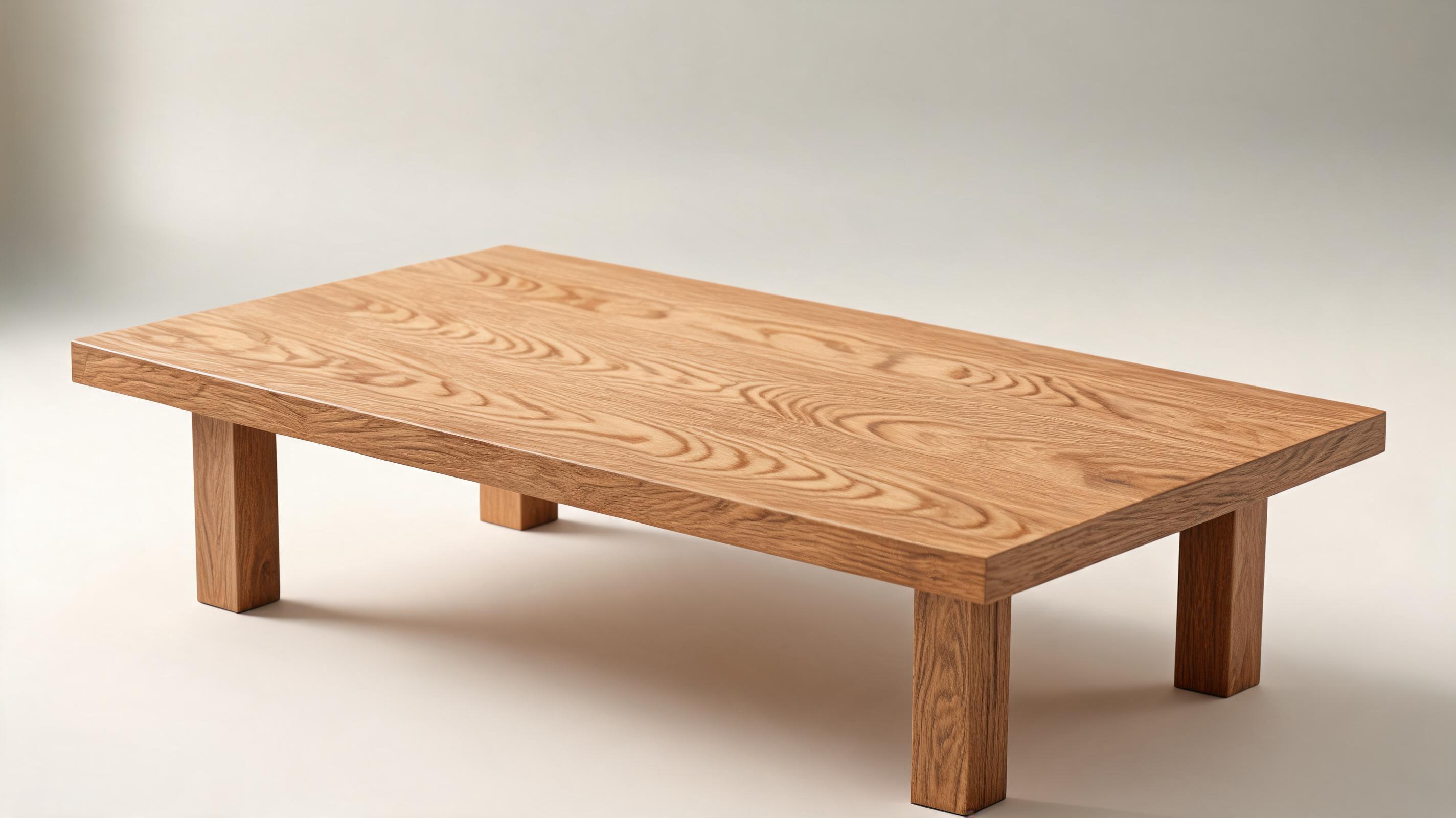
Subtle slow zoom-in motion showcasing the natural wood grain and sturdy construction, built for a furniture brand product page gallery.
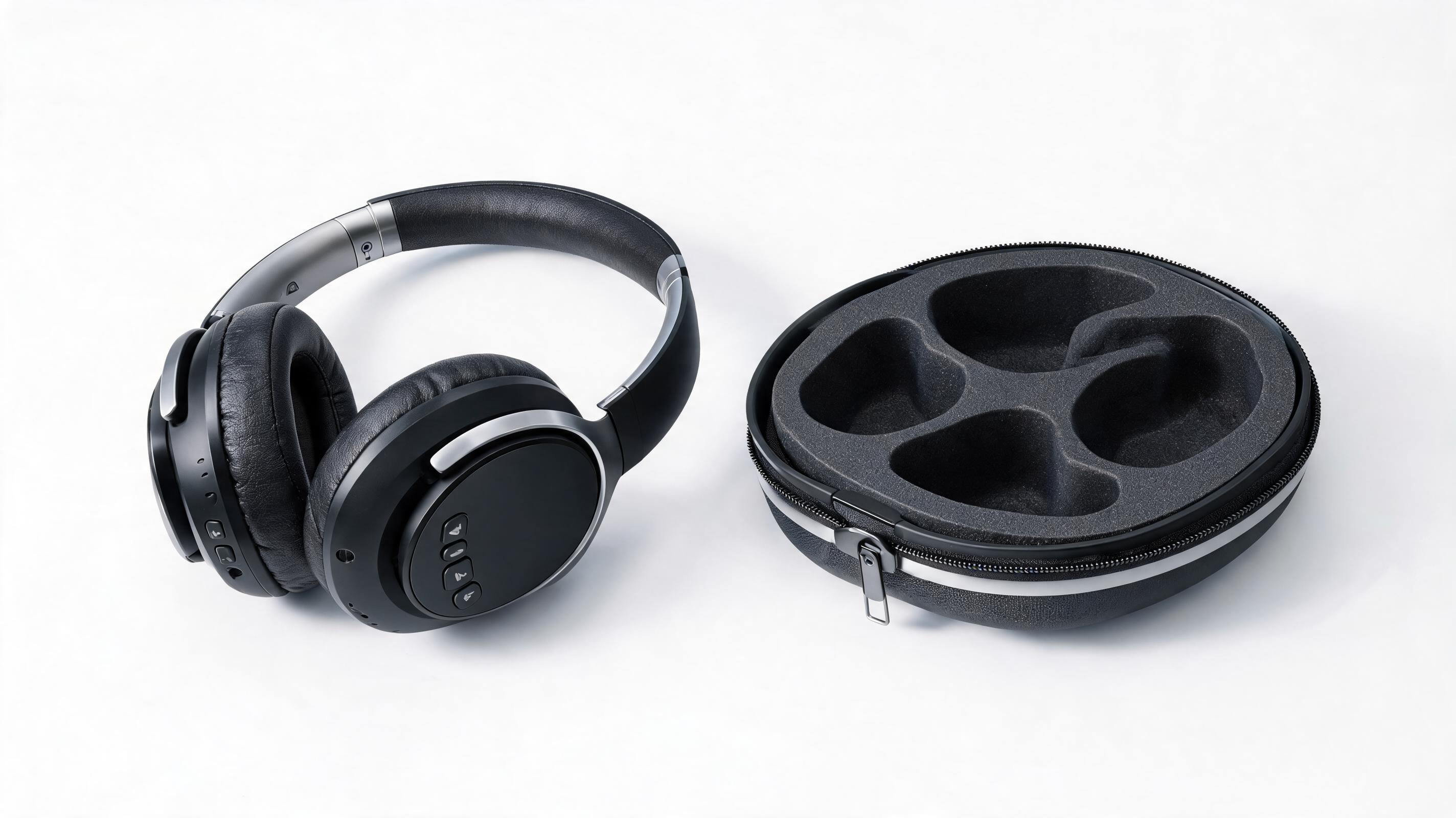
Side-to-side pan motion showing the headphone design, control buttons, and included carrying case, formatted for an Amazon product listing.
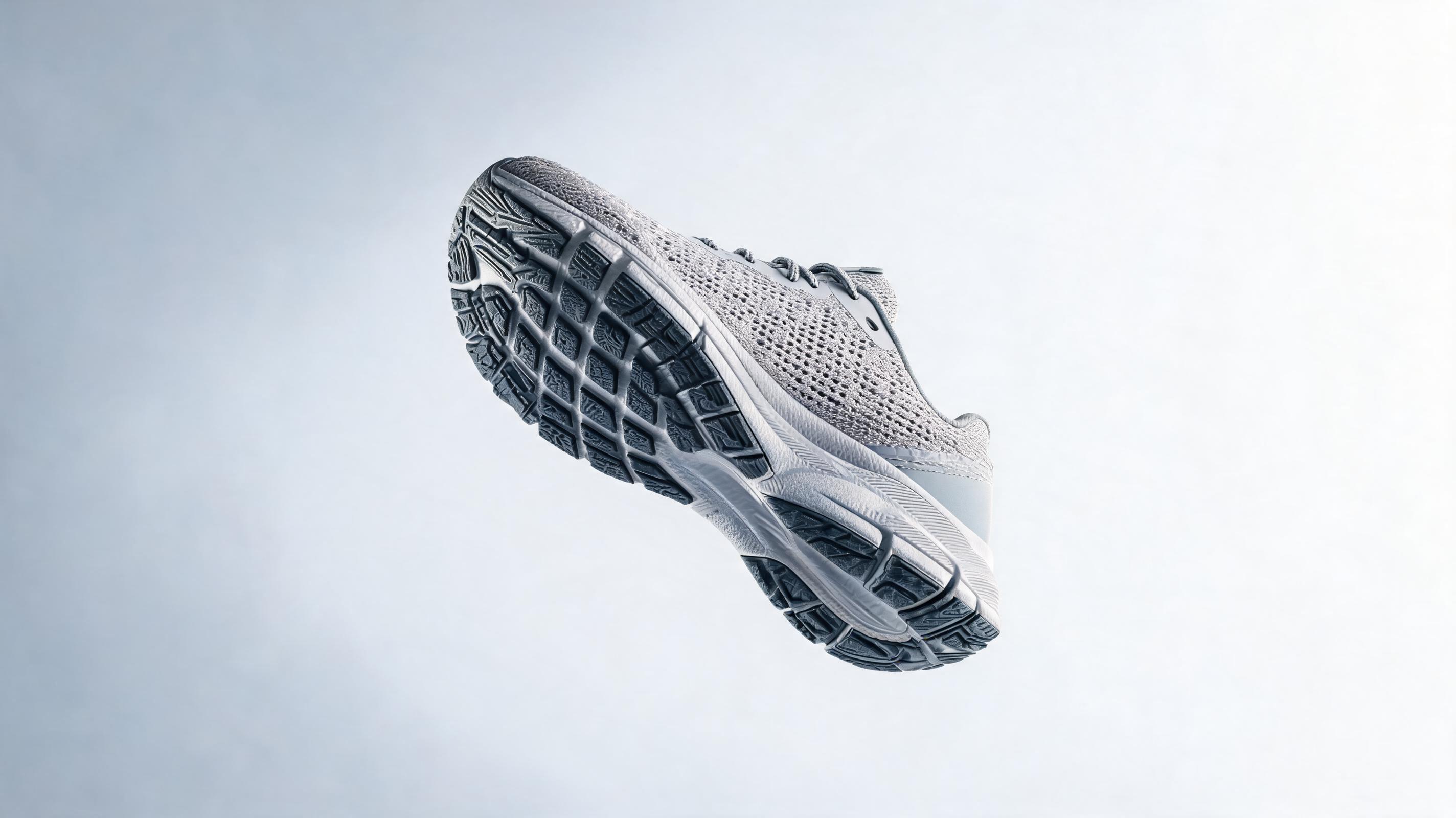
Dynamic diagonal pan motion highlighting the shoe's non-slip sole and breathable upper material, made for a TikTok performance ad.
Discover built-in features designed to keep your product front and center while adding high-impact motion.
Generate a full professional parallax video from just one static product photo, no additional assets or footage required.
Choose from pre-built motion directions tuned specifically for commercial product use, ensuring maximum clarity and no distracting movement.
Export videos in all standard aspect ratios including 1:1, 9:16, 16:9, and custom sizes for product pages, social media, ads, and marketplace listings.
All generated videos are automatically edited to loop smoothly, perfect for auto-play product page carousels and social media feeds.
Keep your original product background, or swap in a neutral, brand-aligned background in one click to match your marketing assets.
All videos generated with paid plans are watermark-free and free for commercial use, no attribution required.
See how e-commerce teams, ad creators, and sellers use parallax videos to drive better performance.
Add auto-play parallax videos to product page galleries to reduce bounce rate and increase add-to-cart rates by showcasing product details dynamically.
Generate scroll-stopping parallax product videos for Instagram Reels, TikTok, and YouTube Shorts to lower ad cost per click and improve conversion rates.
Add parallax videos to Amazon, Etsy, or Walmart listings to stand out from competitor static images and boost search ranking and click-through rate.
Create short parallax teasers for email campaigns, pre-launch social posts, and landing pages to build audience hype ahead of new product drops.
Generate multiple parallax video variants quickly to test in retargeting campaigns for users who previously viewed your product page.
Add looped parallax videos to your Shopify or WooCommerce homepage featured product carousels to capture visitor attention immediately on arrival.
Follow our simple workflow to turn any static product image into a polished motion video in minutes.
Upload a high-resolution, centered product photo with clear visible details and minimal background clutter for the best output quality.
Select your preferred parallax motion direction (pan, tilt, zoom) and adjust motion intensity to keep your product front and center without distracting movement.
Choose your desired aspect ratio and export resolution tailored to your use case, then download your ready-to-use parallax video instantly.
This guide walks you through how to use product parallax videos effectively, choose the right motion settings for your use case, and avoid common mistakes that hurt conversion performance.
Start by selecting your highest-performing product image, ideally one that has already driven clicks or conversions in static form. Upload it to the PromeAI product parallax tool, then select a motion direction that complements your product: for tall products like skincare bottles, use an upward or downward tilt; for wide products like furniture, use a side-to-side pan; for small accessories like jewelry, use a subtle zoom. Adjust motion intensity to the lowest setting that still adds visual interest, as excessive movement can distract shoppers from your product's key features. Preview the video, make any adjustments to background or speed, then export in the size tailored to your intended channel.
Product parallax videos are the best choice when you need a fast, low-effort motion asset that prioritizes product clarity. Use them for product page galleries, marketplace listings, and low-budget ad testing where you don't have the budget or time to film a full demo video. They are not the best choice if you need to show your product in use, demonstrate functional features (like how a jacket zips, or how a blender works), or include voiceover or text overlays for complex value propositions. For those use cases, opt for a full AI product demo video instead, which supports more complex storytelling and functional demonstrations.
For product pages, use a slow, subtle motion and export in a 1:1 or 4:5 aspect ratio with a 3 to 5 second loop length, optimized for fast web loading to avoid slowing down your page speed. For social media ads, use slightly more dynamic motion to stop scrollers, export in 9:16 vertical format, and add optional text overlays after export to highlight key product benefits. For marketplace listings like Amazon, follow platform-specific video length requirements (usually 6 to 45 seconds) and use motion that clearly shows all angles of your product without distracting background elements that take focus away from your offering.
The most common mistake teams make is using too much motion, which makes it hard for shoppers to see product details and can even cause motion sickness for some users. Always keep motion intensity low enough that viewers can clearly identify all key product features within the first second of playback. Avoid using low-resolution source images, as the motion will amplify pixelation and make your product look low quality. Finally, don't use the same parallax video across all channels: adjust the motion speed, aspect ratio, and length to fit the expectations of each platform's audience for the best performance.
Browse pre-built motion directions to match your product type and marketing goal.

Generate ai product video generator free workflows from product photos, renders, or listing images for ecommerce, product launches, social ads, and campaign testing.
Open page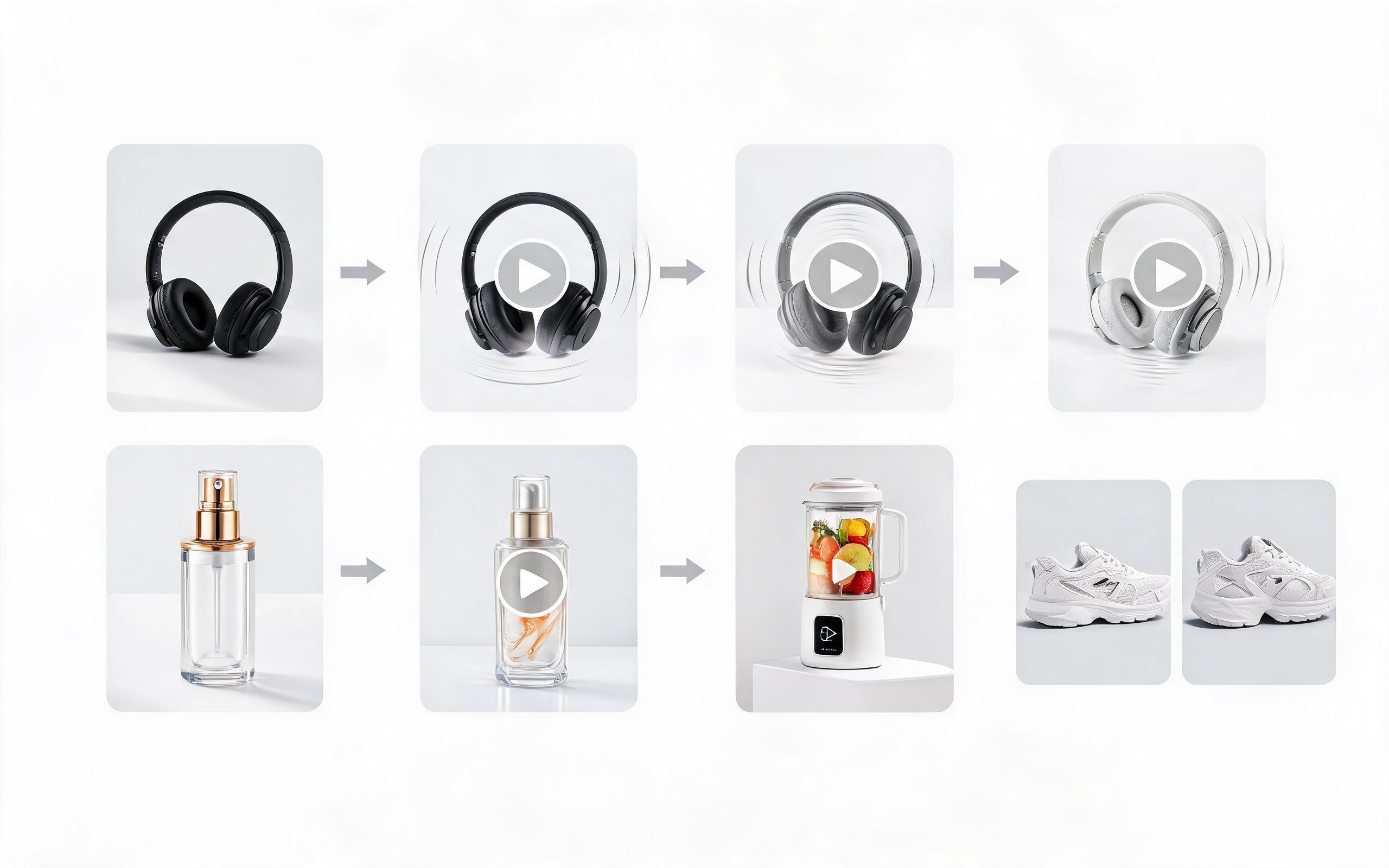
Generate product video from image workflows from product photos, renders, or listing images for ecommerce, product launches, social ads, and campaign testing.
Open page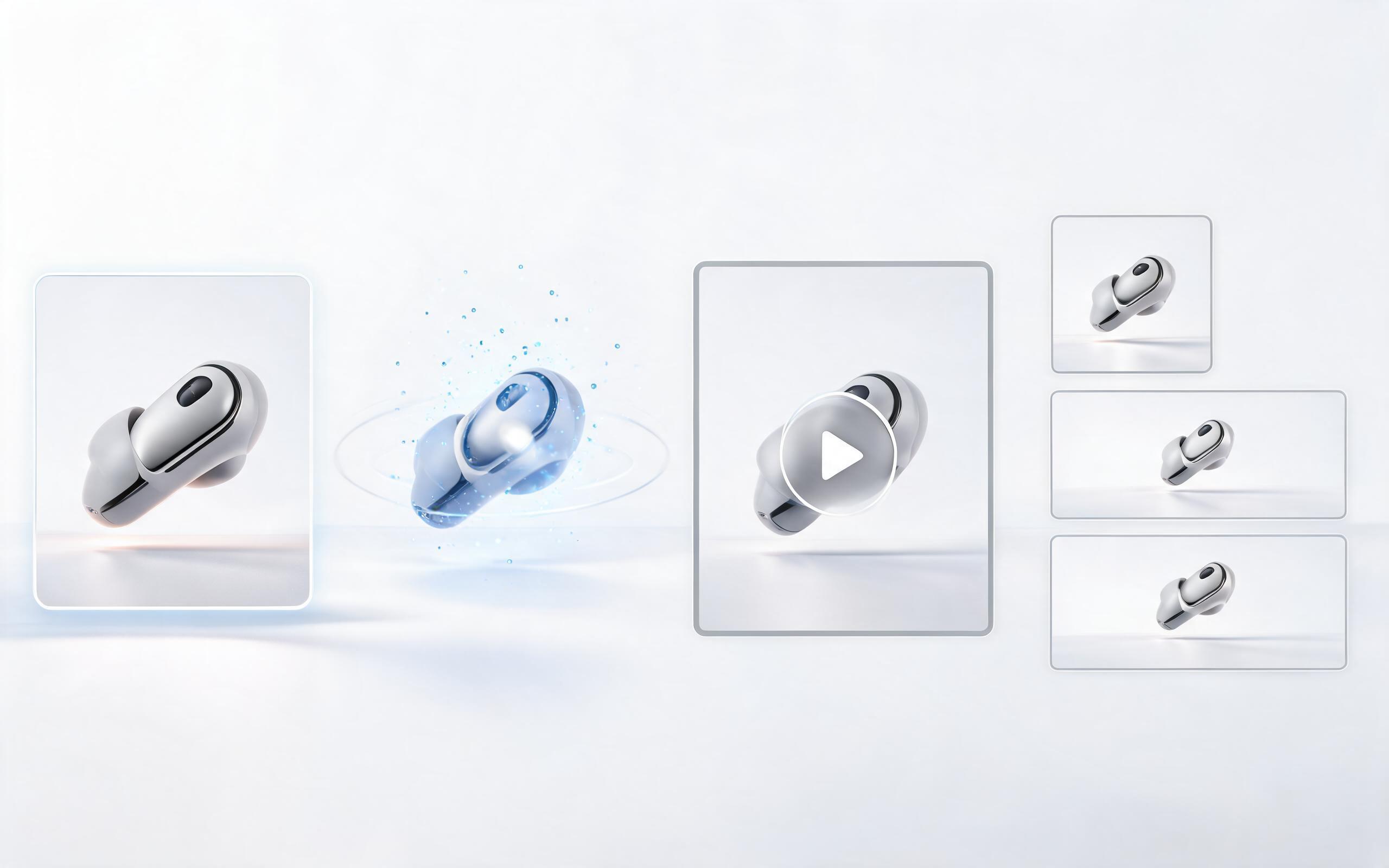
Generate ai product video from image workflows from product photos, renders, or listing images for ecommerce, product launches, social ads, and campaign testing.
Open page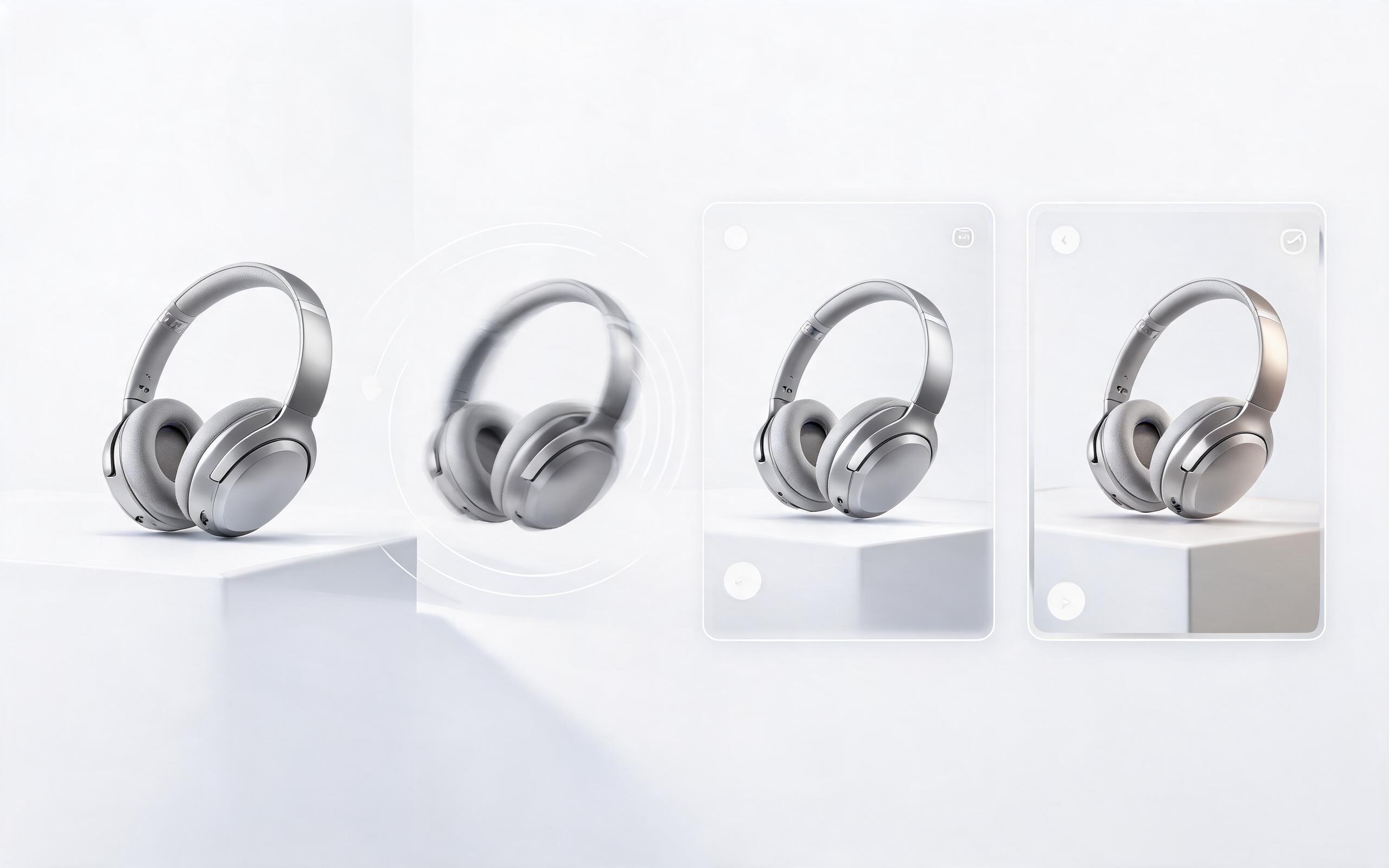
Generate product photo to video workflows from product photos, renders, or listing images for ecommerce, product launches, social ads, and campaign testing.
Open page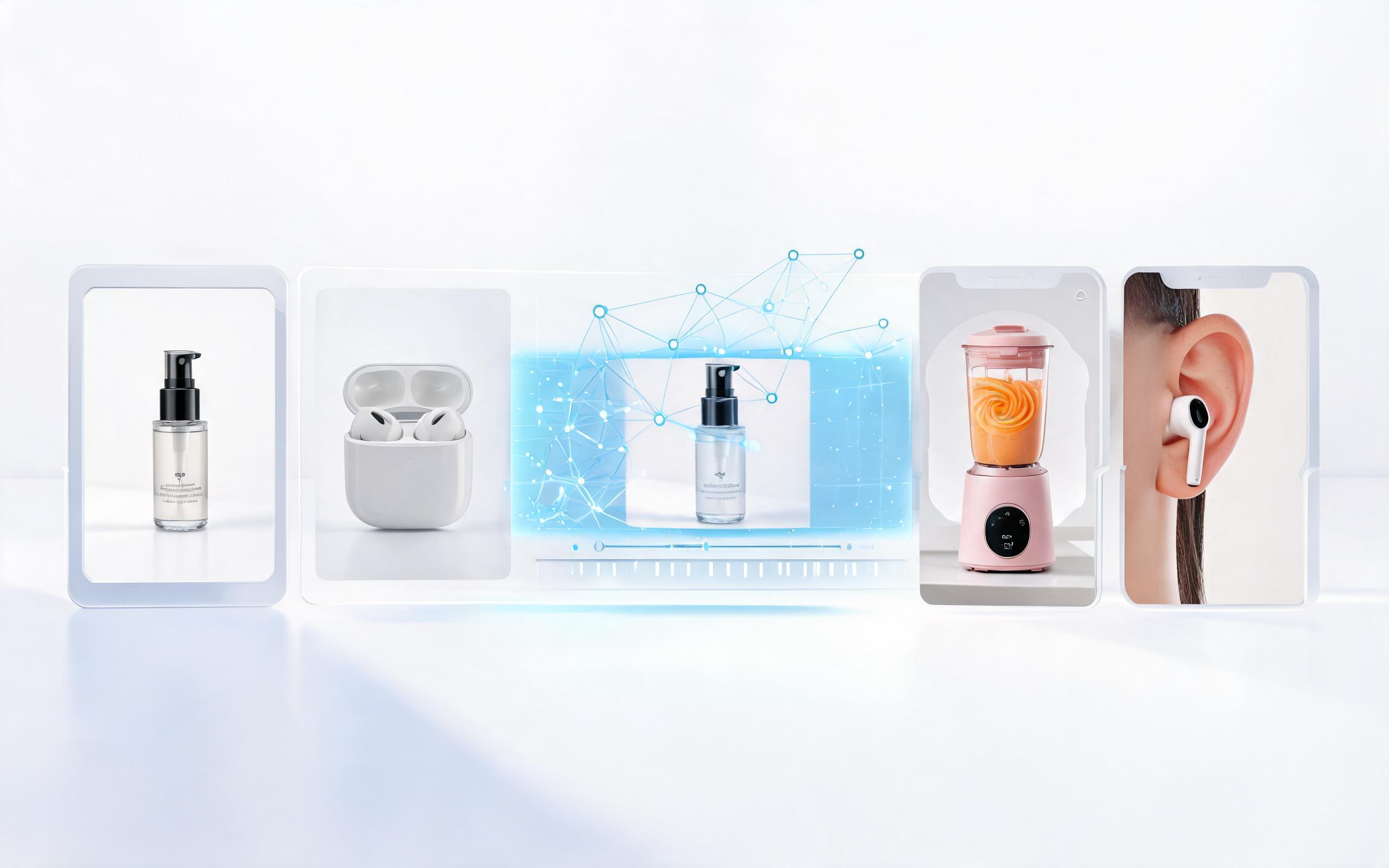
Generate product demo video ai workflows from product photos, renders, or listing images for ecommerce, product launches, social ads, and campaign testing.
Open page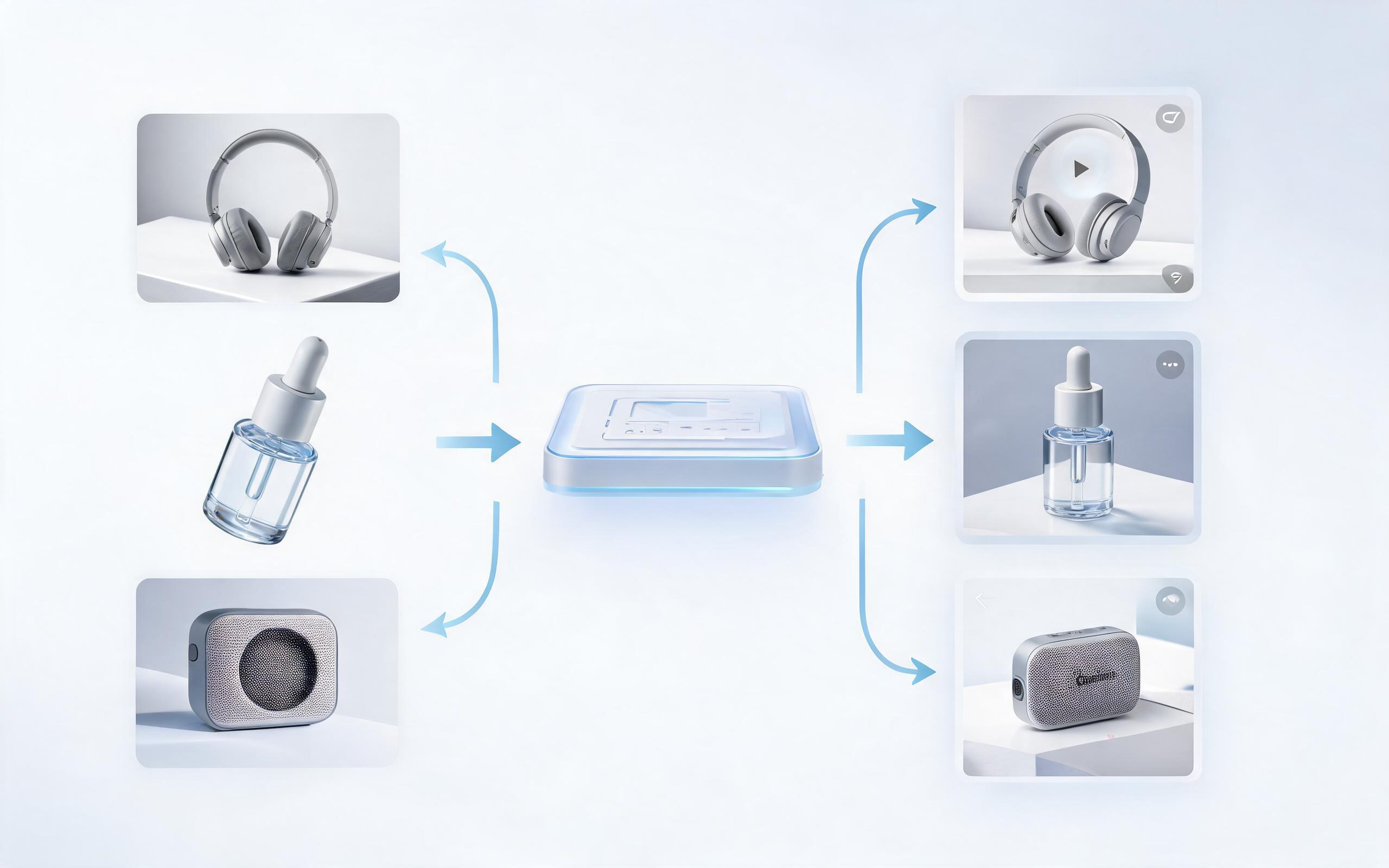
Generate product showcase video generator workflows from product photos, renders, or listing images for ecommerce, product launches, social ads, and campaign testing.
Open page
Turn any static product image into a high-converting, professional parallax video today. No editing skills required, no long wait times, and optimized for all your e-commerce and marketing channels.
Create Product Parallax Video
Technical support: [email protected]
Business collaboration: [email protected]
Trusted by 3M+ Creative & E-Commerce Teams
See why thousands of product marketers and sellers use PromeAI for their video assets.
PromeAI helps us turn static campaign images into motion concepts before we commit to a full shoot.
The short clips make it easier to test pacing, camera movement, and product hooks across launch pages and ads.
For stakeholder reviews, a quick AI video gives everyone a clearer sense of material, scale, and story.