



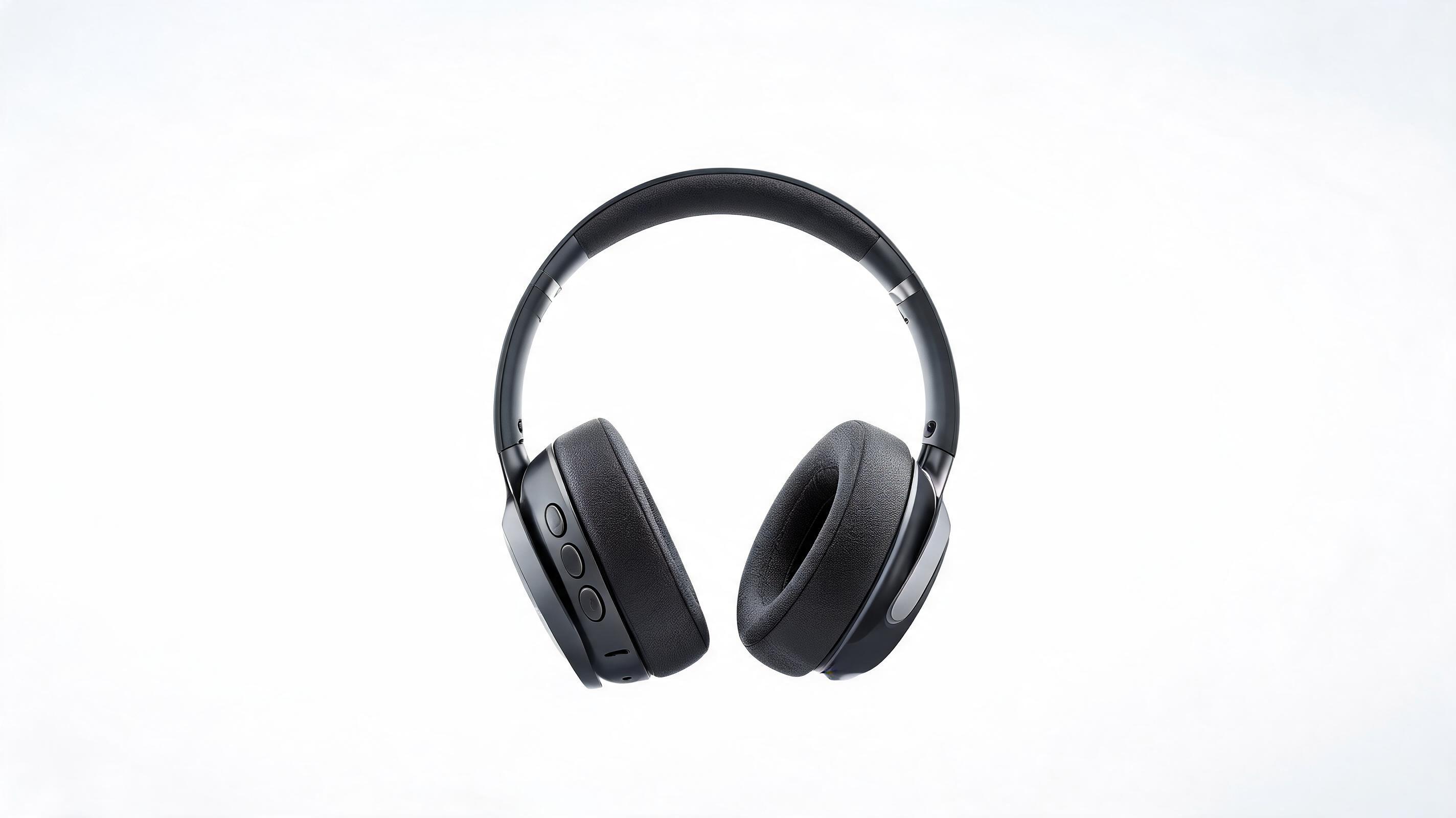
Wireless Headphone 360° Rotation
Full seamless spin showing earcup design, control buttons, and branding for a Shopify electronics listing.
Skip expensive product shoots and complex editing. Create crisp, professional directional or 360-style rotation videos for your products from one still image, ready to use across listings, ads, and social media.
View real-world examples of rotation videos for different product categories and use cases.
Full seamless spin showing earcup design, control buttons, and branding for a Shopify electronics listing.
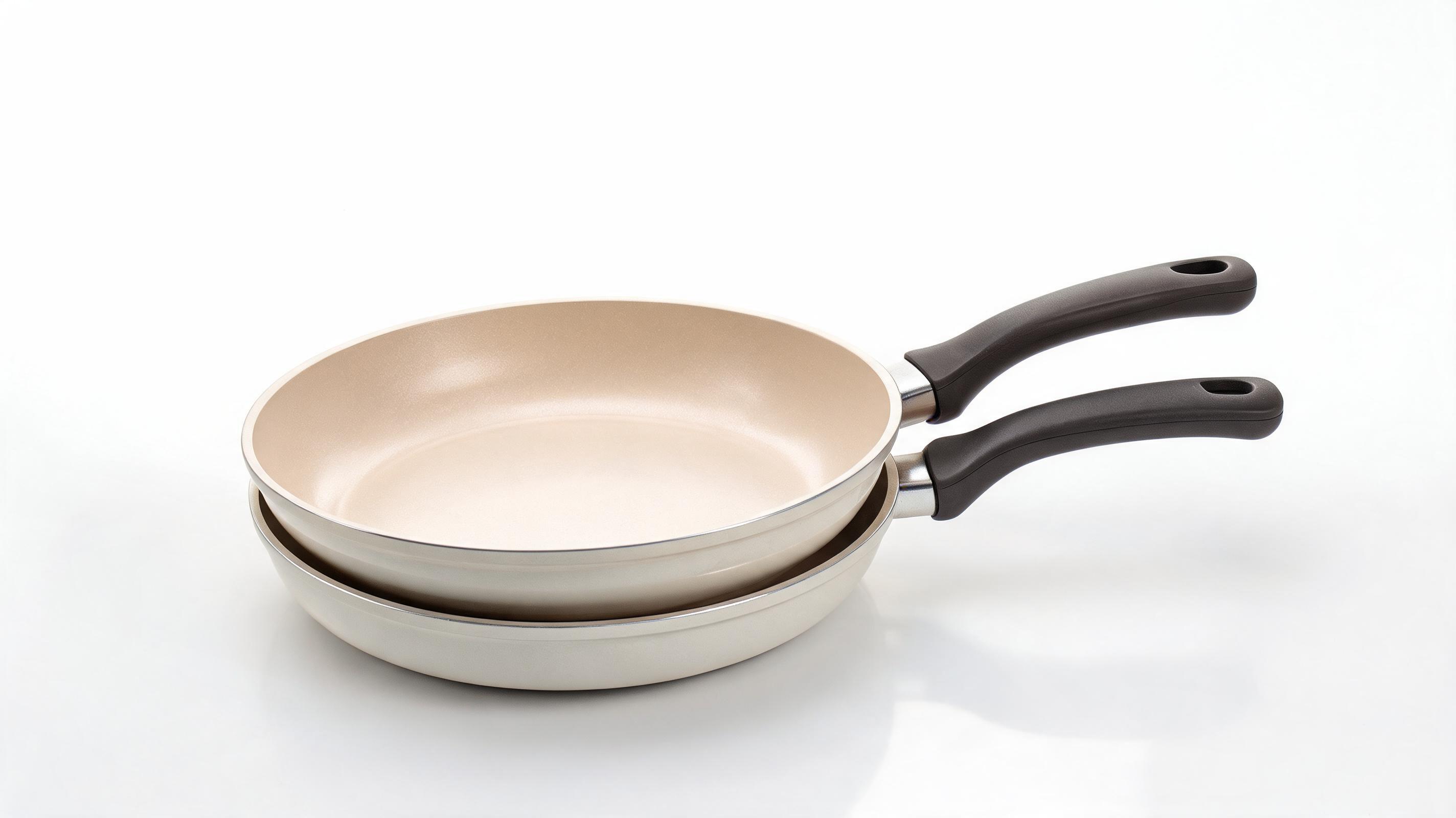
Slow left-right tilt highlighting non-stick surface, heat-resistant handle, and stackable design for a Facebook ad.
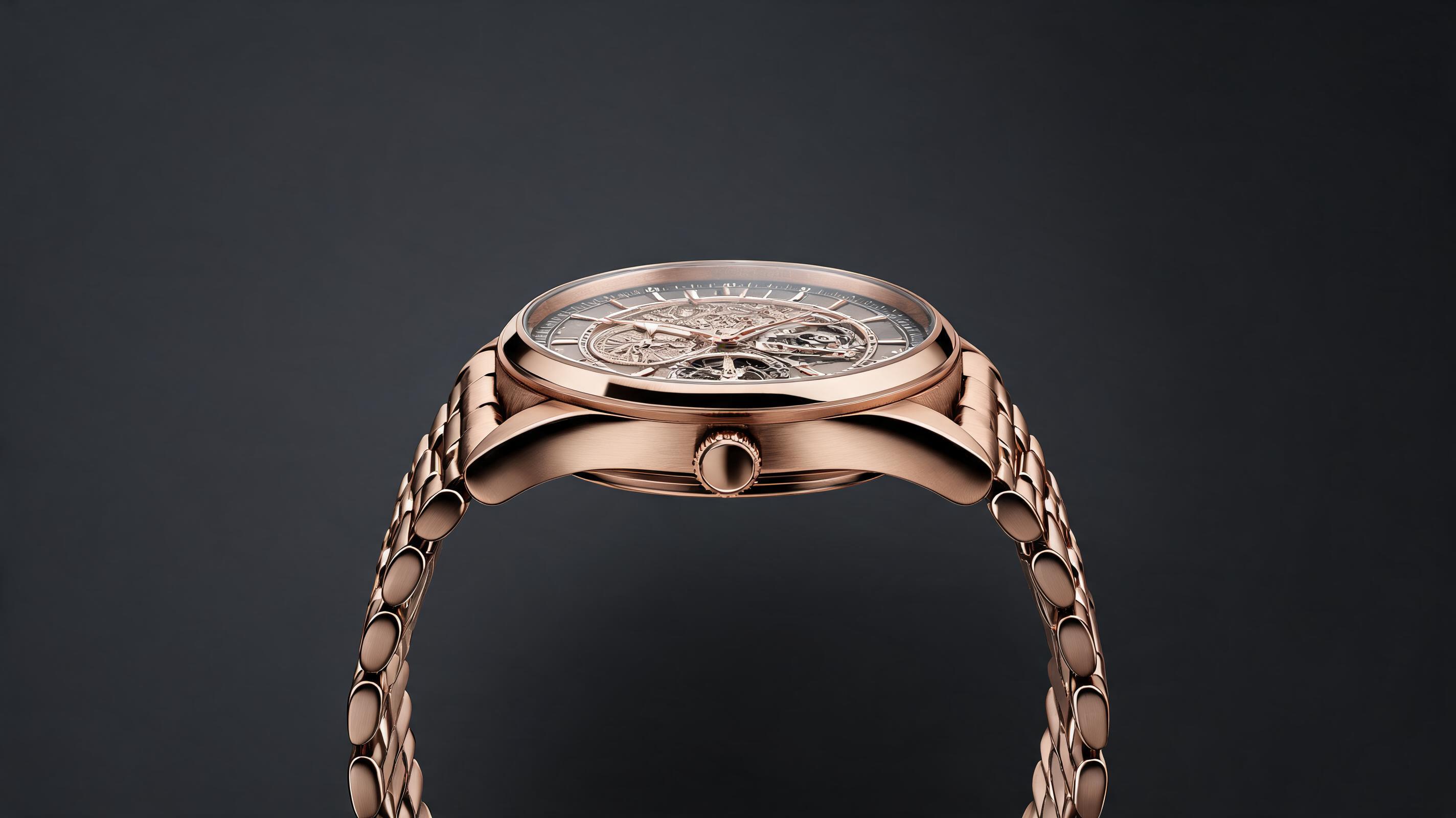
Ultra-smooth 360° loop showcasing case detailing, dial design, and premium band for a luxury ecomm product page.
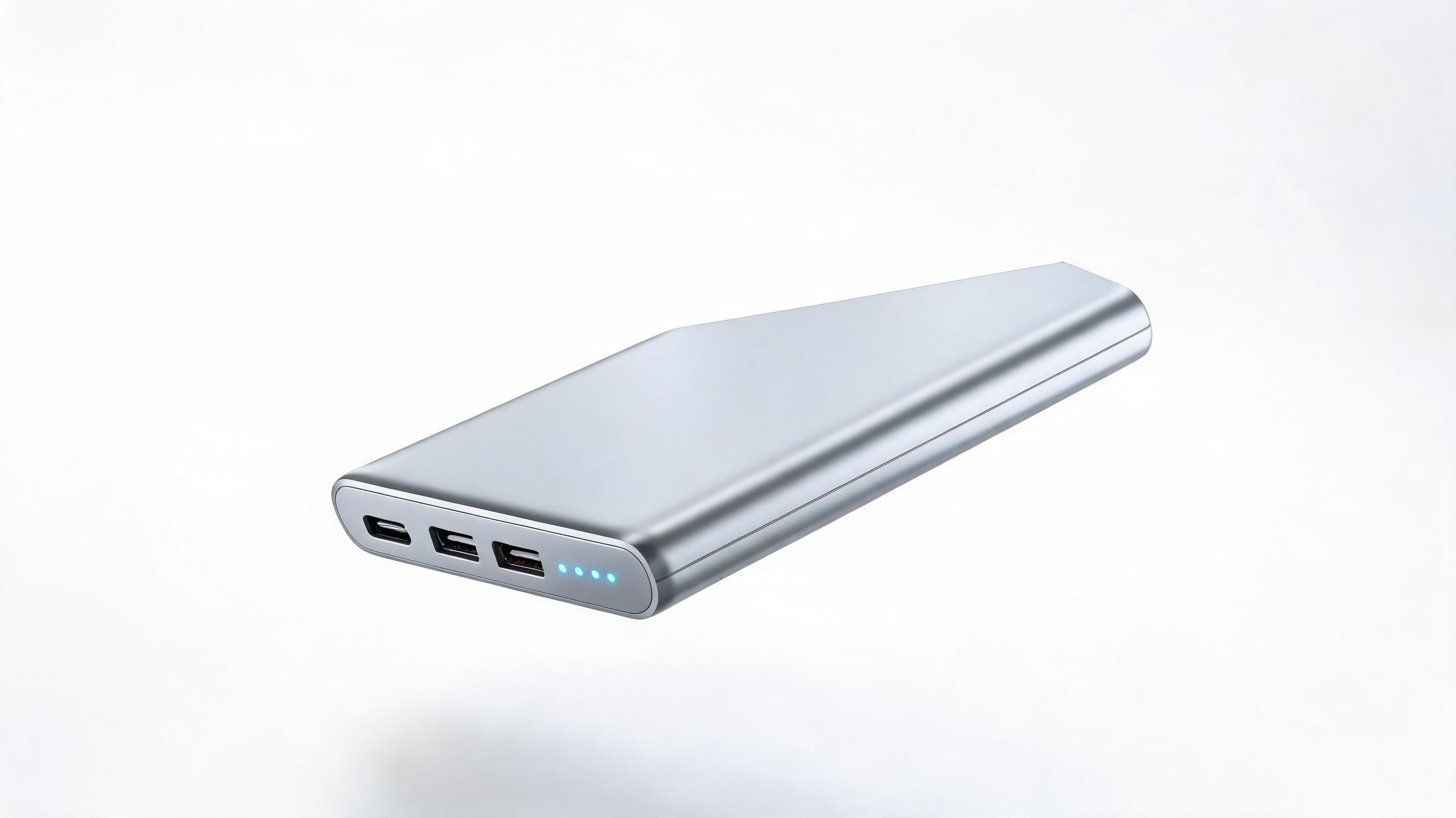
Side-to-side spin showing port locations, charging indicators, and slim profile for an Amazon marketplace listing.
Get professional results every time with built-in features designed for commercial product content.
Generate full rotation videos from one still photo, no raw footage, 3D models, or expensive shoots required.
Choose between 360° full spins, left/right horizontal rotation, or up/down tilt to highlight the exact product details you want.
All clips are rendered with seamless start and end points for smooth auto-play on listings, social feeds, and in-store displays.
AI automatically keeps your product in frame, avoids blurring key details, and preserves material texture and branding clarity.
Export in MP4, MOV, or GIF formats with resolution options up to 4K to fit every platform's requirements.
All generated videos come with unrestricted commercial rights, so you can use them across listings, ads, and marketing materials with no extra fees.
See how teams across ecommerce, marketing, and retail use these videos to boost engagement and sales.
Boost conversion rates by letting shoppers view every angle of your product directly on your product page.
Create attention-grabbing looped clips for TikTok, Instagram Reels, and Facebook ads to drive click-through to your store.
Stand out from competitors on Amazon, Etsy, and Shopify marketplaces with dynamic product media that stops scrollers.
Embed short rotation clips in product launch emails to increase engagement and drive higher purchase intent.
Use looped rotation videos on in-store screens to showcase product details to in-person shoppers without physical sample stock.
Highlight product design and features in Kickstarter and Indiegogo campaigns to build trust with backers.
Follow our simple workflow to turn your still product photo into a polished rotation clip in minutes.
Start with a high-resolution, well-lit still image of your product, centered on a plain or transparent background for optimal results.
Choose your preferred motion direction (360° spin, horizontal rotation, or vertical tilt) and adjust playback speed to match your use case.
Preview your clip to ensure product details are fully visible, then export in your desired format and resolution for immediate use.
Product rotation videos help shoppers visualize tangible products better than static photos, leading to higher conversion rates and lower return rates for ecommerce brands, marketplace sellers, and ad creators. This guide covers how to create effective rotation videos, when to use them, and best practices for maximum performance.
Start with a high-resolution, well-lit product image with the item centered on a plain or transparent background to avoid distracting AI motion generation. Upload the image to PromeAI's product rotation tool, then select your desired motion direction: choose a full 360° spin if you want to show every angle of the product, or a limited horizontal/tilt rotation if you only need to highlight key features like port locations or material texture. Adjust speed to 3-5 seconds per full rotation for product listings, or 1-2 seconds for short social ads to fit platform best practices. Preview the clip to ensure no key product details are cropped or blurred, then export in your required format.
Use product rotation videos when you want to showcase product form, material, or dimensional details without adding narrative or voiceover. They are ideal for product listing pages, where shoppers are actively researching product specifications, and looped social feeds where short, attention-grabbing content performs best. Avoid rotation videos if you need to demonstrate product functionality (like how a coffee maker brews or a jacket folds) or tell a brand story: for those use cases, opt for a demo video or narrative ad clip instead. Compared to 3D-rendered rotation videos, AI-generated versions from a single image are 90% faster to create and 70% cheaper, making them perfect for small teams or fast product launches where you don't have existing 3D assets.
For ecommerce listings, embed the rotation video as the first media asset on your product page, above static photos, to capture shopper attention immediately. Add a small overlay text that says "Spin to view all angles" if your platform supports interactive playback, or set the clip to auto-play on mute for passive viewing. For social ads, pair the rotation video with 1-2 short text overlays highlighting key product benefits (like "waterproof" or "10-hour battery life") to give context to the visual. Avoid adding excessive motion effects or loud background music that distracts from the product itself: the core goal of a rotation video is to keep the product front and center for shoppers to evaluate.
Product rotation videos deliver the highest value for physical product brands, marketplace sellers, and ad creators who sell tangible goods with visible design or material features. They work especially well for categories like consumer electronics, apparel, home goods, beauty products, and luxury accessories, where shoppers want to see texture, fit, and dimensional details before purchasing. If you sell digital products, services, or intangible offerings, rotation videos are unlikely to add meaningful value to your marketing stack, so you should opt for other video formats like demo reels or customer testimonial clips instead.
Explore predefined motion direction options to get the exact rotation style your product showcase needs.
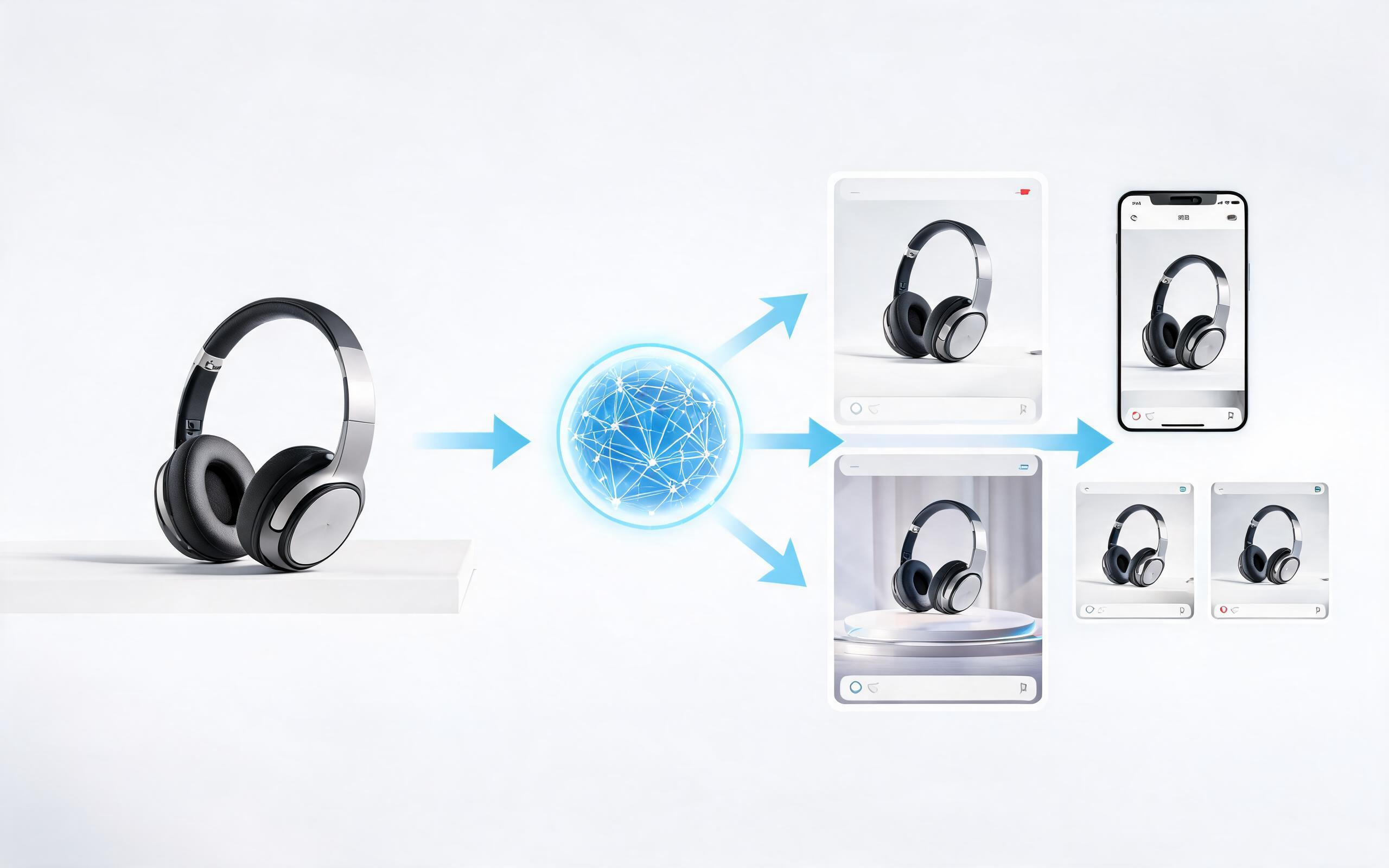
Generate ai product video generator free workflows from product photos, renders, or listing images for ecommerce, product launches, social ads, and campaign testing.
Open page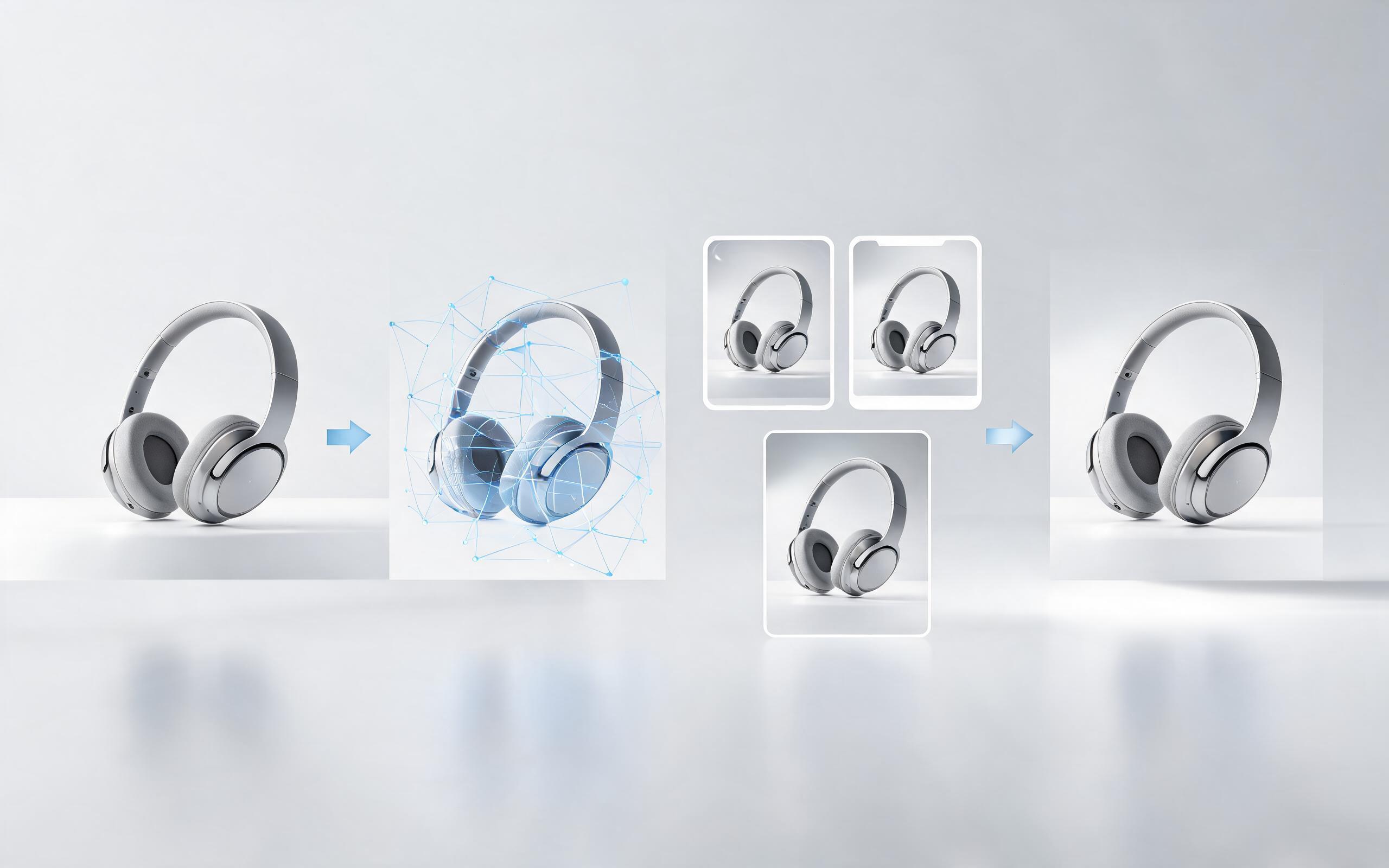
Generate product video from image workflows from product photos, renders, or listing images for ecommerce, product launches, social ads, and campaign testing.
Open page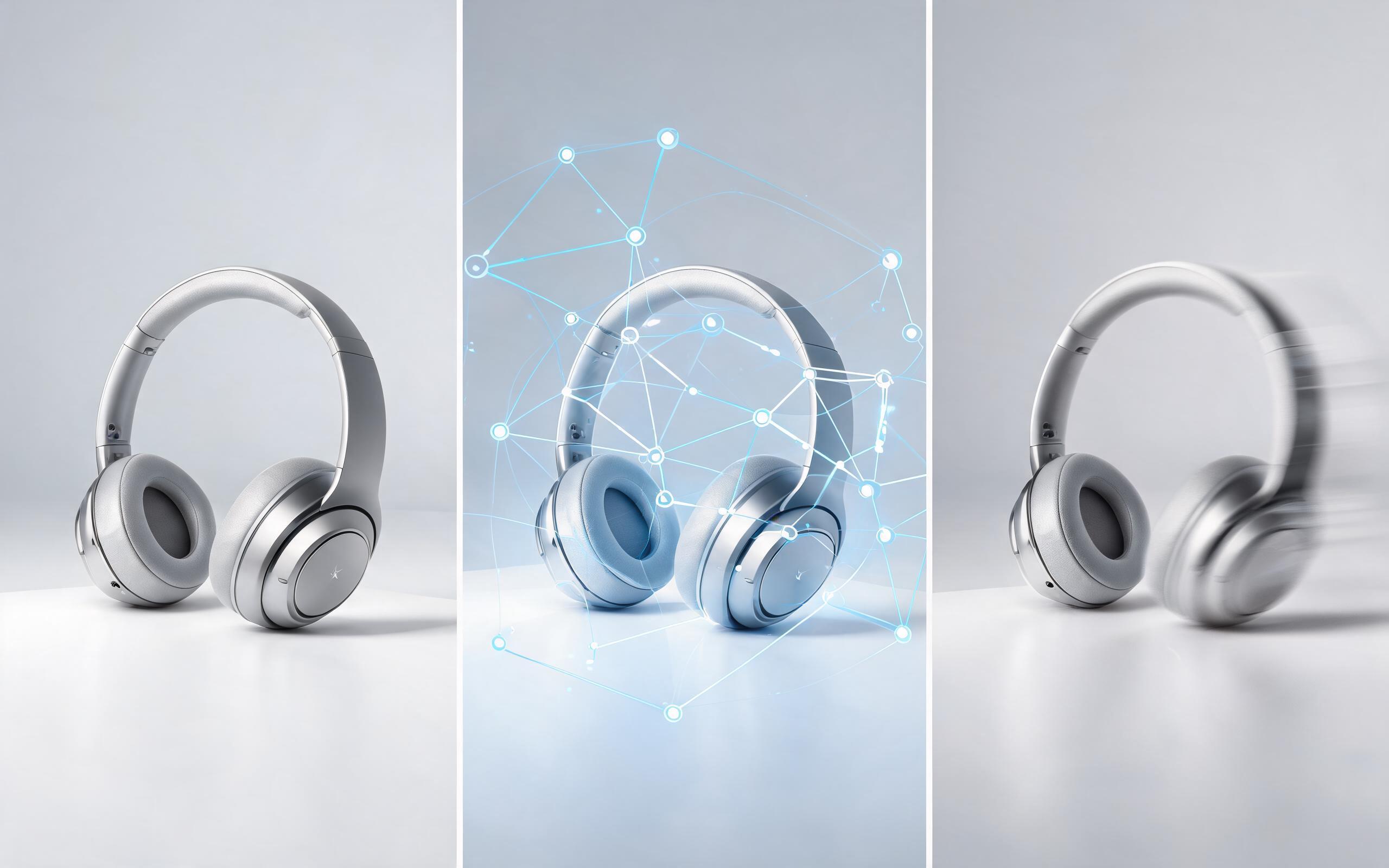
Generate ai product video from image workflows from product photos, renders, or listing images for ecommerce, product launches, social ads, and campaign testing.
Open page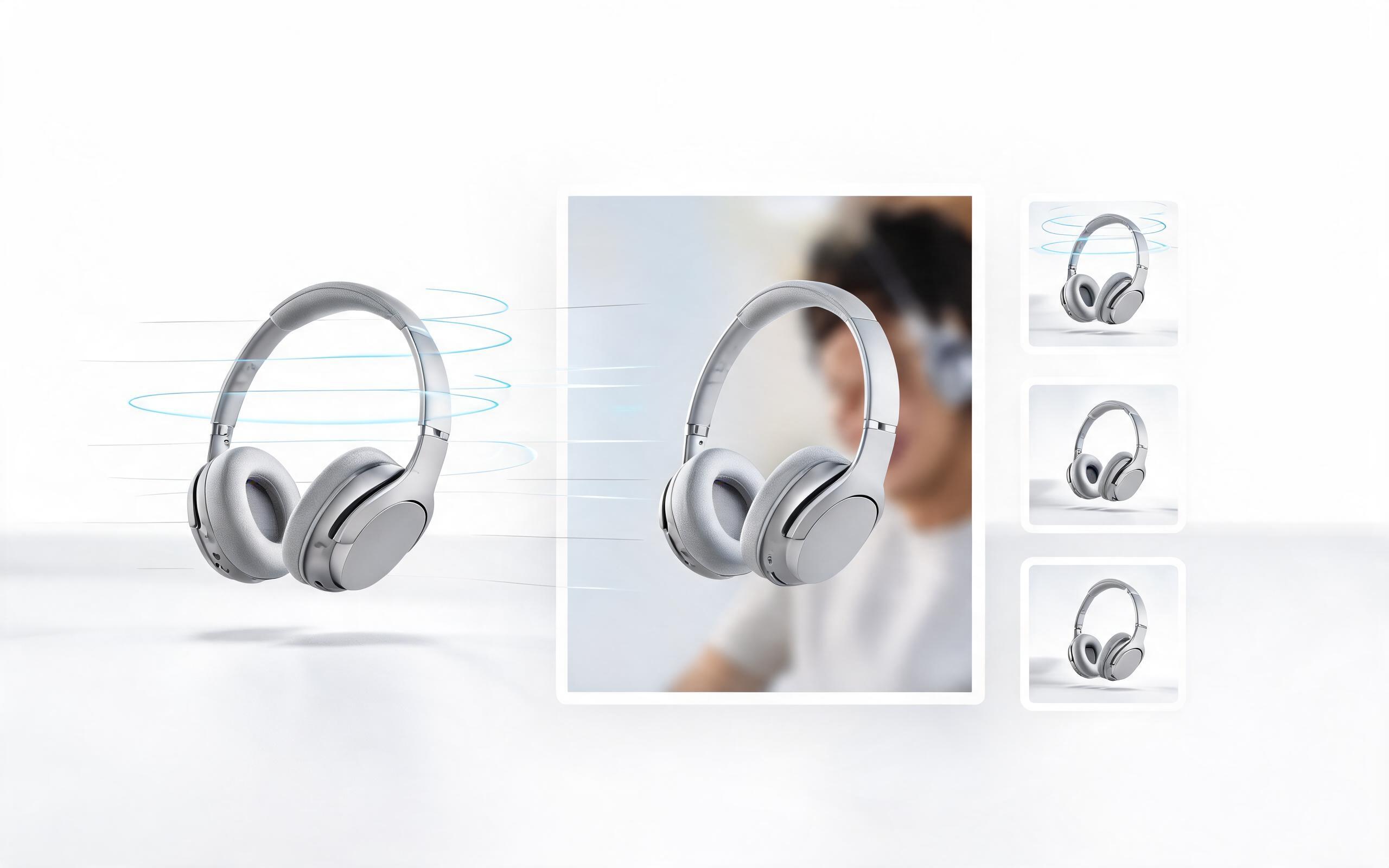
Generate product photo to video workflows from product photos, renders, or listing images for ecommerce, product launches, social ads, and campaign testing.
Open page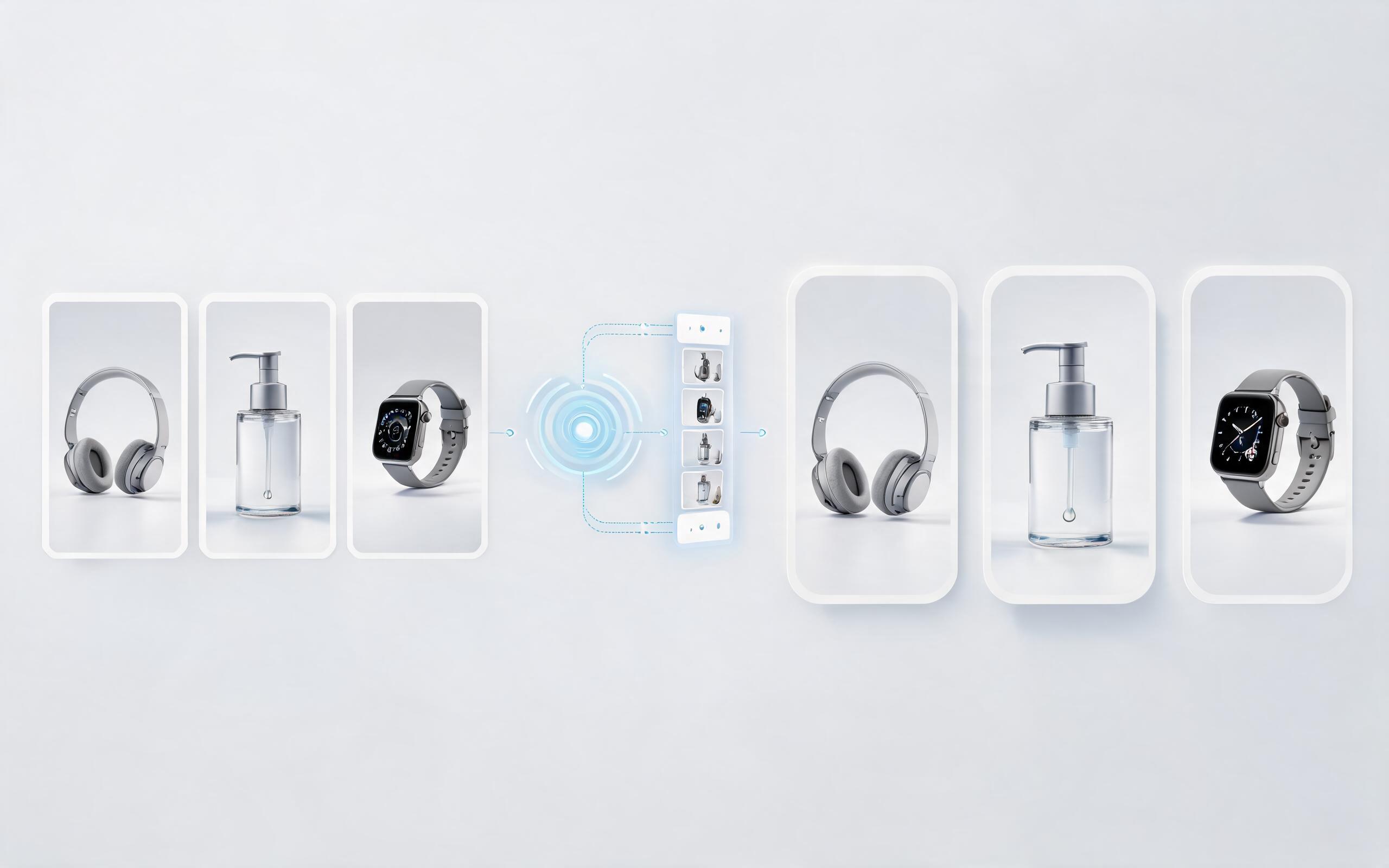
Generate product demo video ai workflows from product photos, renders, or listing images for ecommerce, product launches, social ads, and campaign testing.
Open page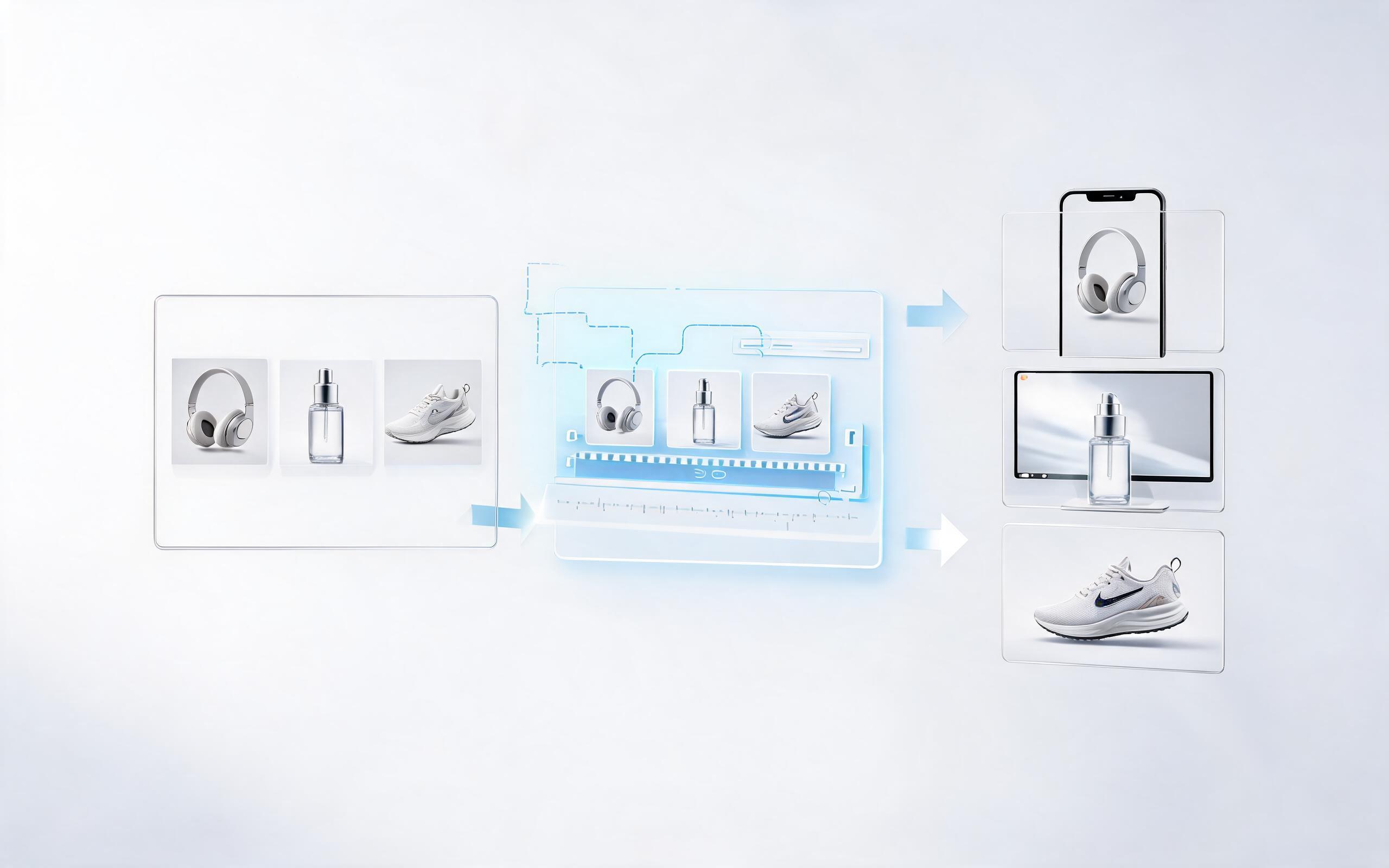
Generate product showcase video generator workflows from product photos, renders, or listing images for ecommerce, product launches, social ads, and campaign testing.
Open page
No filming, no 3D assets, no complex editing required. Turn your static product photo into a polished, high-converting rotation video today for all your ecommerce and marketing needs.
Create Product Rotation Video
Technical support: [email protected]
Business collaboration: [email protected]
Trusted by 3M+ Creative & Ecommerce Teams
See why product teams, marketers, and sellers rely on PromeAI for their commercial video content needs.
We used to spend $500+ per product on rotation shoots, now we create them in 2 minutes for less than $1 per clip. Our listing conversion went up 18% in the first month.
The loop-friendly rotation videos are perfect for our TikTok ad creatives. We've cut our ad production time by 70% and seen a 22% lift in click-through rates.
We can turn a single source image into several polished product video directions before committing budget to a full studio shoot.