

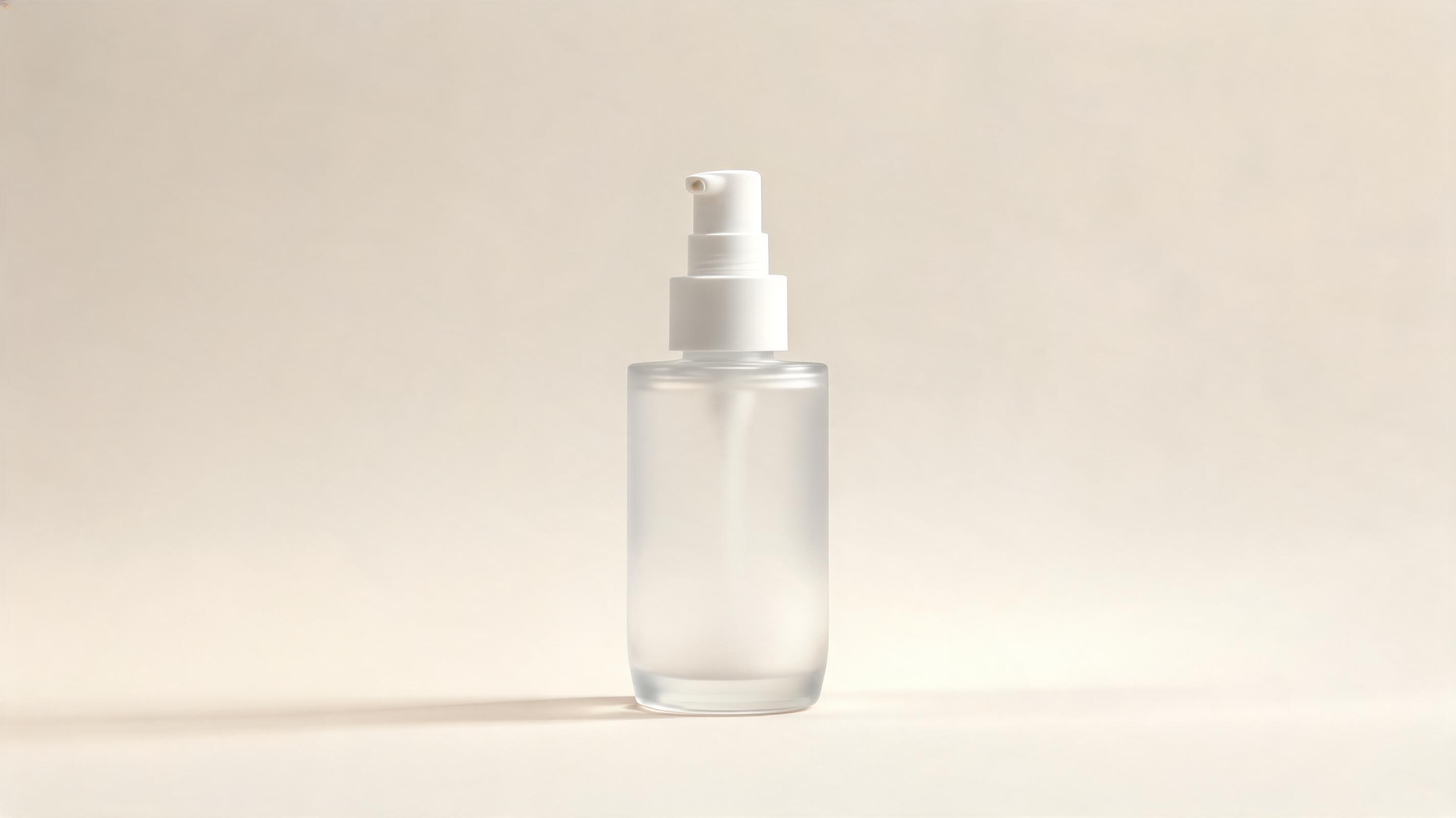
Minimalist skincare bottle teaser
Slow 360-degree orbit motion, 10-second length, optimized for Instagram Reels beauty ad campaigns.
Create polished, ready-to-use product teaser videos in minutes with no video editing experience. Ideal for ad campaigns, product launches, and ecommerce storefronts.
View sample clips for different product categories, motion styles, and campaign use cases.
Slow 360-degree orbit motion, 10-second length, optimized for Instagram Reels beauty ad campaigns.
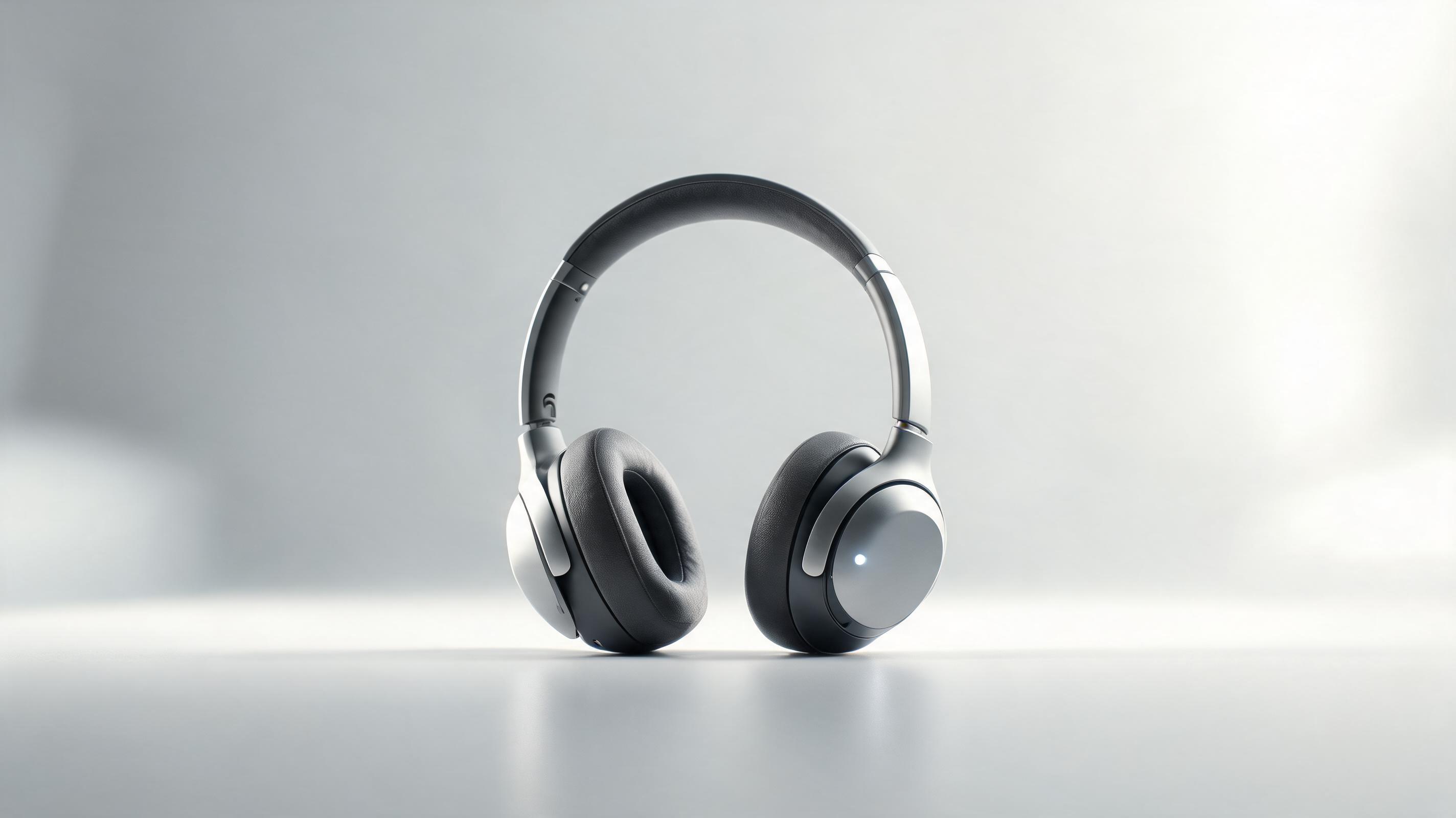
Subtle slow zoom-in, loop-enabled, for embedded use on Shopify listing pages to boost conversion.

Slow pan across a 3-piece cookware set, 12-second length, for pre-launch email and social announcement campaigns.
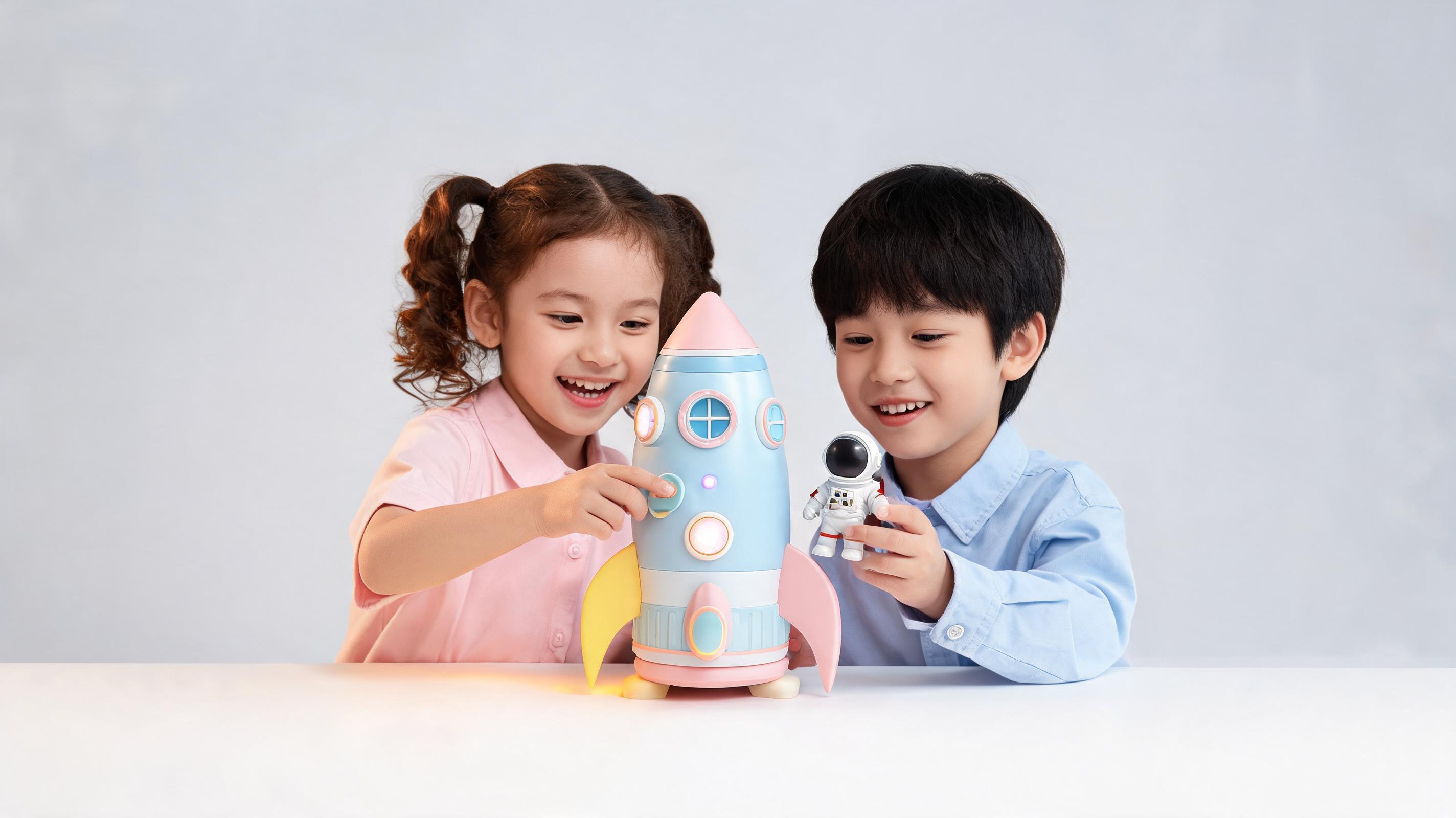
Gentle side-to-side pan, 8-second length, optimized for Amazon marketplace video content requirements.
Explore built-in capabilities designed to make professional product videos accessible to all skill levels.
No raw video footage required: turn one static product photo into a fully polished motion clip in minutes.
Pre-built movement paths that keep your product in full focus, with no distracting motion that obscures key features or finishes.
Pre-sized export options for TikTok, Instagram Reels, Amazon listings, Shopify product pages, and Facebook ad formats.
Optional seamless loop setting for continuous playback on storefronts, in-store displays, and product page embeds.
Intuitive, no-code interface that eliminates the need for motion design experience or complex video editing software.
Most 6-15 second teaser clips render in under 2 minutes, with 4K high-resolution exports available in under 5 minutes.
See how teams across industries leverage these clips to drive engagement, clicks, and product sales.
Add subtle motion to static listing pages to reduce bounce rates and boost conversion rates by highlighting product details.
Create scroll-stopping short clips for TikTok, Instagram, and Pinterest ads to drive higher click-through rates for product offers.
Share quick teasers on email lists and social channels to build audience hype before your official product launch date.
Stand out on Amazon, Etsy, and Shopify marketplaces with video content that outperforms static product photos in search rankings.
Use looped teaser clips for retail endcaps, pop-up shop displays, and trade show booths to capture foot traffic attention.
Send pre-made, on-brand teaser clips to brand partners for consistent messaging across all influencer promotional content.
Follow our simple 3-step workflow to turn your product photo into a high-quality teaser video in minutes.
Use a centered, well-lit product photo with clean edges, clear material details, and no distracting clutter for best output results.
Choose from pre-built pan, zoom, or slow orbit motion presets, and pick a 6-30 second duration optimized for your intended use case.
Wait 1-2 minutes for rendering, then download your MP4 clip pre-sized for social media, marketplace listings, or product pages.
Learn how to leverage AI to create high-performing product teaser videos without hiring a motion designer or investing in expensive editing software. This guide covers best practices, use case fit, and common pitfalls to avoid.
Start with a high-resolution, well-lit product image with the item centered against a clean, uncluttered background. Avoid images with heavy text overlays, watermarks, or cropped product edges, as these will reduce the quality of your final video. For best results, use a product photo that clearly shows key material details, finishes, and unique selling points, as the AI motion will highlight these elements throughout the clip. If you have a transparent background PNG of your product, you can also add a custom background color or styled scene during the setup process to match your brand aesthetic.
Use a short product teaser video when your goal is to stop scrollers on social media, build pre-launch hype, or add subtle motion to a product page to reduce bounce rate. Teasers are ideal for top-of-funnel content where you only need to highlight one core product benefit or feature to drive clicks. Avoid using a teaser video if you need to show step-by-step product usage, explain complex functionality, or walk through multiple use cases—for those scenarios, use a full product demo video instead. Teasers perform best when kept under 15 seconds, while demo videos can run 30 seconds to 2 minutes depending on your use case.
For social ad use, add text overlays and a voiceover or trending audio clip after exporting your video to align with your campaign messaging. For marketplace listings, use a silent clip with clear product motion, as most platforms auto-play videos without sound by default. For product page embeds, enable the loop setting so the video plays continuously as visitors browse your page, and place it above the fold next to your product title and price to capture attention immediately. Test multiple motion styles (zoom, orbit, pan) with your audience to see which drives the highest click-through and conversion rates for your specific product category.
For small ecommerce teams, marketplace sellers, and independent ad creators, AI-generated product teaser videos reduce content creation costs by up to 90% compared to hiring a freelance motion designer or filming custom video footage. You can generate a full library of teaser clips for your entire product catalog in a single afternoon, with no need to coordinate photoshoots, rent equipment, or edit raw footage. This makes professional-quality video content accessible even for teams with limited marketing budgets, allowing you to compete with larger brands on social media and marketplace platforms without overspending.
Browse motion and style presets to customize your product teaser video output for any campaign.
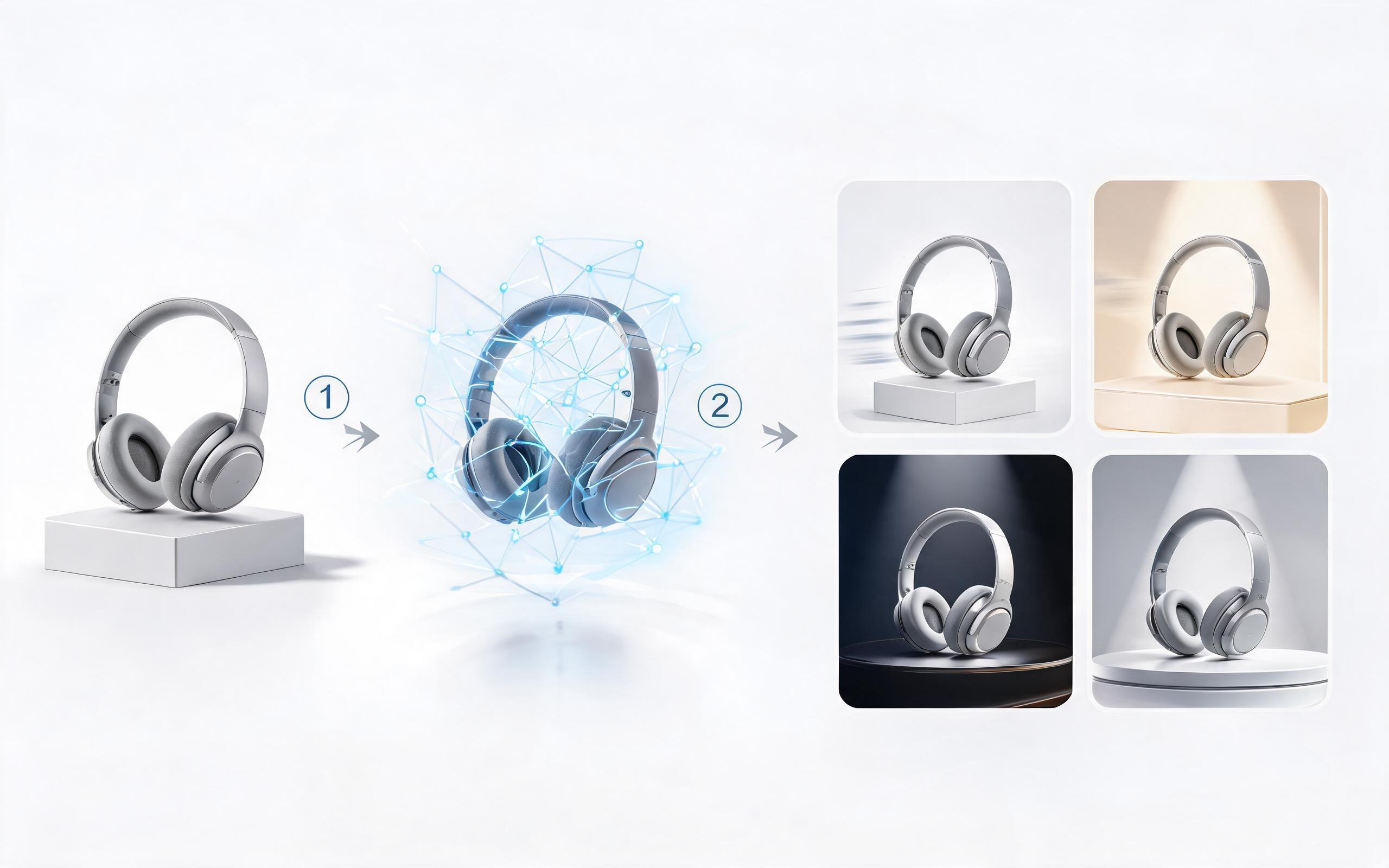
Generate ai product video generator free workflows from product photos, renders, or listing images for ecommerce, product launches, social ads, and campaign testing.
Open page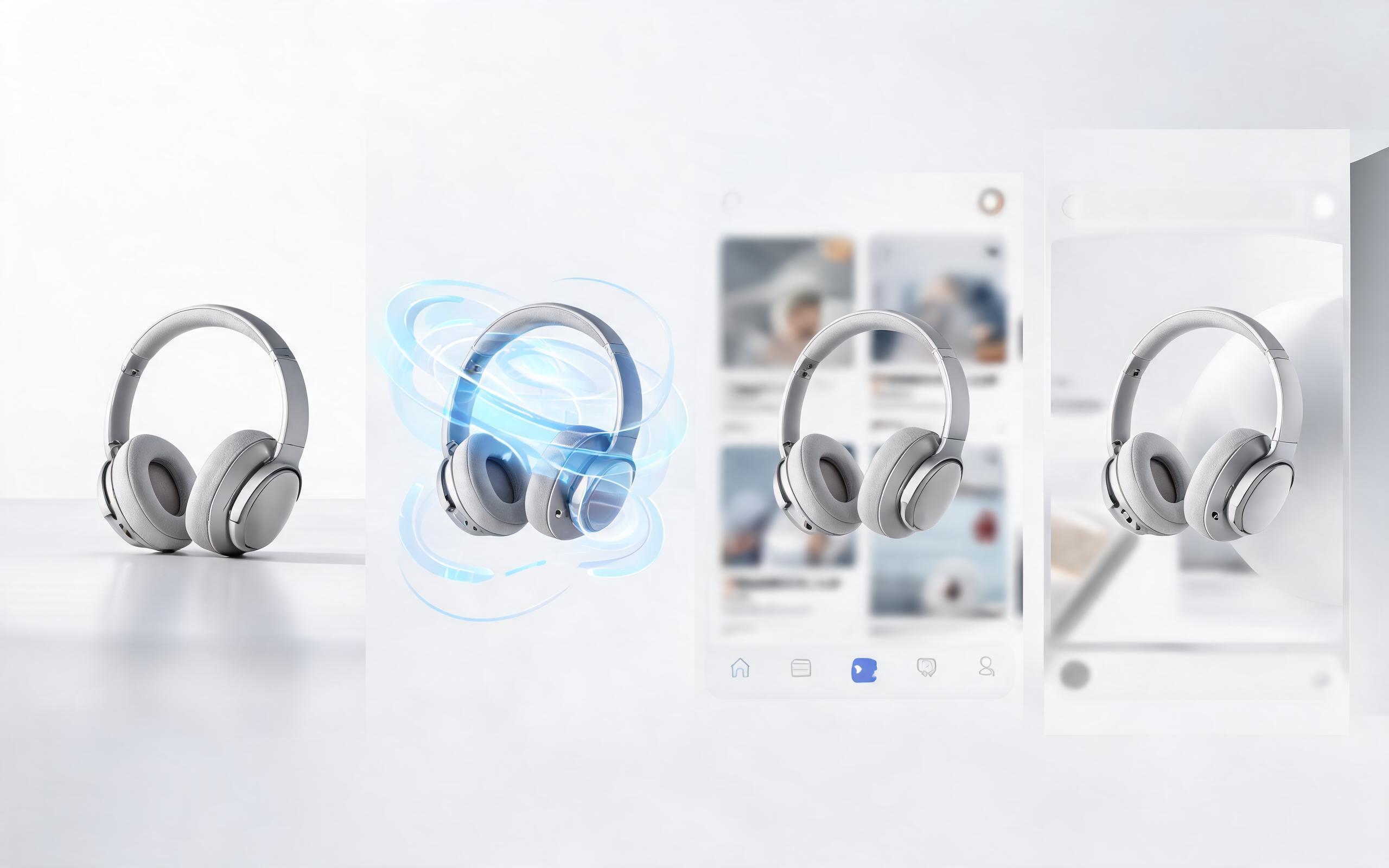
Generate product video from image workflows from product photos, renders, or listing images for ecommerce, product launches, social ads, and campaign testing.
Open page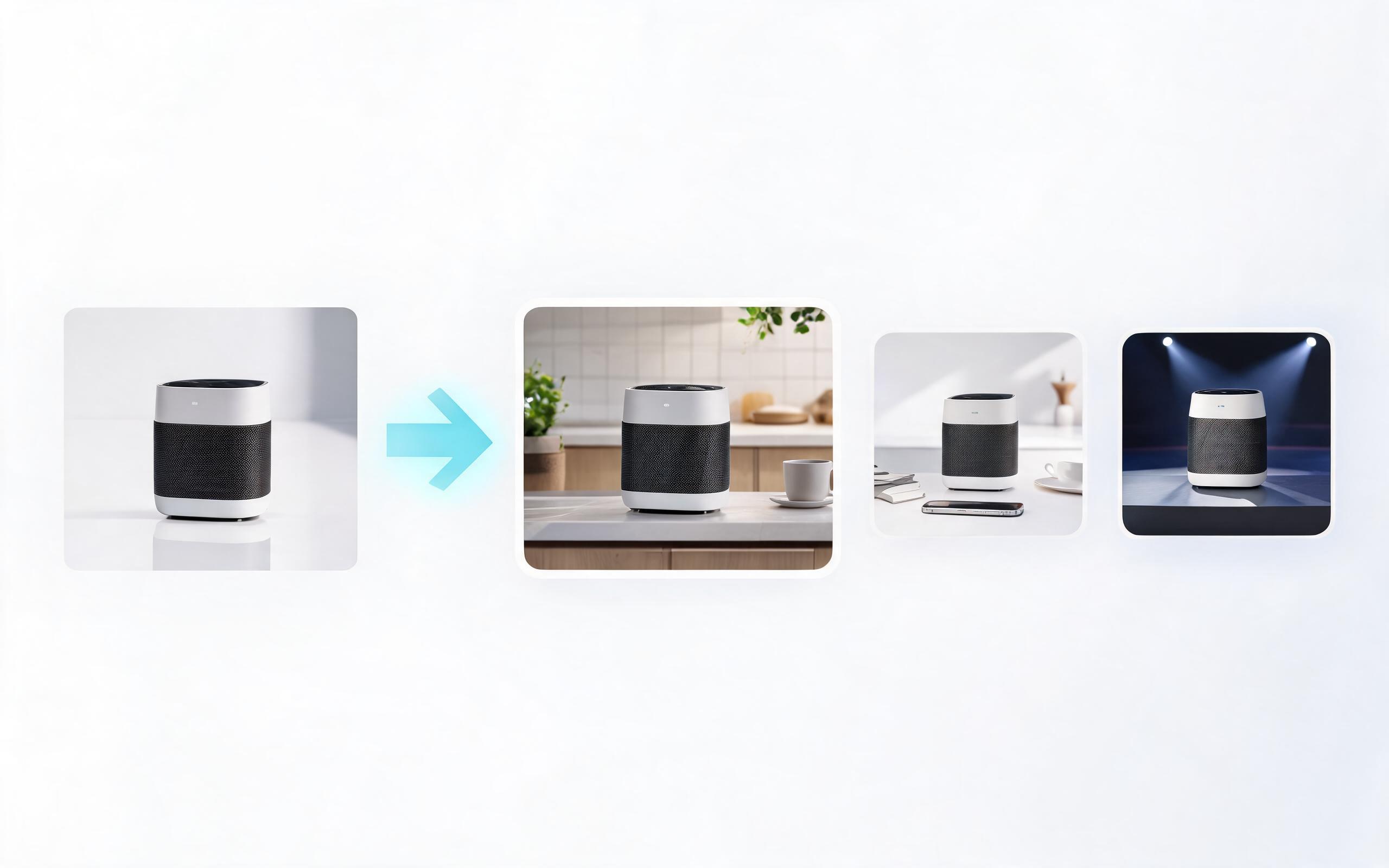
Generate ai product video from image workflows from product photos, renders, or listing images for ecommerce, product launches, social ads, and campaign testing.
Open page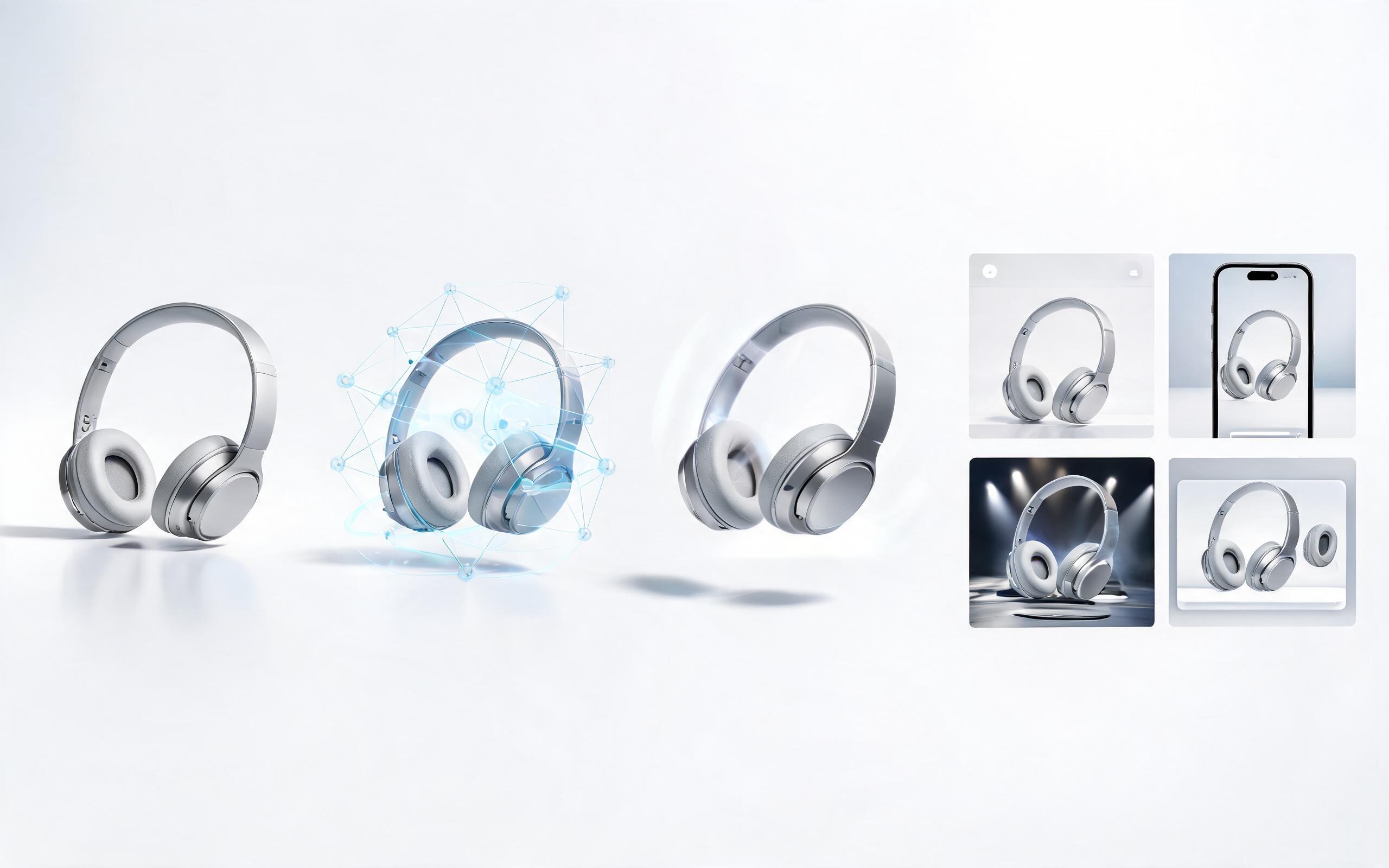
Generate product photo to video workflows from product photos, renders, or listing images for ecommerce, product launches, social ads, and campaign testing.
Open page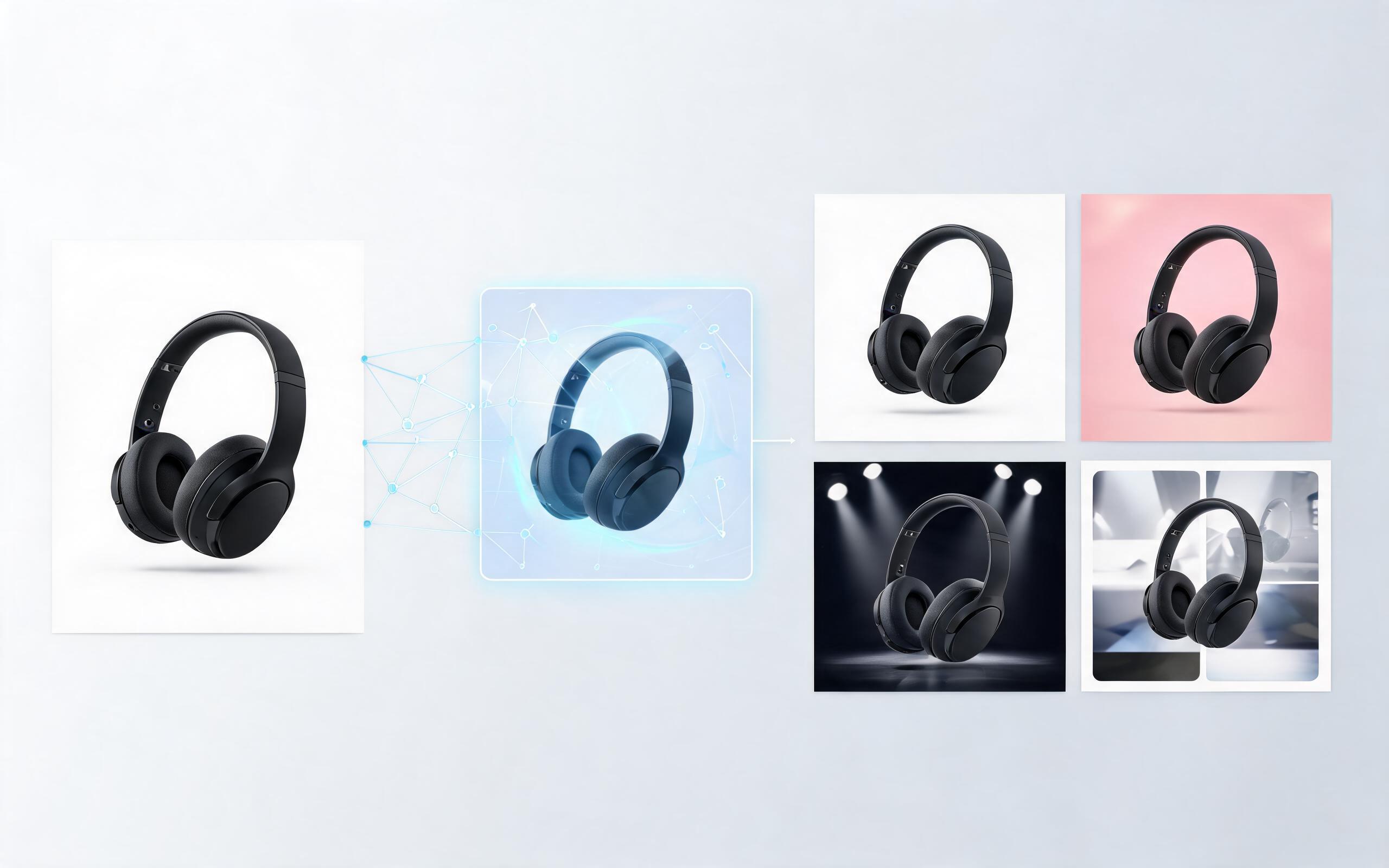
Generate product demo video ai workflows from product photos, renders, or listing images for ecommerce, product launches, social ads, and campaign testing.
Open page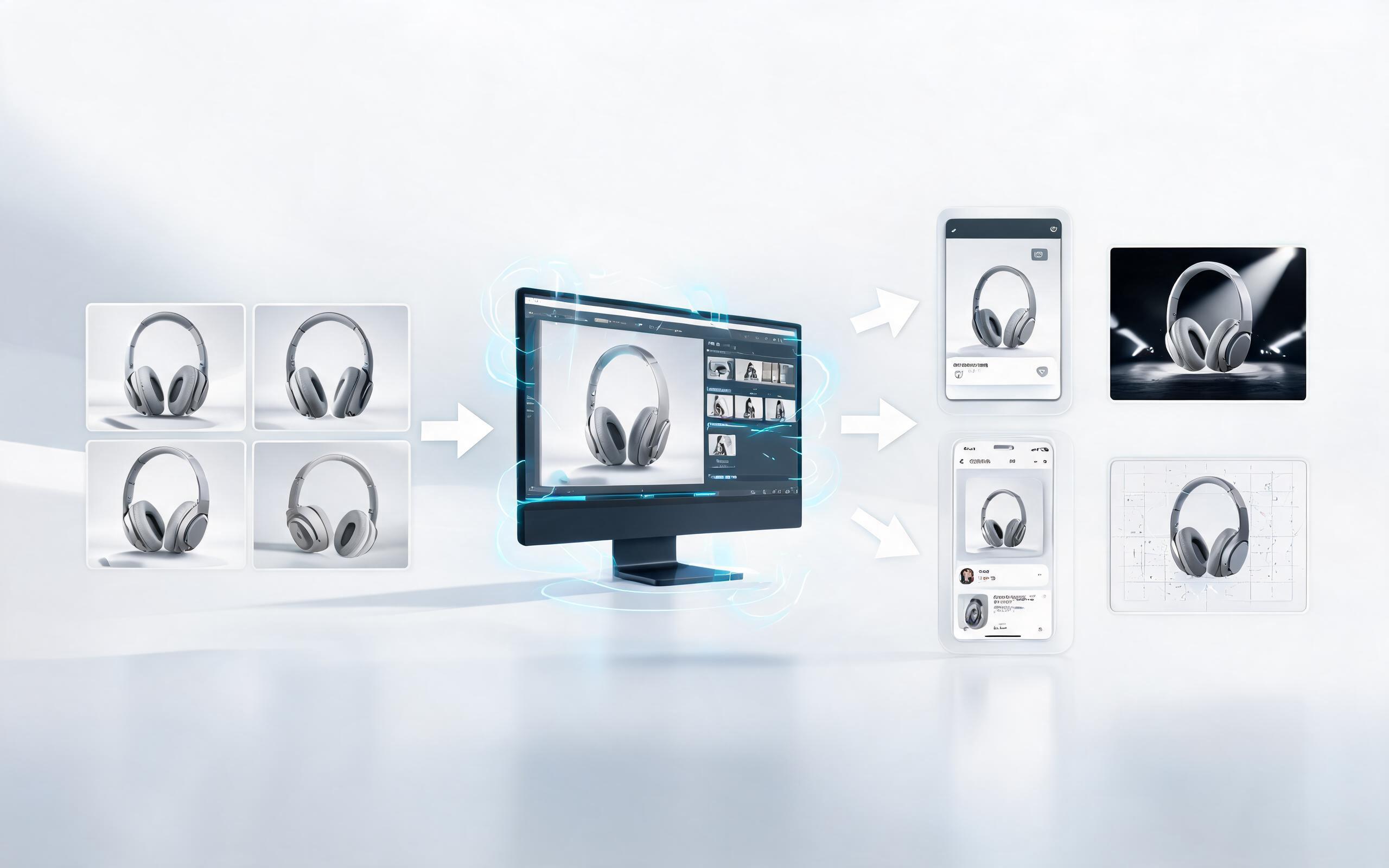
Generate product showcase video generator workflows from product photos, renders, or listing images for ecommerce, product launches, social ads, and campaign testing.
Open pageGet answers to common questions about creating AI product teasers from static images.

Turn your static product images into high-converting teaser clips in minutes with no editing experience required. Perfect for ads, product launches, and ecommerce listings.
Create Product Teaser Video
Technical support: [email protected]
Business collaboration: [email protected]
What Creators Say About Our Product Video Tool
See feedback from ecommerce sellers, ad creators, and product teams using PromeAI for their video needs.
I generated 12 product teaser videos for my Shopify store in under an hour, and saw a 22% lift in conversion rate on those listings within the first week.
This tool cut our ad creative production time for product launches from 3 days to 30 minutes, and the clips perform just as well as custom-shot footage.
We can turn a single source image into several polished product video directions before committing budget to a full studio shoot.