

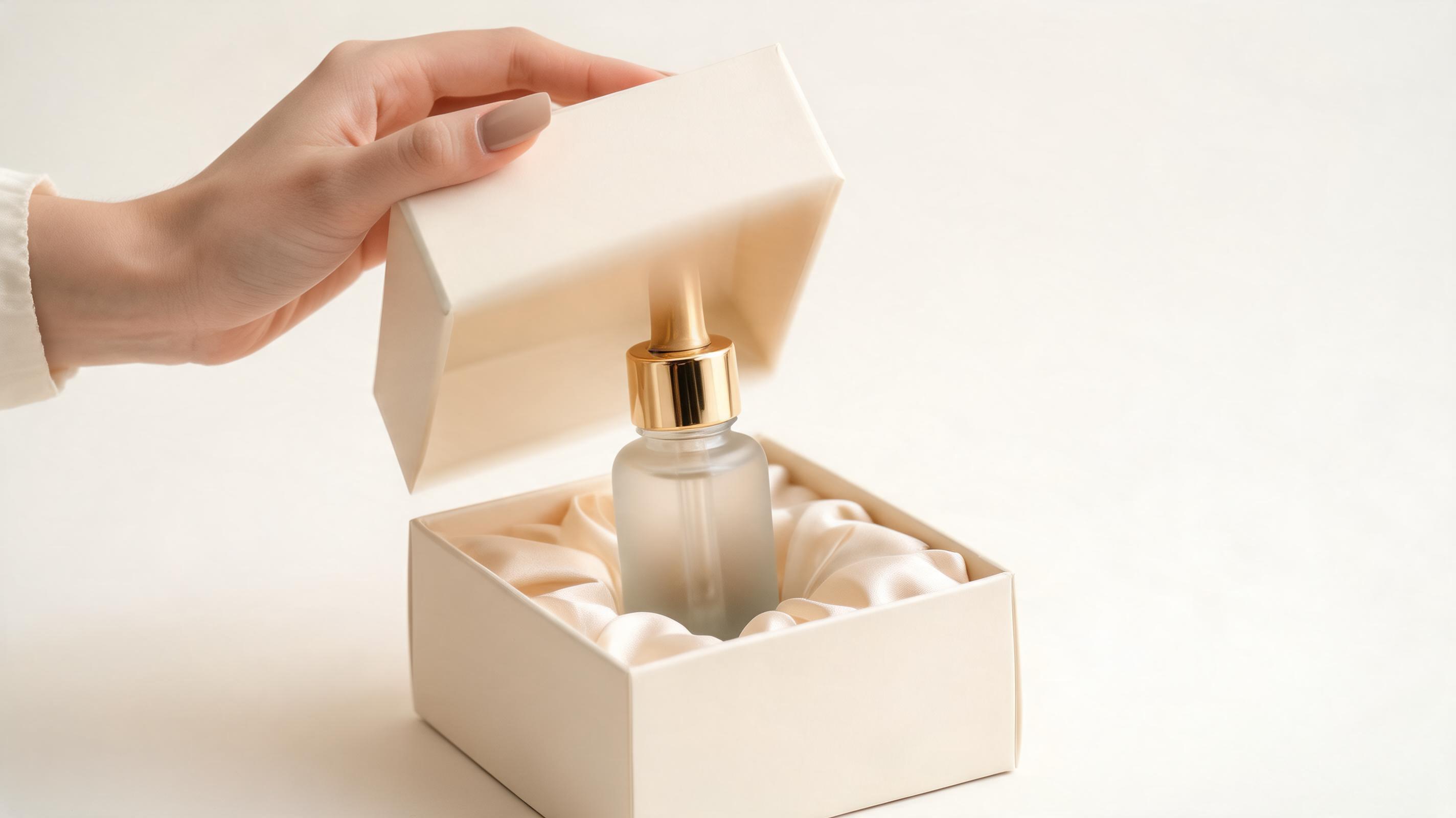
Luxury Skincare Serum Unboxing
Slow, elegant unboxing motion highlighting the serum bottle’s frosted glass packaging and gold accent details, ideal for premium beauty brand listings.
Create polished, commercial-grade unboxing videos from one product image in minutes. Use them for product pages, social ads, marketplace listings, and launch campaigns.
Browse real-world examples of unboxing videos created with PromeAI for different product categories.
Slow, elegant unboxing motion highlighting the serum bottle’s frosted glass packaging and gold accent details, ideal for premium beauty brand listings.
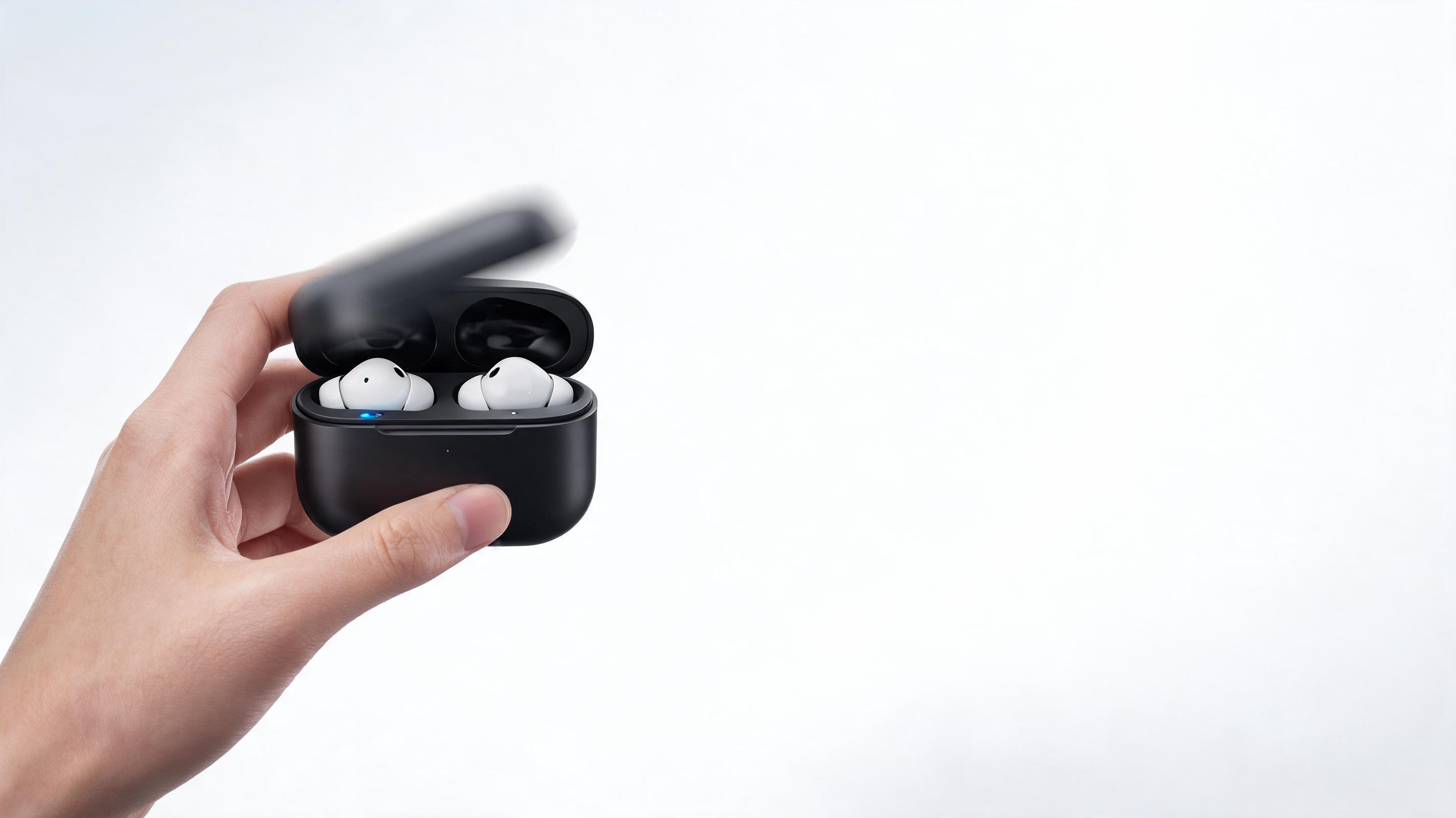
Dynamic unboxing clip showing the compact charging case opening to reveal the earbuds, designed for tech product social ad campaigns.
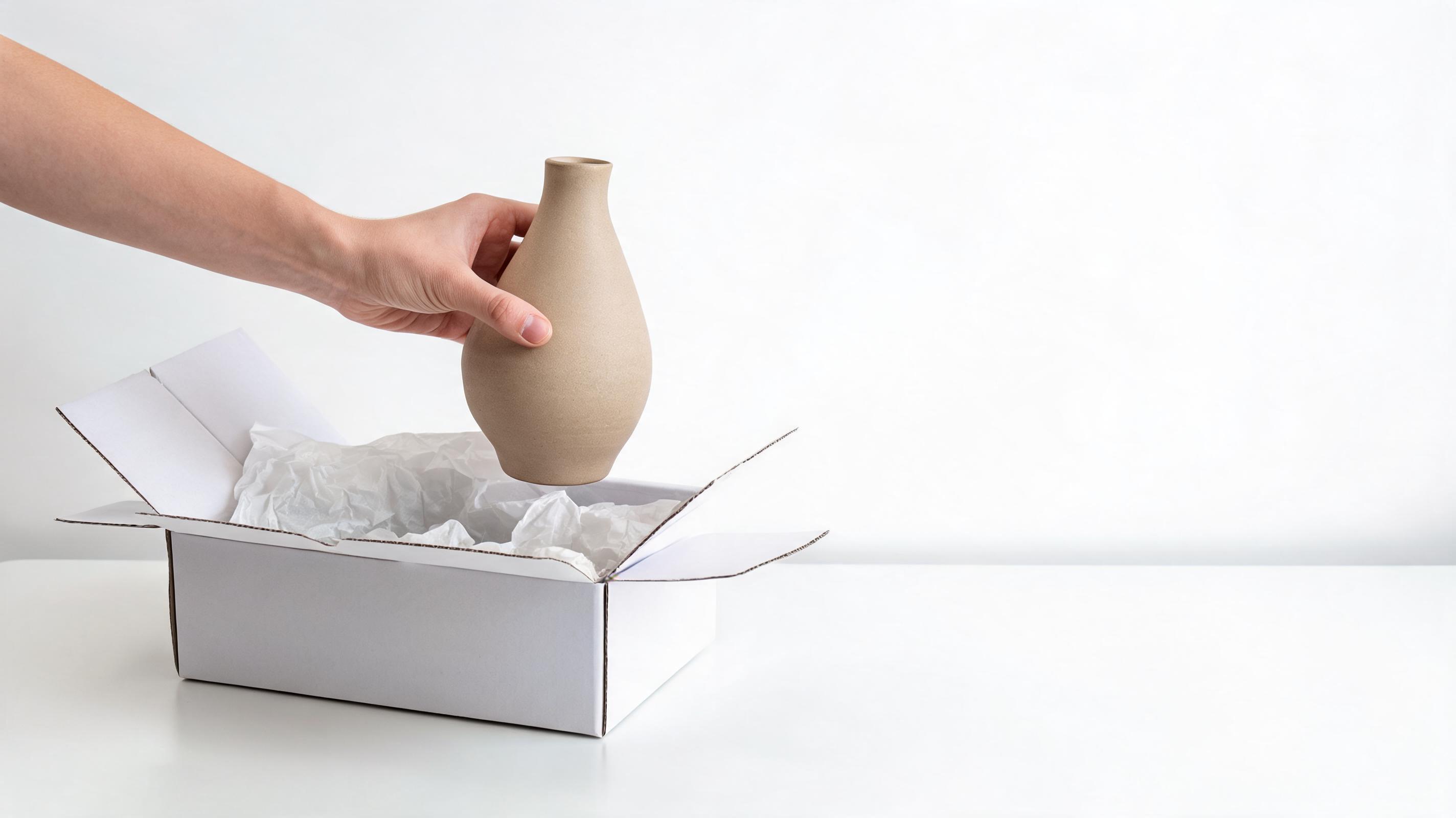
Soft, gentle unboxing motion showcasing the vase’s unique shape and matte glaze finish, perfect for home goods Etsy and Shopify listings.
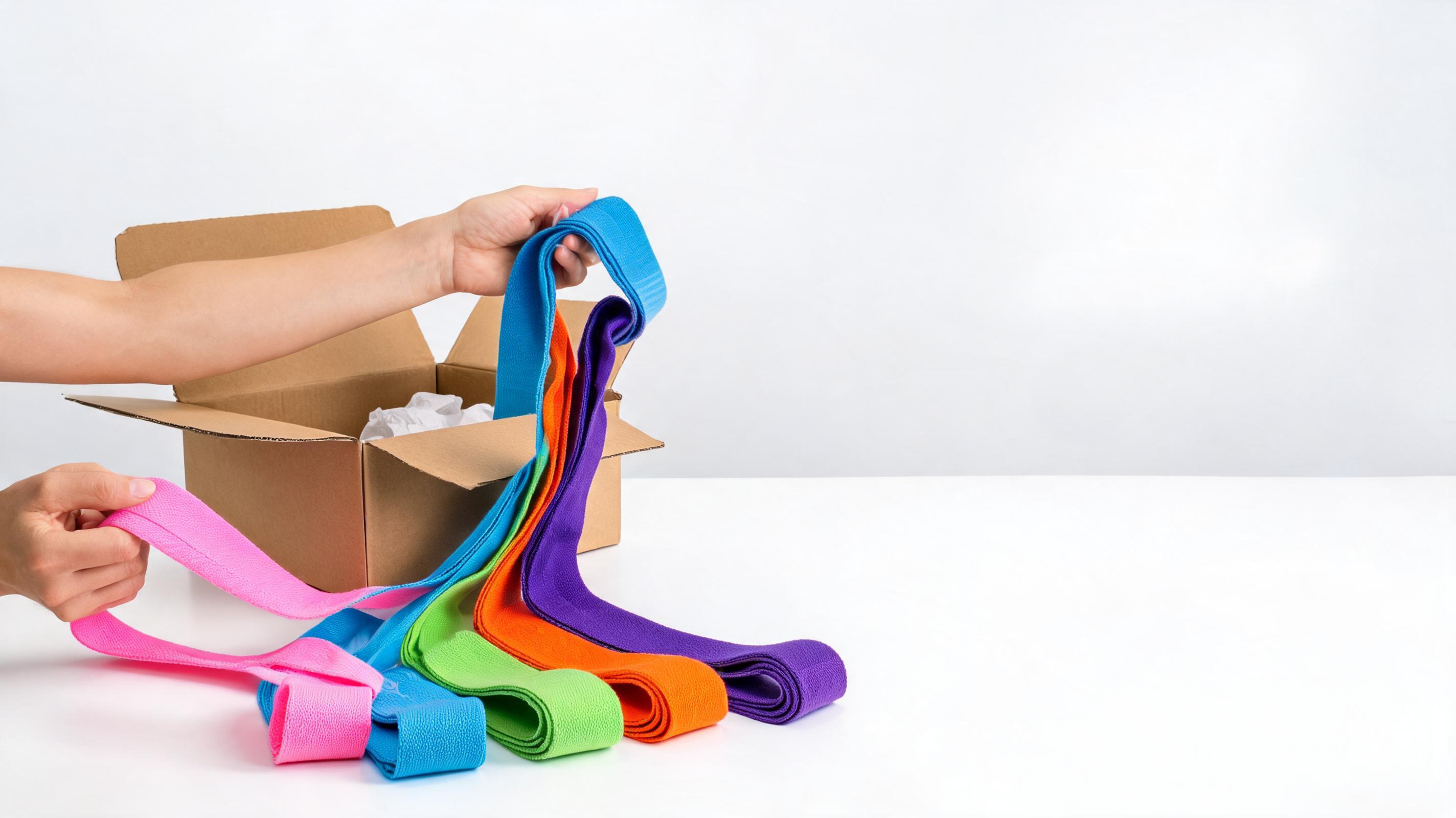
High-energy unboxing clip highlighting the vibrant band colors and durable material, built for fitness brand TikTok and Reels content.
Explore time-saving, high-impact features built for commercial product teams and sellers.
No filming, props, or talent required—generate a full unboxing video from only one static product photo to eliminate production overhead.
Camera movement is designed to keep your product front and center, with no distracting effects that obscure key details, finish, or scale.
All clips are rendered in 1080p full HD resolution, optimized for product pages, social media ads, marketplace listings, and email campaigns.
Short, repeatable clip length ideal for carousel ads, product page banners, TikTok/Reels content, and in-store digital displays.
Adjust motion speed, unboxing effect, background, and color grading to align with your brand guidelines and product aesthetic.
Every generated video comes with unlimited commercial usage rights for your brand’s sales, marketing, and listing content with no extra fees.
See how different teams use these clips to drive engagement and sales across channels.
Add unboxing clips to Amazon, Shopify, or Etsy listings to boost click-through rates and conversion rates by showcasing your product in motion.
Run short, engaging unboxing clips on TikTok, Instagram Reels, and Facebook to capture user attention and drive higher ad performance.
Share unboxing previews with your email list and social followers to build excitement for new product launches before inventory is available.
Create unboxing content for all your SKUs at scale, including long-tail products that would never get a custom produced unboxing video.
Send pre-made unboxing clips to micro-influencers to reduce their content creation burden and ensure consistent brand messaging across partnerships.
Test multiple unboxing motion styles and pacing to find which creative performs best for your target audience and product category.
Follow our simple workflow to turn a single product photo into a ready-to-use unboxing clip.
Upload a high-quality, well-lit static photo of your product, centered in the frame with clear edges and visible material details for best results.
Select your preferred unboxing motion style, adjust pacing, and tweak background options to match your brand identity and product category.
Generate your full unboxing video in under 2 minutes, then download the high-resolution file ready for use across all your marketing channels.
Learn how to leverage AI unboxing videos to boost your product performance across channels without the cost and hassle of traditional video production.
Traditional unboxing video production requires booking a studio, hiring talent, purchasing props, and spending hours editing, which can cost hundreds of dollars per SKU and take weeks to deliver. AI-generated unboxing videos cut this process down to minutes, with no production overhead. You can integrate these clips into your workflow immediately after a product render is finalized or a product sample is photographed, letting you build content for new SKUs before you even have physical inventory in stock. This makes them ideal for pre-launch campaigns, last-minute ad tests, and filling content gaps for long-tail SKUs that would never get a custom produced video.
AI unboxing videos are the best choice for three core scenarios: first, when you need to create unboxing content for a large number of SKUs on a tight budget, second, when you need content quickly for a last-minute launch or ad campaign, third, when you want to test multiple unboxing styles before investing in a full production shoot. They are not the best fit if you need a highly personalized, influencer-hosted unboxing for a major brand campaign, or if you need to show specific, real-world use cases that require physical interaction with the product beyond unboxing. For these use cases, pair AI unboxing clips with custom filmed content to get the best balance of cost efficiency and brand alignment.
The quality of your input image directly impacts the quality of your final unboxing video. For best results, use a high-resolution, well-lit product image with the product centered in the frame, against a simple neutral background. Avoid blurry images, images with heavy text overlays, or images where the product is partially obscured. If you are using a product render, make sure it includes accurate material textures and lighting to ensure the AI generates a realistic unboxing motion that matches your product's actual look and feel. You can also adjust the motion settings to match your product type: slower, more elegant motion for luxury goods, faster, higher-energy motion for tech and fitness products.
Once you publish your unboxing videos, track key metrics to measure their impact. For product listings, track changes in click-through rate, add-to-cart rate, and conversion rate compared to listings with only static images. For social media ads, track view-through rate, engagement rate, and cost per acquisition to see how unboxing clips perform against other ad creative formats. For email campaigns, track open rate and click-through rate for emails that include unboxing clips compared to standard promotional emails. You can also A/B test different motion styles and pacing to find which performs best for your specific audience and product category.
Adjust motion direction, pacing, and style to match your brand identity and product type.
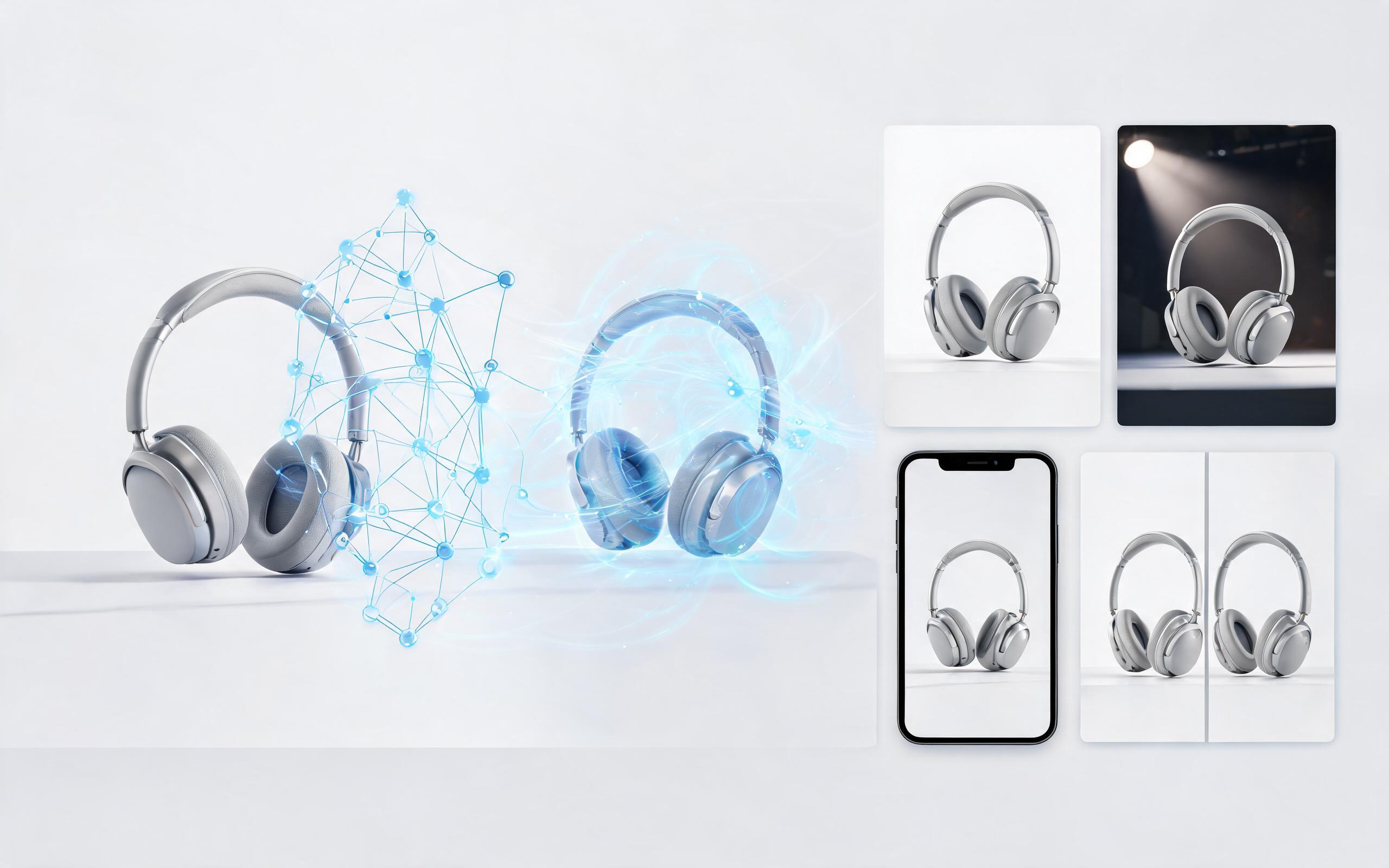
Generate ai product video generator free workflows from product photos, renders, or listing images for ecommerce, product launches, social ads, and campaign testing.
Open page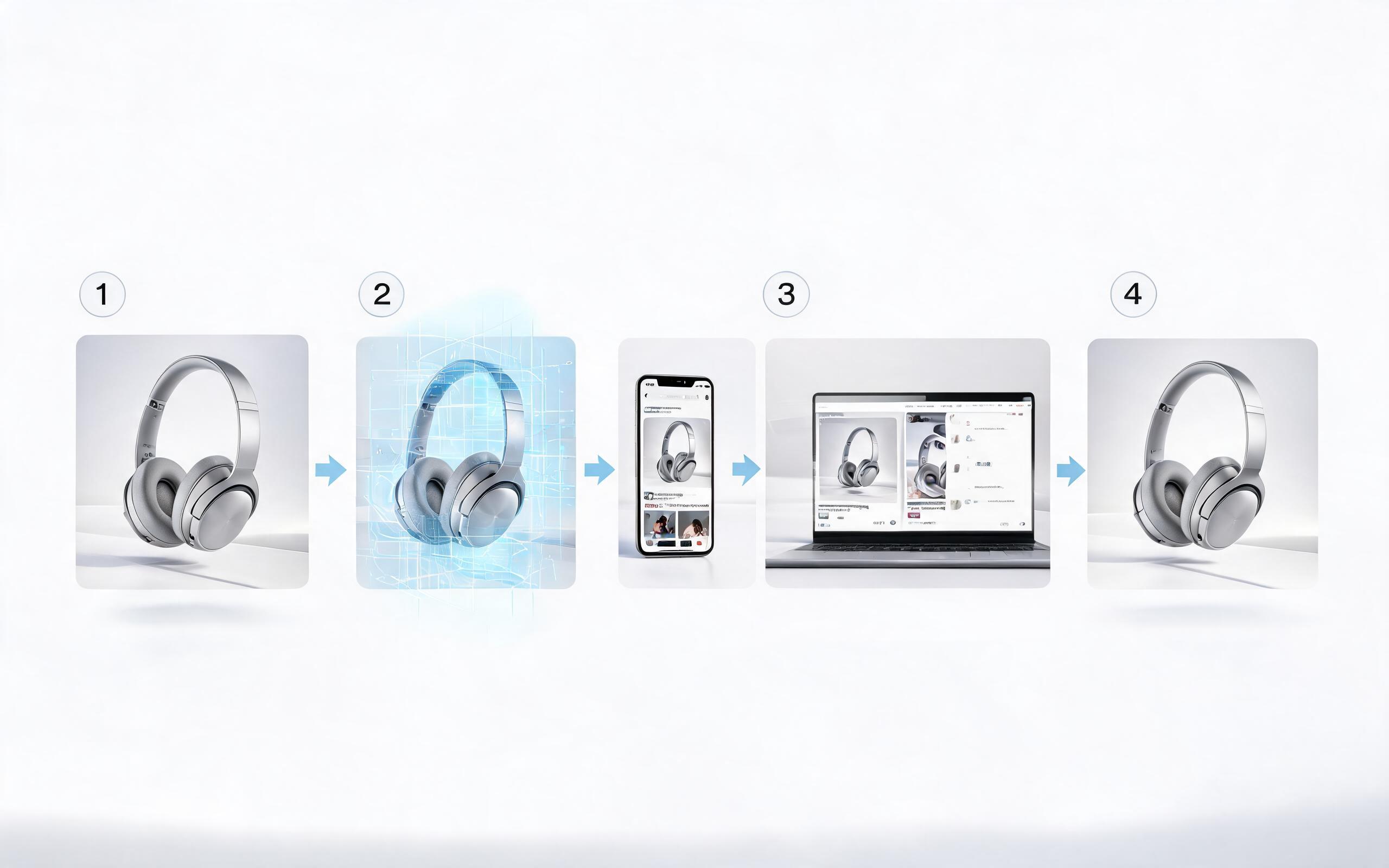
Generate product video from image workflows from product photos, renders, or listing images for ecommerce, product launches, social ads, and campaign testing.
Open page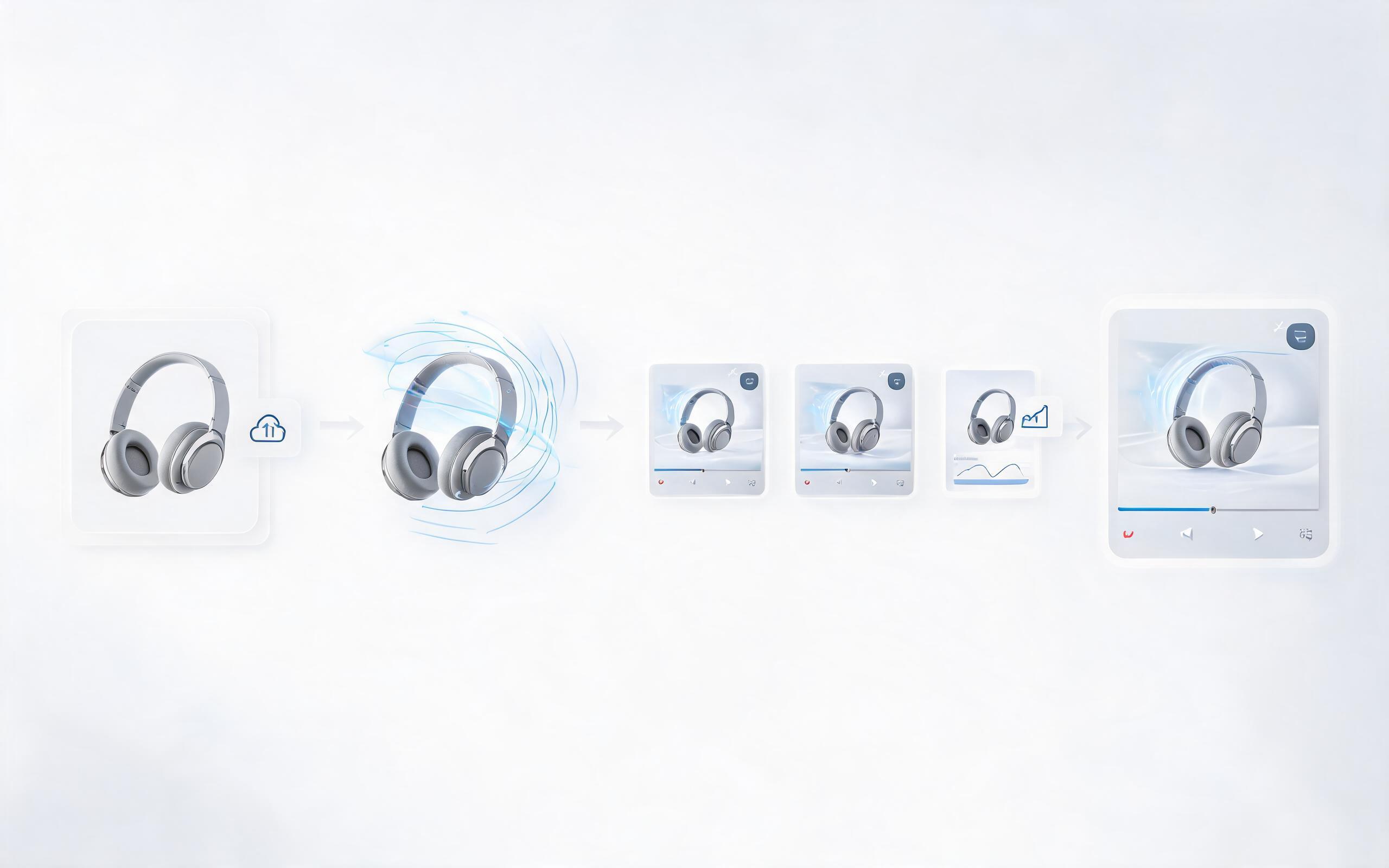
Generate ai product video from image workflows from product photos, renders, or listing images for ecommerce, product launches, social ads, and campaign testing.
Open page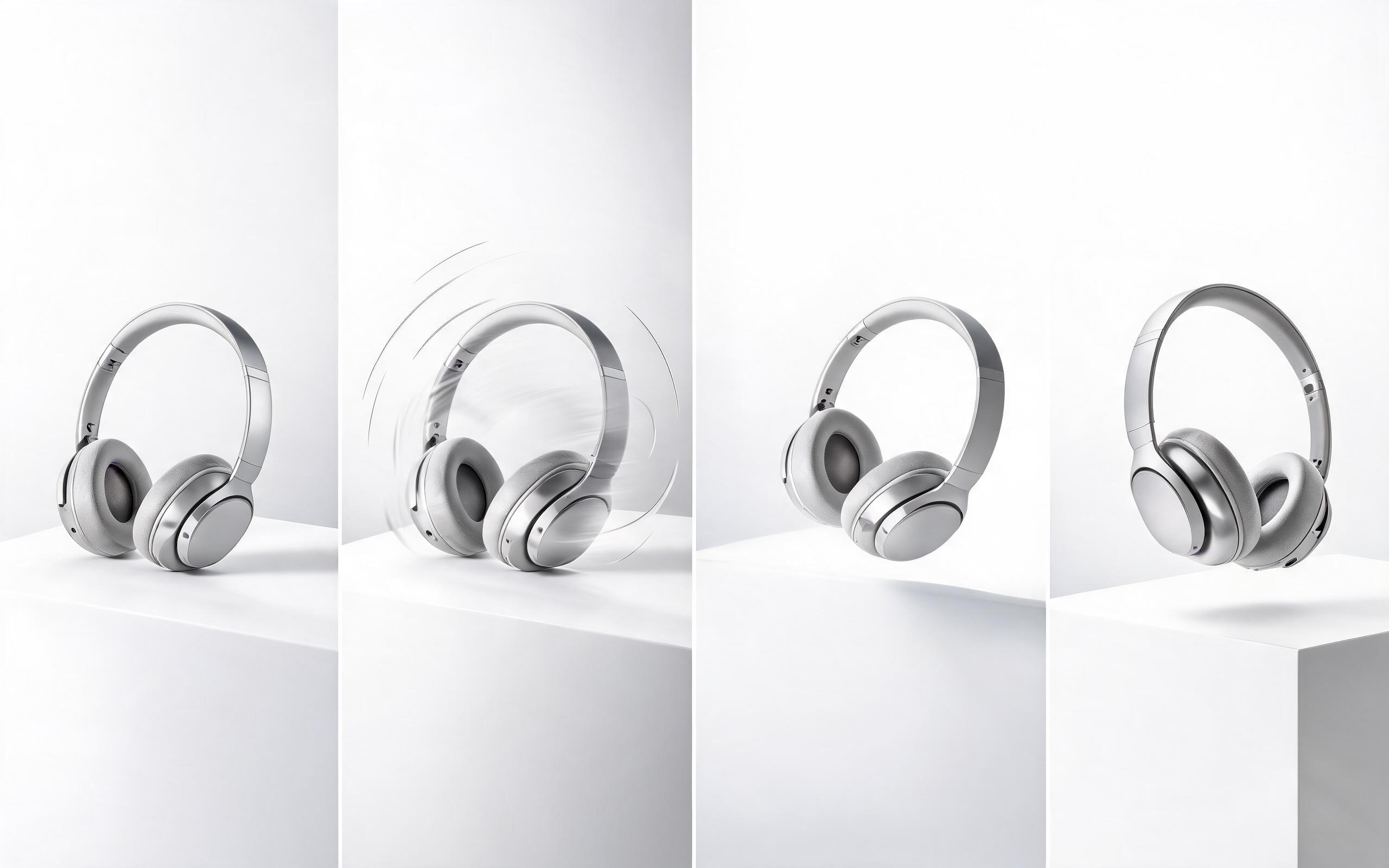
Generate product photo to video workflows from product photos, renders, or listing images for ecommerce, product launches, social ads, and campaign testing.
Open page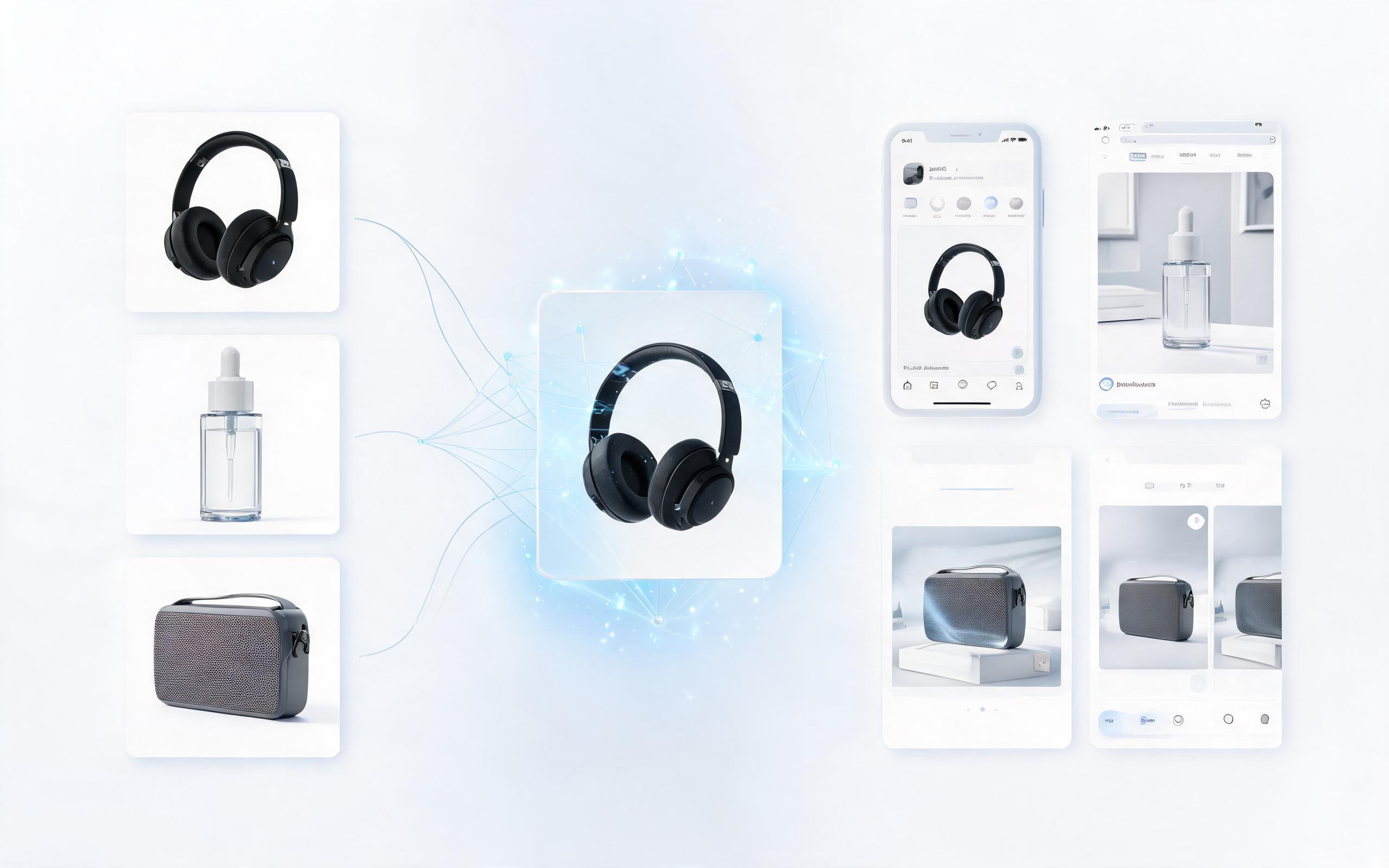
Generate product demo video ai workflows from product photos, renders, or listing images for ecommerce, product launches, social ads, and campaign testing.
Open page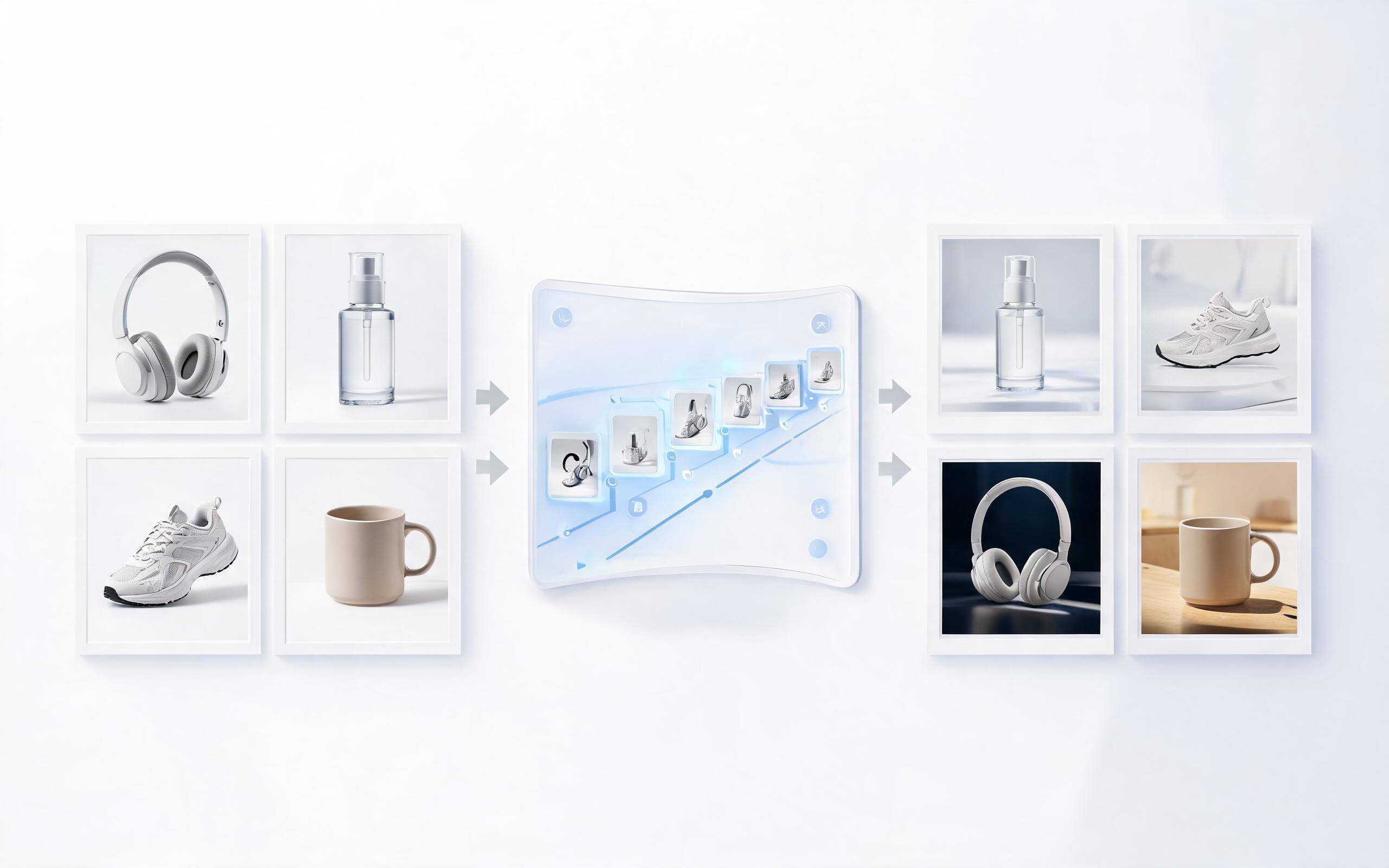
Generate product showcase video generator workflows from product photos, renders, or listing images for ecommerce, product launches, social ads, and campaign testing.
Open pageGet answers to common questions about creating AI product unboxing videos from images.

Turn your static product photos into engaging, high-converting unboxing clips in minutes, no filming or editing skills required.
Create Product Unboxing Video
Technical support: [email protected]
Business collaboration: [email protected]
Trusted by 3M+ Creative & Ecommerce Teams
See why product teams, marketers, and sellers rely on PromeAI for their video content needs.
We used to spend $500 per product for custom unboxing videos, now we create them for a fraction of the cost in minutes for all 200 of our SKUs.
These unboxing clips boosted our Shopify listing conversion rate by 18% in the first month we added them.
We can turn a single source image into several polished product video directions before committing budget to a full studio shoot.