

Wireless earbud showcase video
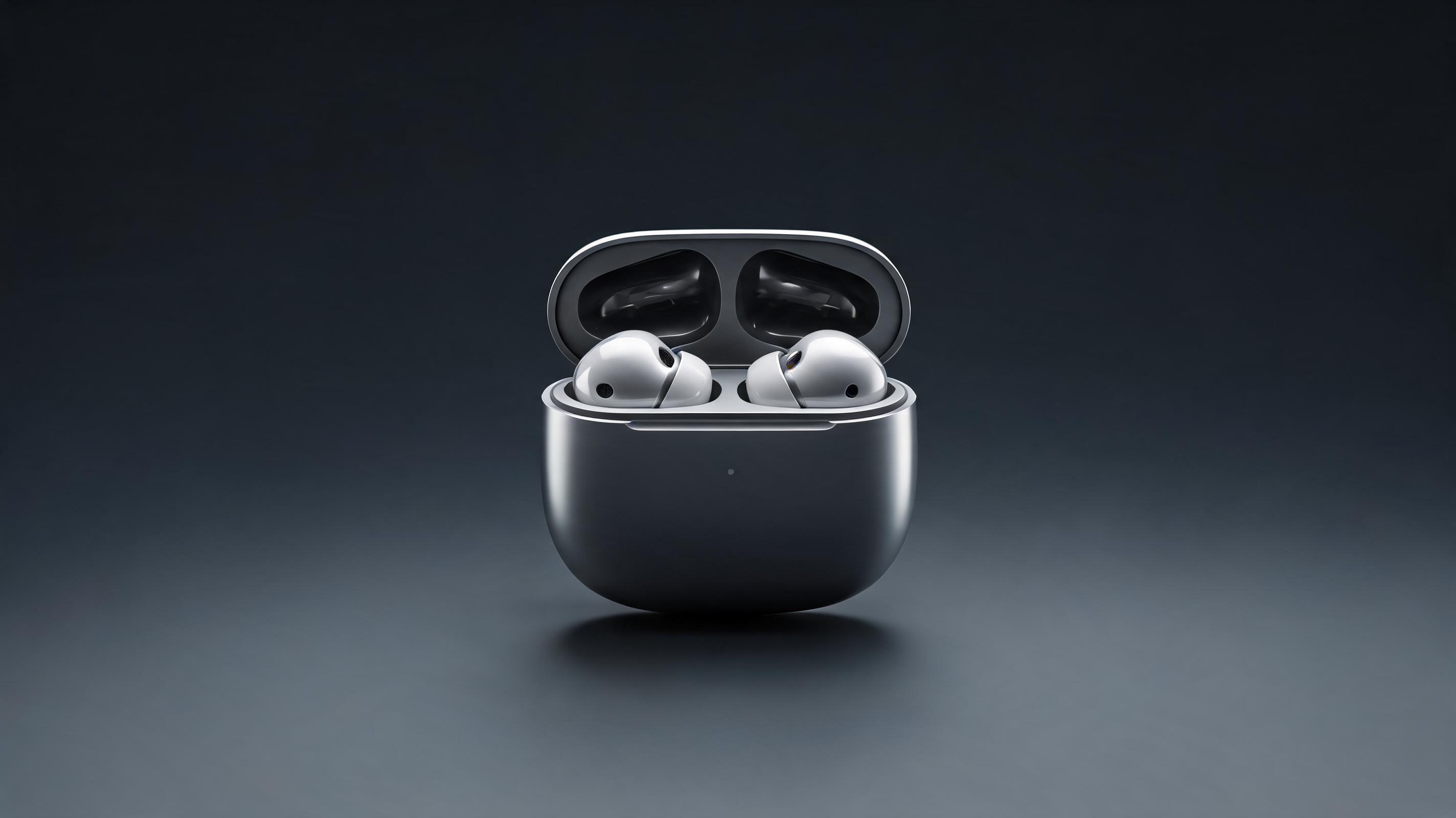
Generated from a single product render, this 15-second video features a slow 360° rotation of the earbuds and case with subtle studio lighting, optimized for Instagram Reels ads.
Generate professional, high-converting product videos in minutes from a single product photo, render, or listing image. No video editing experience required.
Browse real examples of product videos generated from static images for different industries, platforms, and product types.
Generated from a single product render, this 15-second video features a slow 360° rotation of the earbuds and case with subtle studio lighting, optimized for Instagram Reels ads.
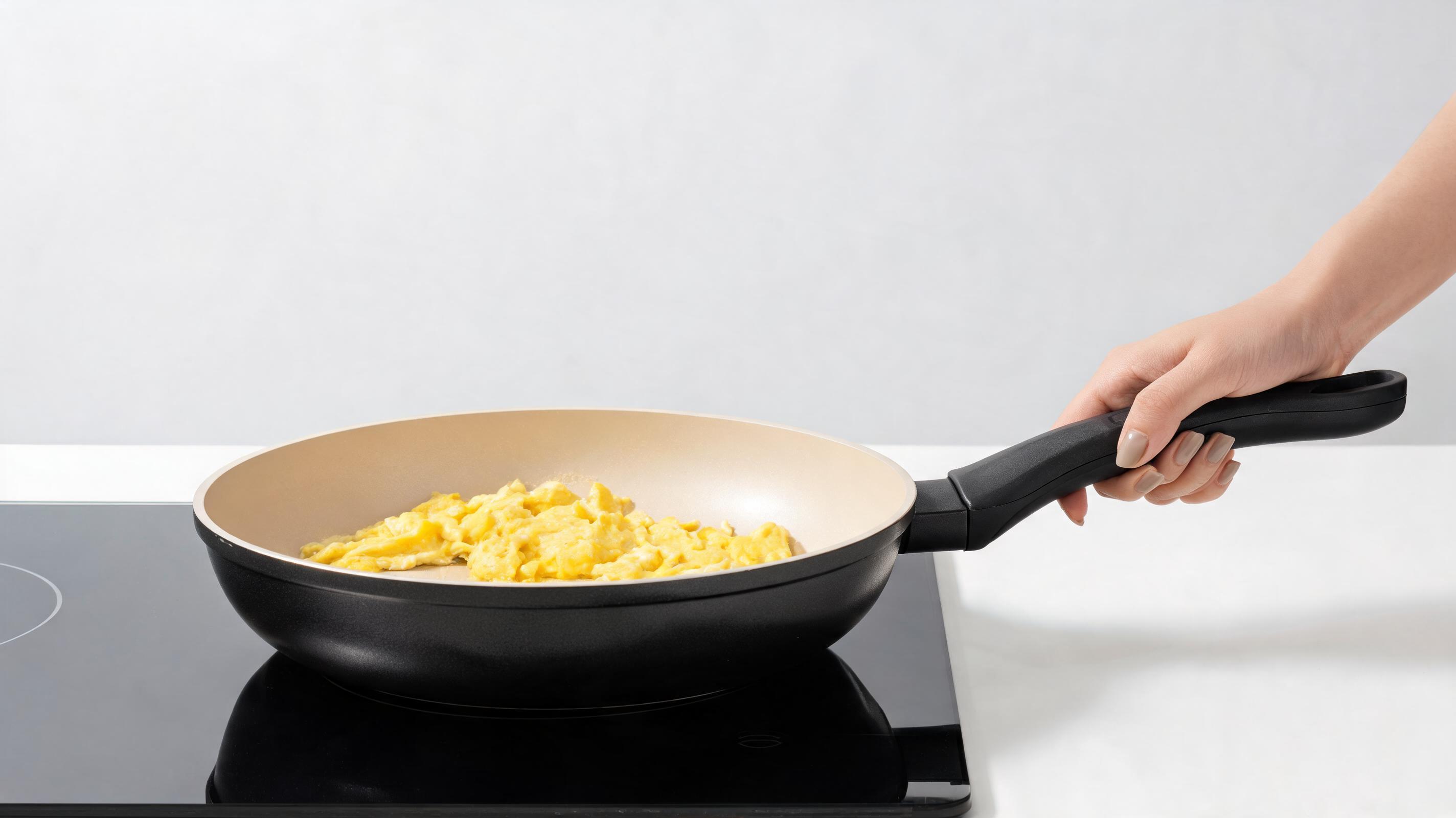
Created from an existing Amazon listing photo, this 30-second video uses slow pans and zooms to highlight the cookware's non-stick surface and heat-resistant handles for Shopify product pages.
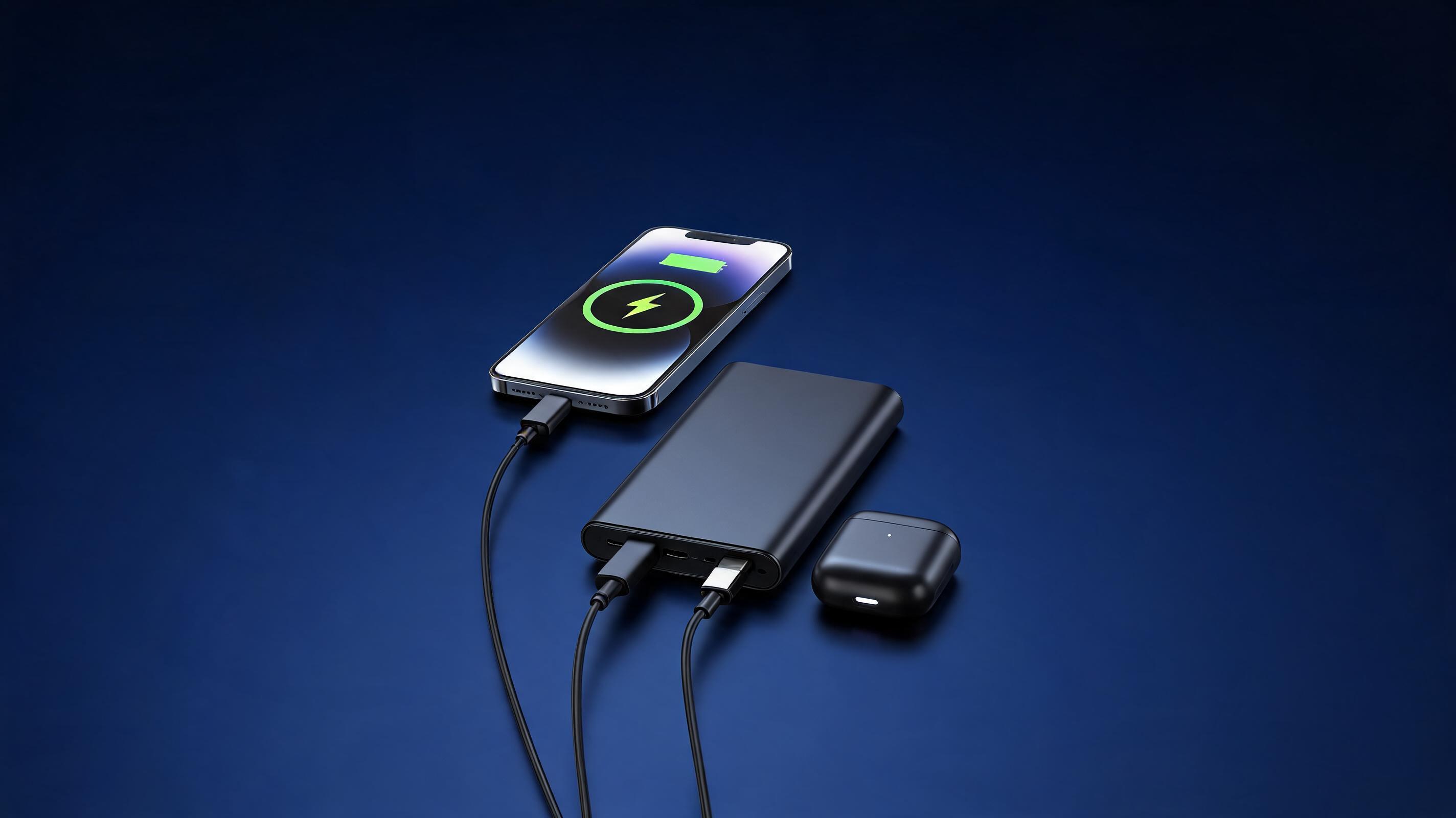
Generated from a prototype product photo, this 45-second video showcases the charger's slim profile and fast-charging capabilities with a branded background, designed for Kickstarter landing pages.
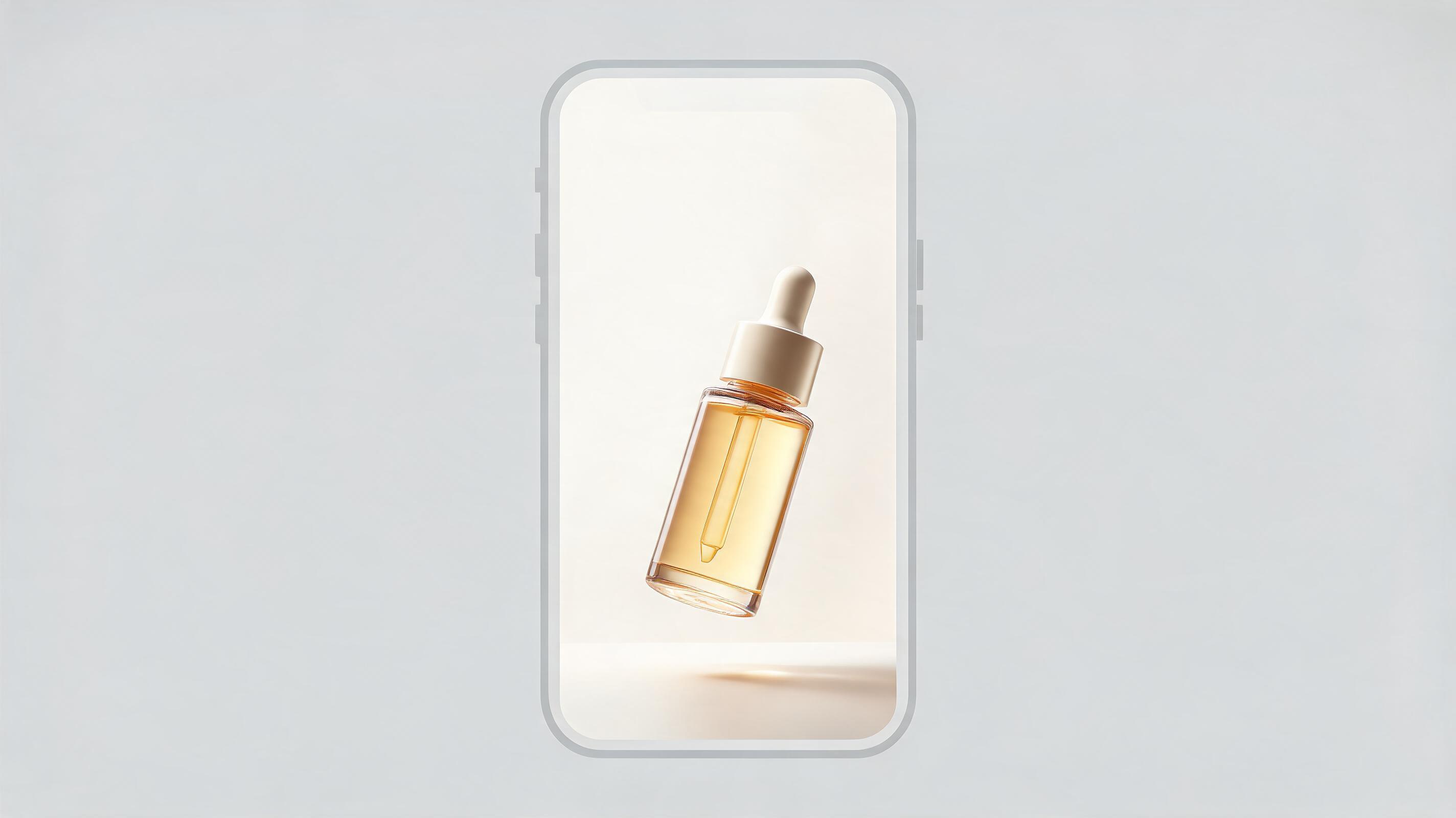
Created from a product packaging photo, this 10-second vertical video features a floating movement of the serum bottle with soft natural lighting, optimized for TikTok in-feed ads.
Discover built-in tools and features designed to help you create high-performing product videos without professional editing skills.
Generate complete, polished product videos from just one high-quality product photo, 3D render, or existing listing image, no B-roll or additional assets needed.
Pre-built export settings for TikTok, Instagram Reels, Amazon product pages, Shopify stores, and YouTube ads to ensure your video meets platform formatting requirements automatically.
Choose from subtle pan, zoom, 360° rotation, or floating product movements to highlight key product features without making the video feel distracting or overproduced.
Adjust background colors, add subtle studio lighting effects, or insert branded backdrops to match your store's visual identity without manual editing.
Intuitive, no-code interface lets anyone generate professional product videos in minutes, eliminating the need for hiring video editors or learning complex editing software.
Most product videos render in under 5 minutes, so you can test multiple video variants for ad campaigns or product launches in a single work session.
See how ecommerce sellers, marketers, and launch teams use this tool to drive conversions and reduce content production time.
Add dynamic product videos to your Shopify, Amazon, or WooCommerce product pages to increase conversion rates by showcasing product details static photos can't capture.
Generate dozens of short, engaging product video variants for TikTok, Instagram Reels, and Facebook ads to test which messaging and visuals drive the highest click-through rates.
Create polished product showcase videos for pre-launch landing pages, email campaigns, and crowdfunding pages to build hype and drive early pre-orders.
Generate professional product demo videos to include in B2B sales pitches and wholesale catalogs to help retailers visualize how your product performs.
Create ready-to-use product video clips that influencers can share on their channels, reducing the time they need to spend creating their own content for your campaign.
Build a library of product video variants with different angles, backgrounds, and movements to run continuous A/B tests and optimize your conversion funnels over time.
Follow our simple 3-step workflow to turn your static product visuals into professional, ready-to-use videos in minutes.
Upload a high-resolution product photo, 3D render, or existing ecommerce listing image as your source file, no additional footage required.
Select your desired video length, camera movement style, background setting, and platform optimization preset to match your use case.
Let the AI render your polished product video in minutes, then export in the resolution and file format optimized for your target channel.
This guide covers everything you need to know to create high-converting product videos from static images, including workflow best practices, use case fit, and how to choose the right settings for your goals.
Start by selecting a high-resolution source image that shows your product clearly against a clean background, if possible. Blurry or low-quality source images will result in lower-quality video output, so prioritize assets with good lighting and clear product framing. Next, select your video length based on your target channel: 10-15 seconds for TikTok and Reels ads, 30 seconds for product pages, and 45-60 seconds for launch pages or B2B pitches. Choose a camera movement that highlights your product's key features: use 360° rotation for physical products with multiple sides to show, slow zoom for small products with key details, and subtle pan for larger items like furniture. Finally, export using the pre-built platform preset to ensure your video meets aspect ratio, resolution, and file size requirements for your target channel.
This tool is the best choice when you need to generate product videos quickly, at scale, or on a tight budget. It is ideal for testing ad creative variants, building content libraries for A/B testing, creating videos for low-volume SKUs that don't justify a professional production budget, and generating last-minute assets for product launches. You should opt for a professional video production team if you need to show the product in use with real people, include complex animations or voiceovers, or create high-budget brand videos that will run as TV commercials or major social media campaigns. The AI product video creator cuts production costs by up to 90% compared to traditional video production, making it a strong choice for most ecommerce and performance marketing use cases.
To maximize the performance of your generated product videos, prioritize clear product framing over flashy effects: the product should take up 60-70% of the frame at all times so viewers can easily see its key features. Avoid overly fast or chaotic camera movements that can distract viewers from the product itself. For ad videos, add text overlays after generation to highlight key selling points like free shipping, 30-day returns, or limited-time discounts. For product page videos, include a mix of wide shots showing the full product and close-up shots highlighting key features like material quality, functional parts, or unique design details. Test multiple variants of the same video to see which combination of camera movement and background drives the highest add-to-cart rates.
You can easily integrate this tool into your existing product launch and content creation workflows to reduce time-to-market for new SKUs. When you get new product photos or renders for a new launch, generate 3-5 video variants immediately to have content ready for product pages, social media, and ad campaigns before the product goes live. For existing product catalogs, run a quarterly audit of your top-performing SKUs that only have static photos, and generate product videos for each to boost conversion rates without additional production work. Share generated video assets with your influencer marketing partners to reduce the amount of content they need to create for your campaigns, which can increase the number of influencers willing to promote your products.
Explore tailored presets to streamline your product video generation workflow for specific use cases and platforms.
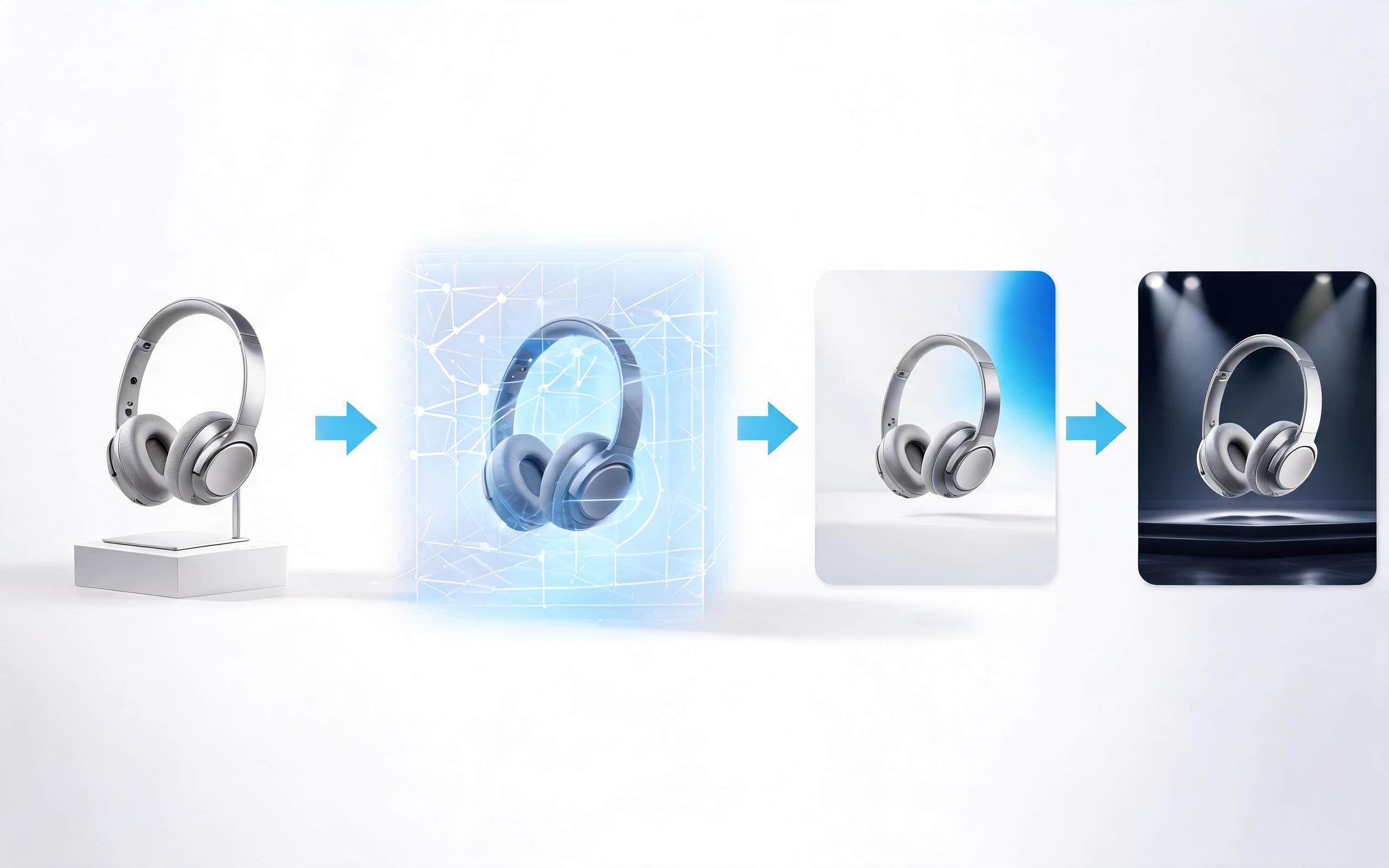
Generate ai product video generator free workflows from product photos, renders, or listing images for ecommerce, product launches, social ads, and campaign testing.
Open page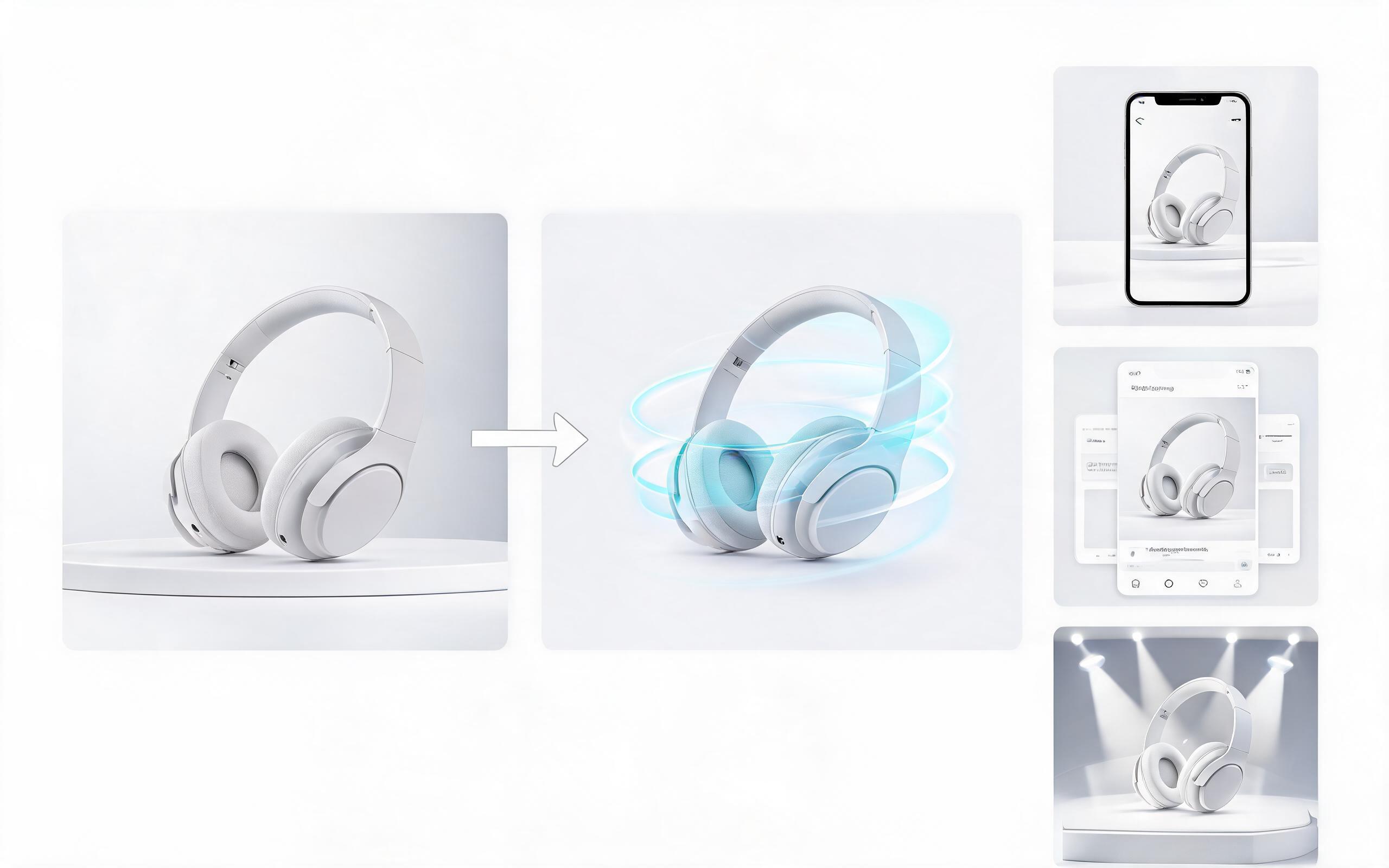
Generate product video from image workflows from product photos, renders, or listing images for ecommerce, product launches, social ads, and campaign testing.
Open page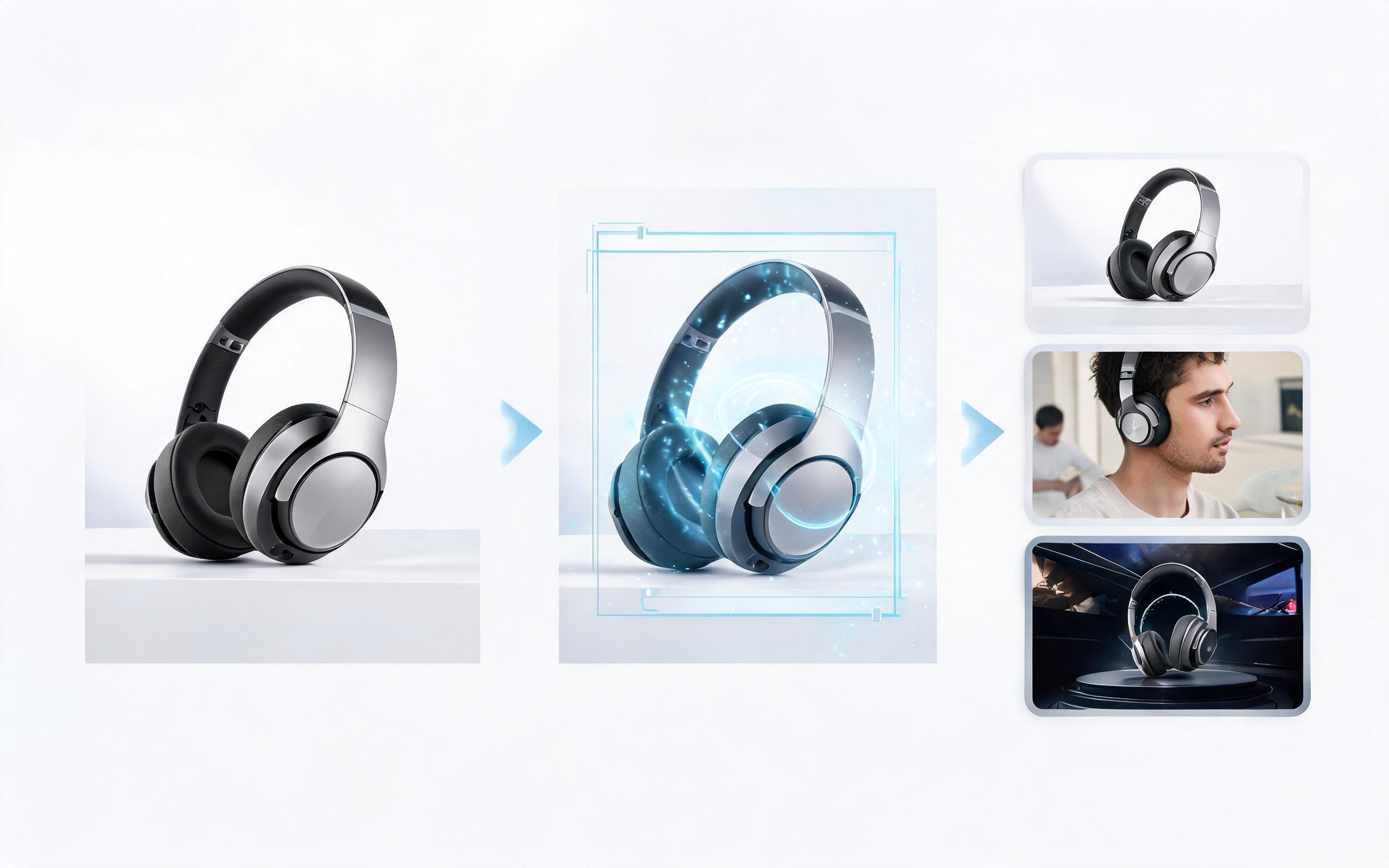
Generate ai product video from image workflows from product photos, renders, or listing images for ecommerce, product launches, social ads, and campaign testing.
Open page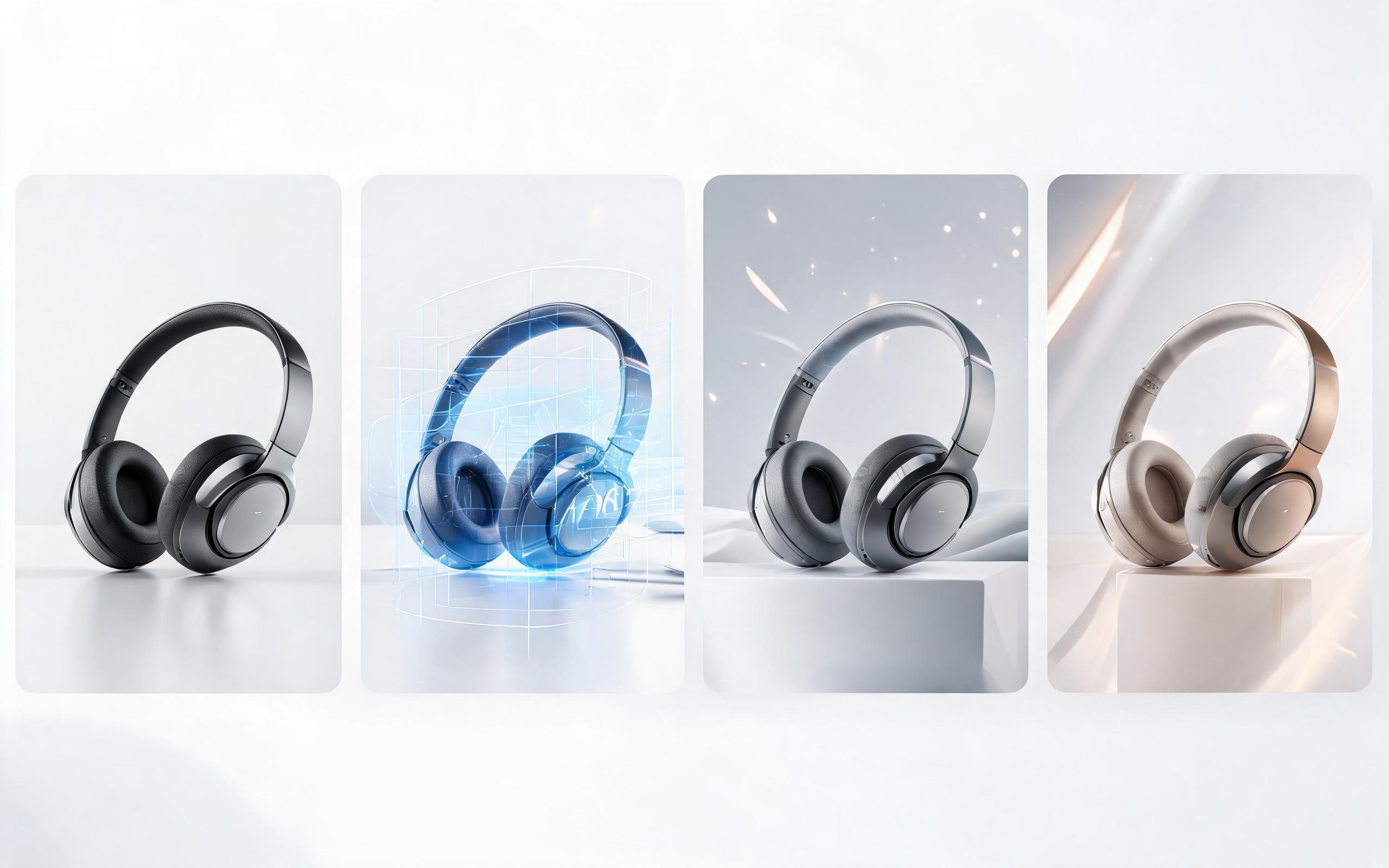
Generate product photo to video workflows from product photos, renders, or listing images for ecommerce, product launches, social ads, and campaign testing.
Open page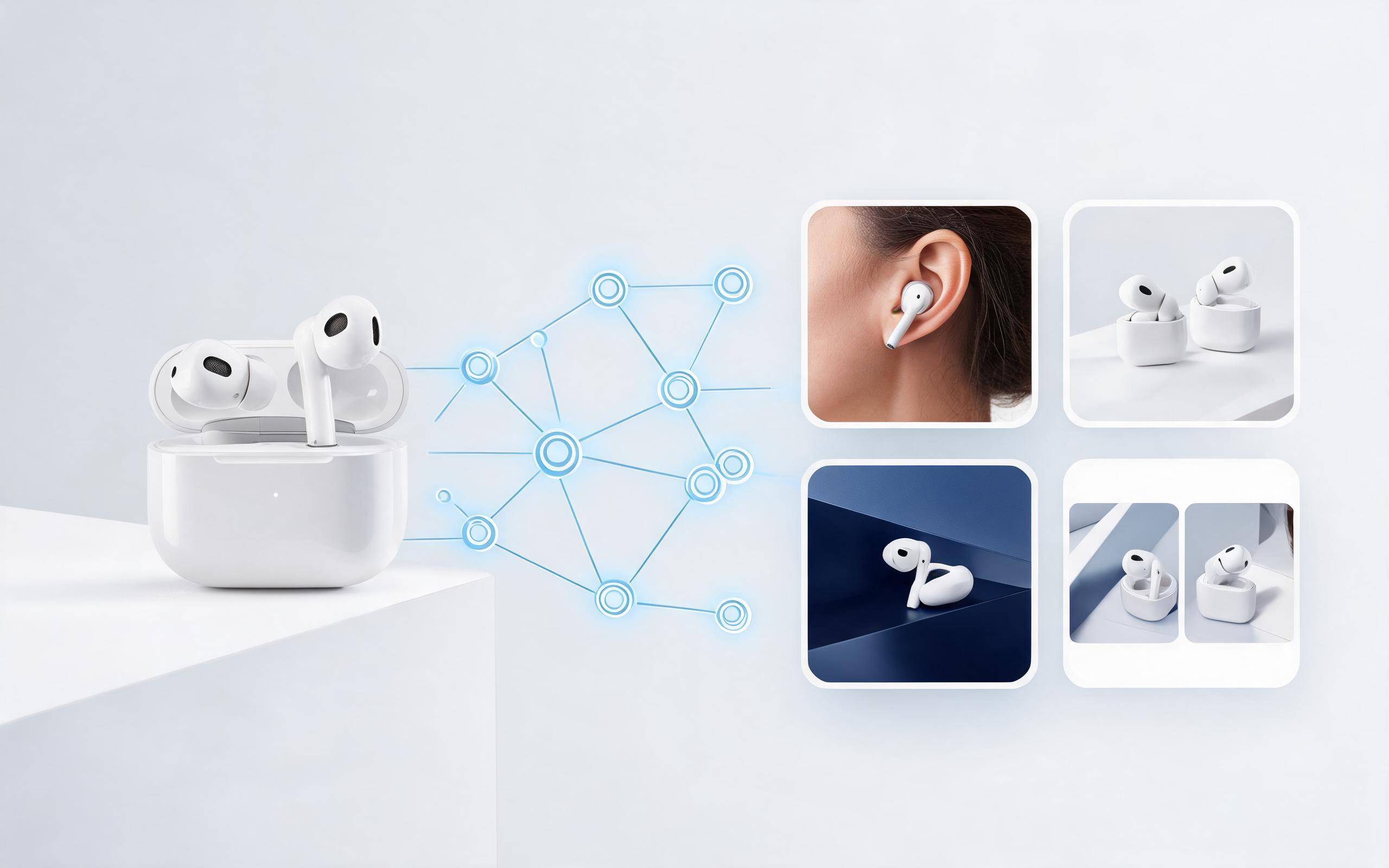
Generate product demo video ai workflows from product photos, renders, or listing images for ecommerce, product launches, social ads, and campaign testing.
Open page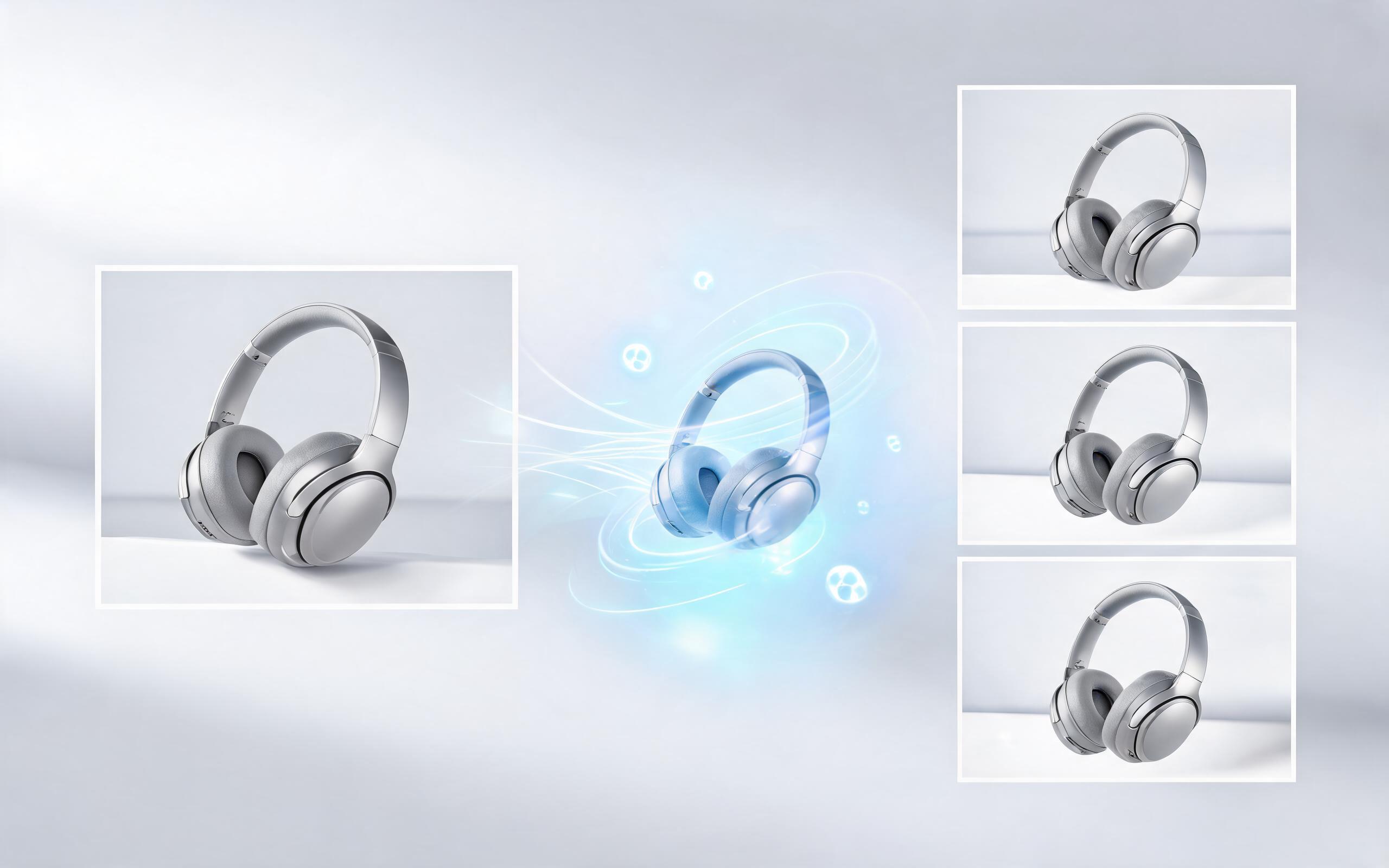
Generate product showcase video generator workflows from product photos, renders, or listing images for ecommerce, product launches, social ads, and campaign testing.
Open page
Turn static product images into high-converting videos for your ecommerce store, ad campaigns, and product launches in minutes, no editing experience required.
Create Product Video Creator
Technical support: [email protected]
Business collaboration: [email protected]
What Users Say About Our Product Video Creator
See feedback from ecommerce professionals, marketers, and creative teams who use our tool to scale video content.
I generated 12 product video variants for our new skincare line in under an hour, no editing needed. Our ad conversion rates went up 28% compared to static photo ads.
We used to pay $500 per product video for our Amazon store. Now we generate them for a fraction of the cost and update them whenever we run new promotions.
We can turn a single source image into several polished product video directions before committing budget to a full studio shoot.