Complete Guide to Using Product Video Prompts for Higher Conversion
Product videos are one of the highest-converting content types for ecommerce and marketing, but creating effective prompts for AI video tools can be time-consuming if you don't know what to include. This guide walks you through how to use our product video prompt generator to create high-performing videos faster, and how to choose the right prompt strategy for your use case.
How to Structure a High-Converting Product Video Prompt
A strong product video prompt includes four core components: clear product framing, specific motion instructions, platform-aligned length and tone, and a clear call to action. The generator automatically incorporates all four components based on your inputs, but you can adjust each section to match your unique needs. For example, if you are creating a prompt for an Amazon listing video, you will want to prioritize clear feature demonstrations and avoid overly flashy motion that distracts from the product, while a TikTok ad prompt will benefit from fast cuts and attention-grabbing opening motion to stop scrollers. Always include details about your target audience in your input to the generator to ensure the prompt aligns with what your customers care about most.
When to Use This Generator vs. Generic Video Prompt Tools
Use the PromeAI Product Video Prompt Generator if you are creating content for ecommerce listings, paid social ads, product launches, or promotional campaigns focused on selling a physical or digital product. The tool is specifically tuned to prioritize selling points, conversion-driving CTAs, and platform requirements for commerce-focused video content. Avoid using this tool if you are creating non-commerce video content such as short films, vlogs, or brand storytelling clips that do not have a clear product-focused conversion goal, as generic video prompt tools will be better suited for those use cases. If you need to create a full script with voiceover and multiple scenes, you can use the prompt output as a starting point and add additional details to match your longer-form needs.
Workflow for Turning a Prompt into a Published Video
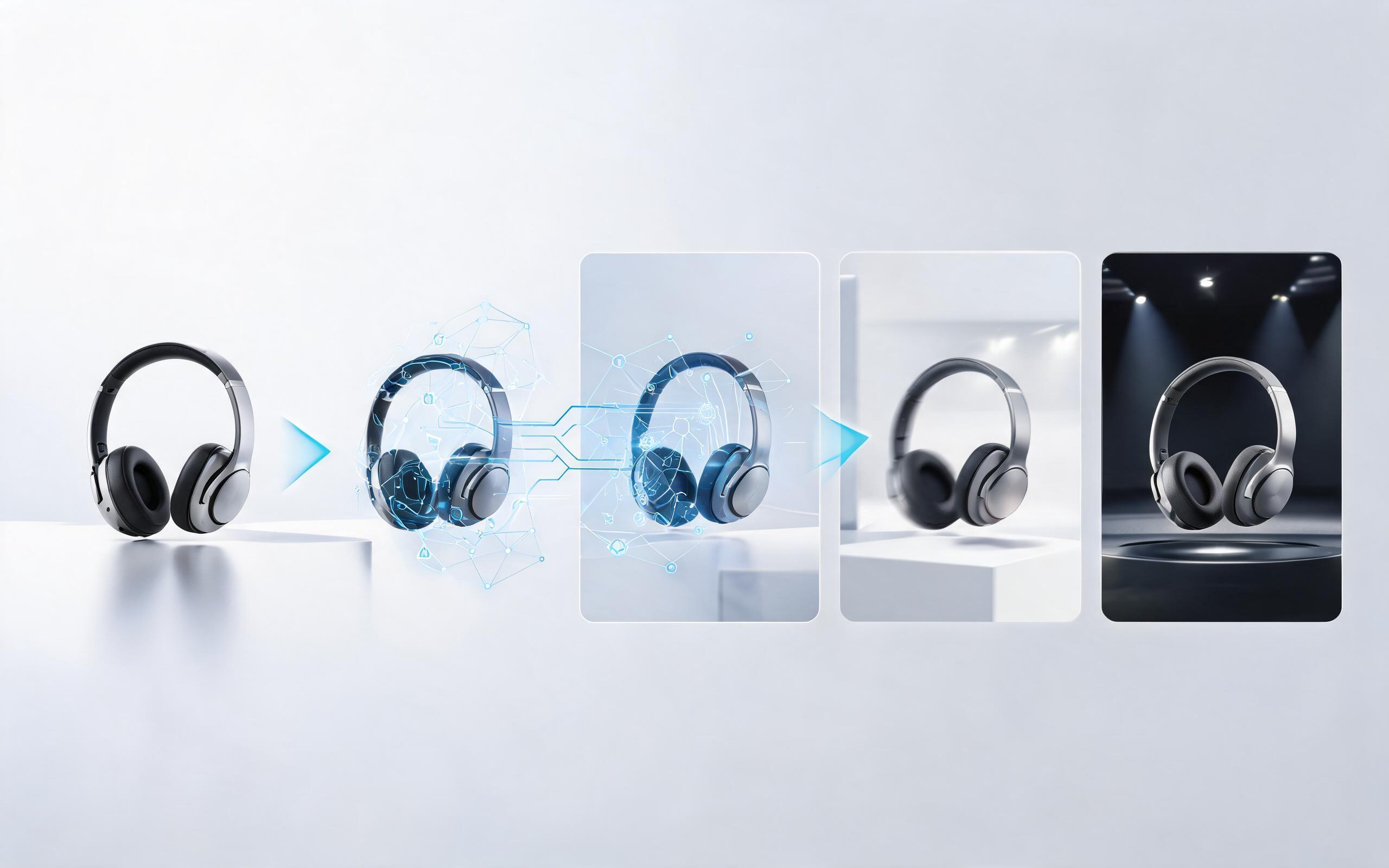
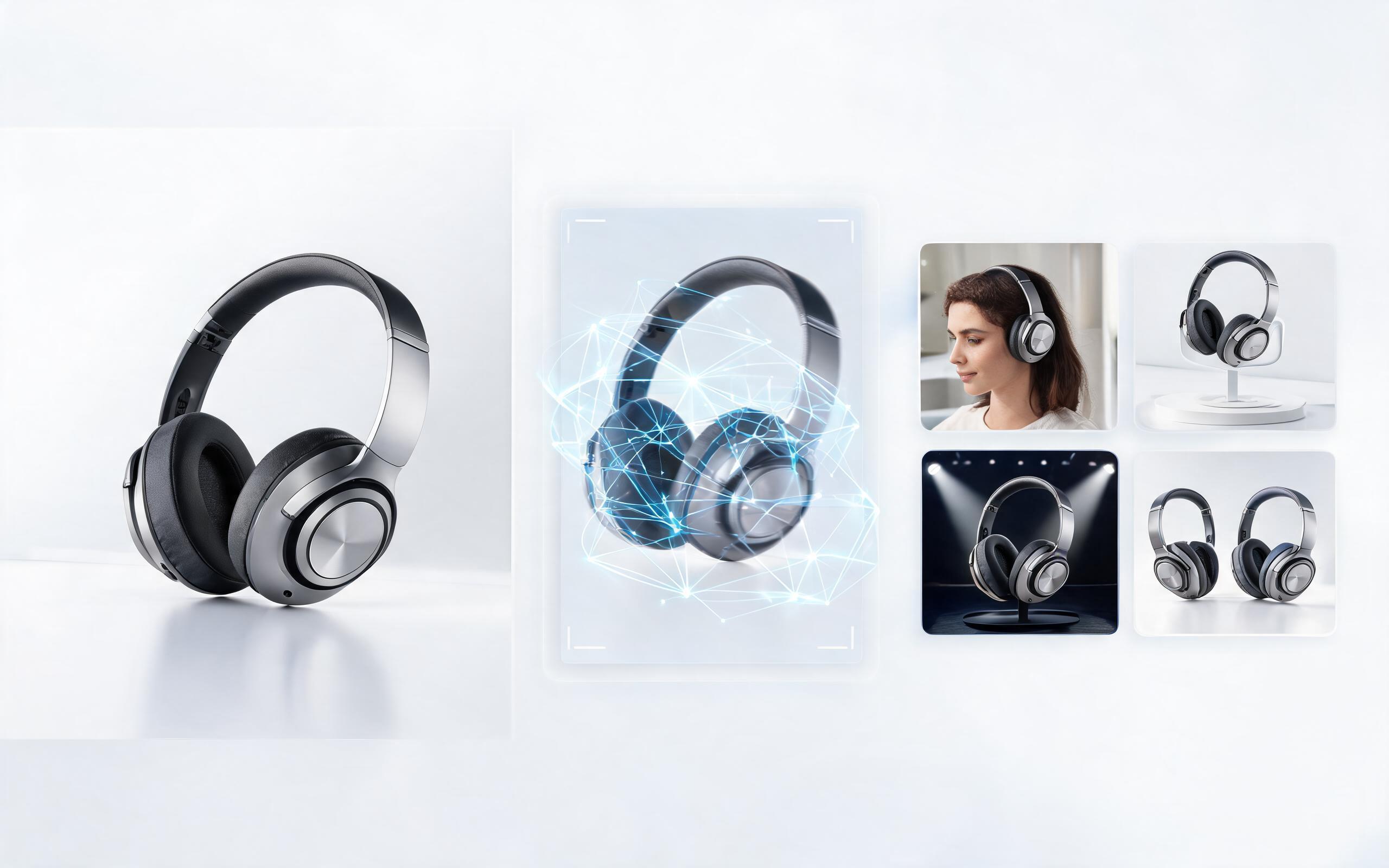
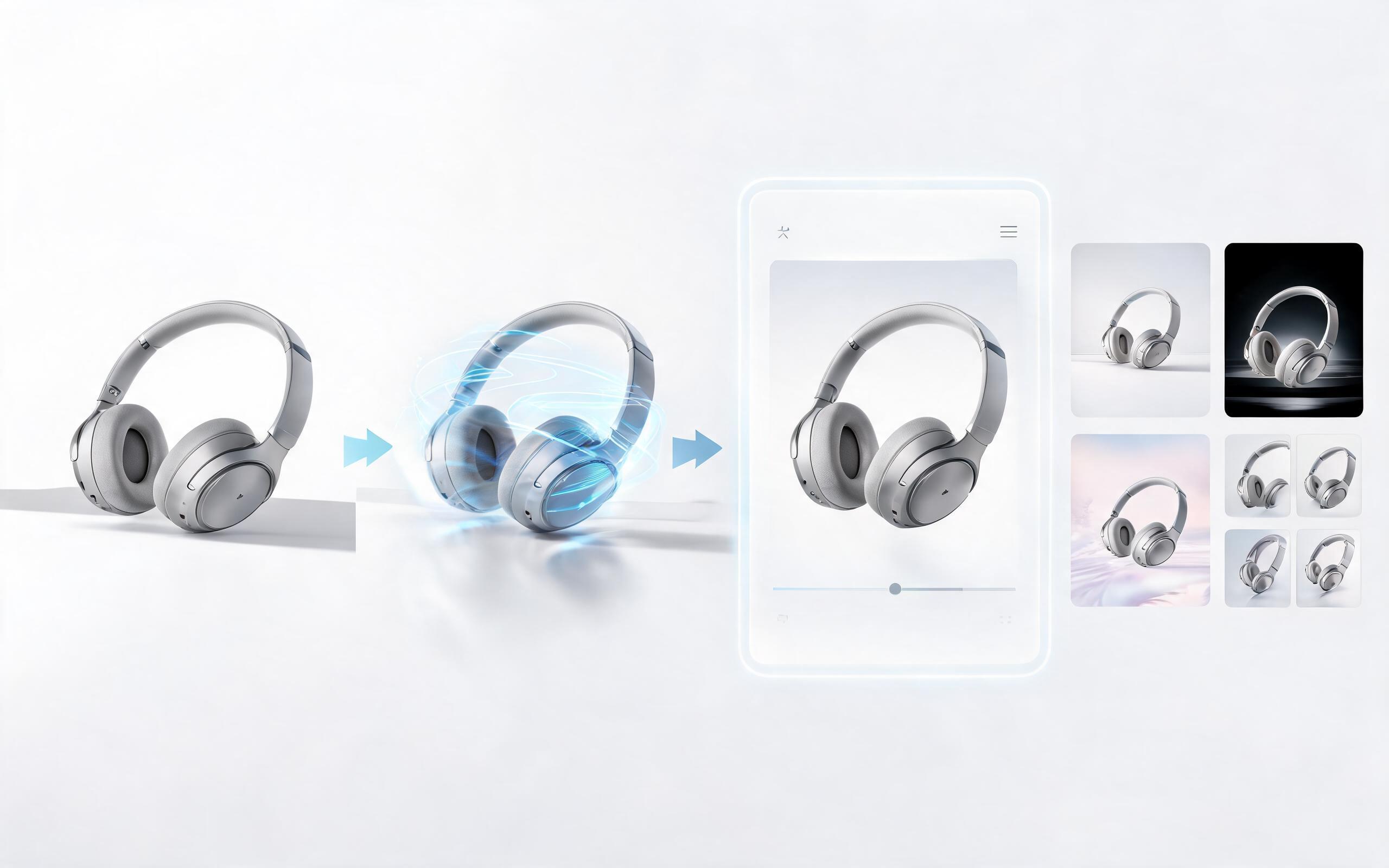
Once you generate your prompt, follow this simple workflow to get your video live: First, review and tweak the prompt to ensure it includes all your key product features and brand requirements. Second, export the prompt directly to PromeAI's Image to Video tool, upload your source product image, and generate your first draft video. Third, make small adjustments to the motion, audio, or text overlays as needed, and export the final high-resolution video file. Fourth, upload the video to your target platform, and track performance metrics including view-through rate, click-through rate, and conversion rate to identify what prompt elements work best for your audience. Save high-performing prompts to your library to replicate successful results for future products.
Optimizing Your Prompts for Better Performance Over Time
To get the most out of the product video prompt generator, test multiple prompt variations for the same product to identify which messaging, motion styles, and CTAs drive the highest conversion for your audience. Tag your saved prompts with performance metrics (e.g., 3% CTR TikTok ad, 12% conversion lift Amazon listing) so you can easily reference top-performing formulas when creating prompts for new products. For seasonal campaigns, adjust the prompt inputs to include relevant holiday messaging, discount terms, and seasonal branding to align with your overall campaign strategy. You can also combine the prompt generator with A/B testing tools to run side-by-side tests of different prompt outputs and refine your strategy over time.









What Our Users Say About Our Video Tools
See feedback from ecommerce teams and marketers who use PromeAI to create high-performing product video content.
PromeAI helps us turn static campaign images into motion concepts before we commit to a full shoot.
The short clips make it easier to test pacing, camera movement, and product hooks across launch pages and ads.
For stakeholder reviews, a quick AI video gives everyone a clearer sense of material, scale, and story.