



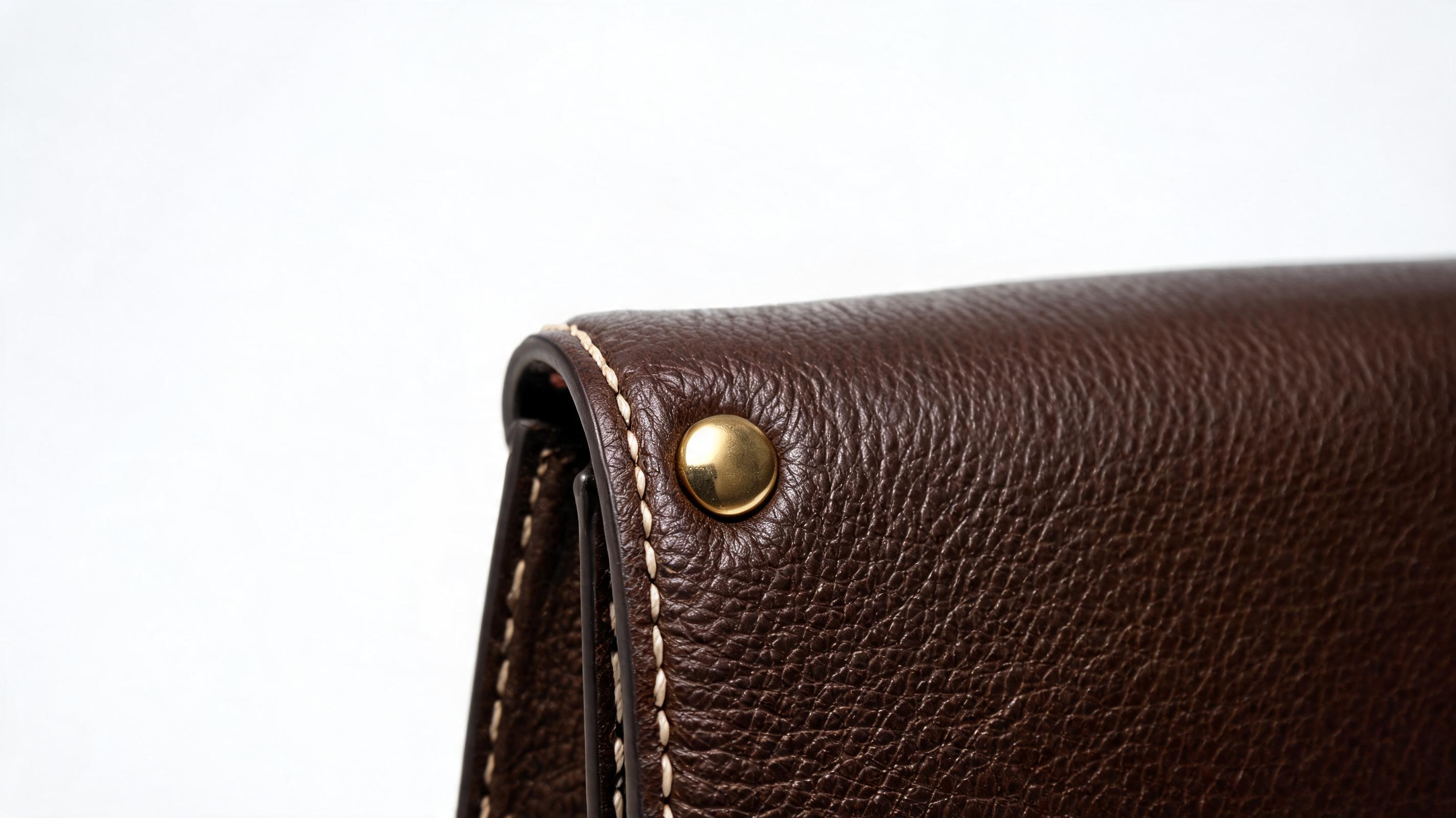
Luxury Leather Bag Zoom Video
Slow, smooth zoom in to highlight hand stitching, leather grain, and hardware details for high-end accessory listings.
Create professional, smooth zoom videos for your products in seconds, no video editing skills required. Perfect for ecommerce listings, social ads, and product launch campaigns.
Browse real-world zoom video examples for apparel, electronics, home goods, beauty, and more to inspire your next campaign.
Slow, smooth zoom in to highlight hand stitching, leather grain, and hardware details for high-end accessory listings.
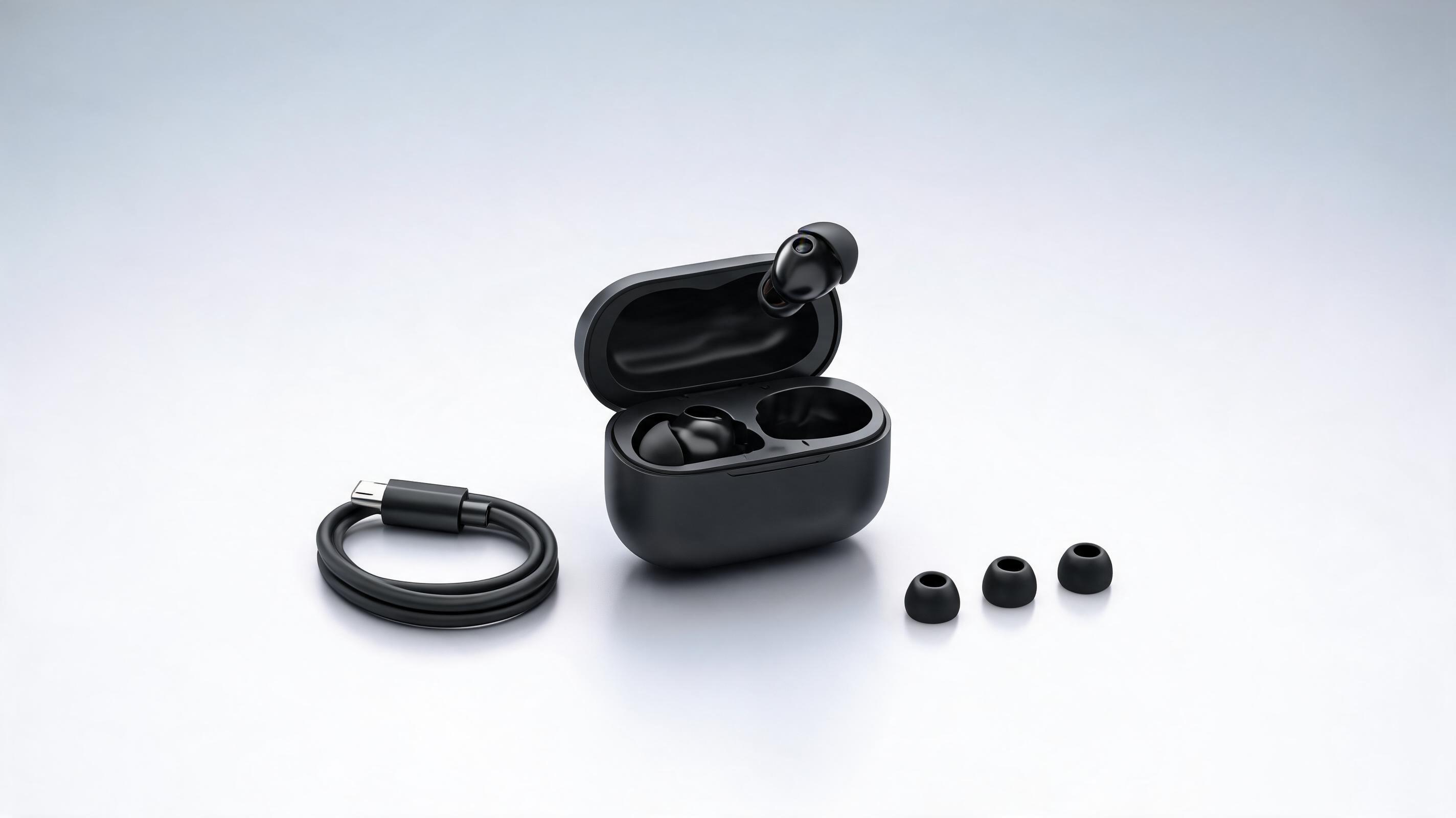
Gradual zoom out to show the charging case, earbuds, and included accessories in one seamless clip for tech product pages.
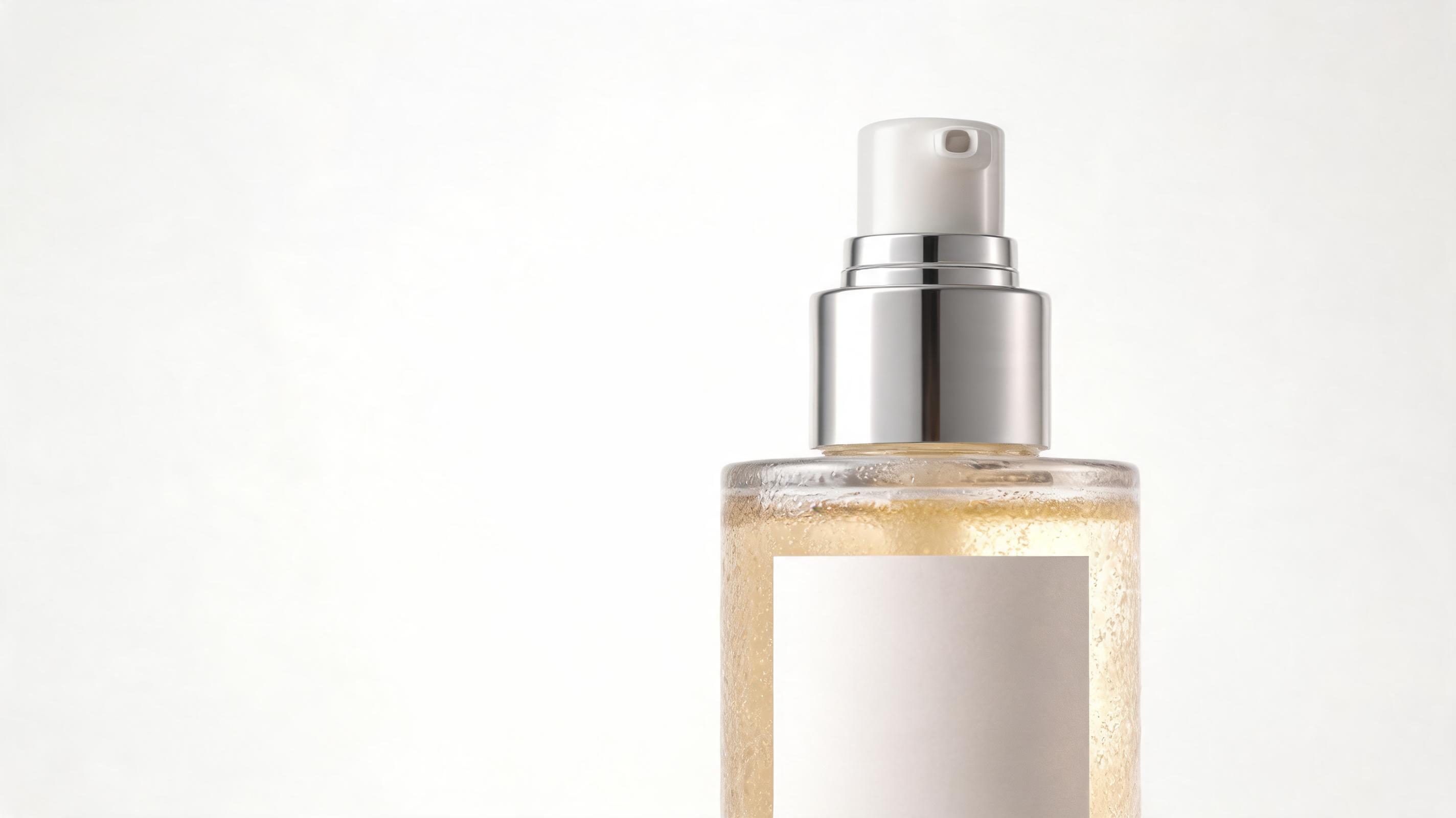
Gentle zoom in focused on the ingredient label, bottle texture, and pump design to build trust with beauty shoppers.

Dynamic partial zoom across the blade to showcase the sharp edge, handle grip, and stainless steel finish for kitchen goods ads.
Discover built-in capabilities designed to create clear, commercial-grade product zoom videos without professional editing expertise.
Generate professional zoom videos from one static product photo, no raw video footage or filming required.
Adjust zoom speed, direction, and focus area to match your product type and marketing campaign goals.
AI-powered motion rendering keeps product details, textures, and logos sharp throughout the entire zoom sequence, no blurring.
Create seamless, repeating clips perfect for product page embeds and social media feeds that drive longer watch time.
Export videos in sizes optimized for every platform, from 1:1 for marketplace listings to 9:16 for TikTok and Reels.
All paid plan exports include full commercial licensing for your brand's marketing, sales, and ad assets.
See how ecommerce brands, ad creators, and marketplace sellers use zoom videos to drive engagement and lift conversion rates.
Add zoom videos to product pages to showcase material texture and build quality, reducing return rates and lifting conversions.
Stand out from static photo competitors on Amazon, Etsy, and Shopify marketplaces with dynamic zoom videos that capture shopper attention.
Create high-performing TikTok and Instagram Reels ad creatives that highlight key product features in 3-6 second clips.
Use zoom videos in email campaigns, website banners, and launch reels to build hype for new product drops.
Re-engage window shoppers with zoom videos that highlight the product details they viewed during their first site visit.
Send pre-made zoom videos to brand partners to cut down on content creation time and ensure consistent product messaging.
Follow our no-code workflow to turn a single product photo into a polished, ready-to-use zoom video in seconds.
Upload a high-resolution, centered product photo with a clean background to ensure sharp, clear motion output.
Choose your preferred zoom direction (in/out), adjust motion speed, and select framing to highlight key product details.
Download your finished zoom video in your desired resolution, ready to use on product pages, social ads, or marketplace listings.
Product zoom videos are one of the highest-ROI low-effort video assets for ecommerce brands, with minimal production cost and proven lifts in engagement and conversion. This guide covers how to create, use, and optimize your zoom videos for maximum impact.
To get the highest quality zoom video, start with a high-resolution product photo shot in natural, even lighting, with the product centered on a neutral background. Avoid blurry original images, cluttered backgrounds, or cropped product edges, as these will be amplified during the zoom motion. For products with multiple key features, consider creating separate zoom videos focused on each detail, such as one for material texture and another for functional parts, to use across different marketing channels. Aim for a minimum resolution of 1080px for input images to ensure crisp output even at maximum zoom level.
Product zoom videos are ideal when you want to highlight specific product details, texture, or build without adding complex motion or voiceover. They are best for product pages, marketplace listings, and short social ads where your goal is to help shoppers evaluate quality quickly. Avoid using zoom videos if you need to demonstrate product functionality, show the product in use, or tell a brand story, as other formats like full demo videos or lifestyle clips are better suited for those goals. Compared to 360-degree product videos, zoom videos are faster to create, smaller in file size, and perform better in short-form social feeds where viewers have limited attention spans. For most ecommerce brands, pairing 1-2 zoom videos with a single demo video gives you the best balance of detail and engagement for your entire customer journey.
Adjust your export settings to match the platform you're publishing on for the best performance. For product pages and marketplace listings like Amazon or Etsy, use a 1:1 aspect ratio, slow zoom speed, and 4-6 second loop that highlights material details, and embed it near your product description and size charts. For TikTok and Instagram Reels, use a 9:16 aspect ratio, slightly faster zoom speed, and add text overlays calling out key features to capture attention in feeds. For paid social ads, test both zoom in and zoom out variants: zoom in videos perform best for highlighting luxury or premium details, while zoom out videos work better for showing full product sets or included accessories. Always compress your final video to under 10MB for social platforms to avoid slow load times that hurt engagement.
Track key metrics to understand how your zoom videos are performing. For product pages, monitor add-to-cart rate, conversion rate, and time spent on page to see if adding a zoom video lifts these metrics compared to static photos only. For social ads, track click-through rate, video completion rate, and cost per purchase to compare zoom video performance against static image ad variants. For marketplace listings, monitor ranking for key search terms and click-through rate from search results, as listings with video assets often rank higher than those with only photos. Run A/B tests with different zoom speeds and focus areas to find what resonates best with your specific audience and product category.
Adjust motion speed, direction, and framing to match your product type and marketing campaign goals.
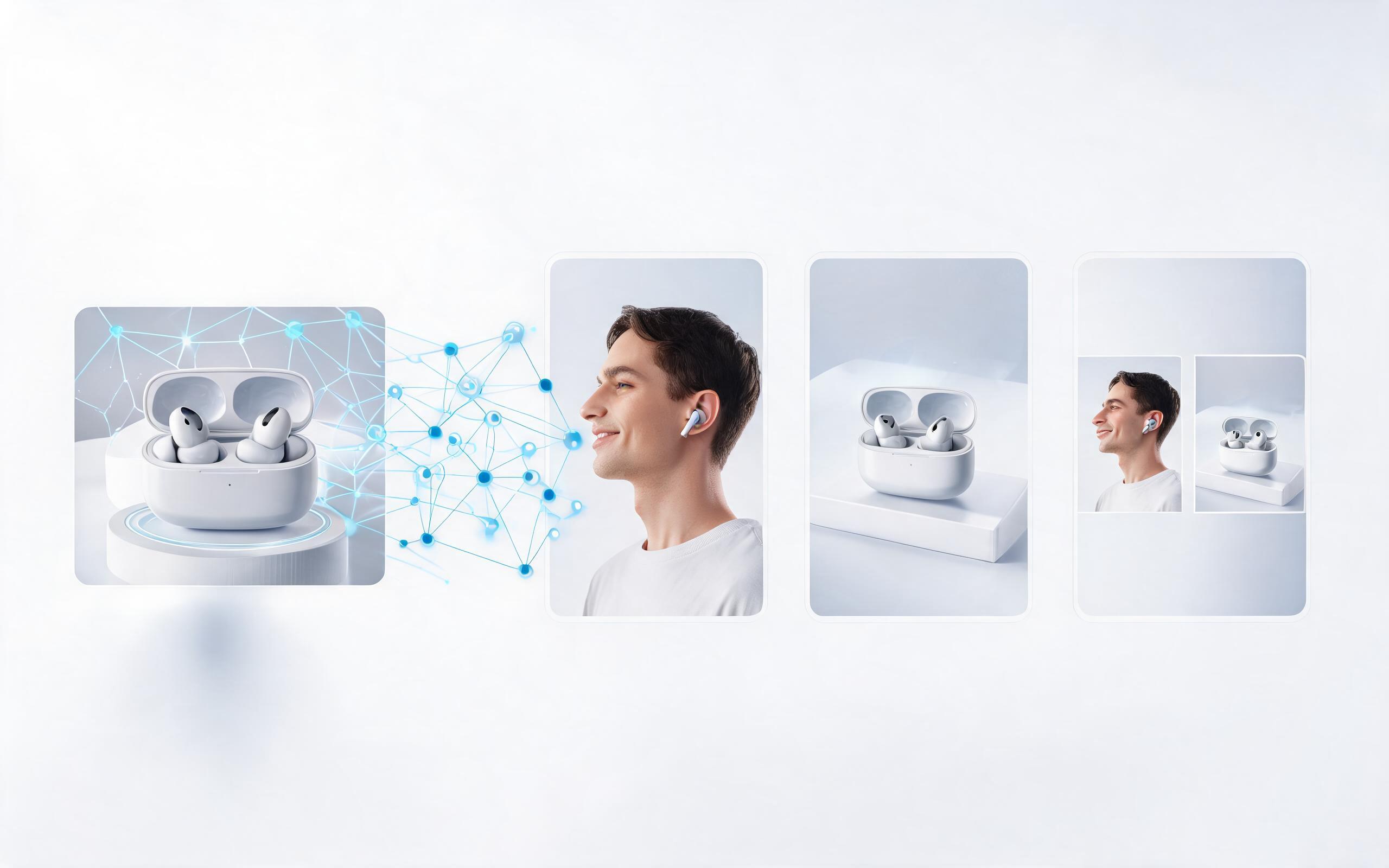
Generate ai product video generator free workflows from product photos, renders, or listing images for ecommerce, product launches, social ads, and campaign testing.
Open page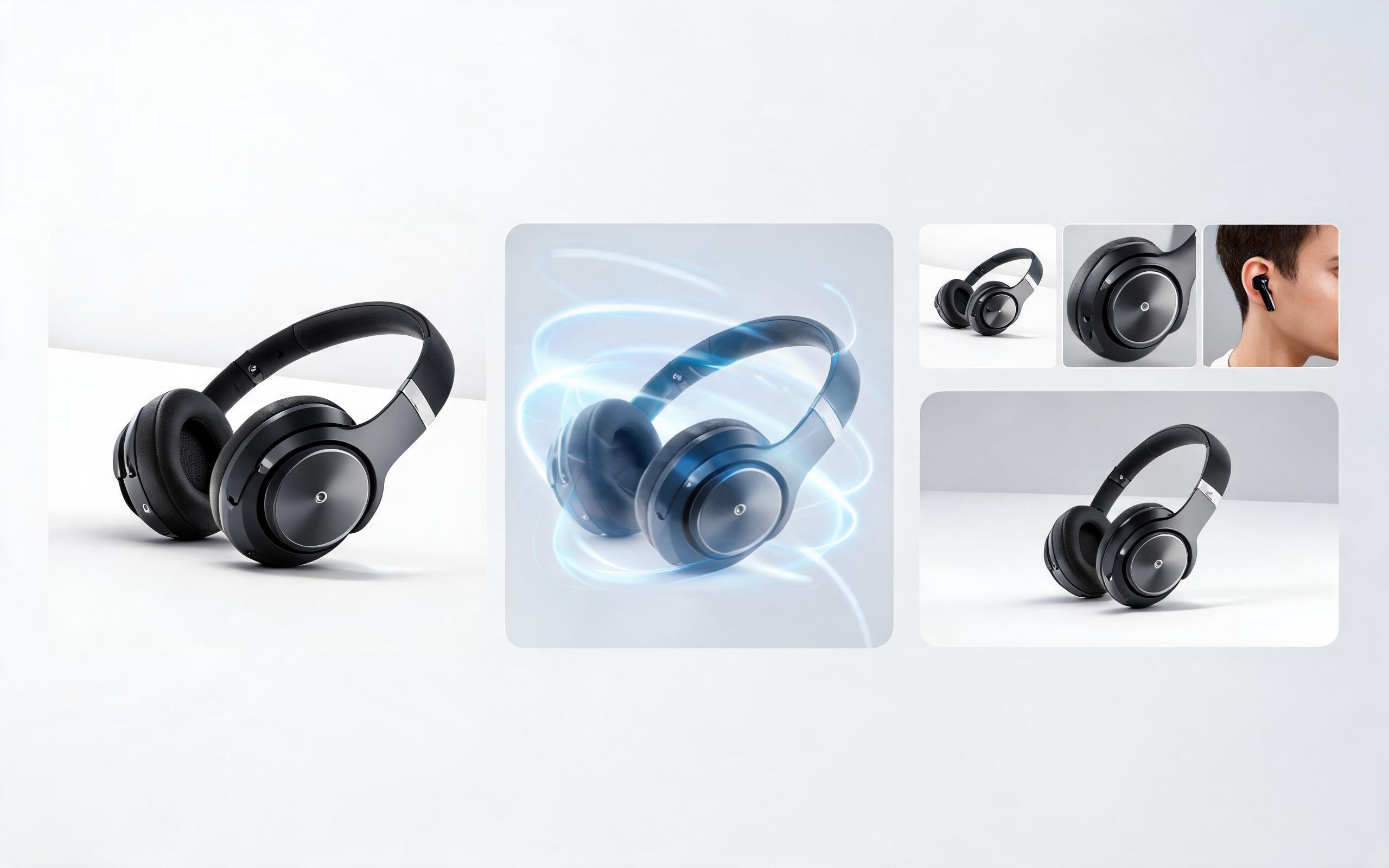
Generate product video from image workflows from product photos, renders, or listing images for ecommerce, product launches, social ads, and campaign testing.
Open page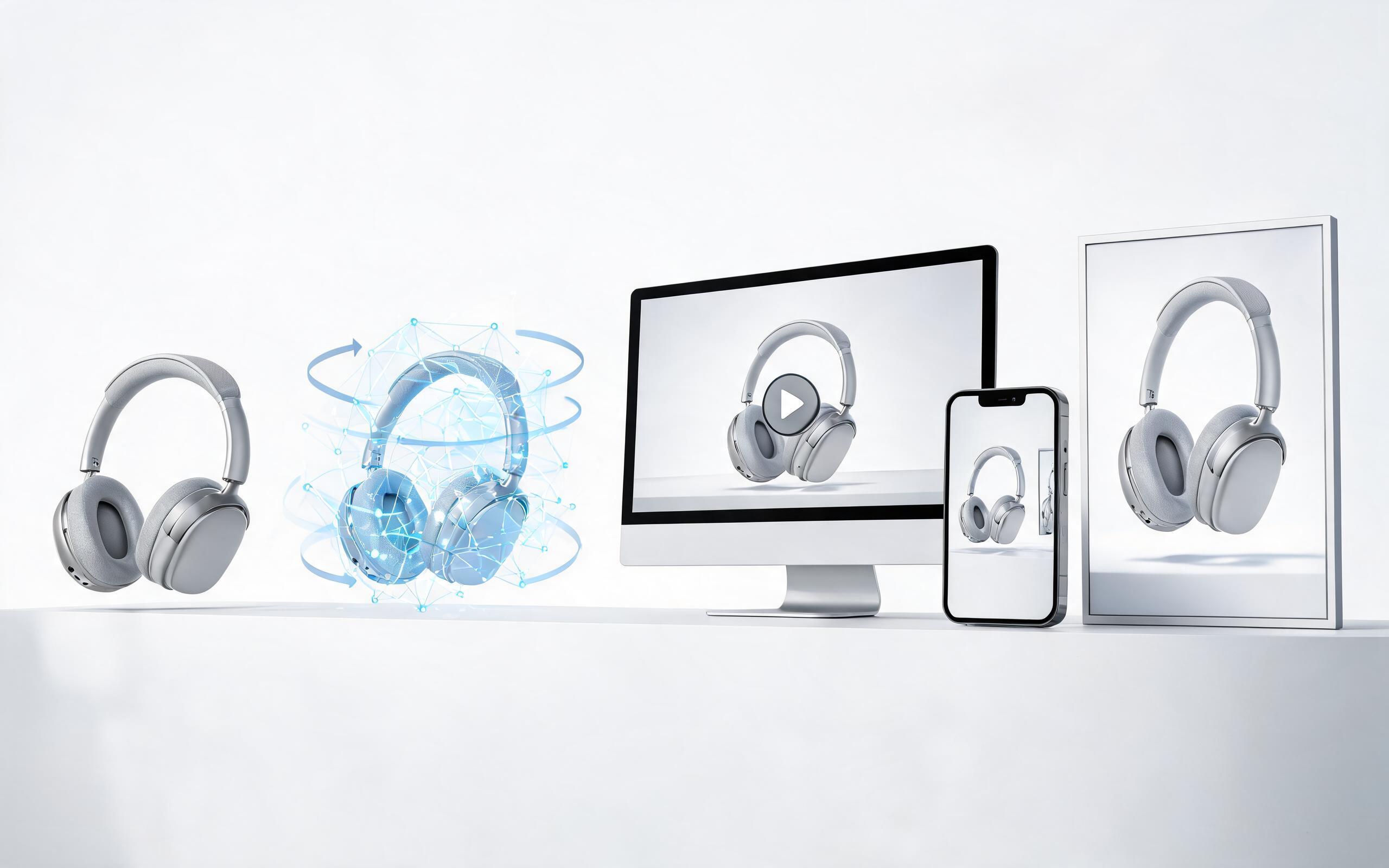
Generate ai product video from image workflows from product photos, renders, or listing images for ecommerce, product launches, social ads, and campaign testing.
Open page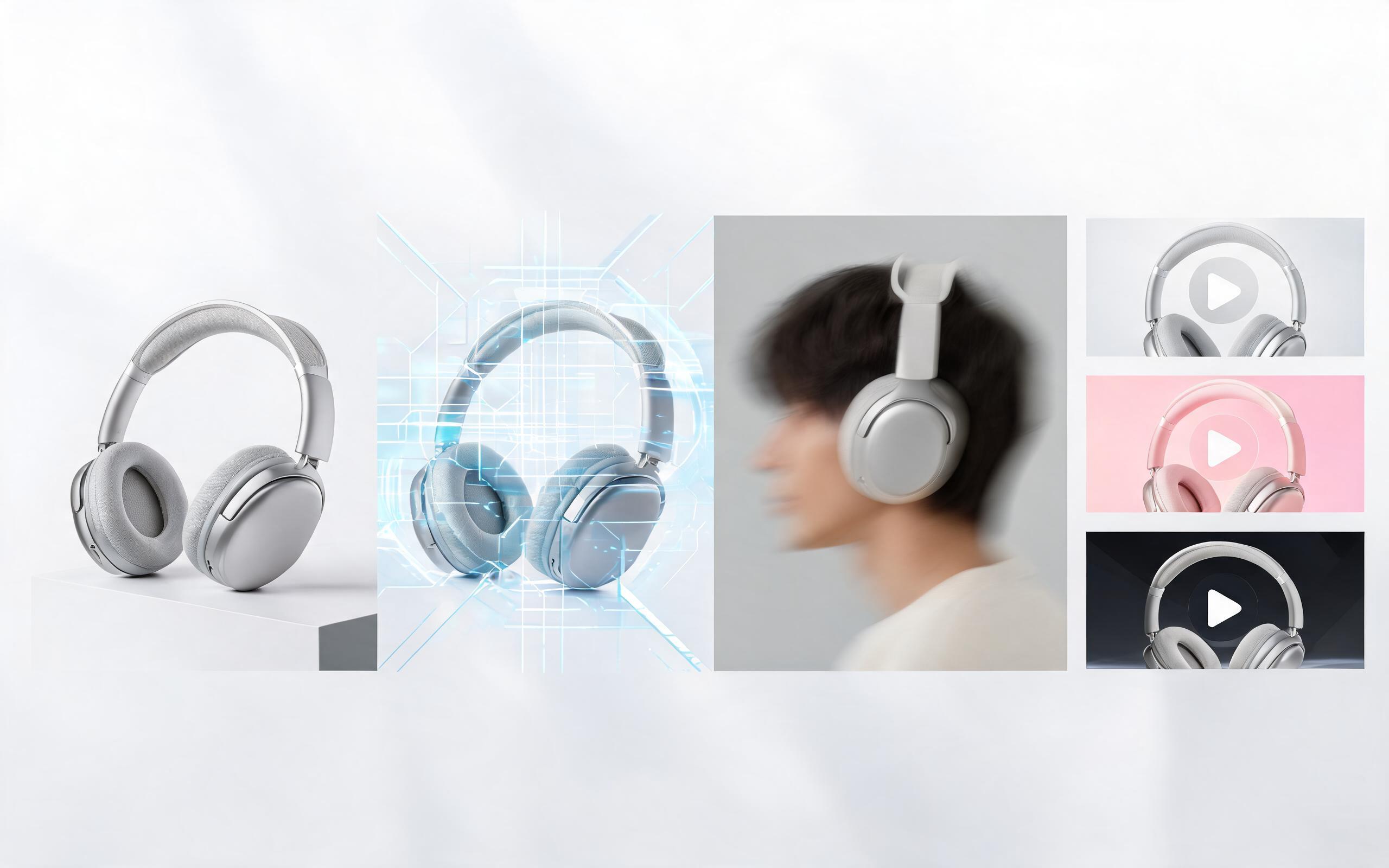
Generate product photo to video workflows from product photos, renders, or listing images for ecommerce, product launches, social ads, and campaign testing.
Open page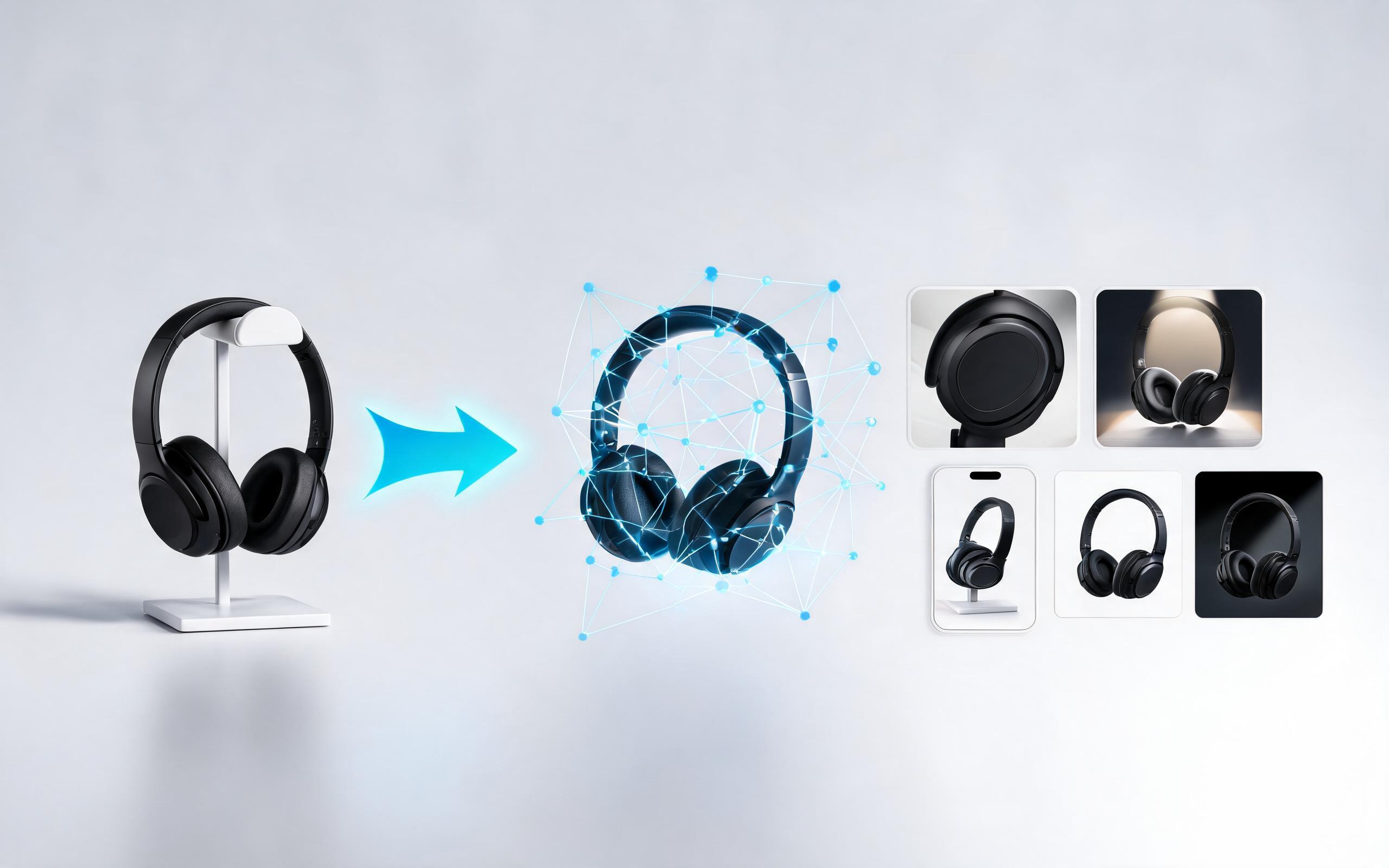
Generate product demo video ai workflows from product photos, renders, or listing images for ecommerce, product launches, social ads, and campaign testing.
Open page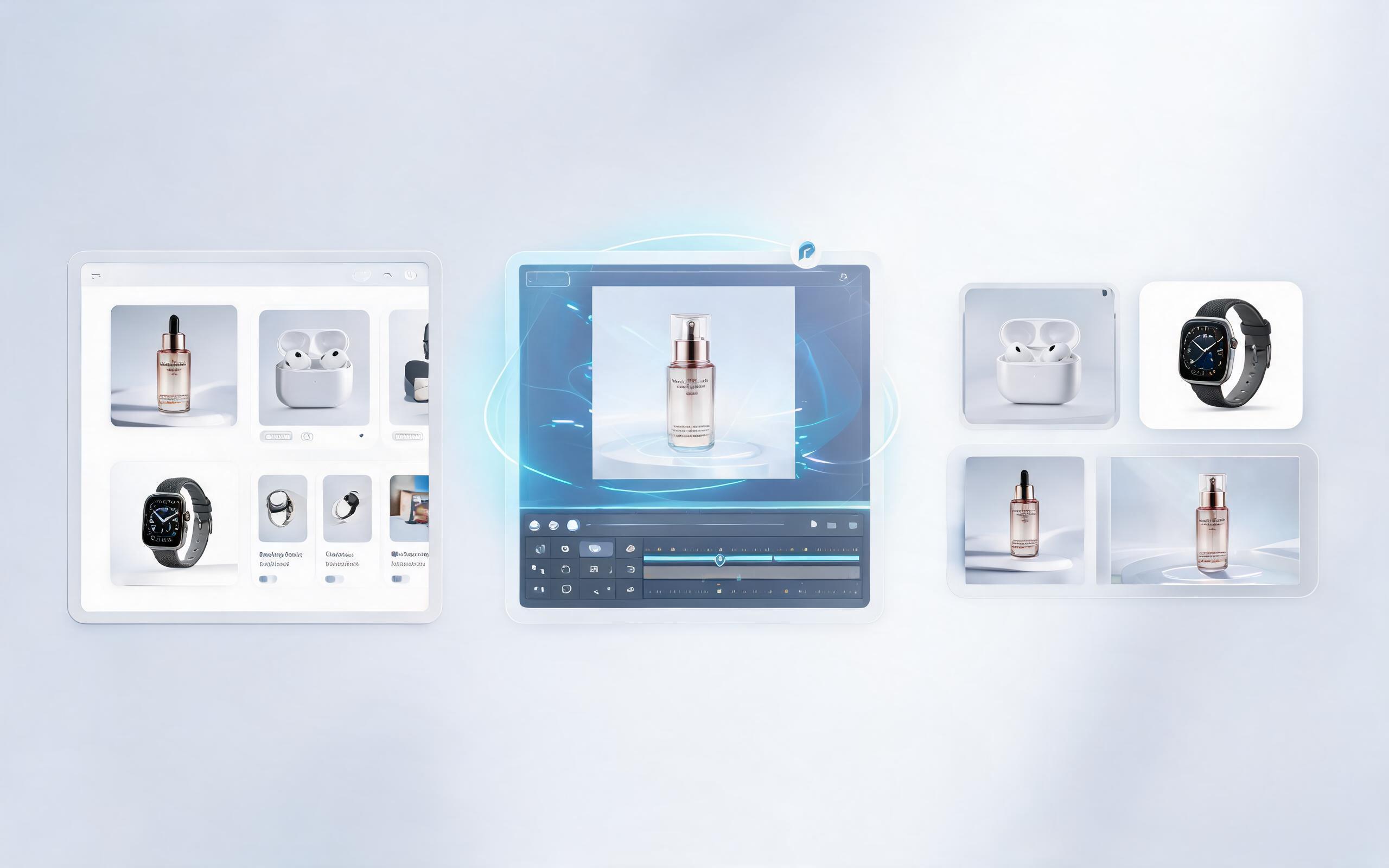
Generate product showcase video generator workflows from product photos, renders, or listing images for ecommerce, product launches, social ads, and campaign testing.
Open page
Turn your static product photos into high-converting zoom videos in seconds with PromeAI, no editing skills or video footage required. Perfect for ecommerce listings, social ads, and product pages to showcase your product's best features and drive more sales.
Create Product Zoom Video
Technical support: [email protected]
Business collaboration: [email protected]
Trusted by 3M+ Creators for Product Video Content
Learn why ecommerce teams, marketers, and small business sellers rely on PromeAI to create high-performing product video assets.
I created 12 product zoom videos for my Etsy shop in 10 minutes, and my conversion rate went up 18% in the first month.
These zoom videos are perfect for our TikTok ad creatives. We test new products 2x faster now that we don't have to film custom footage every time.
We can turn a single source image into several polished product video directions before committing budget to a full studio shoot.