



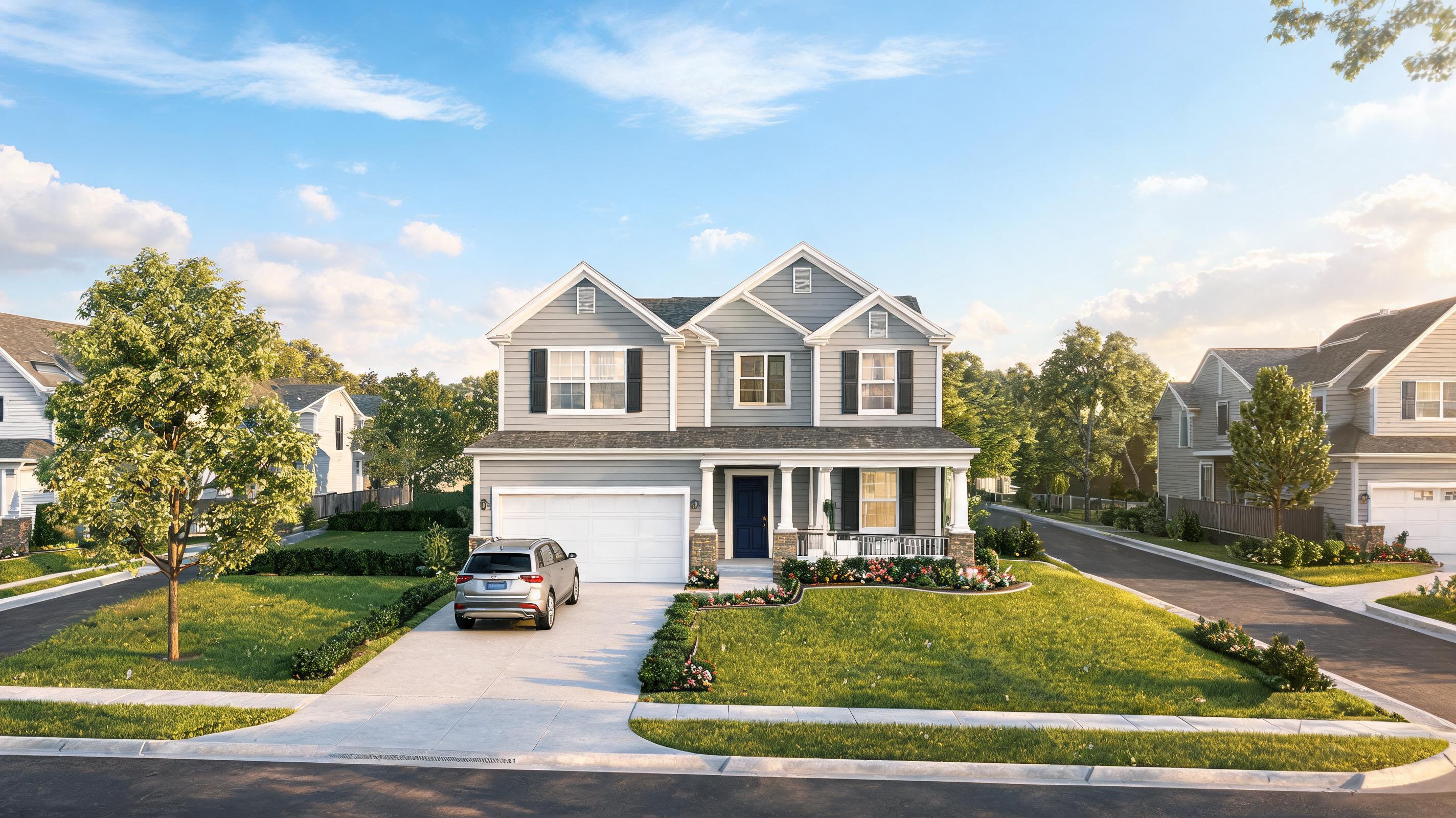
Suburban Home Exterior Zoom-Out Video
Static front-yard photo of a 3-bed suburban home converted to a slow zoom-out video showing the full property and surrounding neighborhood, optimized for Facebook listing ads.
Easily convert your existing real estate photos into short, loop-friendly, marketing-ready videos with PromeAI's intuitive image-to-video tool. No advanced video editing experience required to create high-performing listing content.
See real-world examples of static property photos converted into dynamic, attention-grabbing video content for different marketing use cases.
Static front-yard photo of a 3-bed suburban home converted to a slow zoom-out video showing the full property and surrounding neighborhood, optimized for Facebook listing ads.
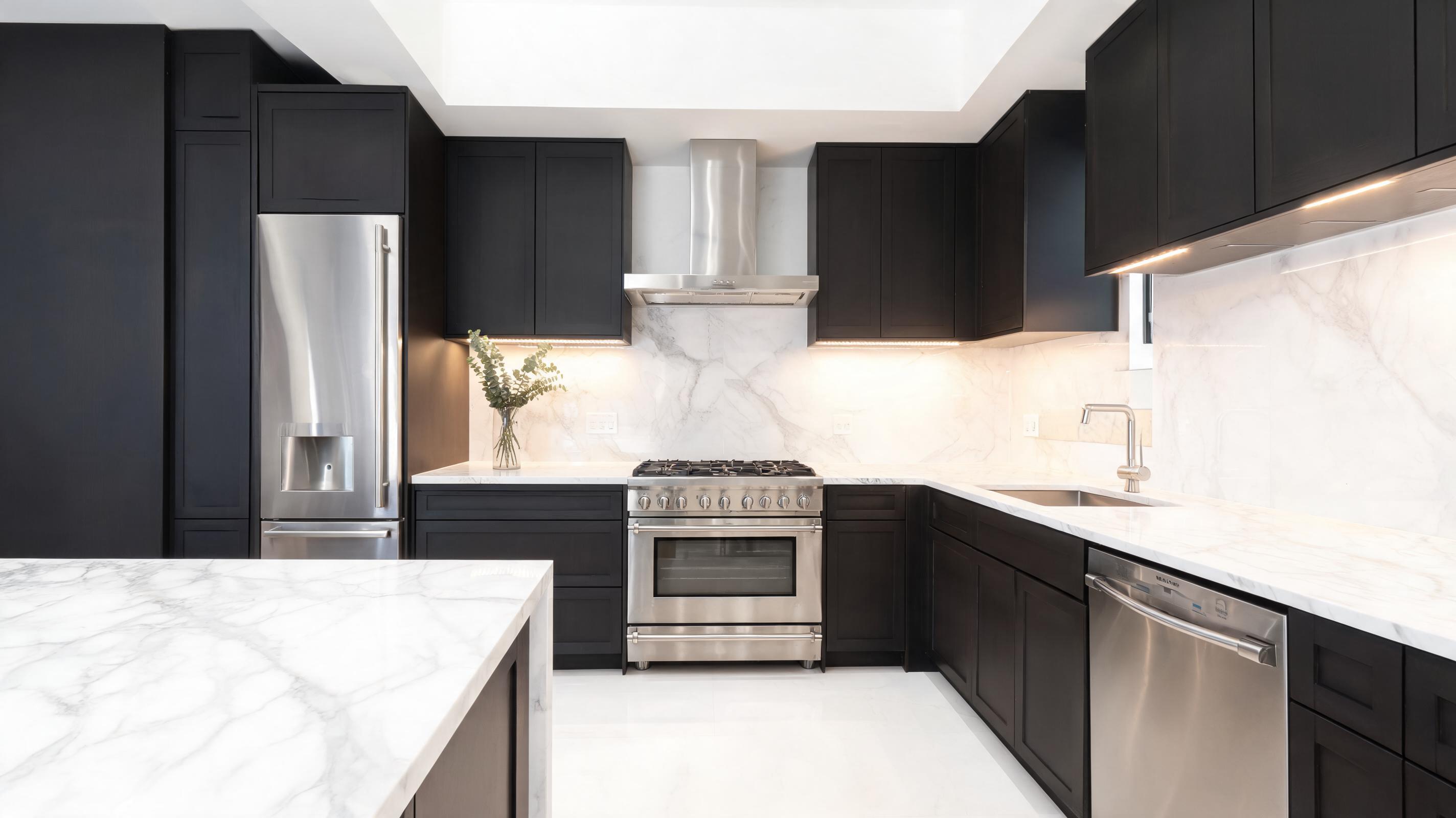
Photo of a high-end chef's kitchen converted to a slow left-to-right pan video highlighting stainless steel appliances, quartz countertops, and custom cabinetry for Instagram Reels.
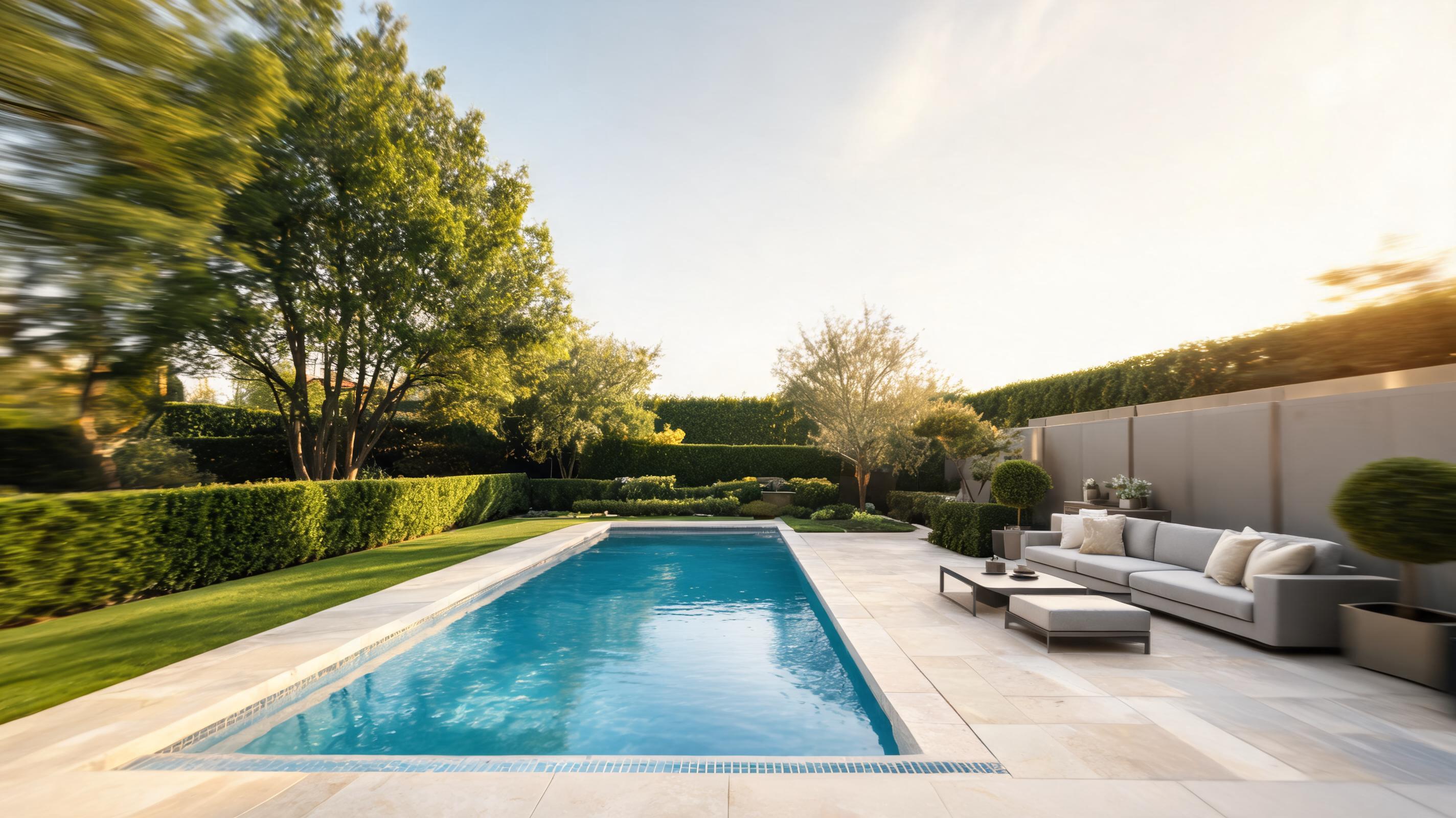
Static photo of a backyard with an in-ground pool and patio converted to a smooth dolly shot video moving across the outdoor living space for TikTok promotion.
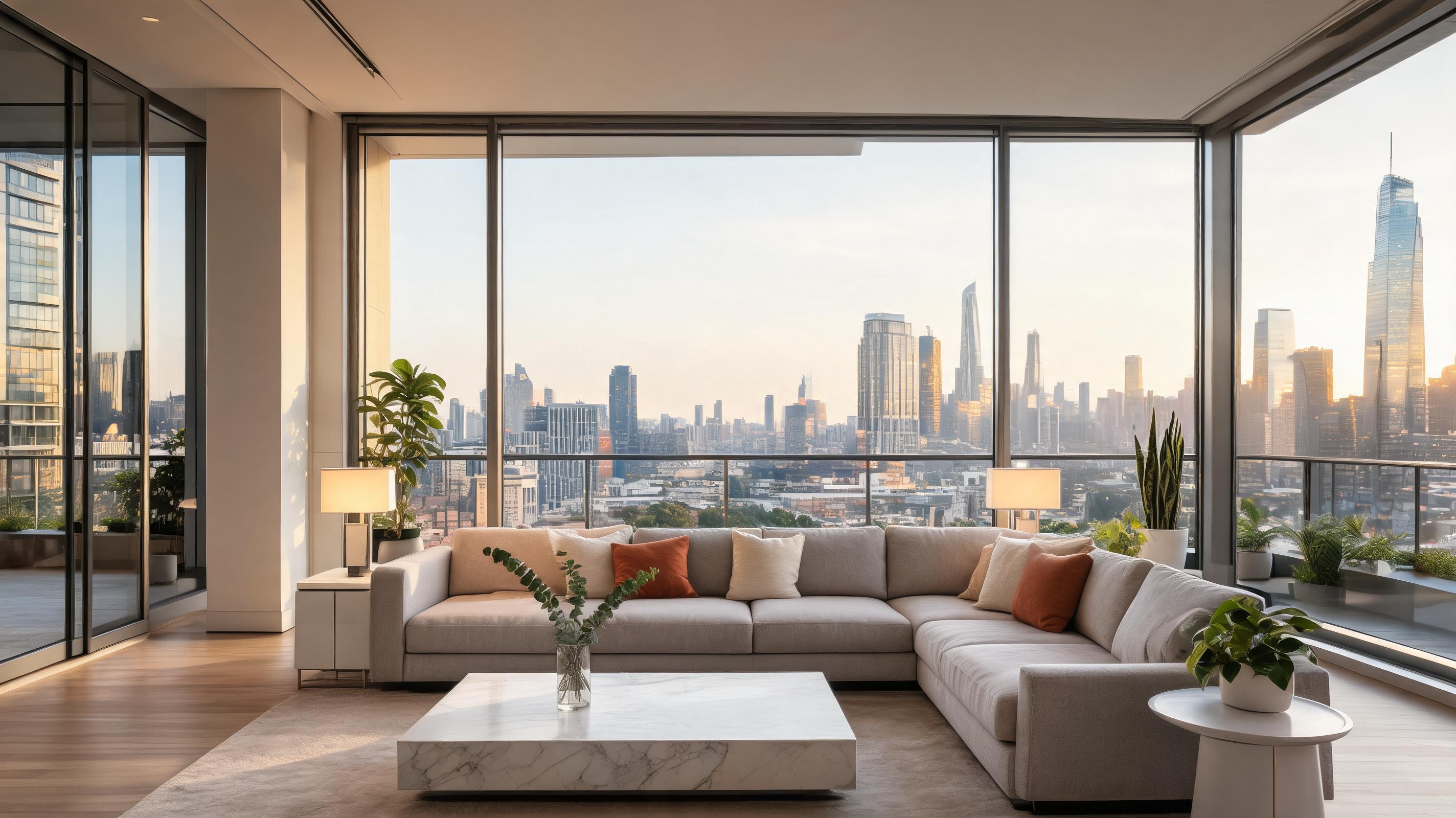
Photo of a downtown condo living room with skyline views converted to a seamless loop video for the property's MLS listing and website banner.
Explore built-in tools designed to help you create professional, high-performing real estate video content with minimal effort and cost.
Automatically generate videos in sizes tailored for Instagram Reels, TikTok, Facebook Ads, MLS listings, and YouTube Shorts to eliminate post-editing resizing work.
Choose from curated motion styles designed for real estate, including slow panning, gentle zooming, and smooth dolly shots that highlight key property features without feeling distracting.
Generate your full high-resolution video in less than a minute, so you can create multiple clips for a full property listing in under 10 minutes total.
All generated videos are optimized to loop smoothly, making them ideal for social media carousels, website listing banners, and in-office digital displays.
Paid plan users get full commercial usage rights for all generated videos, with no hidden watermarks or attribution requirements for listing marketing.
Upload multiple property photos at once to generate a full set of video clips for an entire listing in a single workflow, cutting down repetitive work.
Learn how agents, brokers, and marketing teams use these videos to boost listing engagement and drive more qualified lead inquiries.
Add dynamic video clips to your MLS listings to stand out from static photo-only listings, increasing time spent on your listing and driving more qualified leads.
Create short, attention-grabbing video clips for Instagram, TikTok, and Facebook to reach potential homebuyers scrolling social feeds, boosting lead inquiry volume.
Generate custom video ads for upcoming open houses, highlighting key property features to target local buyers in your service area with hyper-relevant content.
Turn past sold property photos into dynamic video content for your agent website or LinkedIn profile to showcase your track record and build trust with potential clients.
Convert architectural renderings or construction progress photos into short video updates to share with potential buyers and investors for pre-construction sales.
Create engaging videos for apartment and rental home listings to reduce time on market, attract higher quality tenants, and cut down on repetitive showing requests.
Follow our quick, straightforward workflow to generate high-quality real estate videos from your existing still images in minutes.
Select a clear, well-lit static photo of your property (interior or exterior) that highlights key selling points. Ensure no blurriness or obstructions for the highest quality output.
Pick from curated motion options like slow pan across a kitchen, zoom out on a backyard, or dolly shot through a living room, all optimized for real estate marketing performance.
Let the AI render your short video in seconds, preview to adjust as needed, then download the loop-friendly, high-resolution clip ready for immediate use across all marketing channels.
Learn how to get the most out of PromeAI's real estate video generator, including best practices for source photos, choosing the right motion style, and maximizing your content's performance across marketing channels.
To get the highest quality video output, start with high-resolution, well-lit photos that are free of blurriness, lens distortion, or personal clutter like family photos or loose items on countertops. For exterior shots, capture the property on a clear day with even lighting to avoid harsh shadows that can look distracting in motion. For interior shots, turn on all lights and open curtains to maximize natural light, as this helps the AI render smooth, natural-looking movement that accurately represents the space. Avoid using heavily edited or filtered photos, as these can lead to inconsistent color rendering in the final video clip.
Selecting the right motion style is critical to creating high-performing content. For MLS listings, opt for slow, gentle panning or zooming that gives viewers a clear, unobstructed view of the space without feeling overwhelming. For social media Reels and Shorts, choose slightly faster, more dynamic motion like a dolly shot through a living room or a zoom out to reveal a large backyard, to grab attention within the first 3 seconds of the clip. For open house ads, use a motion style that highlights the most unique selling point of the property, such as a slow pan across a luxury kitchen or a view of a home's home office space, to appeal to your target buyer demographic.
AI-generated videos from photos are ideal for quick, low-cost content that boosts listing performance, social media engagement, and ad conversion rates. They are perfect for agents who need to create high volumes of content on a tight budget, or for teams that want to add video to every listing without hiring a professional videographer. However, they are not a replacement for full professional video shoots for high-end luxury properties priced above $2 million, where potential buyers expect full walkthrough footage, drone shots, and interactive video tours. They are also not ideal for properties with significant visible flaws that you want to downplay, as the motion will draw more attention to any issues present in the source photo.
To get the most value out of your generated videos, repurpose them across multiple marketing channels to reach a wider audience. Use short clips for social media Reels and Shorts, longer 30-second clips for Facebook and Google ads, looped clips for your website listing banners and MLS listings, and compilations of clips for email newsletters to your subscriber list. Add text overlays and background music using free tools like Canva or CapCut to customize the clips for your brand, and include a clear call to action like 'Schedule a showing today' or 'Contact us for more details' to drive lead inquiries directly from your video content.
Access tailored presets optimized for different marketing channels, property types, and listing goals to speed up your video creation workflow.

Use PromeAI image-to-video generation for ai ad creative video, adding motion, camera direction, and a short reusable video result from a still image.
Open page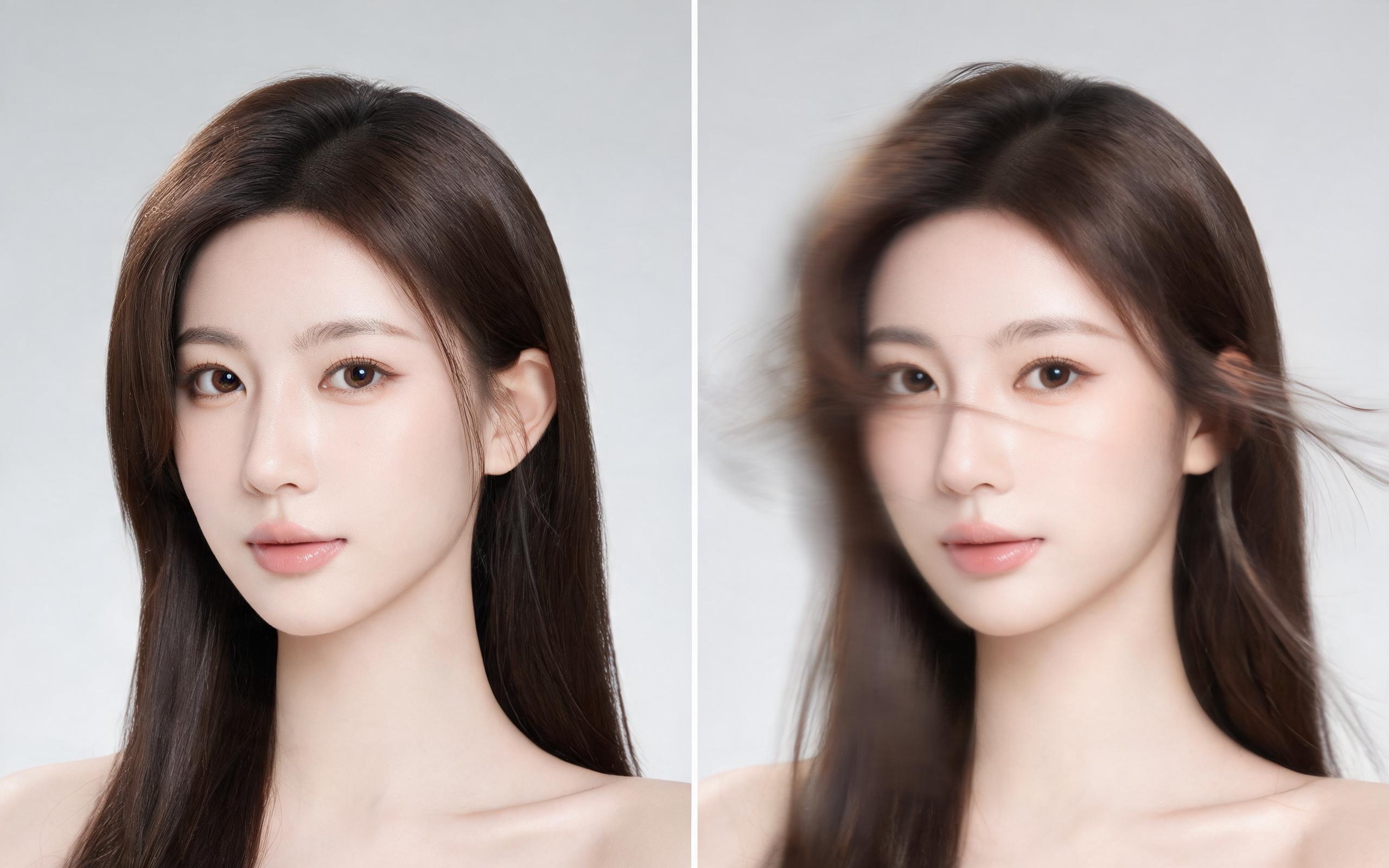
Use PromeAI image-to-video generation for beauty video from photos, adding motion, camera direction, and a short reusable video result from a still image.
Open page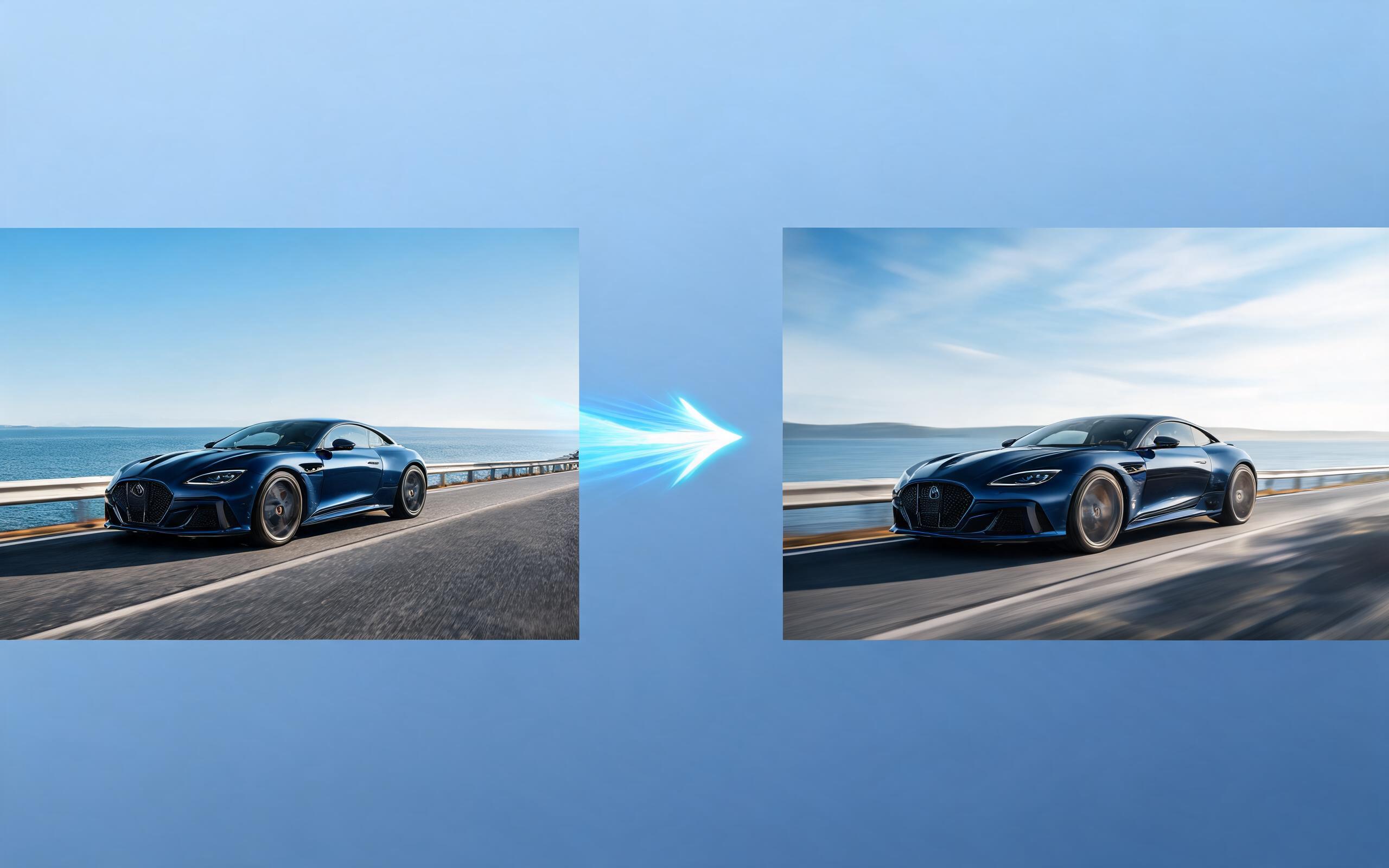
Use PromeAI image-to-video generation for car video from photo, adding motion, camera direction, and a short reusable video result from a still image.
Open page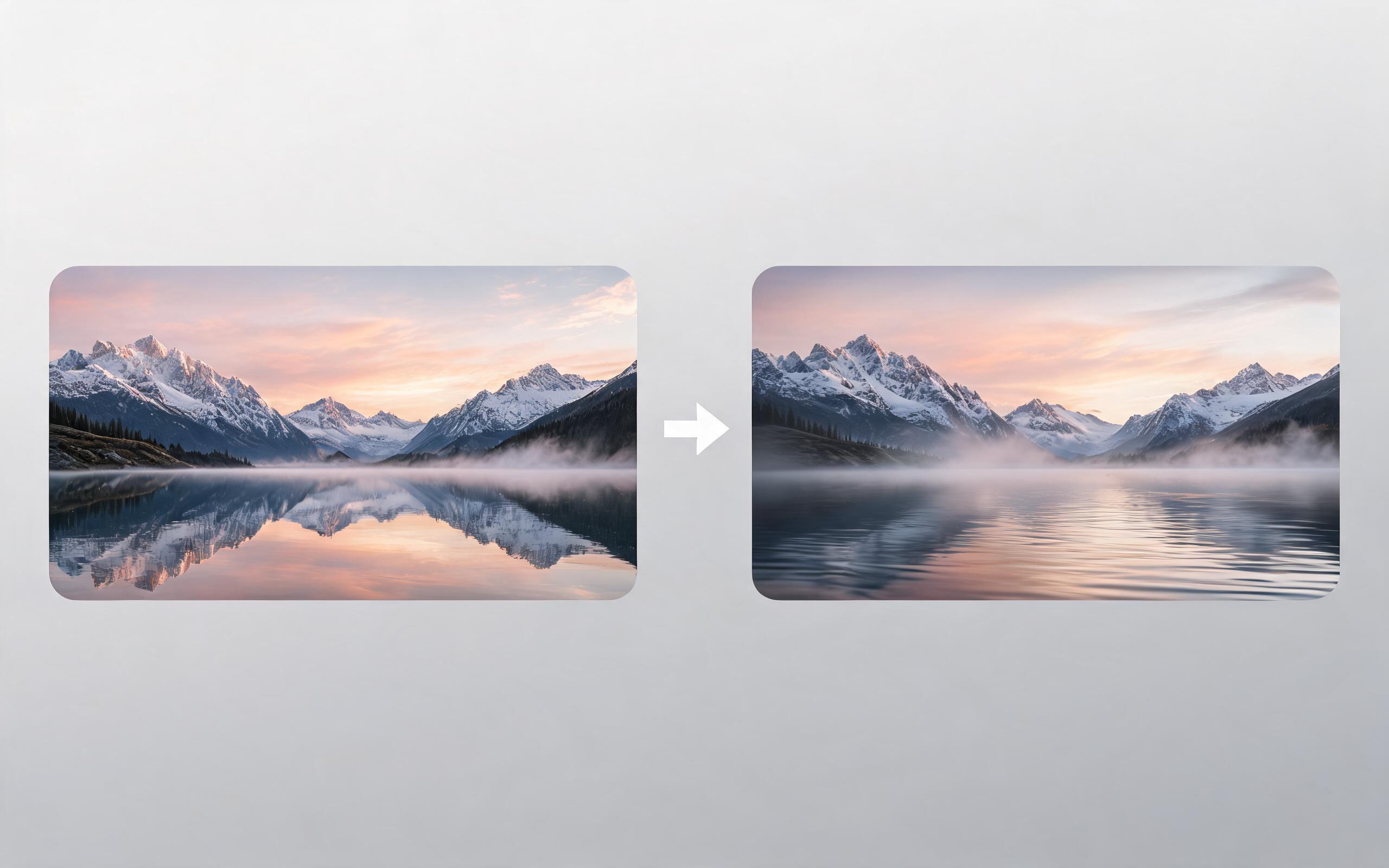
Use PromeAI image-to-video generation for cinematic ai video from image, adding motion, camera direction, and a short reusable video result from a still image.
Open page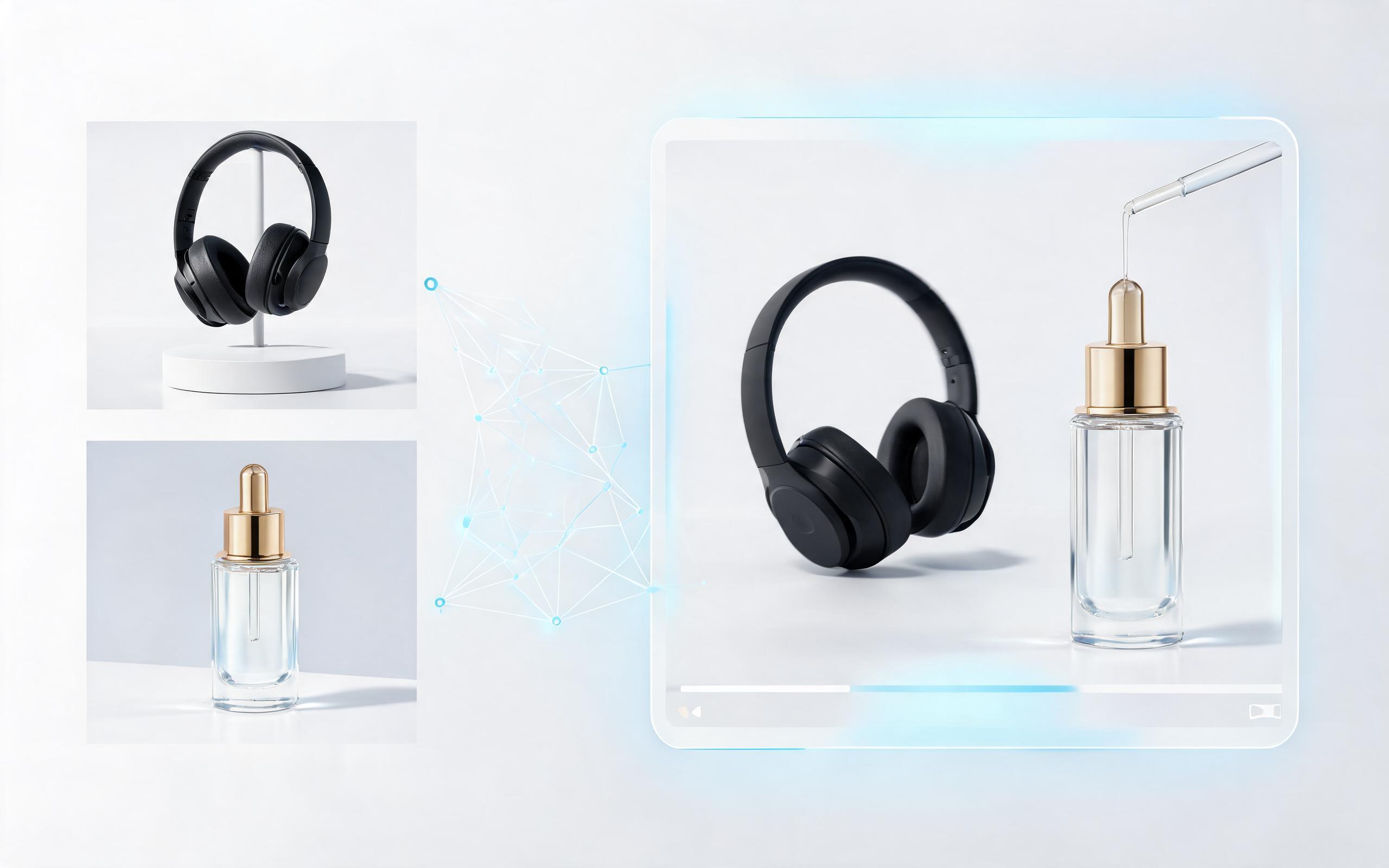
Use PromeAI image-to-video generation to create ai video for ecommerce product from existing images with clear product framing and channel-ready motion.
Open page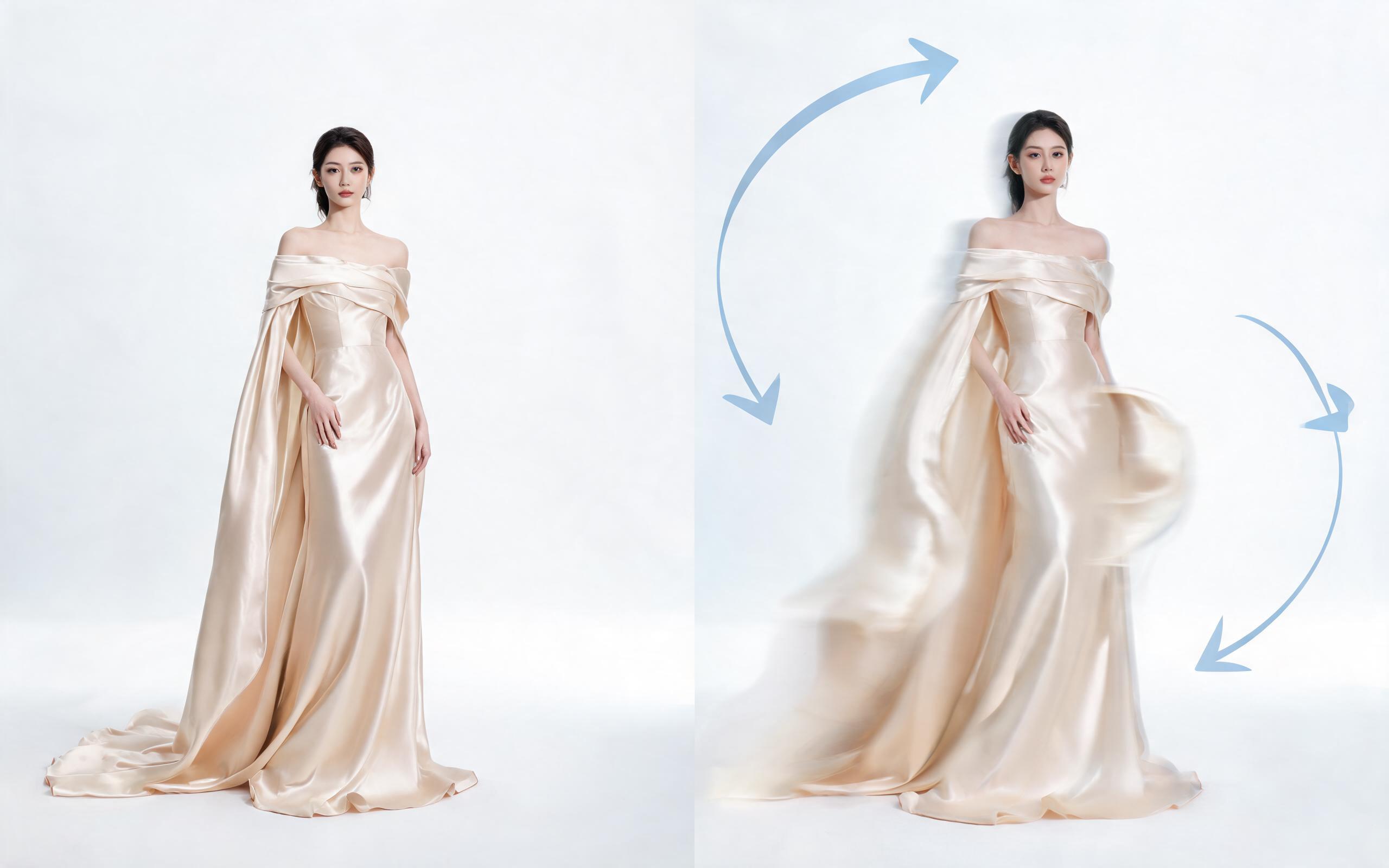
Use PromeAI image-to-video generation for ai fashion video from image, adding motion, camera direction, and a short reusable video result from a still image.
Open page
Skip the expensive videographer fees and long editing timelines. Use PromeAI's AI image to video tool to create professional, marketing-ready real estate videos from your existing static photos in seconds, no editing experience required.
Create AI Real Estate Video from Photo
Technical support: [email protected]
Business collaboration: [email protected]
Trusted by Real Estate Professionals Worldwide
See why thousands of agents and marketing teams rely on PromeAI to create high-performing real estate video content quickly.
PromeAI helps us turn static campaign images into motion concepts before we commit to a full shoot.
The short clips make it easier to test pacing, camera movement, and product hooks across launch pages and ads.
For stakeholder reviews, a quick AI video gives everyone a clearer sense of material, scale, and story.