



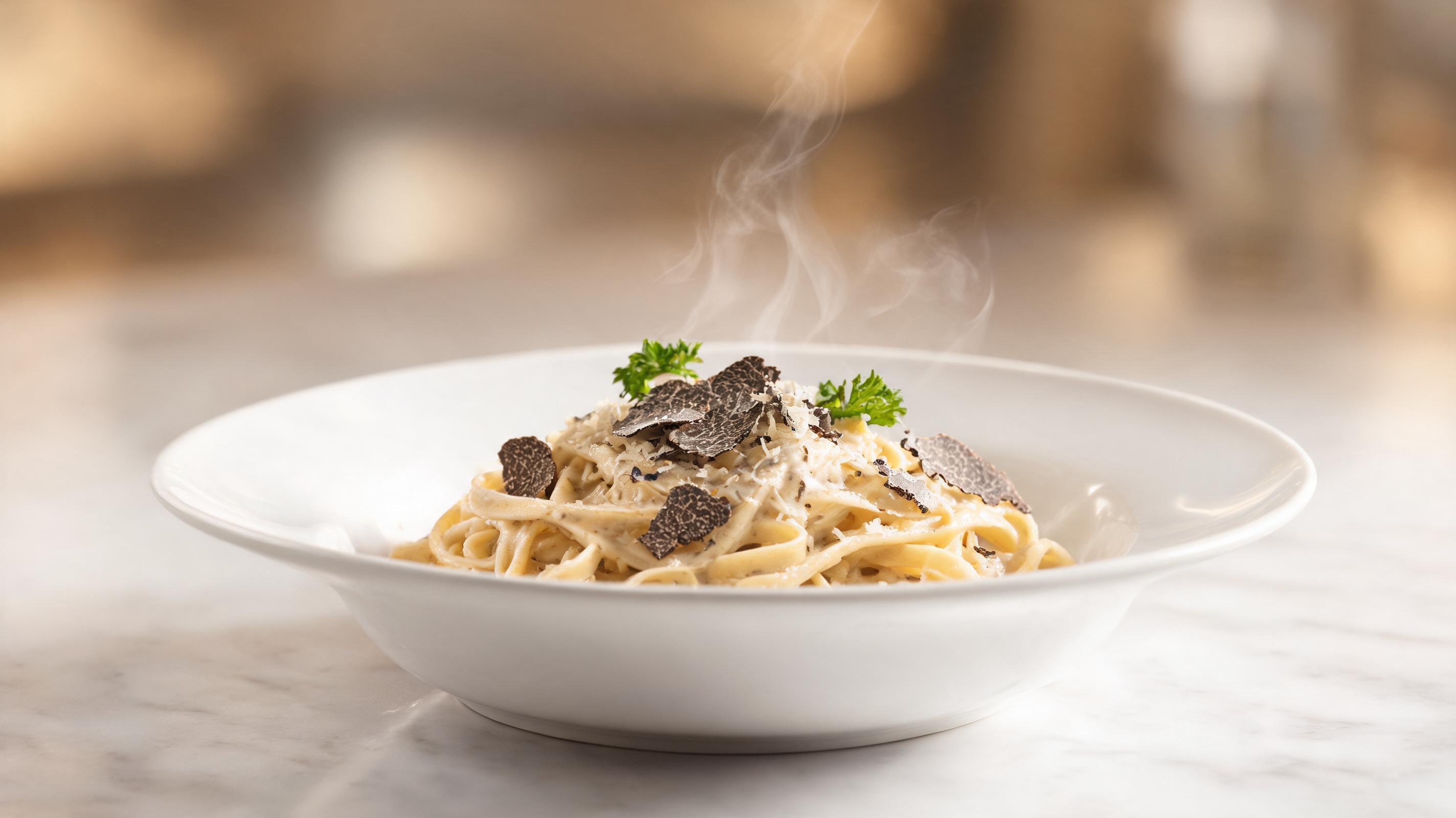
Signature pasta dish video
Static photo of a fresh truffle pasta dish converted to a 10-second looping clip with slow zoom and subtle steam effect, optimized for Instagram Reels.
Create short, loop-ready, channel-optimized restaurant videos from still images in minutes. No professional video editing skills required, perfect for social media, menus, and local ads.
Browse sample clips generated from static restaurant photos to see the quality and style of output you can expect.
Static photo of a fresh truffle pasta dish converted to a 10-second looping clip with slow zoom and subtle steam effect, optimized for Instagram Reels.
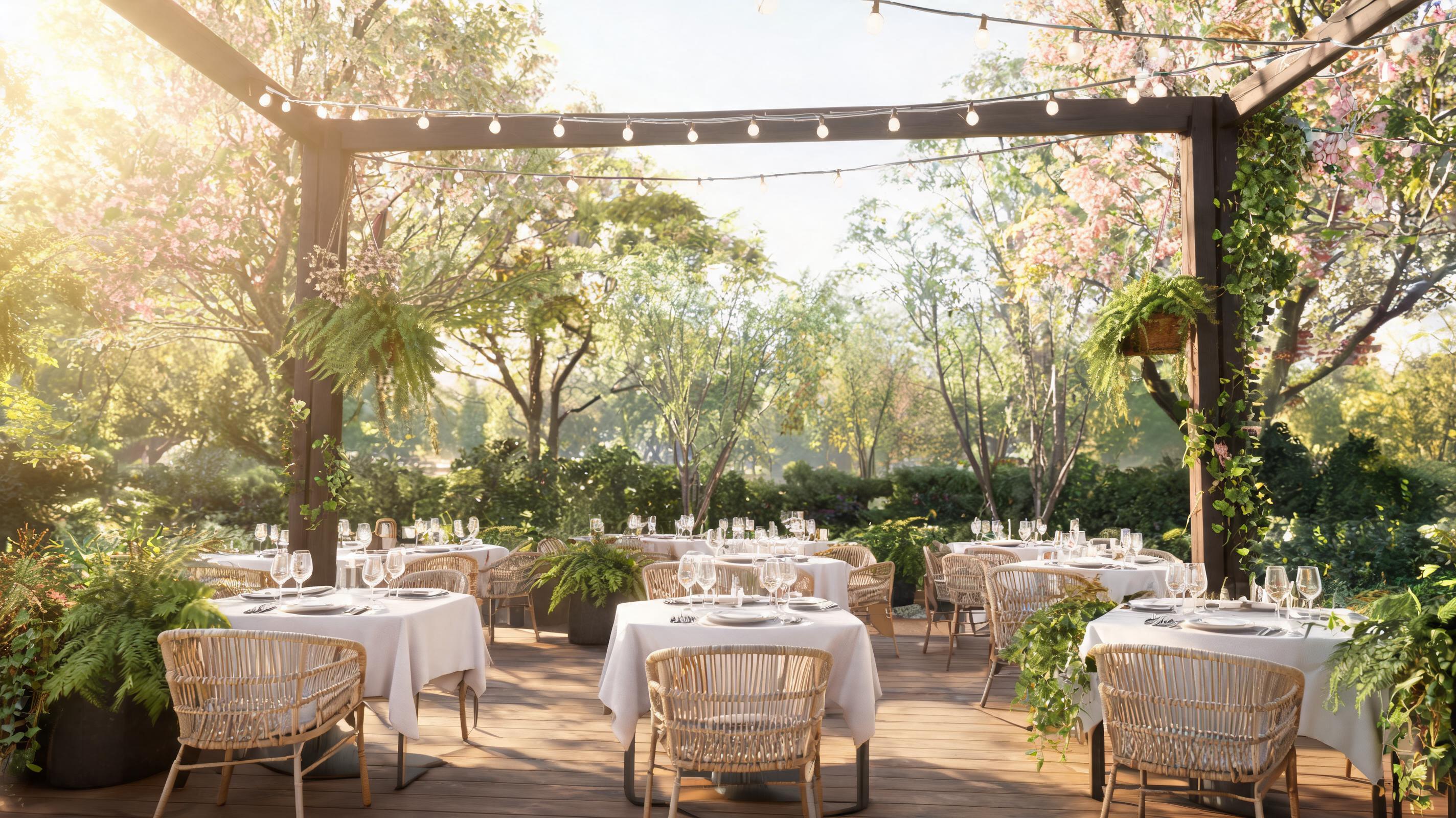
Still photo of a sunlit patio with string lights turned into a clip with slow horizontal pan and swaying plant motion, used for spring local ad campaigns.
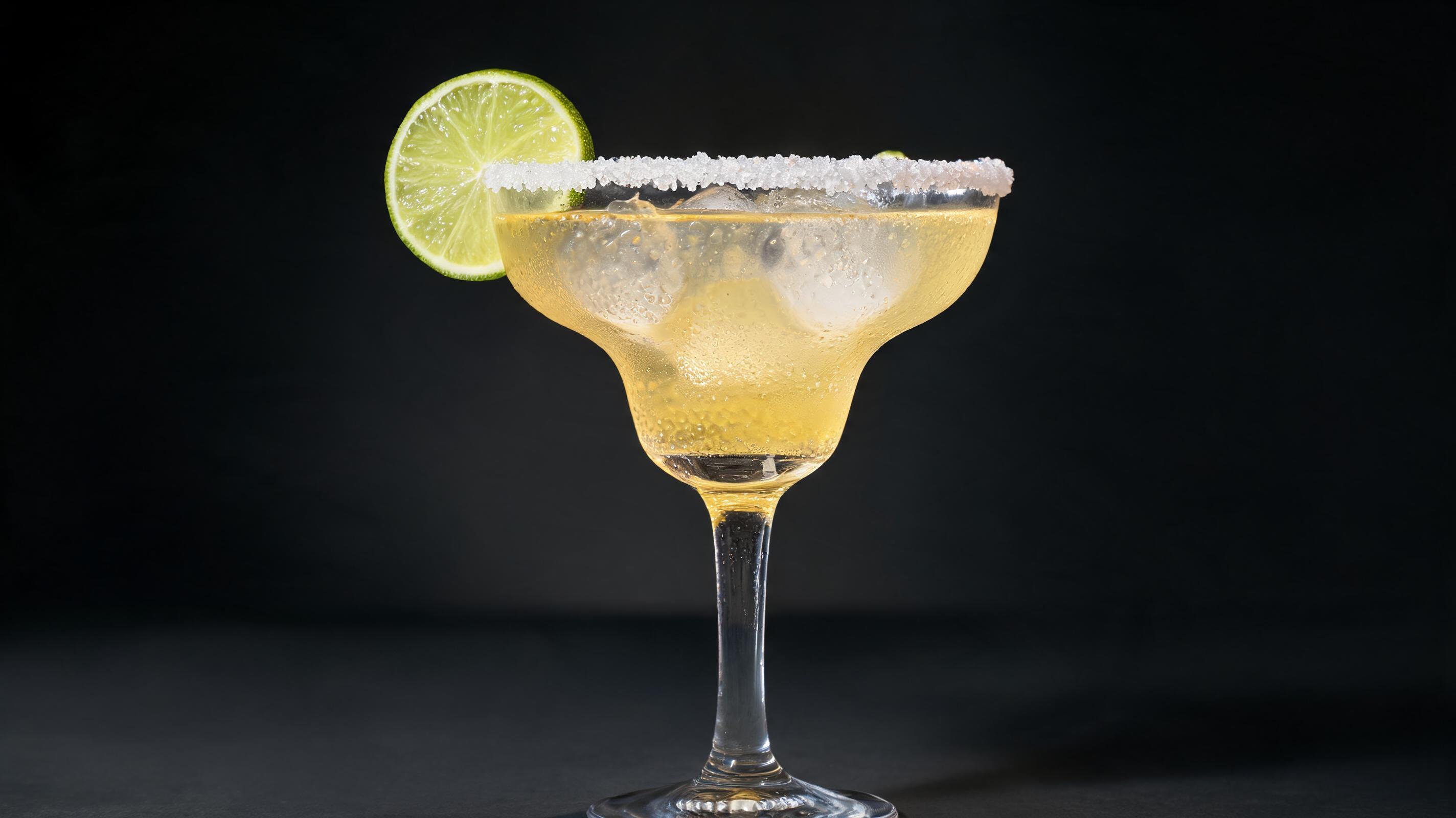
Static photo of a signature margarita converted to a short clip with gentle rotation and subtle ice movement, used for digital bar menu boards.
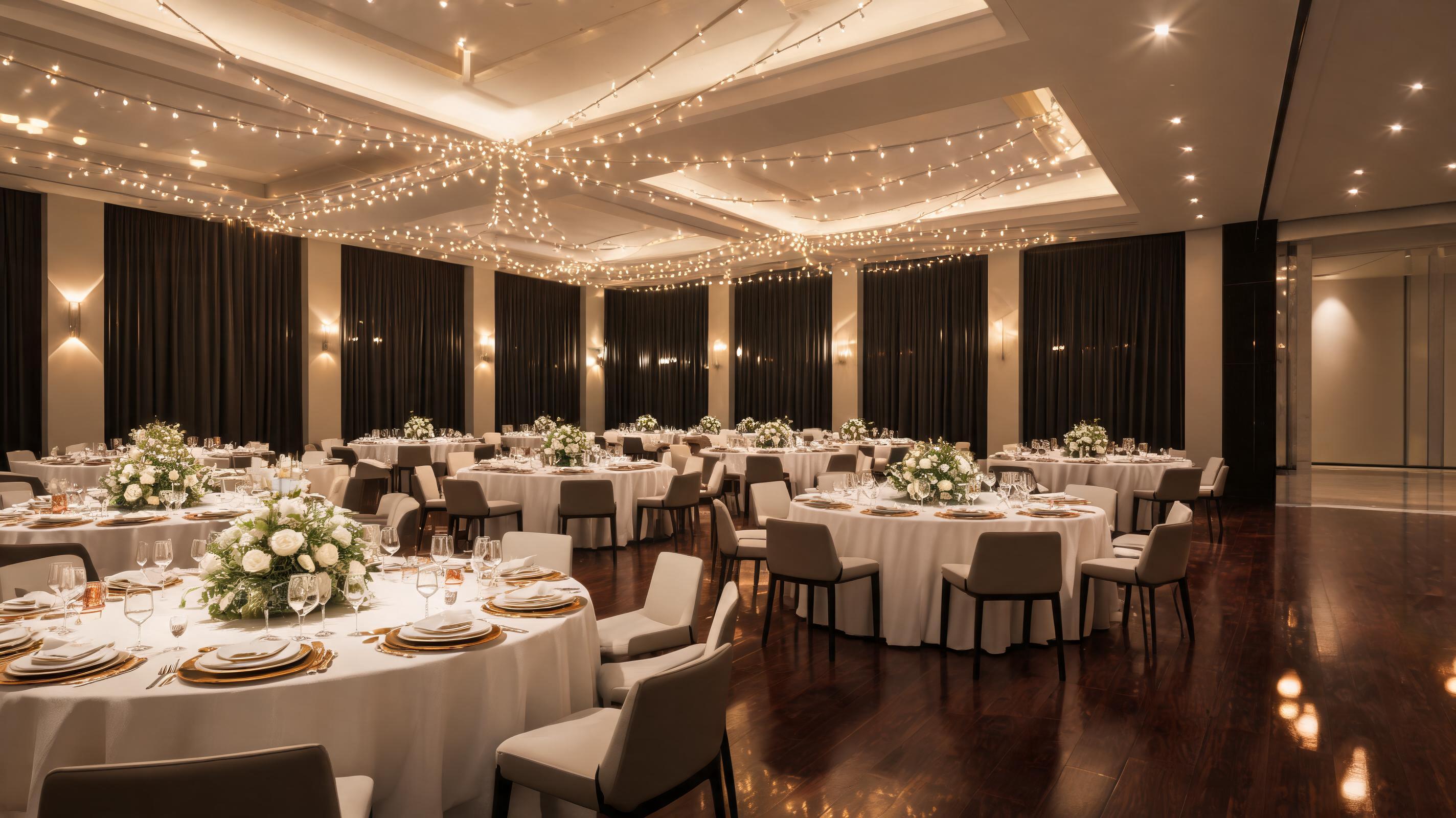
Still photo of an empty corporate event space turned into a clip with slow pan and warm ambient lighting motion, used to attract booking inquiries.
Explore built-in features designed to make restaurant video creation fast, affordable, and aligned with marketing goals.
All generated videos are formatted to loop without visible cuts, perfect for social media, digital menu boards, and in-restaurant displays.
Access pre-built motion styles tailored for food, dining spaces, and ambience, no complex camera setting adjustments required.
Download clips in vertical 1080p for Reels/TikTok, horizontal 1080p for ads, or 4K for high-resolution digital displays in one click.
All generated videos come with full commercial licensing for your restaurant's marketing, advertising, and in-restaurant display needs.
Add realistic, unobtrusive motion like swaying patio umbrellas, rising dish steam, or flickering bar lights to make clips feel authentic.
Generate up to 3 10-second watermark-free videos per month for free, ideal for small local restaurants testing video marketing.
See how restaurants, marketers, and local business owners use this tool to drive foot traffic and customer engagement.
Publish weekly Reels and TikToks of signature dishes and dining spaces to boost local engagement and reach nearby customers.
Replace static menu photos with dynamic looping clips of plated dishes to increase average order values and reduce perceived wait times.
Create short, eye-catching video ads for Google Local Services and Facebook/Instagram local targeting to drive foot traffic and reservations.
Add short video clips to Uber Eats, DoorDash, and Grubhub listings to stand out from competing restaurants and increase order volume.
Generate clips of your event space, catering menu, and past event setups to attract wedding, corporate, and private party booking inquiries.
Replace static homepage photos with dynamic, welcoming clips of your restaurant interior and happy guests to improve booking conversion rates.
Follow our simple 3-step workflow to generate polished, ready-to-use restaurant videos from any still image.
Select a high-res static image of your signature dish, interior space, patio, or private event area, avoiding blurry or low-light shots for best results.
Choose from restaurant-specific motion styles like slow pan, gentle zoom, or ambient effects such as flickering candlelight or rising steam to match your use case.
Wait 30-90 seconds for rendering, then download your loop-optimized video in your preferred resolution for social media, ads, or digital displays.
This guide will help you get the most out of PromeAI's AI restaurant video tool, including best practices, use case alignment, and decision-making tips for your hospitality marketing workflow.
To get the highest quality output, start with high-resolution, well-lit photos that clearly show your subject, whether that’s a signature dish, dining space, or event area. Avoid heavily filtered, blurry, or low-light images, as these will lead to grainy or distorted video output. For food photos, make sure the dish is the clear focal point of the frame, with no cluttered background that will distract from the motion effect. For space photos, frame the area to show key features like exposed brick, patio seating, or a full bar, so the pan or zoom motion can highlight those selling points. You don’t need a professional camera to get great results; most modern smartphone photos taken in natural light will work perfectly with the tool.
Selecting the right motion style is key to making your video feel natural and aligned with your marketing goal. For food clips intended for social media, opt for a slow zoom or subtle rotation to draw attention to the details of the dish, and add a steam effect if applicable. For dining space clips for ad campaigns, use a slow horizontal pan to show the full scope of the space, making it feel welcoming and spacious. For digital menu board clips, choose a short, seamless loop with minimal movement, so it doesn’t distract customers from reading menu items. For delivery platform listings, use a 5-second vertical clip with a quick zoom to the dish, to stand out in crowded feed views without requiring sound.
This decision support section will help you pick the right content creation option for your budget and goals. Use PromeAI's AI restaurant video tool when you need fast, low-cost content for weekly social media posts, digital menu board updates, short local ad campaigns, or delivery listing upgrades. It’s also ideal for testing video content ideas before investing in a full video shoot, or for small restaurants with limited marketing budgets. Avoid using this tool for high-budget brand campaigns, full-length promotional videos over 30 seconds, or content that requires custom narration, background music licensing, or complex editing transitions. For those use cases, hiring a professional videographer will still deliver the best results, but our tool can fill the gap for regular, low-lift content needs at a fraction of the cost.
Once you generate your clip, you can optimize it for each marketing channel to maximize performance. For Instagram Reels and TikTok, add text overlays and trending audio clips to your 9:16 vertical video, and include relevant local hashtags to reach nearby customers. For Facebook and Google local ads, use a 16:9 horizontal clip with a clear call to action like "Book a Reservation" or "Order Delivery" overlayed, and target users within a 5-mile radius of your restaurant. For digital menu boards, export in 4K resolution, use a seamless loop, and avoid fast motion that will distract customers from reading menu prices and descriptions. For food delivery platforms, use a 5-10 second vertical clip that clearly shows your signature dish, to stand out from competing listings that only use static photos.
We’re expanding our restaurant video tool with pre-built motion presets for common marketing use cases to speed up your workflow.
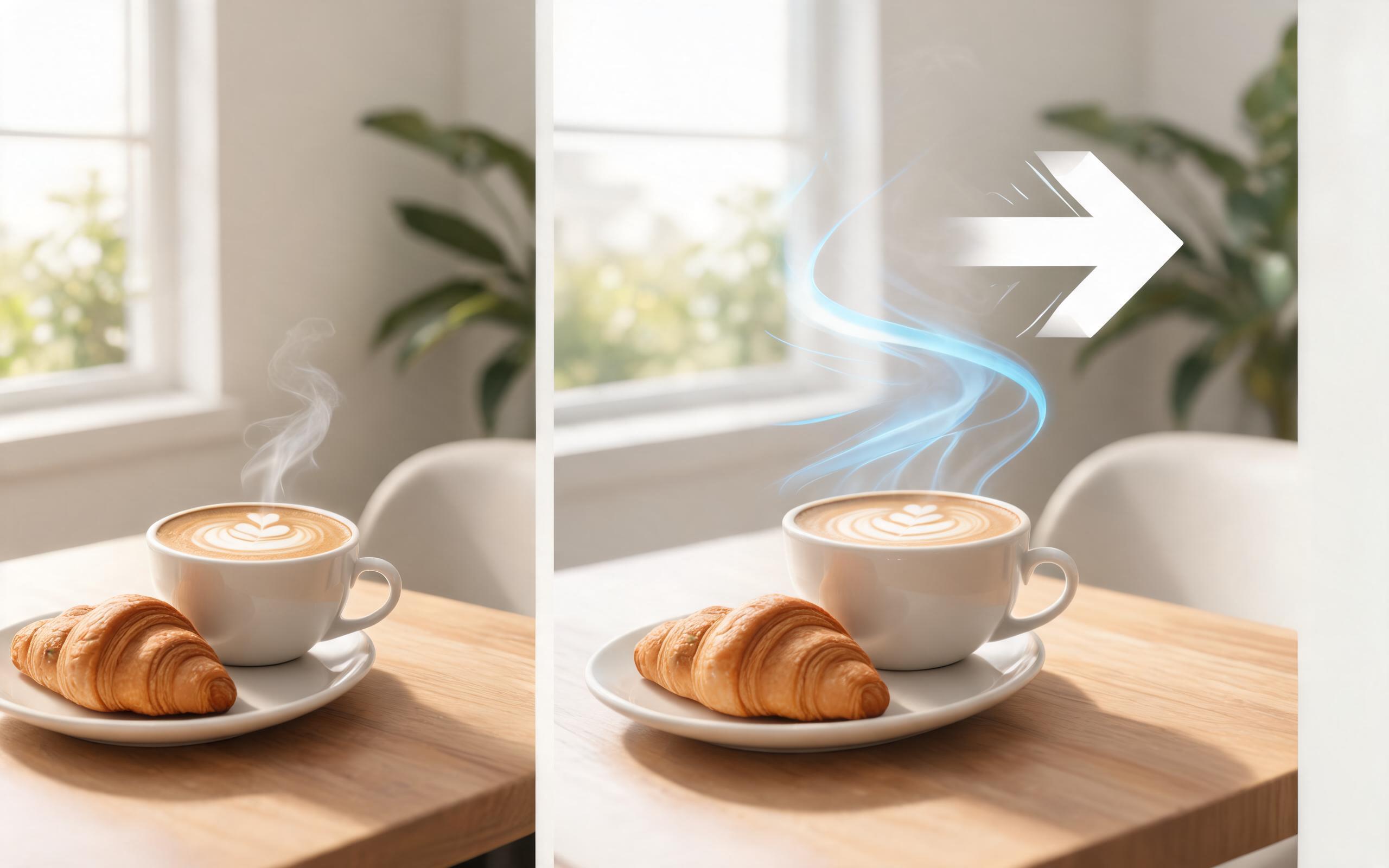
Use PromeAI image-to-video generation for ai ad creative video, adding motion, camera direction, and a short reusable video result from a still image.
Open page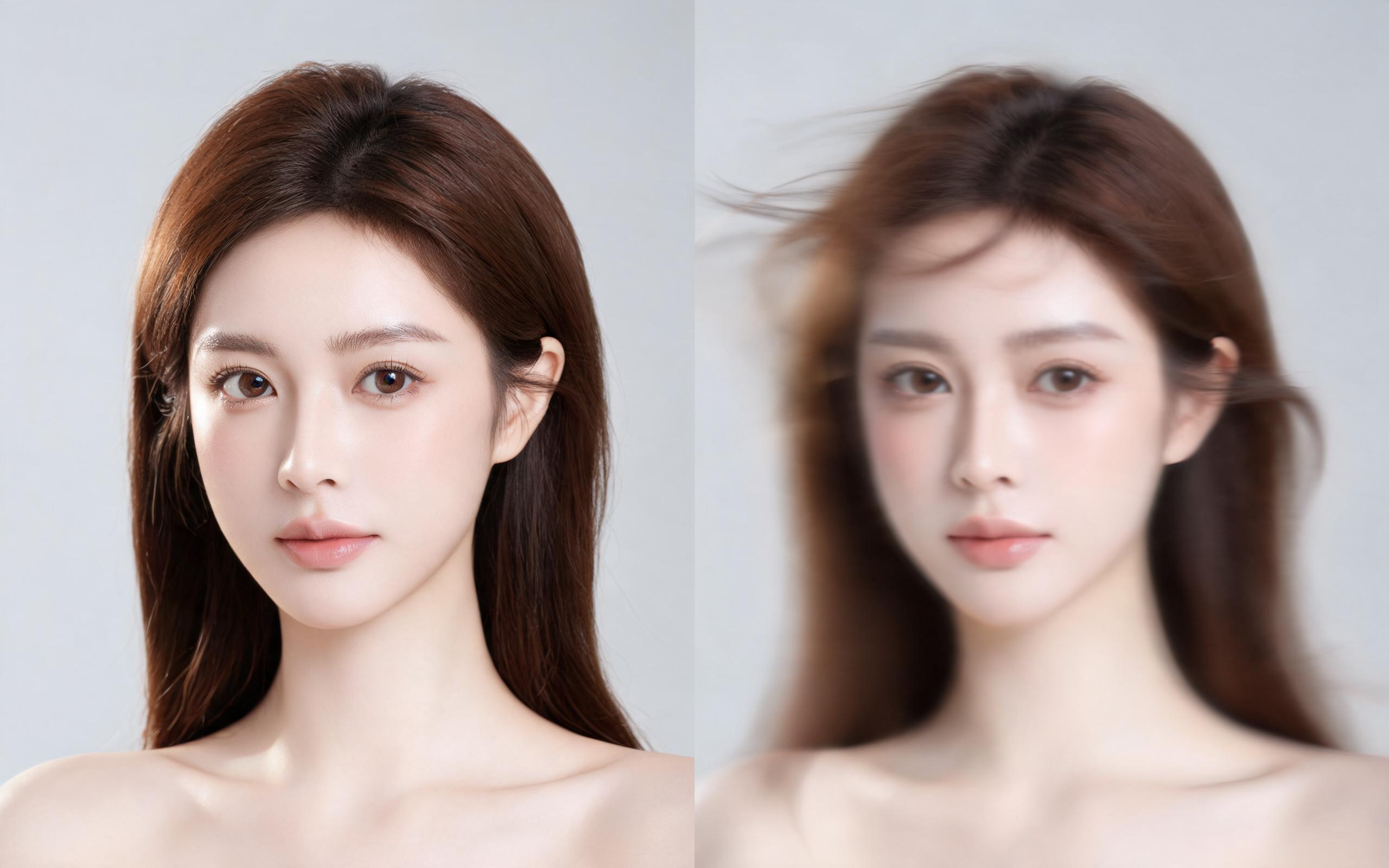
Use PromeAI image-to-video generation for beauty video from photos, adding motion, camera direction, and a short reusable video result from a still image.
Open page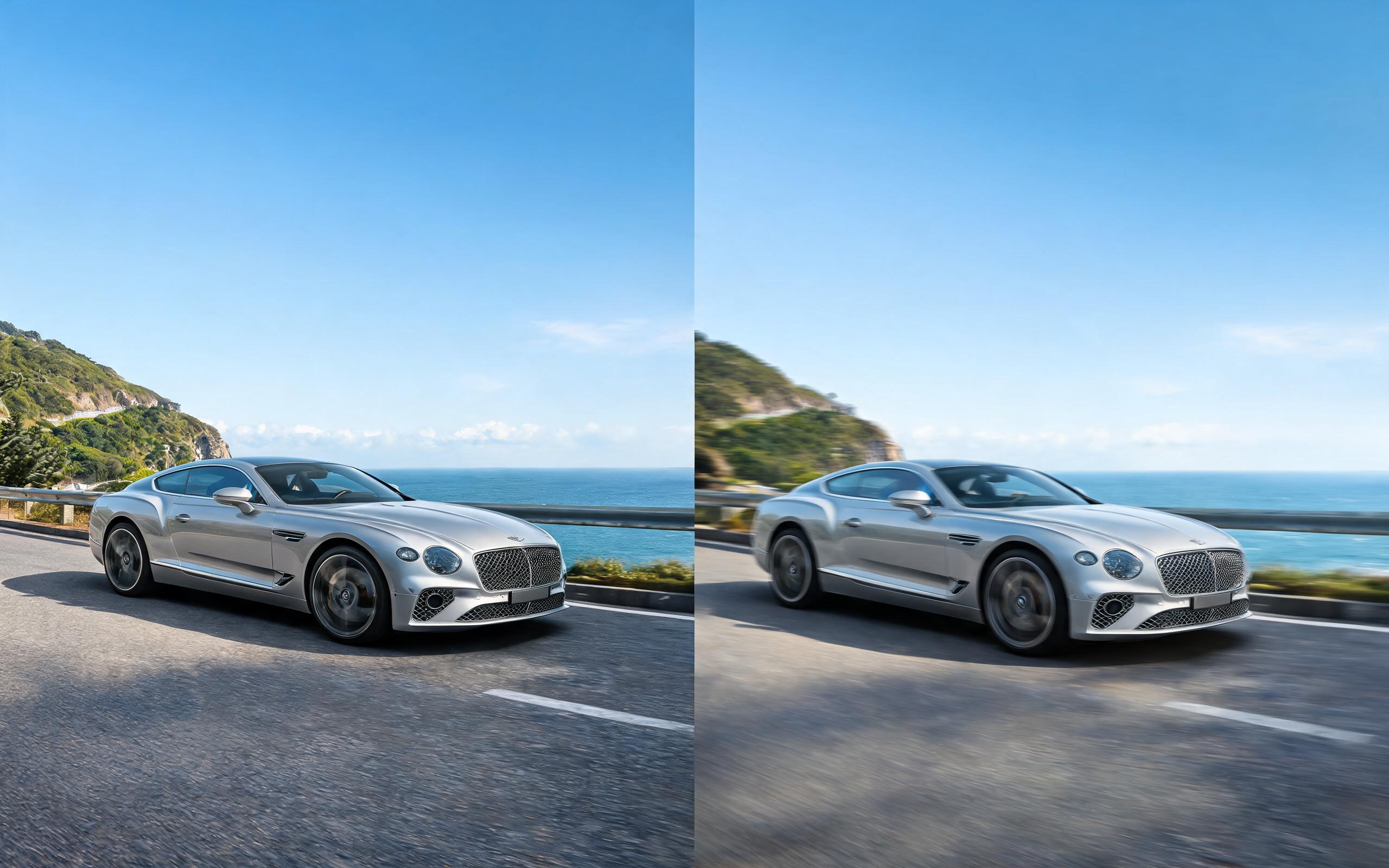
Use PromeAI image-to-video generation for car video from photo, adding motion, camera direction, and a short reusable video result from a still image.
Open page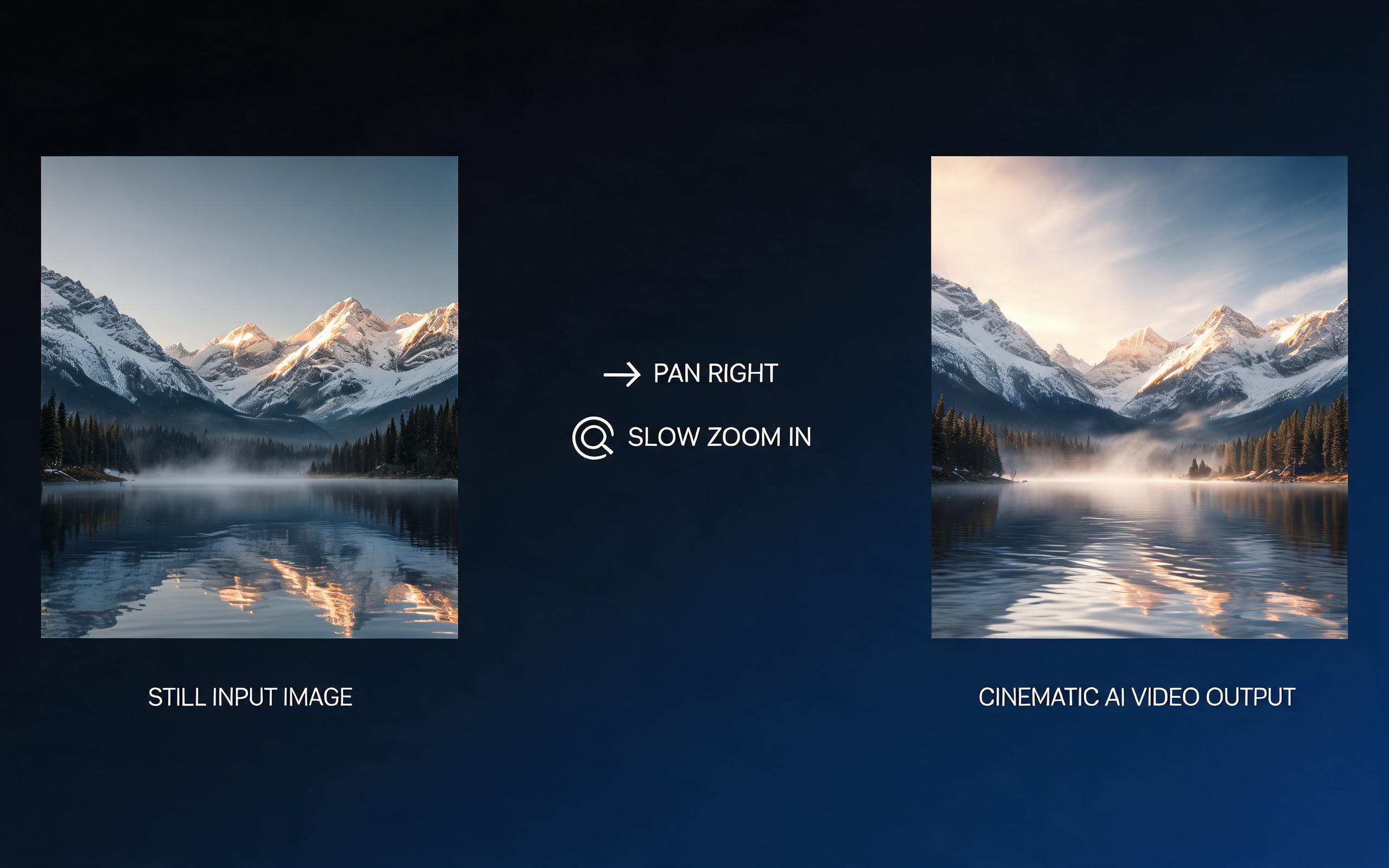
Use PromeAI image-to-video generation for cinematic ai video from image, adding motion, camera direction, and a short reusable video result from a still image.
Open page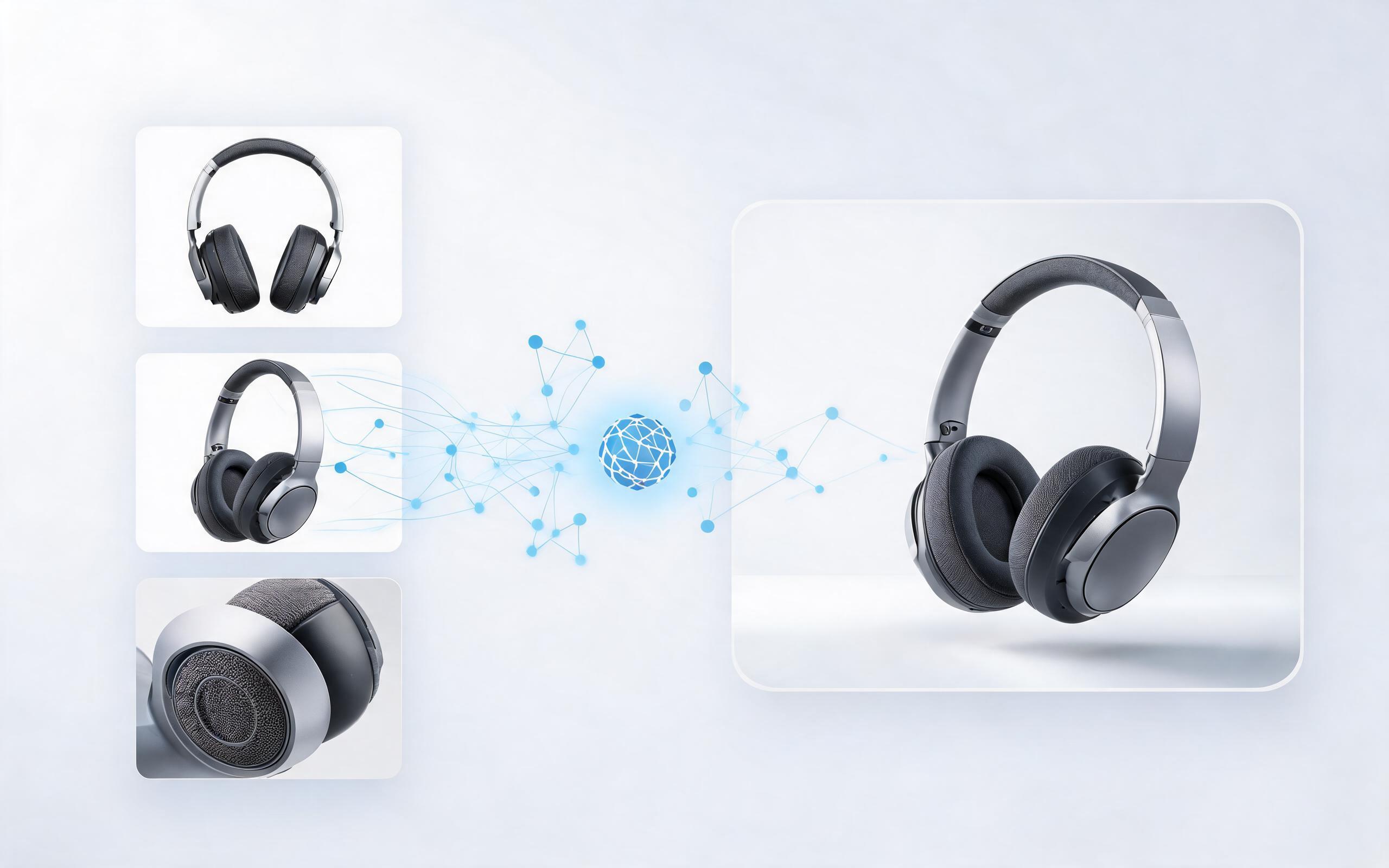
Use PromeAI image-to-video generation to create ai video for ecommerce product from existing images with clear product framing and channel-ready motion.
Open page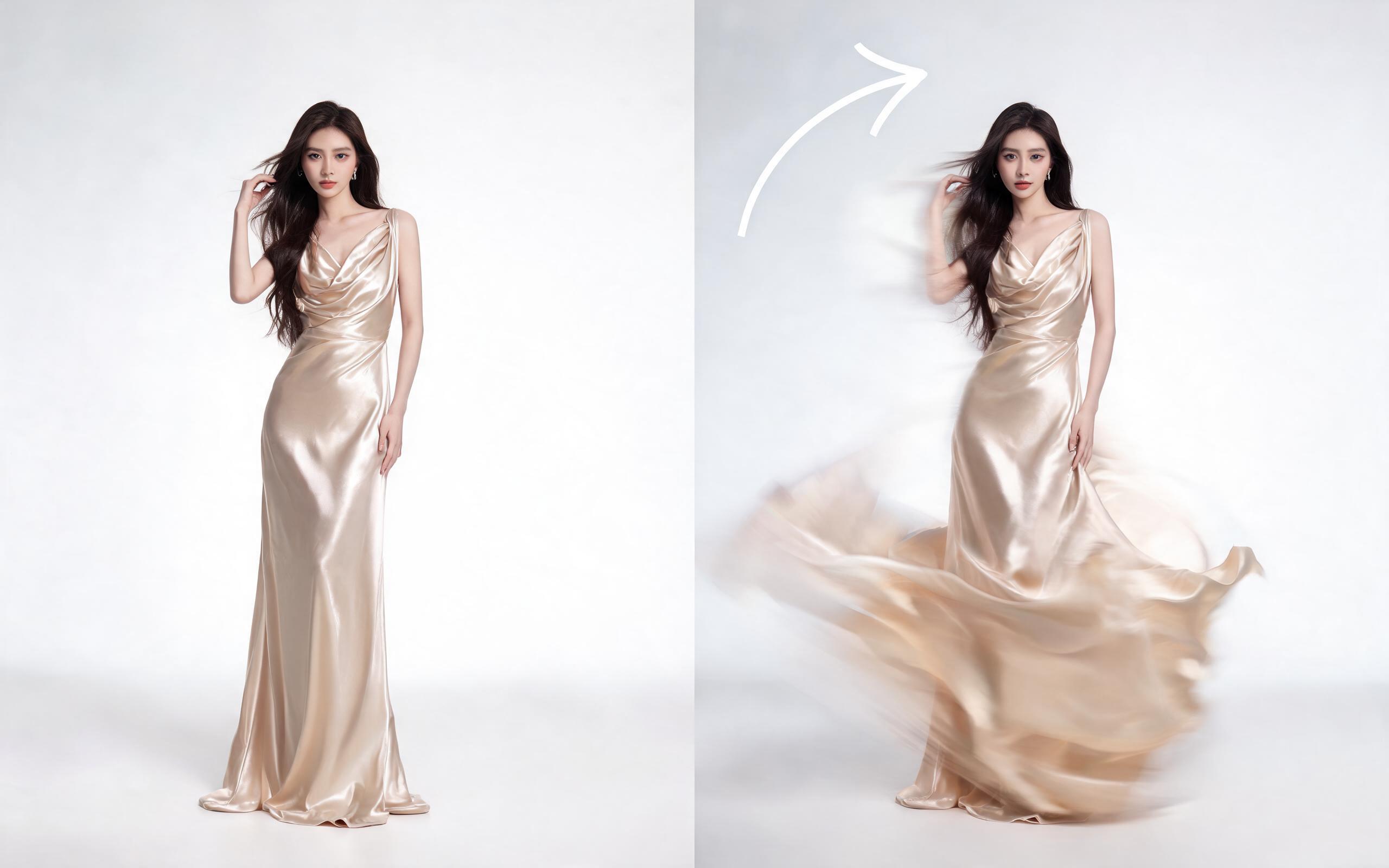
Use PromeAI image-to-video generation for ai fashion video from image, adding motion, camera direction, and a short reusable video result from a still image.
Open page
Turn your existing static restaurant photos into dynamic, high-performing marketing clips in minutes, no editing skills required. Try PromeAI's image to video tool for free today.
Create AI Restaurant Video from Photos
Technical support: [email protected]
Business collaboration: [email protected]
Trusted by Food & Hospitality Marketers
See why thousands of restaurant owners and marketing teams rely on PromeAI for fast, high-quality visual content.
PromeAI helps us turn static campaign images into motion concepts before we commit to a full shoot.
The short clips make it easier to test pacing, camera movement, and product hooks across launch pages and ads.
For stakeholder reviews, a quick AI video gives everyone a clearer sense of material, scale, and story.