



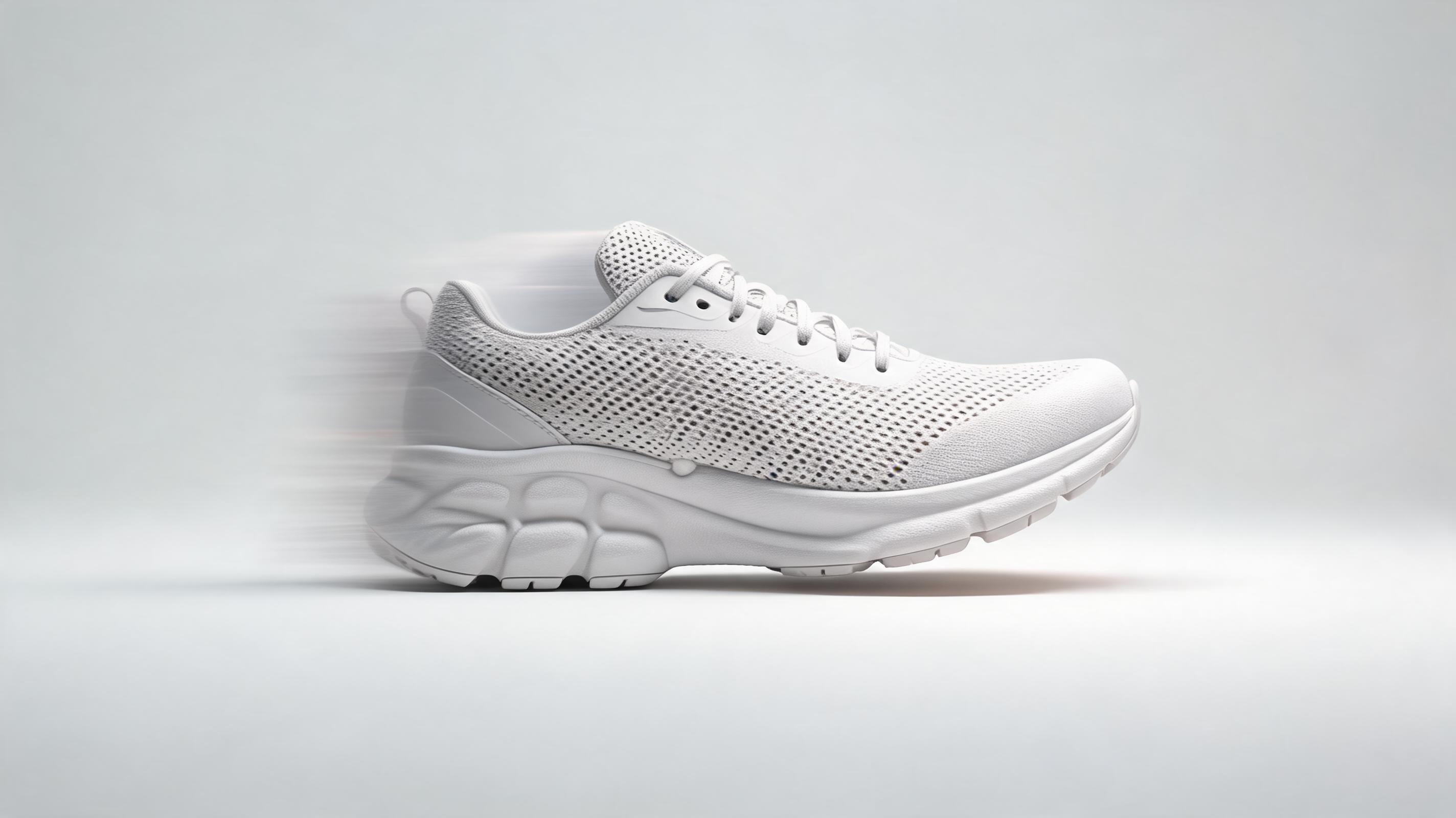
Slow Motion Sneaker Product Demo
A still photo of a running shoe converted to a 0.5x slow motion clip with a slow pan across the shoe's upper material and sole, highlighting breathable mesh and cushioning features for an ecommerce product page.
Skip complex video editing workflows. Upload a single photo, add custom motion controls, and generate short, reusable slow motion clips optimized for any marketing or content channel in seconds.
Browse real examples of slow motion videos generated from still photos across different use cases.
A still photo of a running shoe converted to a 0.5x slow motion clip with a slow pan across the shoe's upper material and sole, highlighting breathable mesh and cushioning features for an ecommerce product page.
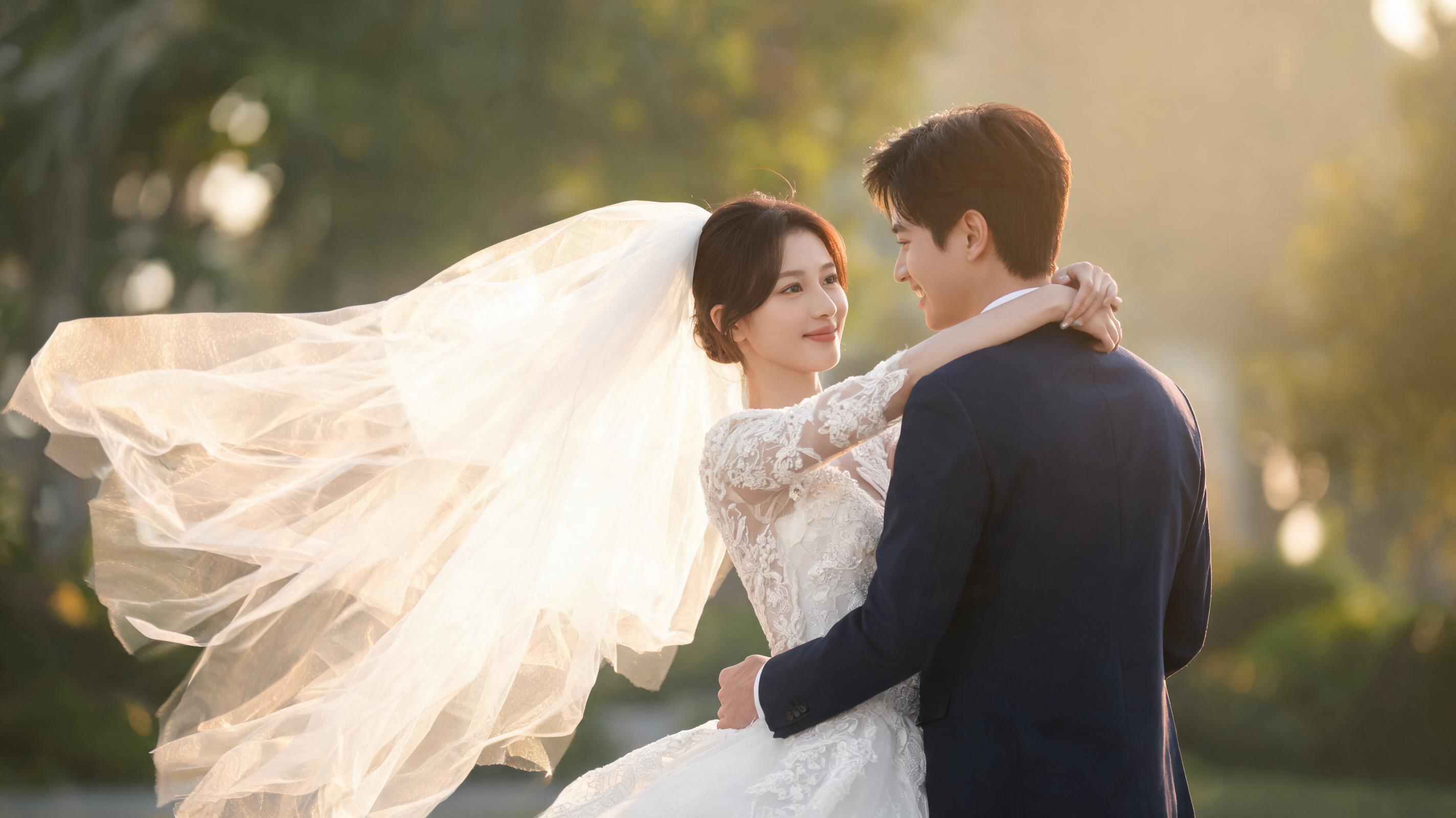
A static wedding couple portrait turned into a 10-second 0.25x slow motion video with gentle zoom and soft simulated wind moving the bride's veil, used in a wedding highlight reel.
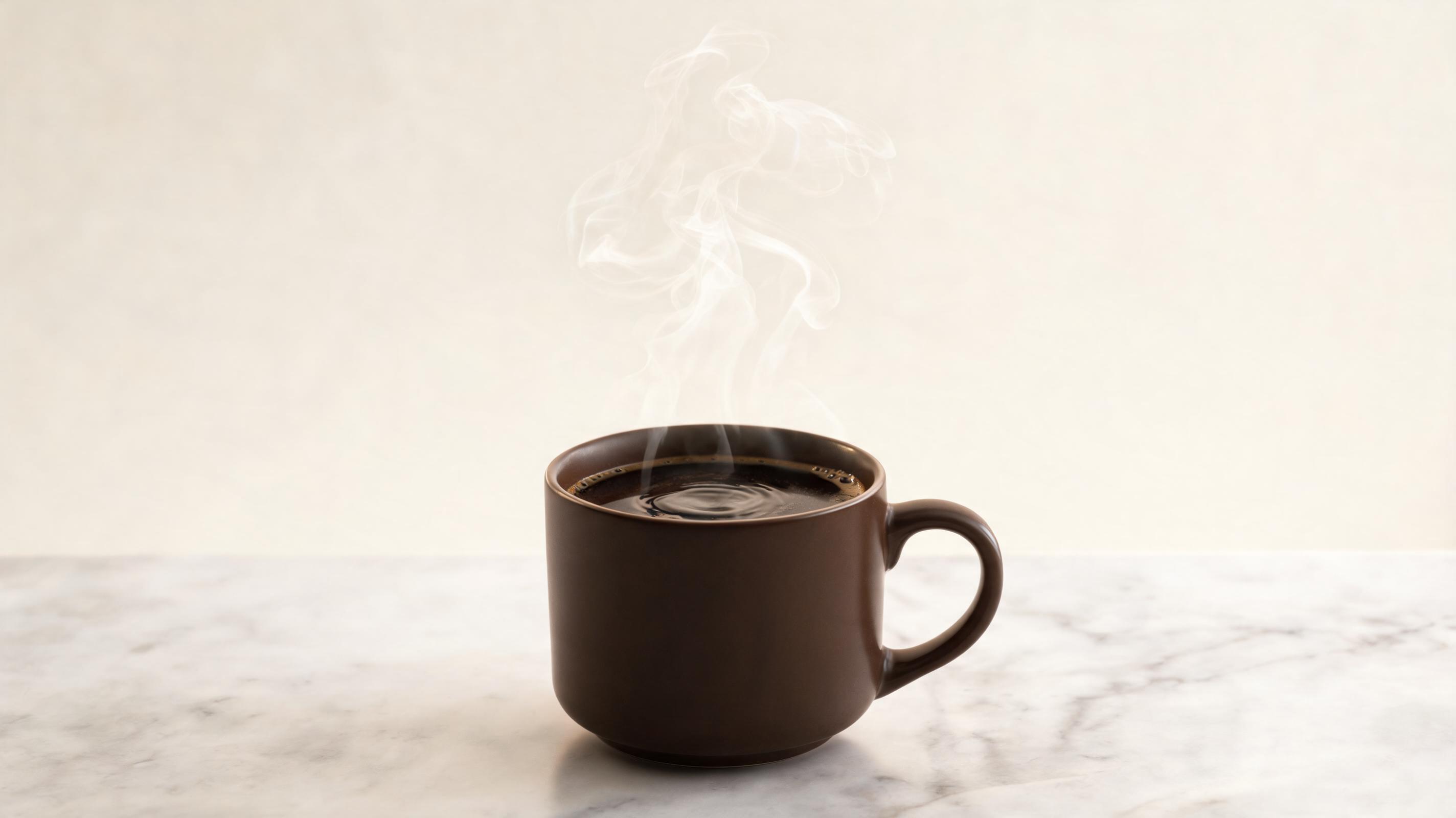
A still photo of a steaming coffee mug converted to a 0.75x slow motion clip with slow rising steam movement, optimized as a looping 1:1 clip for Instagram ad campaigns.
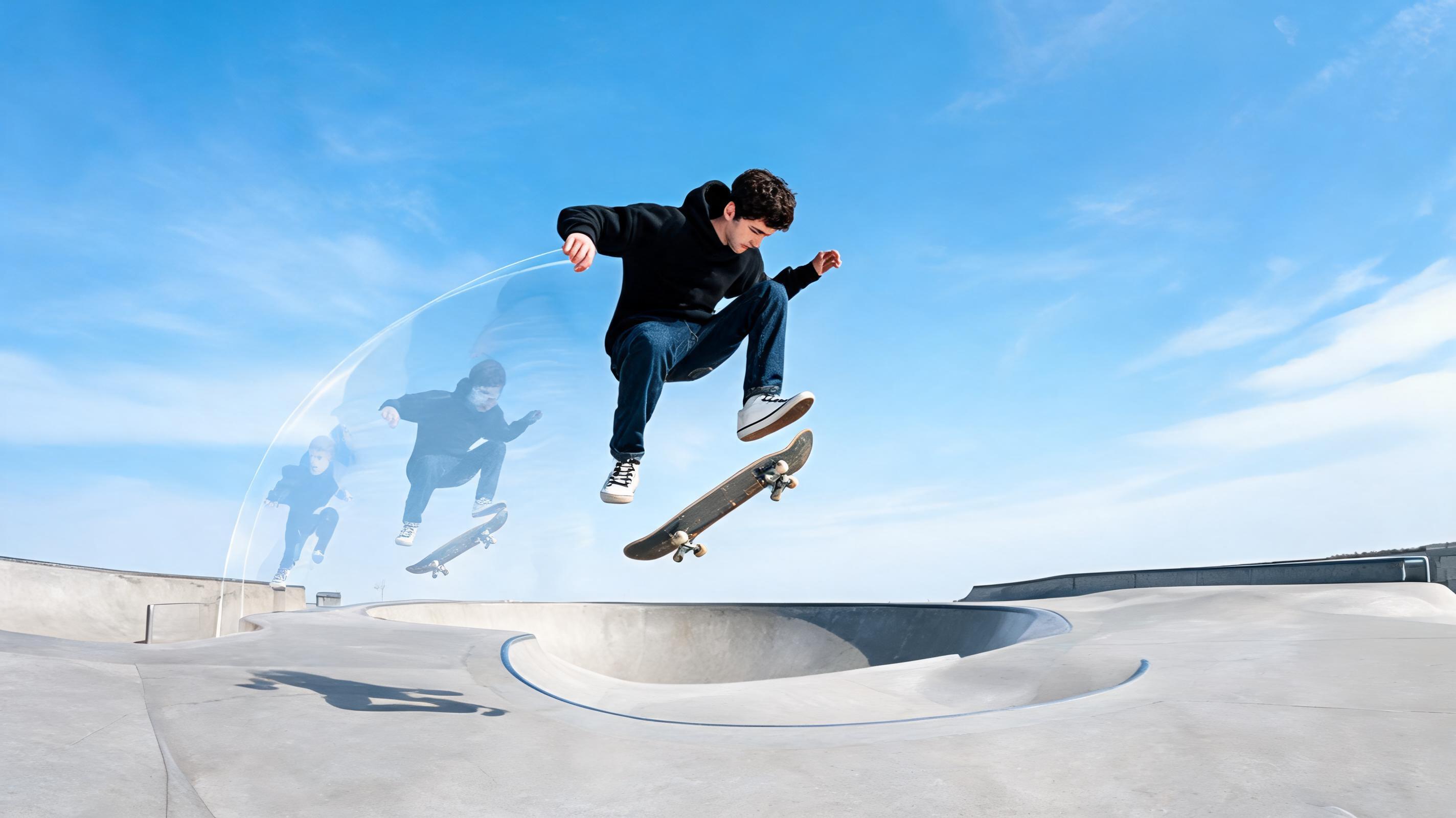
A static skateboarding trick photo turned into a 6-second 0.5x slow motion video with simulated movement following the skateboarder's trajectory, used in a sports brand social media post.
Discover built-in tools designed to help you create high-quality slow motion videos without professional editing skills.
Use pre-built speed profiles optimized for product demos, action content, and cinematic clips to skip manual speed tuning and reduce workflow time.
Adjust camera pan, zoom, and subject movement direction to create natural, realistic slow motion aligned with your creative vision, no motion capture equipment required.
Export slow motion clips in pre-sized formats for Instagram Reels, TikTok, YouTube Shorts, website banners, and ad platforms to skip post-generation resizing and formatting.
Generate slow motion videos up to 60fps for ultra-smooth, jitter-free playback that looks professional even on high-resolution displays and social media feeds.
Toggle the loop setting to create seamless, repeating slow motion clips ideal for website hero sections, product page demos, and social media carousels.
Generate up to 3 slow motion videos per month without watermarks on the free plan, with affordable paid tiers for high-volume creators and marketing teams.
See how creators, marketers, and brands use this tool to save time and elevate their content output.
Turn static product photos into slow motion clips that highlight key features (e.g., fabric drape, product movement, texture) to boost conversion rates on product pages and ad campaigns.
Create engaging slow motion Reels, TikToks, and Instagram posts from existing event photos, lifestyle shots, or user-generated content to fill content gaps without new shoots.
Generate slow motion B-roll clips from still production photos to fill gaps in short films, brand videos, and documentary projects without costly reshoots.
Turn static ad image assets into slow motion video ads that drive higher click-through rates than static images, with optimized export for Facebook, Instagram, and Google Ads.
Convert wedding, sports, or corporate event photos into slow motion highlight clips to add emotion and depth to event recap videos for clients or internal use.
Create slow motion clips from fashion product photos, makeup swatch shots, or model portraits to showcase fabric movement, product texture, and brand aesthetic for campaigns.
Follow 3 simple steps to turn any still image into a polished slow motion clip in seconds.
Select a high-resolution still image with a clear subject (e.g., product, action shot, landscape) to use as the base for your slow motion video, avoiding blurry or low-quality details that will distort in motion.
Adjust motion direction, speed (choose 0.25x, 0.5x, or 0.75x for smooth slow motion), camera pan/zoom preferences, and clip length (3-15 seconds recommended for reusable marketing clips) to match your use case.
Run AI generation to create your polished slow motion video, then export in MP4, MOV, or GIF format optimized for social media, websites, ads, or other content channels.
This guide walks you through everything you need to know to create high-quality slow motion videos from still photos, including best use cases, workflow tips, and how to choose the right PromeAI image to video feature for your project.
Start by selecting a high-resolution source photo with a clear subject and minimal background clutter to ensure the AI can generate realistic motion. Next, choose a speed setting aligned with your use case: 0.25x for dramatic, cinematic clips, 0.5x for balanced product demos and social content, and 0.75x for subtle, natural motion that doesn't feel overly slowed down. Adjust camera motion to match your subject: use slow zoom for product clips, gentle pan for landscape or group shots, and subject tracking for action or portrait content. Finally, export in the pre-sized format for your target channel to avoid additional editing work. This workflow typically takes less than 2 minutes from upload to final export, making it far faster than traditional video editing workflows that require filming raw footage and manual speed adjustments.
Use this feature when you have existing still photo assets you want to repurpose into video content, you need fast, low-cost slow motion clips without filming new footage, or you need to fill gaps in existing video projects with matching B-roll. It is ideal for marketing teams, content creators, and small business owners who don't have access to video production equipment or editing resources. Do not use this feature if you need hyper-realistic slow motion of fast, complex action sequences (e.g., professional sports highlights) where raw video footage will always deliver more accurate results, or if you need clips longer than 30 seconds, as the tool is optimized for short, reusable clips. For longer, more complex video projects, use PromeAI's text to video feature instead to generate full-length custom video content.
The AI slow motion from photo feature is specifically designed for slowed, smooth short clips, making it distinct from other PromeAI image to video tools. If you need high-energy ad content with fast cuts and dynamic motion, use the AI Ad Creative Video from Image feature instead. For beauty or fashion brand content focused on product aesthetic and model movement, use the AI Beauty Video or AI Fashion Video features for industry-specific motion presets. If you need cinematic, high-production value clips for film or brand campaigns, use the Cinematic AI Video from Image feature for advanced color grading and motion profiles. For ecommerce product clips focused on conversion optimization, use the AI Ecommerce Video Generator for built-in product highlight presets. Choose the slow motion feature specifically when you want to emphasize details, create emotional impact, or highlight texture and movement in a slowed format.
For social media use, add text overlays and captions after export to boost engagement, as 85% of social media video is watched without sound. For ad use, test 0.5x slow motion clips against static images and regular speed video ads to measure click-through rate lifts, as slow motion content typically drives 20-30% higher engagement than static image ads for most industries. For website use, export looping 0.75x slow motion clips in web-optimized MP4 format to reduce page load time while adding visual interest to hero sections and product pages. Always test your final clip on your target platform before publishing to ensure playback quality and speed meet your expectations.
Explore customizable presets to speed up your slow motion video generation workflow once available.
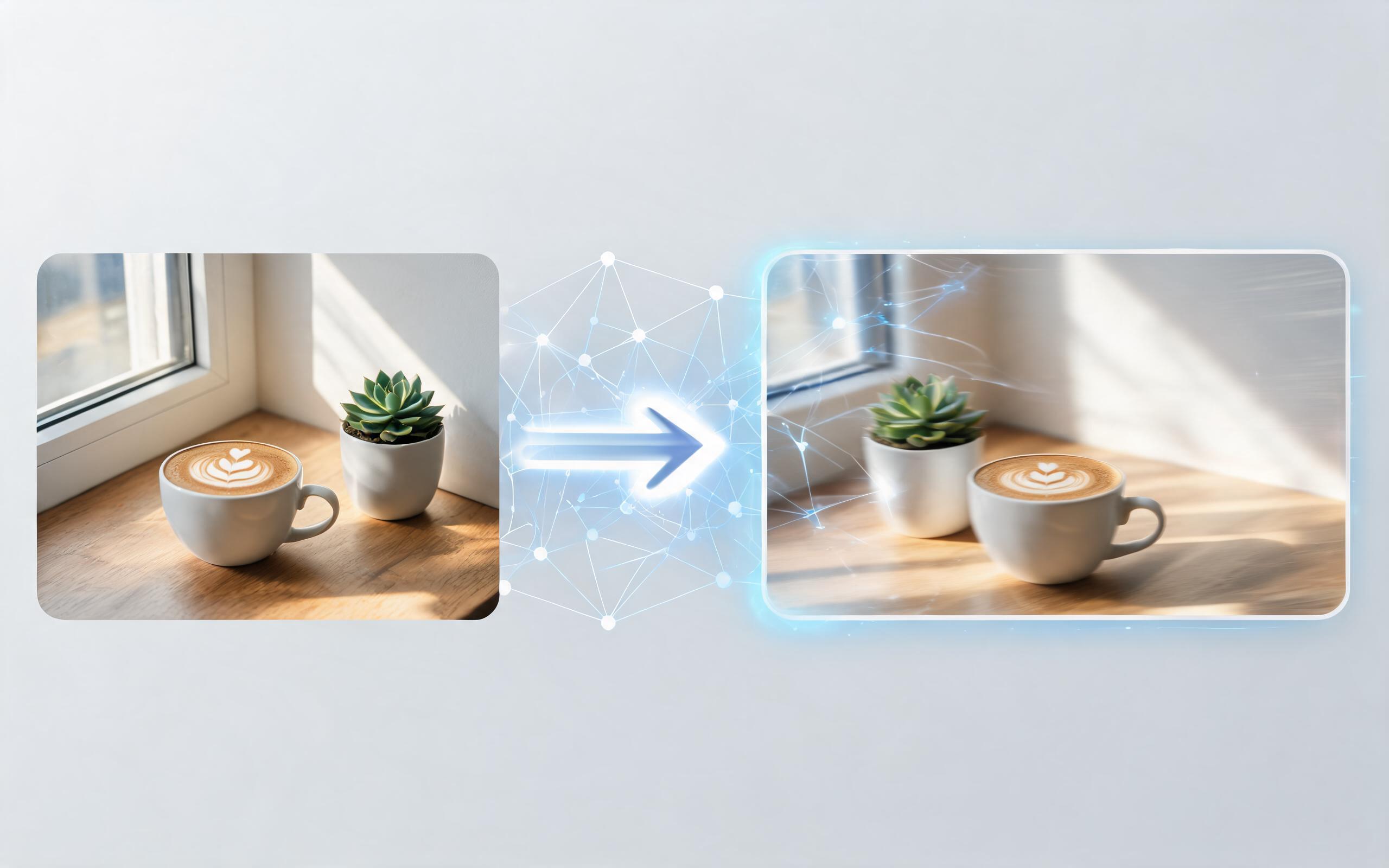
Use PromeAI image-to-video generation for ai ad creative video, adding motion, camera direction, and a short reusable video result from a still image.
Open page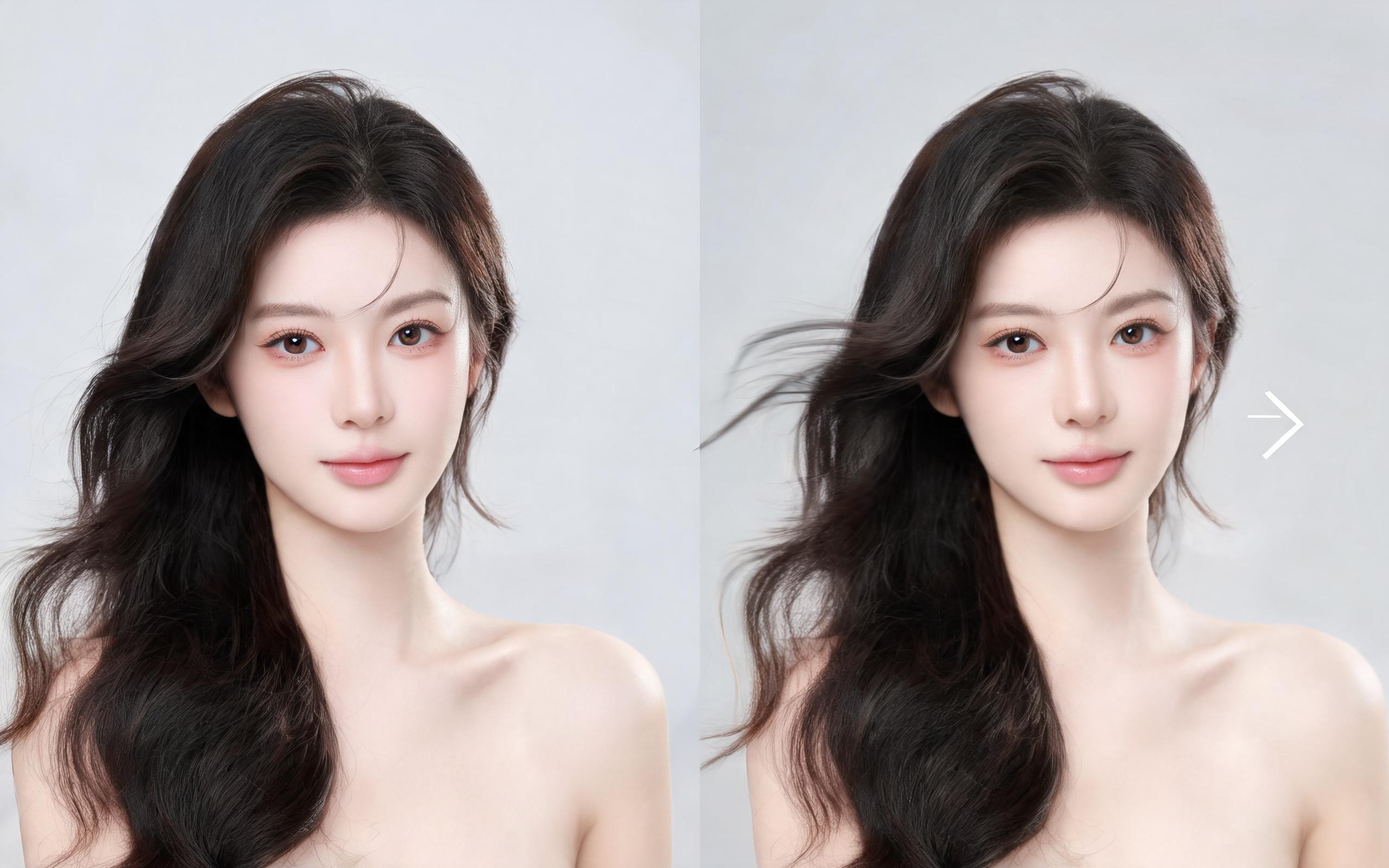
Use PromeAI image-to-video generation for beauty video from photos, adding motion, camera direction, and a short reusable video result from a still image.
Open page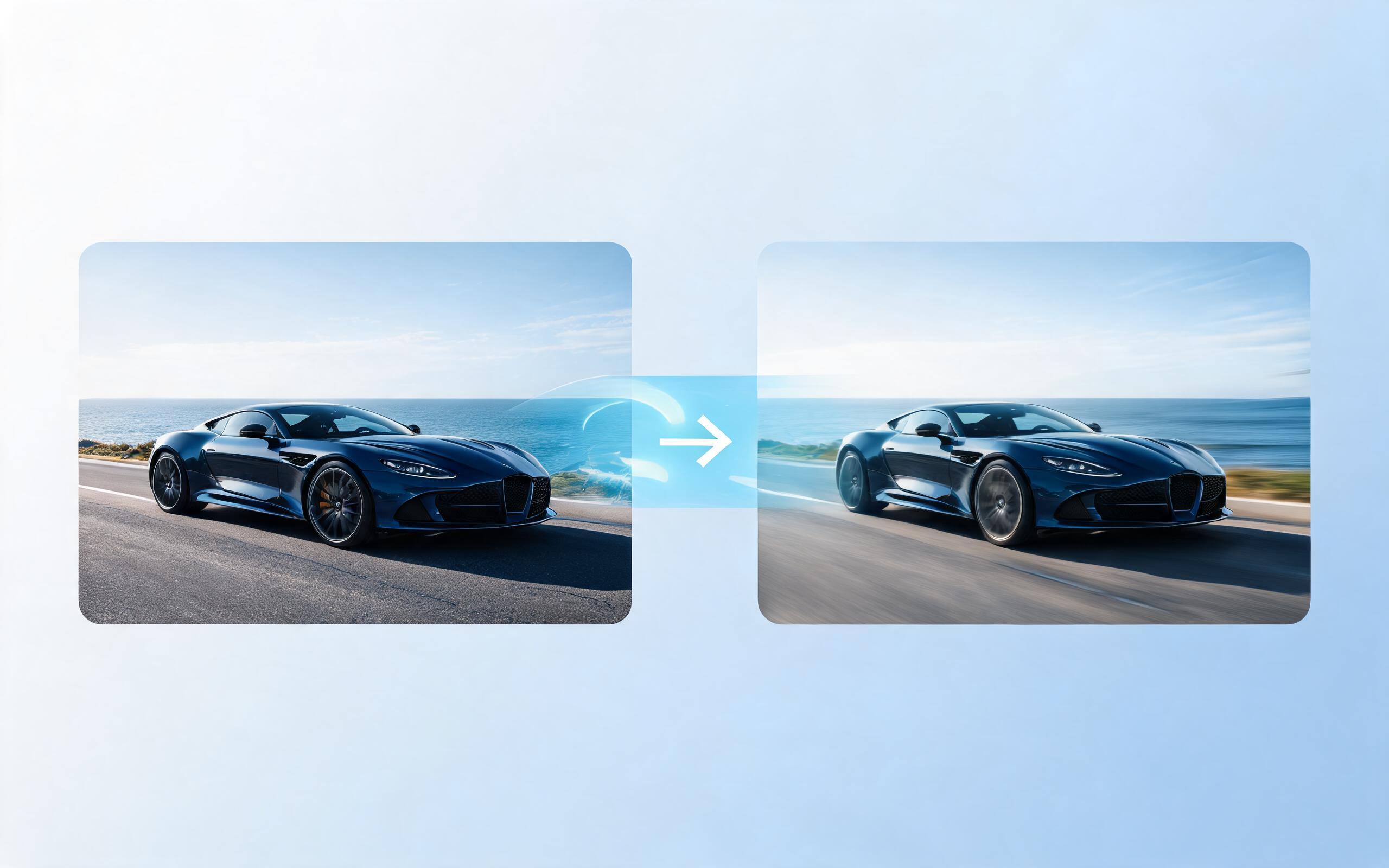
Use PromeAI image-to-video generation for car video from photo, adding motion, camera direction, and a short reusable video result from a still image.
Open page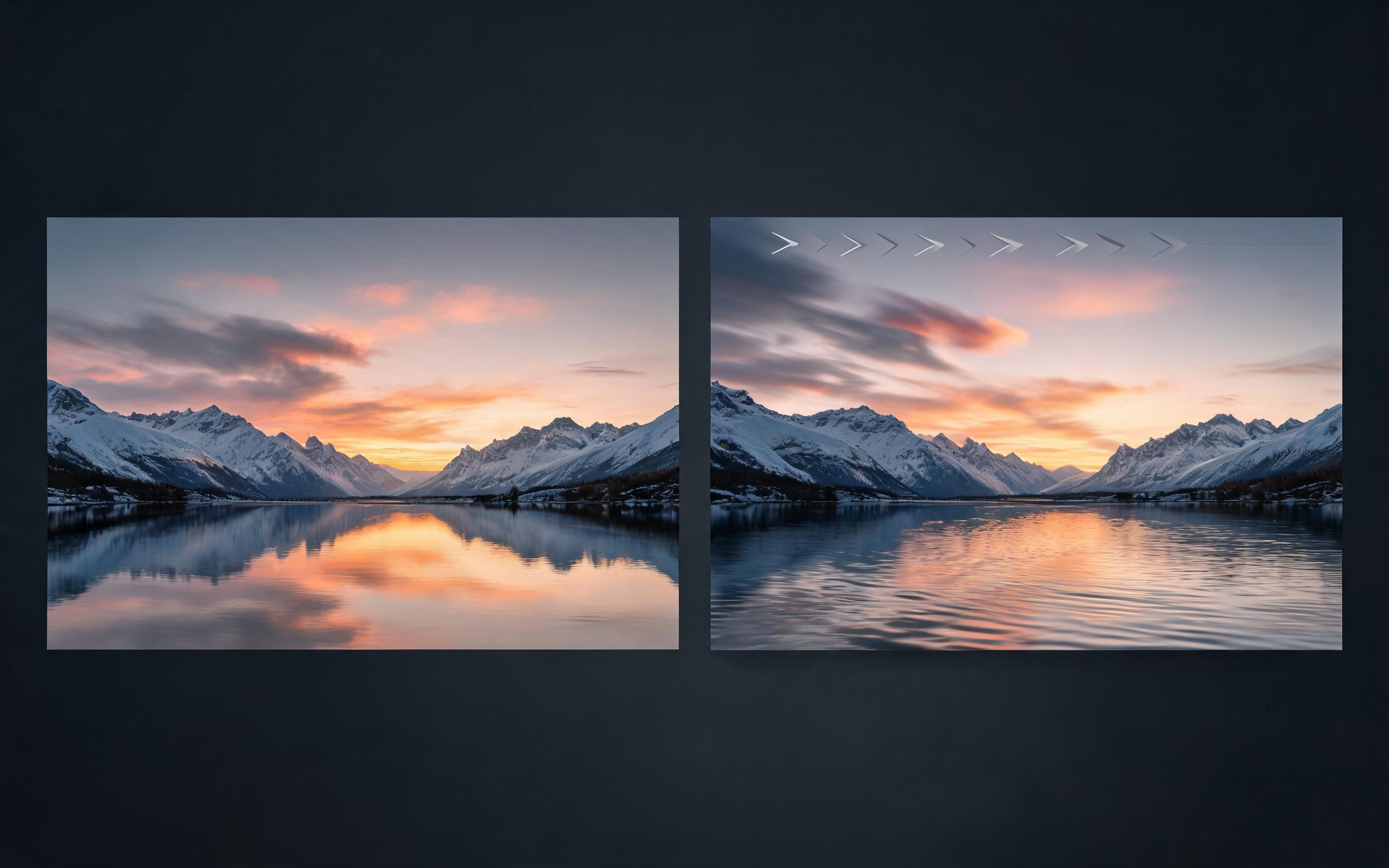
Use PromeAI image-to-video generation for cinematic ai video from image, adding motion, camera direction, and a short reusable video result from a still image.
Open page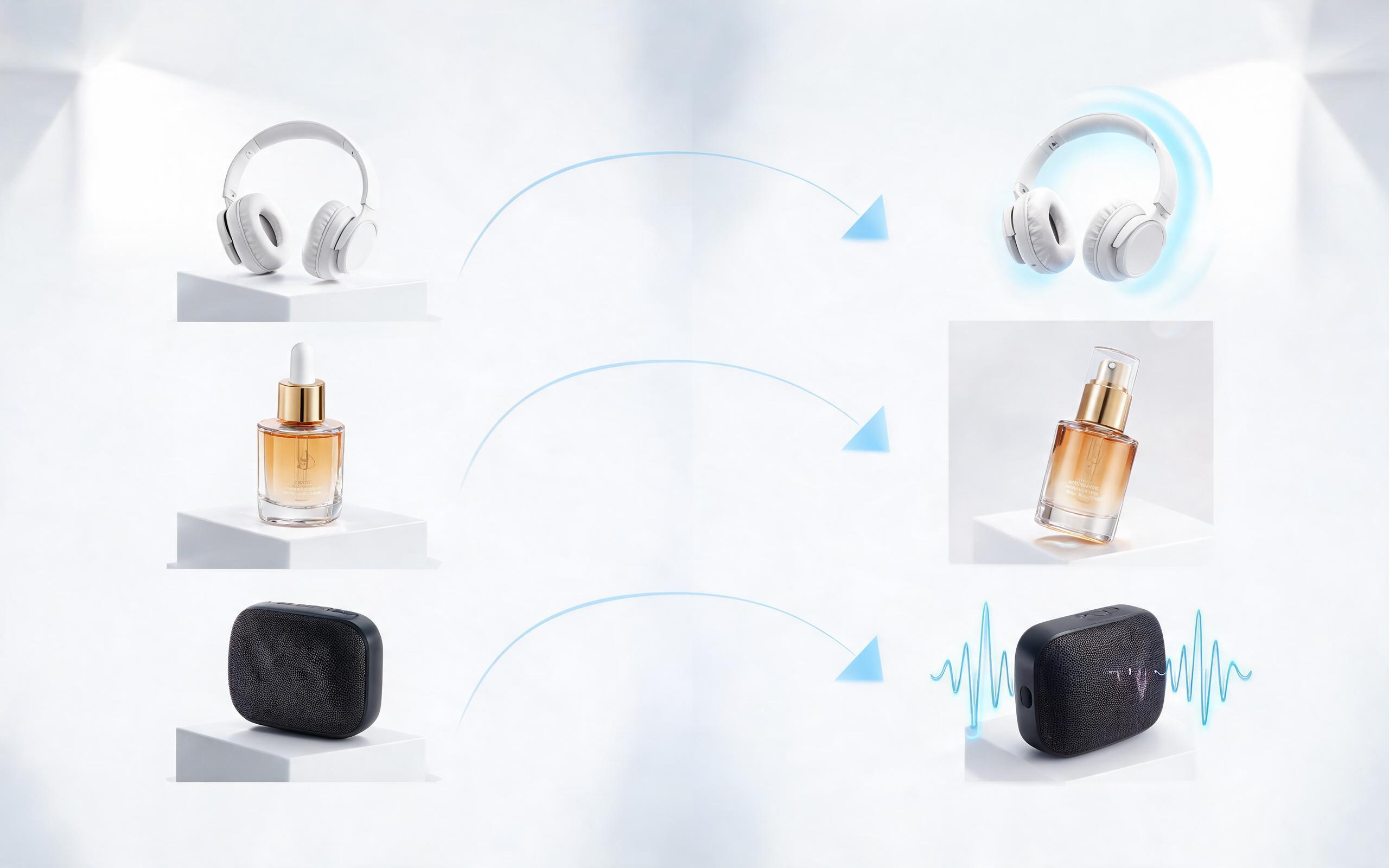
Use PromeAI image-to-video generation to create ai video for ecommerce product from existing images with clear product framing and channel-ready motion.
Open page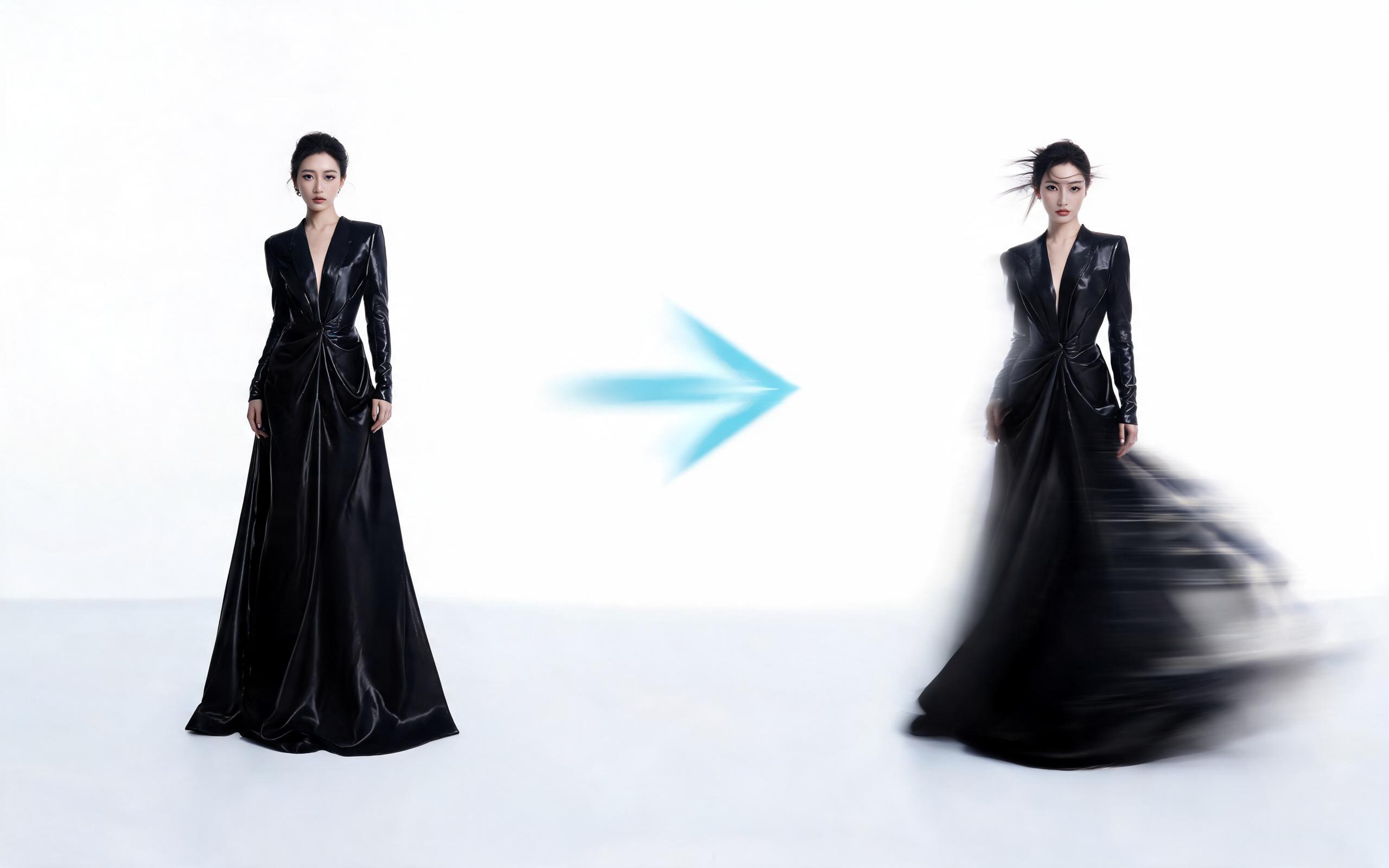
Use PromeAI image-to-video generation for ai fashion video from image, adding motion, camera direction, and a short reusable video result from a still image.
Open pageGet answers to common questions about generating slow motion videos from still images with PromeAI.

Skip expensive video shoots and complex editing workflows. Upload any still photo to PromeAI's image to video tool and create polished, channel-ready slow motion clips in seconds for free.
Create AI Slow Motion from Photo
Technical support: [email protected]
Business collaboration: [email protected]
What Creators Say About PromeAI's Image to Video Tools
See feedback from thousands of users who use PromeAI to streamline their video creation workflows.
PromeAI helps us turn static campaign images into motion concepts before we commit to a full shoot.
The short clips make it easier to test pacing, camera movement, and product hooks across launch pages and ads.
For stakeholder reviews, a quick AI video gives everyone a clearer sense of material, scale, and story.