

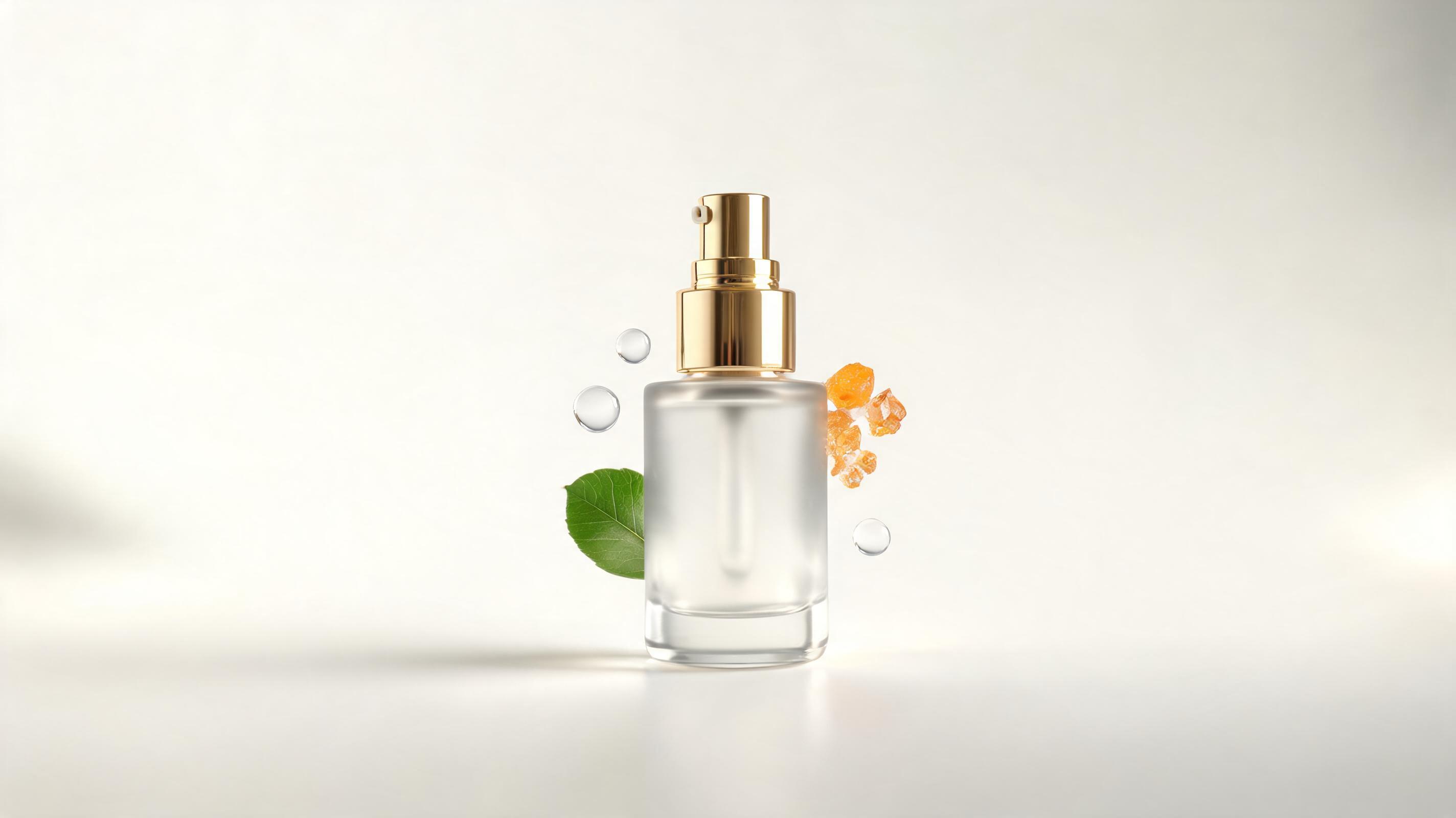
Skincare product TikTok ad
A static product photo of a serum bottle converted to a 15s TikTok ad with a slow zoom motion, highlighting key ingredients printed on the bottle.
Skip complex video editing. Use PromeAI's image to video tool to add custom motion, camera direction, and loop-friendly clips optimized for TikTok in seconds.
Browse sample clips generated with PromeAI to see the quality and range of motion effects you can add to your images.
A static product photo of a serum bottle converted to a 15s TikTok ad with a slow zoom motion, highlighting key ingredients printed on the bottle.

A still photo of a mountain sunset turned into a 30s looped TikTok clip with a slow left-to-right pan, paired with a calming audio trend.
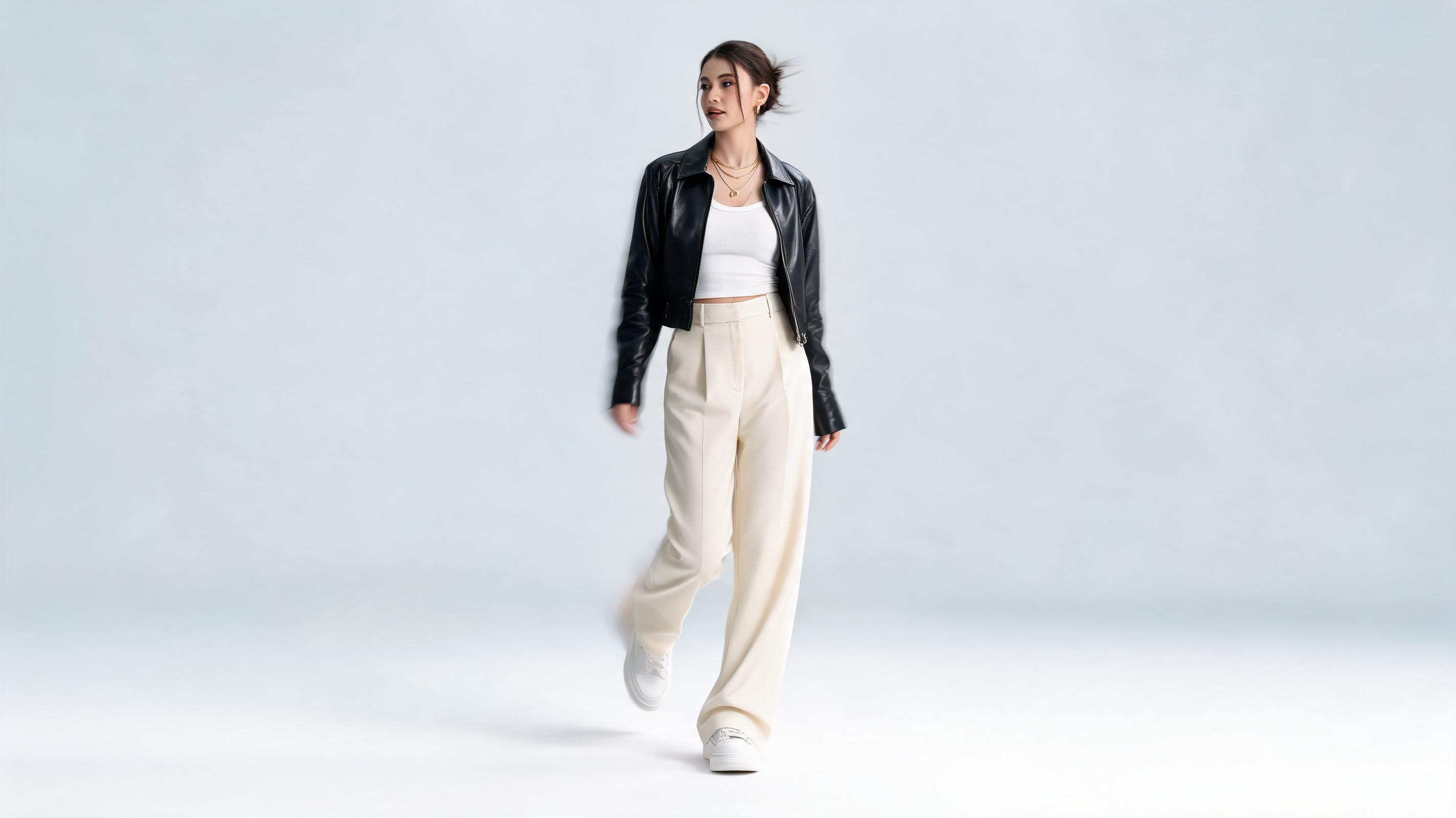
A static OOTD (outfit of the day) photo converted to a 15s TikTok trend clip with subtle up-and-down bounce motion matching the beat of a popular sound.

A static fantasy illustration turned into a 60s TikTok clip with slow floating particle motion and a gentle zoom out, showcasing the full artwork.
Built specifically for TikTok creators, our tool includes all the functionality you need to make high-performing short-form video content.
Supports all standard TikTok placements, including 9:16 vertical full-screen, 1:1 square, and 16:9 horizontal formats.
Adjust camera movement (zoom, pan, bounce, drift) and speed to match the tone of your TikTok content or trend audio.
Automatically generates smooth, seamless looped clips that perform well in TikTok feeds and encourage repeated views.
Choose from 15-second, 30-second, or 60-second export lengths to fit every type of TikTok content, from short trends to longer tutorials.
Most clips render in 30 seconds or less, so you can create and publish content in real time to capitalize on trending sounds or topics.
All paid plans include high-resolution, watermark-free exports that are ready to publish directly to TikTok without extra editing.
See how creators, brands, and marketers are using this tool to scale their TikTok content output fast.
Turn existing Instagram photos, selfies, or lifestyle shots into fresh daily TikTok posts without filming new content.
Convert product catalog photos into engaging TikTok ad clips to drive sales and build brand awareness on a budget.
Repurpose high-performing static content from other platforms into TikTok videos to reach new audiences with minimal effort.
Generate dozens of TikTok ad variations from existing brand assets to test different messaging and motion styles fast.
Turn static digital art, illustrations, or fan art into animated TikTok clips to showcase your work and grow your following.
Convert travel photos, family snapshots, or pet pictures into fun, shareable TikTok clips for friends and followers.
Follow these simple steps to turn any still image into a publish-ready TikTok clip in minutes.
Select a high-resolution, well-lit still image that aligns with your TikTok content theme, and upload it to the PromeAI image to video tool.
Choose your desired clip length (15s/30s/60s), 9:16 vertical aspect ratio, and customize motion/camera direction to match your content vibe.
Render your video in under 1 minute, export it watermark-free (on paid plans), and upload directly to your TikTok account.
Whether you're a casual personal creator, a full-time TikTok influencer, or a marketing manager running brand TikTok campaigns, this guide will help you get the most out of PromeAI's tool to scale your content output without sacrificing quality.
Start by selecting a high-quality source photo that aligns with your content strategy: product shots, lifestyle images, artwork, travel photos, and selfies all work extremely well. Upload your image to the PromeAI image to video tool, select your desired clip length (15s, 30s, or 60s) and aspect ratio (we recommend 9:16 for most feed posts). Next, choose a pre-built motion preset or customize your camera direction to fit the tone of your content: slow zooms work great for product demos, subtle bounce motion fits trend content, and slow pans are perfect for landscape or travel clips. Preview your render, make any small adjustments if needed, then export and upload directly to TikTok, where you can add text overlays, audio, and captions to boost engagement.
Use PromeAI's AI TikTok video from photo tool when you need to scale content fast, repurpose existing high-performing photo assets, or create content on a tight budget without access to filming equipment. It is ideal for turning underutilized Instagram carousels, product catalog shots, or user-generated content photos into fresh TikTok content in minutes, with no filming or editing time required. Avoid using this tool for content that requires complex action, dialogue, or multiple scene changes—for those use cases, filming original content will still deliver better results. If you are running a short-term TikTok ad campaign and need 5+ variations of a product ad fast, this tool is far more efficient than filming multiple takes manually. For personal trend content that relies on your on-camera personality or live action, original filming is usually the better choice to connect with your audience.
To maximize the reach of your AI-generated TikTok clips, make sure your motion matches the audio track you plan to use: fast, snappy motion pairs well with upbeat trend sounds, while slow, smooth motion works for calming, educational, or aesthetic content. Add text overlays and closed captions directly in TikTok after exporting your clip, as text elements increase average engagement by 60% for short-form video content. Test multiple motion variations of the same photo to see which performs best with your audience: you can generate 3-4 different clips from one single image in less than 5 minutes total, making A/B testing extremely low-effort. Make sure your clip loops smoothly if you are creating content for TikTok's looped feed, as repeated views signal high engagement to the algorithm.
Choose high-resolution photos (minimum 1080px wide) with a clear, well-lit subject to get the highest quality output. Avoid photos with heavy text overlays or existing watermarks, as these will appear distorted when motion is added. For product content, use photos that show the product in use or against a clean, uncluttered background so the motion draws focus to the product itself. For personal content, use photos where you are centered in the frame so camera movements stay focused on you rather than empty background space. If you plan to add text overlays to your TikTok, leave empty space at the top and bottom of your source photo so your text does not cover the main subject of your clip.
Explore pre-built presets to speed up your TikTok video creation workflow from still images.
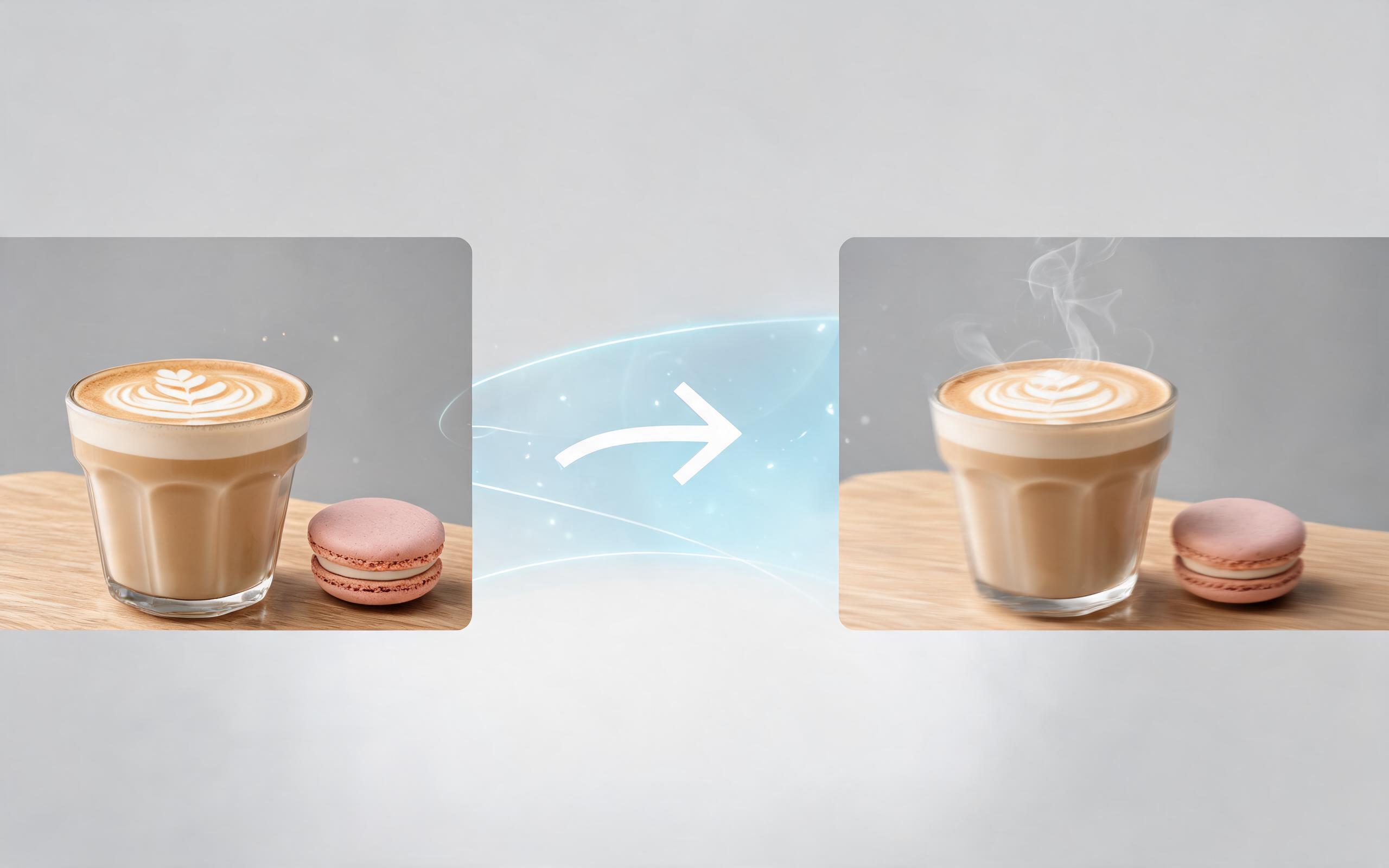
Use PromeAI image-to-video generation for ai ad creative video, adding motion, camera direction, and a short reusable video result from a still image.
Open page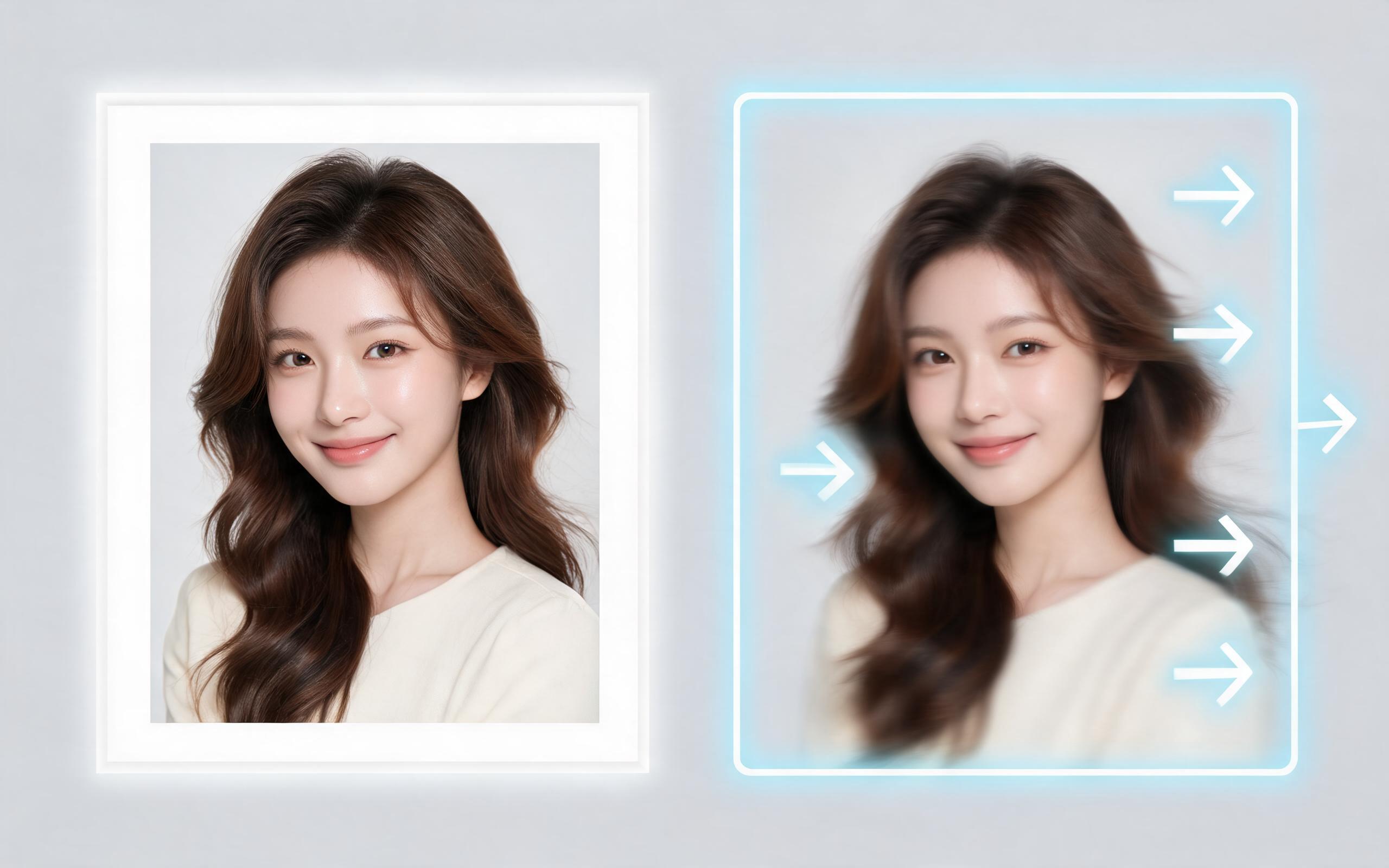
Use PromeAI image-to-video generation for beauty video from photos, adding motion, camera direction, and a short reusable video result from a still image.
Open page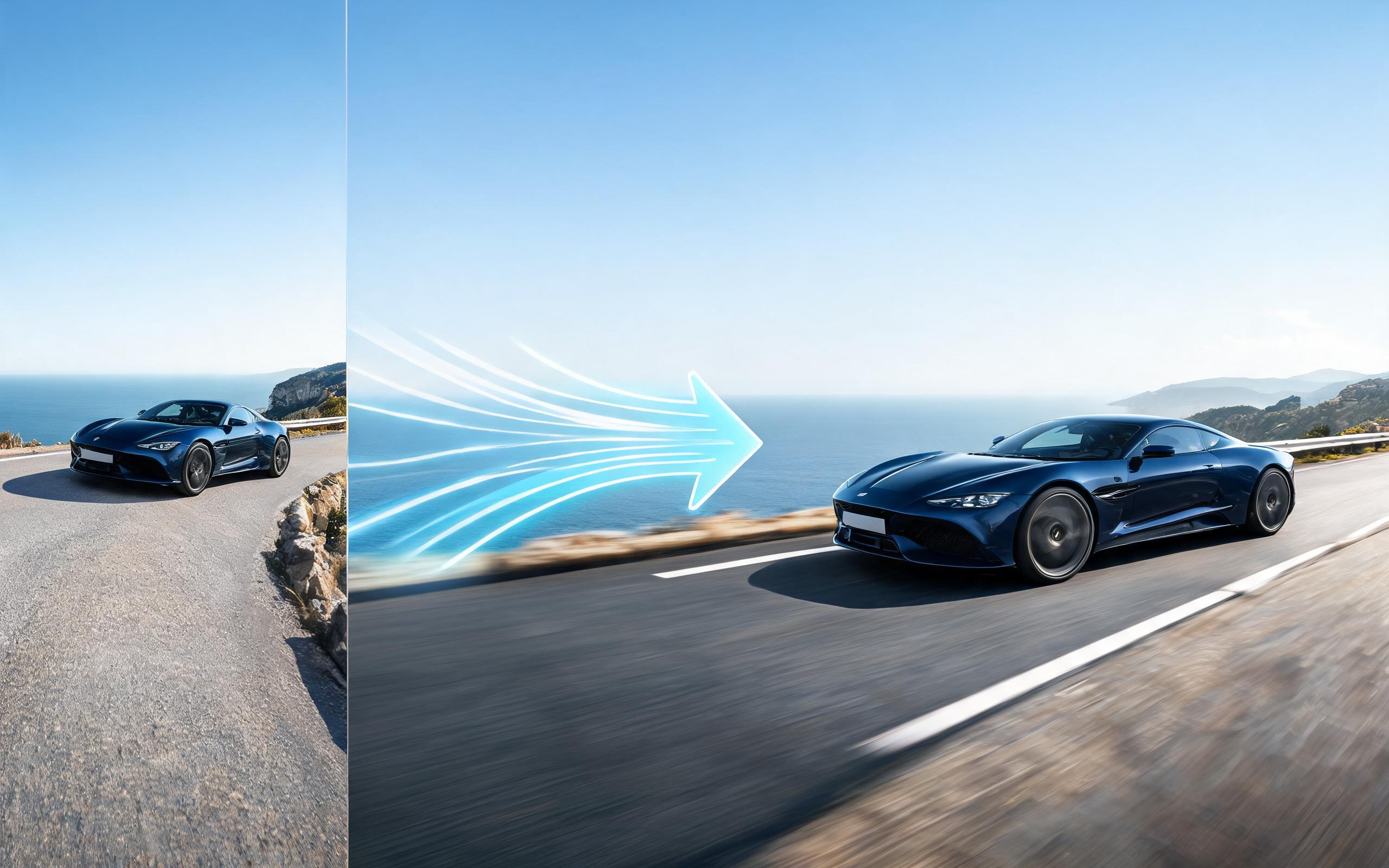
Use PromeAI image-to-video generation for car video from photo, adding motion, camera direction, and a short reusable video result from a still image.
Open page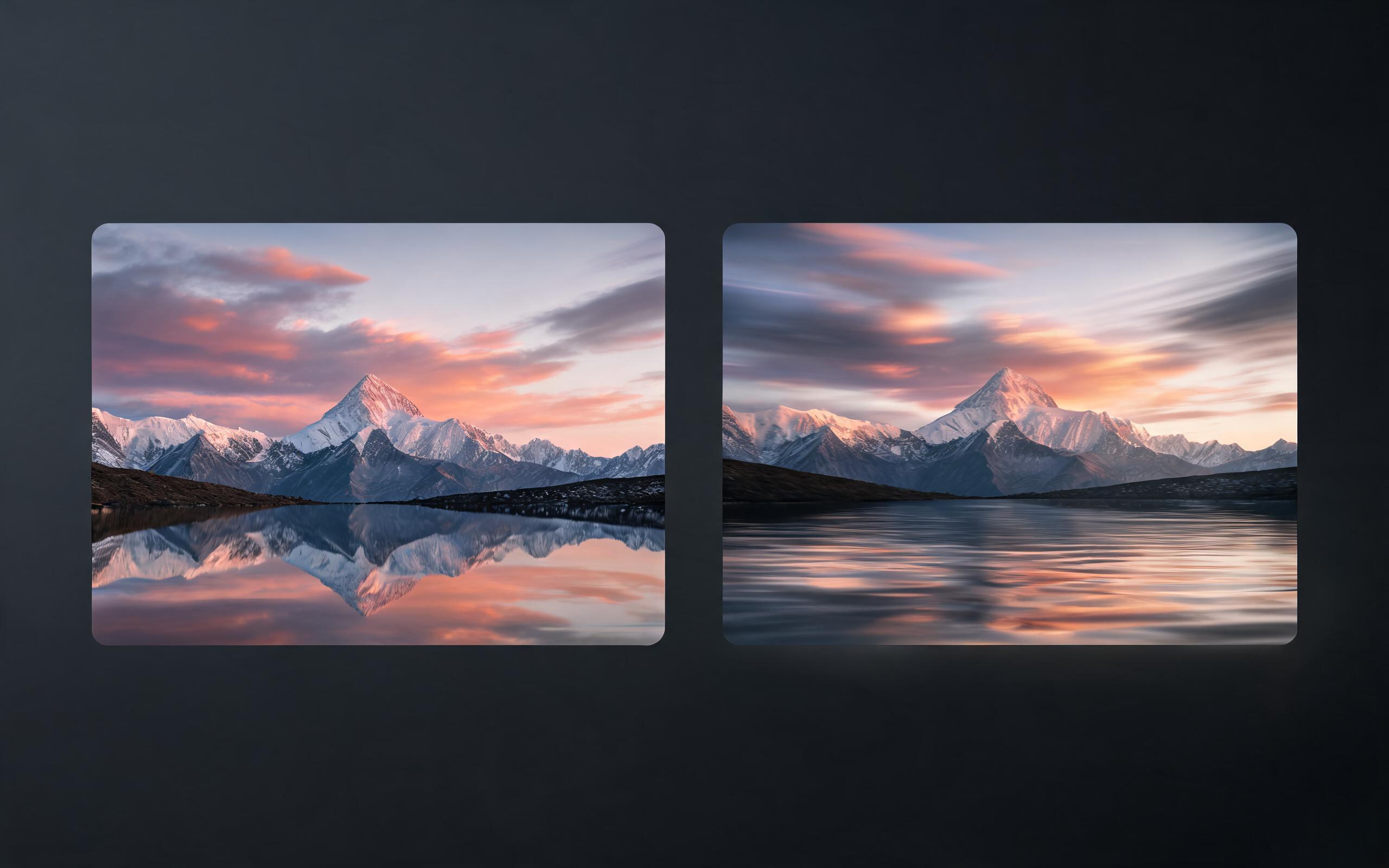
Use PromeAI image-to-video generation for cinematic ai video from image, adding motion, camera direction, and a short reusable video result from a still image.
Open page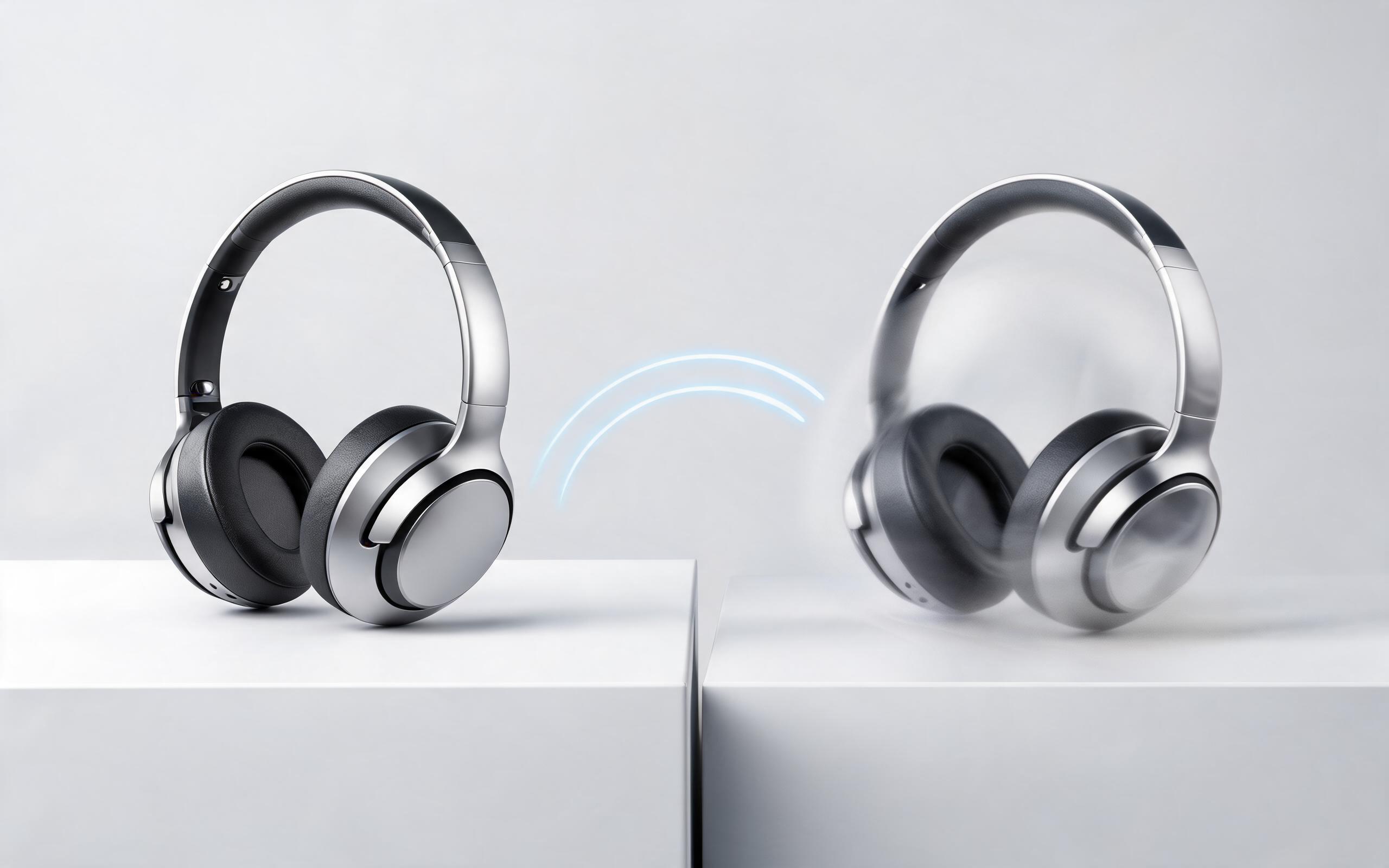
Use PromeAI image-to-video generation to create ai video for ecommerce product from existing images with clear product framing and channel-ready motion.
Open page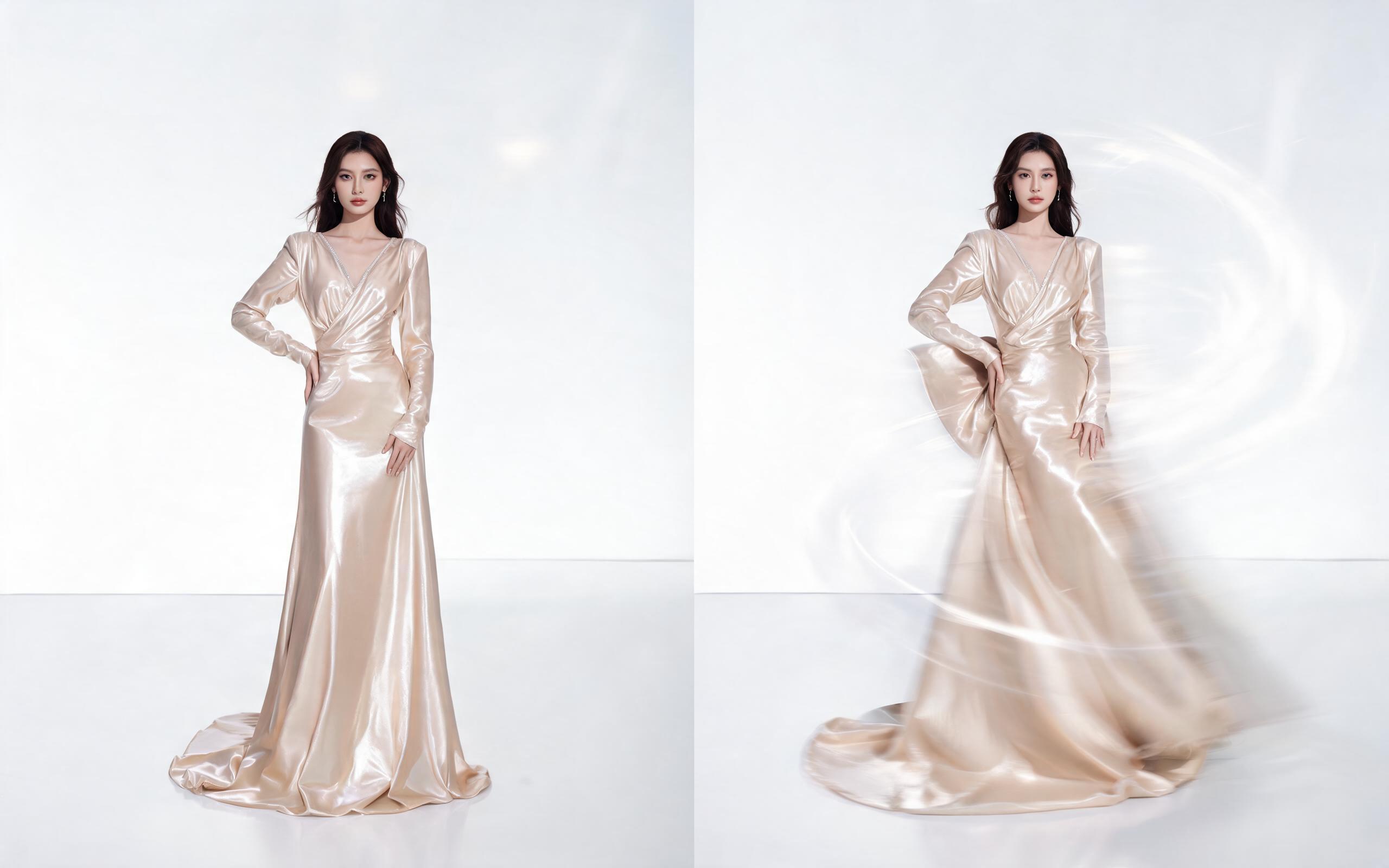
Use PromeAI image-to-video generation for ai fashion video from image, adding motion, camera direction, and a short reusable video result from a still image.
Open page
Skip expensive editing software and time-consuming filming sessions. Turn any still image into a publish-ready, high-performing TikTok clip in seconds with PromeAI's image to video tool. No editing experience required.
Create AI TikTok Video from Photo
Technical support: [email protected]
Business collaboration: [email protected]
What Creators Say About PromeAI's Image to Video Tool
Join thousands of TikTok creators and brands using PromeAI to build their content libraries faster than ever.
I turn my Instagram carousels into 3 TikTok posts every week with this tool, saving me 5+ hours of editing time.
We generate 10+ TikTok ad variations from our product photos in under an hour, which has cut our ad production costs by 70%.
We can turn a single source image into several polished product video directions before committing budget to a full studio shoot.