



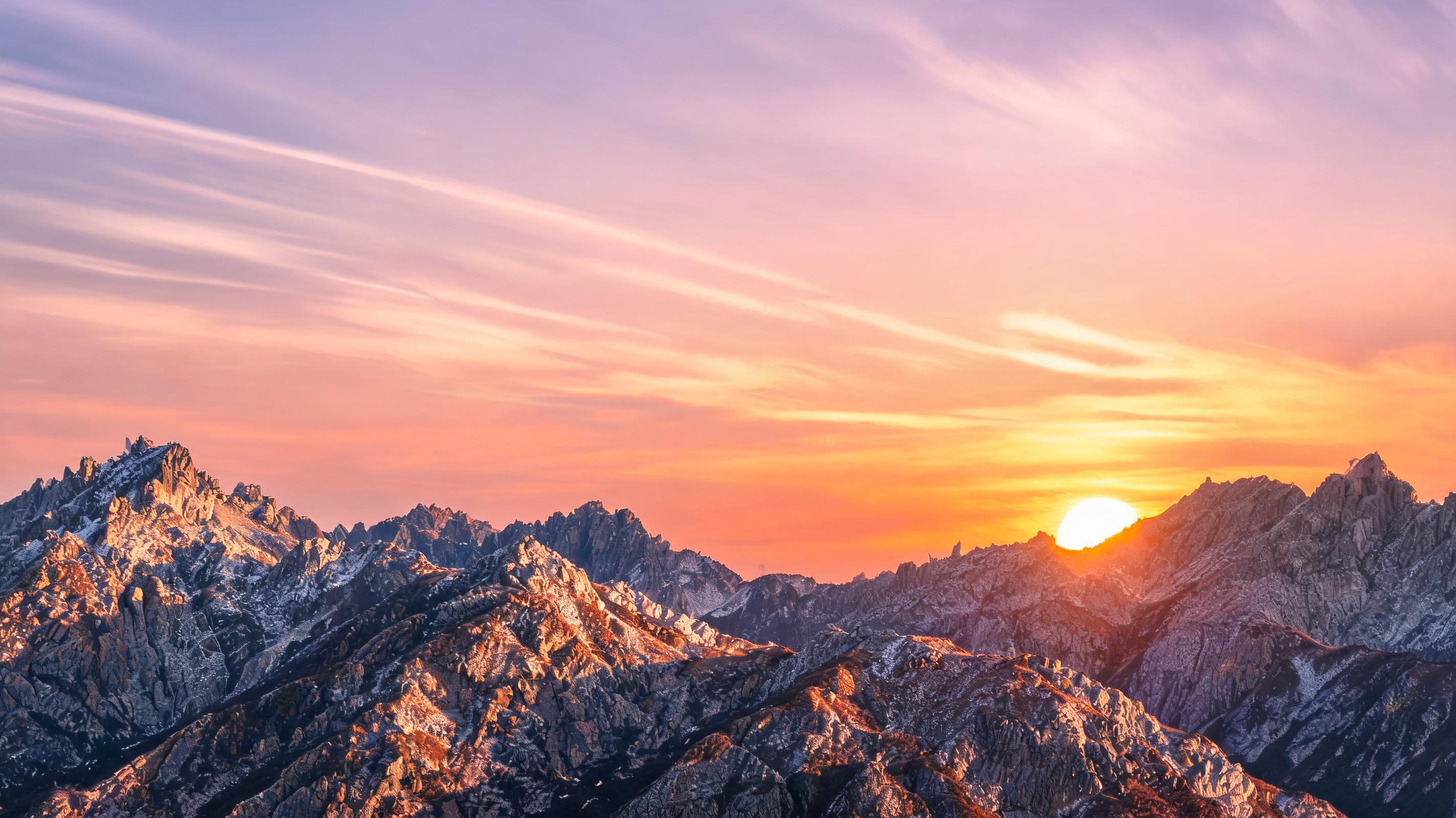
Mountain Sunset Time Lapse
Static photo of a mountain range at golden hour converted into a 10-second slow pan time lapse showing the sun dipping below the peaks with soft color gradient shifts.
Skip complex video editing workflows to create professional time lapse clips from a single still image. Add custom camera movement, generate loop-ready assets, and export high-quality videos for any marketing or content use case instantly.
Browse real-world samples of time lapse videos generated from still photos using PromeAI.
Static photo of a mountain range at golden hour converted into a 10-second slow pan time lapse showing the sun dipping below the peaks with soft color gradient shifts.
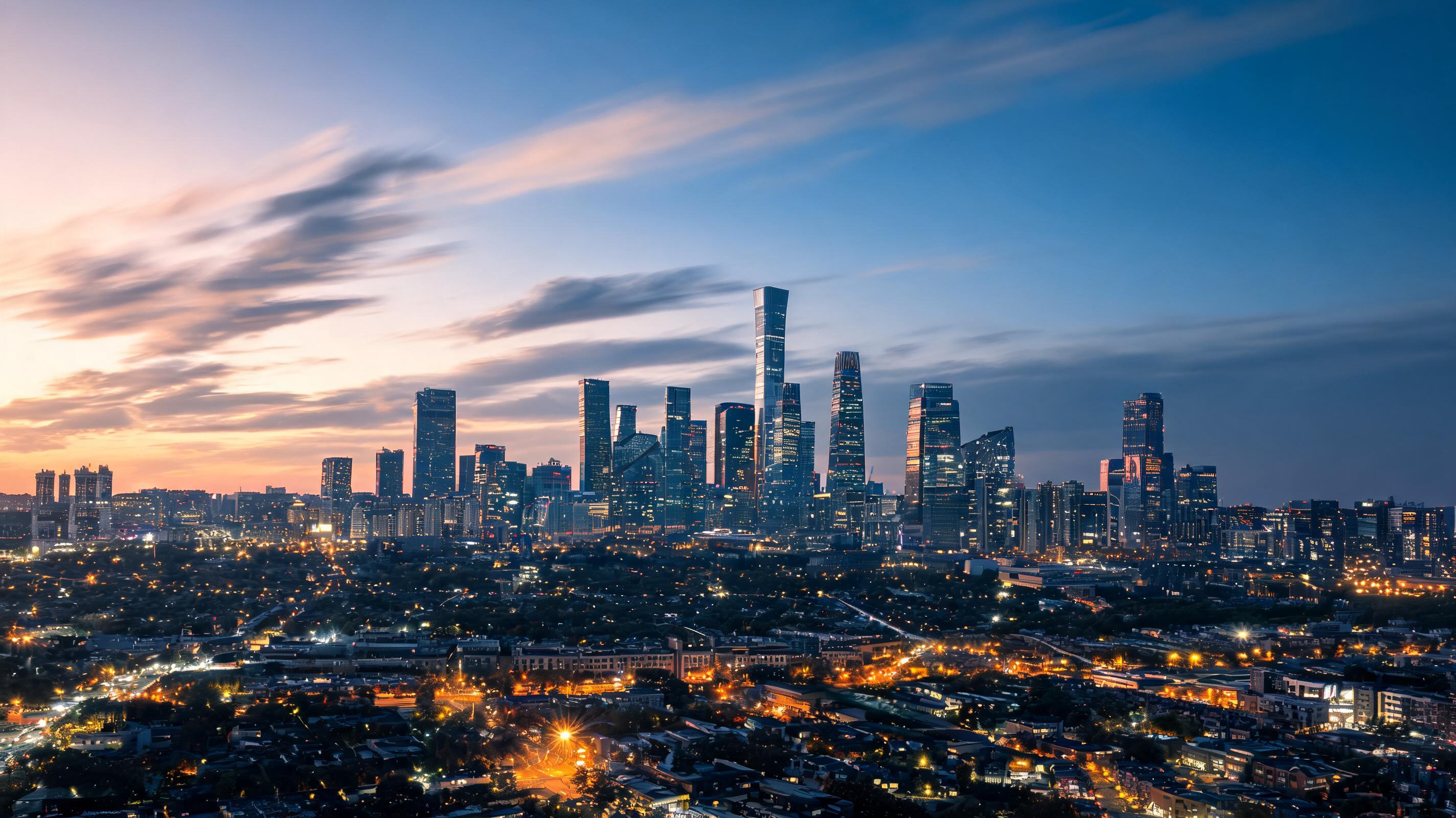
Still photo of a downtown skyline at dusk converted into a looped time lapse with slow zoom out, simulating passing clouds and gradual street light activation.
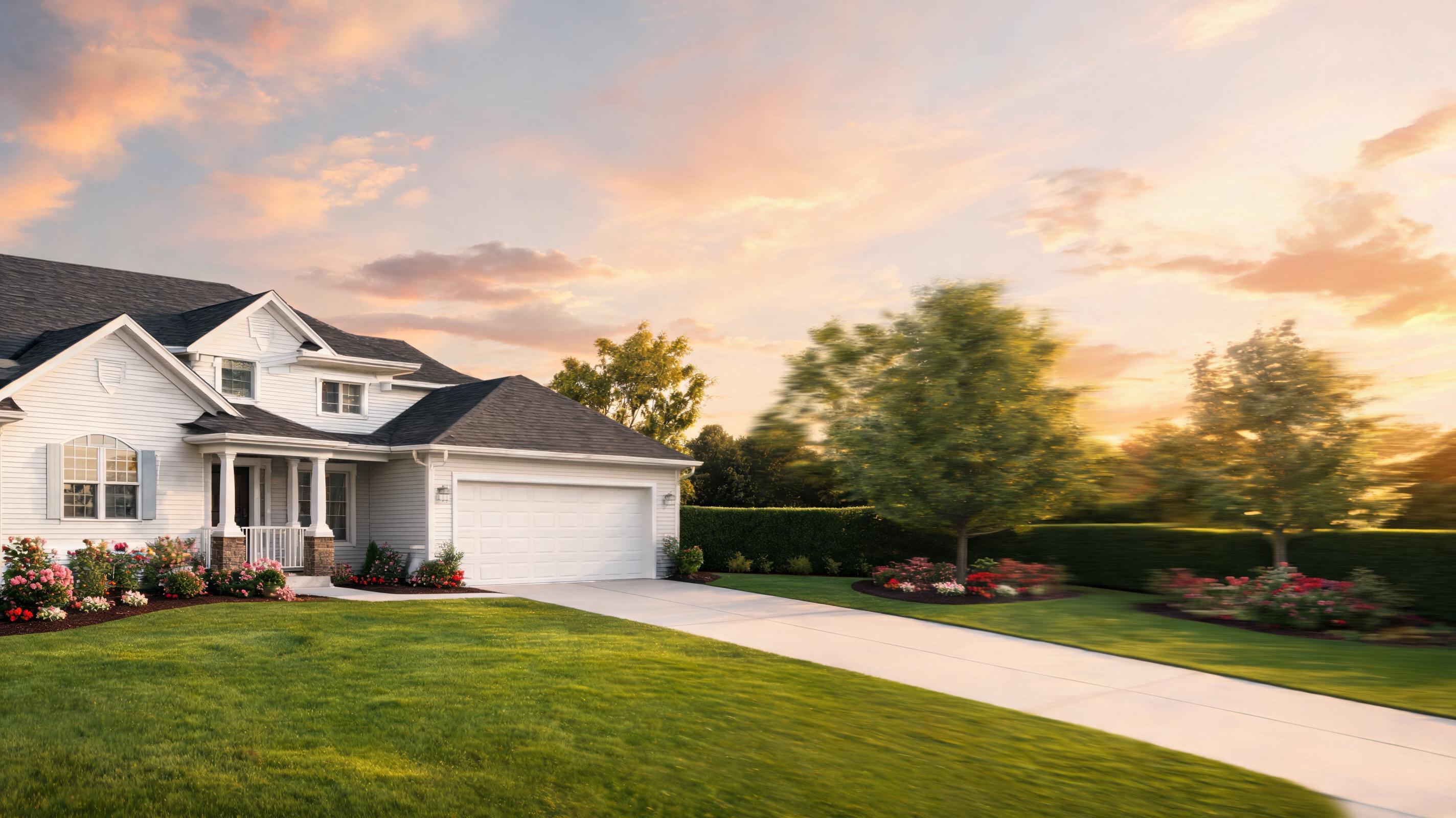
Static photo of a single-family home converted into a subtle left-to-right pan time lapse showing the full property and surrounding yard to highlight curb appeal.
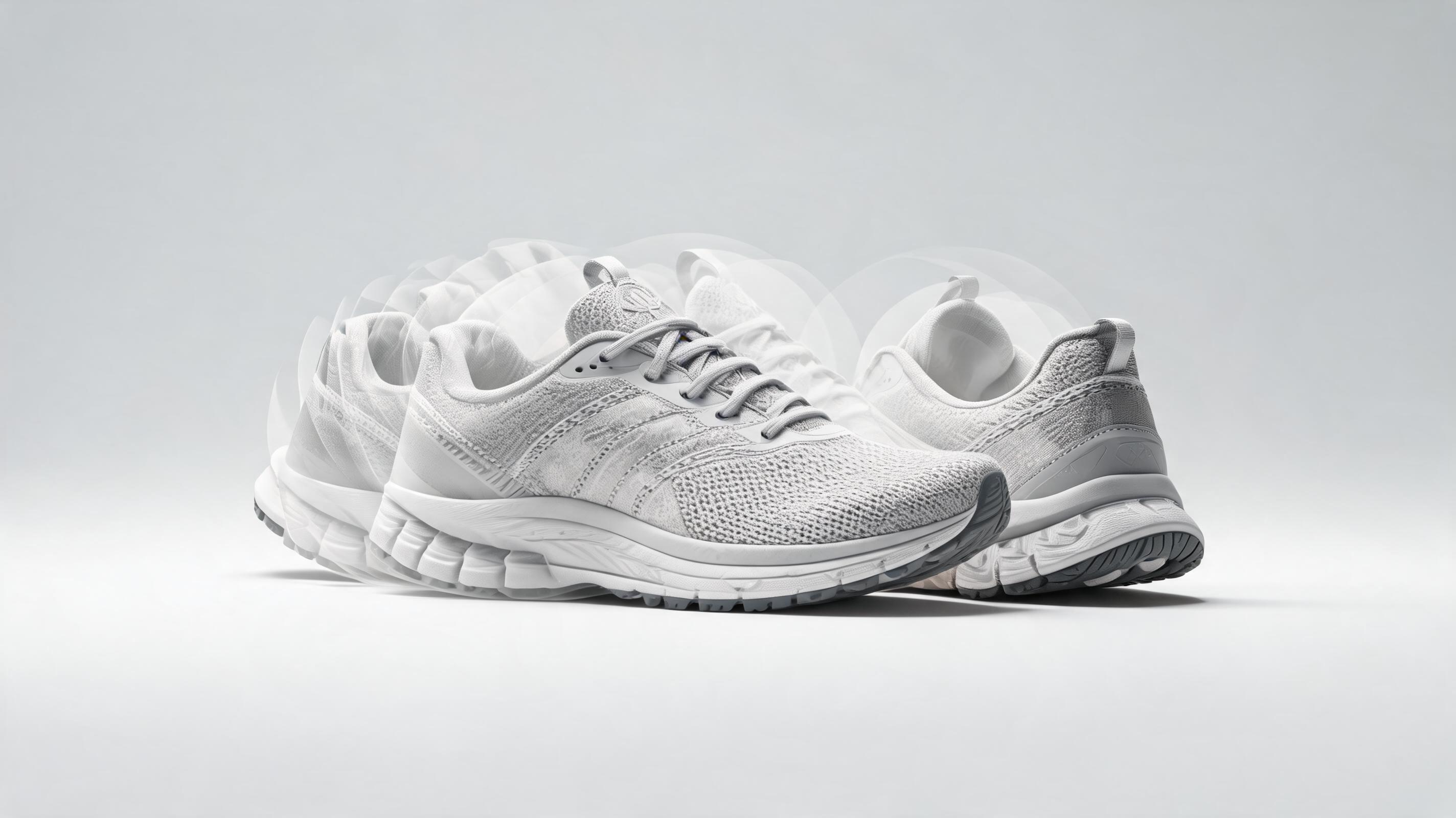
Still product photo of a running shoe converted into a 360-degree slow rotation time lapse to showcase all design angles and material details.
Discover built-in features that make creating professional time lapse videos fast and accessible for all skill levels.
Adjust pan, tilt, zoom speed, and direction to create a fully customized time lapse effect tailored to your content needs.
Automatically generate seamless looping clips perfect for social media, website banners, ad creatives, and digital signage.
Pick from ready-to-use motion templates for common use cases including landscapes, real estate, products, and architectural visualizations.
Export your time lapse in 720p, 1080p, or 4K resolution as MP4, MOV, or GIF files to fit any platform requirements.
Generate your finished time lapse video in 30 seconds to 2 minutes, with no long rendering queues or expensive hardware required.
All time lapse videos generated using your own source images are free to use for both personal and commercial purposes with no additional licensing fees.
See how creators, marketers, and brands use this tool to elevate their content and marketing assets.
Turn static property photos into dynamic time lapse walkthroughs to showcase curb appeal and interior spaces, boosting listing engagement by up to 40%.
Create eye-catching looping time lapse clips for Instagram Reels, TikTok, and Pinterest to increase reach, shares, and follower engagement.
Add subtle time lapse motion to product photos to showcase features from all angles, reducing bounce rate and increasing conversion rates on product pages.
Generate high-converting time lapse ad assets from existing product photos without reshooting footage, cutting down campaign production time and costs.
Convert static building renderings into immersive time lapse videos showing construction progression and finished state to impress clients and win project bids.
Turn still travel photos of sunsets, city skylines, and natural landmarks into dramatic time lapse clips for blogs, vlogs, and digital portfolios.
Follow our simple 3-step workflow to turn any still image into a polished time lapse video in minutes.
Select a high-resolution, well-lit still image with a clear subject (landscape, building, product, etc.) to use as the base for your time lapse.
Choose a pre-built time lapse motion preset or adjust pan, tilt, zoom speed, and direction to match your desired effect and use case.
Review your time lapse preview, make any final adjustments, then export your clip in your preferred resolution and file format for immediate use.
Whether you’re a marketer, content creator, or architect, AI time lapse tools simplify creating dynamic video assets without expensive equipment or editing expertise. This guide covers everything you need to know to get the best results from PromeAI’s AI time lapse feature.
Start by selecting a high-resolution source image that is at least 1920x1080 pixels, with no distracting elements around the edges that might be cut off during motion. Next, pick a motion style that aligns with your use case: slow pans work well for landscapes and real estate, while subtle zooms are ideal for product and fashion content. Preview the motion before exporting to adjust speed and direction, and opt for loop optimization if you plan to use the clip for social media or website banners. Export in the highest resolution that fits your platform’s requirements to preserve image quality.
AI time lapse from photos is the best choice when you don’t have access to original time lapse footage, need to create assets quickly, or want to repurpose existing still images you already own. It’s also ideal for generating time lapses of scenes you can’t film in person, like architectural renderings or hypothetical travel locations. Avoid using AI time lapse if you need hyper-realistic, complex motion of moving objects (like crowds or traffic) that can’t be accurately simulated from a single still. For those use cases, filmed time lapse footage or a multi-image AI video generation tool will deliver better results.
For TikTok and Instagram Reels, export 9:16 vertical clips with 10-15 second duration and fast, engaging motion to capture viewer attention in the first 3 seconds. For website banners and LinkedIn ads, use 16:9 horizontal clips with subtle, slow motion that loops seamlessly without distracting from text overlays. For ecommerce product pages, use 1:1 square clips with slow rotation or zoom to highlight product details without overwhelming the page. Always check platform-specific file size limits before exporting to avoid quality loss during upload.
If you already use PromeAI for image generation, you can directly send your generated still images to the time lapse tool without re-uploading, cutting down on workflow time. For marketing teams, create a library of brand-approved time lapse presets to ensure consistent motion style and quality across all campaign assets. Pair your AI time lapse clips with text overlays and background music using PromeAI’s built-in editing tools to create finished, ready-to-publish content in one platform without switching between multiple tools.
Explore flexible settings to tailor your time lapse output to your exact use case and branding requirements.
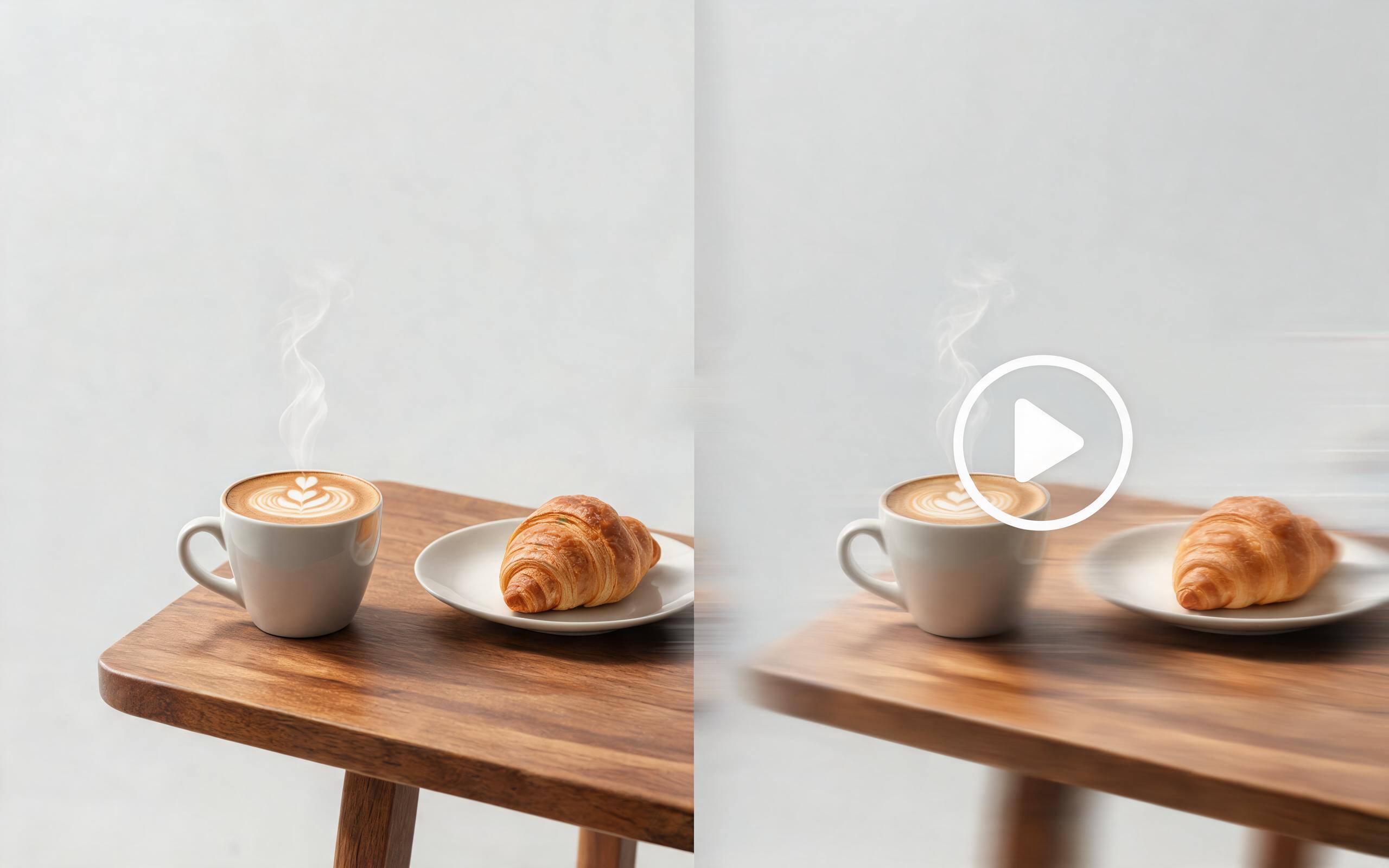
Use PromeAI image-to-video generation for ai ad creative video, adding motion, camera direction, and a short reusable video result from a still image.
Open page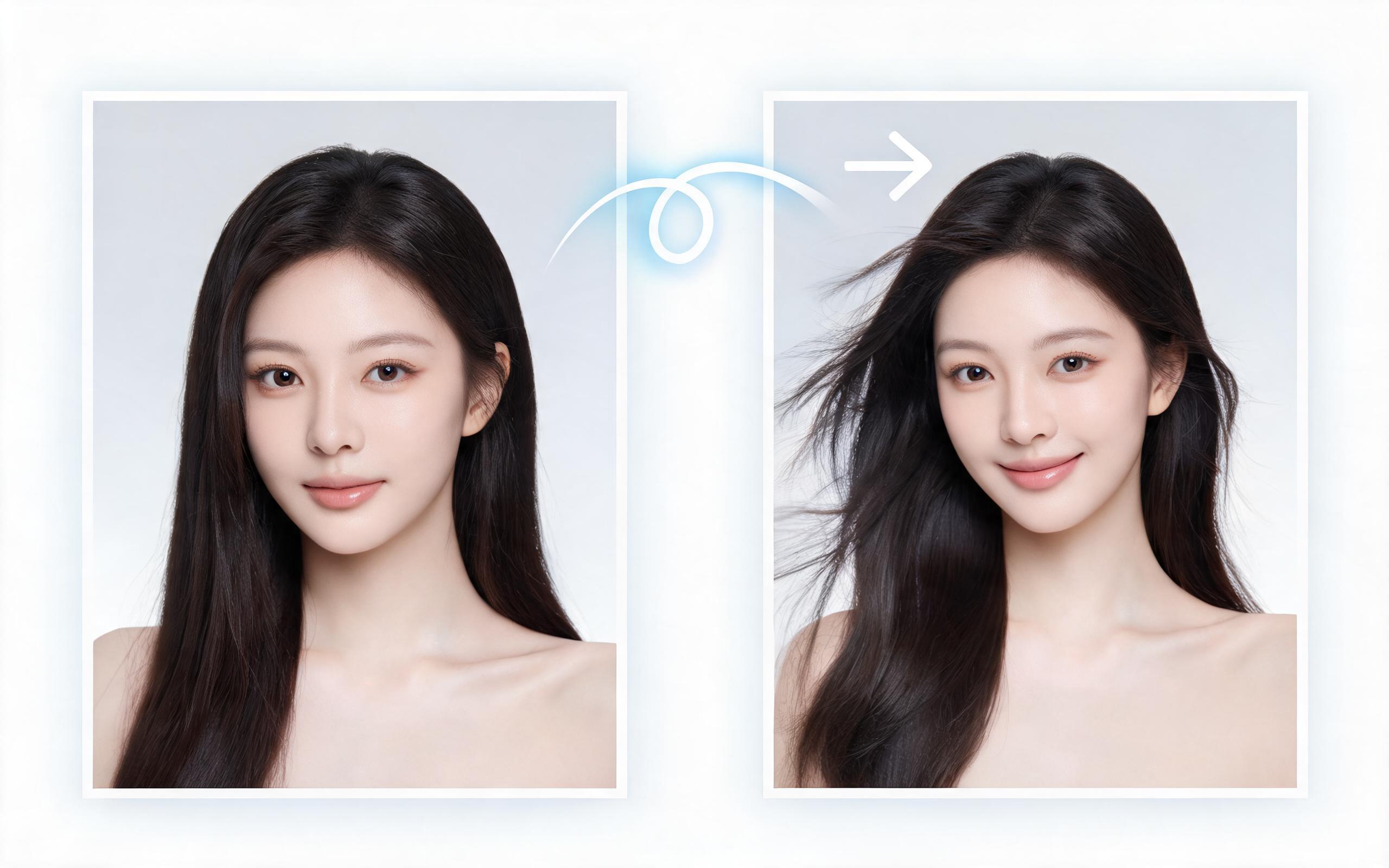
Use PromeAI image-to-video generation for beauty video from photos, adding motion, camera direction, and a short reusable video result from a still image.
Open page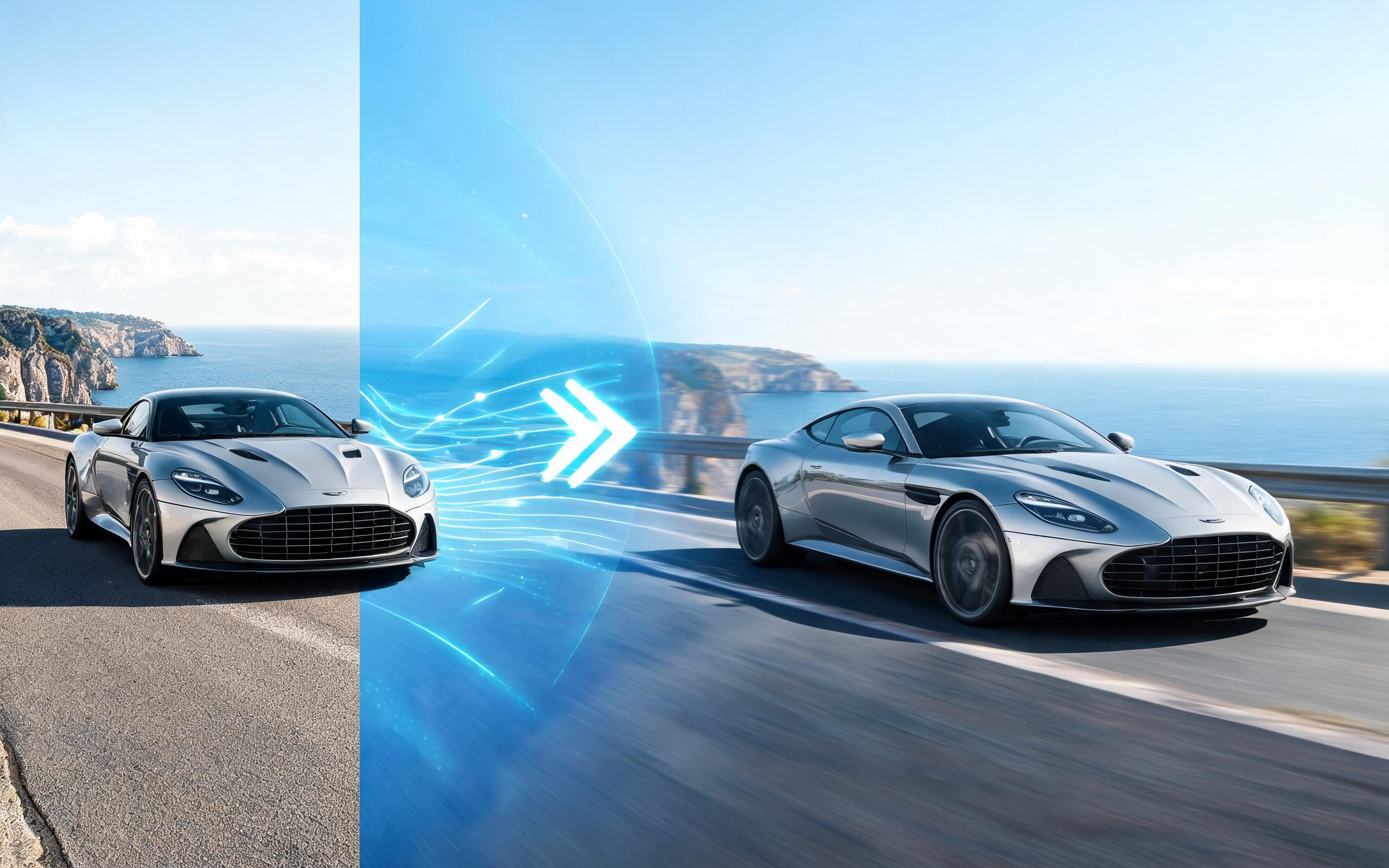
Use PromeAI image-to-video generation for car video from photo, adding motion, camera direction, and a short reusable video result from a still image.
Open page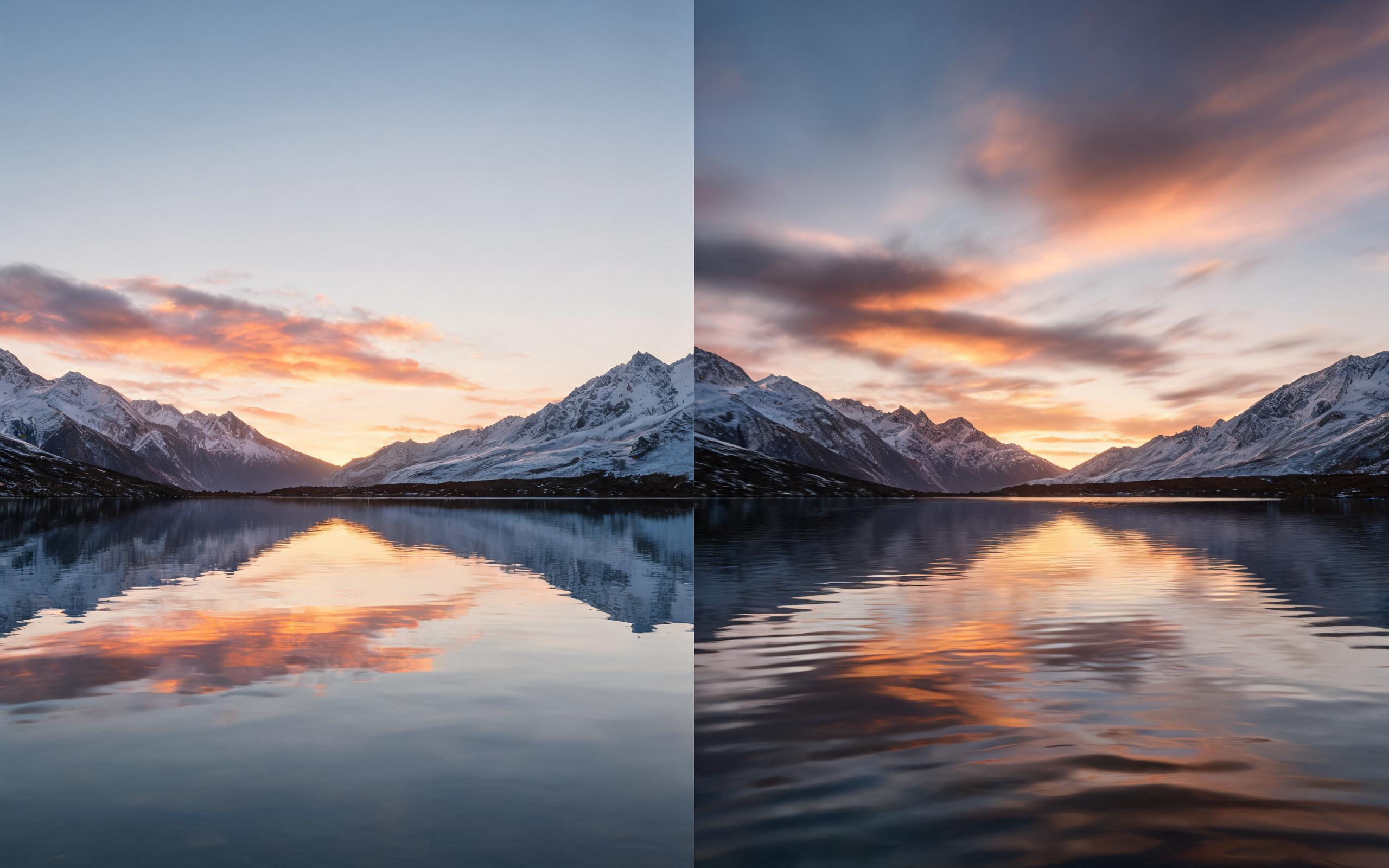
Use PromeAI image-to-video generation for cinematic ai video from image, adding motion, camera direction, and a short reusable video result from a still image.
Open page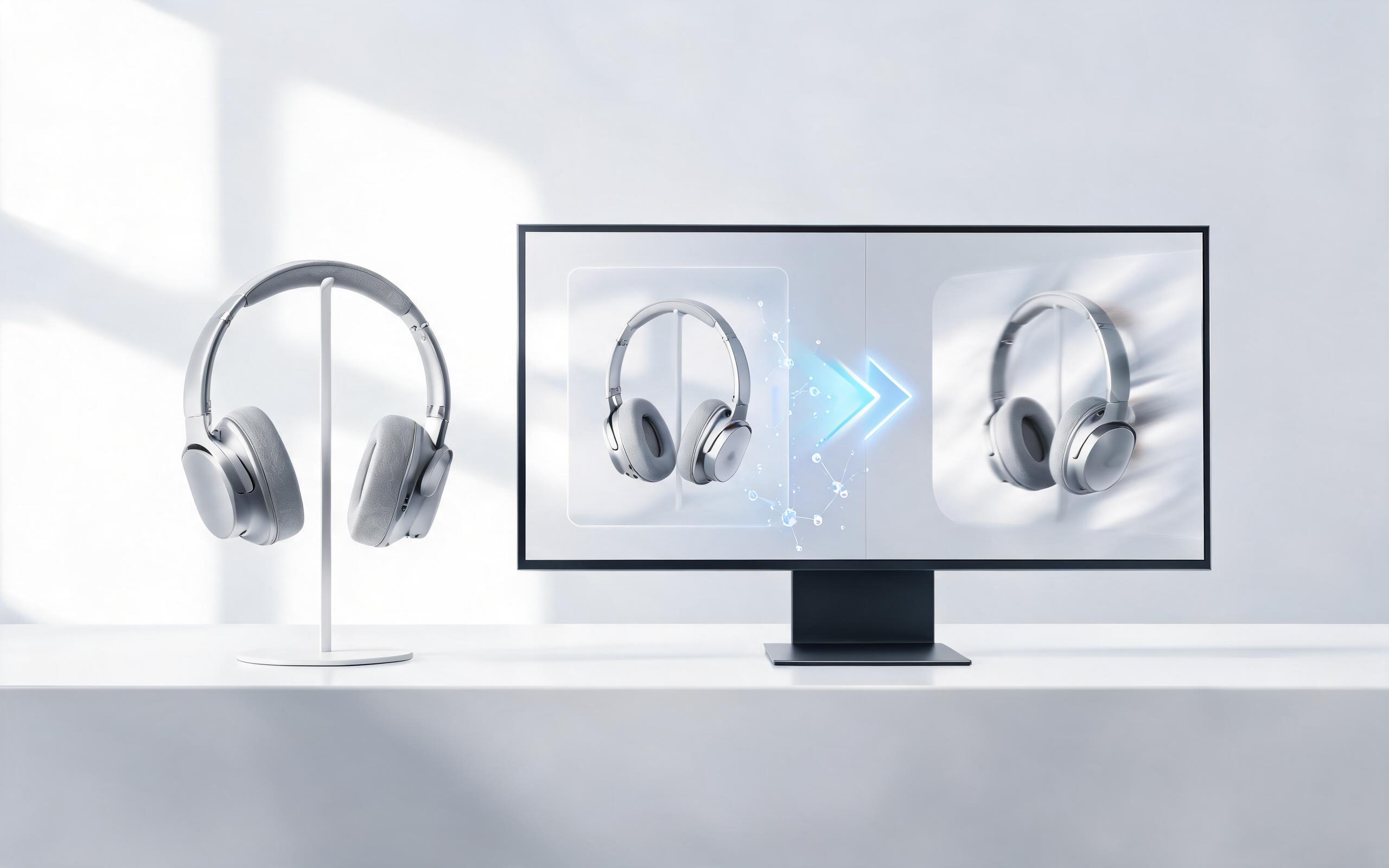
Use PromeAI image-to-video generation to create ai video for ecommerce product from existing images with clear product framing and channel-ready motion.
Open page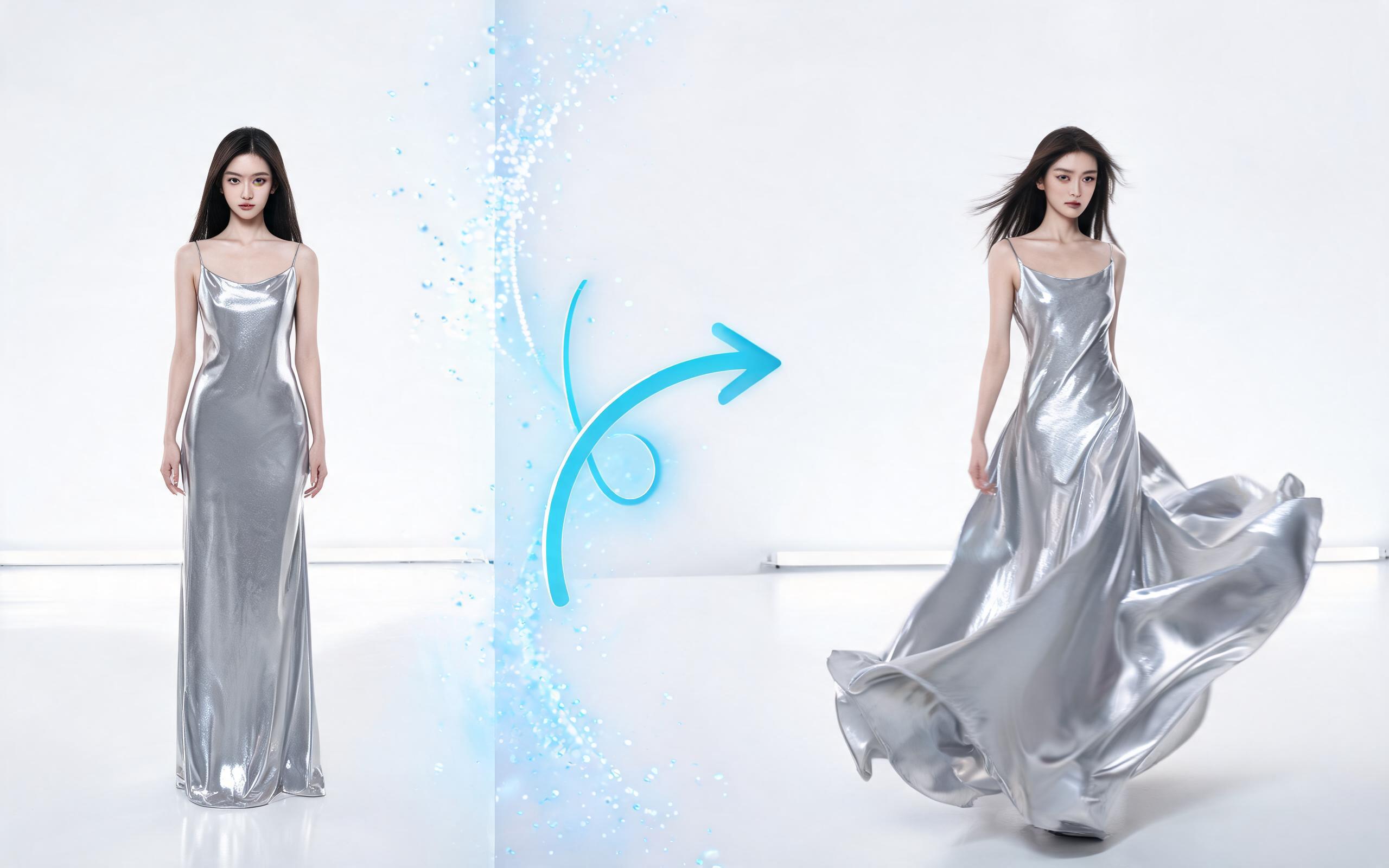
Use PromeAI image-to-video generation for ai fashion video from image, adding motion, camera direction, and a short reusable video result from a still image.
Open page
Turn your static photos into engaging, professional time lapse videos in minutes with PromeAI’s image-to-video tool. No editing experience required, no expensive equipment needed. Get started for free today.
Create AI Time Lapse from Photo
Technical support: [email protected]
Business collaboration: [email protected]
What Users Say About PromeAI's Image to Video Tools
Read feedback from creators and brands using our AI time lapse feature for their content needs.
This tool saved me hours of editing time when I needed to create time lapse assets for a real estate campaign from existing property photos. The output was professional quality and ready to use immediately.
I use the AI time lapse feature to turn my travel photos into engaging clips for my TikTok account. The customization options let me get exactly the motion I want without any filming.
We can turn a single source image into several polished product video directions before committing budget to a full studio shoot.