



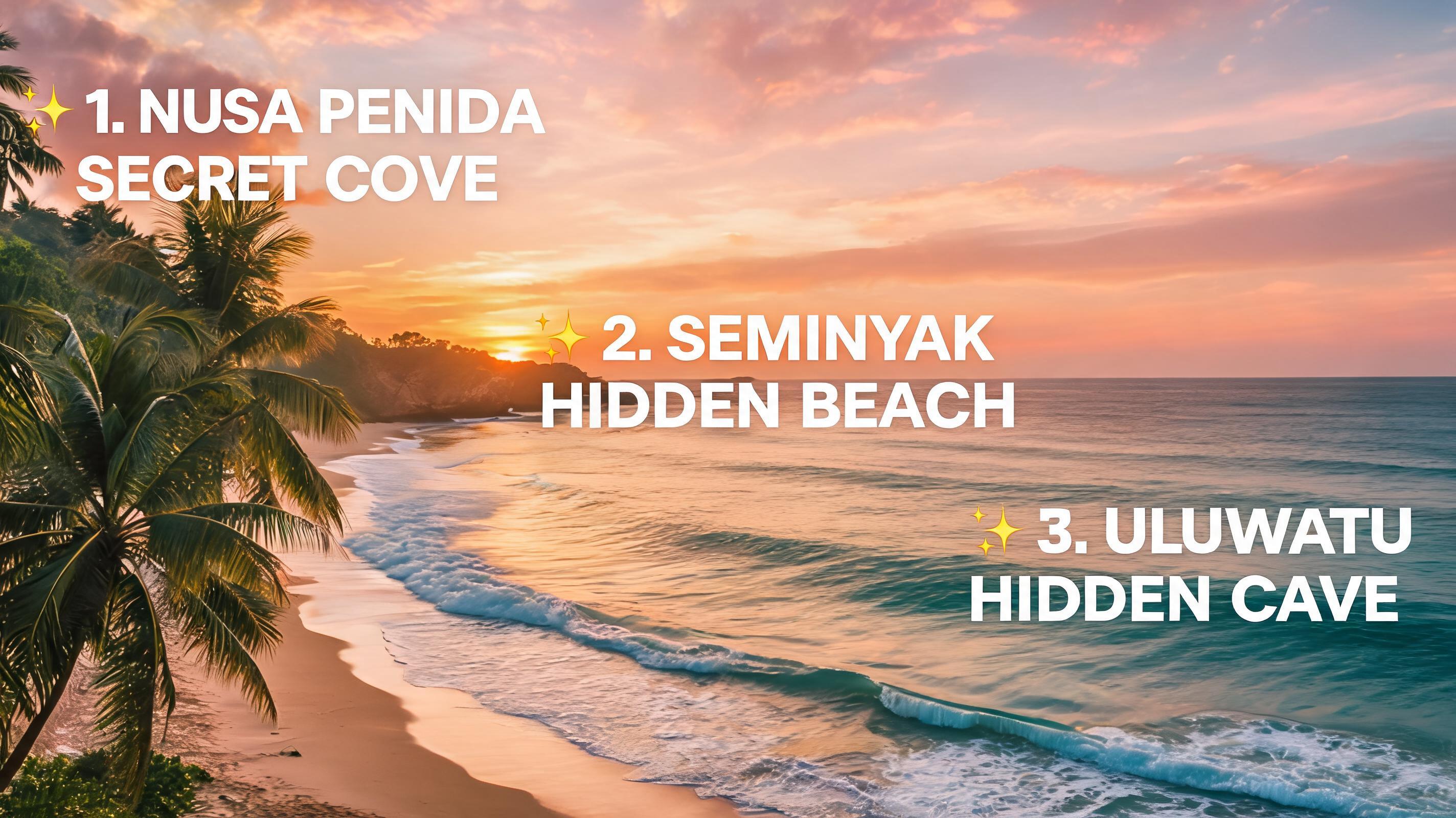
Travel Creator Sunset Short
A 15-second slow-pan clip generated from a beach sunset photo, with text overlay highlighting top 3 hidden travel spots in Bali.
Skip expensive filming and time-consuming editing workflows. Turn your existing photos into loop-friendly, motion-rich YouTube Shorts optimized for audience engagement and platform algorithm performance.
Browse sample clips created from still images to see the quality, versatility, and platform optimization of our output.
A 15-second slow-pan clip generated from a beach sunset photo, with text overlay highlighting top 3 hidden travel spots in Bali.
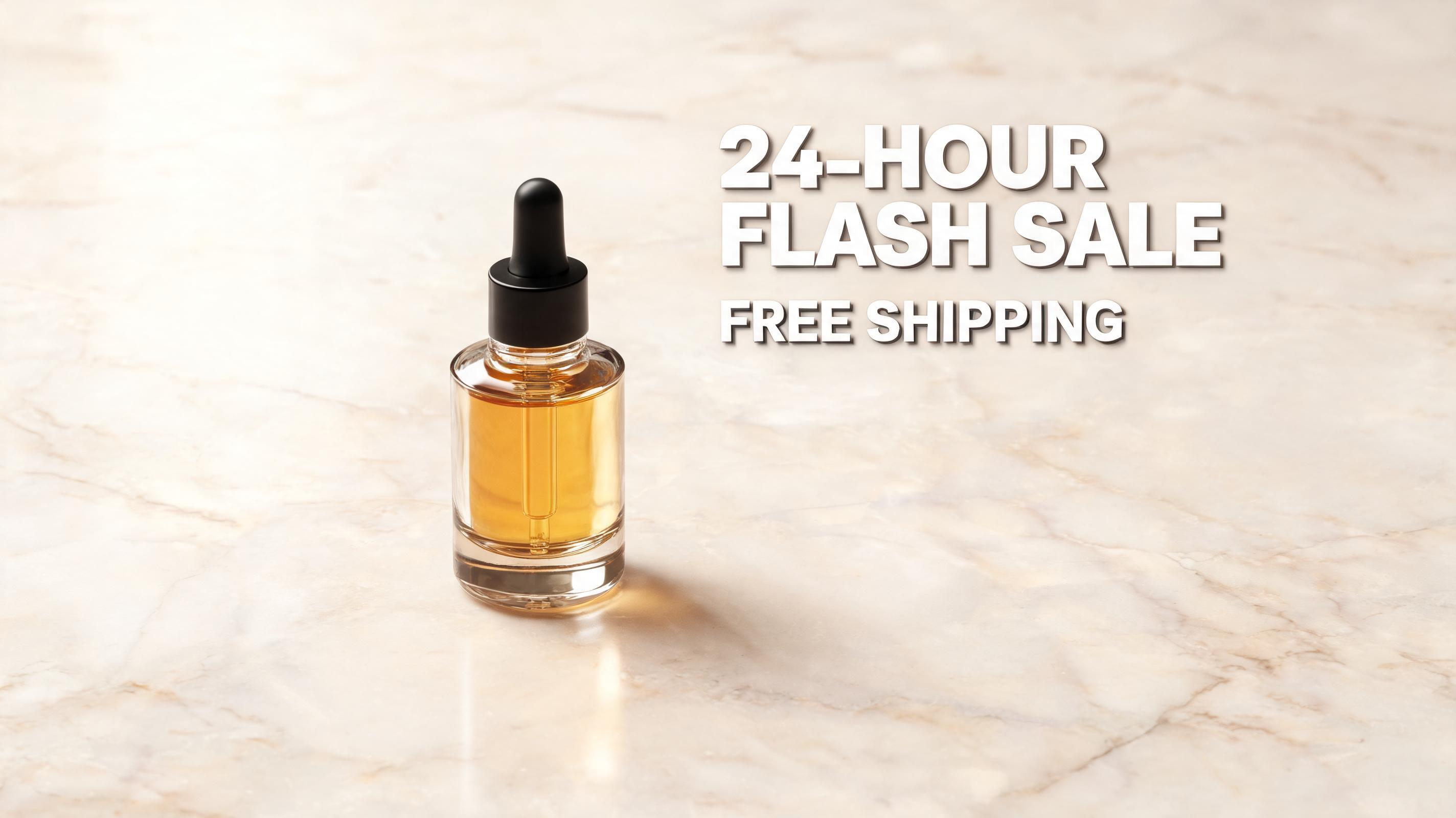
A 10-second zoom-in clip generated from a serum product flatlay, with text overlay announcing a 24-hour flash sale and free shipping offer.
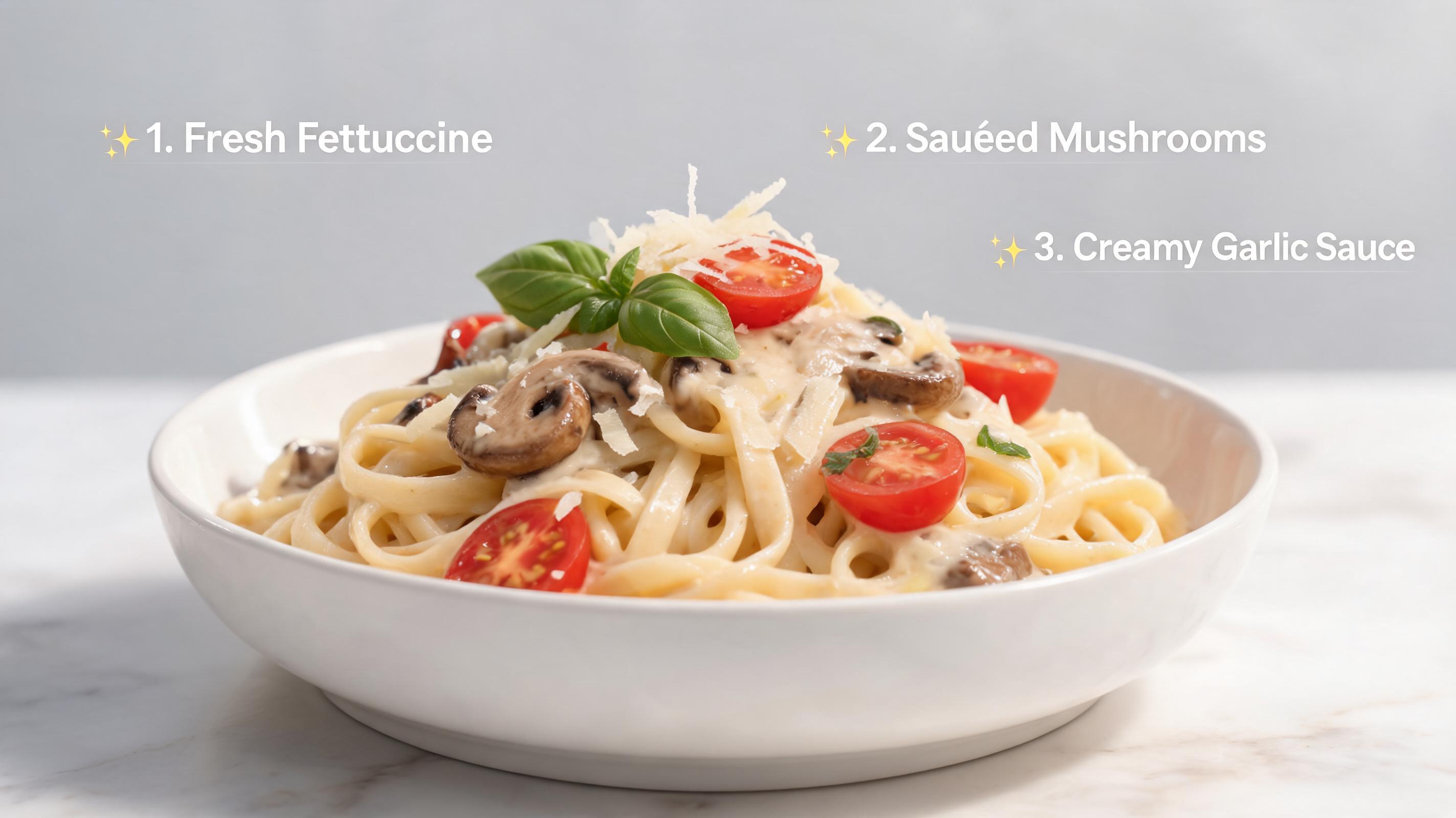
A 20-second pan-across clip generated from a finished pasta dish photo, with quick text snippets listing 3 key ingredients for the recipe.
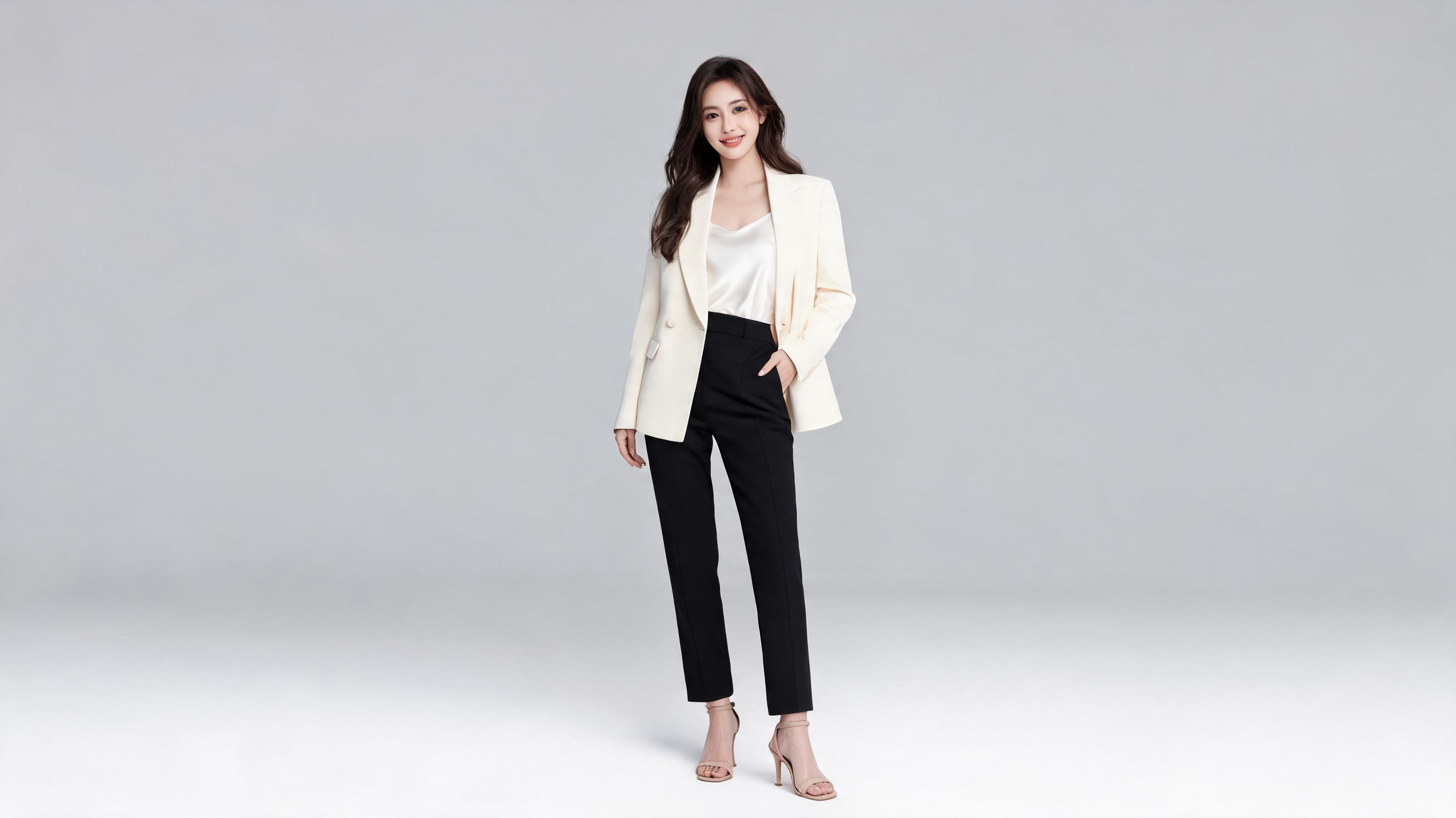
A 12-second slow zoom clip generated from an outfit of the day photo, synced to a trending audio clip with brand tag overlays.
Access purpose-built tools designed to help you create high-performing YouTube Shorts that stand out in crowded platform feeds.
Pre-built frame settings automatically adjust your image to fit YouTube Shorts requirements, eliminating manual cropping or resizing work.
Choose from pre-made motion presets or fine-tune pan speed, zoom level, and camera angle to match your content niche and audience preferences.
All clips are generated with seamless start and end points to maximize replay value, a key metric for YouTube Shorts algorithm performance.
Add custom text overlays and auto-generated closed captions directly in the tool to optimize for silent viewing, which accounts for 85% of Shorts consumption.
One-click export delivers files formatted to meet YouTube's compression, resolution, and bitrate standards to avoid quality loss during platform upload.
Process up to 20 photos at once to build a full month of Shorts content in a single session, ideal for scaling content calendars efficiently.
See how creators, brands, and marketers use this tool to scale their short-form content output efficiently and affordably.
Turn vacation or daily life photos into immersive, engaging Shorts to share experiences with your audience without filming B-roll.
Convert product flatlays or hero photos into short, attention-grabbing promotional clips to drive sales and product discovery.
Turn infographics, tutorial screenshots, or finished project photos into digestible educational Shorts to share knowledge and grow your audience.
Repurpose old archive photos into nostalgic Shorts to boost audience engagement and connect with followers on a personal level.
Convert candid office or production photos into transparent BTS Shorts to build brand trust and humanize your business.
Turn event photos into quick recap Shorts to share post-event highlights with attendees and extend your event's reach online.
Our intuitive workflow lets you create publish-ready YouTube Shorts from still images in minutes, no advanced editing skills required.
Upload any high-resolution still image, then select the native 9:16 YouTube Shorts aspect ratio to ensure no critical content is cropped out of your final clip.
Choose from pre-built motion presets (pan, zoom, slow drift) or adjust custom camera controls, plus add optional text overlays, captions, and audio sync settings.
Render your Short in 10-30 seconds, then download the pre-optimized file that meets YouTube's compression and formatting requirements with no extra post-processing.
This guide covers best practices, workflow tips, and decision frameworks to help you get the most engagement out of your AI-generated Shorts while cutting down content production time.
The quality of your source photo directly impacts the final generated Short. Opt for high-resolution images with a clear central subject, minimal clutter, and lighting that fits your content vibe. Avoid blurry, overexposed, or heavily watermarked photos, as these will lead to lower-quality output. For YouTube Shorts, prioritise images that work well in 9:16 vertical aspect ratio, so key elements like faces, products, or text are not cropped out when you select the native Shorts frame size. If you plan to add text overlays, leave empty space at the top or bottom of your source image to avoid covering important visual elements.
Different content niches perform best with different motion settings, and choosing the wrong option can lead to lower view retention. For lifestyle and travel content, slow horizontal pans or gentle zooms create a cinematic, immersive feel that keeps viewers watching. For product and promotional content, quick zoom-ins on key features or subtle rotation help highlight selling points without distracting from your offer. Avoid fast, jerky motion for educational or calming content, as this can disorient viewers and lead to early drop-offs. If you are creating loop-friendly Shorts, choose motion that starts and ends at a natural point to avoid jarring cuts when the clip repeats. If you are unsure which setting to use, test 2-3 motion options for the same image and pick the one that aligns closest with your past top-performing Shorts. This tool is not a fit if you need fully custom, complex motion sequences that require manual keyframing, in which case traditional editing software will be a better option.
Once you generate your clip, take a few extra steps to boost its performance on YouTube. Add accurate closed captions, as 85% of Shorts are watched without sound, and captions also help YouTube understand your content for search ranking. Add a clear call to action in the first 3 seconds of the Short, either via text overlay or audio, to encourage viewers to like, comment, or subscribe. Use relevant hashtags in your video description, including 2-3 niche-specific hashtags and 1-2 broad Shorts hashtags to increase discoverability. Make sure your video file is exported using the built-in YouTube-optimized setting to avoid compression artifacts that can reduce view retention.
AI-generated Shorts from photos are ideal for scaling content output, repurposing existing assets, and filling gaps in your content calendar when you don't have time to film new content. They are perfect for throwback content, product highlight reels, educational snippets, and quick promotional posts. However, they are not a replacement for all filmed content: if you need to show dynamic action, customer testimonials, or behind-the-scenes process footage that cannot be captured in a still image, original filmed content will perform better. Use AI-generated Shorts to complement your existing content strategy, not replace it, to get the best balance of efficiency and engagement.
Tailor your generated clips to match your brand voice, content niche, and audience preferences with flexible adjustment settings.
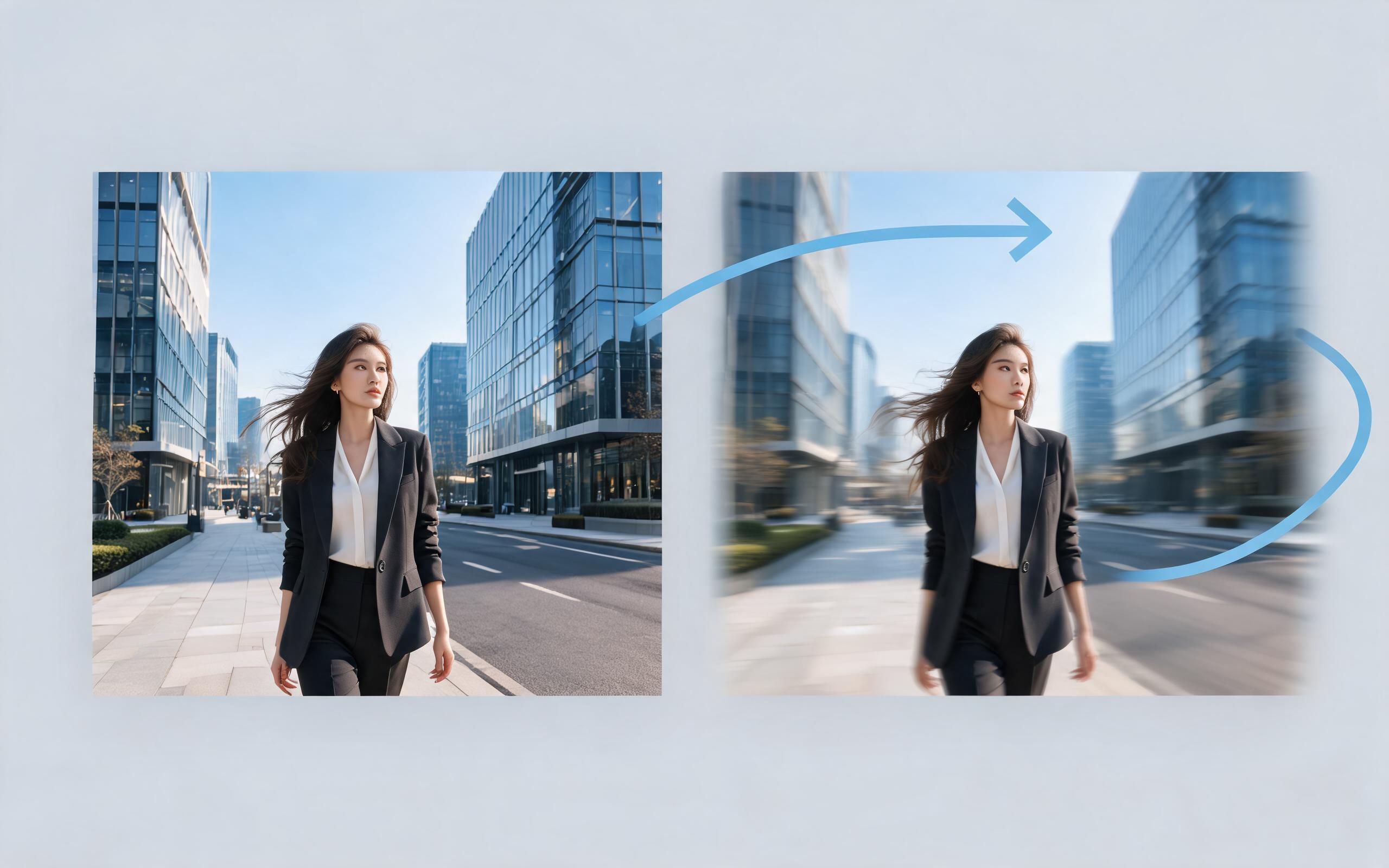
Use PromeAI image-to-video generation for ai ad creative video, adding motion, camera direction, and a short reusable video result from a still image.
Open page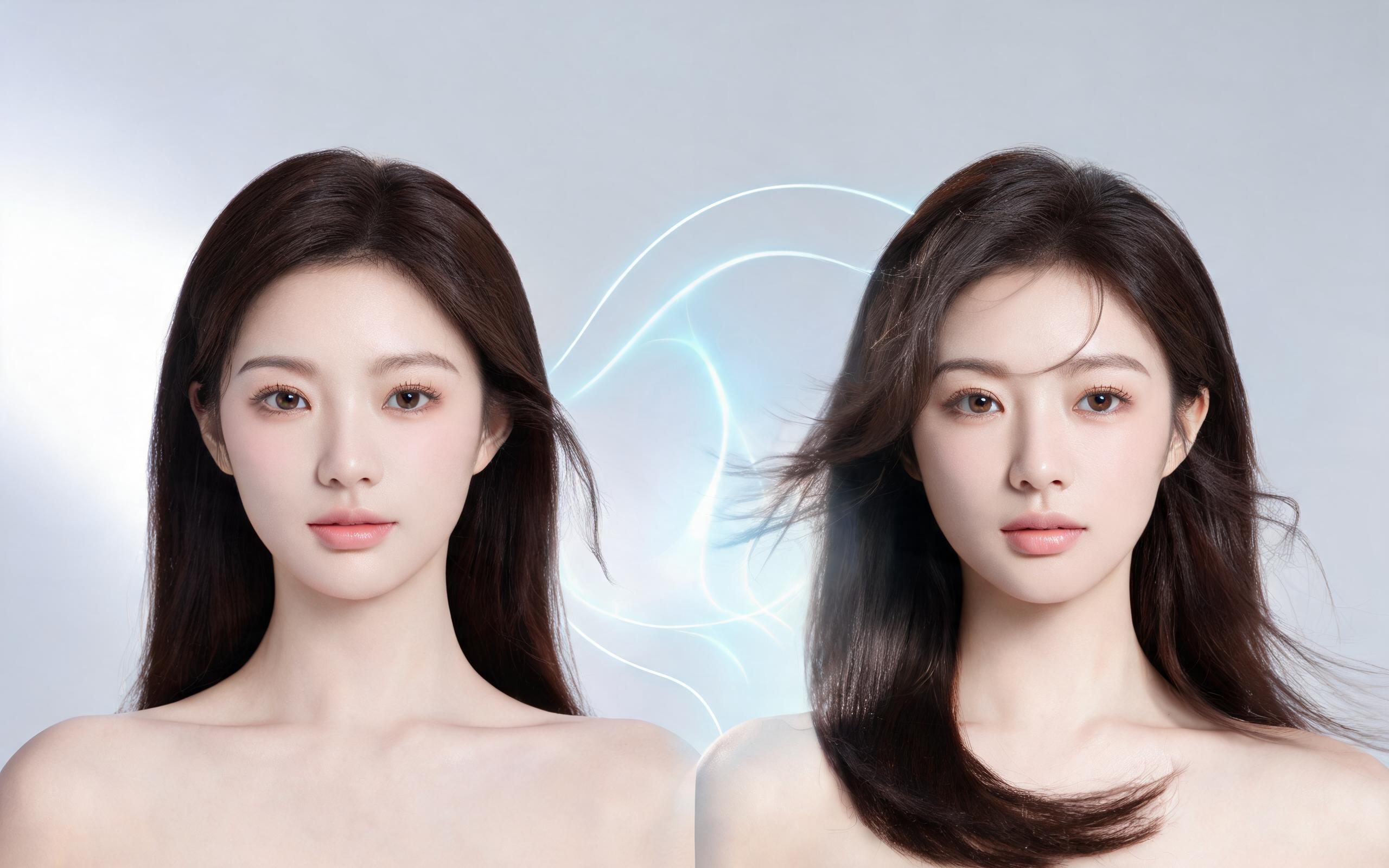
Use PromeAI image-to-video generation for beauty video from photos, adding motion, camera direction, and a short reusable video result from a still image.
Open page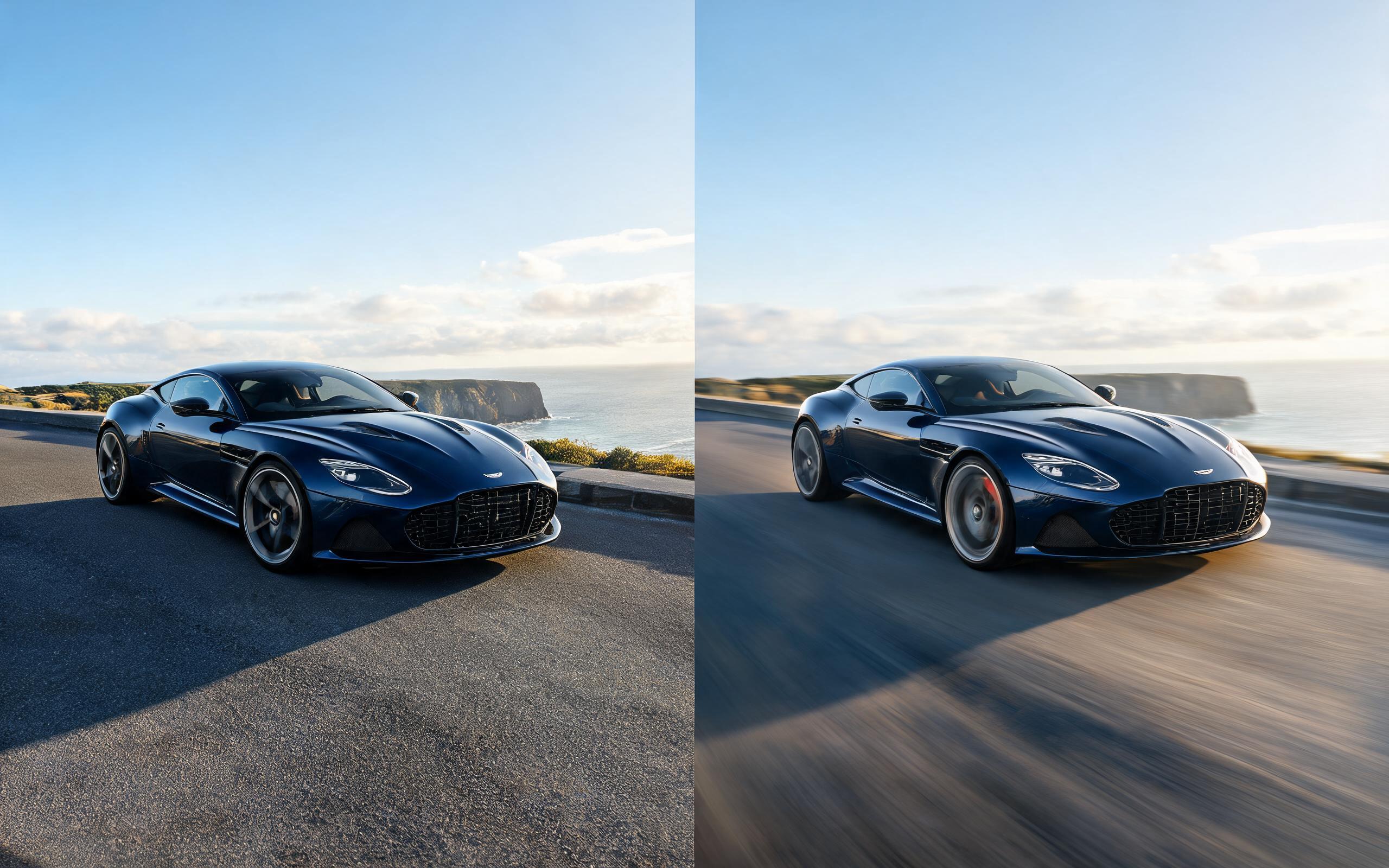
Use PromeAI image-to-video generation for car video from photo, adding motion, camera direction, and a short reusable video result from a still image.
Open page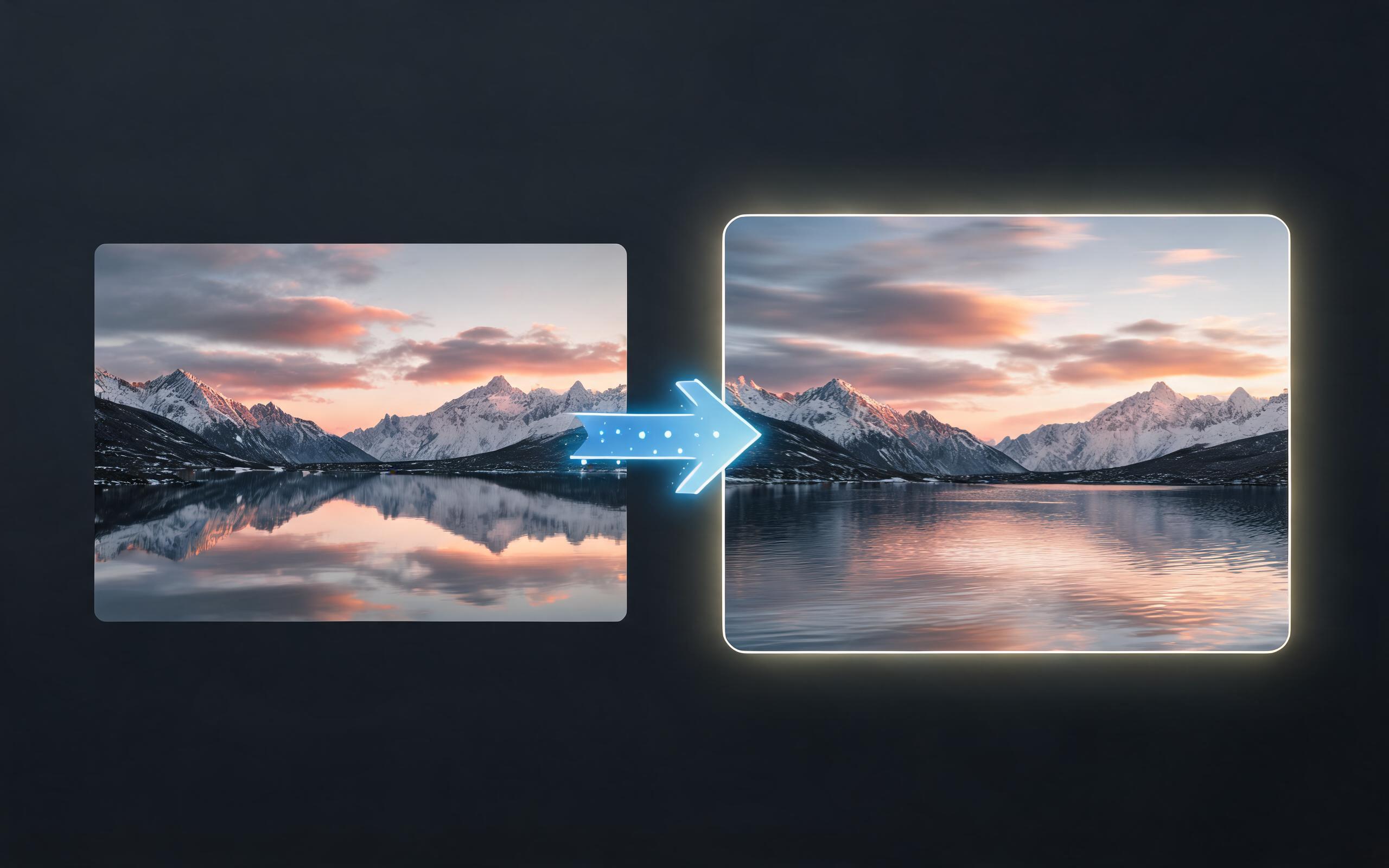
Use PromeAI image-to-video generation for cinematic ai video from image, adding motion, camera direction, and a short reusable video result from a still image.
Open page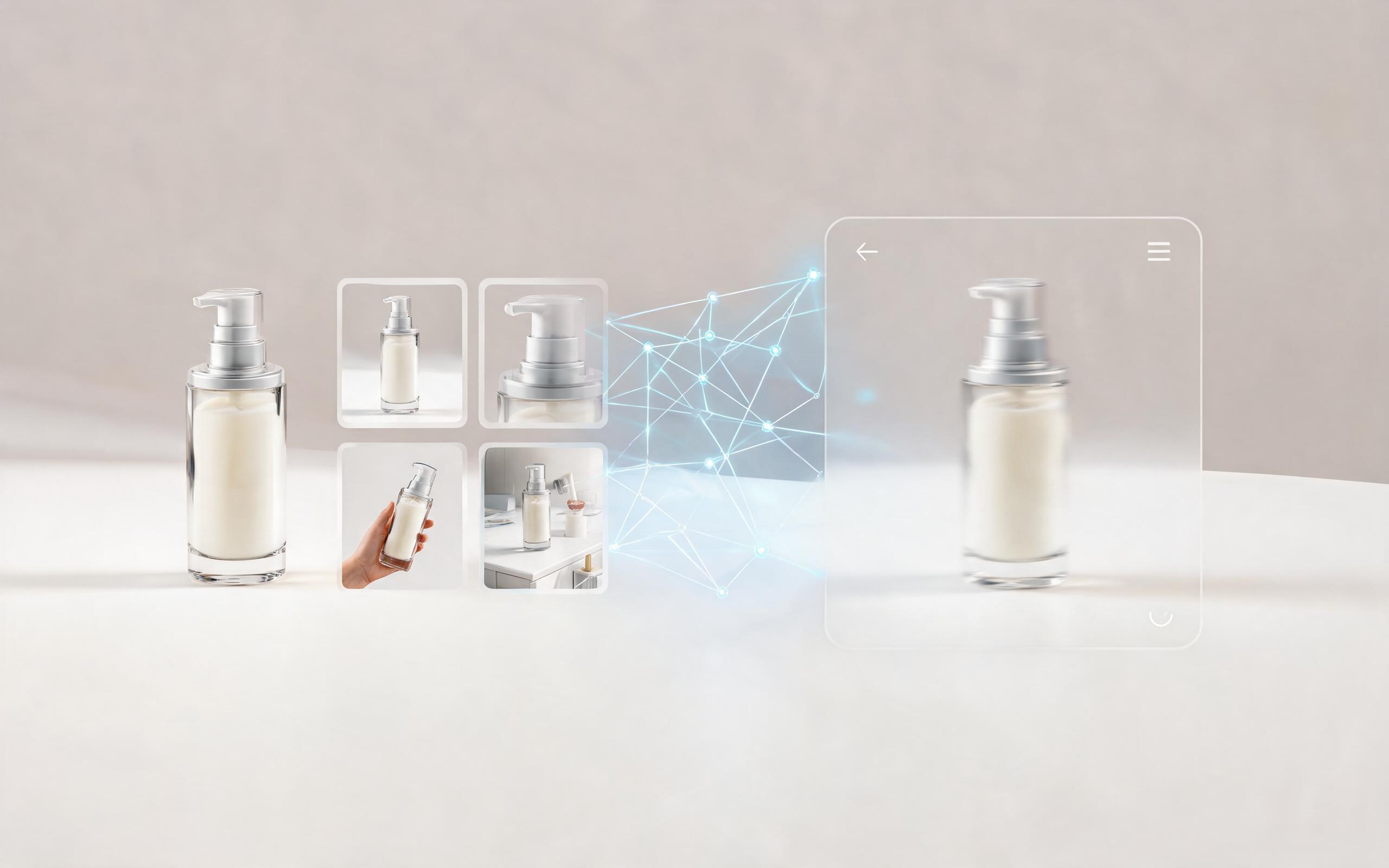
Use PromeAI image-to-video generation to create ai video for ecommerce product from existing images with clear product framing and channel-ready motion.
Open page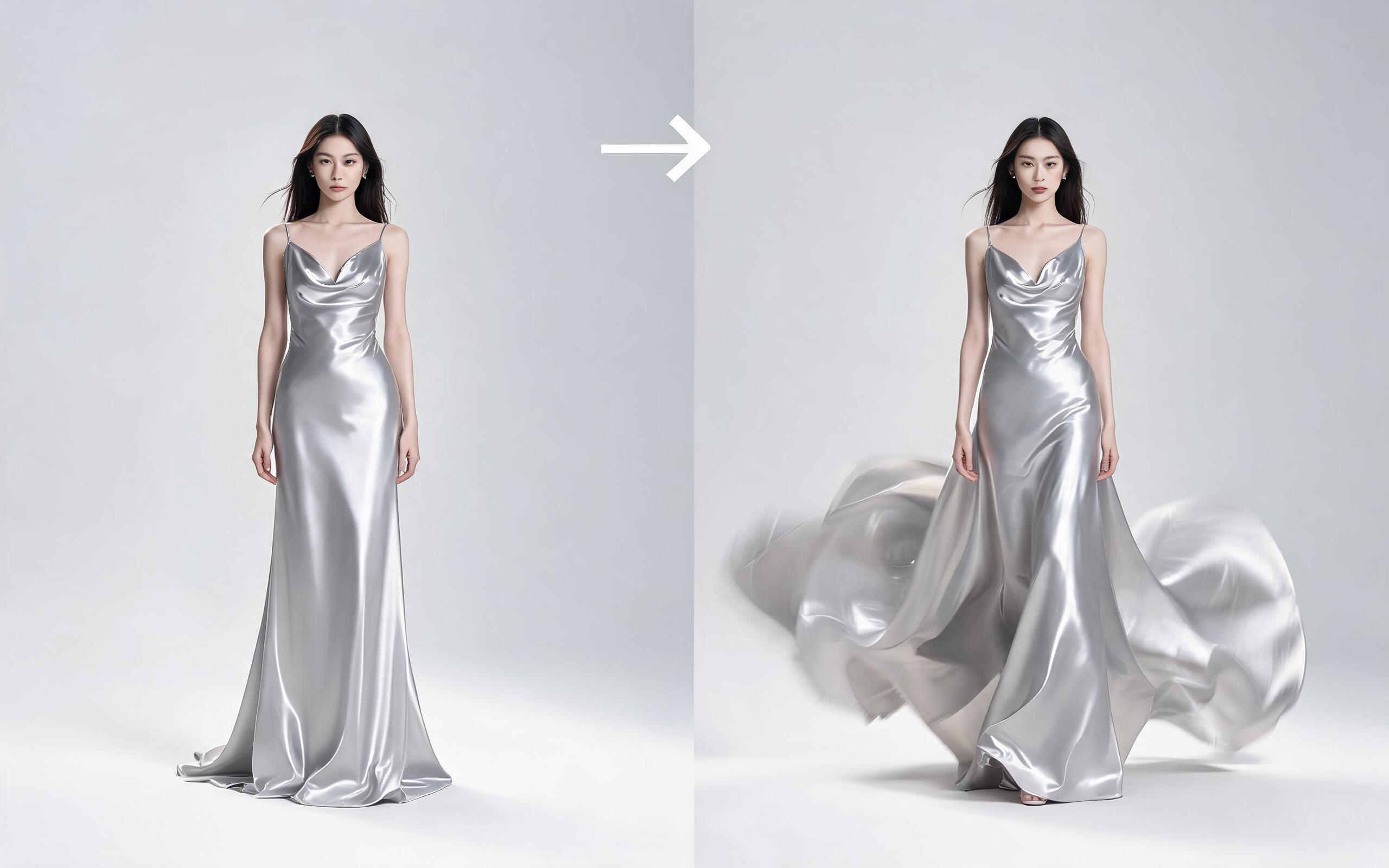
Use PromeAI image-to-video generation for ai fashion video from image, adding motion, camera direction, and a short reusable video result from a still image.
Open page
Skip the filming, editing, and post-production hassle. Turn any existing photo into a high-performing, platform-optimized YouTube Short in seconds with PromeAI's no-code image to video tool.
Create AI YouTube Shorts from Photo
Technical support: [email protected]
Business collaboration: [email protected]
Trusted by 3M+ Creators & Brands Worldwide
See why thousands of YouTube creators rely on PromeAI to scale their short-form content production without extra overhead.
I used to spend 2 hours editing every Short for my travel channel. Now I turn my trip photos into publish-ready content in 2 minutes, and my view count is up 35% since I started using this tool.
We generate 10 Shorts a month for our skincare brand from product photos, and we've cut our content production budget by 60% while maintaining the same engagement rate.
As a part-time cooking educator, I don't have time to film new content every week. This tool lets me turn my recipe photos into educational Shorts that grow my audience consistently.