



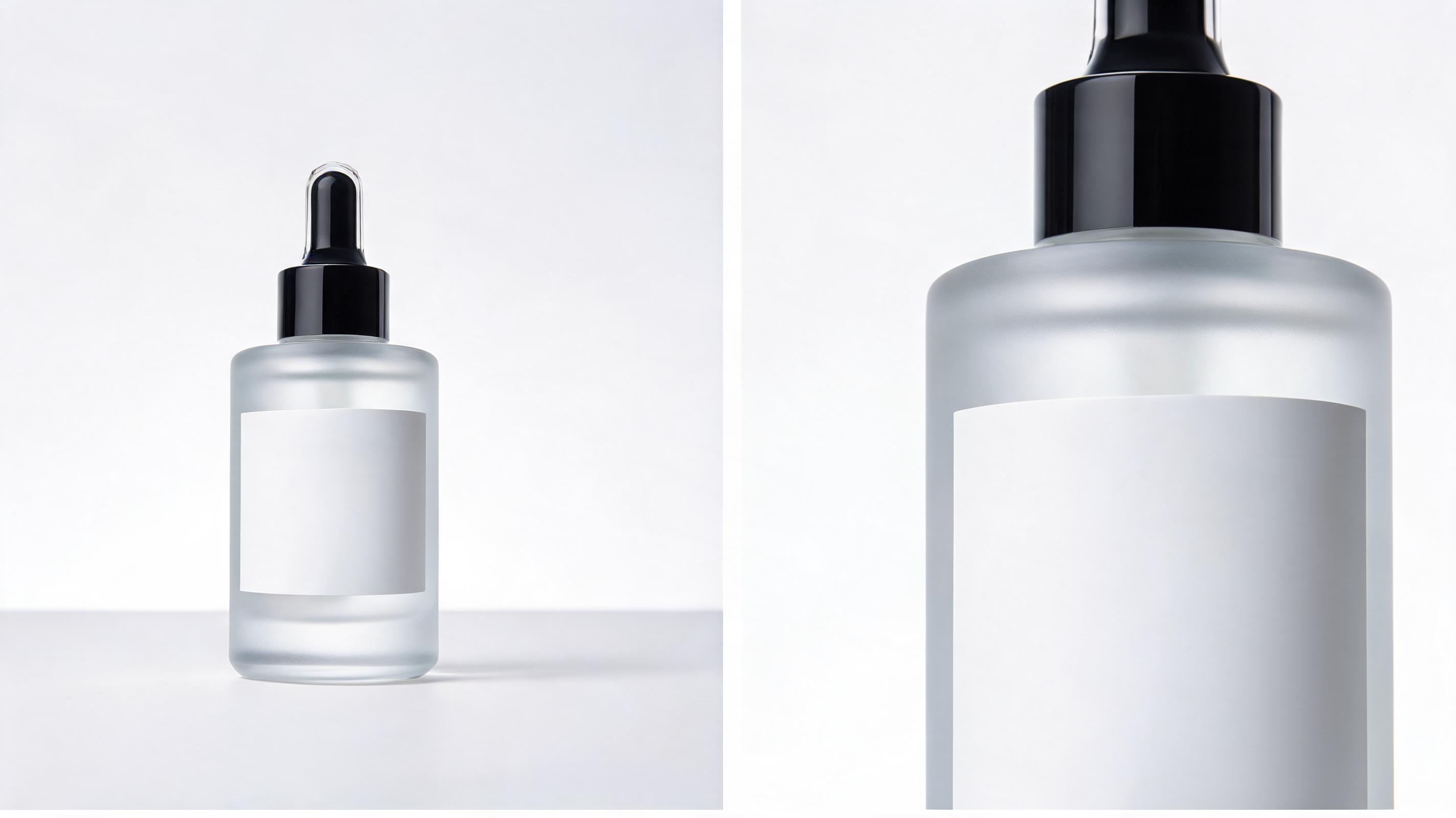
Skincare product closeup zoom
A static photo of a serum bottle is turned into a 6-second slow zoom video focusing on the ingredient label, optimized for Instagram product ads.
Transform any still image into a smooth, professional zoom-in video in seconds with PromeAI's AI-powered image to video tool. Create loop-friendly, channel-ready clips perfect for social media, marketing campaigns, and creative projects without editing experience.
Browse real-world examples of zoom-in videos created from still images using PromeAI.
A static photo of a serum bottle is turned into a 6-second slow zoom video focusing on the ingredient label, optimized for Instagram product ads.
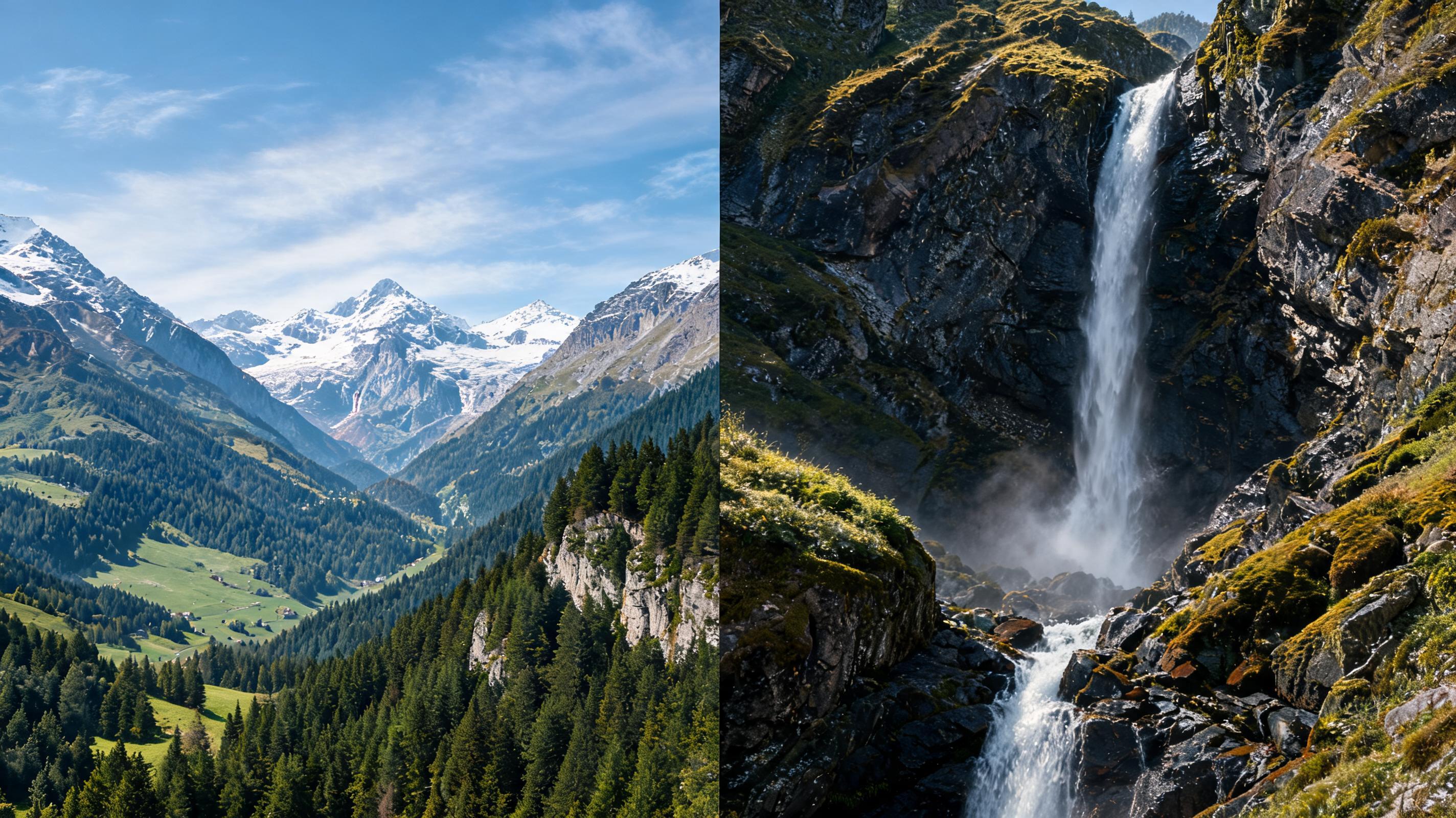
A wide shot of a mountain landscape is transformed into a 10-second zoom video that pulls focus to a hidden waterfall in the distance, perfect for TikTok travel content.
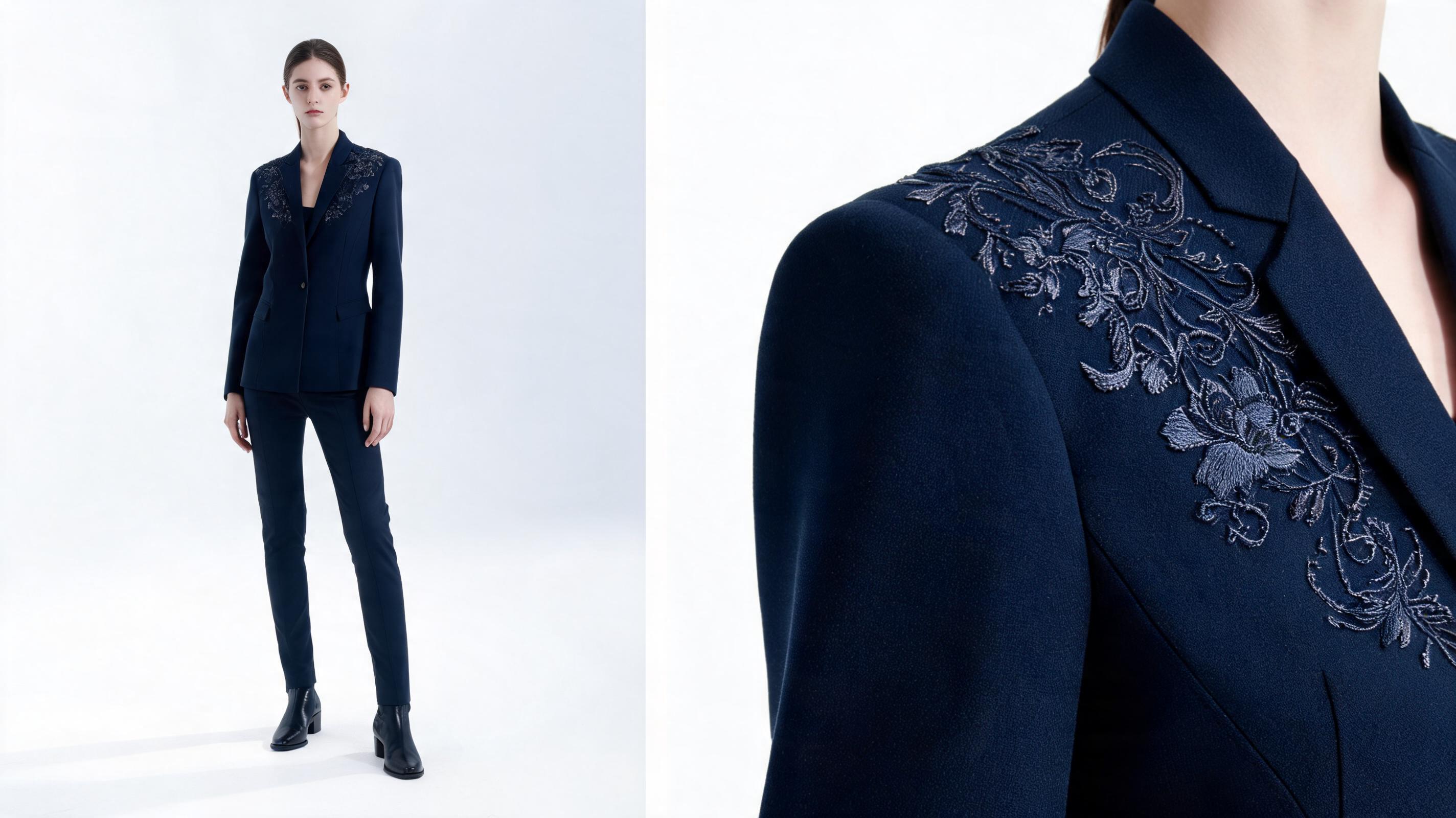
A full-body outfit photo becomes a 5-second zoom video highlighting the embroidery detail on a jacket, used for an e-commerce fashion listing.
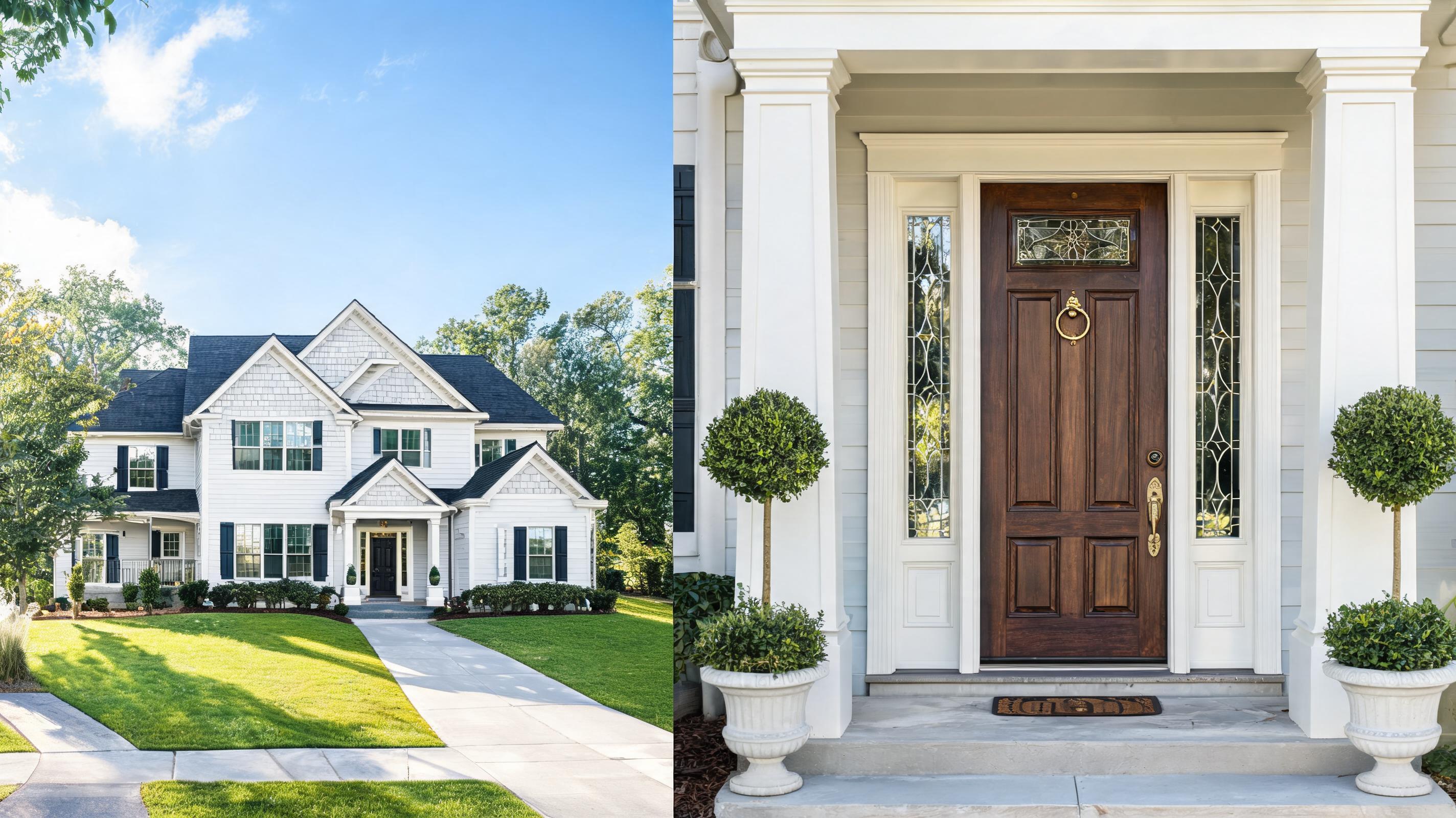
A wide exterior shot of a home is converted to a 7-second zoom video focusing on the custom front door and porch details for a Zillow listing.
Discover powerful tools that make creating professional zoom-in videos fast and accessible for all users.
Tweak zoom speed, depth, and direction to match your creative vision, from slow dramatic reveals to quick detail highlights.
AI upscales the zoomed portion of your image automatically to avoid pixelation, even for high-detail closeup effects.
All videos are rendered with seamless start and end frames, perfect for looping social posts, website banners, and ad creatives.
Choose pre-configured export settings for TikTok, Instagram Reels, YouTube Shorts, ecommerce listings, and website assets to avoid post-processing work.
Use pre-built zoom style presets for common use cases like product closeups, travel reveals, and fashion detail highlights to speed up your workflow.
Skip complex video editing software: the intuitive interface lets anyone create professional zoom-in videos in minutes with no training.
See how creators, marketers, and brands use zoom-in videos to boost engagement across channels.
Create eye-catching Reels, TikToks, and Shorts from static travel, lifestyle, or hobby photos to boost engagement without filming new content.
Highlight key product details like fabric texture, craftsmanship, or functional features from existing product photos to increase conversion rates.
Turn static campaign images into dynamic zoom-in ads that grab attention on Facebook, Instagram, and Google Ads for higher click-through rates.
Add motion to static design, photography, or art portfolio pieces to make your work stand out to potential clients and followers.
Zoom into specific sections of infographics, diagrams, or tutorial images to draw viewer attention to key information in educational videos and courses.
Transform static event photos into dynamic zoom-in clips for highlight reels, guest thank-you videos, and social media event recaps.
Follow 3 simple steps to turn any static photo into a polished zoom-in video in minutes.
Import any high-resolution JPG, PNG, or WEBP image with a clear focal point for the best zoom effect output.
Adjust zoom speed, direction (inward or subtle outward), clip length, and select your target export channel preset.
Click generate to create your zoom-in video in 10-30 seconds, then export in MP4 or GIF format for immediate use.
Learn how to get the most out of PromeAI's AI zoom in effect, from selecting the right source image to deciding when this effect fits your project better than other image to video motion options.
The best source images for zoom in effects have a single clear focal point, high resolution, and enough negative space around the focal point to create a smooth zoom motion. Avoid blurry images, images with multiple competing focal points, or images where the key detail you want to highlight is already at the edge of the frame. For product use cases, use images shot with even lighting to avoid grain or distortion when the AI upscales the zoomed area. For social content, choose images with a clear story or hidden detail that the zoom will reveal to keep viewers engaged.
Start by uploading your high-resolution source image, then select your target use case preset to auto-populate optimal length and export settings. Next, adjust the focal point marker to define exactly where you want the zoom to end, then tweak the zoom speed to match your desired tone: slow speeds work best for dramatic reveals, while fast speeds work for quick detail highlights in short-form social content. Preview the motion before generating to adjust as needed, then export in the format optimized for your target channel to avoid extra post-processing work.
Use the zoom in effect when you want to draw viewer attention to a specific detail in your image, create a dramatic reveal, or highlight product features: it is ideal for product demos, social reveal content, and educational highlight clips. Do not use the zoom in effect if your image has no clear focal point, if you need to show full context of a wide scene, or if you want to create horizontal/vertical motion across the image. For those use cases, opt for adjacent PromeAI effects like pan motion, 3D parallax, or cinematic camera movement instead. The zoom effect also performs better for short-form content under 10 seconds, while other motion effects work better for longer clips.
For TikTok and Instagram Reels, use a 9:16 aspect ratio, 4-6 second clip length, and a fast zoom speed to grab attention in the first 2 seconds. For ecommerce product listings, use a 1:1 or 16:9 aspect ratio, 5-7 second slow zoom, and export as a looping MP4 to auto-play on product pages. For ad creatives, add a subtle zoom out at the end of the clip if you want to loop the video seamlessly, and match the zoom speed to your ad voiceover or background audio pacing. For website banners, export as a lightweight optimized GIF to reduce page load time while retaining motion quality.
Adjust zoom speed, direction, and clip length with intuitive controls for your perfect video output.
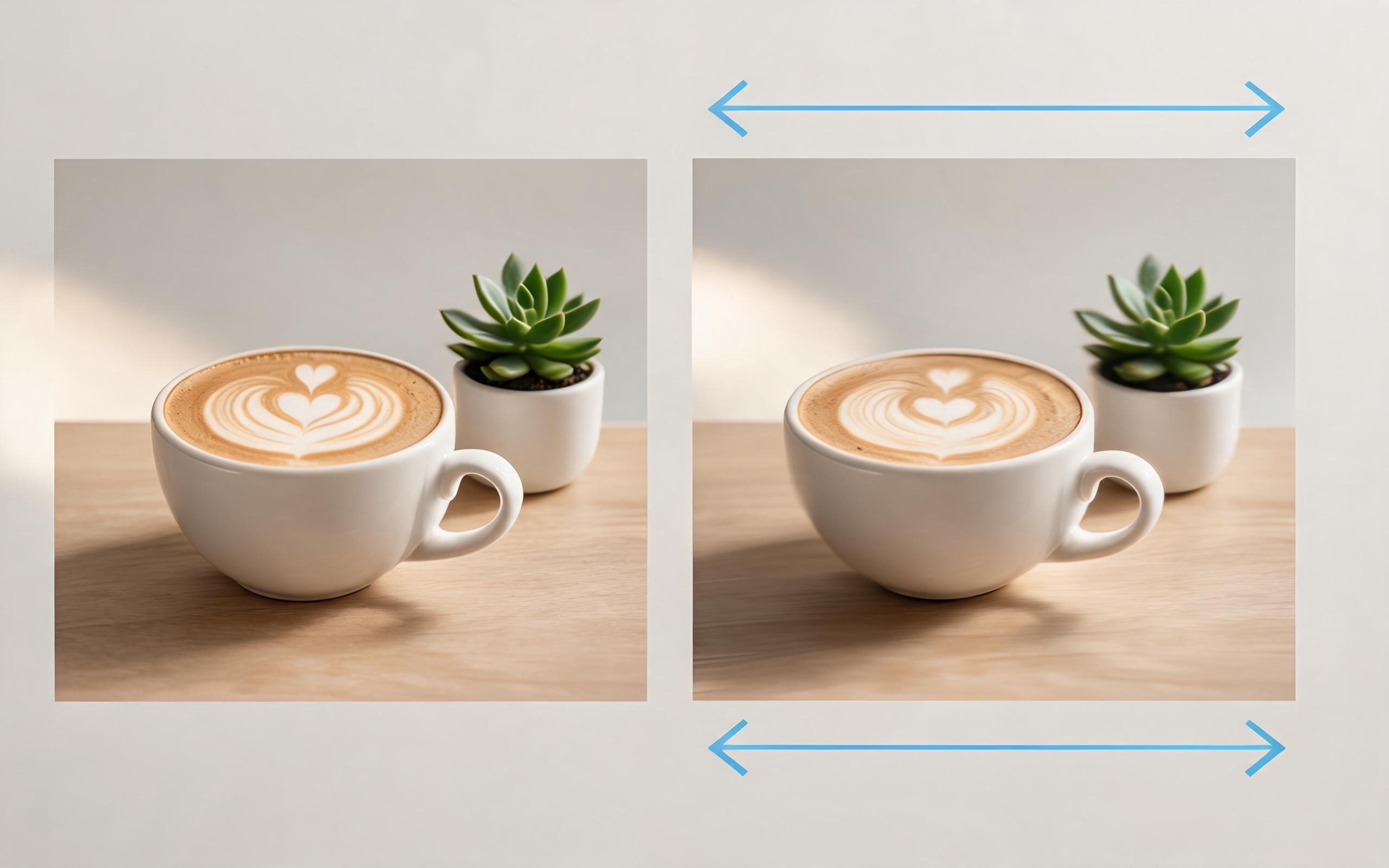
Use PromeAI image-to-video generation for ai ad creative video, adding motion, camera direction, and a short reusable video result from a still image.
Open page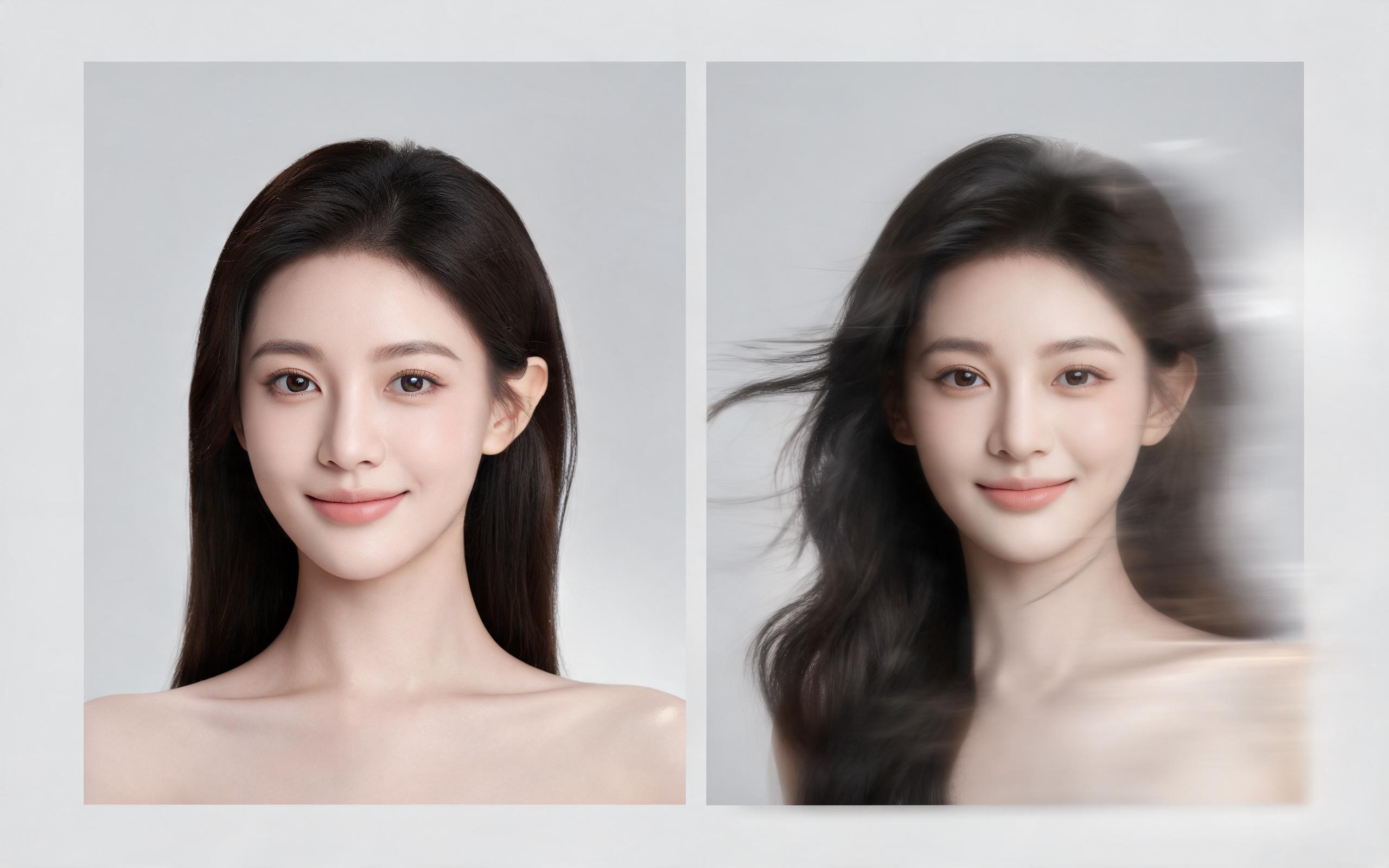
Use PromeAI image-to-video generation for beauty video from photos, adding motion, camera direction, and a short reusable video result from a still image.
Open page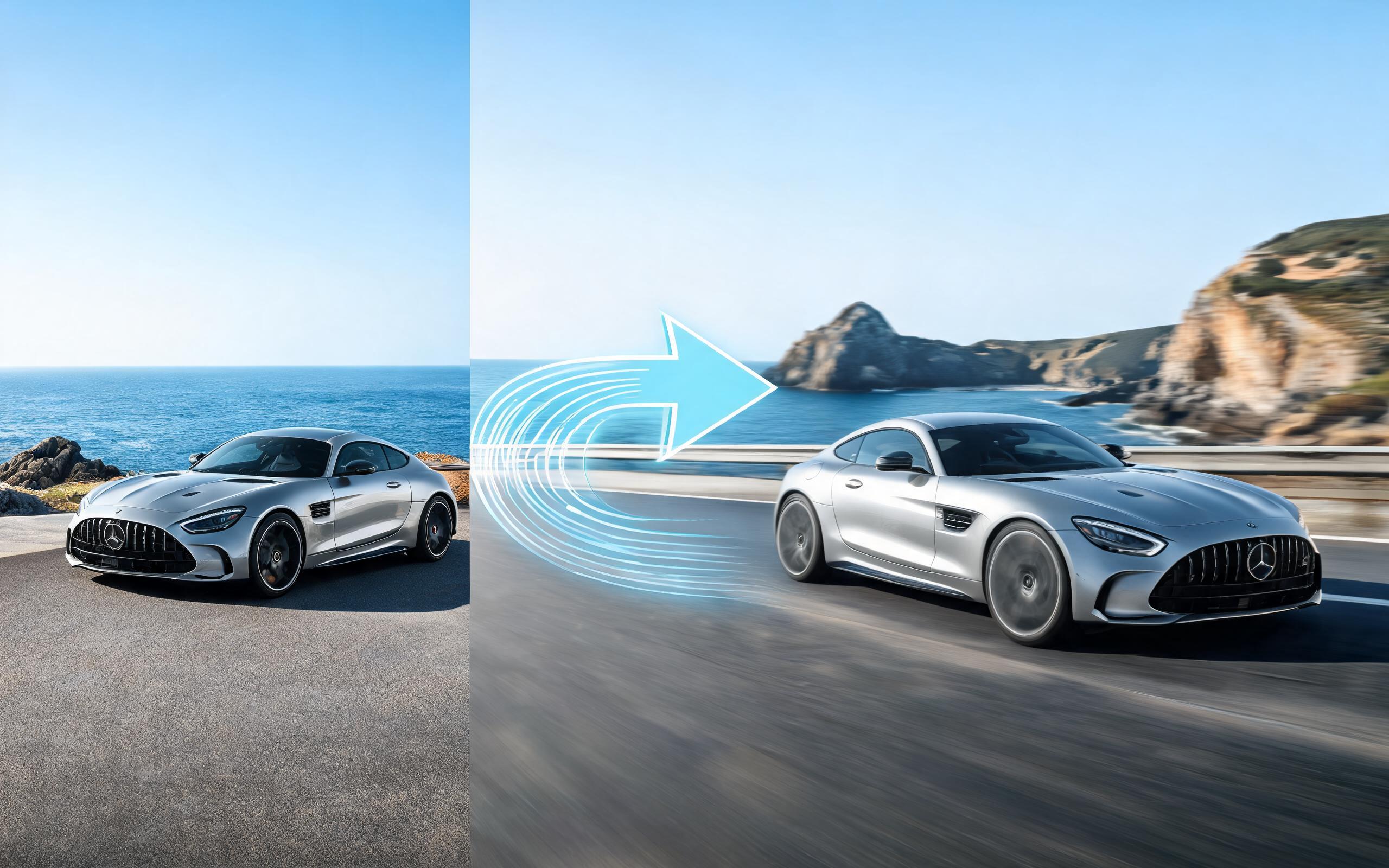
Use PromeAI image-to-video generation for car video from photo, adding motion, camera direction, and a short reusable video result from a still image.
Open page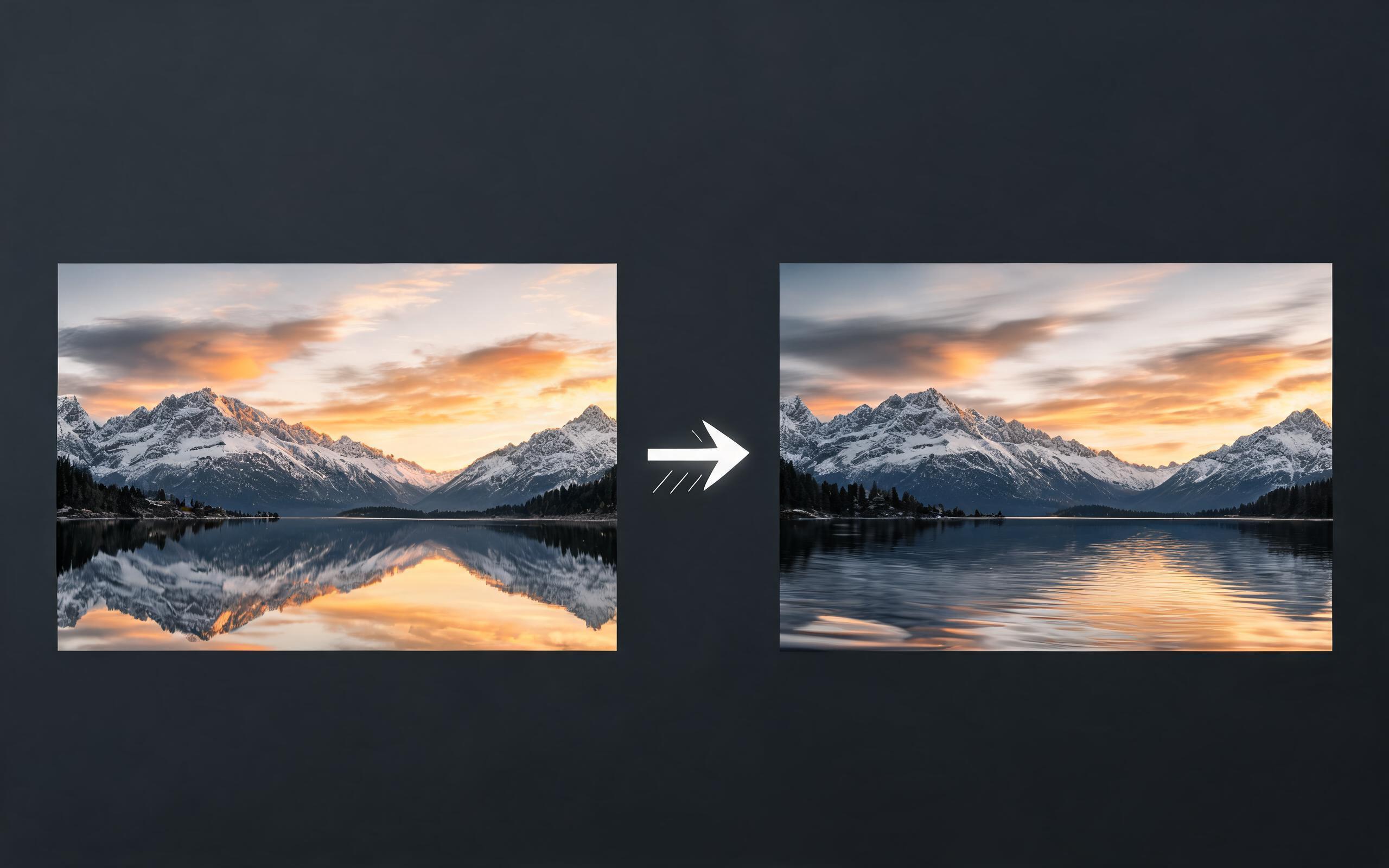
Use PromeAI image-to-video generation for cinematic ai video from image, adding motion, camera direction, and a short reusable video result from a still image.
Open page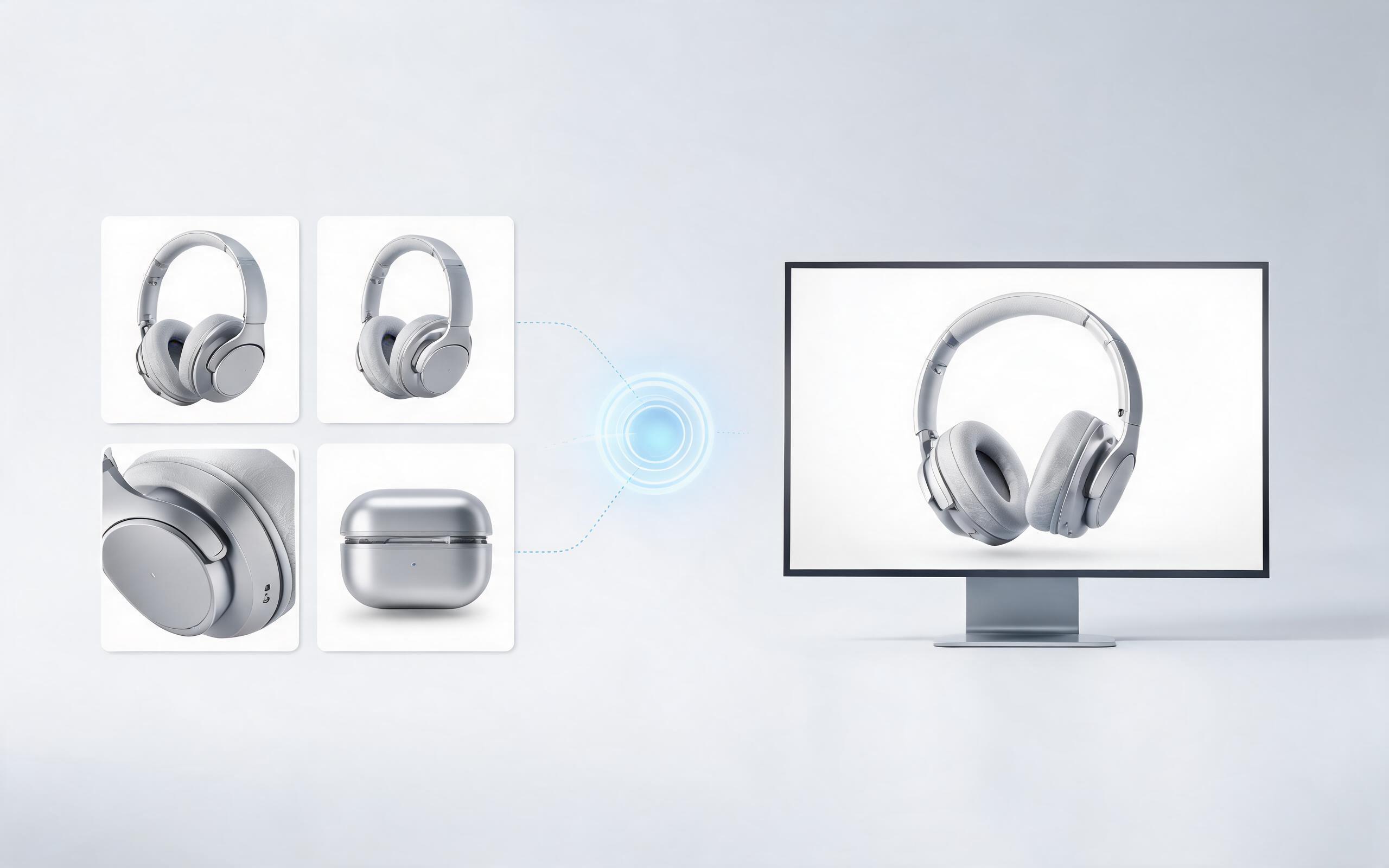
Use PromeAI image-to-video generation to create ai video for ecommerce product from existing images with clear product framing and channel-ready motion.
Open page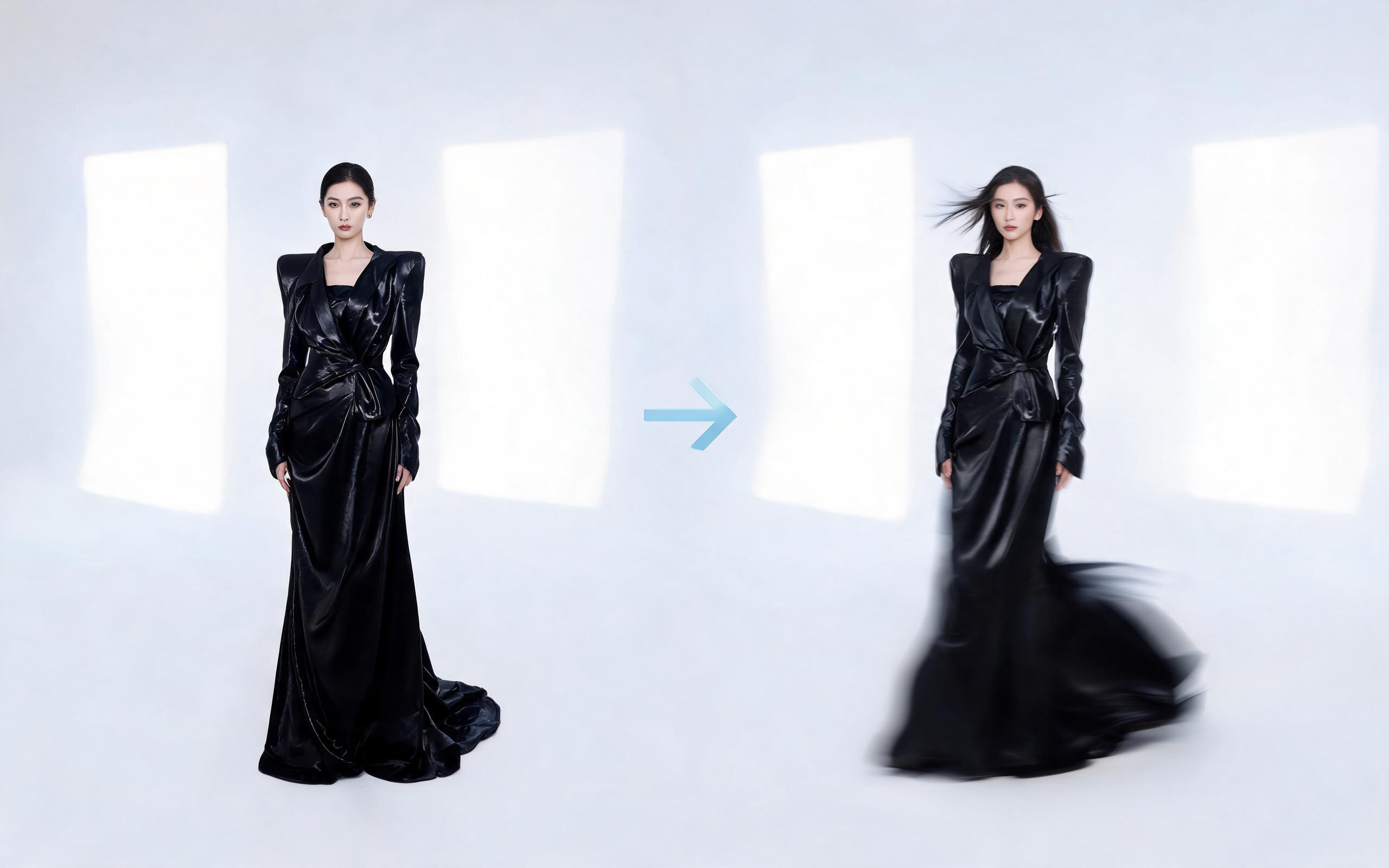
Use PromeAI image-to-video generation for ai fashion video from image, adding motion, camera direction, and a short reusable video result from a still image.
Open page
Turn your static images into engaging, high-performing zoom-in videos in seconds with PromeAI's AI image to video tool. No editing experience required, and all exports are optimized for social media, marketing campaigns, and creative projects.
Create AI Zoom In Effect from Image
Technical support: [email protected]
Business collaboration: [email protected]
What Users Say About PromeAI's Image to Video Tools
See feedback from thousands of creators who use our AI tools to streamline their video workflows.
PromeAI helps us turn static campaign images into motion concepts before we commit to a full shoot.
The short clips make it easier to test pacing, camera movement, and product hooks across launch pages and ads.
For stakeholder reviews, a quick AI video gives everyone a clearer sense of material, scale, and story.