

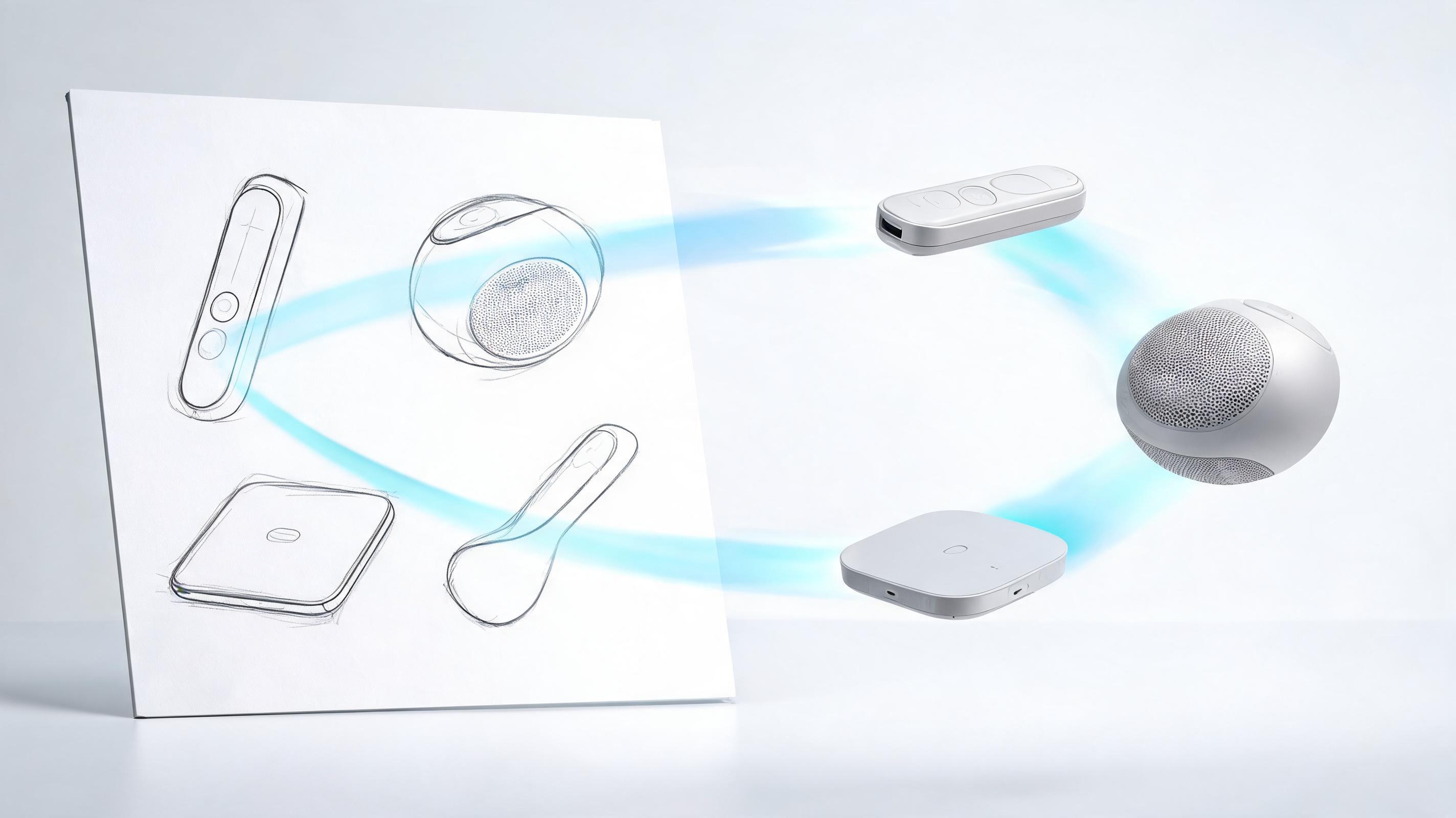
Product design board
A product sketch board becomes the source for a motion preview that can introduce multiple design directions.
Compare practical product scenarios and the kind of motion prompt each one needs.
A product sketch board becomes the source for a motion preview that can introduce multiple design directions.
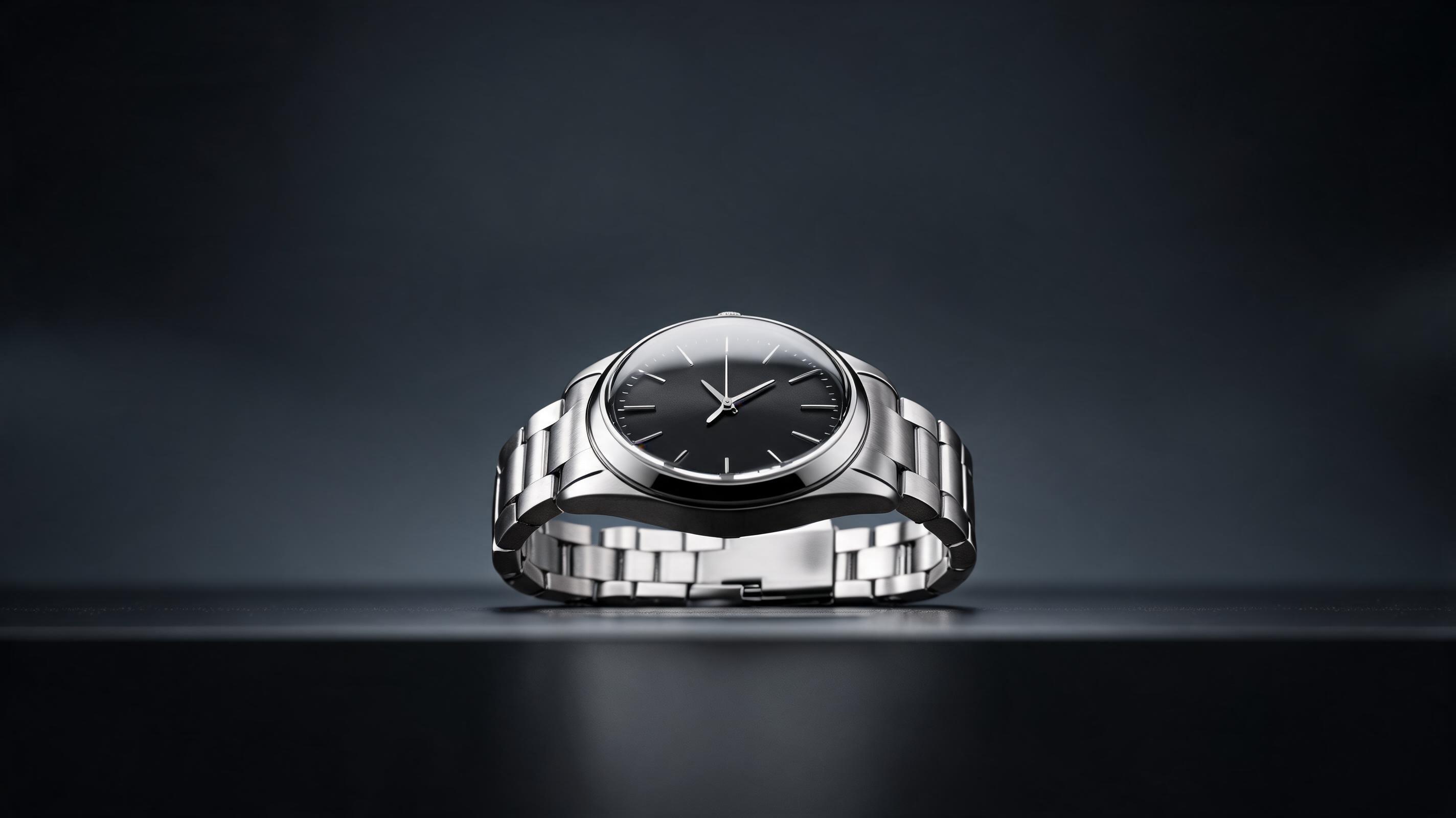
Use a slow push-in or rotation to make a compact product feel more dimensional in a short commerce clip.
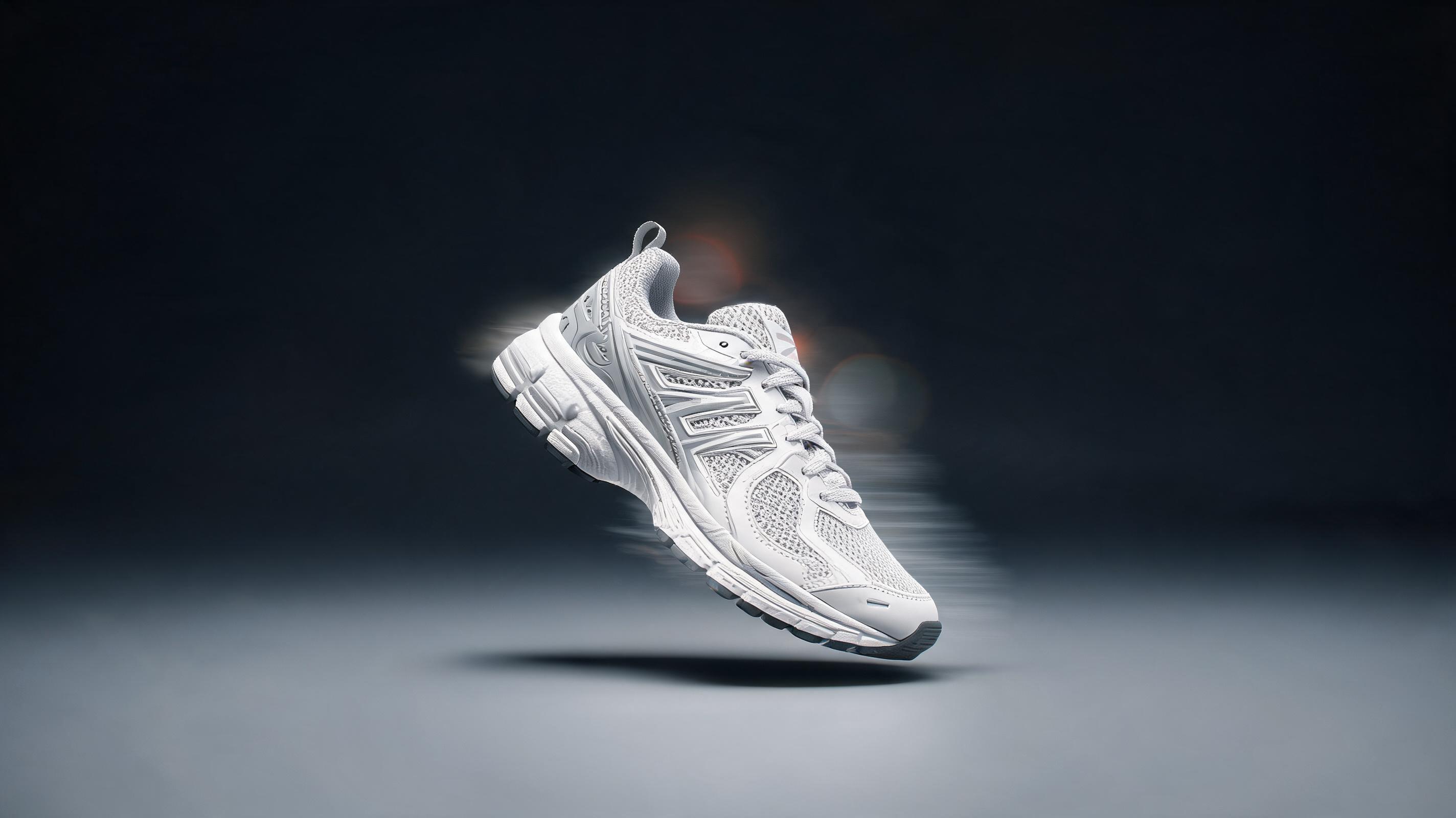
Prompt for a floating product move, camera sweep, or energetic reveal for social and paid creative testing.
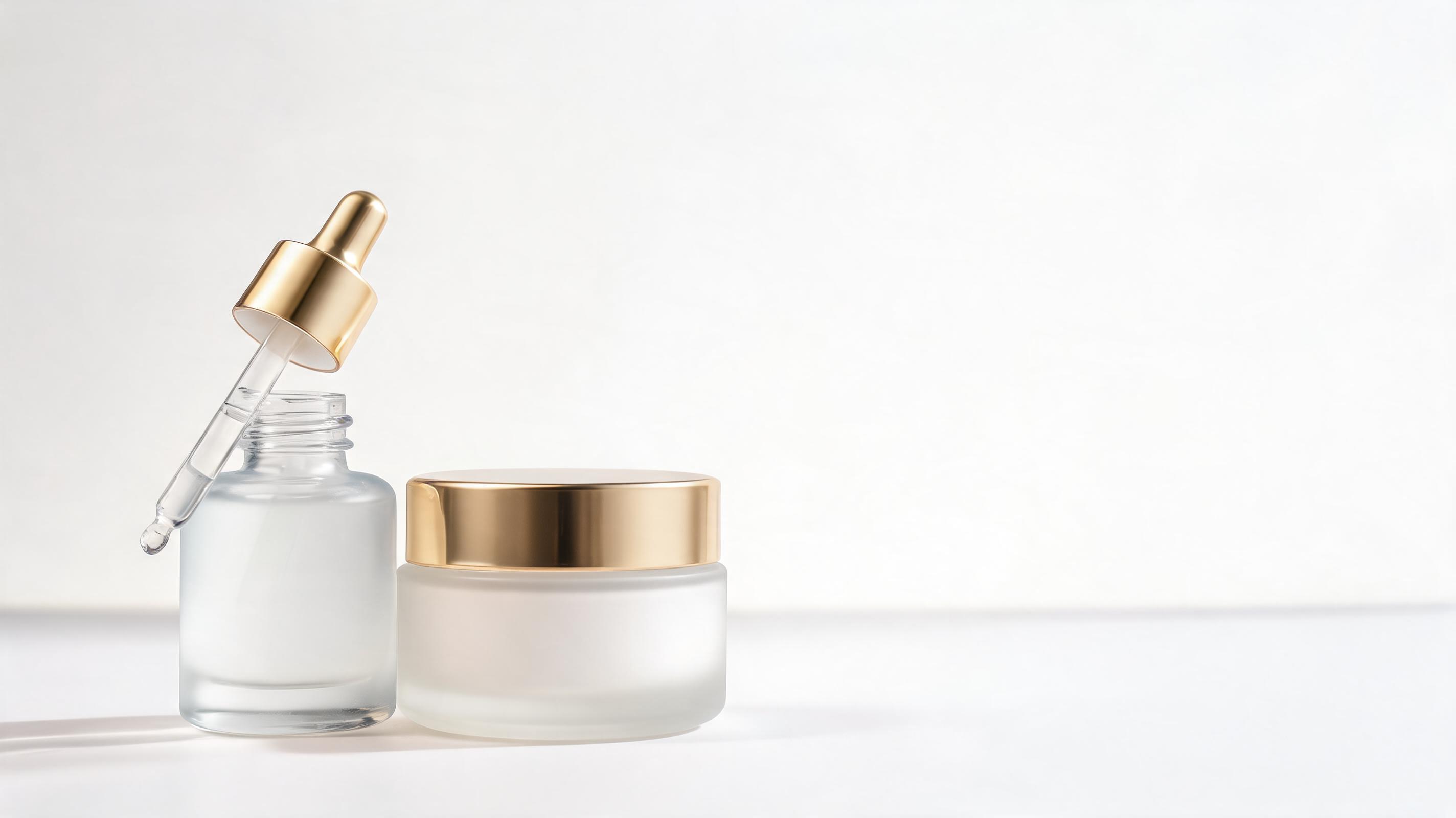
Use close-up camera movement and clean light motion for cosmetics, skincare, and premium packaging visuals.
The page is built around fast product-showcase motion instead of a generic image-to-video promise.
A still product photo can become a short motion clip, making it useful when a full video shoot is not available.
Ask for a slow push-in, rotation, tilt, reveal, or floating showcase so the motion supports the product story.
Keep the product as the visual focus and create clips that work for product pages, reels, and ad placements.
Test multiple motion ideas from the same source image before committing to a campaign direction.
Use product sketches, renders, or design boards when the physical product is not ready for filming yet.
Move from image generation, product design, or uploaded assets into video creation inside the same product ecosystem.
Use product videos across commerce channels, launch assets, creative tests, and product storytelling.
Add a compact motion clip beside still product photos to help shoppers understand form, material, and scale.
Turn a hero product image into a short reveal clip for landing pages, email, and social launch posts.
Create several product motion directions quickly and test which opening movement earns more attention.
Animate concept sketches or renders so stakeholders can review a product idea with more context than a flat image.
Use slow camera moves, light movement, and close-up pacing for cosmetics, bottles, boxes, and packaged goods.
Present industrial design, fashion, or product concept work with motion clips that make the outcome feel more complete.
Use one product image, describe the motion direction, then export a short product-ready clip.
Start from a clean product photo, concept sketch, package render, or marketplace image with the product clearly visible.
Add a short prompt for rotation, camera push-in, floating detail shots, hand interaction, or background movement.
Create the video, review the pacing, then use the result for product pages, ads, social posts, or launch material.
A good product video prompt is less about adding random motion and more about choosing the movement that helps a buyer or stakeholder understand the product faster.
Before generating, decide what the product video needs to do. A marketplace clip should keep the product clear and stable, while a social ad can use a more energetic reveal. A launch teaser can focus on mood and anticipation, but a product page needs readable shape, material, and key details.
Rotation-style prompts are useful when the form matters. Push-in prompts work for premium objects, packaging, and detail shots. Reveal prompts are better for launches and ads where the first second needs to catch attention. If the source image is simple, use a simpler camera move so the product remains accurate.
AI product video is strongest when a still image already communicates the product well but needs motion for attention, context, or presentation. It is less suitable when the source image is blurry, heavily cropped, or missing important sides of the product that the motion would need to invent.
Review generated clips for product identity, shape consistency, logo placement, text accuracy, and marketplace requirements. For paid campaigns or product pages, generate a few variations and choose the one that keeps the product most recognizable while still adding useful motion.
Move from a product demo page into adjacent commerce, fashion, jewelry, and ad video workflows.
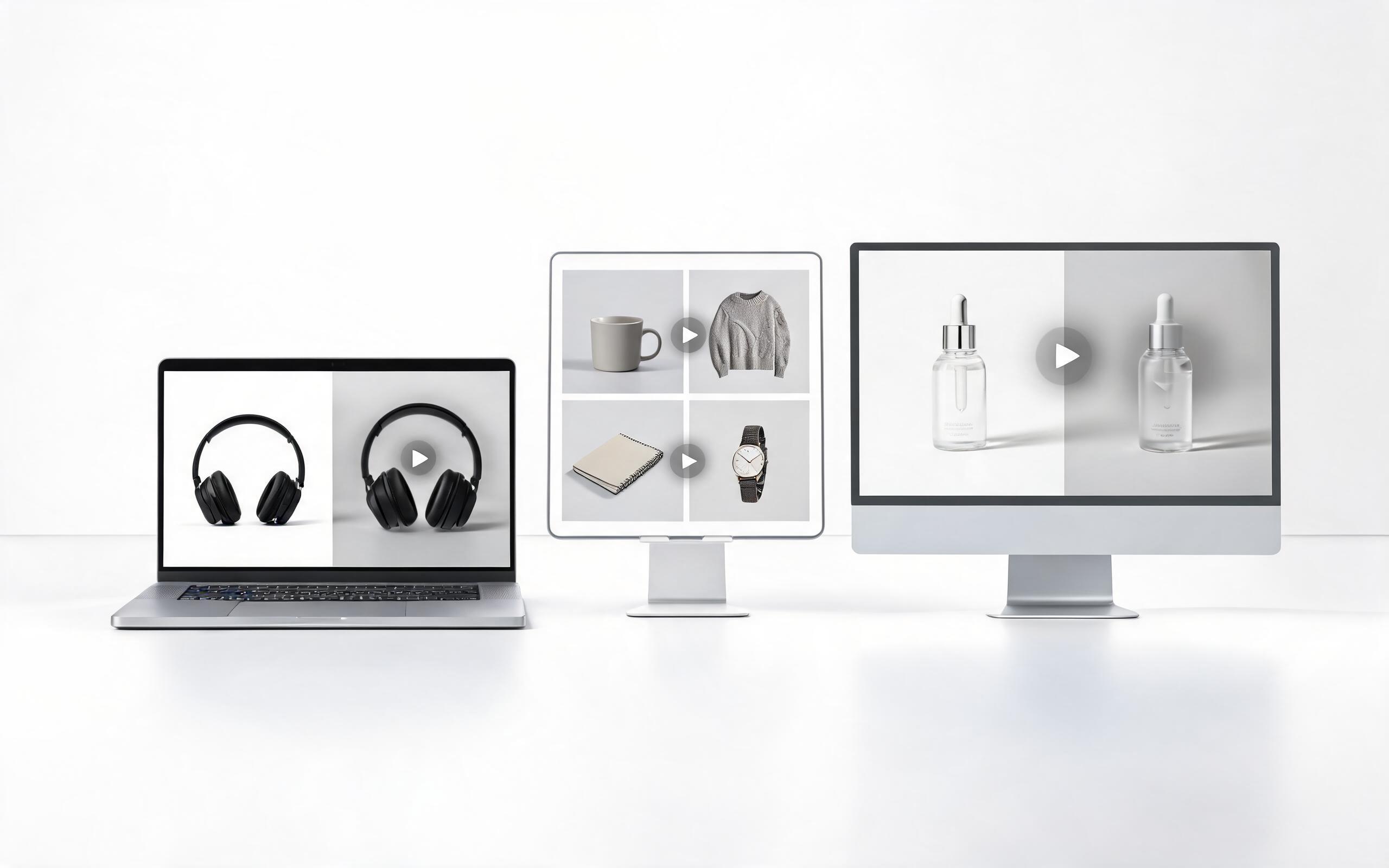
Build product-page, marketplace, and storefront videos from existing commerce photos.
Open page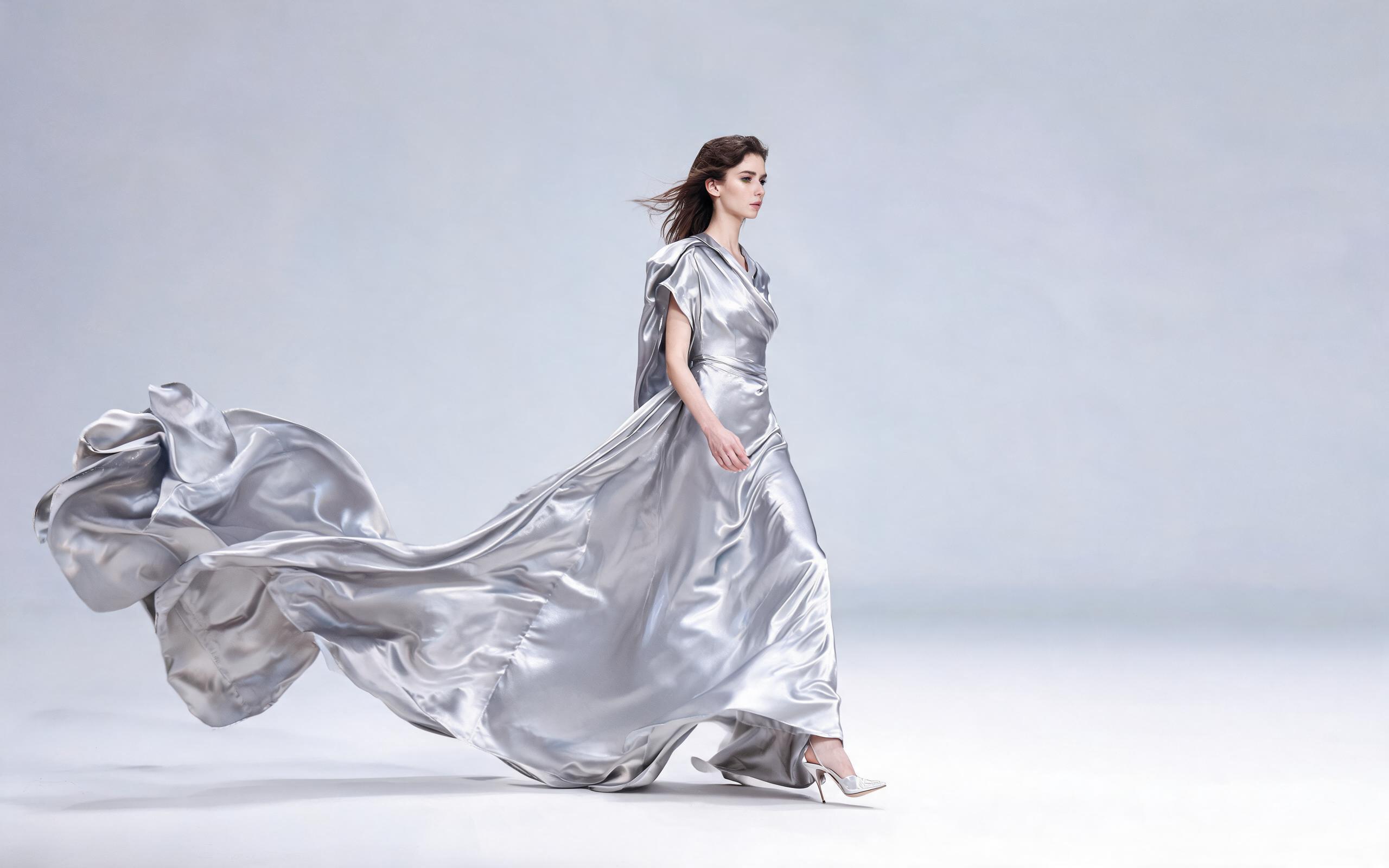
Animate apparel photos with fabric flow, model movement, and runway-style pacing.
Open page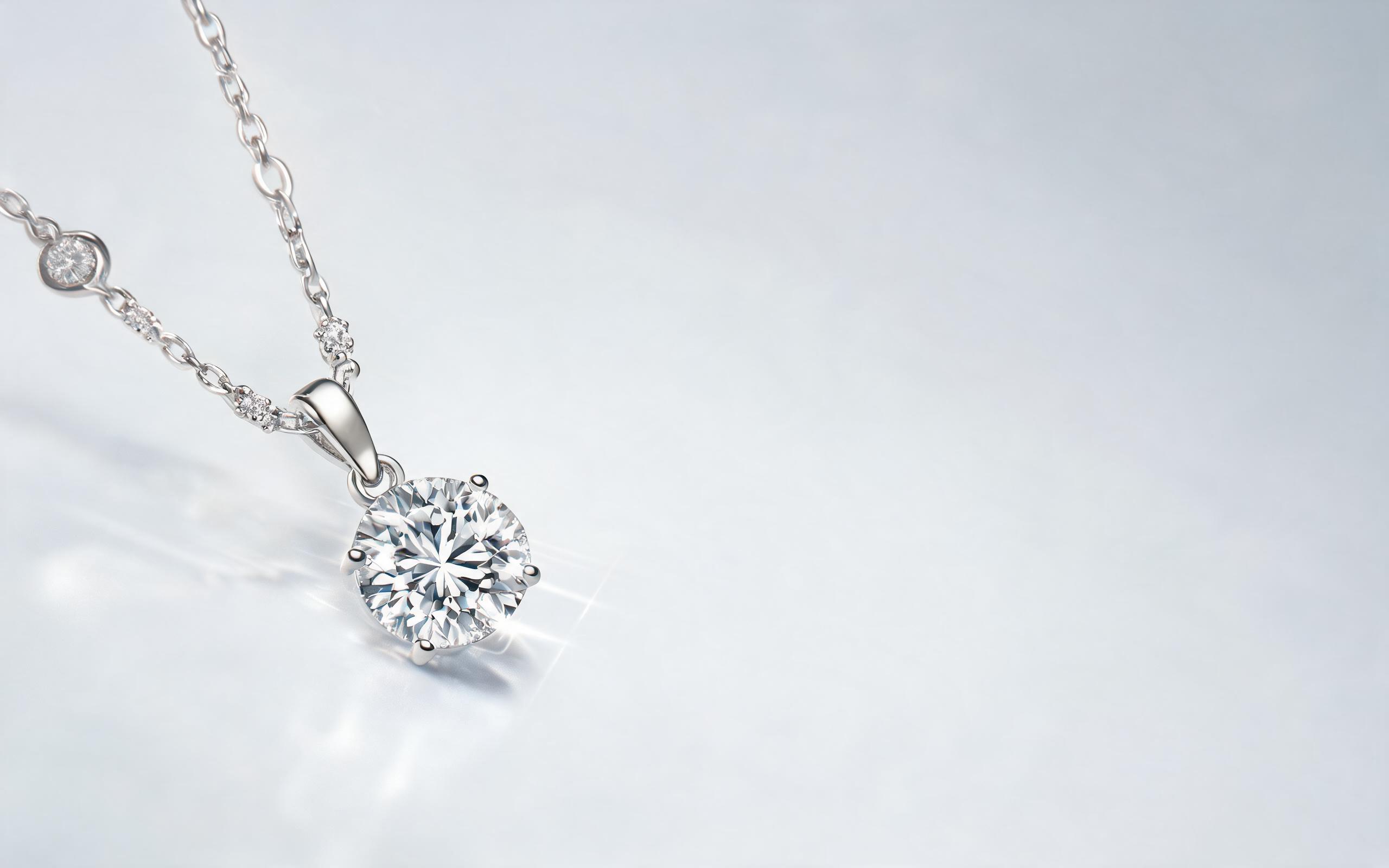
Create close-up product motion for jewelry, reflections, sparkle, and premium detail shots.
Open page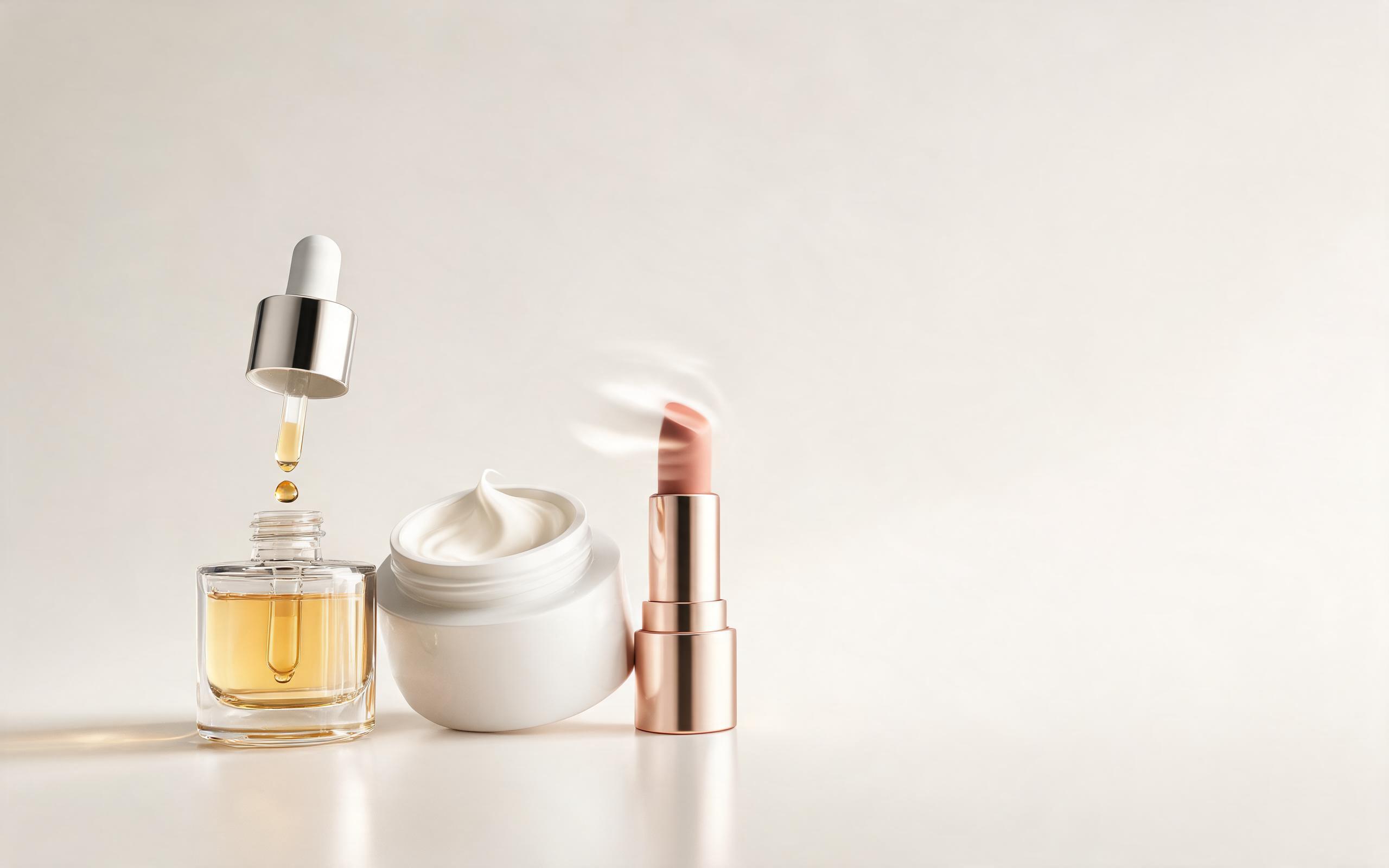
Turn cosmetics and skincare product photos into short beauty product clips.
Open page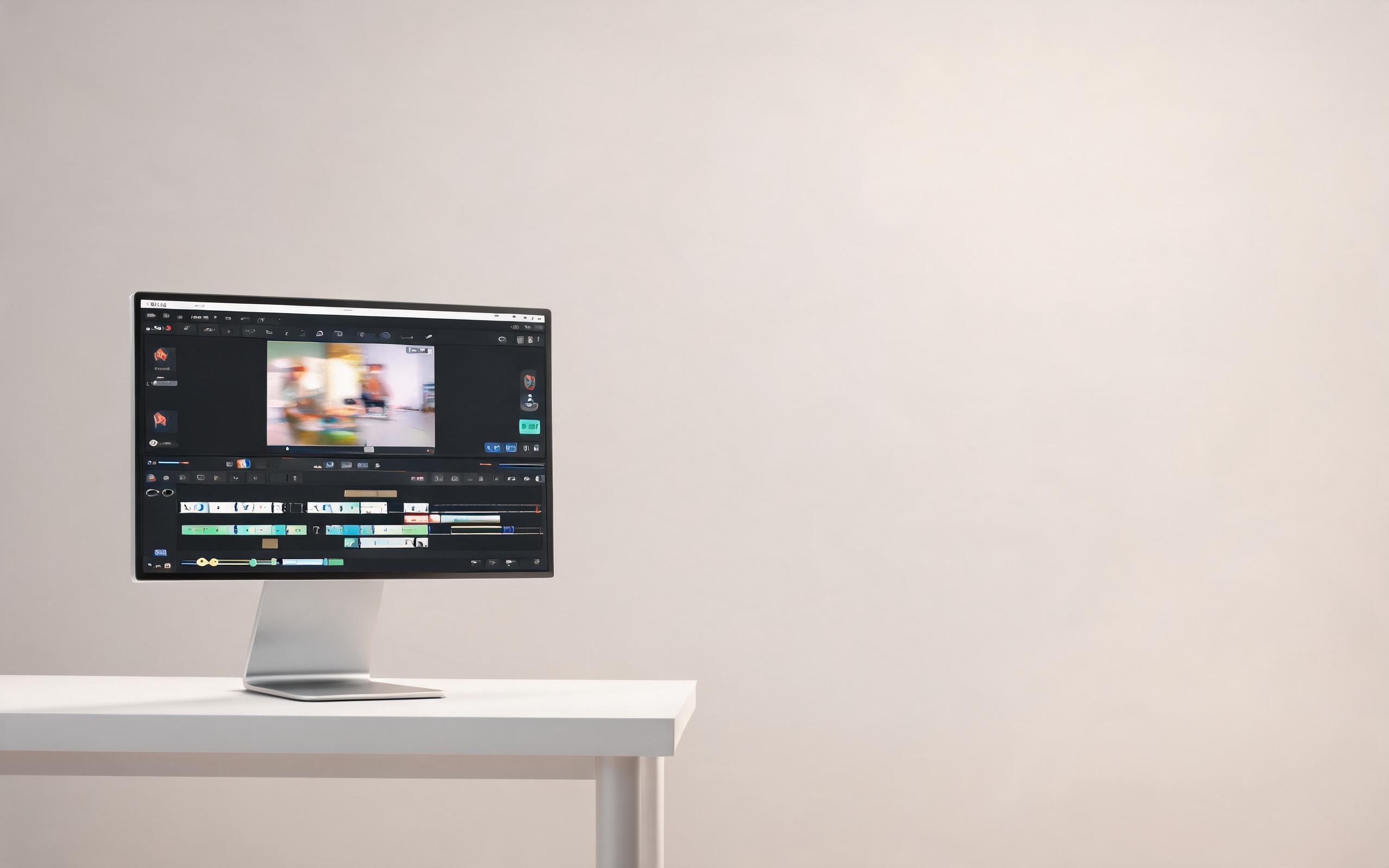
Use image-to-video generation for fast social ads, launch clips, and creative testing.
Open page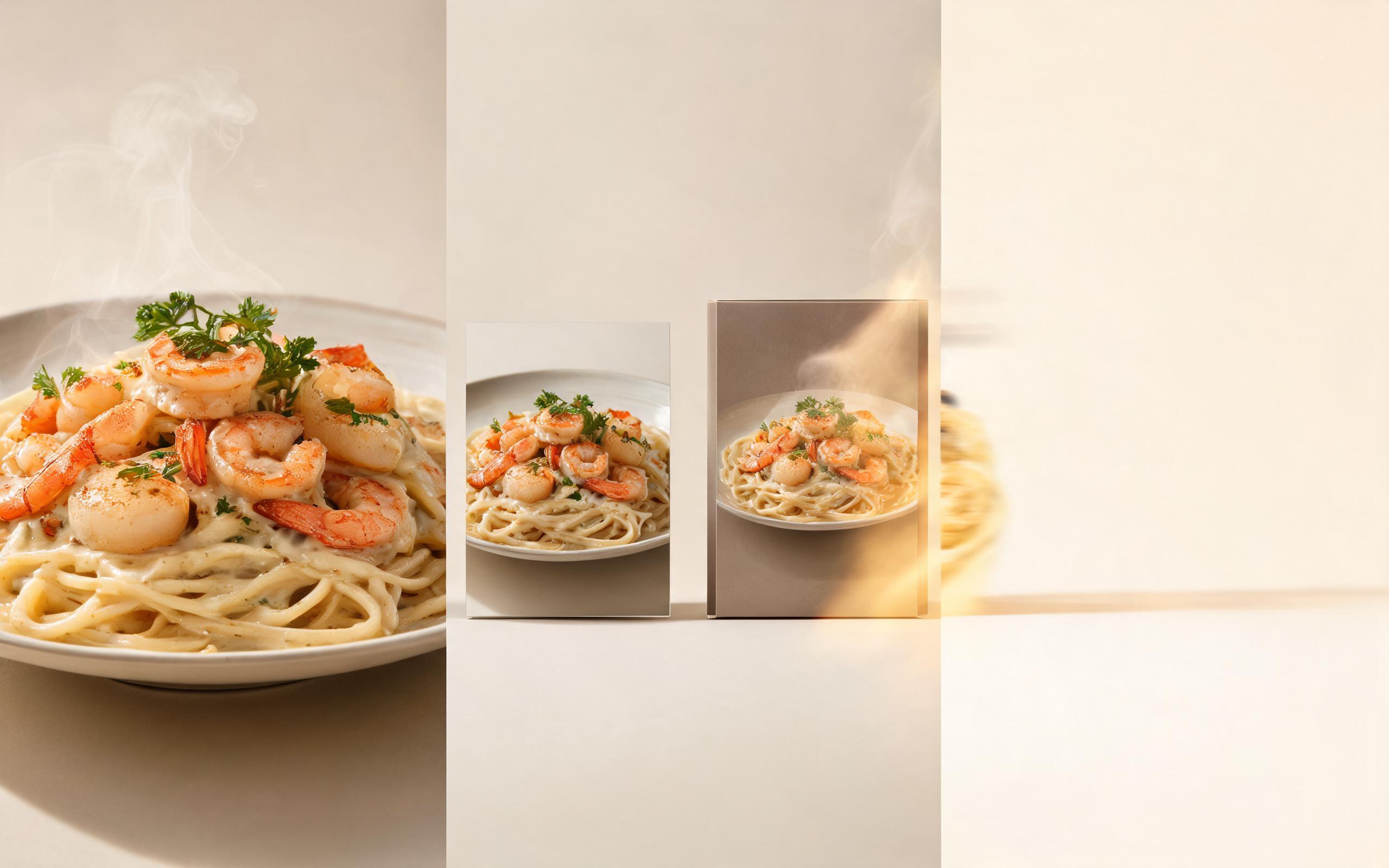
Convert food and packaged menu photos into short, appetite-driven product videos.
Open page
Upload a product photo, describe the motion, and generate a short showcase clip in PromeAI.
Create Product Video
Technical support: [email protected]
Business collaboration: [email protected]
Product Creators Review PromeAI
Customer stories and creator reach show how product teams move from one product image to reusable motion assets.
We can turn a clean product photo into a short motion concept before committing budget to a full studio shoot.
For launch pages, product videos give us a faster way to test pacing, camera movement, and ad hooks from the same image set.
The biggest win is stakeholder review. A product render feels easier to judge once everyone can see the reveal and detail motion.