
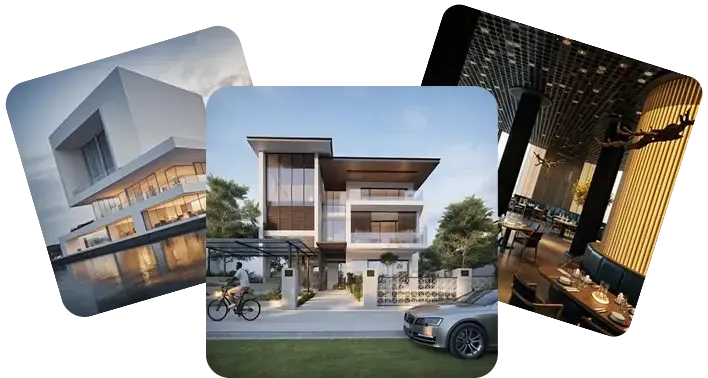

Modern Residential Home Exterior Render to Video
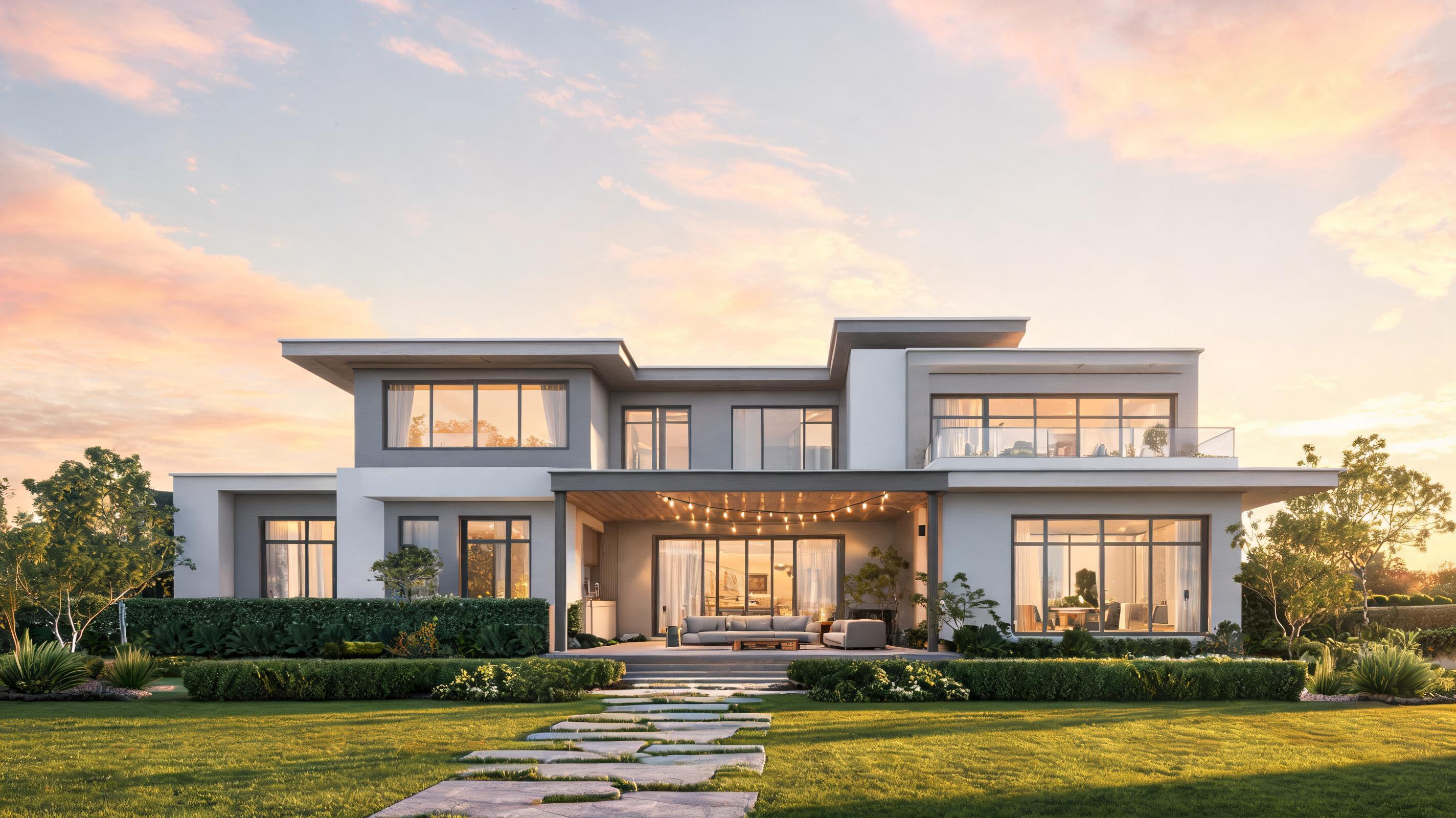
Static 3D render of a contemporary single-family home converted to a 15-second slow pan video highlighting the facade, outdoor living space, and surrounding landscaping.
Create polished, presentation-ready video previews of your architecture, interior, or property designs with automated slow camera movement and spatial depth. No advanced video editing skills required.
View real-world examples of static renders transformed into polished, engaging AI video previews.
Static 3D render of a contemporary single-family home converted to a 15-second slow pan video highlighting the facade, outdoor living space, and surrounding landscaping.
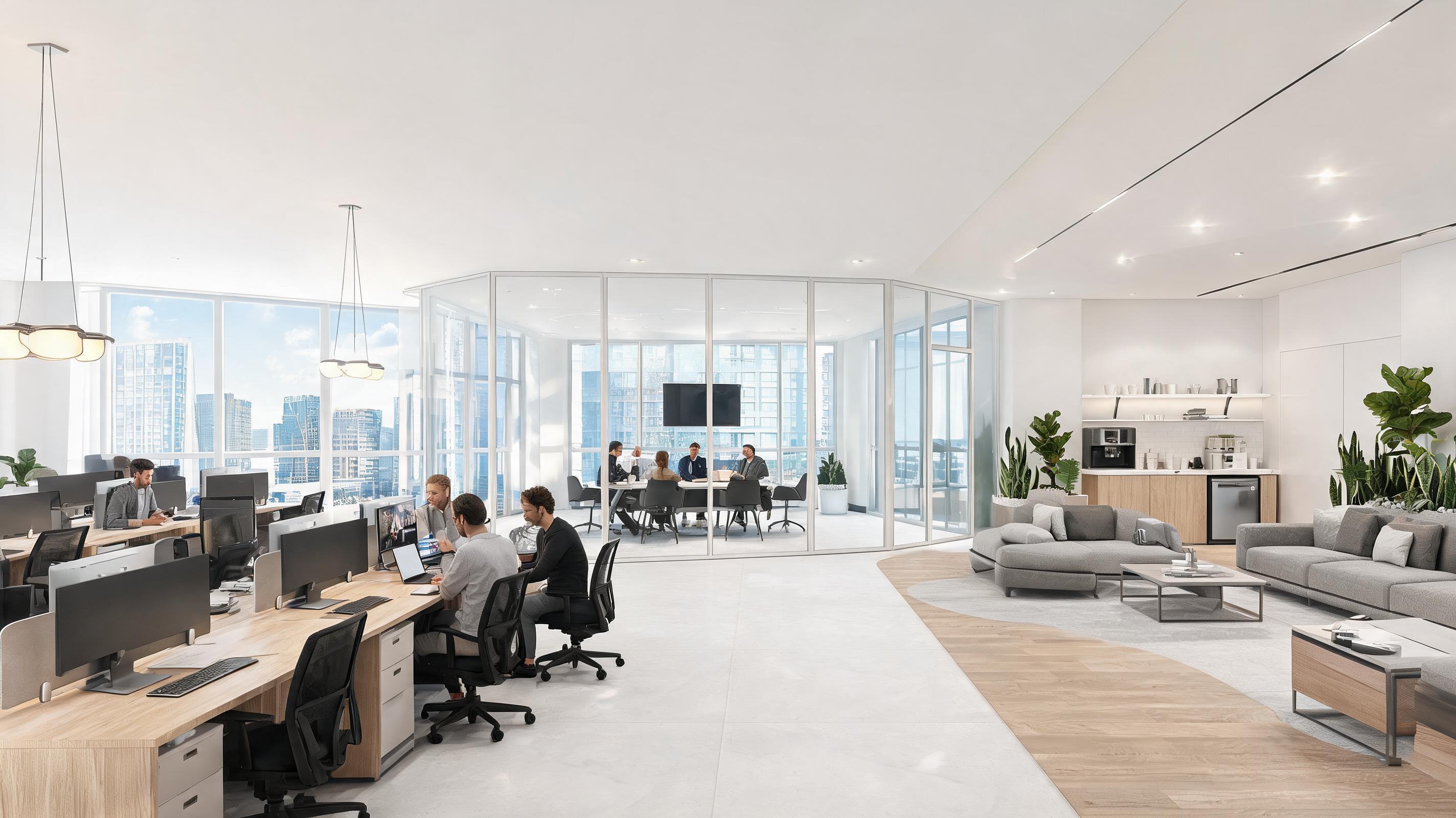
Static render of a collaborative co-working space converted to a slow walkthrough video showcasing the open floor plan, meeting rooms, and common area amenities.
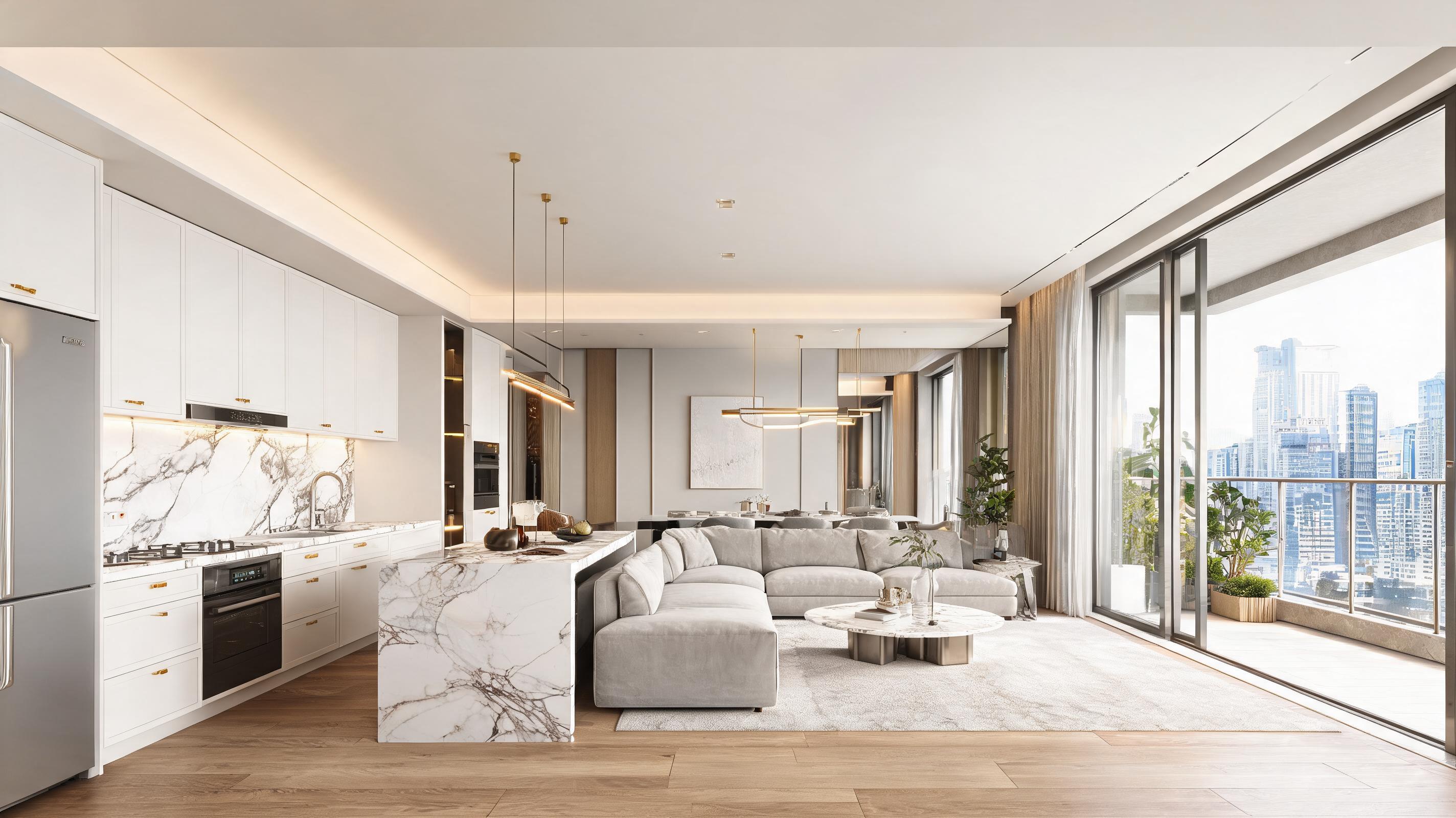
Static render of a high-end 2-bedroom apartment converted to a 10-second slow zoom video highlighting the kitchen finishes, living area, and balcony access for pre-sales marketing.
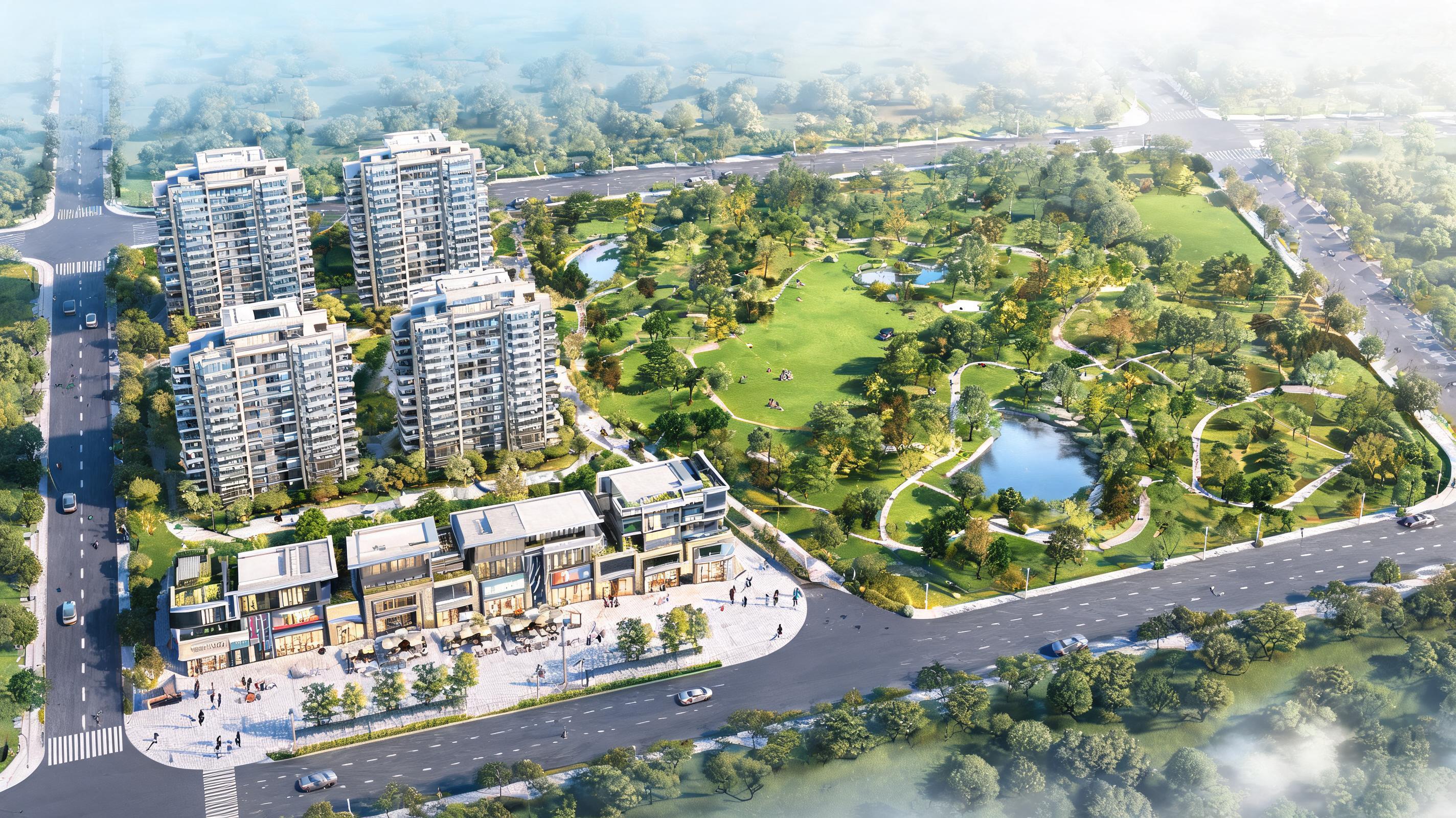
Static aerial master plan render of a 10-acre mixed-use development converted to a 30-second wide pan video showing the full site layout, residential buildings, retail spaces, and public park areas.
Explore built-in features designed to highlight design details and create immersive spatial video previews.
Pre-configured pan, tilt, zoom, and walkthrough motion settings designed to highlight spatial flow and design details without jarring movement.
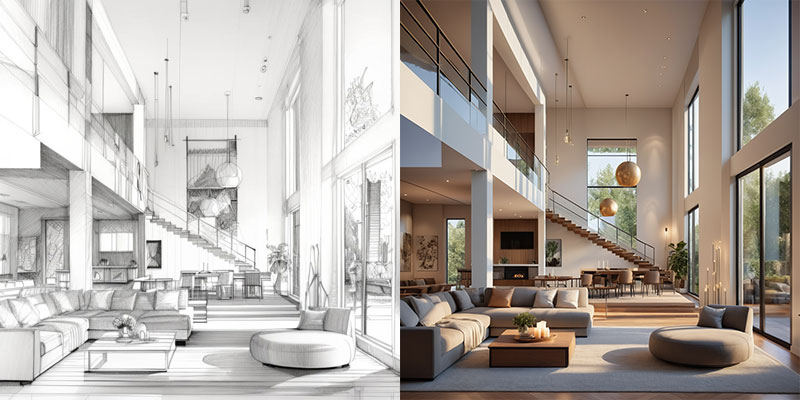
AI preserves the original scale, proportions, and depth of your architectural render to avoid distorted perspectives or unrealistic motion.
Generate 5-second previews for social media, 15-second clips for portfolio highlights, or 30-second walkthroughs for stakeholder presentations.
Add custom watermarks, logo overlays, and color grading to match your firm's brand guidelines directly in the tool.
Export videos in up to 4K resolution suitable for large screen presentations, website embedding, or digital ad campaigns.
Convert up to 10 static renders to video at once to save time when creating content for multi-property listings or full project portfolios.
See how design teams, real estate marketers, and stakeholders use this tool to streamline presentations and workflows.
Turn static design renders into dynamic walkthroughs to help clients and project stakeholders visualize finished spaces more clearly than static images alone.
Create engaging video previews of completed and in-progress design projects to showcase your firm's work on your website, social media, and award submissions.
Convert architectural renders of under-construction properties into short video tours to attract buyer interest and pre-sell units before construction is complete.
Generate scroll-stopping short-form video content for Instagram, TikTok, and LinkedIn to showcase your design work and reach new potential clients.
Turn public infrastructure or residential development renders into accessible video walkthroughs to share project plans with local communities and gather feedback.
Pair updated project renders with progress photos converted to video to share regular, clear updates with clients and stakeholders throughout the construction process.
Follow our simple 3-step workflow to create professional architecture videos from static renders in minutes.
Import your architecture, interior, or property render in JPG, PNG, or exported format from tools like SketchUp, Revit, or Blender.
Select your preferred camera movement type (pan, zoom, walkthrough), adjust pacing to highlight key design details, and set your desired video length.
Process your video in under 2 minutes, then download in MP4 format optimized for presentations, social media, or listing pages.
This guide walks you through best practices for generating high-quality architecture render videos, choosing the right motion settings for your use case, and avoiding common mistakes that reduce video quality.
Before uploading your render, make sure it is high resolution (minimum 1920x1080 pixels) with no blurred edges, missing texture details, or obtrusive watermarks that will be amplified in the video. For interior renders, ensure lighting is balanced across the entire space to avoid dark, underexposed areas during camera movement. For exterior renders, include context like landscaping or adjacent buildings to make the motion feel more natural and grounded in a real environment. Avoid renders with extreme wide-angle lens distortion, as this can lead to unrealistic warping during camera movement that distracts from your design work.
For short social media clips, choose a slow zoom or subtle pan motion that focuses on a single key design feature (like a custom kitchen or unique facade) to grab attention quickly. For client presentations, select a slow walkthrough motion that follows the natural flow of the space, starting at the entryway and moving through key living or working areas to help viewers visualize themselves in the space. For master plan renders, use a wide aerial pan that moves across the full site to show the layout and relationship between different buildings and amenities. Avoid fast or jerky motion settings for professional design use cases, as these can make viewers feel disoriented and distract from your design work. If you are creating content for short-form platforms like TikTok or Reels, you can use slightly faster motion to fit your message into a 5 to 10-second clip, but keep movement smooth to avoid motion sickness.
Architecture render to video is best for fast, low-cost video generation when you already have a finished static render, need content quickly for a presentation or marketing campaign, and don't have access to a professional 3D animator. It delivers professional results for 80% of common design presentation and marketing use cases at a fraction of the cost and time of custom animation. It is not ideal for projects that require complex interactions, like opening doors, moving people, or changing lighting conditions, as these features are not supported in the current tool. For high-budget marketing campaigns or large-scale public projects that require fully customized animation, you may still want to work with a professional animation team for the final deliverable.
For client presentations and stakeholder reviews, export your video in 4K resolution with a 16:9 aspect ratio, and keep the length between 15 and 30 seconds to hold attention without dragging on. For real estate listing pages and website portfolios, export in 1080p resolution with a 16:9 aspect ratio, and add a subtle brand watermark in the corner to prevent unauthorized use. For social media platforms like Instagram Reels and TikTok, export in 9:16 vertical aspect ratio, keep the video under 10 seconds, and add text overlays to highlight key design features for viewers who watch without sound. For LinkedIn and professional social media, use a 1:1 or 16:9 aspect ratio, and include a voiceover or text caption explaining the project context and design goals.
Browse pre-configured presets to customize your video output for specific use cases and audience needs.
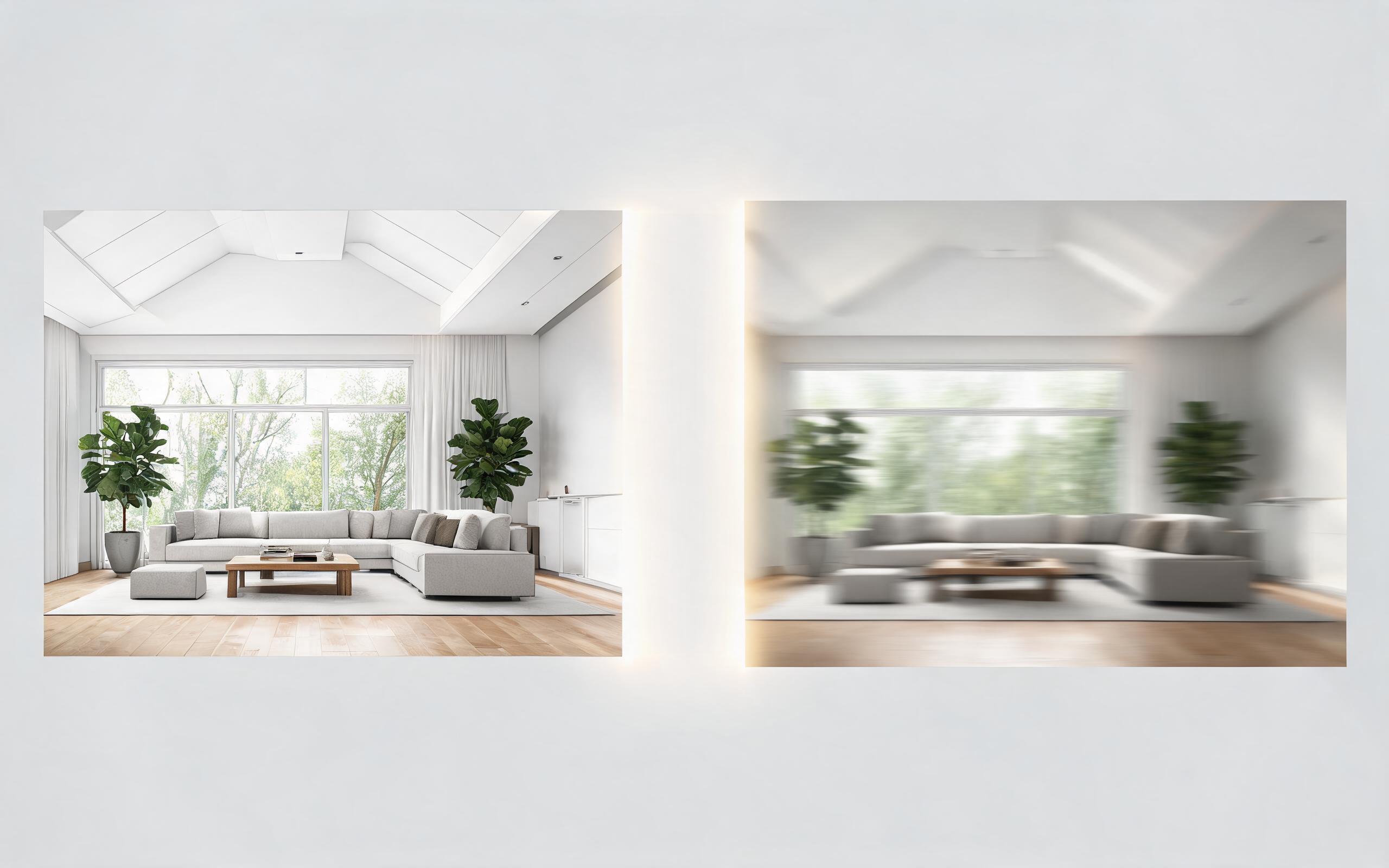
Turn architecture, interior, or property visuals into short AI video previews with slow camera movement, spatial depth, and presentation-ready pacing.
Open page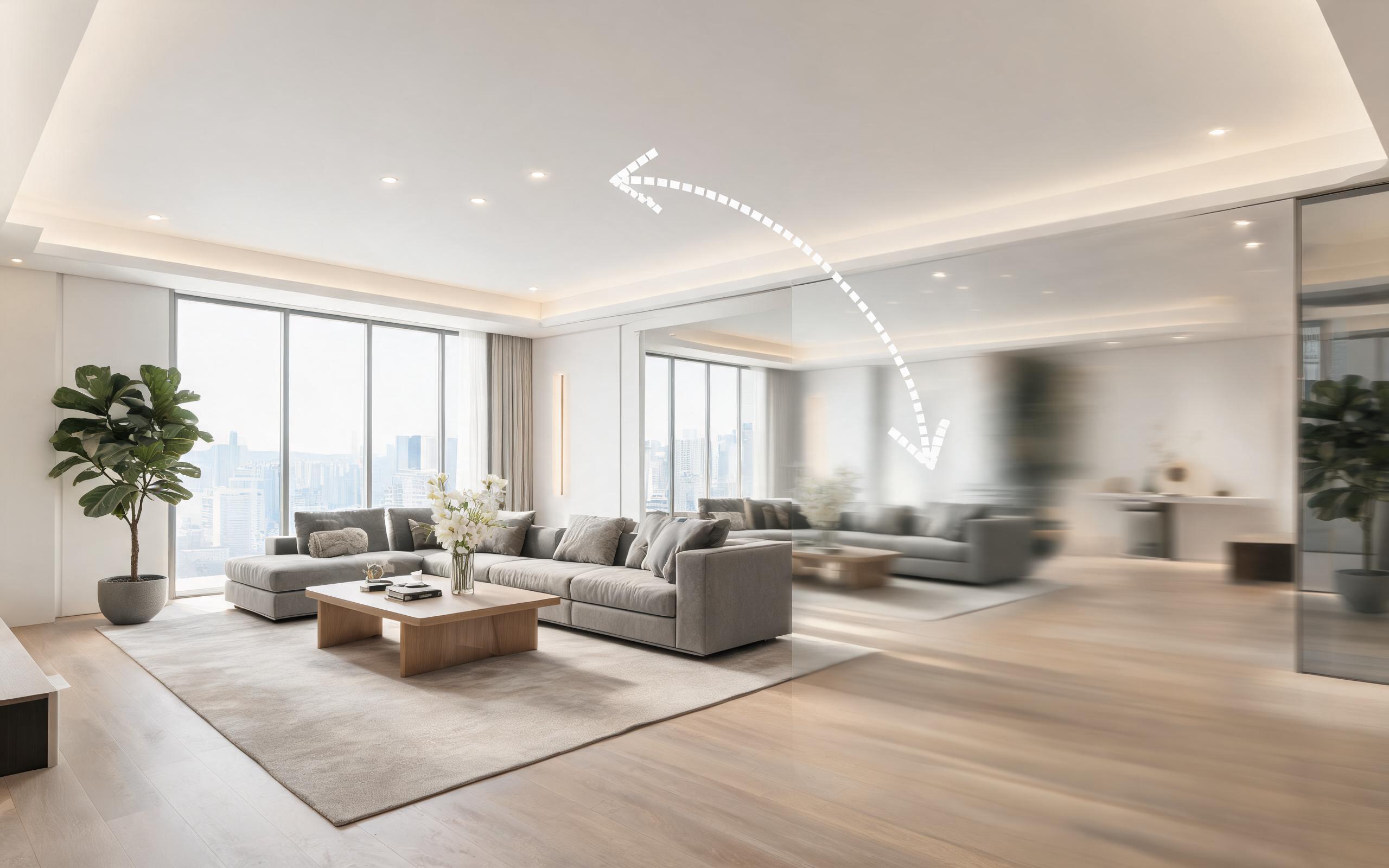
Turn architecture, interior, or property visuals into short AI video previews with slow camera movement, spatial depth, and presentation-ready pacing.
Open page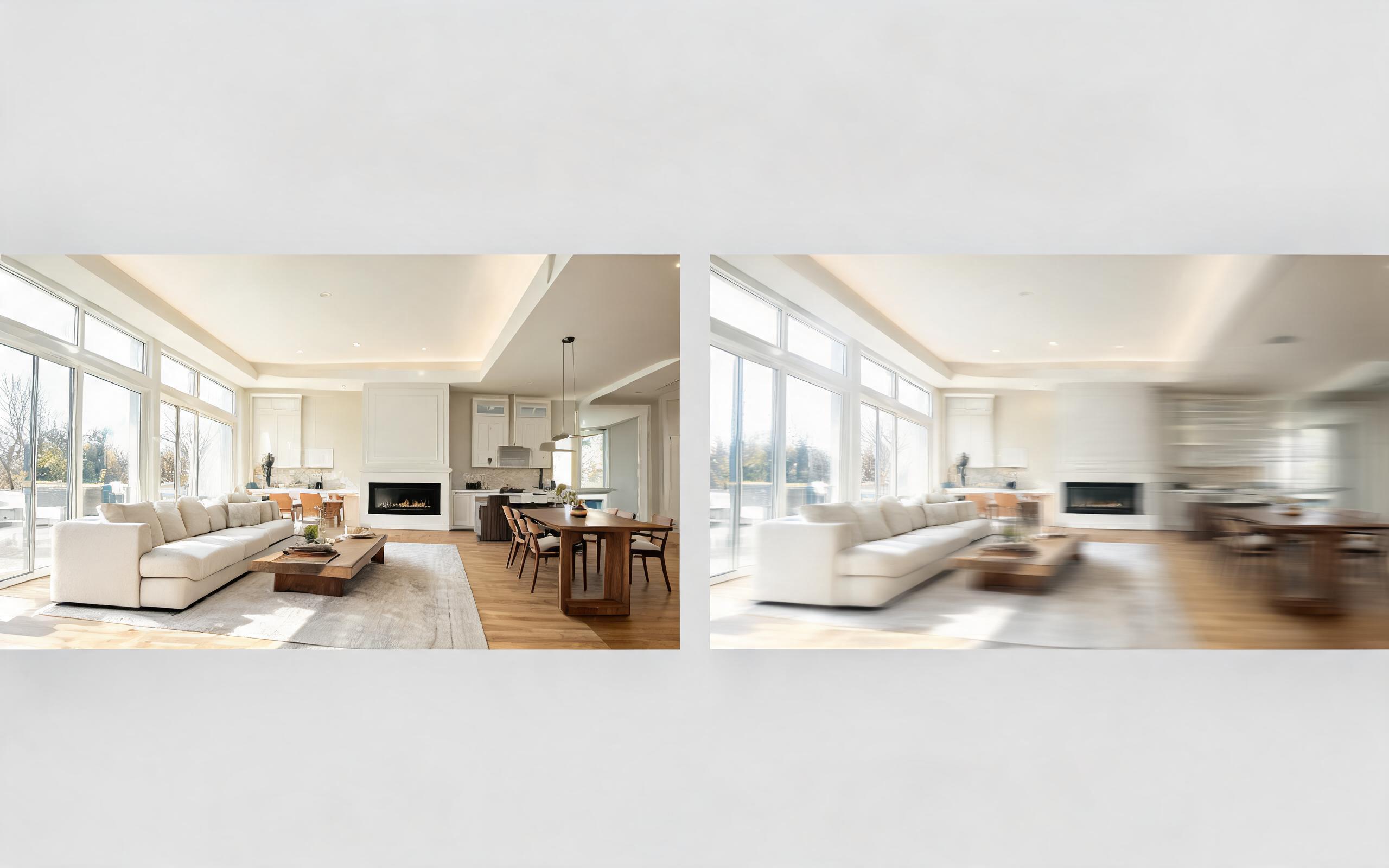
Turn architecture, interior, or property visuals into short AI video previews with slow camera movement, spatial depth, and presentation-ready pacing.
Open page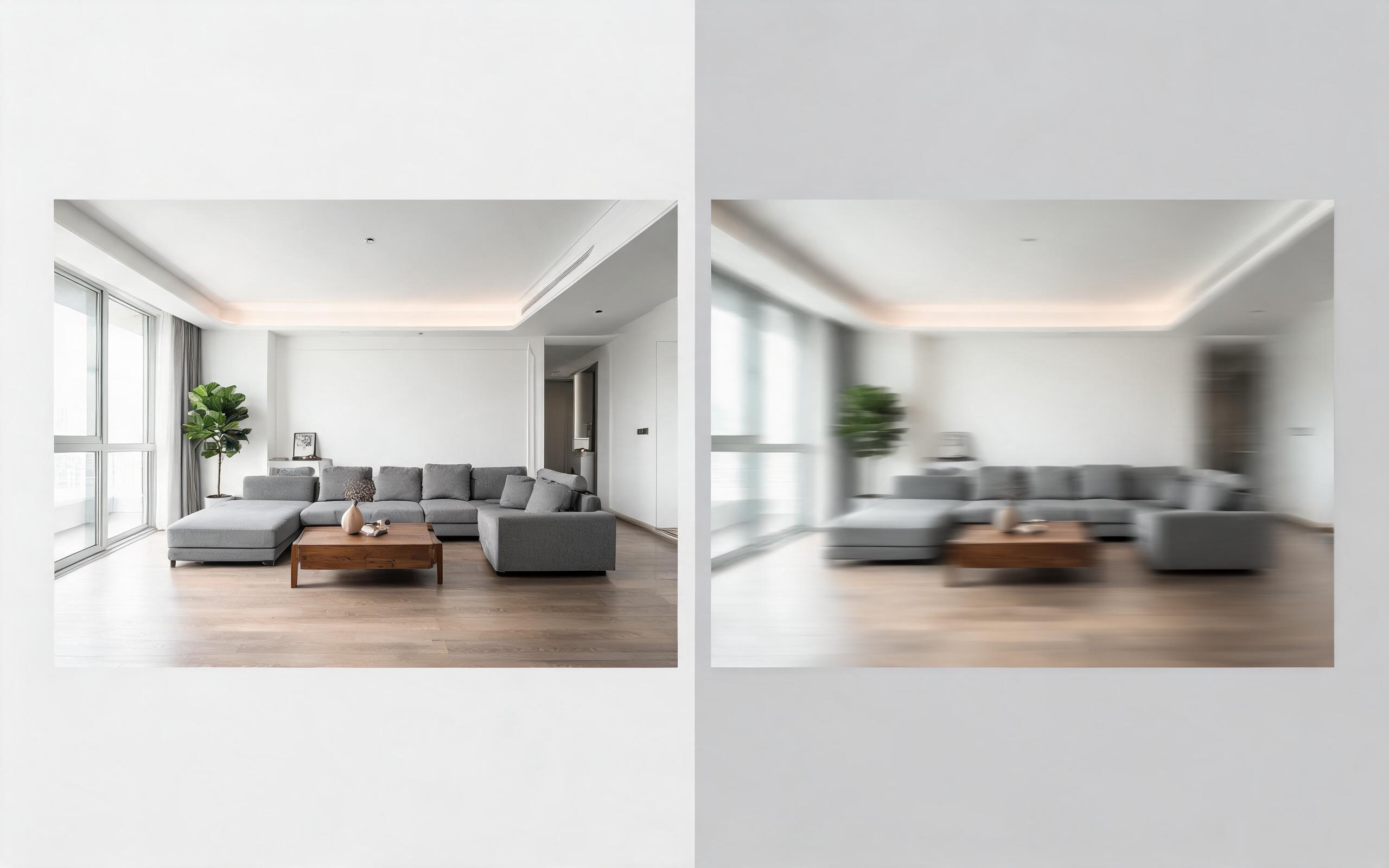
Turn architecture, interior, or property visuals into short AI video previews with slow camera movement, spatial depth, and presentation-ready pacing.
Open page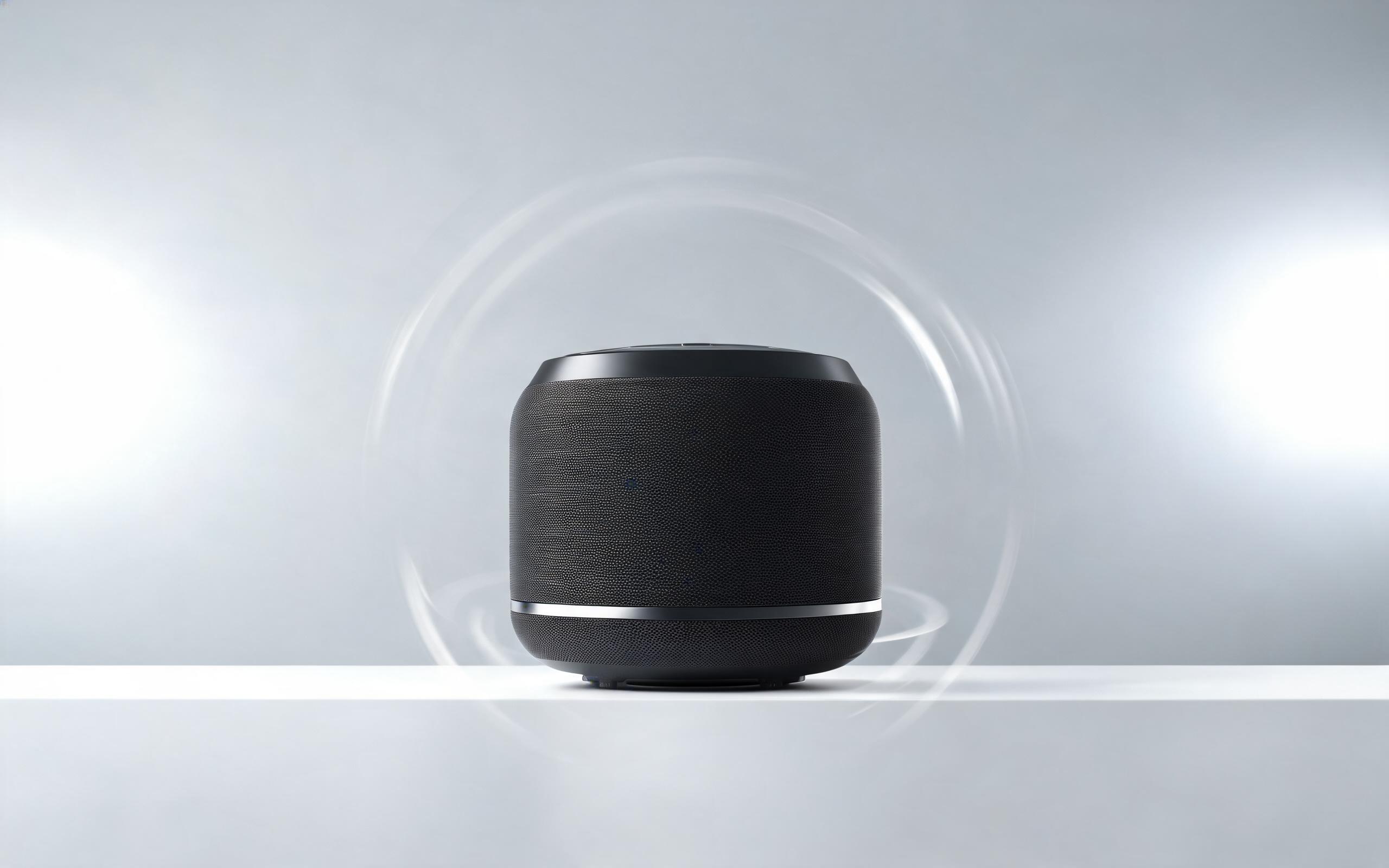
Turn a single product photo into a professional demo or showcase video with controlled motion, camera movement, and rotation for marketing and e-commerce.
Open page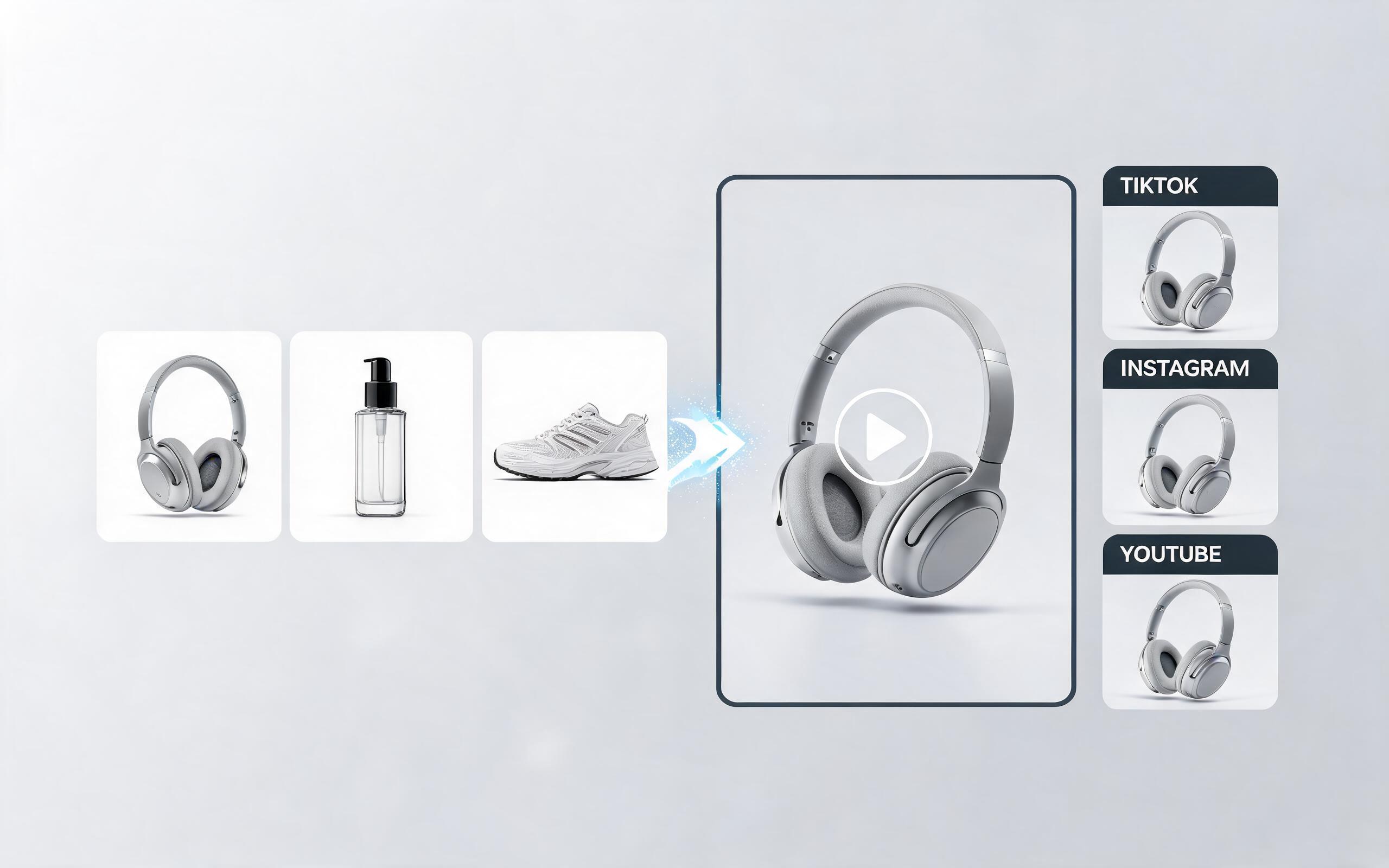
Use PromeAI image-to-video generation to create ai video for ecommerce product from existing images with clear product framing and channel-ready motion.
Open page
No professional video editing skills required. Upload your first render now to generate a polished, presentation-ready video in minutes with PromeAI's free Image to Video tool.
Create Architecture Render To Video
Technical support: [email protected]
Business collaboration: [email protected]
Trusted by Architecture & Design Professionals
See why thousands of AEC teams, interior designers, and real estate marketers rely on PromeAI for video generation.
PromeAI helps us turn static campaign images into motion concepts before we commit to a full shoot.
The short clips make it easier to test pacing, camera movement, and product hooks across launch pages and ads.
For stakeholder reviews, a quick AI video gives everyone a clearer sense of material, scale, and story.