

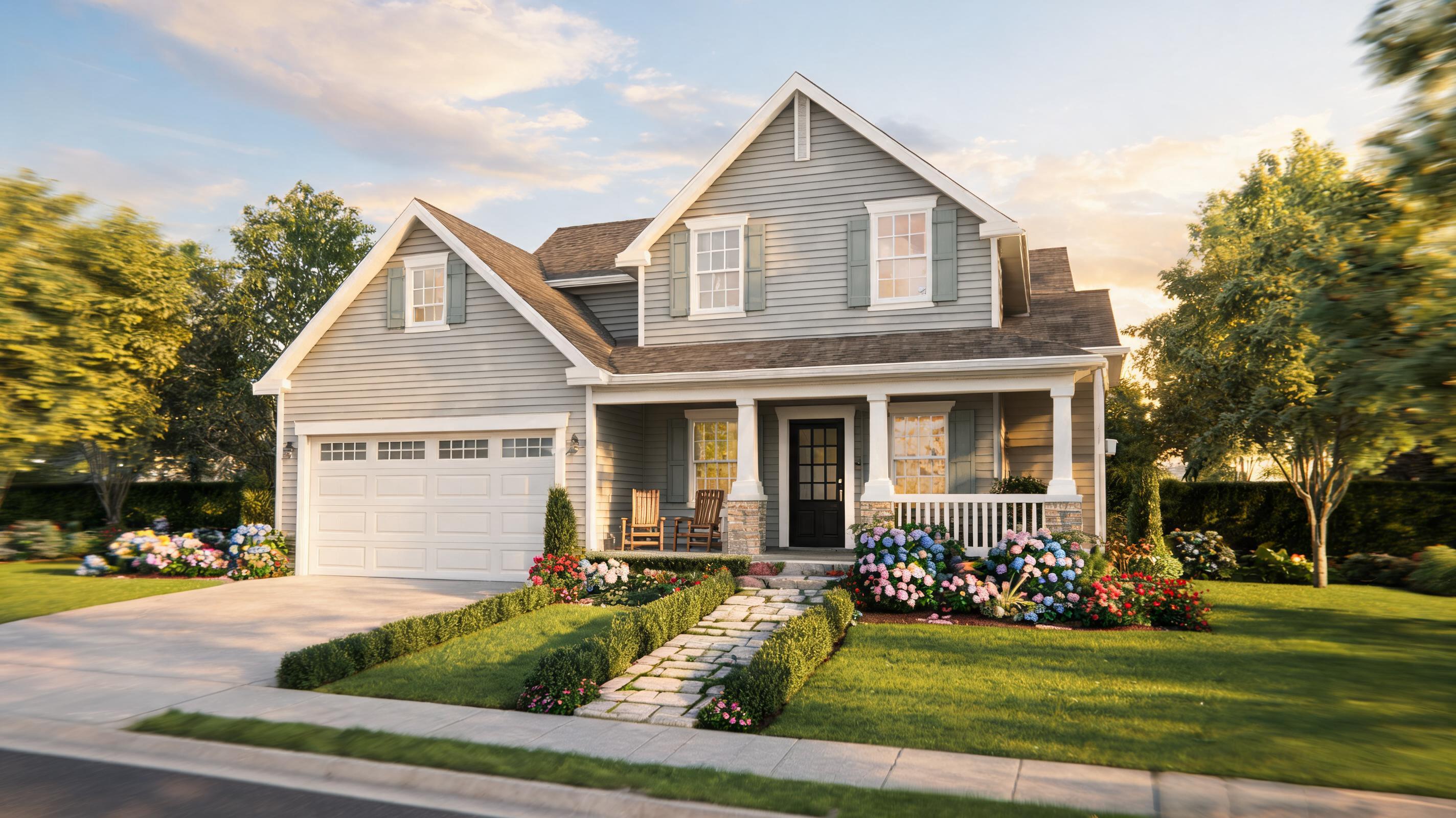
Suburban Family Home Exterior
Static front-yard photo converted to a 30-second slow pan video that highlights curb appeal, landscaping, and home facade details for a residential listing.
Create professional, presentation-ready property videos from static photos in minutes. Add smooth cinematic camera movement and spatial depth to showcase interiors, exteriors, and architecture designs for listings, portfolios, and client reviews.
Browse real examples of property photos transformed into polished, engaging AI videos.
Static front-yard photo converted to a 30-second slow pan video that highlights curb appeal, landscaping, and home facade details for a residential listing.
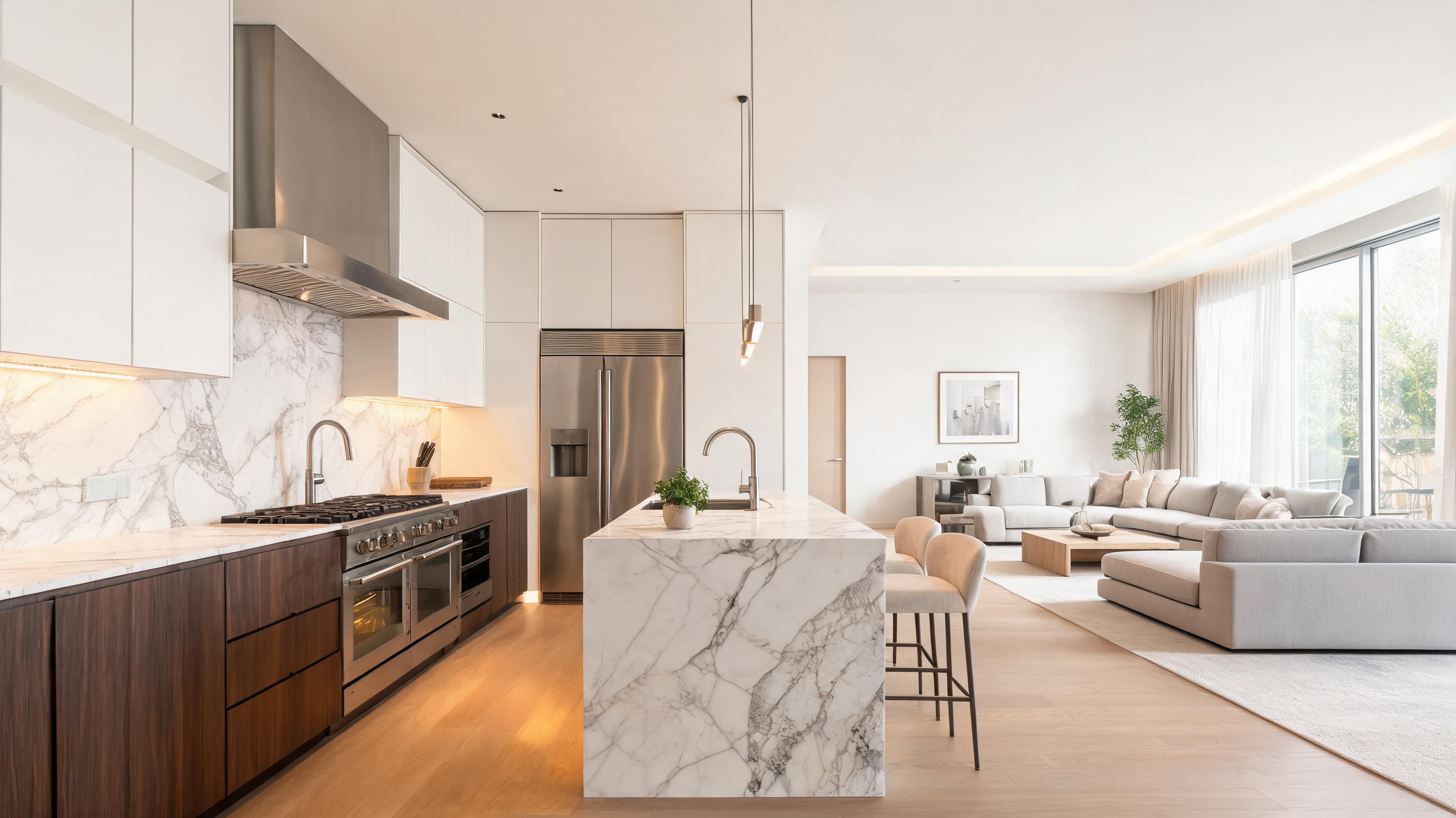
Photo of a high-end kitchen converted to a slow zoom-out video that showcases cabinetry, countertops, appliances, and connection to adjacent living spaces.
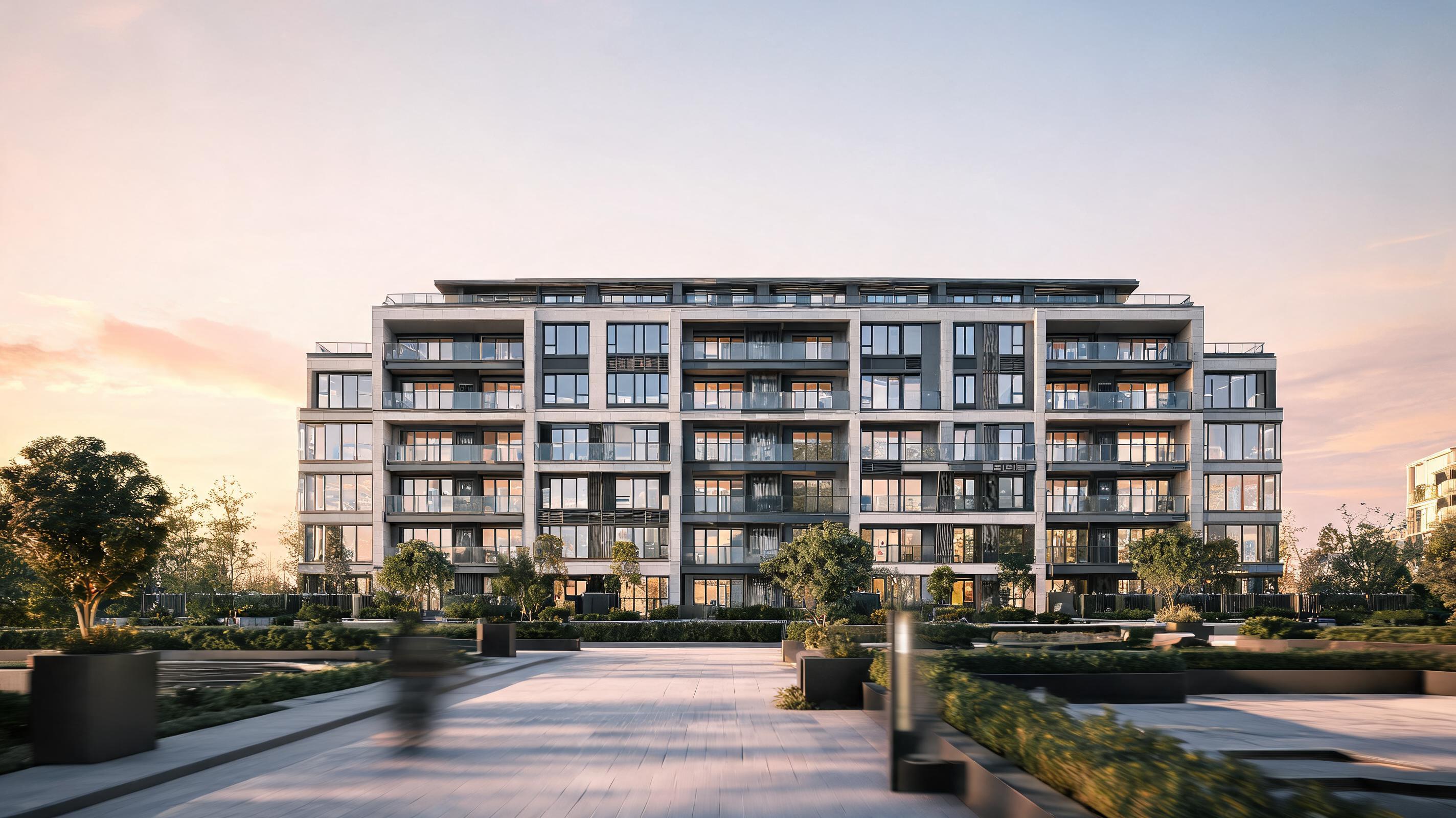
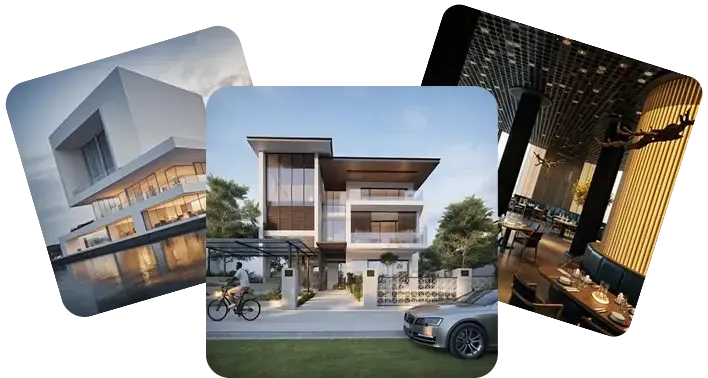
Architecture render of a new multi-unit apartment building converted to a depth-shift walkthrough video for pre-sales marketing materials.
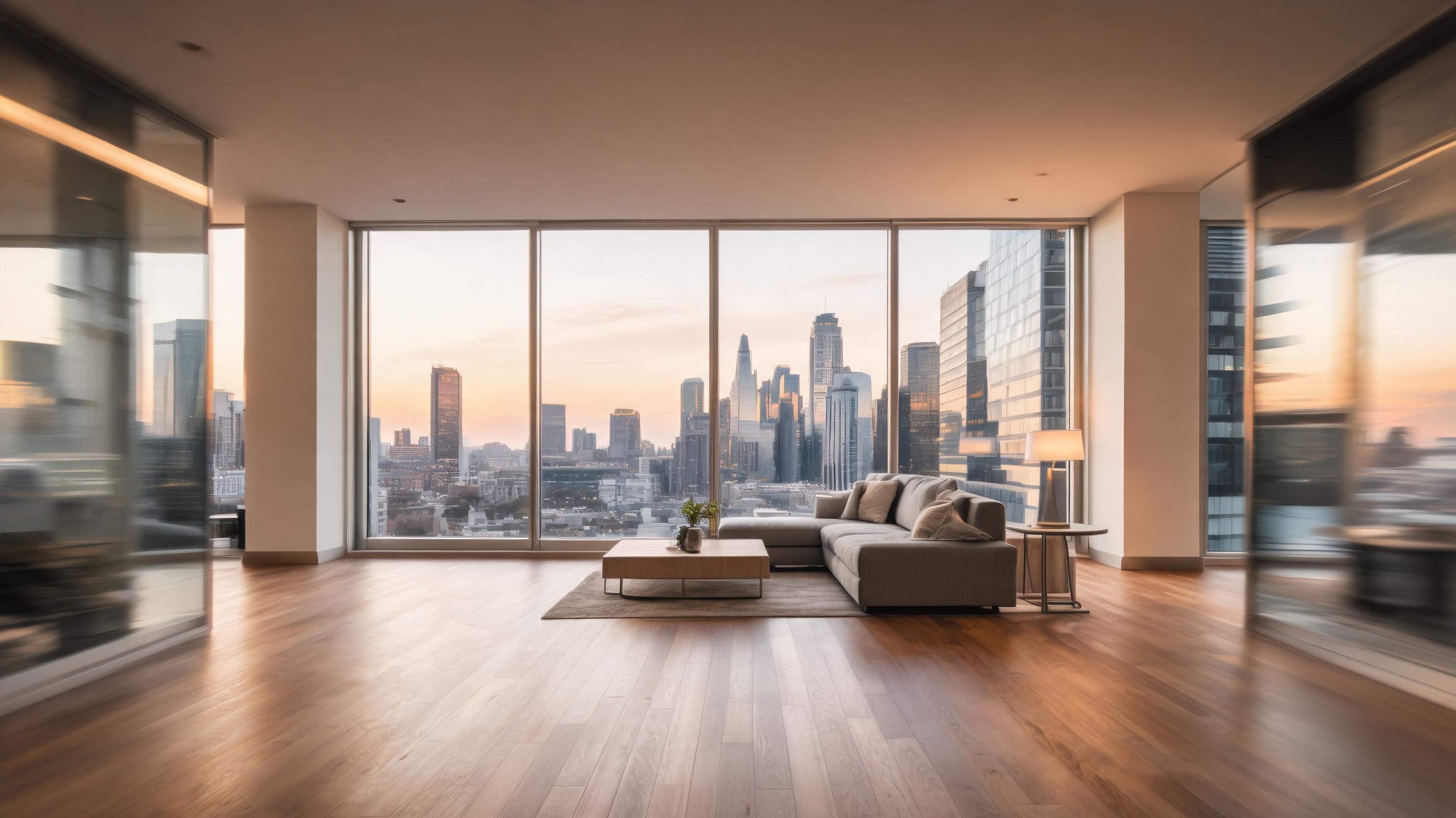
Photo of a staged downtown condo living room converted to a slow pan video that highlights floor-to-ceiling windows, hardwood floors, and city views.
Discover built-in features tailored to make property video creation fast, high-quality, and aligned with industry needs.
Pre-set slow, smooth camera movements (pans, zooms, depth shifts) designed specifically to highlight property space, finishes, and flow without jarring motion that turns off potential buyers.
AI automatically detects architectural and interior layout details to maintain accurate depth perception, so your video feels like a natural walkthrough of the actual property.
Export videos in standard aspect ratios (9:16 for Reels/TikTok, 16:9 for listing sites, 4:5 for Instagram) optimized for common real estate marketing channels.
Skip expensive video editing software and freelance videographer costs; generate polished videos from a single photo in minutes with zero technical expertise.
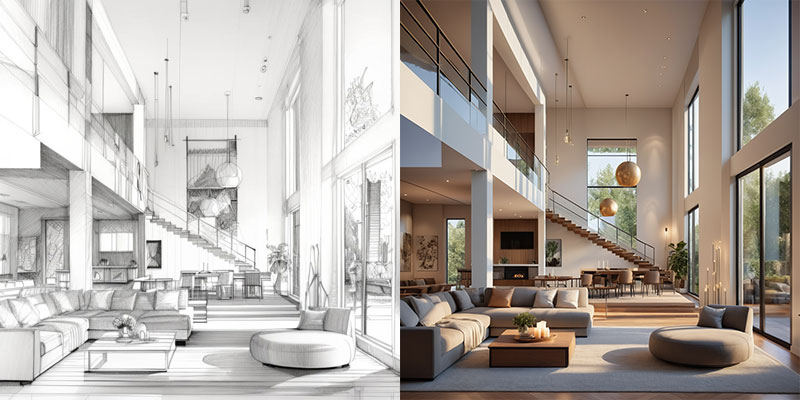
Works with both finished property photos and unbuilt architecture/interior renders, so you can create promotional videos for pre-construction listings and design proposals.
Adjust video length (15s to 60s) to match your marketing needs, from short social media clips to longer portfolio previews for client reviews.
See how this tool fits common workflows for real estate, design, and architecture professionals.
Turn static listing photos into engaging videos for Zillow, Redfin, or realtor.com to increase listing views and lead inquiries.
Convert architecture renders of unbuilt properties into immersive walkthrough videos to share with potential buyers and investors before construction is complete.
Transform photos of completed interior design projects into dynamic videos to share on your portfolio website, social media, and client pitch decks.
Turn concept renders and final build photos into walkthrough videos to share with stakeholders for approval, feedback, and project sign-off.
Generate 15-30 second property highlight videos for Instagram Reels, TikTok, and YouTube Shorts to grow your real estate brand's social following.
Create engaging videos for apartment and rental property listings to reduce vacancy times and attract qualified tenants faster.
Follow these 3 simple steps to generate professional property videos from static images in minutes.
Upload a high-resolution static photo of your property's interior, exterior, or architecture render, ensuring key features like room layouts, finishes, or curb appeal are clearly visible.
Choose from optimized real estate camera movement options (slow pan, slow zoom, depth walkthrough) tailored to showcase spatial layout and design details without distracting motion.
Run the AI generation, preview your video, and export in resolutions and formats ready for listing platforms, social media, portfolio sites, or stakeholder reviews.
Whether you're a real estate marketer, interior designer, or architecture professional, turning static photos into AI videos can help you stand out in crowded markets, win more clients, and reduce production costs. This guide covers everything you need to know to use this tool effectively for your workflows.
For real estate marketers, adding video to your listings can increase view counts by up to 60% compared to static photos alone, per industry real estate marketing benchmarks. For interior designers and architects, dynamic videos help clients understand spatial flow far better than static renders, reducing feedback cycles and speeding up approval times. You can integrate this tool into your existing workflow by adding it to your post-photography or post-render processing steps, eliminating the need to schedule separate video shoots or hire external video editors.
This tool is ideal for when you have existing high-quality static photos or renders and need a fast, low-cost video option for listings, social media, or portfolio showcases. It's the best choice if you don't have the budget for a professional videographer, or if you need to create videos for multiple properties in a short time frame. It is not the right choice if you need fully interactive 3D tours, or complex editing like voiceover and text overlays—for those, export your AI video and add edits in a simple tool like CapCut. For architecture renders needing specialized animation, use our dedicated architecture render to video tool instead.
To get the best results from your real estate photo to video generations, start with a high-resolution source image that is well-lit and free of clutter or obstructions. For interior photos, frame the shot to capture as much of the room's layout as possible, so the AI can accurately create spatial depth. When selecting a motion preset, choose slow pan for exterior shots to highlight curb appeal, slow zoom for interior rooms to highlight key finishes, and depth walkthrough for open-concept spaces to showcase room flow.
Adjust your export settings to match the channel you plan to publish your video on. For listing sites like Zillow and Redfin, use a 16:9 aspect ratio and 30-45 second length to showcase all key property features. For Instagram Reels, TikTok, and YouTube Shorts, use a 9:16 aspect ratio and 15-30 second length, with the most interesting visual details appearing in the first 3 seconds to stop scrollers. For client presentations, use a 16:9 aspect ratio and 45-60 second length for a complete walkthrough.
Explore curated presets to quickly generate the right video style for your property marketing needs.
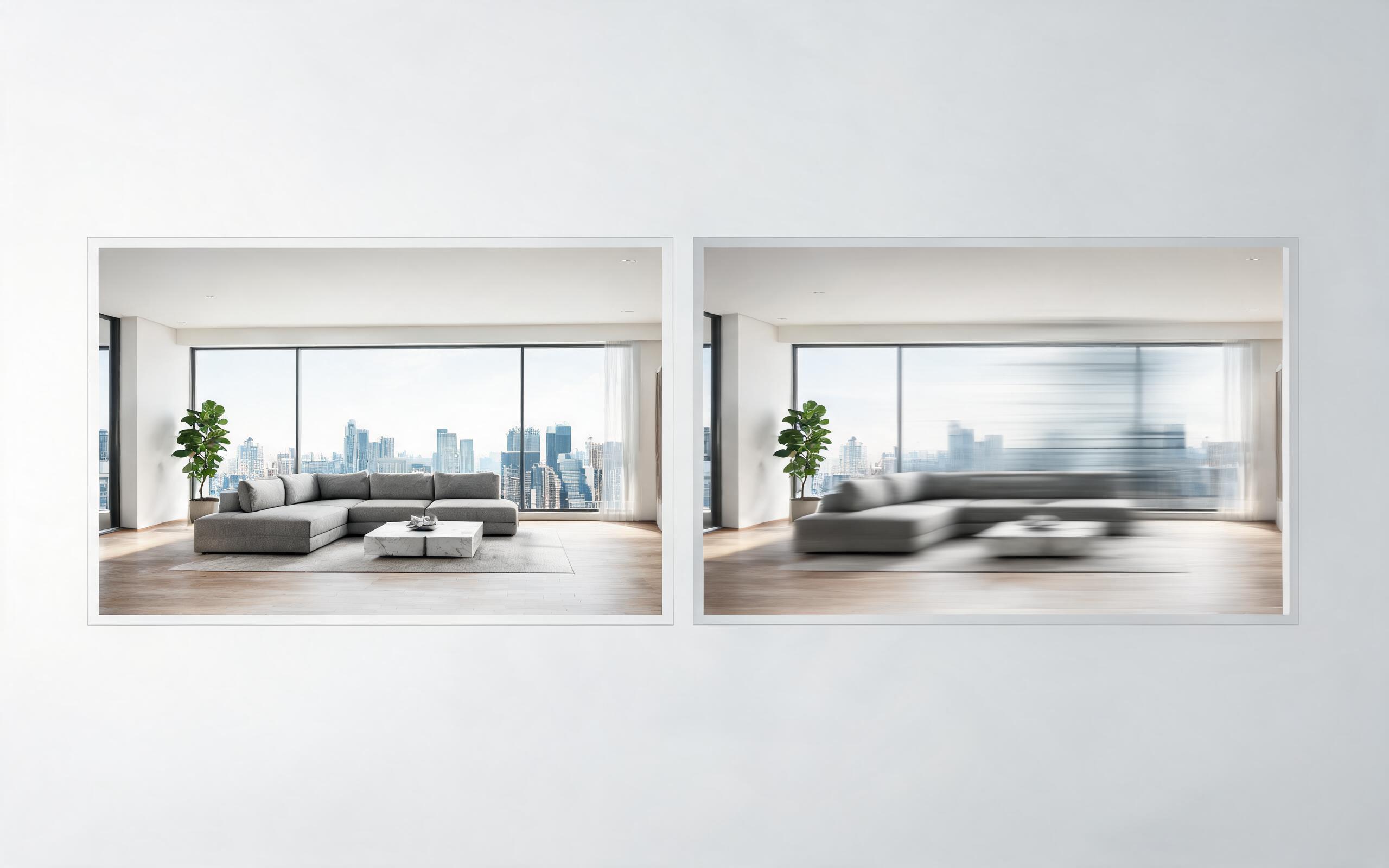
Turn architecture, interior, or property visuals into short AI video previews with slow camera movement, spatial depth, and presentation-ready pacing.
Open page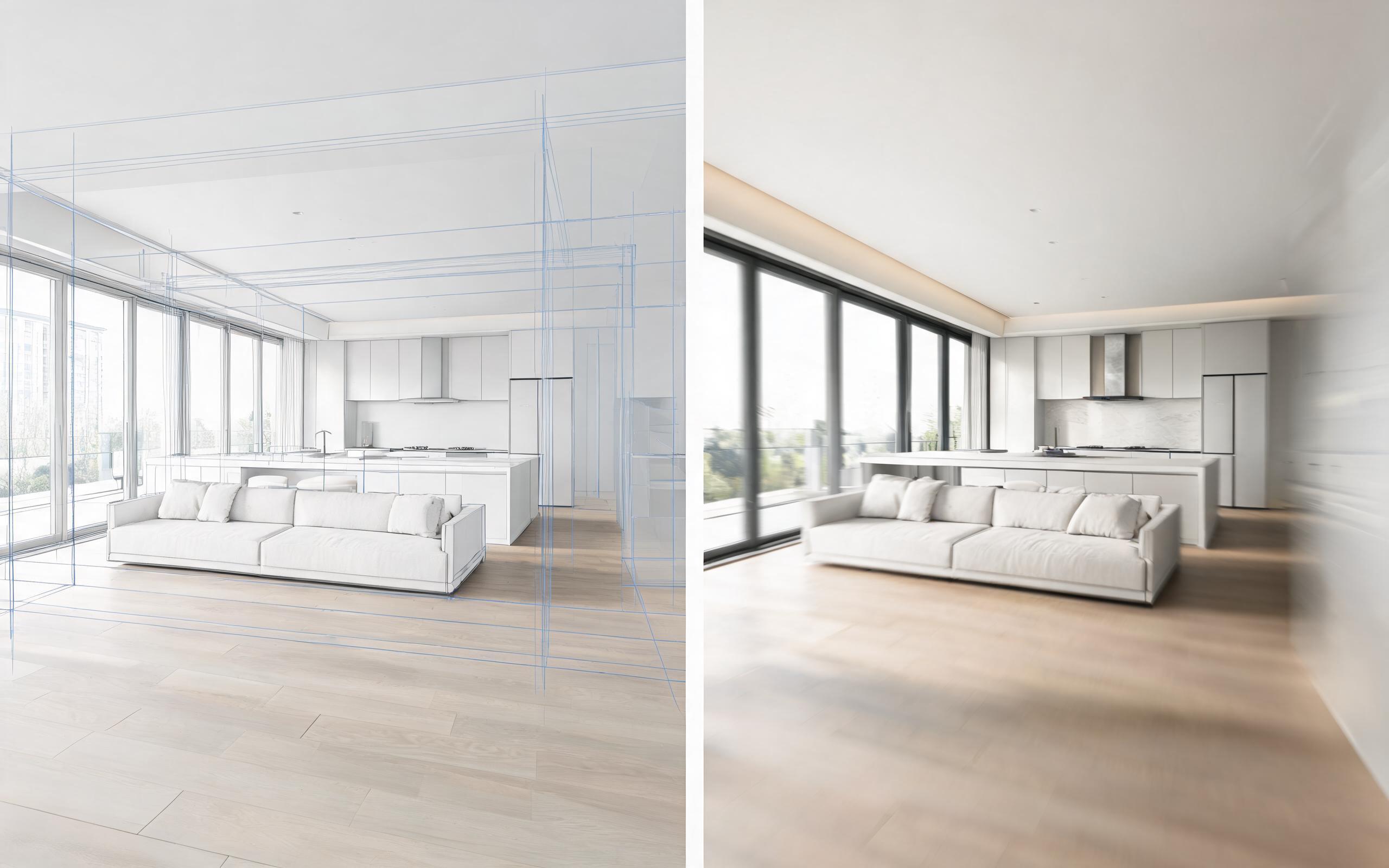
Turn architecture, interior, or property visuals into short AI video previews with slow camera movement, spatial depth, and presentation-ready pacing.
Open page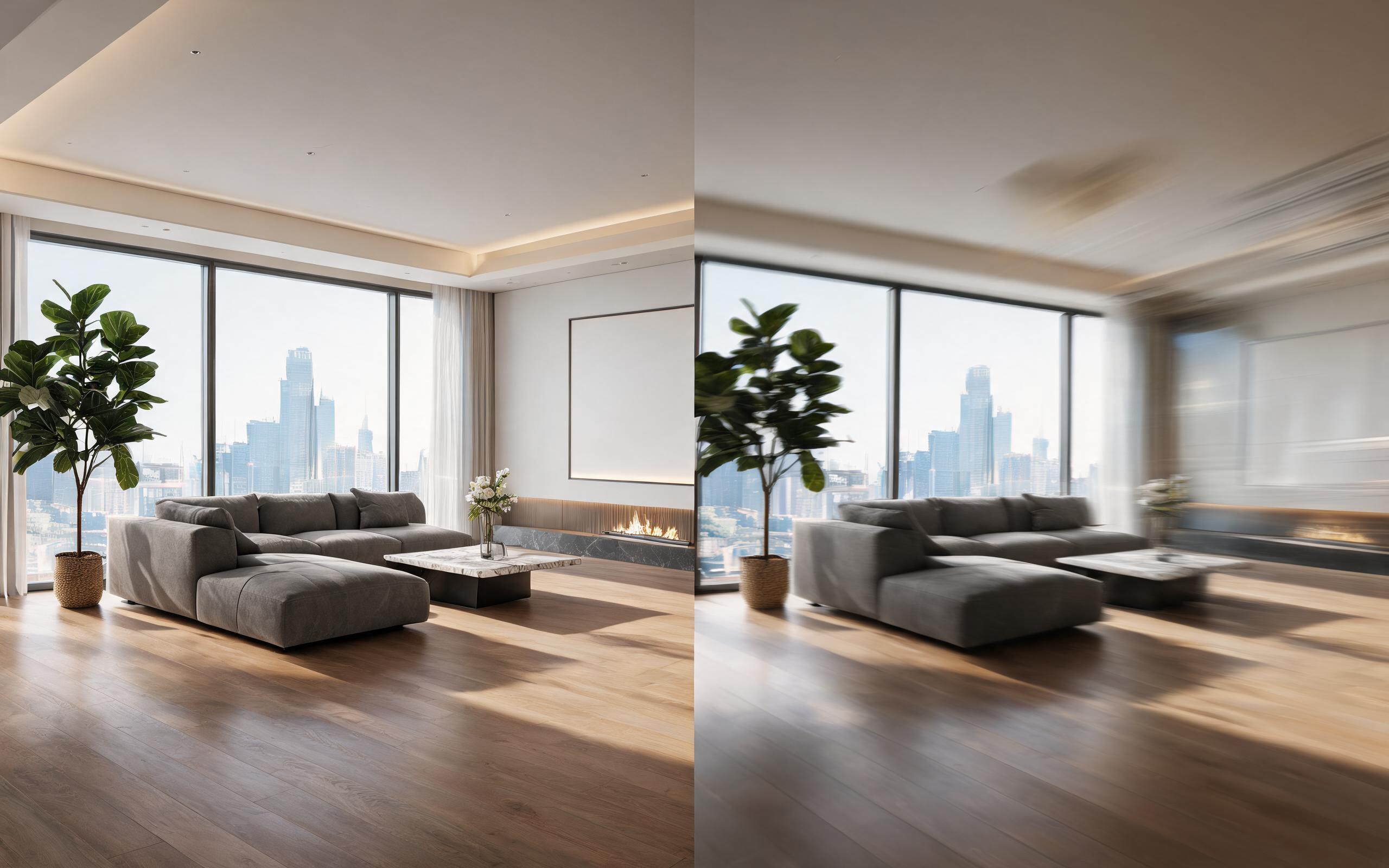
Turn architecture, interior, or property visuals into short AI video previews with slow camera movement, spatial depth, and presentation-ready pacing.
Open page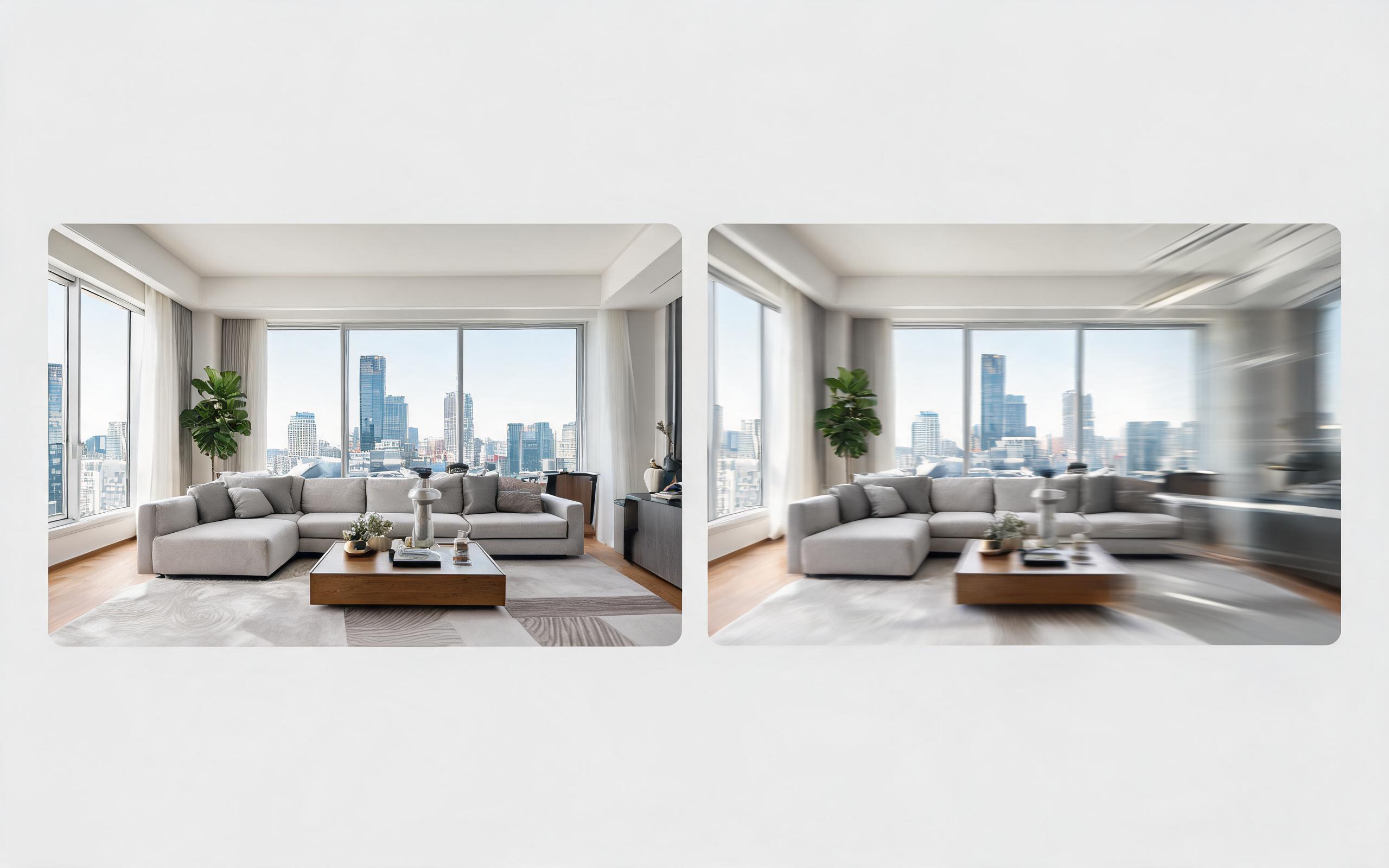
Turn architecture, interior, or property visuals into short AI video previews with slow camera movement, spatial depth, and presentation-ready pacing.
Open page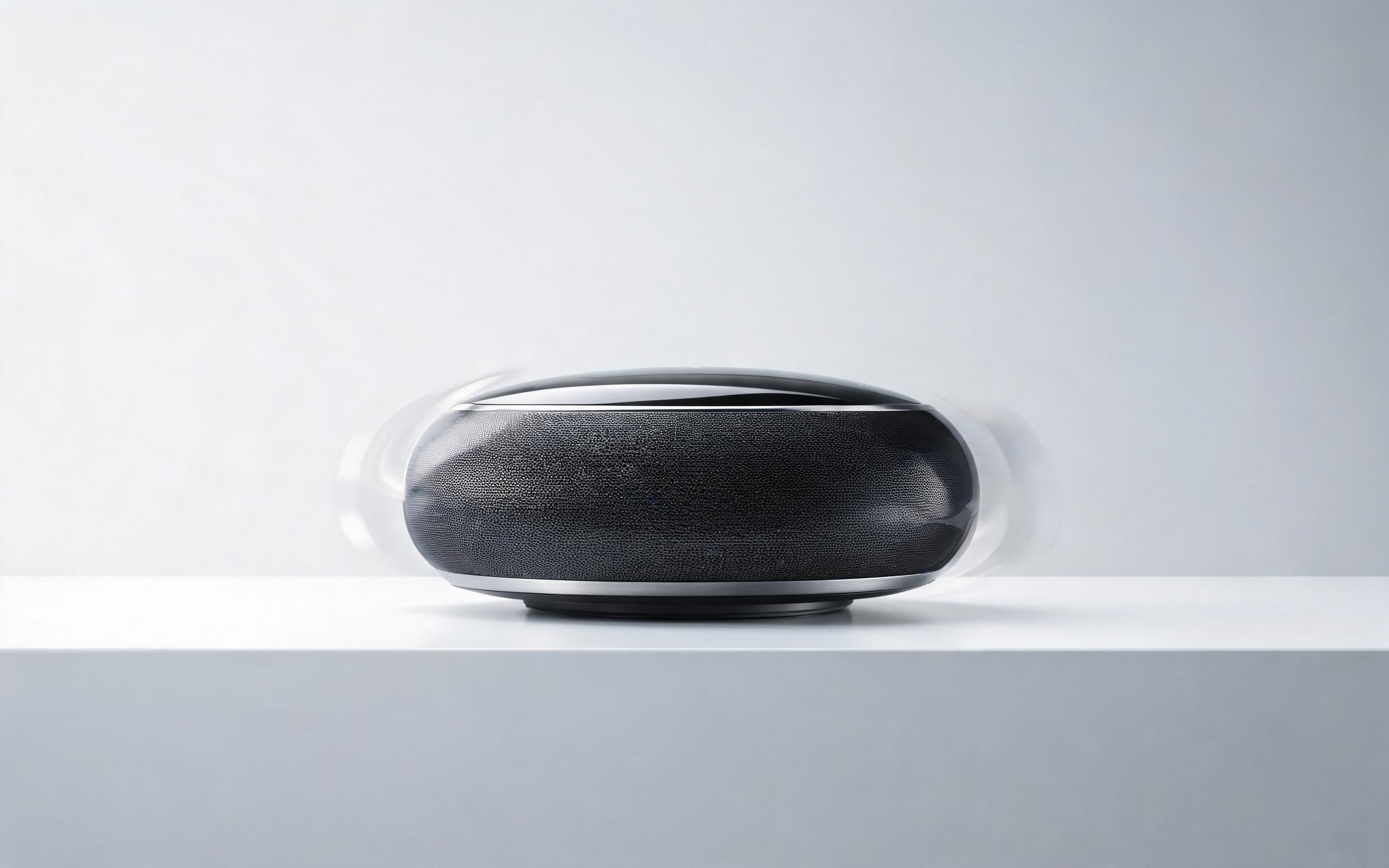
Turn a single product photo into a professional demo or showcase video with controlled motion, camera movement, and rotation for marketing and e-commerce.
Open page
Use PromeAI image-to-video generation to create ai video for ecommerce product from existing images with clear product framing and channel-ready motion.
Open pageGet answers to common questions about generating real estate videos from static photos with AI.

Turn static property photos and renders into polished, cinematic videos in minutes. No editing skills or videography budget required—start for free and create professional videos for your listings, portfolio, or client projects today.
Create Real Estate Photo To Video
Technical support: [email protected]
Business collaboration: [email protected]
Trusted by Real Estate & Design Professionals
See why thousands of marketers, architects, and designers use PromeAI for their video generation needs.
This tool cut our listing video production time from 3 days per property to 10 minutes, and we've seen a 40% increase in lead inquiries since we started using it.
I use this to turn my interior design project photos into portfolio videos, and it's helped me win 3 new high-end clients in the last 2 months alone.
We create pre-construction videos for our development projects in minutes now, instead of paying thousands for custom animation work. It's been a game-changer for our pre-sales process.