



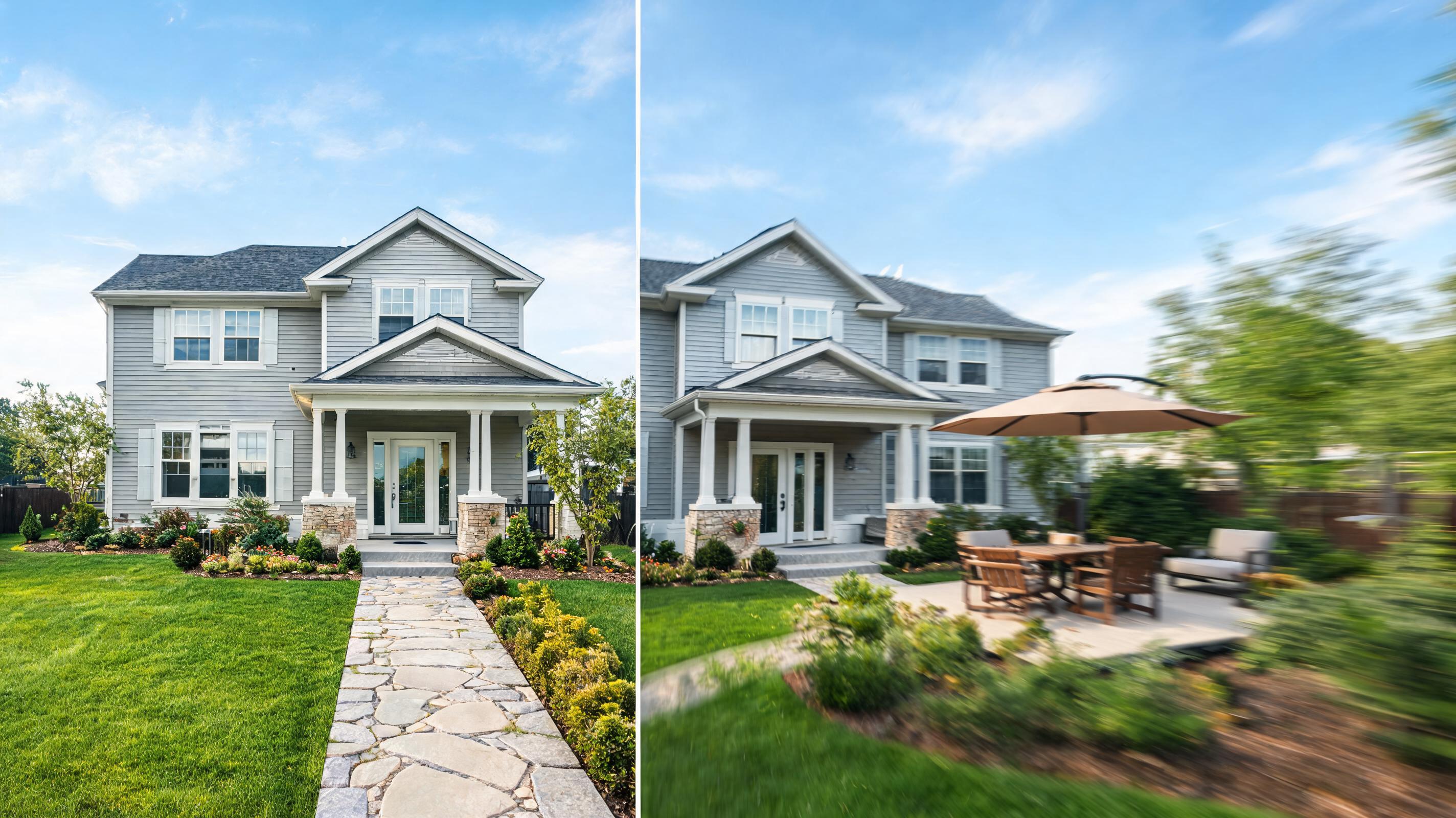
Single-Family Home Exterior to Video
Static photo of a modern suburban home exterior converted to a 20-second slow pan video showcasing the front yard, facade, and outdoor patio space.
Generate immersive, presentation-ready video previews of homes, architecture, and interior designs with slow, natural camera movement and spatial depth. No video editing skills required.
View real-world examples of static property photos transformed into immersive, cinematic AI videos.
Static photo of a modern suburban home exterior converted to a 20-second slow pan video showcasing the front yard, facade, and outdoor patio space.
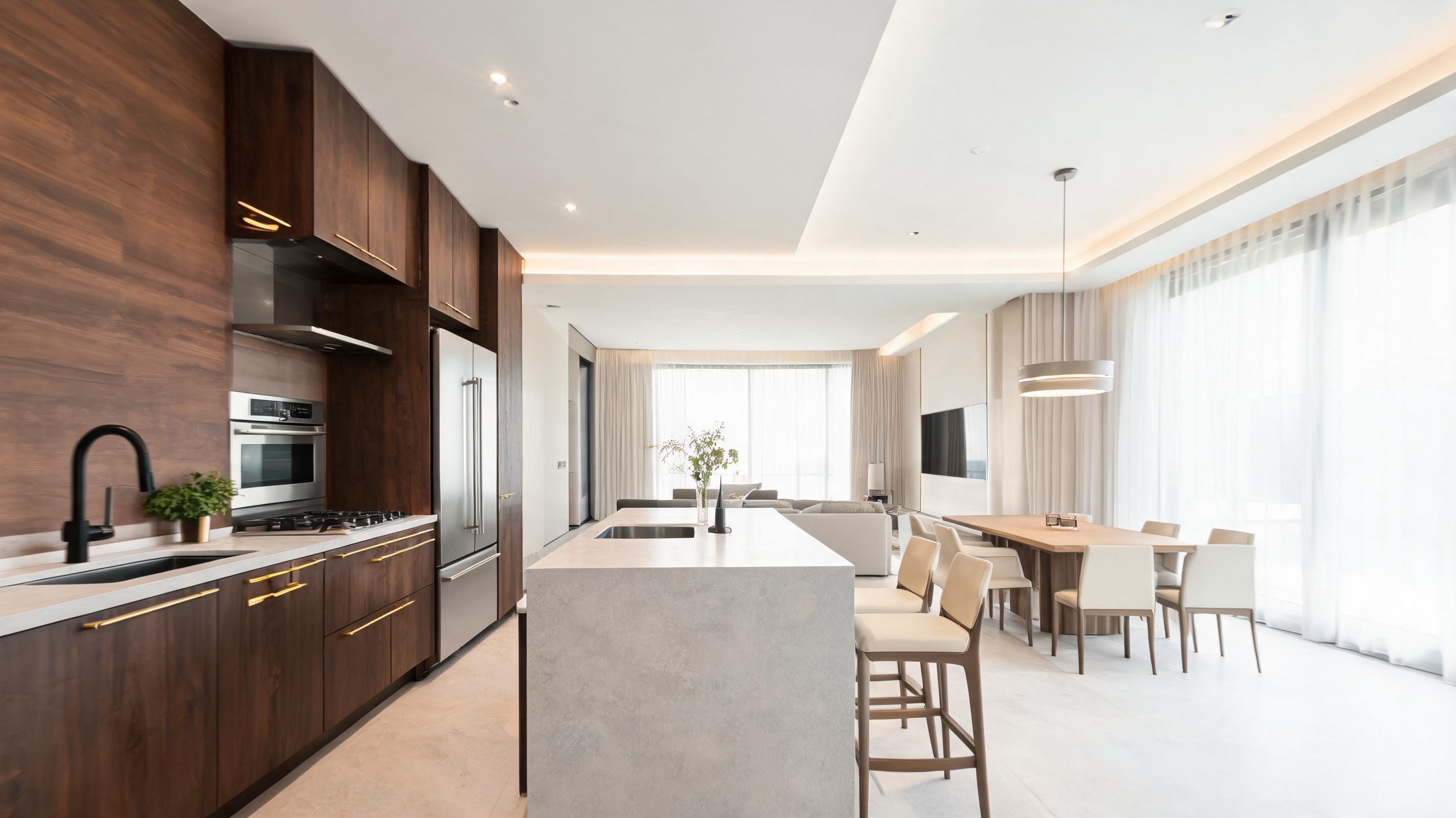
Photo of a staged luxury kitchen transformed into a slow walkthrough video highlighting quartz countertops, custom cabinetry, and adjacent dining space.
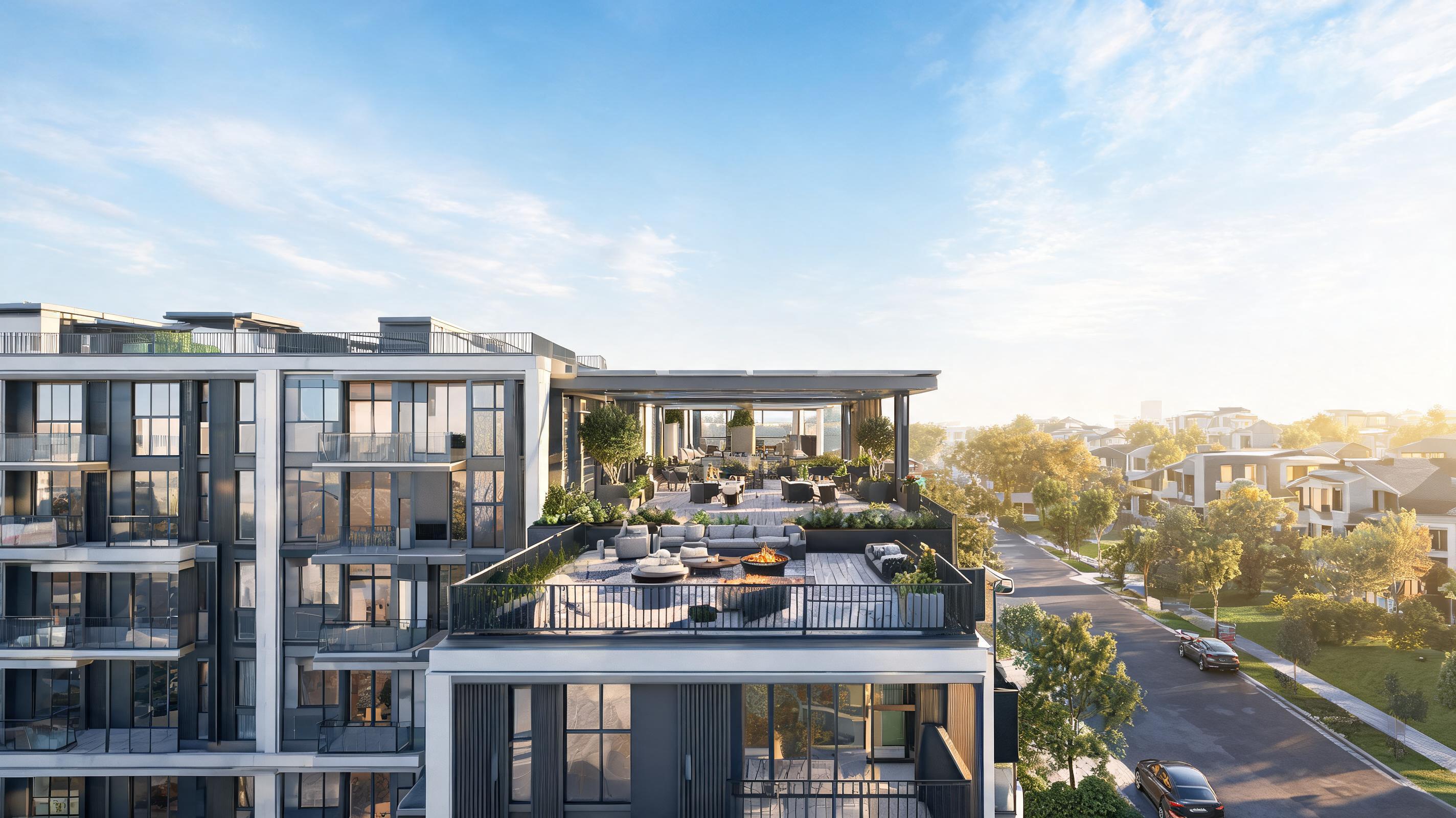
Architectural render of a new apartment development converted to a panning video showing the building facade, rooftop amenity space, and surrounding neighborhood.
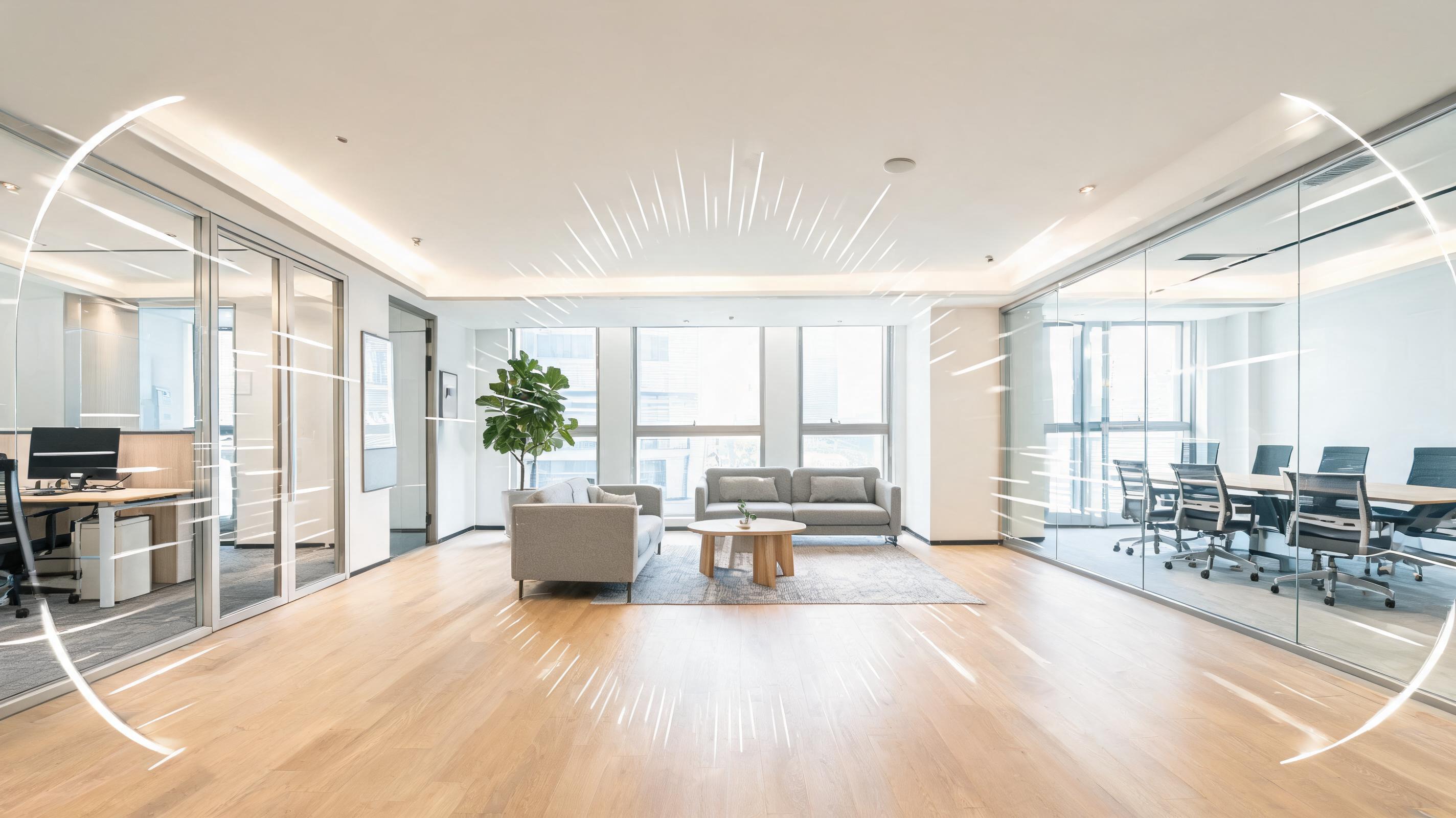
Photo of a newly renovated coworking space turned into a 15-second zoom video highlighting private offices, common areas, and meeting rooms.
Discover built-in tools designed exclusively for real estate, architecture, and interior design use cases.
AI automatically adds realistic depth perception to flat property photos, creating an immersive sense of space that highlights room flow and design details.
Choose from purpose-built motion options including slow exterior panning, interior walkthrough simulation, and detail-focused zoom for key features like kitchens or outdoor spaces.
Export videos in standard resolutions and aspect ratios for Zillow, Redfin, Instagram Reels, TikTok, and client presentation decks with one click.
Generate professional property videos in minutes without needing complex editing software, motion design experience, or videography equipment.
Add your agency logo, contact info, or property listing details directly to the video output for consistent brand alignment across all marketing assets.
AI retains all original design details from your source photo, including finish materials, architectural features, and staging elements, so your video accurately represents the property.
See how industry professionals use this tool to elevate their property and design presentations.
Turn static property listing photos into engaging videos that get 2x more views and inquiries on listing platforms and social media.
Share progress updates with clients and stakeholders by converting construction photos or design renders into short, immersive walkthrough videos.
Elevate your design portfolio by turning photos of completed projects or design renders into dynamic videos that highlight your work's spatial flow.
Post short property videos on social media and email campaigns to give potential buyers a realistic preview of the home before the open house event.
Create engaging video previews of office, retail, or industrial properties to attract potential tenants and reduce time on market.
Convert static design concept images into walkthrough videos to help clients visualize the final space and speed up design approval cycles.
Follow our simple 3-step workflow to create professional property videos from static images in minutes.
Upload a high-resolution photo of a home exterior, interior space, or architectural render, ensuring key design features and layout are clearly visible.
Select your preferred camera movement (slow pan, zoom, or walkthrough), pacing (10-30 second runtime), and style to match your listing or portfolio tone.
Let AI render your cinematic property video in seconds, then export it in MP4 format optimized for social media, listing sites, or presentation decks.
Whether you're a real estate agent looking to boost listing performance, an architect sharing design updates, or an interior designer building your portfolio, this guide will help you get the most out of PromeAI's property photo to video tool.
To get the highest quality video output, start with a high-resolution, well-lit source image that is framed to show the full space you want to highlight. Avoid cluttered frames, heavily filtered photos, or images with distorted perspective. For interior shots, ensure the room is staged and free of personal items that might distract viewers. For exterior shots, capture the full facade of the property along with key outdoor features like patios, yards, or parking areas that are relevant to your audience. Taking a few extra minutes to select or capture a strong source image will drastically improve the final video quality, so it’s worth prioritizing this step before you start generating your video.
Different use cases require different camera motion and pacing. For real estate listings posted to social media, opt for a 10-15 second video with a slow pan or walkthrough motion that highlights the most attractive features of the property first. For client design presentations, choose a 20-30 second runtime with slower pacing that lets viewers take in all design details. For portfolio showcases, experiment with gentle zoom movements that draw attention to your specific design work, like custom finishes or custom architectural features. Avoid fast or jerky motion settings for property videos, as these can feel disorienting for viewers and make the space feel smaller than it actually is.
This property photo to video tool is ideal when you need a fast, low-cost video asset from an existing static image, no on-site filming required. Use it when you need to quickly create listing content, share design updates with stakeholders, or add dynamic content to your portfolio without investing in videography or editing time. It is not the right choice if you need a full interactive 3D tour of a property, if you need to show multiple connected rooms in sequence, or if you need to include audio narration or live action footage of people using the space. For those use cases, you will get better results from a professional property videographer or a dedicated 3D tour tool. When comparing this tool to other general AI image to video tools, this option is purpose-built for property use cases, with pre-built motion settings and output formats that save you time customizing generic video outputs for real estate or design workflows.
Once you generate your video, add your branding and relevant property details to make it work harder for your business. For real estate listings, add the property address, price, and your contact information to the end of the video so viewers know how to inquire. For design portfolios, add your logo and a short text overlay noting the project name and location. For social media posts, add closed captions and relevant hashtags to increase reach, and keep the video under 15 seconds to maximize view completion rates. You can also repurpose the same video across multiple channels: post the full version to your website or listing page, cut short clips for Instagram Reels and TikTok, and attach it to email outreach for potential buyers or clients.
Adjust camera movement, pacing, and style to match your specific property presentation needs.
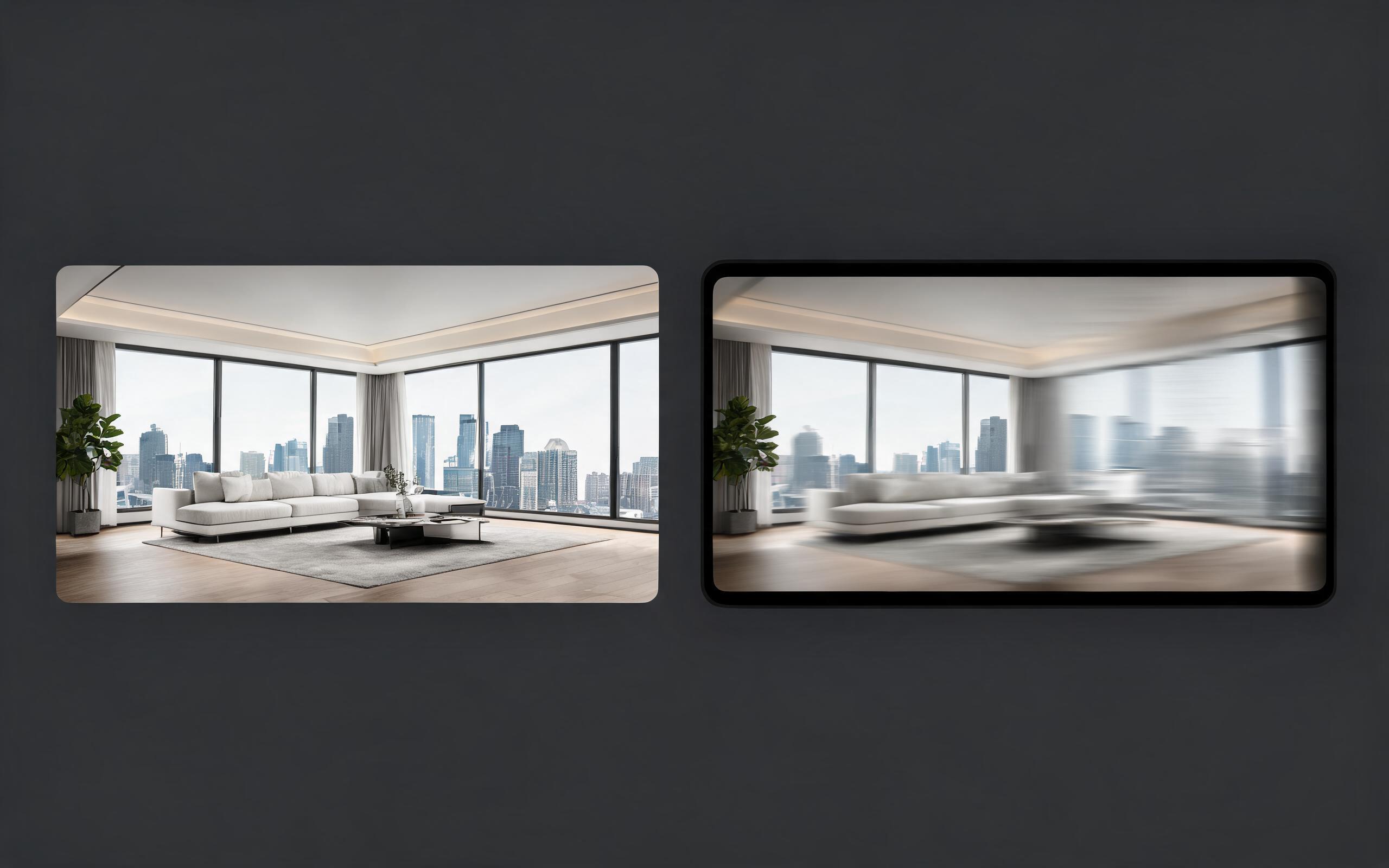
Turn architecture, interior, or property visuals into short AI video previews with slow camera movement, spatial depth, and presentation-ready pacing.
Open page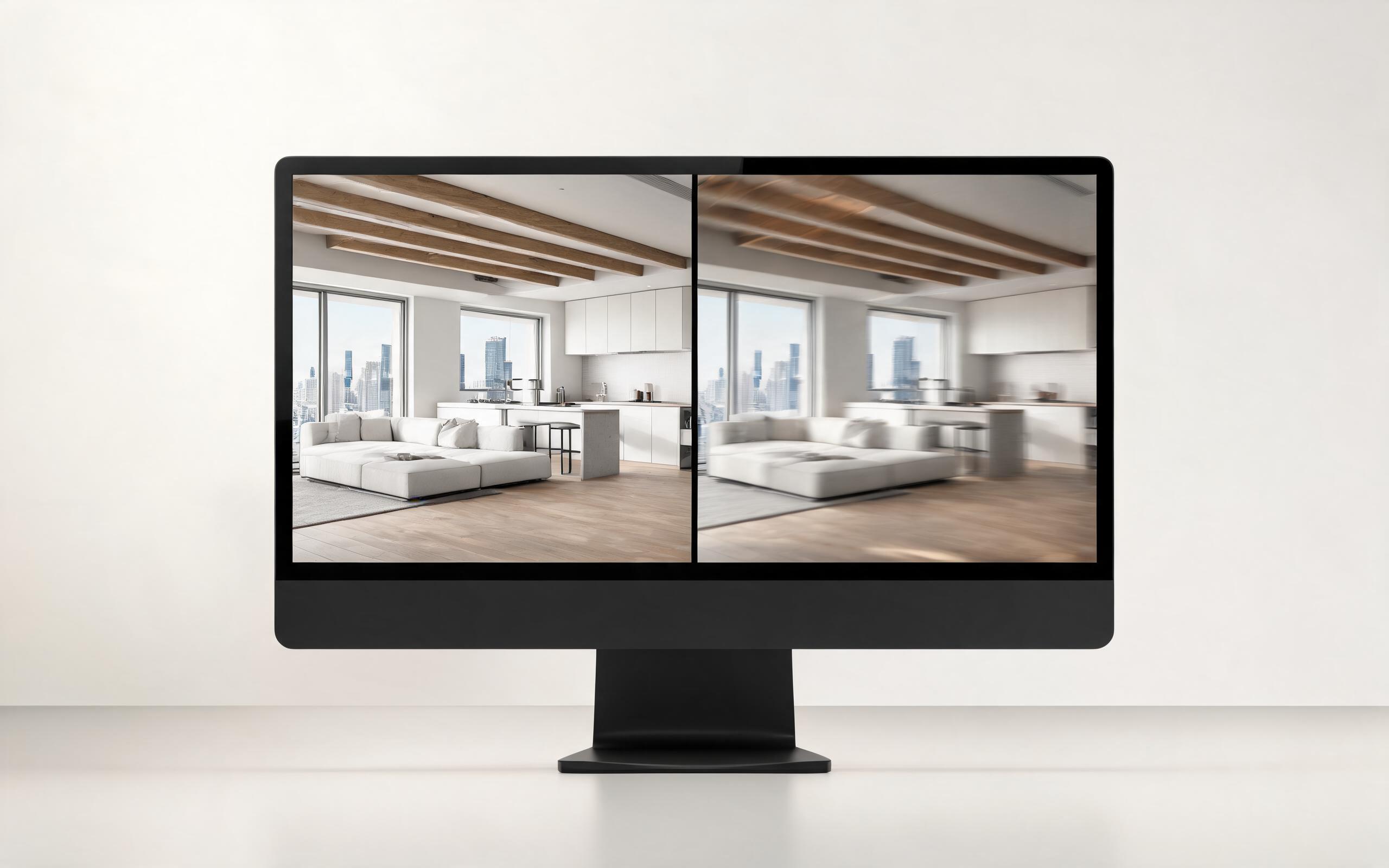
Turn architecture, interior, or property visuals into short AI video previews with slow camera movement, spatial depth, and presentation-ready pacing.
Open page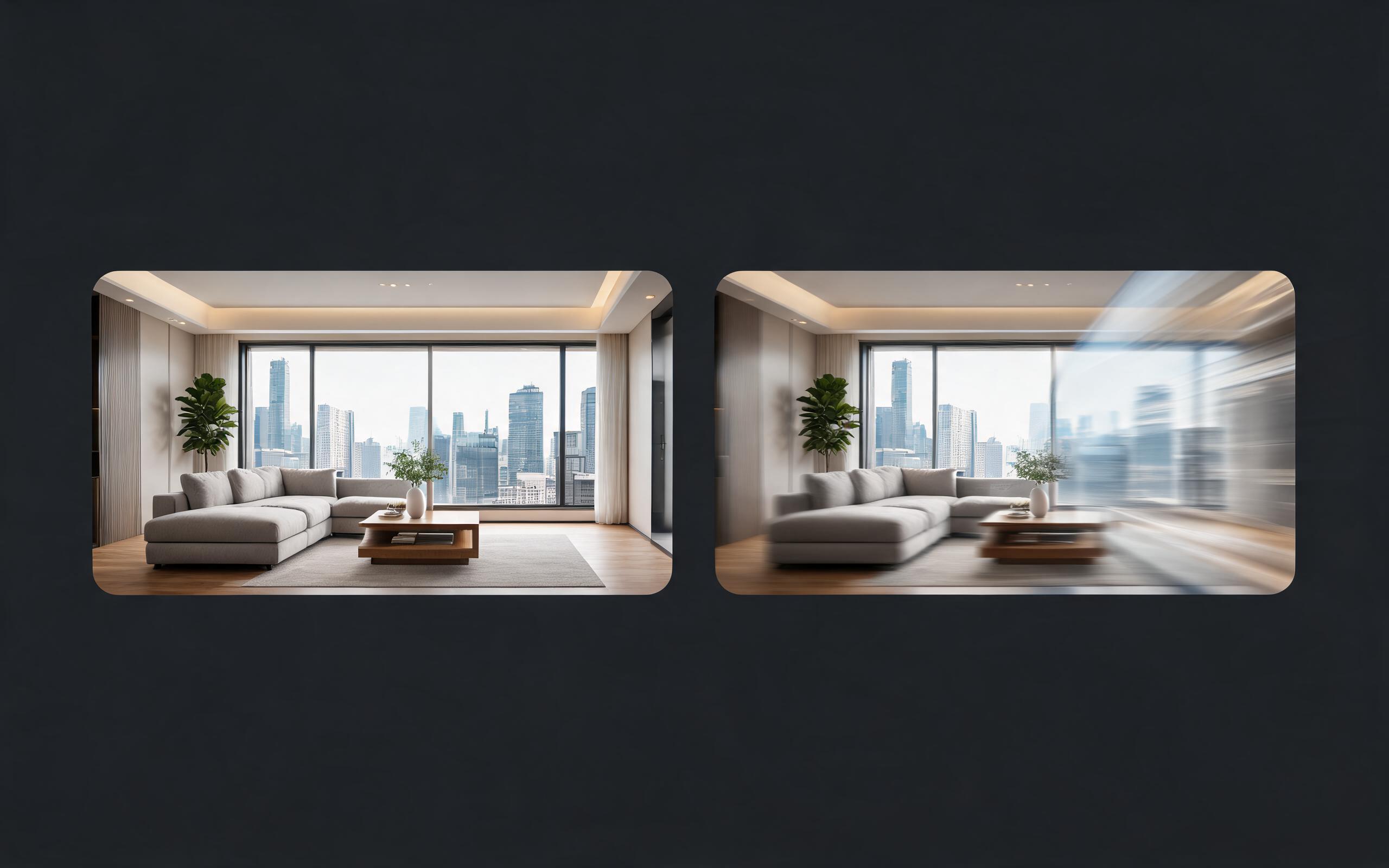
Turn architecture, interior, or property visuals into short AI video previews with slow camera movement, spatial depth, and presentation-ready pacing.
Open page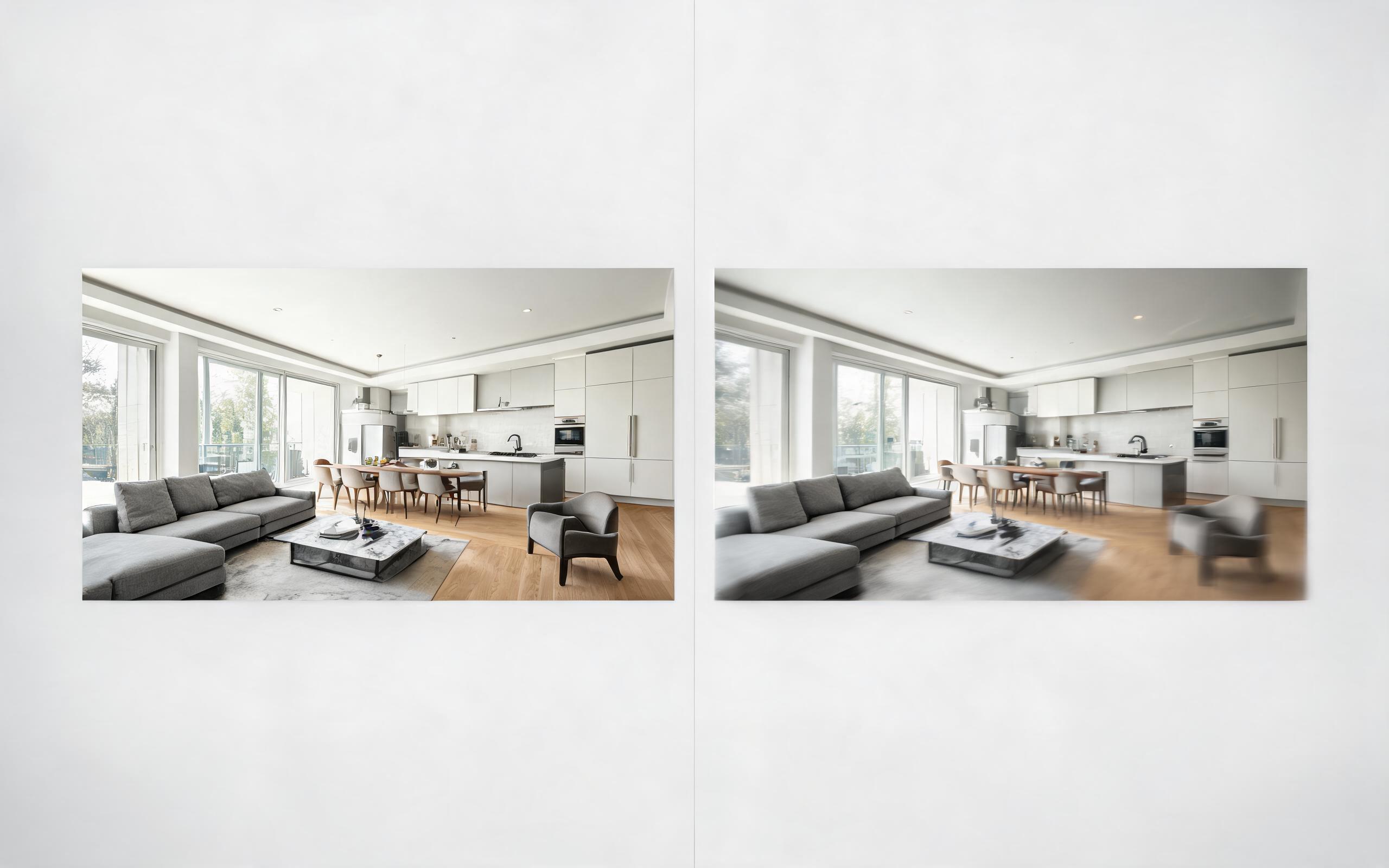
Turn architecture, interior, or property visuals into short AI video previews with slow camera movement, spatial depth, and presentation-ready pacing.
Open page
Turn a single product photo into a professional demo or showcase video with controlled motion, camera movement, and rotation for marketing and e-commerce.
Open page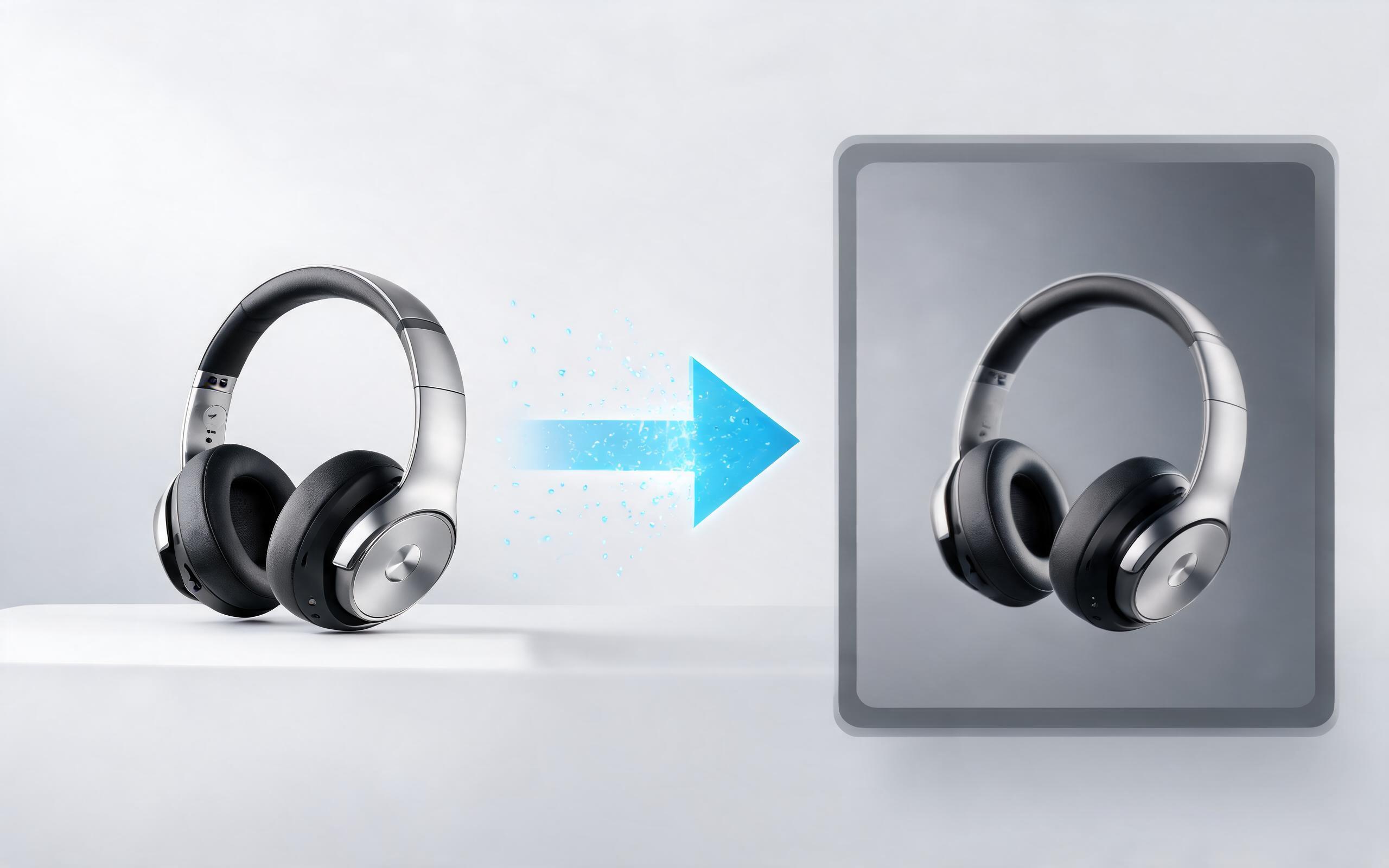
Use PromeAI image-to-video generation to create ai video for ecommerce product from existing images with clear product framing and channel-ready motion.
Open pageGet answers to common questions about generating videos from property photos with PromeAI.

Turn static property photos, renders, and design images into cinematic, engaging videos in minutes with PromeAI. No video editing skills required, get started for free today.
Create Property Photo To Video
Technical support: [email protected]
Business collaboration: [email protected]
Trusted by 3M+ Creative & Industry Professionals
See why real estate teams, architects, and designers rely on PromeAI for their video generation needs.
This tool cuts our property video production time from 2 days to 10 minutes, we use it for every new listing now.
We share these videos with clients to get design approval 3x faster than we did with static renders alone.
We can turn a single source image into several polished product video directions before committing budget to a full studio shoot.