



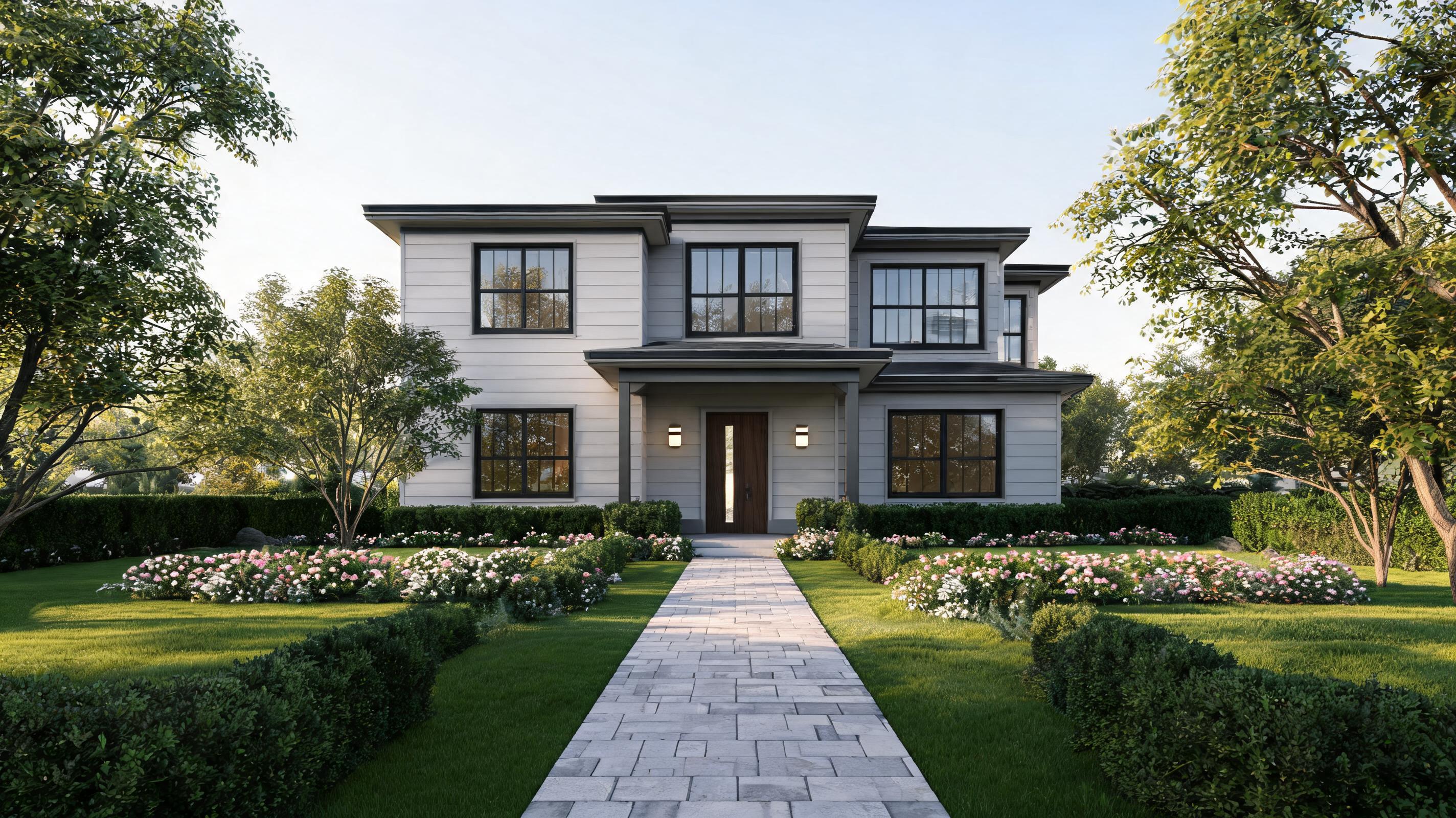
Modern Residential Home Exterior Walkthrough
Sketchup render of a 3-bed single-family home converted to a 15-second slow forward walkthrough that highlights the front facade, landscaping, and entryway design.
Convert static Sketchup architectural, interior, and property design renders into dynamic, presentation-ready short videos with natural camera movement and spatial depth. No advanced video editing skills required.
Browse real-world examples of converted Sketchup renders for different design types, project scales, and use cases.
Sketchup render of a 3-bed single-family home converted to a 15-second slow forward walkthrough that highlights the front facade, landscaping, and entryway design.
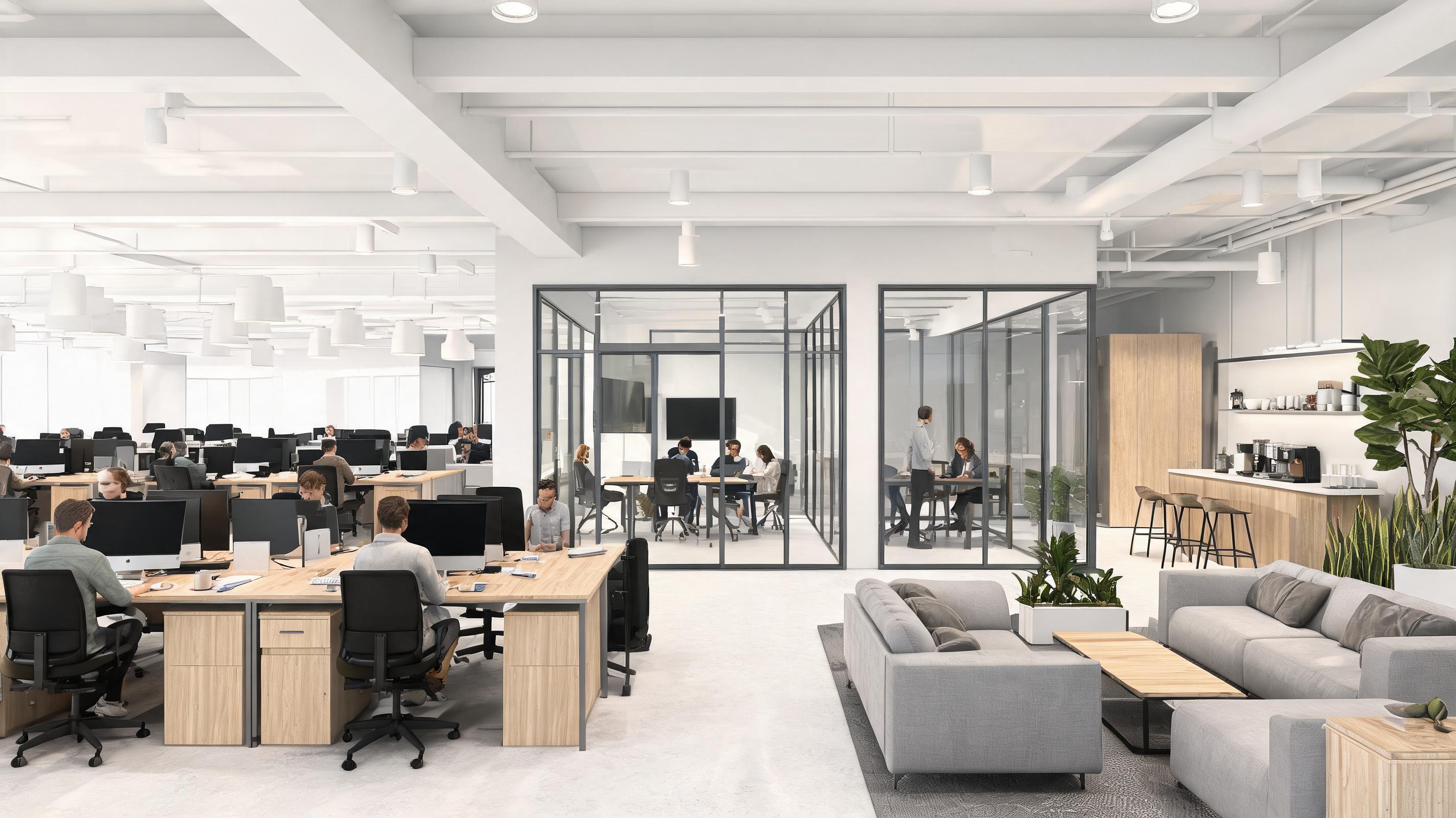
Sketchup render of a 10,000 sq ft co-working office space converted to a 20-second slow orbit video that showcases open work areas, meeting rooms, and amenity spaces.
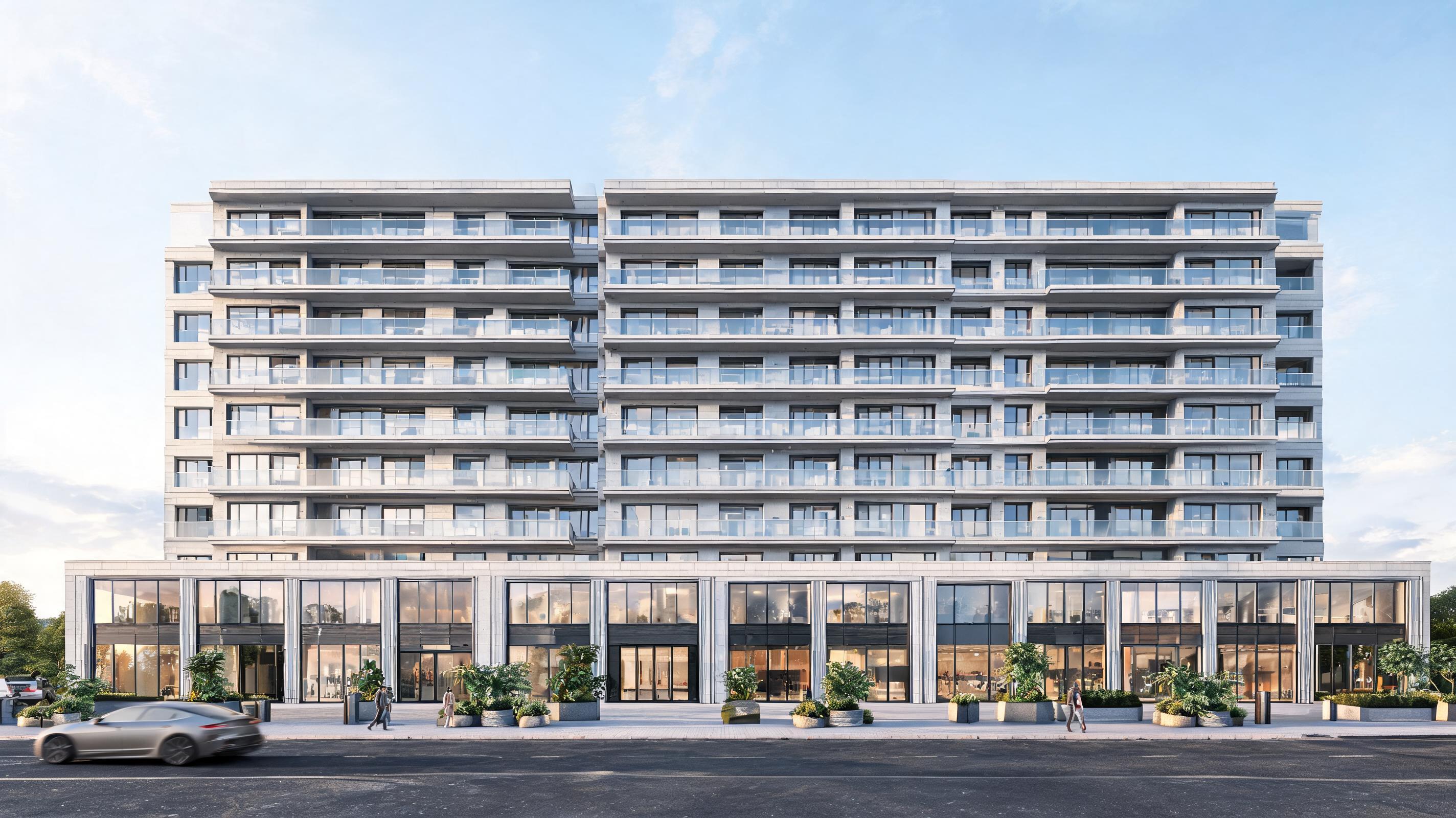
Sketchup render of a 12-story mixed-use residential and commercial building converted to a 10-second slow horizontal pan that highlights the building's facade design and street-level retail frontage.
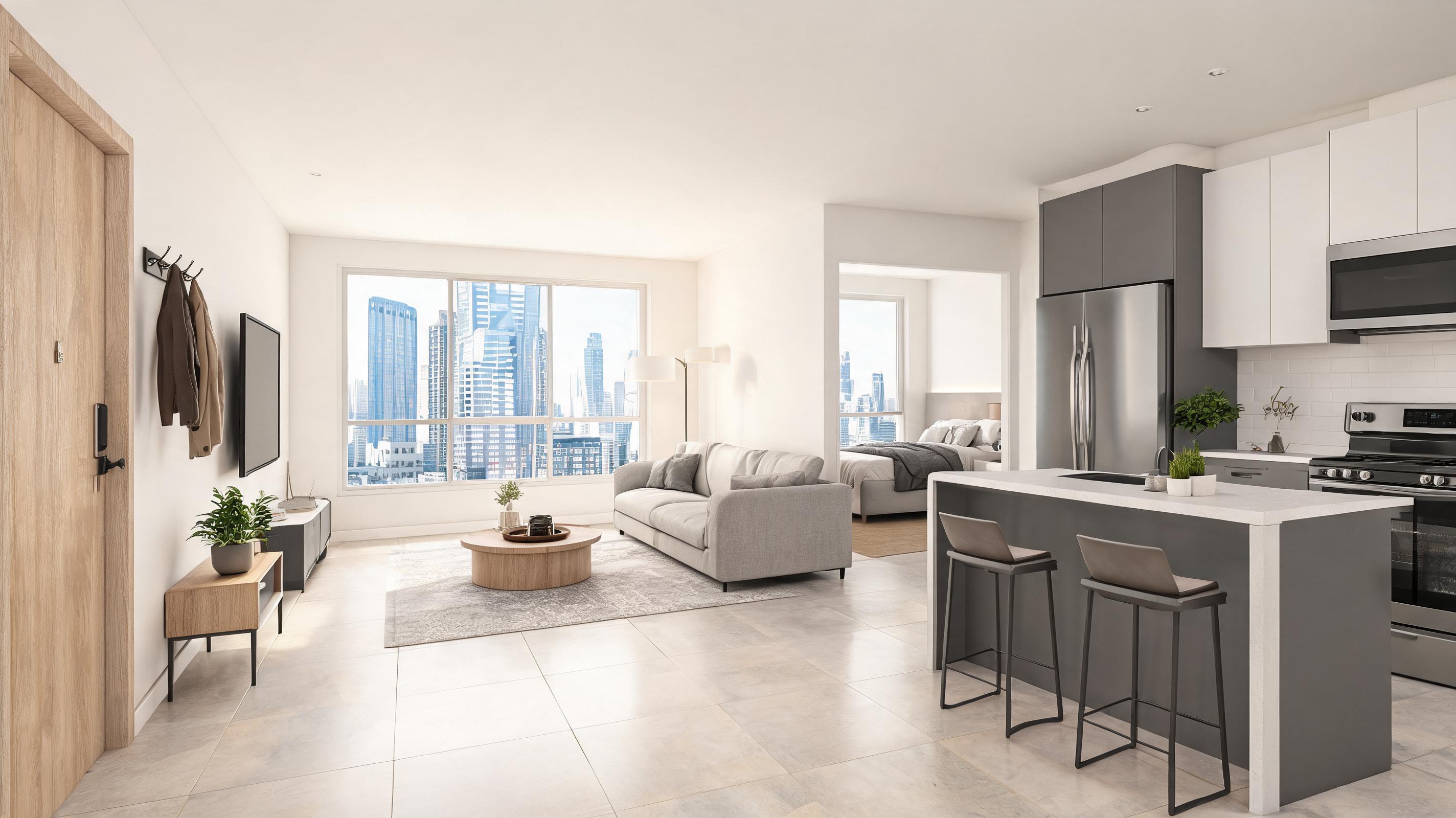
Sketchup render of a 700 sq ft urban apartment converted to a 25-second first-person walkthrough that shows the flow from entry to living room, kitchen, and bedroom.
Explore built-in features tailored exclusively for architectural and interior design presentation workflows.
AI trained exclusively on architectural and interior design renders to avoid distorted edges, broken geometry, or unnatural motion common with generic image-to-video tools.
Choose from pre-built motion profiles including slow facade pan, first-person walkthrough, orbit around 3D design, and upward reveal of tall structures, all calibrated for design presentations.
AI detects 3D structure from your 2D Sketchup render to add realistic depth of field and parallax effect that accurately reflects your original design's spatial layout.
Adjust video speed from slow, detailed walkthroughs for stakeholder reviews to snappier cuts for social media marketing and portfolio highlights.
Generate up to 3 10-second Sketchup to Video exports per month for free with no embedded watermarks, perfect for testing before upgrading for high-volume use.
Export final videos in MP4, MOV, or GIF formats optimized for presentation software, client email, social media, and portfolio website embedding.
See how architects, interior designers, and real estate teams use this tool to improve stakeholder communication and win more projects.
Walk clients through your Sketchup design concept with dynamic motion that highlights key details, material choices, and spatial flow far better than static renders alone.
Add engaging video previews of your Sketchup projects to your professional portfolio to stand out to prospective clients against competitors using only static images.
Turn Sketchup renders of under-construction properties into short walkthrough videos for listing pages, social media ads, and buyer outreach to generate interest before build completion.
Demonstrate furniture layout, lighting flow, and material finishes in your Sketchup interior renders with motion that helps non-design stakeholders visualize the final space accurately.
Create accessible walkthrough videos of public building Sketchup designs for community feedback sessions, eliminating the need for audiences to interpret technical 2D renderings.
Elevate your architecture or interior design student competition submissions by adding dynamic video walkthroughs of your Sketchup designs to impress judges and communicate your concept clearly.
Follow three simple steps to generate a professional Sketchup design walkthrough video in just a few minutes.
Export your finished Sketchup architectural or interior design render as a standard high-res JPG or PNG file, then upload it directly to the tool with no pre-editing required.
Select your preferred camera movement type (slow pan, orbit, or first-person walkthrough), adjust playback speed, and set your desired video length between 5 and 30 seconds.
Let the AI process your render to add natural spatial depth and smooth motion, then download the final MP4 file ready for presentations, portfolios, or client sharing.
This guide walks you through best practices for getting the highest quality results from the PromeAI Sketchup to Video tool, plus guidance on when to use this feature vs other image to video tools for your design workflow.
Start by exporting your Sketchup render at a minimum resolution of 1920x1080 for crisp final video output. Turn off any temporary guide layers, dimension markers, or construction lines before exporting to avoid distracting elements in your final video. If you want to highlight specific design details, you can add subtle callouts or annotations to your render before upload, as the AI will preserve these elements in the final video. Avoid heavily compressed or low-resolution renders, as these will result in blurry or pixelated motion when converted to video.
For exterior building designs, opt for a slow horizontal pan or orbit motion to showcase the full facade and surrounding landscaping. For interior designs, use a first-person forward walkthrough motion to help viewers understand the spatial flow between rooms. For small product or fixture details within a larger Sketchup design, use a slow zoom motion to highlight specific material finishes or custom design elements. For social media marketing use cases, choose a faster pacing and shorter 5 to 10 second length to hold viewer attention, while client review presentations work best with slower pacing and 20 to 30 second length to allow for detailed discussion.
Use the Sketchup to Video feature if your source image is a 2D render exported directly from Sketchup, as it is optimized to preserve architectural geometry and avoid distortion common with generic image to video tools. This tool is also the best choice if you need pre-built cinematic camera motion presets tailored specifically for architectural and interior design presentations. If your source image is a photograph of a finished property rather than a Sketchup render, use the Real Estate Photo to Video tool instead, as it is optimized for photographic lighting and texture. If you are working with a 3D render from a tool other than Sketchup, use the Architecture Render to Video feature for the best results. Avoid using the generic Image to Video function for Sketchup renders, as it does not include the geometry-preservation logic that prevents distorted edges and unnatural motion in your final video.
For client presentations via Zoom or in-person meeting software, export your video in MP4 format at 1080p resolution and 30fps for smooth playback. For embedding on your portfolio website, export a compressed MP4 file under 10MB to ensure fast load times for visitors. For Instagram or TikTok marketing, export a 9:16 vertical crop of your video, and choose a shorter 5 to 10 second length with snappier pacing to align with social media user behavior. For email sharing with stakeholders, export a GIF version of your video for easy inline playback without requiring recipients to download large files.
Adjust motion speed, camera angle, and video length to match your specific presentation requirements.
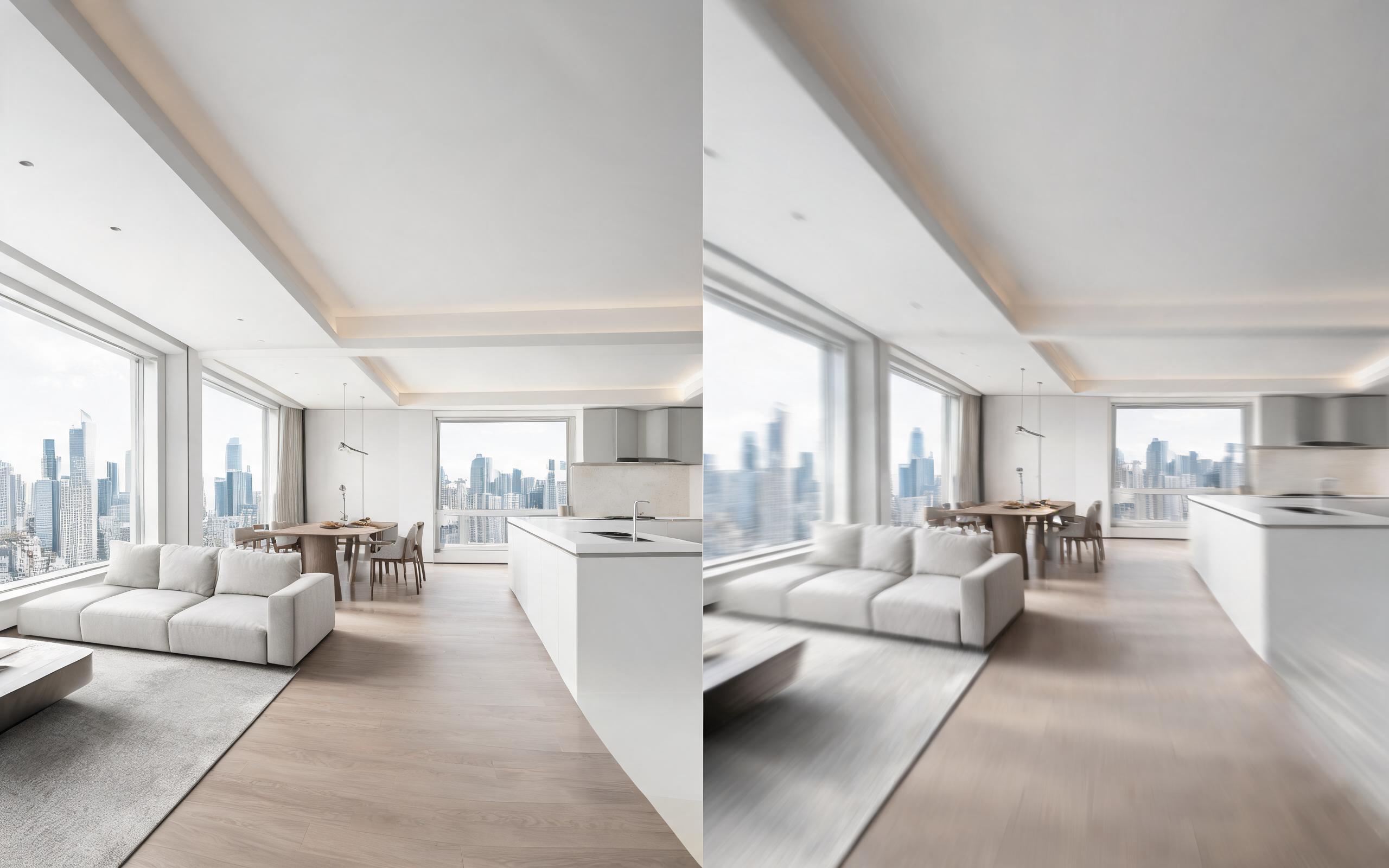
Turn architecture, interior, or property visuals into short AI video previews with slow camera movement, spatial depth, and presentation-ready pacing.
Open page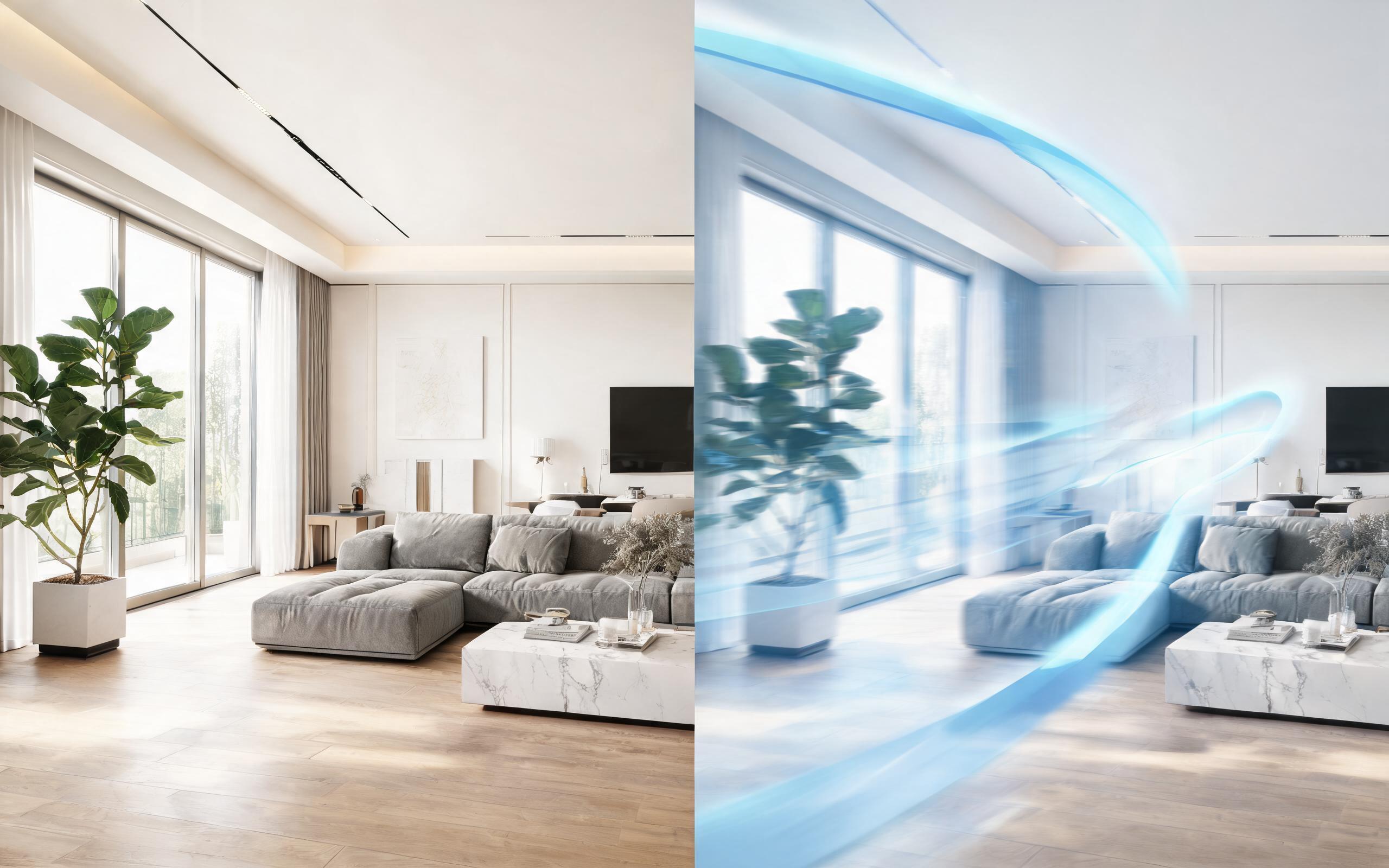
Turn architecture, interior, or property visuals into short AI video previews with slow camera movement, spatial depth, and presentation-ready pacing.
Open page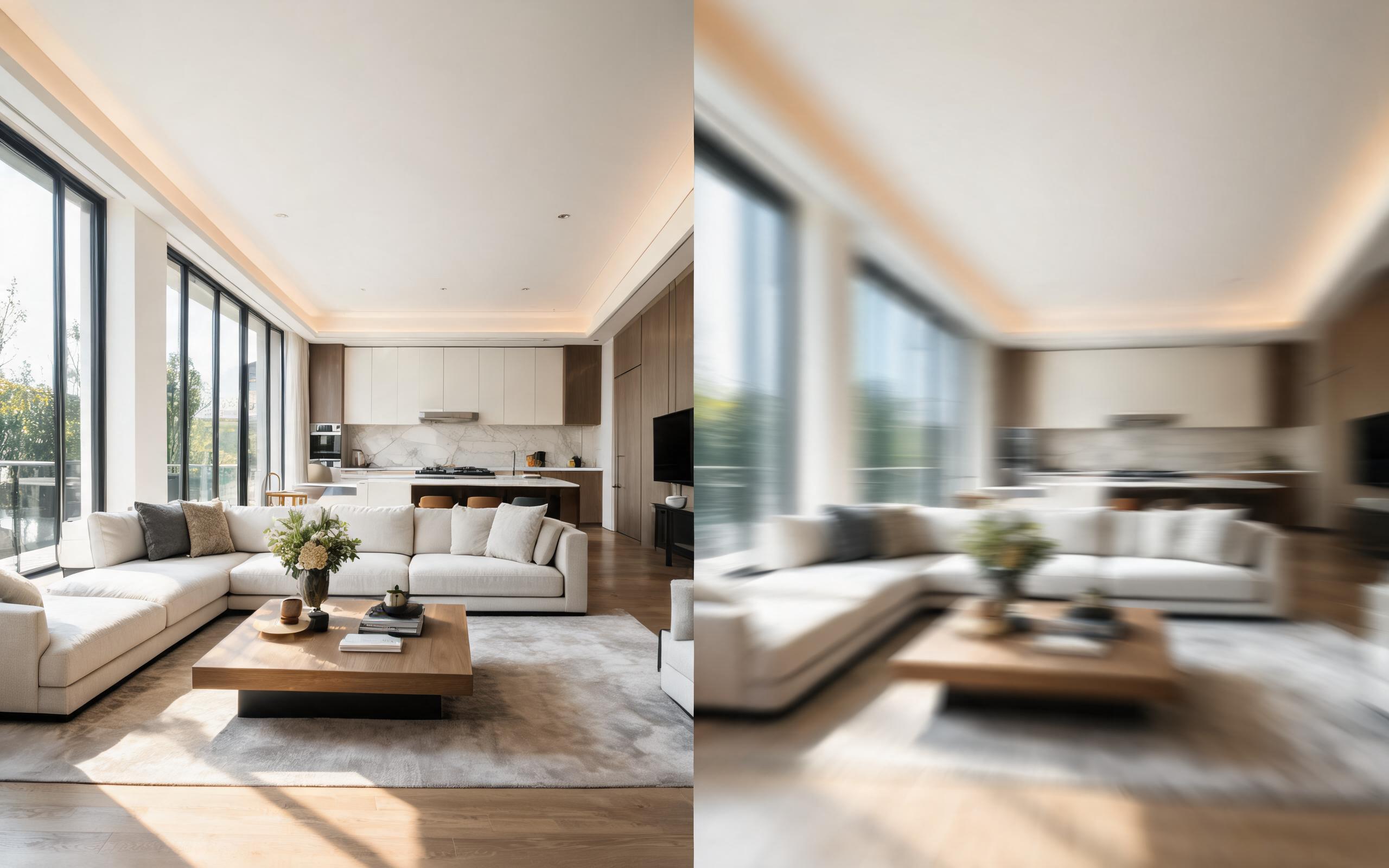
Turn architecture, interior, or property visuals into short AI video previews with slow camera movement, spatial depth, and presentation-ready pacing.
Open page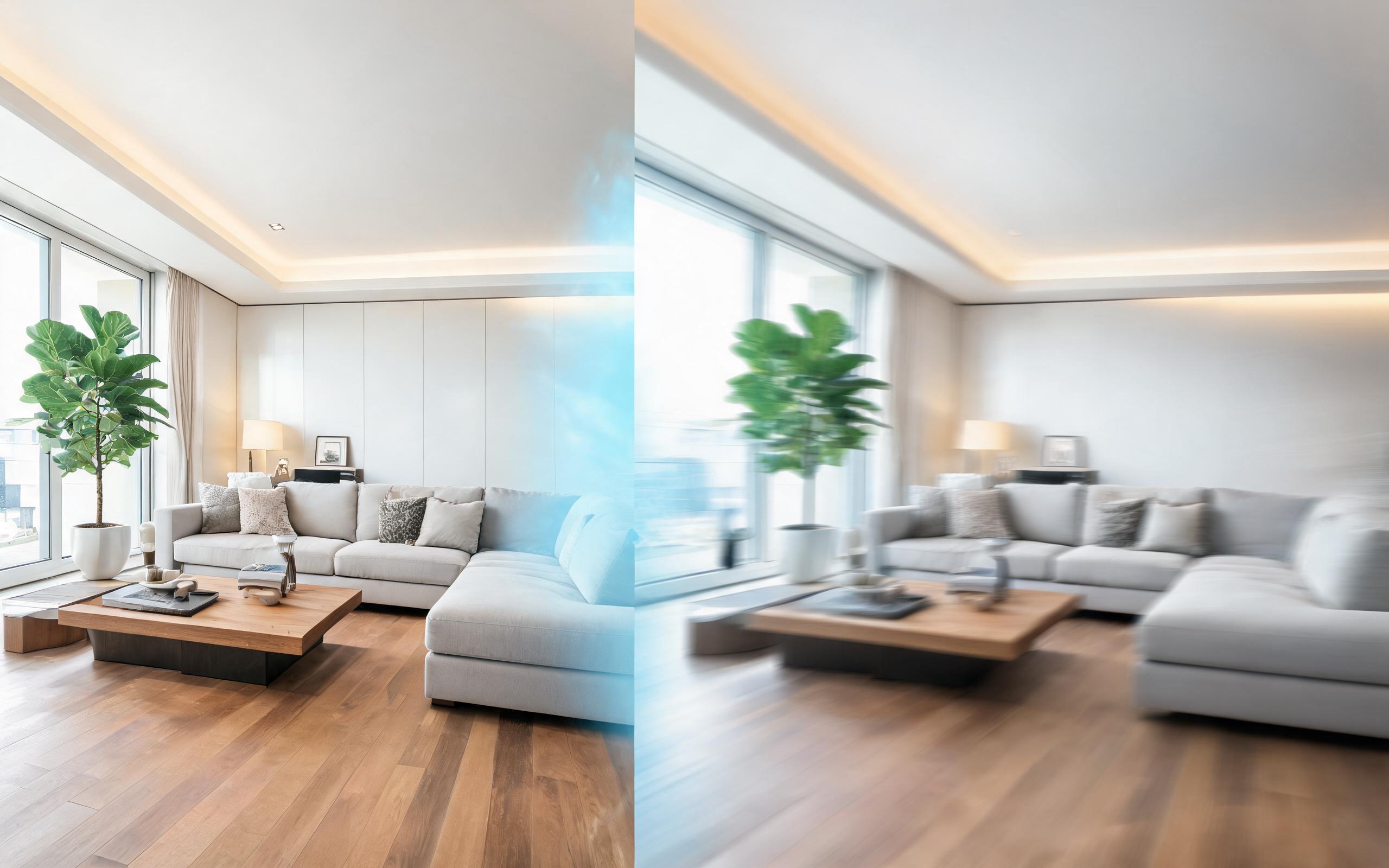
Turn architecture, interior, or property visuals into short AI video previews with slow camera movement, spatial depth, and presentation-ready pacing.
Open page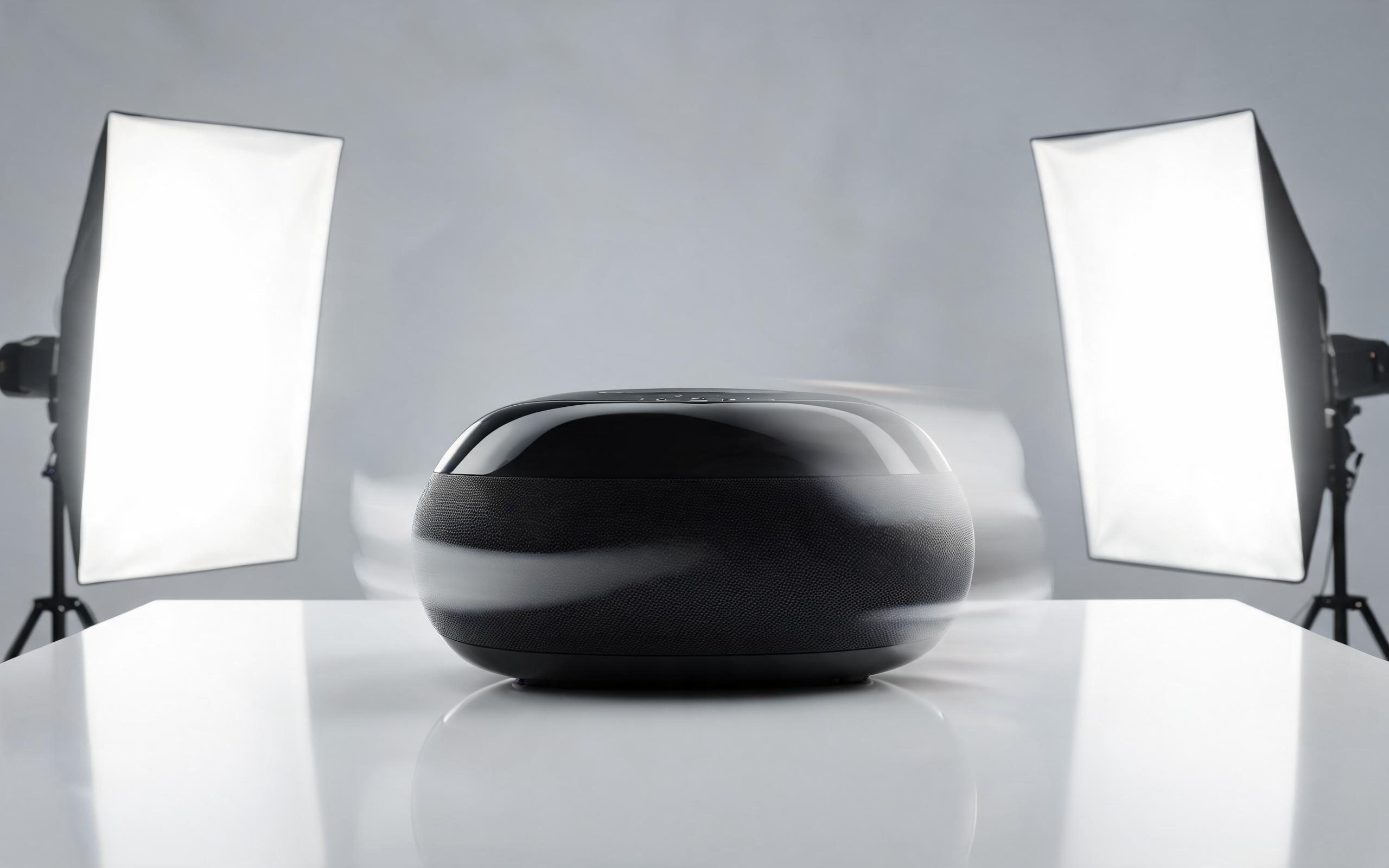
Turn a single product photo into a professional demo or showcase video with controlled motion, camera movement, and rotation for marketing and e-commerce.
Open page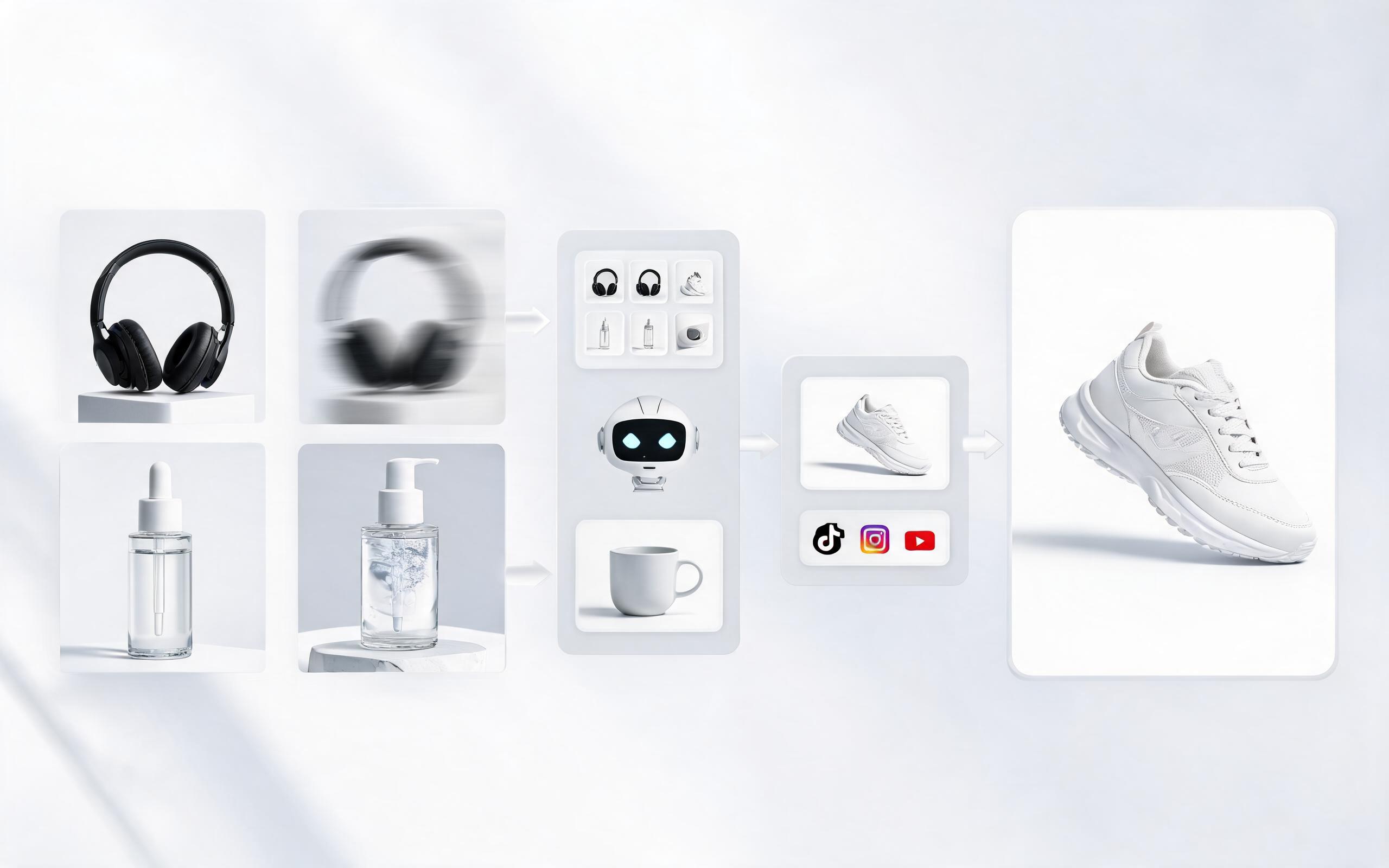
Use PromeAI image-to-video generation to create ai video for ecommerce product from existing images with clear product framing and channel-ready motion.
Open pageGet answers to common questions about generating high-quality videos from your Sketchup design files and renders.

No advanced video editing skills required. Upload your Sketchup render now to generate your first presentation-ready AI walkthrough video in minutes for free.
Create Sketchup Image To Video
Technical support: [email protected]
Business collaboration: [email protected]
Trusted by Design & Architecture Professionals
See why thousands of AEC teams rely on PromeAI to bring their static design renders to life for clients and stakeholders.
This tool cuts down my Sketchup presentation prep time from 4 hours to 5 minutes, and clients love the dynamic walkthroughs.
I used to struggle to explain spatial flow to non-designer clients with static renders. The Sketchup to video tool makes it so much easier to get fast approvals.
We can turn a single source image into several polished product video directions before committing budget to a full studio shoot.